
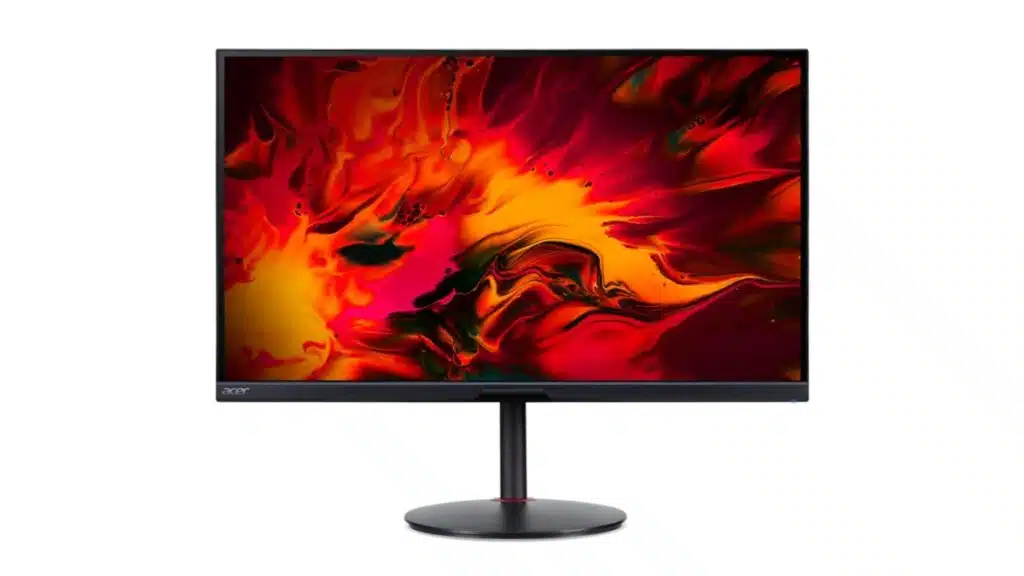
Those on a budget have a new option for a 4K gaming display as Acer launches the low-cost Nitro XV282K V3 for $429.99. This new display features a 28-inch 16:9 IPS HDR400 (400 nits) panel with an overclock 150 Hz refresh rate, 1 ms GTG response time, and support for VRR with AMD FreeSync Premium via HDMI 2.1 or DP 1.4. It has a color gamut of 90% DCI-PC, 1.07 billion colors, and a 10-bit color depth (8-bit+FRC). Other features include a stand with swivel and height adjustment, 2x 2W speakers, a headphone jack, an anti-glare screen, Display 1.4, and HDMI 2.1 ports.
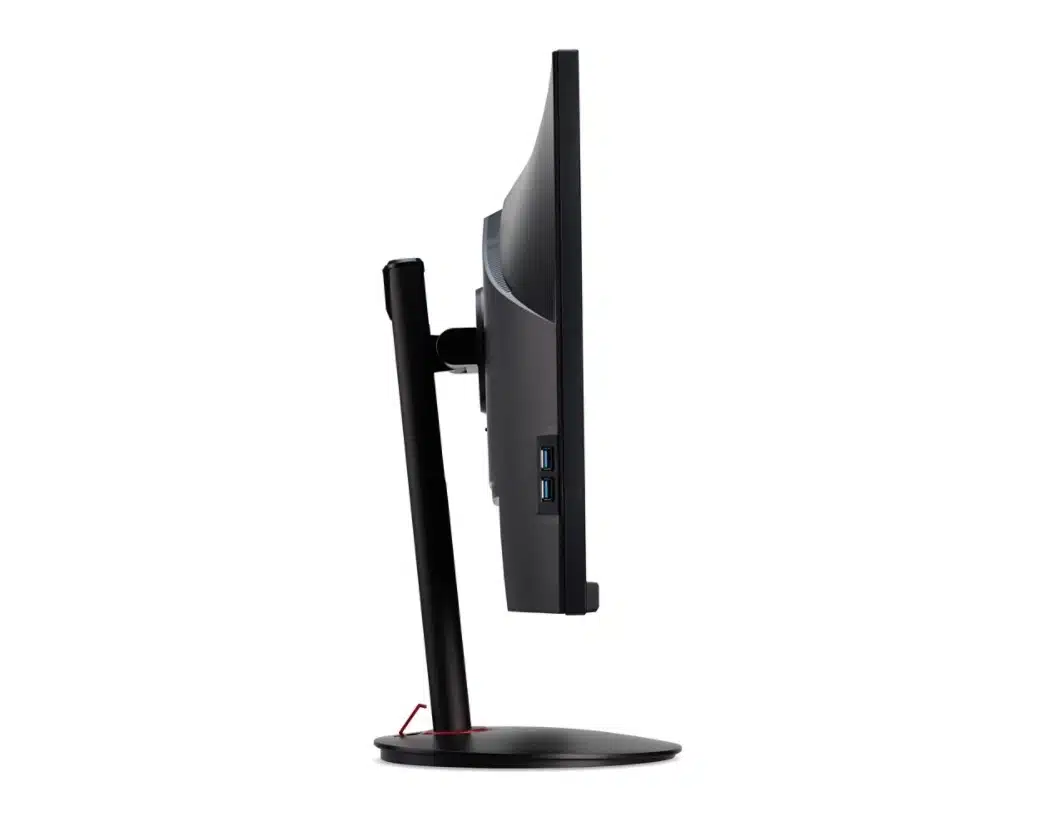
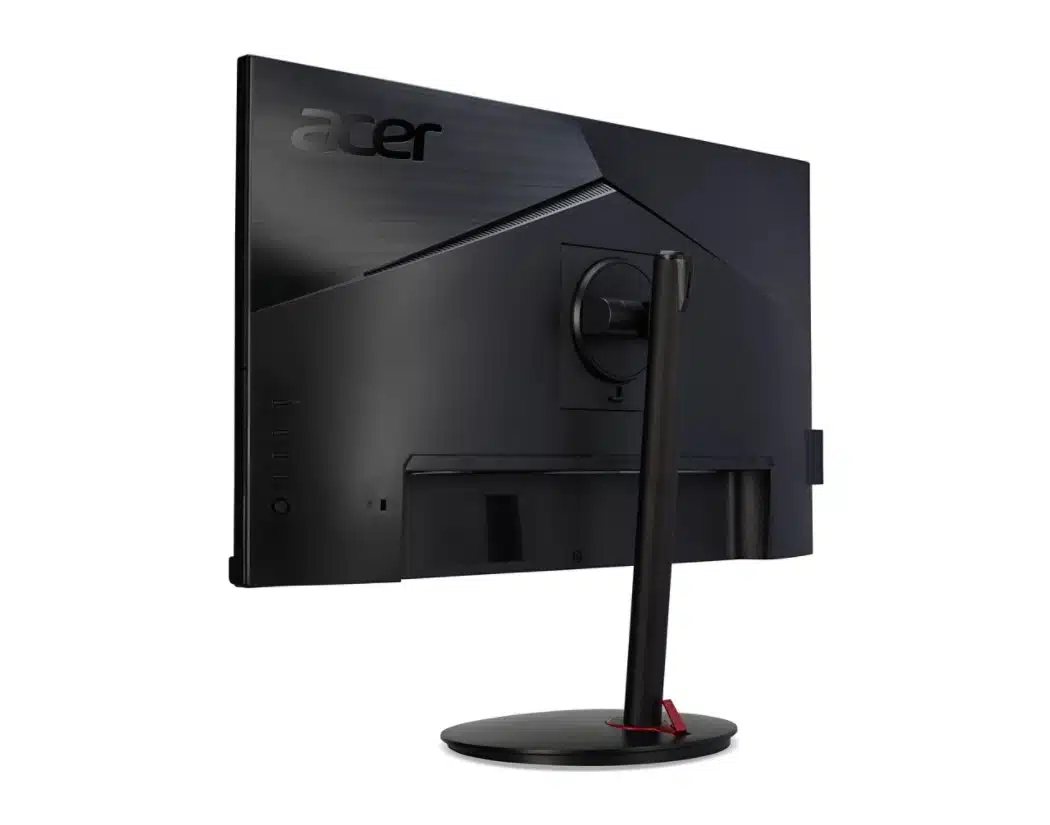
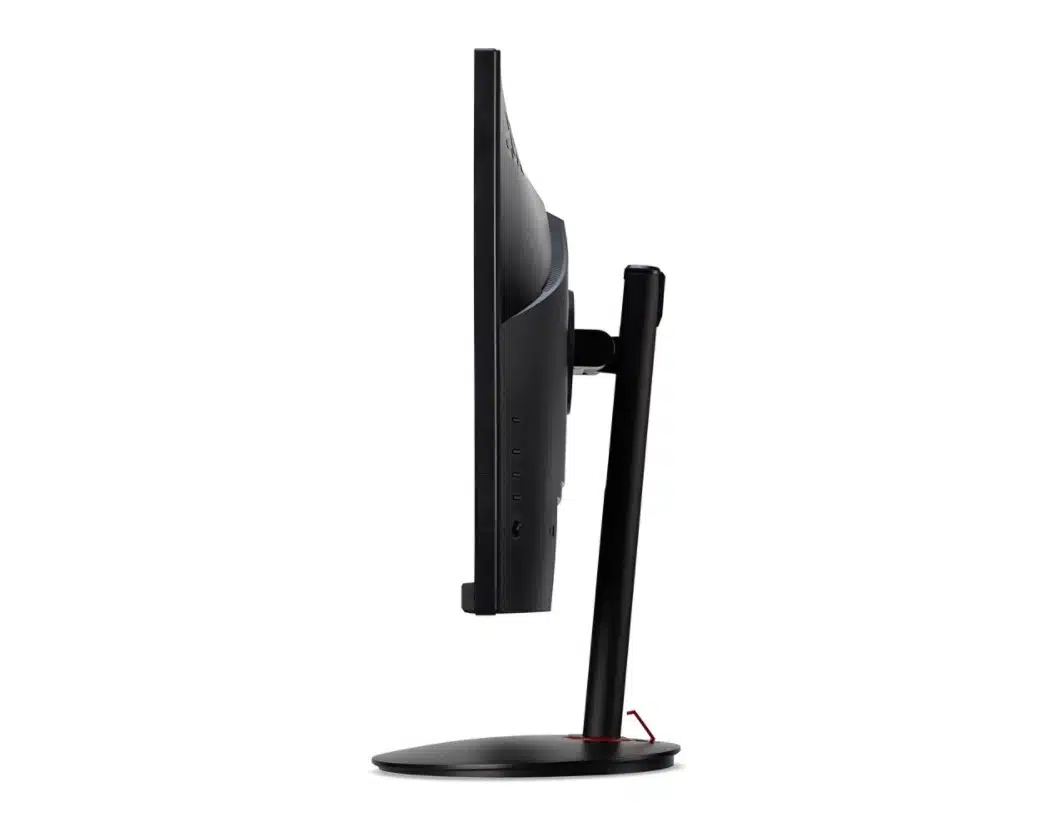
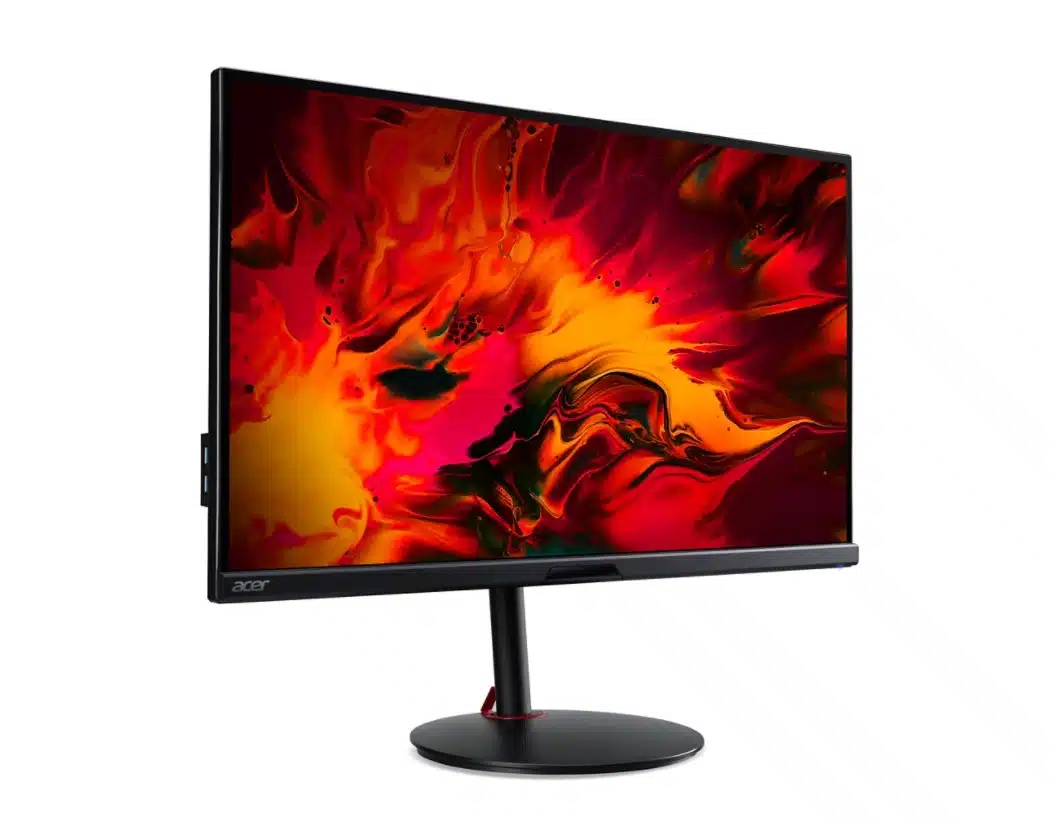
Technical Specifications (via official page):
- Viewable Screen Size: 28″
- Screen Mode: 4K UHD
- Panel Technology: In-plane Switching (IPS) Technology
- Response Time: 1 ms GTG
- Aspect Ratio: 16:9
- Pixel Pitch:6.3 mil
- Horizontal Viewing Angle: 178°
- Vertical Viewing Angle: 178°
- Backlight Technology: LED
- Mount Type: Wall Mountable
- Features: VESA DisplayHDR 400
- Screen Size Class:28″
- Maximum Adjustable Height: 5.12″
- Swivel Angle: -360° to 360°
- Tilt Angle: -5° to 35°
- Adjustable Stand Height: Yes
- Active Display Area (mm): 621×341
- Screen Surface: Anti-glare
- Cover Glass: No
- Frequency (Horizontal/Vertical): HDMI 2.1:30KHz-335KHz/48Hz-150Hz, HDMI 2.1:30KHz-335KHz/48Hz-150Hz, DisplayPort 1.4:335KHz/48Hz-150Hz, DisplayPort 1.4:335KHz/48Hz-150Hz
- Audio Speakers: Yes
- Speaker Output Power: 2 W
Physical Characteristics
- VESA Mount Compatible: Yes
- VESA Mount Standard: 100 x 100
- Color: Black
- Height: 14.6″
- Width: 25″
- Depth: 2.9″
- Height with Stand: 22.68″
- Width with Stand: 25.04″
- Depth with Stand: 10.59″
- Weight (Approximate): 11.64 lb
- Weight with Stand (Approximate): 16.80 lb
Video
- Maximum Resolution: 3840 x 2160
- Color Supported: 1.07 Billion Colors
- Color Depth: 8-bit+FRC (10-bit with Dithering)
- Dynamic Contrast Ratio: 100,000,000:1
- Brightness: 400 Nit
- Tearing Prevention Technology: AMD FreeSync™ Premium (DisplayPort/HDMI)
- Color Gamut: 90% DCI-P3
- Native Contrast Ratio: 1,000:1
- Overclock Refresh Rate: 150 Hz
Miscellaneous
- Package Contents: 1 x Nitro XV282K V3 Widescreen Gaming LED Monitor, 1 x Power Cord (US), 1 x HDMI Cable
- Environmentally Friendly: Yes
- Environmental Certification: MPR II
- Interfaces/Ports: HDMI Version 2.1, Headphone, DisplayPort Version 1.4
- Standby Power Consumption (Energy Star): 500 mW
- Off-Mode Power Consumption (Energy Star): 300 mW