MSI MAG X870E TOMAHAWK MAX WiFi PZ Features
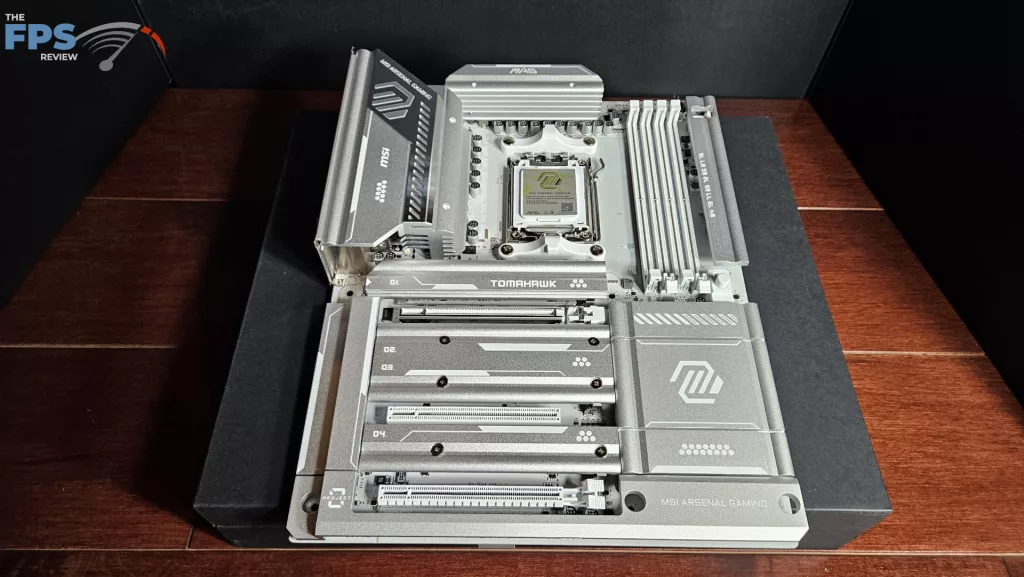
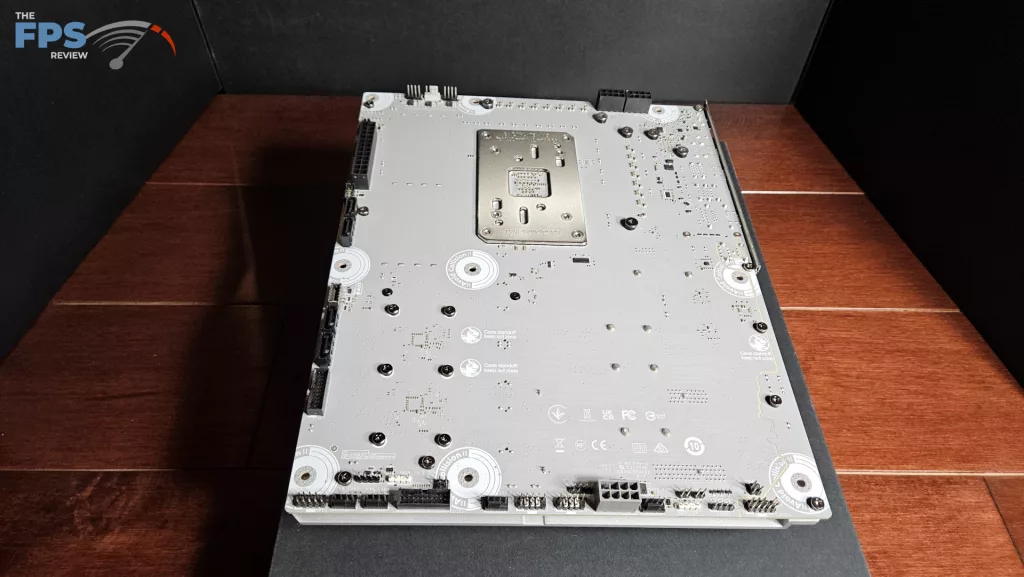
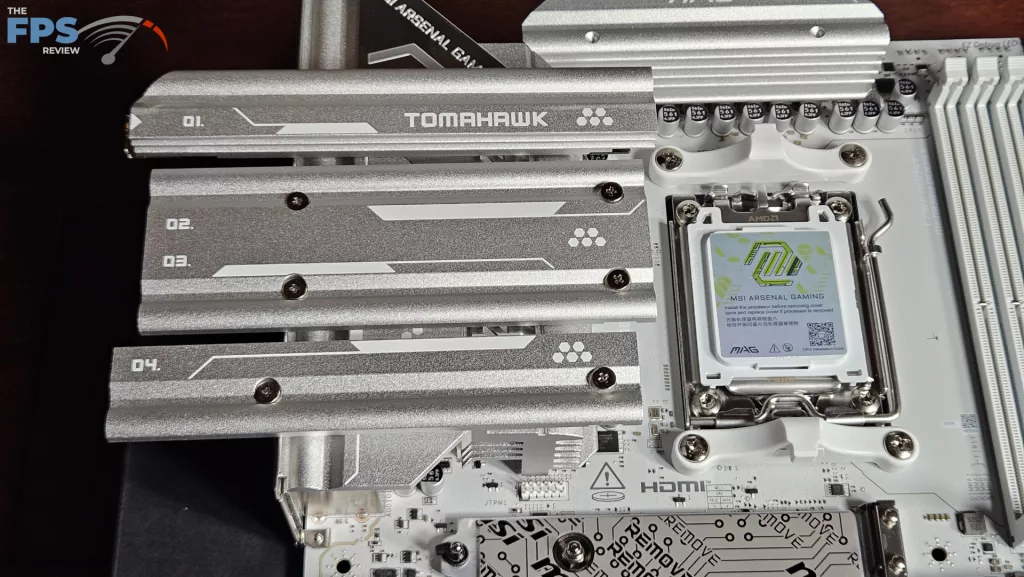
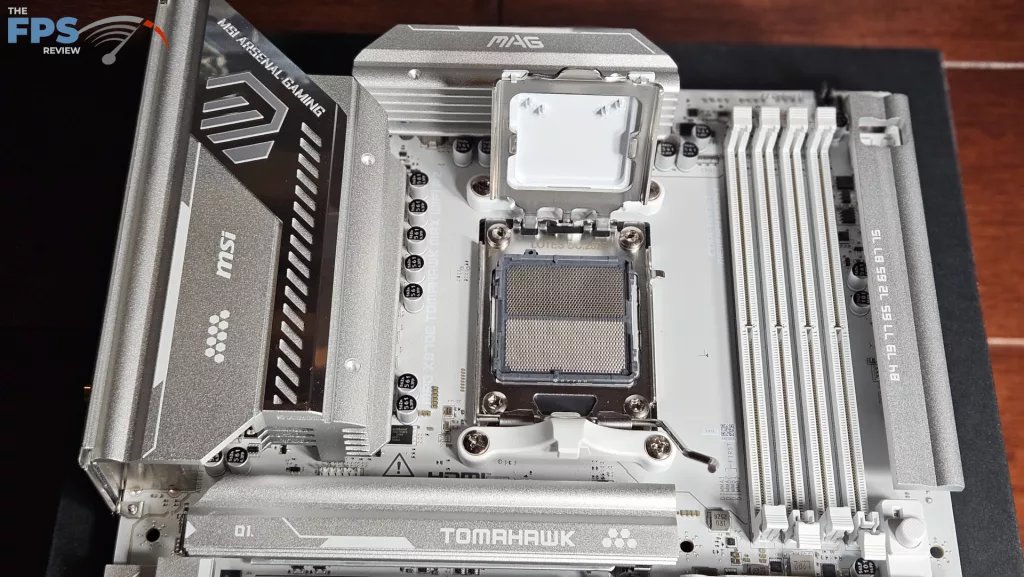
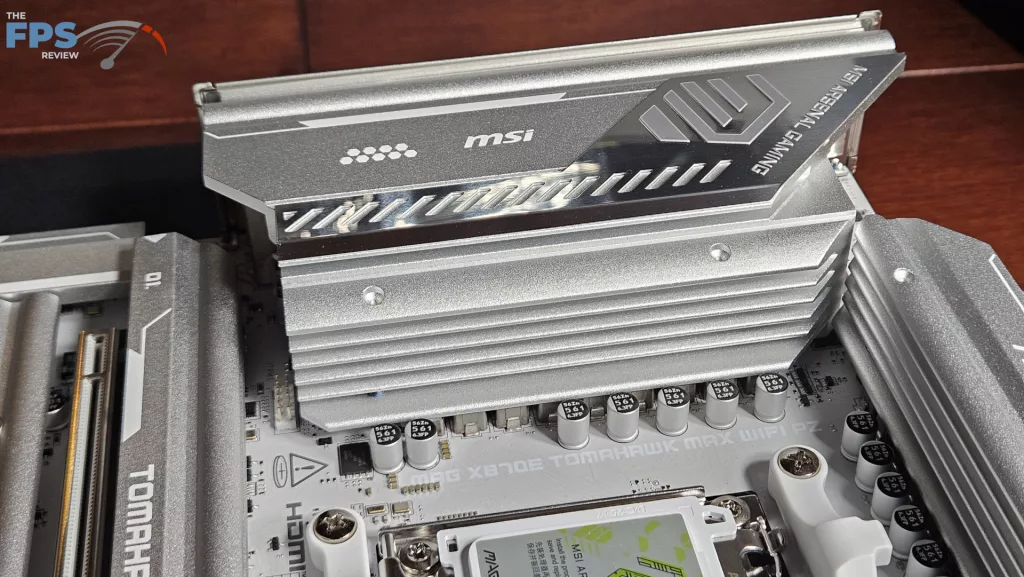
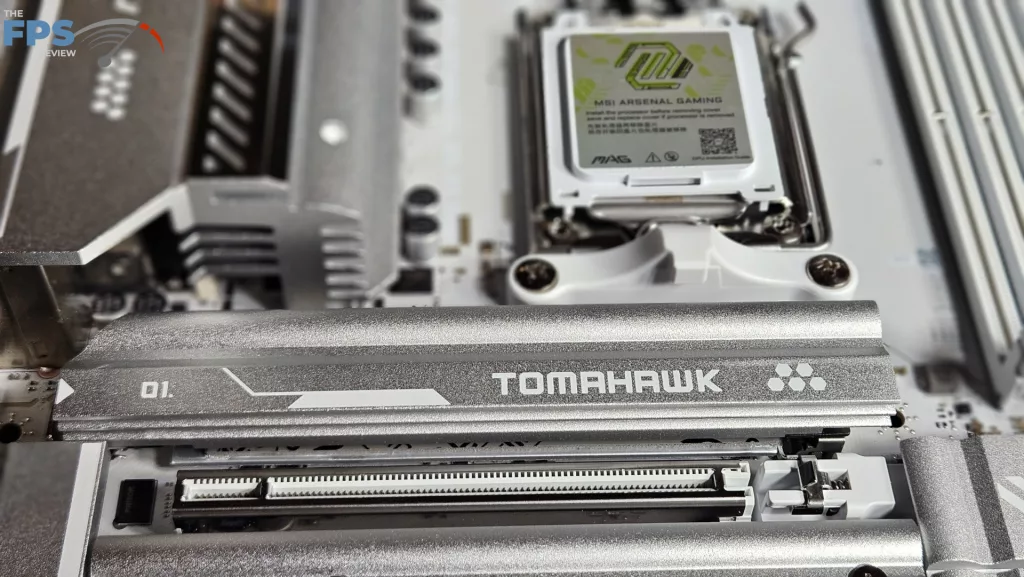
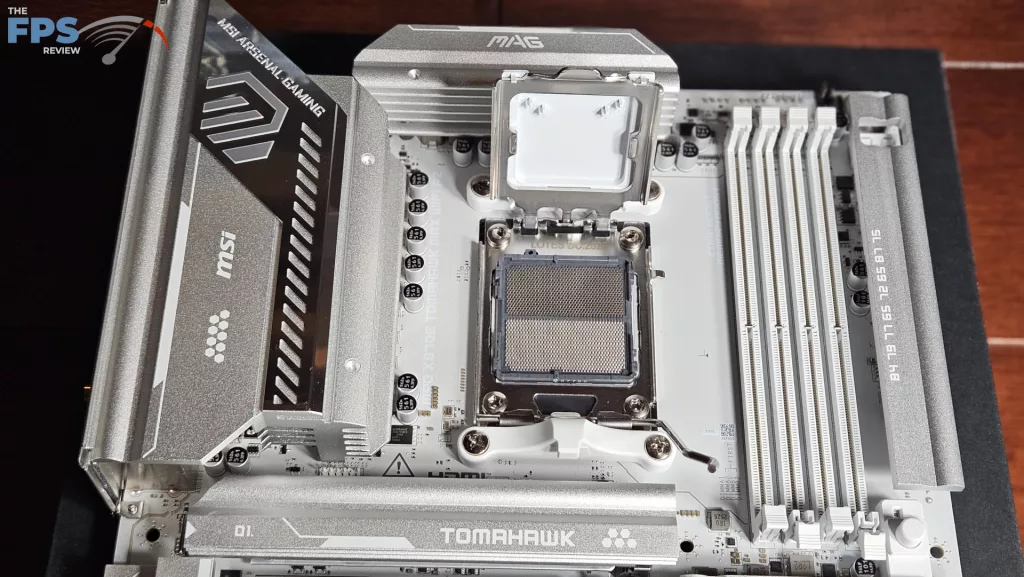
This motherboard is designed identically to the MSI MAG X870E TOMAHAWK WiFi motherboard, and also its X870 counterpart. There are two immediately visible exceptions. First, given the Project Zero design, there are no connectors on the front of the board. The overall look is clean and fresh, with more metal protecting the front of the board. Secondly, gone is the green-yellow logo and lettering, replaced by a powder-coated silver and white with a stainless steel accent piece over the largest heatsink. The overall look is quite striking. The board’s background color is white with all white connectors in keeping with the design look of Project Zero.
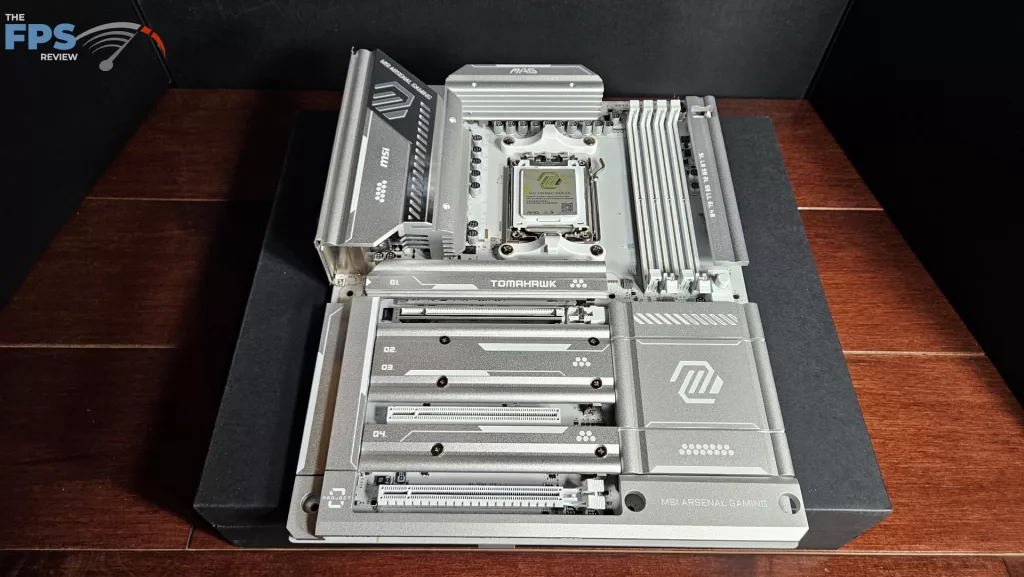
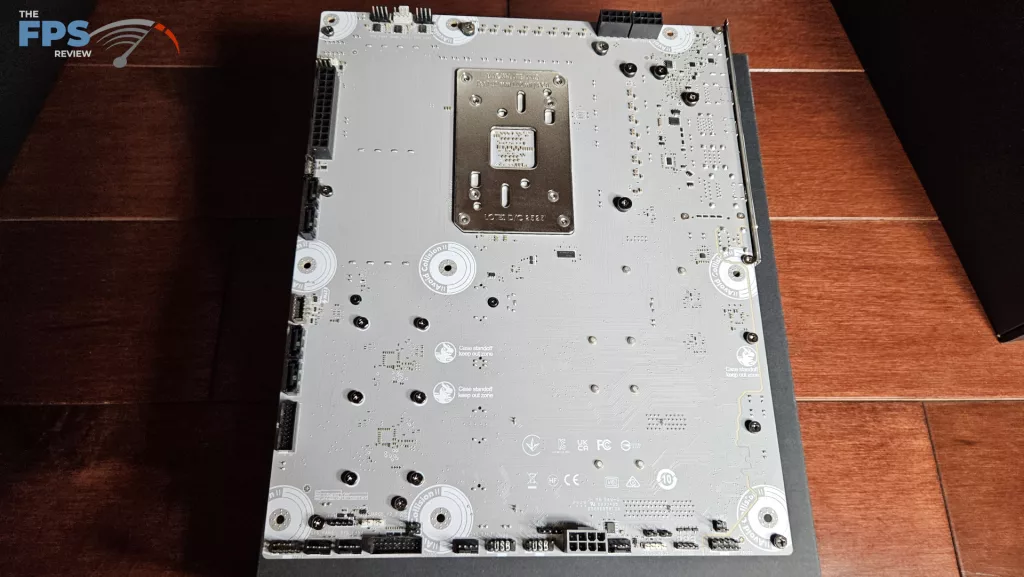
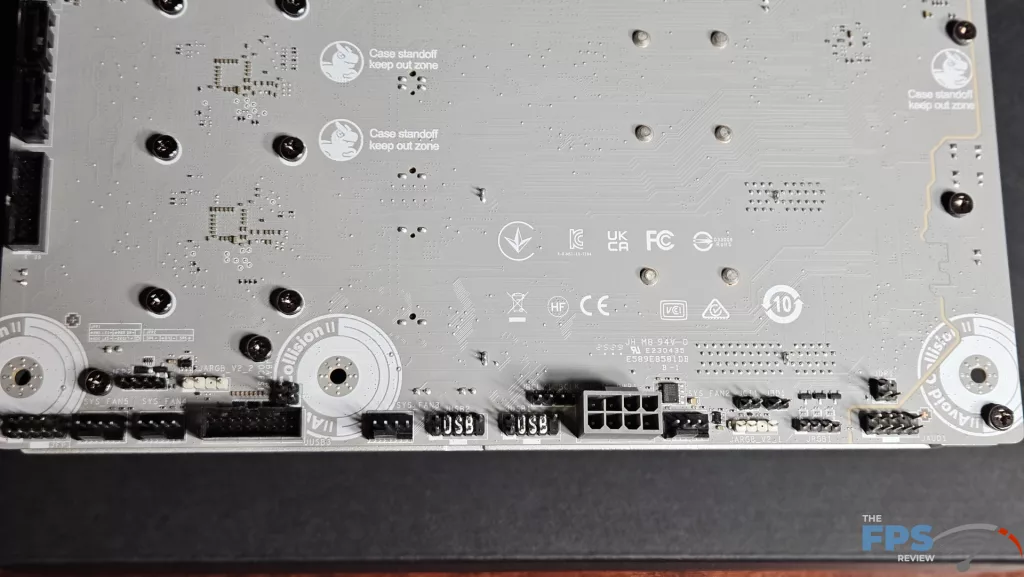
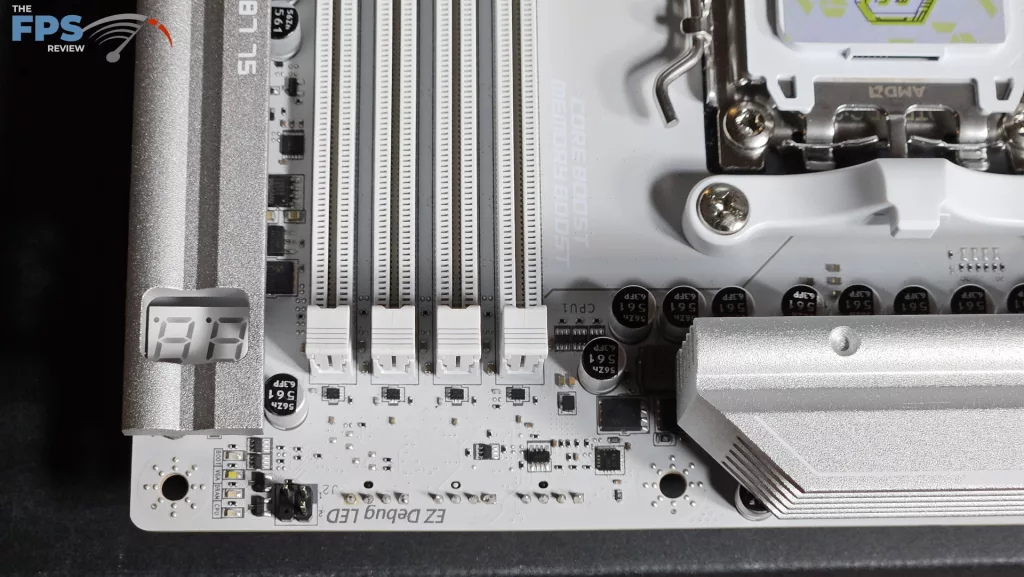
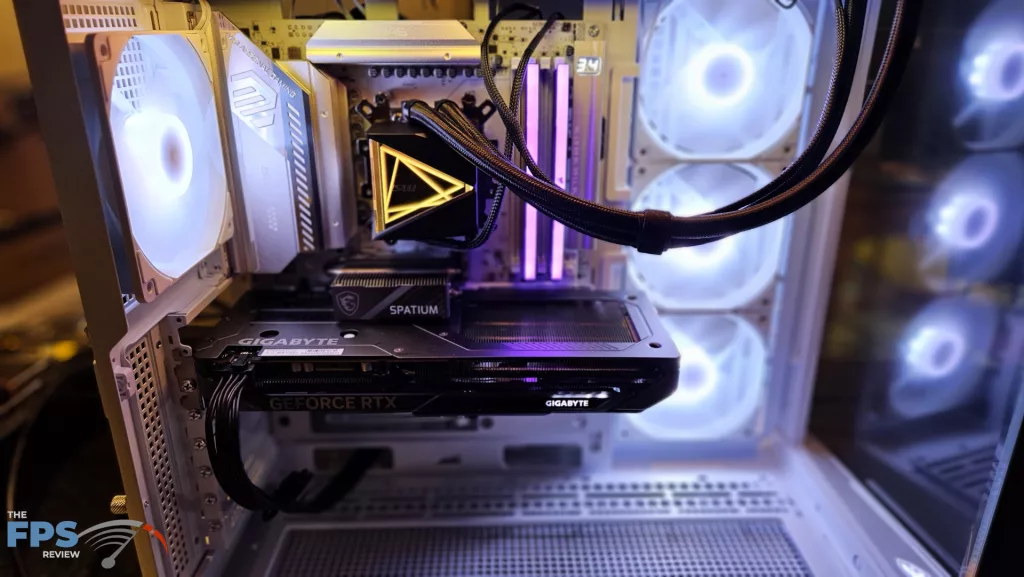
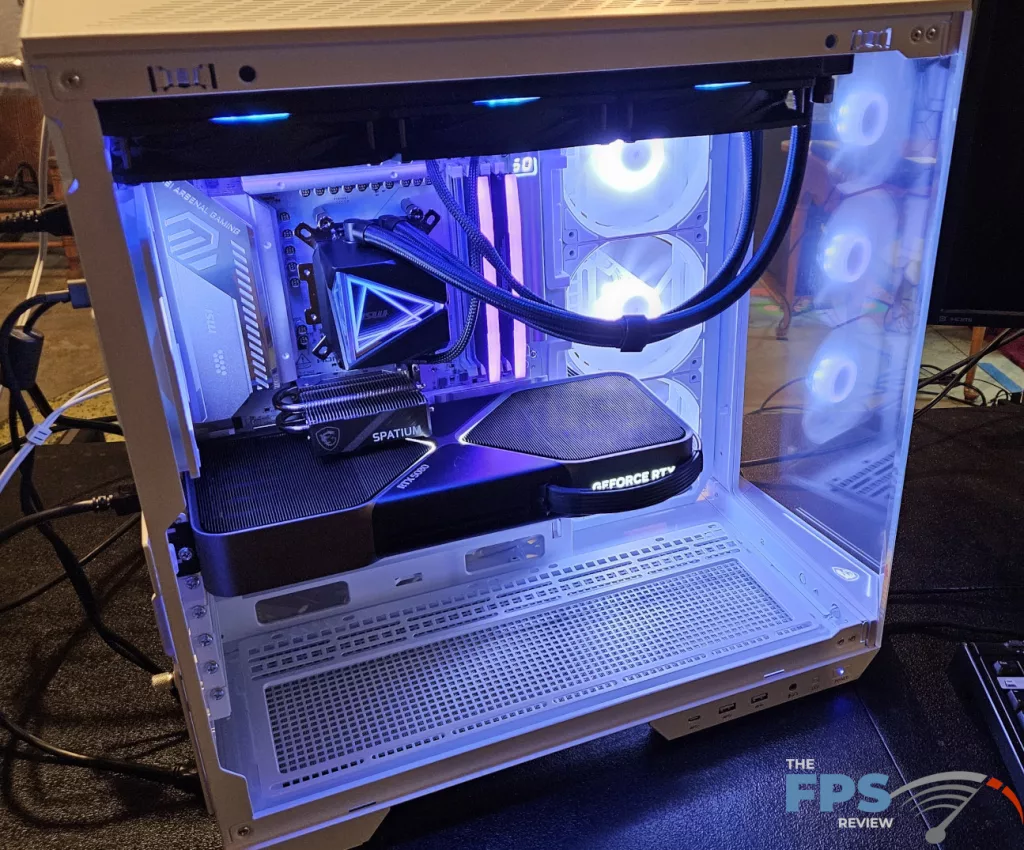
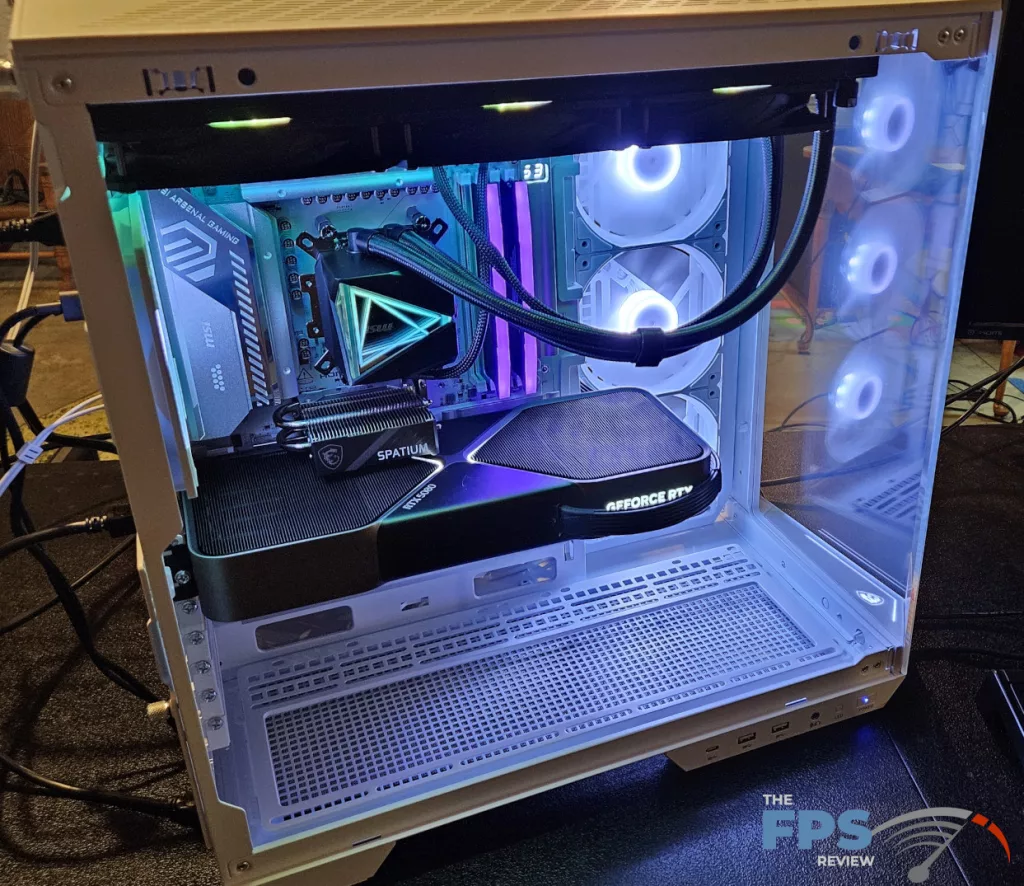
The motherboard has multiple heatsinks, all are heavy powder-coated aluminium. This brings quite a bit of weight to the board. Overall, the motherboard is sturdy when handled, the PCB is eight-layer server grade with 2oz. inlaid copper. There are no RGBs on this board, which is actually not disappointing. When inside our MSI MAG PANO 100R PZ case, the board looks quite nice. There are three ARGB connections and one 12V LED header…..on-the-back… if you need to have those RGBs. MSI does include a full digital DeBug readout on the top right and DeBug LEDs as well, which is a nice touch. The digital readout can be adjusted in the BIOS to display a specific temperature readout once booted into Windows.
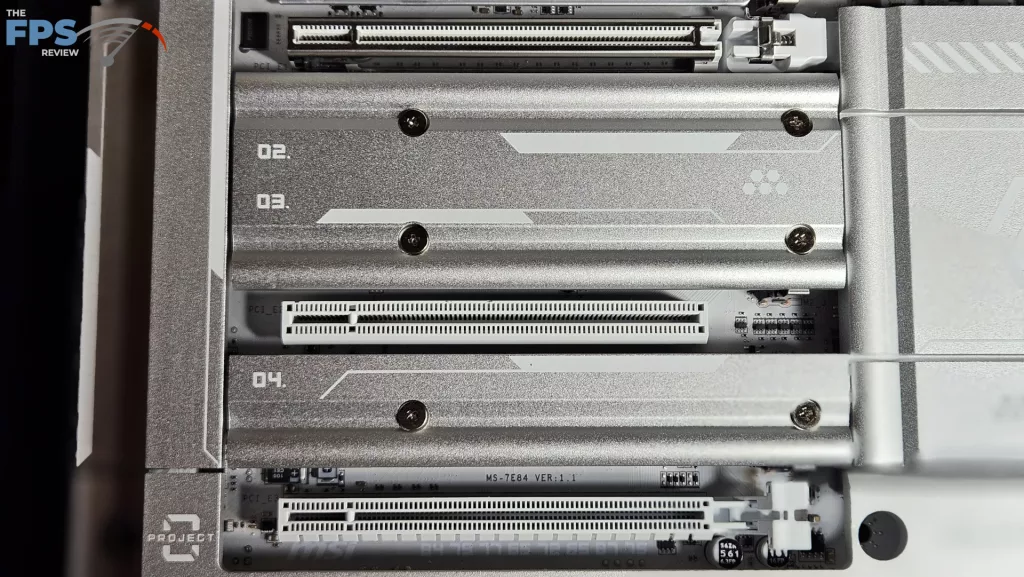
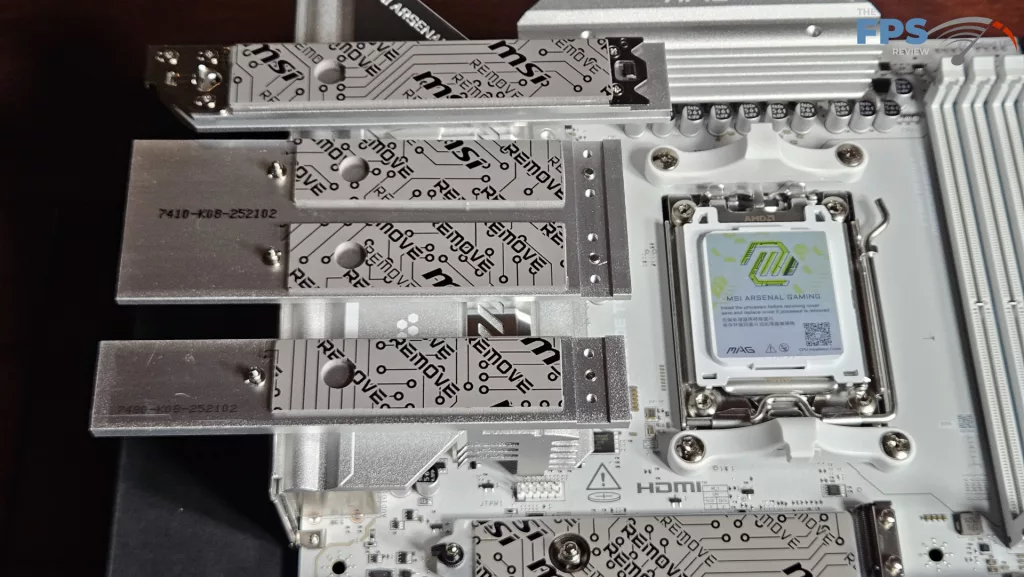
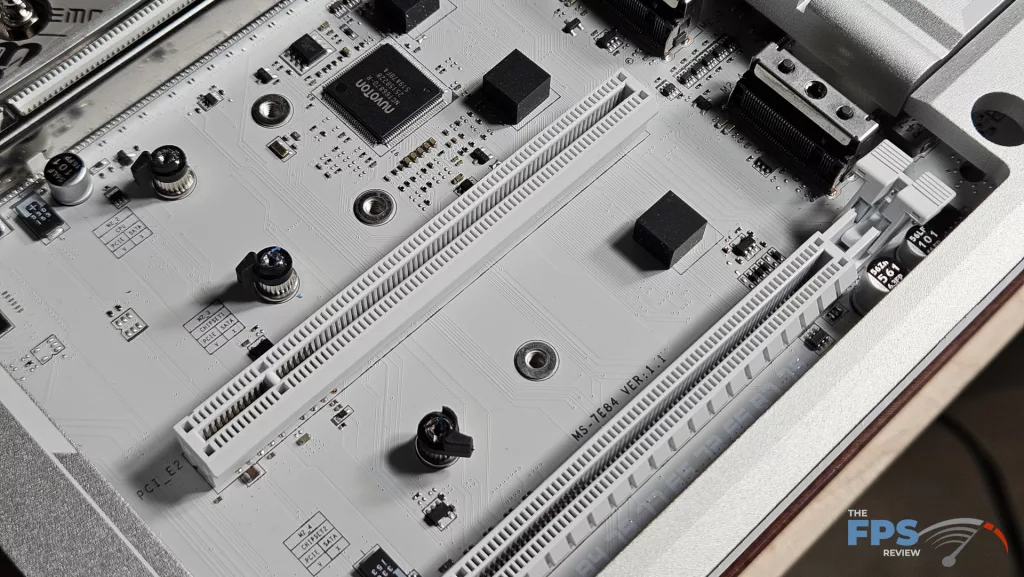
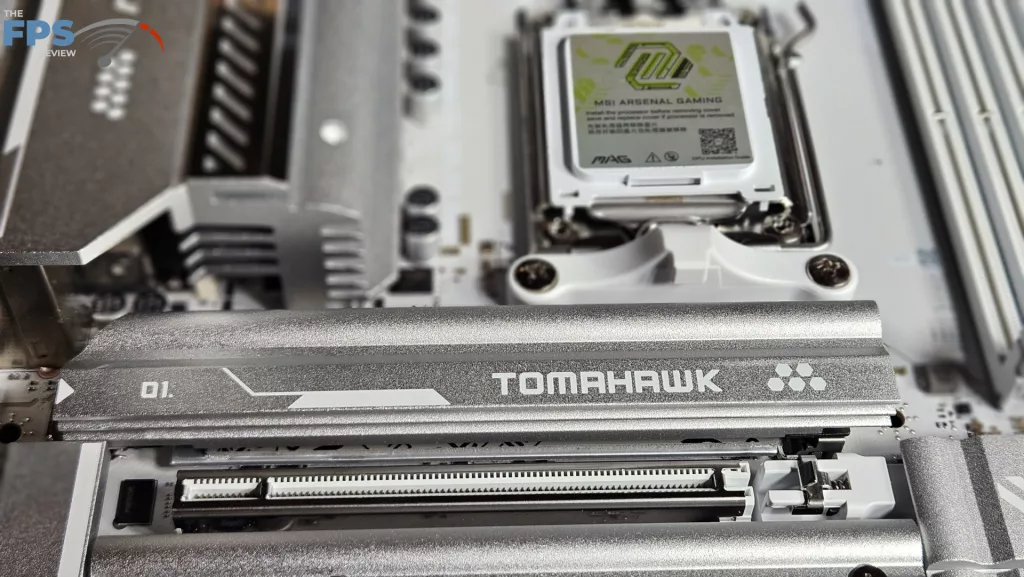
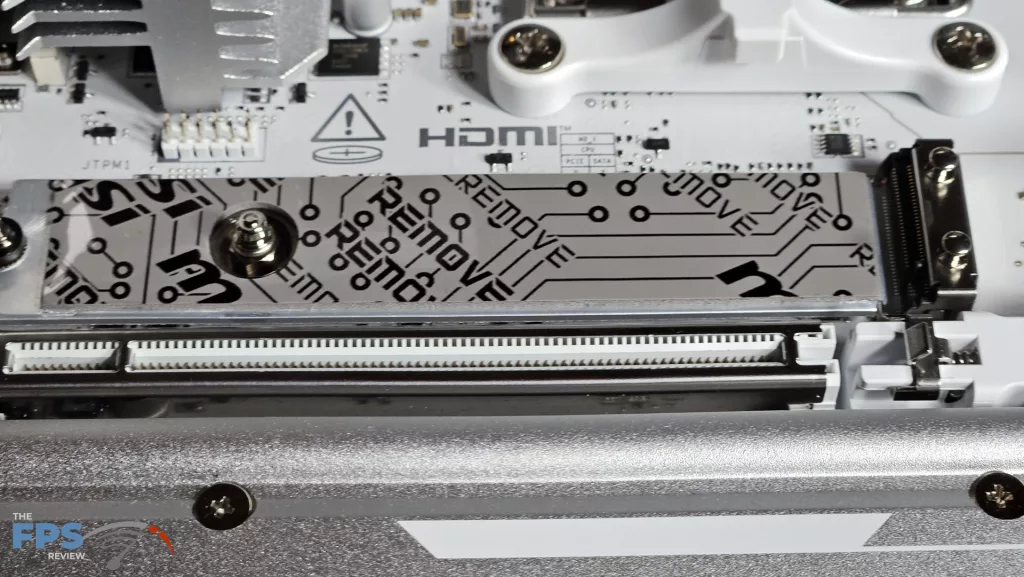
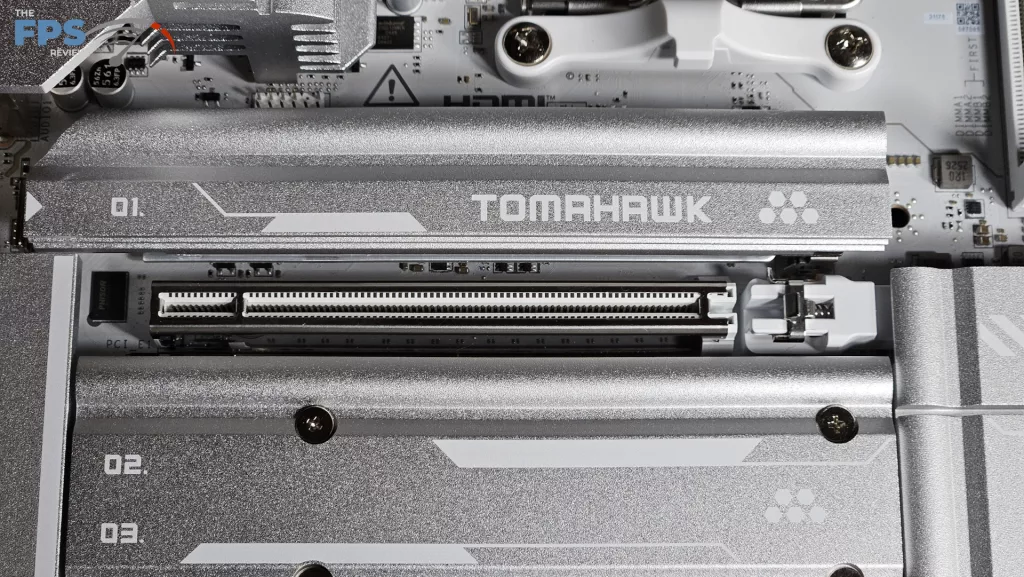
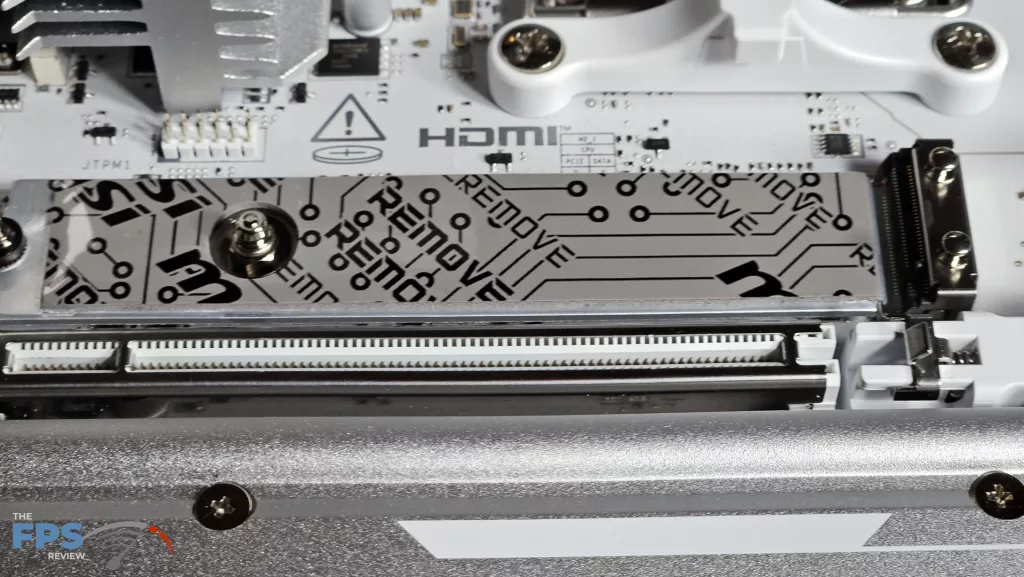
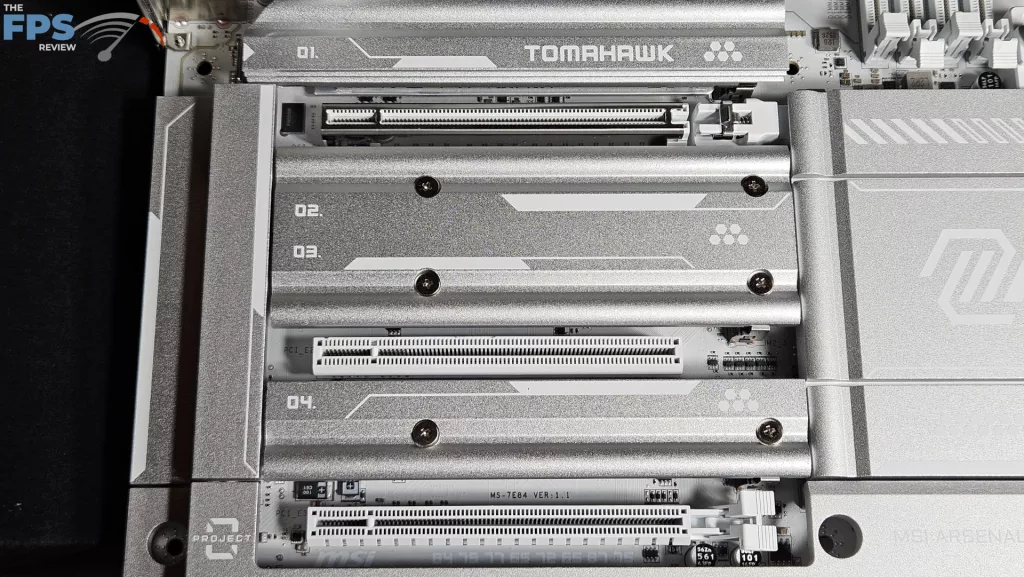
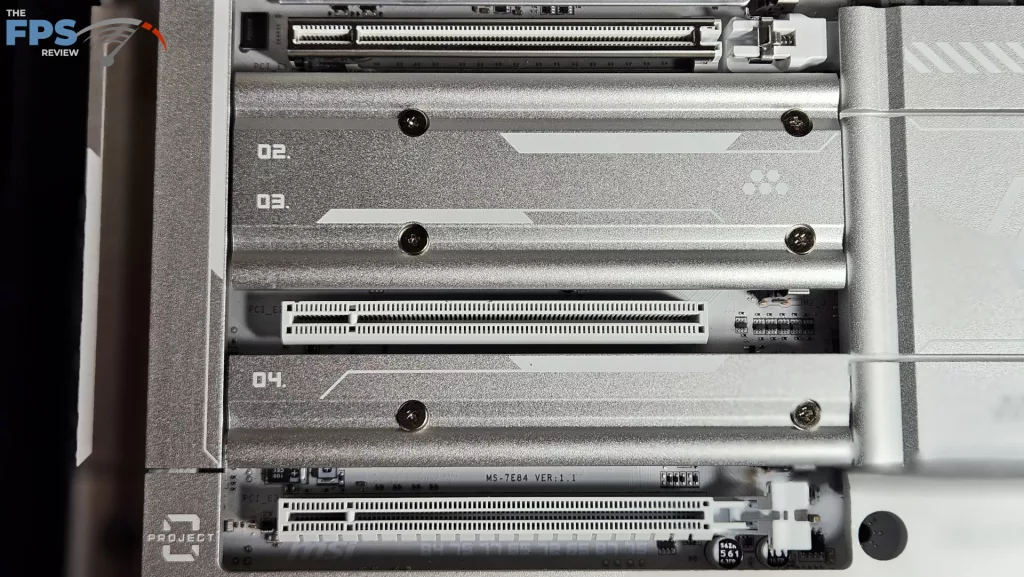
There are four M.2 slots on the MSI MAG 870E TOMAHAWK MAX WiFi PZ. The primary has an EZ Release heatsink while the other three require a screwdriver. Every M.2 heatsink top has a thick thermal pad, and the primary also has a thick bottom pad. The installation of M.2 drives is entirely tool-less. We see either a rotating latch or an MSI EZ-Clip. The M.2 primary and secondary slots are listed as Gen5 x 4, with the third and fourth slots Gen4. This does carry some exceptions, which we will discuss a bit later. The primary PCIe slot is metal reinforced and has our favorite EZ Release button on the far right of the board.
Rear I/O connectivity is identical to the MSI MAG X870E TOMAHAWK WiFi. There are a total of nine USB-A ports (2x10Gb/s, 3x5Gb/s and 4 USB 2.0) and three USB-C ports (2x40Gb/s, 1x10Gb/s). The RJ-45 is a 5Gb RealTek 8126-5G, and wireless is WiFi7 from Qualcomm NCM 865. Bluetooth supported is 5.4 Audio is up to 7.1 channels via RealTek ALC4080.
Power Delivery
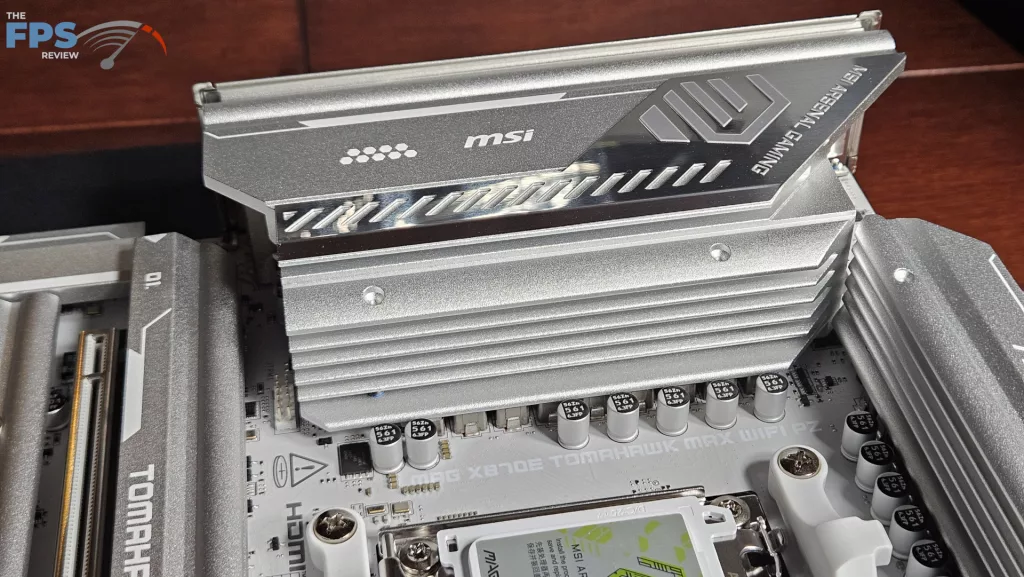
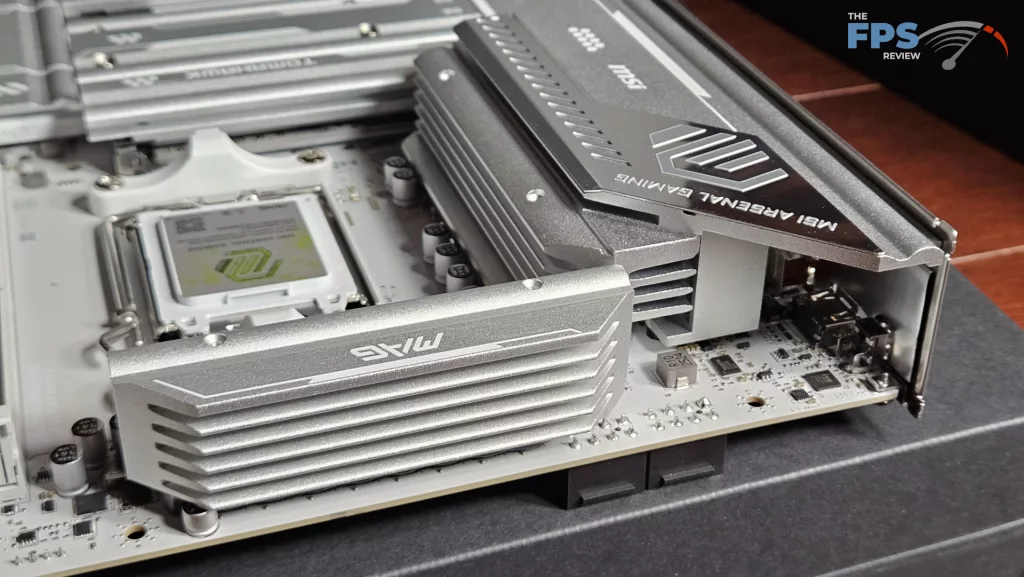
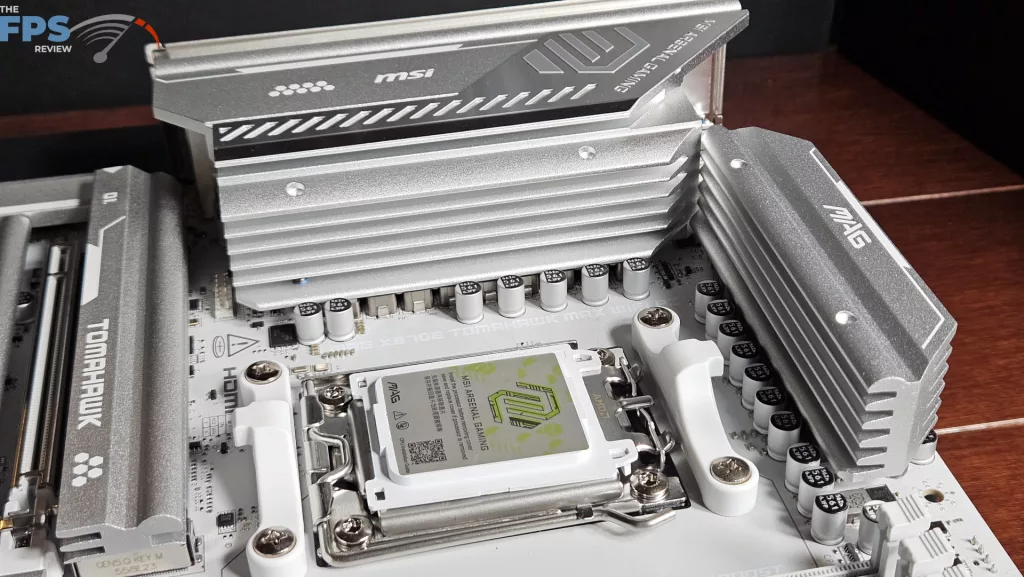
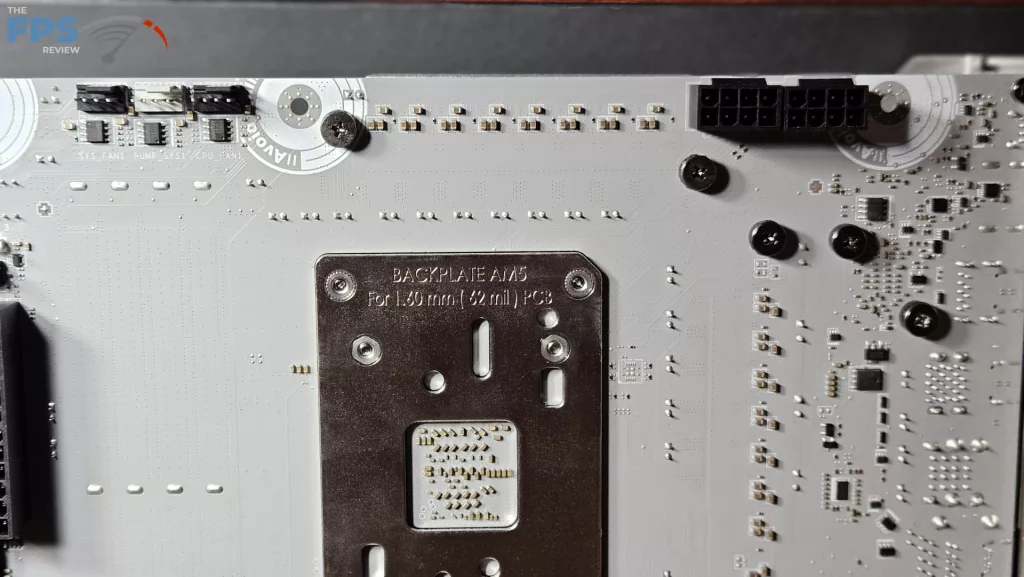
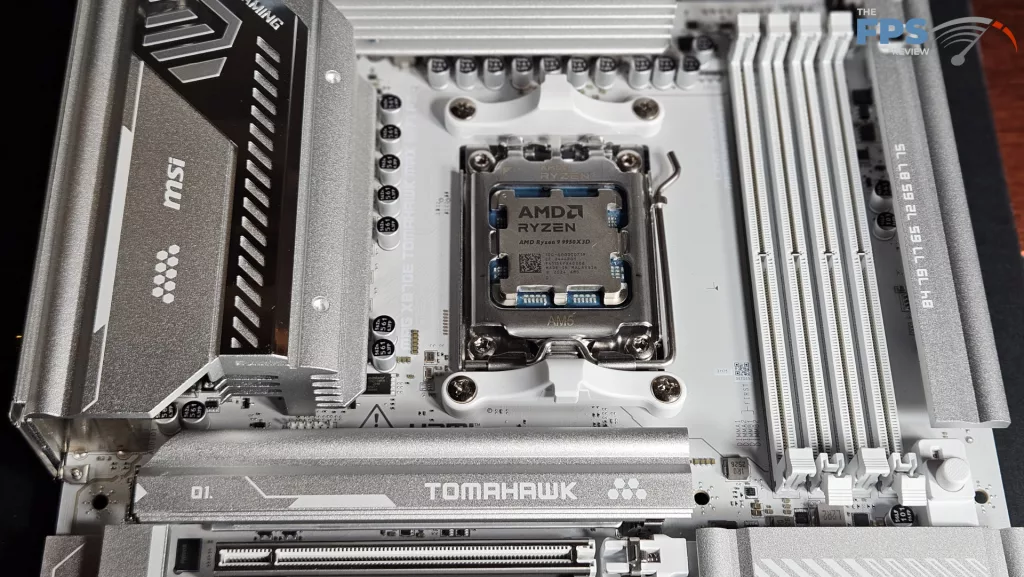
MSI describes the power circuitry as “Duet 14+2+1” with 80amps with Smart Power Stage. This is the same circuit design as MSI’s other X870 mainstream motherboards. This should be adequate for any AMD AM5 CPU demands. The power is supplied by dual 8-pin connectors. We already discussed that the PCB is server-grade. You can see in the photos that the VRM heatsinks are quite thick and sizable. MSI states they actually increased the size of these heatsinks to better dissipate the heat. The motherboard is also designed with a PCIe 8-pin connector to supply extra power to the PCIe slots if/when it is needed.
CPU Socket, Memory and Storage
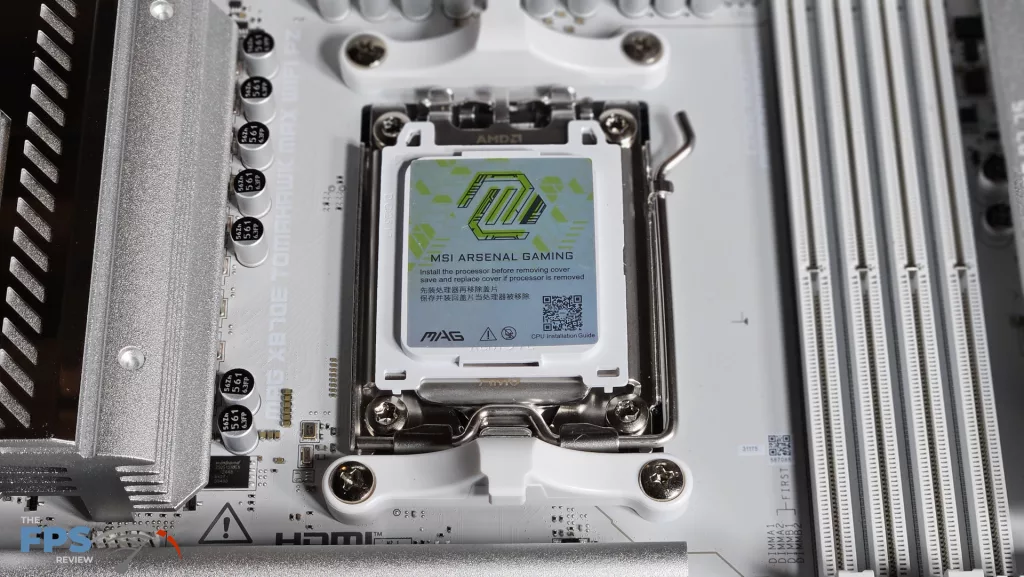
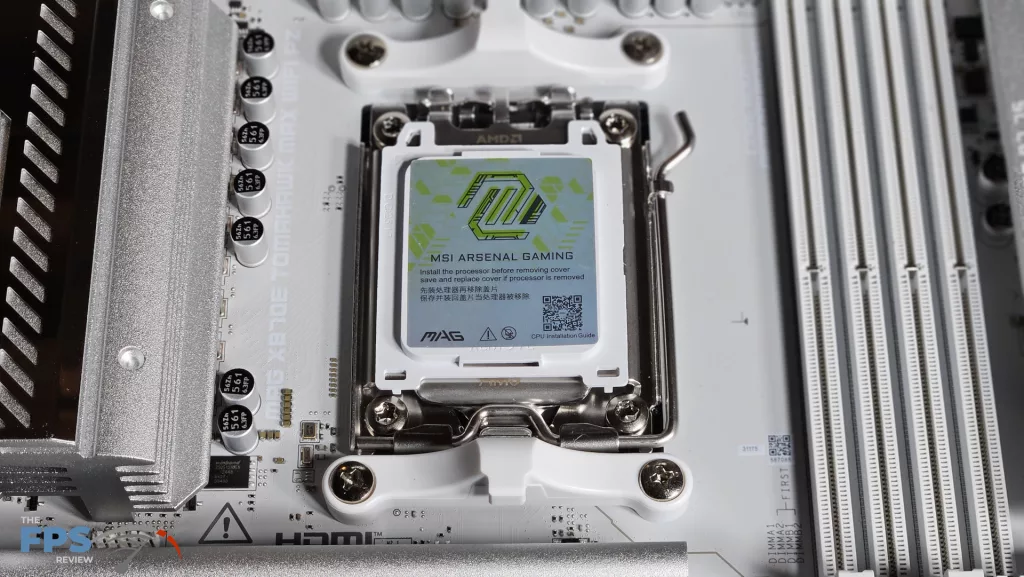
The MSI MAG X870E TOMAHAWK MAX WiFi PZ is a full ATX motherboard and supports socket AM5 CPUs in the Ryzen 7000, 8000, and 9000 series. There is ample space surrounding the socket to place most, if not all, CPU coolers. Our MSI AIO MAG Core 360I gave us no mounting issues.
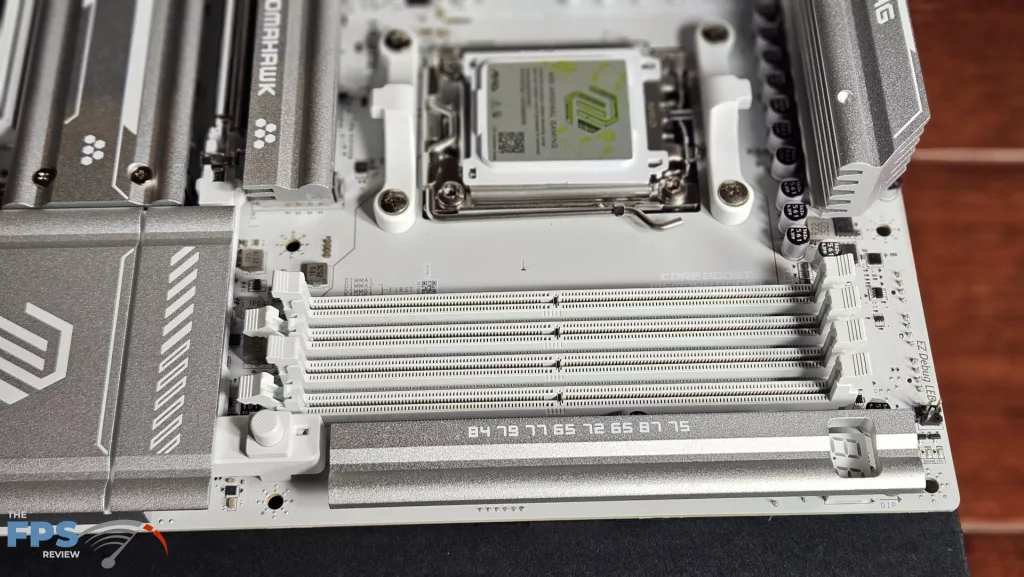
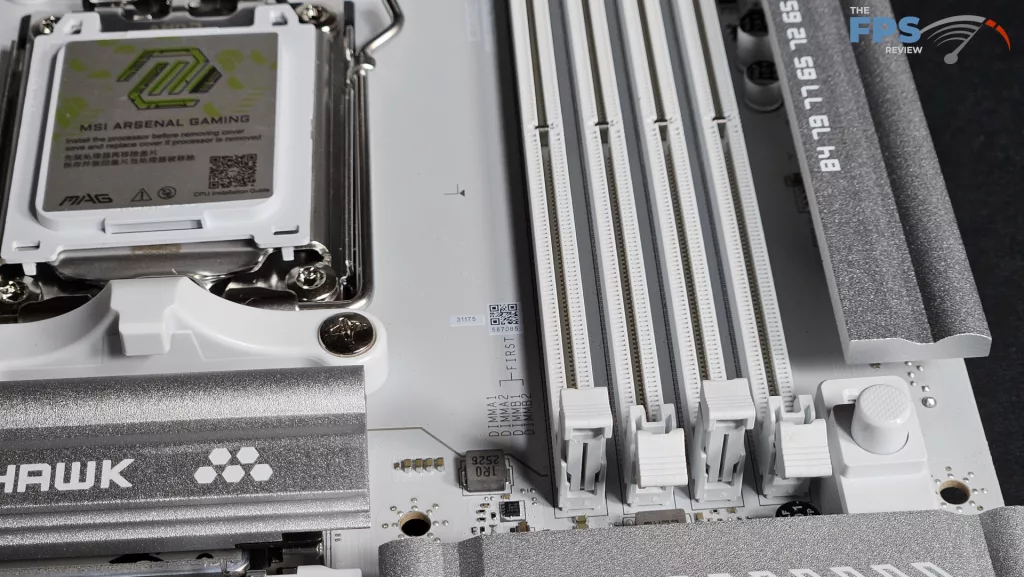
Memory supported includes DDR5 DIMMs up to 256 GB in total. Frequencies are advertised up to 8400MT/s (OC). Expo and XMP profiles are supported for 1-click overclocking. The memory slots are double-latched. The spacing seems adequate for large CPU coolers. The only issue here may be tall DIMM heatsinks in slot A1 and low cooling fins on an air-cooled CPU heatsink. We very much like the reinforcement of the RAM slots.
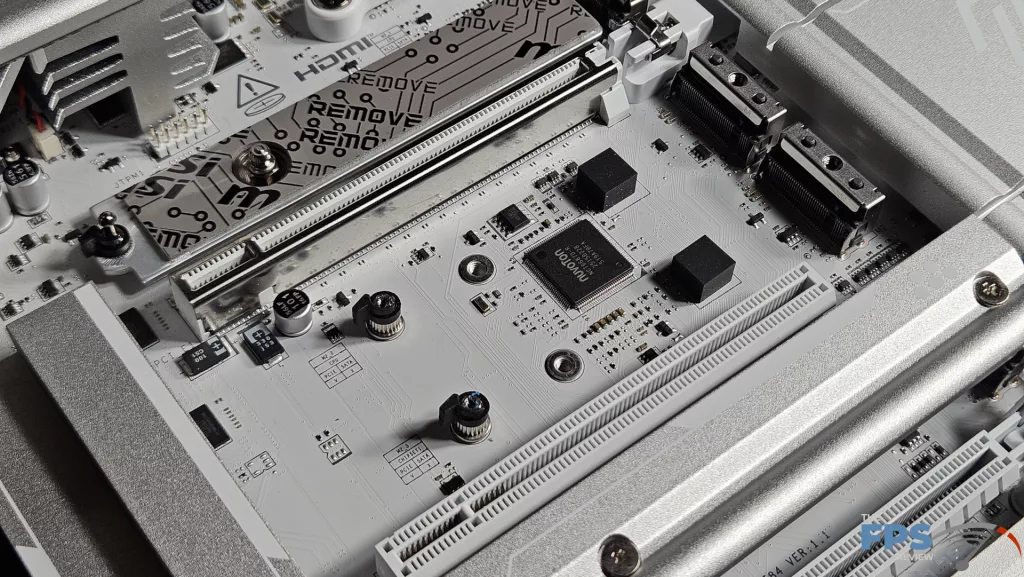
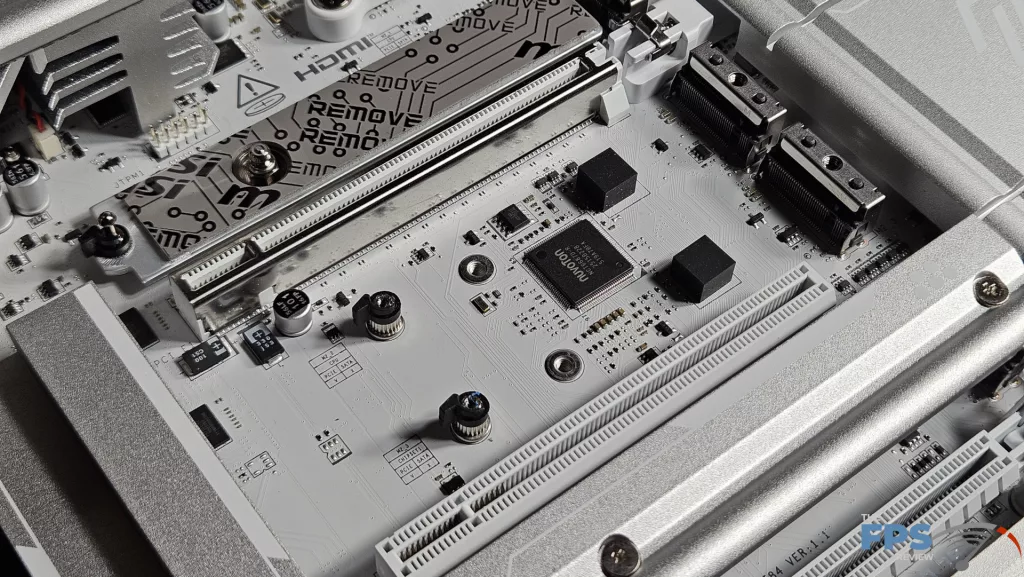
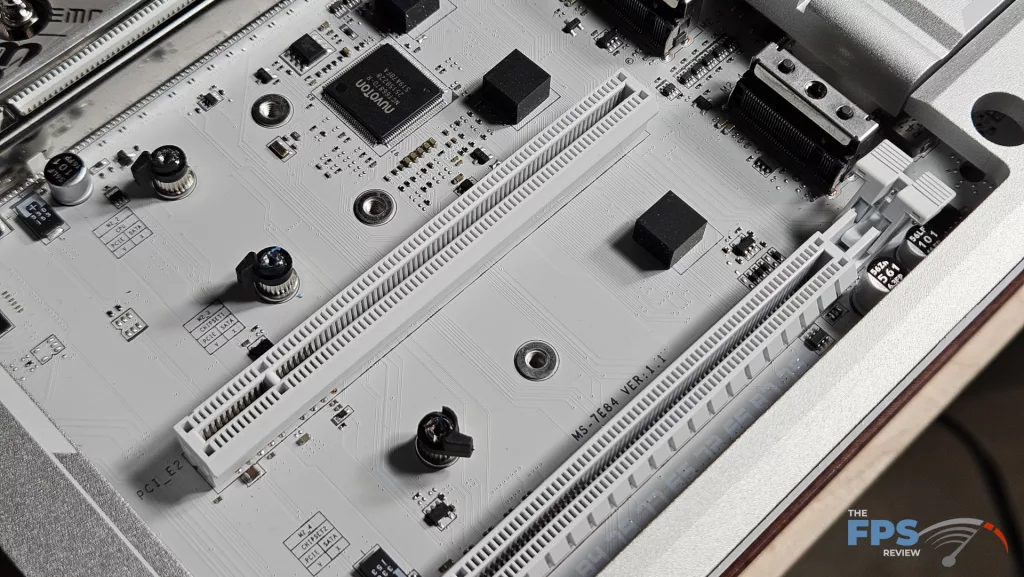
Storage consists of four M.2 slots. The primary and secondary M.2 are both Gen5. The primary is true Gen5x4, while the secondary at default is Gen5x2. The secondary shares lanes with the USB4 ports. You can disable the USB4 ports in the BIOS and gain true Gen5x4 if you desire. M.2_3 and 4 are Gen4x4 speeds. Transfer speeds for these slots are 128Gb/s and 64Gb/s at full speed. There are space issues with M.2 slots #2 and #3, as we have seen on most of our X870/E motherboard reviews.
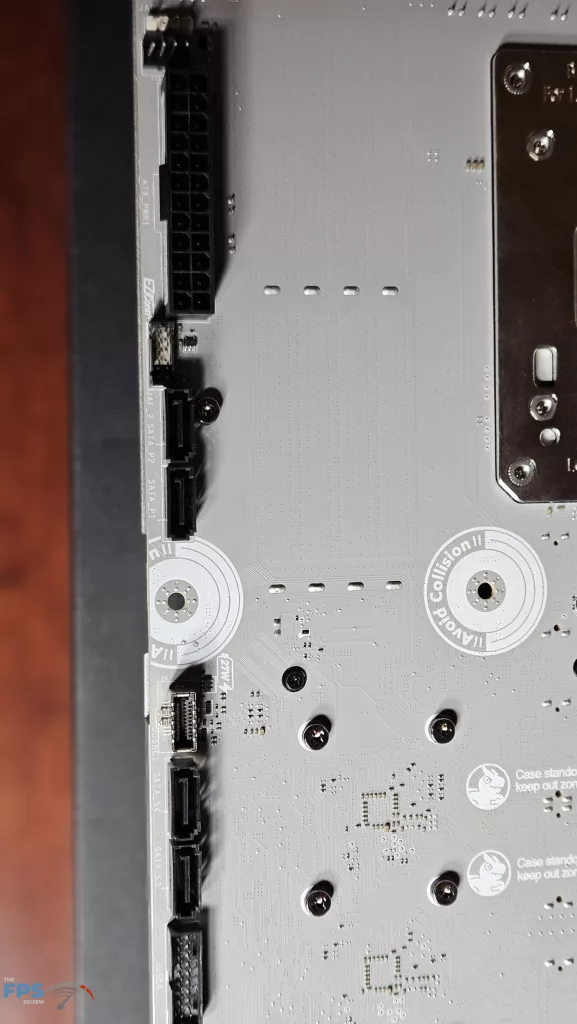
These slots are essentially directly below the video card. Unless the drives you select are quite thin, they will encroach on the graphics card. There is only space for thin SSDs with minimal heatsinks. Slot 3 is easier to access and may or may not be an issue depending on how thick your video card is. We were using an NVIDIA RTX 5080 FE, and slot 3 was just visible below the video card. Obviously, if you can get away with installing an SSD, you will not be able to place the motherboard’s heatsink cover. Aside from the M.2 slots, there are four SATA 6 Gb/s ports…on-the-back….. powered by the lower chipset.
Expansion
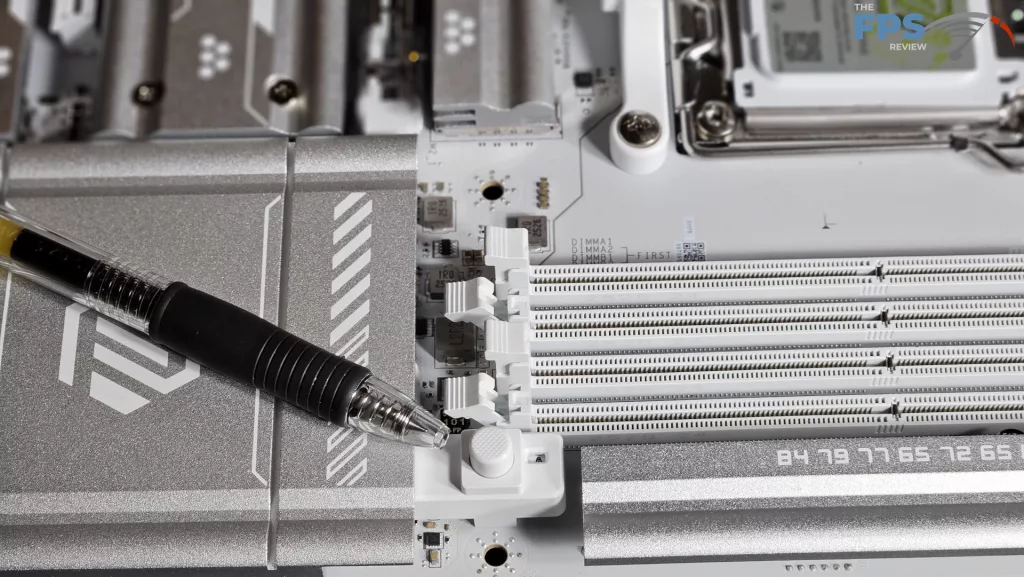
Expansion on this motherboard consists of one primary Gen5x16 PCIe slot, one PCIe Gen4x4 slot, and one PCIe Gen3x1 slot. The primary slot is supplied by the CPU, and the others by the chipsets. The primary slot is metal-reinforced and has the very nifty PCIe-EZ Release latch located on the right-hand edge (pen pointer added for emphasis in photo). Due to this fine little latch, you can remove your giant GPU with one hand. It works like a dream, really.
I/O
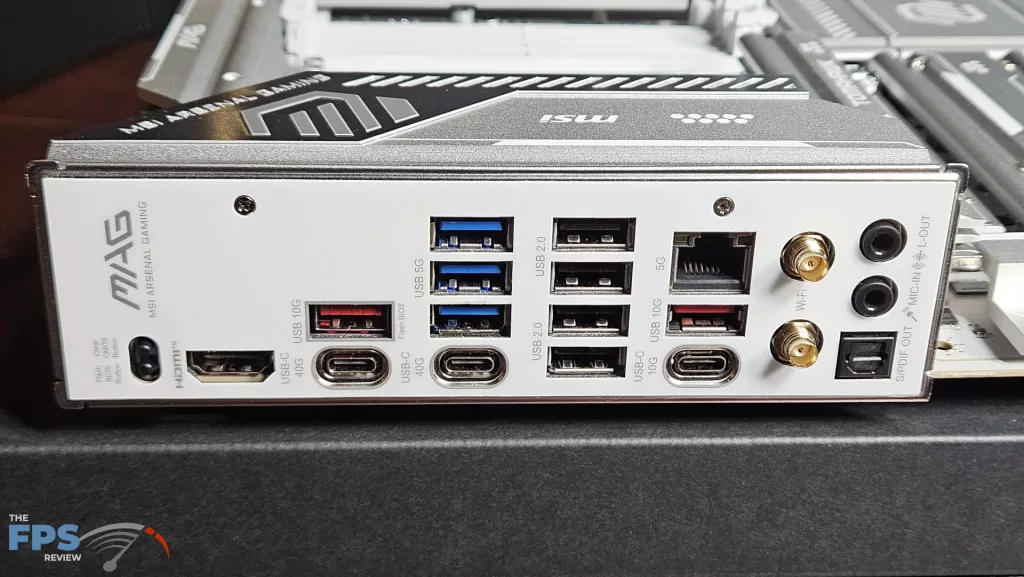
The rear I/O panel is well supplied on the MSI MAG X870E TOMAHAWK MAX WiFi PZ motherboard. The panel has the motherboard plate embedded, which is nice. Working from left to right: recessed clear CMOS and Flash BIOS buttons, HDMI port, USB-A (10Gb/s) and USB-C (40Gb/s), three USB-A 3.1 (5Gb/s), one USB4-C, four USB 2.0 ports, 5Gb RJ-45 ethernet, USB-A Gen3.2 (10Gb) port, USB-C 10Gb/s port, WiFi antenna ports and SPDIF and sound outputs.
On the back of the motherboard reside all of the other connectors. On the top row are two 8-pin CPU power connectors and three 4-pin fan headers. (AIO Pump, CPU Fan, SyS Fan) On the right side, using a front of the motherboard orientation, ARGB, 24-pin power, EZ-Conn, two SATA, front panel USB-C, two additional SATA and finally a front panel USB-A 3.1. The bottom row has a total of four fan headers, the front panel header, a second USB-A 3.1 header, two USB 2.0 headers, two ARGB and, one 12v LED and finally the HD Audio header. RGB is controlled by Mystic Light from the MSI Center software, and every fan may be automatically controlled by the Hardware Monitor in the BIOS or through MSI Center on the desktop.