
Introduction
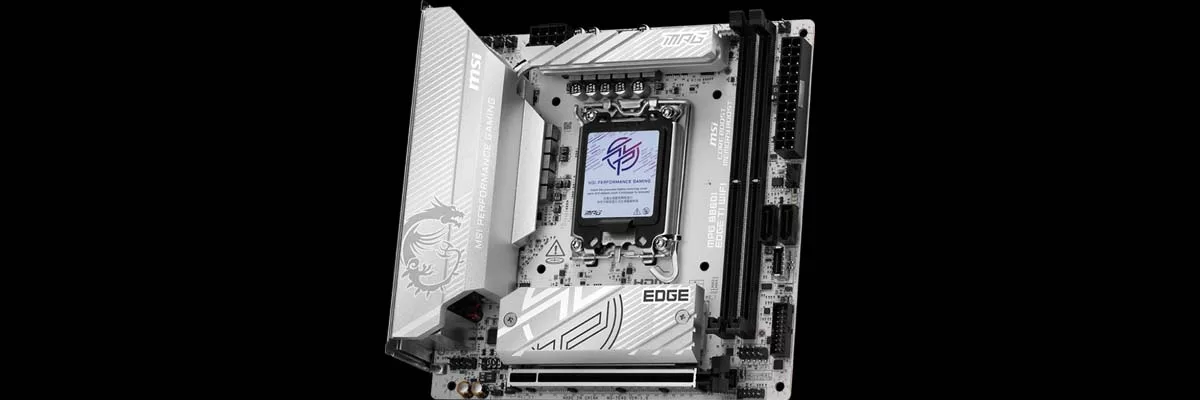
In the office today is one of MSI’s latest mini-ITX motherboards, the MSI MPG B860I EDGE TI WIFI. This motherboard is a continuation of the increase in availability for mini-ITX motherboards that also pack a punch. As the name suggests, it is the Intel equivalent of the MSI MPG B850I EDGE TI WIFI that we reviewed in June of this year, and found to be a capable motherboard.
As with most mini-ITX motherboards, there is a single PCIe slot, two (2) memory slots, and limited expansion options. The end user will have the ability to install up to two (2) M.2 NVME drives, and two (2) SATA drives, and while the WIFI is provided by a M.2 Key-E slot, this is not readily accessible to be removed and replaced, similar to most other options on the market today.



Packaging and Contents
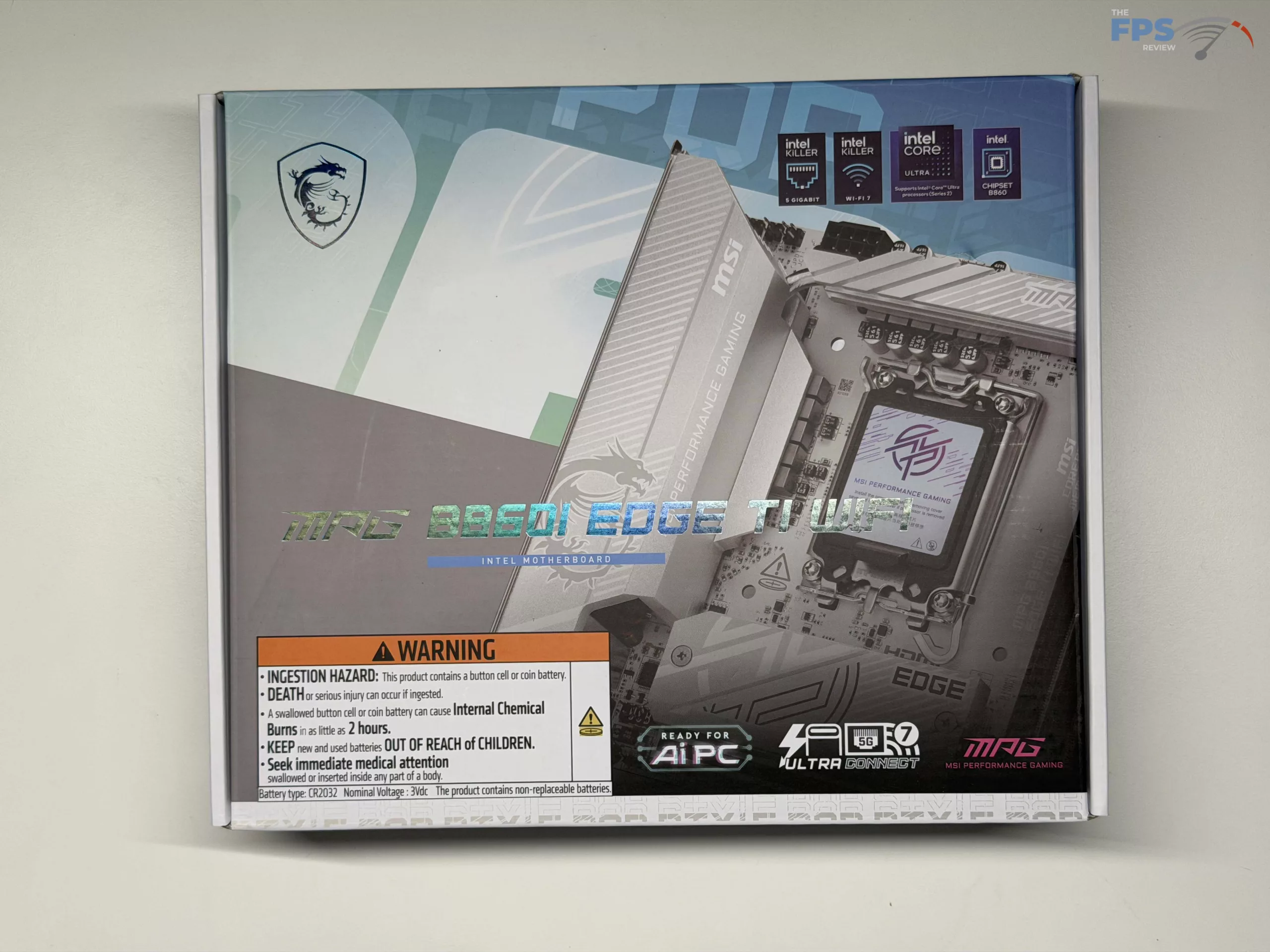
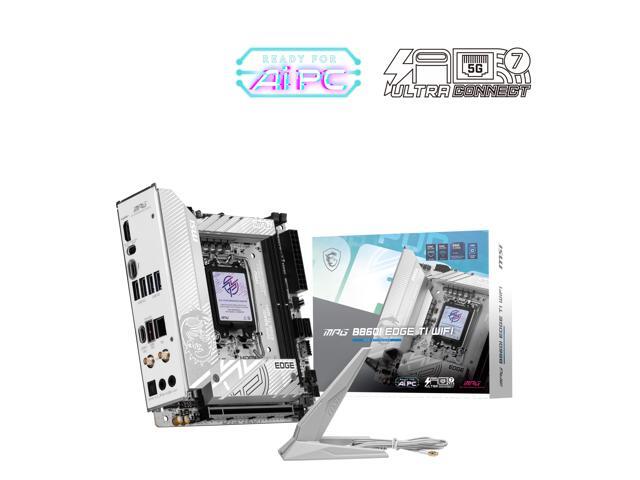
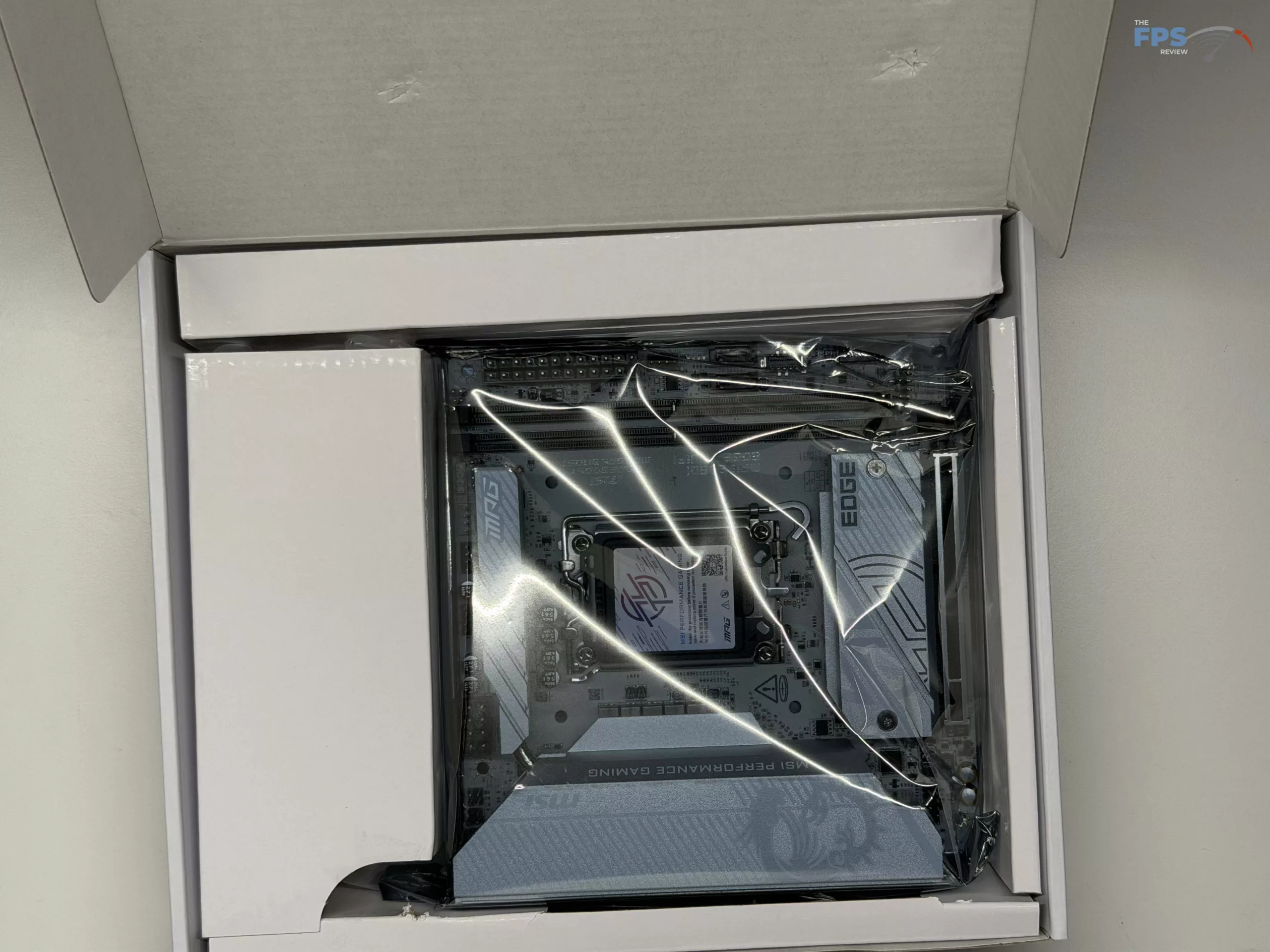
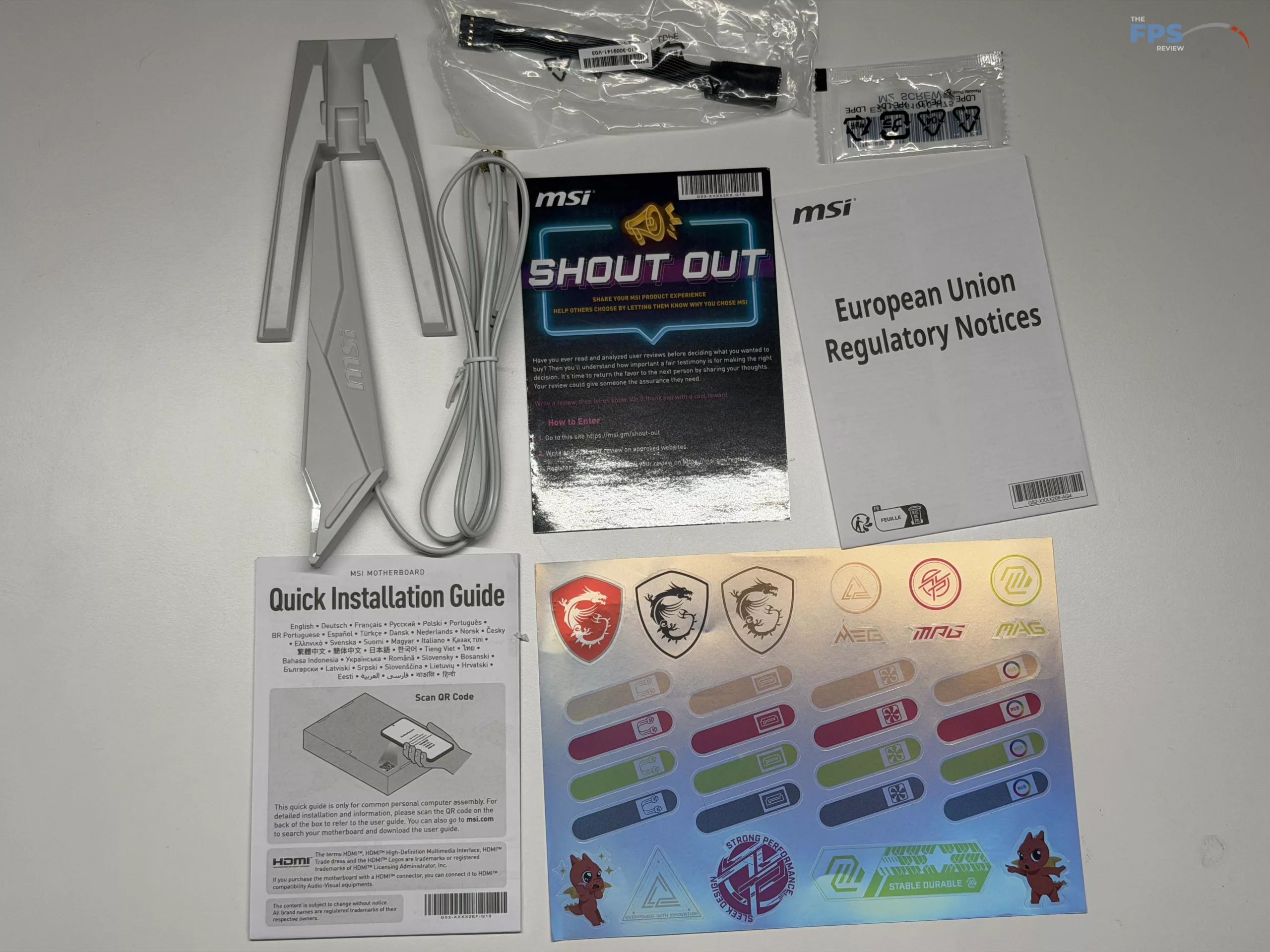
With a price of around $220, the MSI MPG B860I EDGE TI WIFI is targeted in the mid-range of the cost spectrum, and as such, there are not many extras included in the box. When you dive into the accessories will find a single SATA cable, one ARGB extension cable, a front panel connection cable, a sticker booklet with cable identifiers, a spare M.2 screw, the typical regulatory notices and quick installation guide, and of course the MSI EZ Wi-Fi Antenna system.
MSI B860I EDGE TI WIFI Features
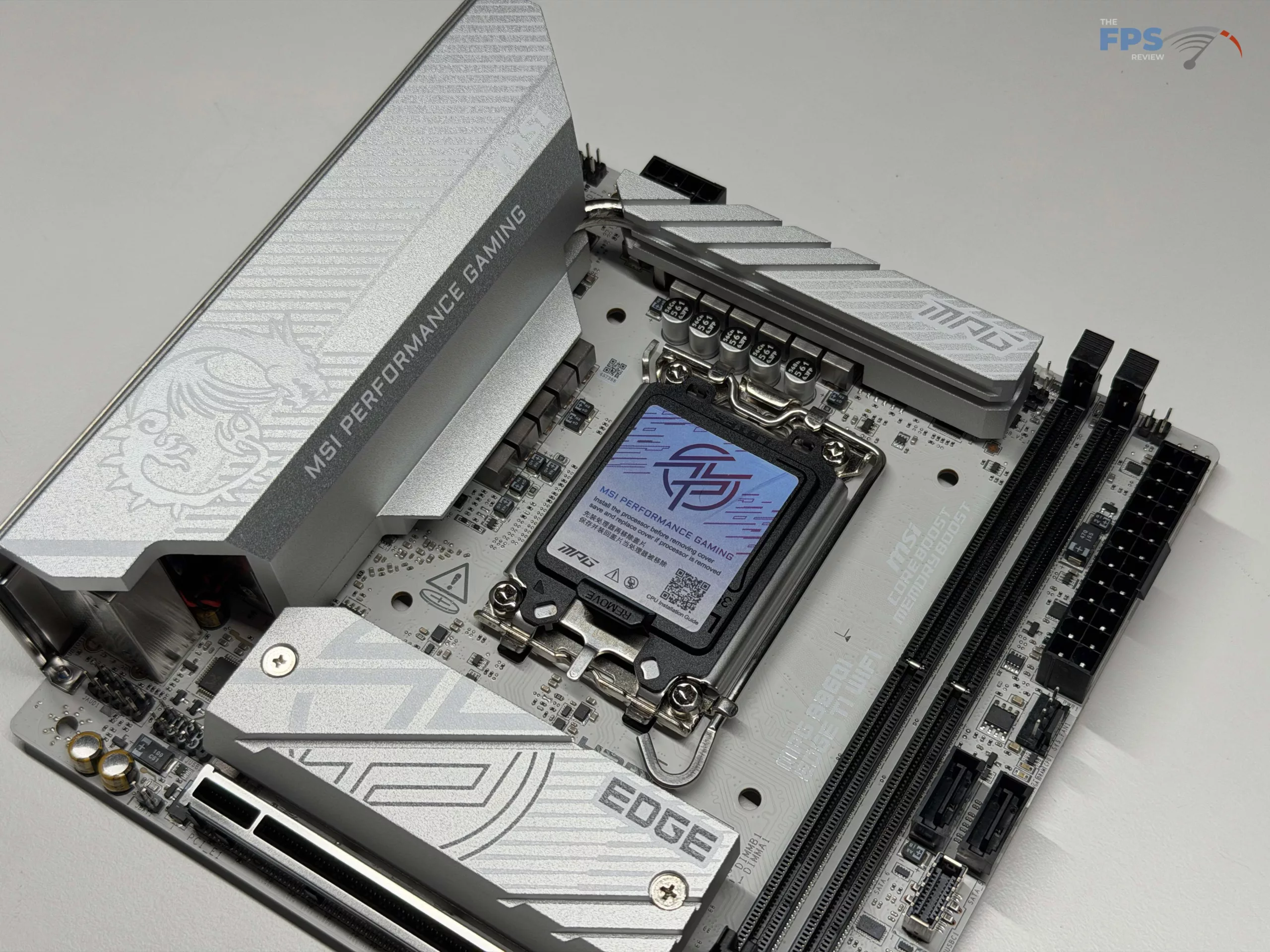
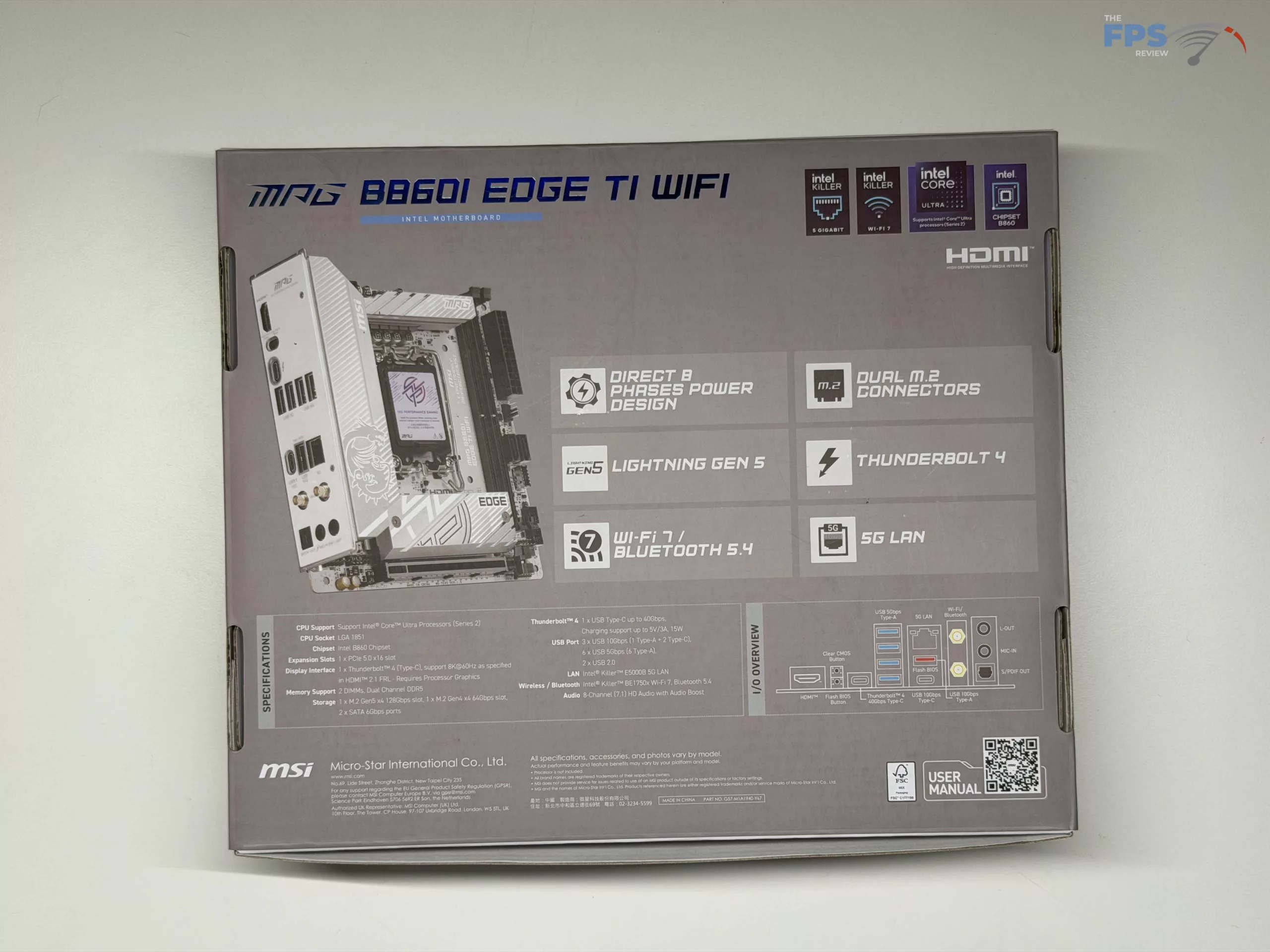
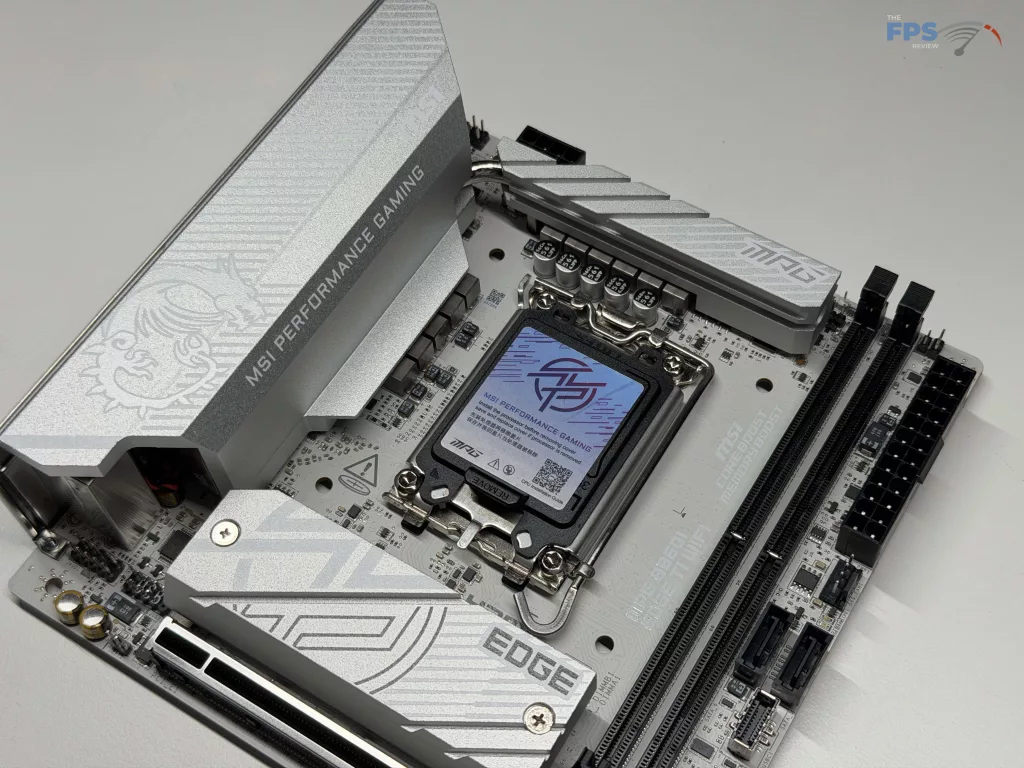
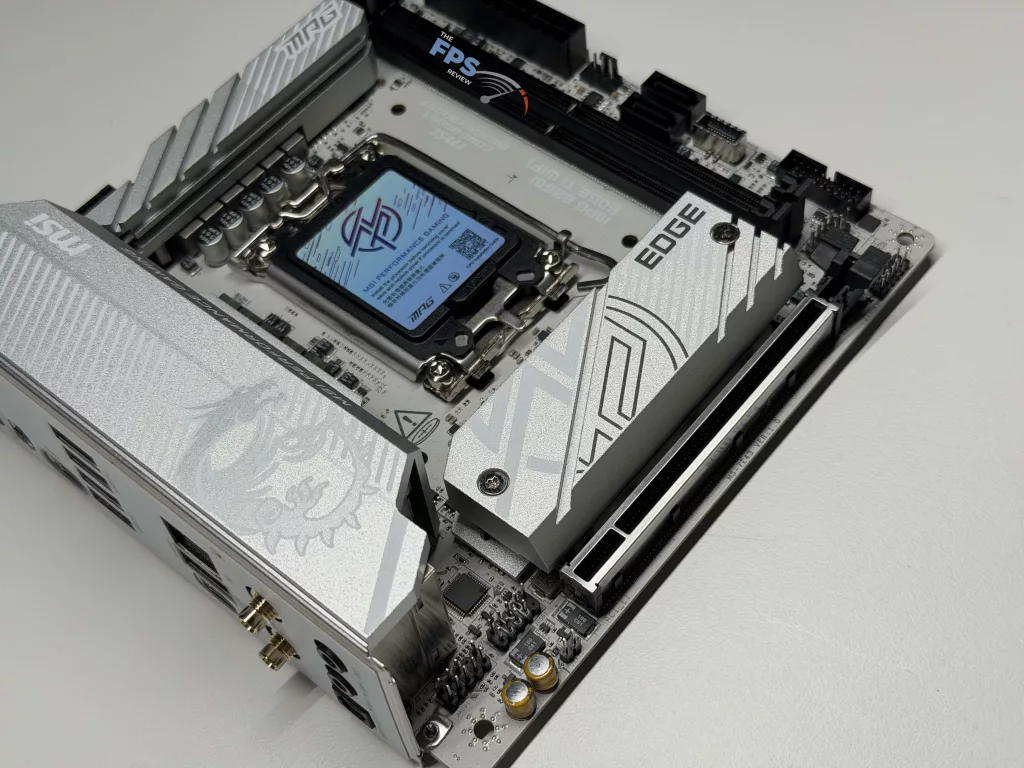
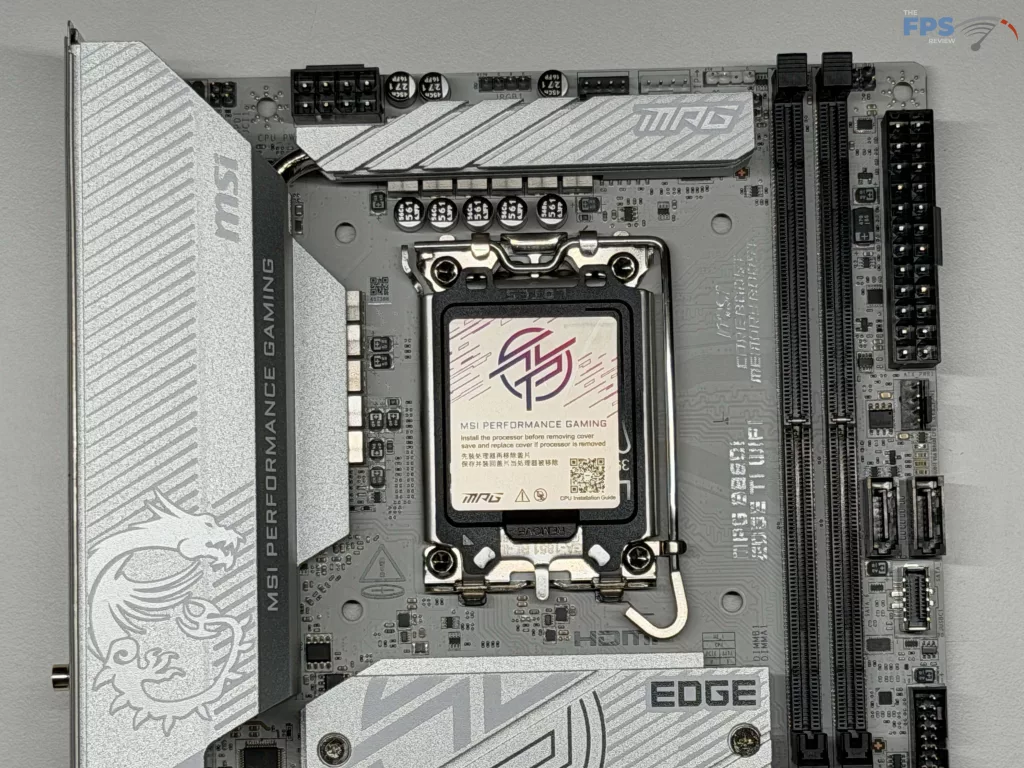
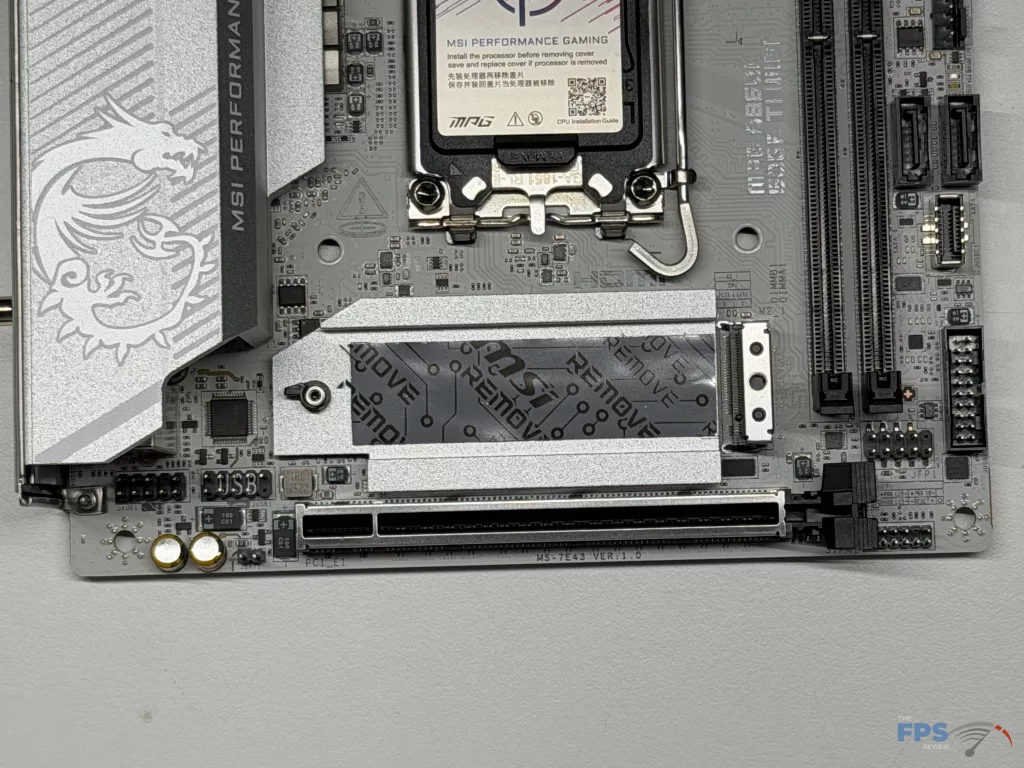
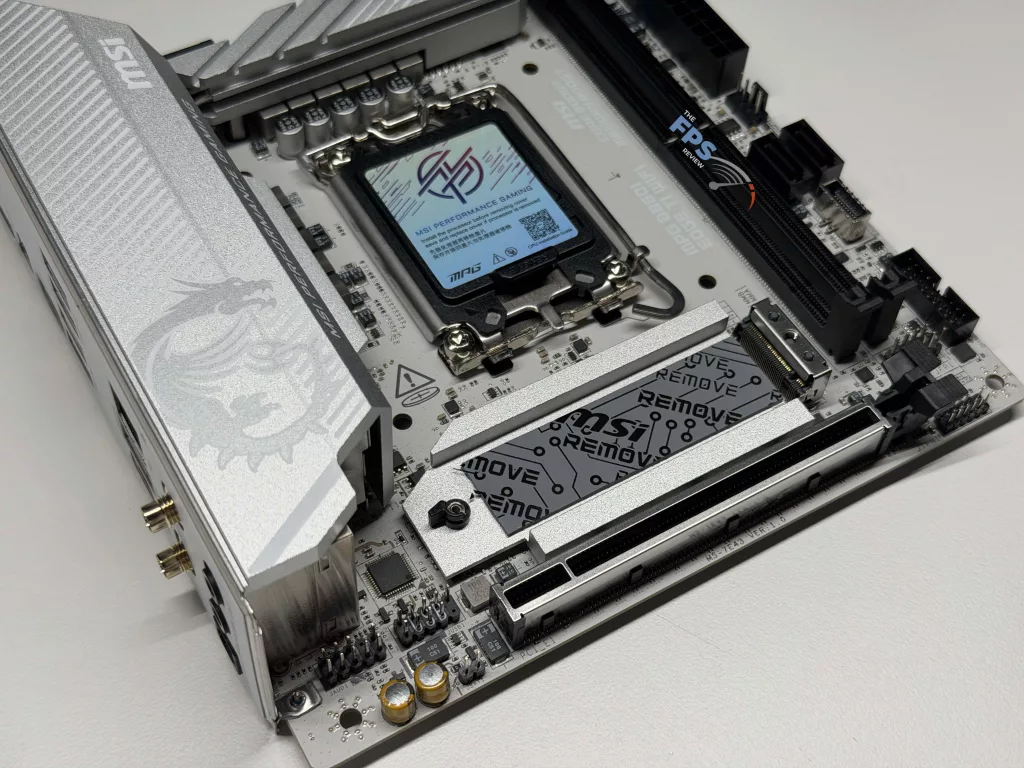
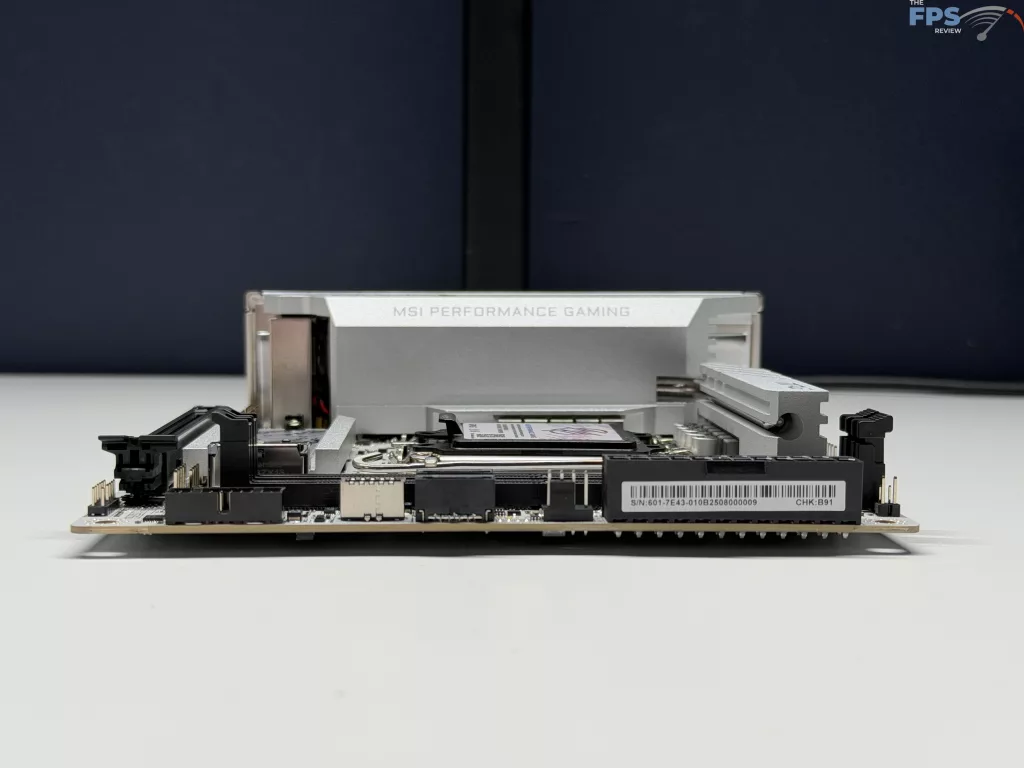
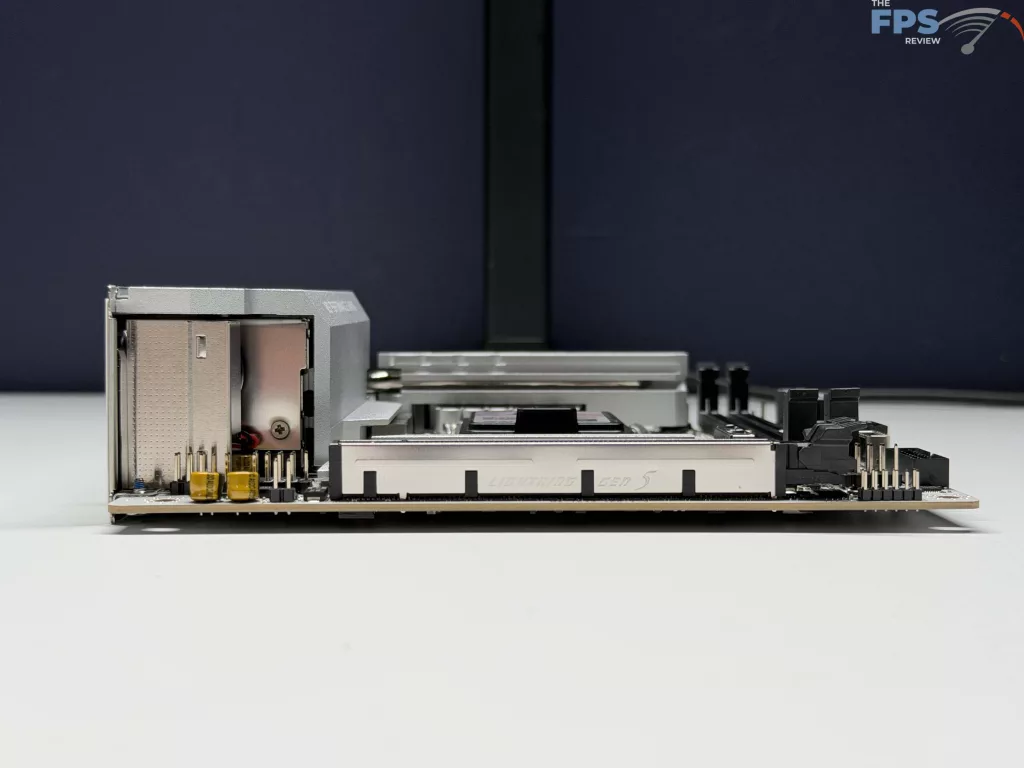
On the face, the MSI MPG B860I EDGE TI WIFI looks to be similar to the B850I EDGE we mentioned earlier. MSI has maintained the silver / white color scheme that is prevalent on their EDGE series of motherboards, while maintaining the typical two (2) DDR5 memory slots, two (2) SATA ports, two (2) M.2 slots, and all the quantities we have come to expect on a mini-ITX motherboard. Beyond connectivity, MSI has included their full FROZR design for enhanced cooling on the VRMs, MOSFET’s, and primary M.2 slot.
Power Delivery
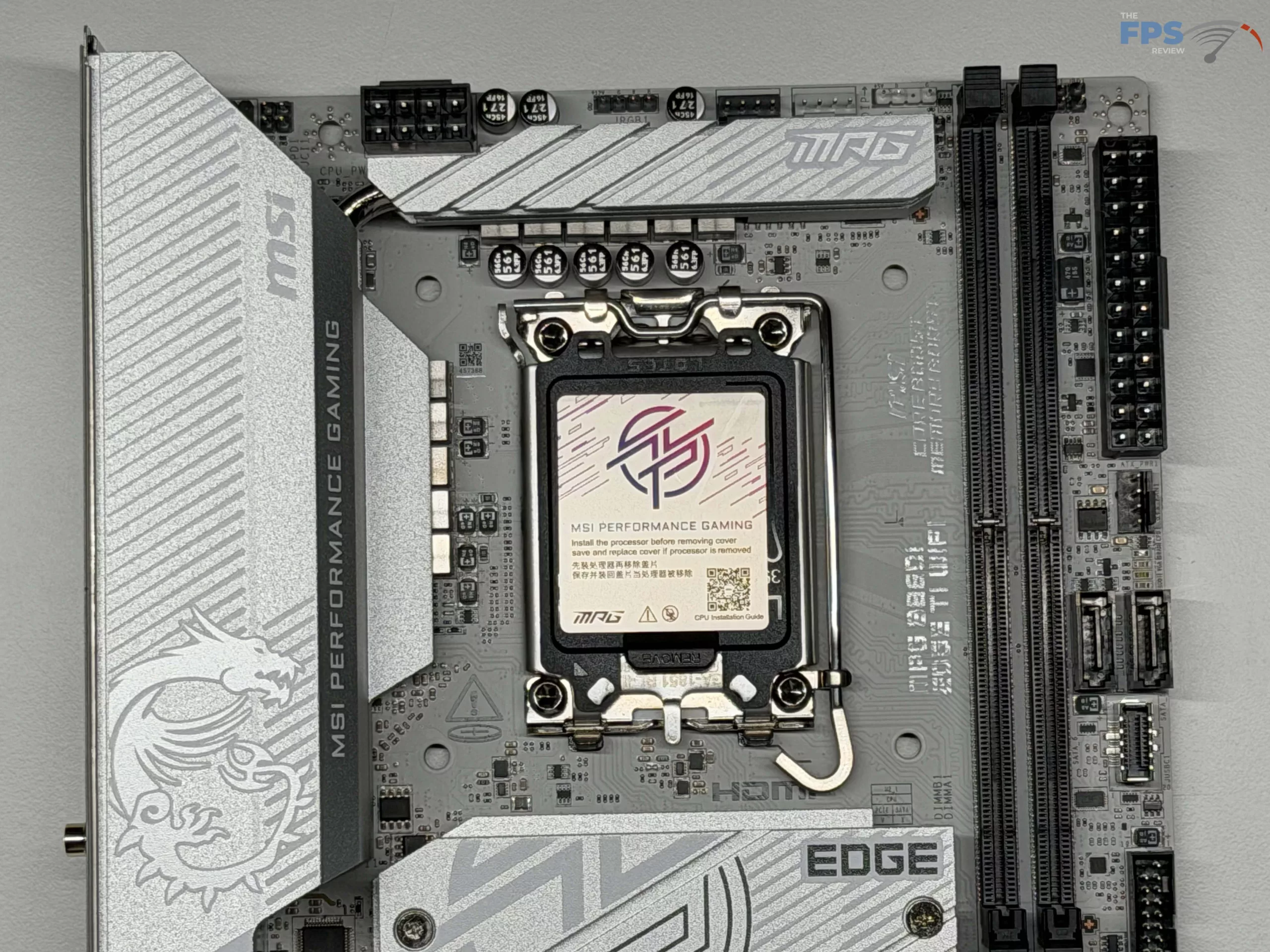
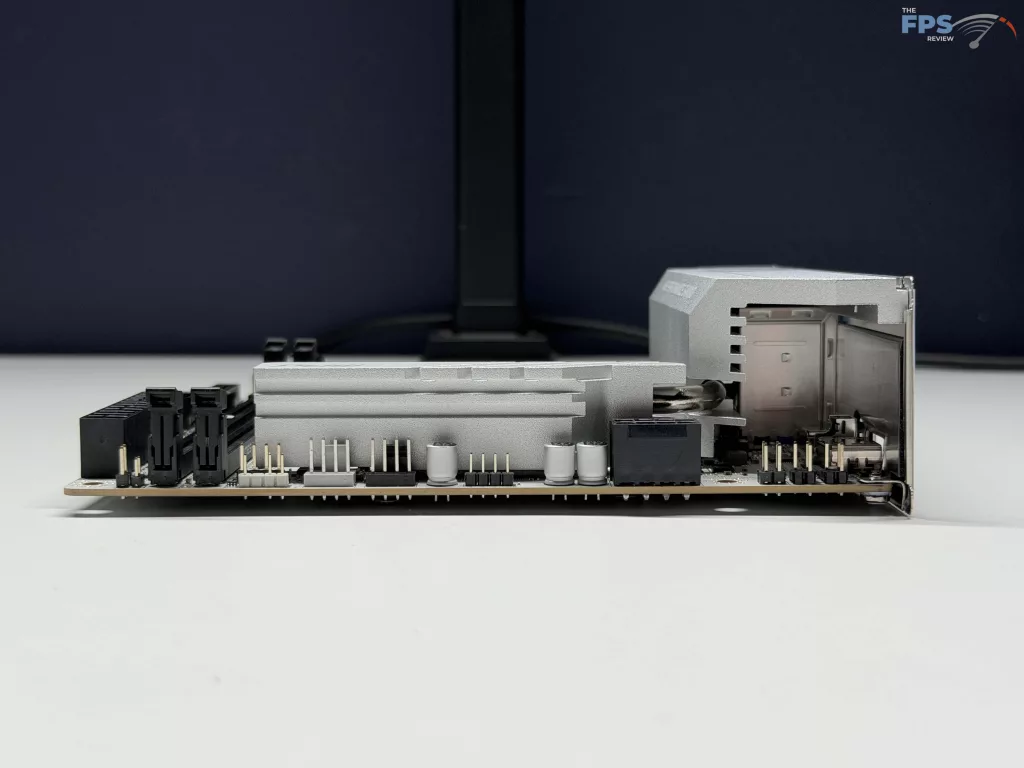
While the MSI MPG B860I EDGE TI WIFI is not exactly targeted at high performance, as shown by the 8+1+1+1 Duet Rail Power System (DRPS), for a total of 110A Smart Power Stage. This is in line with lower-end full-size ATX motherboards, but comes in on par, if not a bit better, than other mini-ITX motherboards we have had our hands on. To go with this, MSI has gone with an extended Heatsink with a heat pipe, along with the heavy-plated VRM Heatsink to be as efficient as possible with cooling the power delivery. In our testing, we ran into no issues with cooling or lack of power to get full speed from our Ultra 7 265k processor.
Memory and Storage
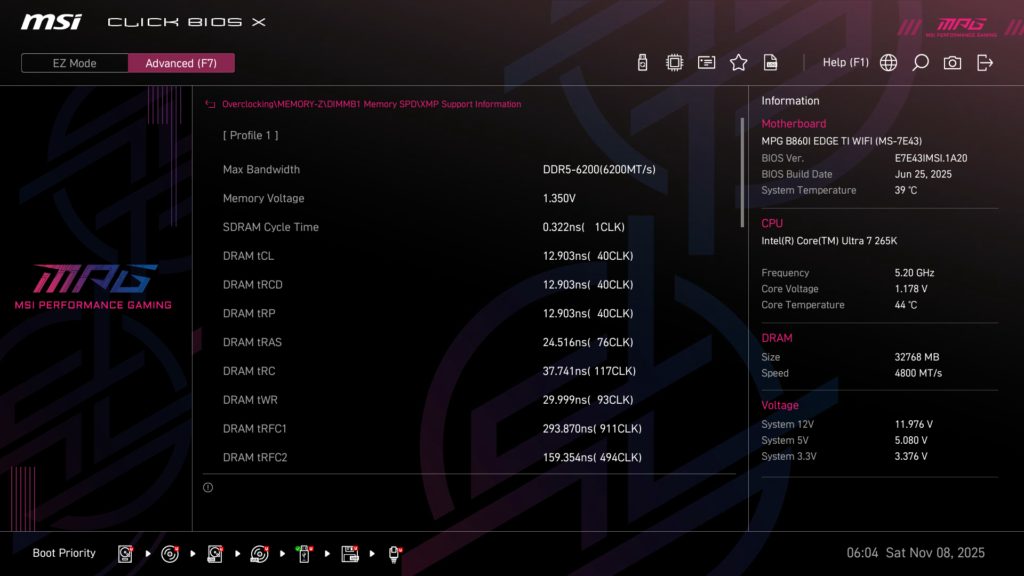
Similar to all current Intel motherboards, the MSI MPG B860I EDGE TI WIFI is capable of using DDR5 non-ECC unbuffered memory only. With only two (2) slots available, it will max out at 128 GB of total memory, or 64 GB per slot, which is in line with the maximum capacity per slot we see on all other motherboards. With the two slots, overclocking of memory is easily supported with Intel’s XMP 3.0 standard, as well as manual overclocking within the UEFI itself (See our upcoming section for additional information on settings you can adjust), where you are able to adjust just about any setting on your memory that we can think of. MSI states a maximum memory speed of 8,600 MT/s, however we are unable to independently verify this, as our trusty Patriot kit is maxed out at 6,200 MT/s, which had no issues being met for our testing.
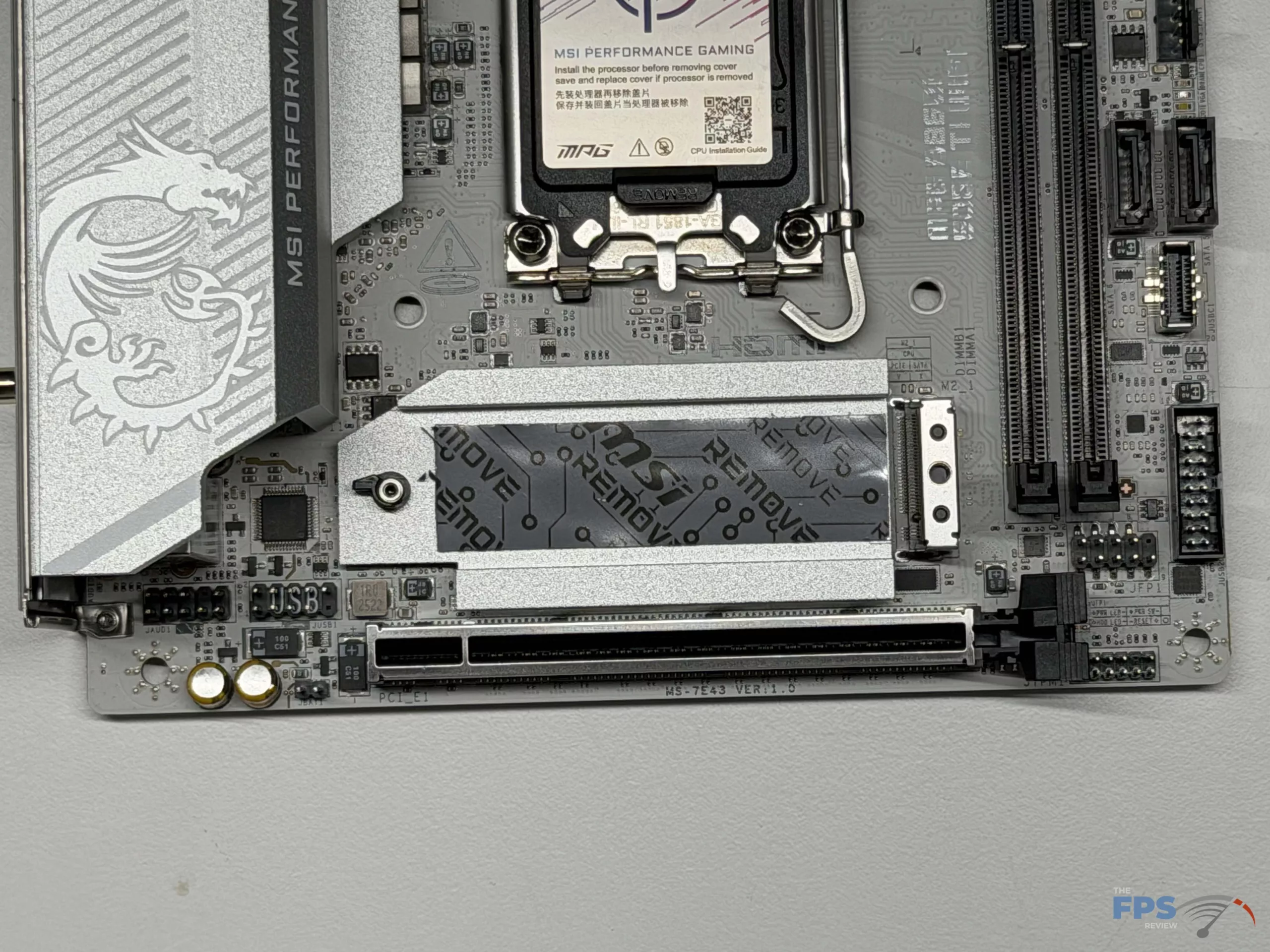
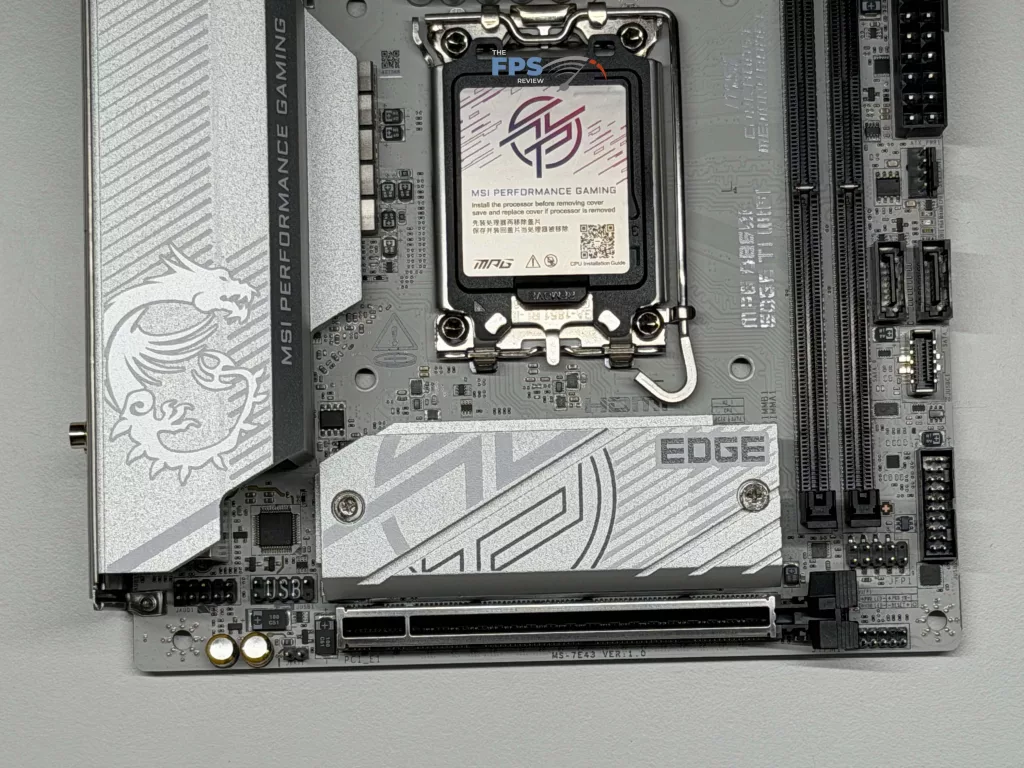
In total, there are two (2) user accessible M.2 slots, capable of supporting up to a 2280-sized drive/device. The primary slot, M.2_1, is the only PCIe 5.0 x4 slot (PCIe lanes are from the CPU), while the M.2_2 slot is PCIe 4.0 x4 only (PCIe lanes are from the chipset). Spacing is tight, as you would imagine with this being a mini-ITX motherboard, meaning that with the full-size FROZR cooler for the M.2_1 slot, it makes it very tight to fit some NVME drives.
In fact, we were unable to install our MSI M570 drive that we typically use for primary slot testing, as its heat pipes were too large to install with the MOSFET cooling. Instead, we removed the cooling from our ADATA LEGEND 970 and used the FROZR cooling solution on the motherboard, which worked well in our testing. The last storage option we want to touch base on is the SATA ports, which MSI has provided a total of two (2) SATA 6 GB/s ports for any high-capacity storage a user might need.
Expansion

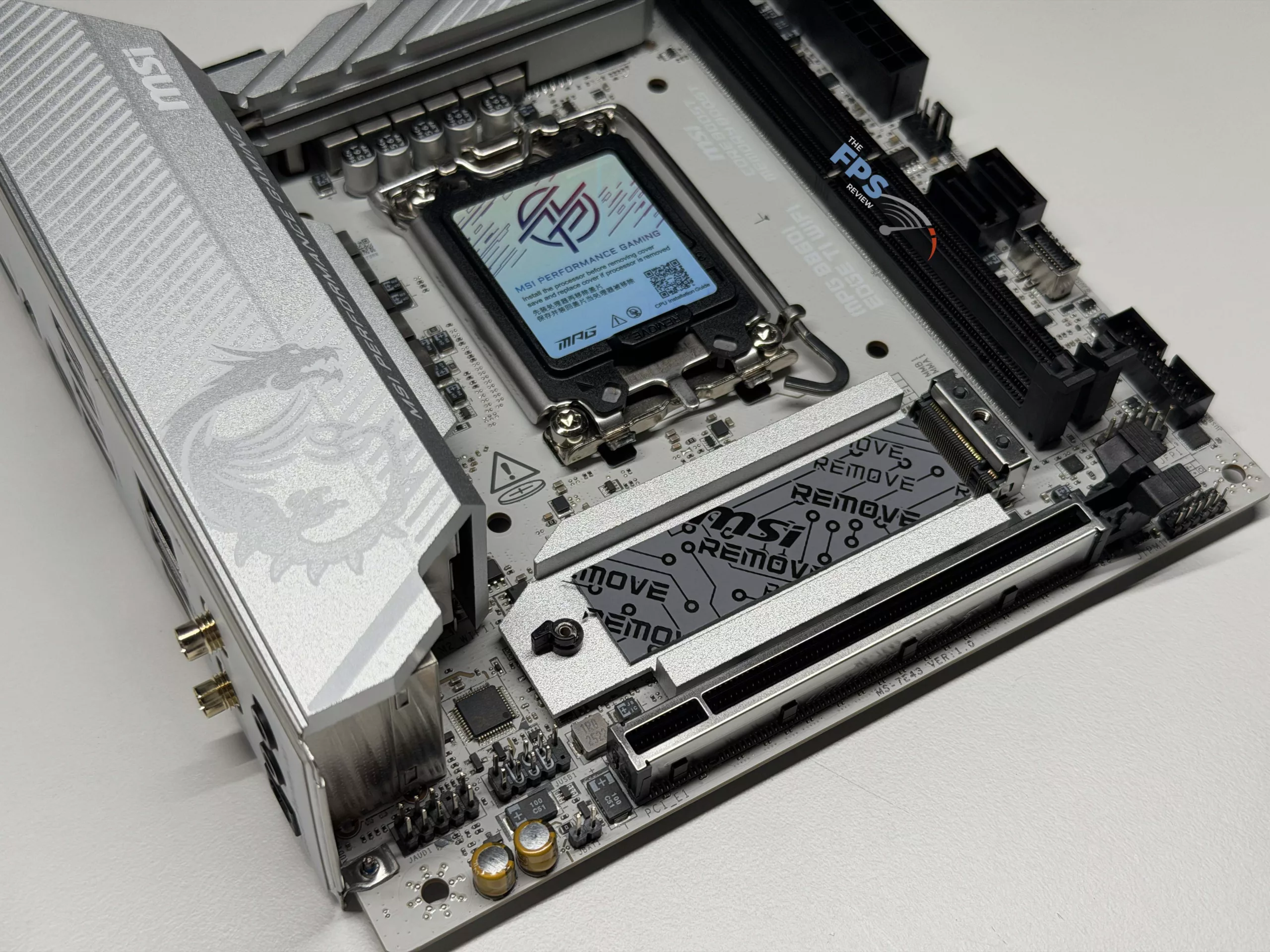
Since this is a mini-ITX motherboard, there is not much room for expansion, and as such, MSI has provided a single PCIe 5.0 x16 slot as the sole option for expansion. MSI has provided metal reinforcement in the form of their Steel Armour system, which we are always happy to see on a motherboard with the size and weight of current-generation graphics cards. Our only complaint is that MSI has not provided an extended release lever for the slot, similar to the AMD equivalent motherboard.
I/O
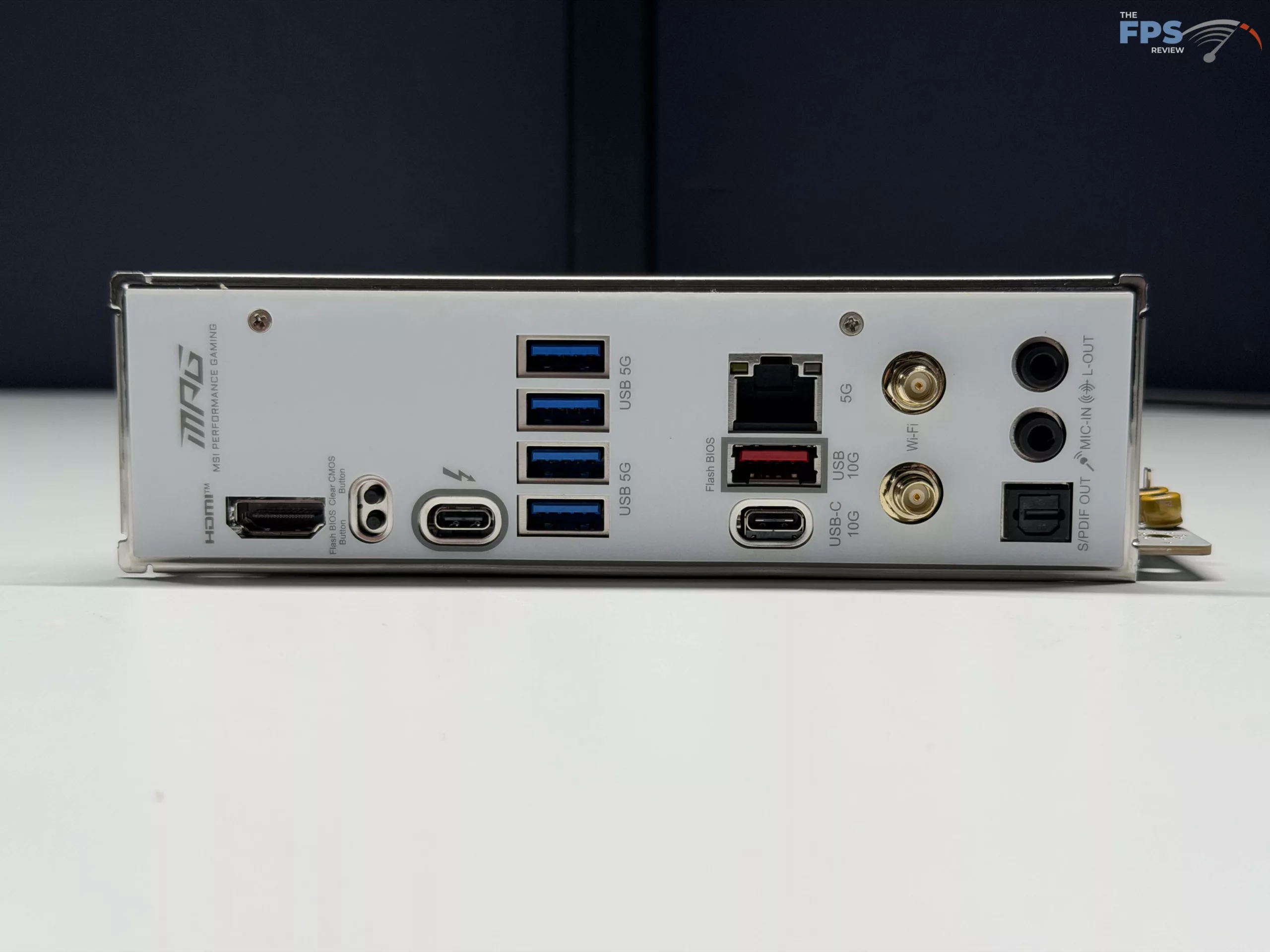
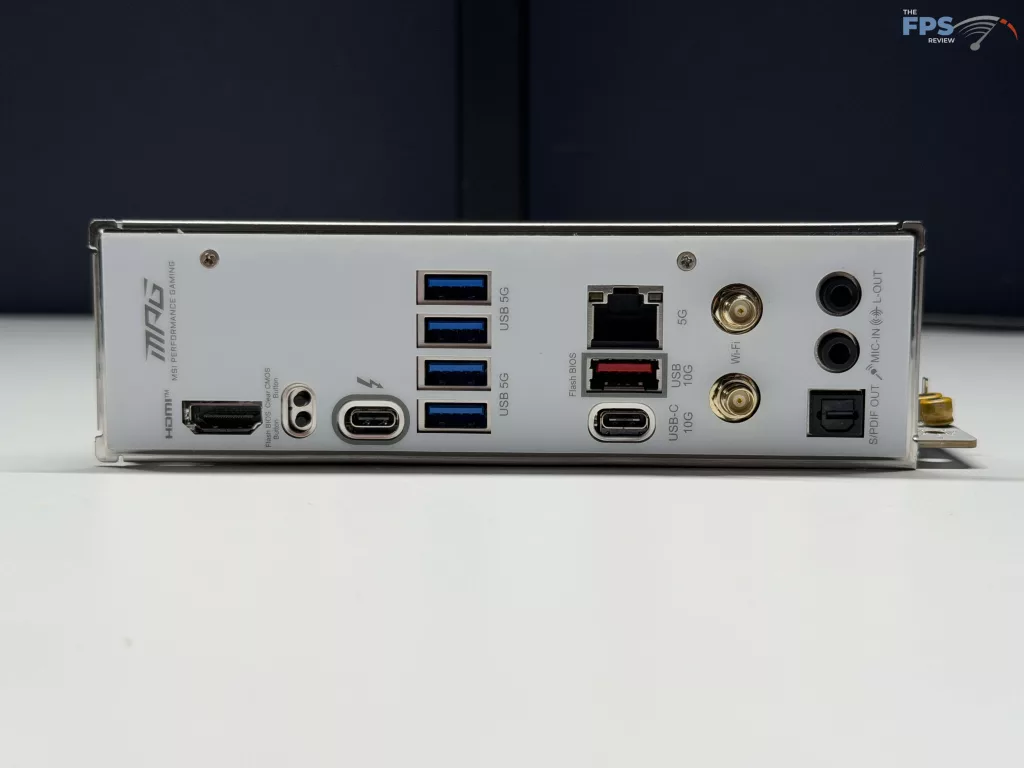
I/O on the MSI MPG B860I EDGE TI WIFI is quite good considering it is a mini-ITX motherboard. On the rear panel you will find a 5Gbps LAN port from the Intel Killer E5000B chip, two (2) antenna ports for the Intel Killer BE1750x WIFI card, one (1) USB Type-C 10Gbps port, four (4) USB Type-A 5Gbps ports, a single USB Type-A 10 Gbps (Also used for BIOS flashing), a Clear CMOS button, and a Flash BIOS button. There is also an HDMI port for video output, as well as a Type-C port, which we did not mention yet. This port is a Thunderbolt 4 port, directly from the CPU, that supports DisplayPort, or up to three (3) Thunderbolt 4 devices daisy-chained together (or five [5] Thunderbolt 3 devices), along with operating as a standard USB-C port if desired. The final connections on the rear I/O panel are the Line-out, Mic-in ports, and Optical S/PDIF out connector from the Realtek ALC897 audio Codec for up to 7.1 Channel High Definition Audio.
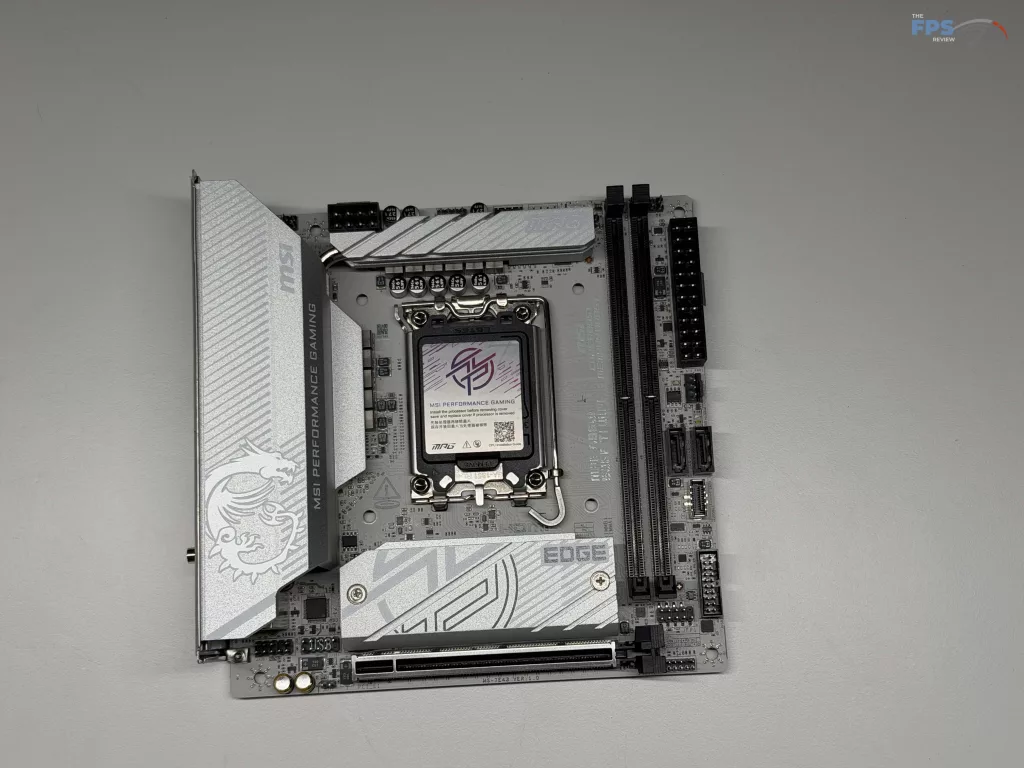
Front panel / internal ports are somewhat limited, as expected on a motherboard of this size. For the front pane,l there is a connection for a single USB Type-C 10 Gbps port, two (2) USB Type-A 5Gbps ports, and two (2) USB Type-A 2.0 ports. Outside of USB ports, there is the typical front panel audio connector, one (1) CPU fan, one (1) CPU/Pump fan header, and a single system fan connector. If you are looking for RGB connections, this motherboard does have you covered with a single standard RGB LED connector (JRGB), as well as a single Addressable V2 RGB connector (JARGB_V2) to round off the internal connectors.
UEFI
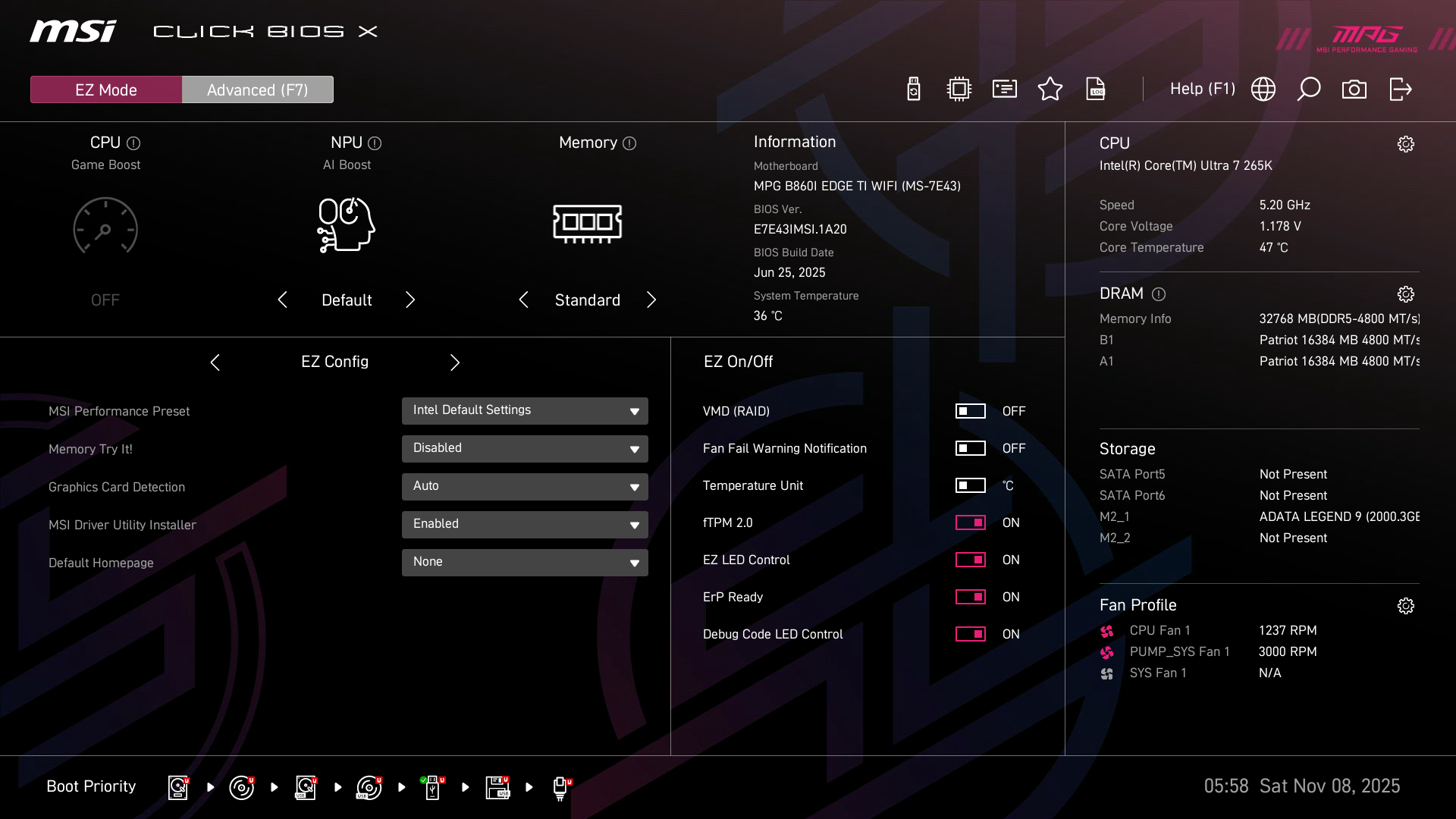
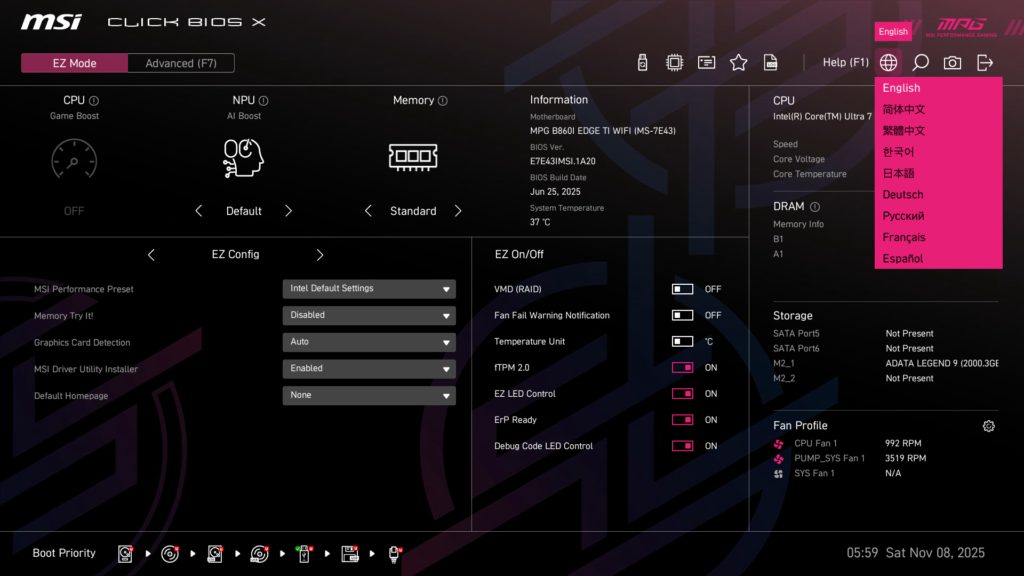
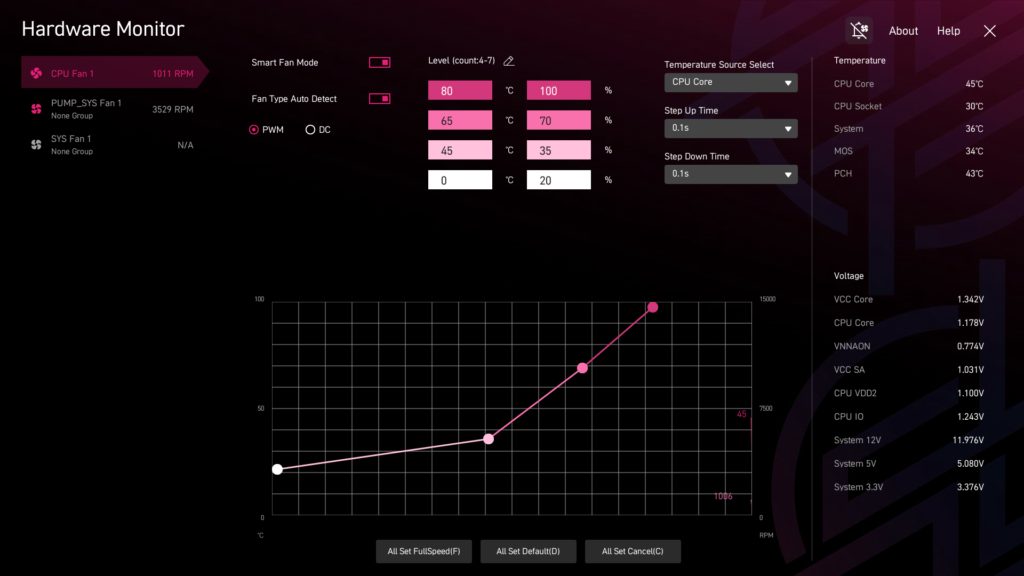
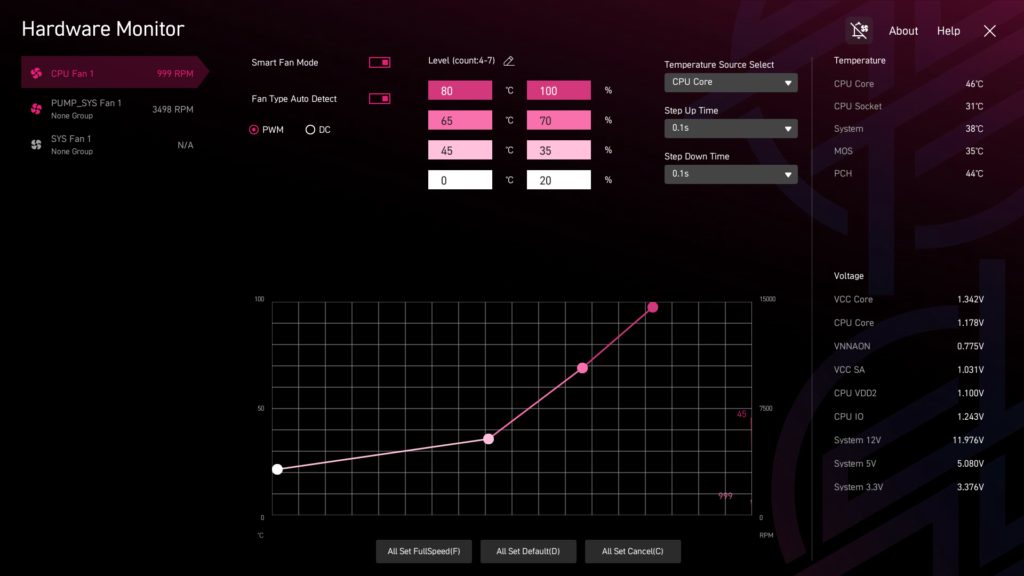
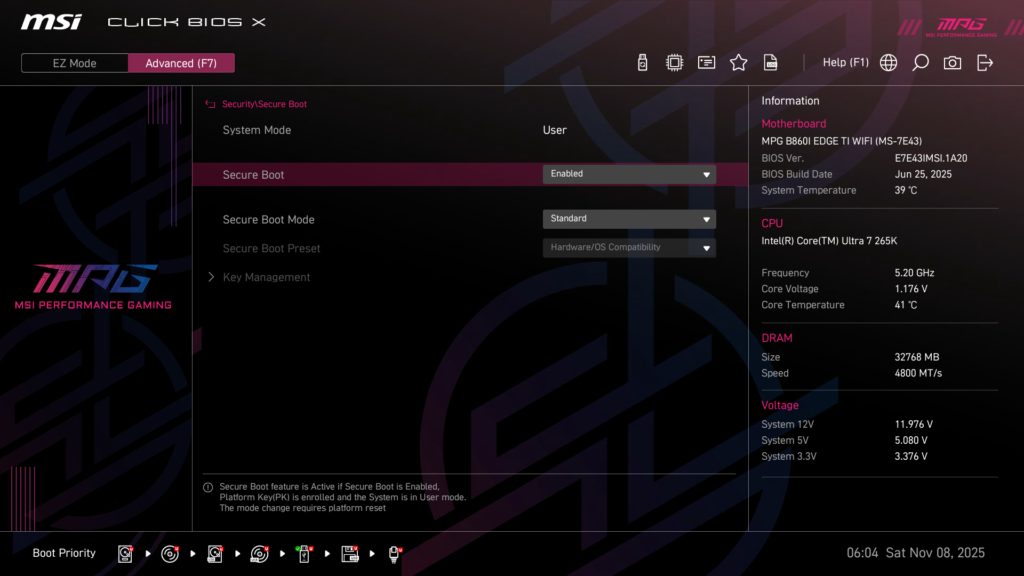
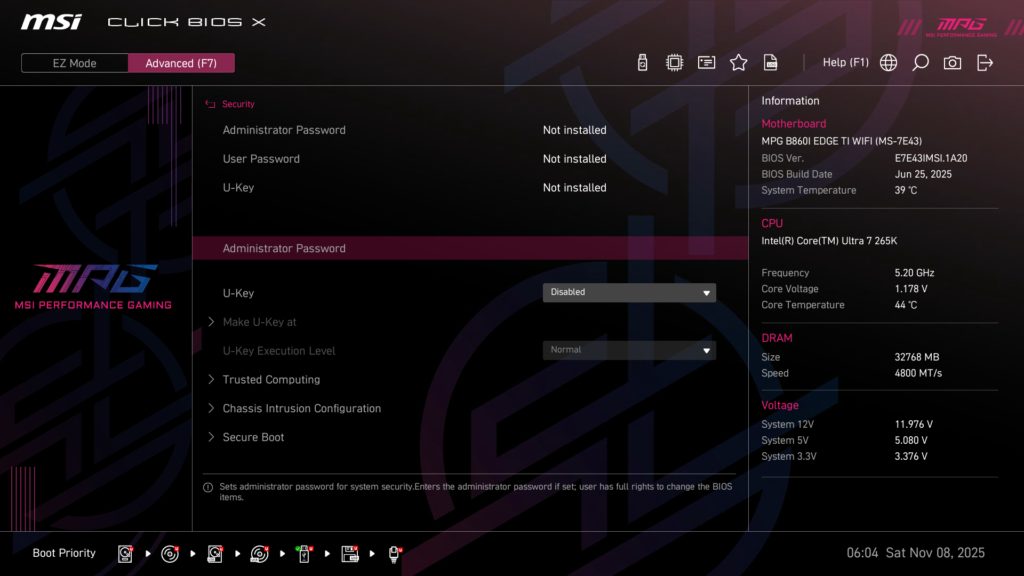
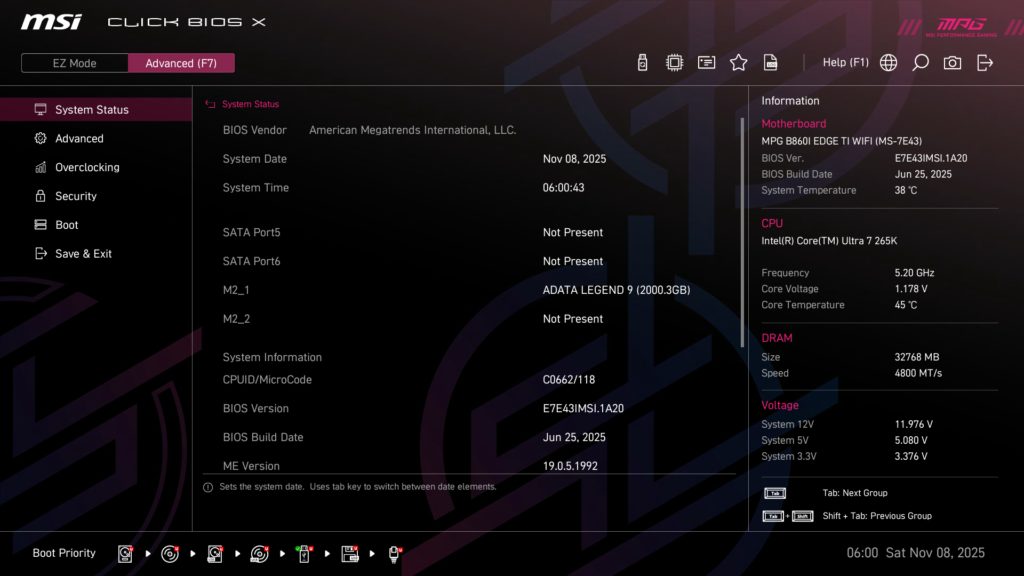
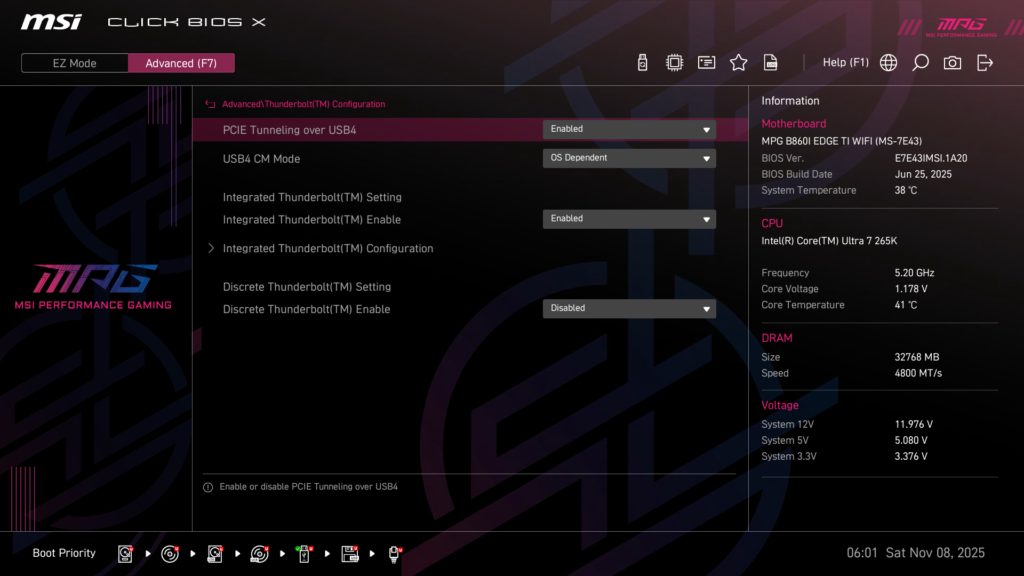
MSI has once again gone with this relatively new Click BIOS X for the MSI MPG B860I EDGE TI WIFI, which opens to EZ Mode. This page gives you quick access to your memory XMP settings, performance pre-sets, and general performance data such as speeds, voltages, and temperatures. It also gives quick access to the Hardware Monitor, where you can easily adjust fan settings.
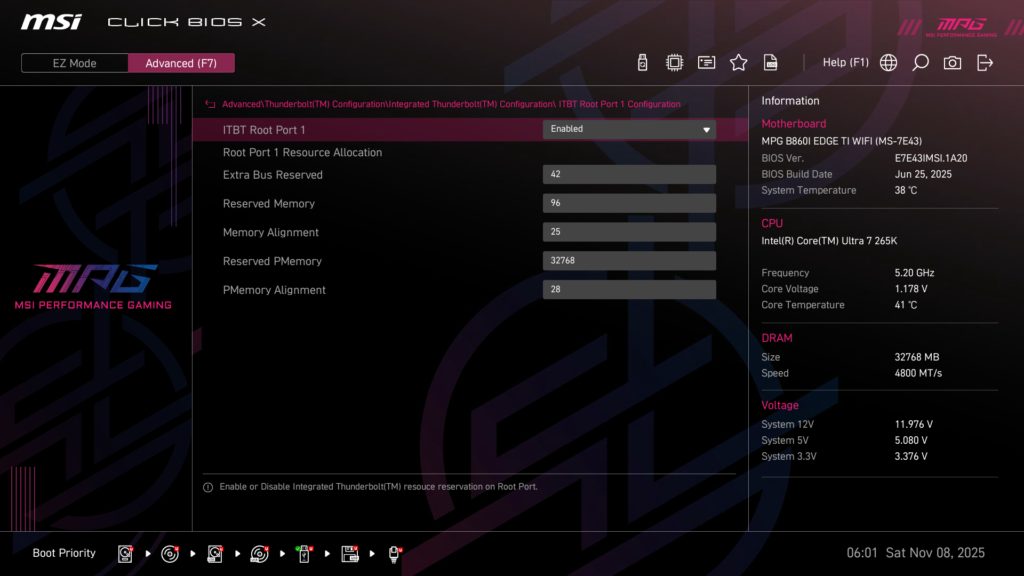
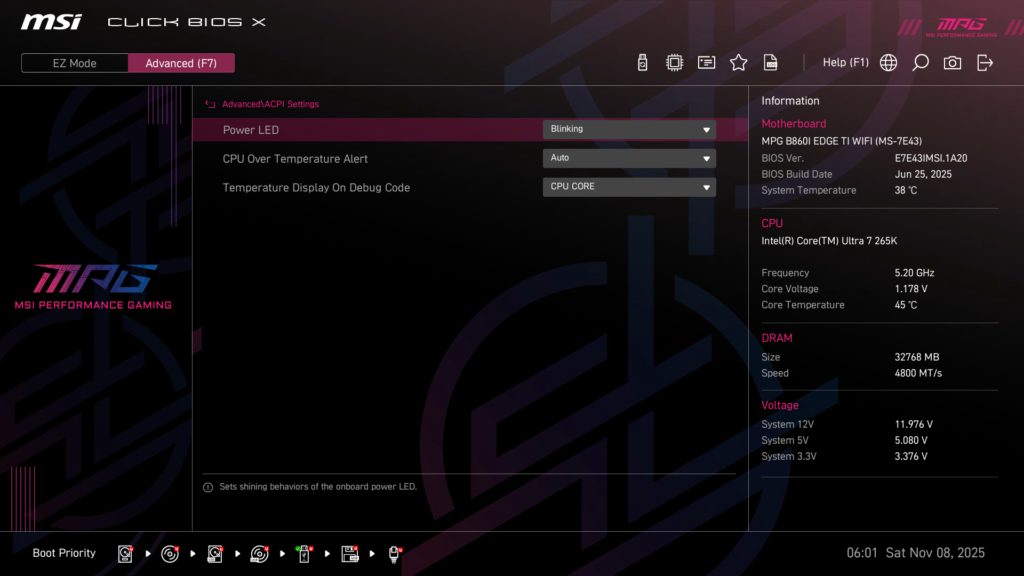
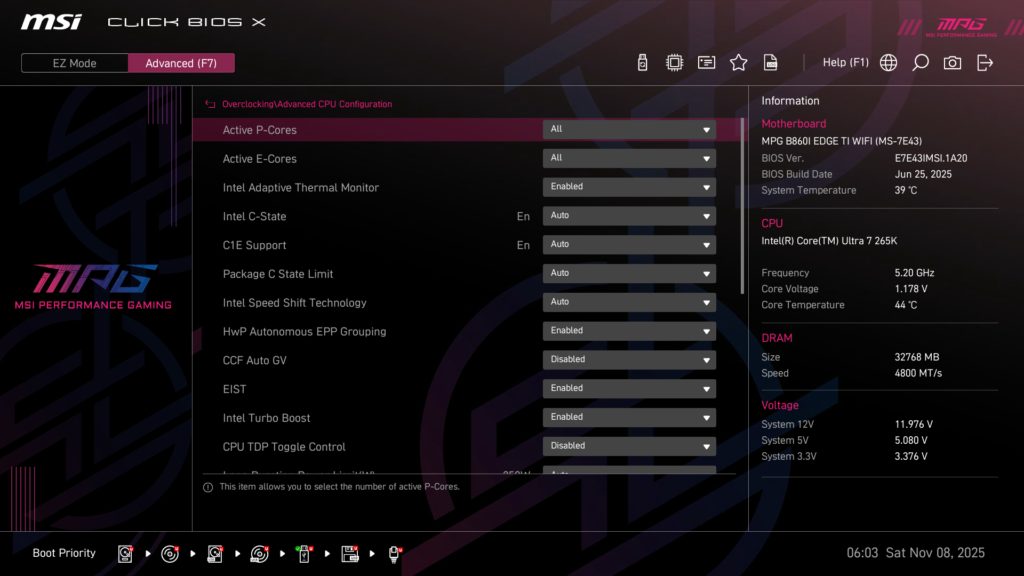
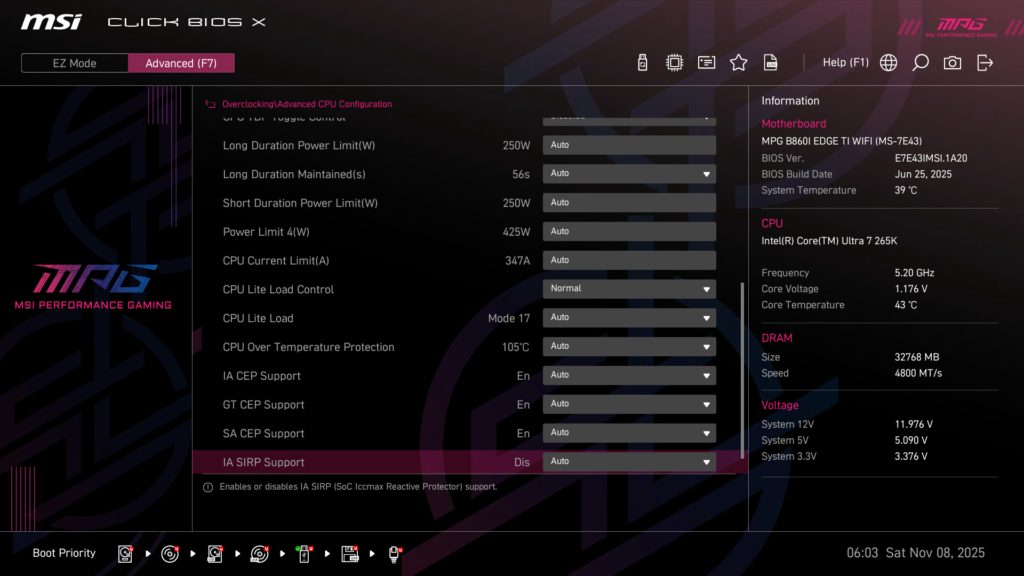
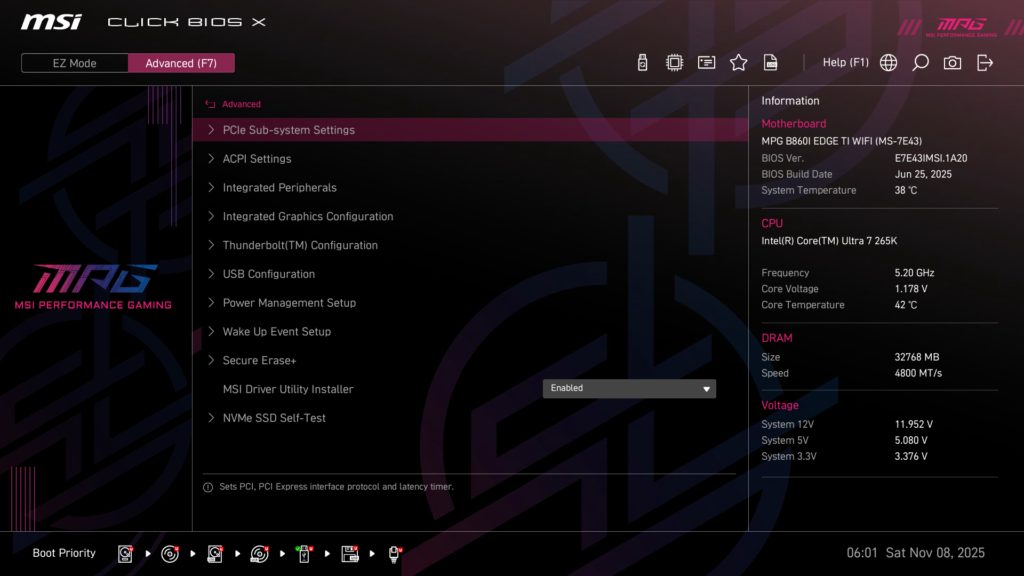
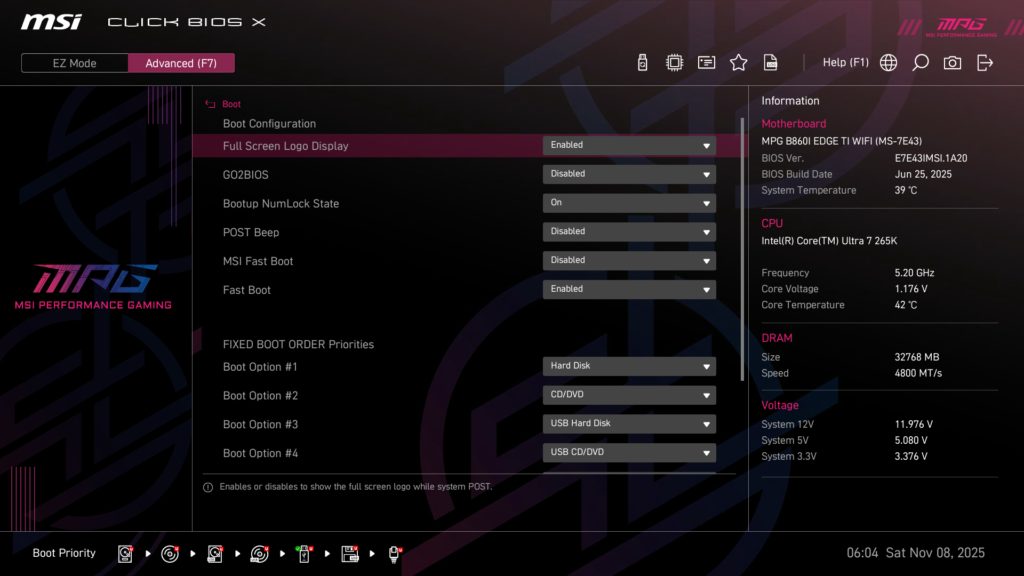
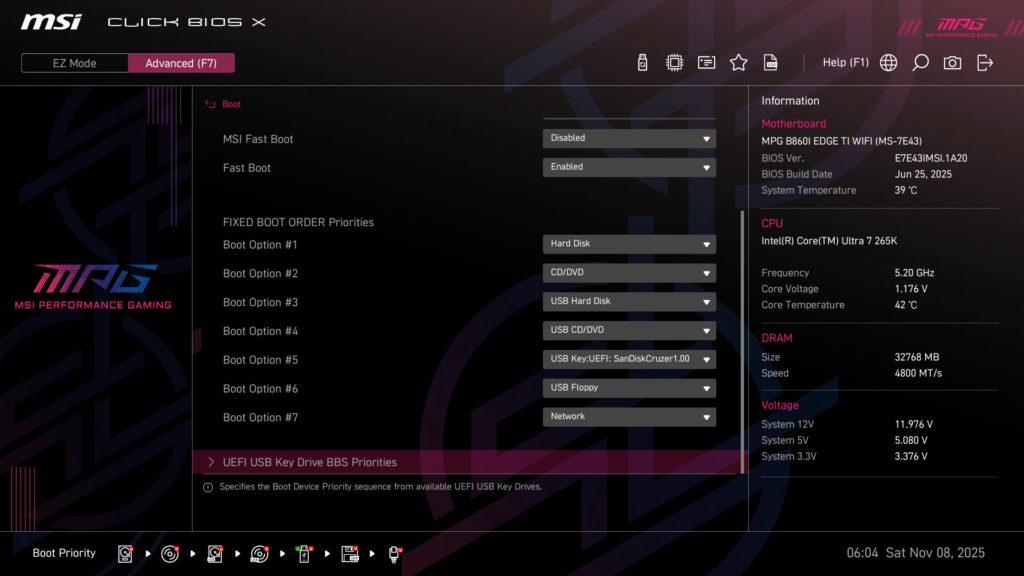
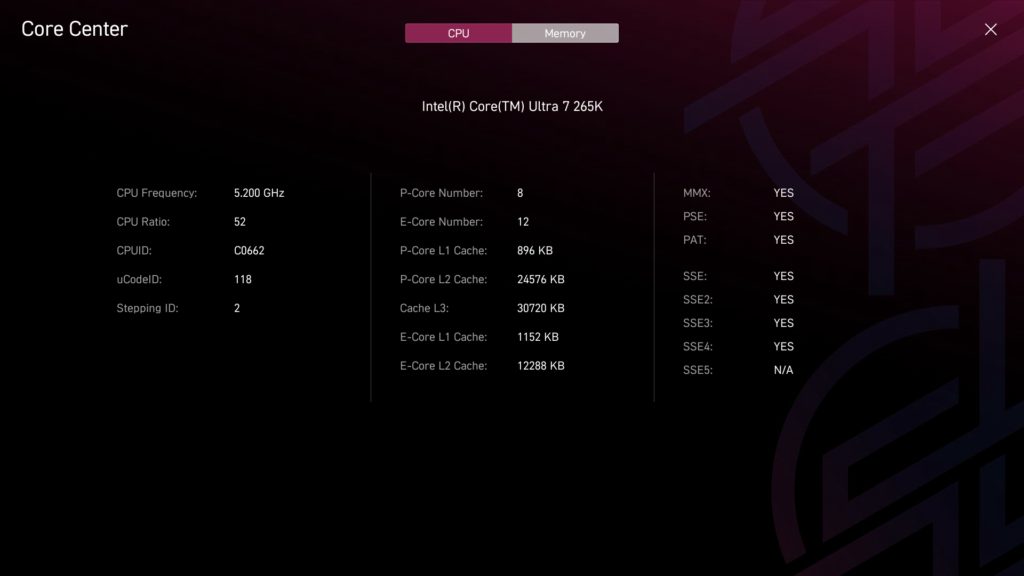
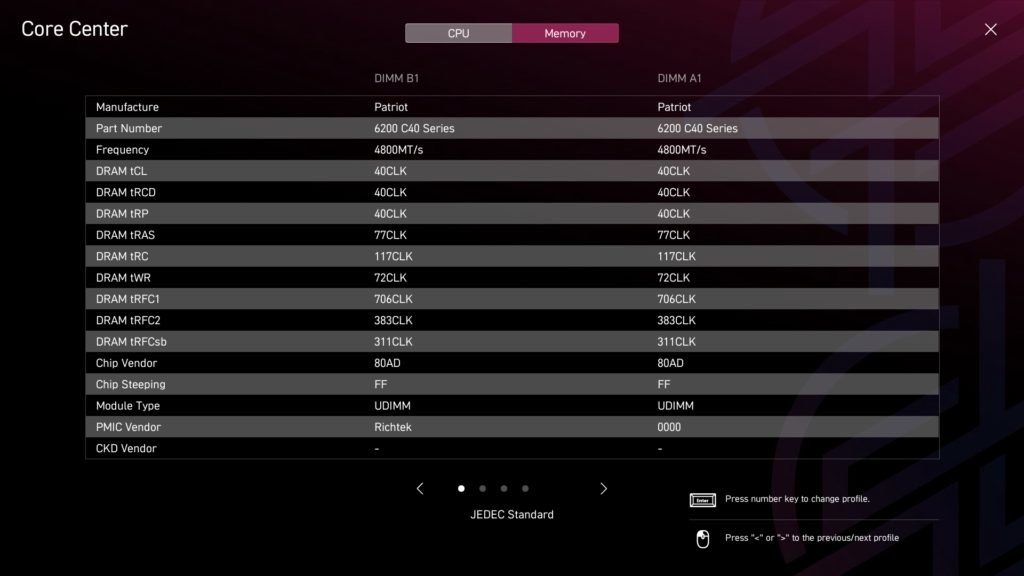
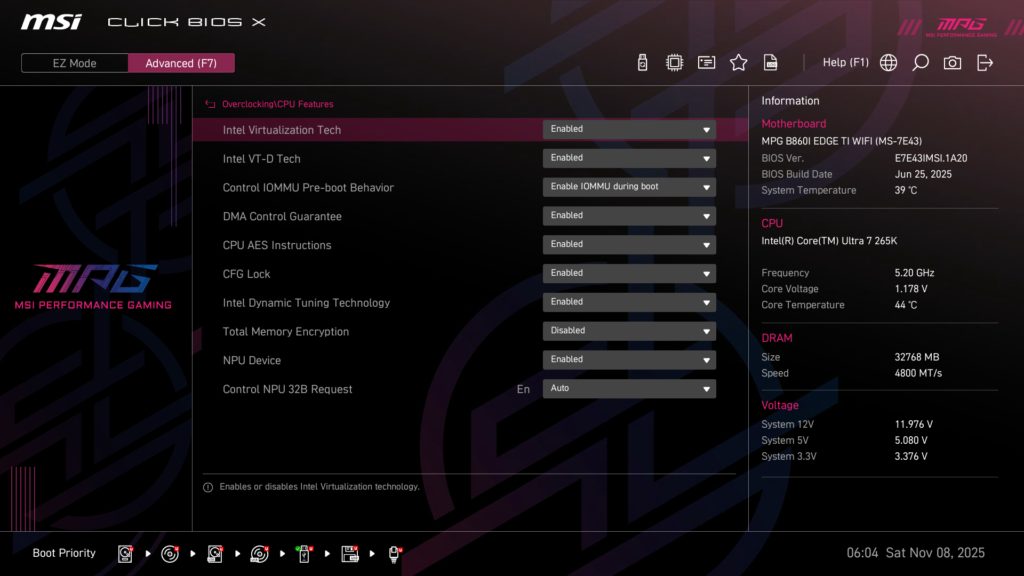
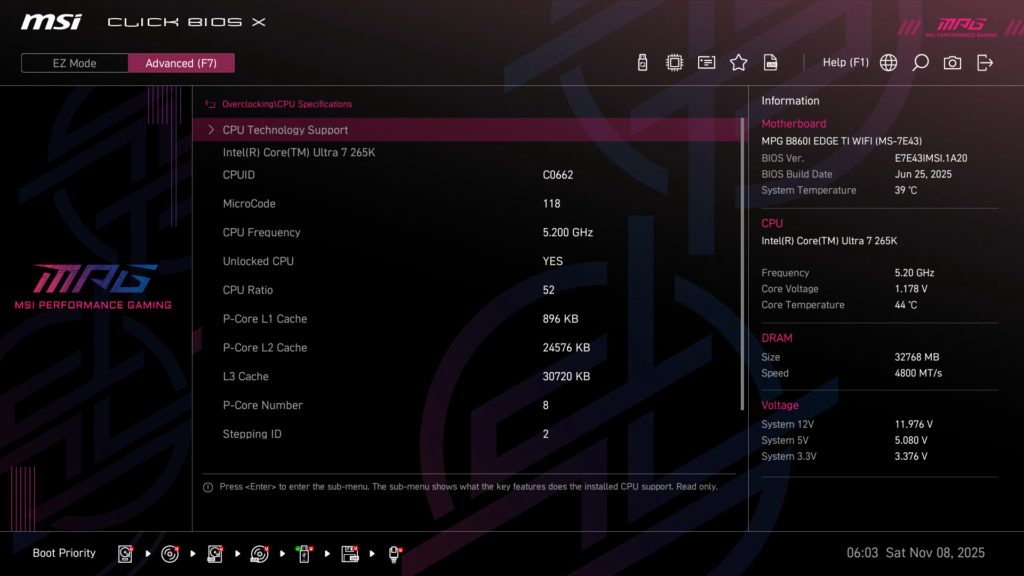
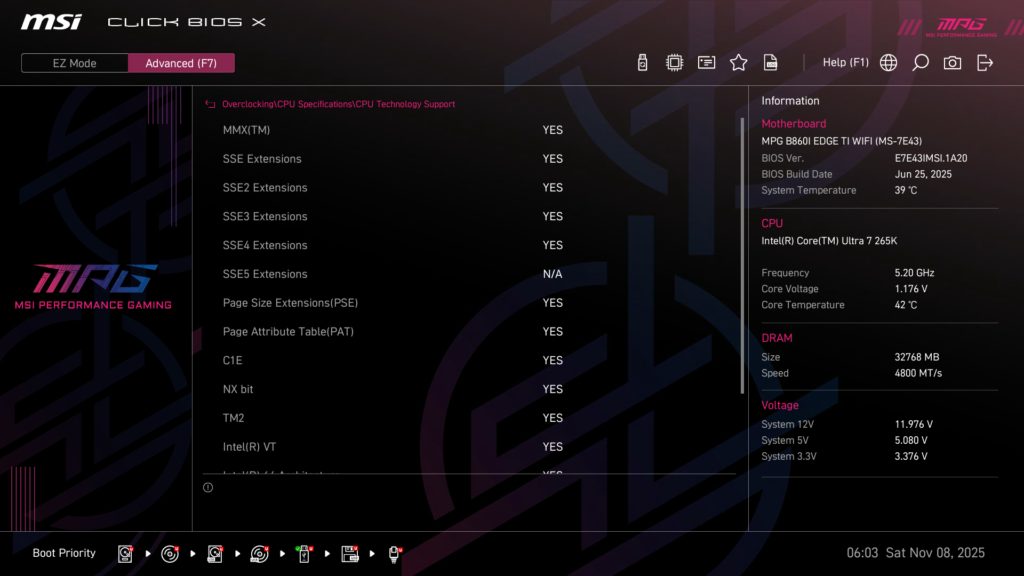
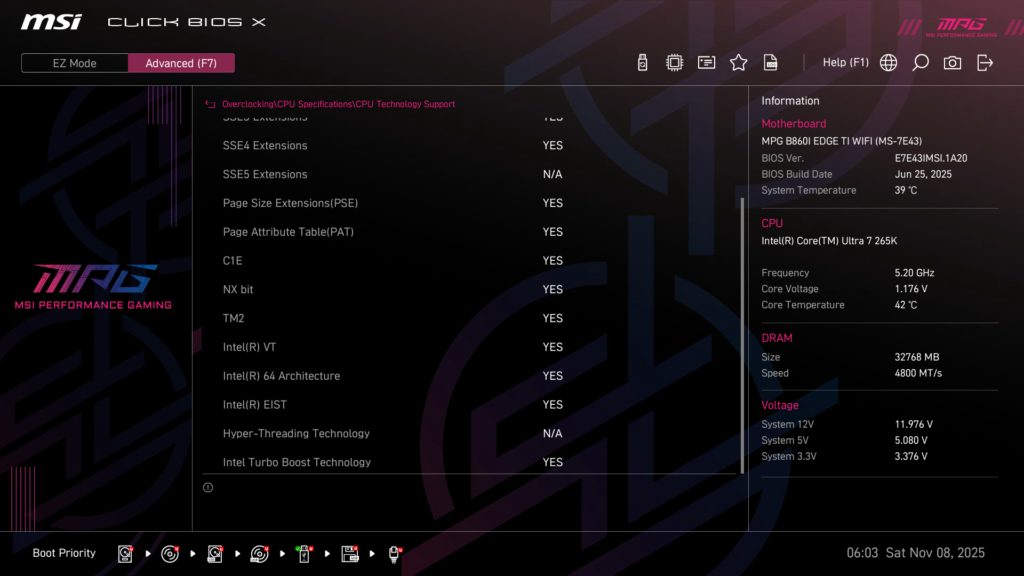
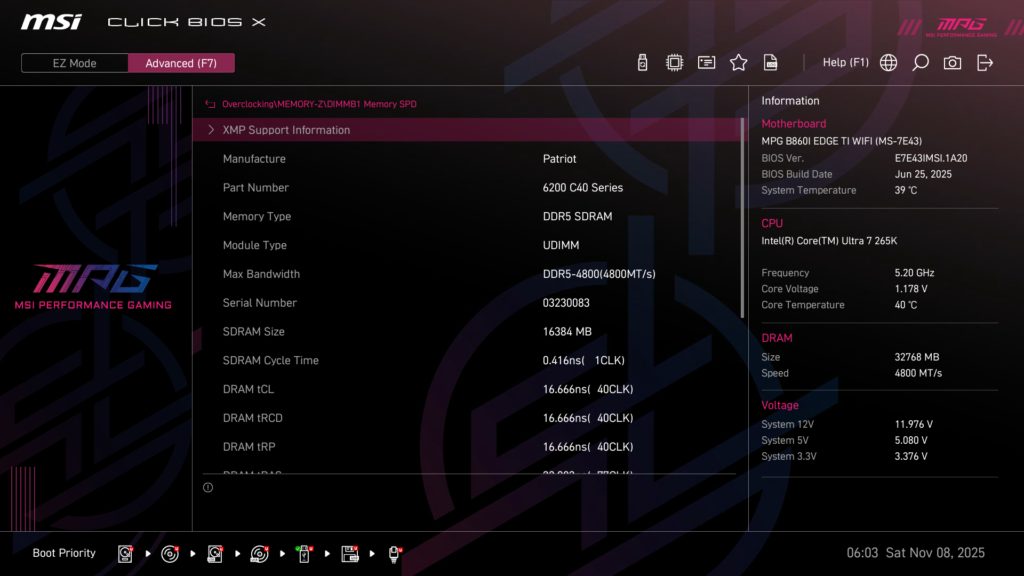
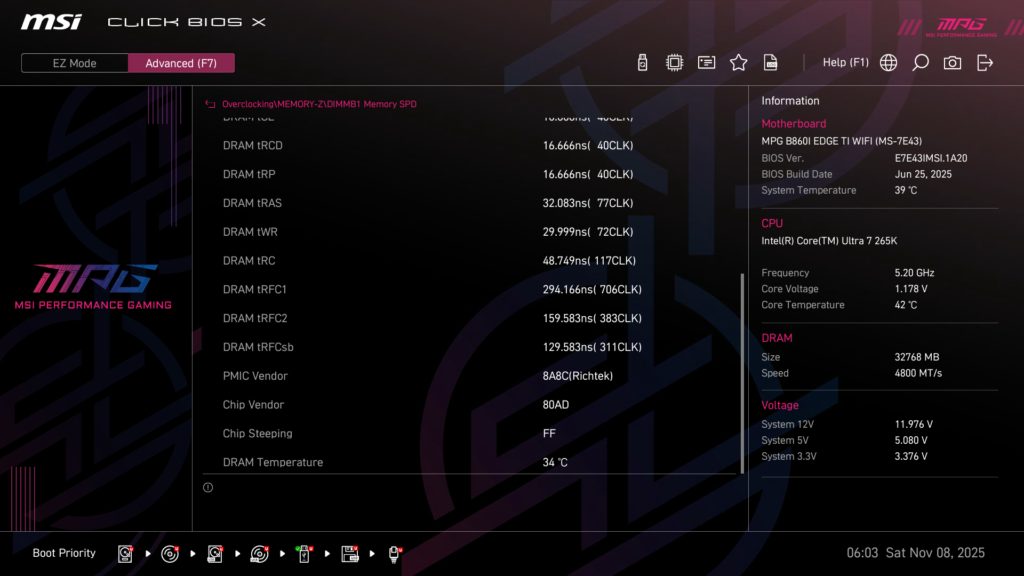
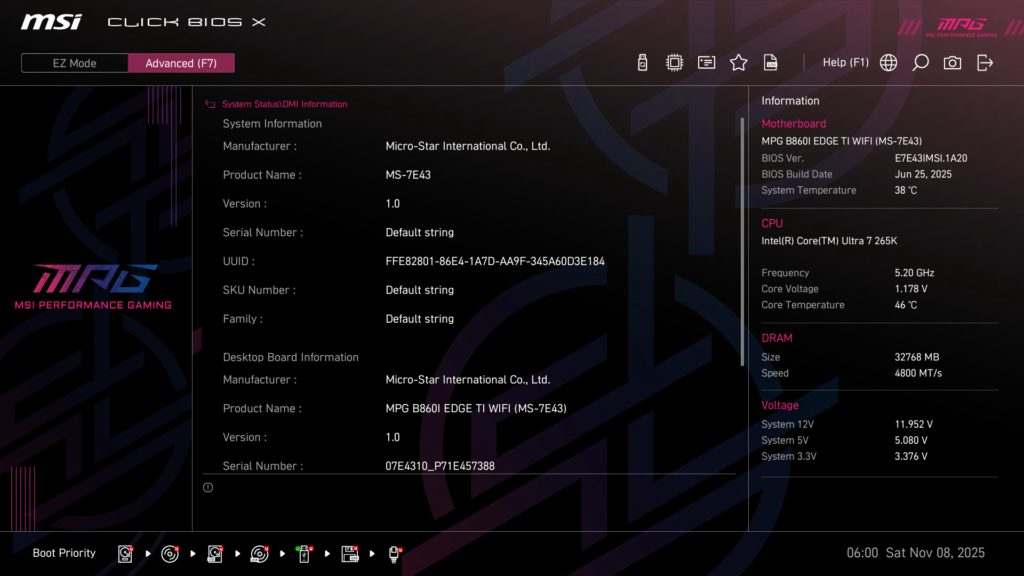
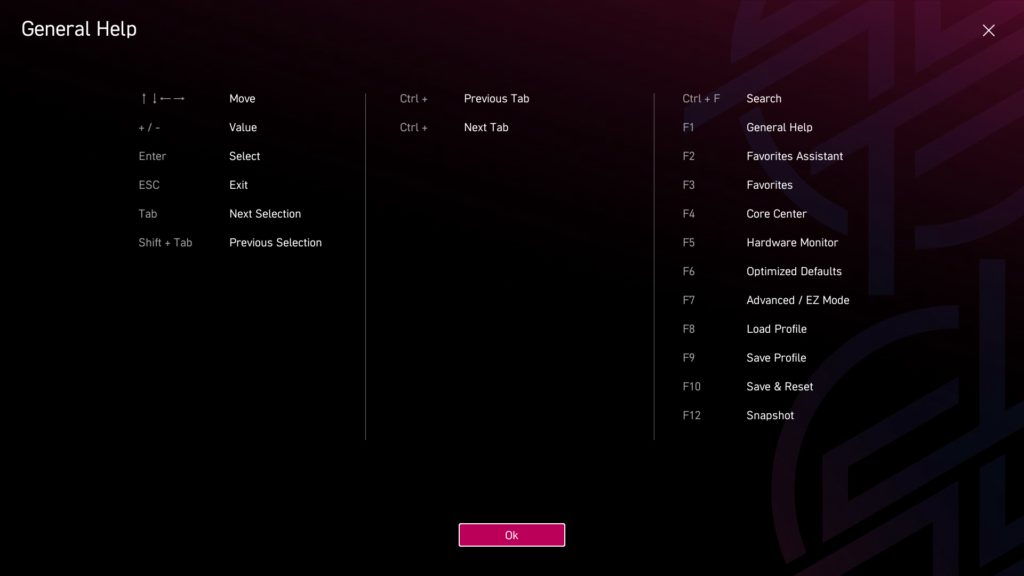
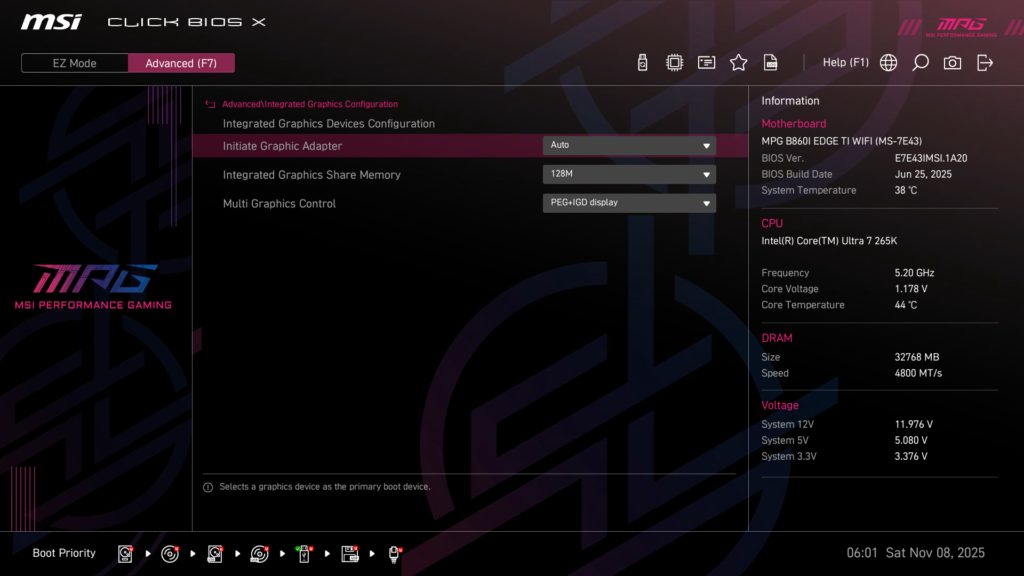
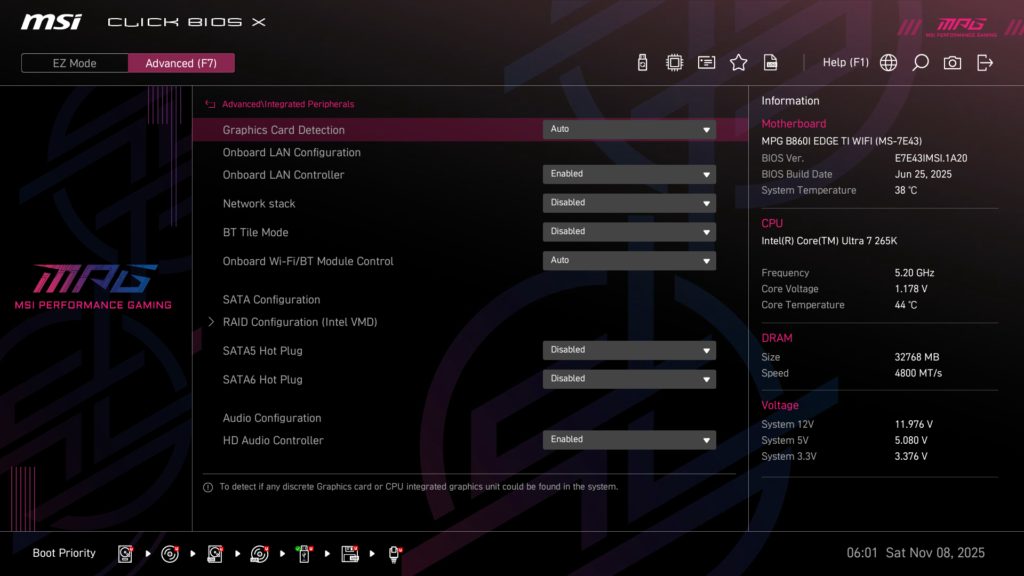
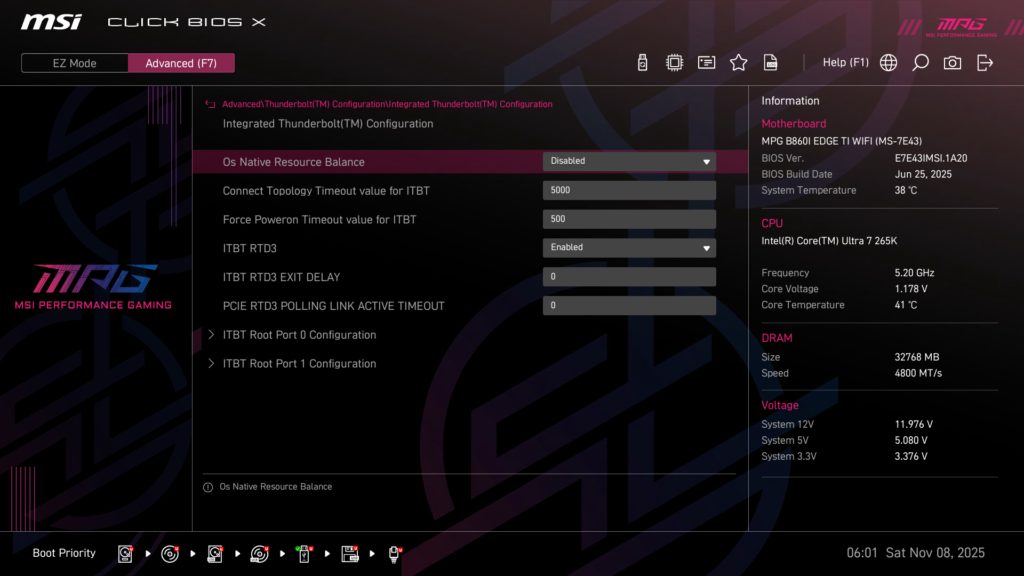
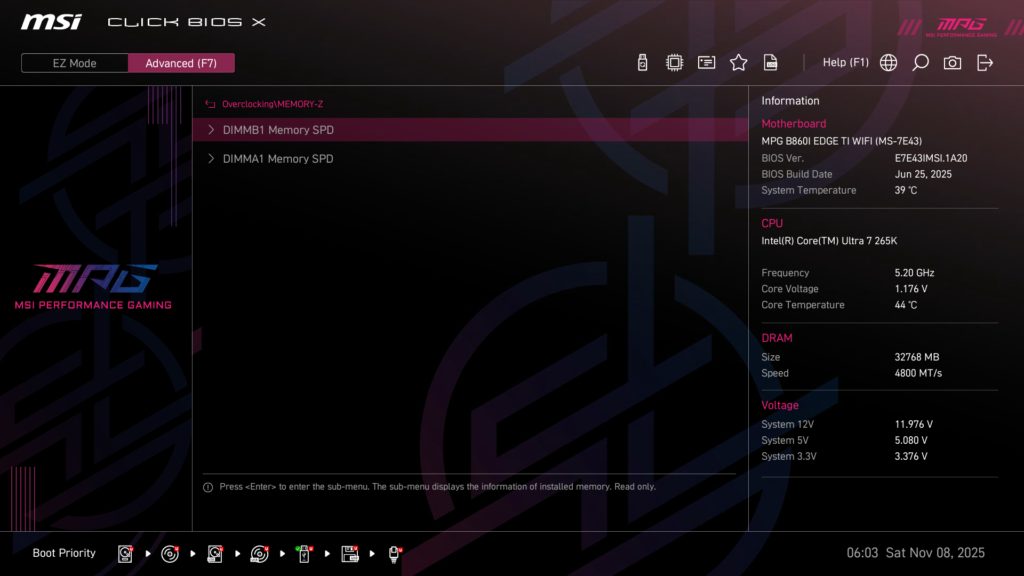
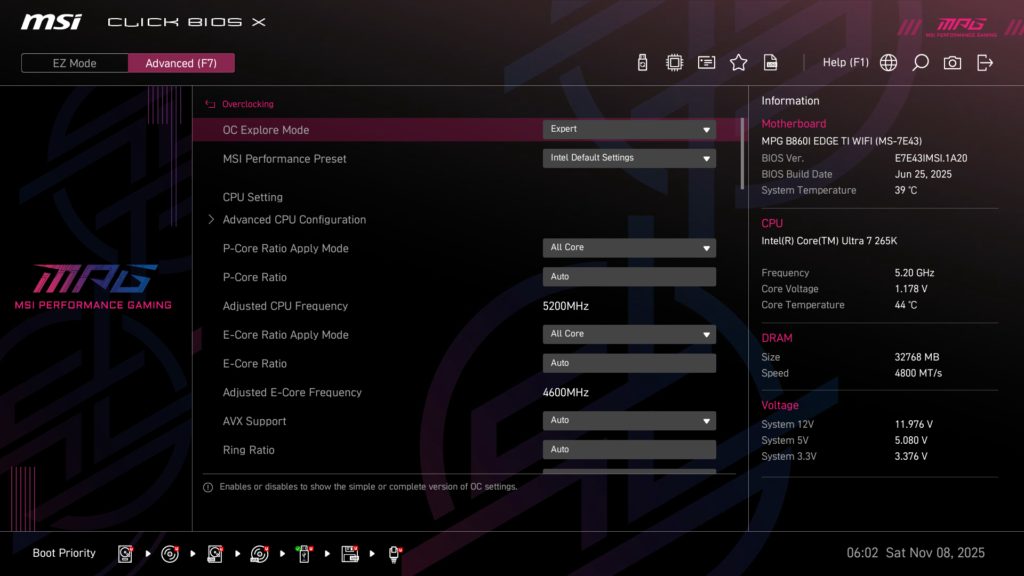
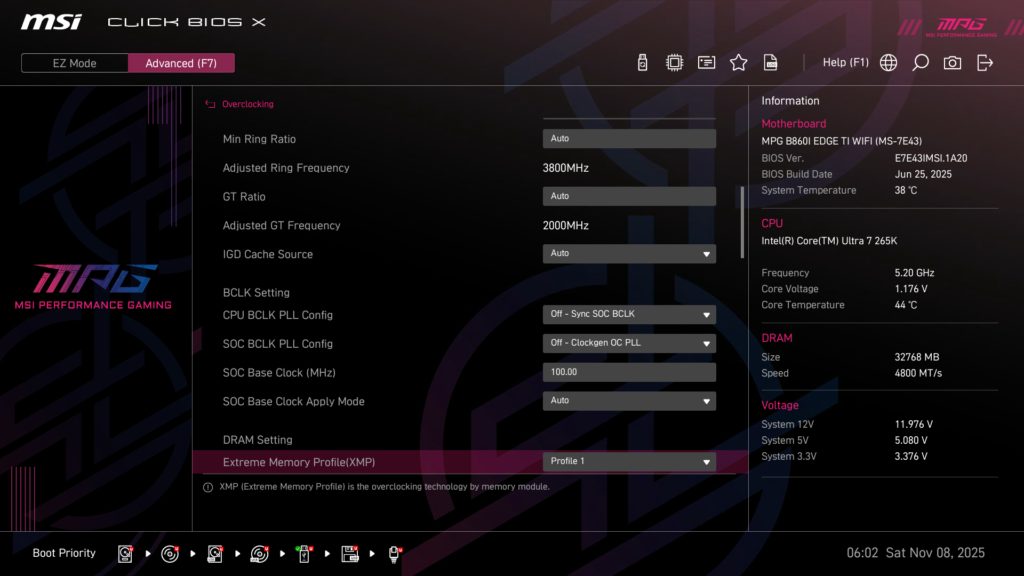
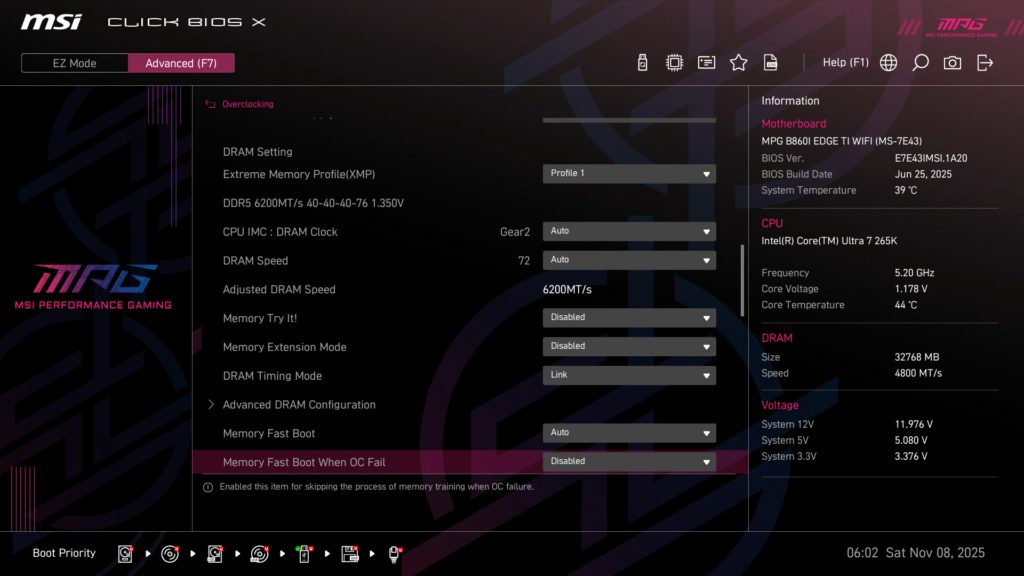
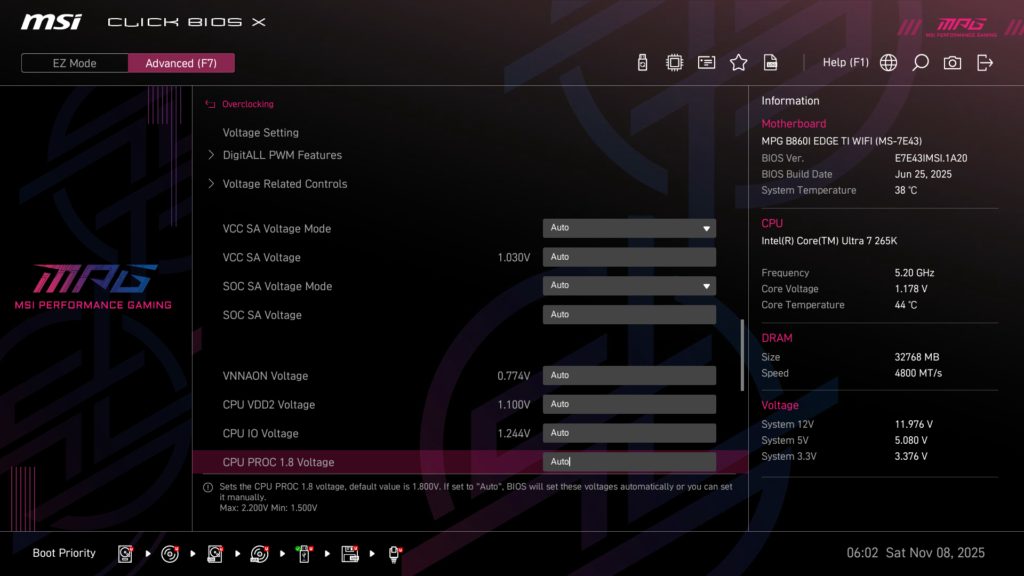
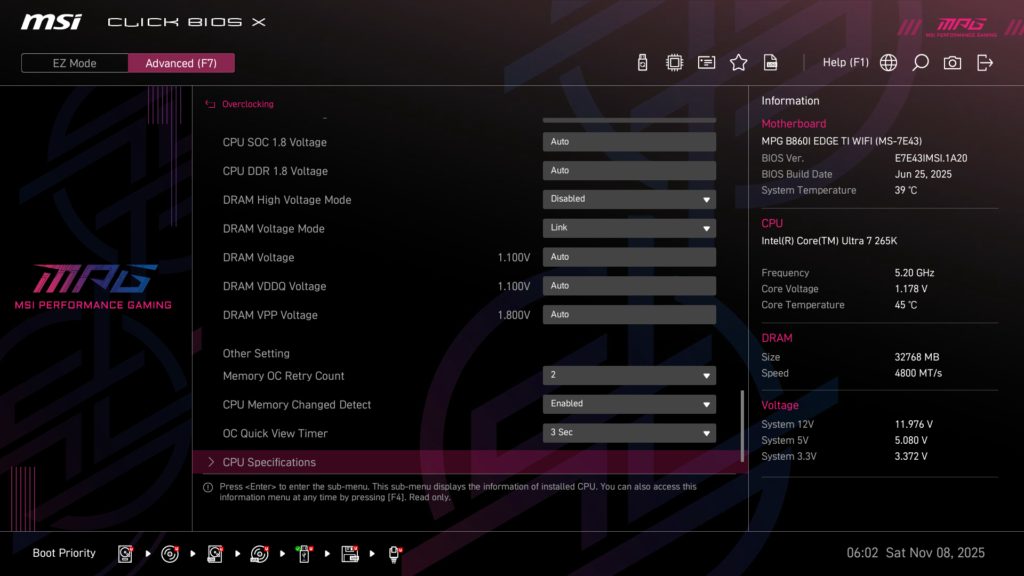
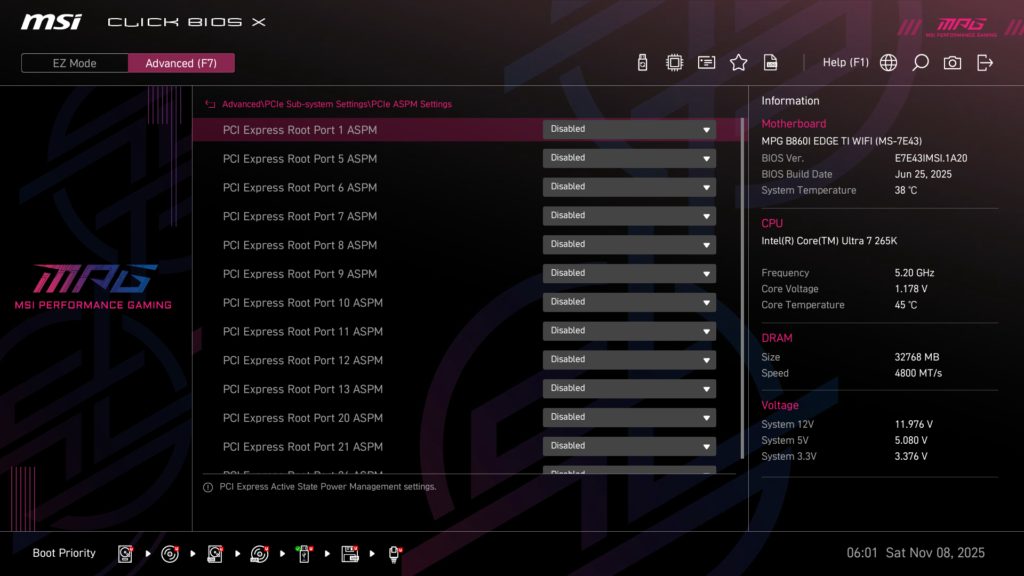
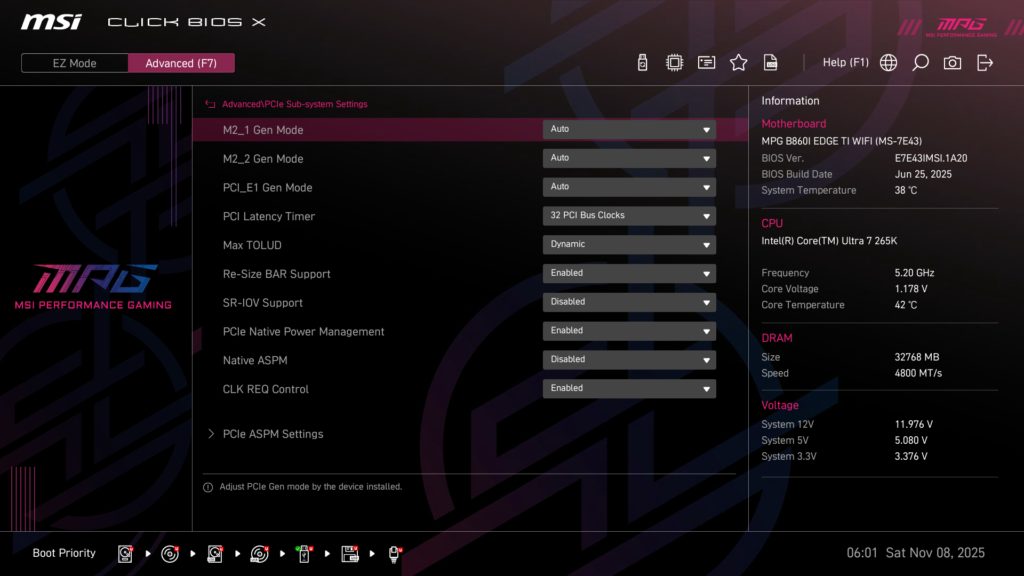
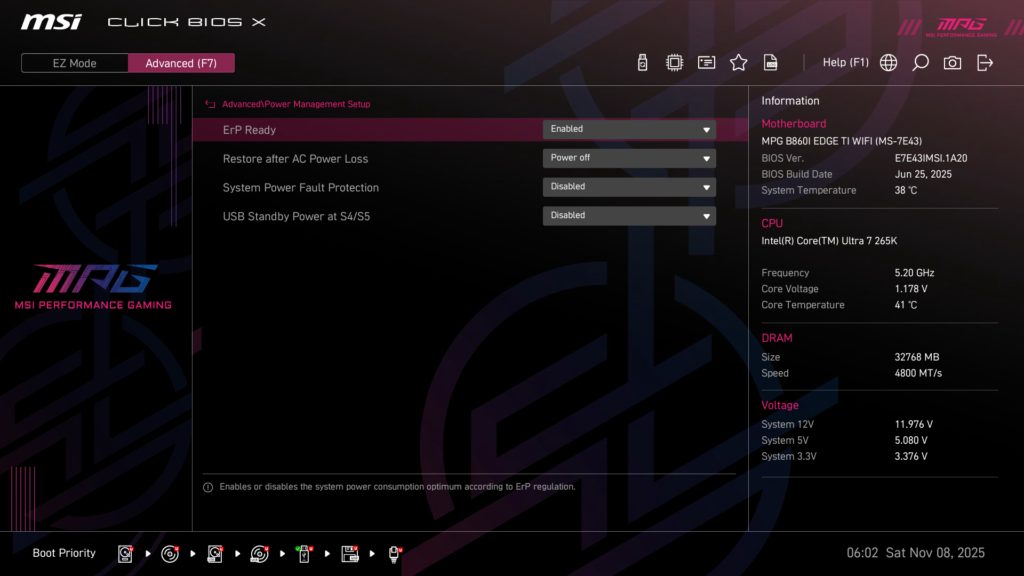
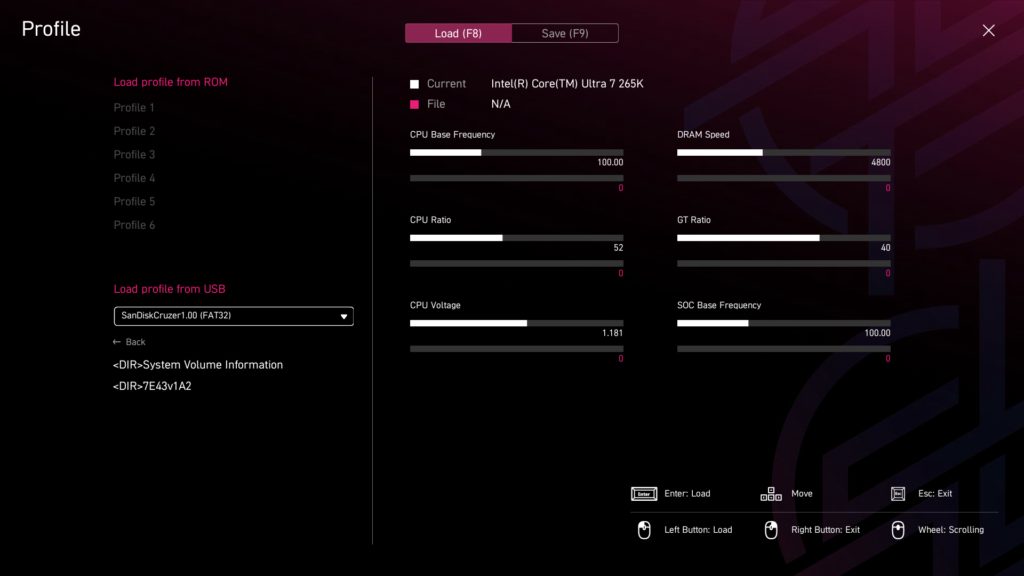
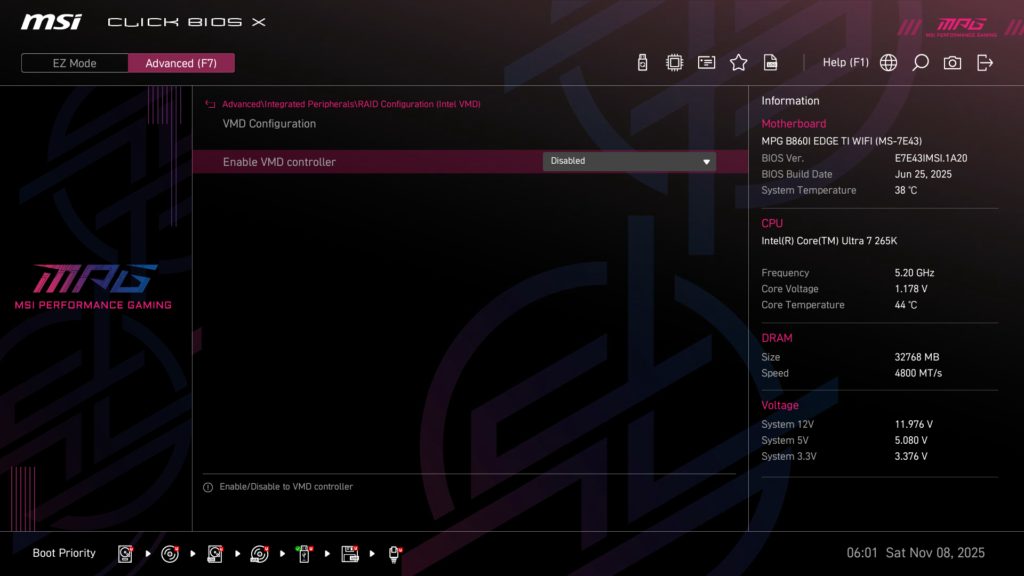
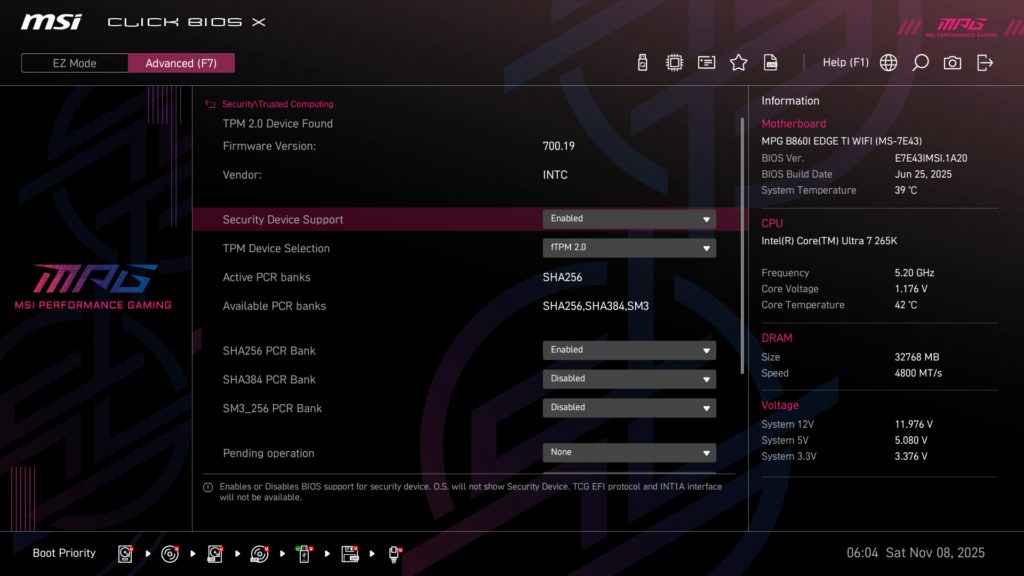
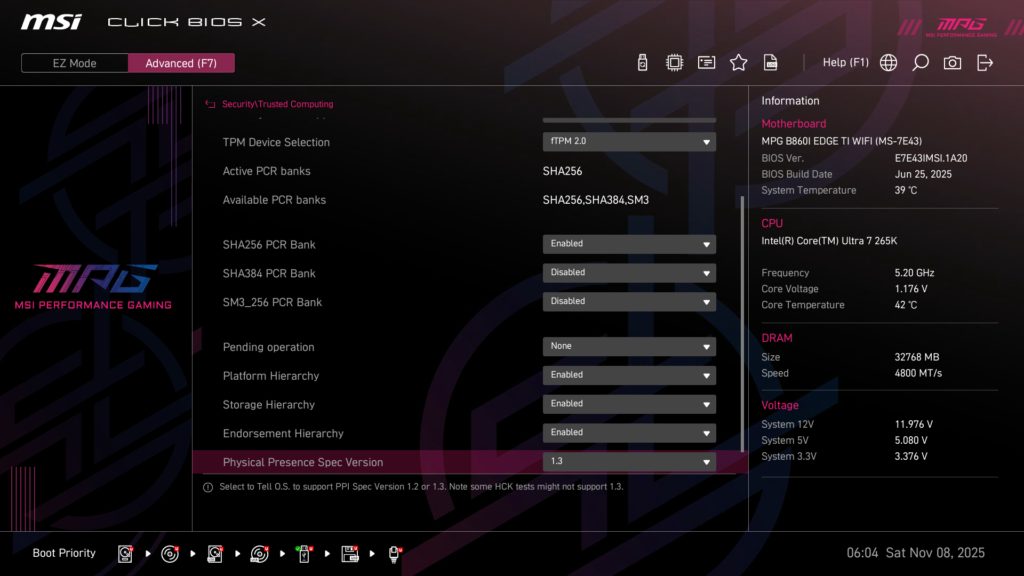
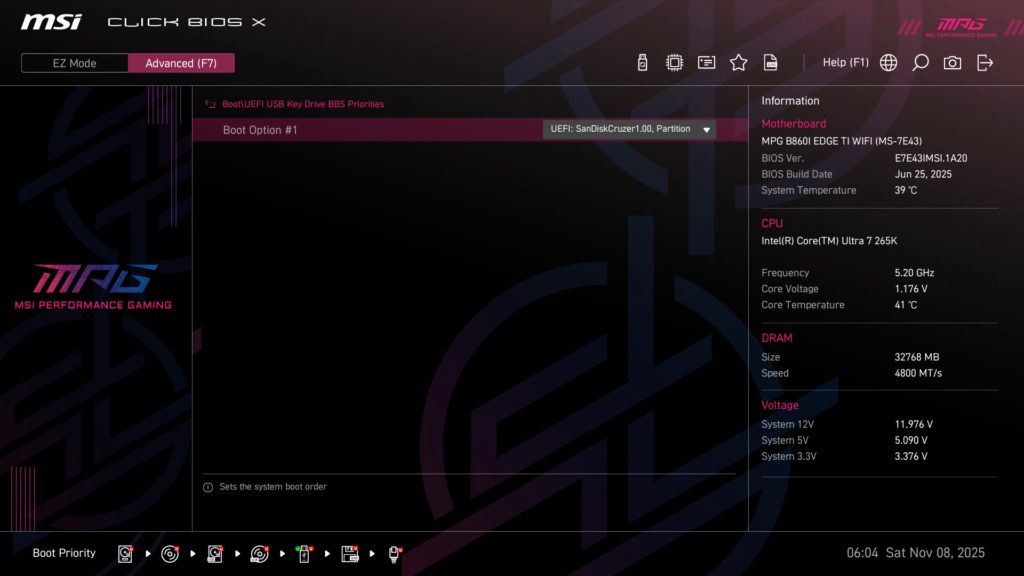
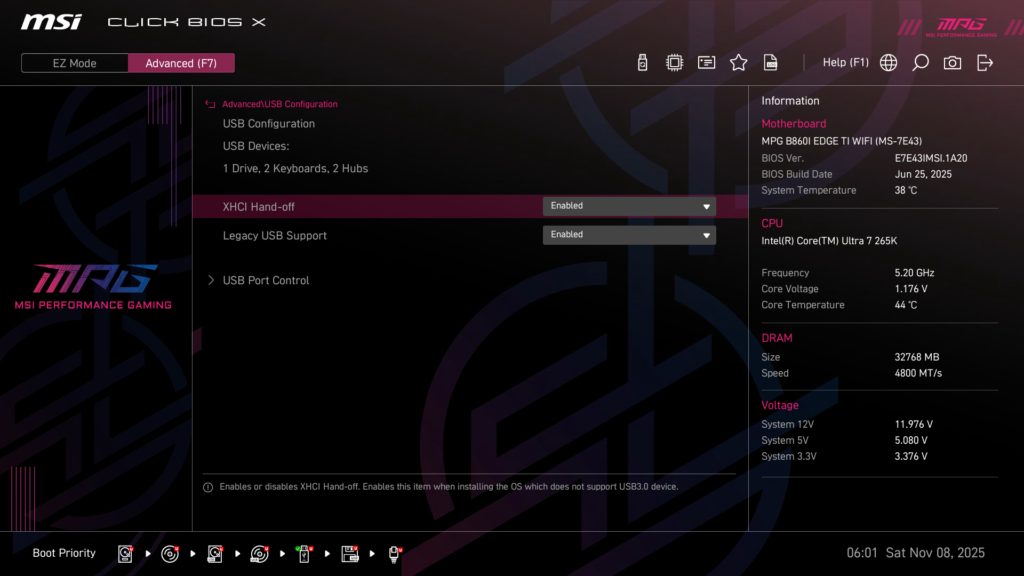
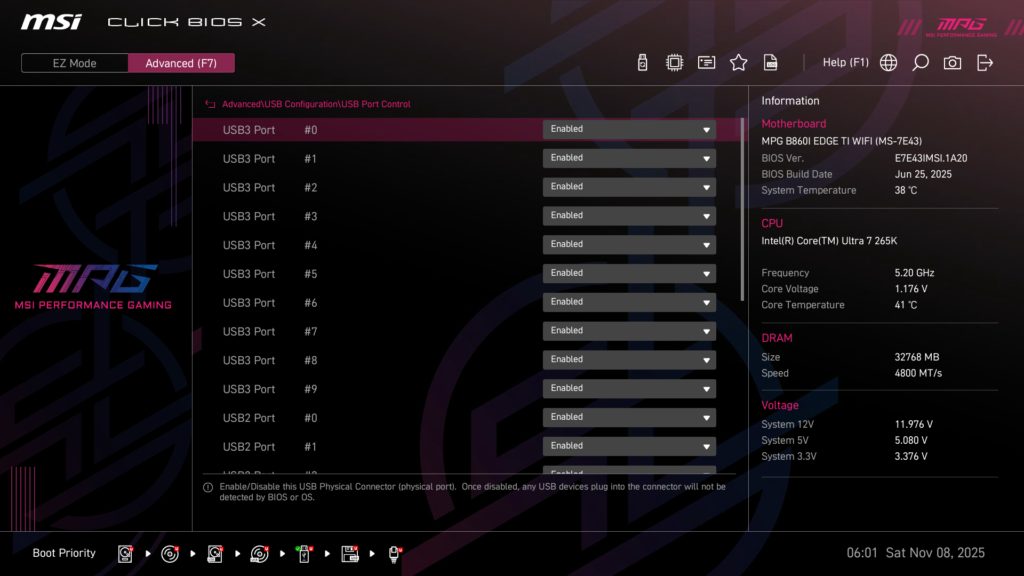
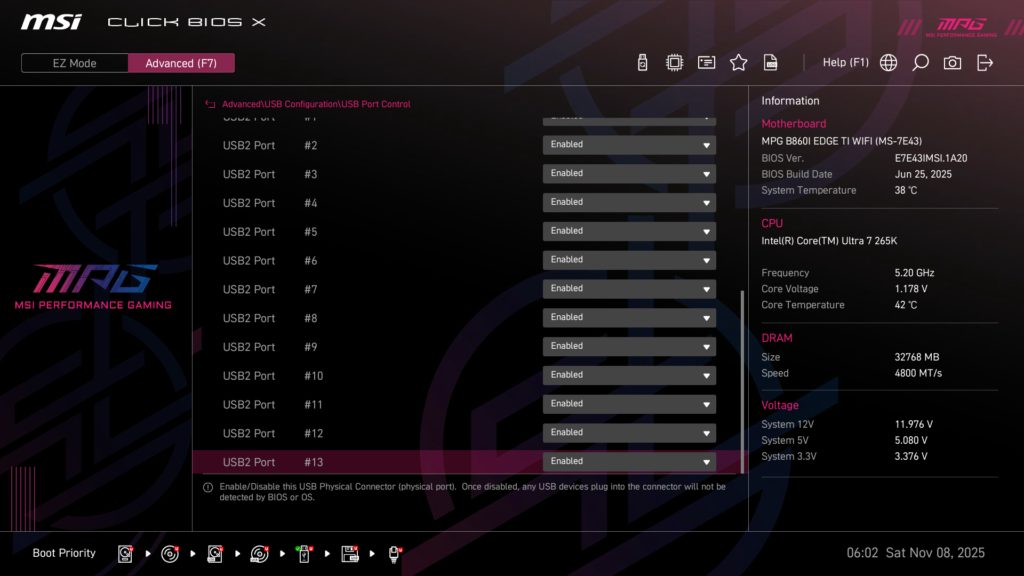
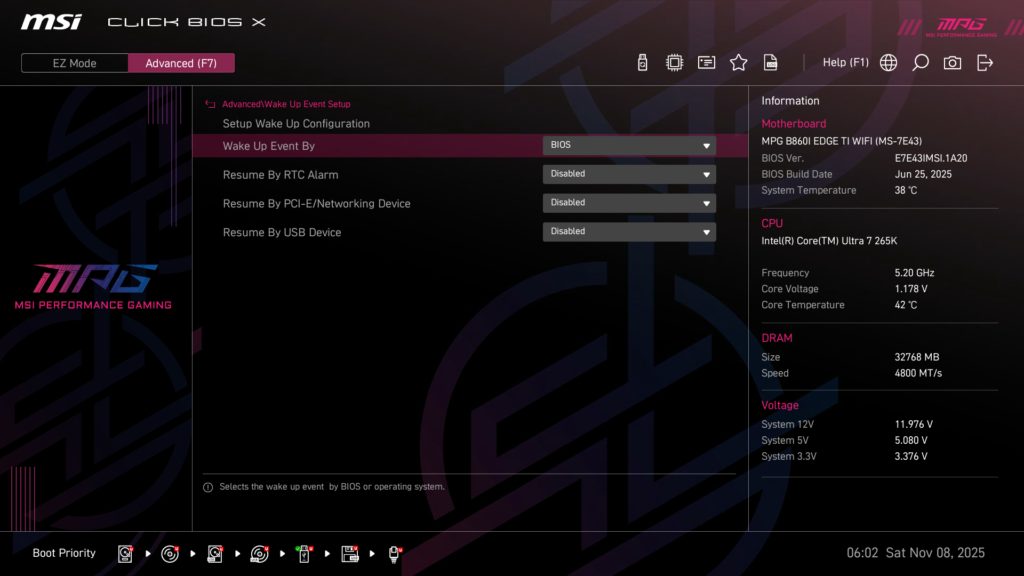
Since we have previously covered the Click BIOS X in depth when we first ran across it we do not plan on going into full detail on settings here, and encourage you to take a look at the gallery below to see all the different pages/settings that can be changed, though we do want to point out a few things.
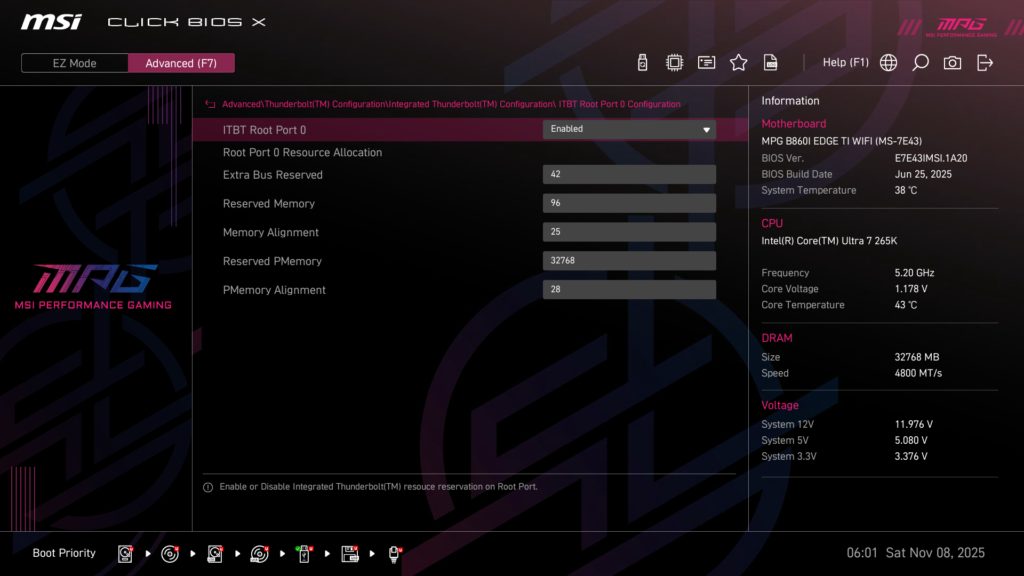
When you enter Advanced mode, by either clicking it with your mouse or hitting “F7” on the keyboard, you are immediately greeted with the System Status menu, and the same Information board that is on EZ Mode is present on all sub-tabs in Advanced mode giving you quick reference to current CPU frequency voltage and temperature, along with system voltages and DRAM capacity and speed. As you dive further into the UEFI, you are able to explore all the different settings, the most used of which is probably going to probably be the Overclocking one for readers looking to get the most out of this motherboard. Here you can adjust P-Core and E-Core ratios independently, as well as all voltages you can imagine.
Motherboard Performance
As with all of our recent 2025 reviews, we will be using our new performance section. You will find images of all of our testing results in the gallery, while the following paragraphs summarize what we experienced. As always with our Intel 2025 reviews, we will have the Core Ulta 7 265K as the CPU of choice for testing.
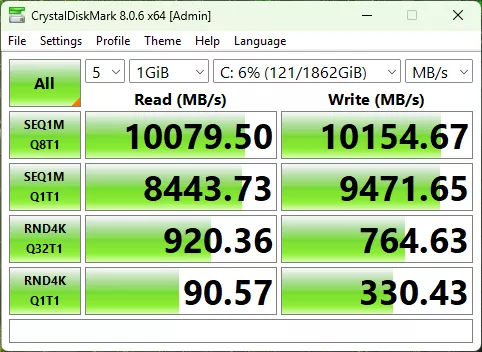
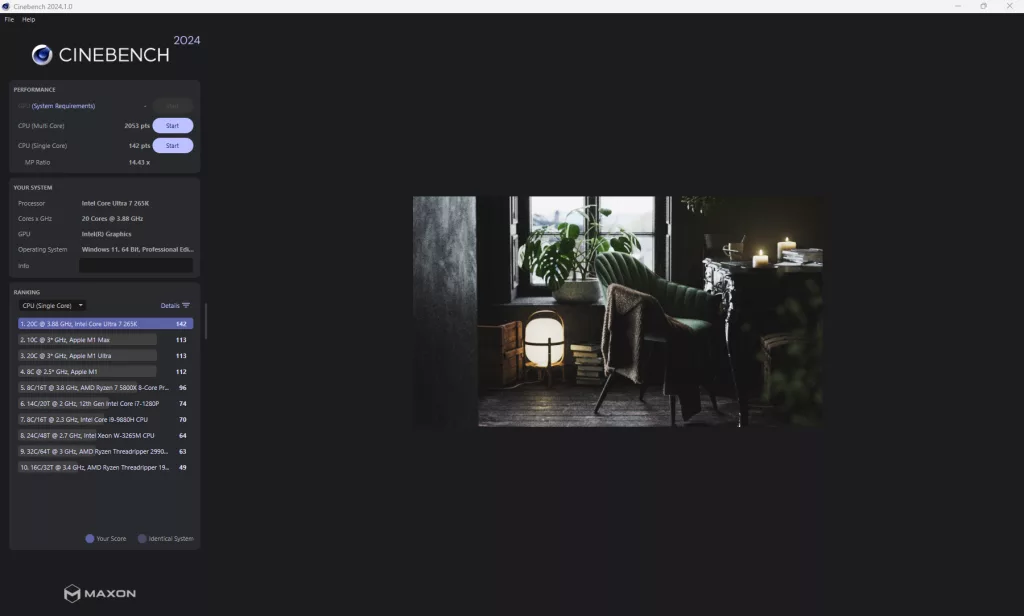
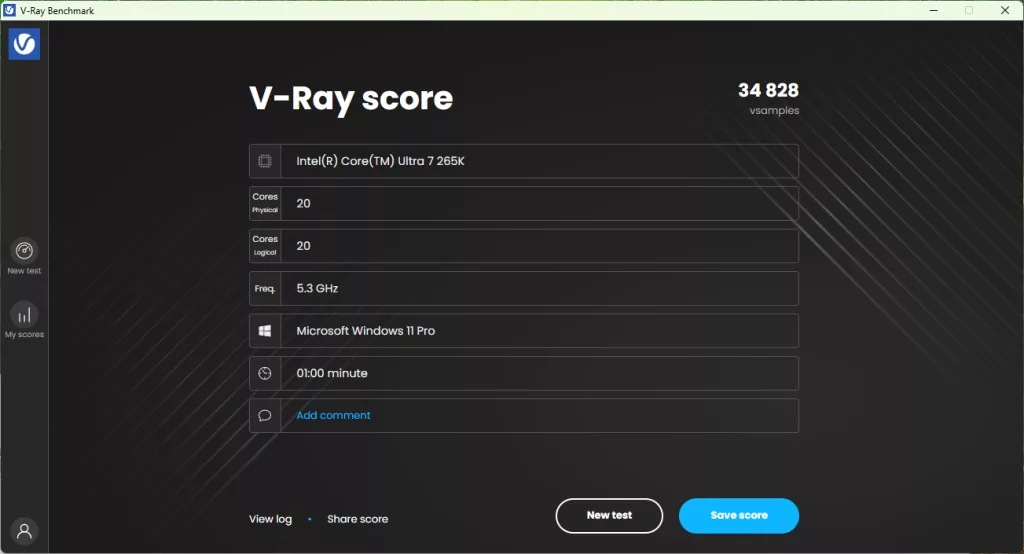
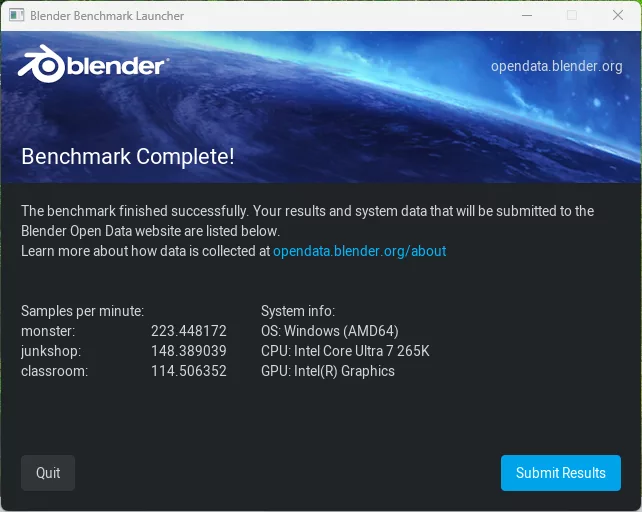
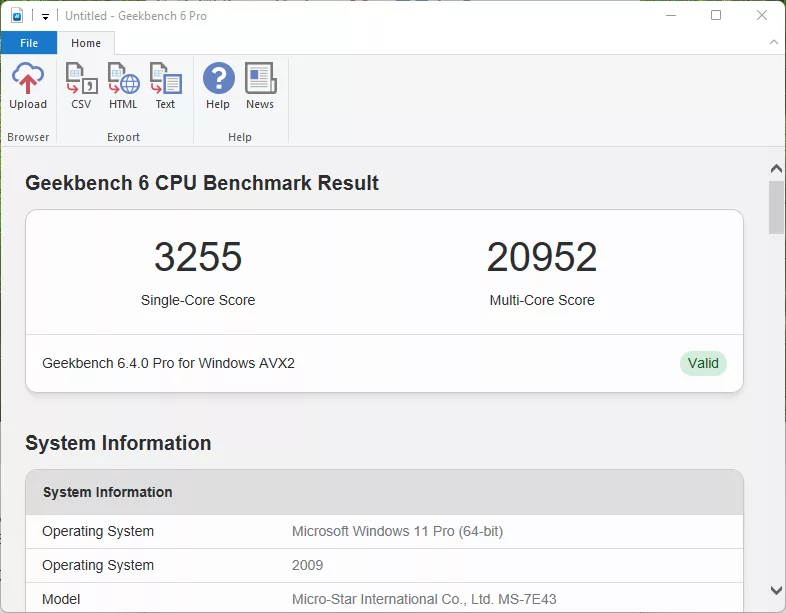
The first test, as always, is the storage test, where, as we mentioned earlier, we were able to only test with a single drive, our ADATA LEGEND 970 2TB NVME SSE, due to the layout of this motherboard. We were able to achieve 10,080 MB/s read and 10,155 MB/s write speeds, which are right about the maximum we have seen with this drive in the past.
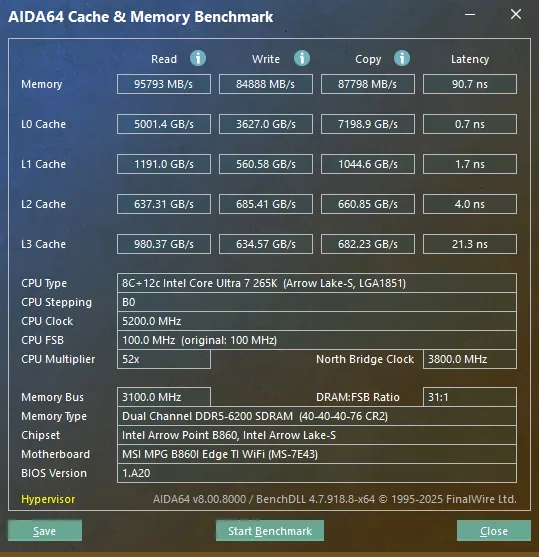
Next is our memory testing using AIDA64’s Cache & Memory Benchmark. With the MSI MPG B860I EDGE TI WIFI, our Patriot memory kit was able to achieve a Memory Read Speed of 95,793 MB/s, a Write Speed of 84,888 MB/s, and a Copy Speed of 87,798 MB/s. These are all in line, if not a bit higher, with what we have come to expect with this memory paired with the Core Ultra 7 265K.
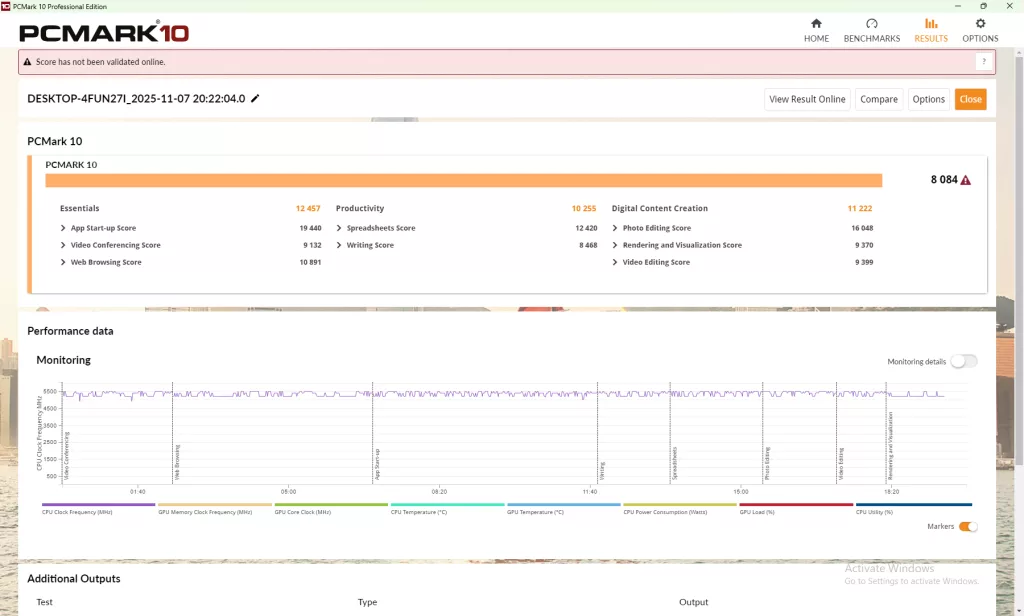
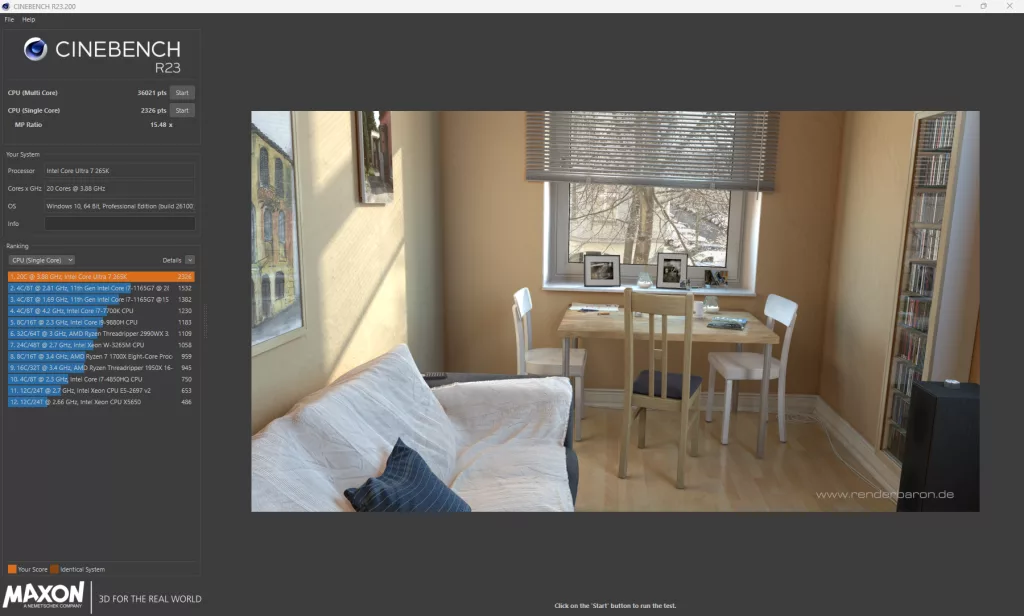
The synthetic benchmarks are next up, with PCMark, Cinebench (R23 and 2024), V-Ray, Blender, and finally GeekBench6. PCMark comes in with a total score of 8,084, which is in line (or above) with not just B860-based motherboards we have tested, but also in line with the Z890 motherboards we have seen. After this, Cinebench R23 clocks in at 36,021 points on the Multi-Core, and 2,326 points on the Single-Core test, and 2024 comes in with 2,053 points and 142 points respectively, both Cinebench results are at or above what we have seen on any other Core Ultra 7 265K motherboard test we have run to date.
With V-Ray, we had a final score of 34,828, which is right at what we expect with this setup. Blender comes in at 223 for the Monster test, 148 for junkshop, and 115 for classroom, again right in line with expectations. Our final synthetic benchmark is Geekbench, where we hit a Multi-Core score of 20,952 and a Single-Core score of 3,255, which, to no surprise, is right in line with our expectations.
VRM Temperature
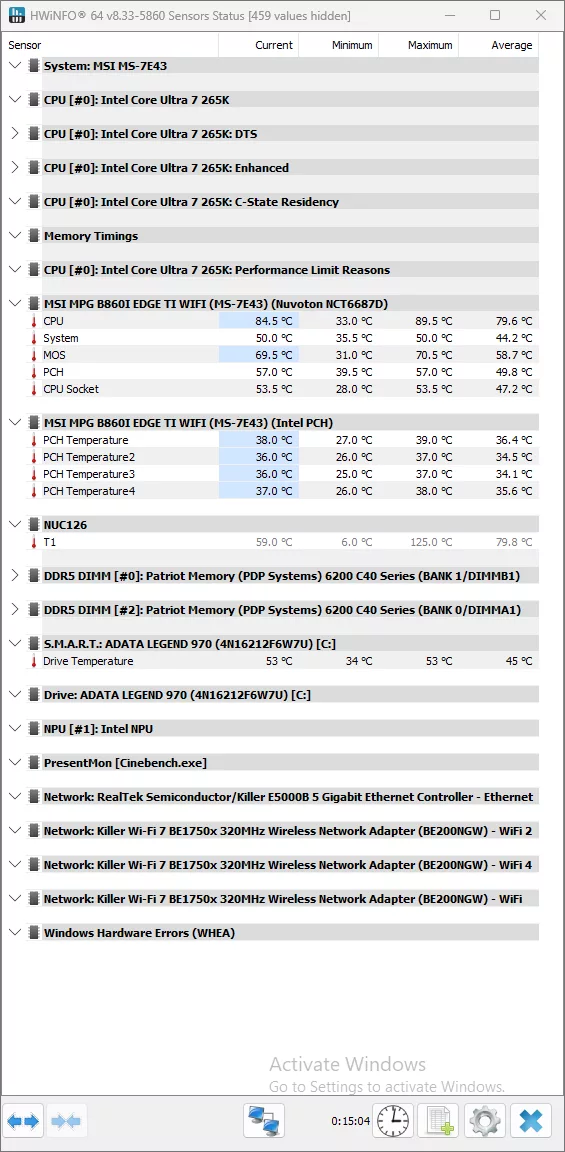
The last testing we completed on the MSI MPG B860I EDGE TI WIFI is the VRM temperature test. For this test, we run the Cinebench 2023 Multi-Core test for a minimum of 15 minutes to fully stress the system. At the 15-minute mark, we take a screenshot and record the temperatures as reported by the most current version of HWiNFO 64, as well as a manual temperature reading with a Handheld Infrared thermometer. All testing occurs at an ambient temperature of approximately 75°F (24°C).
The cooling on the MSI MPG B860I EDGE TI WIFI met our expectations for a standard ATX motherboard, let alone a mini-ITX one like this. Our handheld thermometer read a high temperature of 46.7°C, while HWiNFO gave us a maximum MOSFET temperature of 69.5°C, all some of the better mini-ITX temperatures that we have seen.
Conclusion
Through our testing of the MSI MPG B860I EDGE TI WIFI, we saw that it performed above performance expectations, which is not something we typically think of when it comes to the mini-ITX platform. The cooling was robust enough for testing, though we would not recommend pushing any crazy overclocking with this motherboard.
Installation and Use
Installation of the MSI MPG B860I EDGE TI WIFI onto our test bench itself was no issue. All the power and fan headers are in standard locations with no real tricks to install. Where we did run into issues was with regard to the installation of the primary M.2 drive we noted earlier. We needed to remove the cooler from our ADATA Legend 970 to install it in the primary slot and use the FROZR system (we were unable to install the drive with even a base plate on it), so be aware of this when choosing an NVME drive for this motherboard. Additionally, due to the second M.2 slot being located on the back, we do not have a bare drive that we can run there without fear of it overheating.
We ran into no issues updating the UEFI or diving deeper to adjust our fan settings or the XMP settings of our memory kit. Windows 11 installation gave us no issues either, and found all of the drivers itself along with the standard prompt from MSI’s installer software to find and install all the most up-to-date drivers.
Final Points
The MSI MPG B860I EDGE TI WIFI turned out to be more than just a capable mini-ITX motherboard; it is a real competition for any small form-factor builds that are planned around the Intel platform. While it only has a single PCIe slot and two (2) M.2 slots, these are limitations anyone looking for a mini-ITX motherboard will be well aware of, and by no means a show stopper. And at its price point of $220 (MSRP), its ability to go toe-to-toe with Z890 motherboards in performance is just icing on the cake.