MSI MAG B850 TOMAHAWK MAX WiFi II Features
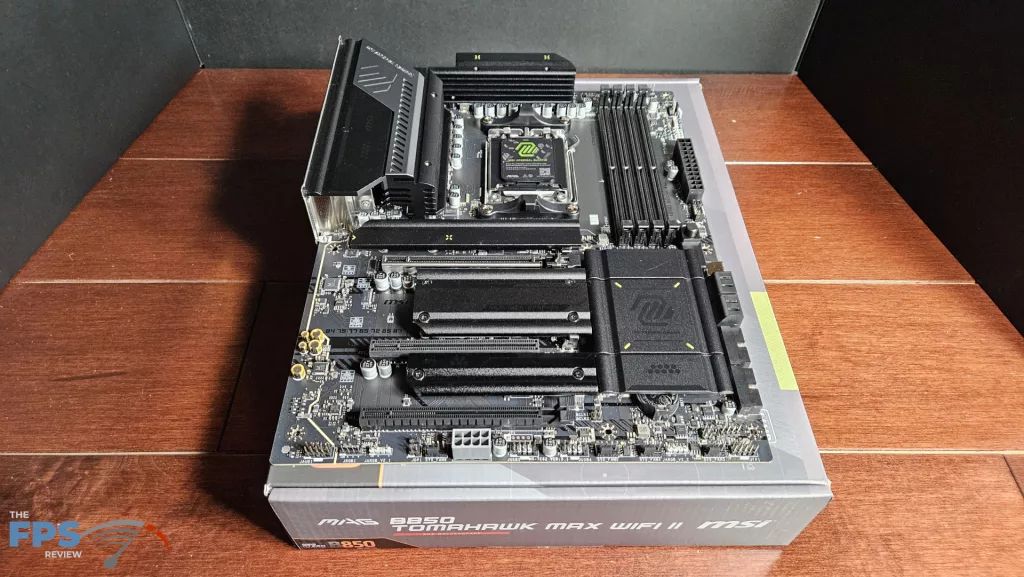
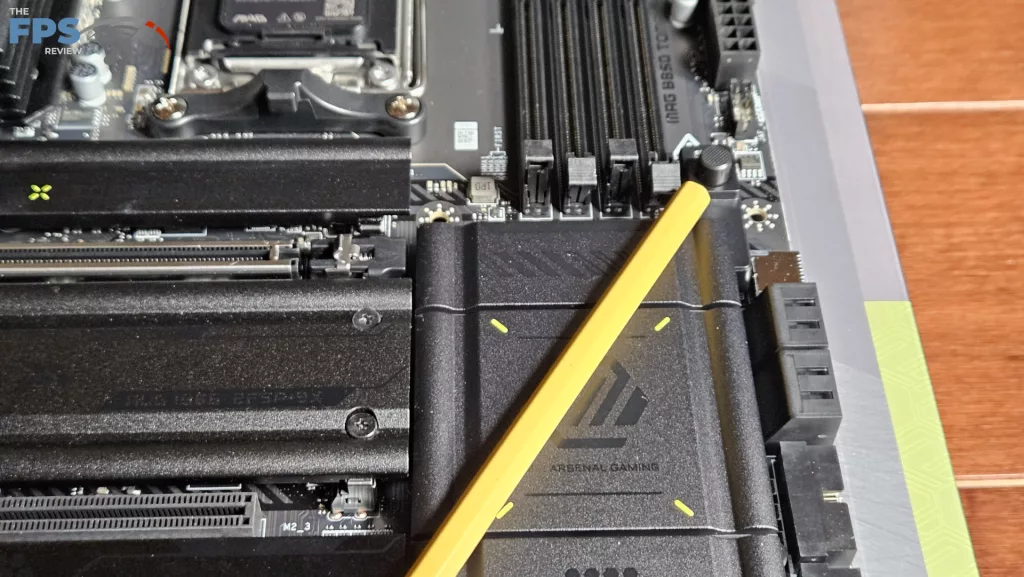
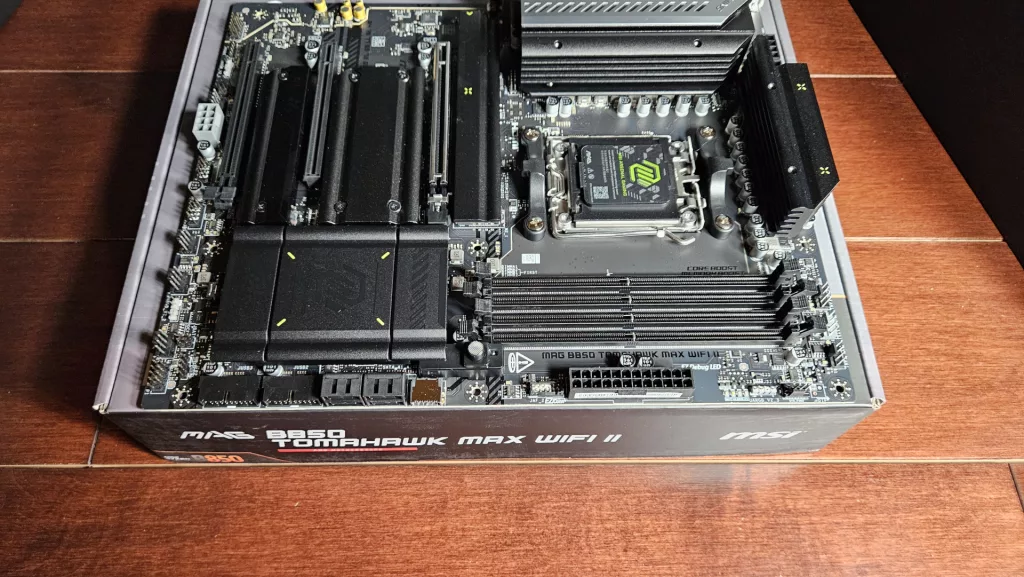
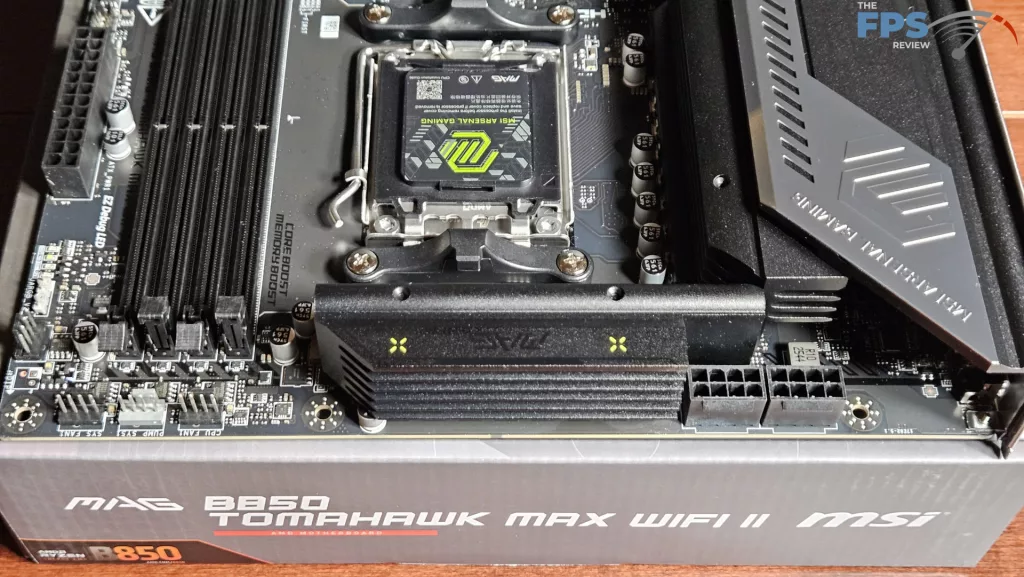
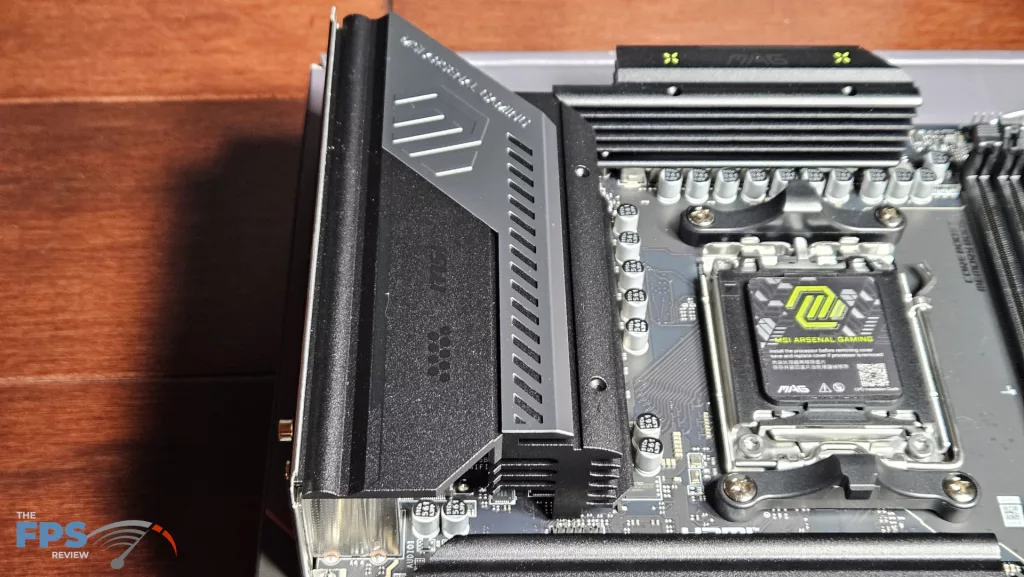
The MSI MAG B850 TOMAHAWK MAX WiFi II is a nicely appointed full-sized ATX board. This board is nearly identical in looks and design to the OG MAG TOMAHAWK MAX WiFi we reviewed in January of 2025. The characteristic all-black look is the trademark of the TOMAHAWK, outfitted with heavy powder-coated metal heatsinks. This board is very much more subtle in the accent color and lettering, however, which is very welcome. There are only a couple of splashes of the mustard yellow typically found on these motherboards.
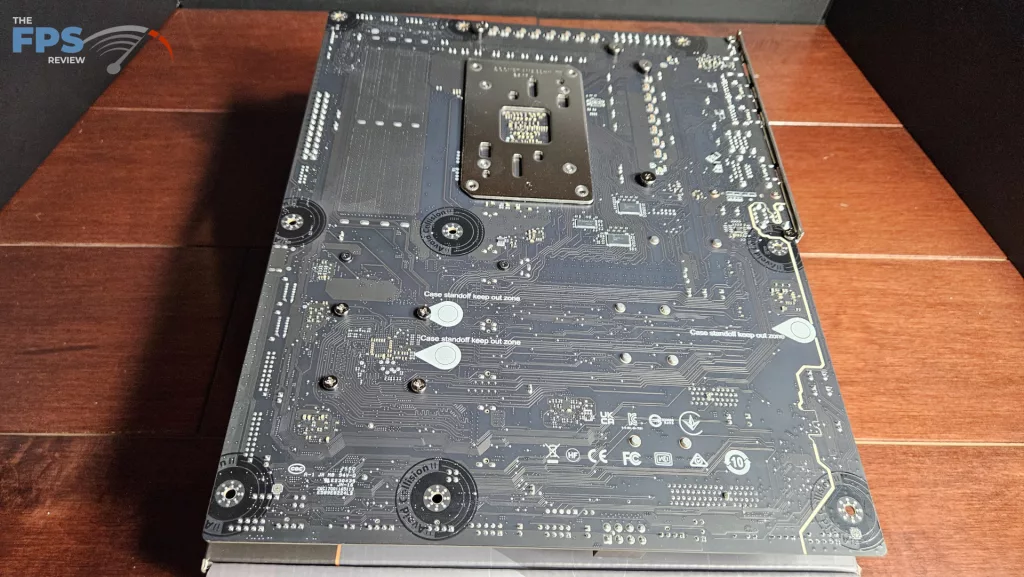
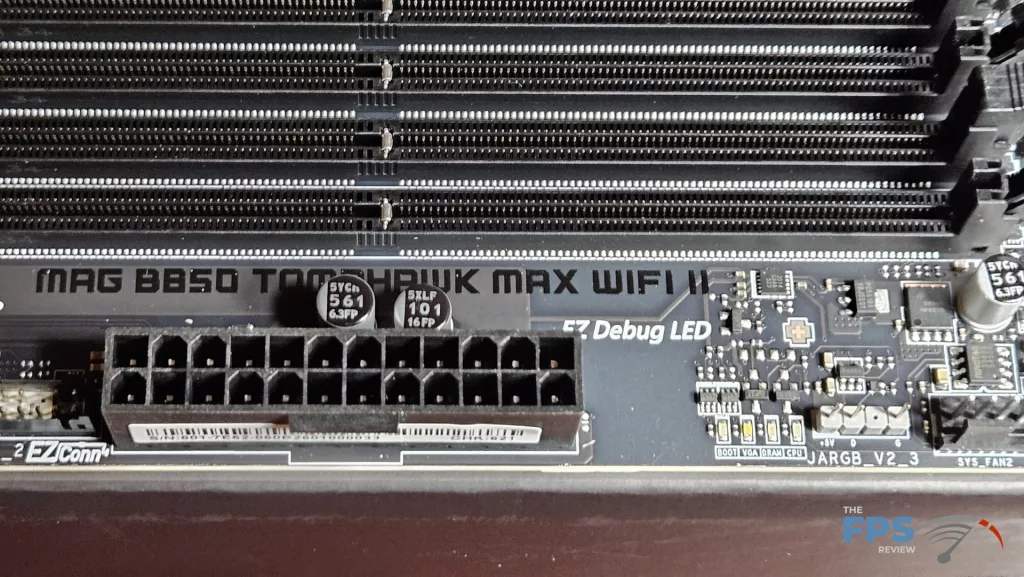
The heatsinks are embossed with “MAX” and “MSI Arsenal GAMING”, but it simply blends into the black color of the heatsink. Overall, the board is very familiar if you follow the TOMAHAWK branding. The motherboard is composed of an 8-layer PCB with copper inlay, making it very sturdy. There is no flex or bend when handling the board. Like all TOMAHAWK boards, there are no RGBs anywhere, no power buttons and no digital readouts. The board is equipped with ARGB headers a-plenty and also an LED DeBug to help you with issues should they arise.
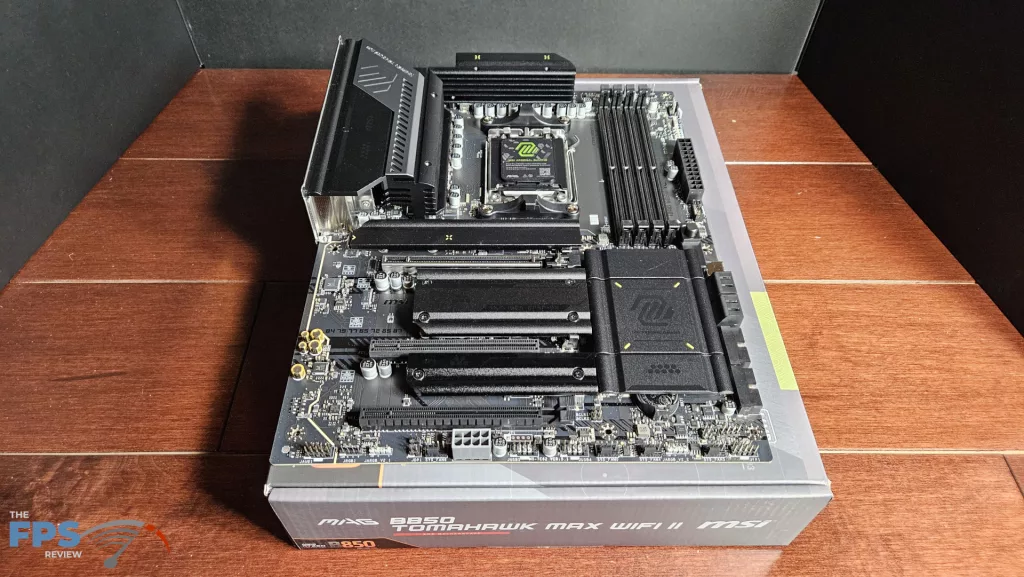
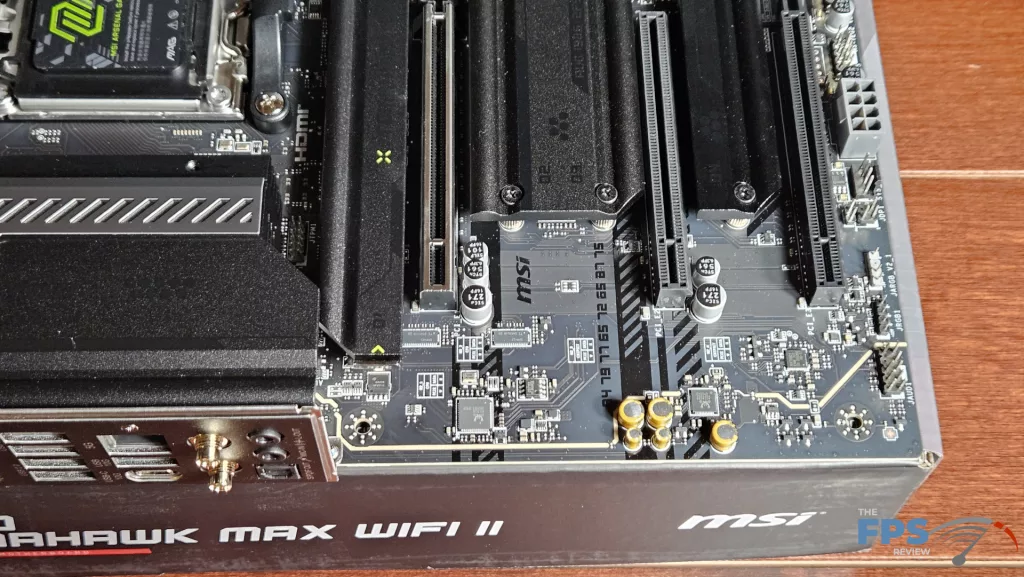
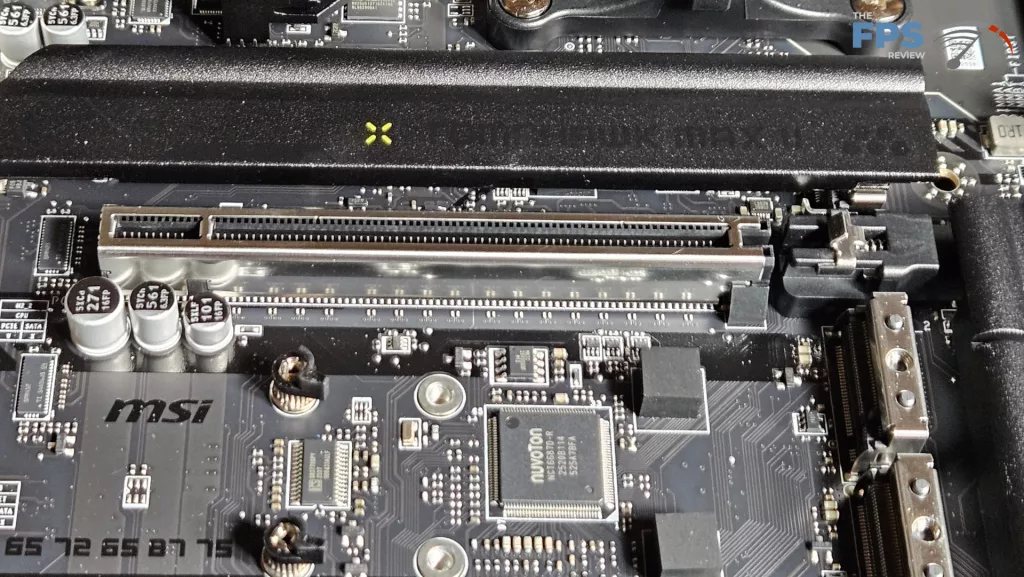
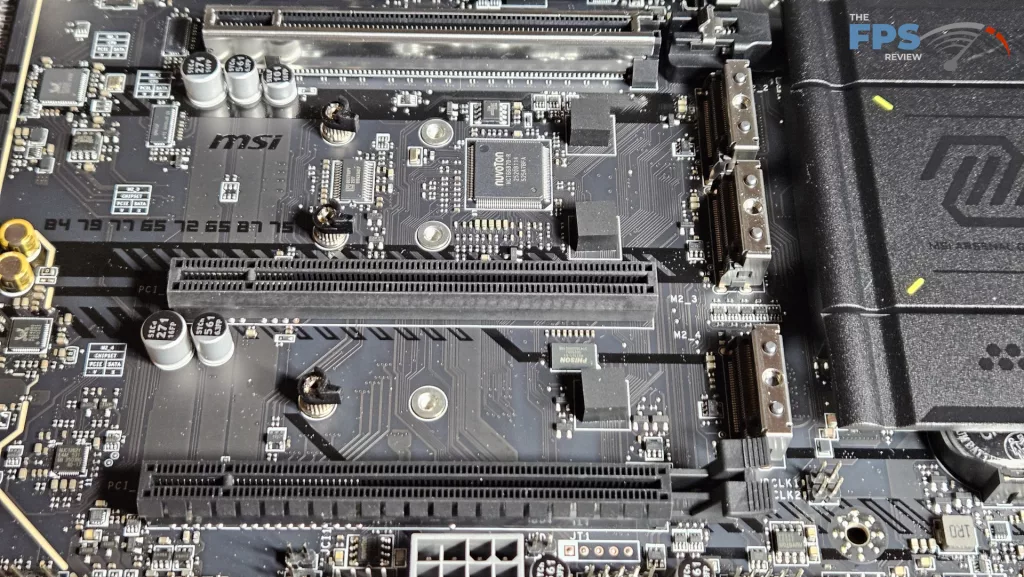
The MAG B850 TOMAHAWK MAX WiFi II does have connectivity, really a hallmark of the TOMAHAWK. There are four M.2 slots and three full-sized PCIe slots. Primary M.2 and M.2_2 slots are both Gen5 x 4 speeds, while M.2_3 and M.2_4 are Gen4, with M.2_3 being half speed. The primary PCIe slot is reinforced and supports full Gen5 x 16. We also see our favourite EZ-PCIe Release button. PCIe slot 2 is Gen3 x 1, PCIe slot 3 is Gen4 x 4. The rear I/O panel is identical to the original MAX. There are 10 USB ports, four are USB-A 2.0, three USB-C 10Gb/s, two USB-A 10Gb/s and one 5Gb/s. WiFi is a MediaTek with Bluetooth 5.4, RJ-45 is 5GB via RealTek 8126, and audio is 7.1 capable via RealTek ALC 4080. There is a digital audio output as well.
Power Delivery
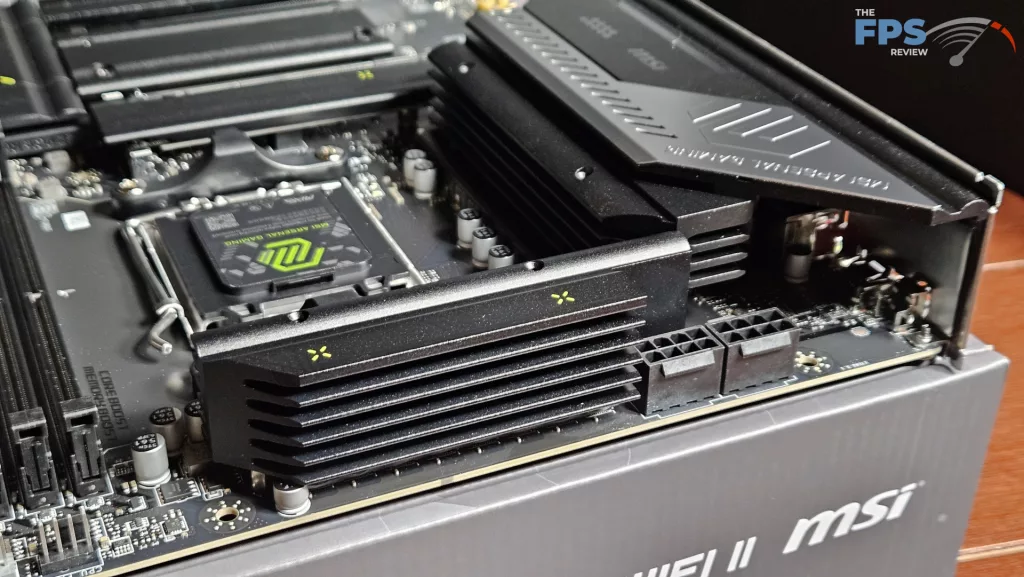
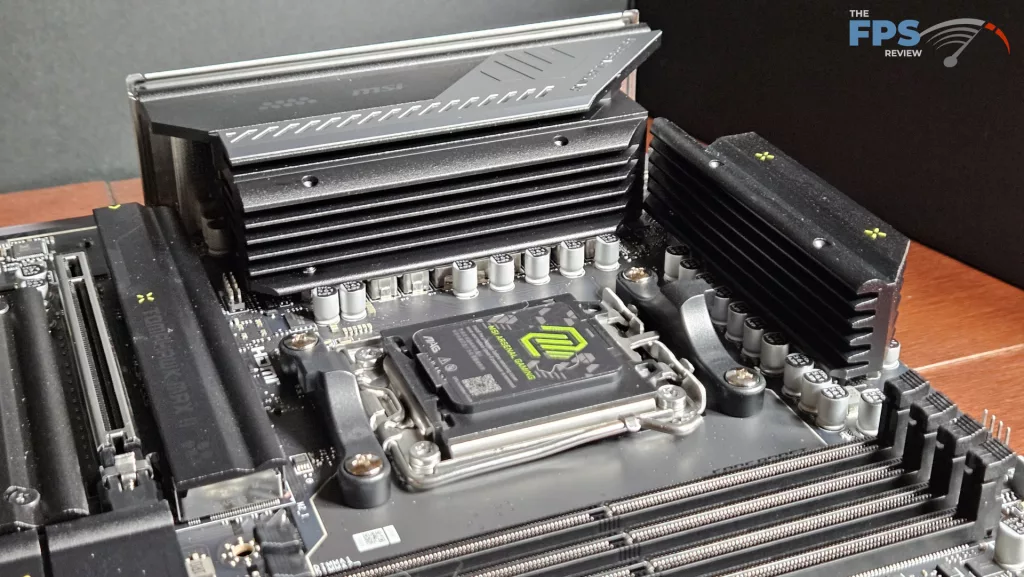
MSI states the MAG B850 TOMAHAWK MAX WiFi II has 14+2+1 Smart Power Stage support. The total amperage available to the board is 80Amps, which should be very adequate for use of PBO and EXPO settings. The power is delivered via two 8-pin CPU connectors, top-left. As we have discussed, the VRM heatsinks are heavy. There do not appear to be any heatpipes. The PCB is made from 8 layers with inlaid copper. Overall, the board feels sturdy without any flex or bending.
CPU Socket, Memory and Storage
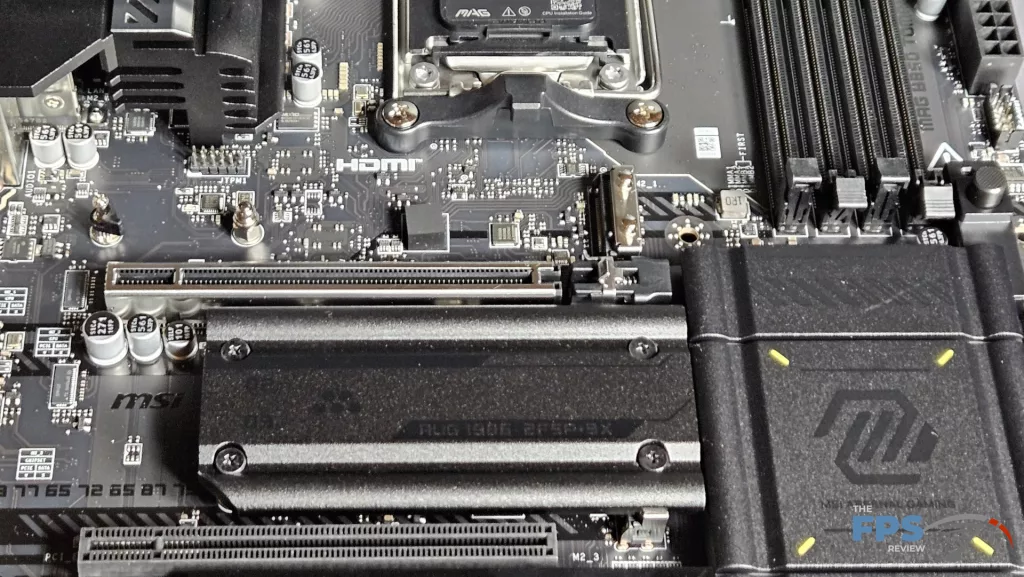
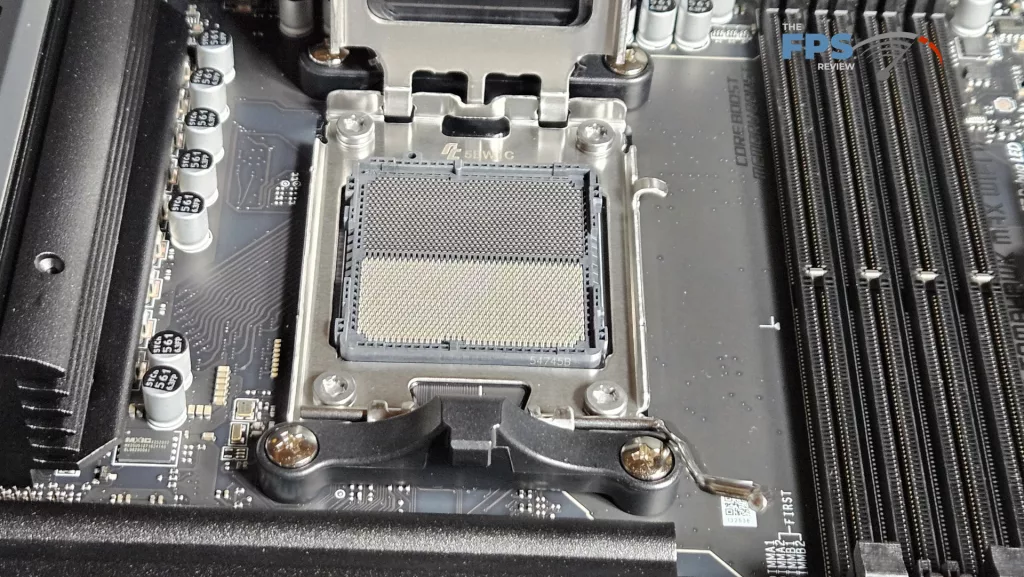
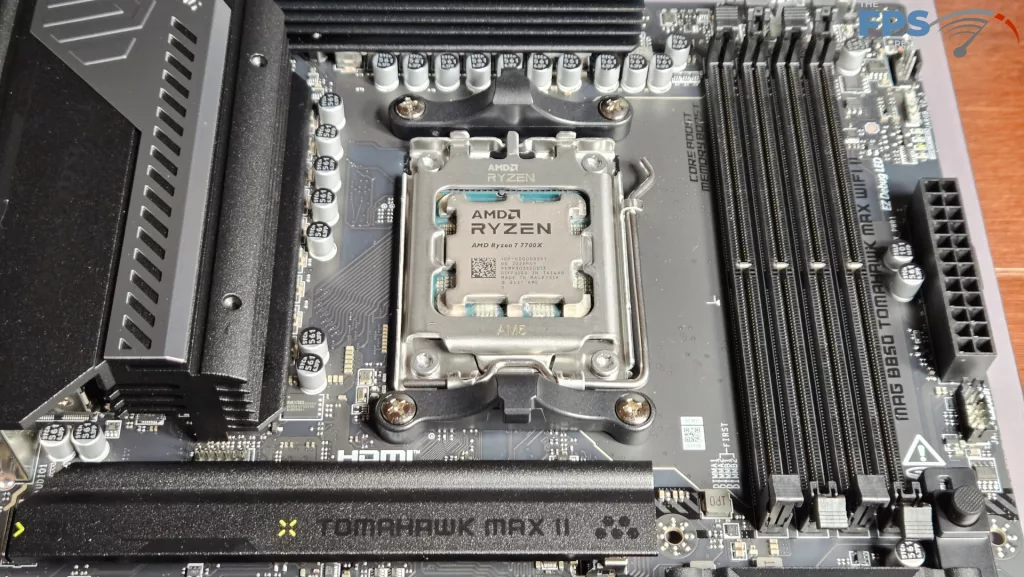
The MSI MAG B850 TOMAHAWK MAX WiFi II supports socket AM5 CPUs in the Ryzen 7000, 8000, and 9000 series. There is ample space surrounding the socket to place most, if not all, CPU coolers. Our MSI AIO MAG Core 360I gave us no mounting issues. Memory supported includes DDR5 DIMMs up to 256 GB in total. Frequencies are advertised up to 8400MT/s (OC). XMP and Expo profiles are supported for 1-click overclocking. The memory slots are double-latch. The spacing seems adequate for large CPU coolers. The only issue here may be tall DIMM heatsinks in slot A1 and low cooling fins on an air-cooled heatsink.
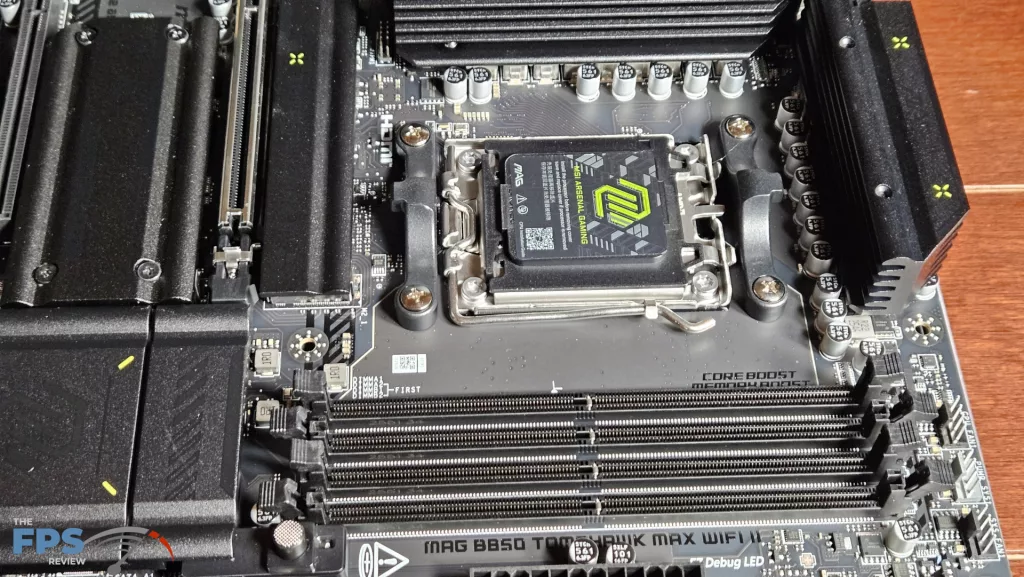
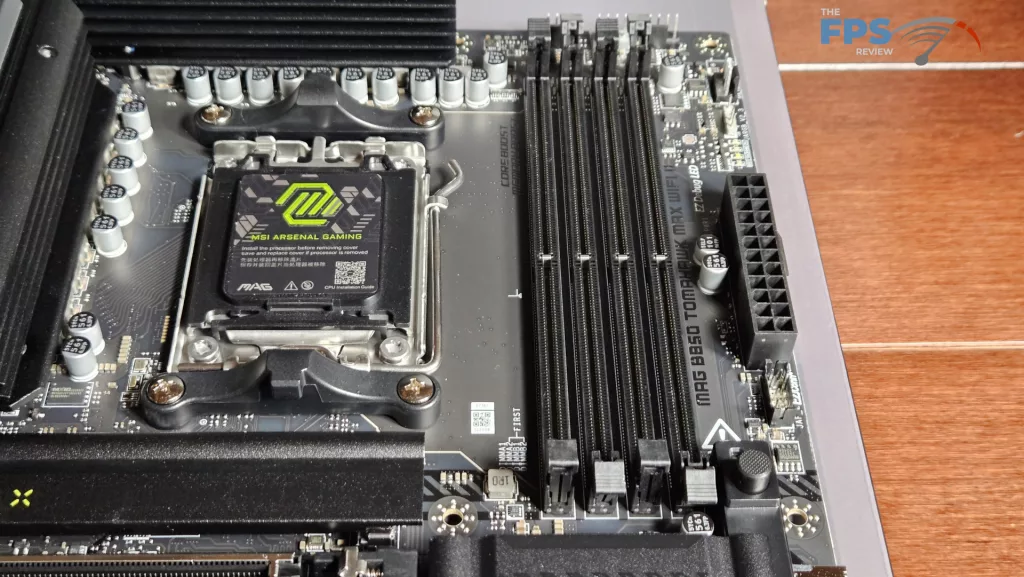
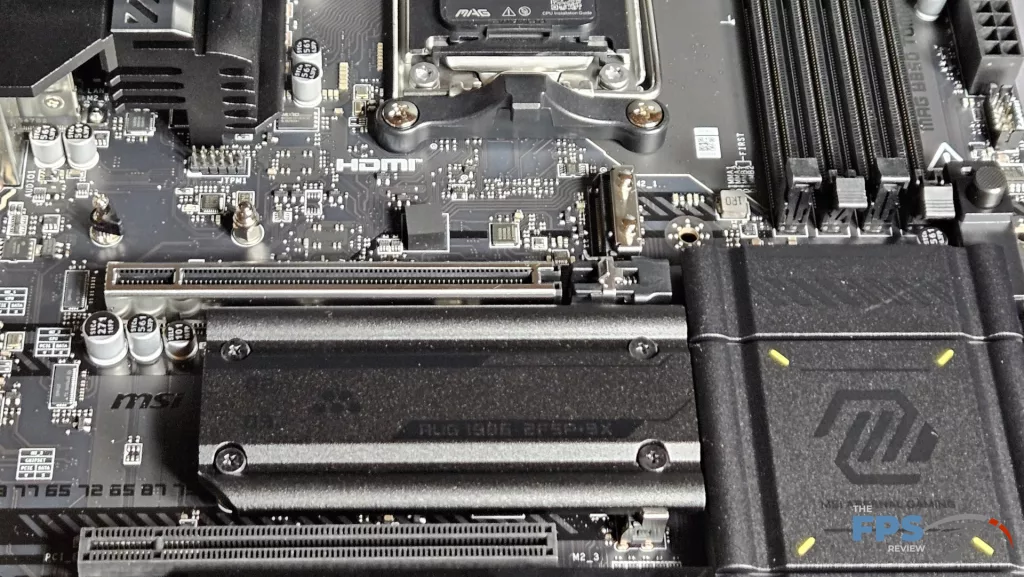
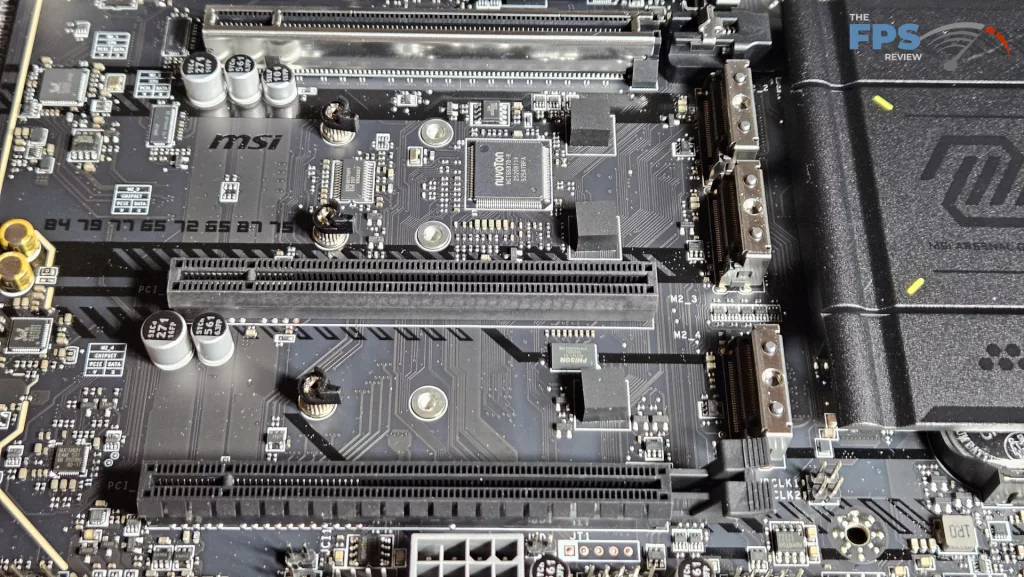
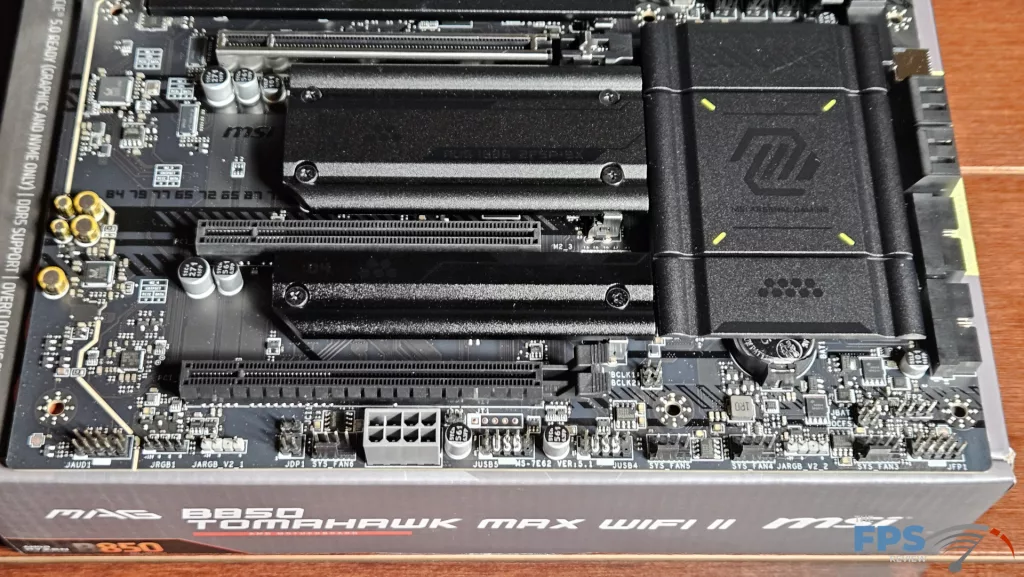
We mentioned in the section above that there are four M.2 slots. The primary M.2 and M.2_2 are derived from the CPU and are Gen5 x 4 (128Gb/s). M.2_3 is Gen4 x 2 (32Gb/s) and M.2_4 is Gen4 x 4 (64Gb/s) with lanes derived from the chipset. The position of M.2_2 is just below the primary PCIe slot. It “may” be fully usable if the native heatsink is not too tall. However, heat from a large GPU may be a problem. Slot M.2_3 is mostly out of the way, just below M.2_2. It should be fully usable in conjunction with a large GPU.
Slot 4 is well clear of any interference from a large GPU. Just be aware that due to the lane configuration from the chipset, M.2_3 is only half speed. Each of the M.2 slots has a heavy metal heatsink. The heatsinks have thermal pads on their undersides. The primary M.2 slot has an EZ Release system, while the other three are fixed in place with Phillips screws. Each slot is otherwise tool-less. You have a choice of rotary or MSI EZ-Clip clasps to install your drives. There are also 4 SATA 6Gb/s ports on the lower right side.
Expansion
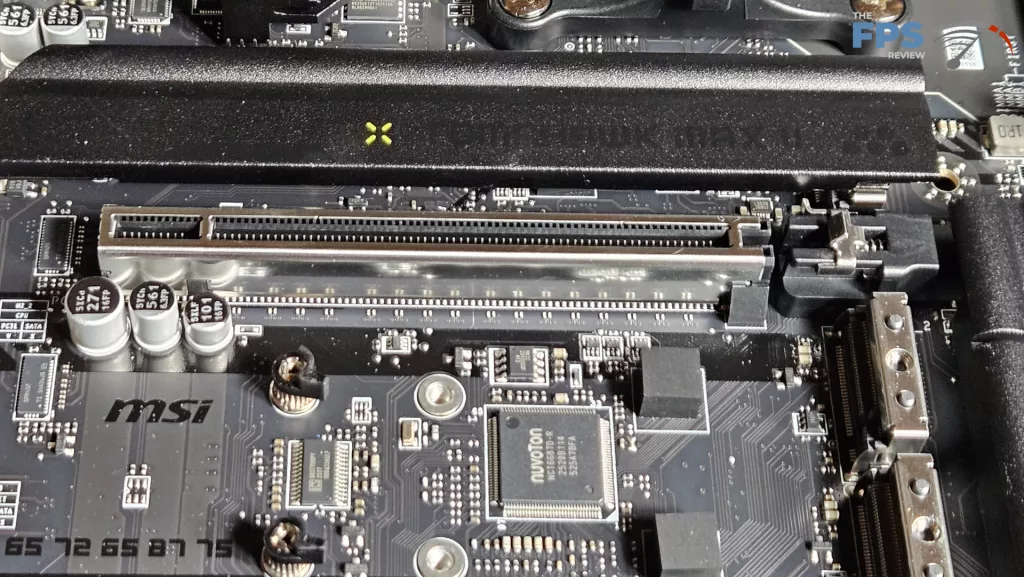
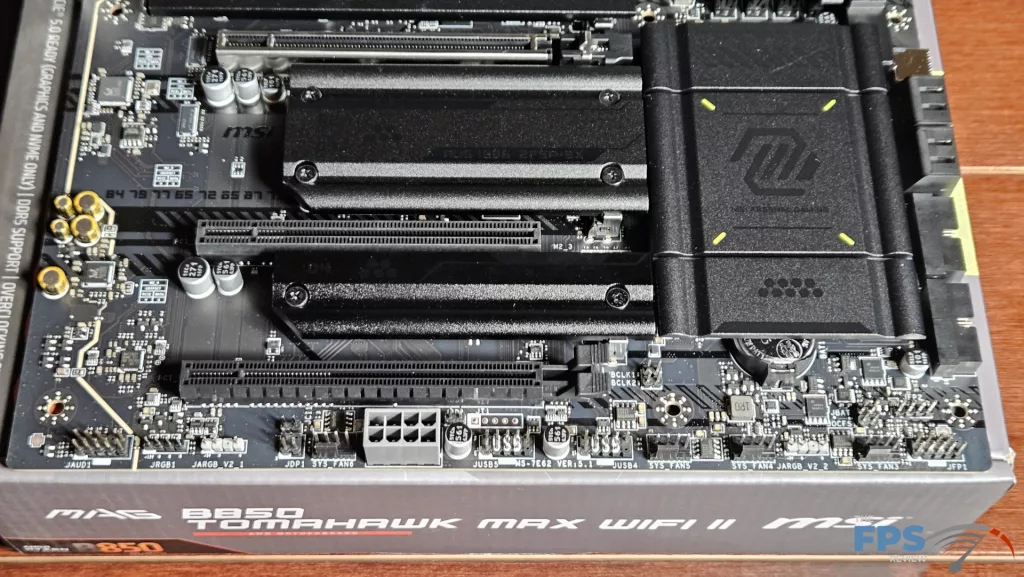
Expansion on the board consists of one PCIe Gen5 x 16 and two full-sized secondary PCIe slots. Slot #2 is Gen3 x 1 and slot #3 is Gen4 x 4. The primary PCIe slot is reinforced, which is nice to see. MSI uses what they call “EZ PCIe Release” for the primary GPU release. This is one of our favorite new push-button GPU releases. The insertion is crisp, and the release is undeniable. The button is well away from interference from the video card. This release allows you to easily remove a large GPU one-handed. This innovation was also available on the OG B850 TOMAHAWK MAX WiFi.
I/O
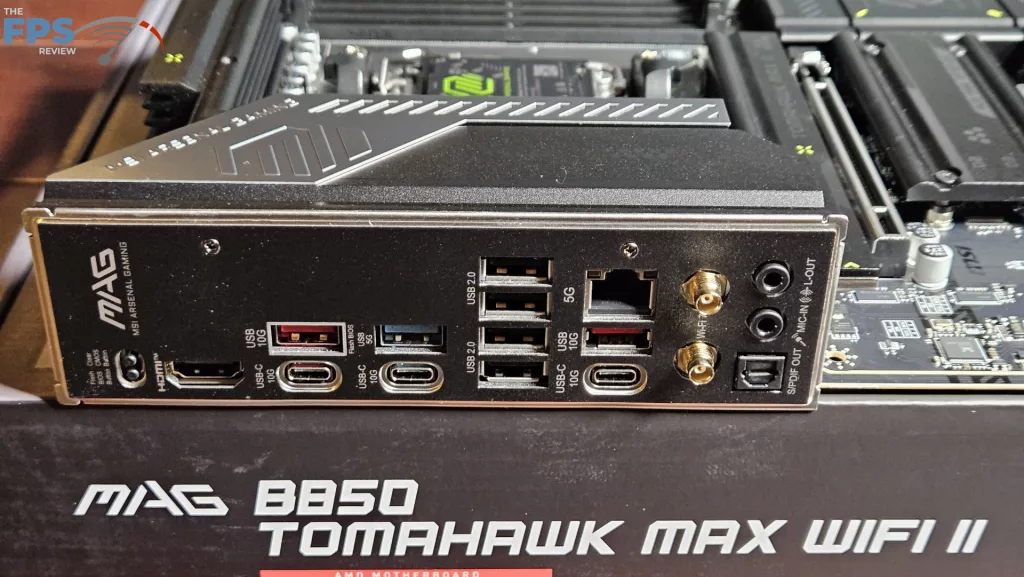
We have already discussed that this I/O rear panel is identical to the original TOMAHAWK MAX WiFi. The motherboard plate is embedded, which is customary these days and a nice touch. Working from left to right: recessed Flash BIOS and Clear CMOS, HDMI Port, USB-A 10Gb/s (which serves as a Flash-BIOS port also), USB-C 10Gb/s, USB-A 5Gb/s, USB-C 10Gb/s, four USB-A 2.0, 5GB RJ-45, USB-A 5Gb/s, and USB-C 10Gb/s, finally, WiFi antenna ports and audio.
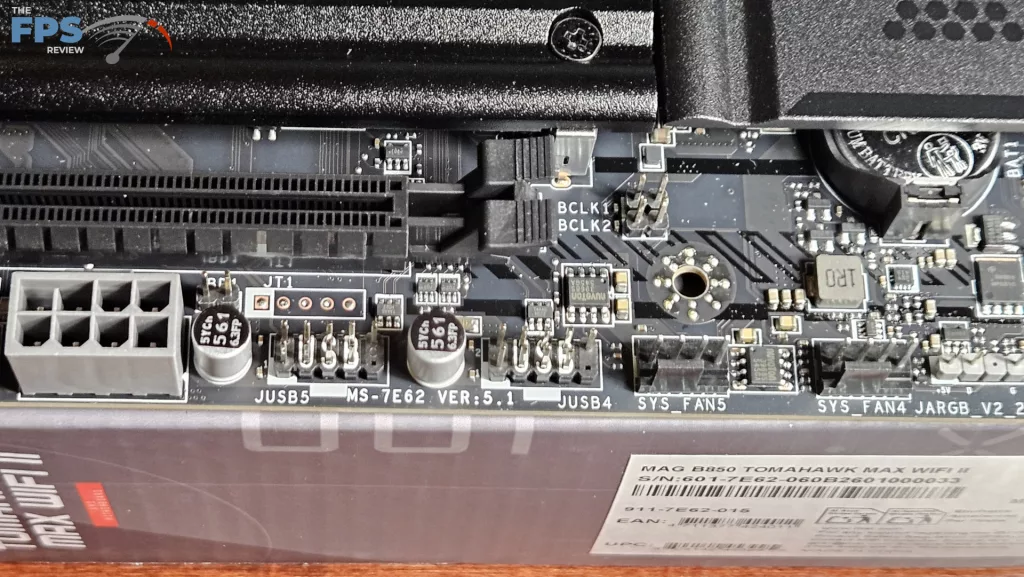
On the main board, there are a total of eight 4-pin fan headers, three top-board labelled SYS_Pump, CPU_Fan and SYS_Fan, one on the top-right side and four on the bottom row. All fan headers can be controlled by either Smart Fan in the BIOS or Cooling Wizard on the MSI Center desktop software. The right side of the board houses the aforementioned fan header, one ARGB header, 24-pin power, EZ-CON header, USB-C 20Gb/s front panel port, 4 SATA ports and two front panel USB-A 5Gb header. The bottom row has the front panel header, four fan headers, two USB 2.0 headers, a PCIe 8-pin power connector, two ARGB headers, one 12V LED header, and the audio header. RGB can be controlled by Mystic Lighting in the MSI Center software.