GIGABYTE X870E AERO X3D WOOD Features
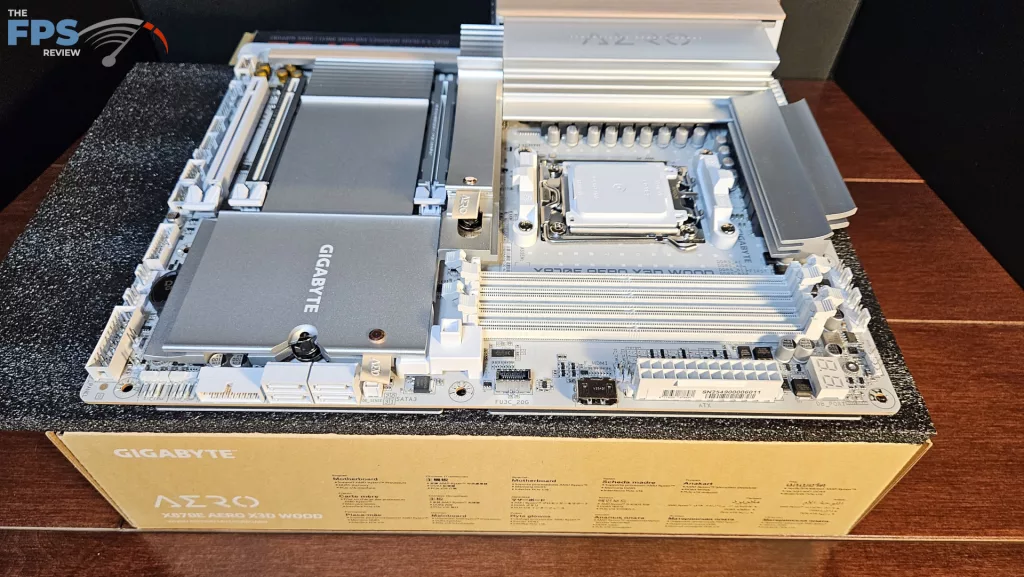
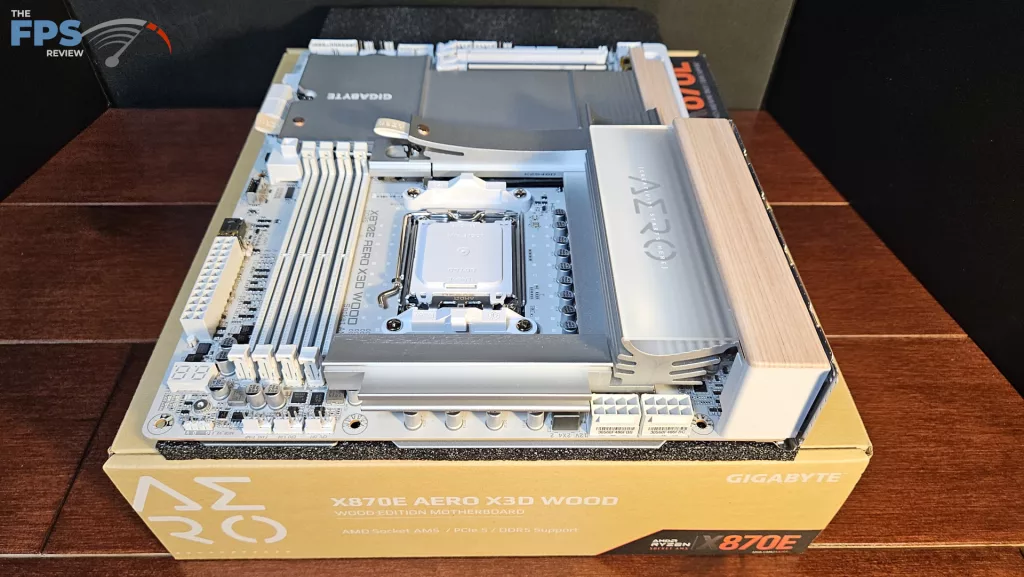
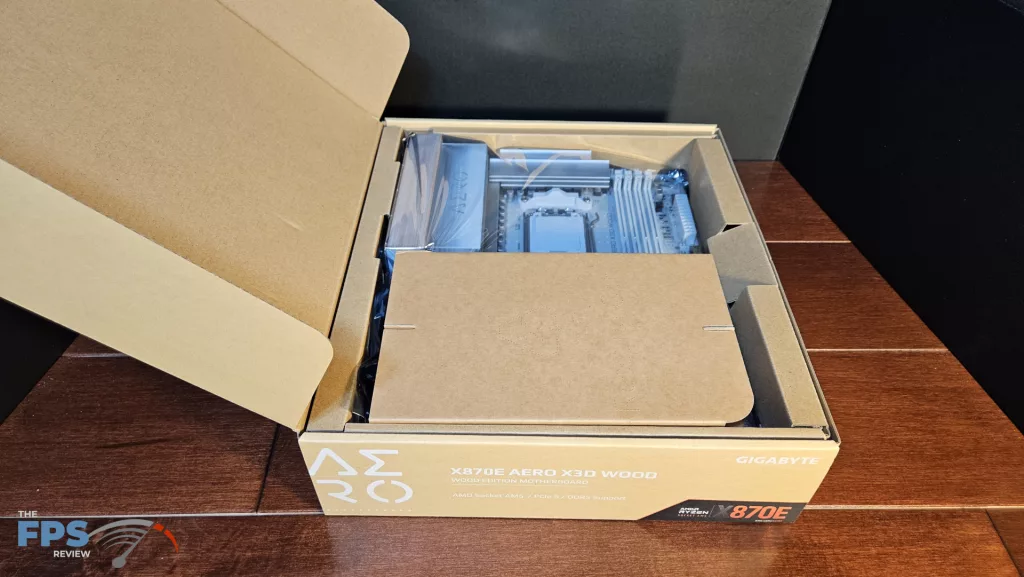
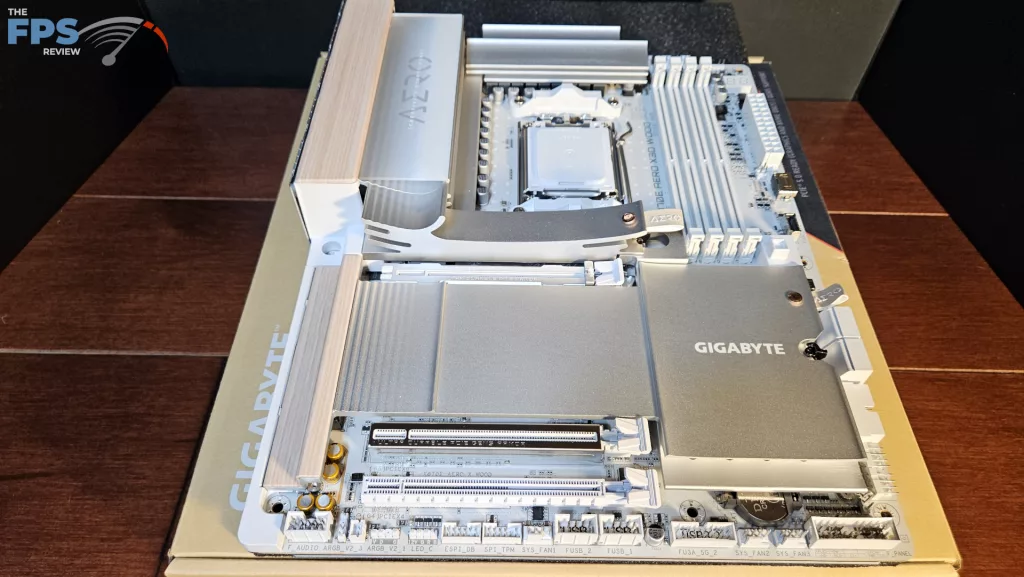
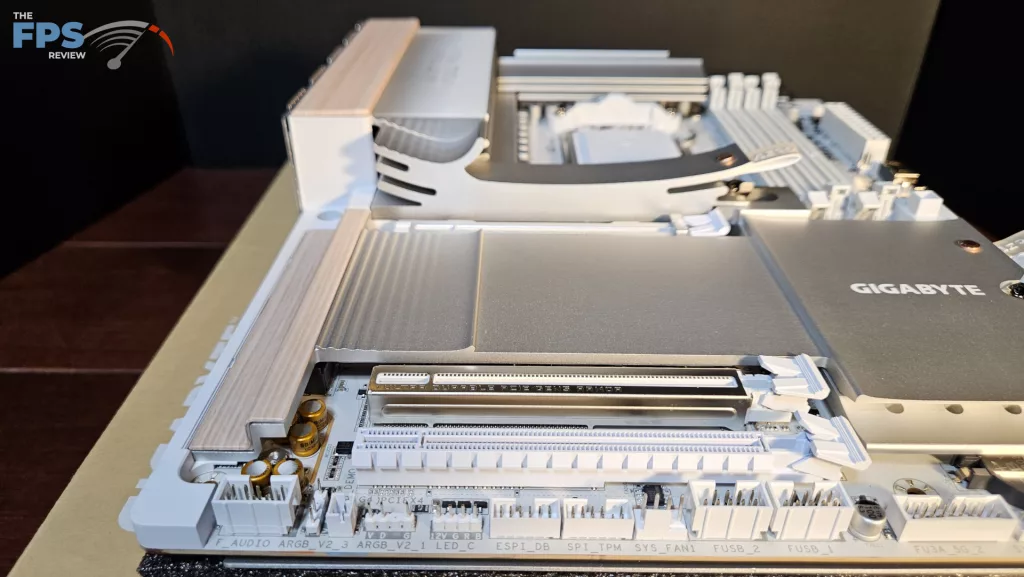
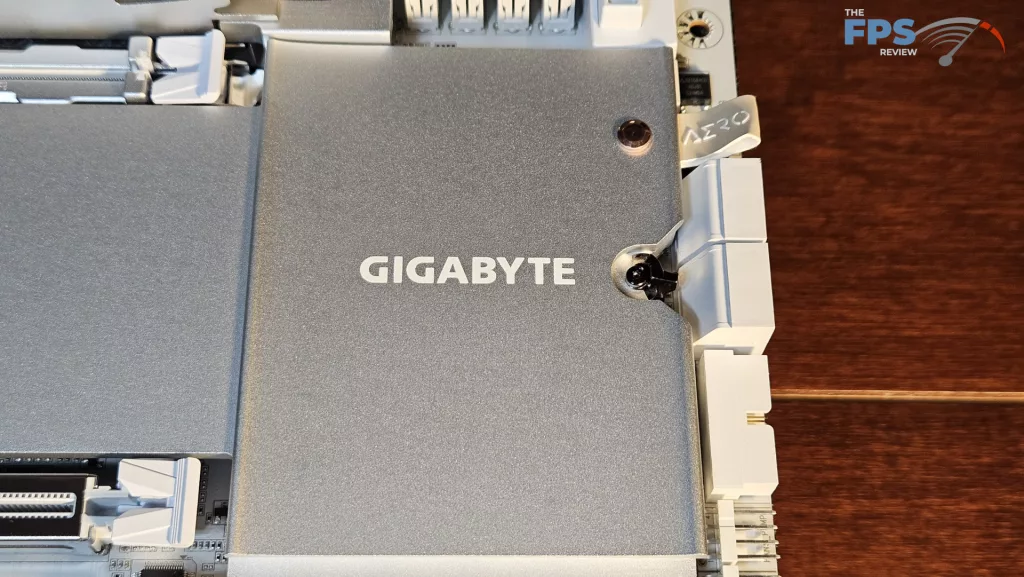
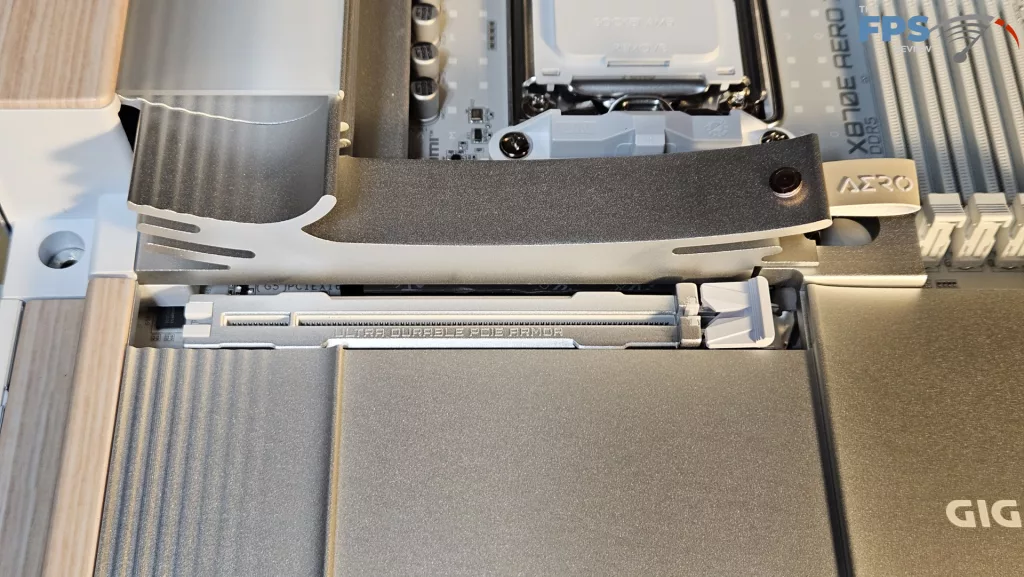
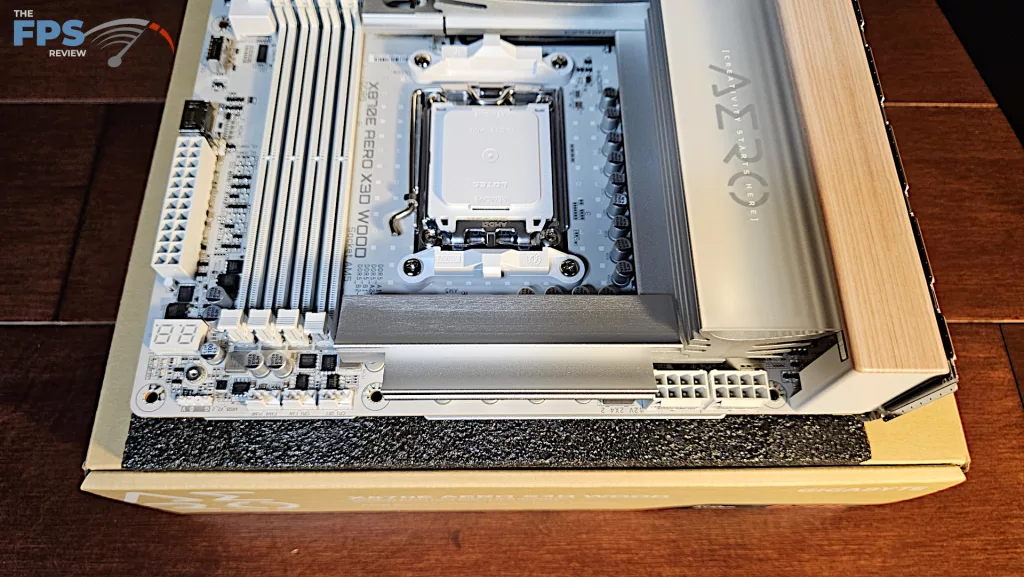
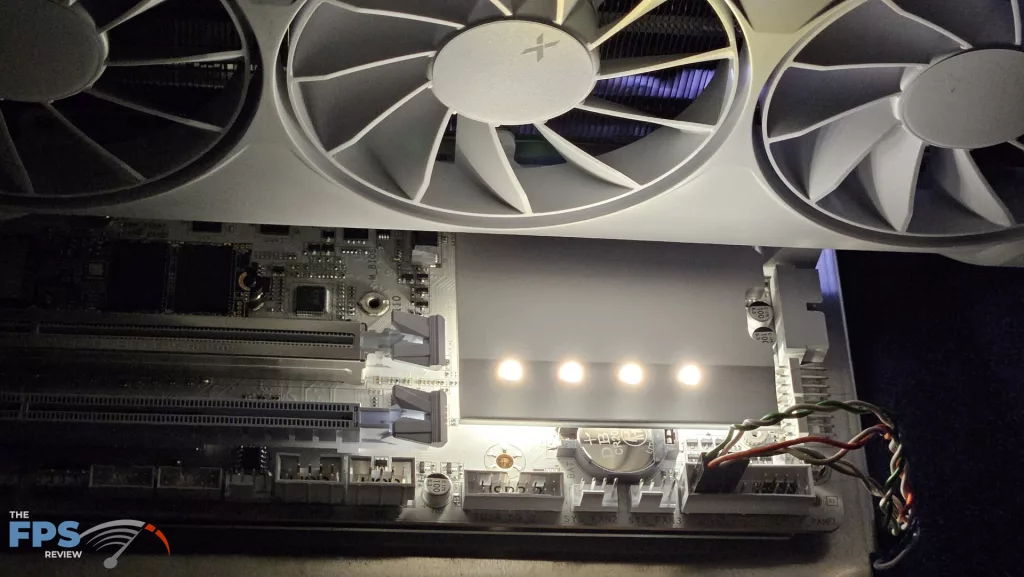
When you remove the GIGABYTE X870E AERO X3D WOOD motherboard from the packaging, it has a striking design look. This full-sized ATX board is fully white with silver powder-coated heatsinks. The heatsinks have a unique curvature to their design that adds to the overall look. The primary and secondary M.2 heatsinks have leather embossed pull tabs fastened with copper-colored rivets. There are LED lights within the I/O heatsink and under the chipset heatsink; they are fixed in white and cannot be changed.
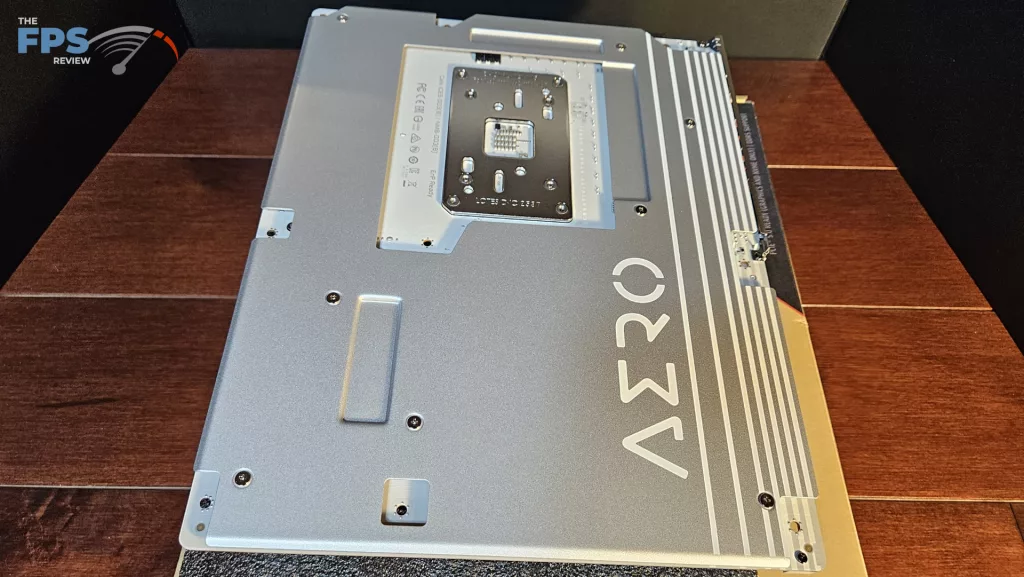
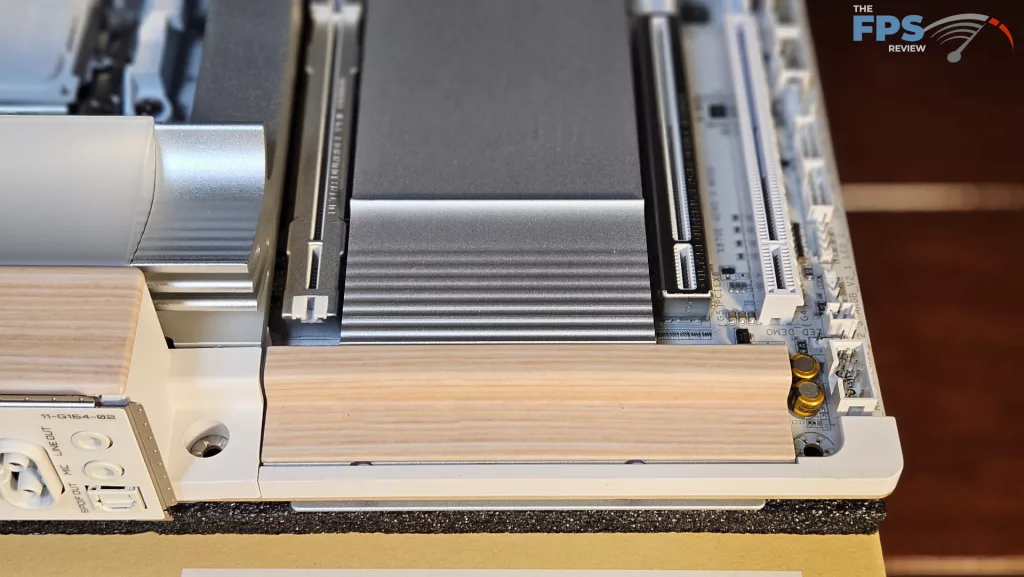
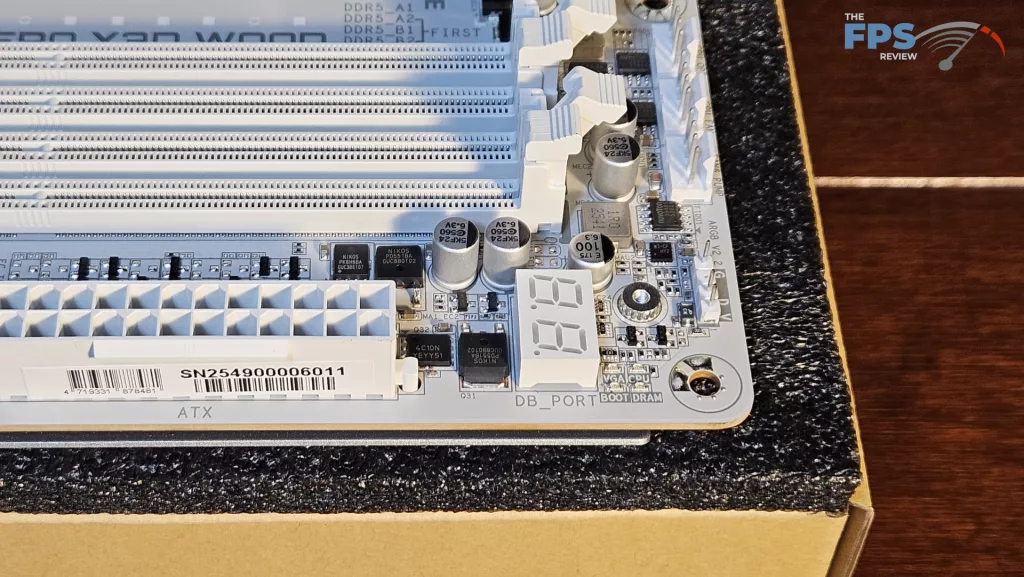
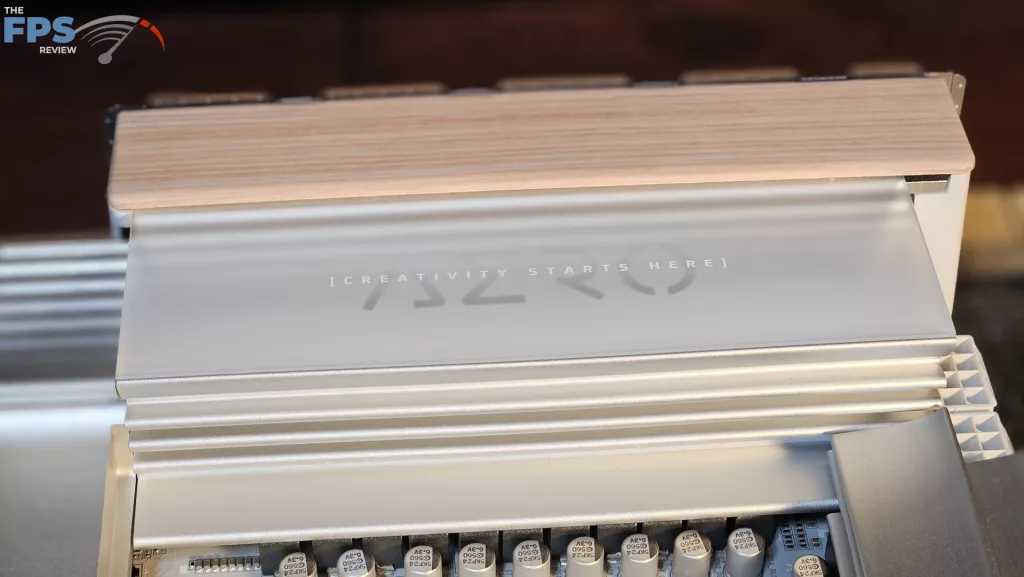
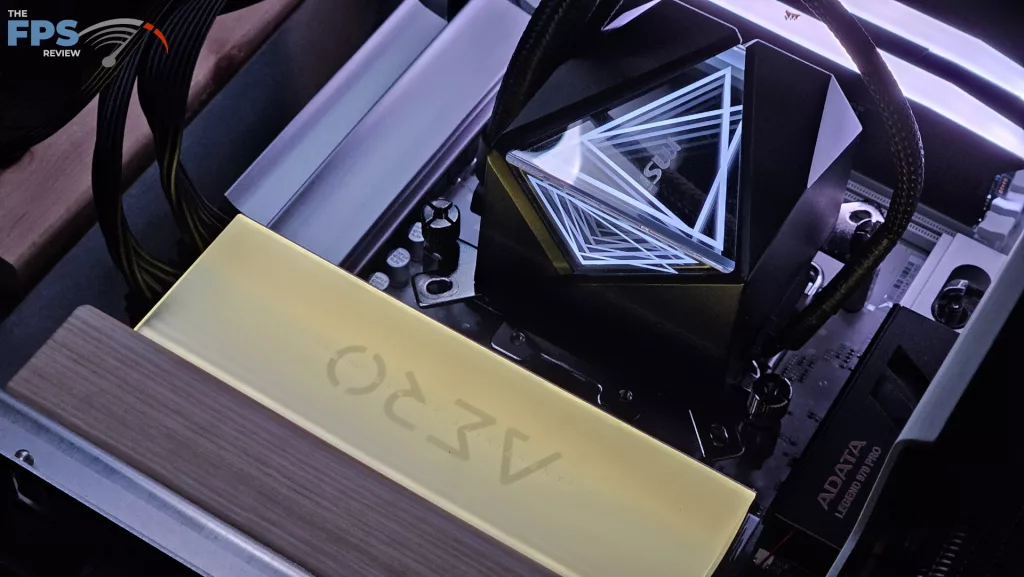
Overall, the board is quite heavy. It is constructed of an 8-layer PCB with inlaid copper. There is also a rather thick metal backplate to protect the rear of the board and provide some heat transfer. You do see a digital LED DeBug readout at the top right corner. There are power and reset buttons built into the I/O panel on the back of the board. The elephant in the room is the “wood”. There are two “wood-grained” panels on the motherboard. One is on the I/O panel, and the other is incorporated into the secondary M.2 heatsink at the far end.
These are some sort of composite material made and colored to look like raw wood. It doesn’t take much of a keen eye to figure out they ain’t real wood. It would be difficult, I suppose, to convince all the authorities that be, that it is “OK” to put real wood into a design that has the full capacity to heat up and catch fire. So……yeah. Overall, the board has a very interesting look, the heatsinks are sturdy, well-designed and easy to use.
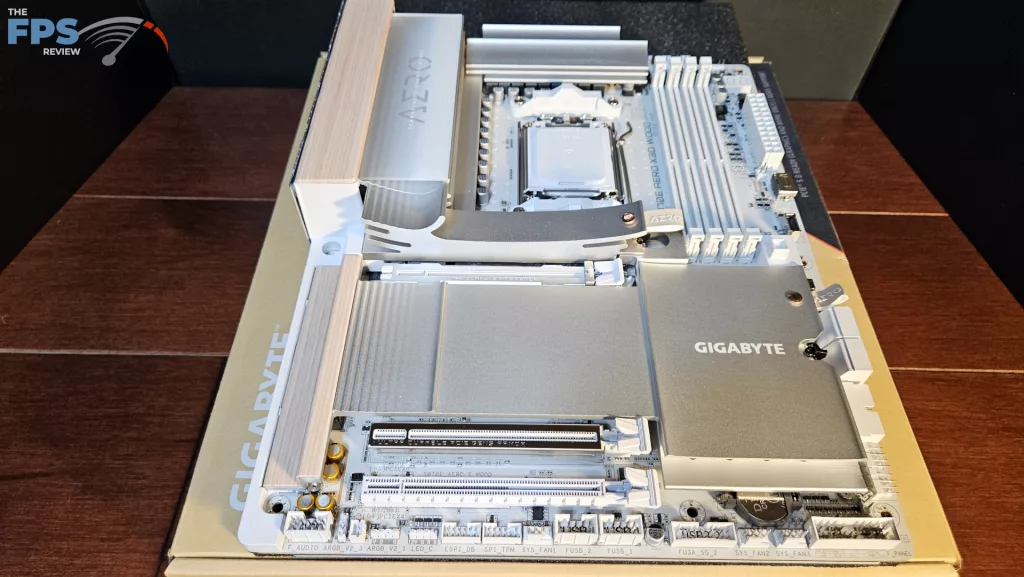
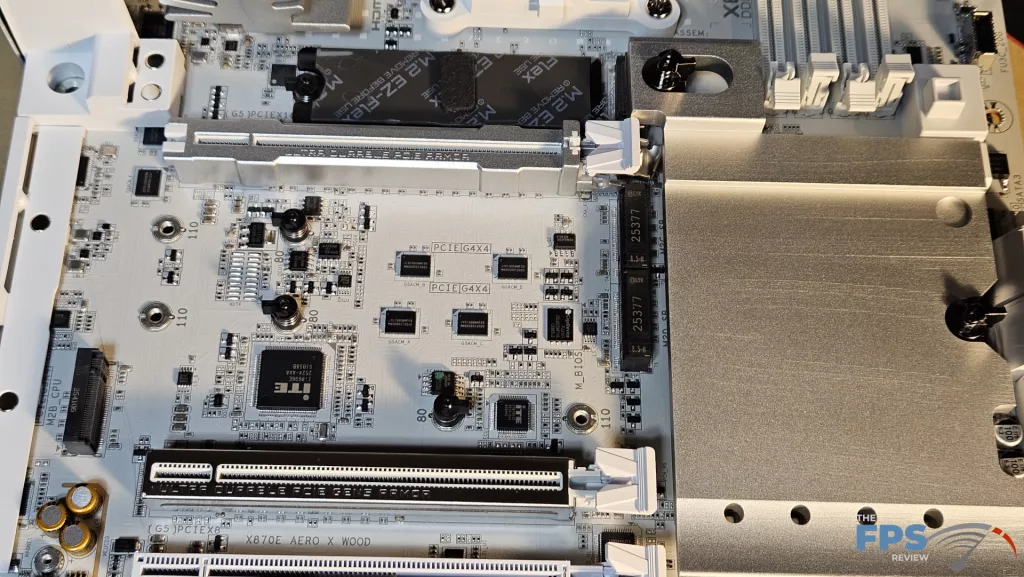
This motherboard takes full advantage of the X870E chipset design. It has all the connectivity you would want and then some. There are four M.2 slots and three full-sized PCIe slots. Primary M.2 and M.2_4 slots are both Gen5 x 4 (under certain conditions) speeds, while M.2_2 and M.2_3 are Gen4. The primary and secondary PCIe slots are both reinforced and support full Gen5 x 16 (primary) and Gen5 x 8 (secondary).
We also see our favourite EZ-GPU Release button. PCI-e slot 3 is Gen4 x 4. The rear I/O panel is well represented. There are 11 USB ports, three USB-C, one 20Gb/s, two 40Gb/s, five USB-A 10Gb/s, and three USB-A 5Gb/s. WiFi is a MediaTek MT7927 with Bluetooth 5.4, two RJ-45 5GB via RealTek 8126, and audio is 7.1 capable via RealTek ALC 1220. There is a digital audio output as well as 3.5mm analog jacks.
Power delivery
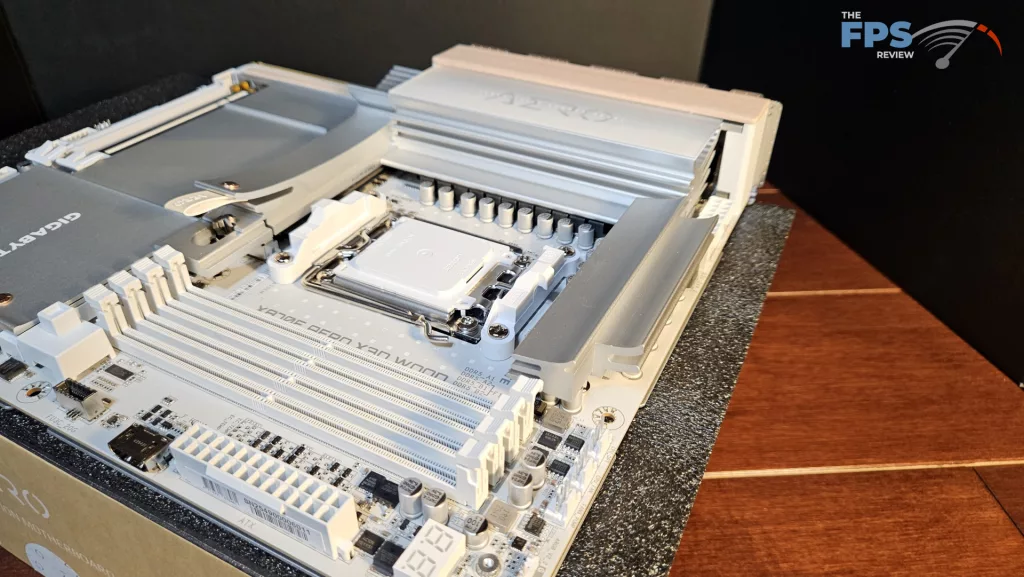
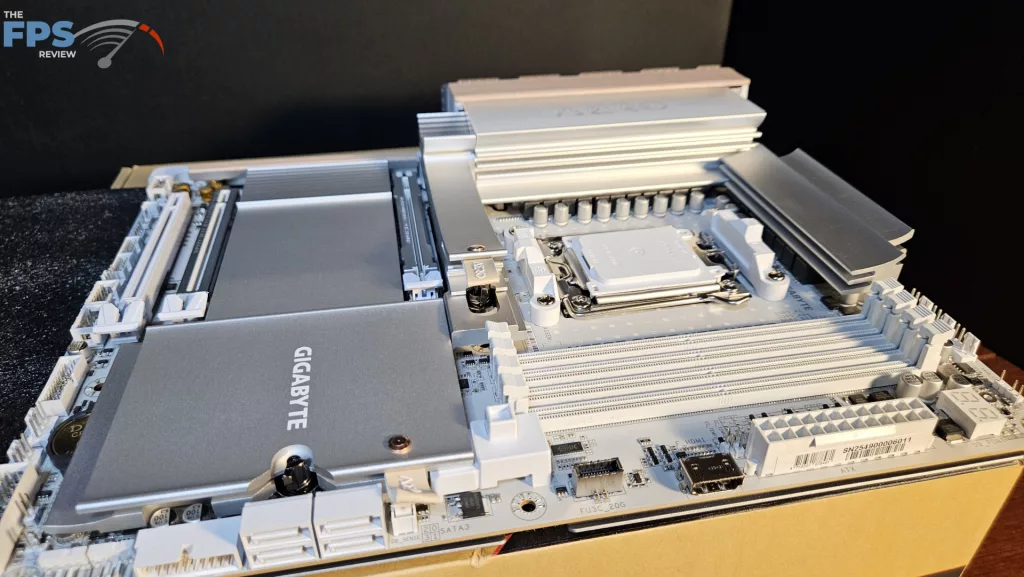
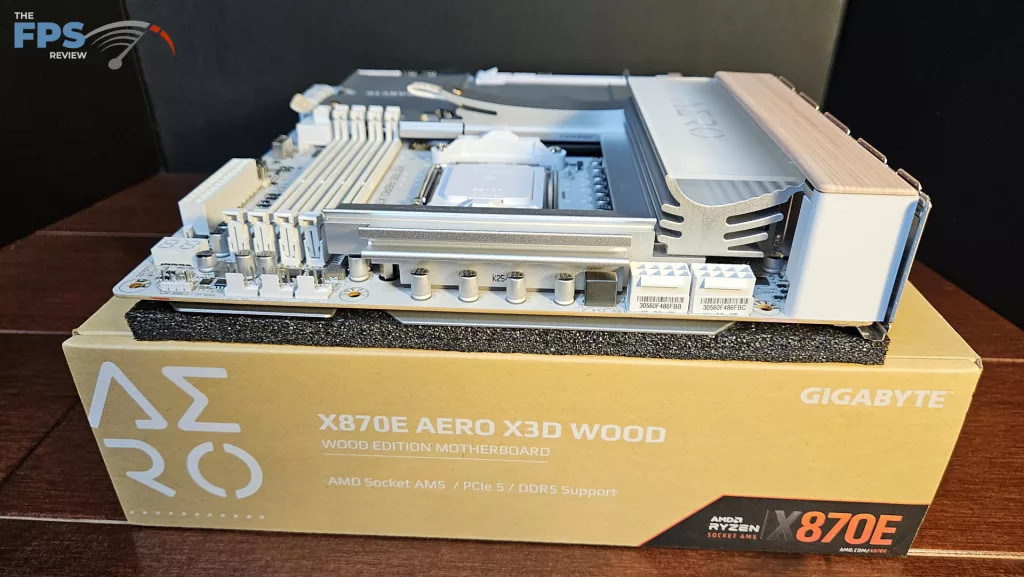
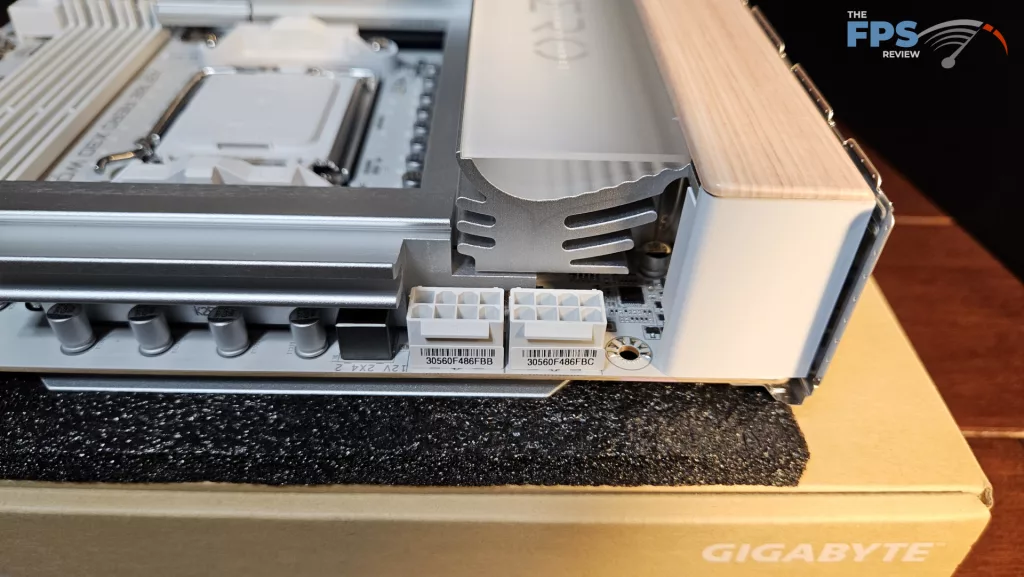
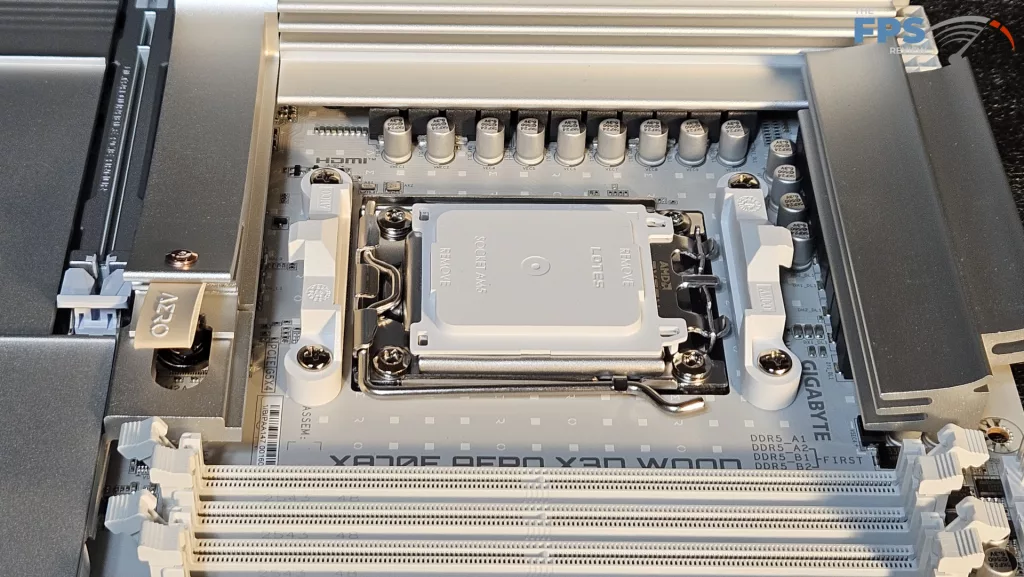
GIGABYTE lists the power phase at 16+2+2 or twin 8+8 phase DrMOS giving 60amps. The heatsinks on this design utilize direct contact heatpipes. GIGABYTE as well employs 7W/mk thermal pads. You can see in the photos that the sinks are curved and have a slight straight-line texture to them, adding to the overall aesthetic. As we stated, the PCB is a full 8-layer, copper-inlaid server-quality PCB backed by a full metal backplate. This design lends a good bit of weight to the board. Power is from two 8-pin connectors in their usual location, top left.
CPU Socket, Memory, and Storage
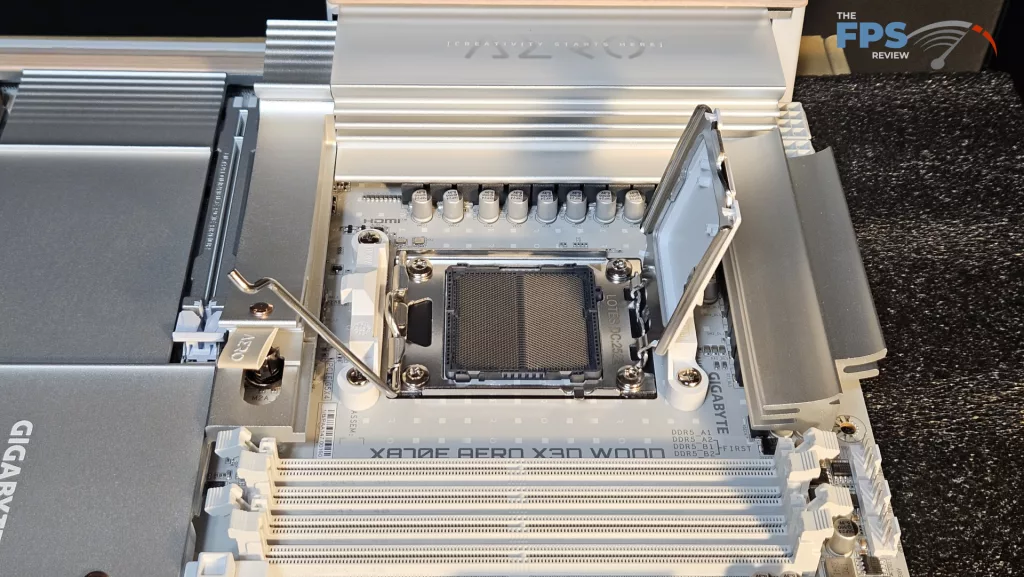
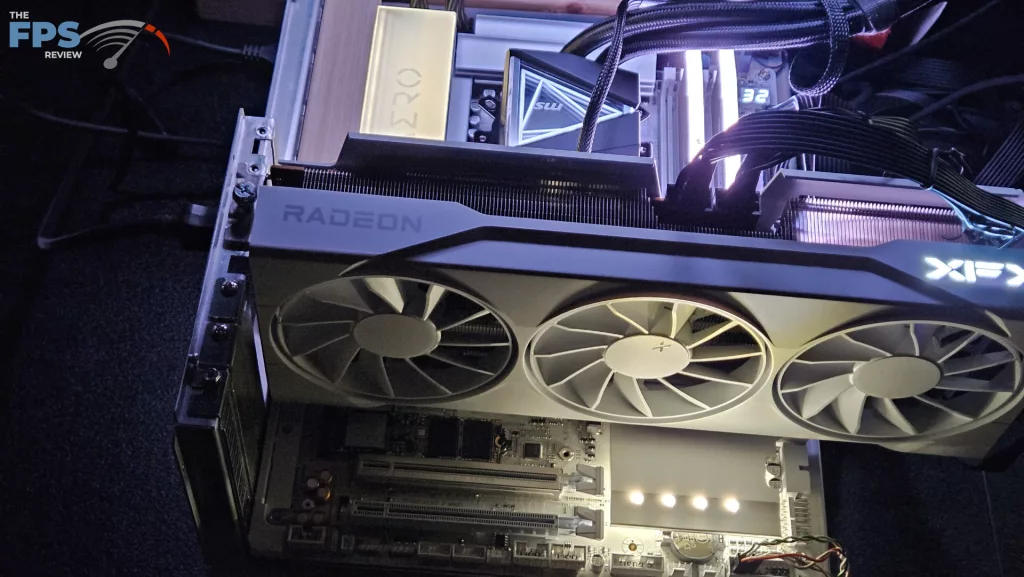
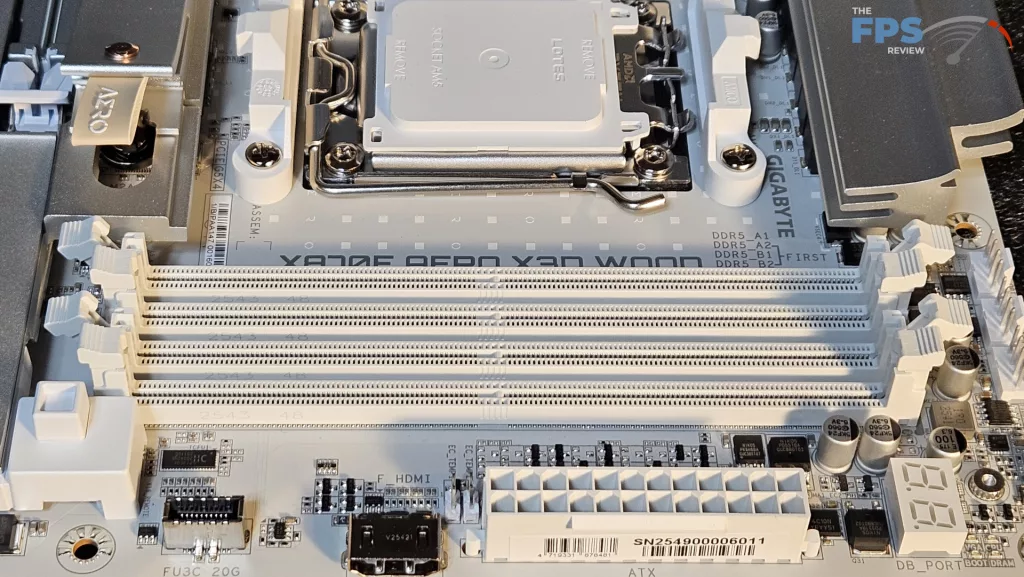
The GIGABYTE X870E AERO X3D WOOD supports socket AM5 CPUs in the Ryzen 7000, 8000, and 9000 series. There is ample space surrounding the socket to place most, if not all, CPU coolers. Our MSI AIO MAG Core 360I gave us no mounting issues. Memory supported includes DDR5 DIMMs up to 256 GB in total. Frequencies are advertised up to 9000MT/s (OC). XMP and Expo profiles are supported for 1-click overclocking. The memory slots are double-latched. The spacing seems adequate for large CPU coolers. The only issue here may be tall DIMM heatsinks in slot A1 and low cooling fins on an air-cooled heatsink.
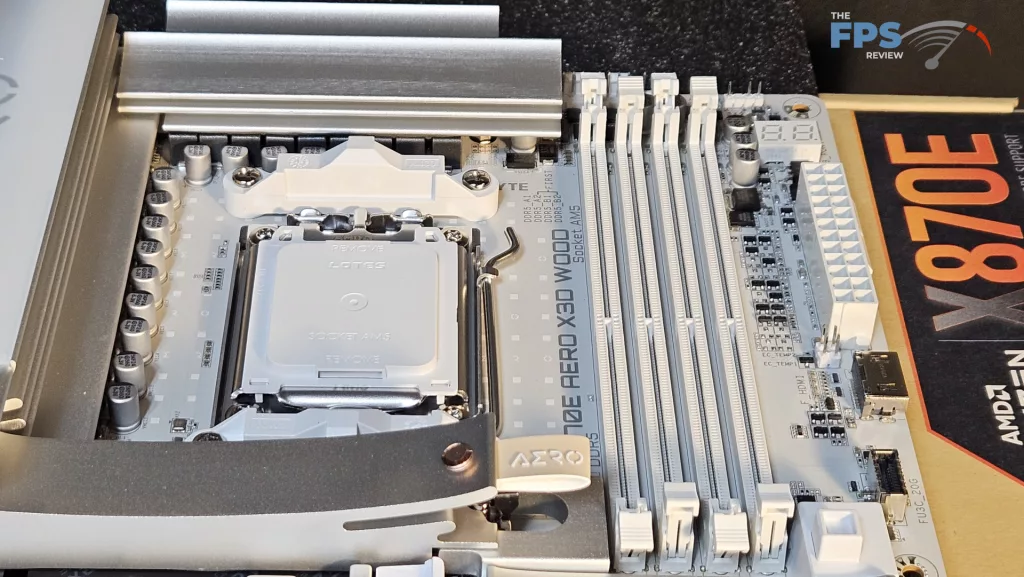
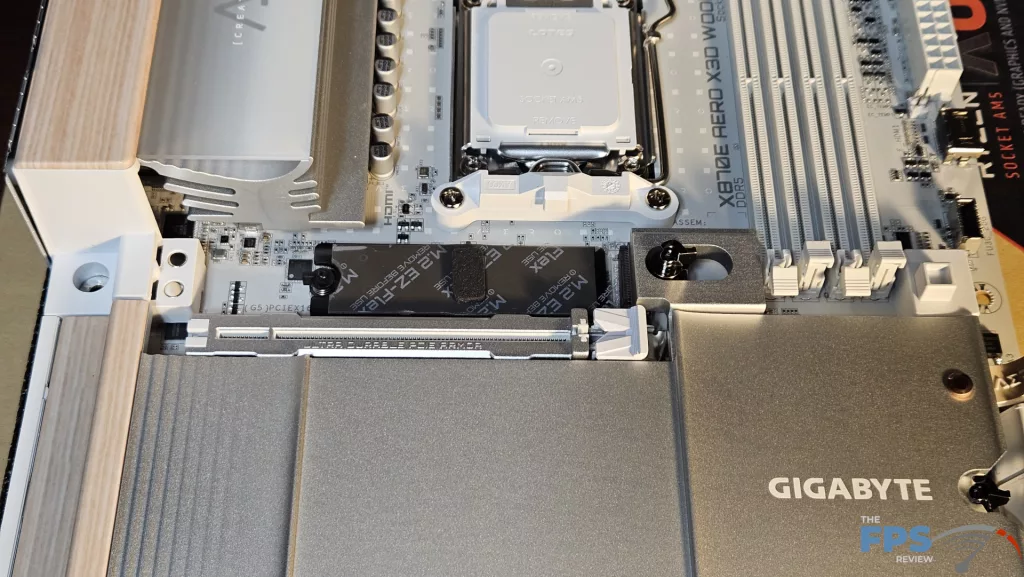
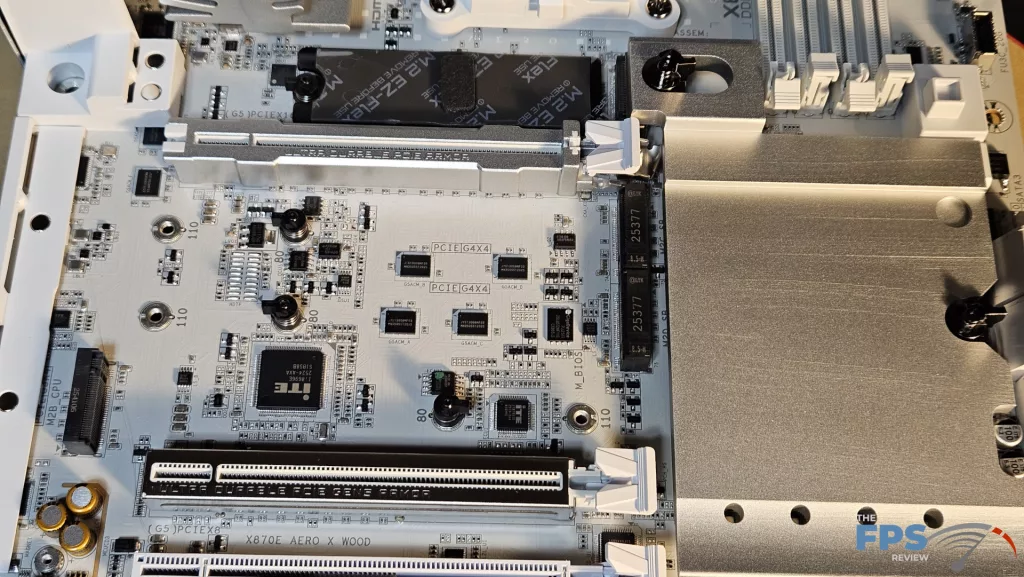
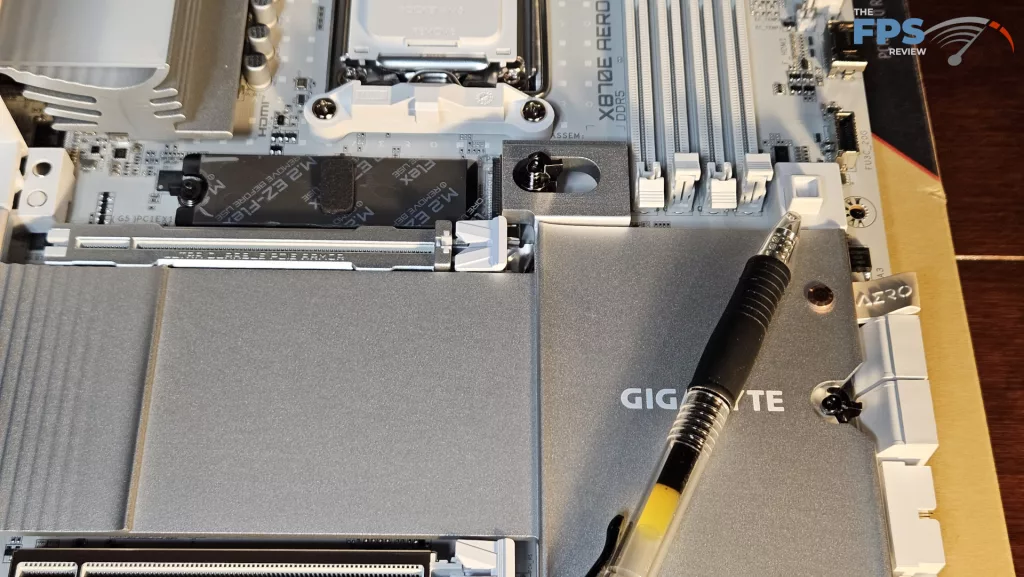
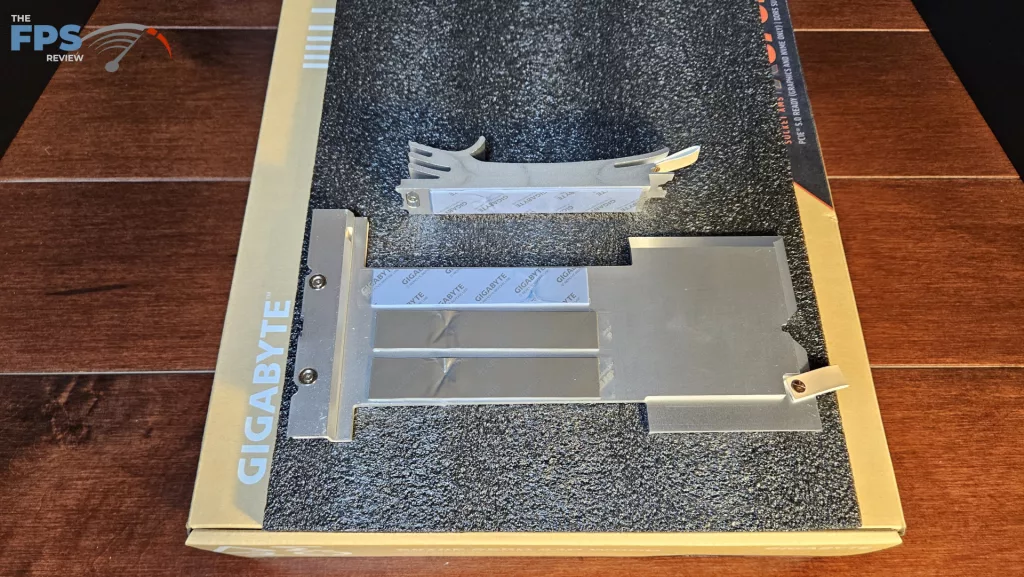
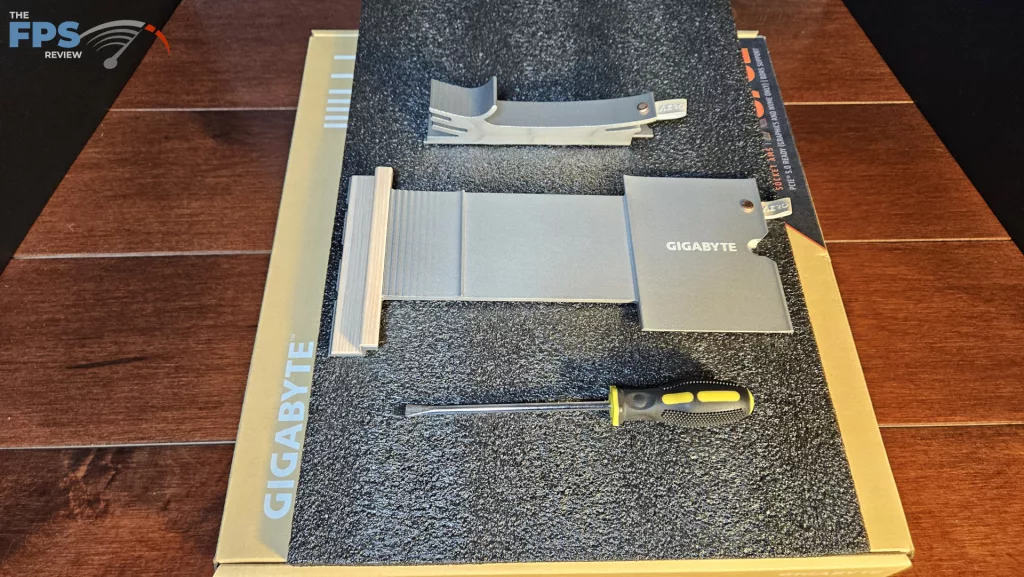
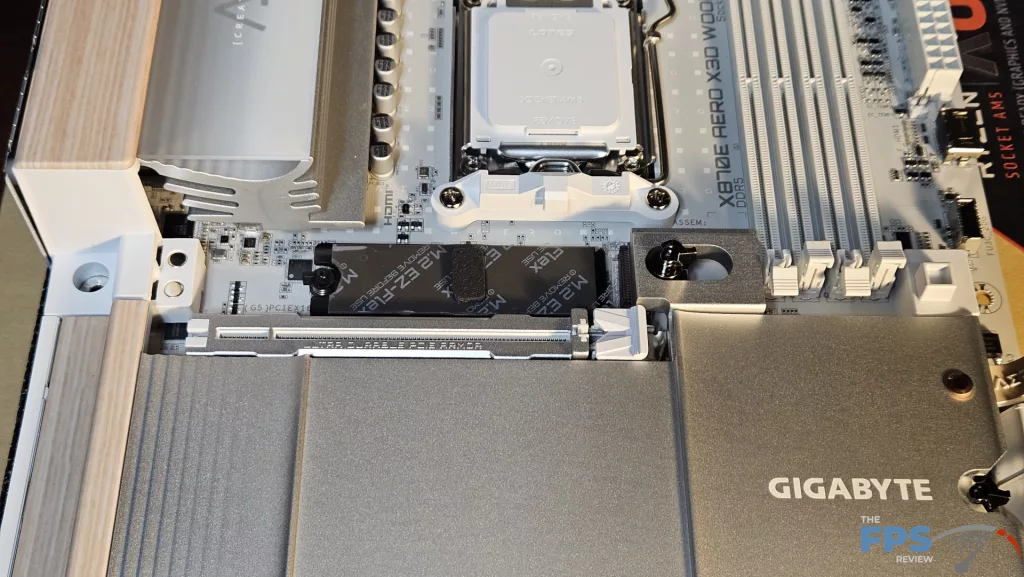
As mentioned above, there are four M.2 slots. Both the primary and secondary slots are fully covered by metal heatsinks. Both have a magnetic placement guide on the far left. Both have leather pull tabs on the far right to aid in removal. Each slot has a combination tool-less hold-down mechanism. These can either be rotated by a small clasp or pushed backward due to a spring-loaded mechanism.
There are two Gen5 x 4 slots from the CPU lanes (128Gb/s) M2_A and M2_B, which occupy positions #1 and #4. Both of these slots will operate at Gen5 under one condition: in the BIOS, the USB4/M2_B switch must be toggled to M.2 Only. This will disable the USB4 ports on the rear I/O panel, however. (screenshot included in BIOS section) The other two slots are Gen4 x 4 (64Gb/s) that occupy slots #2 and #3, lanes supplied by the chipsets.
A wide GPU would make slot#2 difficult to use unless it had a very flat native heatsink. The position of Gen5 slot M2B is actually very well placed. Being in the #4 slot, it is well away from interference by a large GPU. Both heatsinks have thick thermal pads. The heatsink for the secondary M.2 slots is quite big and heavy, and of course, has the “wood” portion on the far left end. We have to say, the leather pull tab is a neat touch, complemented by a copper rivet. (Levi-esque, I guess) There are also 4 SATA 6Gb/s ports on the lower right side of the board.
Expansion
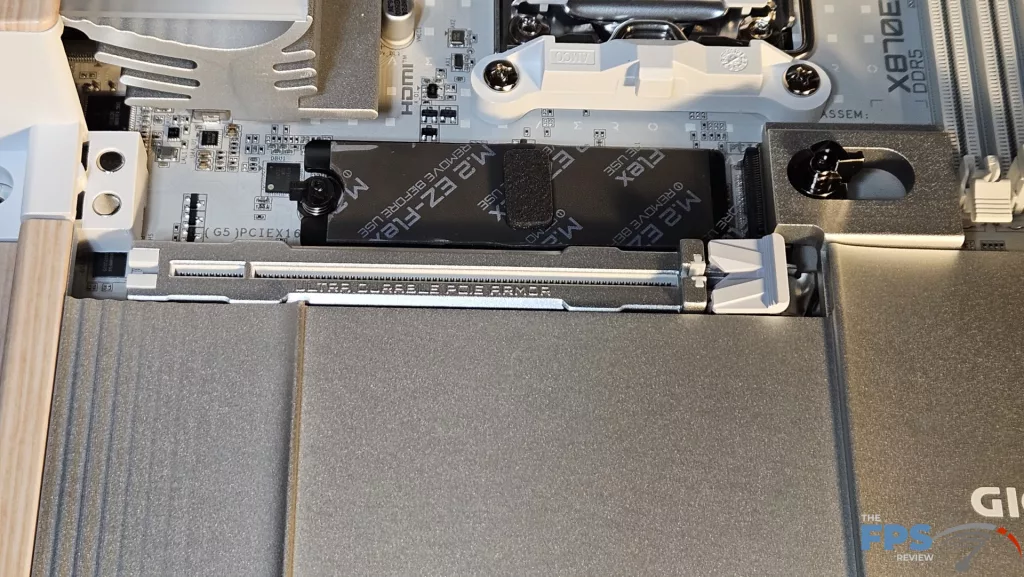
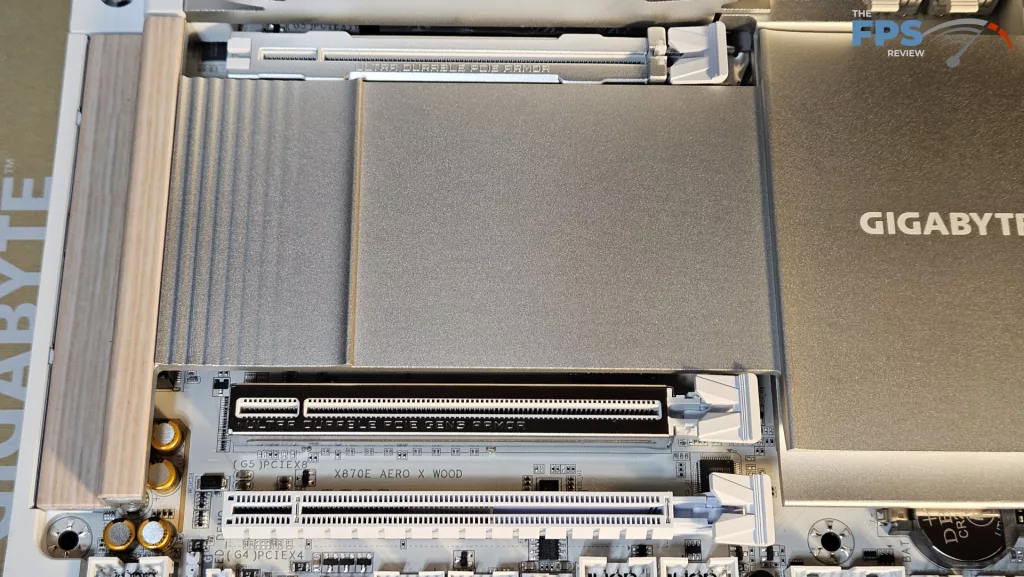
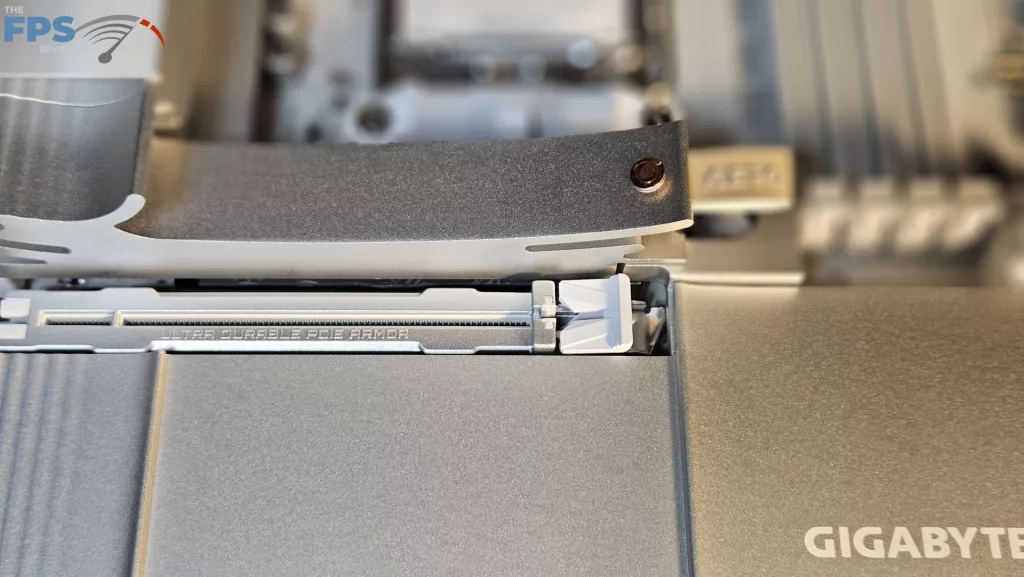
Expansion on the board consists of one PCIe Gen5 x 16 and two full-sized secondary PCIe slots. Slot #2 is Gen5 x 8 and slot #3 is Gen4 x 4. The primary PCIe slot is reinforced, which is nice to see. GIGABYTE uses what they call “EZ GPU Release” for the primary GPU release. This is one of our favorite new push-button GPU releases. The insertion is crisp, and the release is undeniable. The button is well away from interference from the video card. This release allows you to easily remove a large GPU one-handed. It is interesting to see that slot #2 is also metal reinforced. (Maybe Crossfire is making a comeback????)
I/O
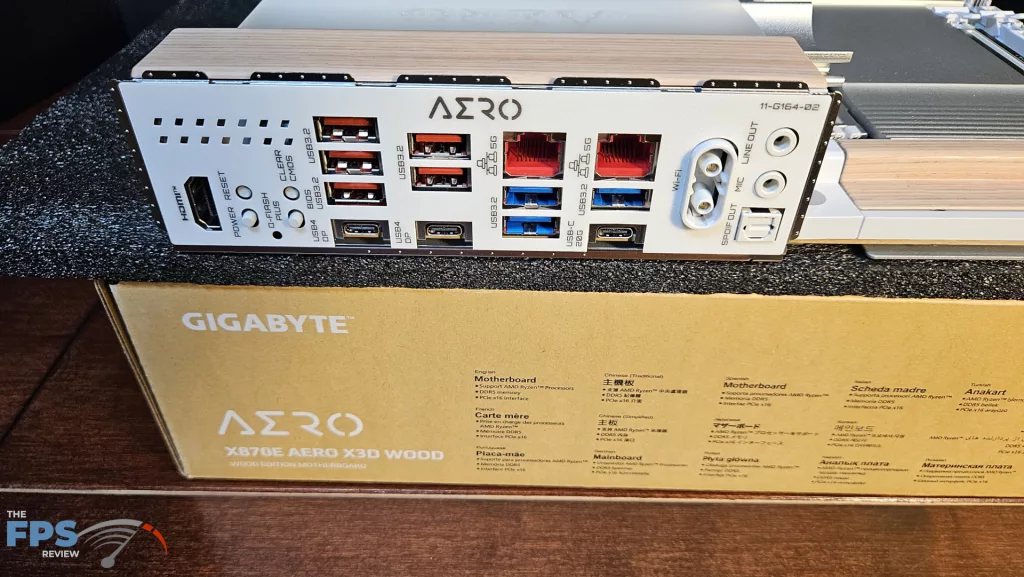
The I/O rear plate is quite full on this board. GIGABYTE has elected to exclude USB-A 2.0 ports. The motherboard bracket is embedded, which seems now to be standard fare and very welcome. Working from left to right: HDMI port, board power and reset buttons, Q-Flash and clear CMOS buttons, three USB-A 10Gb/s ports (one serves as the Q-Flash designated port), one USB-C 40Gb/s port, two USB-A 10Gb/s and one USB-C 40Gb/s port, 5G RealTek RJ-45 and two USB-A 5Gb/s ports, 5G RealTek RJ-45, one 5Gb/s USB-A and one USB-C 20Gb/s port, EZ WiFi ports, and finally audio ports.
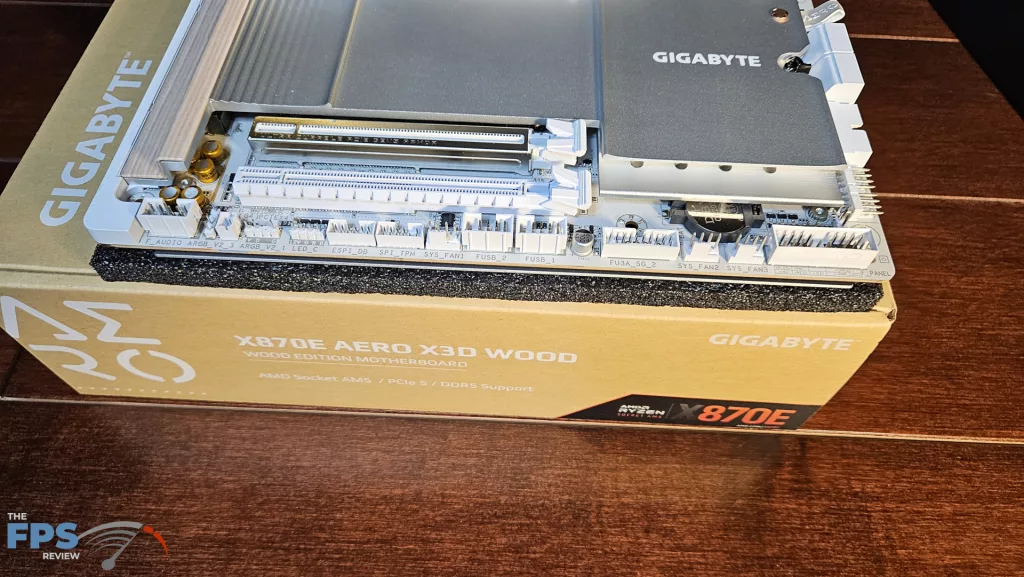
On the board proper, we have a total of eight 4-pin fan headers; three on the top row, OPT, CPU, and PUMP, two right-angle headers on the right lower corner, and three on the bottom row. All fans may be controlled by BIOS “Smart Fan” or through the GIGABYTE Control Center in Windows. The right side of the board has a nice big LED Debug readout followed by the 24-pin header, an HDMI port, USB-C 20 Gb/s front panel header, 4 SATA ports, a right-angle USB-A 5 Gb/s front panel header, and finally the two fan headers. The bottom row has the front panel header, three fan headers, front panel USB-A 5Gb/s header, two USB-A 2.0 headers, two ARGB and one 12V LED header, and finally the audio header. All RGB may be controlled by RGB Fusion in the GCC.