

Introduction
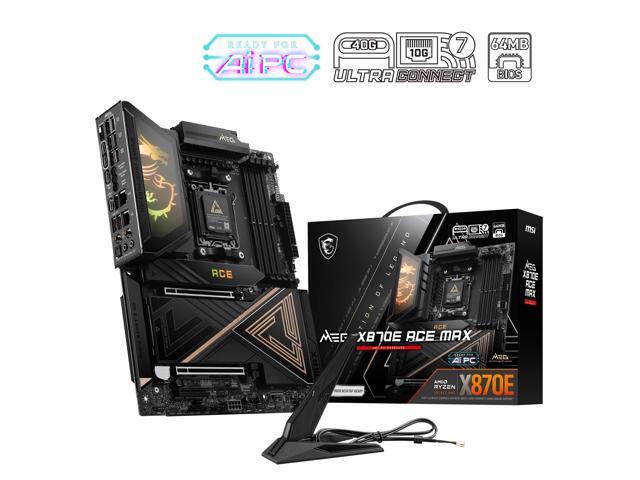
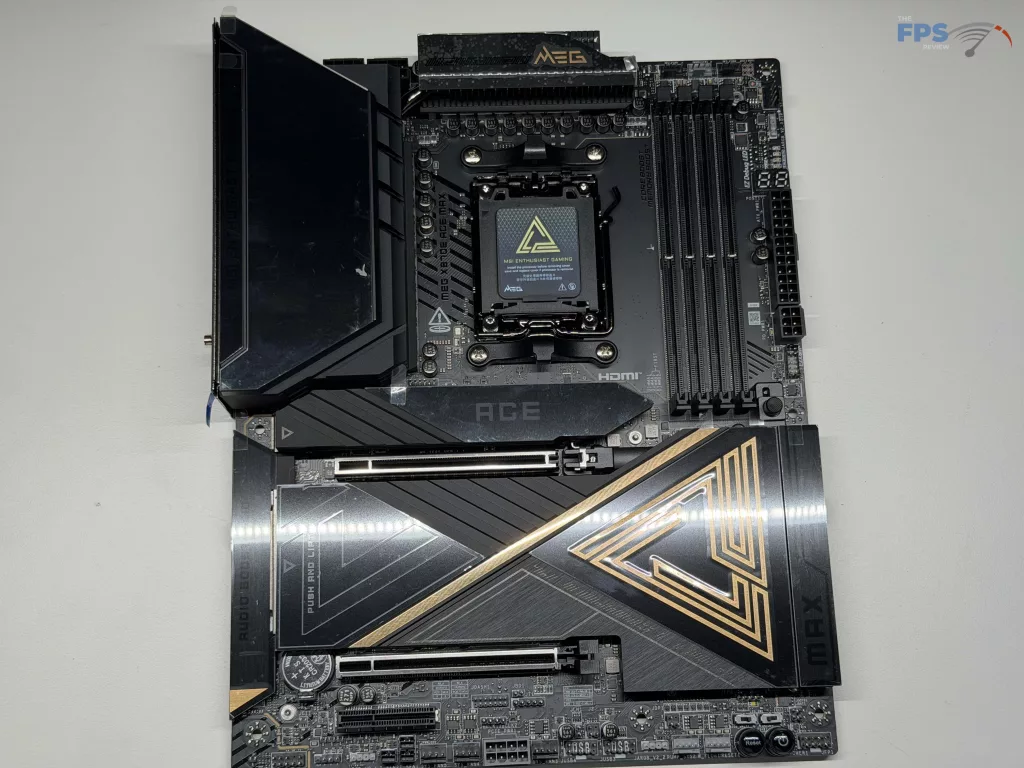
Recently, the new MSI MEG X870E ACE MAX made its way into our offices. As a reminder, the MEG series of motherboards is considered the flagship series for MSI, and as such, typically has some of the highest performing or best featured motherboards MSI has to offer.
MSI has gone with a total of five (5) M.2 slots for NVME drives, all with FROZR heat sinks, two PCIe’s with metal reinforcement, a third for further expansion, as well as more than enough RGB’s to make anyone happy. These are all the little things that MSI adds to its MEG series of motherboards to differentiate them from the MPG and MAG series below it. The question now is, does the MSI MEG X870E ACE MAX live up to the MEG series and meet its MSRP of $699?



Packaging and Contents
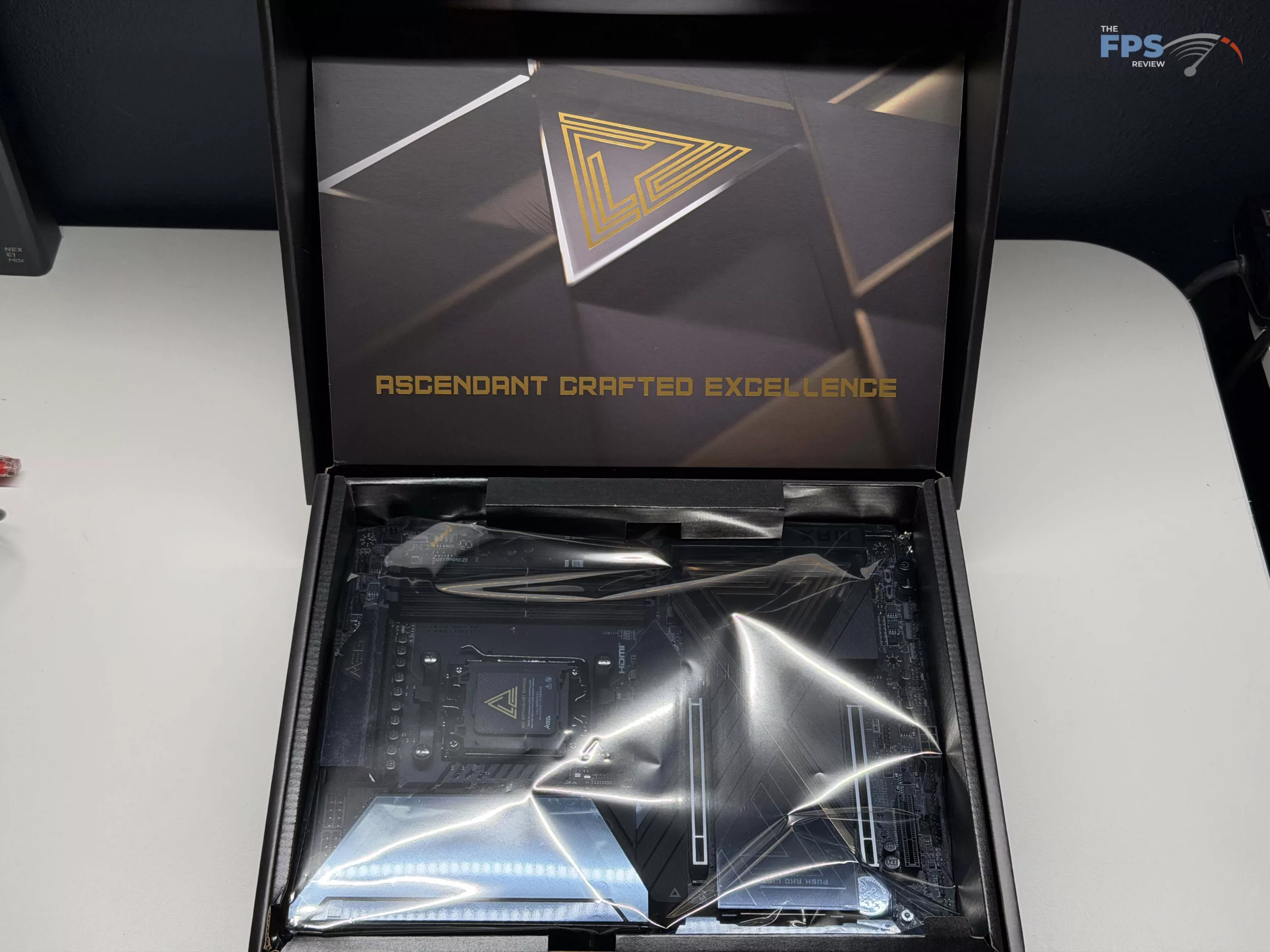
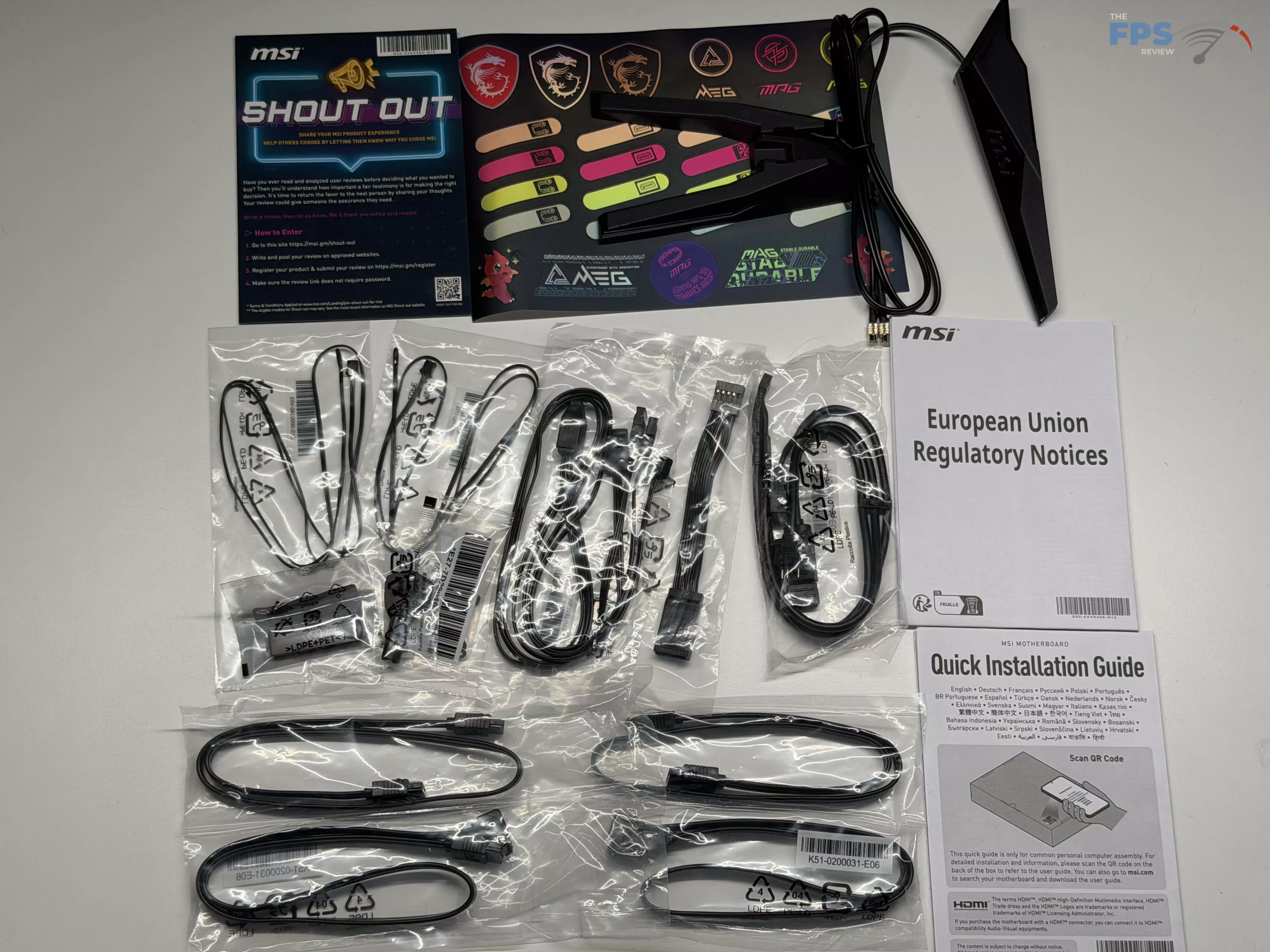
The MSI MEG X870E ACE MAX has a handful of accessories that can be found in the box, but not what we typically see on a motherboard in this price range. Inside of the box, you will find the WIFI antenna, a sticker sheet for cable management, three (3) M.2 screws, and the MSI EZ M.2 Clipp II Remover tool to remove/swap out the M.2 mounting on the MEG 870E ACE MAX. Beyond this, there are the usual cables with four (4) SATA cables, two (2) Thermistor cables, one (1) 1-to-3 ARGB extension cable, one (1) 1-to-3 EZ Conn-Cable (V2), and a single EZ Front panel cable to help with connection to your case.
Finally, there is the standard regulatory notice, an MSI “Shout Out” pamphlet for leaving a review & registering your product, an install guide, and a single USB drive. This drive, like on most higher-end MSI motherboards, is included to provide drivers for all aspects of the motherboard in case you need them during setup.
MSI MEG X870E ACE MAX Features
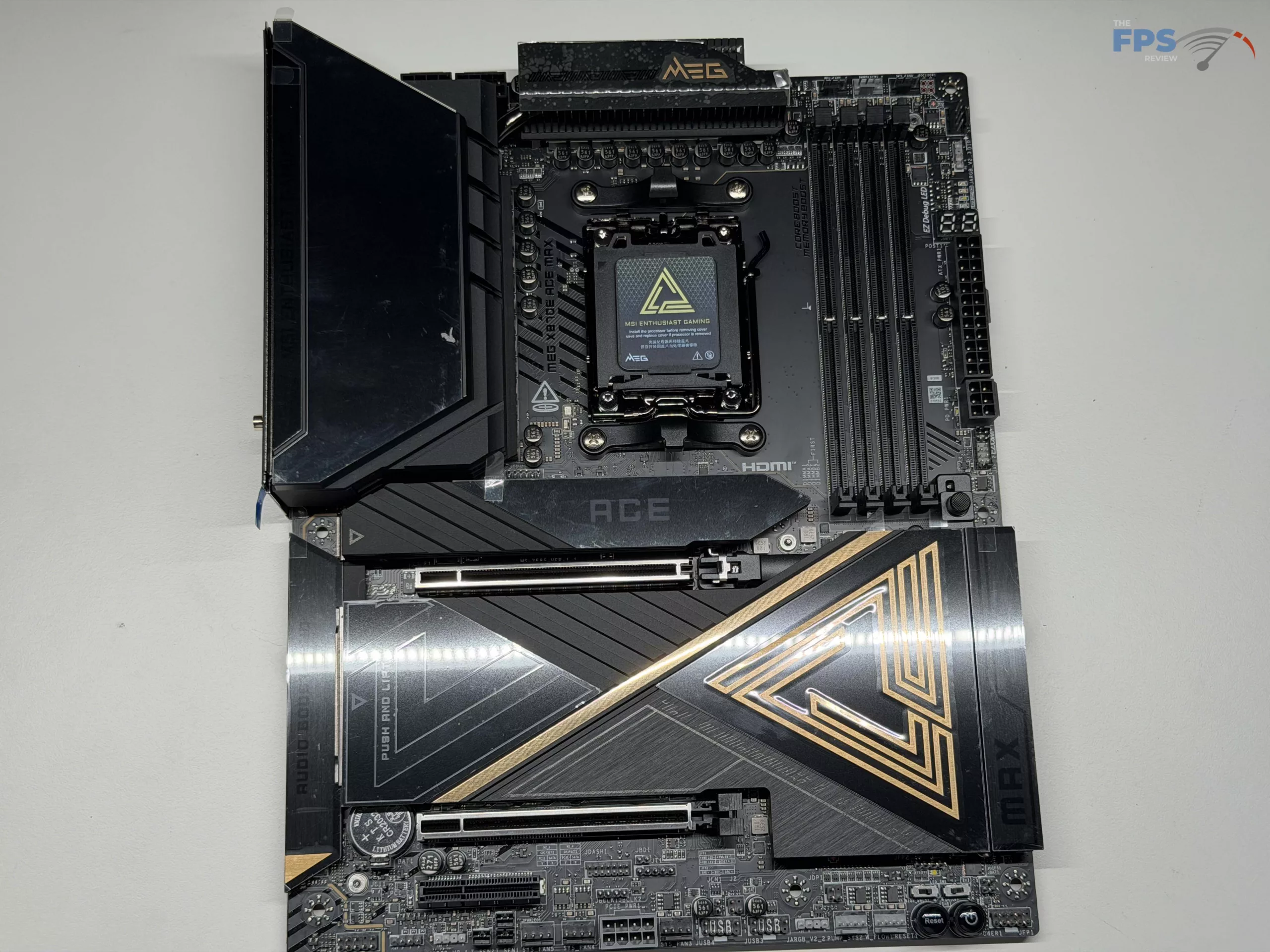
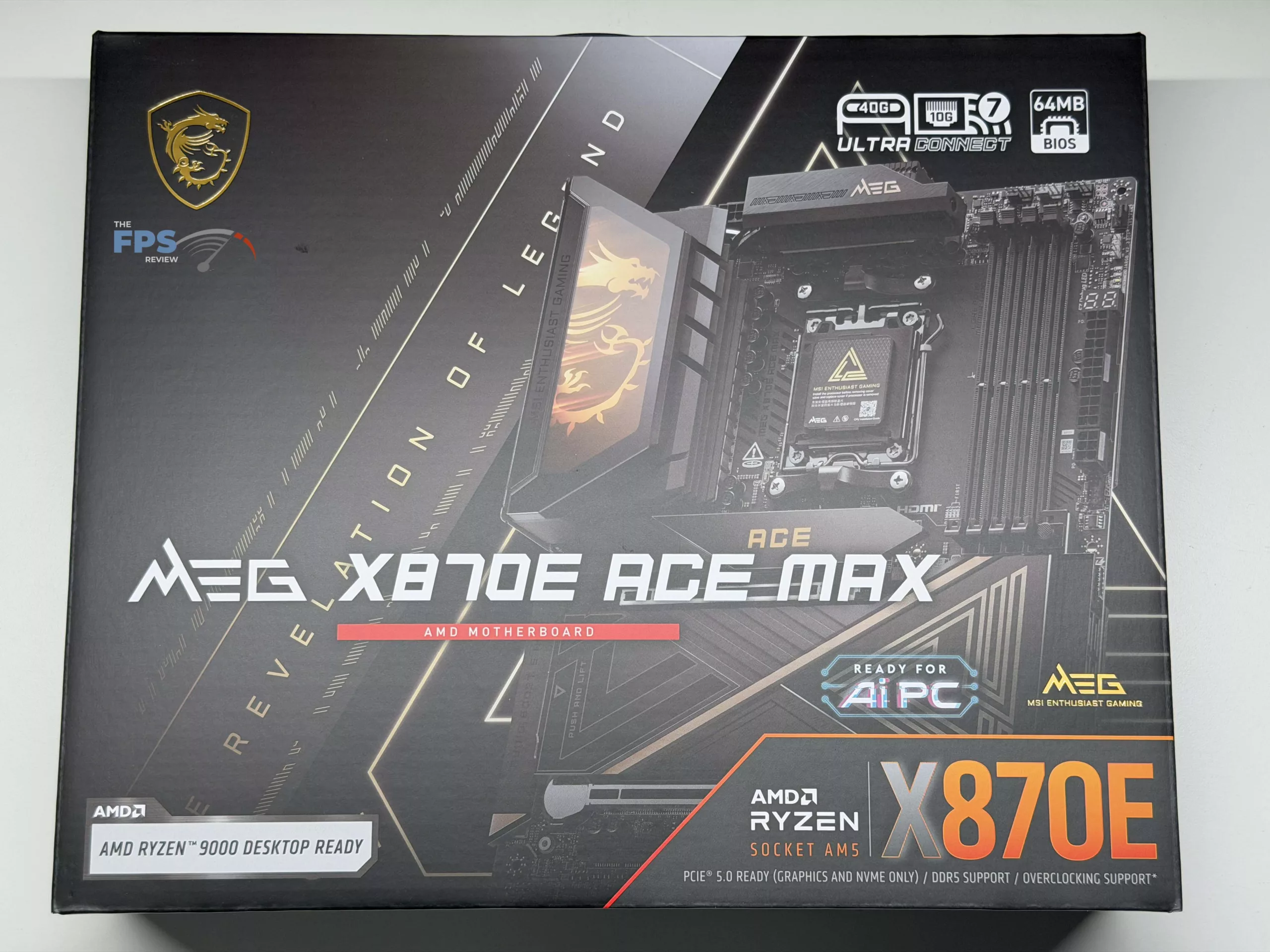
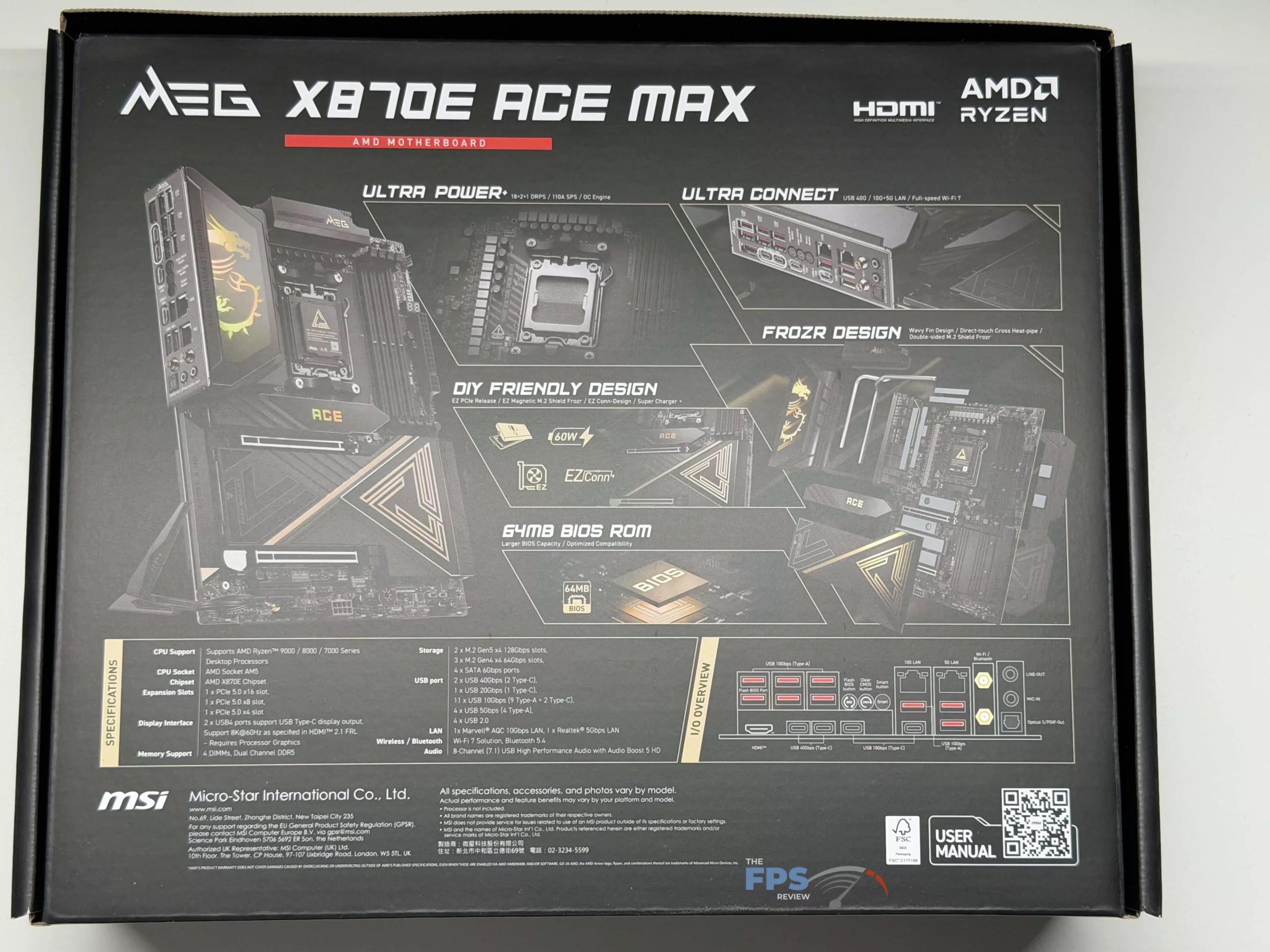
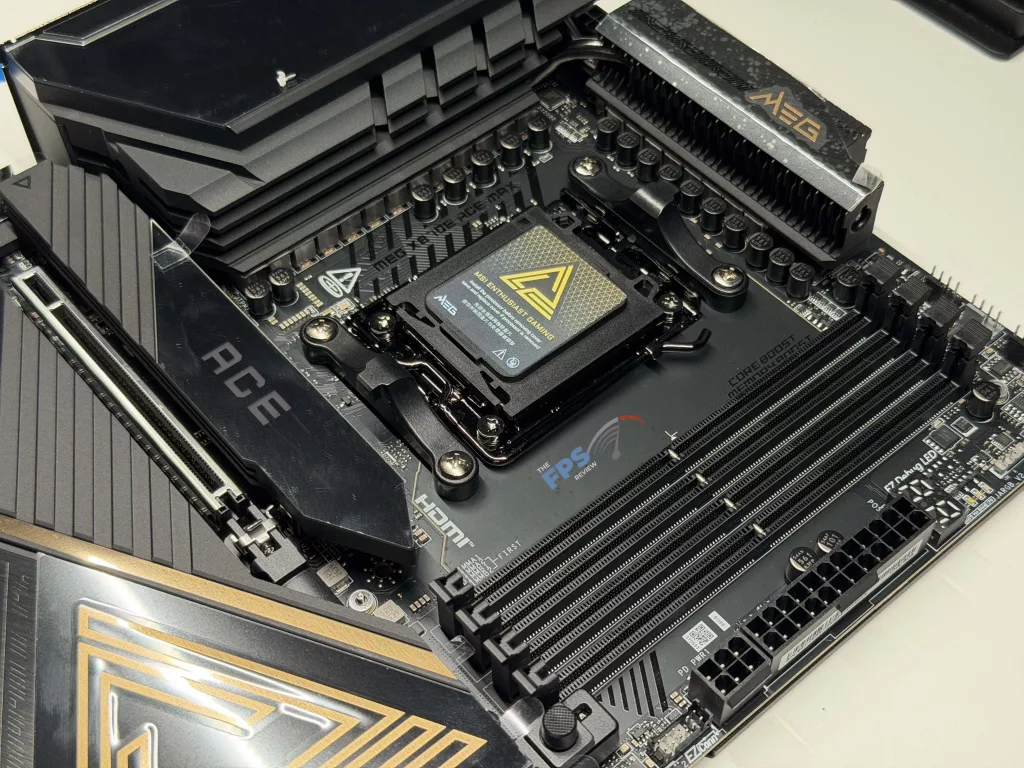
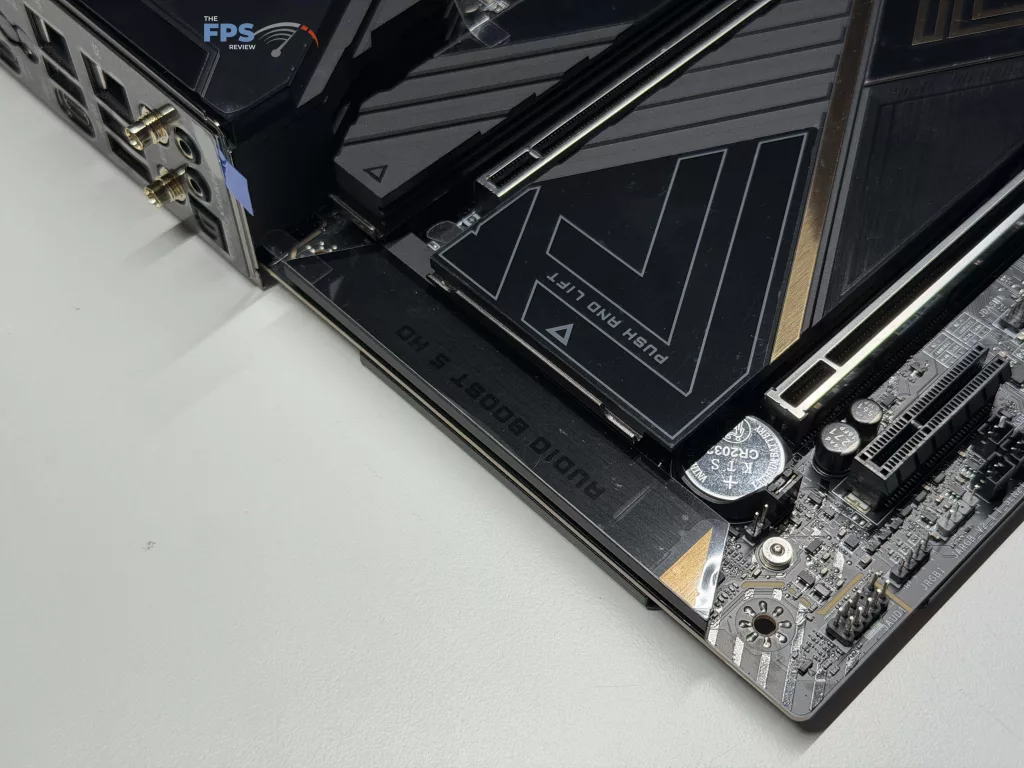
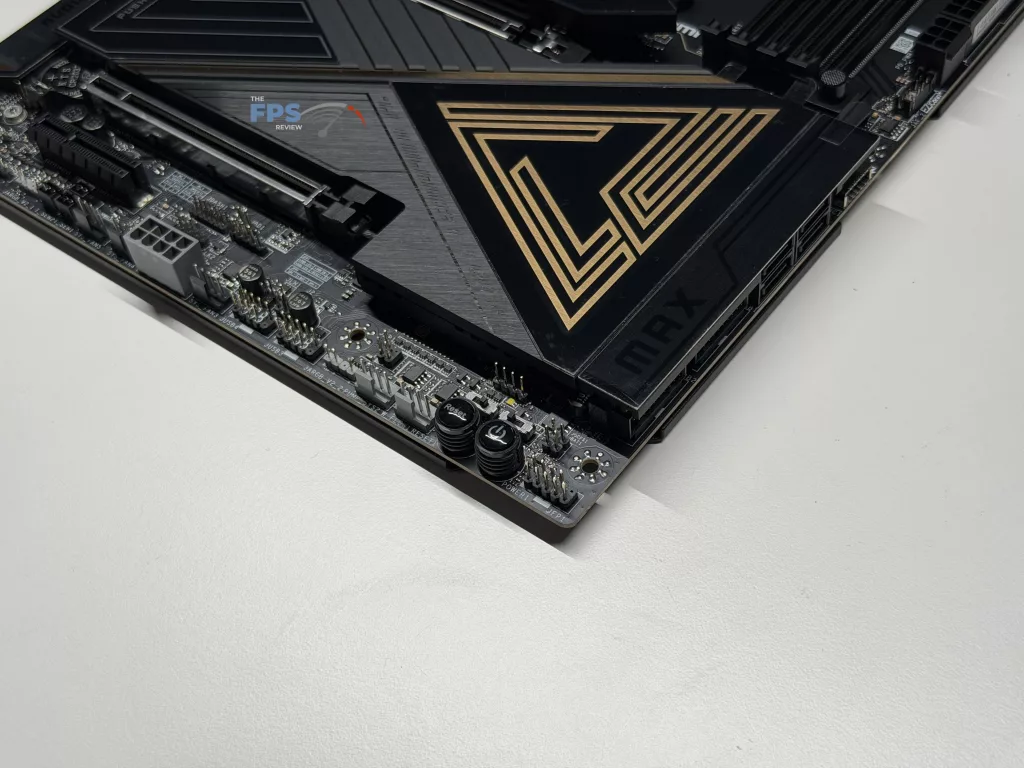
MSI has continued its black and gold scheme with the MSI MEG X870E ACE MAX, making sure the user knows it’s just one step removed from its big brother, the MSI MEG X870E GODLIKE MAX, which sits just above it in MSI’s range of high-performance motherboards. As with all X870E motherboards we have seen to date, we have the standard four (4) DDR5 memory slots, an impressive five (5) M.2 slots, and an additional four (4) SATA ports, leaving you with no lack of storage. Beyond this, MSI has provided FROZR cooling that lives up to the standards we have come to expect from the classification, with the exception of the primary M.2 slot cooling, but more on that later.
Power Delivery
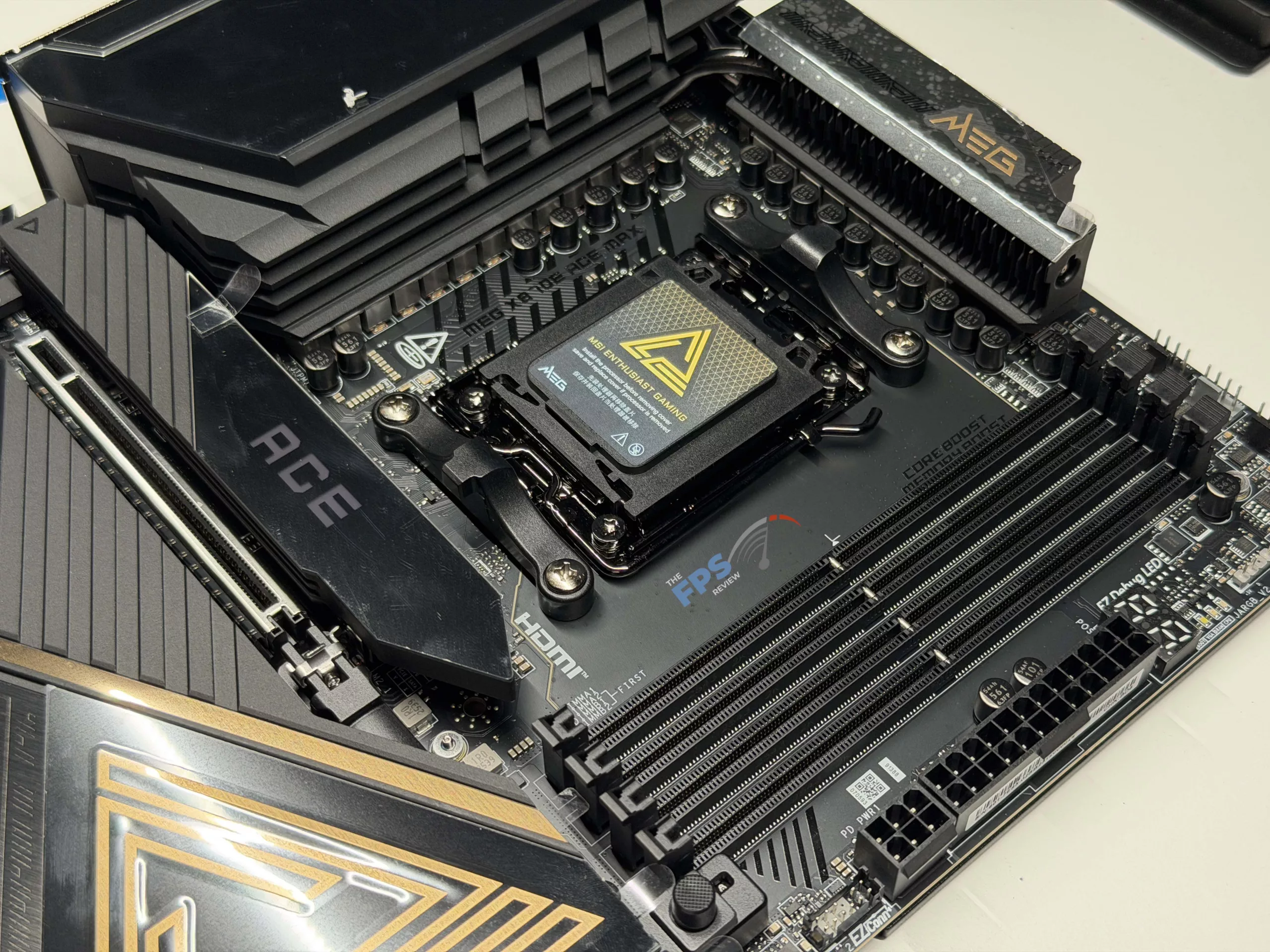
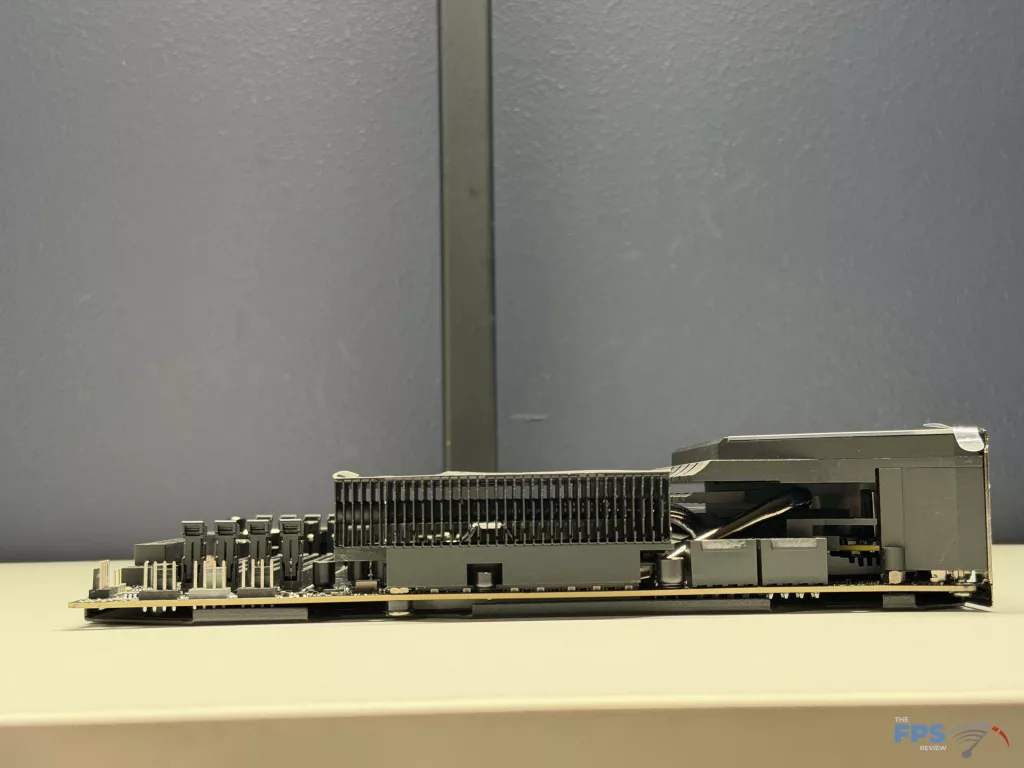
With this motherboard coming in on the high end, you should not be surprised to see that MSI has targeted peak performance with a total of 18+2+1 digital power phases, providing up to a total of 110 Amps through Smart Power Stage. This lines up nicely with other higher-end motherboards, and should give lots of power for manual overclocking, let alone using AMD’s Precision Boost Overdrive (PBO). When we took a closer look at the FROZR cooling design, it looks to be one of the more robust solutions provided on an X870E motherboard we have run across, and the VRM cooling testing we did backs this up.
Memory and Storage
As with all other X870E and current generation consumer motherboards, the MSI MEG X870E ACE MAX is only able to run Un-Buffered, Non-ECC, DDR5 memory. Where it differs from some is that it is able to run a maximum of 64 GB per slot, for a total of 256 GB, which is in line with the maximum amounts we typically see on the consumer-level motherboards.
Now, capacity isn’t everything, memory is a place where speed matters, and officially MSI claims a maximum speed of up to 9,000 MT/s, however that is with one stick. When you are running two sticks, one per channel, and in single-rank (most 16/32 GB sticks meet this), you can achieve up to 8,400 MT/s, however if you are loading up all four slots, you will most likely be limited to around the ~6,4000 MT/s speed, which is no slouch on its own.
Along with these speeds is the ease of reaching them, thanks to EXPO (Or XMP) settings that many Memory manufacturers use to ease the overclocking process. As with most motherboards these days, the MSI MEG X870E ACE MAX is able to utilize the pre-set settings for RAM sticks for quick and easy overclocking, something we had no issues with on our test bench, with our trust Patriot kit being able to easily hit its rated speed of 6,200 MT/s.
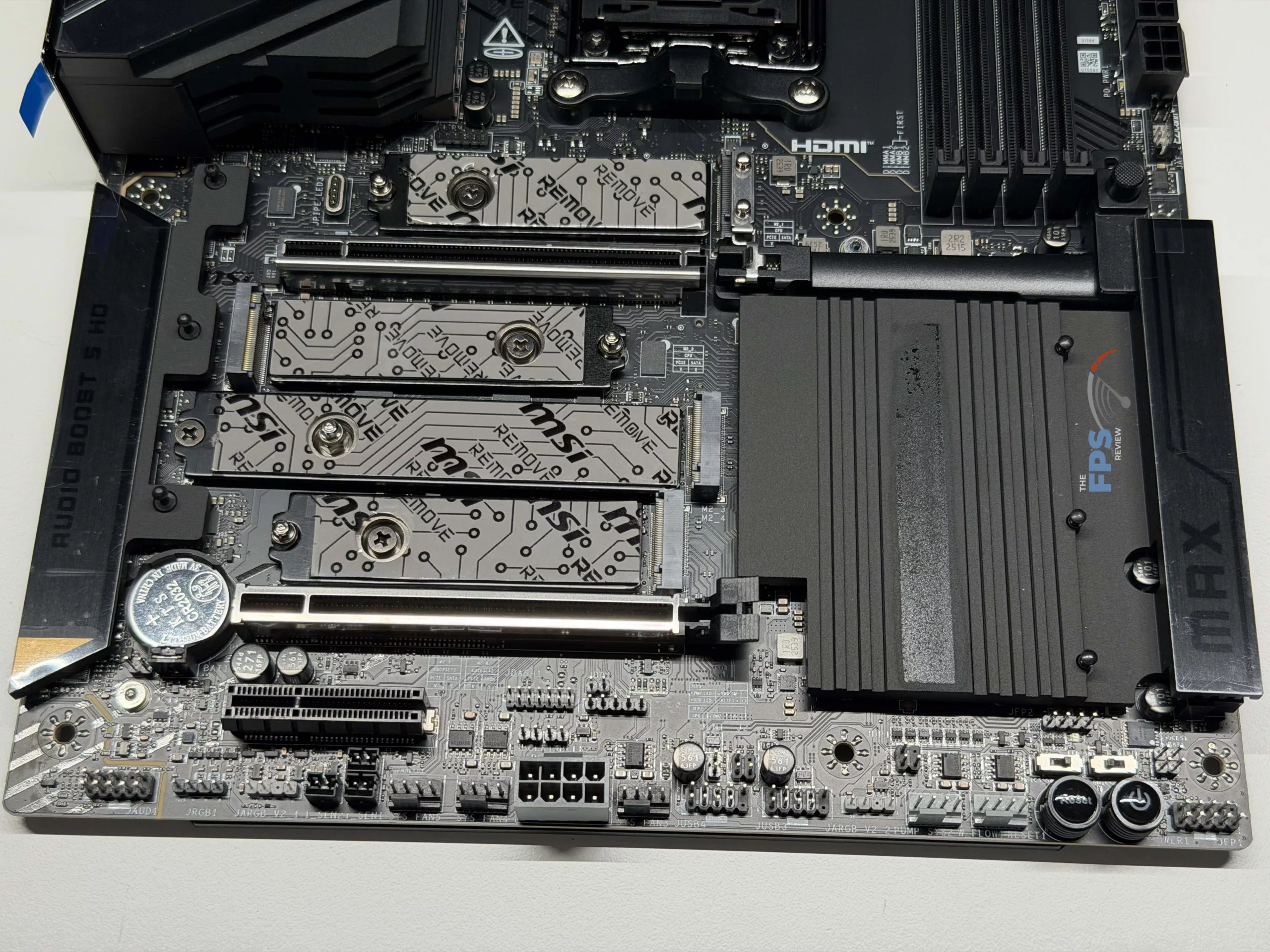
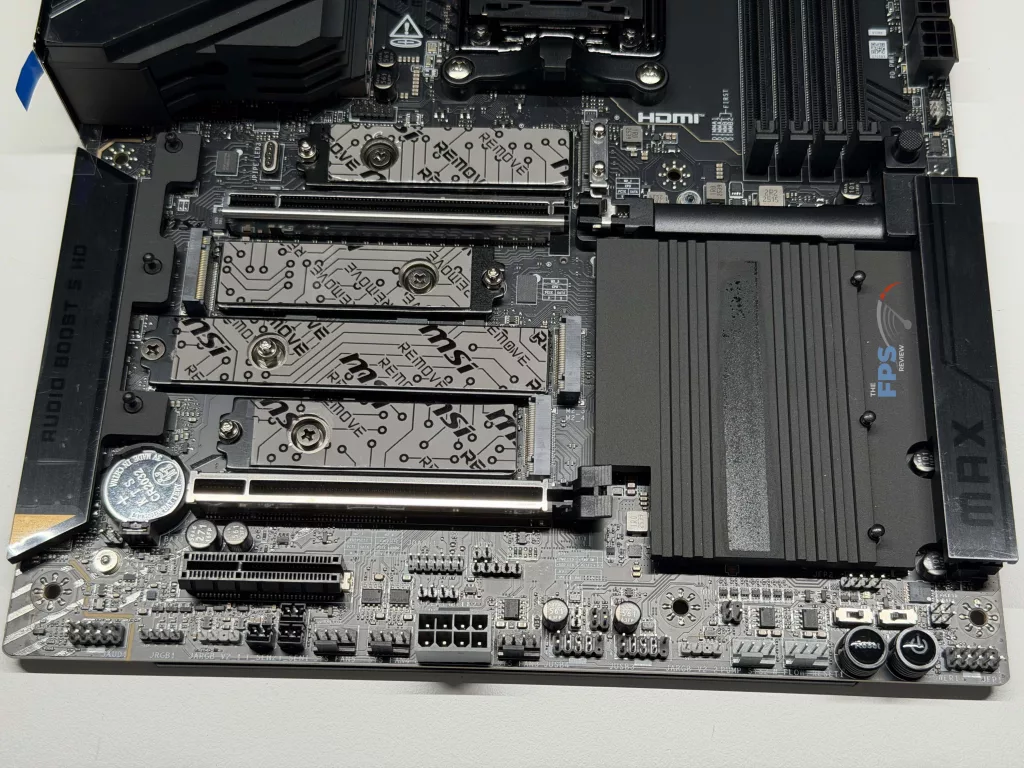
MSI was able to find space for five (5) total M.2 slots on this motherboard, two (2) of which are Gen5 speeds from the CPU, and the remaining three (3) are from the X870E chipset itself. It is important to note that there are some limitations to maintaining Gen5 speeds on the first two slots, namely the first slot will drop to x2 bandwidth (but not necessarily Gen4 speeds) when the third PCIe slot is in use, and similarly the second slot will drop in bandwidth when the 40 Gbps Type-C ports (either of them) are in use to x2 speeds.
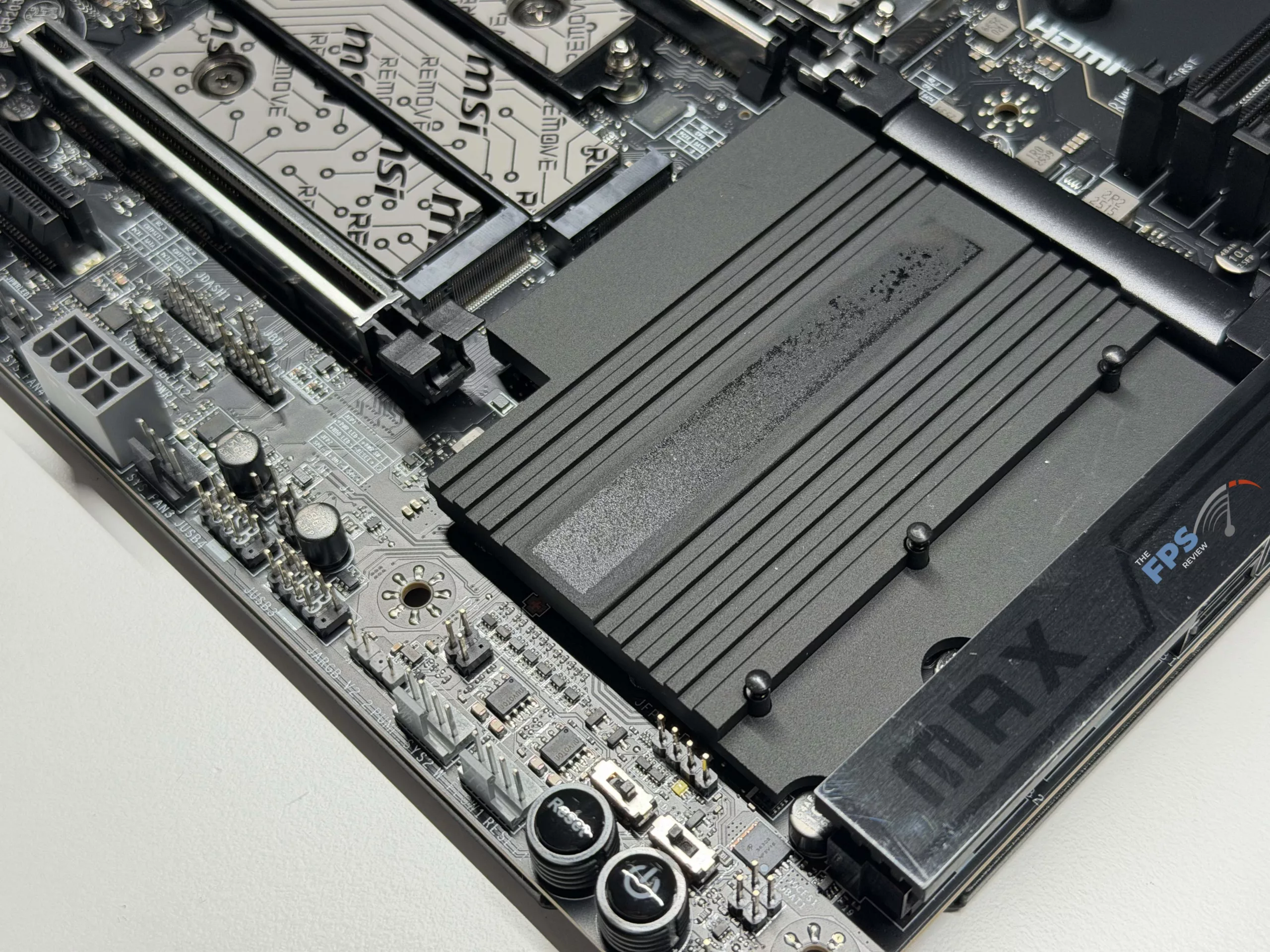
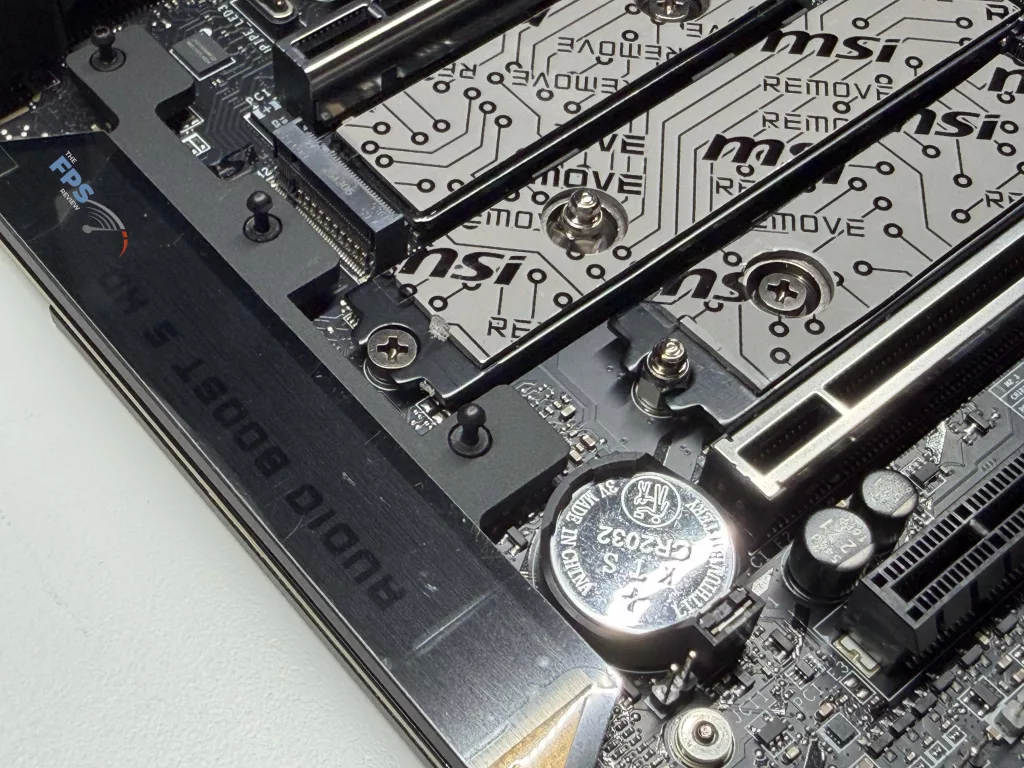
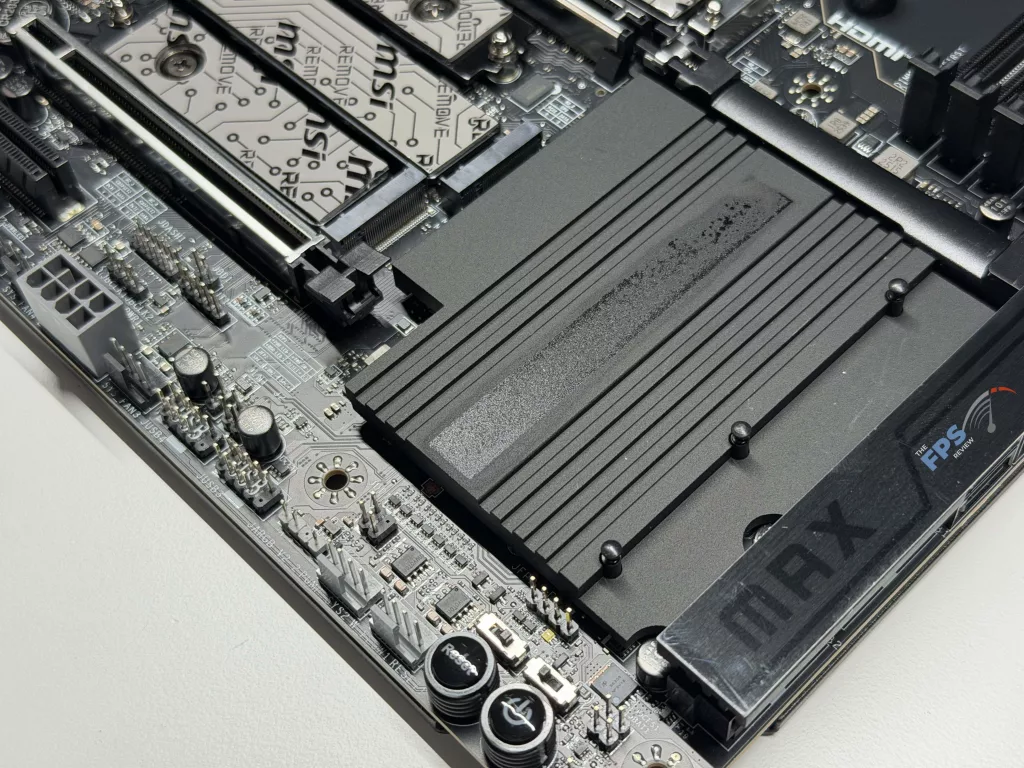
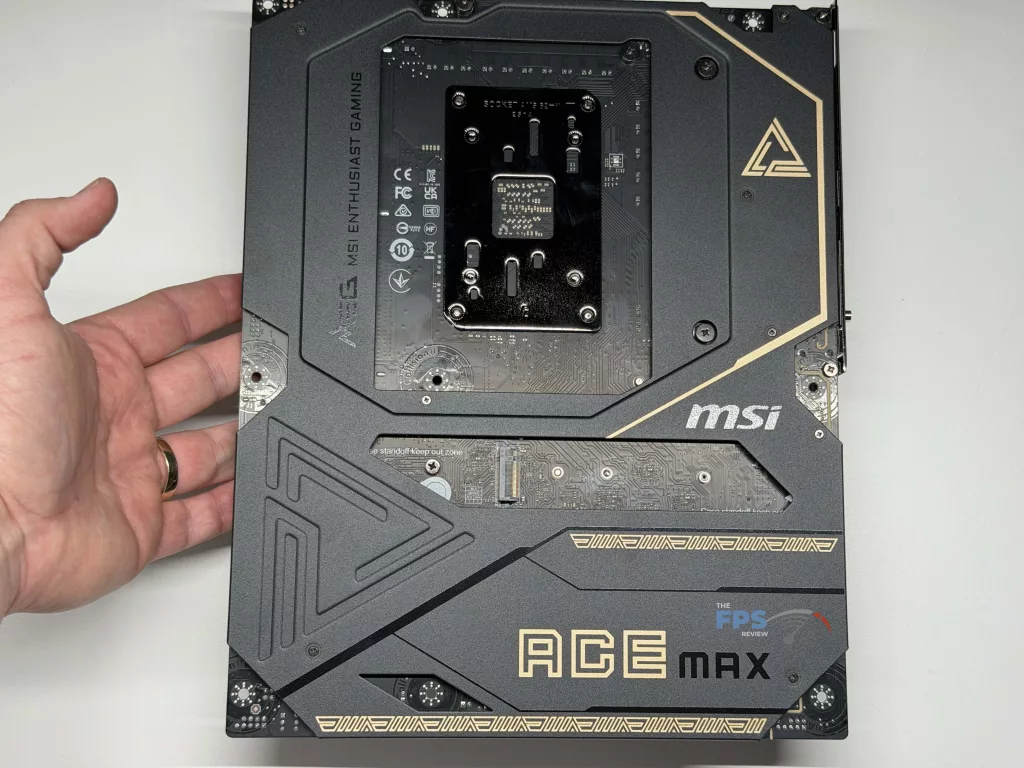
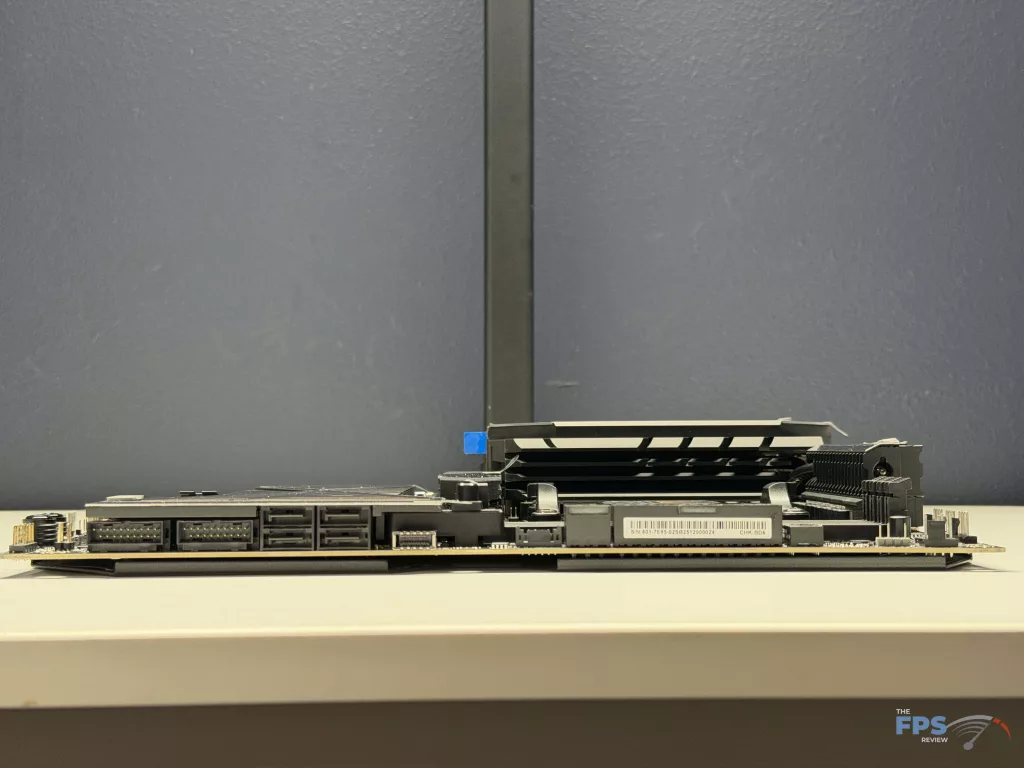
With regards to the M.2 expansion options, we do want to point out that the fifth slot is actually located on the back of the motherboard, as that location is not always the most convenient location. When it comes to cooling, the bottom three (3) slots on the front of the MSI MEG X870E ACE MAX have cooling integral to the motherboard like we typically see, and will perform as expected, but the uppermost slot has a smaller cooler than we would expect.
In fact, it appears to be lacking in not just weight, but in surface area, for heat dissipation. This is not something we are testing directly as we are using our MSI M570 PRO FROZR drive in this slot in testing, but we do want to make our readers aware of this in case they are anticipating using it for cooling on their primary drive. The last thing we would like to point out is that there additional storage expansion with four (4) SATA 6 GB/s ports located in the normal location.
Expansion
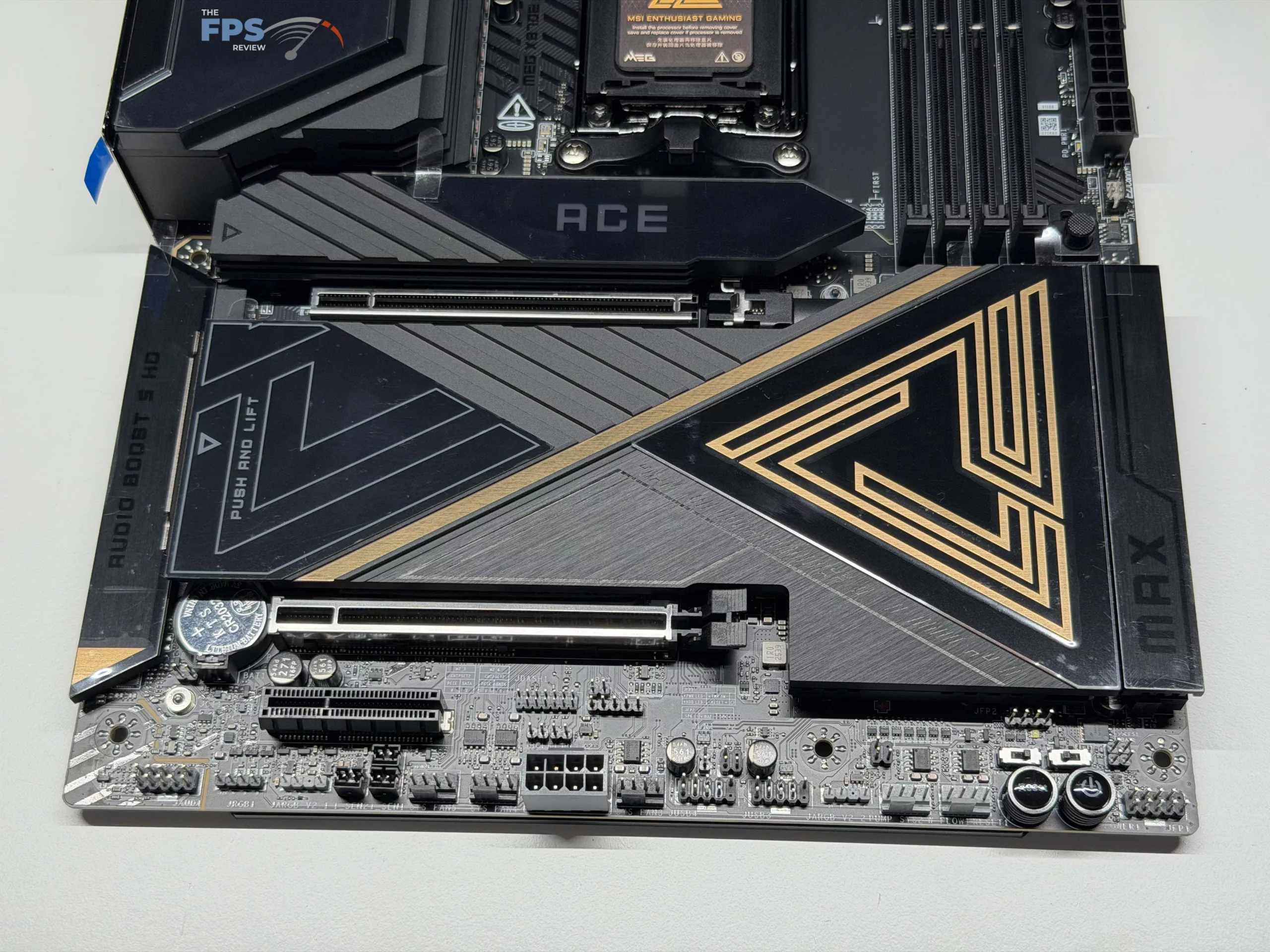
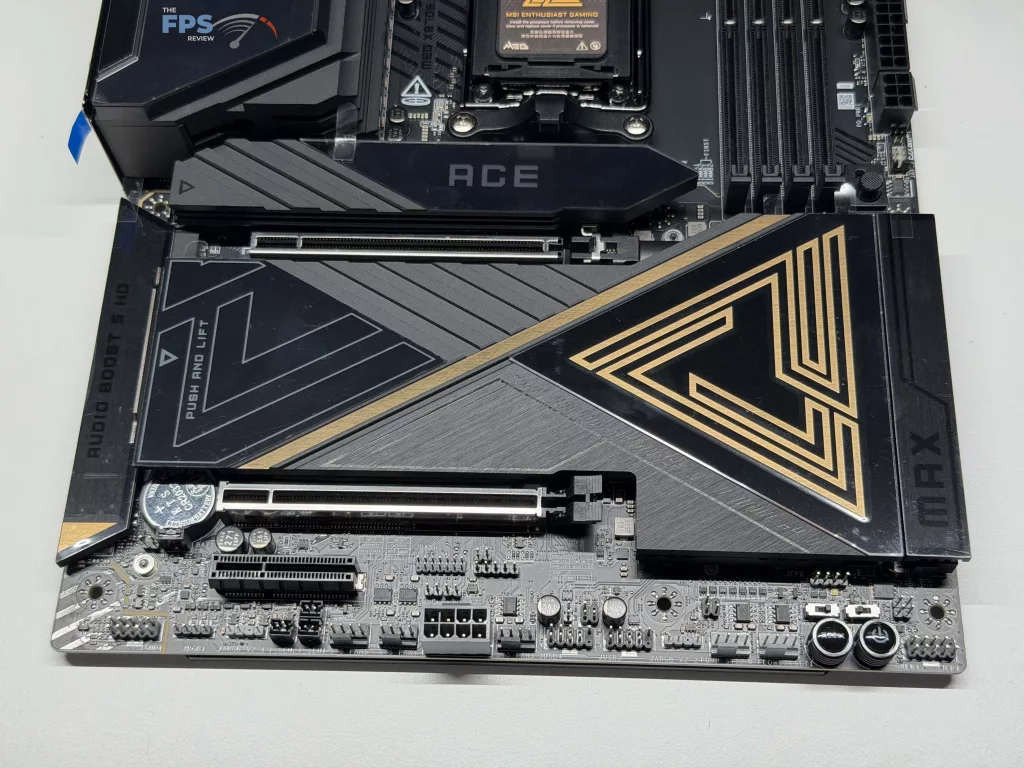
For expansion, there are a total of three (3) total PCIe slots, all of them 5.0 slots, with the top two being full-size slots (Though only the top is a full x16 lanes, the second being x8), and one being an x4 slot with a cutout to accept larger cards. If you are looking to install two (2) PCIe devices, be aware that the top slot will only operate in full x16 mode when there is nothing in the second slot. Additionally, the third slot will drop to x2 speeds when there is a drive installed in the top-most M.2 slot (this can be overrode in the BIOS to disable one or the other).
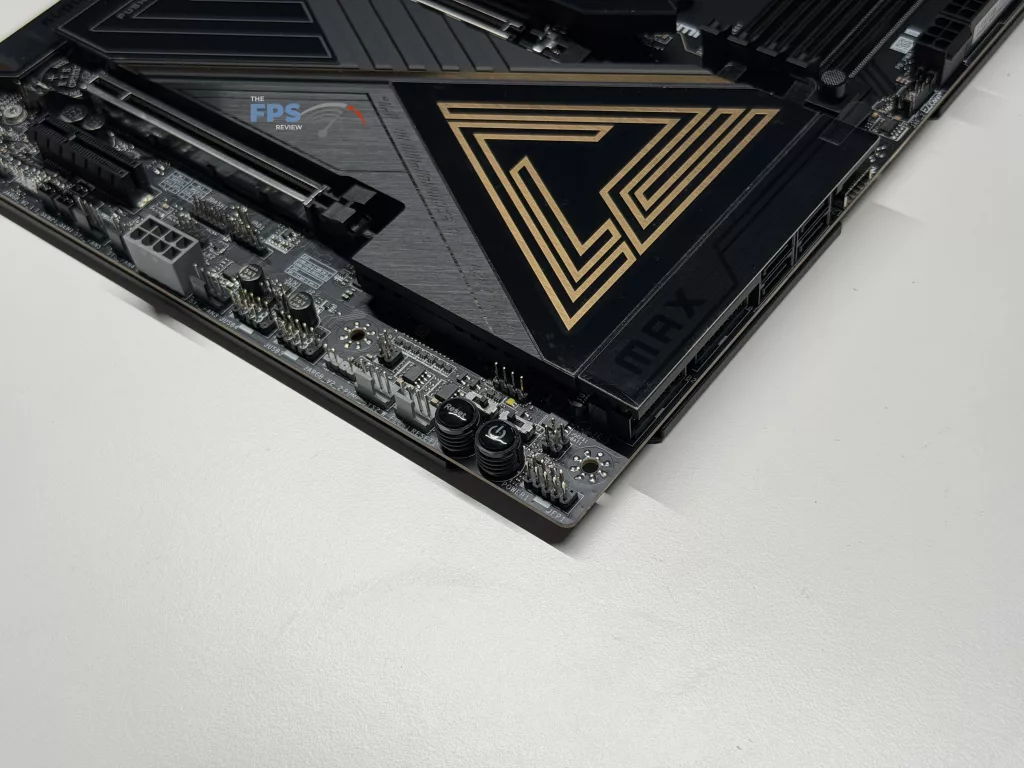
It is nice to see that MSI has decided to go with their STEEL ARMOR II system on both of the full-size PCIe slots, providing increased strength when installing larger PCIe cards in your system, something we typically only see on the primary slot. Beyond this, the primary slot has a button for card removal, instead of the typical “wing” on the release mechanism, which helps immensely with the removal of a GPU when required. Finally, we want to mention that there is an 8-pin power connector located on the bottom of the motherboard that is intended solely for adding supplemental power for all three (3) PCIe slots, something that can come in handy with the power hungry GPU’s or NPU’s that will typically be installed in this motherboard.
I/O
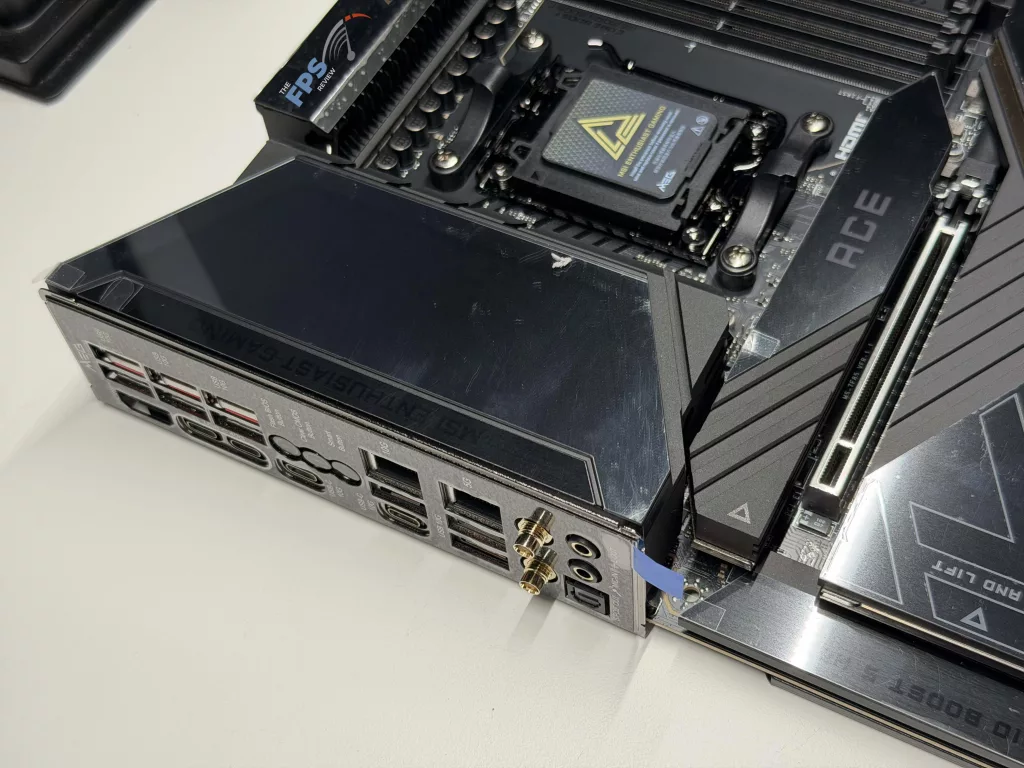
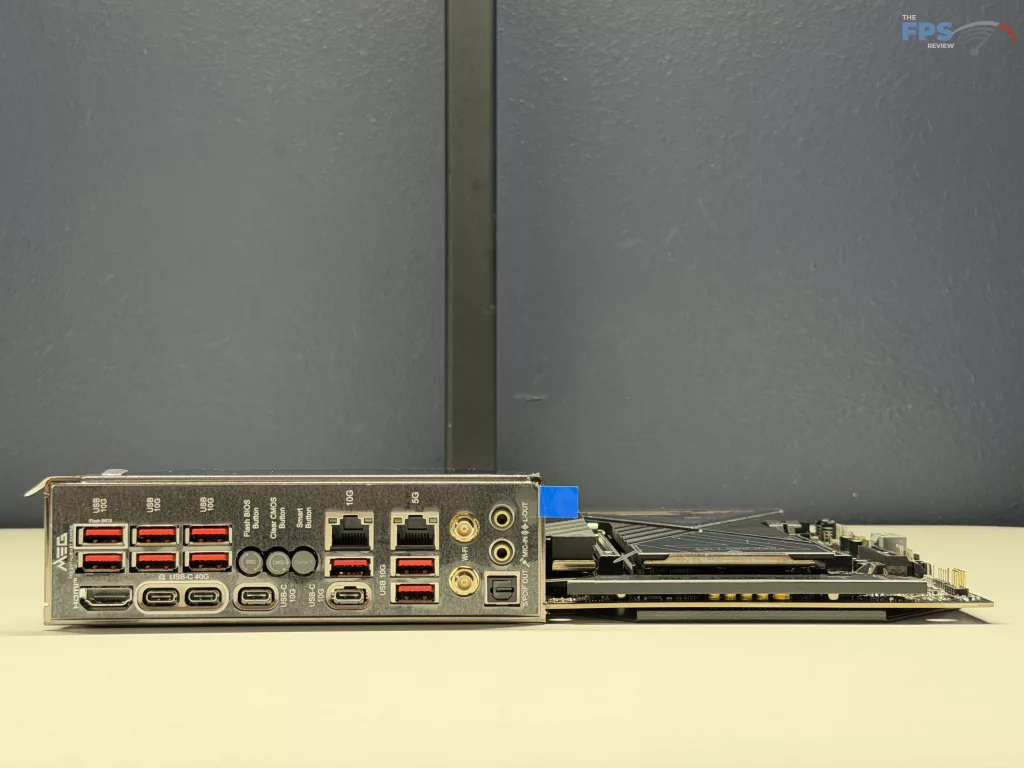
The I/O provided on the MSI MEG X870E ACE MAX is, in one word, staggering. In total, there are 22 total USB type ports provided for either the rear I/O panel or the front panel, with five (5) of them being Type-C ports. Of these there are nine (9) are USB Type-A 10 Gbps ports on the rear, another four (4) Type-A ports at 5 Gbps for the front, two (2) 10 Gbps Type-C ports on the rear with another two (2) at 40 Gbps, as well as one (1) more 20 Gbps Type-C on the front port, and four (4) more USB 2.09 front ports being provided.
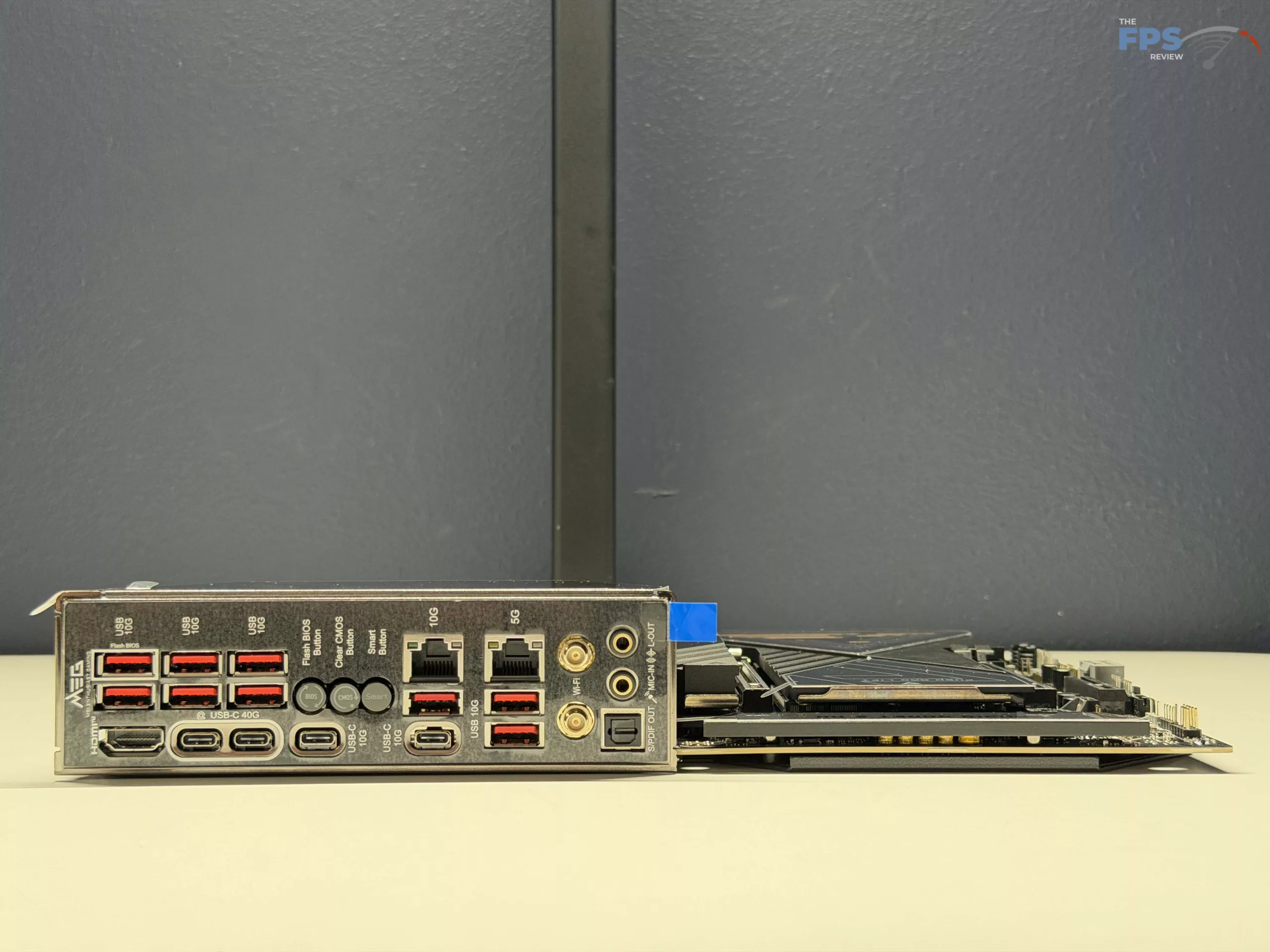
Beyond this, there is an HDMI port on the rear I/O for running a monitor off of the CPU’s GPU, along with two WIFI plugs for WIFI-7 from the Mediatek MT7927 chip, and two (2) RJ-45 ports for Ethernet. One (1) of these is a 10 Gb/s port from the Marvell AQC113CS controller, and the 5 Gb/s port is from a Realtek RTL8126 controller located on the motherboard. Beyond this, there is the standard Flash BIOS Button, the Clear CMOS button, and a “Smart Button” that can be programmed in the UEFI to toggle the ELDs, reset the system to safe mode, or set all fans to full speed. Finally, on the rear I/O panel is the audio connections, with a Mic-In and Line-Out as well as an S/PDIF from the Realtek ALC4082 Codec and ESS9219Q Combo DAC/HPA chips, giving the ability to have up to 7.1 surround sound from the motherboard itself.
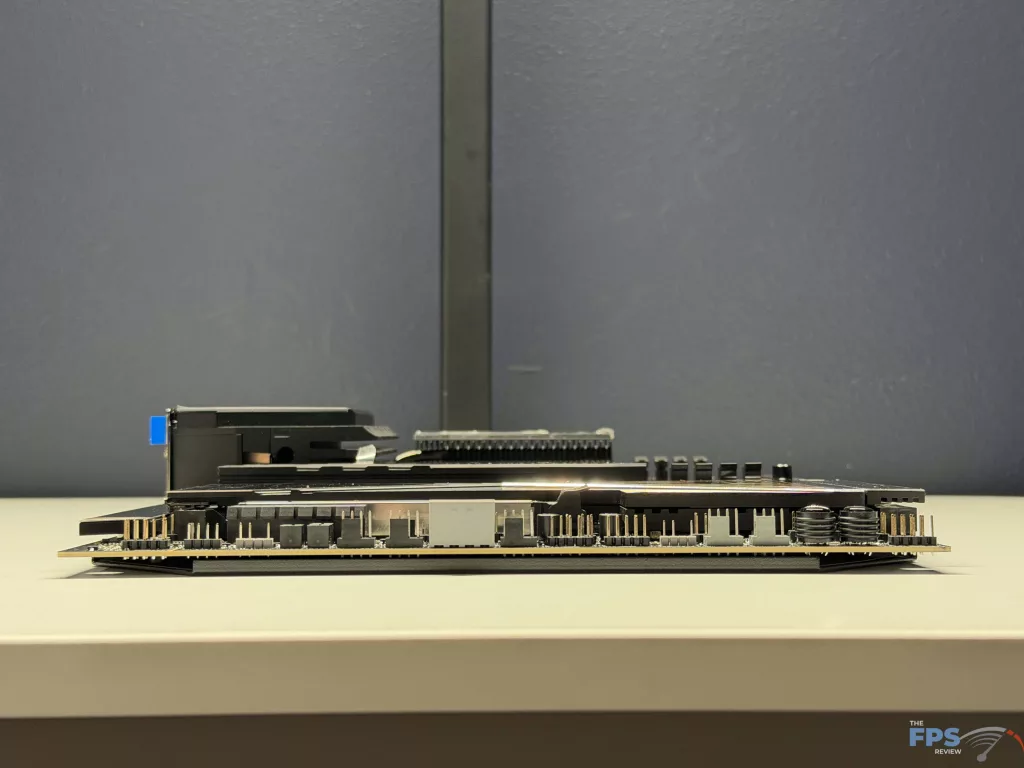
When it comes to cooling connectors, there are a total of eight (8) 4-pin fan connectors for maximum versatility. One (1) of these is dedicated to the CPU fan, two (2) more are for combo ports for Fan or Pump operation, and the remaining five (5) are for system fan connections. In the cooling mindset, there is also one (1) water flow connector, along with two (2) more thermal sensors as well as a Tuning controller connector. Finally, there are three (3) addressable V2 RGB LED connectors along with a single standard RGB LED connector.
UEFI
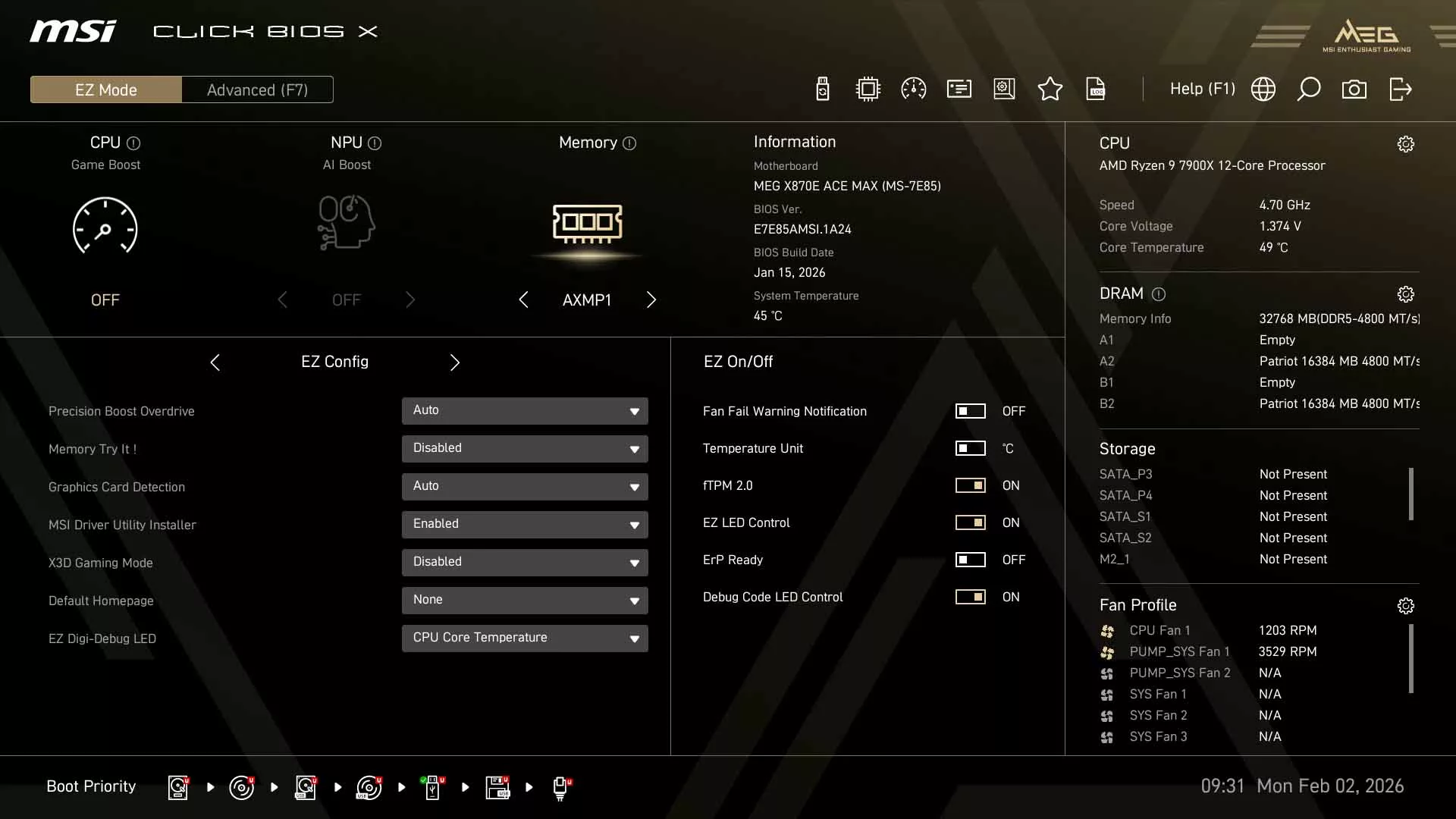
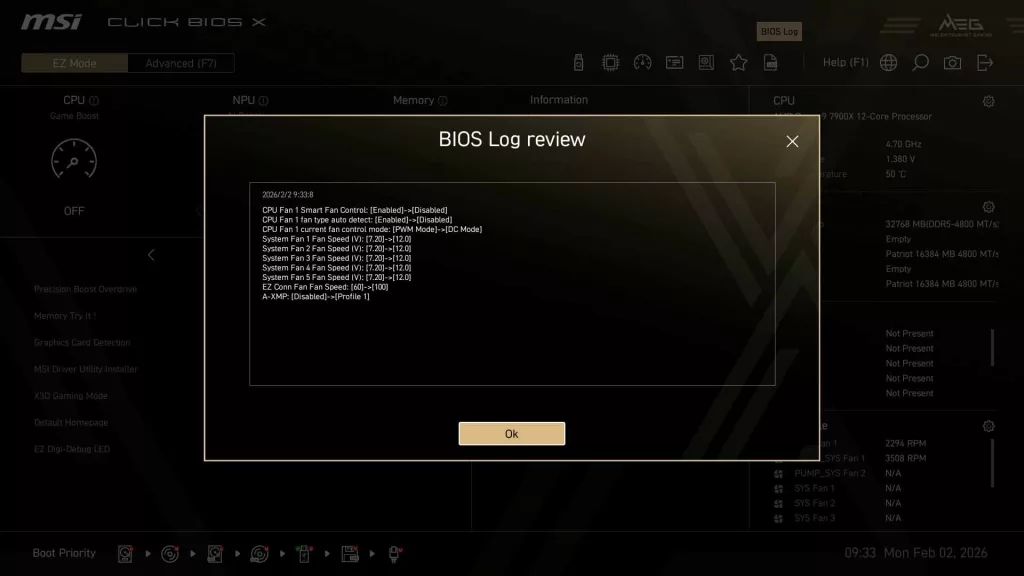
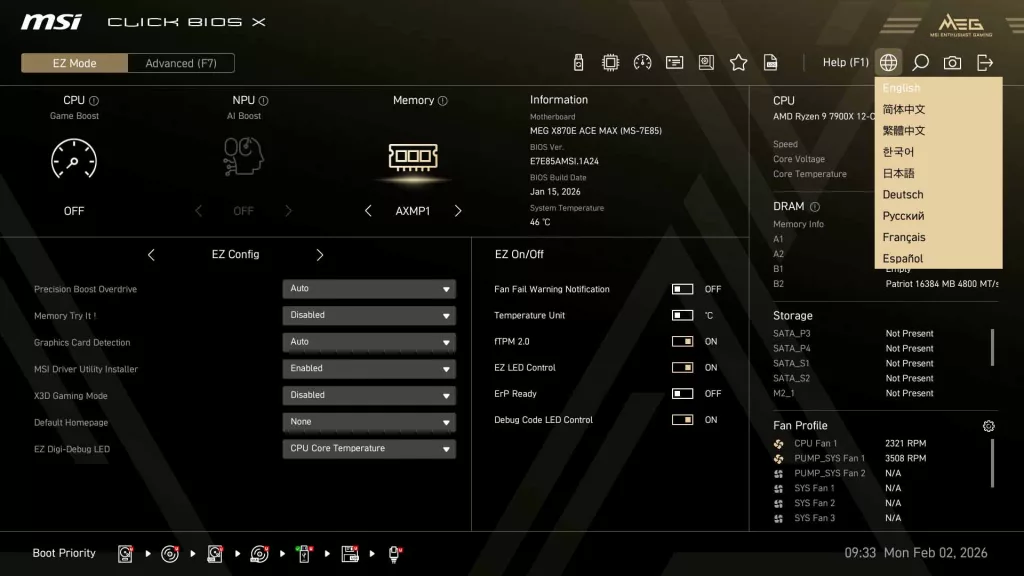
The MSI MEG X870E ACE MAX has MSI’s latest “Click BIOS X”, a UEFI BIOS that we have come to enjoy here at The FPS Review, and the implementation on this motherboard lives up to our expectations. As usual, you are initially greeted with the “EZ Mode” screen that gives quick access to adjusting the XMP mode for your memory and a CPU Game Boost, along with an AI Boost for an NPU (If installed).
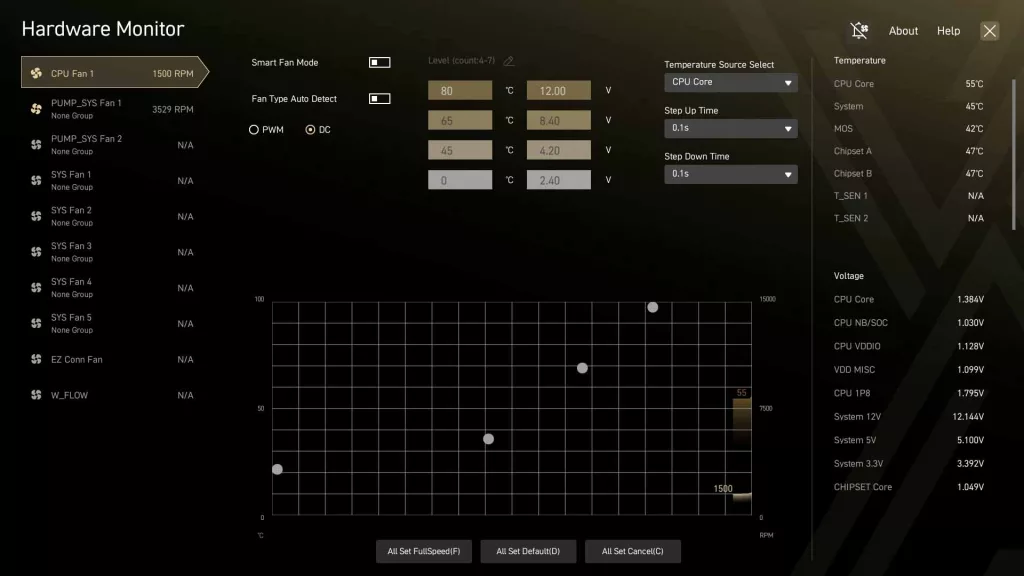
Below these, you will find additional settings that are common adjustments, such as Precision Boost Overdrive (PBO) levels, settings for the EZ Digi-Debug LED, or changing temperature units within the UEFI, to name a few options. Additionally, there are quick references to CPU speed, voltage, and temperature, along with DRAM speeds and capacity, fan speeds, and a storage overview. The final setting we want to call attention to is the quick access for the Hardware Monitor, where you can adjust any fan speed curve (or force full speed), additionally, temperatures and voltages can be viewed for basically every setting on the motherboard.
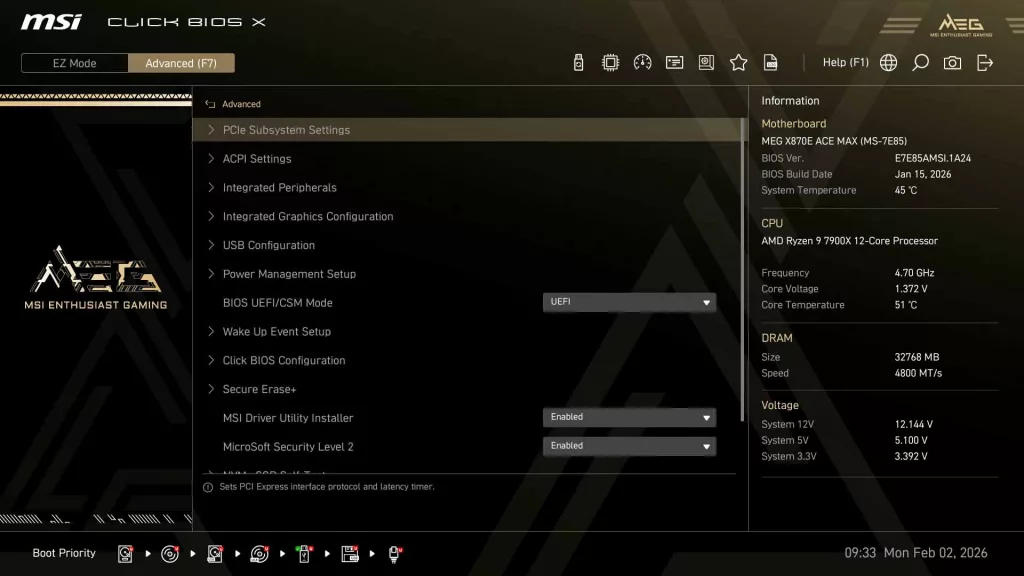
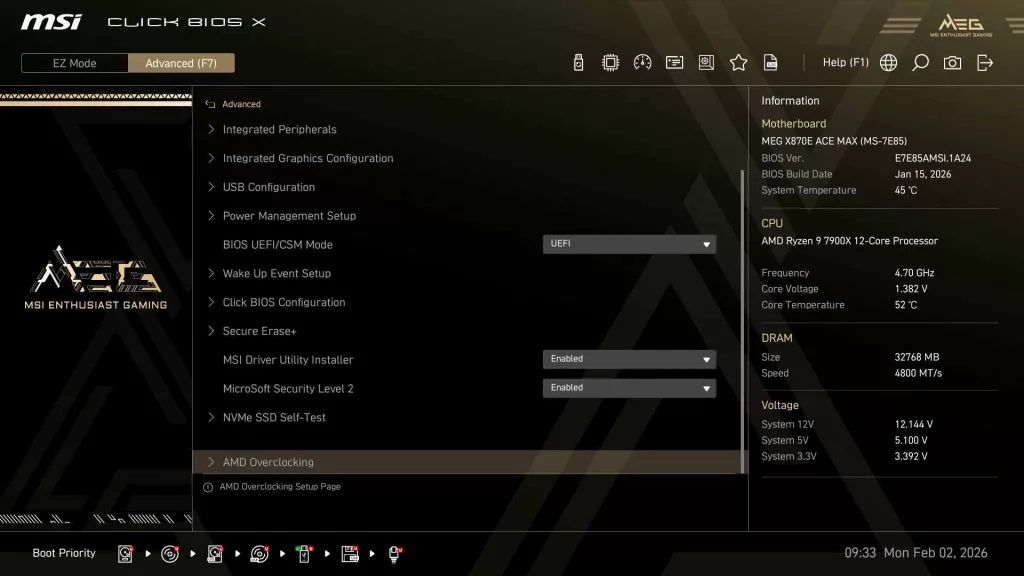
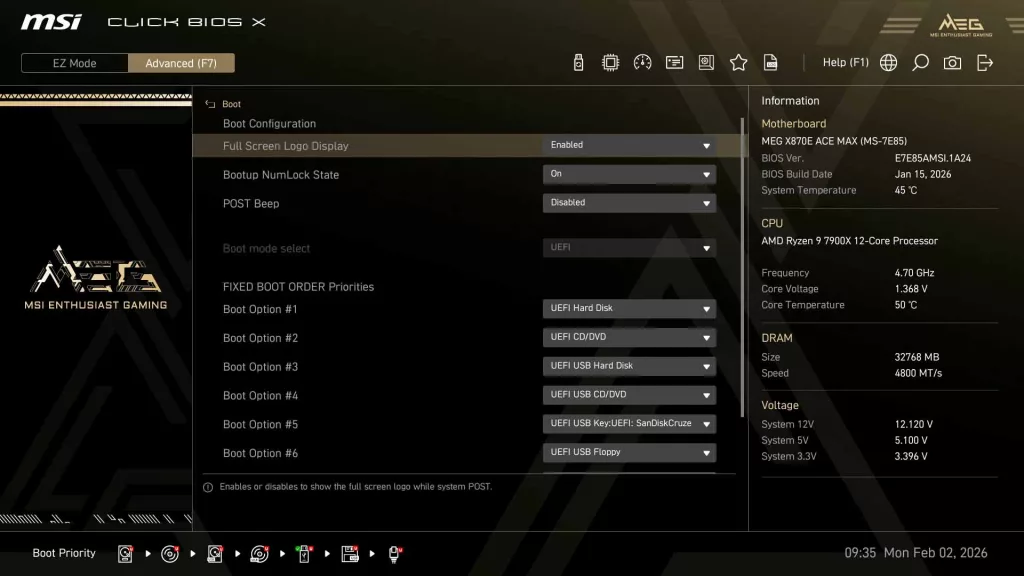
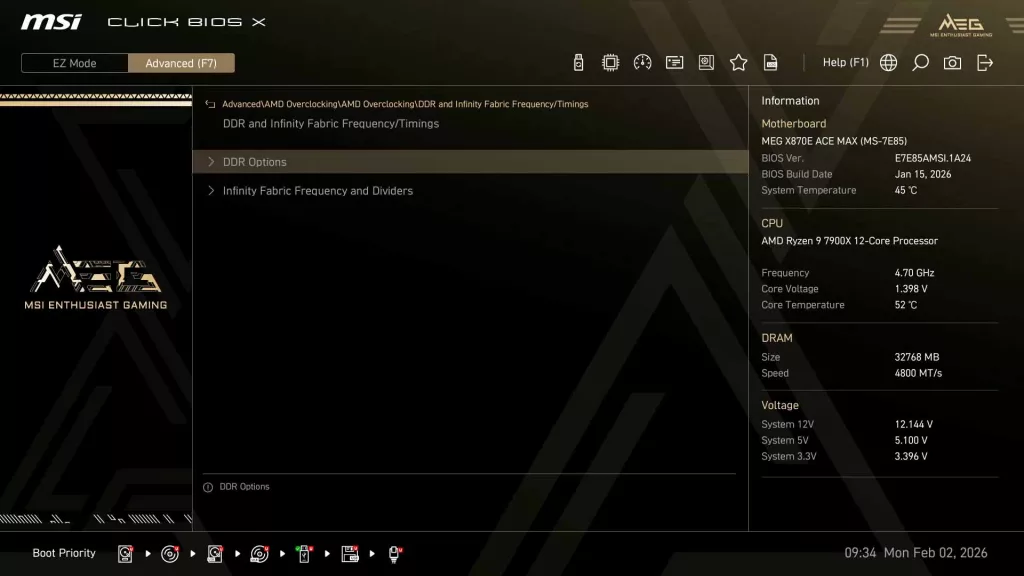
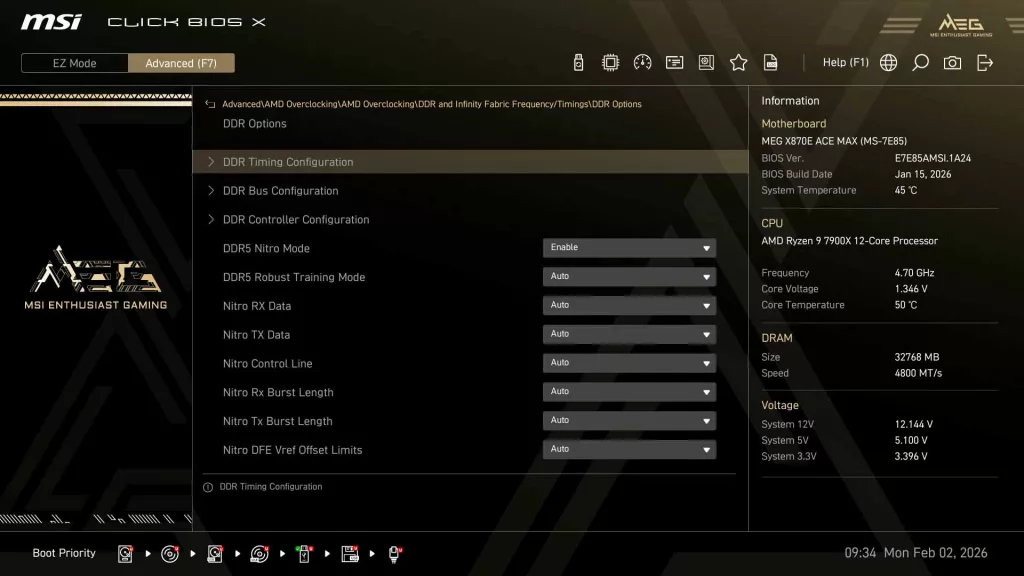
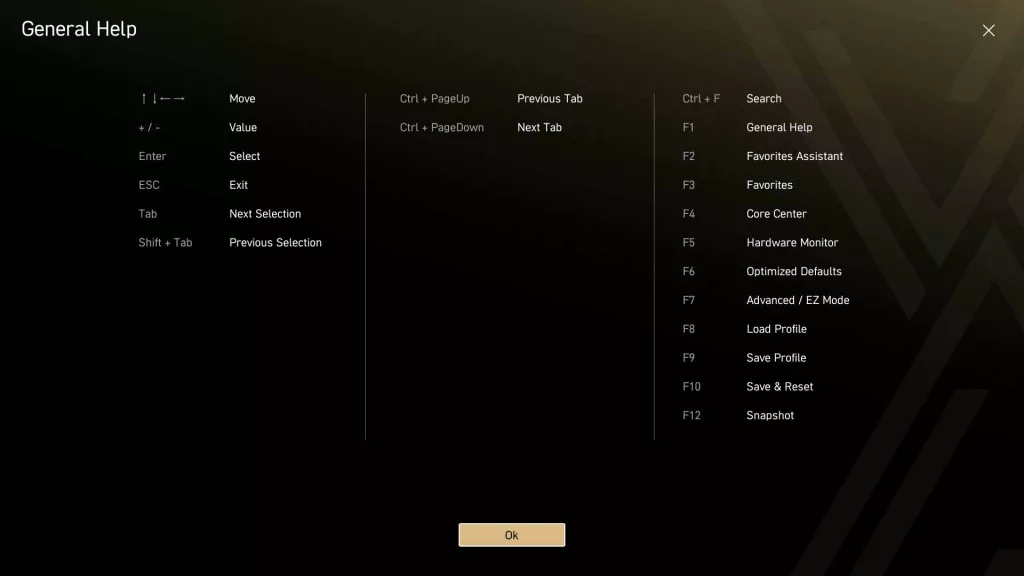
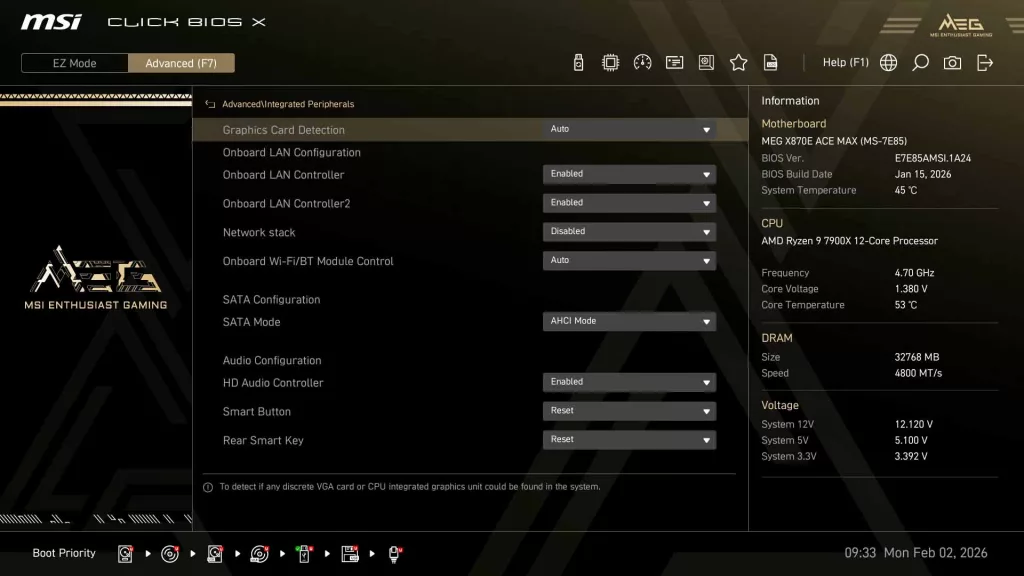
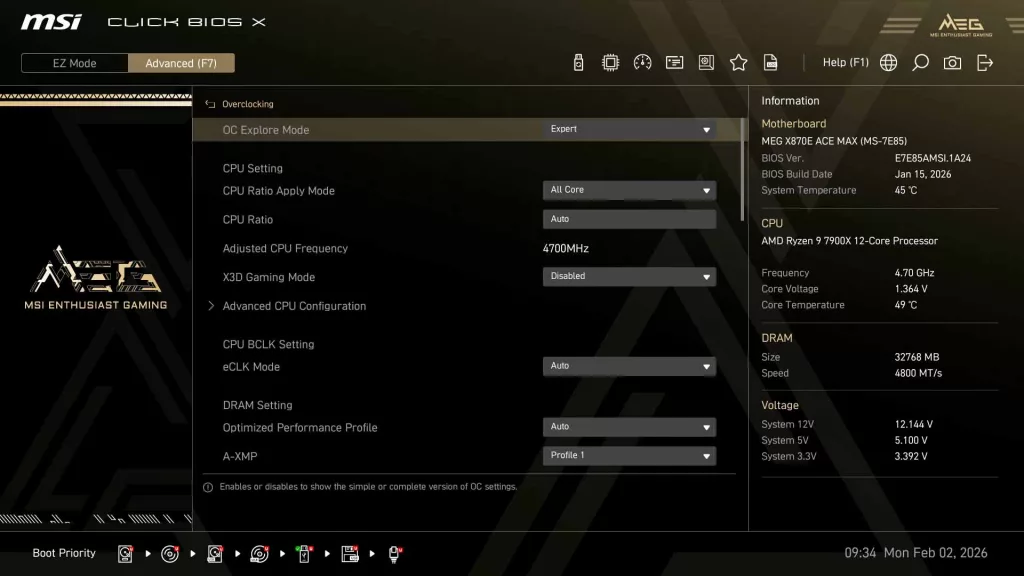
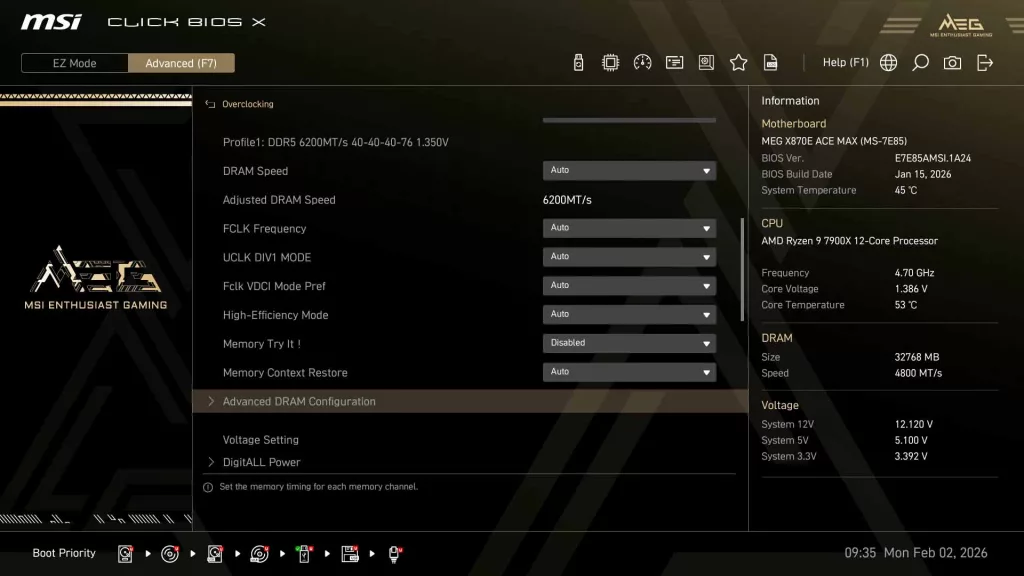
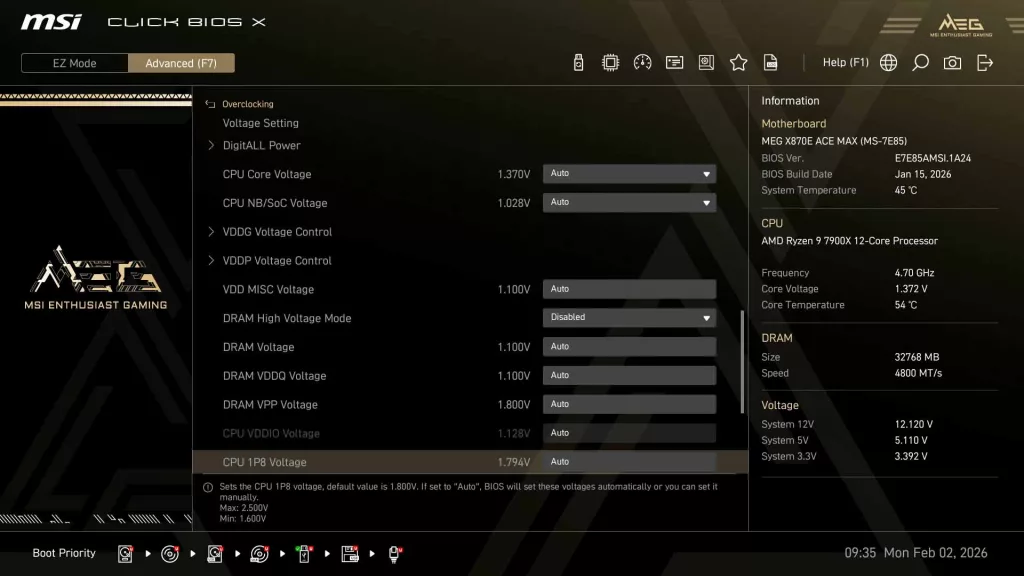
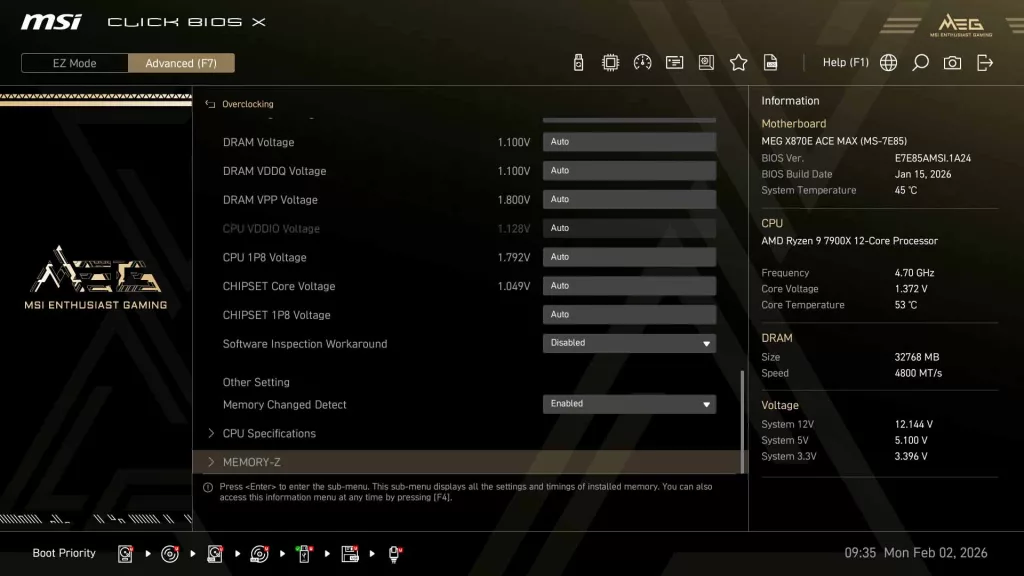
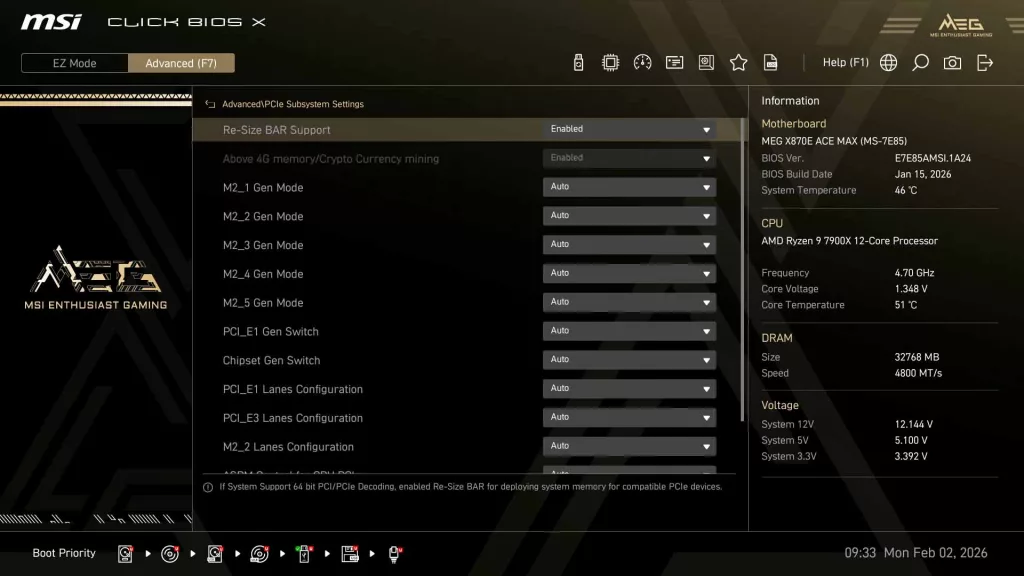
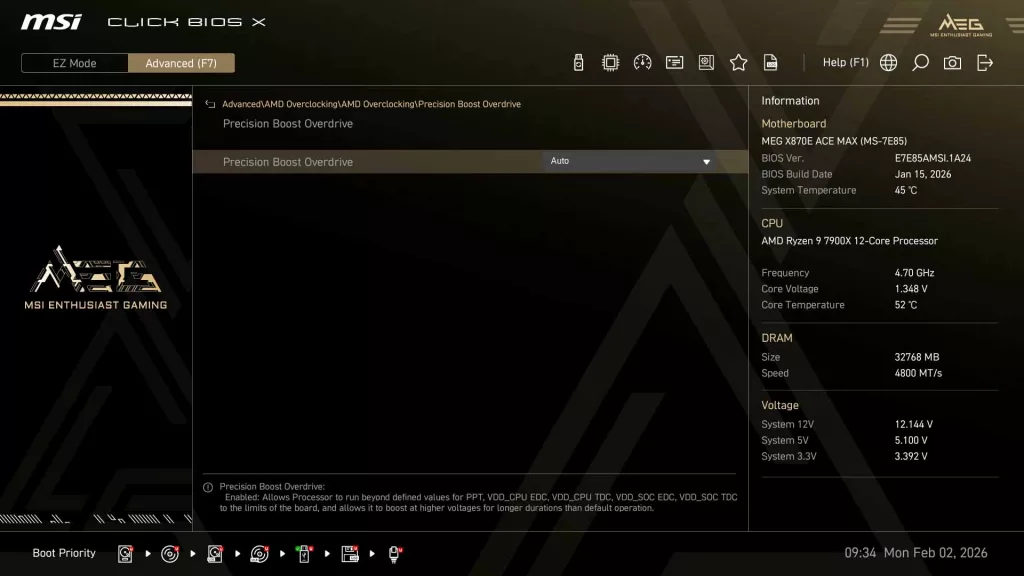
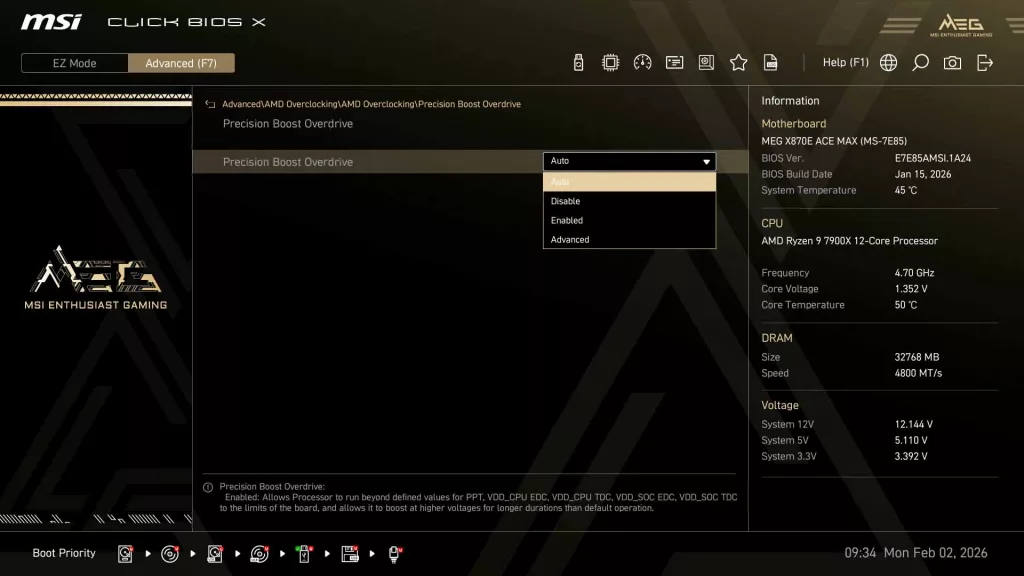
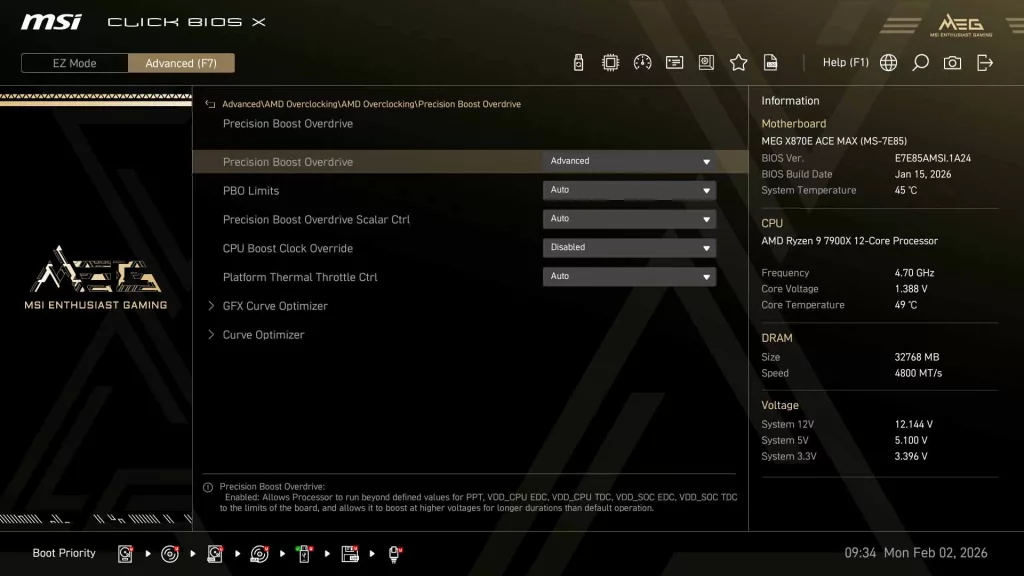
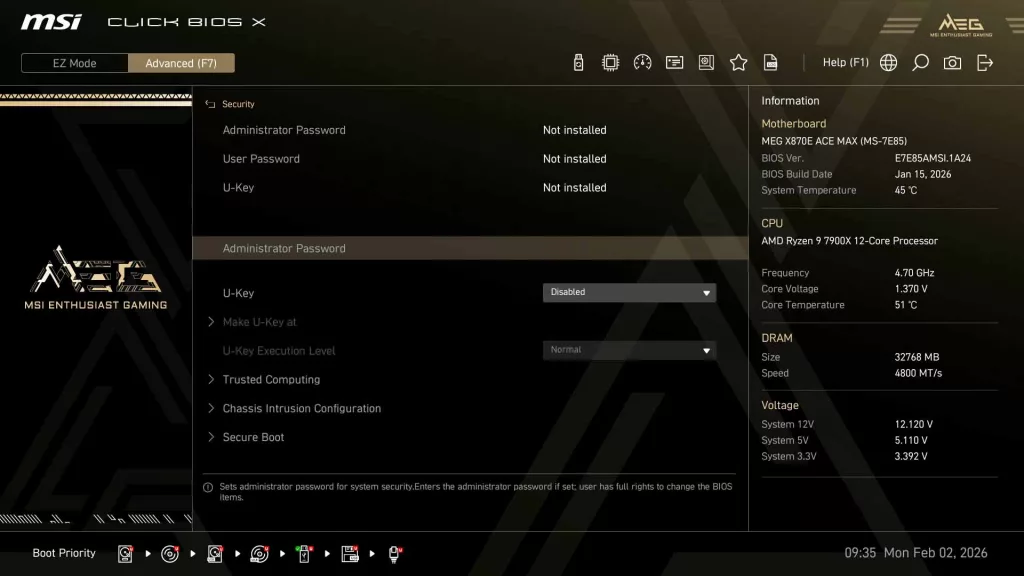
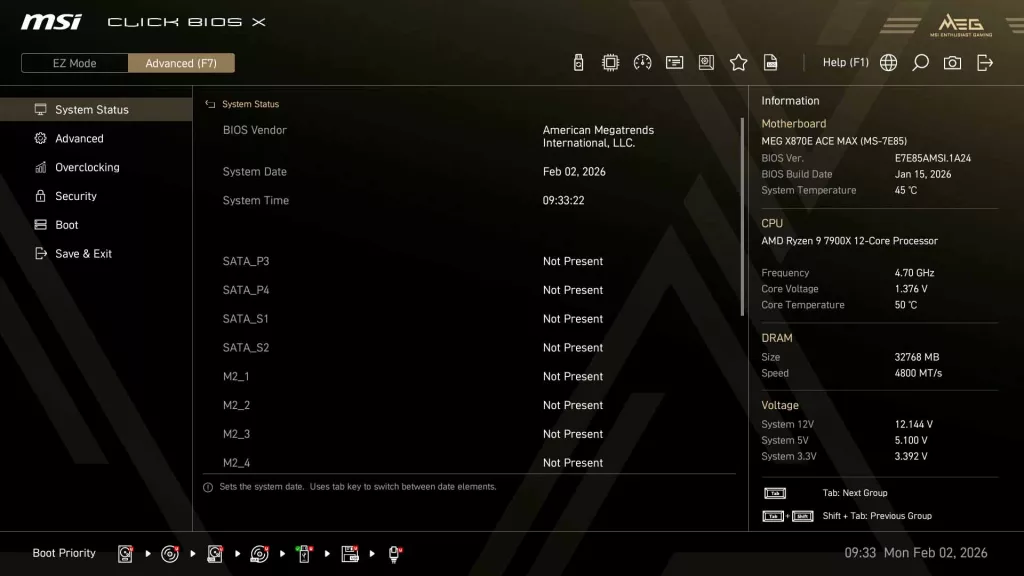
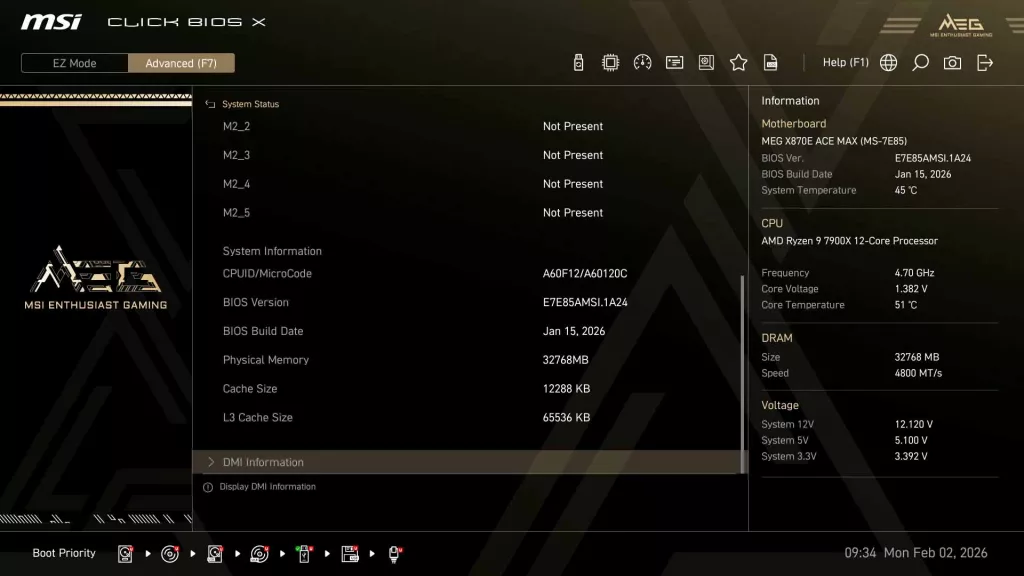
The real meat of the UEFI though is in the “Advanced” tab at the top or accessed by hitting “F7”. When first entering Advanced menus, the user is greeted with a simple System Status showing the system date/time, SATA and M.2 drive statuses, and the ever-present Information panel with general Motherboard, CPU, DRAM, and Voltage data. Outside of this, there are tabs for Advanced, Overclocking, Security, Boot, and Save & Exit. As we have gone through the Click BIOS X in depth with previous reviews, we will touch on only the highlights and encourage you to take a look at the gallery below.
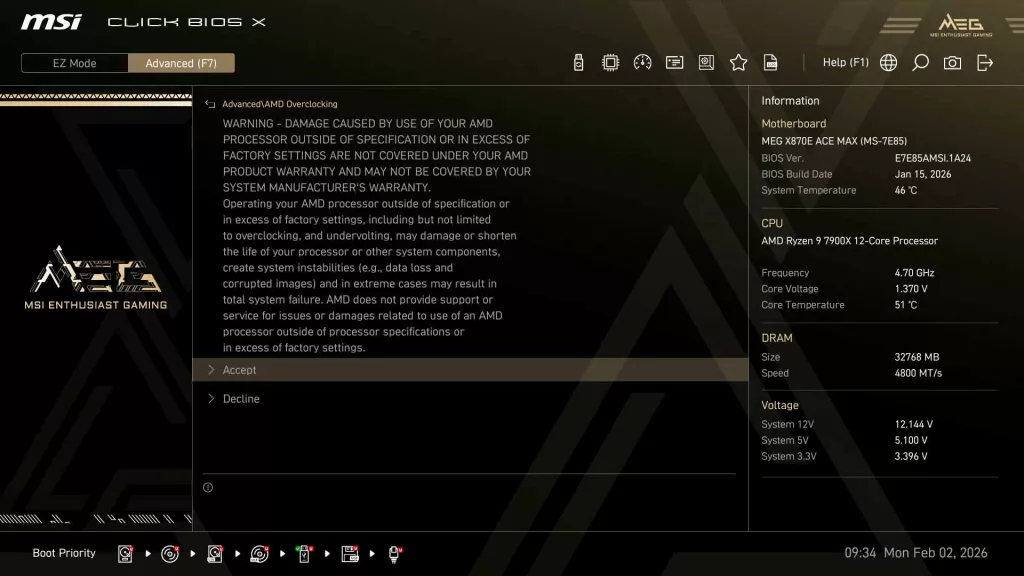
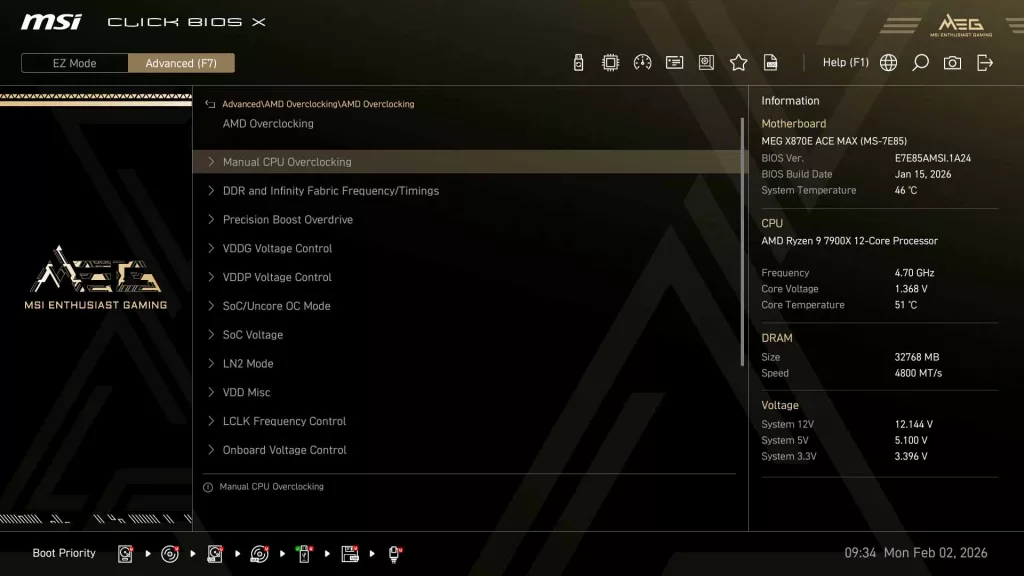
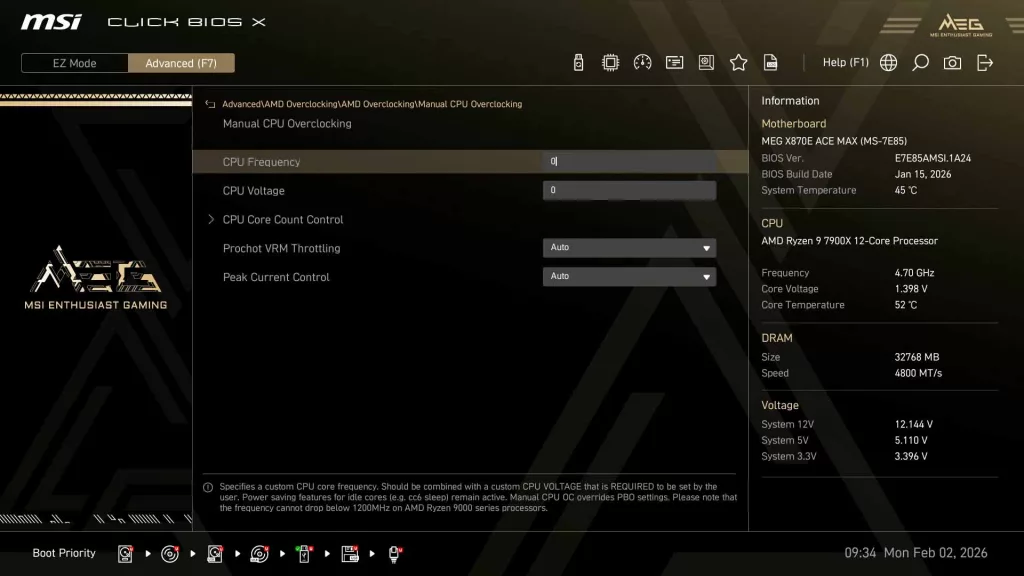
What most readers will be interested in is the overclocking and PBO settings. These can be accessed in two different ways: either through the Advanced tab at the very bottom or the Overclocking tab itself. Both of these menus offer nearly identical options to adjust. When accessing through the Overclocking tab, the main settings that users adjust are readily available, while the Advanced tab has additional options buried within the structure tree.
Motherboard Performance
As with all of our recent 2025 reviews, we will be using our new performance section. You will find images of all of our testing results in the gallery, while the following paragraphs summarize what we experienced. As with our 2025 AMD reviews, in 2026, we will be using our Ryzen 9 7900X CPU for all of our performance benchmarks.
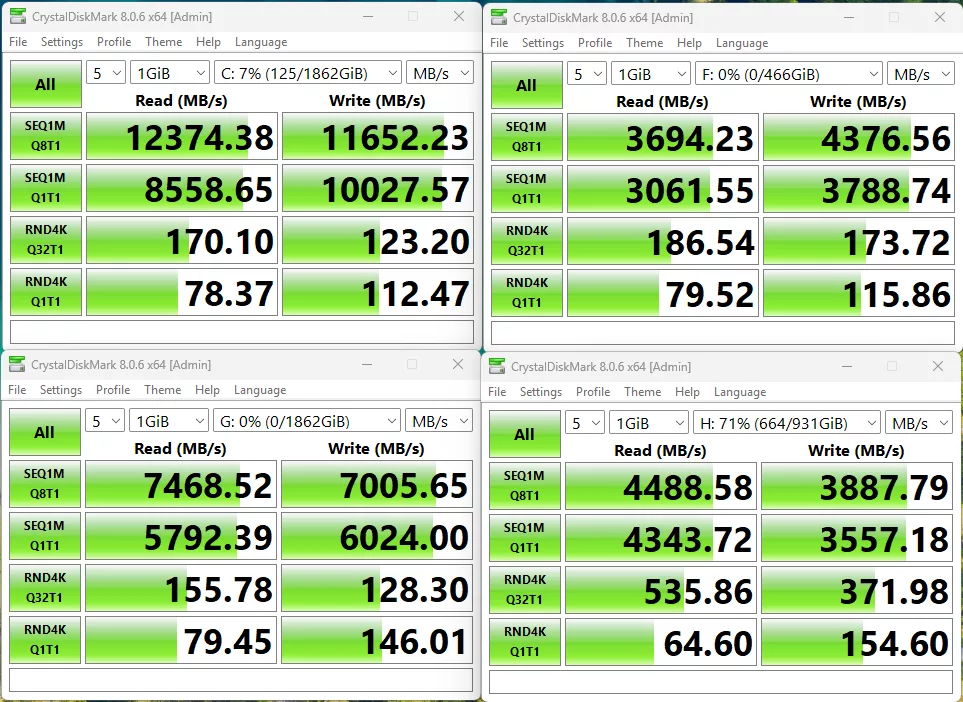
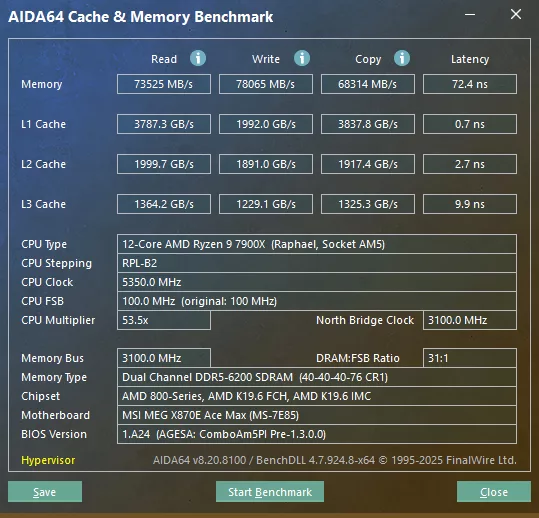
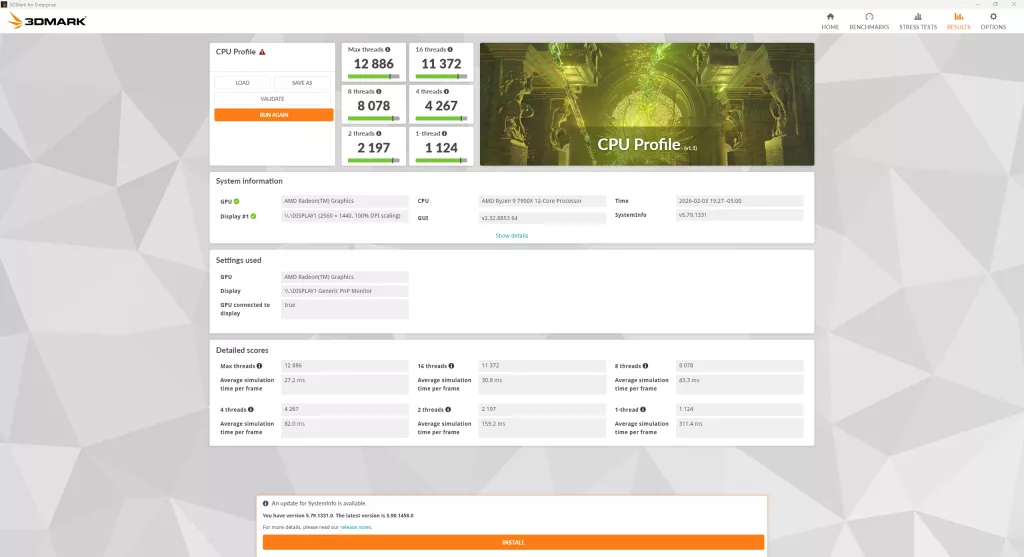
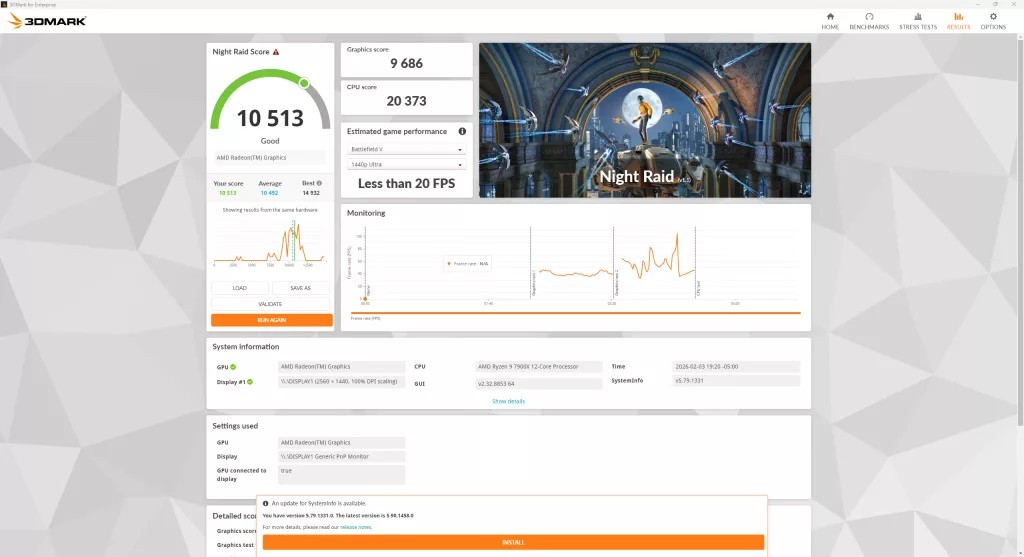
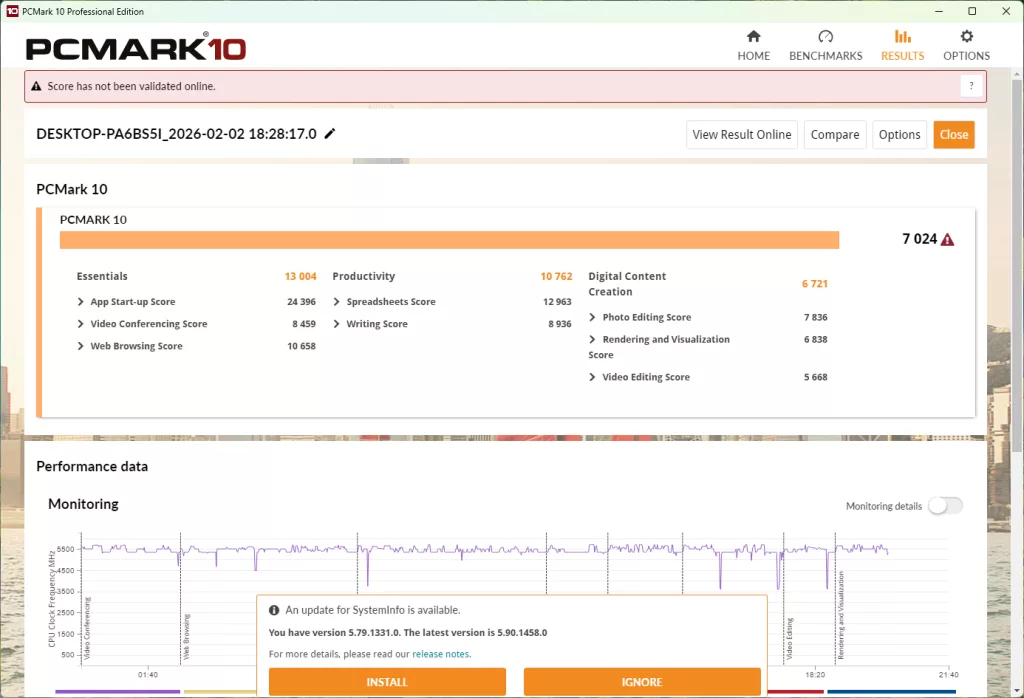
Our first test is the storage test, and as we mentioned above, with this review, we have done something slightly different from what we typically do. We still are using our MSI SPATIUM M570 PRO FROZR (originally reviewed at the end of 2023) as our primary drive, and our ADATA LEGEND 970 2TB NVME SSE in the second Gen5 slot, and for this review we have added two additional drives in a Samsung 980 Pro 500 GB, and an SK Hynix Platinum P41 1TB drive, with the goal of pushing the CPU and chipset as far as we can.
During testing, the M570 came in at 12,374 MB/s read and 11,652 MB/s write; the LEGEND 970 came in at 7,469 MB/s read and 7,006 MB/s write. The two Gen4 drives came in a distant third, with the P41 hitting 4,489 MB/s read and 3,888 MB/s write, and the 980 Pro with 3,694 MB/s read and 4,377 MB/s write. These speeds were all about in line with what we expect for all these drives in this layout.
The next test is our memory testing using AIDA64’s Cache & Memory Benchmark. The MSI MEG X870E ACE MAX was able to achieve a read speed of 73,525 MB/s, a write speed of 78,065 MB/s, and a copy speed of 68,314 MB/s. This is a little bit all over the place, with the read and copy speeds a bit lower than expected, but the write speed coming in at one of the higher X870E speeds we have seen.
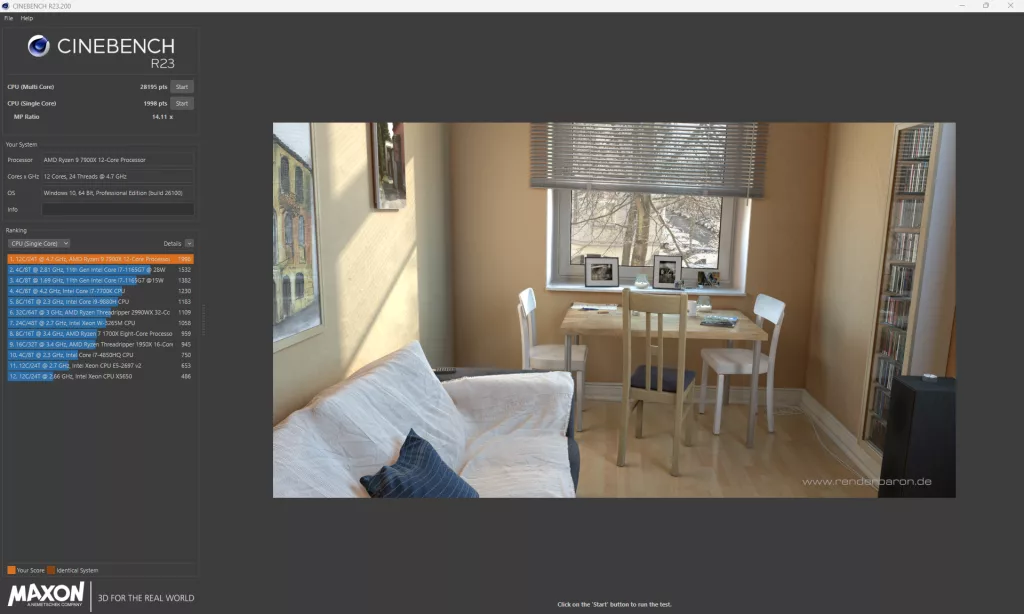
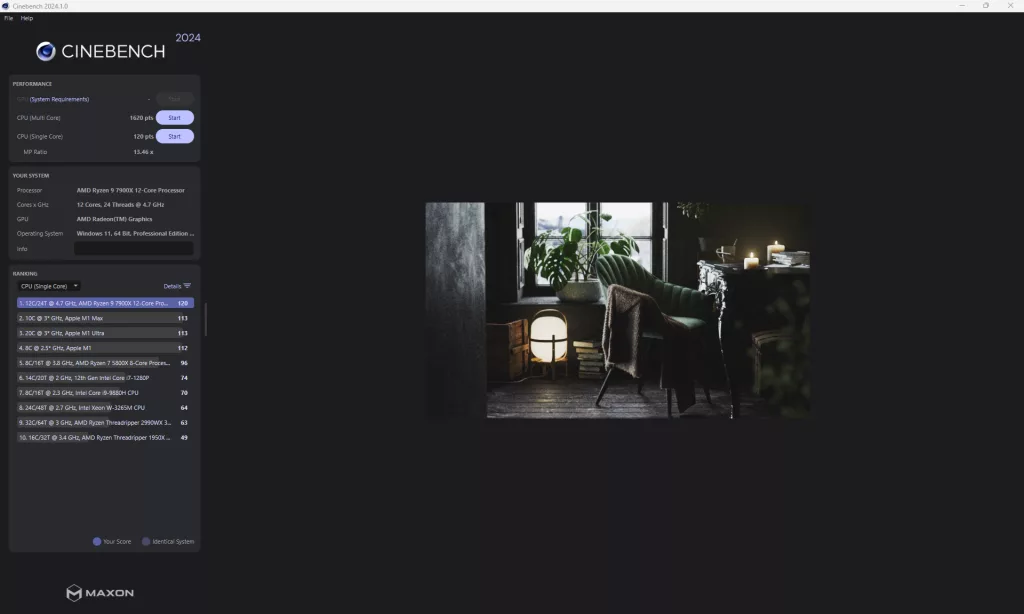
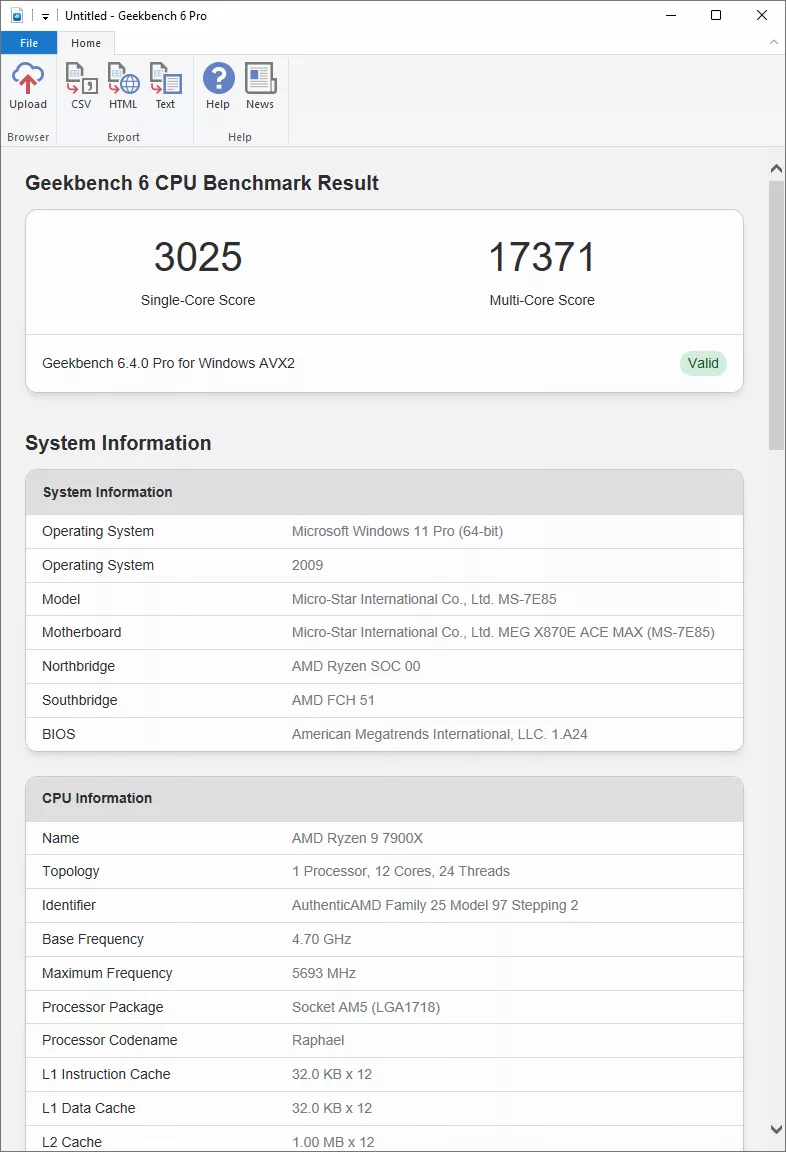
Our synthetic benchmark tests are up next, with 3DMark, PCMark, Cinebench (R23 and 2024), V-Ray, blender, and finally GeekBench6. 3DMark comes in with a score of 12,886 for maximum threads in the CPU Profile test, and a CPU score of 20,373 for Night Raid, with a total score of 10,195 (Includes full system). PCMark comes in with a total score of 7,024, which is a new platform low that we have seen with this CPU. After this, Cinebench R23 clocks in at 28,195 points on the Multi-Core, and 1,998 points on the Single-Core test, and 2024 comes in with 1,620 points and 120 points respectively, both Cinebench results bring us back to where we expect to be with our testing.
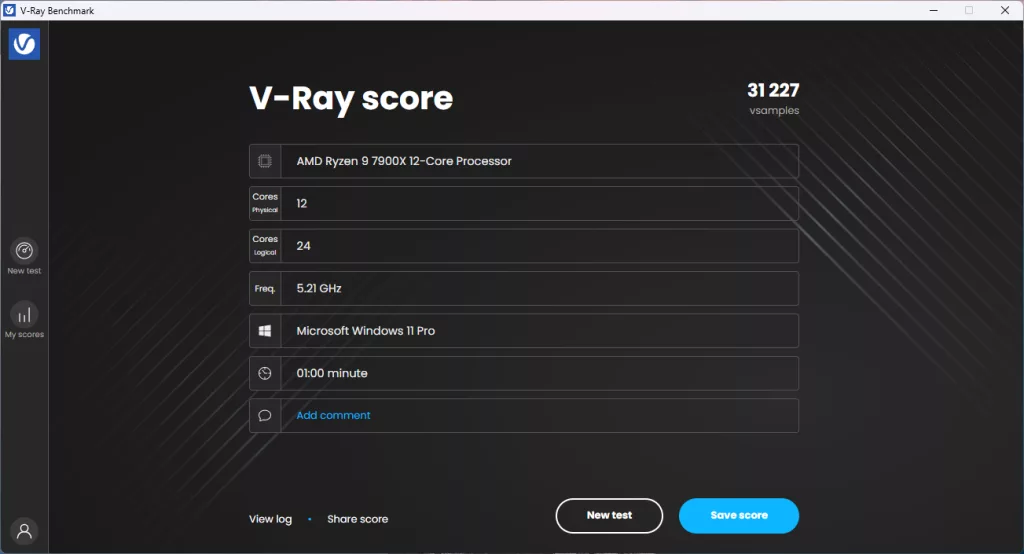
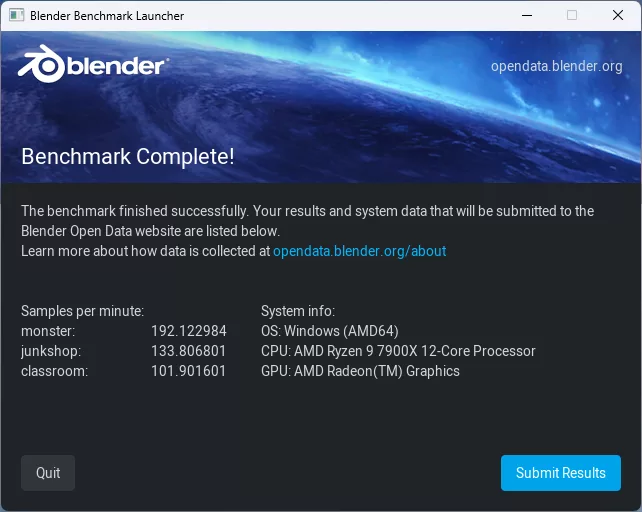
With V-Ray, we had a final score of 31,227, which is right at what we expect with this setup. Blender comes in at 192 for the Monster test, 134 for junkshop, and 102 for classroom, again right in line with expectations. Our final synthetic benchmark is Geekbench, where we hit a Multi-Core score of 17,371 and a Single-Core score of 3,025, which falls a bit short of previous testing.
VRM Temperature
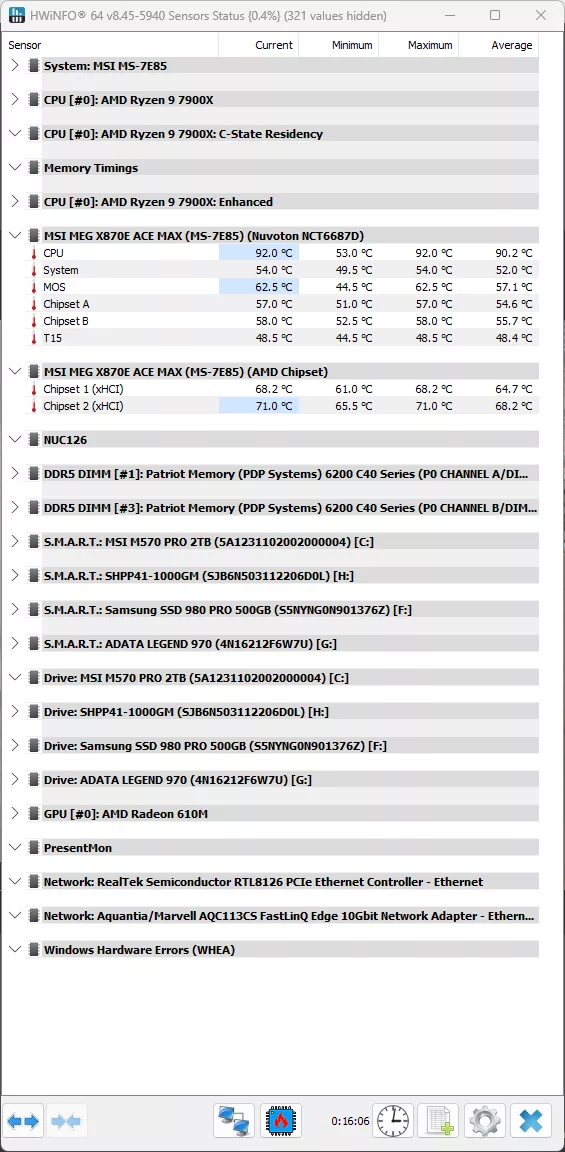
The last testing we completed on the MSI MEG X870E ACE MAX is the VRM temperature test. For this test, we run the Cinebench 2023 Multi-Core test for a minimum of 15 minutes to fully stress the system. At the 15-minute mark, we take a screenshot and record the temperatures as reported by the most current version of HWiNFO 64, as well as a manual temperature reading with a Handheld Infrared thermometer. All testing occurs at an ambient temperature of approximately 75°F (24°C).
Cooling for the MSI MEG X870E ACE MAXI is beefed up compared to some of the X870 motherboards we have seen. Our handheld thermometer read a high temperature of 56°C, while HWiNFO gave us a maximum MOSFET temperature of 62.5°F, and a chipset temperature of 71°C.
Conclusion
In testing the MSI MEG X870E ACE MAX, we had some ups and downs in performance, but overall, it met our high expectations for an MSI Enthusiast Gaming (MEG) branded motherboard. The cooling worked exceptionally well on the power delivery, giving headroom for overclocking, and the layout allowed for easy installation into our test bench.
Installation and Use
Physical installation of the MSI MEG X870E ACE MAX was smooth for us on our test bench, with no real complaints unless we are being nitpicky about the inclusion of a fifth M.2 on the rear of the motherboard that will most likely see limited use for most users. Windows installed with zero issues for us, and found all of the drivers for the motherboard, from the most recent chipset to the network drivers (both Ethernet and WIFI), there was no driver that wasn’t found.
Final Points
The MSI MEG X870E ACE MAX turned out to be truly a “mini-GODLIKE” motherboard, and with an MSRP of $699, it is definitely a more affordable one, too. Currently, it is priced slightly below MSRP at the time of writing. It has the higher-end performance, tons of storage options with five (5) total M.2 NVMe slots, along with four (4) more SATA ports to give tons of storage options, at a somewhat manageable price tag. If there is anything we would knock on this motherboard, it is simply the price, but with the current price hikes we have seen on all devices, that can almost be written off for a motherboard of this quality.