
Introduction
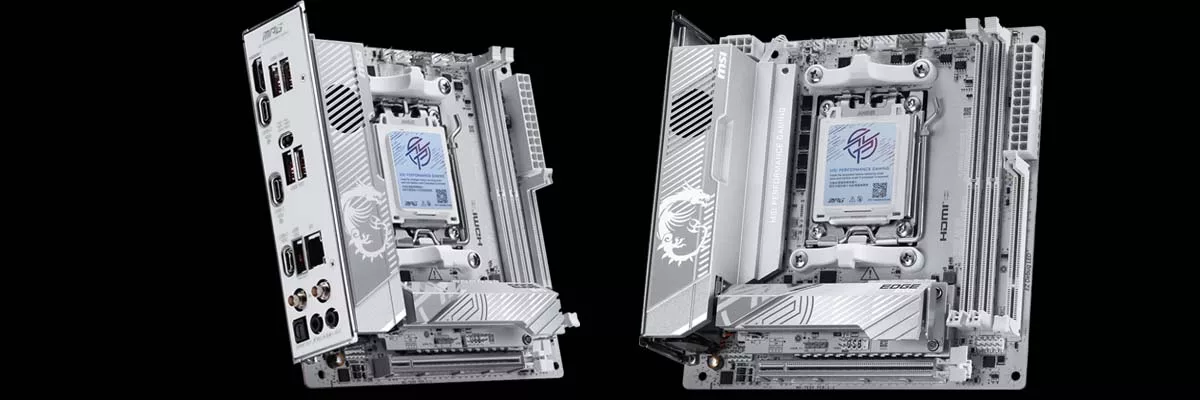
Today, we have MSI’s top-of-the-line mini-ITX motherboard, the MSI X870I EDGE TI EVO WIFI. This is the next step up from the MSI MPG B850I EDGE TI WIFI that we reviewed in June of 2025, and we quite liked it. Now we can see if this higher-end version is worth the nearly double the price tag at $449.99 MSRP.
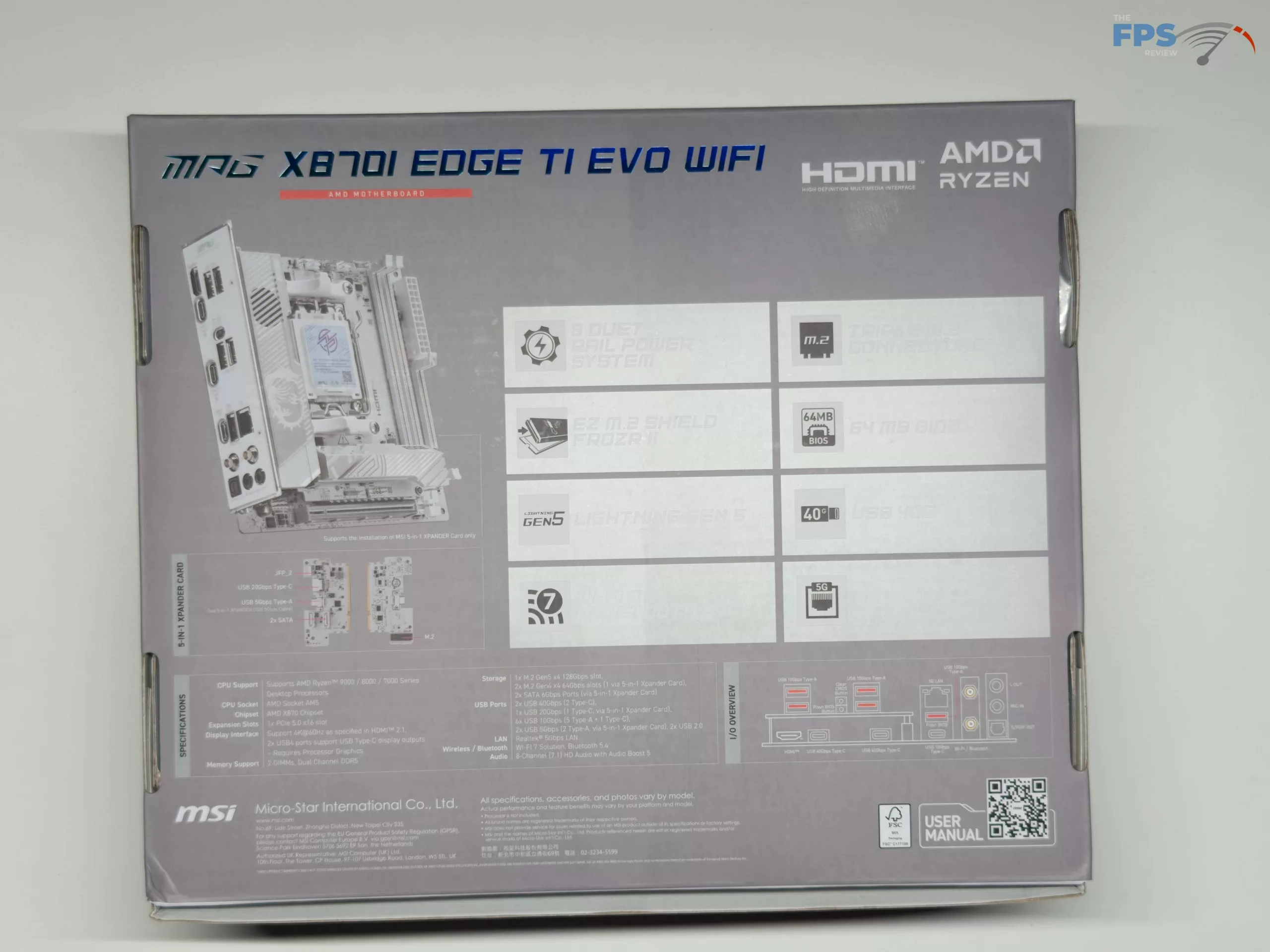
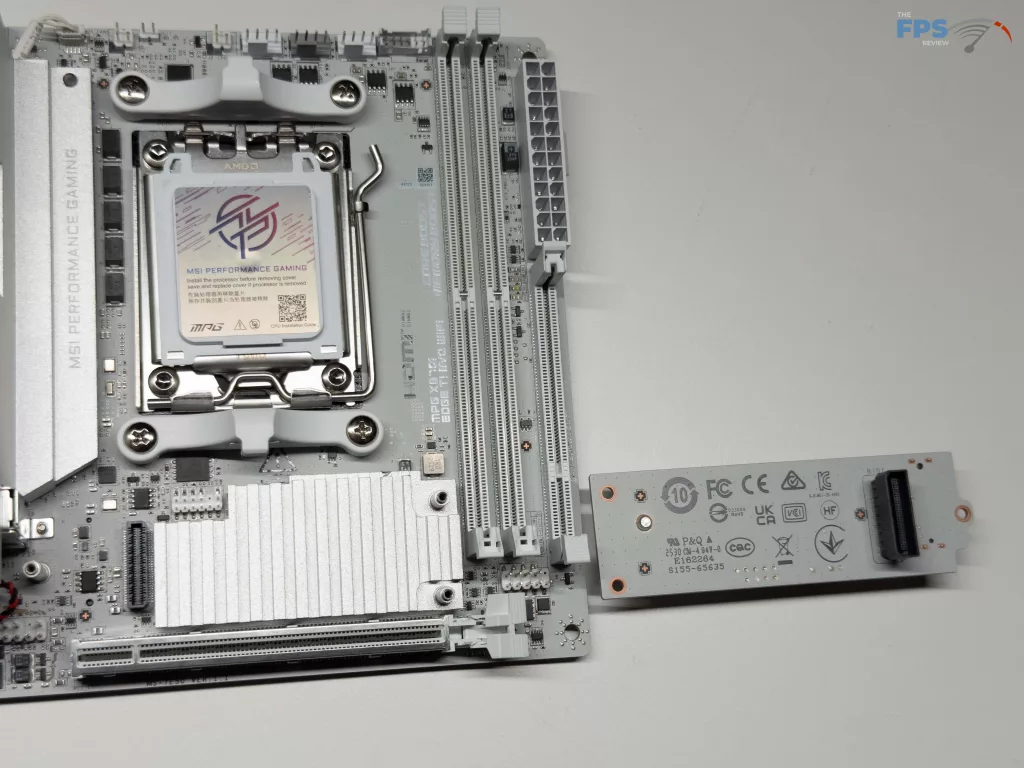
For a mini-ITX motherboard, there are quite a few options for expansion, from the typical single PCIe slot, two (2) memory slots, and a 5-in-1 XPANDER card giving the ability to install a third total NVME drive, along with two (2) SATA ports. This gives the MSI X870I EDGE TI EVO WIFI the most connectivity options we have seen to date on a mini-ITX motherboard.



Packaging and Contents
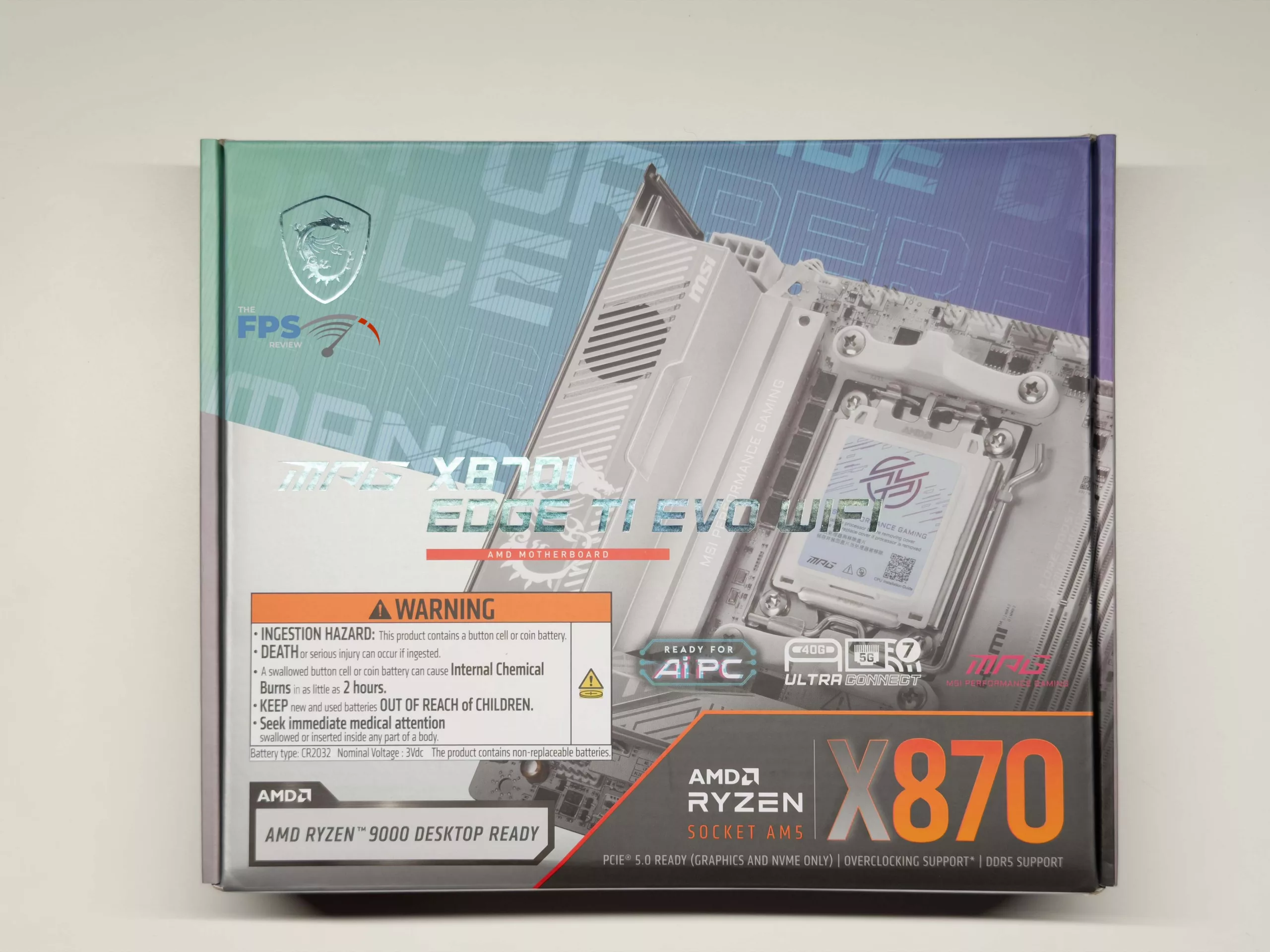
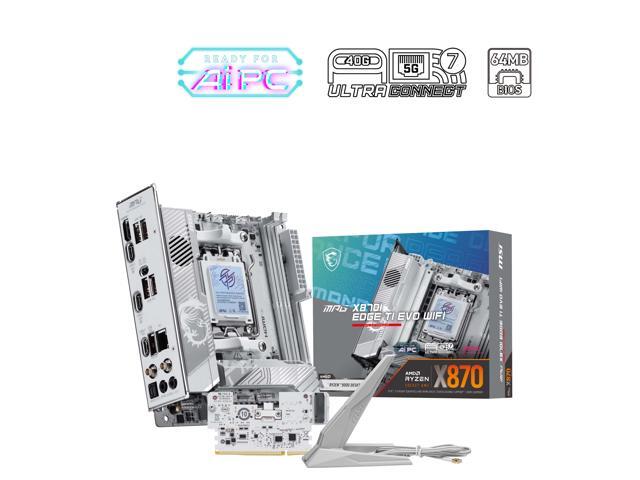
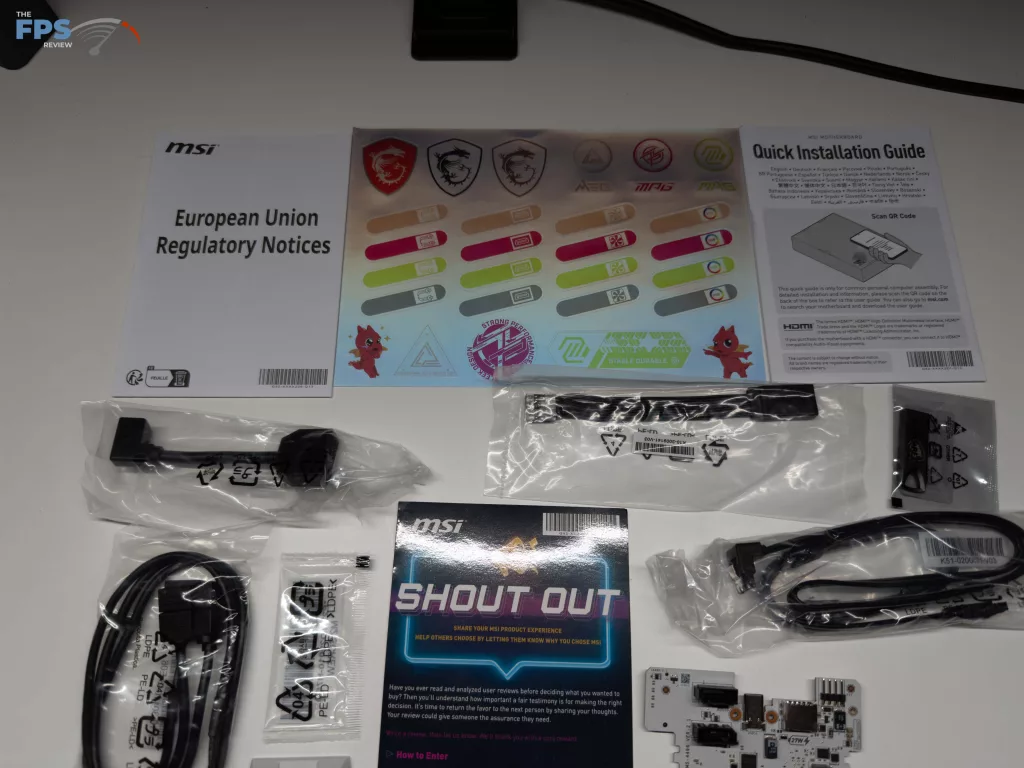
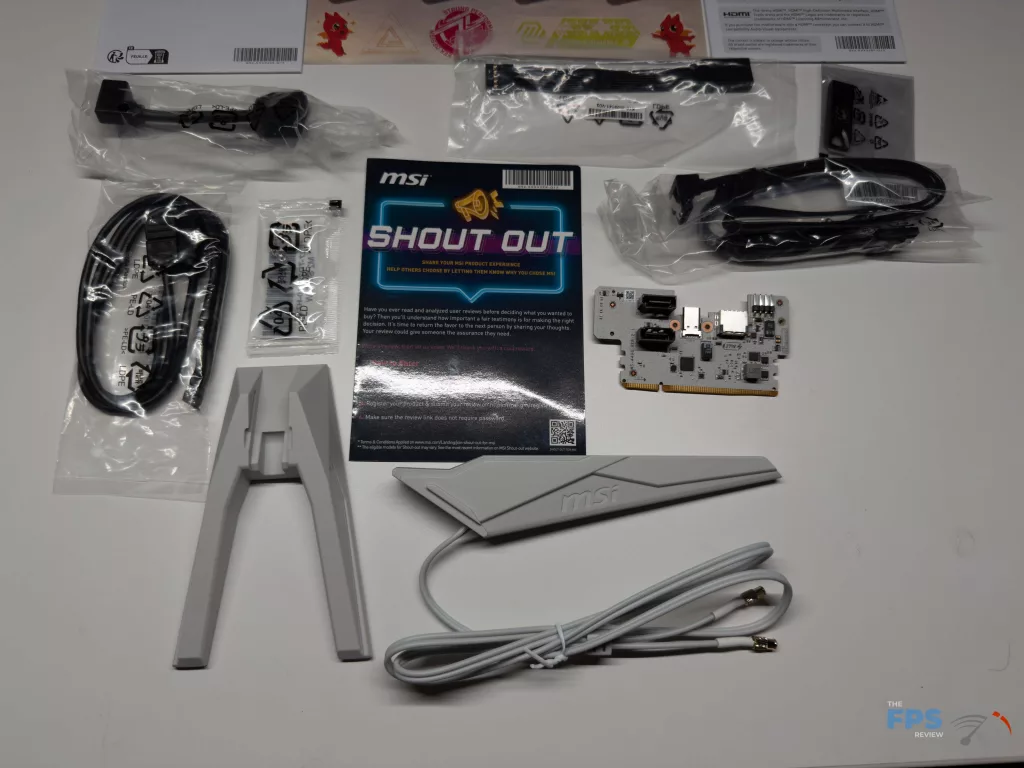
With the MSI X870I EDGE TI EVO WIFI coming in at a whopping $449.99 MSRP, there are usually plenty of extras included (wanted or not); however, that is not really the case with this motherboard, as it is more targeted at high-end performance in the smallest package possible. When you crack open the box you will two (2) SATA cables, an EZ Front Panel Cable, a 1 to 3 EZ Conn-Cable (V2), a cable for the 5-in-1 XPANDER USB 5Gbps port, the EZ WIFI antenna set of 3 M.2 screws, the 5-in-1 XPANDER card, a sticker sheet, the typical Regulatory notice and quick start guide, and a USB stick. This USB stick is pre-loaded with all the drivers and software you will need to get your system up and running.
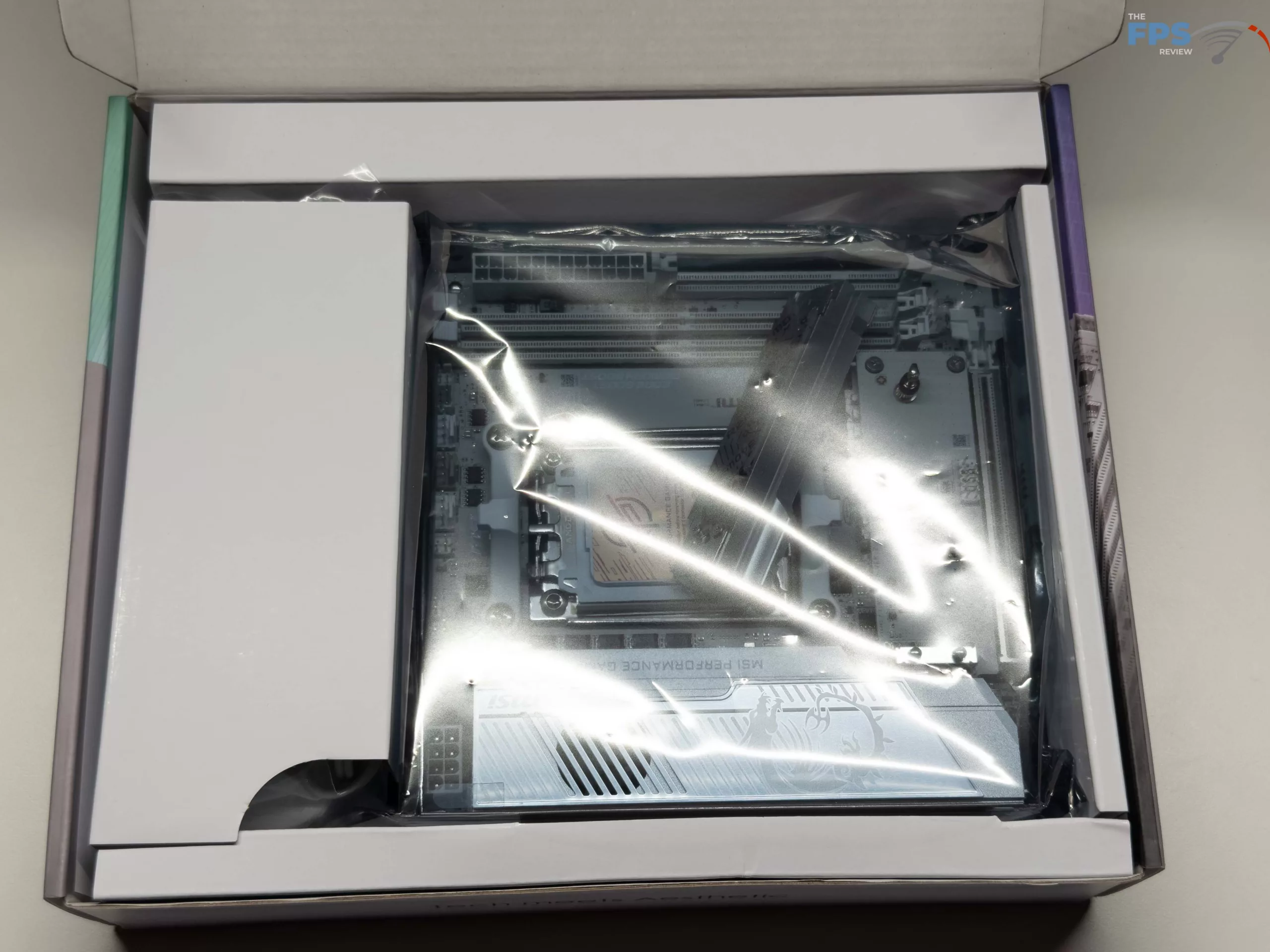
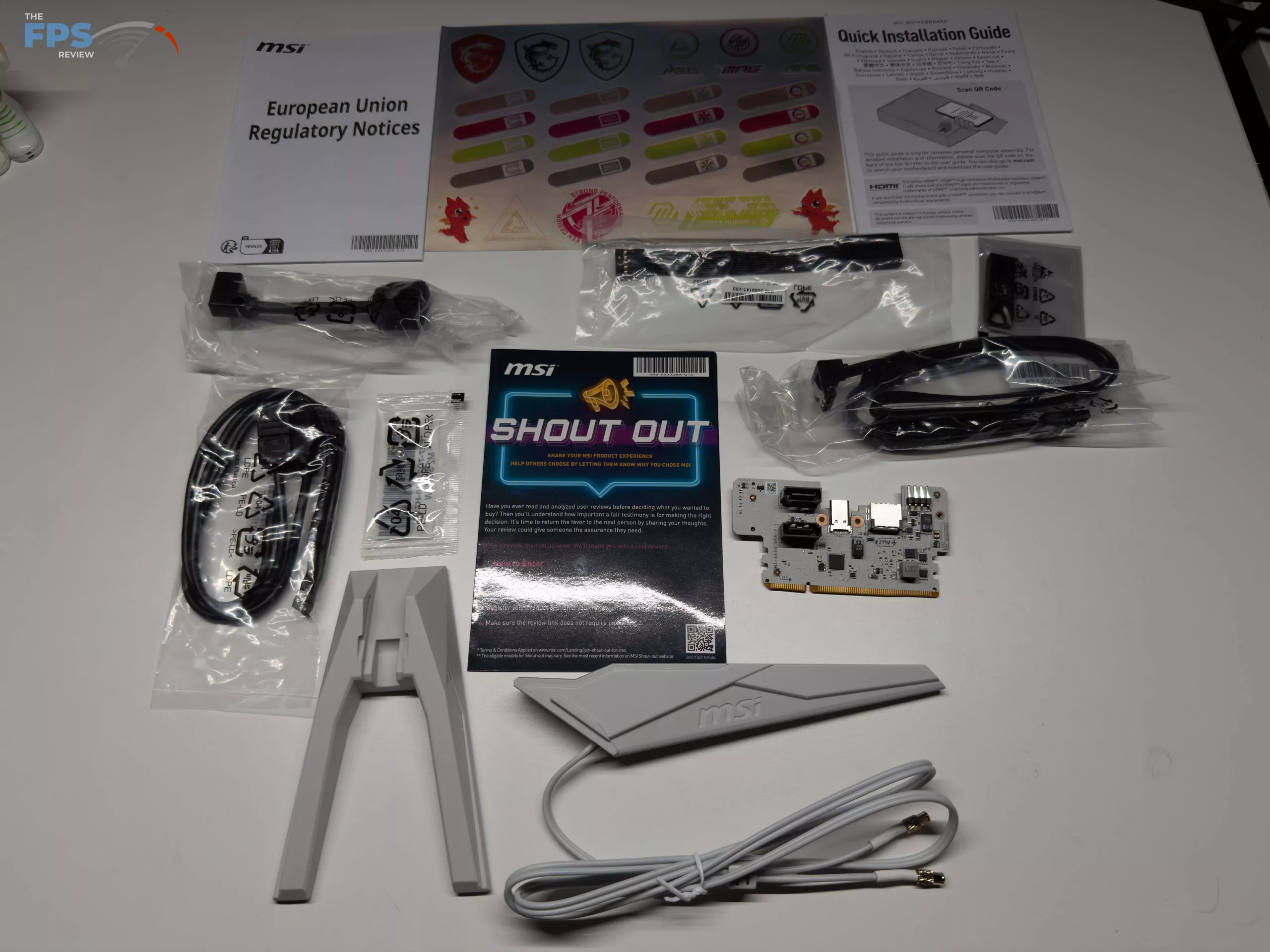
MSI X870I EDGE TI EVO WIFI Features
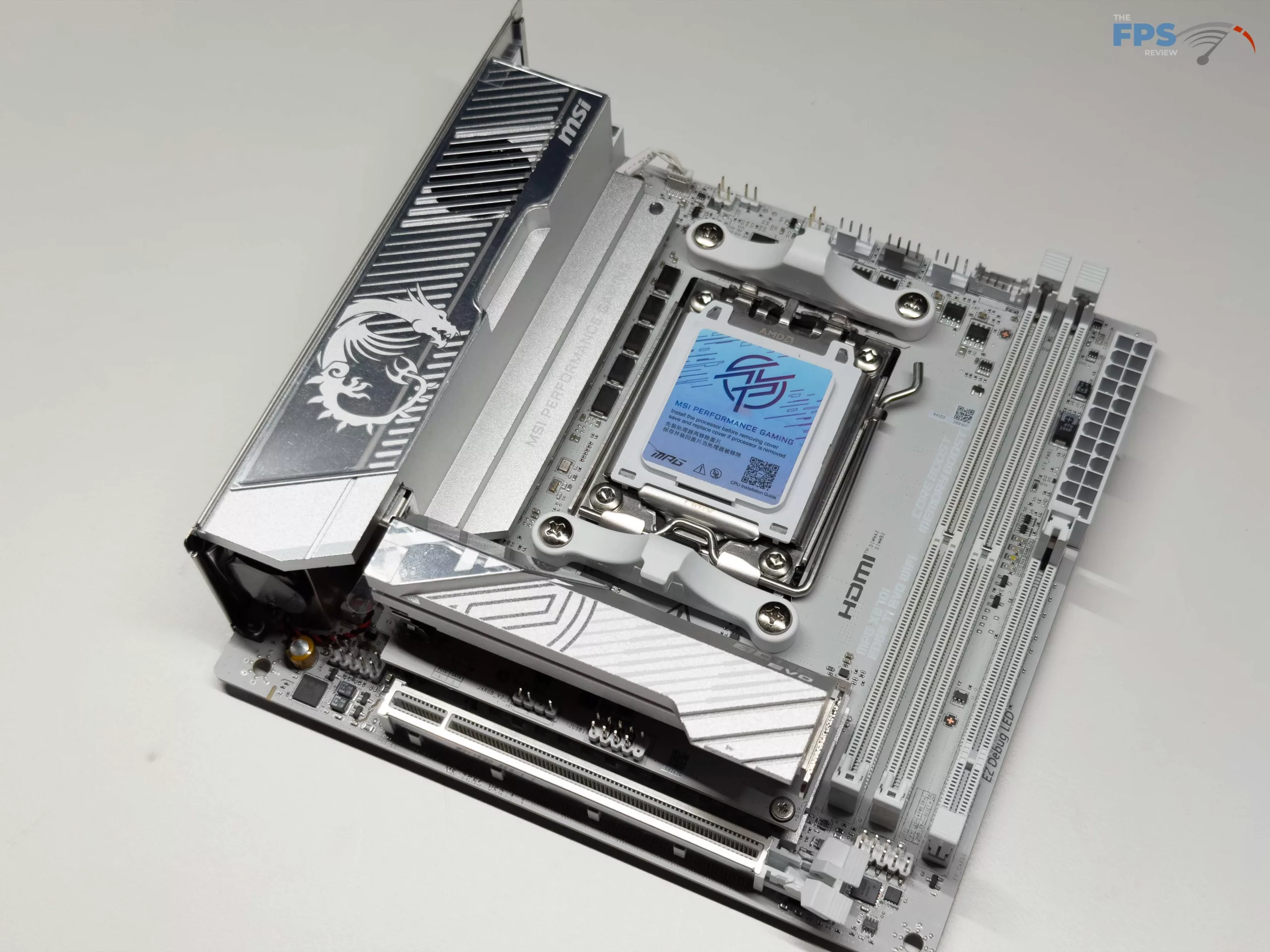
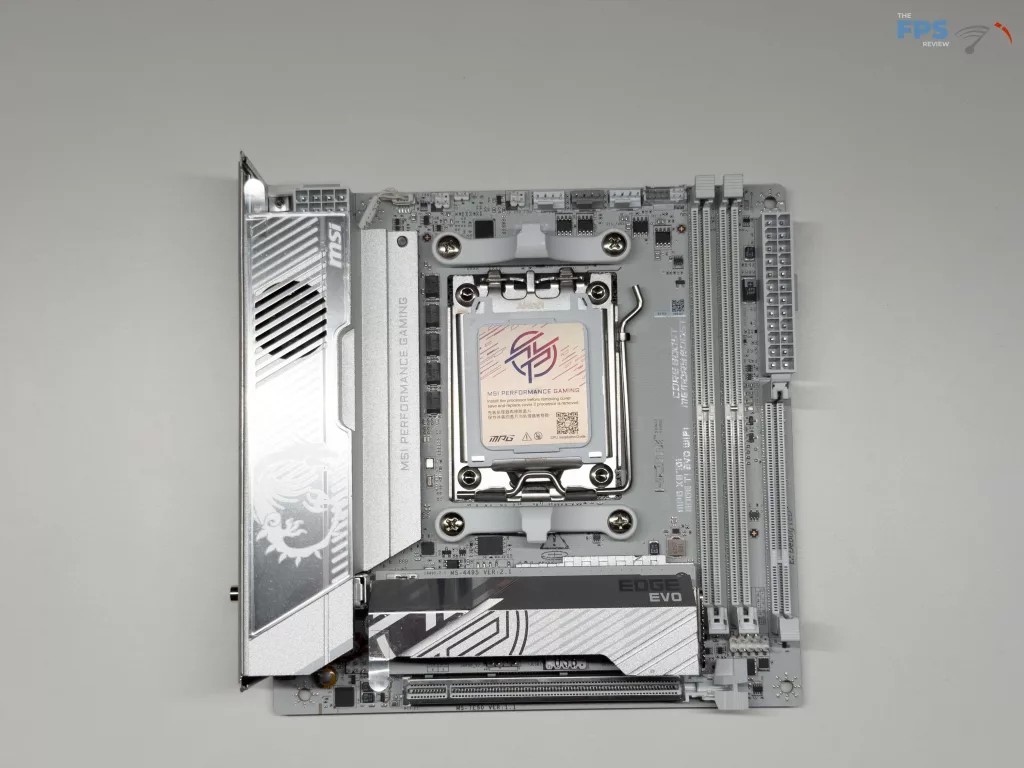
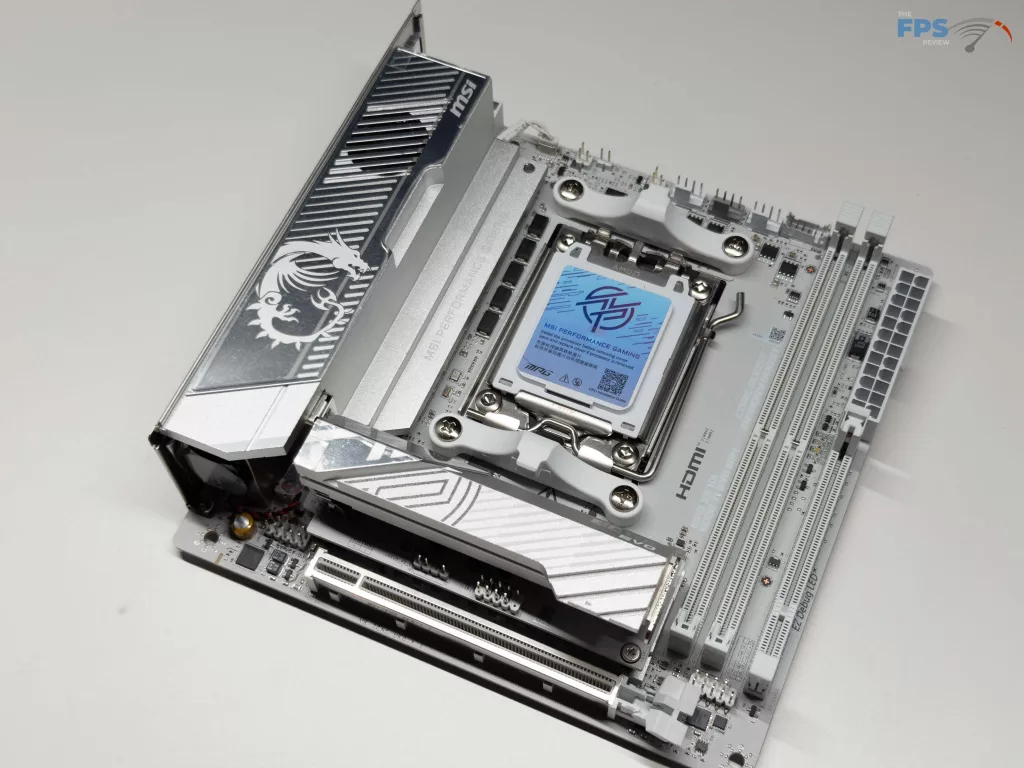
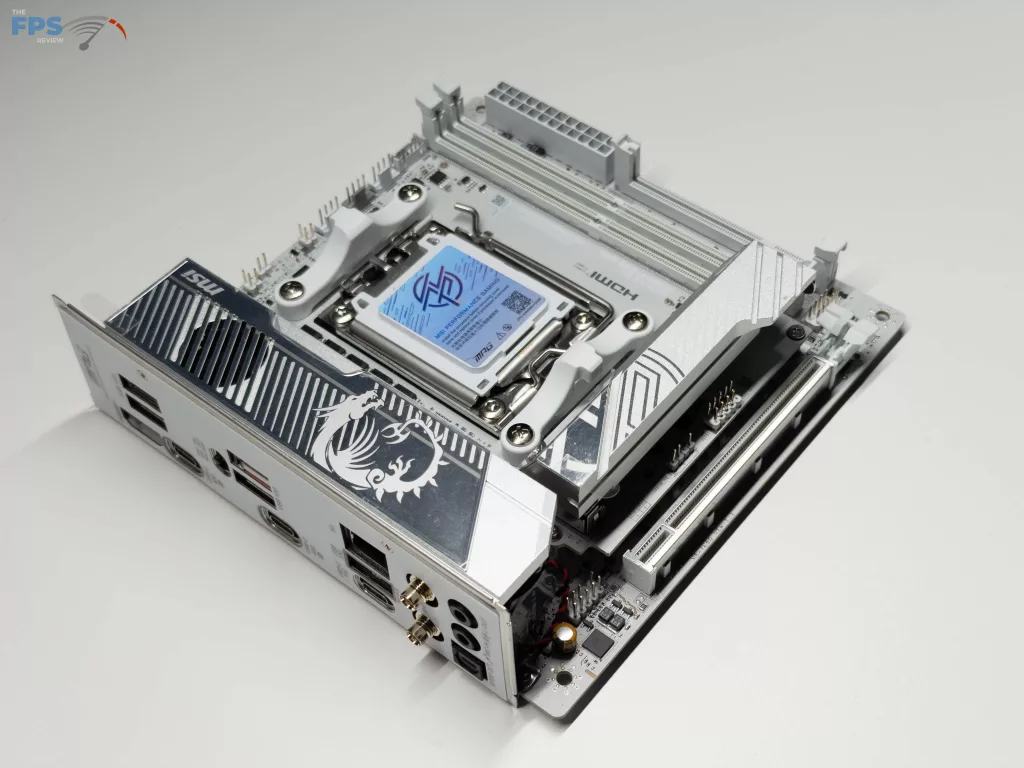
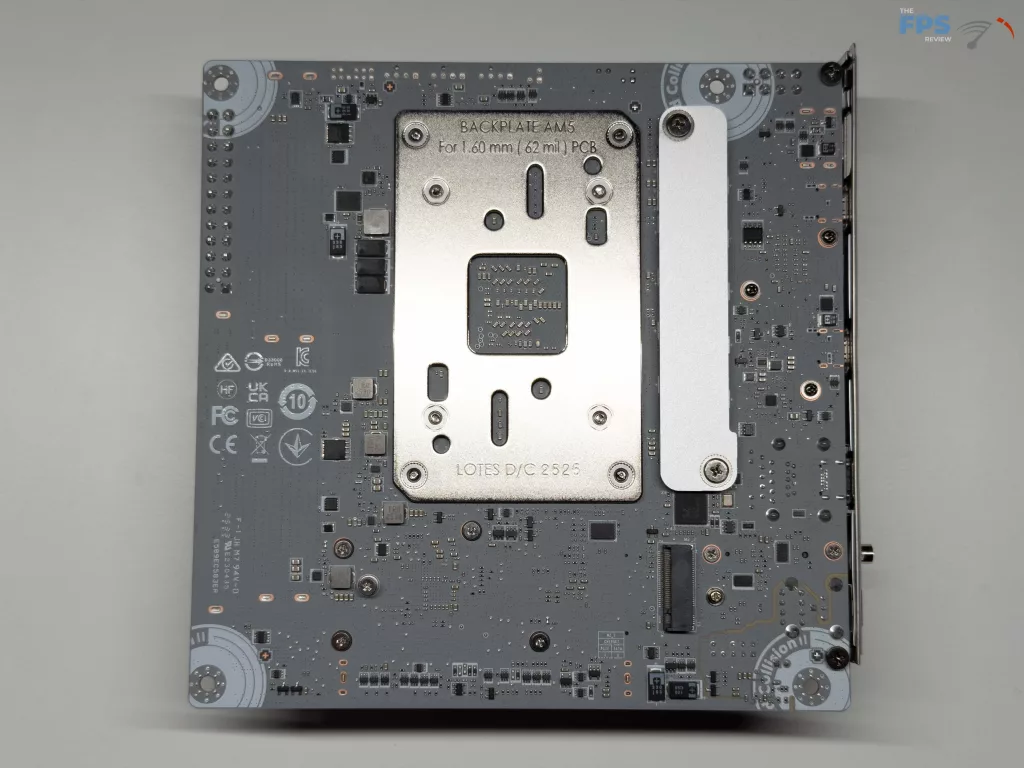
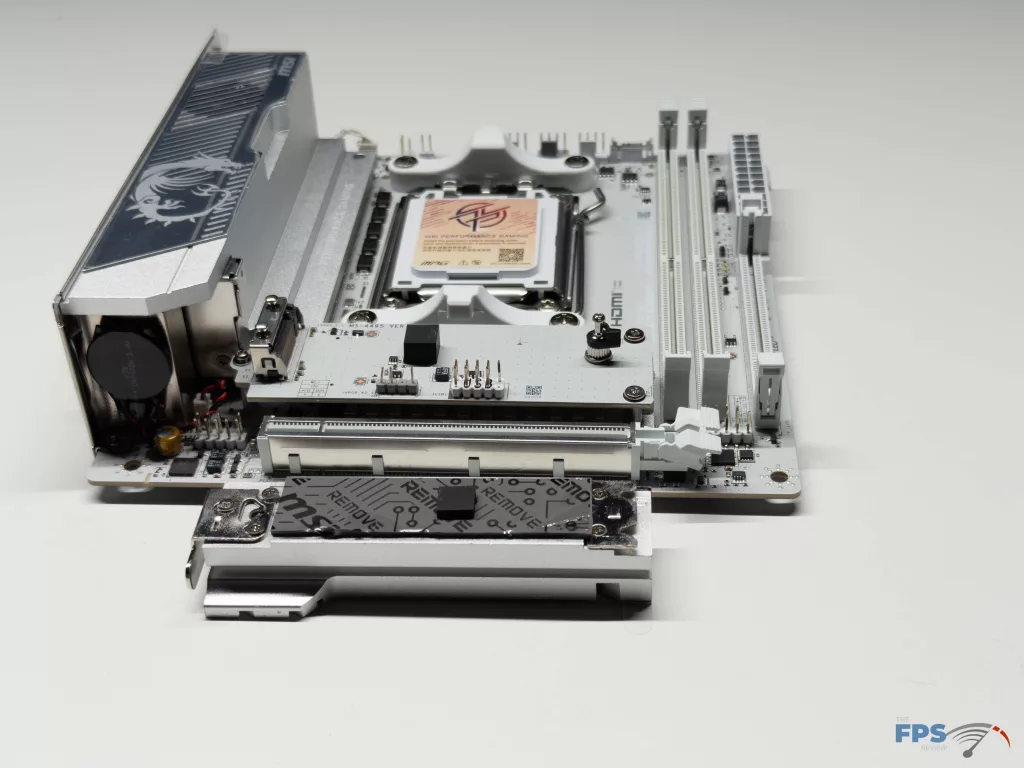
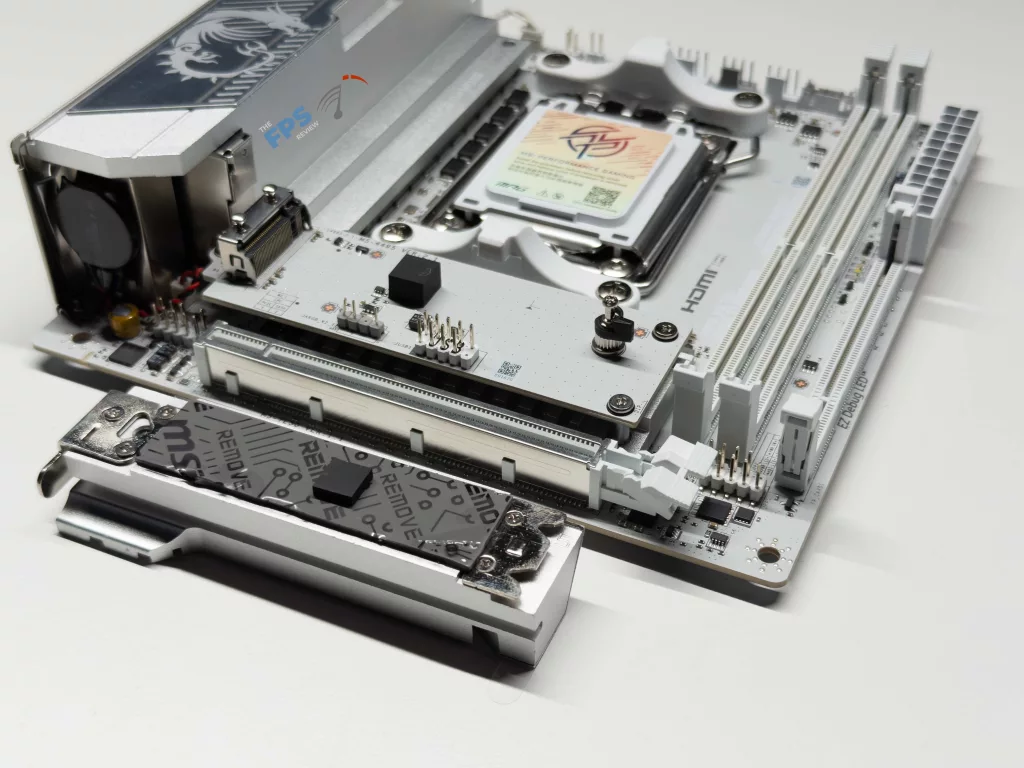
Like the other MSI MPG mini-ITX motherboards we have looked at, the MSI X870I EDGE TI EVO WIFI follows with the same overall white and silver color scheme that has been a staple of the recent EDGE series in the MPG line of motherboards. After this, MSI has included the two (2) DDR5 memory slots, two (2) M.2 slots native to the motherboard, however there are no SATA ports on the motherboard itself, instead in the location you would typically find it, is the XPANDER card we will touch on later. For cooling, MSI has gone full force with their FROZR setup on this motherboard, both with an oversized heat sink for the MOSFETs and the cooling for the primary NVME drive.
Power Delivery
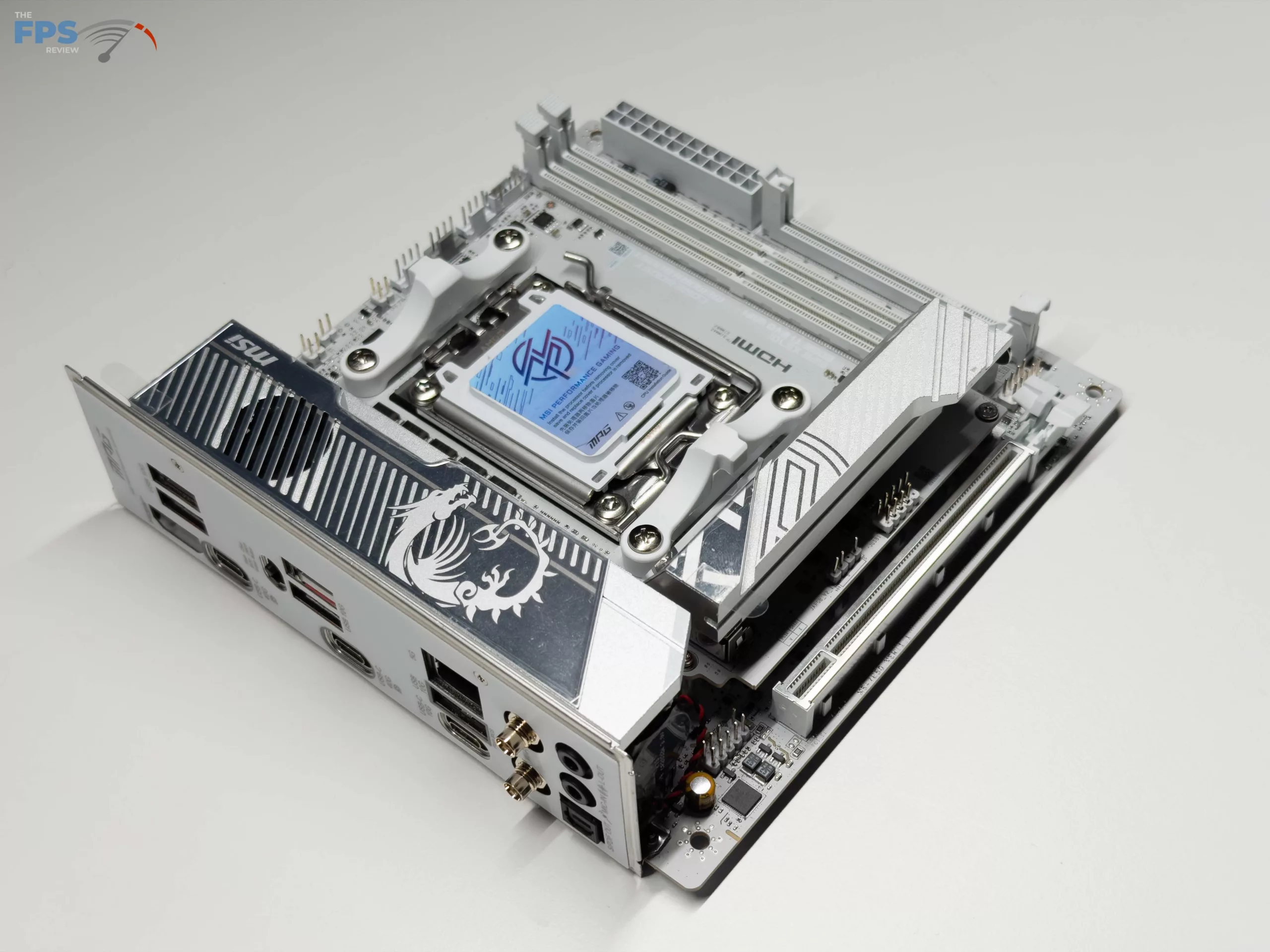
MSI has targeted the higher-end mini-ITX AMD market with this motherboard, and while the 8+2+1 Duet Rail Power System on the MSI X870I EDGE TI EVO WIFI is nothing to write home about, it does provide a total of 110Amps of power through Smart Power Stage. In fact, this should be more than enough power to run all current AM5 processors with full Precision Boost Overdrive (PBO) enabled while keeping cool while doing it. This is due to the active cooling MSI has provided on the oversized FROZR heatsink for MOSFET cooling, something we do not often see, which worked quite well in our testing, as you will see below.
Memory and Storage
As with other AMD motherboards we have reviewed in the current generation, the MSI X870I EDGE TI EVO WIFI is capable of running only Un-buffered, Non-ECC DDR5 memory at a maximum of 64 GB per slot. This gives a total maximum capacity of 128 GB total, which is in line with other motherboards of this class/size. Overclocking/speed adjustments for RAM on this motherboard is as easy as it can be with AMD’s EXPO settings in the UEFI, along with the ability to dive even deeper and manually adjust all timings, speed, and voltages for individual sticks of memory. This leads to a state’s maximum memory speed of 10,000 MT/s, which is one of the highest speeds we have seen officially claimed for a motherboard to date. Unfortunately, we are unable to fully test this as our Patriot Kit has a maximum speed of 6,200 MT/s, which we had no issues meeting and maintaining for our testing.
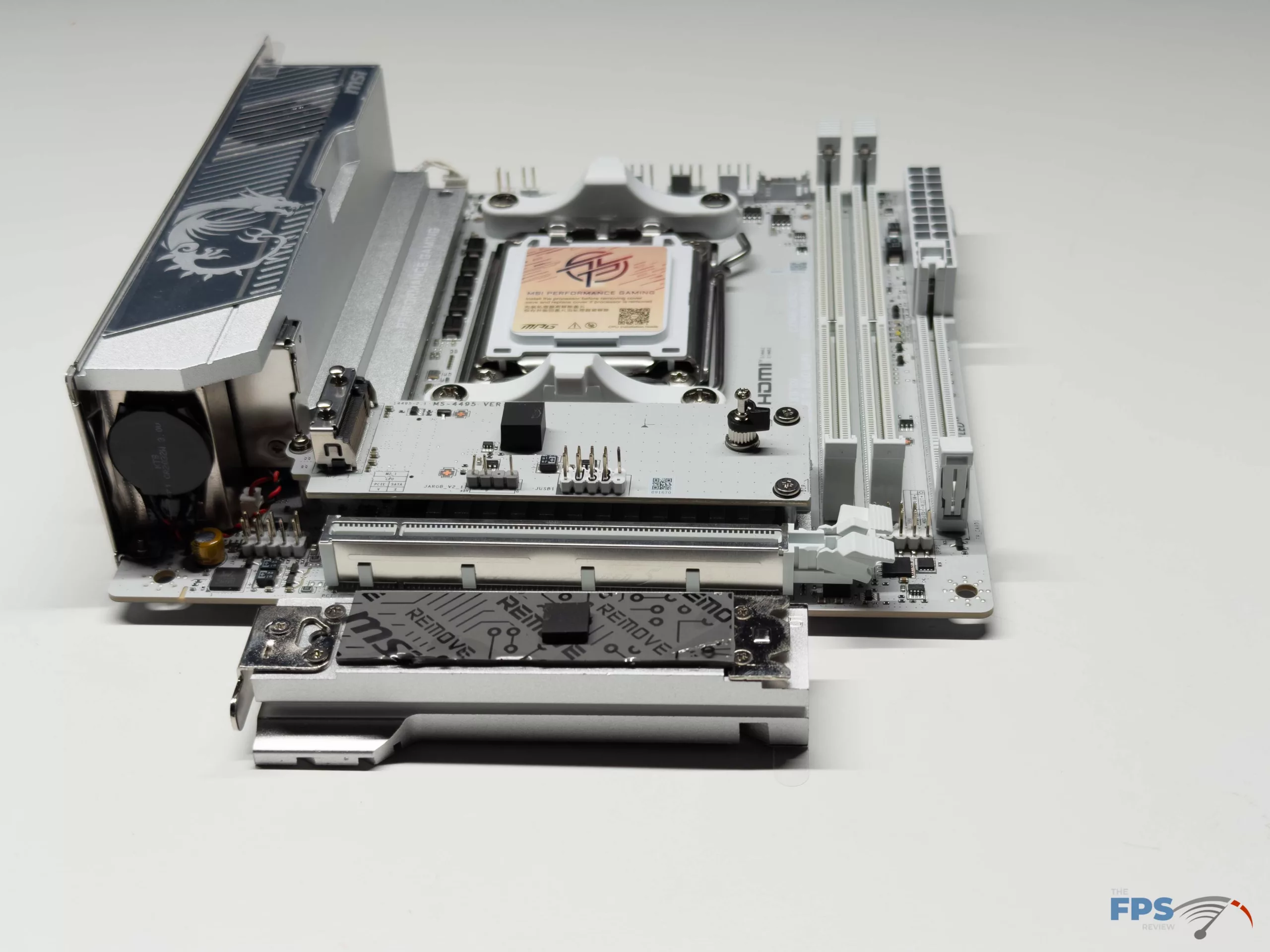
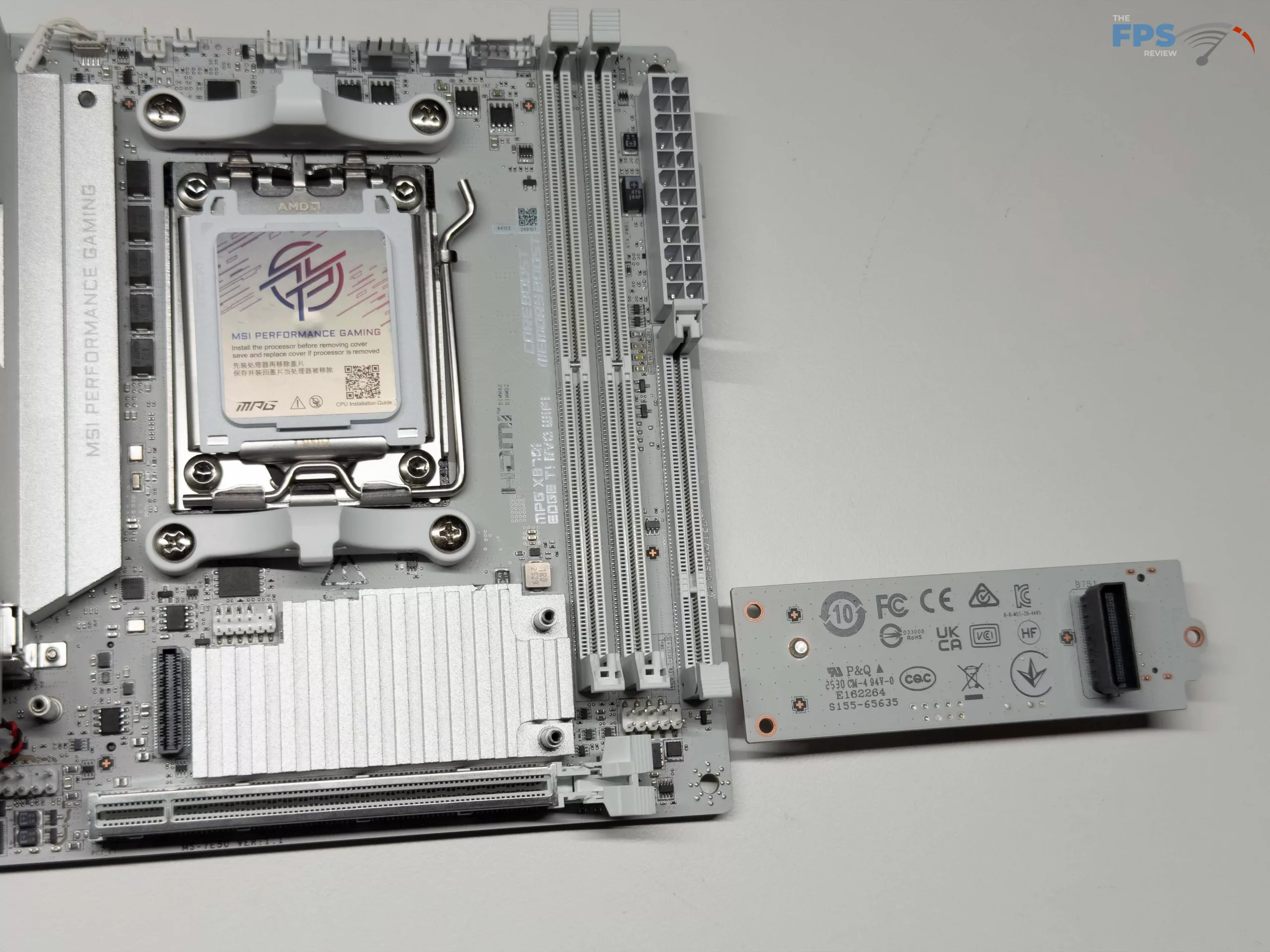
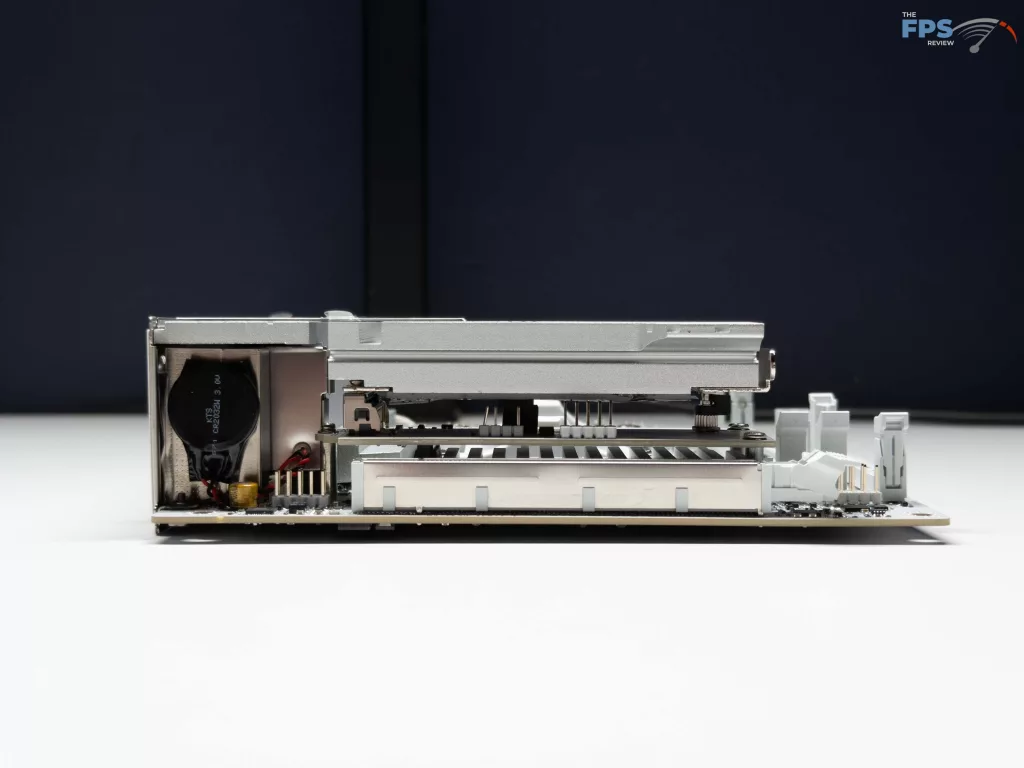
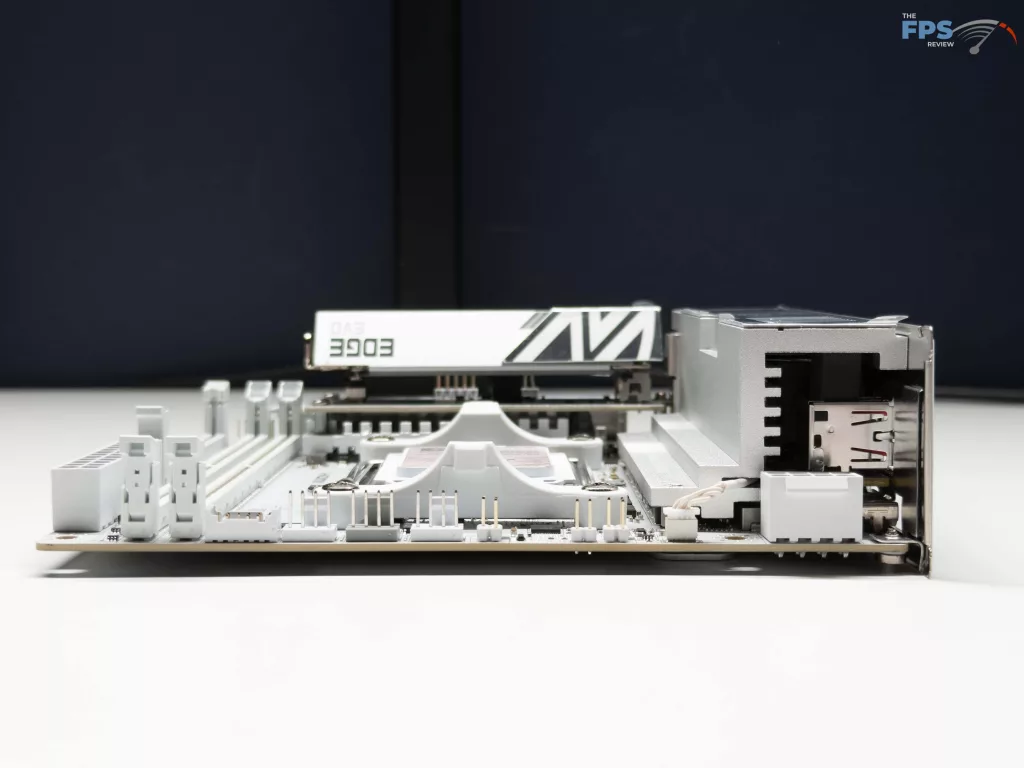
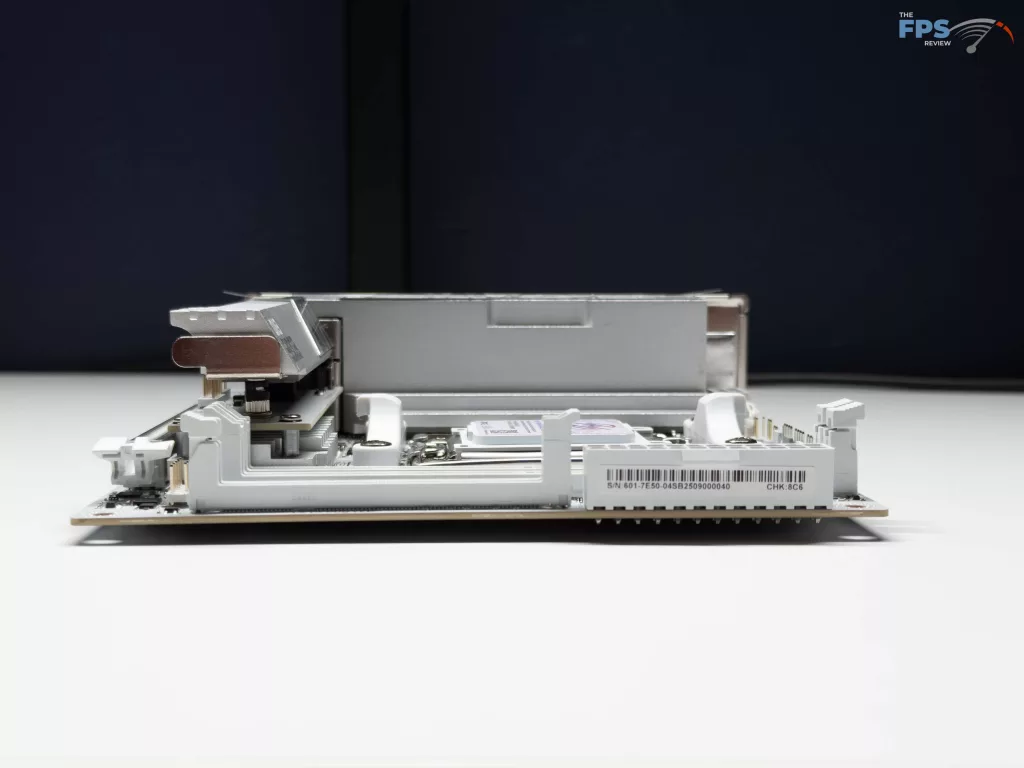
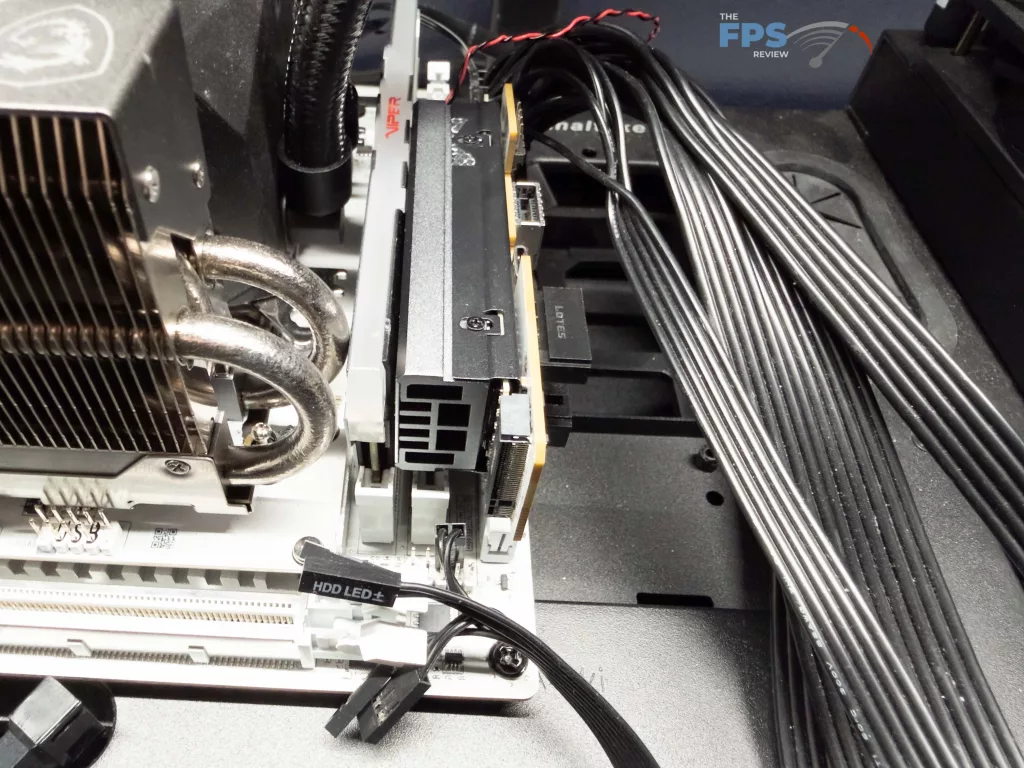
Most of the time, with a mini-ITX, there will be two (2) M.2 slots, and that is the case here until you factor in the XPANDER card provided with the motherboard. This card slots in on the right below the 24-pin ATX connector on the right side of the motherboard, giving you the ability to add a third M.2 NVME drive to this motherboard. This is nice, until you realize that the way the card is installed limits you to one of two scenarios: installing a card that does not require any heatsinks, or removing the right-most RAM slot to fit a drive in with a heat sink.
For SATA ports, there are none actually located on the motherboard itself; if you need to use them, the XPANDER card is required. The XPANDER card provides both of the SATA 6 GB/s ports, which MSI has positioned so that they point “out” of the card to allow for easier wiring.
Expansion
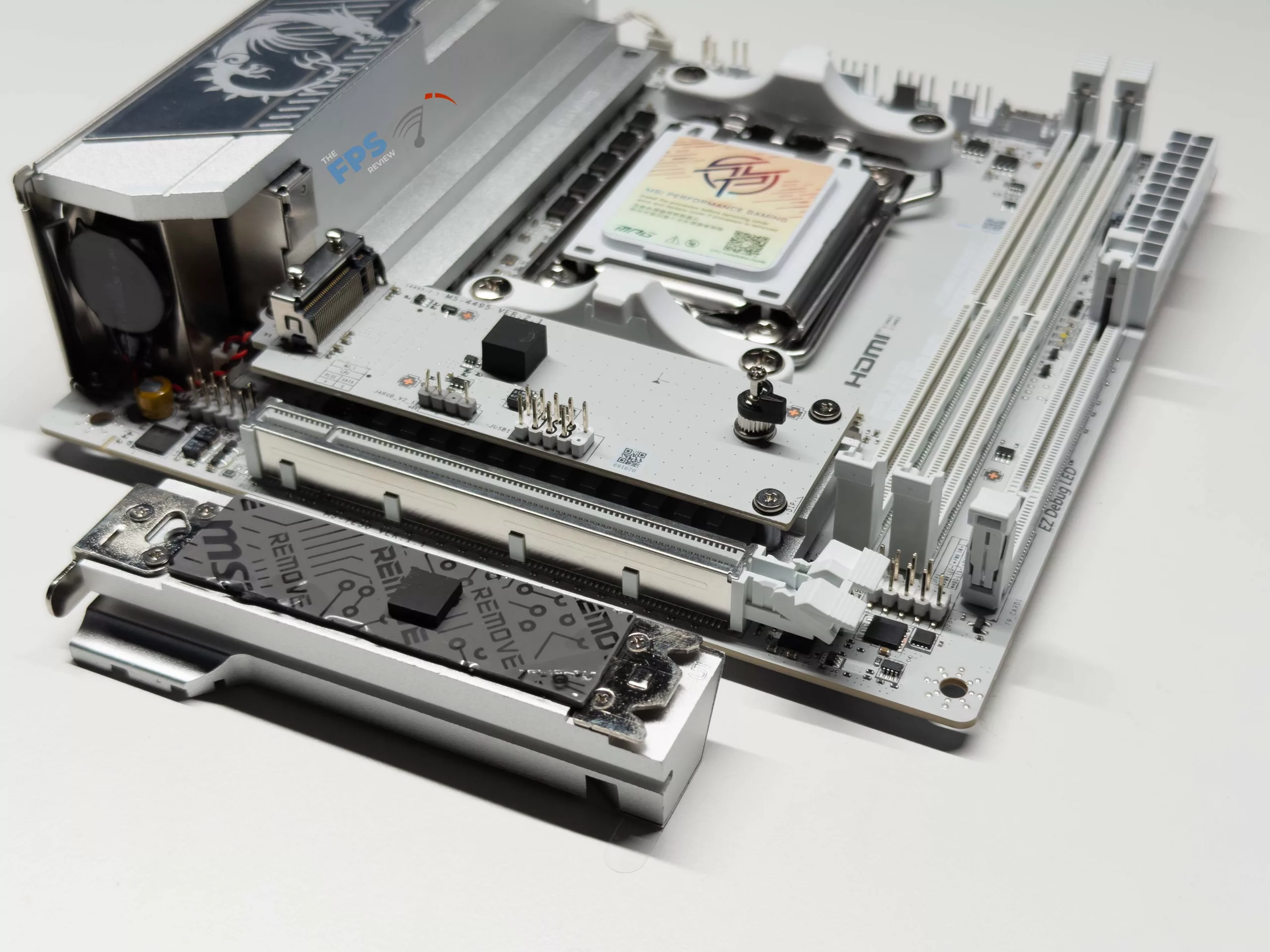
With this being a mini-ITX motherboard, expansion is limited to the single PCIe 5.0 x16 slot located in the normal location. For this slot, MSI has included their Steel Armour system that is always a pleasant addition to see on a motherboard with the increasing size and weight of graphics cards with every new generation. As with other mini-ITX motherboards, from most manufacturers, not just MSI, we wish that MSI had provided an oversized release lever for the PCIe slot.
I/O
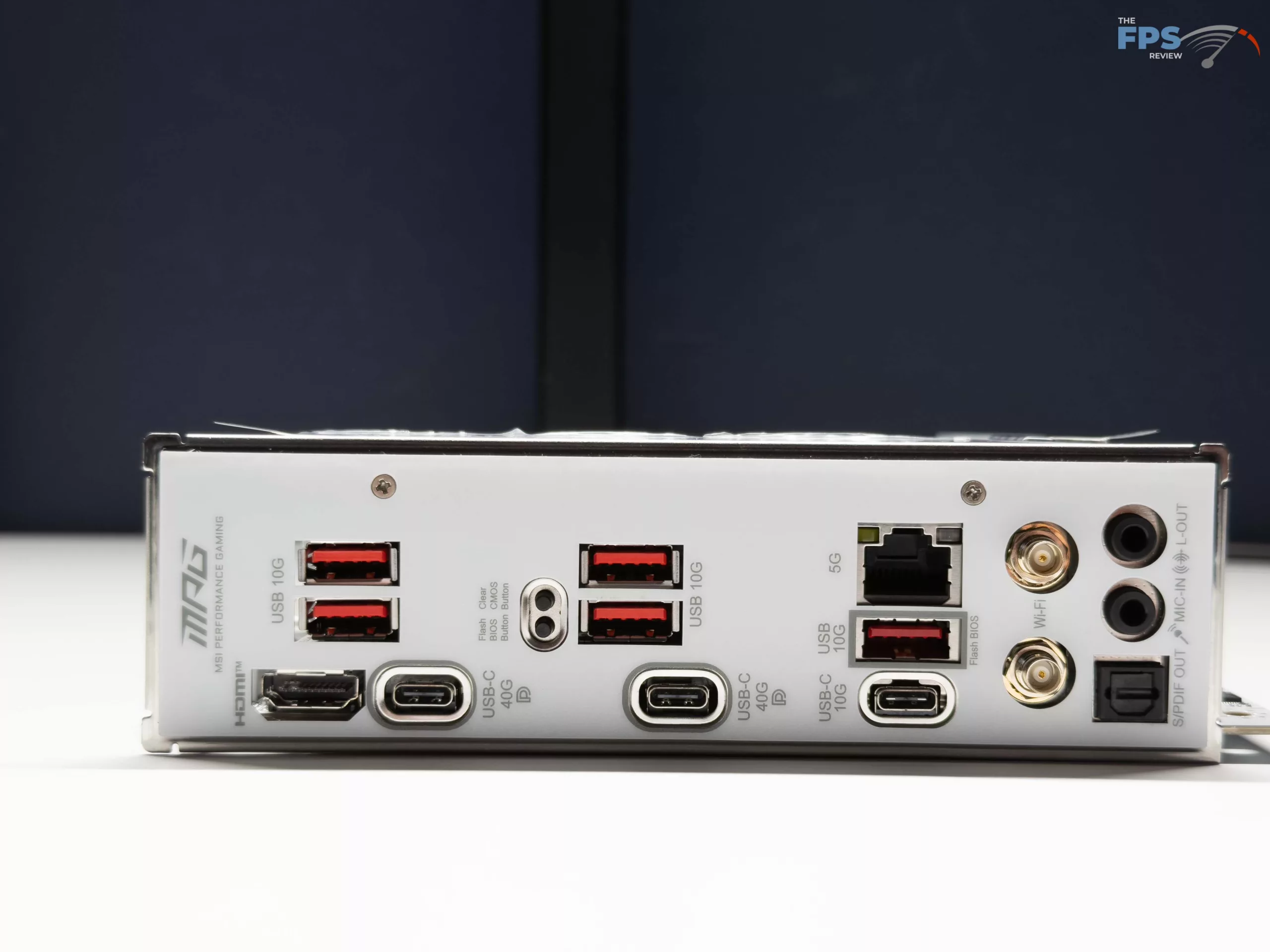
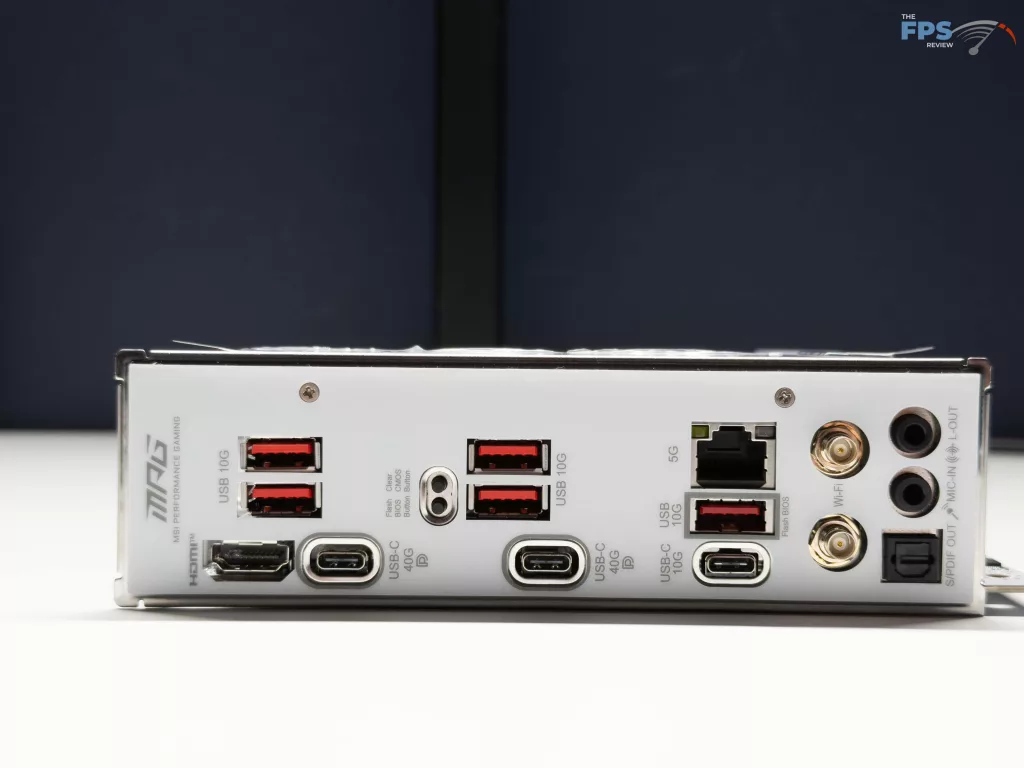
The MSI X870I EDGE TI EVO WIFI has some of the best I/O options we have seen on a mini-ITX motherboard so far. For the rear I/O panel, USB options are plenty, with two (2) Type-C 40 Gbps ports (Both of which support DisplayPort 1.4 standard for video output), one (1) Type-C 10 Gbps port, and five (5) Type-A ports at 10 Gbps maximum speed. After this, there is a single HDMI port for video out, the typical antenna connections for the WIFI 7 chip (a MediaTek MT7927), as well as a ethernet port for up to 5 Gbps through the Realtek 8126 controller. Beyond these connection options, there is a Clear CMOS button for clearing the BIOS if there is a bad configuration, as well as a Flash BIOS button to allow for flashing the BIOS without any CPU or memory installed. Lastly, there are the typical Line-Out, Mic-in, and S/PDIF ports for audio, all from the ALC4080 Codec, supporting up to 7.1 channel surround sound.
On the motherboard itself, there are no headers for USB expansion, which is handled by the M2 riser card for a header for two (2) USB 2.0 ports, and the XPANDER card that has a connection for a USB Type-C 20 Gbps connector, as well as a USB Type-C capable of 5 Gbps. The front panel speaker connection is also located on the XPANDER card, along with the front panel speaker connection. Beyond this, there is a header for front panel connectors (LED indicators and switches), located right below the DDR5 memory slots, that are easy to connect with the “EZ Front Panel Cable” provided in the box.
In total, there are three (3) 4-pin PWM fan headers provided, one (1) dedicated to the CPU fan, one (1) for the system pump, and the last for system fans. There is also limited RGB expansion opportunities for the MSI X870I EDGE TI EVO WIFI, as there is a single Addressable V2 RGB LED connector, located on the M.2 riser card (Adjacent to the M2_1 slot).
UEFI
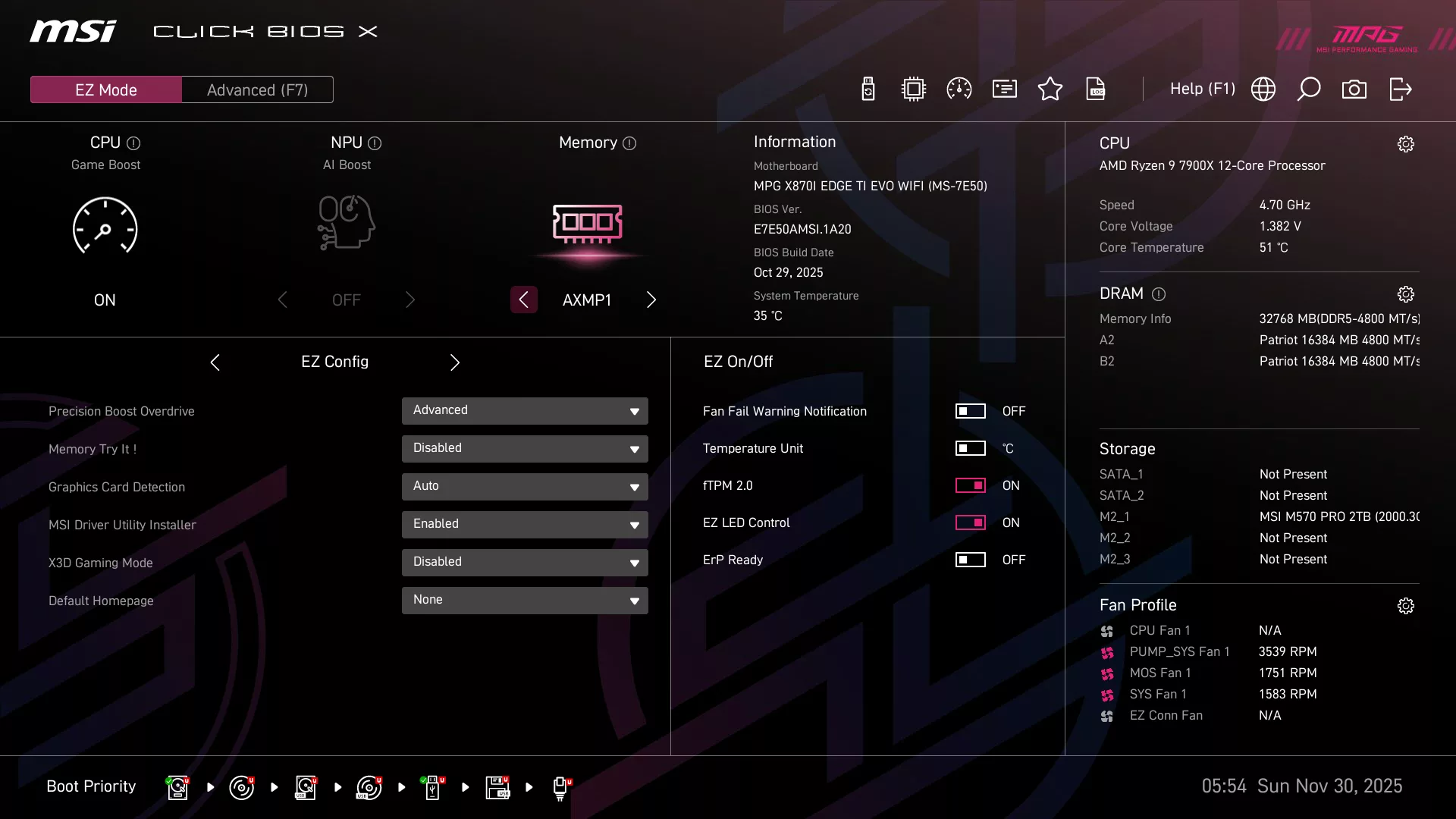
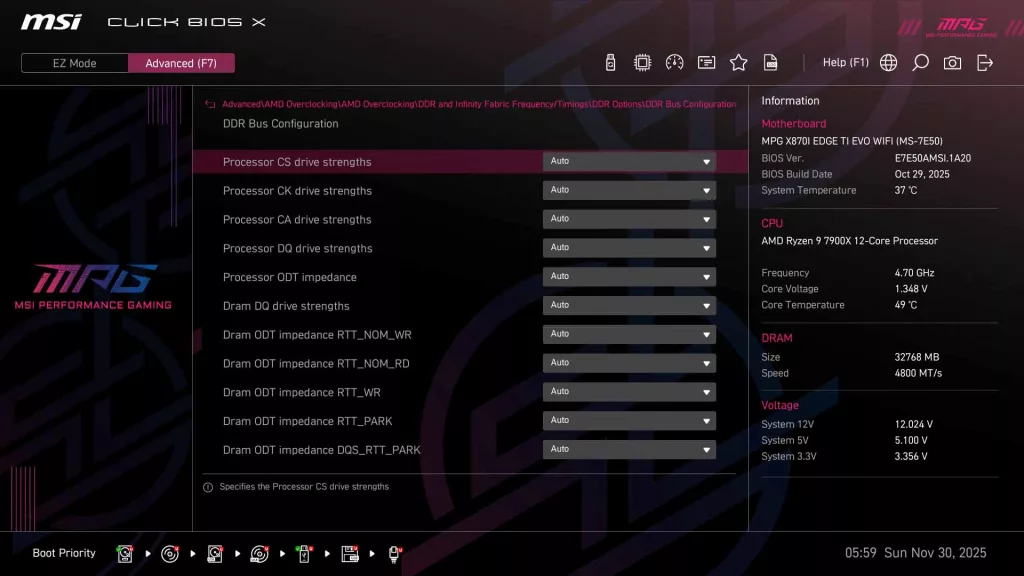
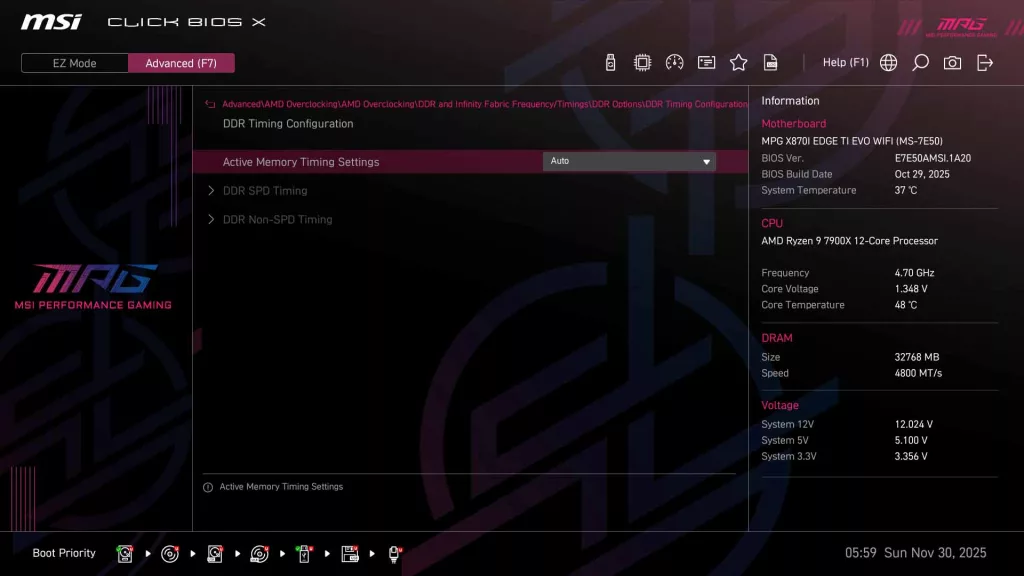
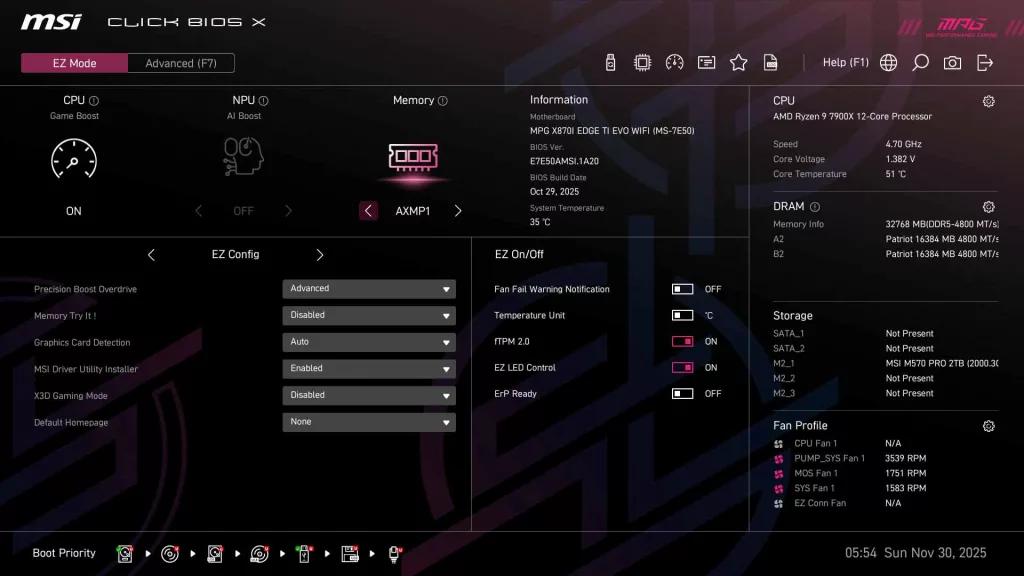
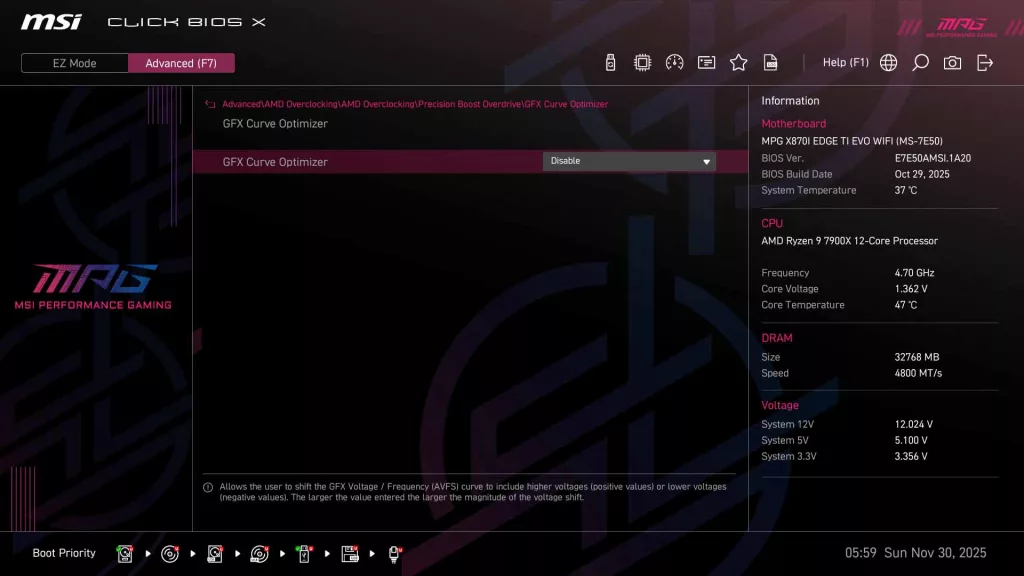
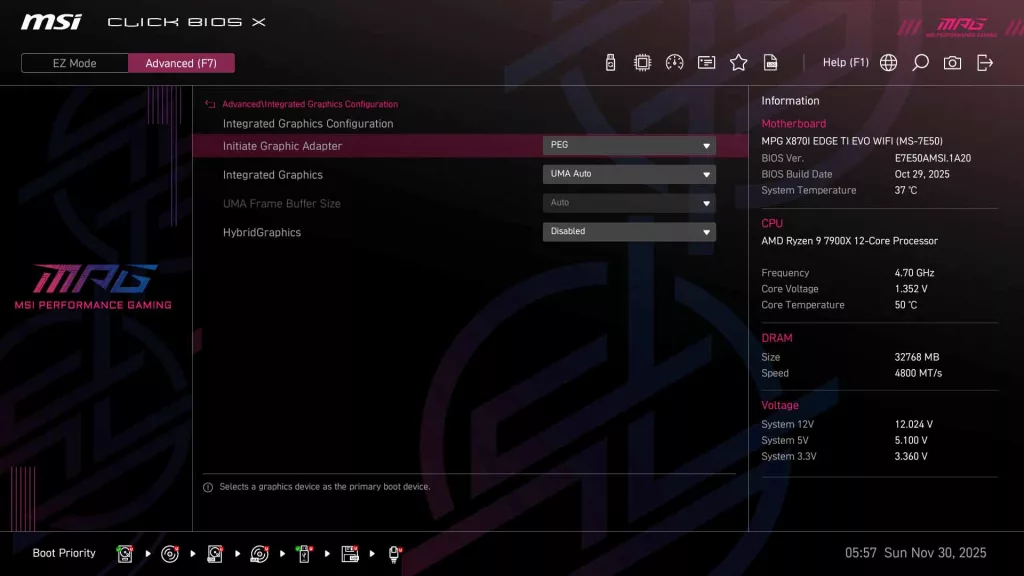
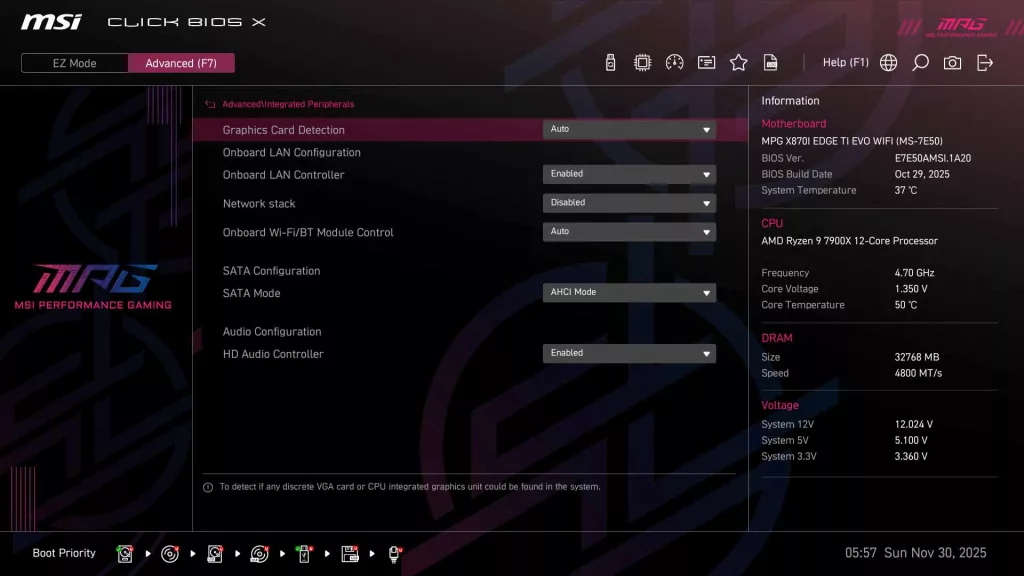
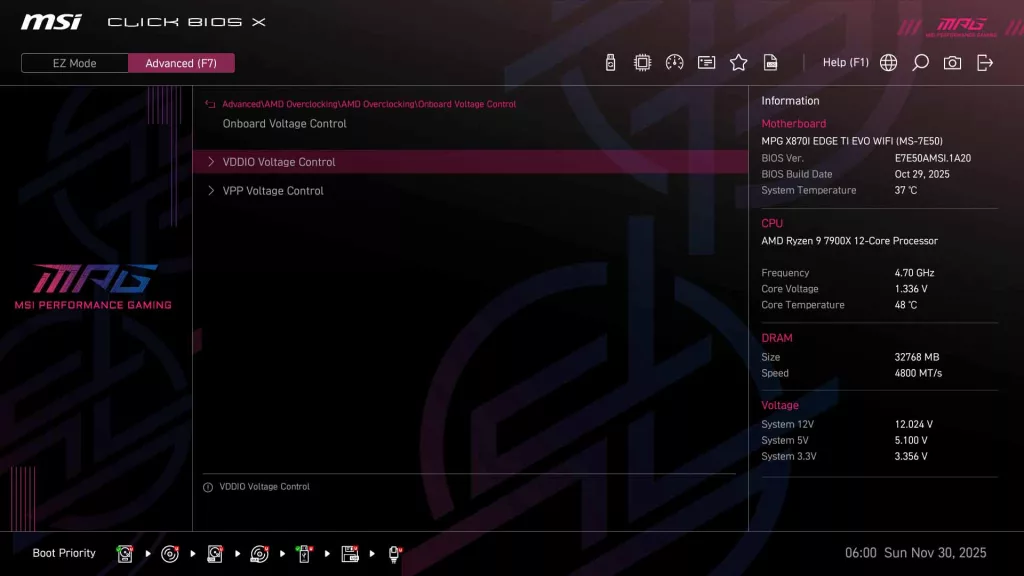
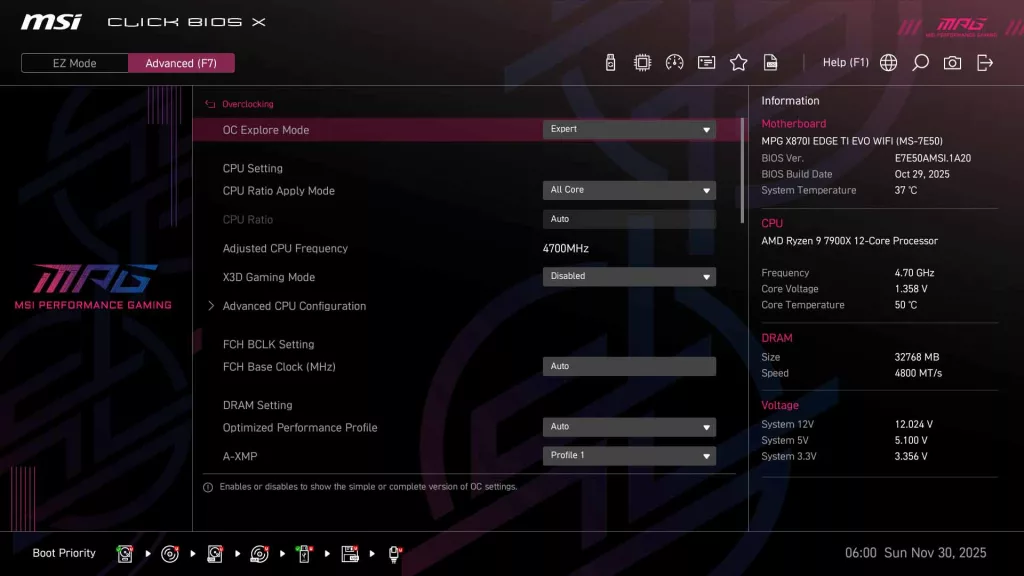
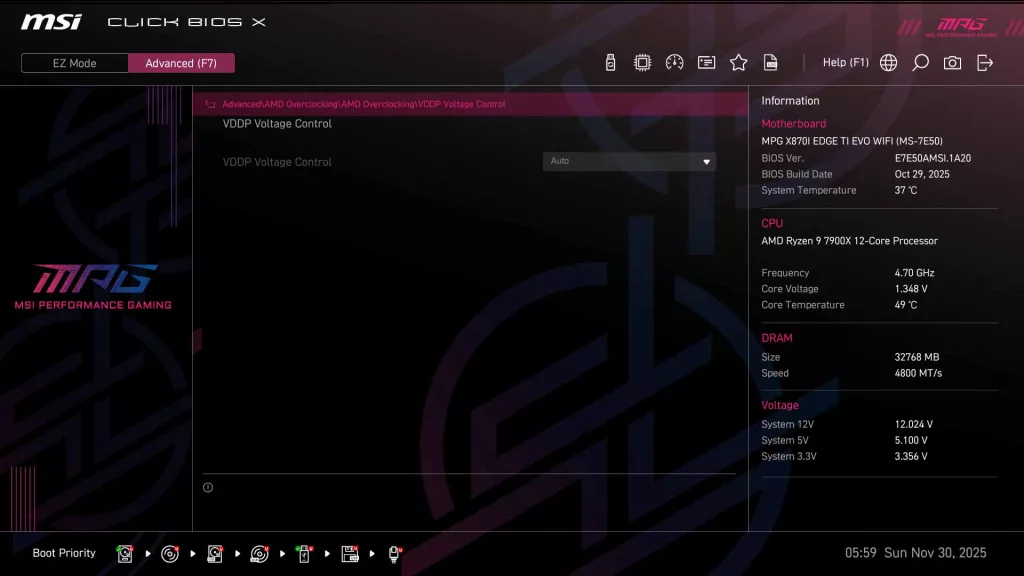
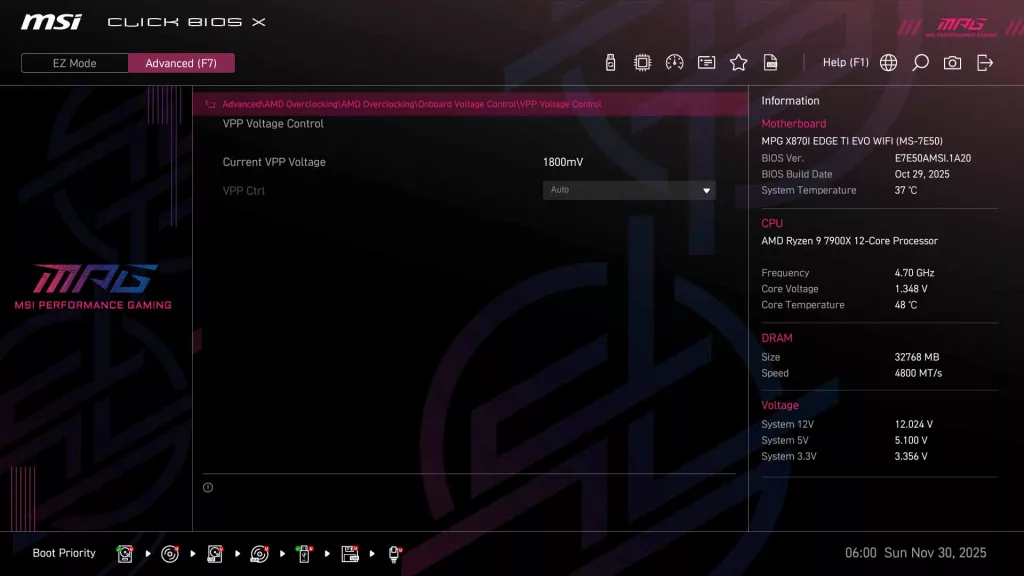
As we see on all current generation MSI motherboards, the MSI X870I EDGE TI EVO WIFI has MSI’s “Click BIOS X”, which we have come to appreciate for its ease of use. When you initially enter the BIOS, you are greeted with the standard EZ Mode, where you can quickly adjust memory settings and CPU boost, along with fan speeds/profile, as well as have a quick look at operating speeds for the CPU and memory.
Since this iteration of MSI’s UEFI has been out for quite a while, and covered in depth on previous reviews here at The FPS Review, we are going to hit just the highlights. One of the things we want to make sure to point out is that even though this is a graphical UEFI with mouse input, it is very much keyboard-friendly with shortcuts such as “F7” for Advanced Mode, or “F1” to access the help menu. In fact, we rarely touched our mouse during configuration and updates as it was very easy to navigate with the keyboard.
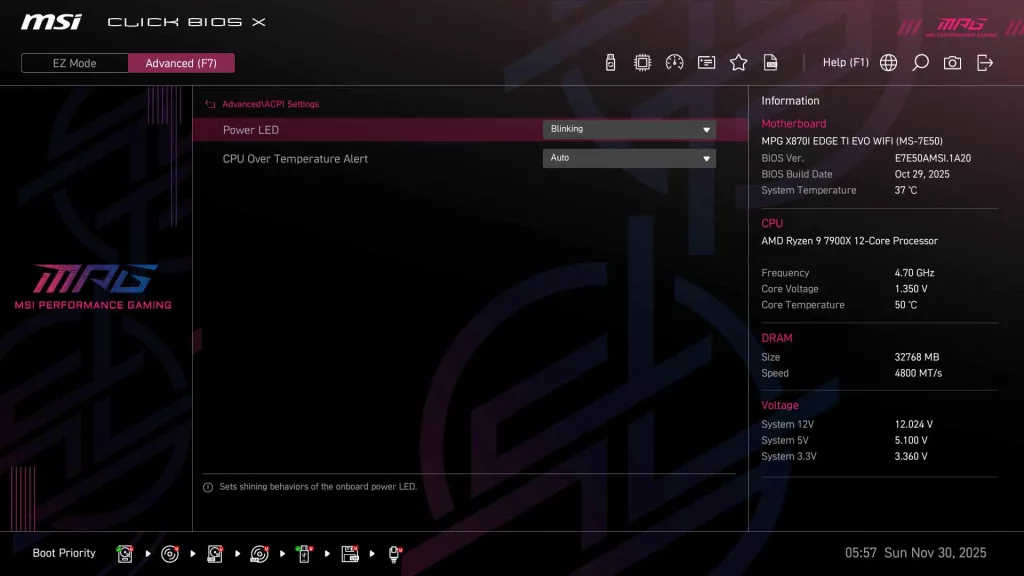
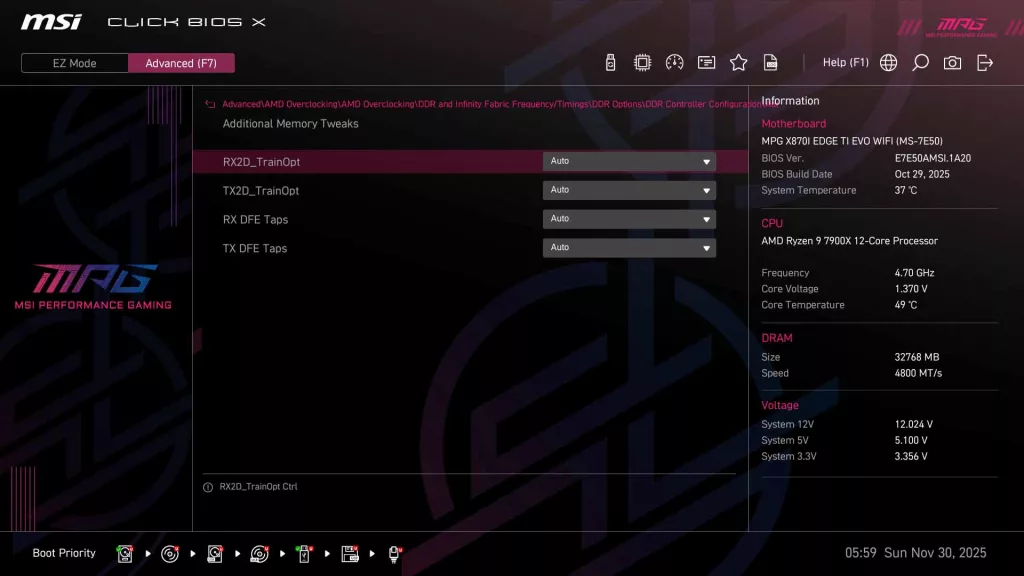
When you dive into Advanced mode, you will immediately be greeted with a System Status screen, showing you EUFI version information, storage device data, and the information on your CPU / RAM / Voltages on the right side (Which is a constant between menu pages in any section/mode of the UEFI). Basically, all settings can be accessed from the “Advanced” sub-menu, from Power management settings, to an NVMe self test, to the Overclocking menu, all easily accessed with a small note at the bottom of the monitor explaining what each option is. It’s nice to note that although you can access overclocking settings through the Advanced menu, MSI has also made it a dedicated menu on the main “Advanced” page, giving you access to all your voltage information, clock speeds, and memory timings.
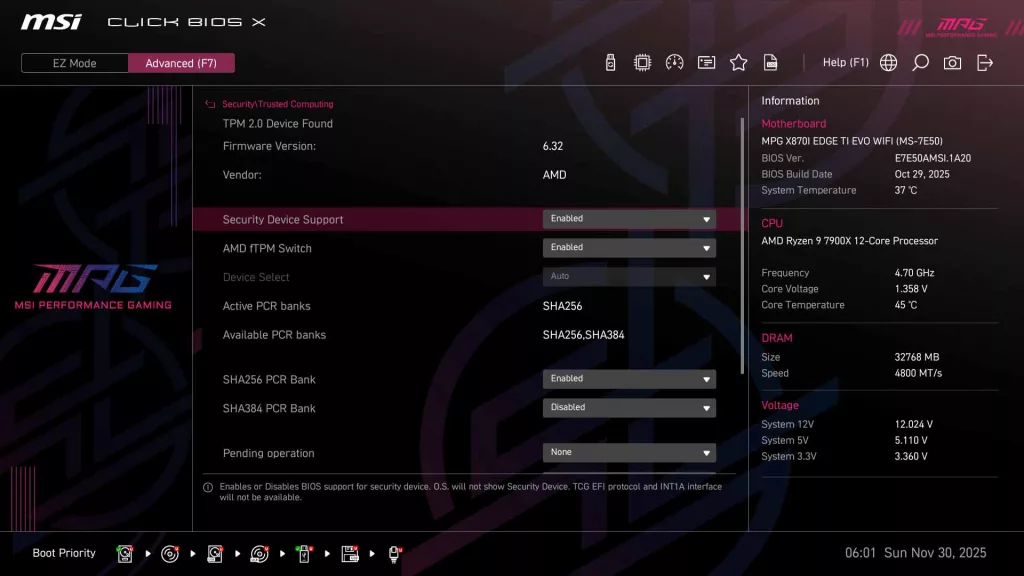
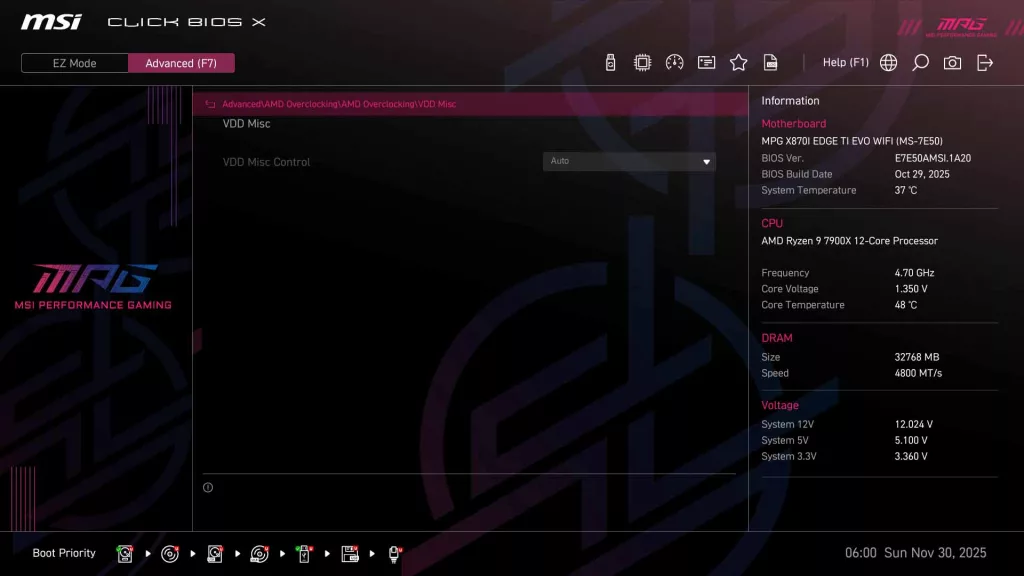
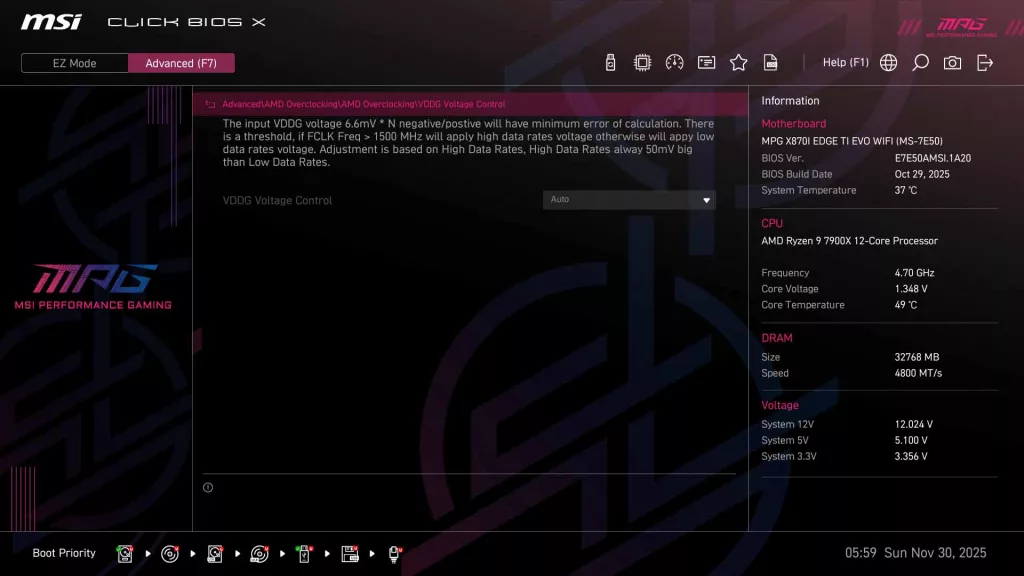
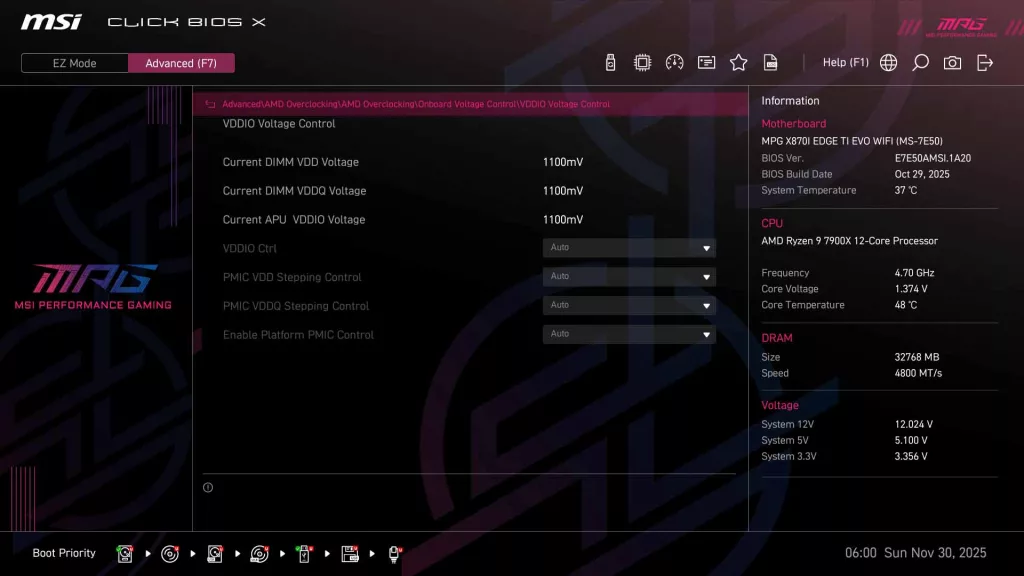
As always, what we have touched on is just the surface of what is available for modifying in the UEFI. We have created a full gallery below to show all the different pages and options within the UEFI.
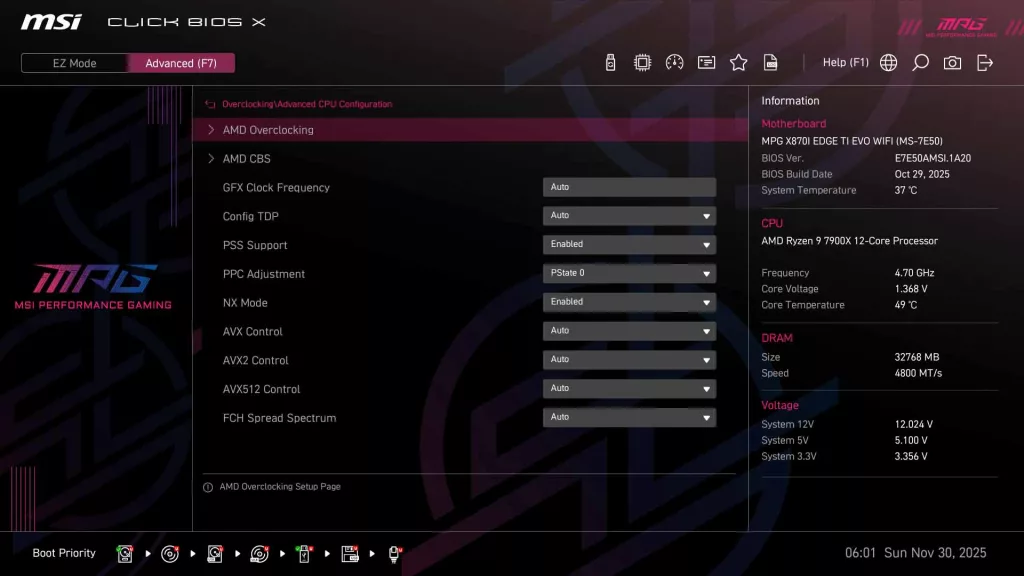
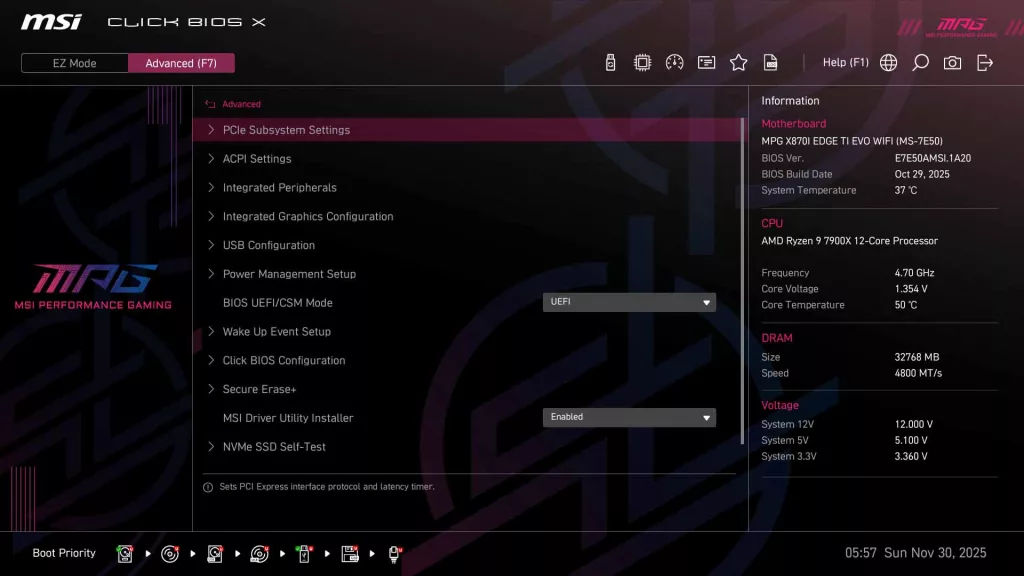
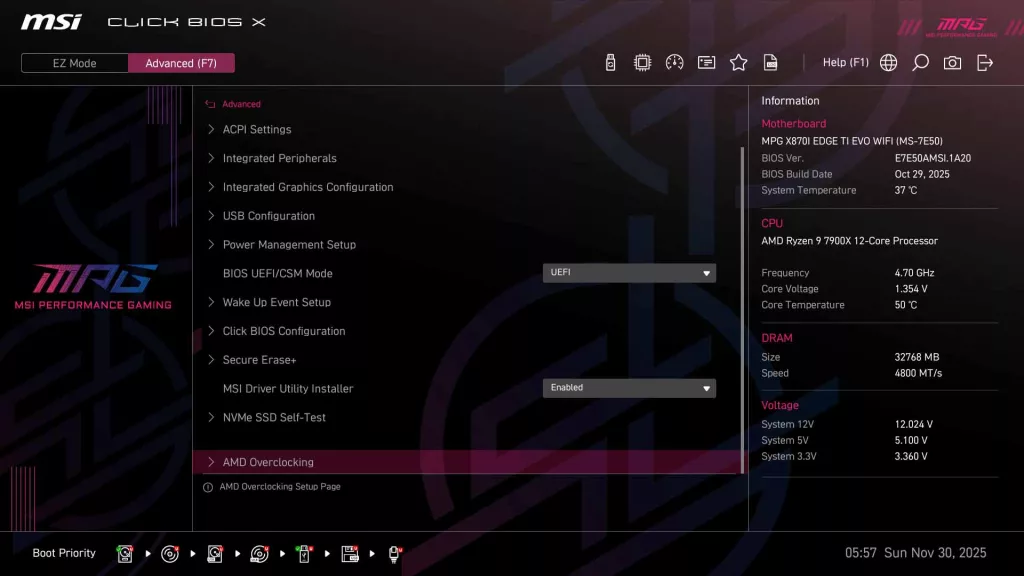
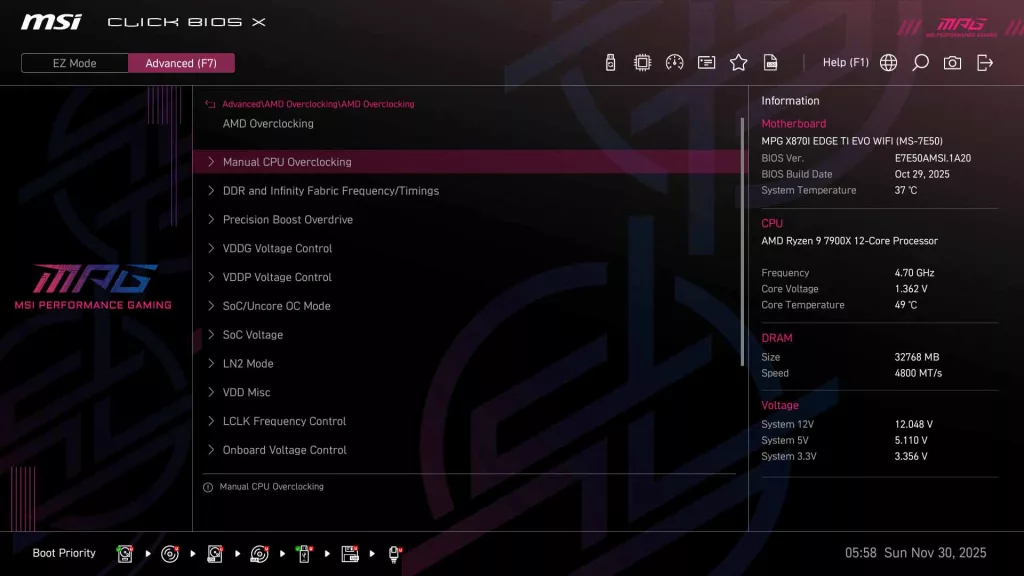
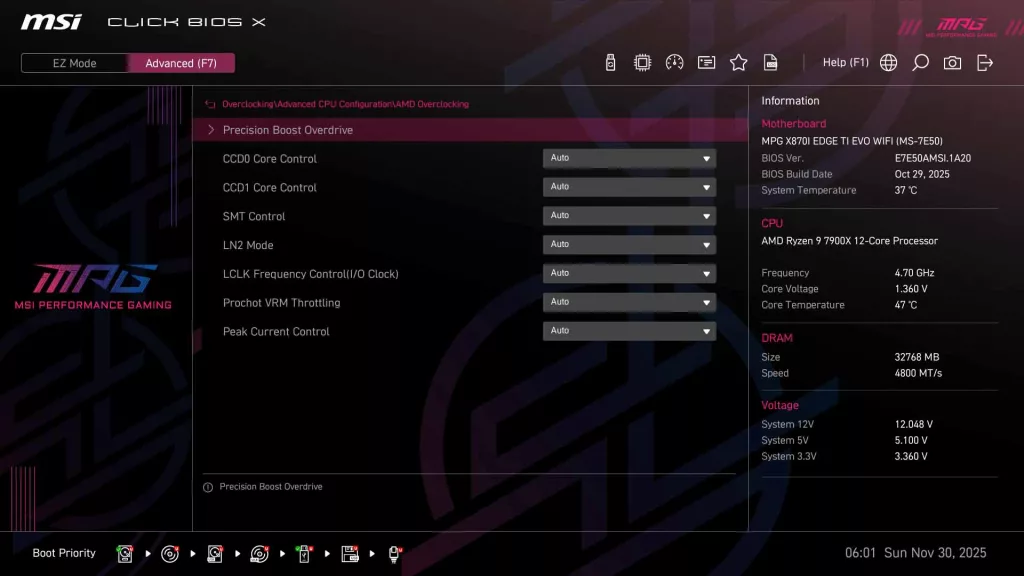
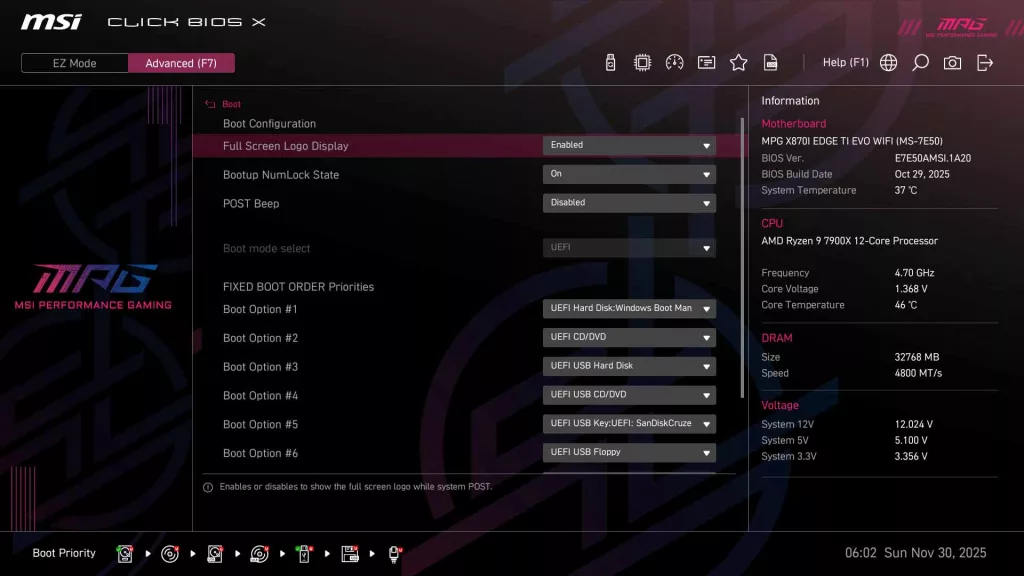
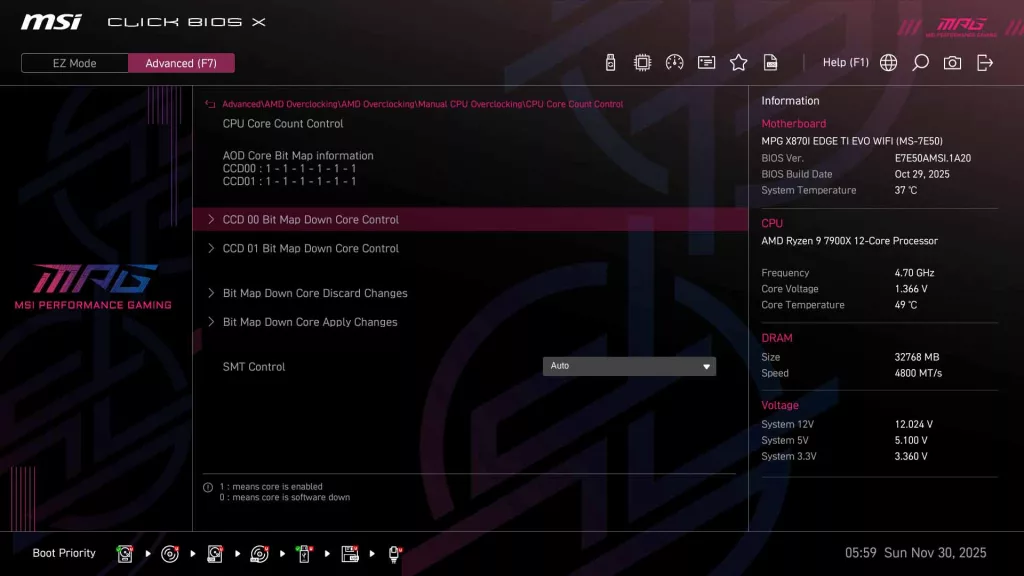
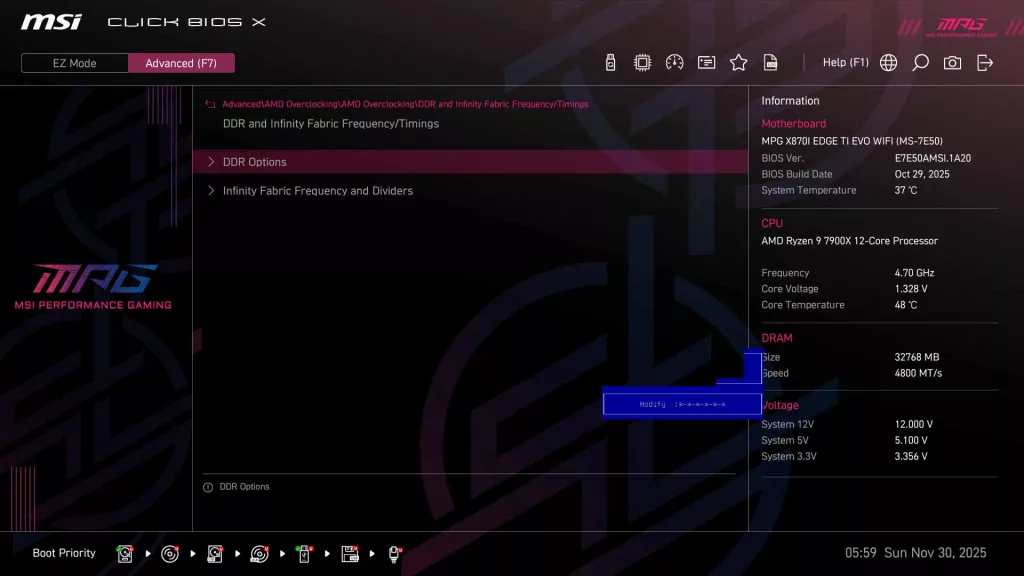
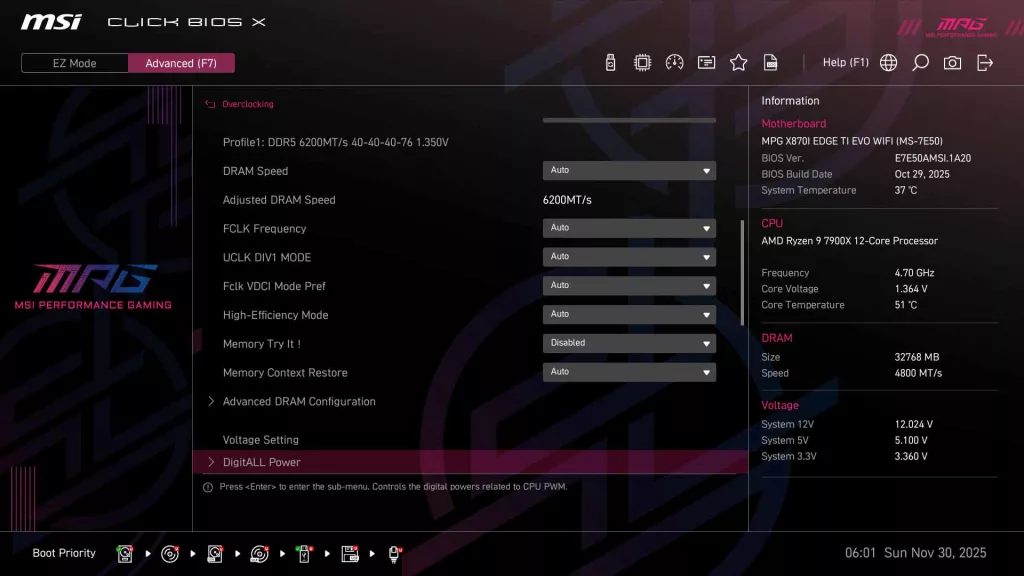
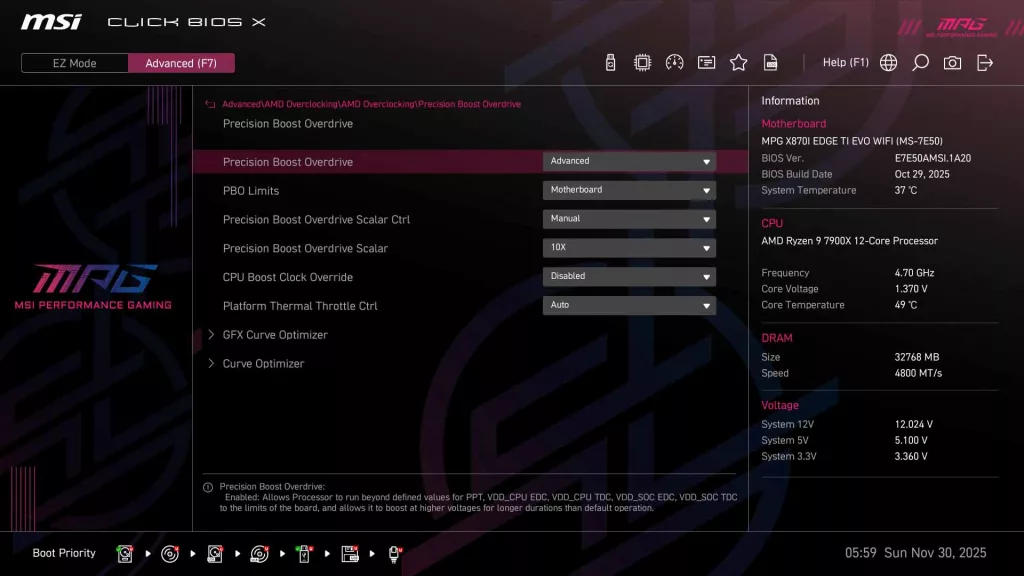
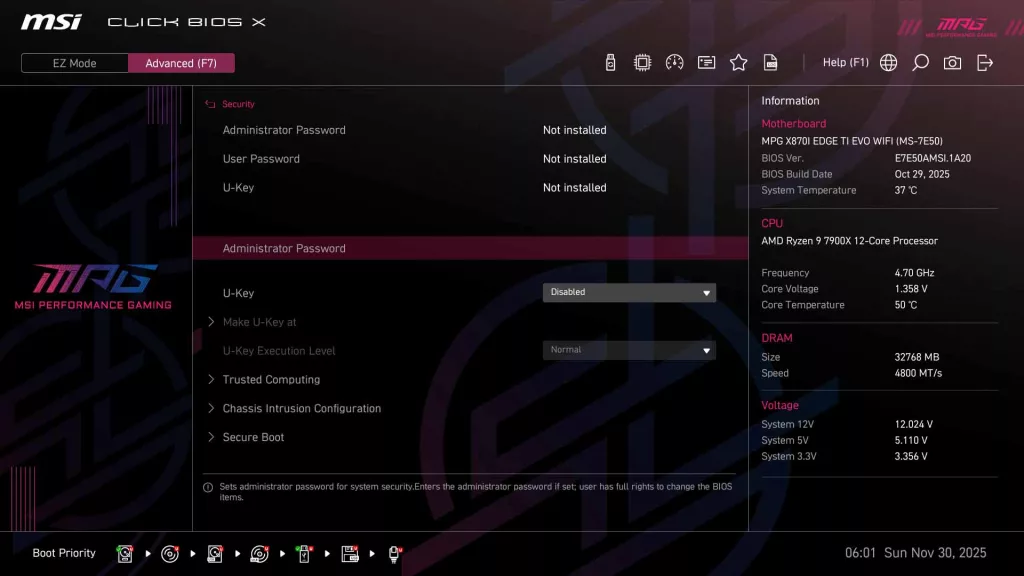
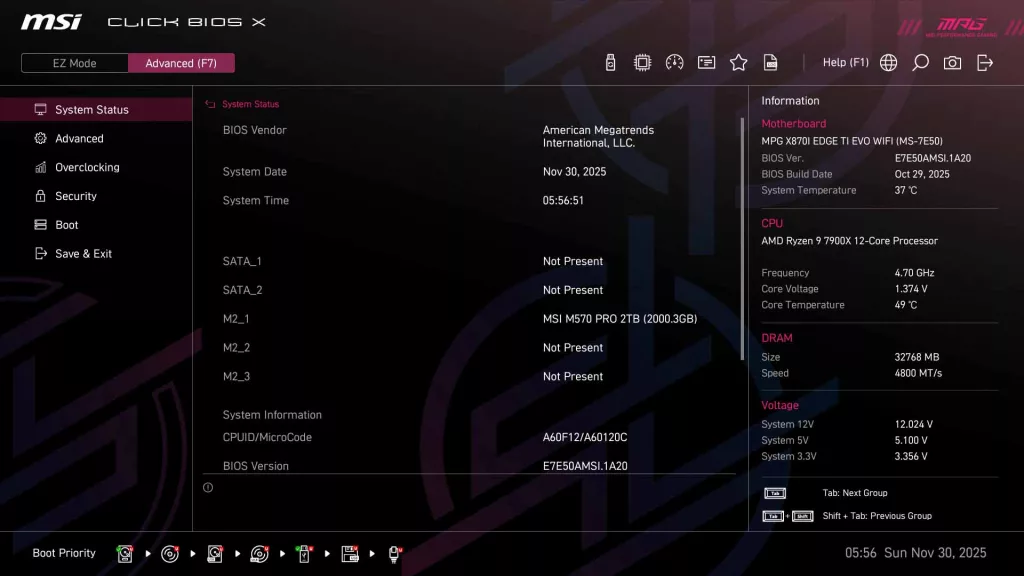
Motherboard Performance
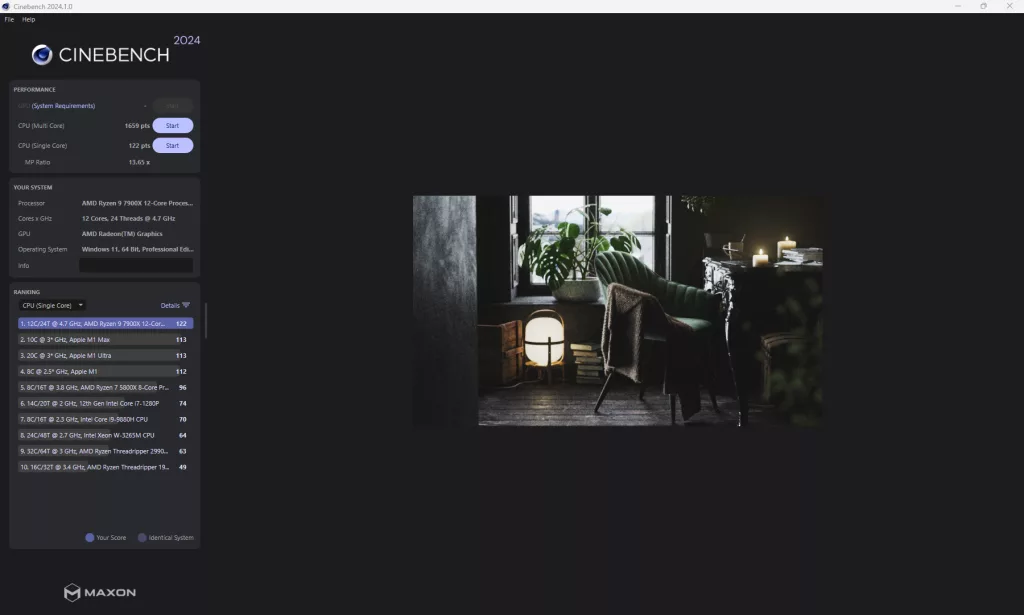
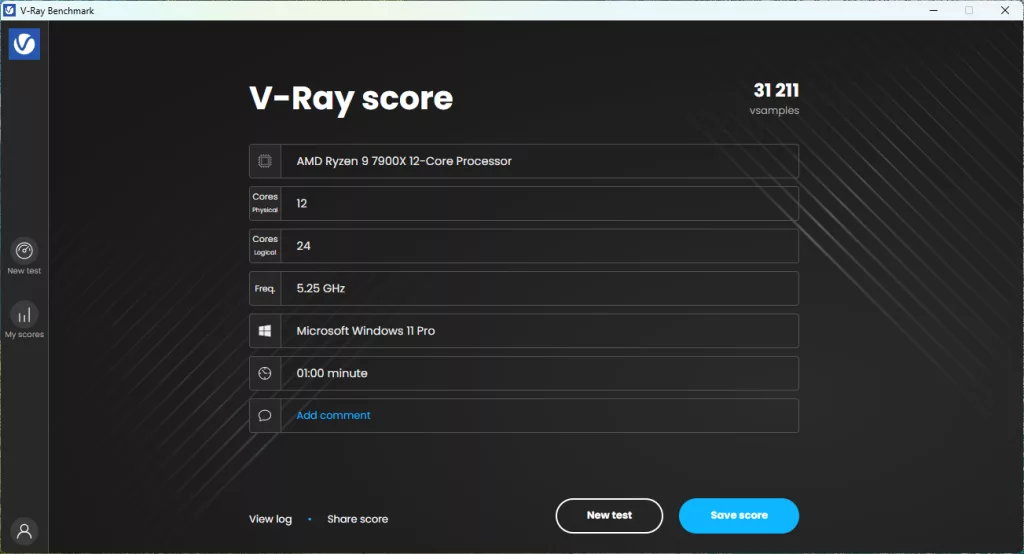
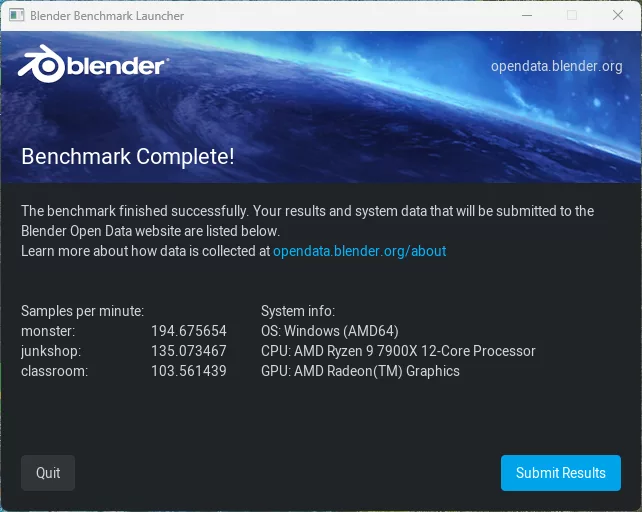
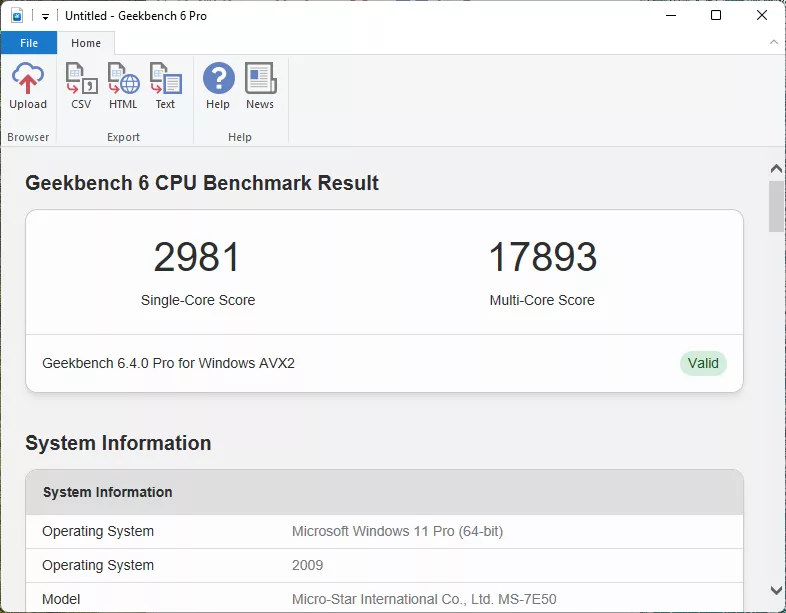
As with all of our recent 2025 reviews, we will be using our new performance section. You will find images of all of our testing results in the gallery, while the following paragraphs summarize what we experienced. As with our 2025 AMD reviews, in 2026, we will be using our Ryzen 9 7900X CPU for all of our performance benchmarks.
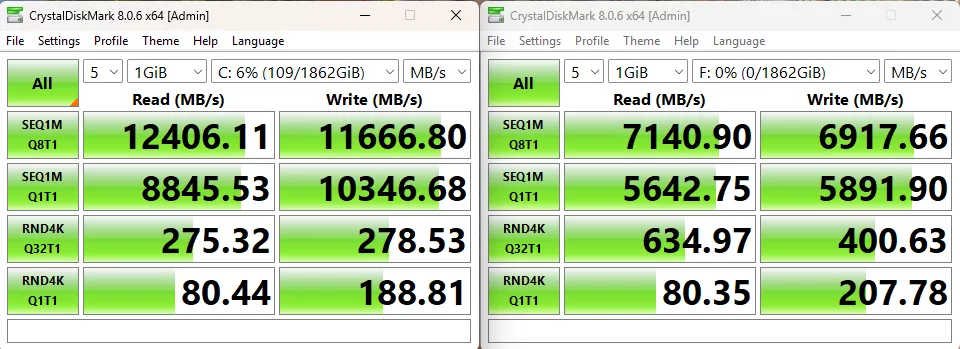
Our first test is the storage test and as we mentioned above, while we were able to test with both our MSI SPATIUM M570 PRO FROZR (originally reviewed at the end of 2023) as our primary drive, and our ADATA LEGEND 970 2TB NVME SSE in the XPANDER Slot, however due to the size of the motherboard and the location of the XPANDER slot, we are only using a single stick of memory in the system for this test only. On the M570, we recorded a read speed of 12,406 MB/s and a write speed of 11,667 MB/s, both of which were right in line with our expected speeds for the drive. The second slot is limited to Gen4 PCIe speeds, and as such, we were limited to 7,141 MB/s read speeds and 6,918 MB/s write, again right in line with what we have historically seen this drive do in this scenario.
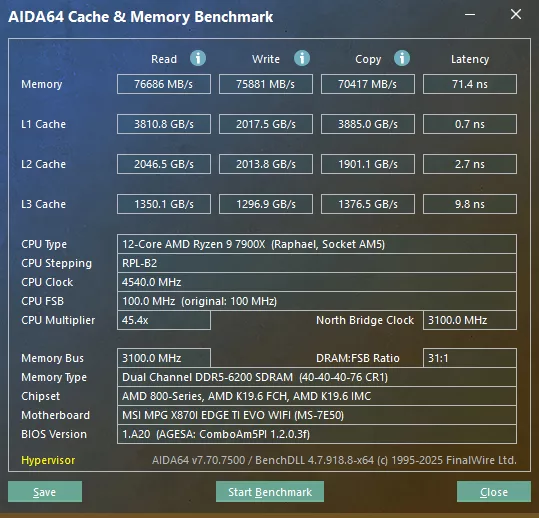
The next test is our memory testing using AIDA64’s Cache & Memory Benchmark. The MSI X870I EDGE TI EVO WIFI was able to achieve a read speed of 76,686 MB/s, a write speed of 75,881 MB/s, and a copy speed of 70,417 MB/s, all of which are a bit below what we have come to expect from the X870 platform with this CPU and memory combination, and much closer to the B850 scores we have seen.
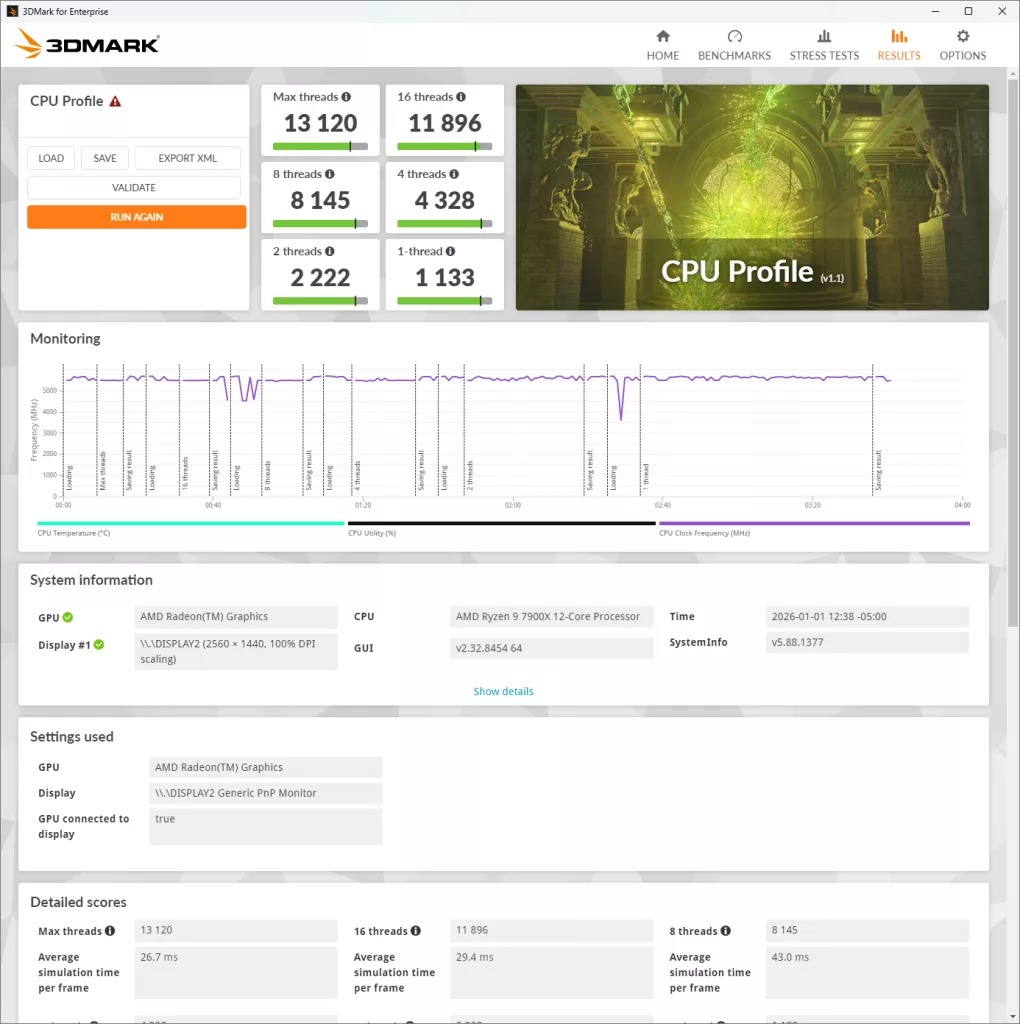
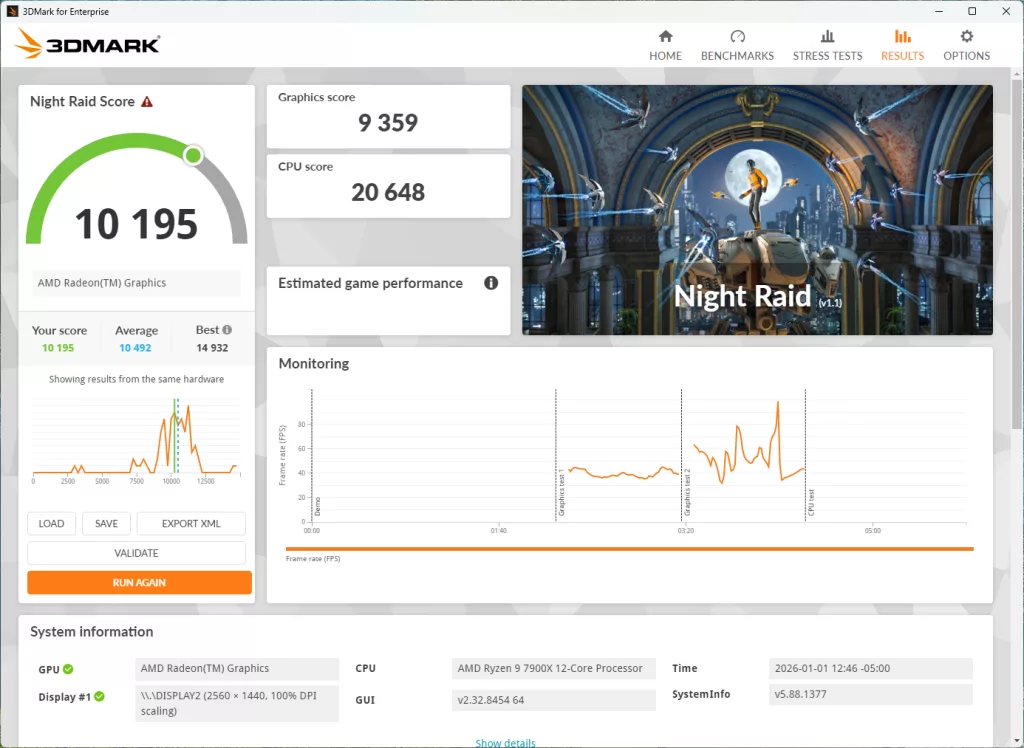
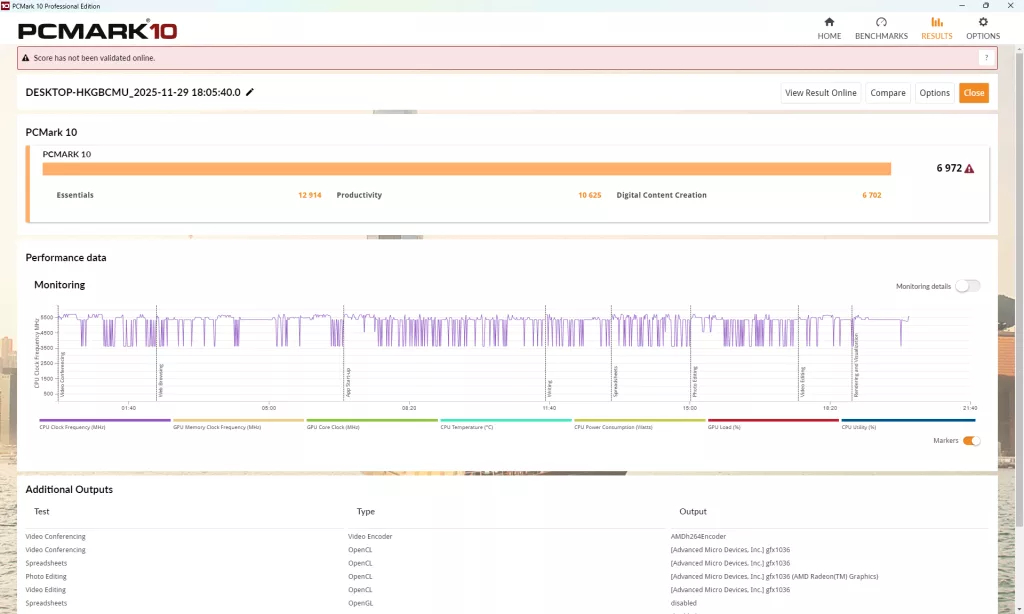
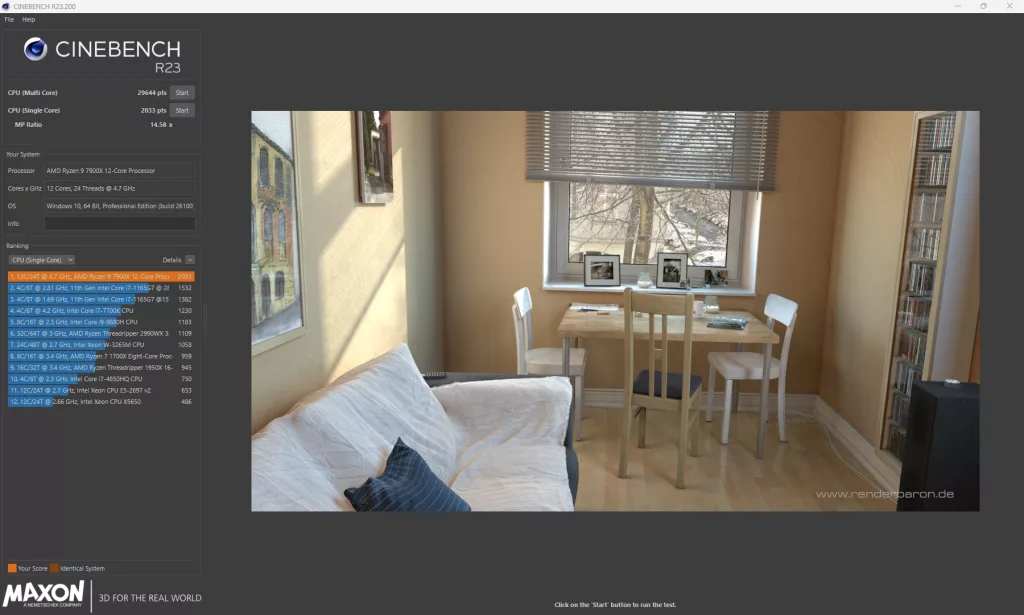
Our synthetic benchmark tests are up next, with 3DMark, PCMark, Cinebench (R23 and 2024), V-Ray, Blender, and finally GeekBench6. 3DMark comes in with a score of 13,120 for maximum threads in the CPU Profile test, and a CPU score of 20,648 for Night Raid with a total score of 10,195 (Includes full system). PCMark comes in with a total score of 6,972, which is a platform low we have seen with this CPU. After this, Cinebench R23 clocks in at 29,644 points on the Multi-Core, and 2,033 points on the Single-Core test, and 2024 comes in with 1,659 points and 122 points respectively, both Cinebench results bring us back to where we expect to be with our testing.
With V-Ray, we had a final score of 31,211, which is right at what we expect with this setup. Blender comes in at 195 for the Monster test, 135 for junkshop, and 104 for classroom, again right in line with expectations. Our final synthetic benchmark is Geekbench, where we hit a Multi-Core score of 17,893 and a Single-Core score of 2,981, which falls a bit short of previous testing.
VRM Temperature
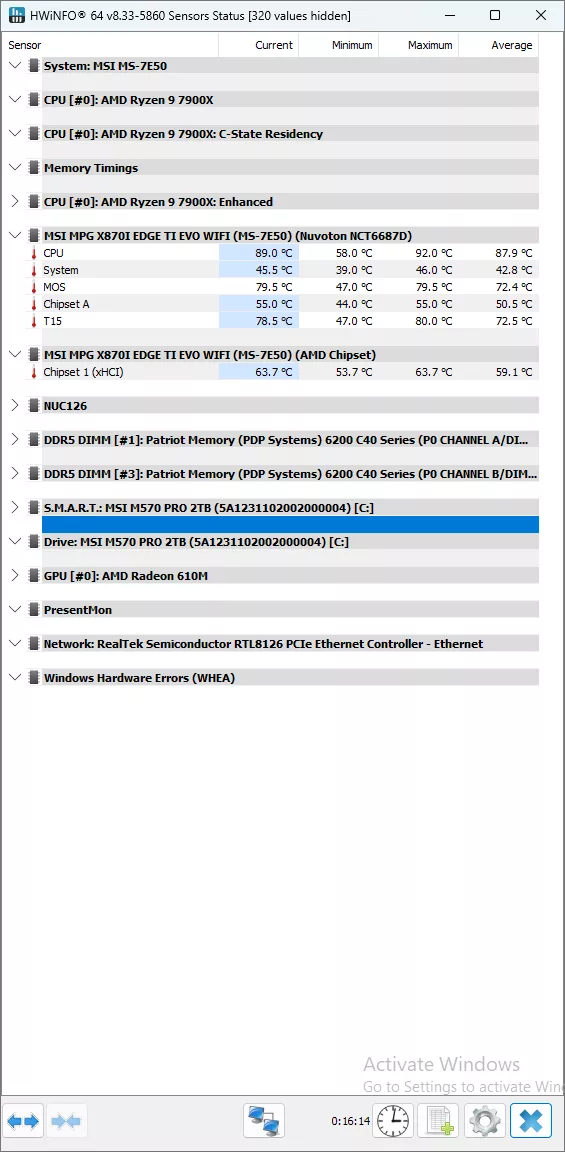
The last testing we completed on the MSI X870I EDGE TI EVO WIFI is the VRM temperature test. For this test, we run the Cinebench 2023 Multi-Core test for a minimum of 15 minutes to fully stress the system. At the 15-minute mark, we take a screenshot and record the temperatures as reported by the most current version of HWiNFO 64, as well as a manual temperature reading with a Handheld Infrared thermometer. All testing occurs at an ambient temperature of approximately 75°F (24°C).
Cooling for the MSI X870I EDGE TI EVO WIFI is excellent for a mini-ITX motherboard, thanks to its active cooling solution that has been implemented. Our handheld thermometer read a high temperature of 48°C, while HWiNFO gave us a maximum MOSFET temperature of 79.5°F, and a chipset temperature of 63.7°C. Surprisingly, outside of the chipset temperature, this is actually worse than the B850I MPG offering from MSI we reviewed in June of last year.
Conclusion
In our testing today of the MSI X870I EDGE TI EVO WIFI, we saw that performance lined up with our expectations for a mini-ITX high-performance motherboard, but that’s about it. Its cooling was more than robust enough to meet the stresses of our testing; overclocking is likely to be limited on this motherboard.
Installation and Use
The physical installation of the MSI X870I EDGE TI EVO WIFI was easy enough, for getting it into our test bed and Windows up and running. The big issues or qualms we have with the layout are with two things. One, the lack of an oversized release for the PCIe slot, which is something we had begun to see on most motherboards, and in recent months, the latest releases all seem to be neglecting this. And two, the location of the XPANDER card severely limits its utility for installing a second NVMe drive.
Beyond the issues listed above, we had zero issues in accessing the UEFI and updating it. And we certainly had no issues with installing Windows 11, and all of our testing software, with no driver installation issues noted.
Final Points
We can’t help but feel that the MSI X870I EDGE TI EVO WIFI is a product without a real target audience. With its $449.99 MSRP, it is priced for the high performing market, however it is no better in our testing than the MPG B850I offering from MSI. It also seems to try solving the issue of having a third M.2 slot on a mini-ITX motherboard, however it does this at the expense of having a drive that requires cooling, or you lose a precious RAM slot. We would have rather seen this card mirrored to put the USB4 front panel port on the side of the drive, and remove the SATA ports to give a better fit on the motherboard.
Discussion (3 replies)
Join Discussion →My new leading question in motherboard reviews:
But how is the CMOS battery mounted?
And it does get answered here in this review folks!
Man that's some bullshit right there. Shrink wrapped and all... friggen no maintenance motherboards..
Though I will give them SOME leeway as it's an mini ITX board.
No leeway from me. They could mount it on the backside, like they do the M2 slot. Just laziness and probably a non-techie executive telling the engineers that most people won't use it beyond the battery's life anyway.