
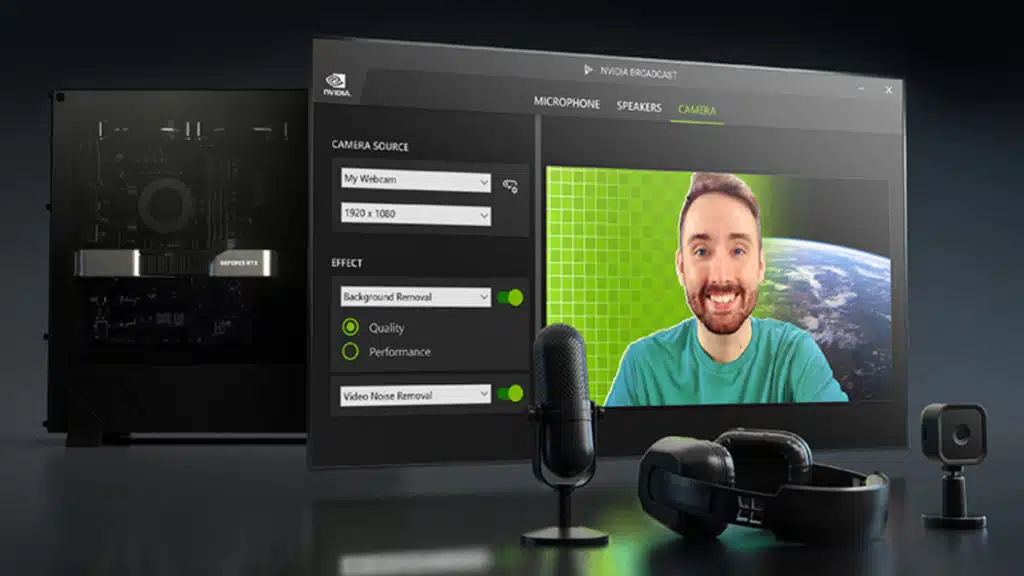
NVIDIA Broadcast started life as a way to make your mechanical keyboard inaudible on Discord. With version 2.3, it is quietly turning into a general-purpose AI video tool.
The Broadcast 2.3.0 release notes list two new beta video effects. Both work on live webcam feeds and on existing video files:
| Feature | What it does | Requirement |
|---|---|---|
| RTX Video Super Resolution | Upscales webcam and file video up to 4K, and tries to avoid over-sharpening soft input | RTX 3060 or better |
| RTX Video Frame Generation | Raises webcam frame rate up to 60 fps live, and multiplies file frame rates by 2x or 4x | RTX 40 Series or newer |
File support comes through a new File Processor Mode, which applies Broadcast’s audio and video effects to existing media. NVIDIA notes some effects run at higher quality on files than they do live. Its limits:
- Formats: .mp4, .m4a, .mp3, and .wav.
- Codecs: H.264 (8-bit) and AAC.
- Audio: Up to two channels.
- One at a time: Live and file processing can’t run simultaneously.
The other additions:
- MCP server: AI agents can now read and change Broadcast settings, or queue up file processing. NVIDIA says actions stay limited to the local machine.
- Studio Voice profiles: Four tuned options: Default, Bright, Full, and Warm.
- RTX Spark: Support for RTX Spark devices, which also turned up in this week’s DLSS 5 update that halved its performance cost.
The Broadcast app page lists driver 572.61 or newer on Windows, and 617.42 or newer for Windows on Arm.
Plenty of us record gameplay and streams in HEVC or AV1 these days, and those files will need a re-encode to H.264 before Broadcast will touch them. The RTX 40 floor for frame generation also leaves RTX 30 owners with upscaling only.
Frame generation on video is a different beast from frame generation in games. There’s no engine data and no motion vectors, only the frames themselves, so treat 4x on fast-moving footage with healthy skepticism until people start posting results. The “beta” label is doing honest work here.
That said, for streamers stuck with a mediocre webcam, a free 4K upscale on hardware they already own is a pretty compelling pitch. The MCP server is the sleeper feature. It’s the first sign of NVIDIA wiring its consumer apps for AI agents to drive directly. Expect more of that across the NVIDIA app stack.
Discussion
Join Discussion →No replies yet. Be the first to reply on the forum.