
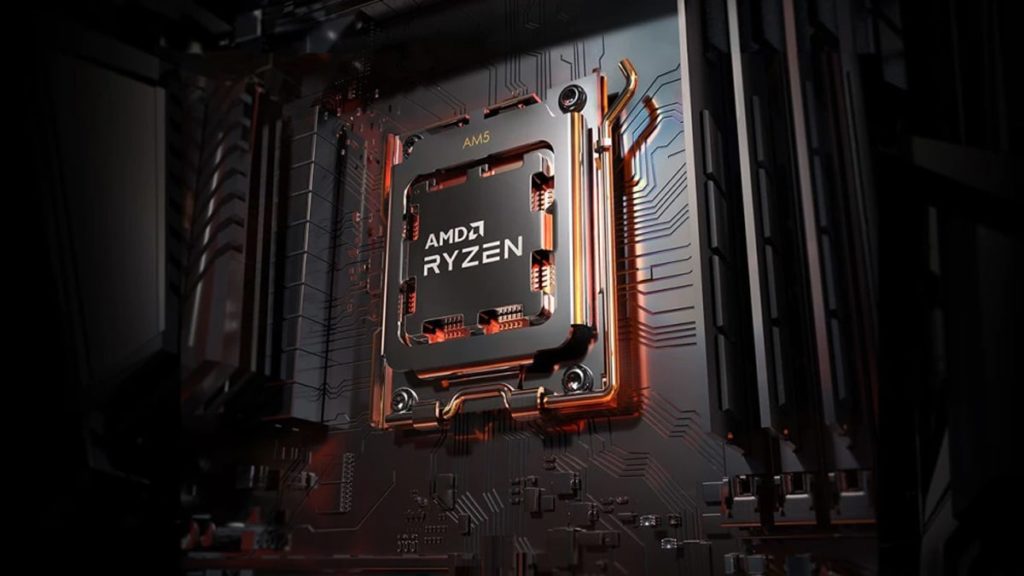
AMD is planning to announce at least three Ryzen 7000X3D Series processors relatively soon, according to a new video shared by South Korea’s Quasarzone and tweets from All The Watts!! that allude to the release of the Ryzen 9 7950X3D, Ryzen 9 7900X3D, and Ryzen 7 7800X3D, new CPUs featuring red team’s innovative 3D stacking technology for enabling what should be improved performance in gaming and other applications.
As suggested by All The Watts!!, all three of these processors will purportedly be announced at CES 2023 ahead of a March release and feature a TDP of 170 watts, just like their standard counterparts, which are currently available at a discount as part of AMD’s ongoing holiday promotions:
- Ryzen 9 7950X3D: 16 MB L2, 192 MB L3, 170 watts
- Ryzen 9 7900X3D: 12 MB L2, 192 MB L3, 170 watts
- Ryzen 7 7800X3D: 8 MB L2, 96 MB L3, 170 watts
Ryzen 9 7950X3D 170w 192MB L3 16MB L2.
— All The Watts!! (@All_The_Watts) December 2, 2022
Ryzen 9 7900X3D 170w 192MB L3 12MB L2.
Ryzen 7 7800X3D 170w 96MB L3 8MB L2.
Currently take original 5000 MSRP.
Currently CES announce & available around March.
All clock similar to normal.
Same perform jump 5800X3D compare to normal.
Currently 8c $449 12c $549 16c $799
— All The Watts!! (@All_The_Watts) December 2, 2022
Can change by announce currently unlikely.
The Ryzen 7000X3D Series will supposedly feature the same (or very similar) clock speeds as their standard counterparts and offer the same level of performance improvement that can be gleaned between the Ryzen 7 5800X3D and Ryzen 7 5800X, as noted in the tweets above, but further translations provided by @harukaze5719 suggest that the Ryzen 7 7800X3D naming isn’t final and that it may be released as the Ryzen 7 7700X3D:
From this point on, these are guess based on exclusive info.
— 포시포시 (@harukaze5719) December 2, 2022
R7 5800X is fixed at 4.4G, so can represent only 3D Cache difference.
Equally applied to the Ryzen 7000 series based on 5800X – 5800X3D perf improvements
More details are here: https://t.co/htPGdPy4Z3
2/n pic.twitter.com/sHcJlF0s7J
The Ryzen 7 5800X3D, the first desktop processor with stacked L3 cache (96 MB), offers 15% faster gaming on average at 1080p High settings versus the Ryzen 9 5900X, according to benchmarks that can be found on the landing page for AMD’s Ryzen 5000 Series processors.
AMD confirmed in September that Dr. Lisa Su, AMD Chair and CEO, will deliver an in-person keynote address at CES 2023 on Wednesday, January 4, 2023, at 6:30 p.m. in the Venetian’s Palazzo Ballroom.
CES 2023 will take place in Las Vegas on January 5-8, 2023, with Media Days taking place January 3-4, 2023.
As for the Radeon RX 7000 Series, Quasarzone has claimed that stock is “extremely low,” as translated by @harukaze5719, with AIB models not releasing until the end of Q4.
Discussion (17 replies)
Join Discussion →Oooooooh baby!
7950X3D... Has my attention.
Pair that with the MSI/EK water cooled motherboard and oh yes baby.
Bye bye money.
Yeah, AMD has lost their freaking minds but... YAY! It's cool now to run at a steady 95°c+ and its users shouldn't have to care about their CPU's metal gates and oxide layer eroding... super fast! Just... buy up! /s ? ? ?
Have you heard whether they have one on the way?
Supposedly it'll start shipping this month. It's a $900 board/block combo though so it ain't cheap. But I like that it also cools the m.2 slots with the monoblock. Couldn't find any other that does this on AM5.
Do any m2 drives actually need archive cooling, let alone water cooling?
I’m also very interested in the 7950x3d, but I just bought a 7950, so probably not upgrading anytime soon
The newer drives do benefit from running cooler because they get hot that it actually throttles their throughput.
Yeah but do you need ~active~ cooling.
I could see if you have an SSD crammed underneath a motherboard where it can't get any air flow, or if you have them stacked in tightly in some sort of array or on a daughter card, or if it's in an environment where it's getting hammered non-stop.
But normal SSD placement, where it's able to get just a modest amount of air past a passive cooler, should be fine for mere mortals - and they should actually be ok (not optimal, but not Chernobyl) even without a passive cooler at all.
[URL unfurl="true"]https://overclock3d.net/reviews/storage/pcie_4_0_nvme_ssd_roundup/12[/URL]
Hmm, price/perf will be interesting between the 8 and 12 core given those prices. It could be a repeat of Zen3.
Dunno. My Aorus board came with heatsinks for the m.2 slots. They seem to do their job. How well, who knows. There's no temp monitoring for m.2 drives.
This is kind of like watercooling RAM - main reason to do it is that you'd already have a loop in there, and the alternative is to rig a fan solution so why not?
(there are many reasons "why not")
Sure about that? I've seen all kinds of temp monitoring from M.2 drives. Tried HWINFO64 etc.?
Found it!
[URL unfurl="true"]https://www.ekwb.com/shop/ek-quantum-msi-mpg-x670e-carbon-ek-x-d-rgb[/URL]
The Carbon is MSIs top 'gaming' board, in their 'MPG' tier. You go any higher, to the Unify / ACE / Godlike and you're getting into XOC (extreme overclocking, i.e. LN2 and dry ice) and / or just getting stuff like USB4 (TB4) and / or 10Gbit networking built in.
It'd definitely be my go to for a 'pure' gaming system with tweaking in mind, especially as part of a custom loop.
As for the price - well that's another story. Neither the VRMs nor the SSDs actually need active cooling, water or otherwise, and current Zen 4 CPUs lack the memory controller needed to push much above 6000MT/s, so RAM wouldn't need active cooling either.
Biggest problem though is that stupid IHS design AMD went with to ensure AM4 cooler compatibility. Any serious overclocking is going to involve delidding and running direct-die cooling, and no monoblock is going to be able to work with that.
All that said - if I wanted a 'set it and forget it' solution for say an R9 7950X3D, well, this is the board I'd use.
I wasn't sure, but hwinfo does show the temps. They seem to be running at 41c and 43c. Not tea bag.
Well - I completely agree with the "why not" aspect when you are running a custom loop: it adds negligible heat load, only costs a block and a bit of tubing, not really any extra effort.
I just don't know that the only alternative is rigging a fan... most every SSD I've seen has either no cooler, or a passive cooler. And outside of some extreme circumstances, I don't see that people in most situations are going to ~need~ active cooling - even on an enthusiast rig. But, as you say, if you are running a loop - why not, but it isn't like it needs it. Reminds me of the old jackets for HDDs and the RAM coolers -- sure, why not, but it'll run just fine without it too.
Specifically for top-end SSDs - ones that push the limits of PCIe 4.0 x4 and PCIe 5.0 x4 - I could see the desire to get them actively cooled. This assumes that they're being thoroughly abused, but if the performance is a workload enhancer, I get it.
For RAM, with DDR5, some form of active cooling approaches a 'must have' if overclocking, or even just using some of the more aggressive XMP / EXPO kits. Not particularly useful for AMD Zen 4 CPUs at this time, but newer Intel kit can certainly push memory into heat-limited territory.