
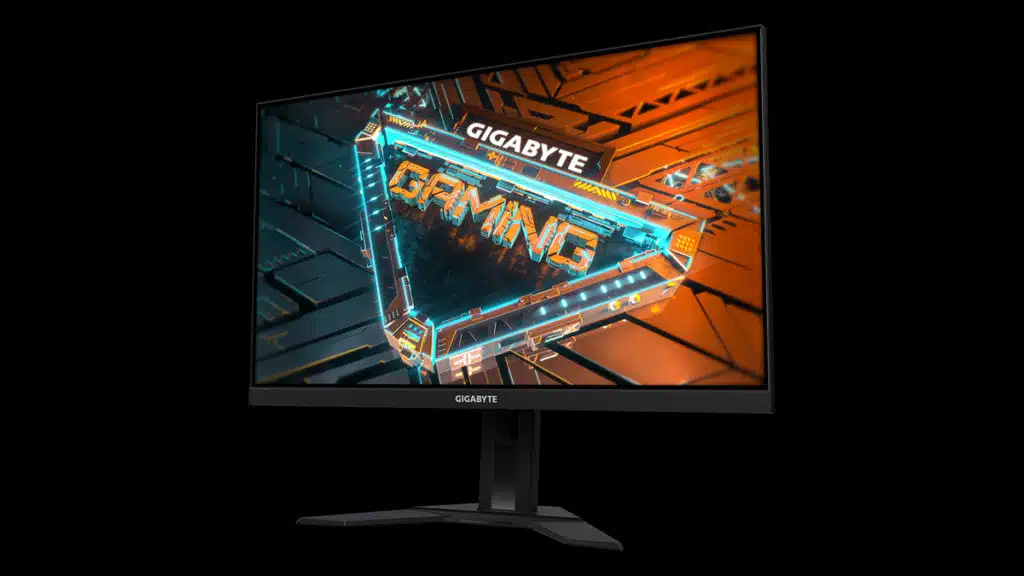
There’s a potential problem with GIGABYTE’s G27F 2 gaming monitors, according to a press release from the company that explains how it recently discovered a potential issue that may arise in these displays and confirmed that it will be offering free service to units with affected serial numbers.
“We have recently discovered a potential issue that may arise in G27F 2 Gaming Monitor,” GIGABYTE stated. “To address G27F 2 owners who might experience this issue, GIGABYTE offers free service to the units with affected Serial Numbers.”
GIGABYTE didn’t elaborate on what the issue is, but owners of the G27F 2 can check whether their gaming monitors are affected by inputting their serial numbers on GIGABYTE’s G27F 2 Gaming Monitor Service Check site, which includes the following instructions on how to find the serial number:
- There is a sticker on the back of your monitor. Check if your monitor is G27F 2 . The serial number is listed below the barcode.
- You may also check the sticker label on the side of the pakage box. The serial number is listed after the word SN.
“As an unseen player, monitor is often being underestimated,” GIGABYTE wrote of the G27F 2, a 1080p gaming monitor that features a 27-inch IPS panel with refresh rates of up to 170 Hz (OC). “The truth is monitors form as a synergistic effect and bring out the best performance of PC components. GIGABYTE gaming monitors offer the ultimate specifications and quality, users can truly enjoy upscale performance without the need for extravagance.”
GIGABYTE’s G27F 2 gaming monitor is currently listed at some retailers for $149.99.