
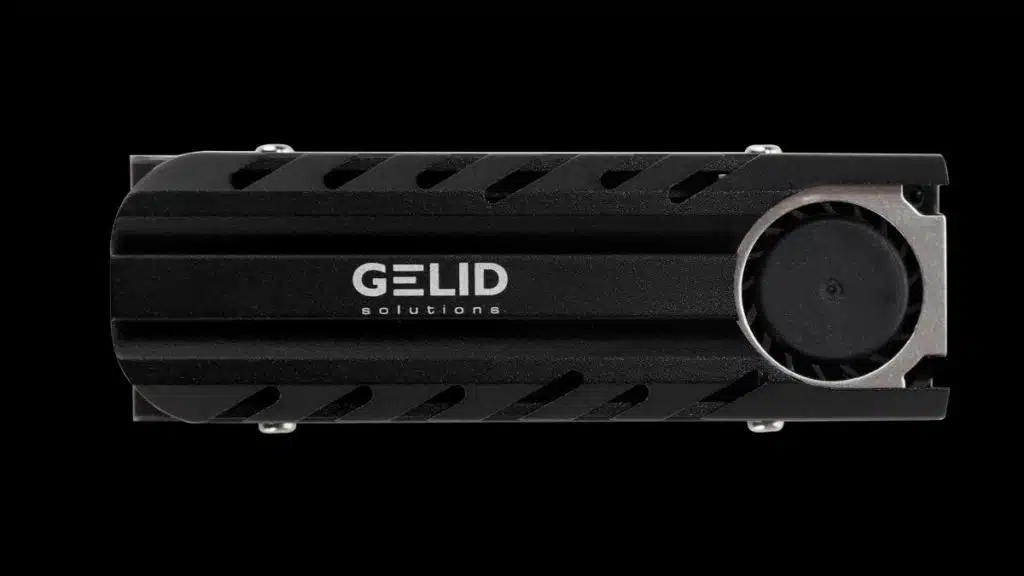
GELID Solutions has launched the ICECAP Pro M.2 SSD cooler which is designed to fit all M.2 Type 2280 SSDs and provide heat dissipation for the SSD and its memory ICs to ensure optimal performance and speeds. At $16.00 the cooler features a 12,000 RPM 12V fan that is listed with a noise level of 18.2 dBA so it could conceivably be unnoticeable in certain builds. Fan dimensions are 20 x 20 x 6 mm.
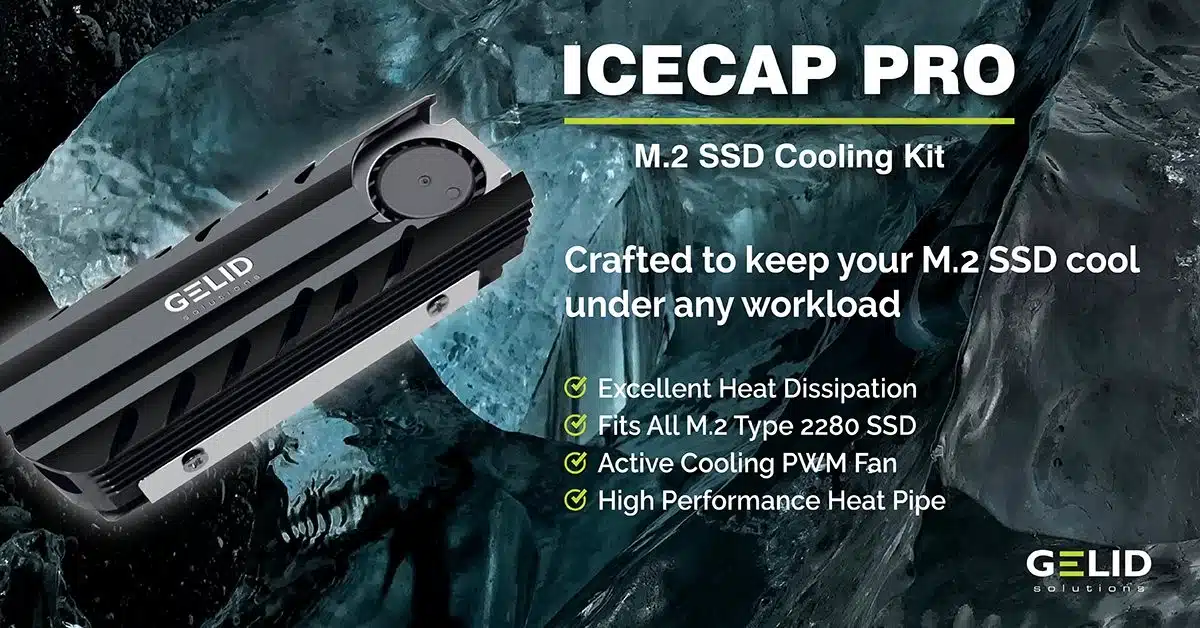
The kit also includes 2x 0.5mm, and 1x 1.00mm thermal pads. The aluminum heatsink dimensions are 73 x 24 x 16.6 mm with a high-performance heat pipe for direct contact heat dissipation. GELID provides a 2-year warranty for the ICECAP PRO and it weighs 56g.
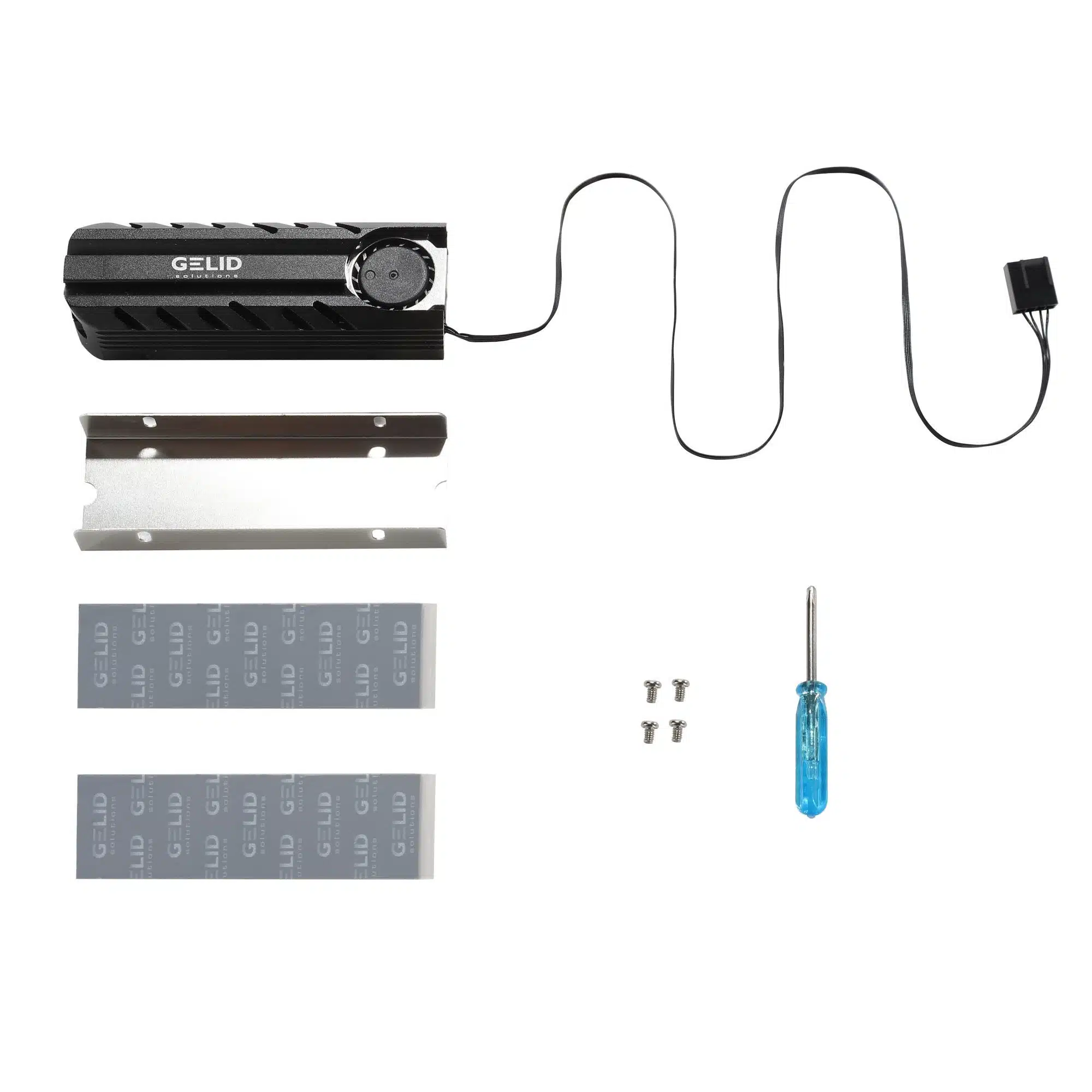
Kit Contents (per product page image)
- Aluminum heatsink with PWM fan
- Mounting bracket
- 2x sets of thermal pads
- 4x screws
- 1x screwdriver
Product Description
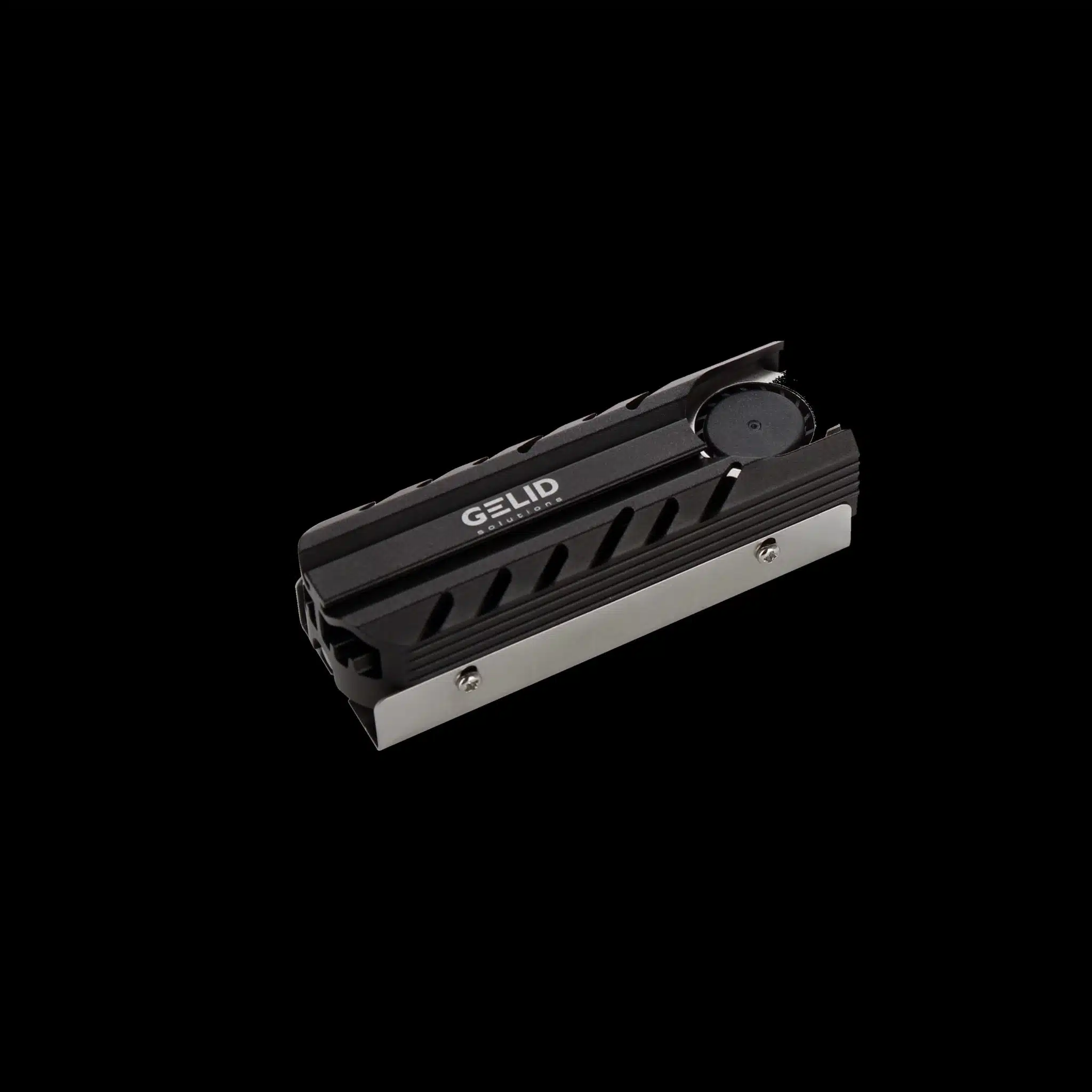
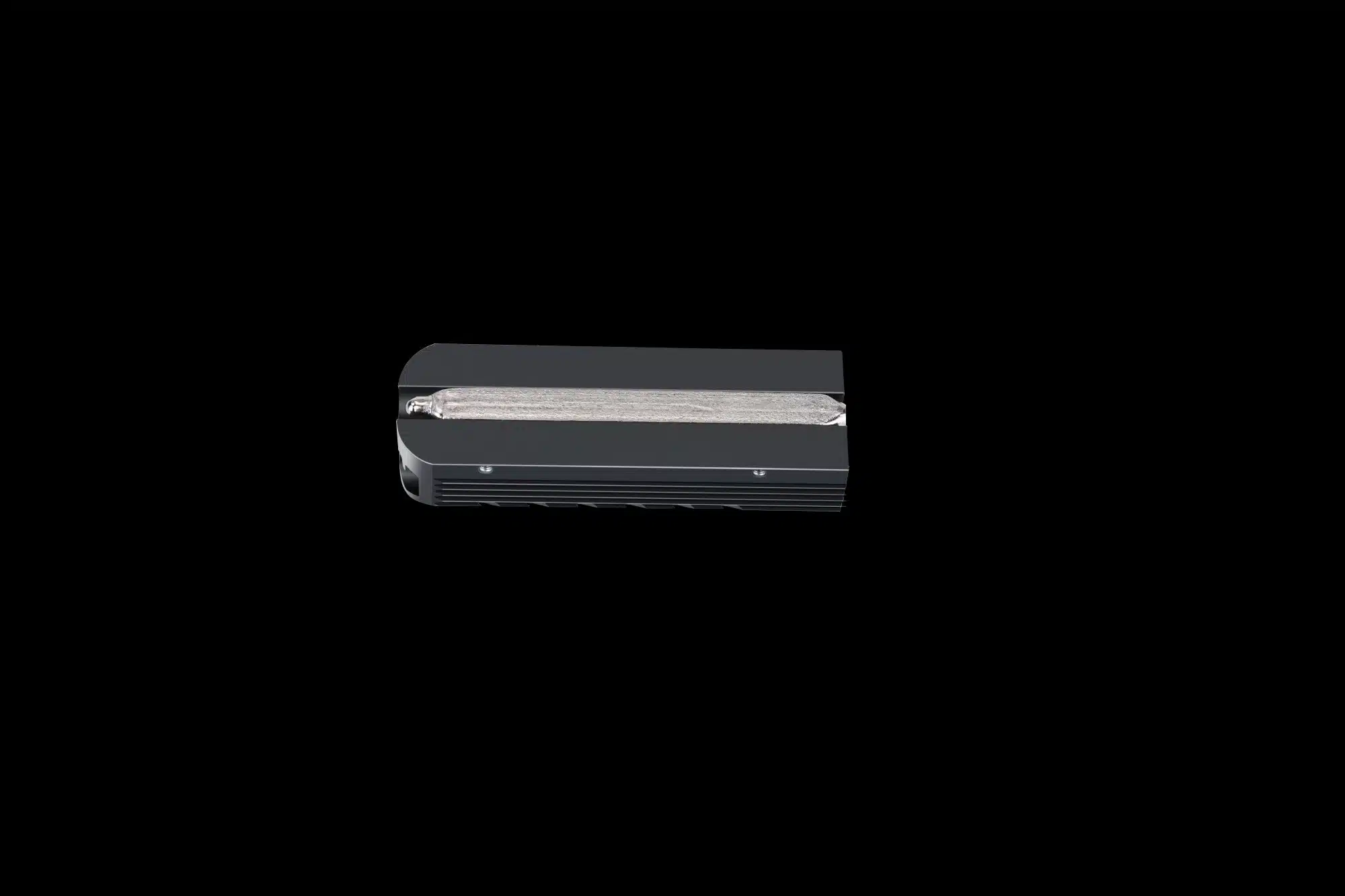
“IceCap Pro (HS-M2-SSD-22)
M.2 SSD Cooling Kit
IceCap Pro is crafted to keep your M.2 SSD cool under any workload or usage scenario, boost drive performance and improve its lifespan.
The newly designed aluminum heatsink, active PWM fan, Enhanced Heat Pipe direct contact, high-performance thermal pads, and secure mounting all ensure perfect heat dissipation and a significantly lower operating temperature for the M.2 Type SSD Controller and Memory ICs.
Easy and reliable installation. All accessories you need are included in the product package, and the installation is very simple and fast.
Make your SSD icy cool and blazingly fast!!”
While many users are probably content to keep using slower PCIe Gen3 or Gen4 drives the need for cooling high-speed PCIe Gen5 drives under heavy use is a known issue. The GELID ICECAP Pro is designed for any M.2 Type 2280 SSD and could be a perfect solution for those looking to cool a drive without sacrificing peace and quiet.
Discussion (2 replies)
Join Discussion →I'd like to hear what this fan sounds like in its upper RPM range.
My experience with NVMe drives are all PCIe 3.0. How hot do the 4.0 drives get? Is there something I don't know about PCIe 5.0 drives, cuz I think all the ones I've seen announced so far have active coolers. I slap passive coolers on PCIe 3.0 drives but I don't actually really think it's strictly necessary for them. But lately I've been seeing more and more SSDs announced with active cooling from the factory, and now we're seeing 3rd-party active coolers hitting the market in bigger numbers than the scant few that existed a few years ago. Is active cooling for M.2 SSDs gonna become the new norm? I really don't know how hot the newer faster drives get these days. And correct me if I am wrong, but I think when SSDs overheat they tend to throttle the writes but not the reads? And it tends to be the controllers that get warm right, not the NAND? What about the DRAM on the drives (for those that have such)?
One of the nice things with motherboard chipset fans is that they can have plating to vent air over to, at least the primary, NVME slot so for them I'm not sure how often it will be necessary. For the secondary ones, if Gen5, I could see it being something needed if that port is matching Gen5 and we get to have more games that truly utilize direct storage or apps doing massive read/writes constantly.
I think it depends on the motherboard layout and usage. When I did my recent NZXT 3700X build moved a lot of files. I had all my games on a SATA III 2TB drive and simply copied them over to the Gen4 Crucial drive in the Gen4 slot. Obviously, that SATA drive would have a read bottleneck (I think the highest I saw was ~500 MB/s but that was not consistent) long before the NVME gen4 hit its limit but I was copying about 1.6 TB of games over and the budget board I got does not have a chipset fan. It did fine (although remember that case does have an intake, at the time the original NZXT 120mm, and then 6 exhaust fans via the 2 radiators so there's more than adequate airflow). I think I saw it top out around 50c or a bit higher during brief moments and I did see some throttling but it was usually in the 30-40c range. I forget the write speeds but it was running for about 2 hours due to many different types of files being copied. Overall, though, I doubt most gen4 drives ever see a consistent use scenario to really heat up. I'm sure it can happen but for now, is kind of rare for most people outside of testing/benchmarking.
With my 5800X3D rig, I have seen the chipset fan engage with games when ReBar is doing its thing but it's usually pretty brief. I keep forgetting to check the drive temps when that's happening though. I would say that SM Remastered is probably a good game for testing this when web-slinging around the city.
I think most folks with Gen3/Gen4 are going to be ok for now but those getting in Gen5 should be paying attention because sooner or later its going to be a thing with apps/games really try to take advantage of those max speed potentials.