
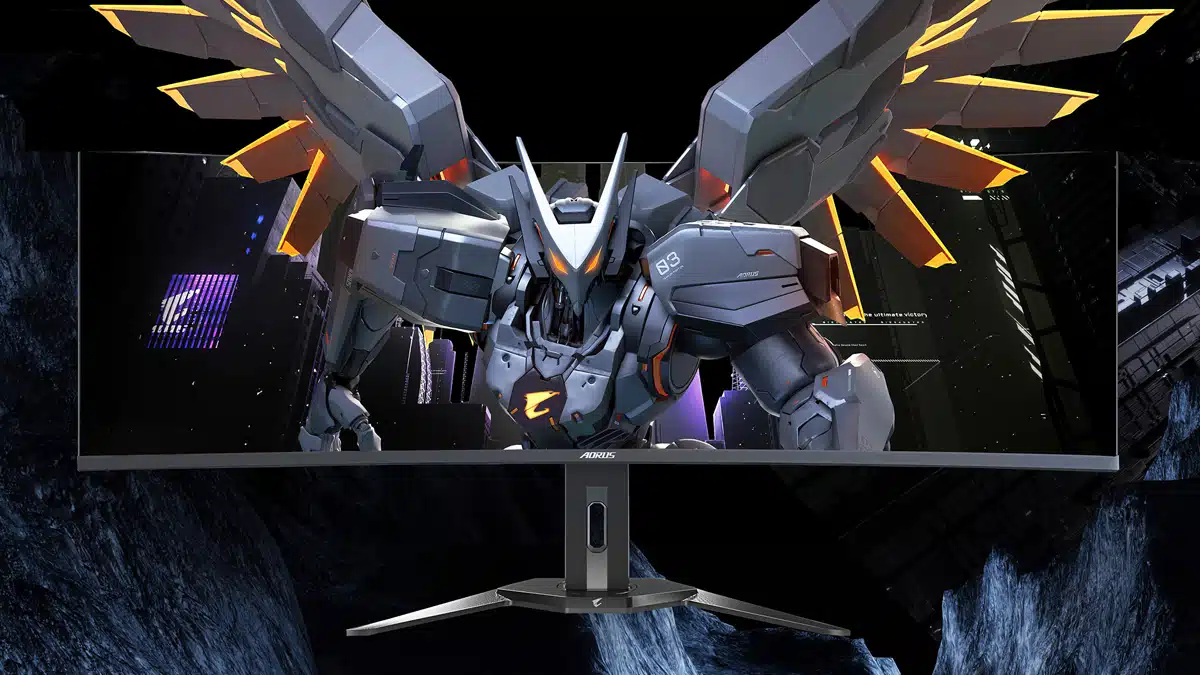
GIGABYTE has listed the AORUS CO49DQ, a new super-ultra-wide (32:9) 144 Hz gaming monitor with 49-inch QD-OLED panel that features OLED Care protection for those who are concerned about permanent image retention—or, more simply, burn-in.
Here’s some of the marketing text from GIGABYTE, which explains how the AORUS CO49DQ leverages AI to reduce the possibility of UI elements and other graphics from being permanently affixed to the screen:
AORUS uses AI-based algorithm to minimize the risks of burn-in issues and deploys it across a series of OLED protecting technologies on the AORUS CO49DQ.
According to the manual, which can be found here, GIGABYTE’s OLED Care comprises the following features, all of which can be found through the monitor’s settings menu:
- Care+: Integrate OLED Care settings for optimal protection or select to customize your own.
- Usage Time: Shows the accumulated screen usage time.
- Pixel Clean: When the monitor is used for over 4 hours, it’s recommended to initiate this process to clean and refresh the pixel compensation OLED screen.
- Static Control: Reduces screen brightness when the image remains static.
- Pixel Shift: Moves the screen content by pixels to prevent static image retention.
- APL Stabilize: Adjusts the screen brightness to stabilize Average Picture Level (APL).
- Sub-Logo Dim: Reduce the brightness of the taskbar and static logos to prevent image retention.
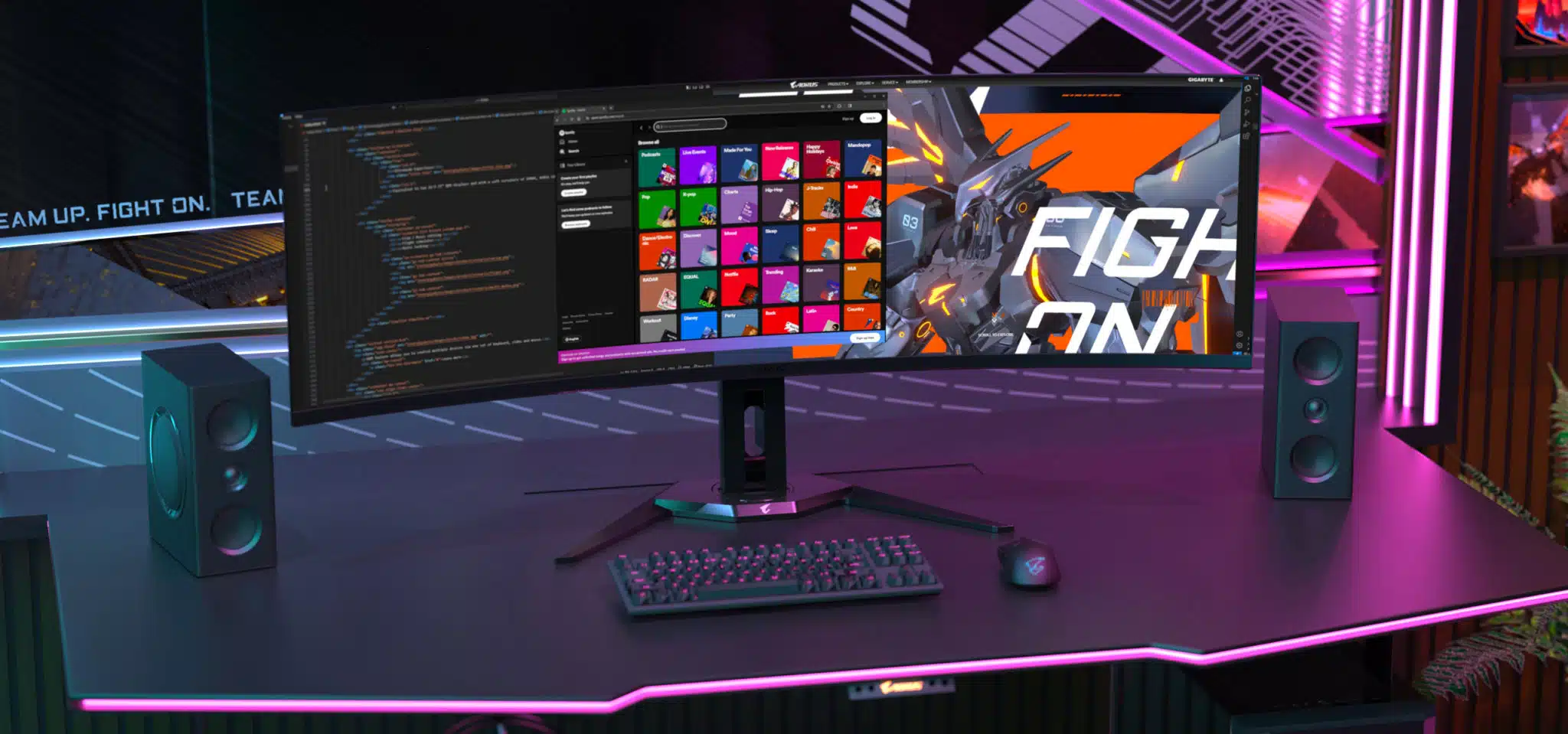
“Equivalent to two 16:9 27″ QHD displays and with a soft curvature of 1800R, AORUS CO49DQ offers an ultimate immersive experience with its ultrawide screen,” GIGABYTE said. “It better fits contents such as flight simulator, multi-media editing, multi tasking or anything that needs to be seen widely.”
“The PIP and PBP functions allow users to view different video sources which are presented in one screen at the same time, you are able to watch the game guides at the same time using only one monitor!” added GIGABYTE.
The full specs for the AORUS CO49DQ, which features a non-glare surface, can be found here.
Discussion (8 replies)
Join Discussion →How does that work? AI usually learns what not to do from its failures. So does it learn not to allow burn in after burn in has already happened?
You have to train it like a dog - just rub it's nose in burned out pixels. Tell it good boy if it turns on and your screen looks ok. Give it treats on occasion.
I'm not really a fan of this form factor. I'm sure its great for work, but I don't like it for gaming.
My biggest disappointment is the monitor doesn't really have wings like the picture shows:
I agree for gaming, don't really want to go wider than 21:9/10. For work it'd be nice, except it's an OLED, which means suboptimal text rendering and potential burn-in...
More and more companies are jumping into this size monitor it seems. Not really my cup of tea, but then again I've never really tried it either.
For productivity I can see it being a good aspect ratio, size, form factor, resolution etc. However, I'd prefer more vertical screen space personally. They are terrible for gaming as games don't generally support that aspect ratio and even if they do, they don't always center the HUD elements or allow you to customize the HUD enough to make it work.
The display is just too wide for most games.
While do enjoy the extra perspective with 32:9 I don't like how it feels that my top view is chopped. I've had a lot of good times with my CRG9 but one thing still bugs me.
After enjoying some time with my new 16:10 laptop I can actually say I'd like a 32:10 desktop display somewhere down the road. At the moment I"m not even interested in getting two displays to do this but I'm thinking two 27" 2560x1600 HDR1000 G-Sync 144 Hz could be nice.