
UEFI/BIOS
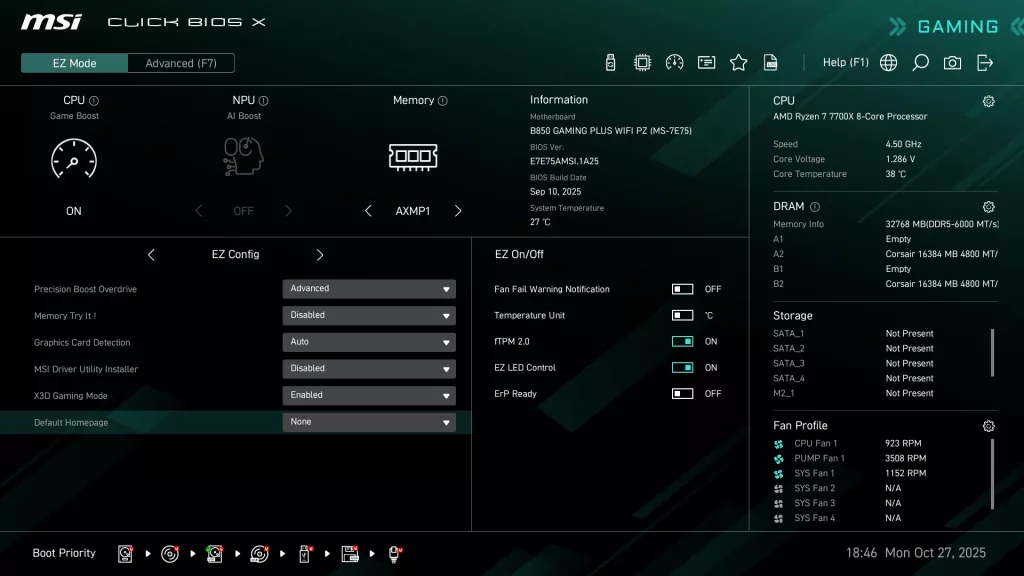
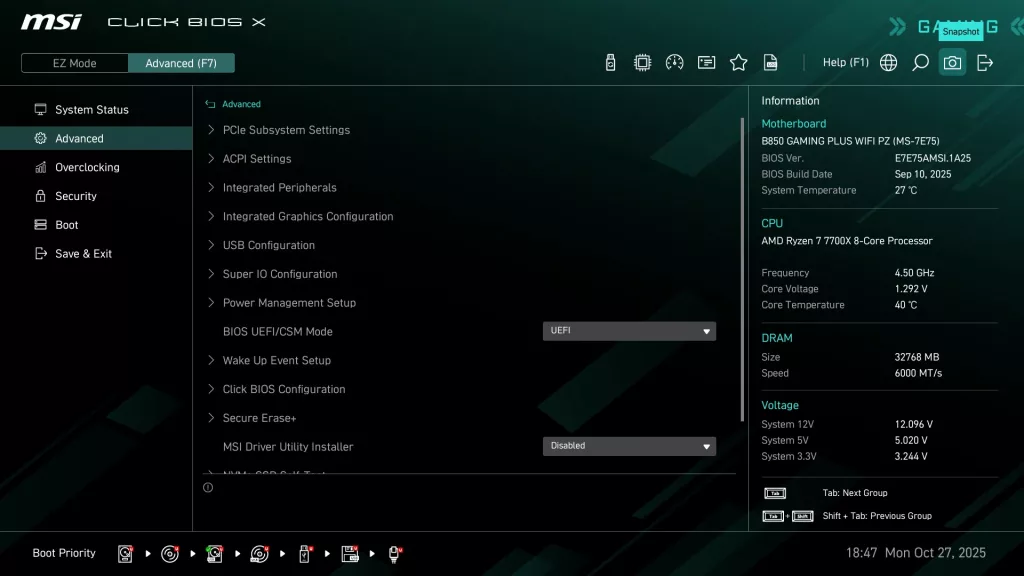
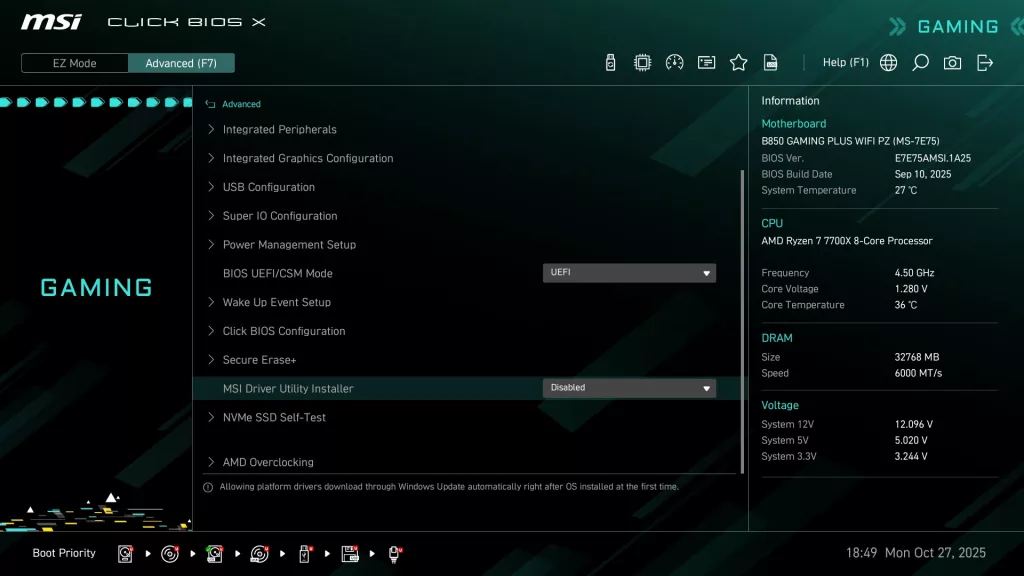
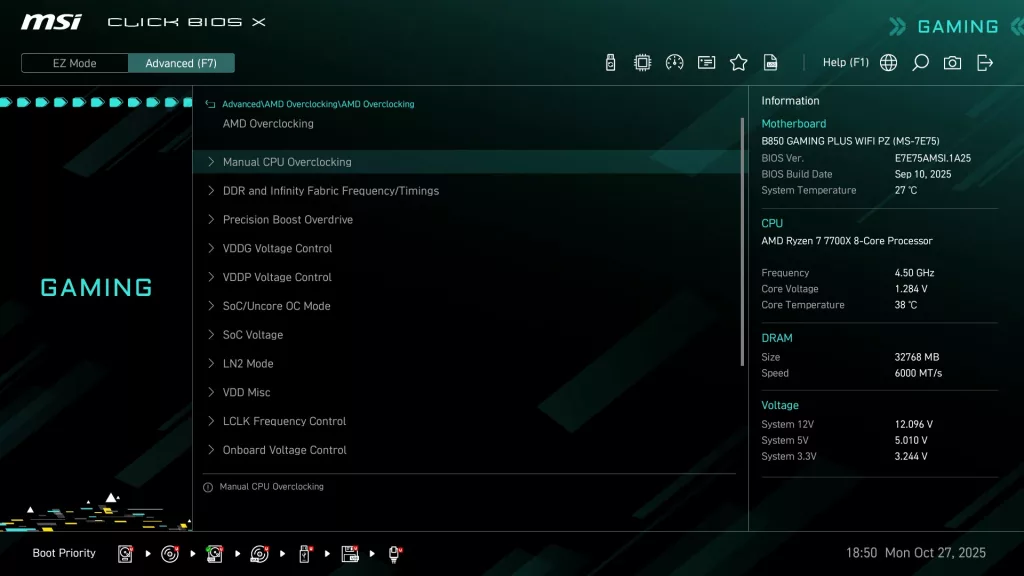
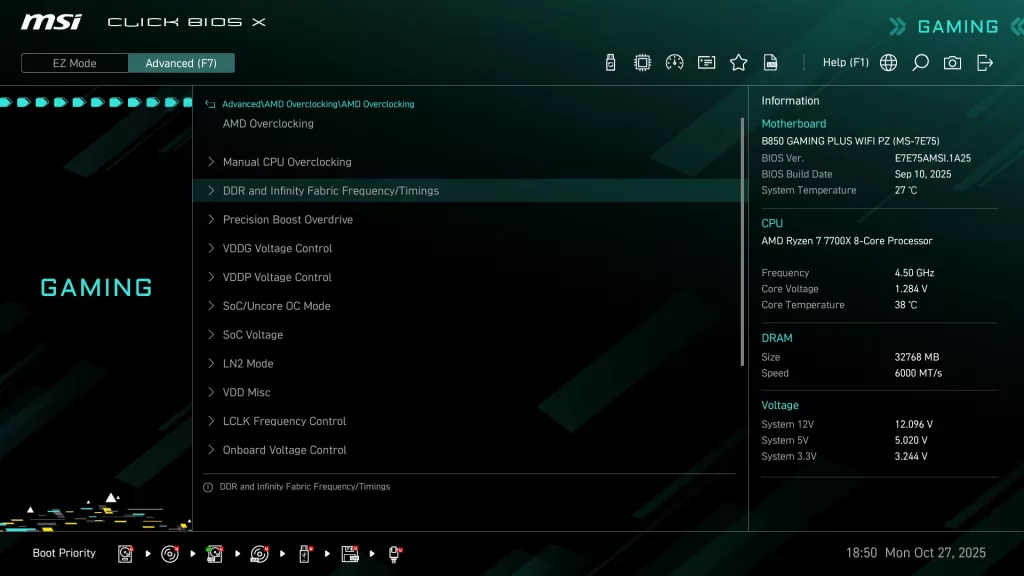
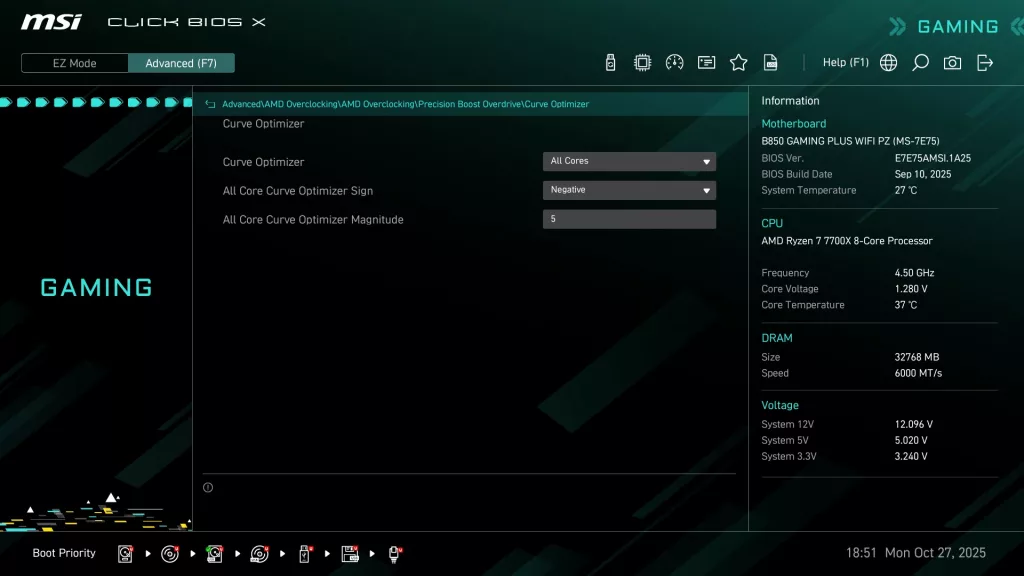
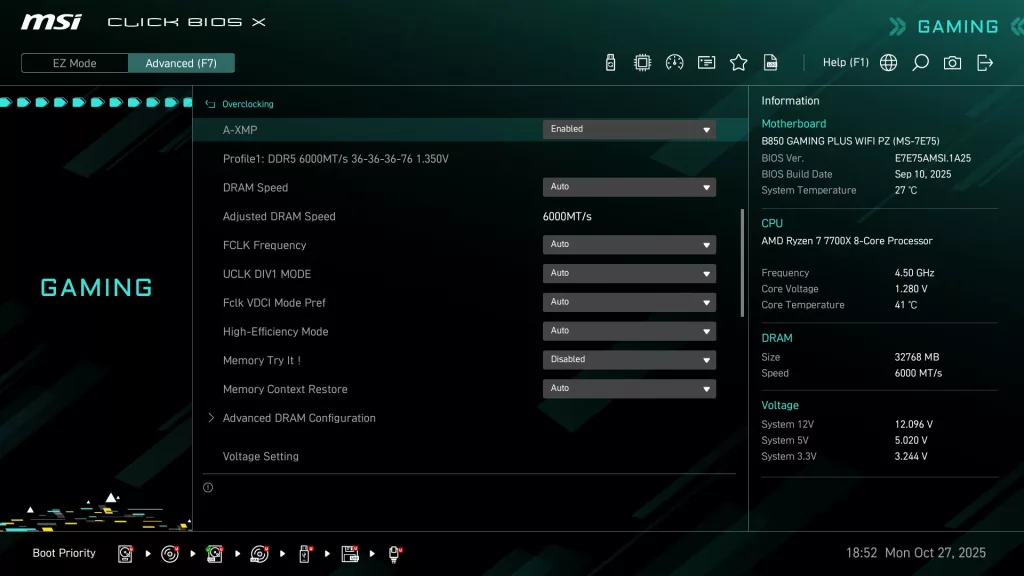
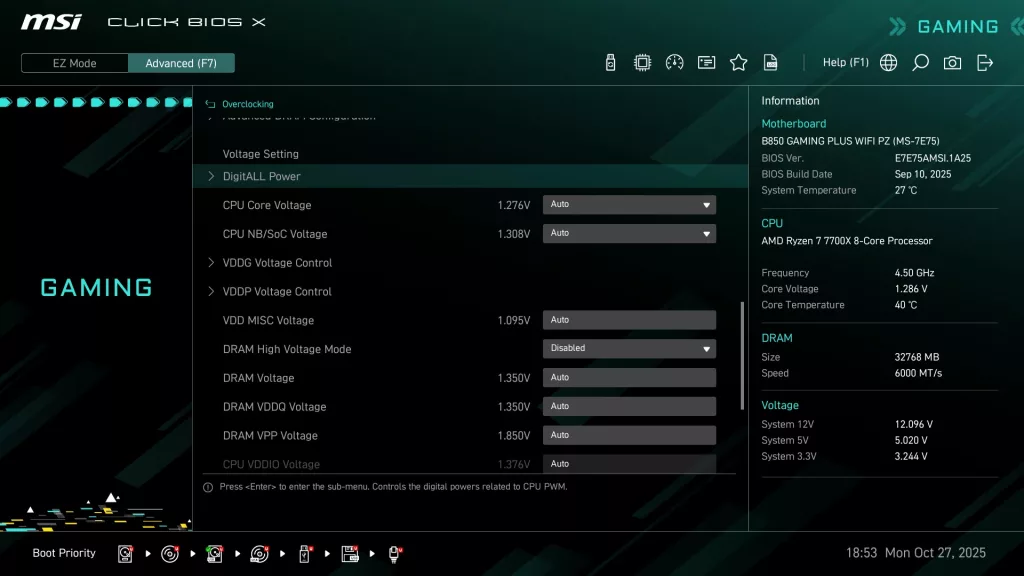
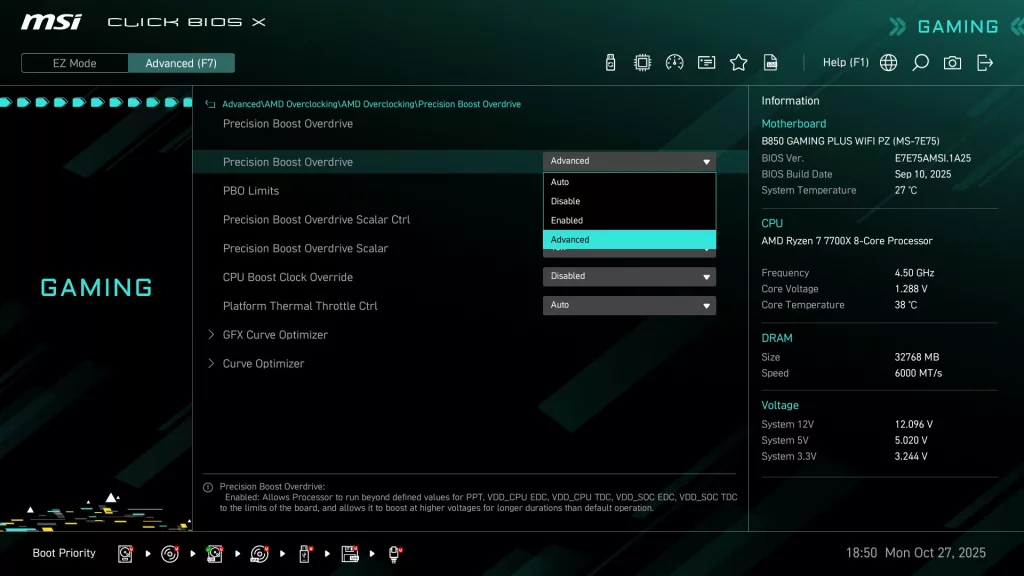
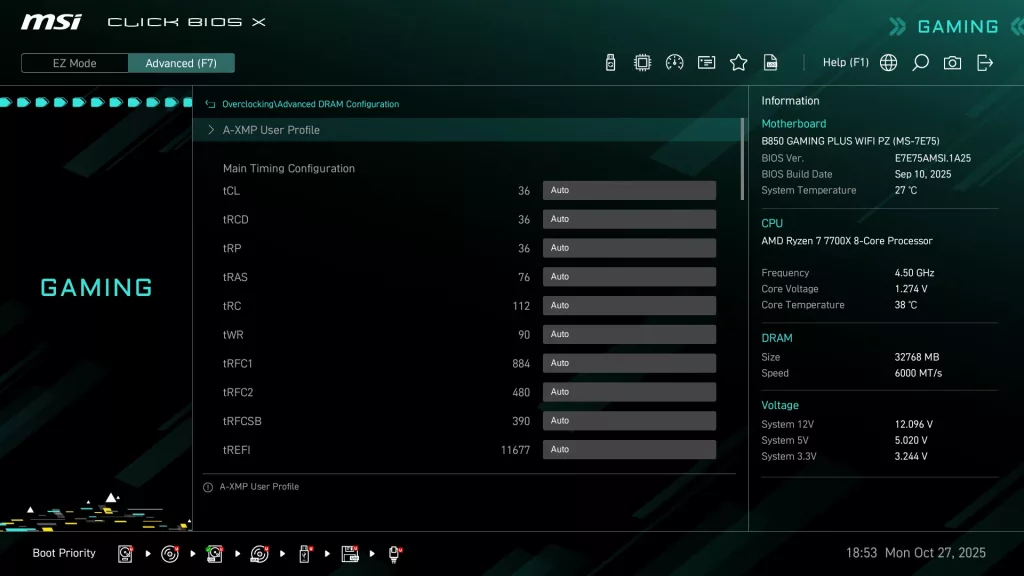
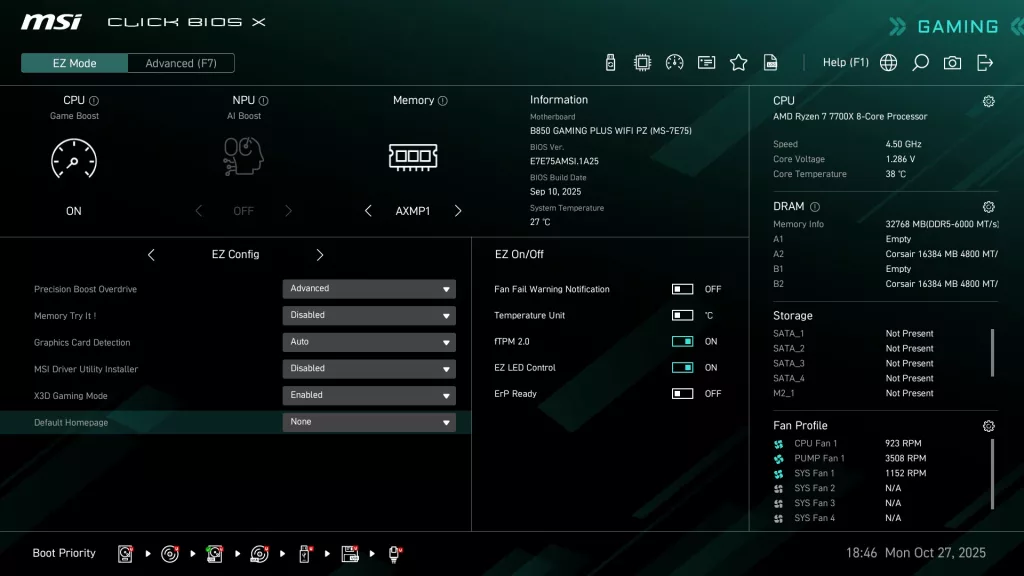
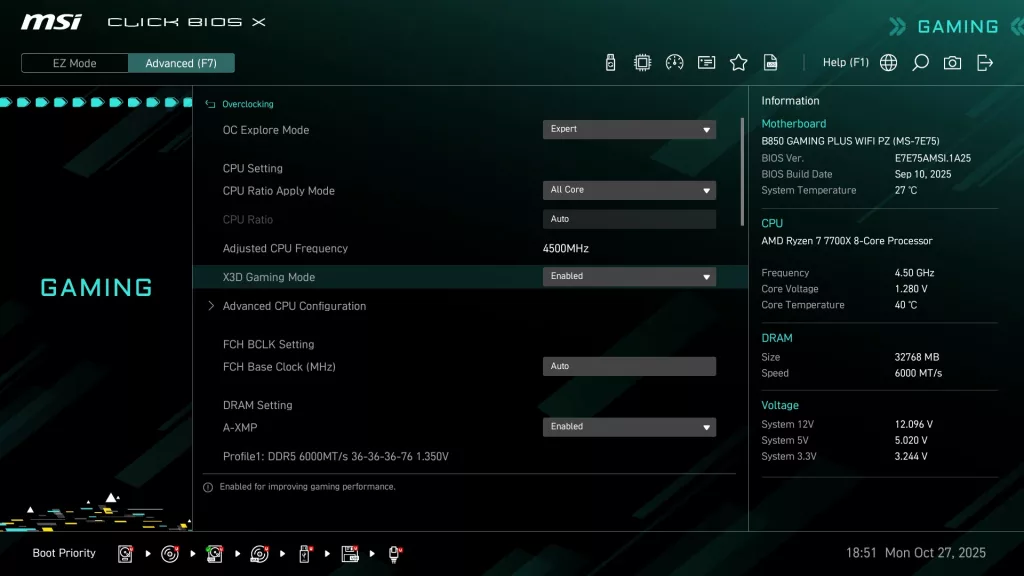
The MSI B850 GAMING PLUS WiFi PZ uses the “Click X” BIOS. This is an AMI BIOS that is designed for ease of navigation and very simple, straightforward menu organization. On initial boot, you are greeted by the “Performance” screen, essentially asking if you wish to enable Precision Boost Overdrive. You are then taken to the EZ Mode screen, which has almost everything you need. The Advanced Mode screen is organized to allow one to set CPU and Memory overclocking as well as all the motherboard I/O options. The Click X BIOS is one-click oriented, with very responsive navigation.
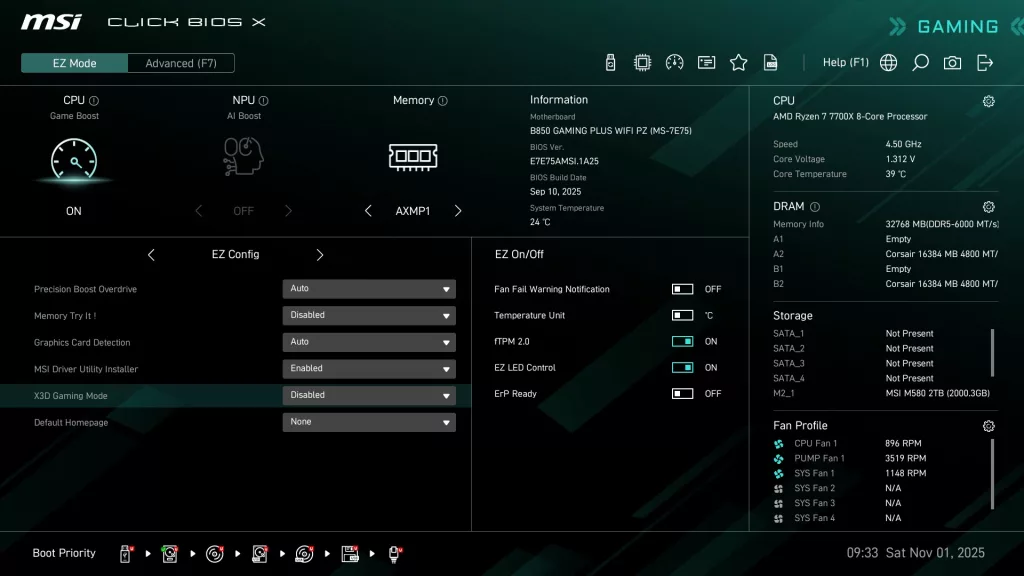
On the EZ Mode screen, you will see an option labeled “X3D Gaming Mode”. This is AI – BIOS-controlled software directed specifically at X3D processors, touted to enhance gaming FPS “under certain conditions” by up to 10%. We will fully evaluate this mode in an upcoming MSI Project Zero motherboard review, so stay tuned.
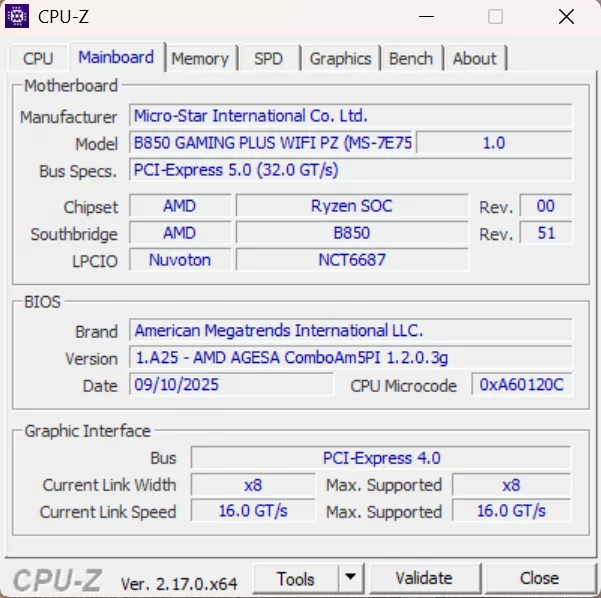
Our MSI B850 GAMING PLUS WiFi PZ arrived with BIOS version E7E75.AMSI.1A10 dated 29 May 25. We updated the BIOS to version E7E75.AMSI.1A25 dated 10 SEP 25. We used the M-Flash BIOS utility, which we have discussed in other MSI reviews. This utility uses an unzipped BIOS version on a flash drive. Once you identify the correct file, the utility does all the work. MSI also offers “Flash-BIOS” from the rear I/O panel, which needs only a flash drive and a PSU.
All in all, the MSI Click X BIOS is very simple to use, well-organized and has reasonably good explanations of functions when they are highlighted. On the motherboard’s webpage, under support, you may also download a very detailed BIOS guide, which is quite complete.




Discussion (3 replies)
Join Discussion →Interesting... I suppose the high temps aren't a concern becasue.... why?
Well here's the deal, I forgot to comment on this, but this board is inside a case not on an open bench like usual.
Can't use the bench because I don't have anything that accesses from the back. I could always use a cardboard box or something, but doesn't look real professional. Over the years, I did use cardboard boxes for my folding platforms.
At any rate, that motherboard ran perfectly at the temperatures you see, so it wasn't an issue in my viewpoint, plus that was max, never went higher.
Fair enough. Just seems odd to me giving it a 10/10 when you specifically call out abnormal (for the product stack) temps on the VRM's. That would make me believe that something is amiss in the build/cooling solution.
Open air cases are nice.... but in reality a good case with good airflow should exceed the cooling of an open air chassis design 9 times out of 10.
Sure you can make open air better because you can channel cold air to it more easily without the need of ducting and such.
I'm not against MSI at all. I run a MPG Carbon Wifi... just seemed weird. I guess nothing is perfect so a 10/10 makes sense. :)