UEFI/BIOS
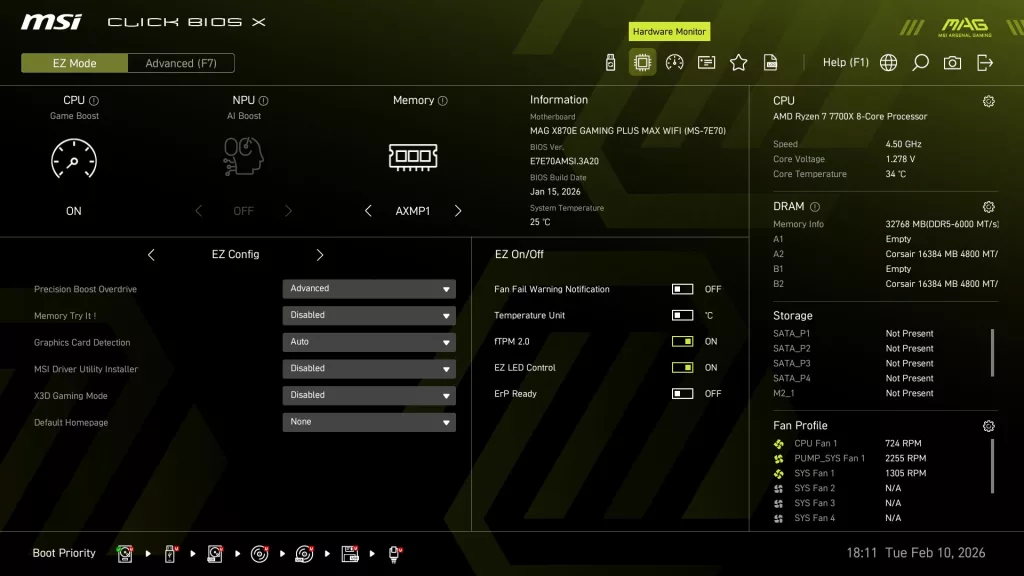
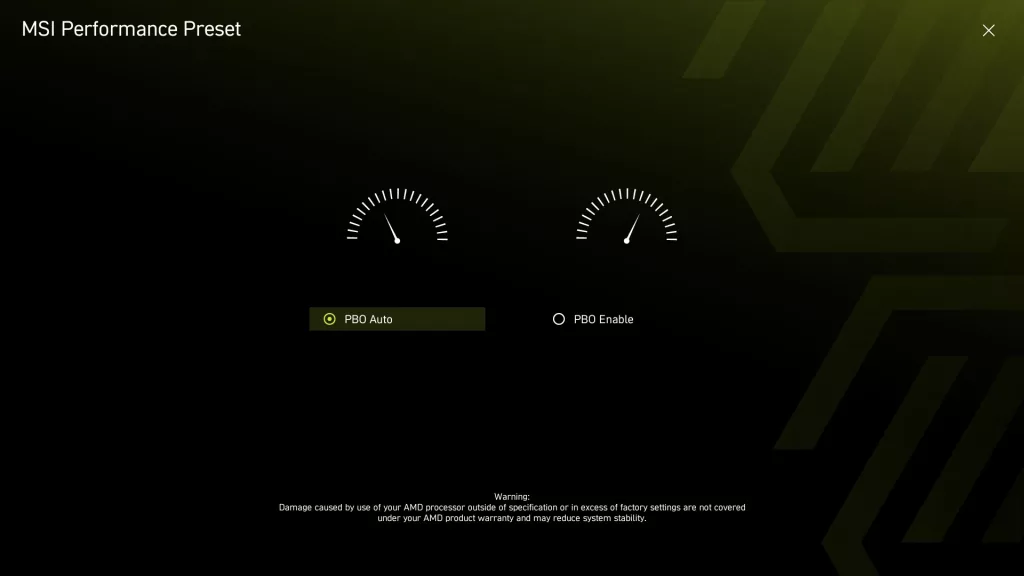
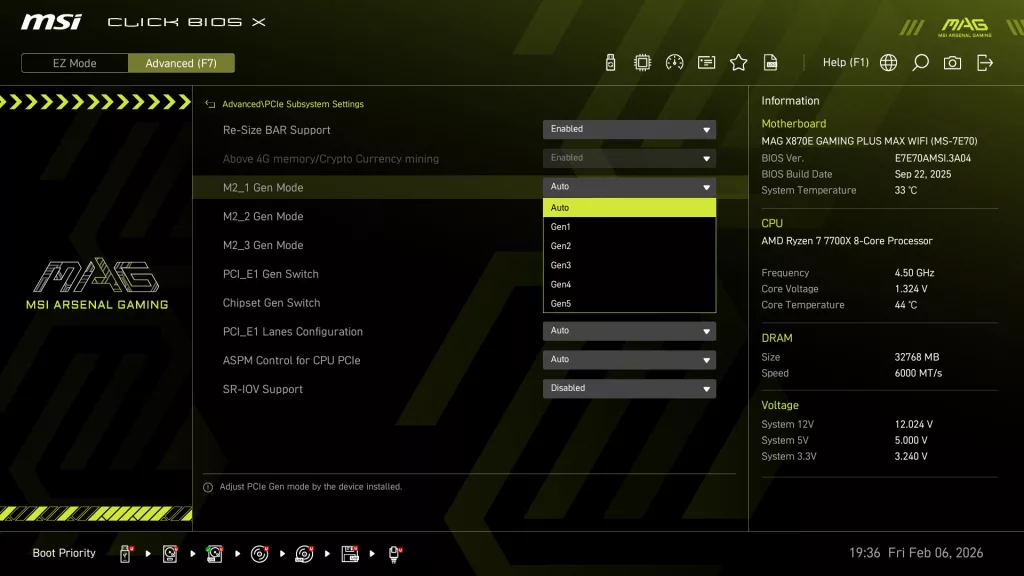
The MSI MAG X870E GAMING PLUS MAX WiFi uses the “Click X” BIOS. This is an AMI BIOS that is designed for ease of navigation and very simple, straightforward menu organization. On initial boot, you are greeted by the “Performance” screen, essentially asking if you wish to enable Precision Boost Overdrive. You are then taken to the EZ Mode screen, which has almost everything you need.
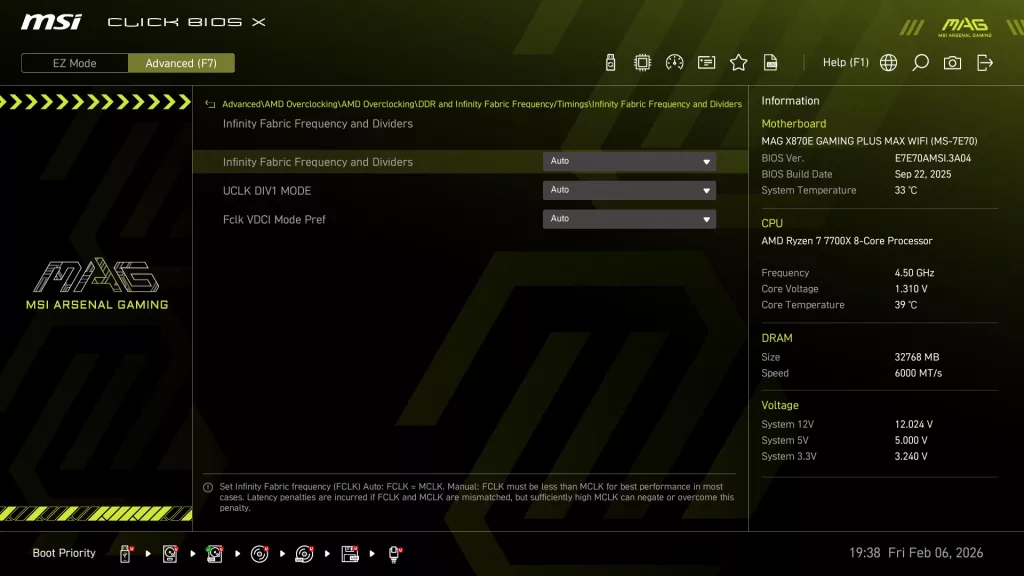
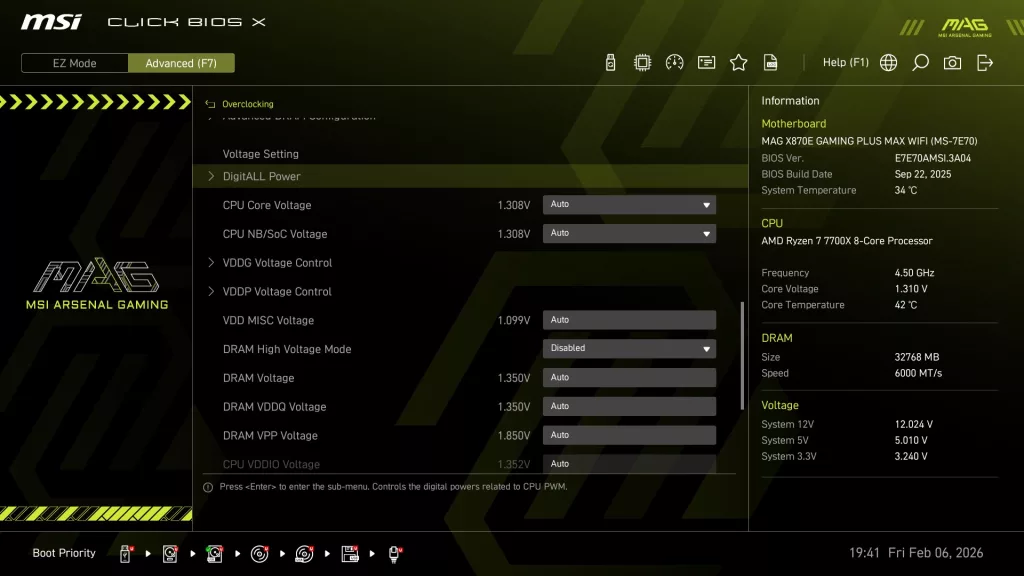
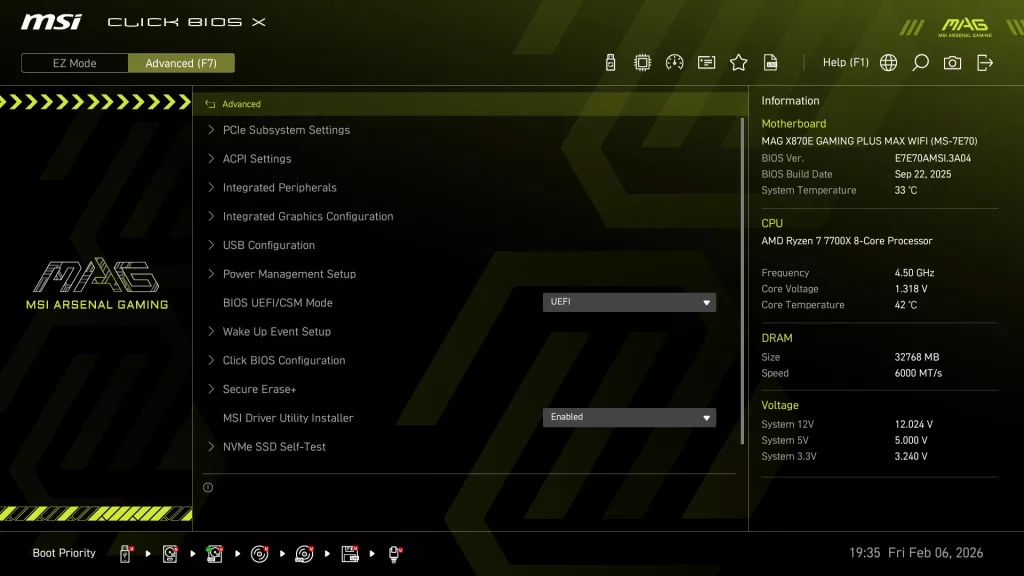
The Advanced Mode screen is organized to allow one to set manual CPU and Memory overclocking as well as all the motherboard I/O options. The Click X BIOS is one-click oriented, with very responsive navigation. All in all, the MSI Click X BIOS is very simple to use, well-organized and has reasonably good explanations of functions when they are highlighted. On the motherboard’s webpage, under support, you may also download a very detailed BIOS guide, which is quite complete.
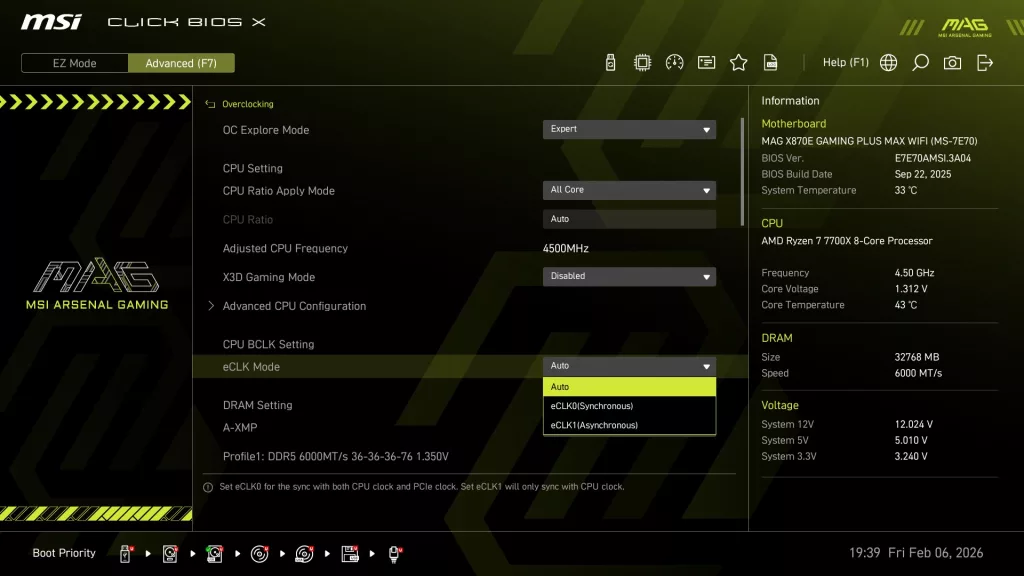
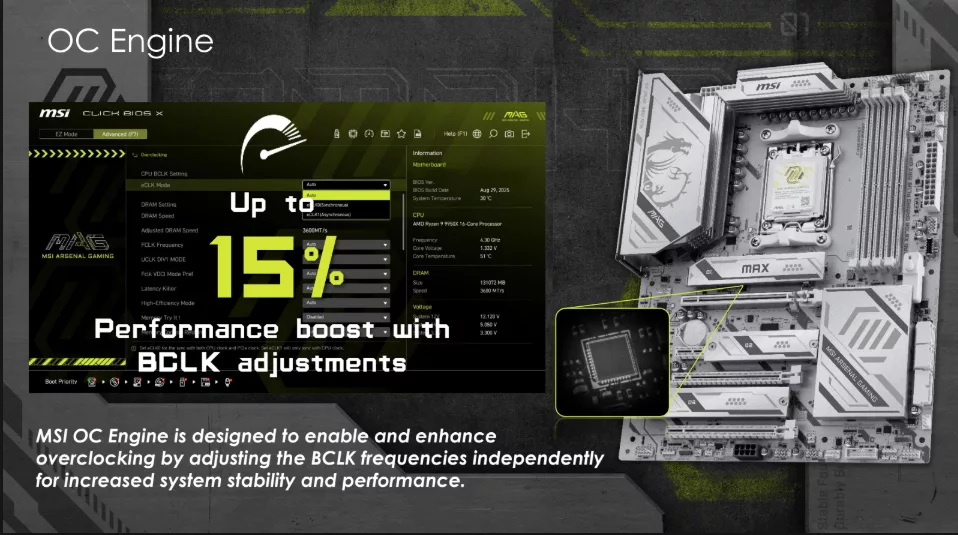
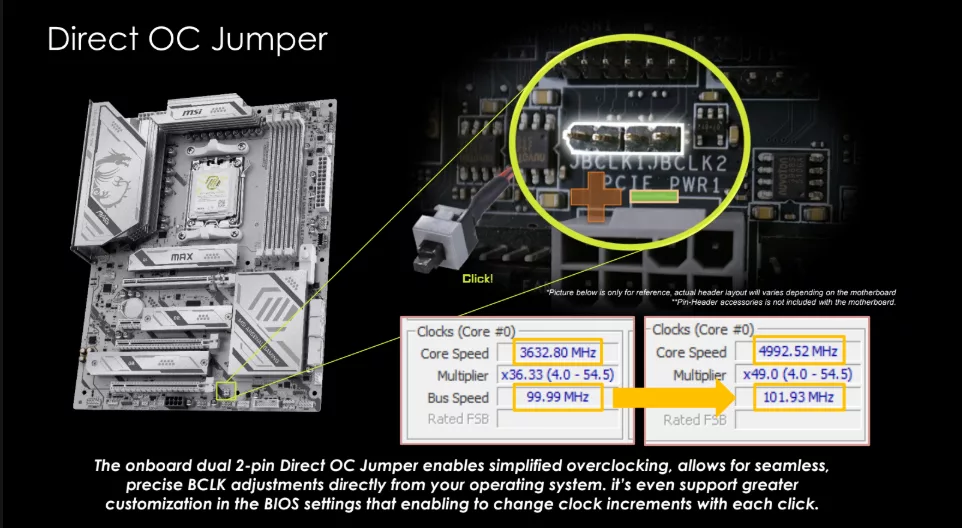
Also new to the “MAX” line-up of motherboards is the utilization of the MSI “OC Engine” to adjust the CPU BCLK. Screenshots below help to explain this a bit for those who like to overclock their CPU manually. Honestly, there is not yet a good, detailed resource on this, but these steps are available on all the new “MAX” branded motherboards.
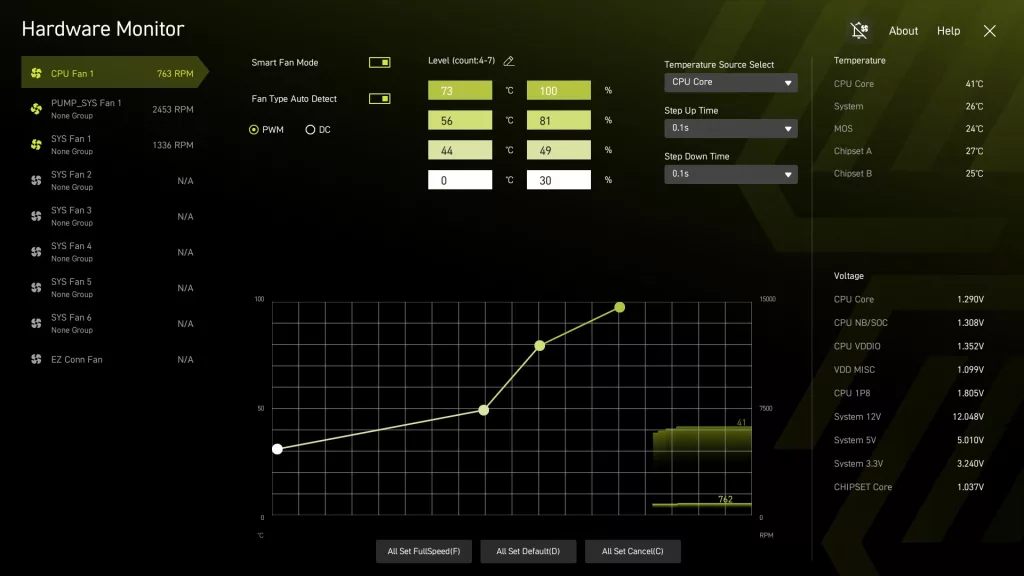
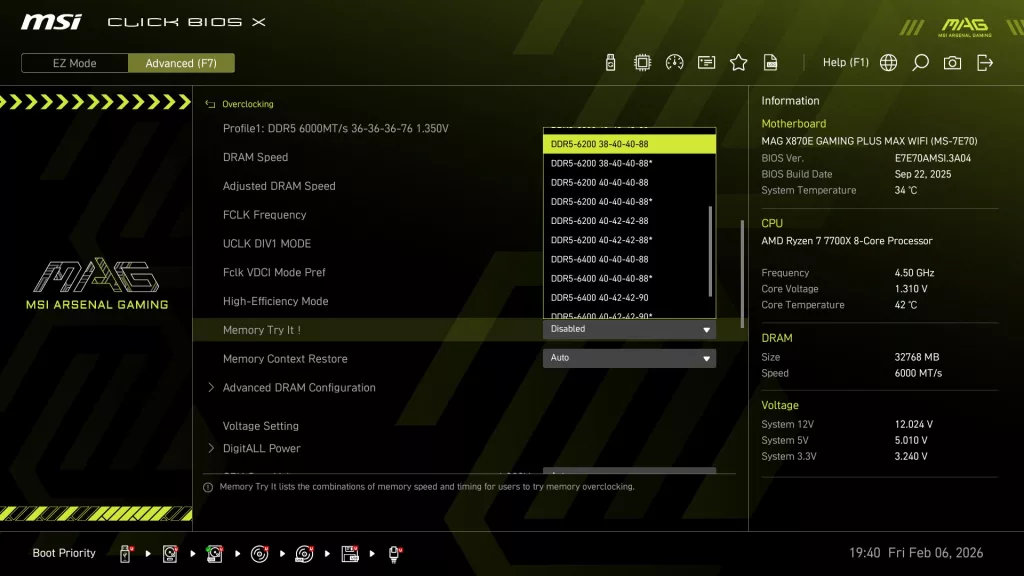
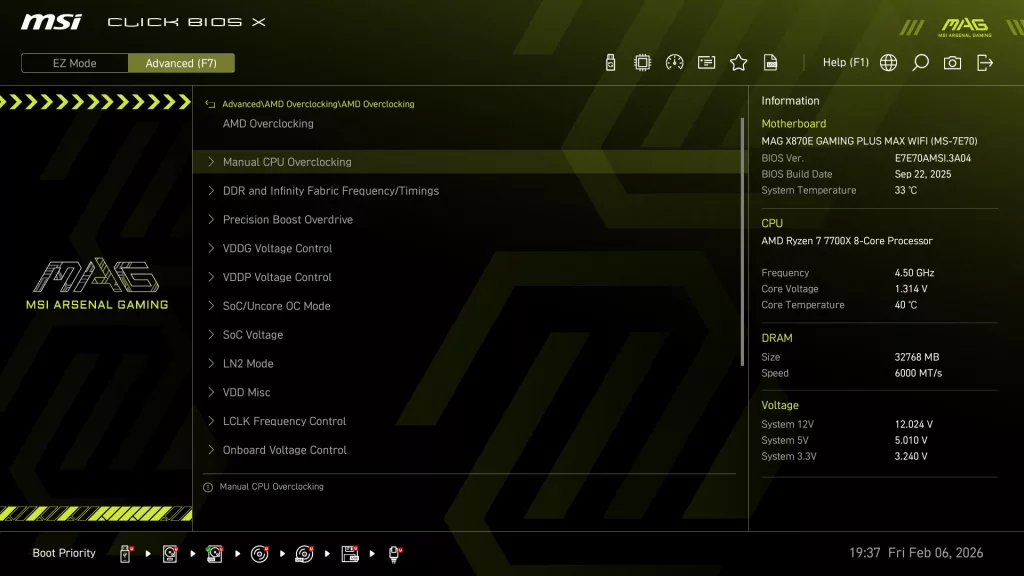
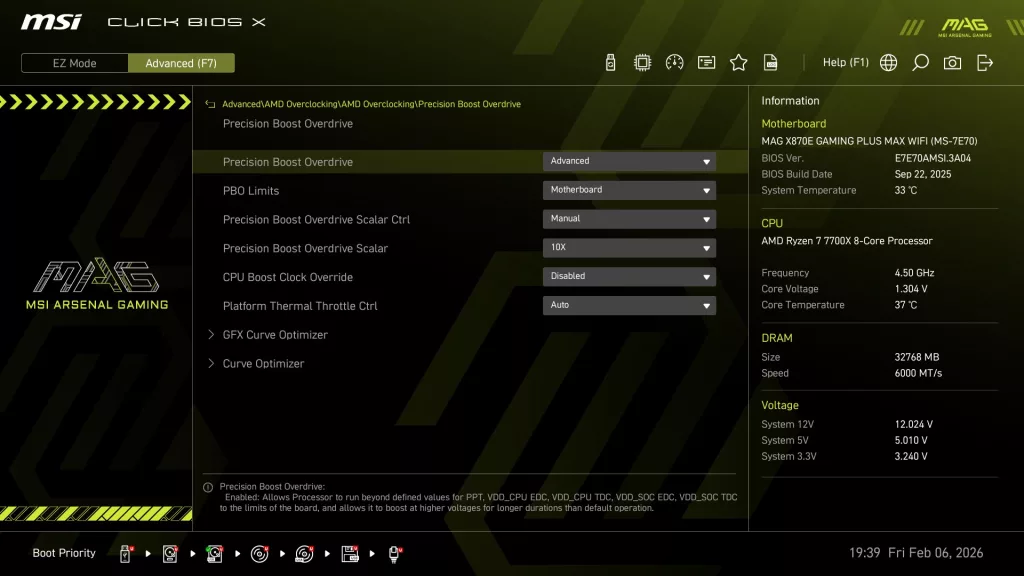
We have included a short gallery of screen captures from this BIOS. The BIOS menus and layout are nearly identical to our previously reviewed MSI B850 GAMING PLUS WiFi PZ, MSI MAG B850 GAMING PLUS MAX WiFi and MSI MAG X870E TOMAHAWK MAX WiFi PZ we invite you to further investigate BIOS screen captures there as well. Simply because this is an entry-level motherboard, don’t think it has a watered-down BIOS. If you enjoy CPU or memory overclocking, you have a full menu of selections and the board to back it up. If you prefer one-click options, Precision Boost Overdrive and AMP/EXPO are offered as well.
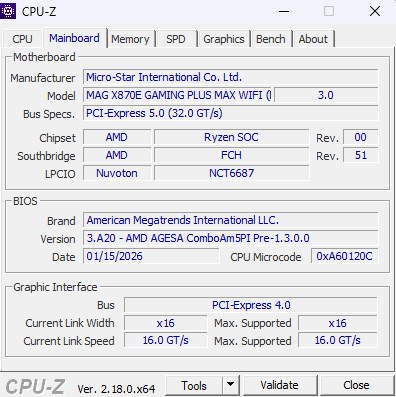
Our MSI MAG X870E GAMING PLUS MAX WiFi arrived with BIOS version E7E70.AMSI.3A04 dated22 SEP 25. We updated the BIOS to version E7E70.AMSI.3A20 dated 15 JAN 26. We used the M-Flash BIOS utility, which we have discussed in other MSI reviews. This utility uses an unzipped BIOS version on a flash drive. Once you identify the correct file, the utility does all the work. MSI also offers “Flash-BIOS” from the rear I/O panel, which needs only a flash drive and a PSU.