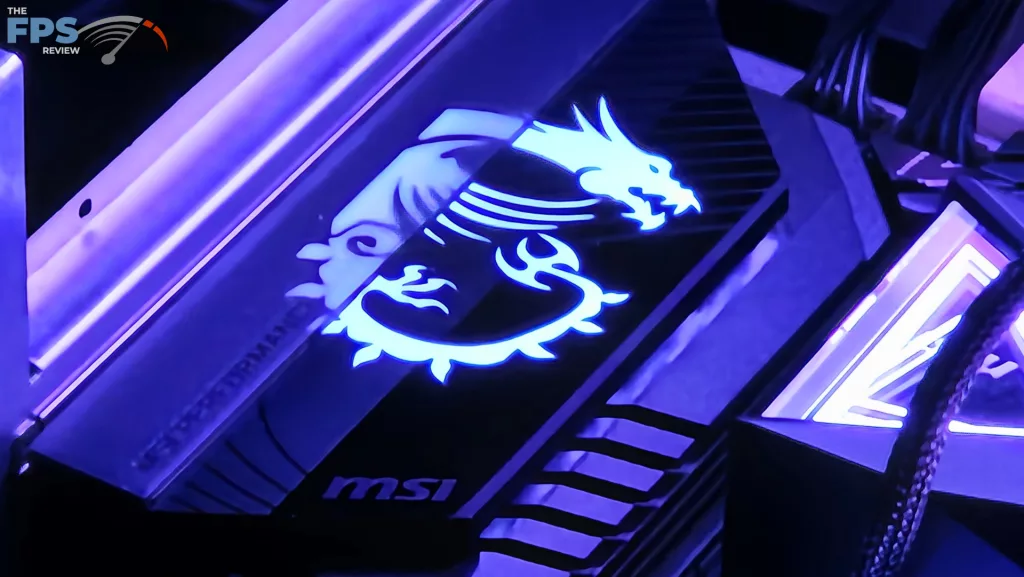
MSI MPG X870E Carbon WiFi Features
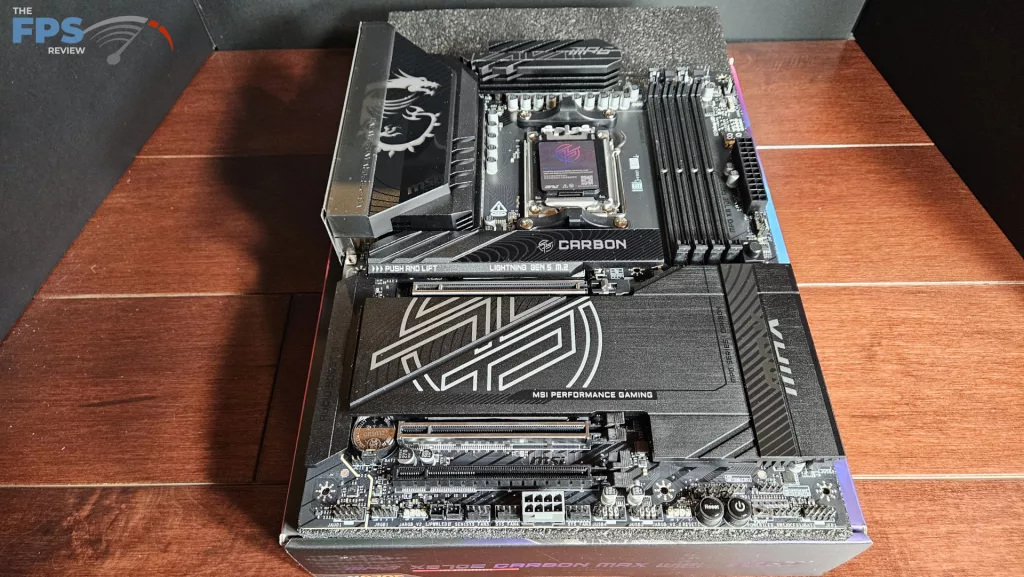
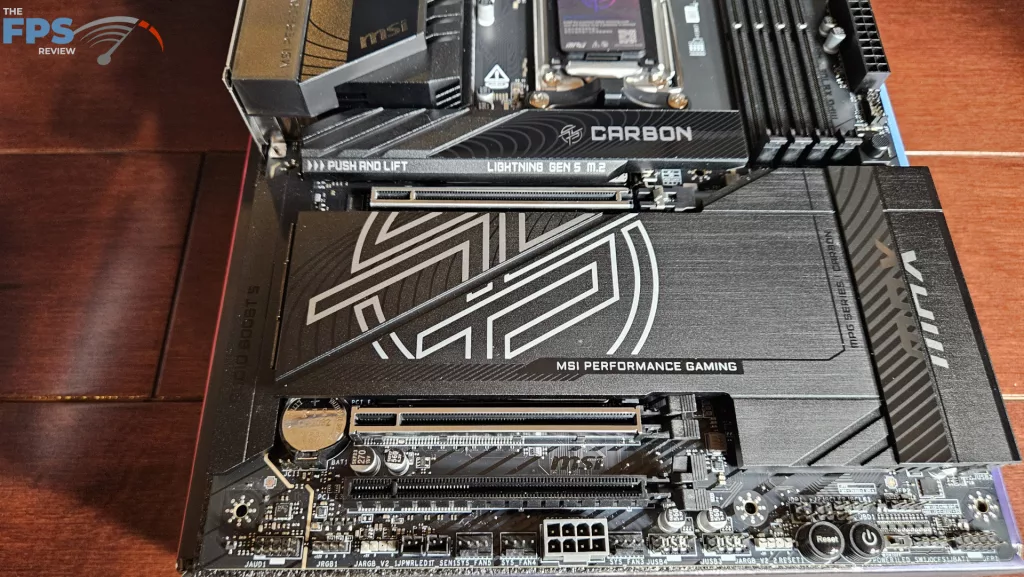
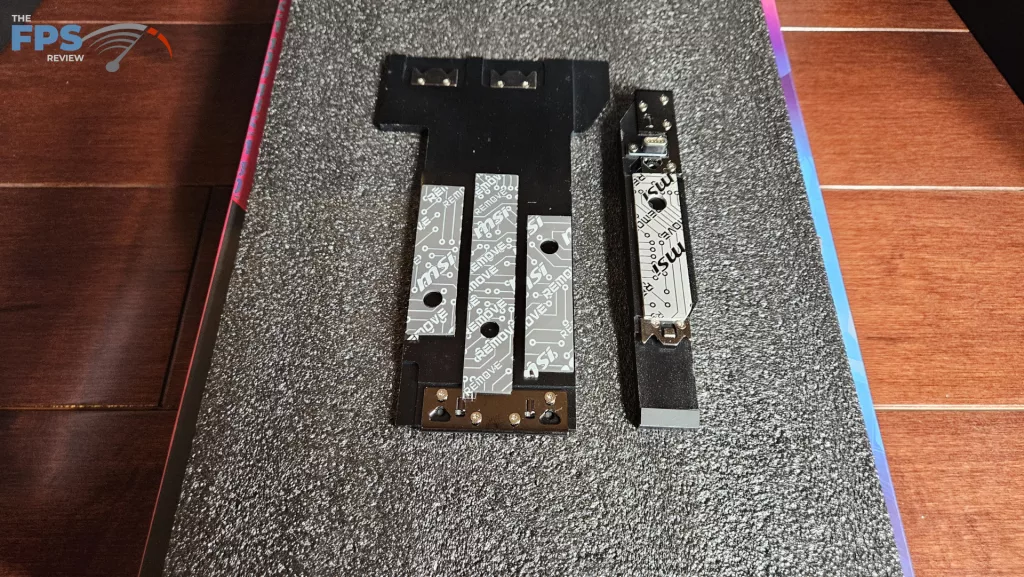
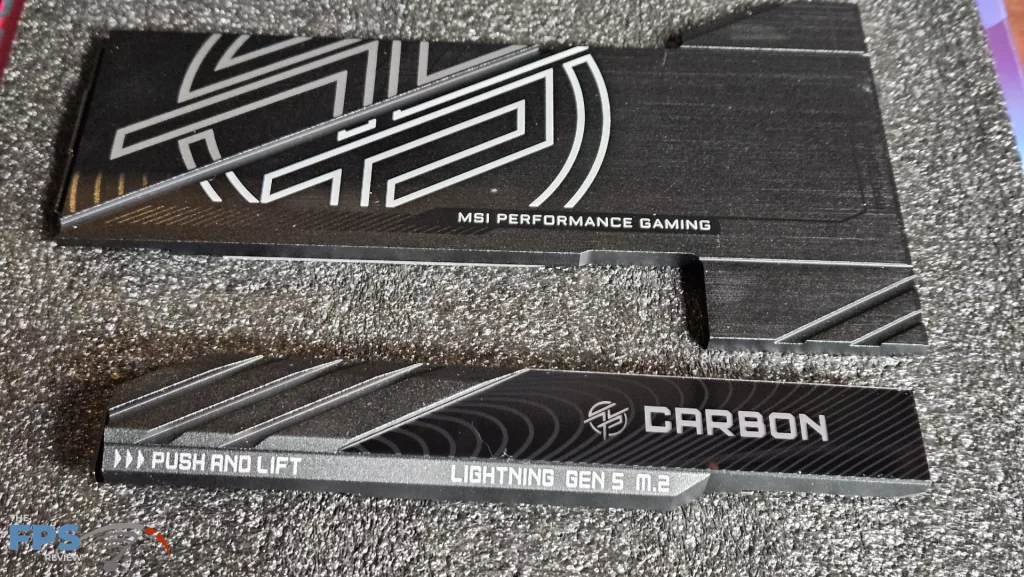
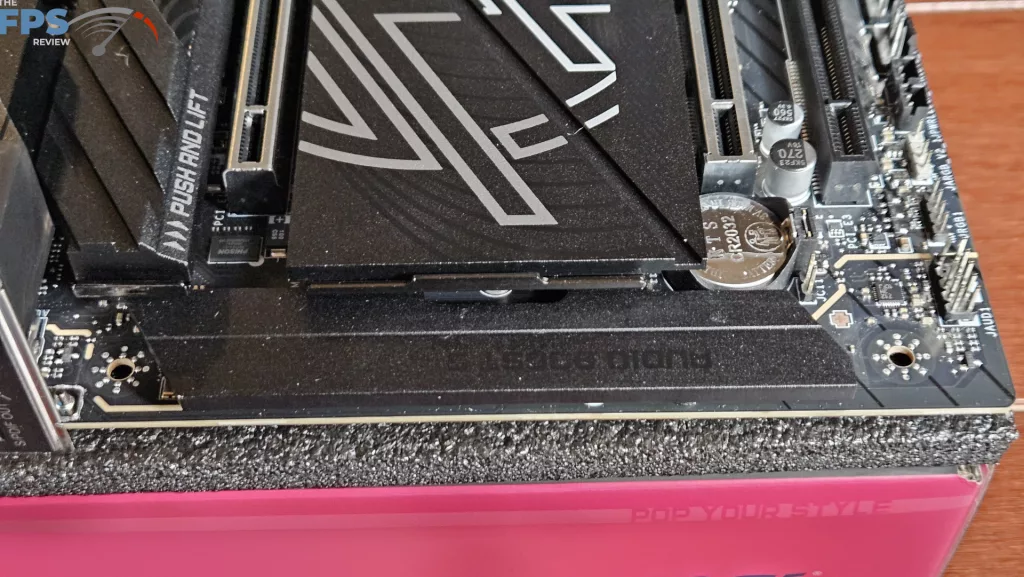
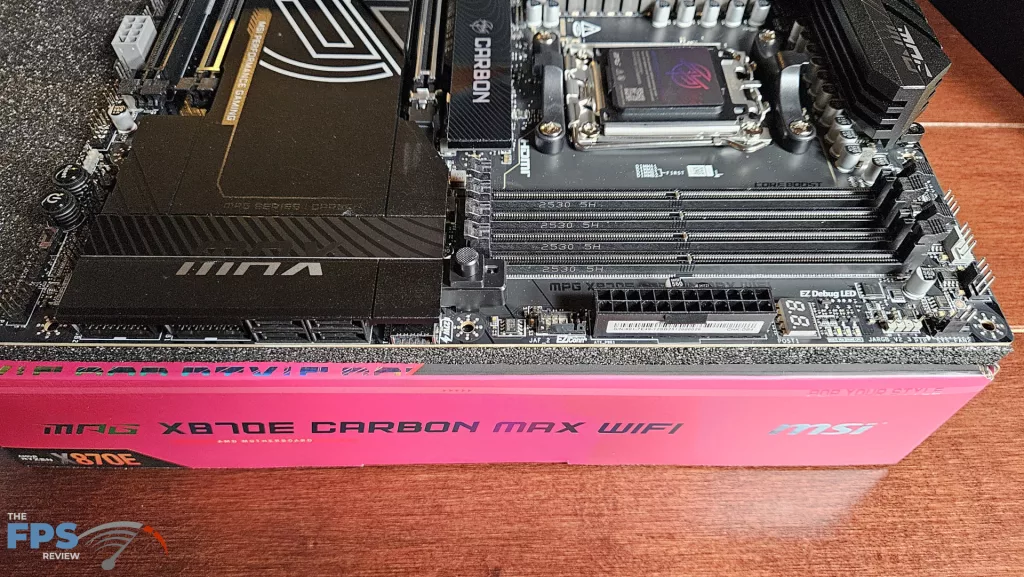
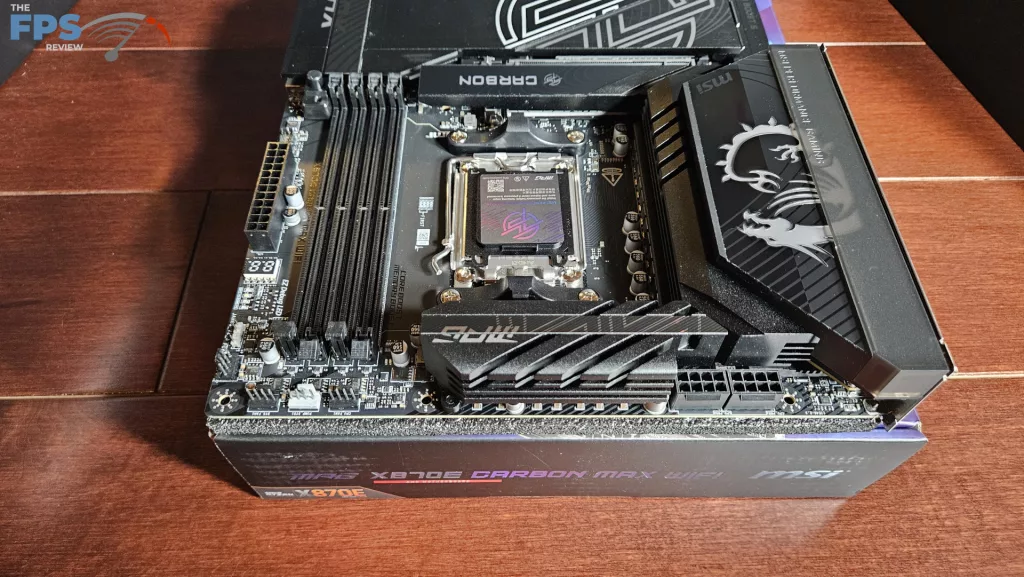
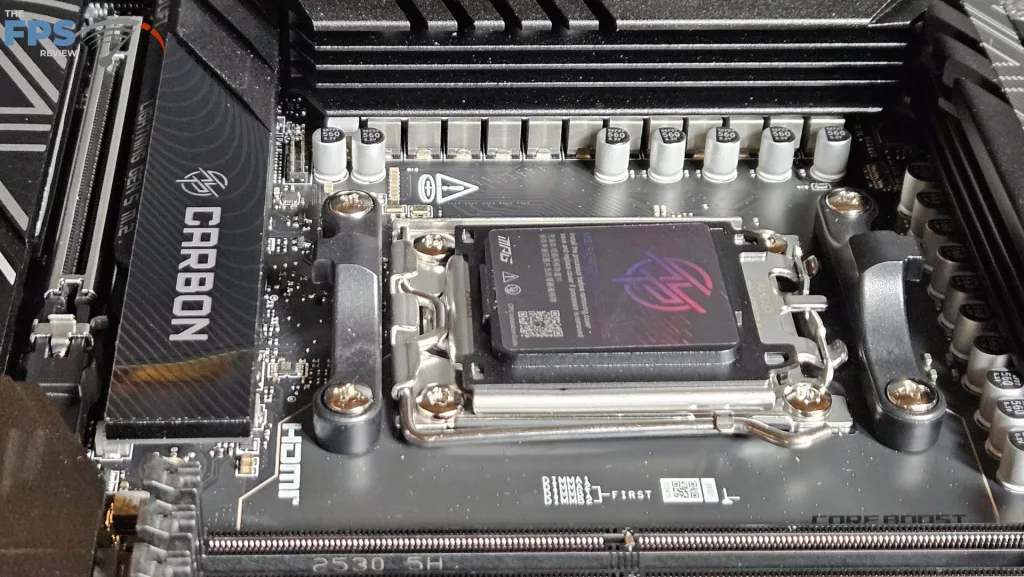
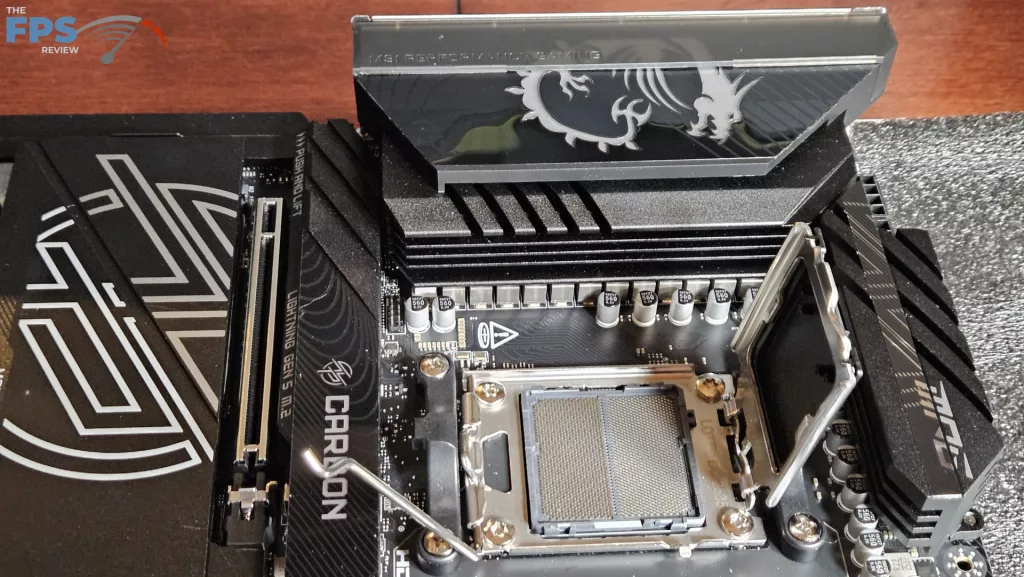
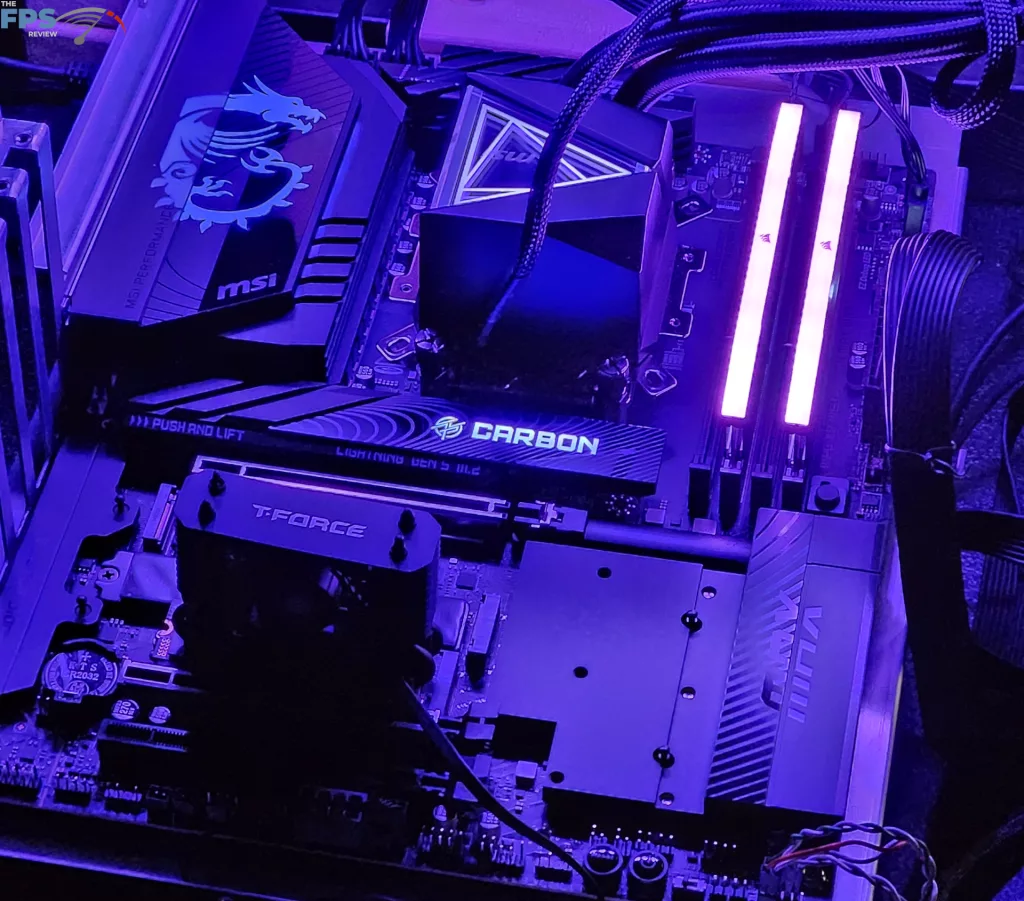
The MSI MPG X870E CARBON MAX WiFi is a striking full-sized ATX motherboard. The color scheme is all black with silver and white lettering. As we mentioned, it is heavy. The heatsinks at the VRMs are thick and large. They are connected by a heatpipe. The secondary M.2 heatsink is a one-piece that is likewise solid brushed metal, incorporating the chipsets as well.
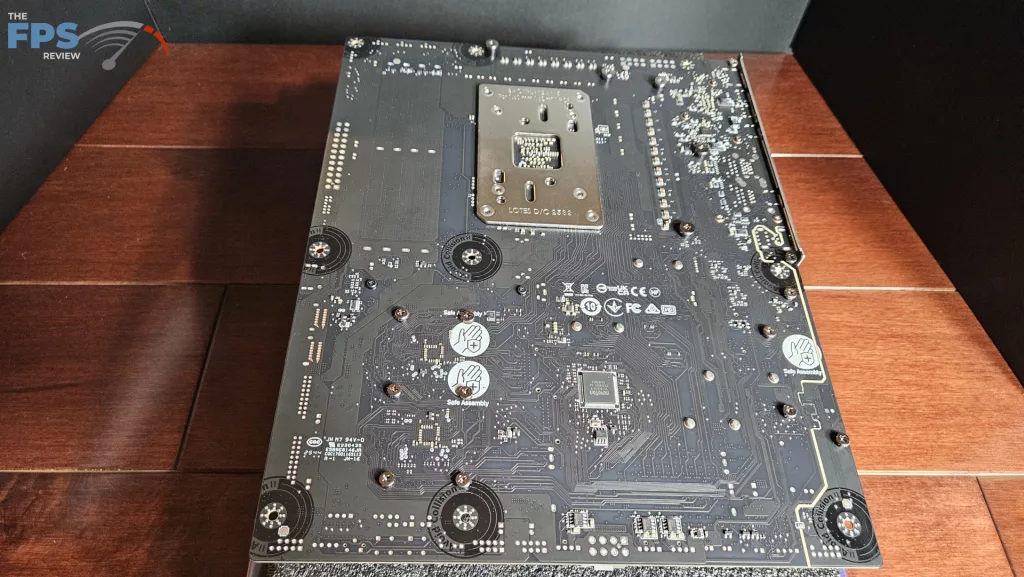
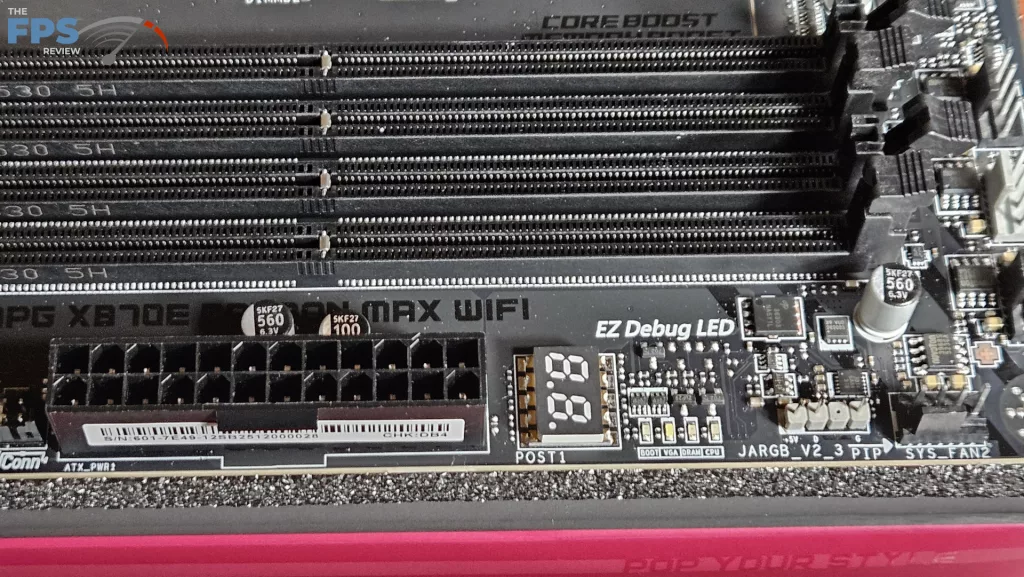
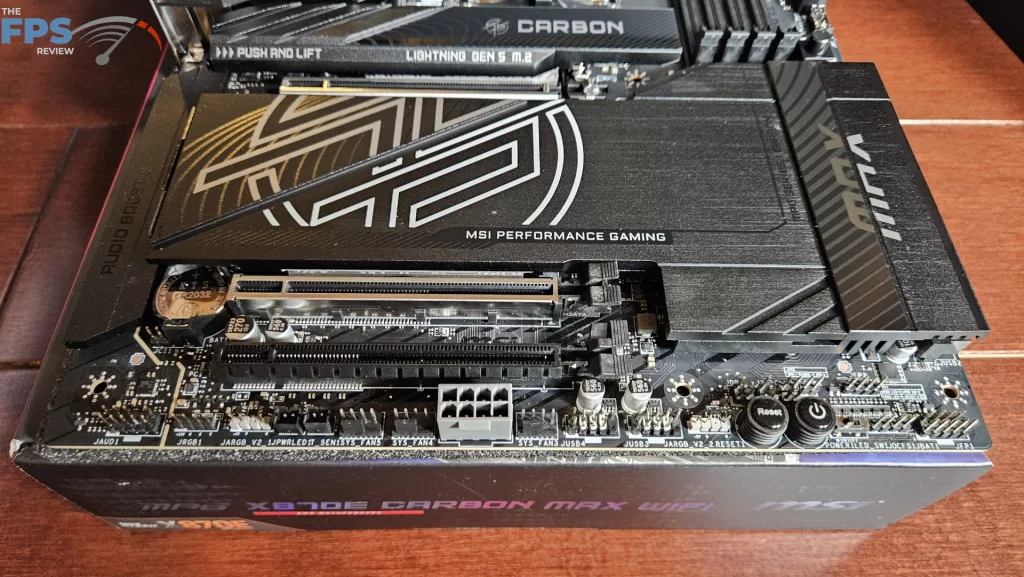
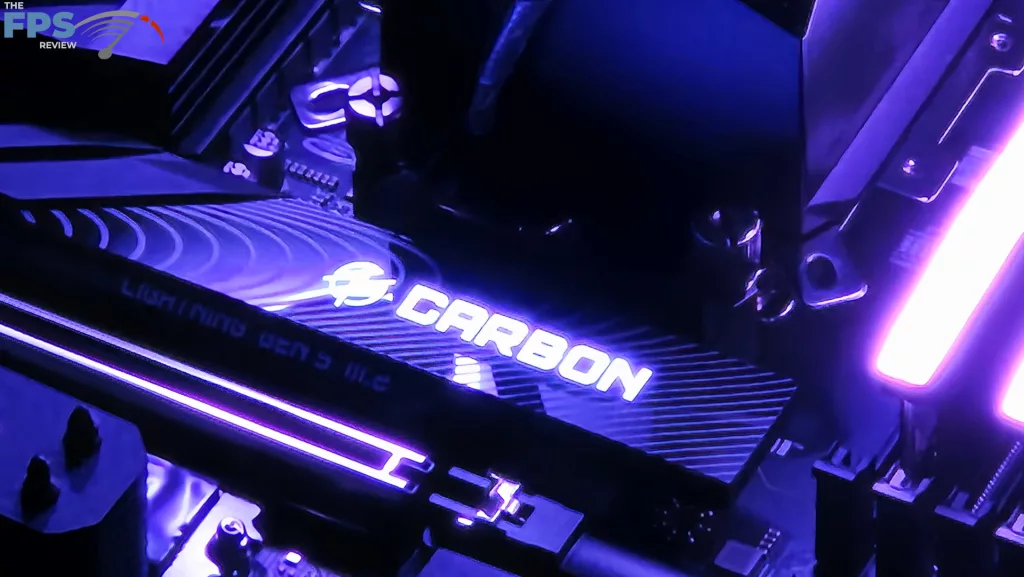
The primary M.2 heatsink is quite large and also includes RGB lighting. The PCB is 8 layer copper in-laid and supports the board well when handled. There is a large RGB dragon icon located on the I/O panel. This board is outfitted with a digital LED DeBug readout as well as a smaller LED DeBug panel. Also, you have power and reset buttons onboard at the bottom right. On the rear I/O panel, we also see a “Smart Button” which is programmable in the BIOS.
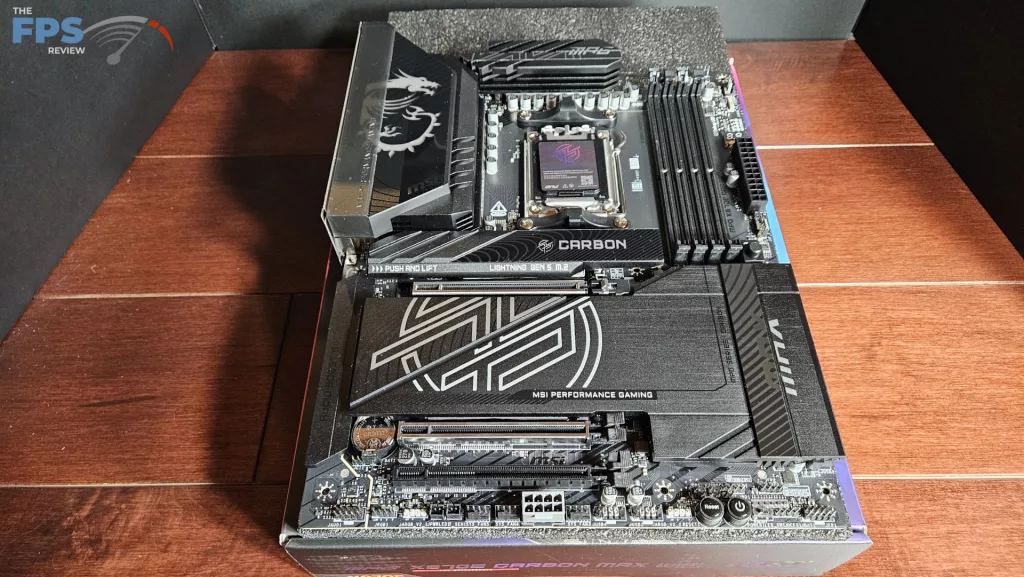
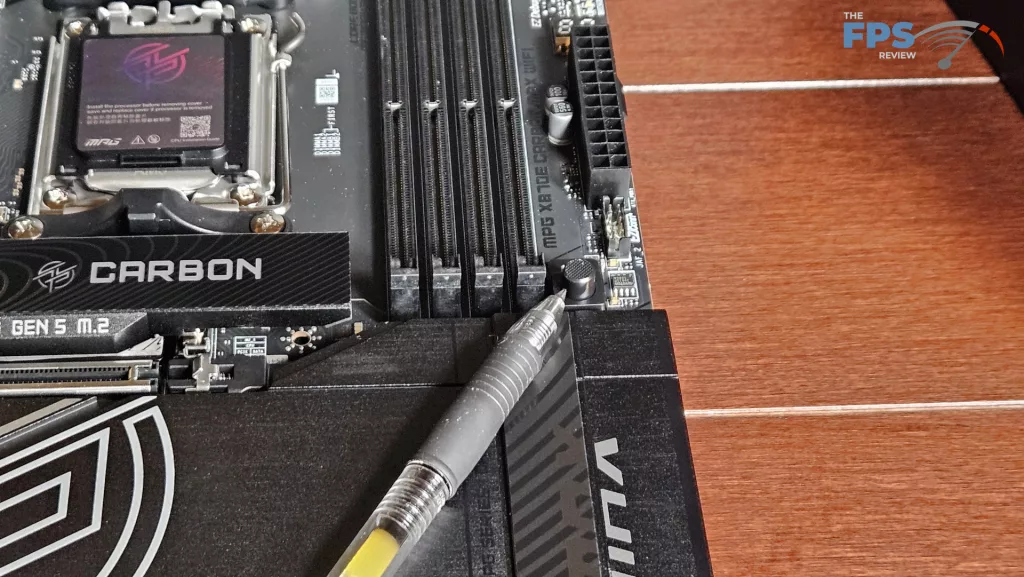
Connectivity is not an issue with this motherboard. The dual Promontory21 chipset allows for a mother-load. There are three PCI-e slots, two of which are metal reinforced. There are also four M.2 slots, two Gen5 (under certain circumstances) and two Gen4 slots. PCI-e is either Gen5 x16-0 or x8-x8, with the third slot being Gen4 x 4. We see the EZ-PCIe Release on the far right edge of the board. This provides a very confident installation of PCIe slot 1. The rear I/O panel is well configured with 9 USB-A 10Gb/s, 4 USB-C ports (under certain Circumstances), and two RJ-45 ports 2.5 and 5G. The programmable “Smart Button” plus Flash BIOS and Clear CMOS buttons are also found here. Wireless 7 and Bluetooth 5.4 are MediaTek chipsets. LAN and Audio are RealTek chipsets. (8126/4080 respectfully)
Power Delivery
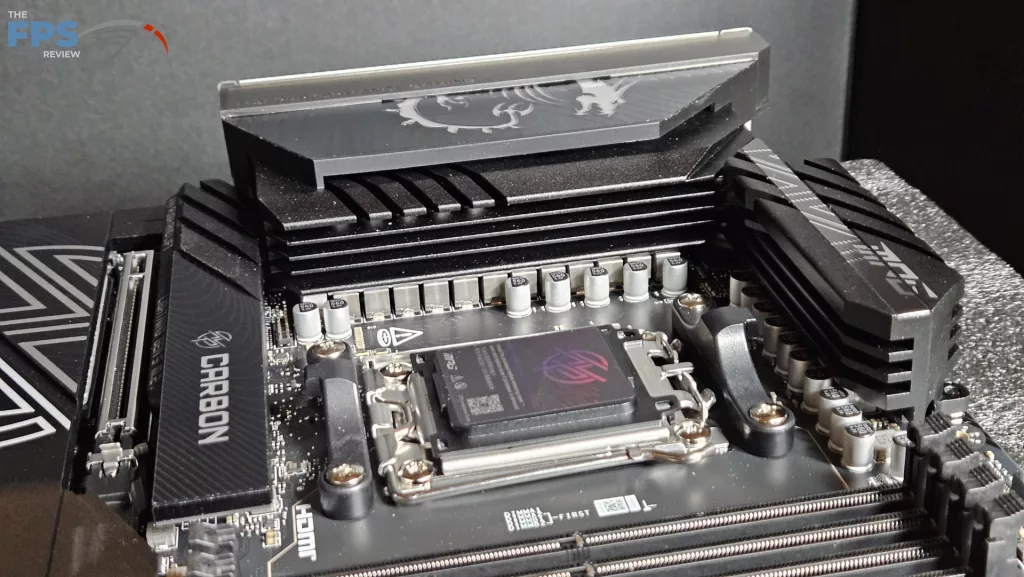
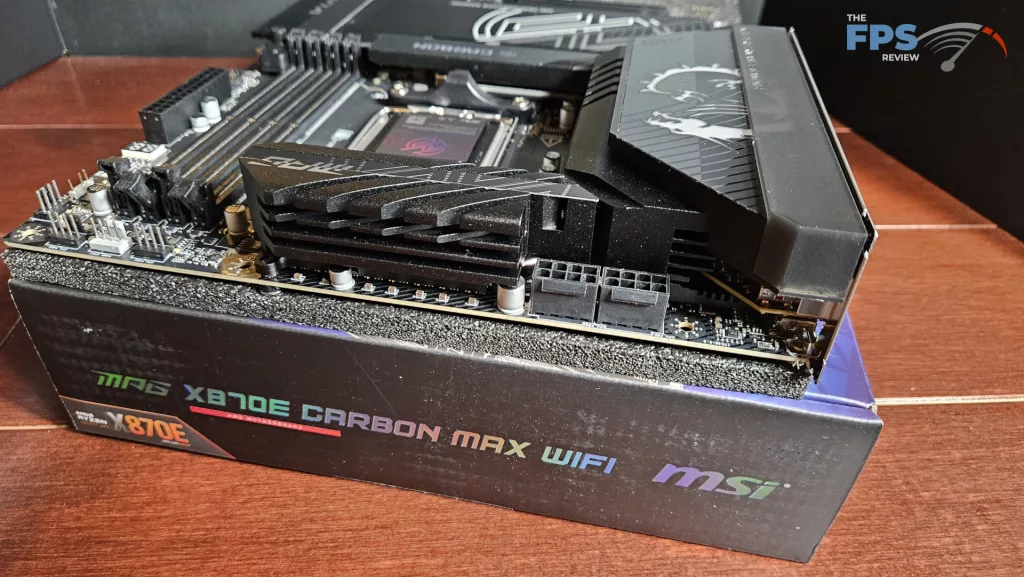
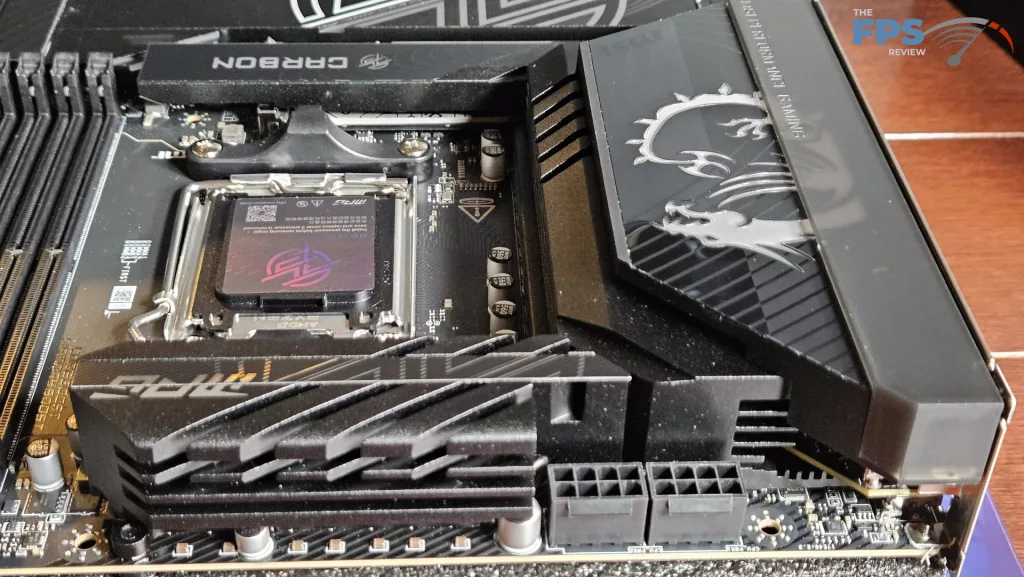
As we have stated, the VRM heatsinks are heavy and large on this motherboard. There is a heatpipe that connects the upper and I/O heatsinks. This configuration helps support the 18+2+1 Smart Power Stage 110Amp power delivery. This board is set up to deliver all the power you need for overclocking if that is your pleasure. There are the usual 8-pin connectors on the upper left. The PCB is more than strong enough to support the heatsink weight. Under the heatsinks are quite thick thermal pads.
CPU Socket, Memory, and Storage
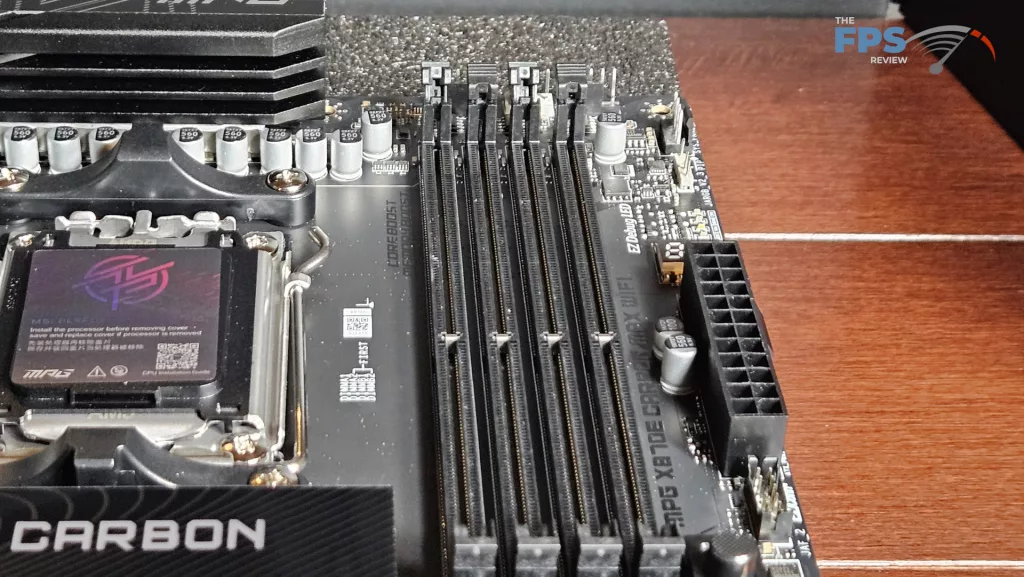
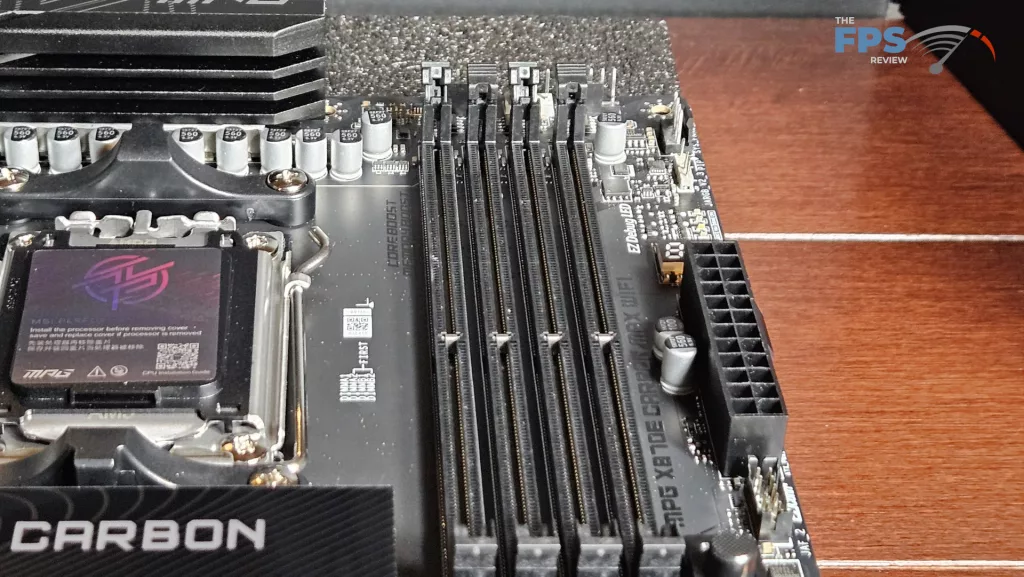
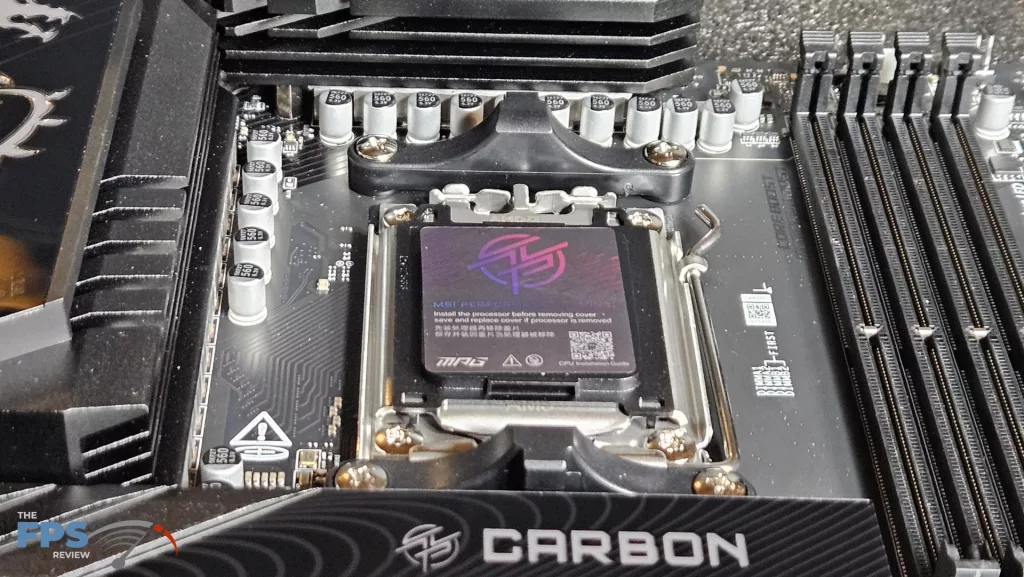
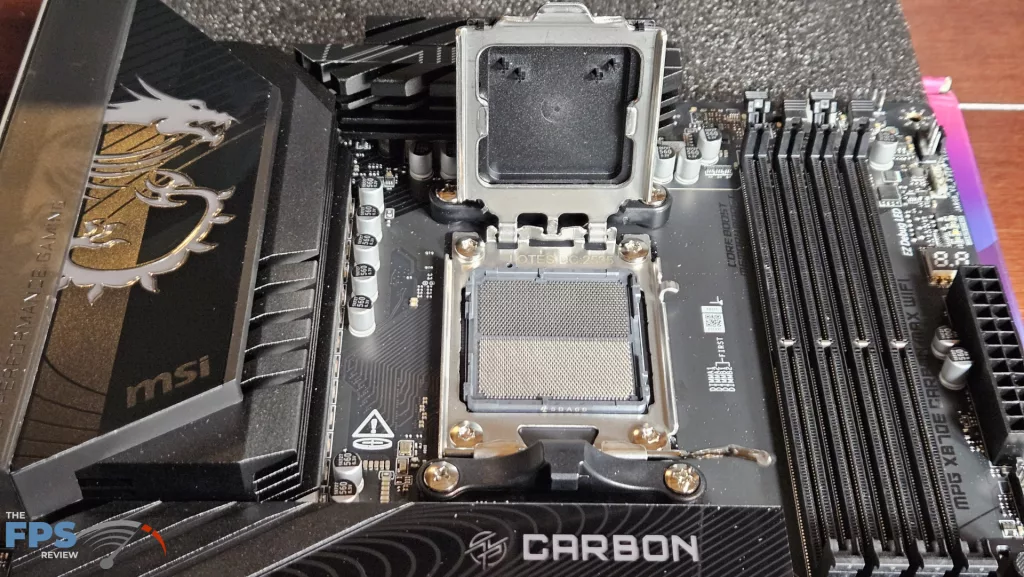
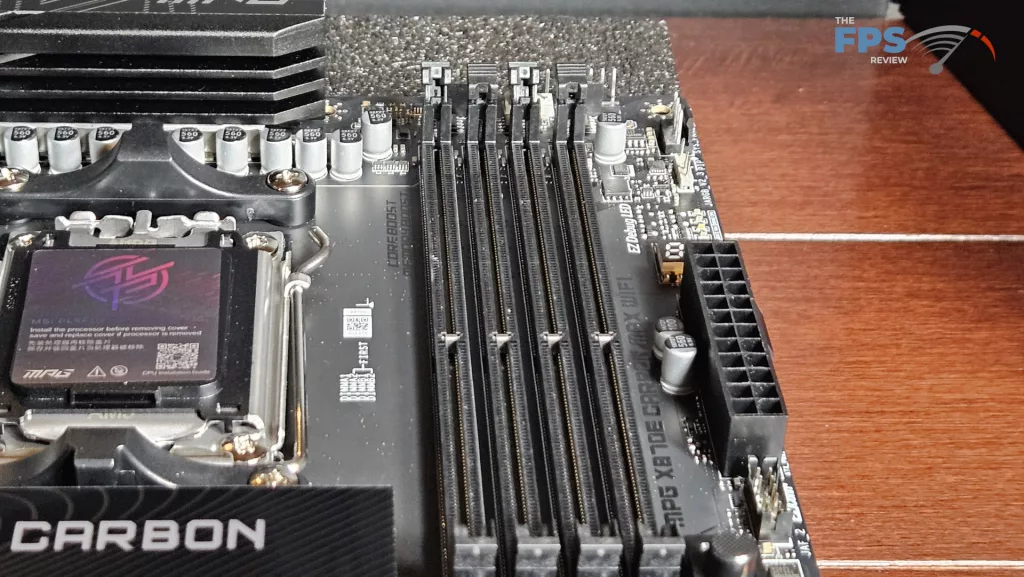
The MSI MPG X870E CARBON MAX WiFi supports socket AM5 CPUs in the Ryzen 7000, 8000, and 9000 series. There is ample space surrounding the socket to place most, if not all, CPU coolers. Our MSI AIO MAG Core 360I gave us no mounting issues. Memory supported includes DDR5 DIMMs up to 256 GB in total. Frequencies are advertised up to 8400MT/s (OC). XMP and Expo profiles are supported for 1-click overclocking. The memory slots are single-latched. The spacing seems adequate for large CPU coolers. The only issue here may be tall DIMM heatsinks in slot A1 and low cooling fins on an air-cooled heatsink.
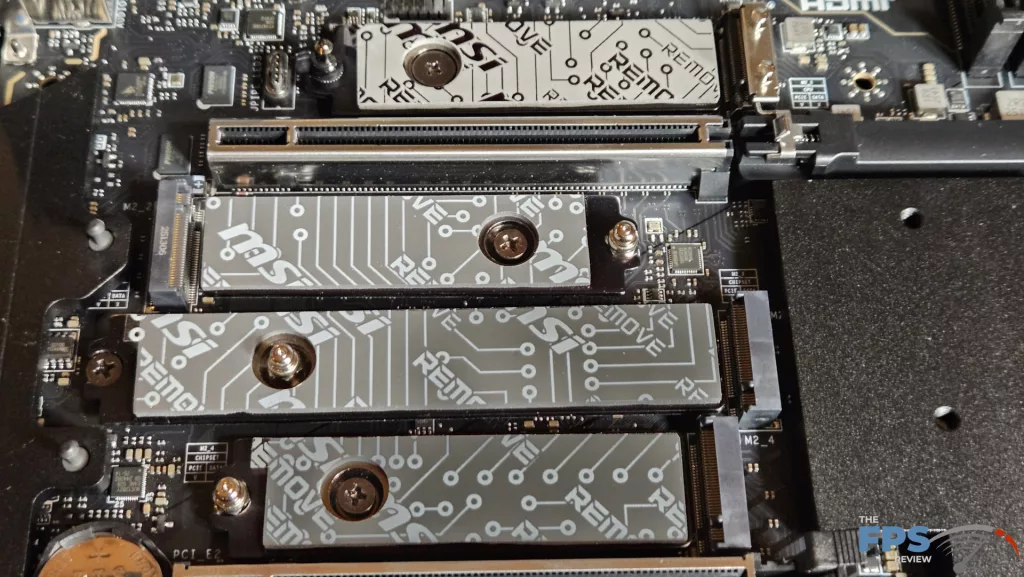
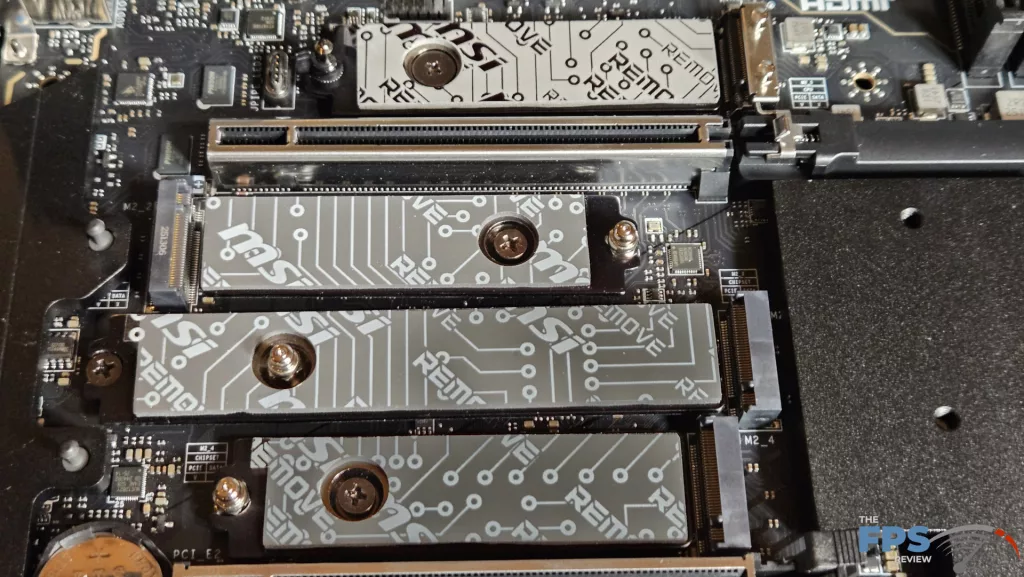
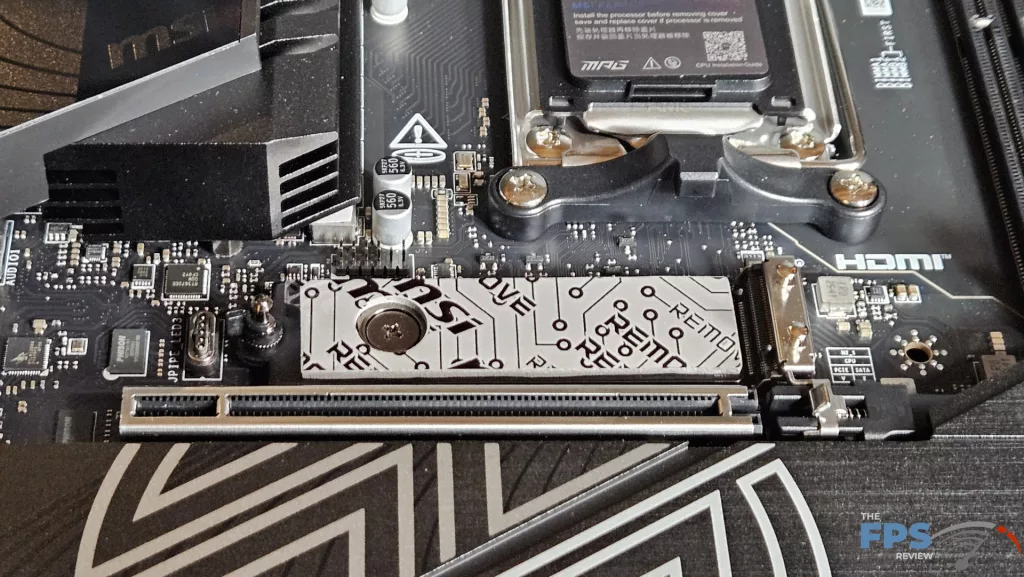
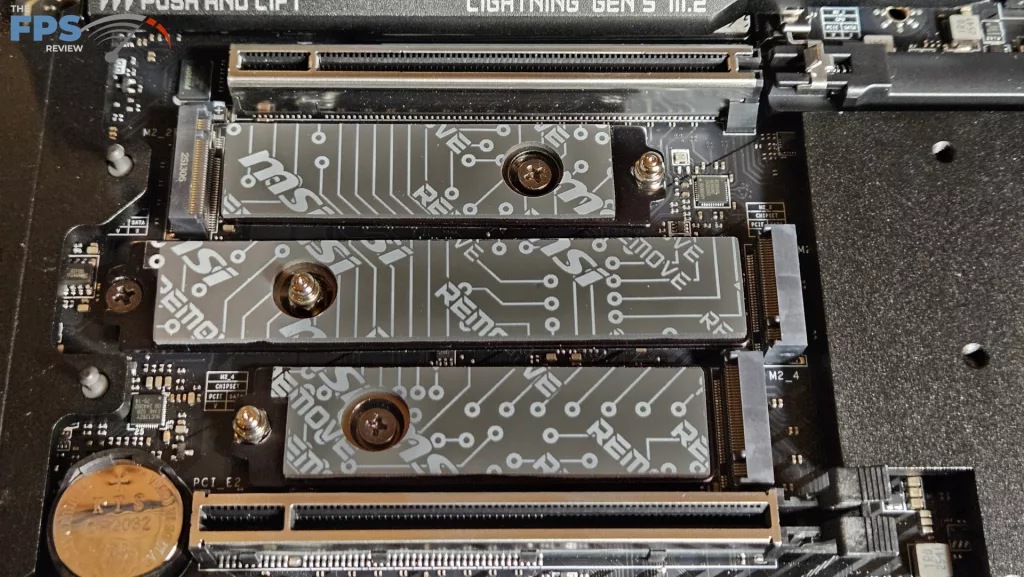
As mentioned above, there are four M.2 slots. Both the primary and secondary slots are fully covered by heavy brushed metal heatsinks. Both have a placement guide on the far left. The primary has a connection port on the far left side, which activates an adjustable RGB logo. Each slot has an EZ Clip tool-less hold-down mechanism. The NVME is pushed downward to slide under the edge of the clip. There are two Gen5 x 4 slots from the CPU lanes (128Gb/s), M2_1 and M2_2, which occupy positions #1 and #2. Both of these slots will operate at Gen5 x 4 under one condition: in the BIOS, the M2_2 Lanes configuration switch must be toggled to Force M2_2 1×4 . This will disable the USB4 ports on the rear I/O panel, however. (screenshot included in BIOS section)
Otherwise, if M.2_2 is populated and BIOS is at default, the slot will support Gen5 x 2. The other two slots are Gen4 x 4 (64Gb/s) that occupy slots #3 and #4, lanes supplied by the chipsets. All the M.2 slots have thick thermal pads on the underside of the heatsink and on the motherboard surface. All these slots will be usable if the drives are thin. Slots #2 and #3 are directly under a large GPU, so you must have a strategy for them to fit. Also, realize if M.2 slot #2 is populated, the PCIe primary slot will run at x8 speed instead of x16. There are also 4 SATA 6Gb/s ports on the lower right side of the board.
Expansion
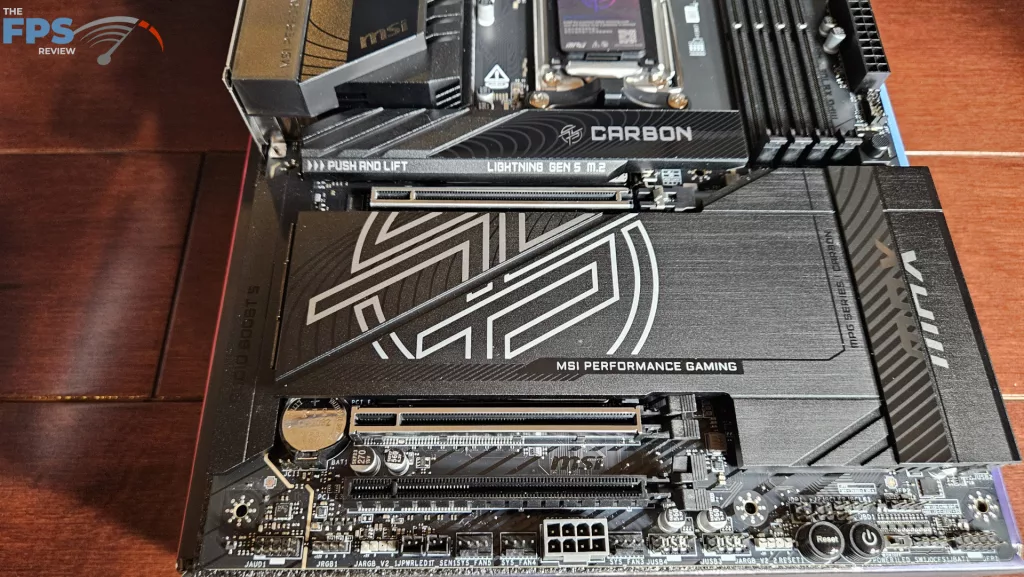
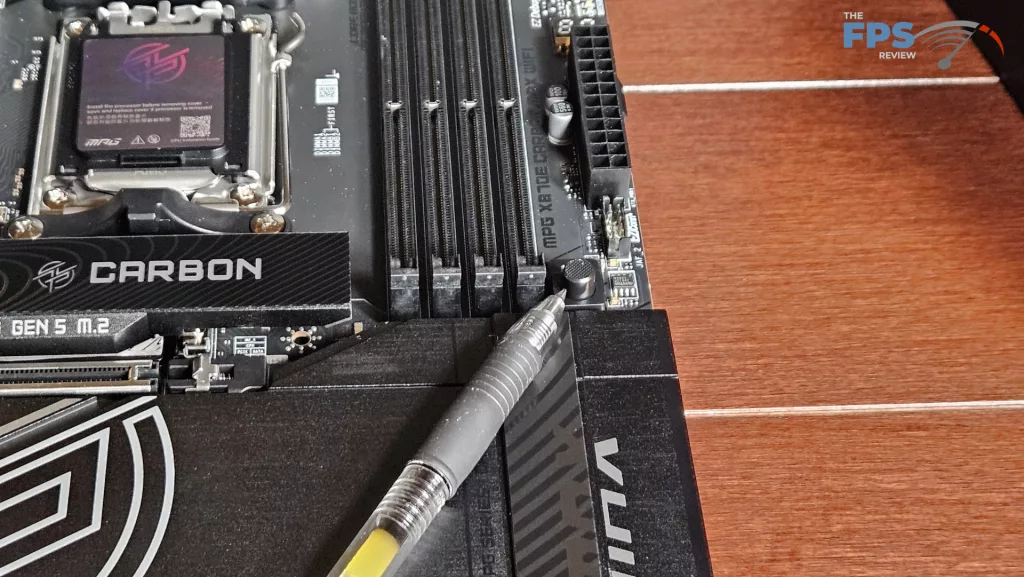
Expansion on the board consists of one PCIe Gen5 x 16 and two full-sized secondary PCIe slots. Slot #2 is Gen5 x 8 and slot #3 is Gen4 x 4. The primary PCIe slot is reinforced, which is nice to see. MSI uses what they call “EZ PCIe Release” for the primary GPU release. This is our favorite new push-button GPU release. The insertion is crisp, and the release is undeniable. The button is well away from the interference of the video card. This release allows you to easily remove a large GPU one-handed. It is interesting to see that slot #2 is also metal reinforced. (Maybe SLi is making a comeback????)
I/O
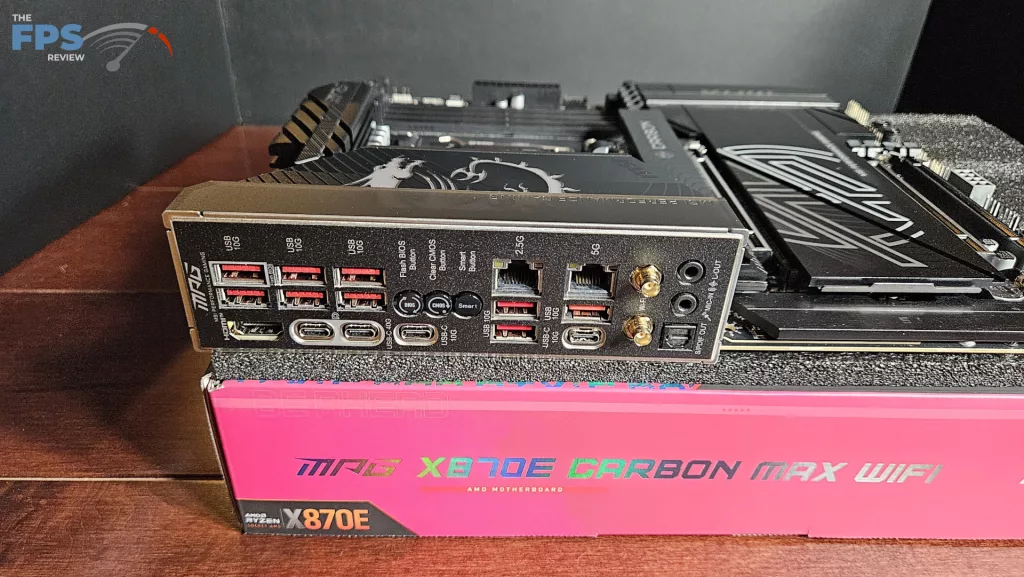
The rear panel on the MSI MPG X870E CARBON MAX WiFi is nicely outfitted. The motherboard plate is embedded, which is the norm these days. Notice that all the USB-A slots are red, 10Gb/s speed. Working from left to right: USB-A x 2 and HDMI port, USB-A x 2 and USB-C 40Gb/s, Flash BIOS and CMOS buttons, SMART Button and one USB-C 10Gb/s, 2.5G RJ-45 and USB-A x 2, 5G RJ-45, USB-A and USB-C 10Gb/s, WiFi antenna ports, and finally audio. The SMART Button is programmable via the BIOS. You may choose Reset, LEDs On/Off, SAFE Boot or TURBO Fan. Each of these is explained in the BIOS and the board manual.
On the board proper, we have a total of seven 4-pin fan headers; three on the top row, OPT, CPU, and PUMP, one on the right upper corner, and three on the bottom row. There is also an EZ-Conn header on the right side, which may be used as well. All fans may be controlled by BIOS “Smart Fan” or through the MSI Center in Windows. The right side of the board has a nice big LED Debug readout followed by the 24-pin header, USB-C 20 Gb/s front panel header, 4 SATA ports, and two right-angle USB-A 5 Gb/s front panel headers. The bottom row has the front panel header, three fan headers, two USB-A 2.0 headers, two ARGB and one 12V LED header, and finally the audio header. We also have power and reset switches, and one extra 8-pin PCIe power connector on the bottom row as well. All RGB may be controlled by Mystic Fusion in the MSI Center software.