UEFI/BIOS
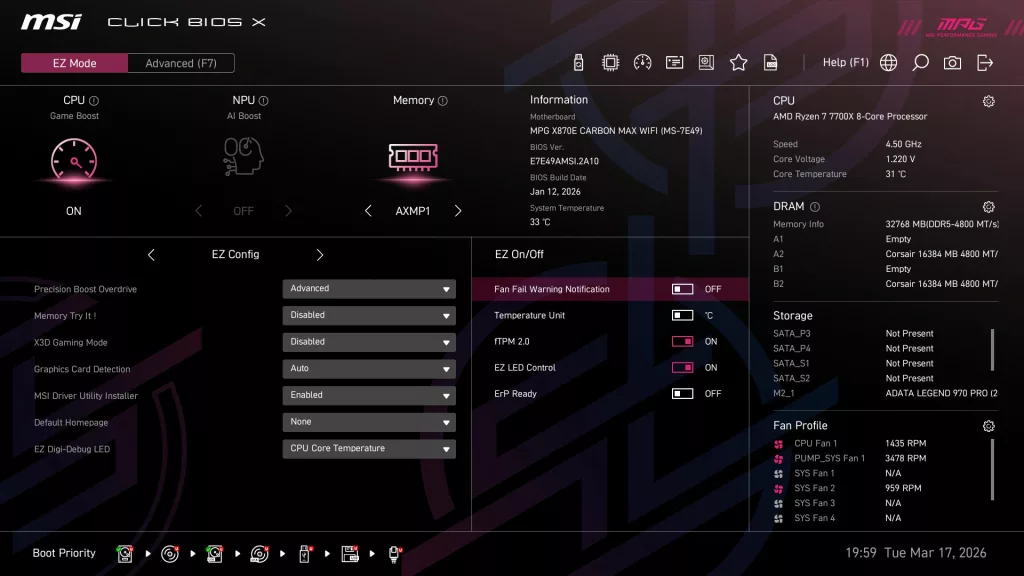
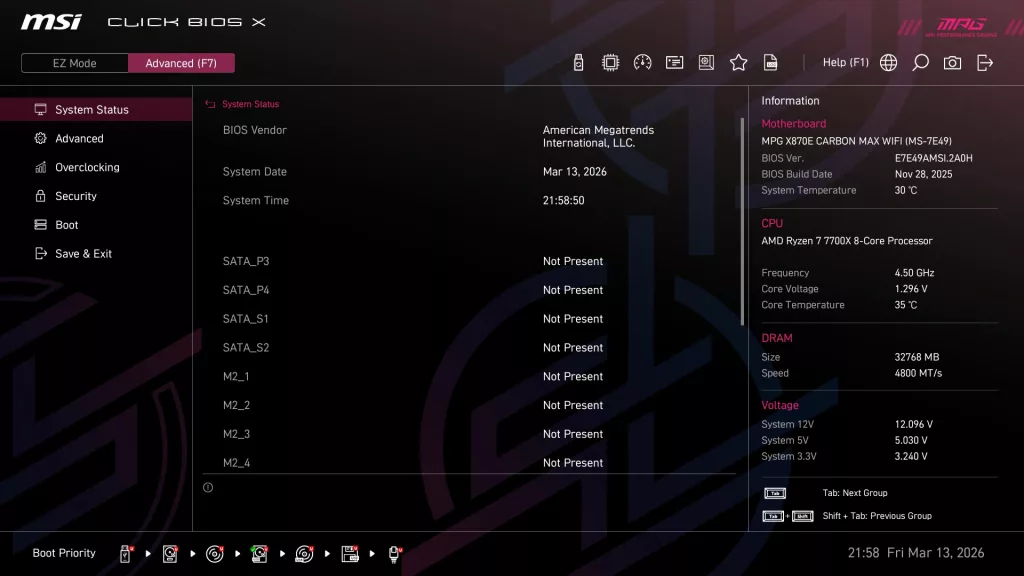
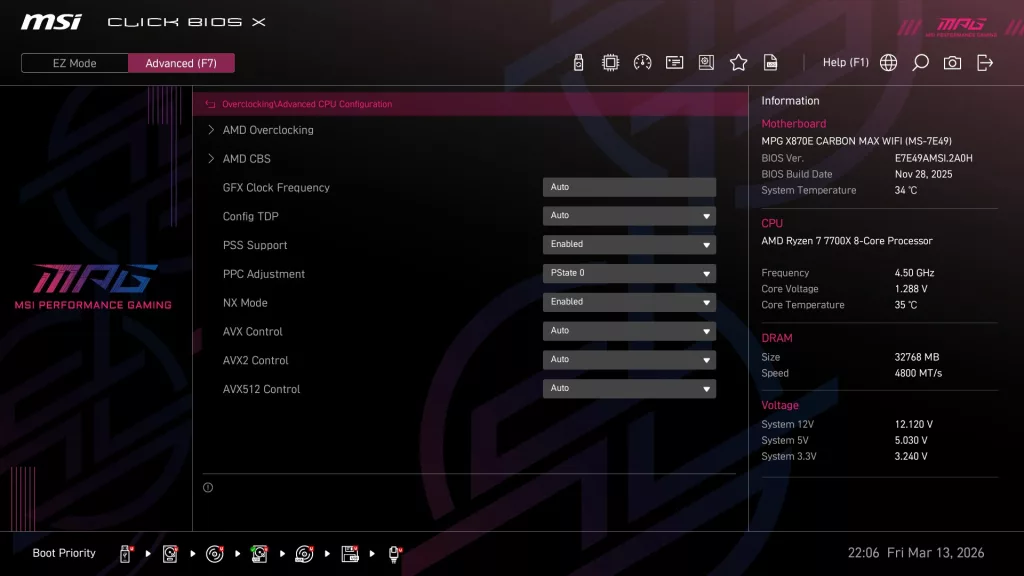
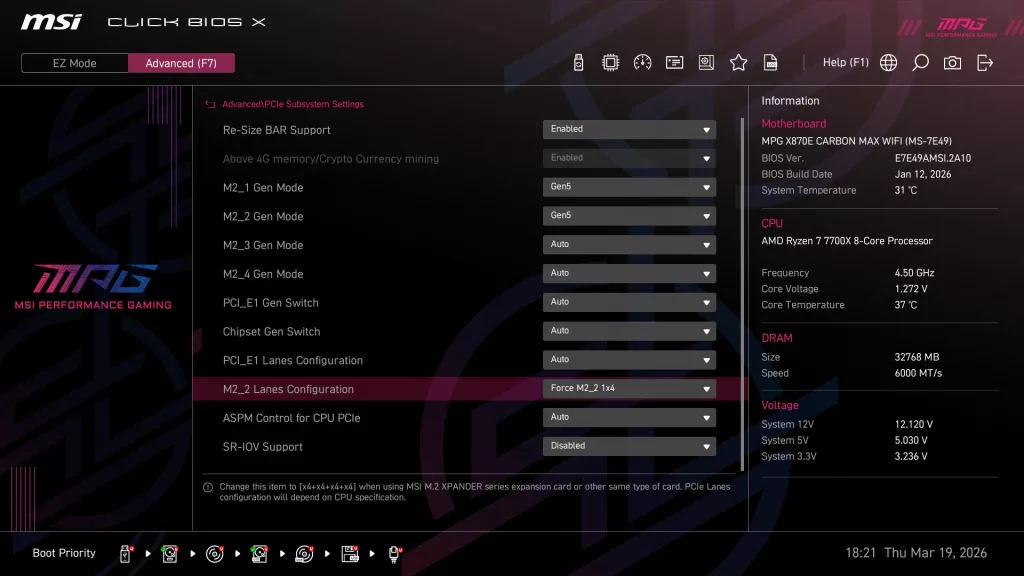
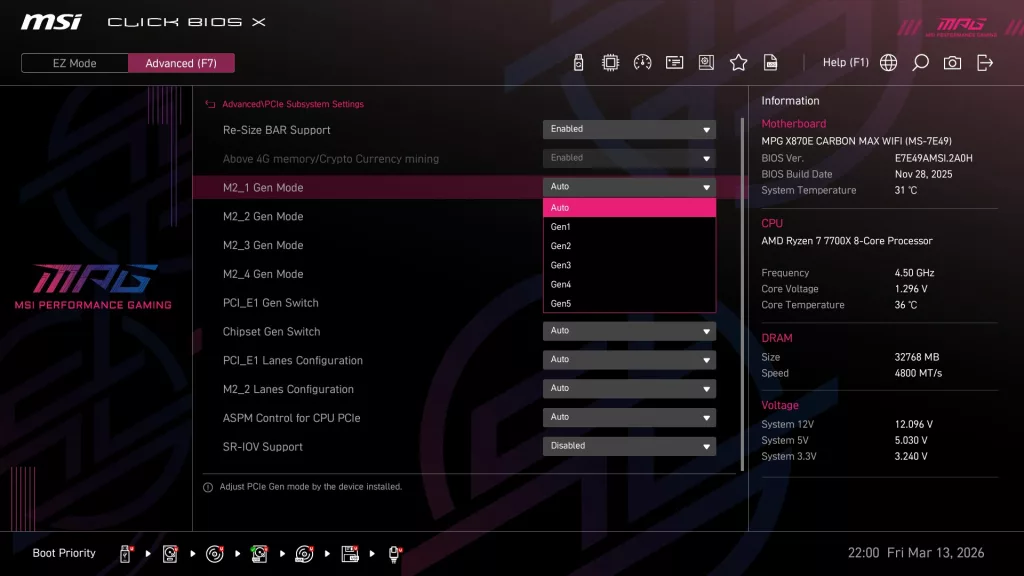
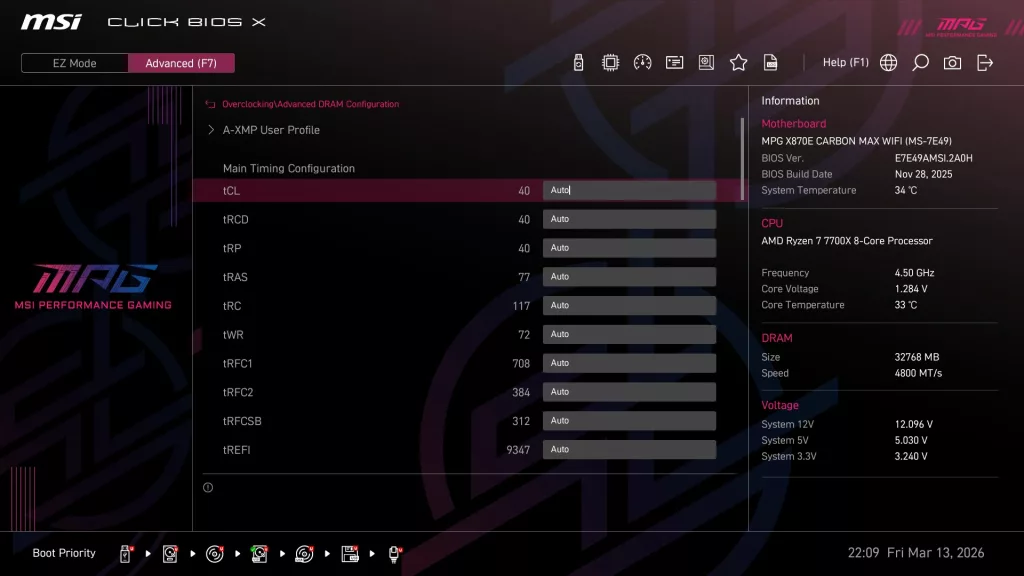
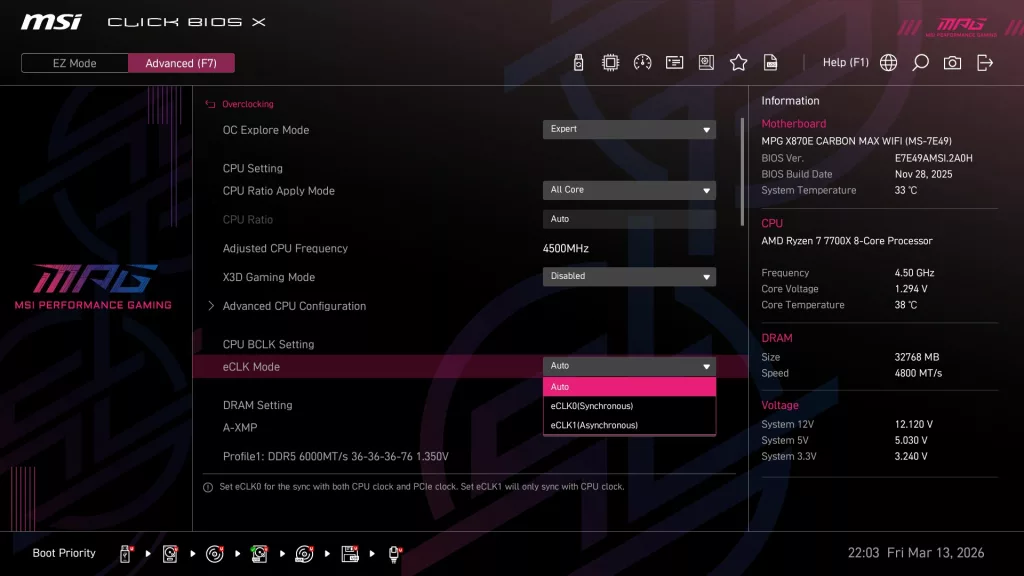
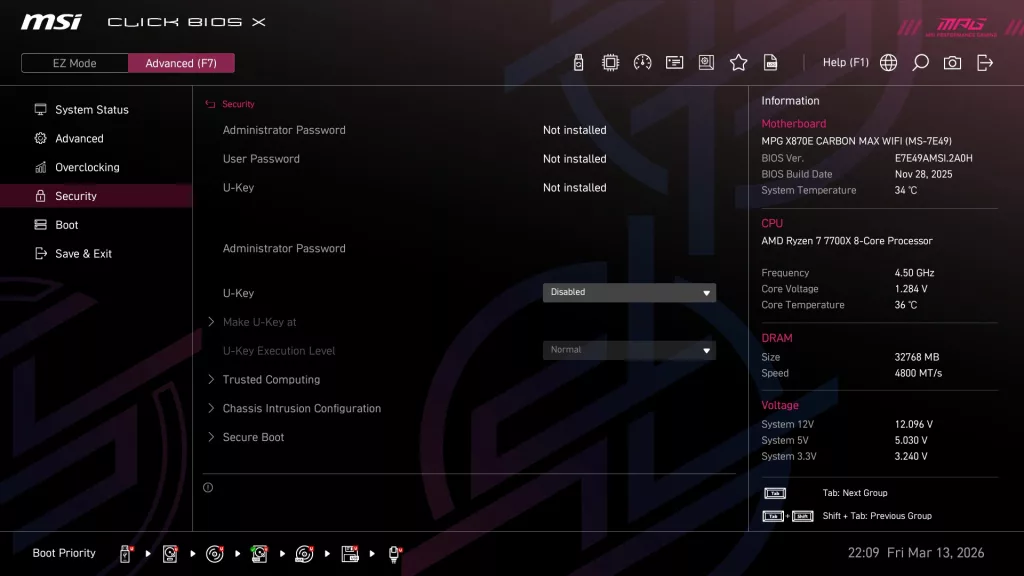
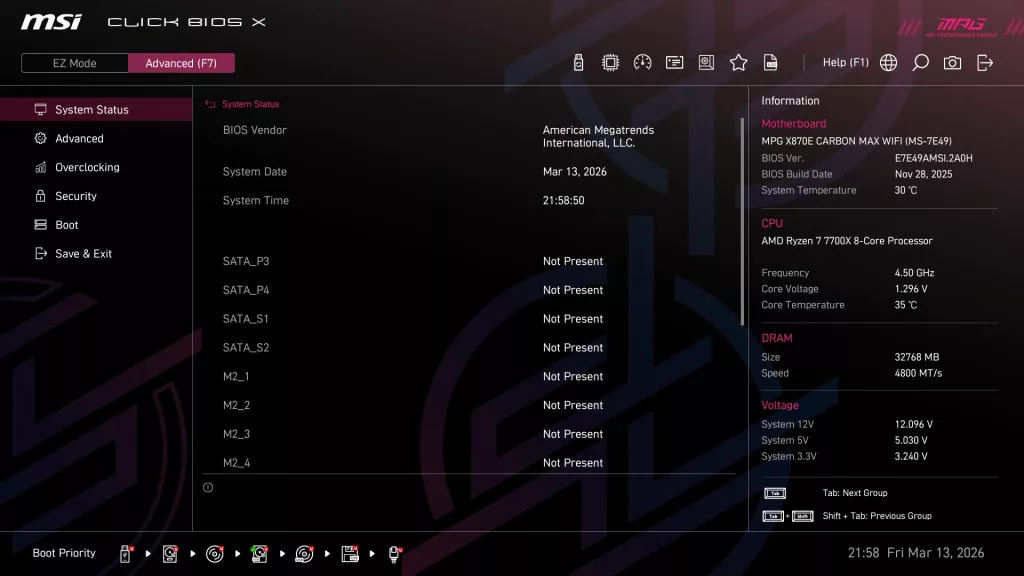
The MSI MPG X870E CARBON MAX WiFi follows in line with the other “refreshed” motherboards we have reviewed in 2026, in that it is equipped with a 64MB BIOS chip versus the more common 32MB. This extra capacity may allow MSI to equip the BIOS with the wireless or other drivers to aid in installing Windows 11. MSI also uses its redesigned BIOS format, called Click BIOS X, using fewer headers and a simple one-click system for selections. Otherwise, this BIOS is a standard AMI BIOS, entered in standard fashion.
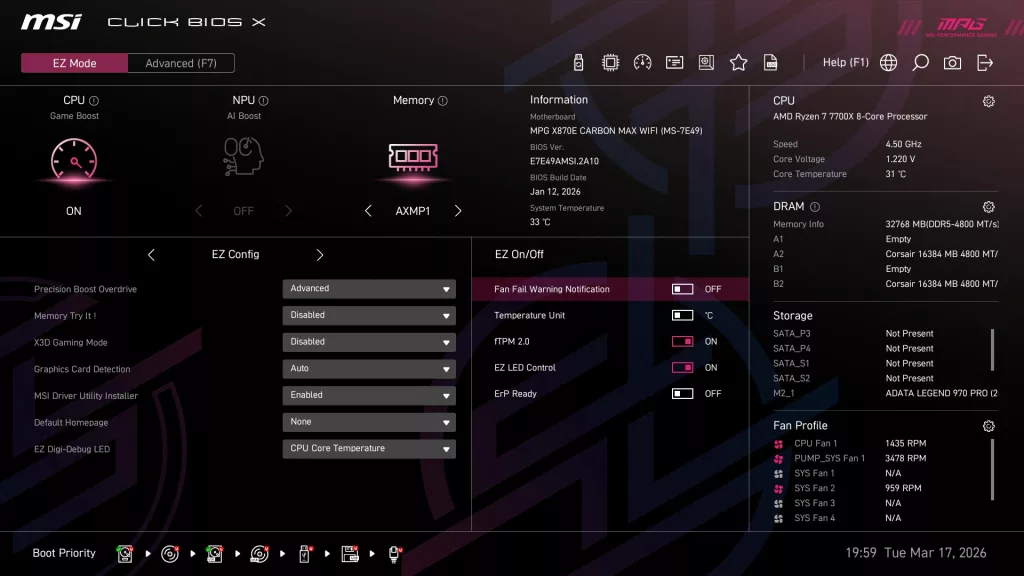
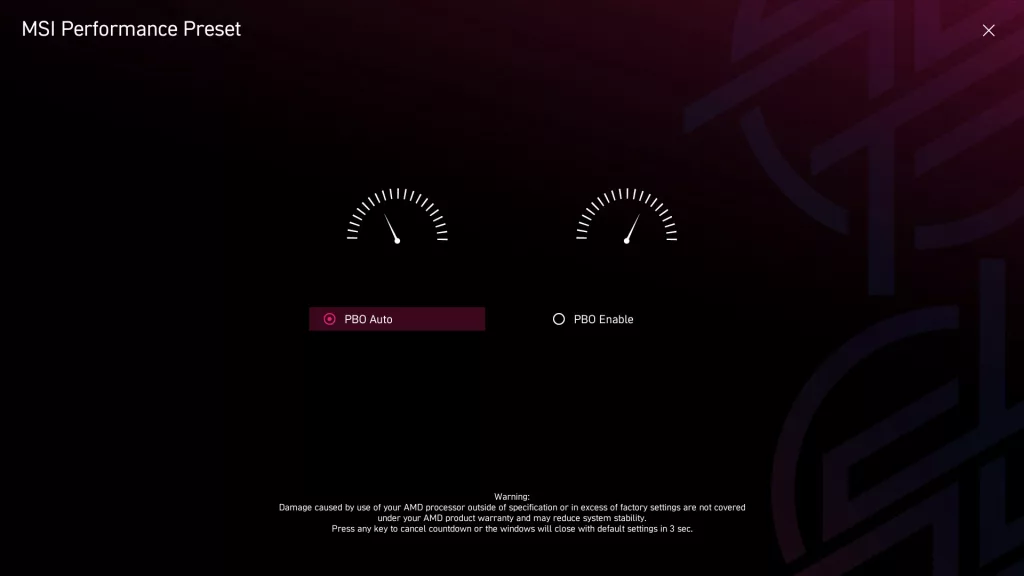
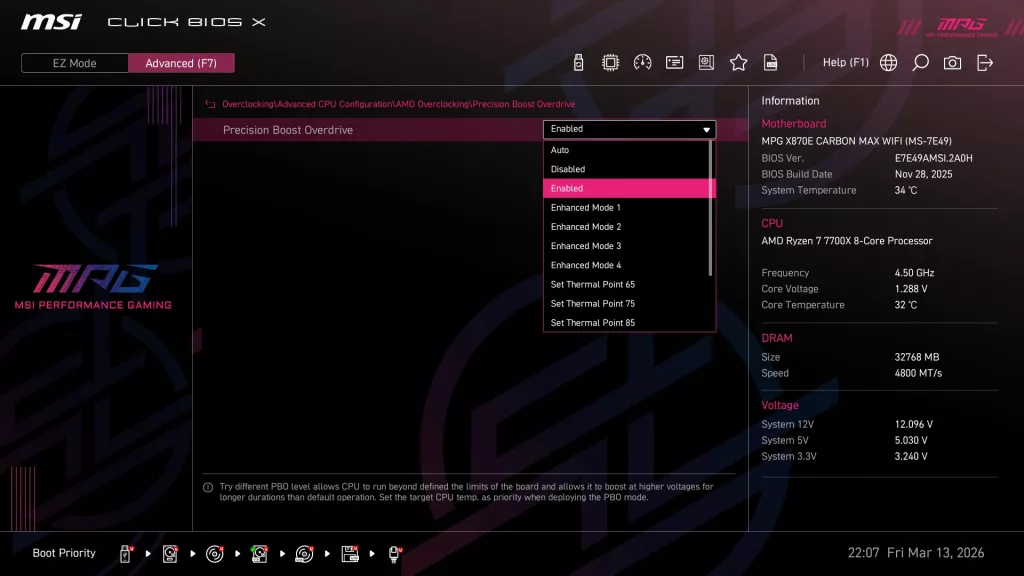
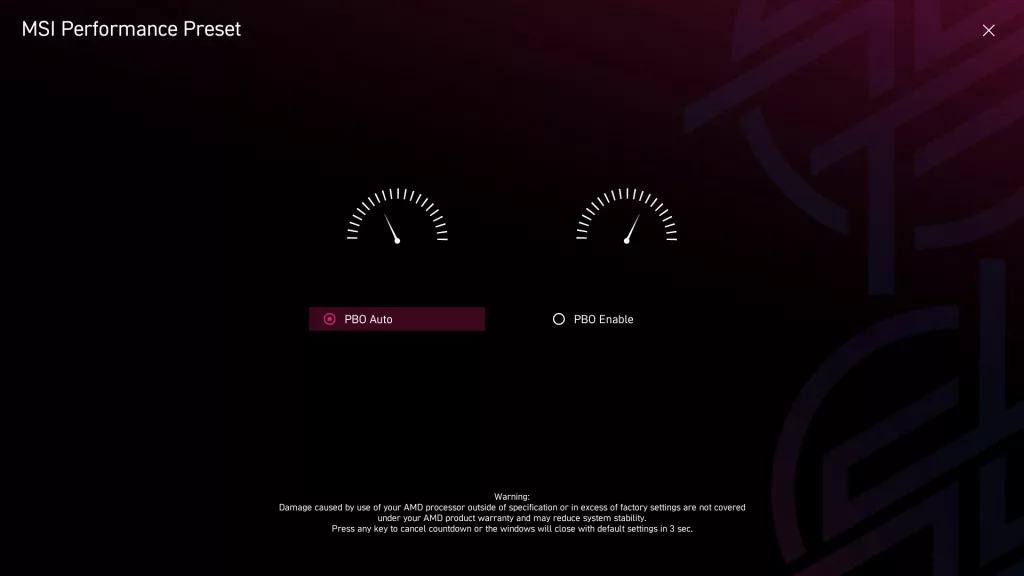
The UEFI/BIOS has the common “Easy and Advanced” modes. You are initially presented with a page asking whether or not you wish to engage Precision Boost Overdrive. The home page of choice can be selected from the Easy Mode menu. All in all, the design of the BIOS, ease of selections, location of menus, and look are very refreshing. The BIOS is very responsive, things are easy to find, and the design is easy on the eyes. The Easy Mode has a selection of basic menus, but quite honestly, most of what you need.
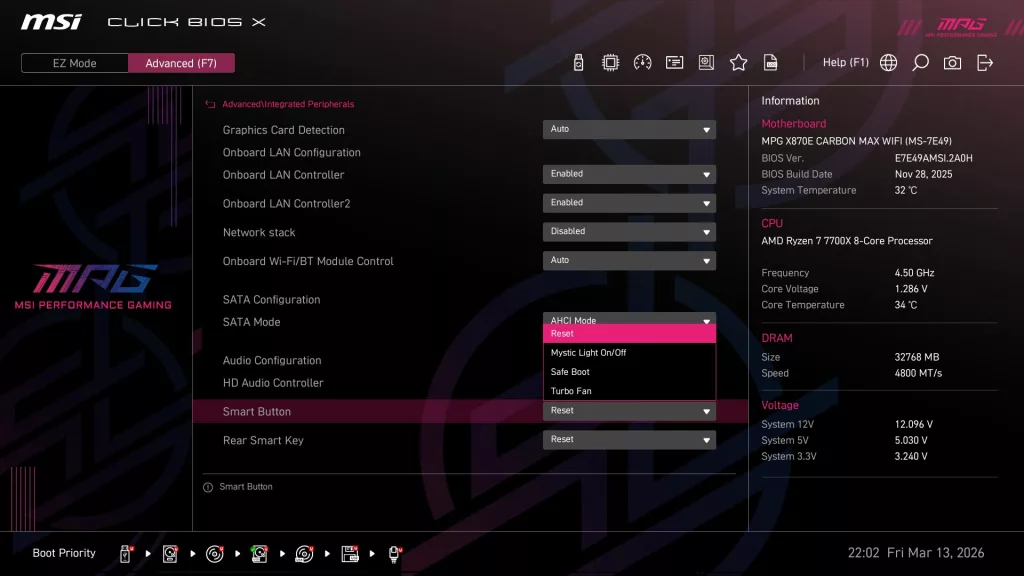
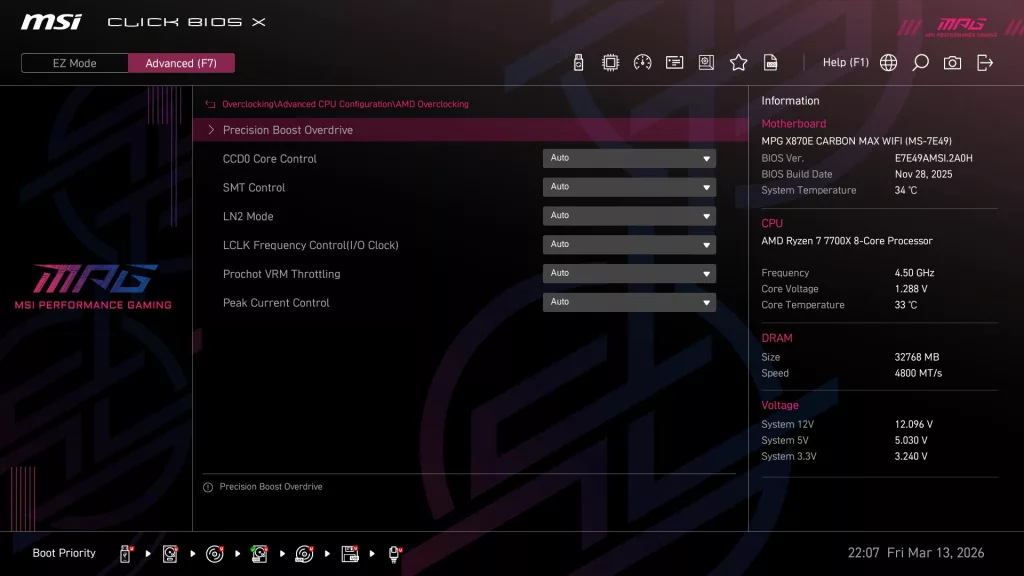
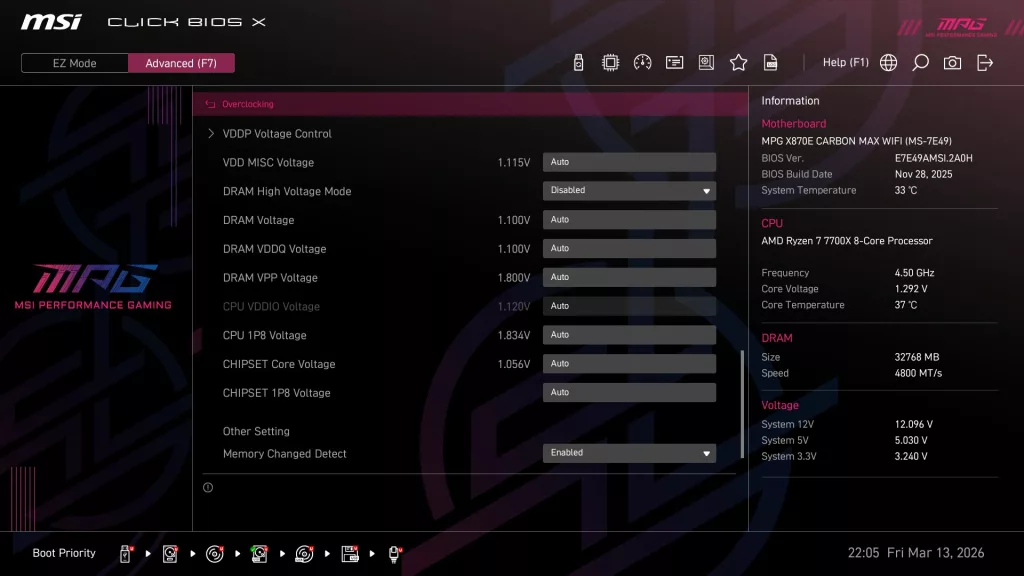
The Advanced page has been divided into essentially four headings: Advanced, Overclocking, Security and Boot. Honestly, the only reason to use Advanced Mode would be manual overclocking or motherboard settings such as the M.2/USB4. There are quite a few pages devoted to manual overclocking the CPU and RAM, however. There are also pages devoted to refining PBO as well. Otherwise, nearly everything can be done by one click in the Easy Mode section.
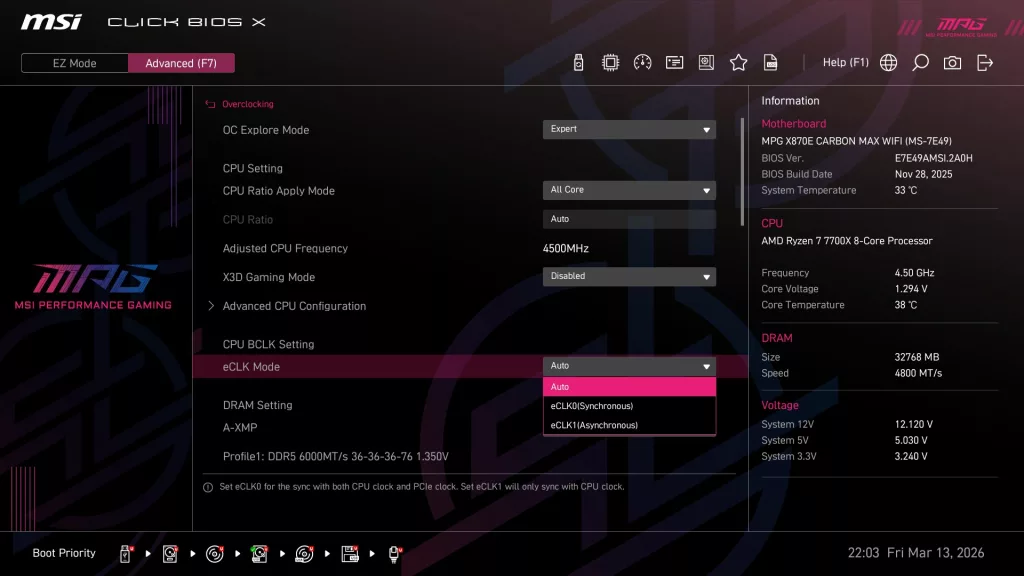
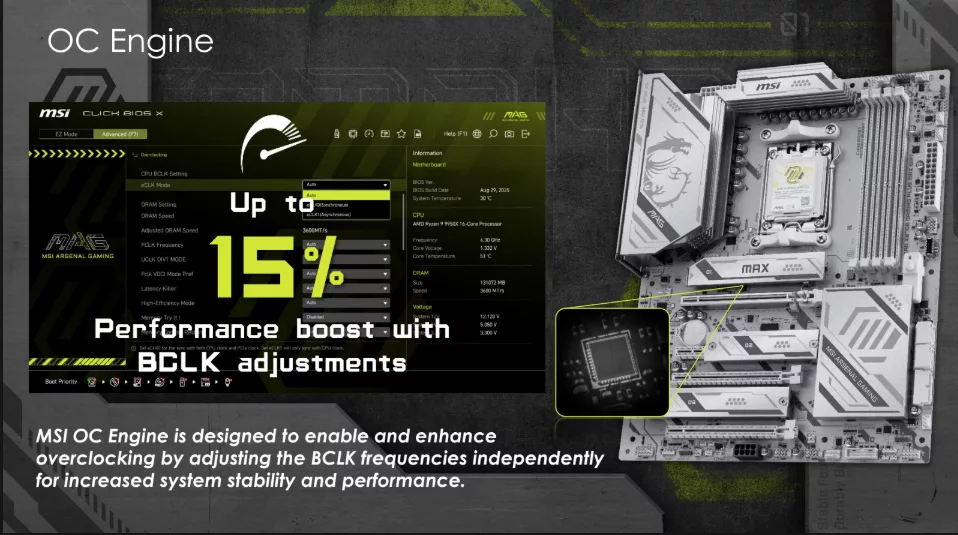
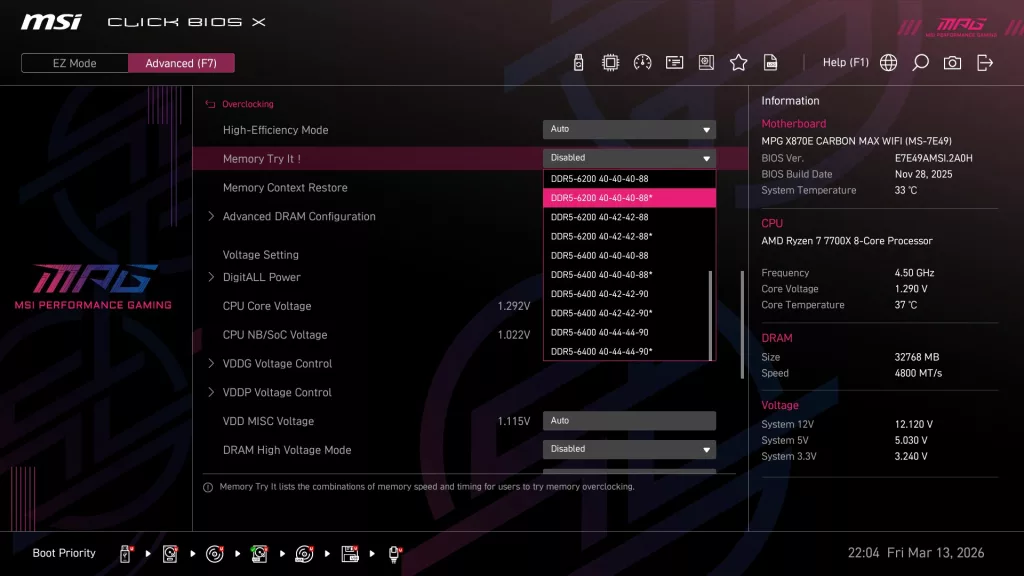
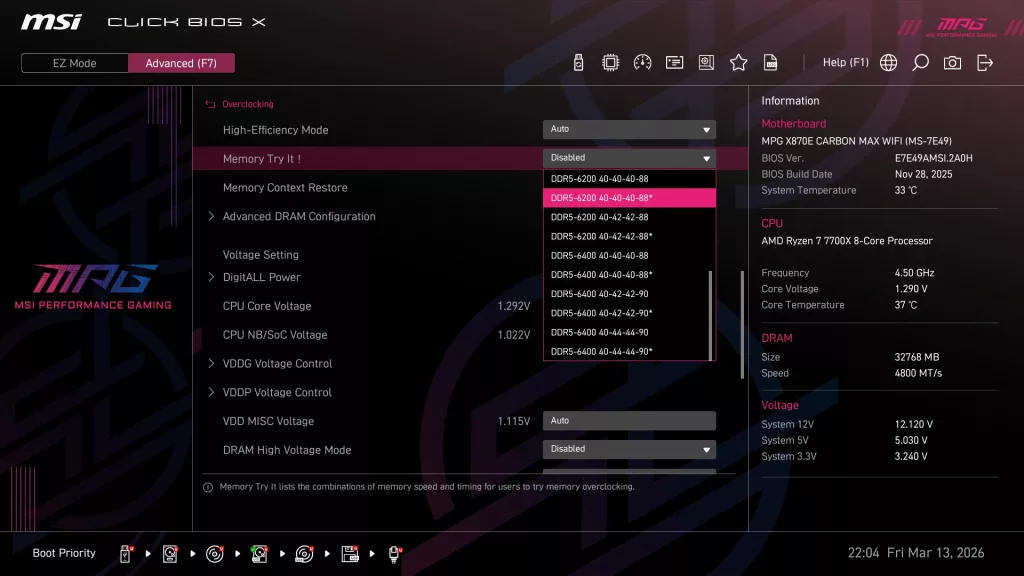
Above you see three slides taken from the MSI review slide deck showing some of the BIOS additions falling under the “MAX” refresh. We spent quite a bit of time with X3D Mode when we reviewed the GIGABYTE X870E AORUS ELITE X3D motherboard in November of 2025, as well as the MSI MAG X870E TOMAHAWK MAX WiFi PZ board in December 2025. We found that there was little to be gained from this as far as performance in gaming. The “Memory-Try-It” function has been included in MSI BIOS for some time. It is more or less an extension of XMP/EXPO.
The overall boost it may give to your memory speeds is minimal over XMP/EXPO. The “OC Engine” is an exclusive function of the new MAX refreshed boards. It will allow increasing the BCLK isolated from any other clock function. Essentially, this is an external clock generator. It may be the CPU we use for testing, but we could not gain anything when using even the minimal increases offered to the BCLK. Our system was not stable at all, versus being completely solid using PBO alone.
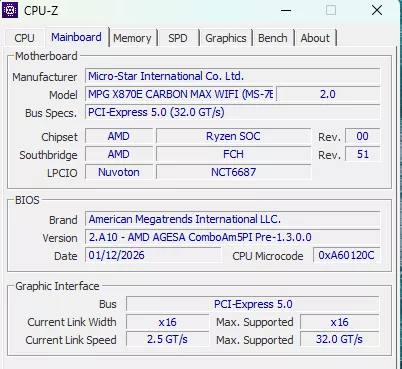
The MSI MPG X870E CARBON MAX WiFi came to us with BIOS E7E49AMSI.2A0H dated 28 NOV 25. The most up-to-date version is E7E49AMSI.2A10 dated 12 JAN 26. We used the on-board M-Flash to flash the latest edition. M-Flash is quite straightforward, needing only the unzipped BIOS version on a flash drive. Once inside the BIOS, choose M-Flash (F8) and follow the prompts. The software locates the BIOS version and does all the work. You may also use the Flash BIOS button from the I/O panel. This method only requires the flash drive and the power supply plugged in and turned on.
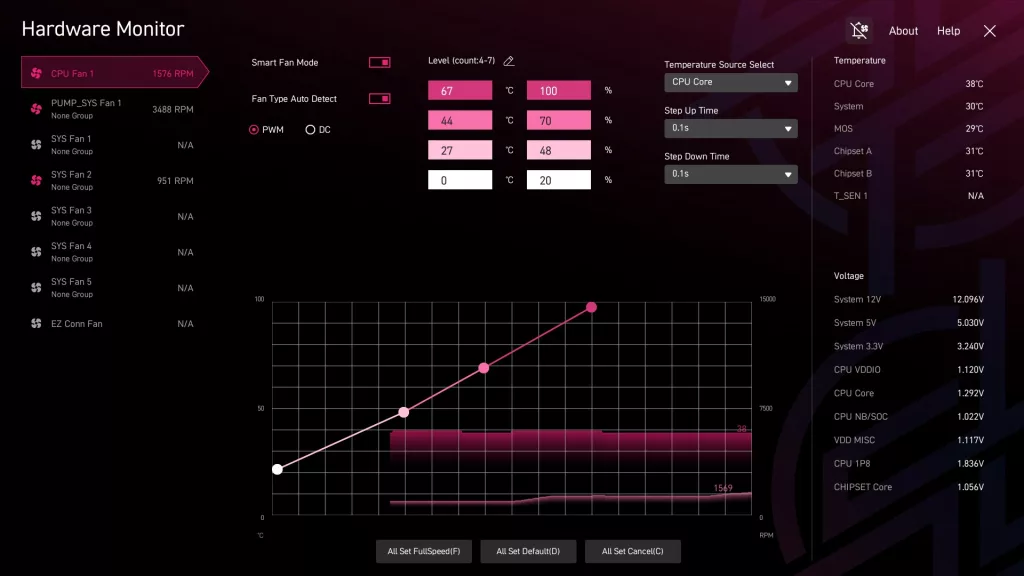
Below we have posted a brief gallery of screenshots from the MSI MPG X870E CARBON MAX WiFi to demonstrate the look and organization of the BIOS. Also, please review the BIOS section of the MSI MPG X870E CARBON WiFi, as other than the few BIOS additions for the “MAX”, it has the same exact BIOS.