
UEFI/BIOS
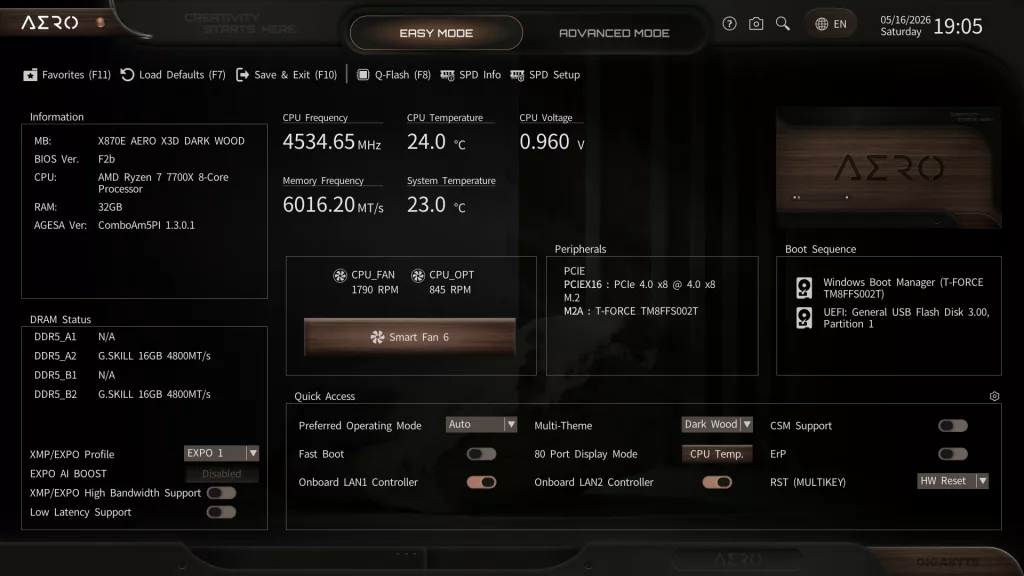
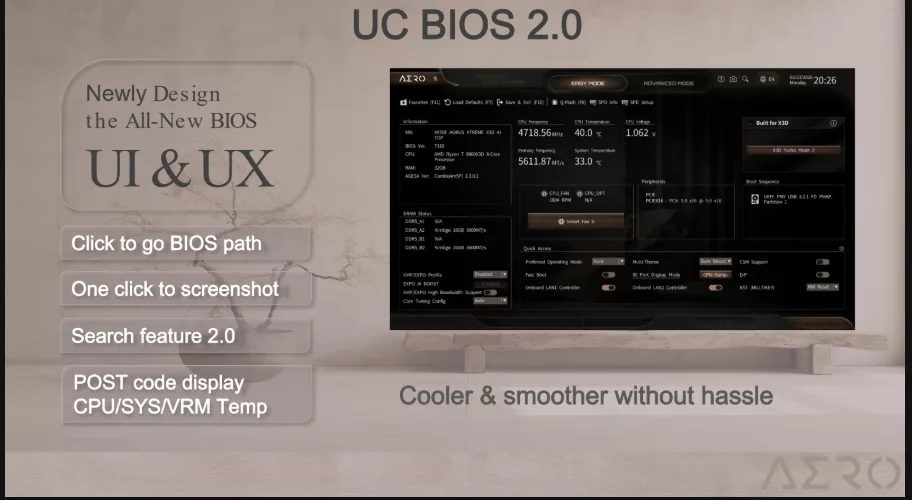
The GIGABYTE X870E AERO X3D DARK WOOD follows in line with the other “refreshed” motherboards we have reviewed in 2026, in that it is equipped with a 64MB BIOS chip versus the more common 32MB. This extra capacity allows GIGABYTE to equip the BIOS with the Wireless drivers to aid with installing Windows 11, as well as free up space for a larger BIOS that may accompany future CPUs. GIGABYTE has also redesigned its BIOS format, called UC BIOS 2.0, using fewer headers and a simple one-click system for selections. Otherwise, this BIOS is a standard AMI BIOS, entered in standard fashion.
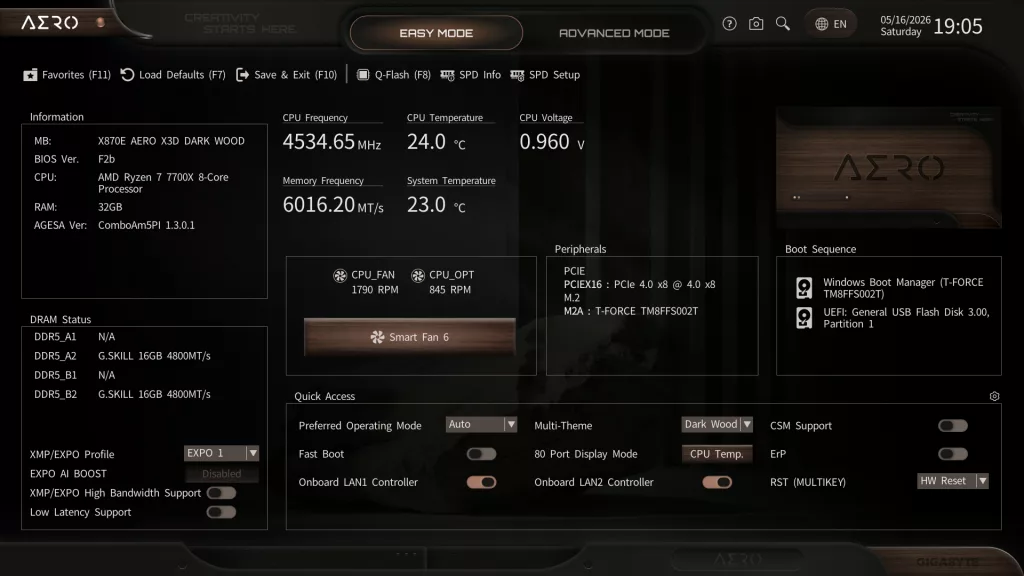
The UEFI/BIOS has the common “Easy and Advanced” modes. The home page of choice can be selected from the Easy Mode menu. All in all, the design of the BIOS, ease of selections, location of menus, and look are very refreshing. The BIOS is very responsive, things are easy to find, and the design is easy on the eyes. The Easy Mode has a selection of basic menus, and quite honestly, most of what you need.
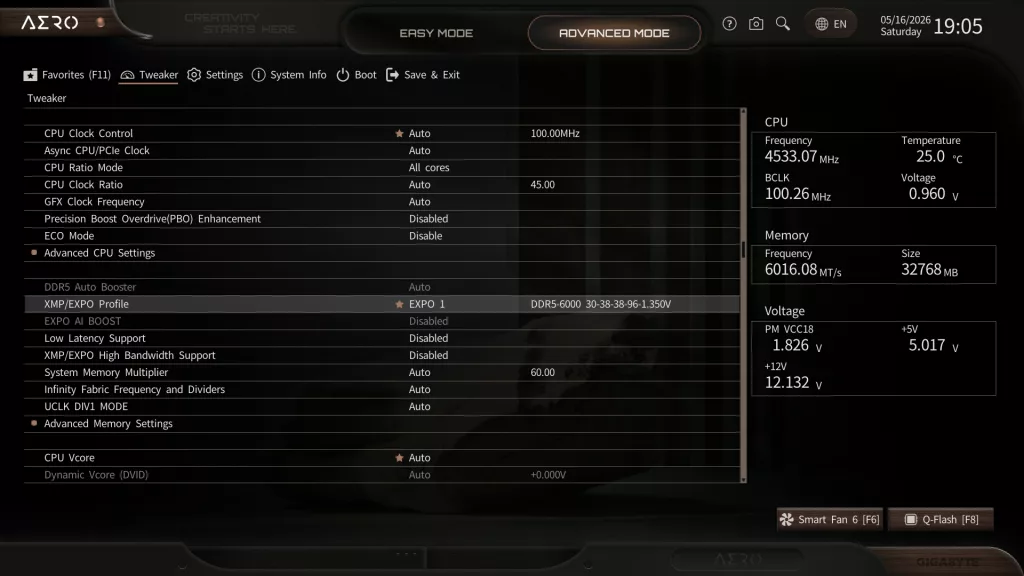
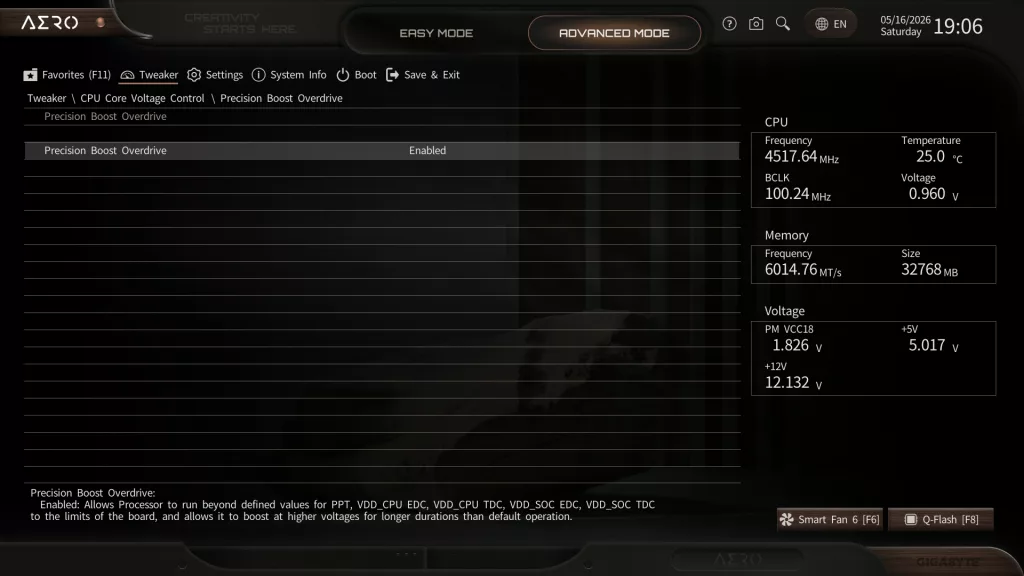
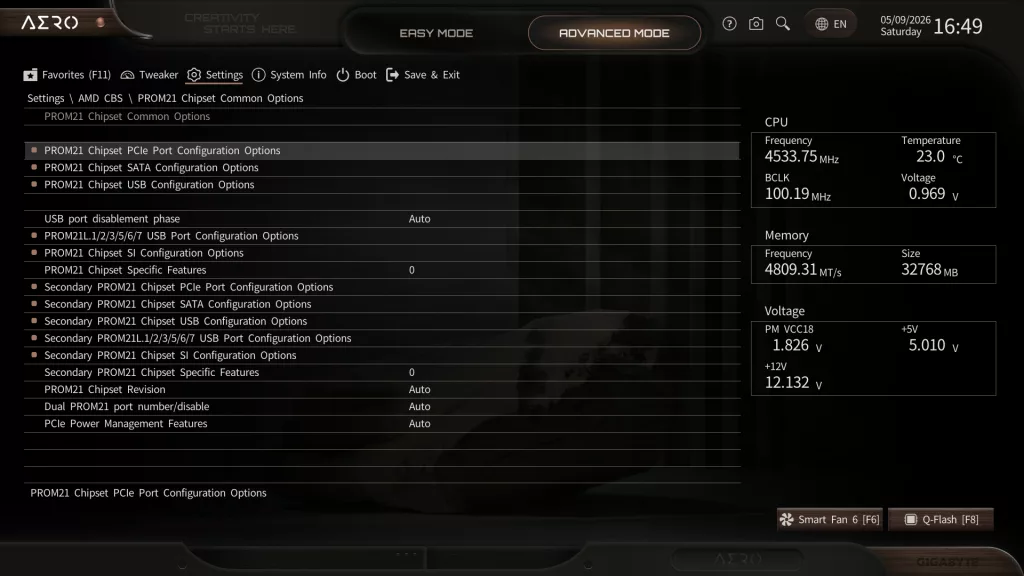
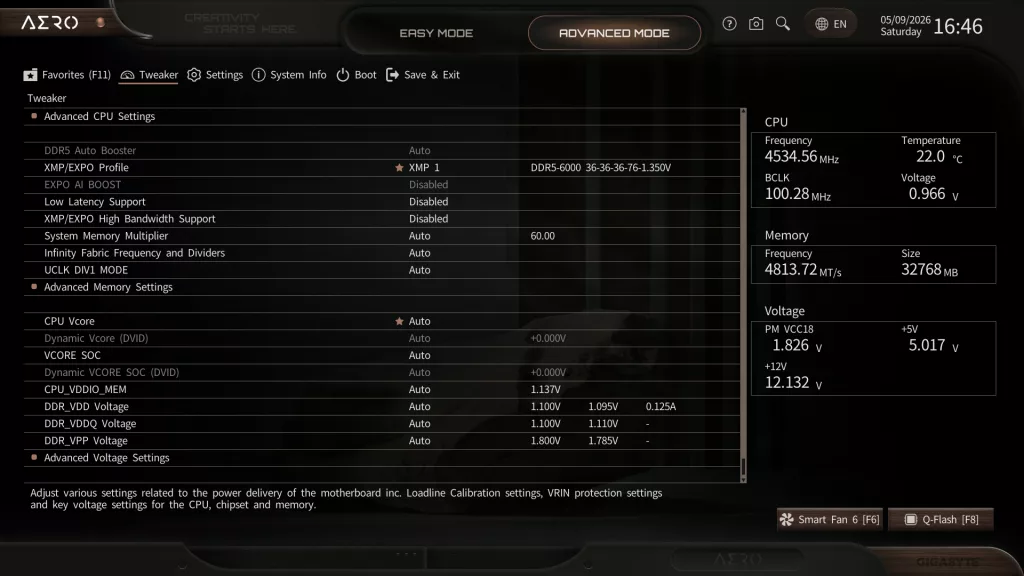
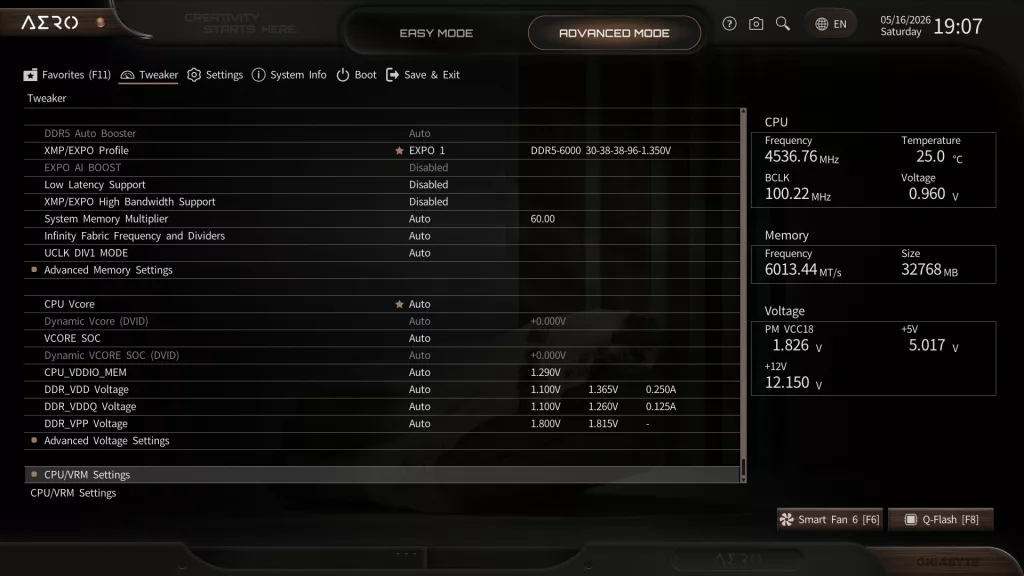
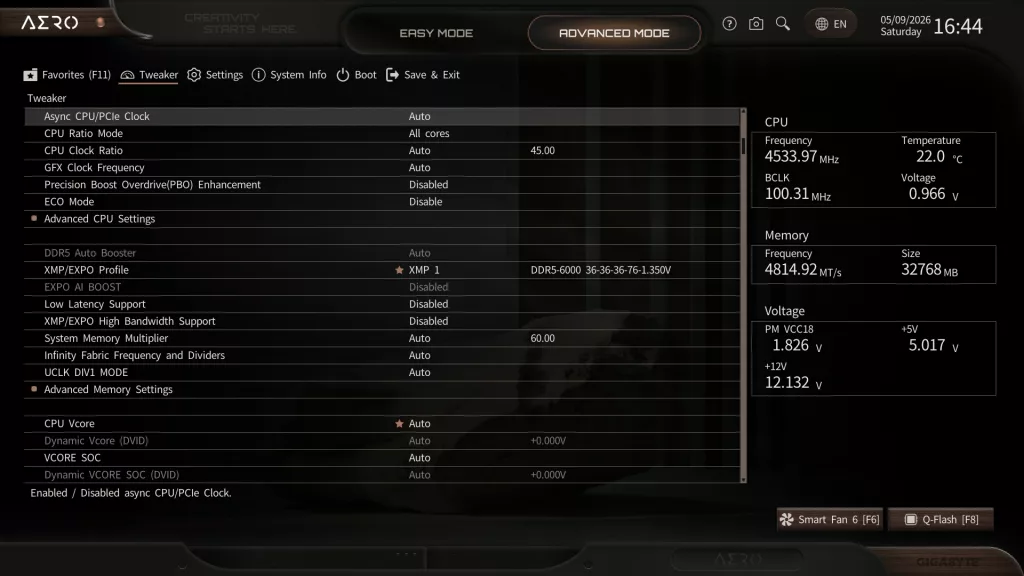
Memory tuning via EXPO is an Easy mode function, as is SmartFan6, while setting Precision Boost Overdrive is located in the “Advanced-Tweaker” section. Advanced mode headings have been simplified to “Tweaker, Settings, System Information, Boot, and Save and Exit.” Both “Tweaker and Settings” are now quite vast, but it is quite easy to understand and find what you are looking for. “Tweaker,” as you would guess, includes the setting menus for CPU and Memory overclocking, while “settings” takes you into all the other motherboard options.


Above you see a couple of screenshots pulled from the GIGABYTE slide deck. These highlight two of the headliners in the X870E AERO X3D DARK WOOD motherboard BIOS. We spent quite a bit of time with both of these software pieces when we reviewed the GIGABYTE X870E AORUS ELITE X3D motherboard in November of 2025. Quite honestly, we did not find any real-world gaming advantage to the X3D Turbo Mode 2. There was some performance improvement to very select games in 1080p, but the overall result was unimpressive. We did see some minor performance boost using the Max Performance mode in synthetic benchmarks for productivity. These were in the range of 1-5%.
As of this review, X3D Mode is only available using the Ryzen 9000 series X3D CPUs. If supported, there will be a box in the Easy Mode section for you to enable it. D5 Bionic Corsa is a memory boost software tool offered by GIGABYTE. It requires AMD EXPO-supported memory first of all. Following that, there are several steps to enable the software in both the BIOS and Windows to use it. After all that, it provides a minimal boost when compared to using the one-click EXPO or XMP profiles already established in the memory SPD.
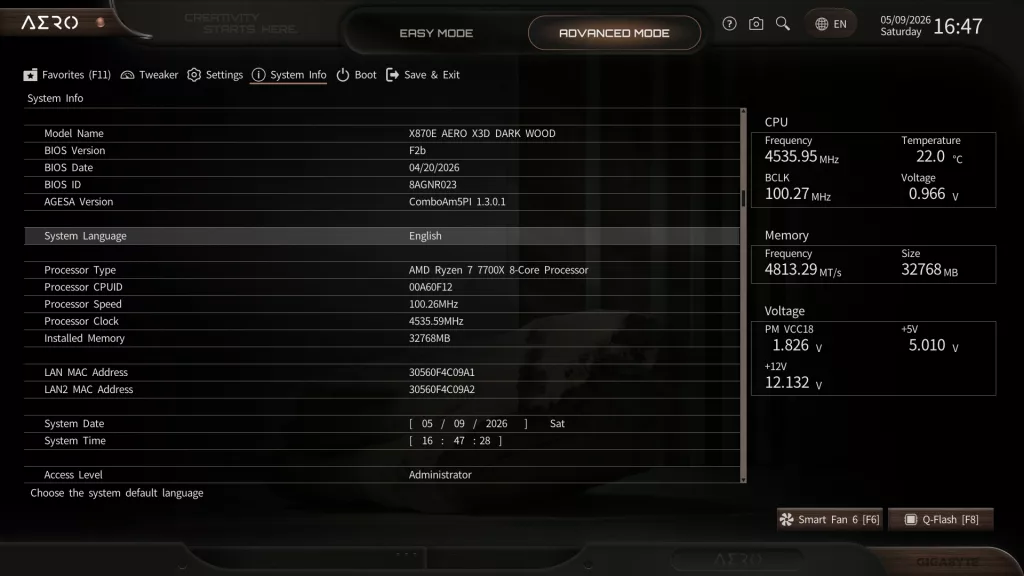
The GIGABYTE X870E AERO X3D DARK WOOD came to us with BIOS F1 dated 26 FEB 2026. The most up-to-date version is F2b dated 19 APR 2026. We used the on-board Q-Flash to flash the latest edition. Q-Flash is quite straightforward, needing only the unzipped BIOS version on a flash drive. Once inside the BIOS, choose Q-Flash (F8) and follow the prompts. The software locates the BIOS version and does all the work. You may also use Q-Flash-Plus from the I/O panel. This method only requires the flash drive and the power supply plugged in and turned on.
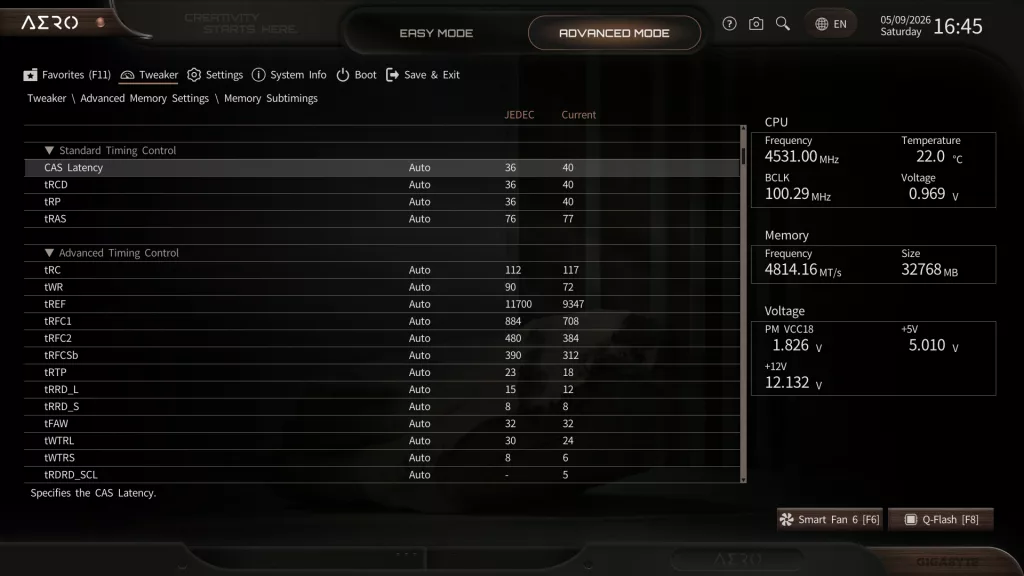
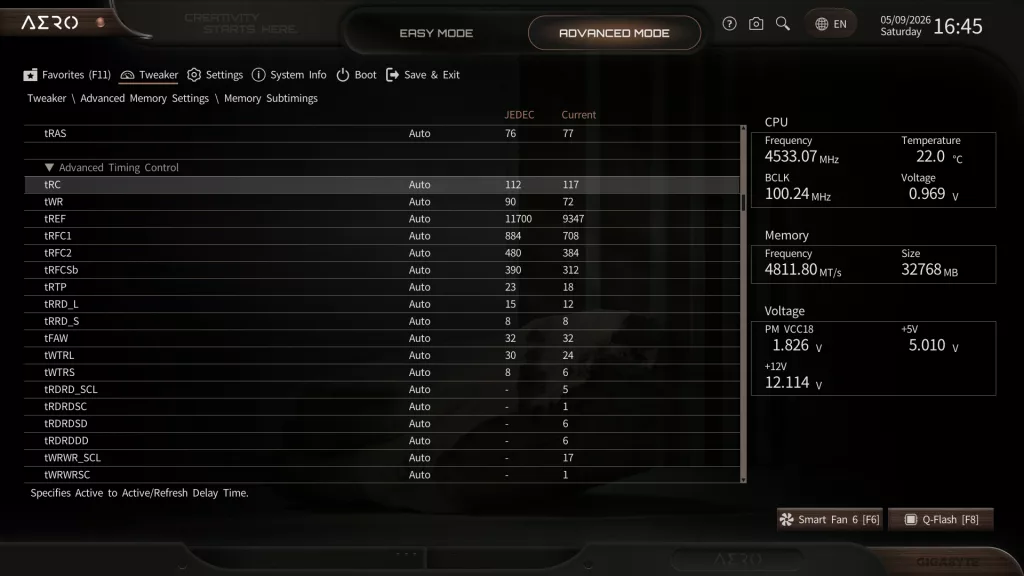
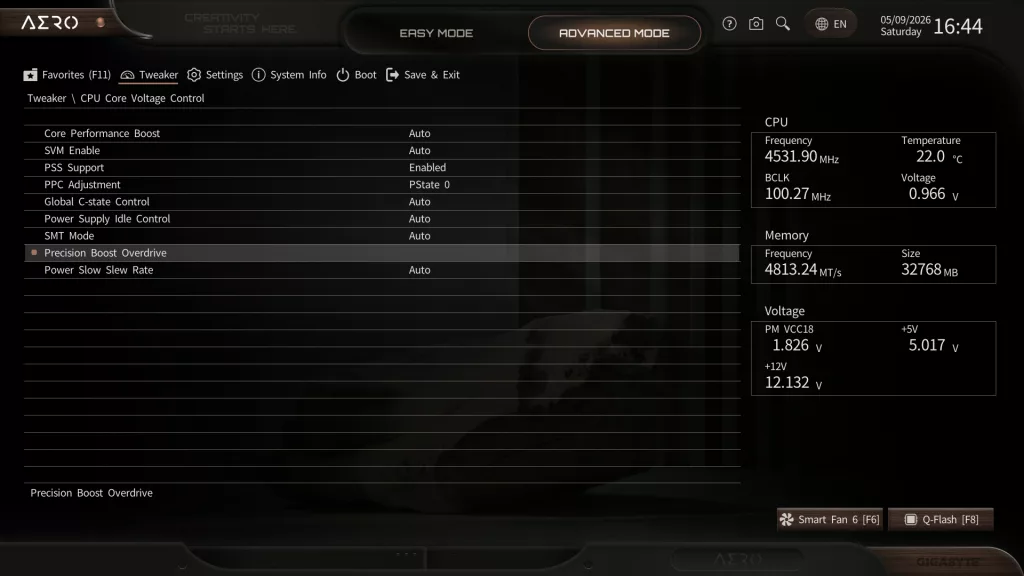
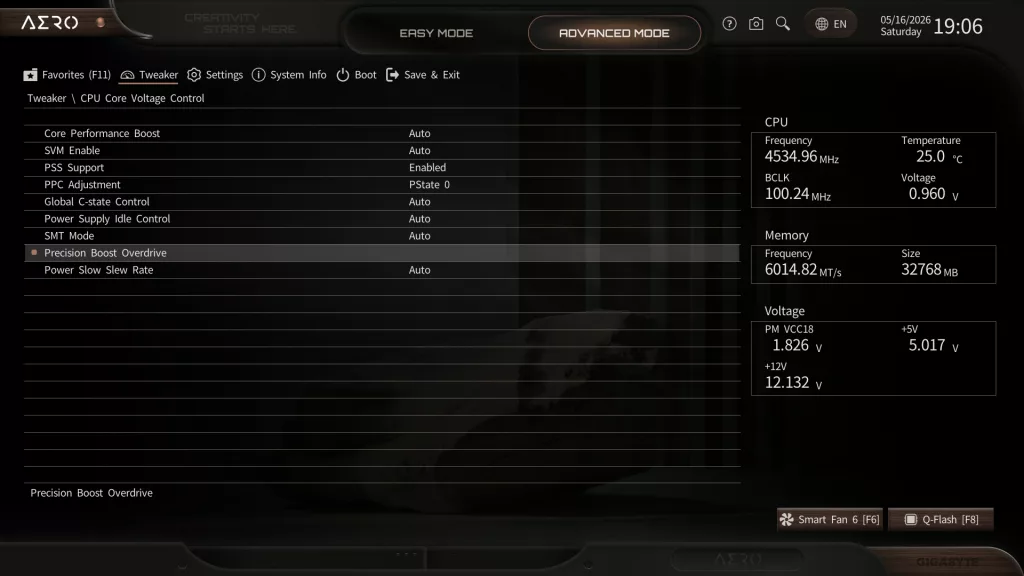
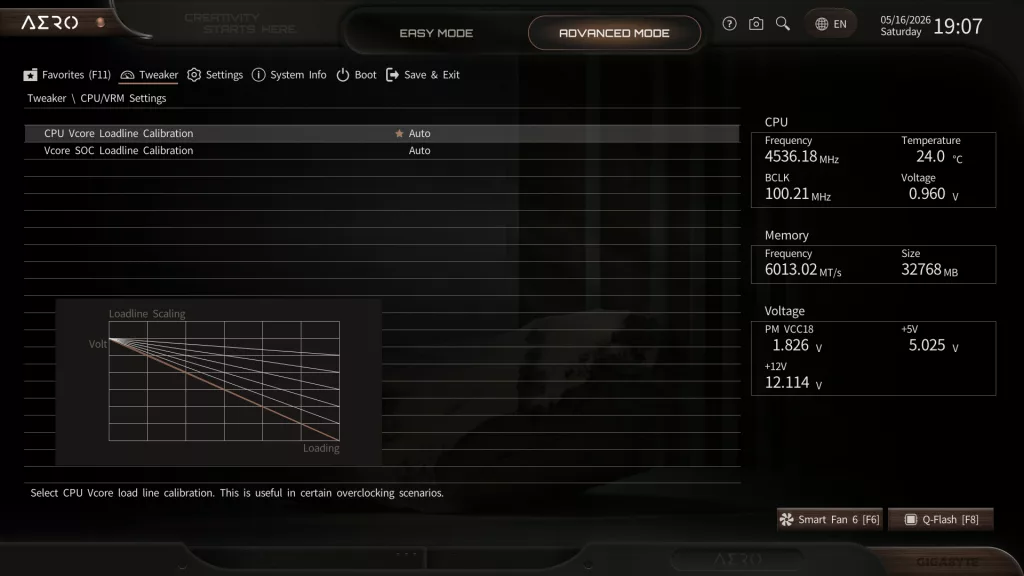
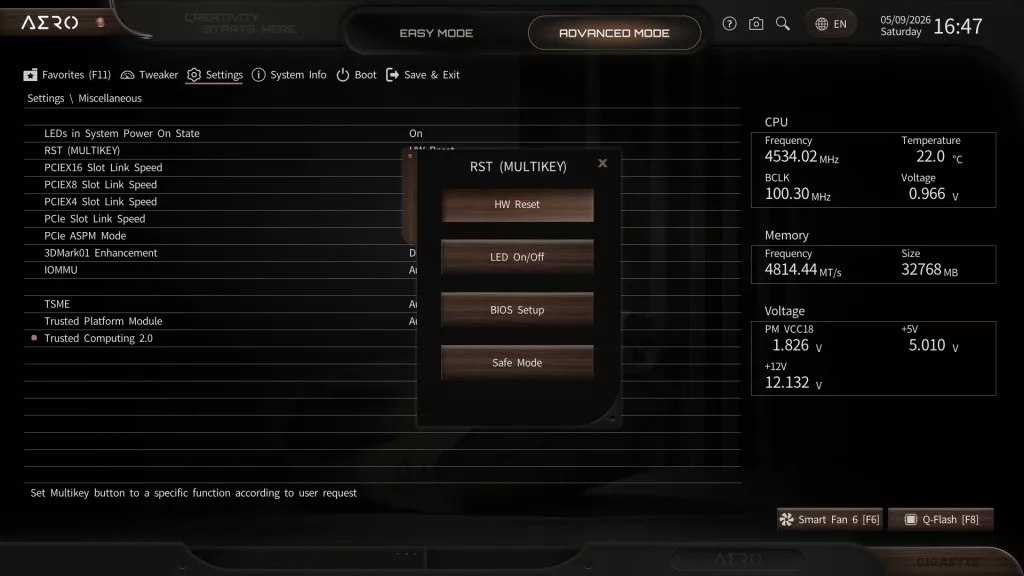
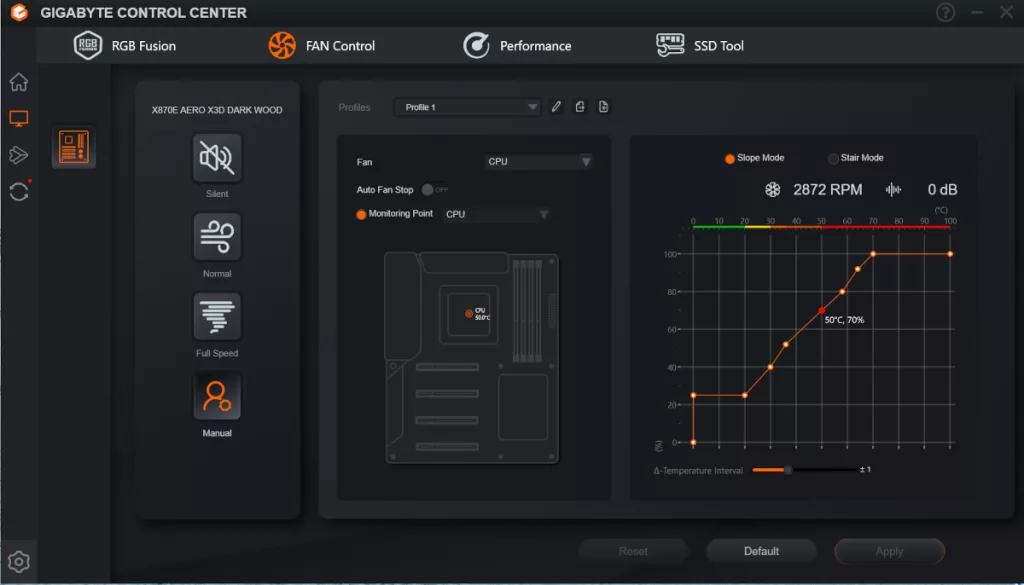
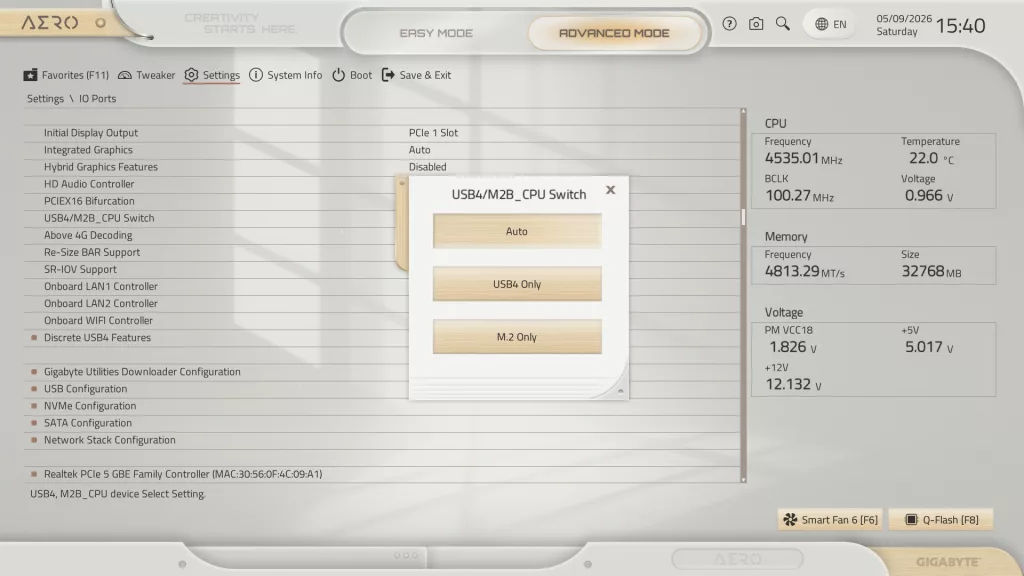
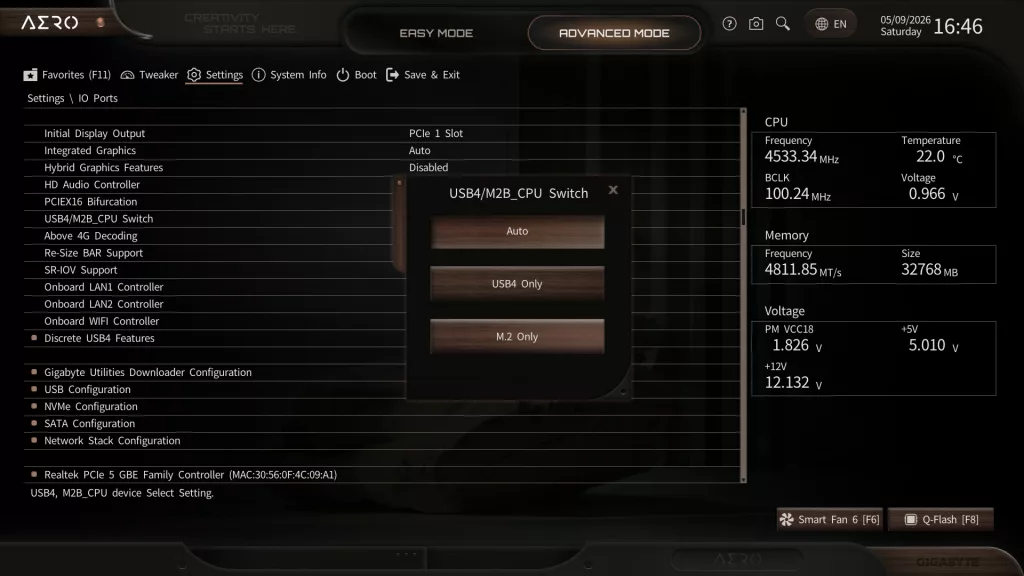
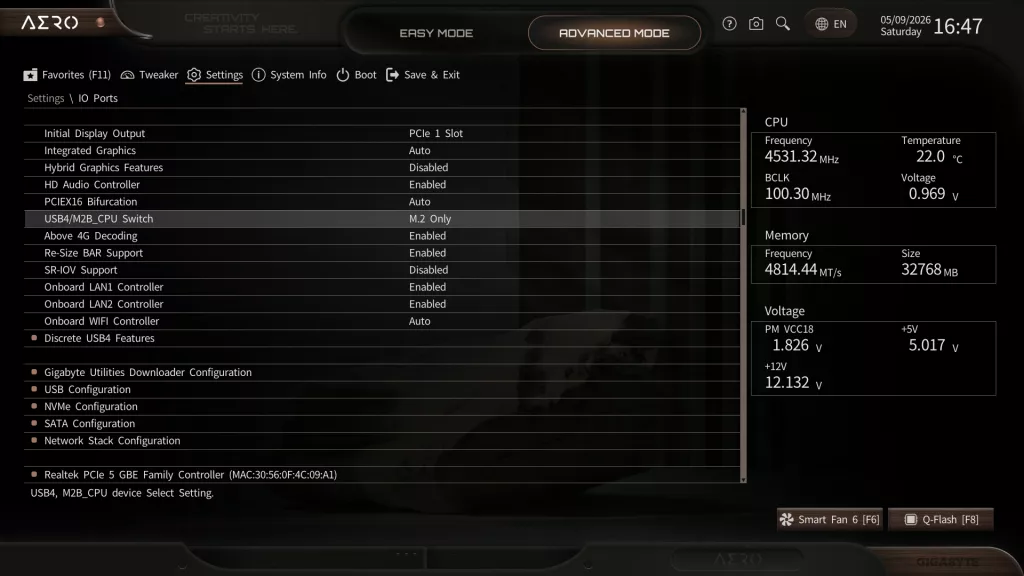
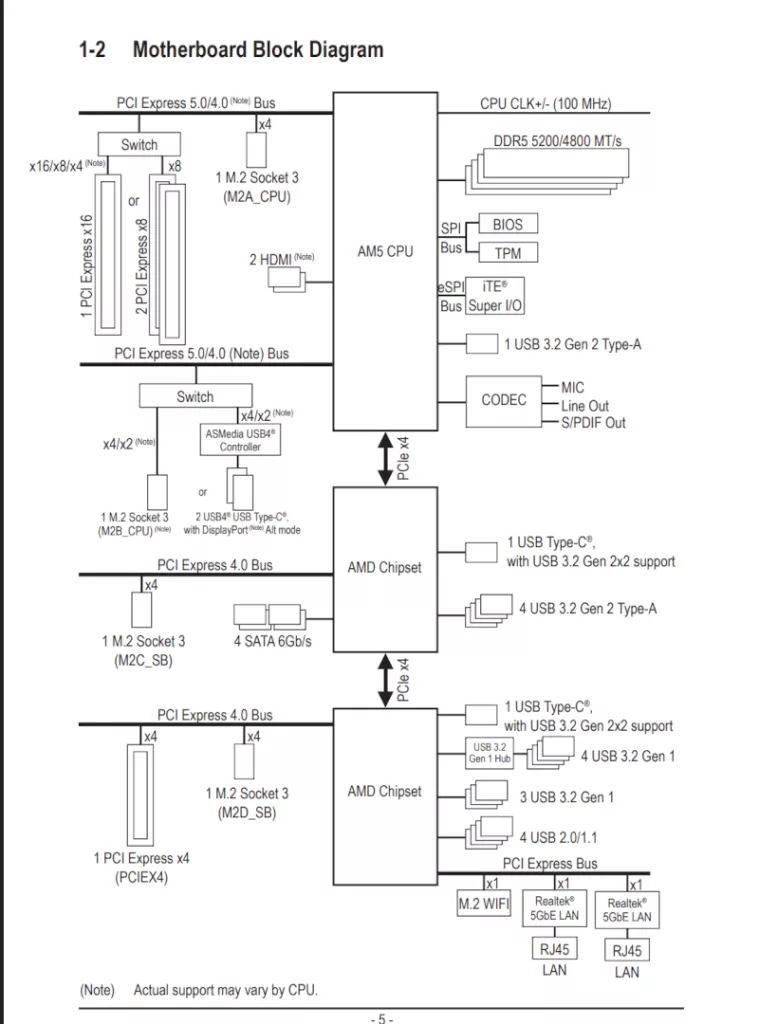
Below we have posted a brief gallery of screenshots from the GIGABYTE X870E AERO X3D DARK WOOD to demonstrate the look and organization of the new UC BIOS 2.0. Also, please review the BIOS section of the X870E AORUS ELITE X3D, as, other than color theme and logo, it has the same exact BIOS. Also you may browse the BIOS section of the GIGABYTE X870E AERO X3D WOOD review, but understanding the BIOS is identical save for the background color scheme.
Discussion (2 replies)
Join Discussion →Looks sharp for someone doing a new build.
Gigabyte couldn't spring for the new 10Gbit Realtek NIC for a US$500 board huh...