
UEFI/BIOS
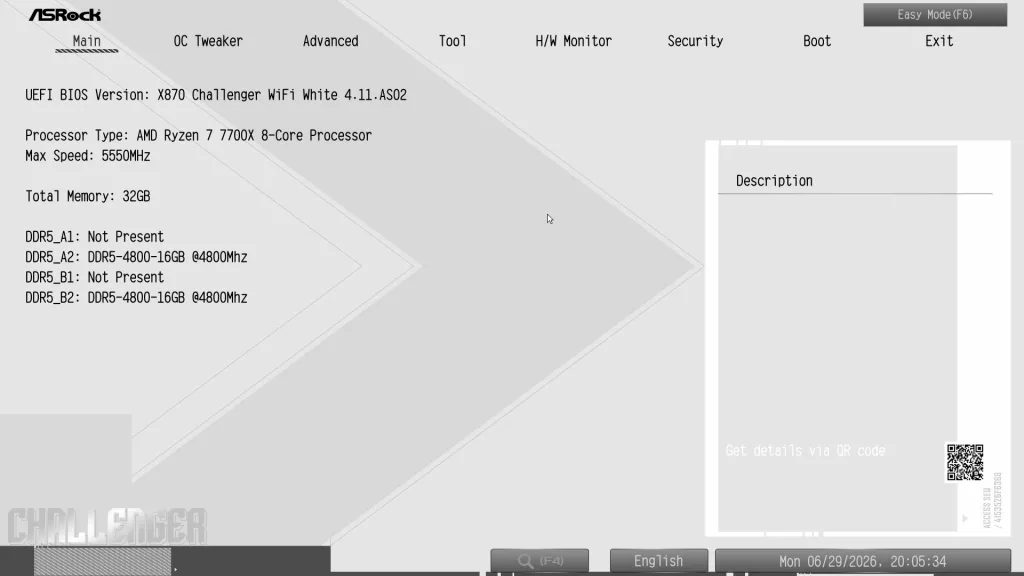
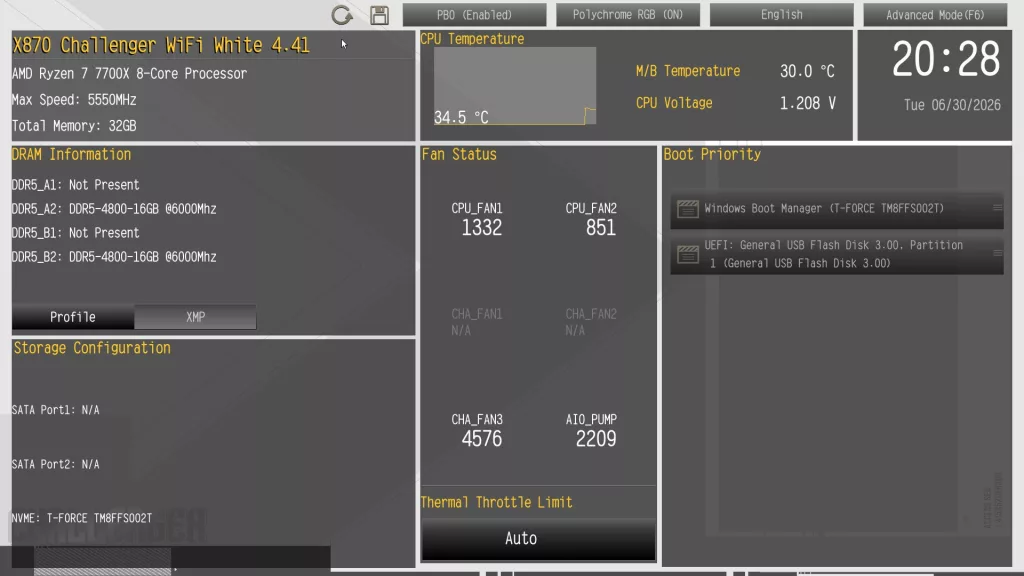
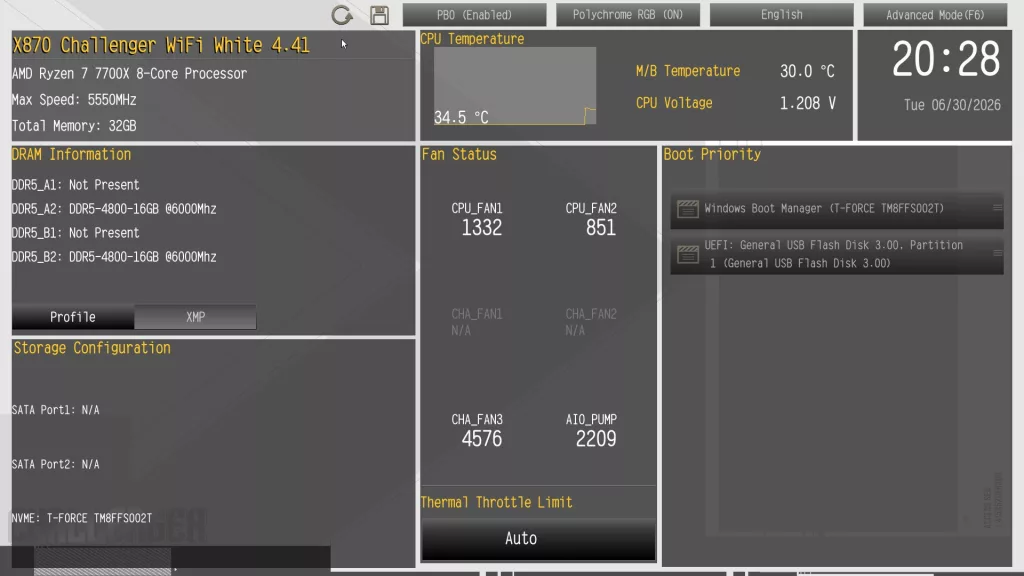
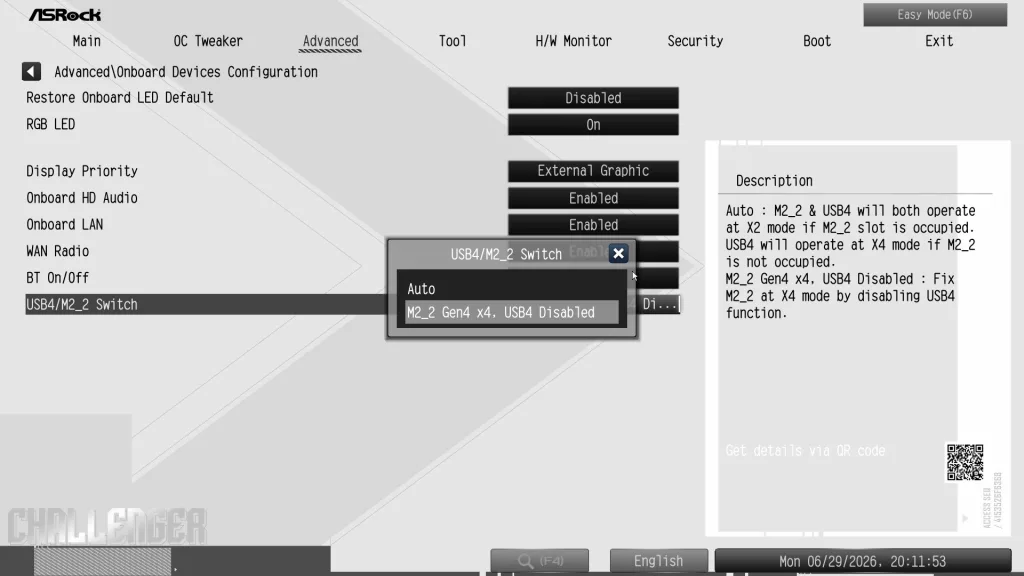
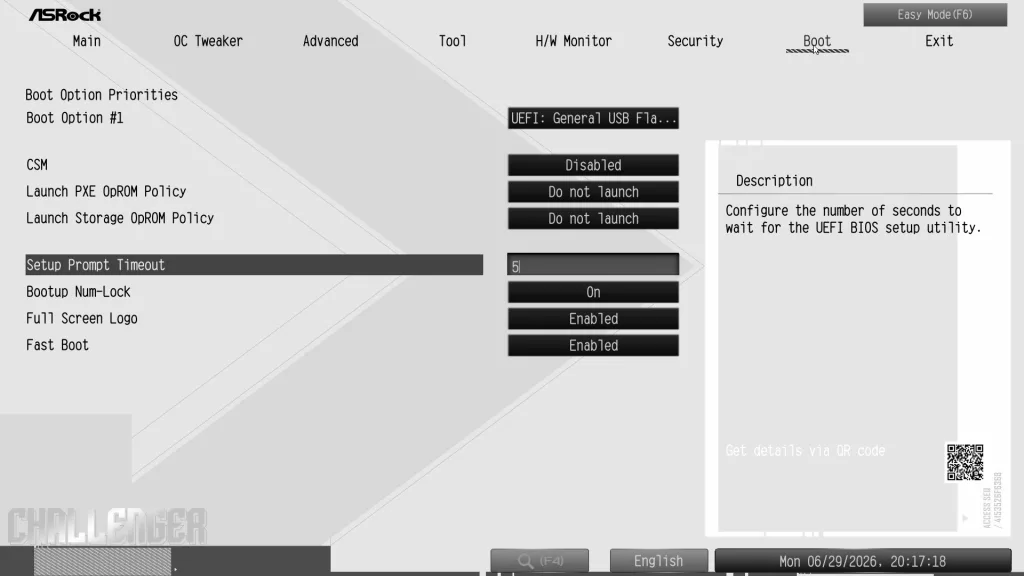
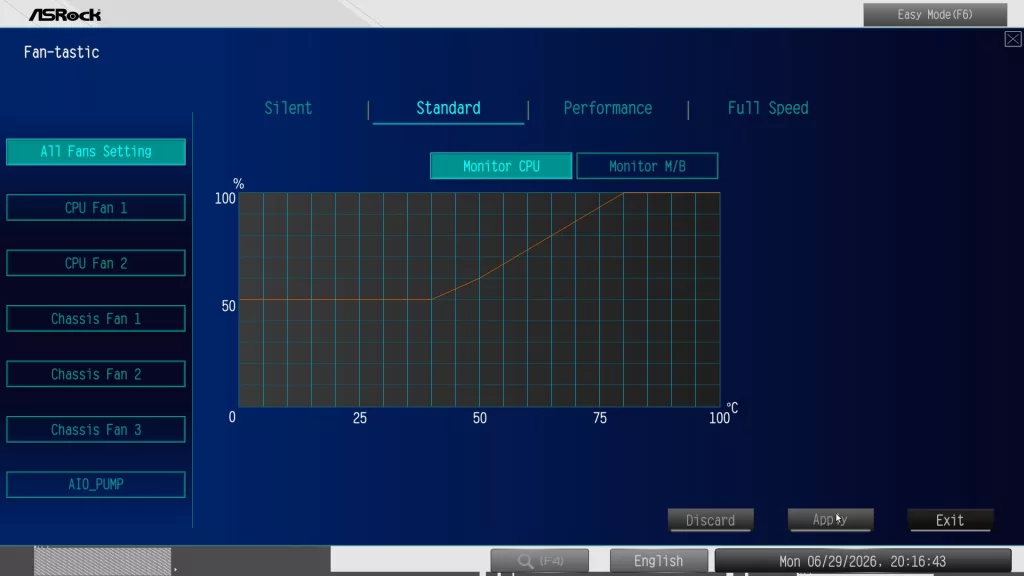
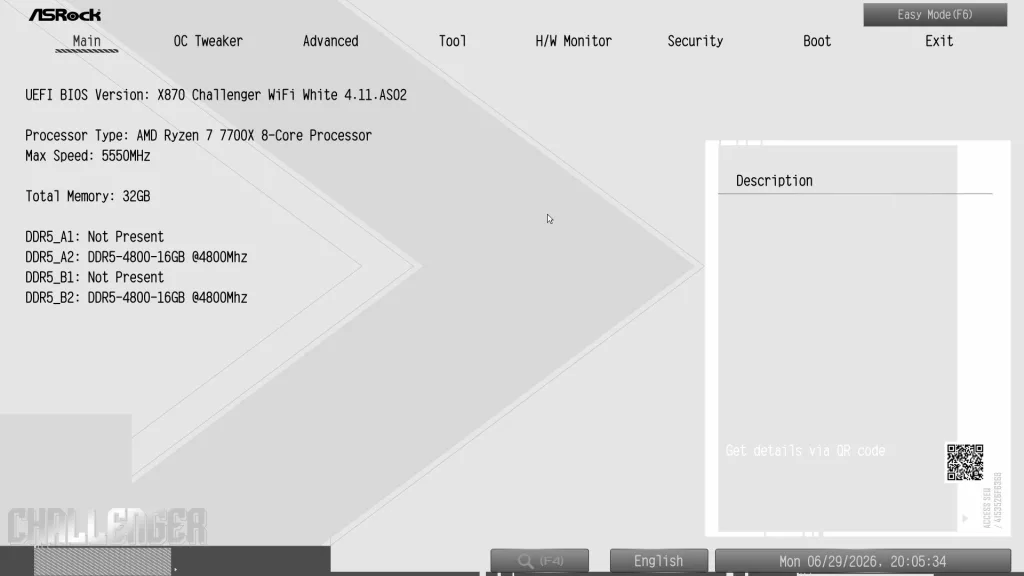
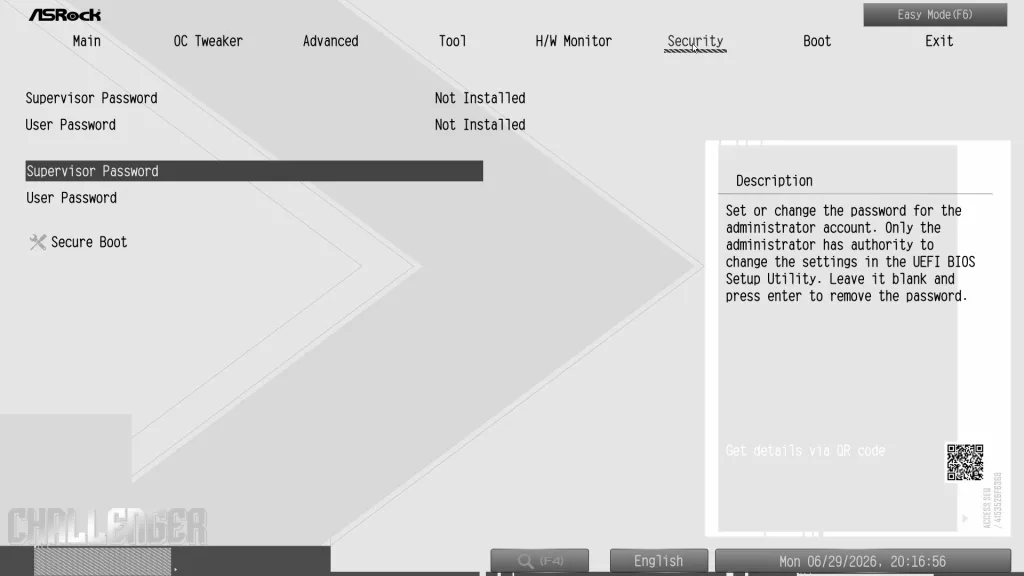
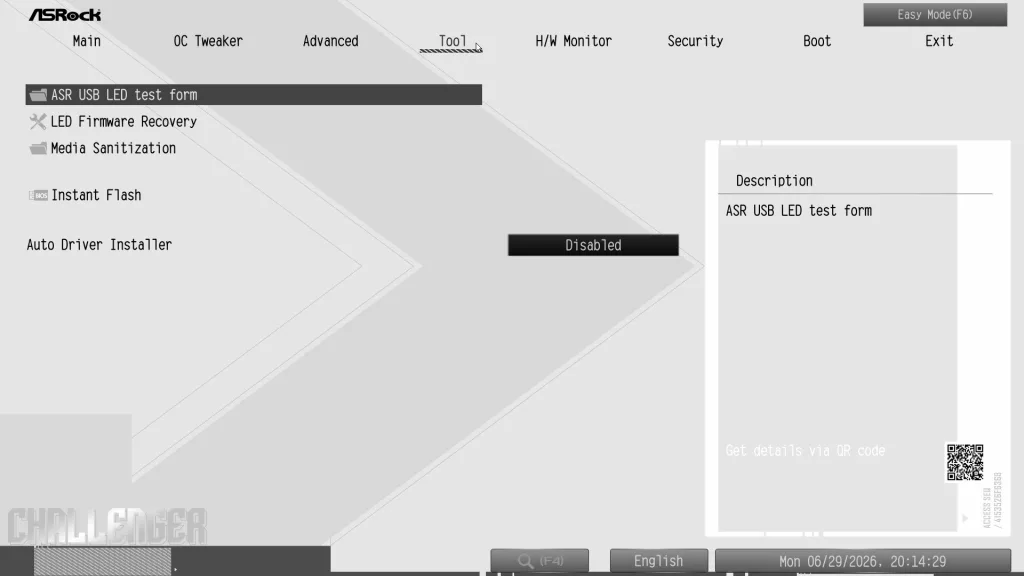
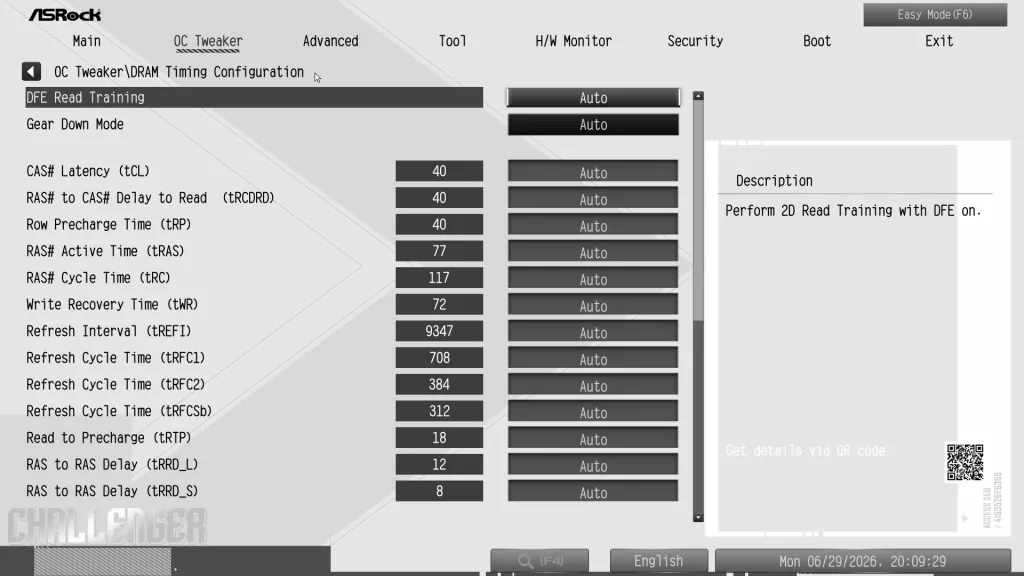
The X870 CHALLENGER WiFi White uses a standard AMI BIOS that is closely aligned with BIOS functions on the Steel Legend and Phantom Gaming motherboards. We should add that ASRock has followed the 2026 motherboard trend in upgrading the BIOS chip to 64MB. The thought is it may help keep this AM5 board relevant as new Zen6 CPUs are released with perhaps larger BIOS requirements. The consistent theme throughout is the simple navigation by clicking. The BIOS is divided into two sections, Easy Mode and Advanced Mode. If you are a one-click overclocker, the Easy Mode will be all that you need in that regard. In keeping with X870 chipsets, there are numerous settings for overclocking the memory and CPU within the “OC Tweaker” heading in the “Advanced” section of the BIOS. There are multiple settings to control voltage and timings. Advanced mode also contains sections for motherboard I/O performance, onboard devices, hardware monitoring and fan adjustments, BIOS flash, and Auto Installer. We include a small sampling of BIOS screenshots below. For a more in-depth look at the BIOS menus, we invite you to look over our review of the ASRock Phantom Gaming X870 RIPTIDE WiFi, as the BIOS setup is identical.
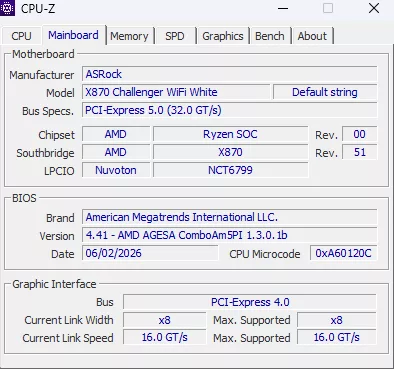
The board came to us with the release BIOS version 4.11 ASO2 dated 24 FEB 2026. We used ASRock Instant Flash to update the BIOS to version 4.41 dated 17 JUN 2026. The software was very straightforward to use and worked very well. The unzipped BIOS was placed on a USB drive, the software was enabled, and the rest was automatic, simply following prompts. There is the same available from the rear I/O panel. All you need is the board, a power supply, and a USB.
Overall, ASRock BIOS is well designed and very intuitive. There are very detailed descriptions of each menu selection as you highlight them, which is quite helpful. The BIOS is quite familiar as it is identical to those on the other ASRock gaming-centric motherboards. As we stated, if you like simple, Easy Mode is really about all you need. You can enable PBO, XMP/EXPO, select boot order, and fan controls all from one screen.
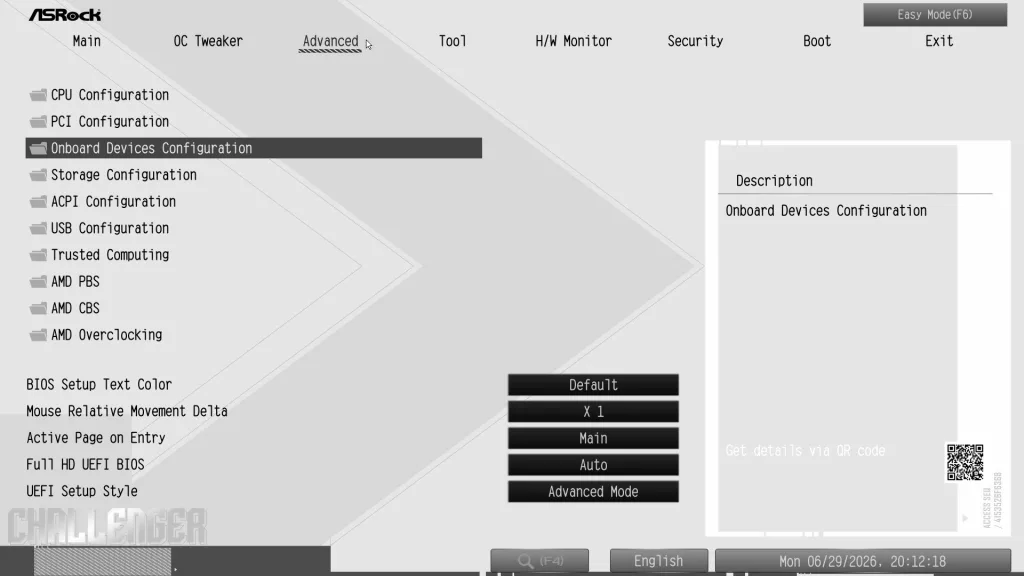
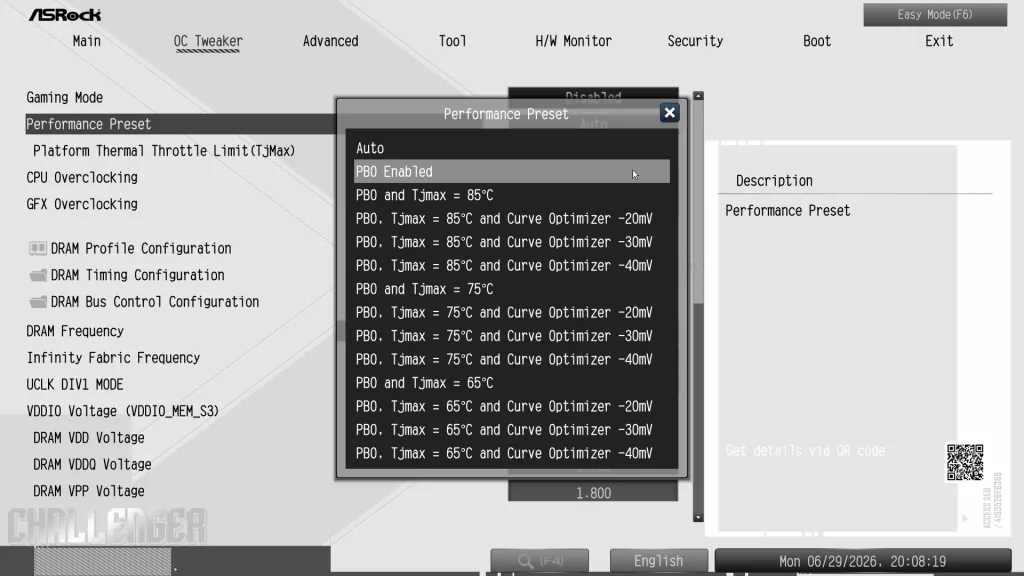
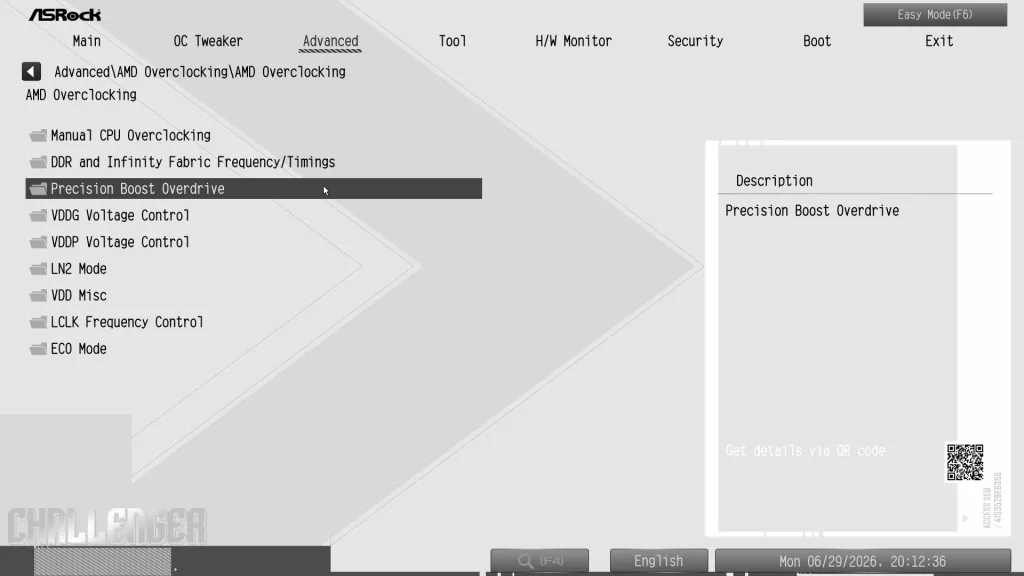
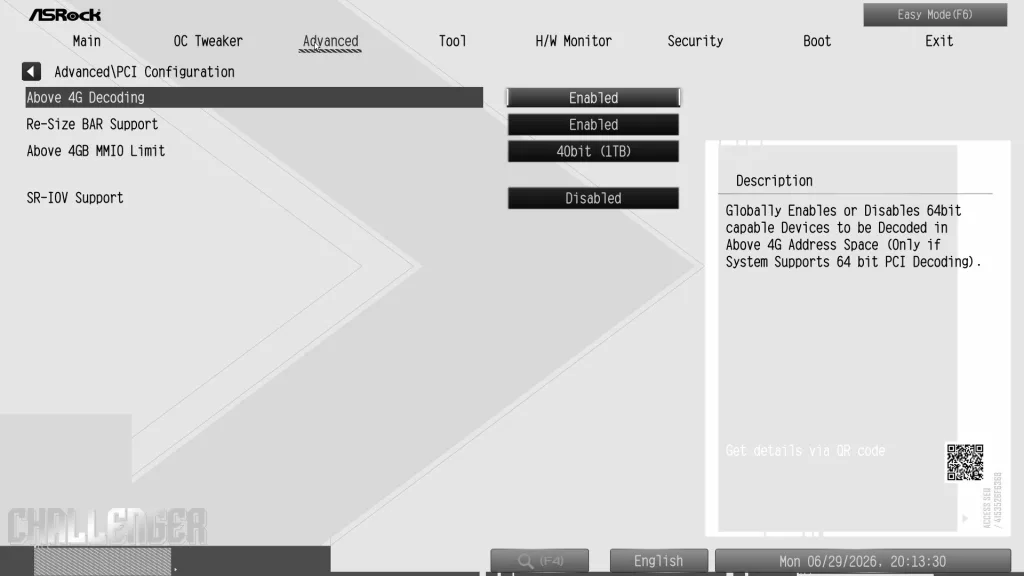
Discussion
Join Discussion →No replies yet. Be the first to reply on the forum.