
UEFI/BIOS
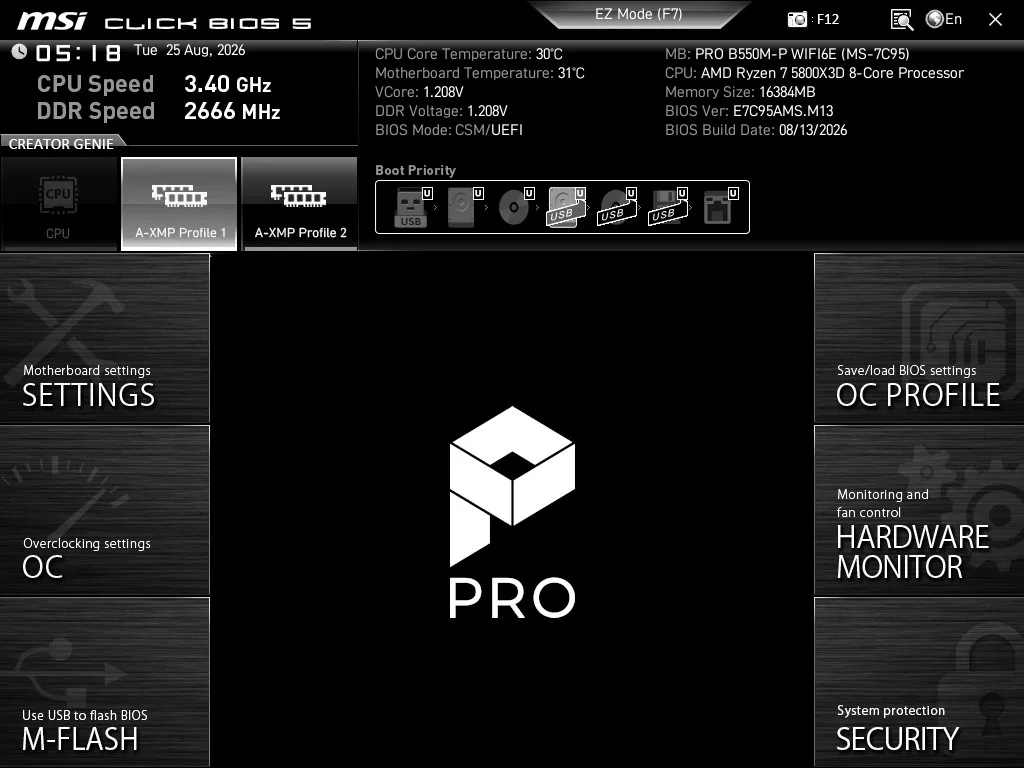
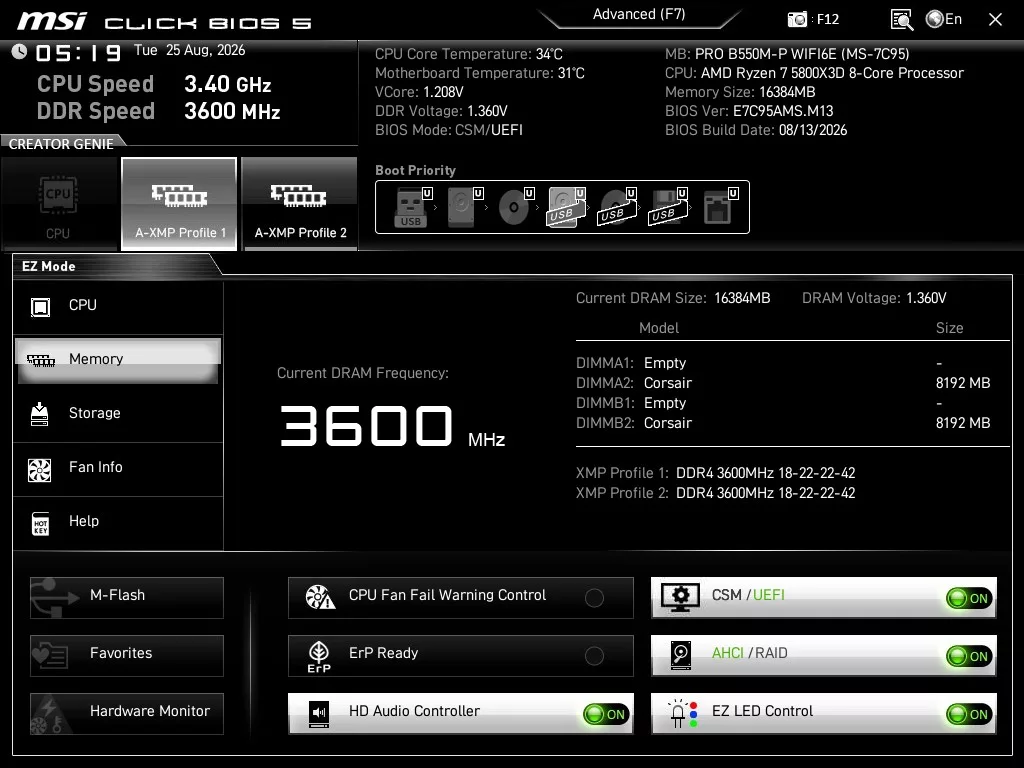
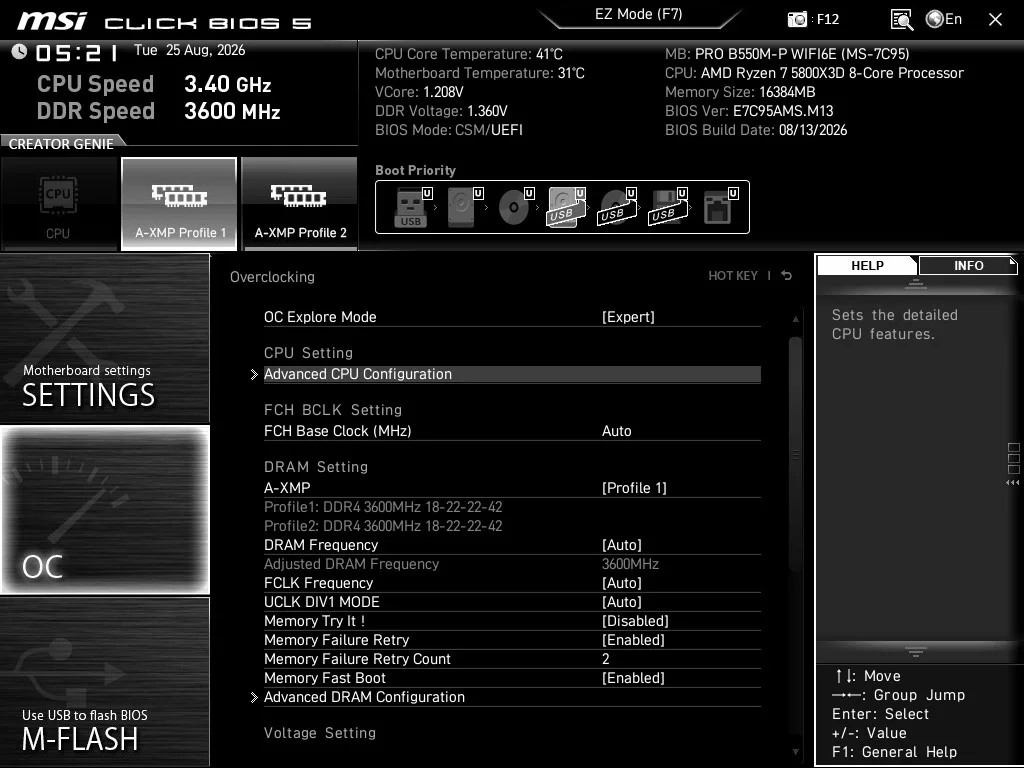
The MSI PRO B550M-P WiFi6E uses the latest Gen “Click BIOS 5”. The setup and use of the BIOS is identical to the MSI B550 GAMING WiFi6E we recently reviewed. This BIOS, in hindsight, is essentially the precursor to what we see in the AM5 motherboards from MSI, the “Click X BIOS”. The Click BIOS 5 is very similar in that it is a one-click navigation based on the AMI BIOS. The arrangement of both the Easy and Advanced Modes is also very similar. As noted, the BIOS offers two Modes. Easy mode covers pretty much all the “one click” settings and adjustments while Advanced mode has all the manual overclocking settings for CPU and RAM, all under the “OC” banner. Also in Advanced mode, you will find the “settings” category, which allows access to all the motherboard I/O options.
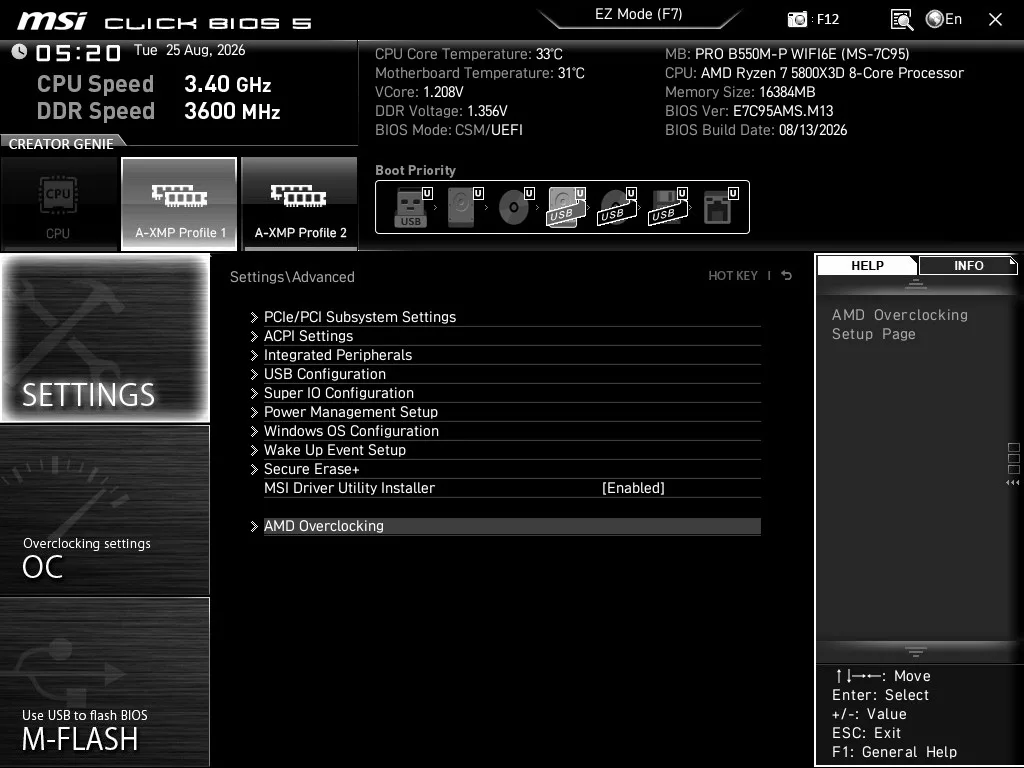
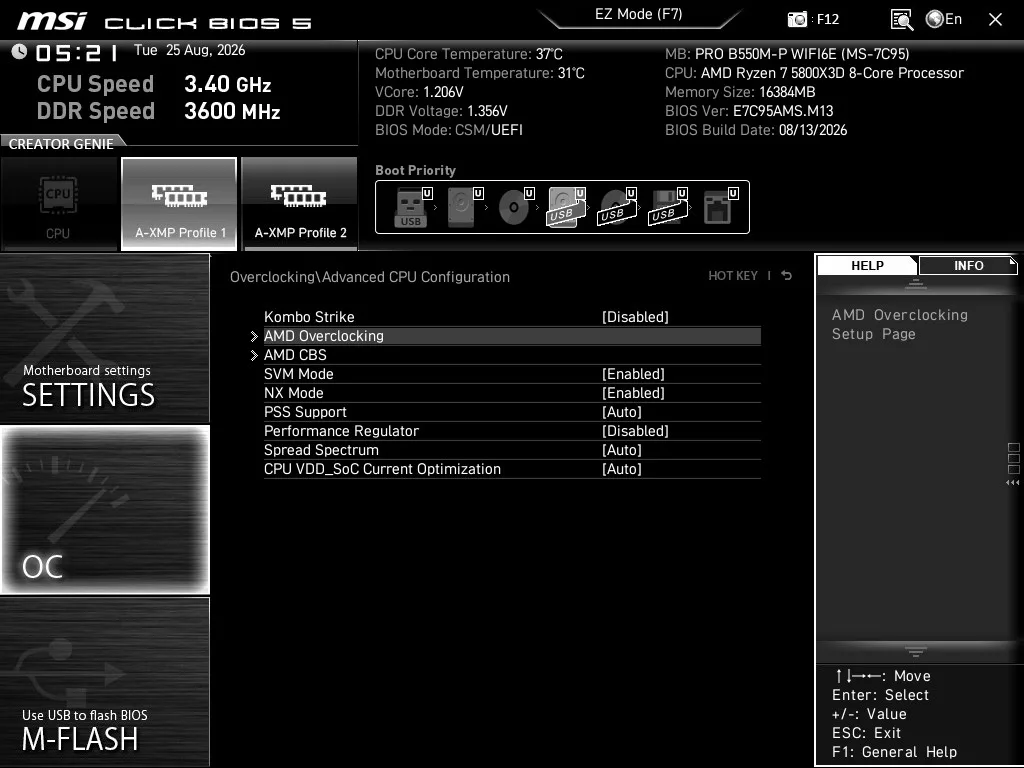
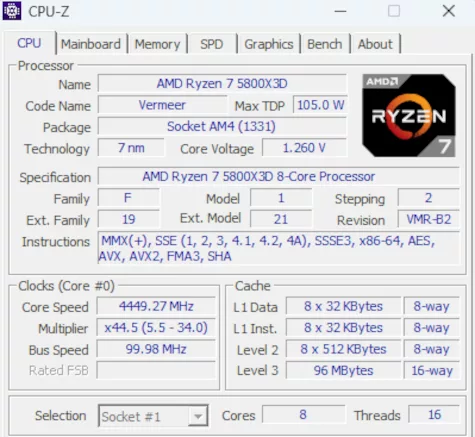
A word in this regard about our 5800X3D. AMD locked the multiplier on the chip and also does not support the use of PBO. This motherboard does, however, allow you to undervolt the CPU using a setting called “Kombo Strike,” which is found in Overclocking> Advanced CPU configuration. Overall, the Click BIOS 5 was very responsive and easy to use. The navigation was quite easy to follow, and there are fairly well-spelled-out explanations of the selections.
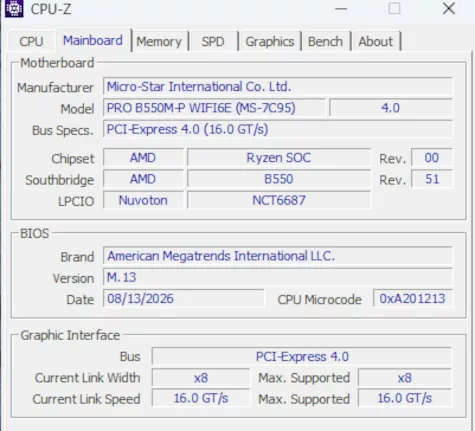
The MSI PRO B550M-P WiFi6E arrived with the release BIOS version, E7C95AMS.M00 dated 9 APR 2026. The most up-to-date version is E7C95AMS.M13 dated 13 AUG 26. We used the on-board M-Flash to flash the latest edition. M-Flash is quite straightforward, needing only the unzipped BIOS version on a flash drive. Once inside the BIOS, choose M-Flash (F8) and follow the prompts. The software locates the BIOS version and does all the work. This motherboard does not support the MFlash on the rear I/O panel.
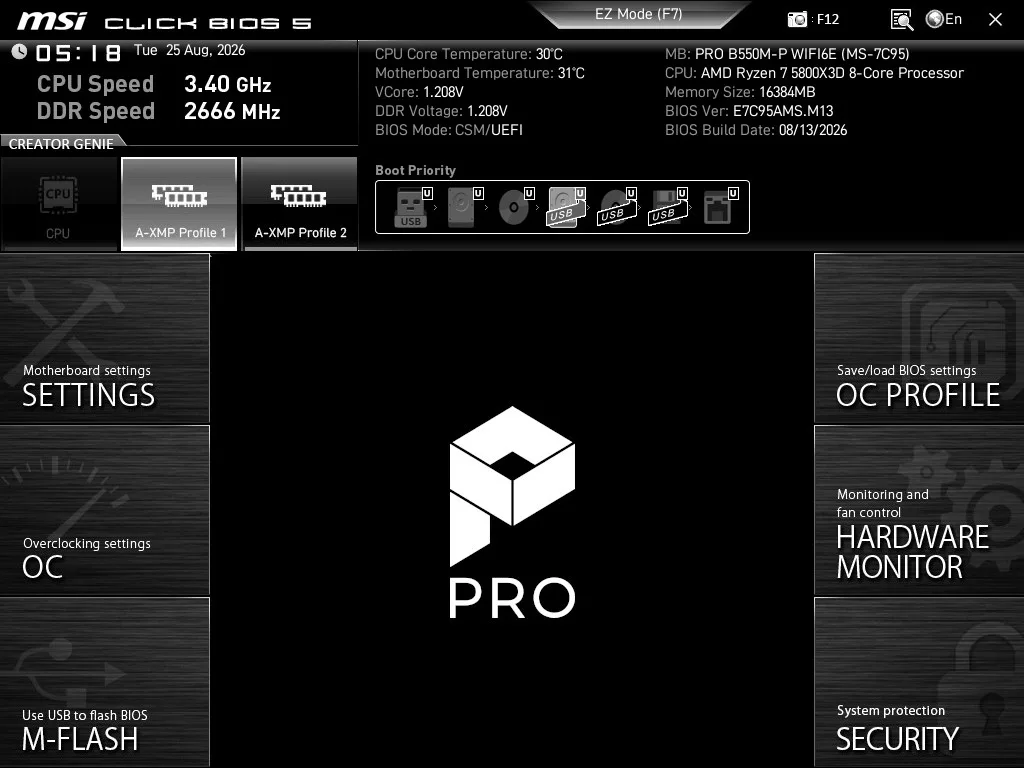
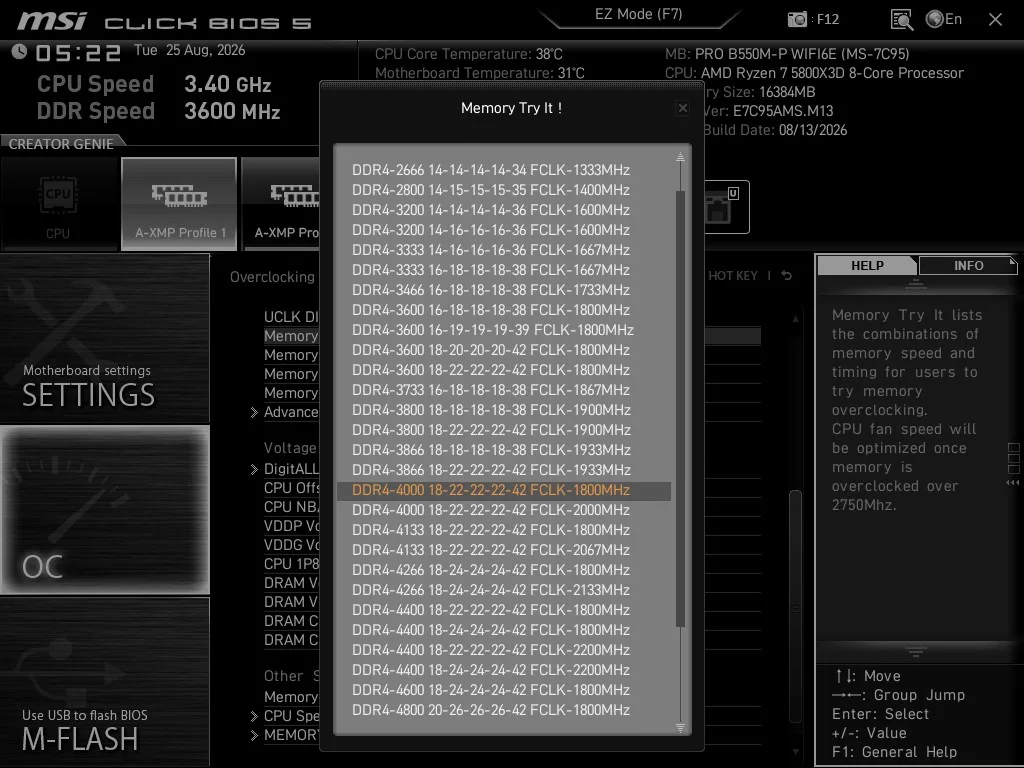
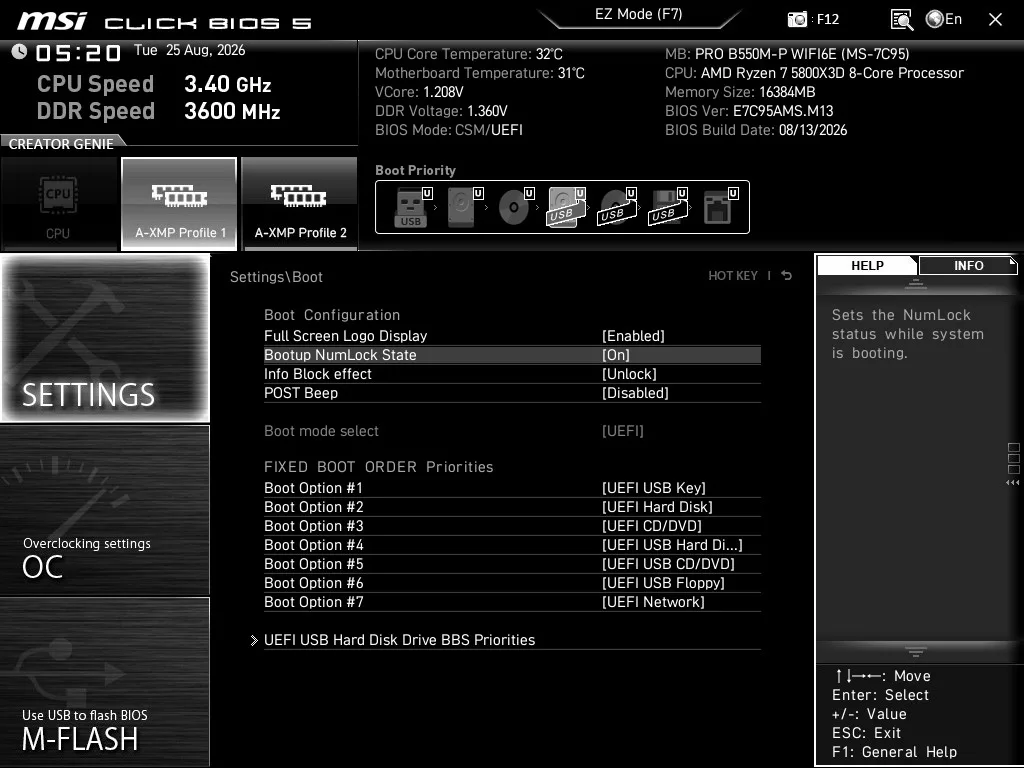
Below we have a small gallery of screenshots from the BIOS. As we stated, this “Click BIOS 5” is identical to the MSI B550 GAMING WiFi6E. To see additional screenshots, please visit that review.
Discussion (1 reply)
Join Discussion →It's wild to see this socket still coming on strong.