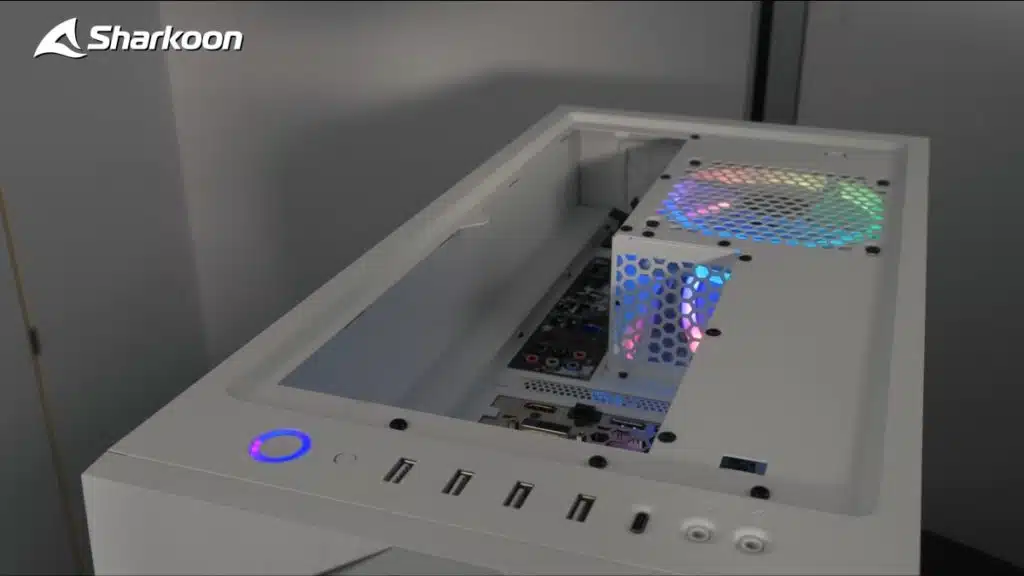
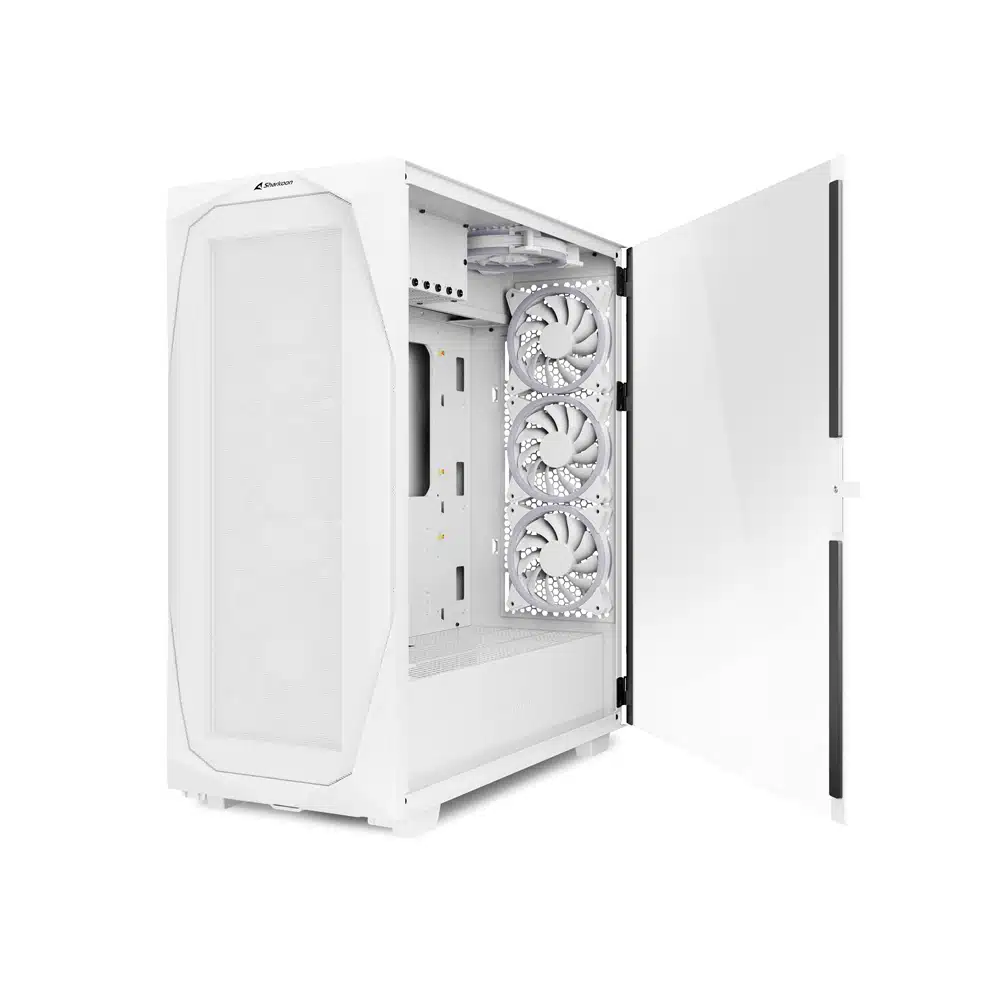
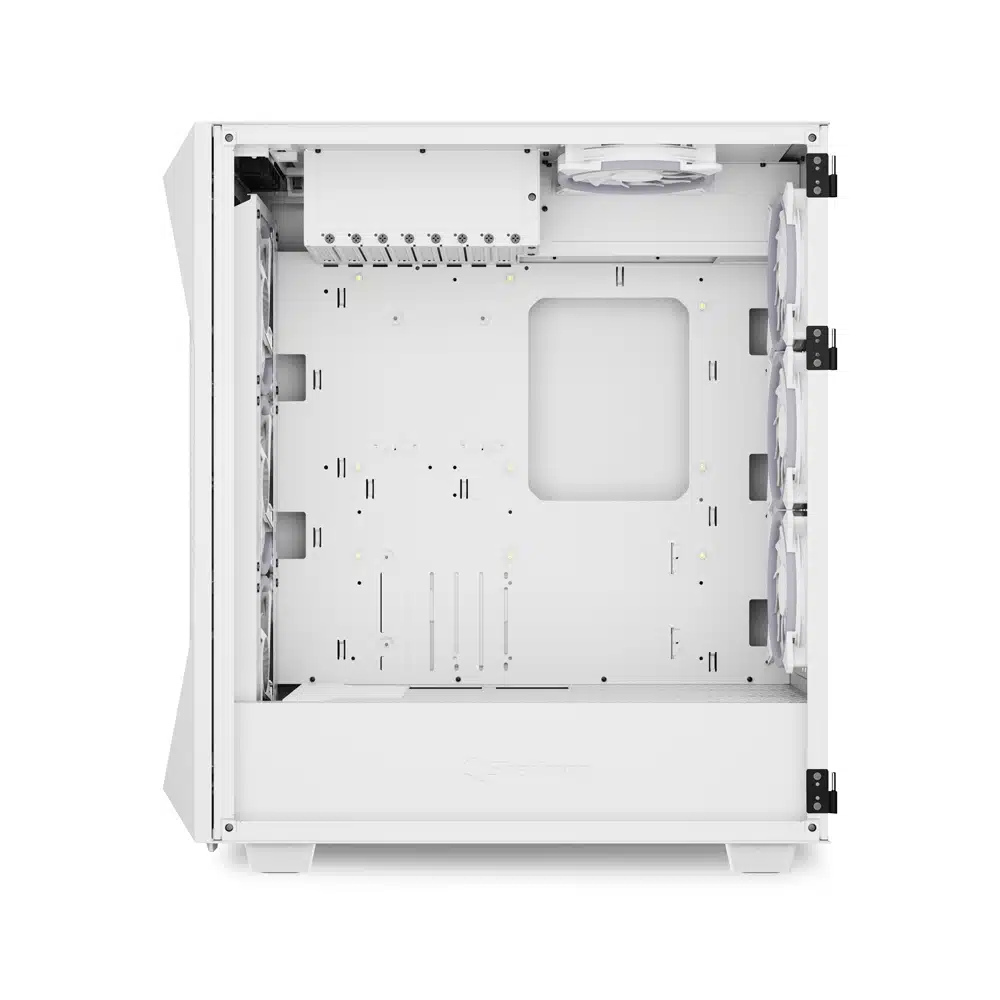
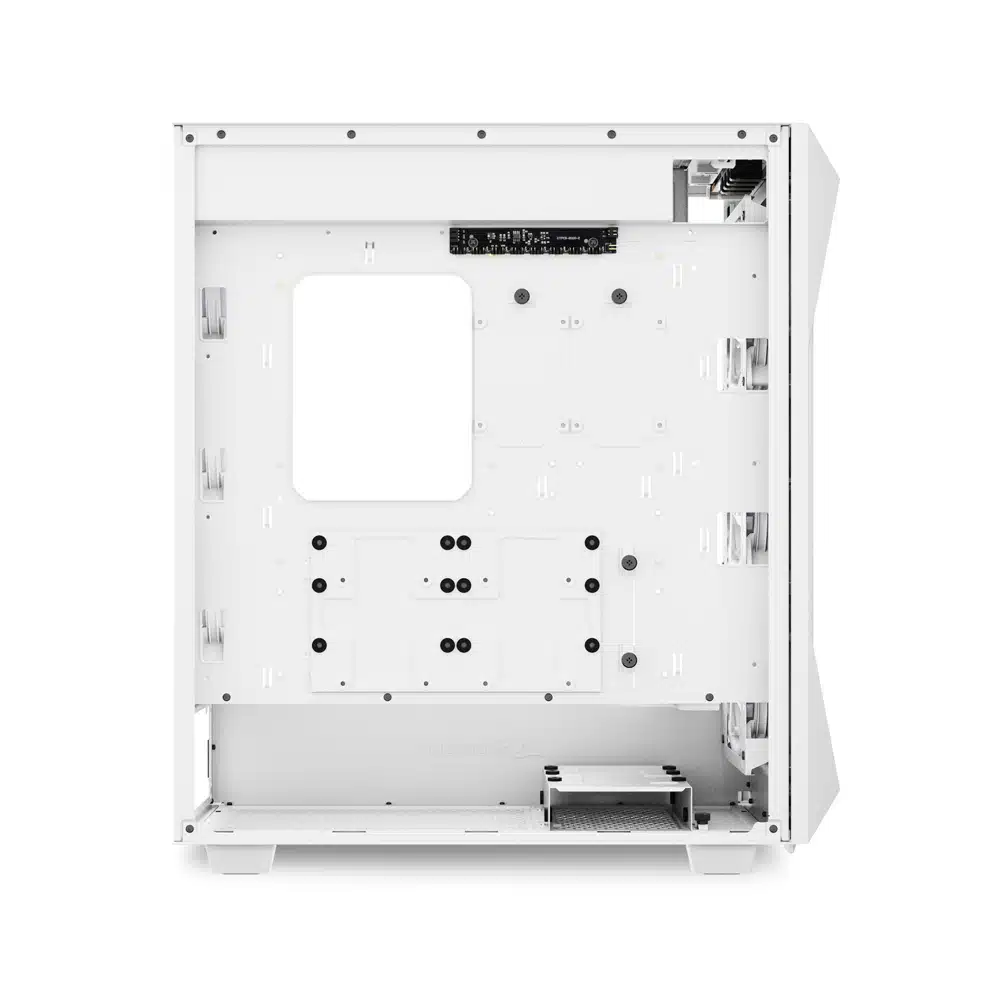
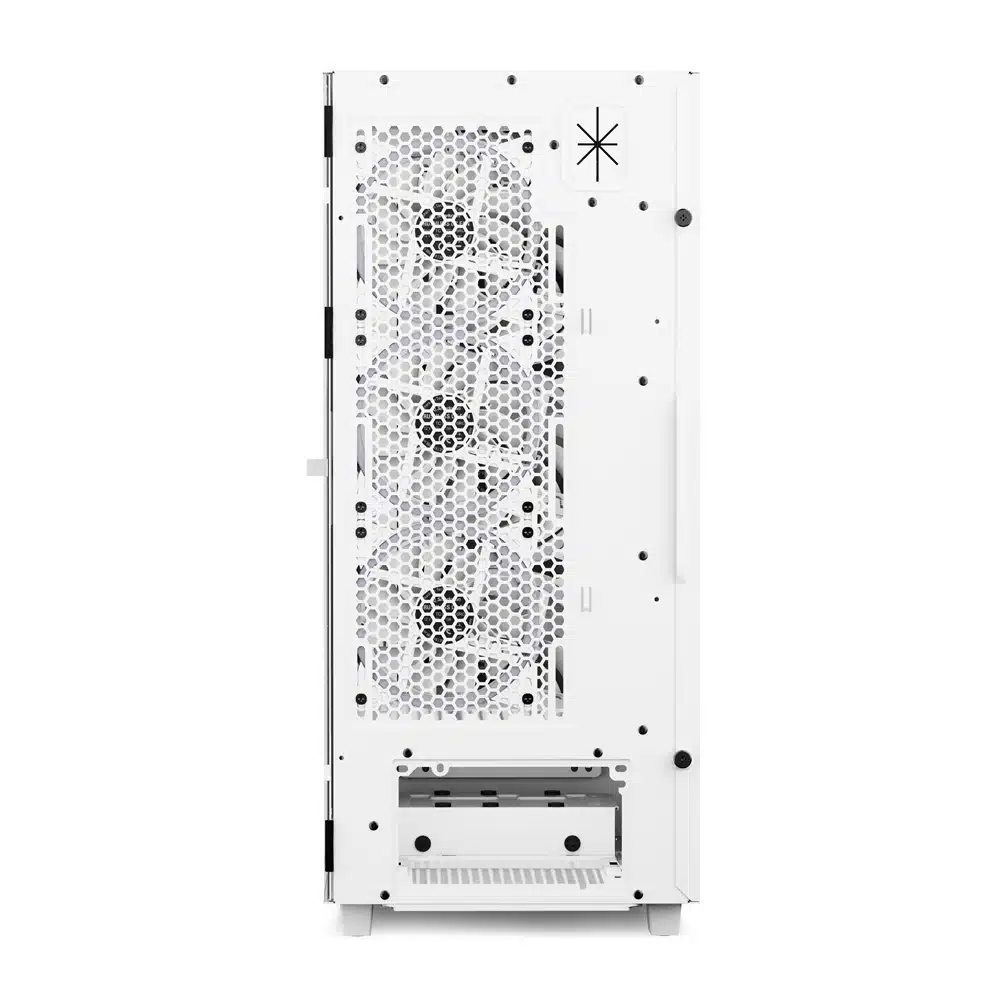
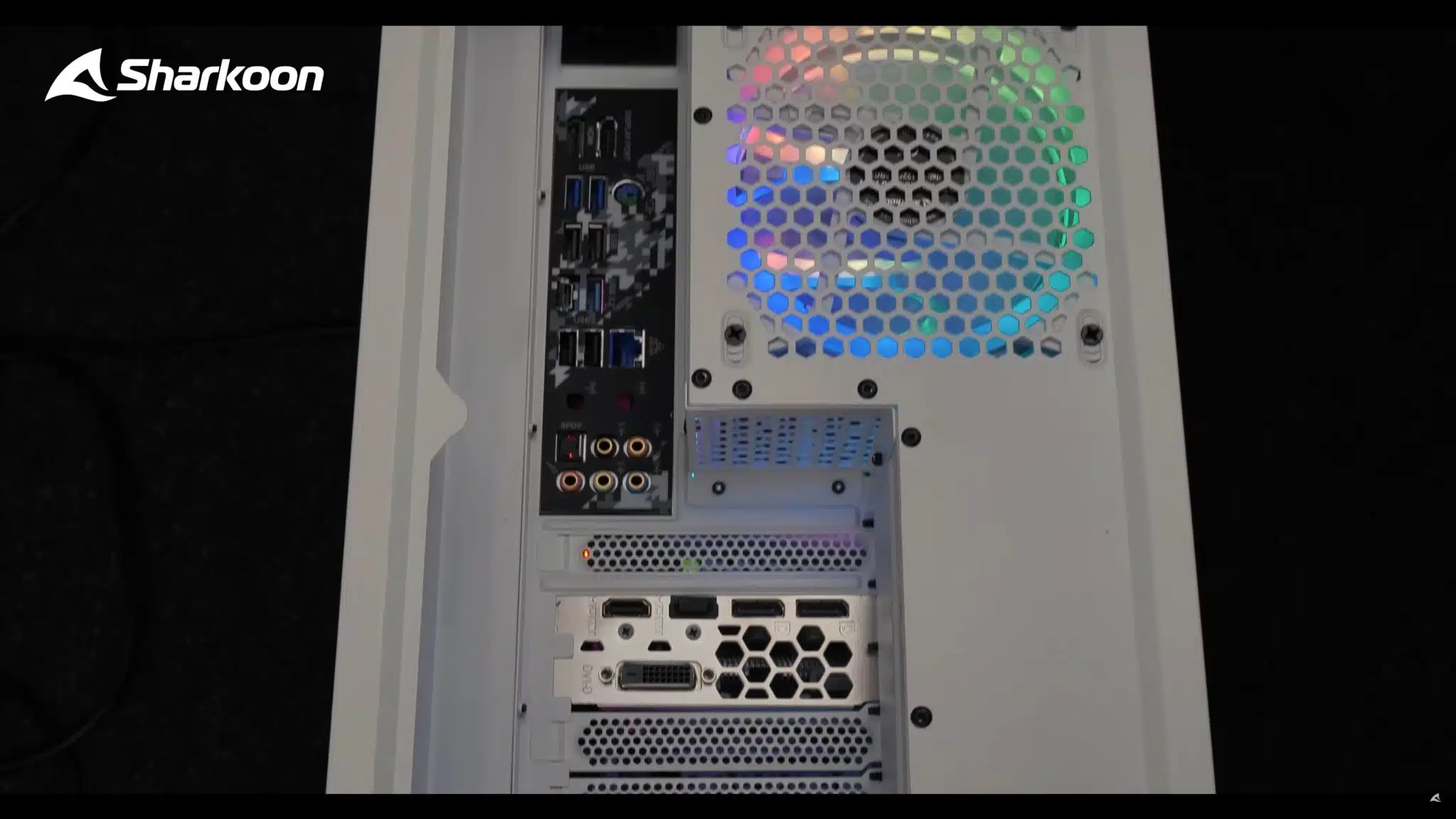
Sharkoon has unveiled its new REV300 White PC chassis giving enthusiasts another option for designing their builds. The REV300 White featured a somewhat unique approach by rotating the motherboard 90° to face the I/O ports upwards. The chassis then has a compartment on top to direct cabling toward the rear. An obvious advantage of this design is easier access to the various ports. Another is that the case then allows, per size requirements, the installation of a 360mm radiator in the rear and a 420 mm radiator in the front of the case. The REV300 White can fit up to an E-ATX motherboard. As Sharkoon announces the REV300 White it goes to show there are still some different ways of thinking inside the box.
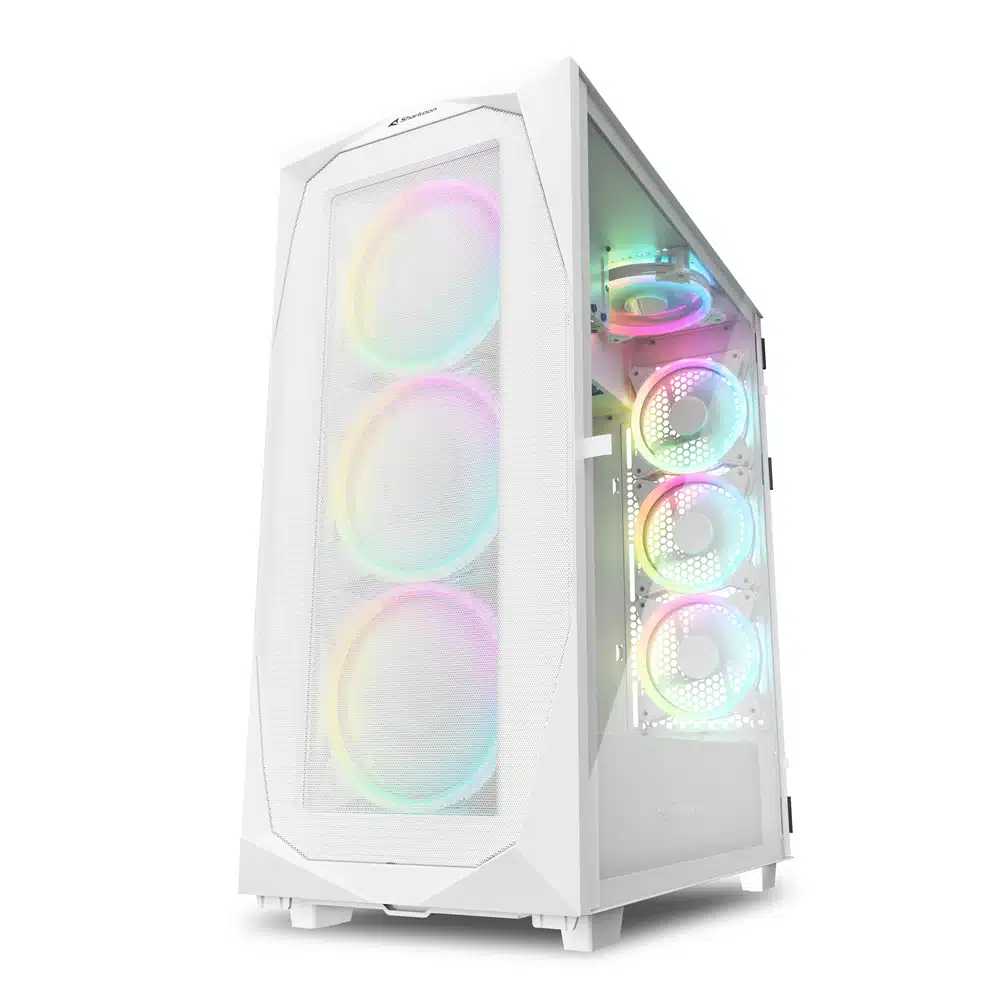
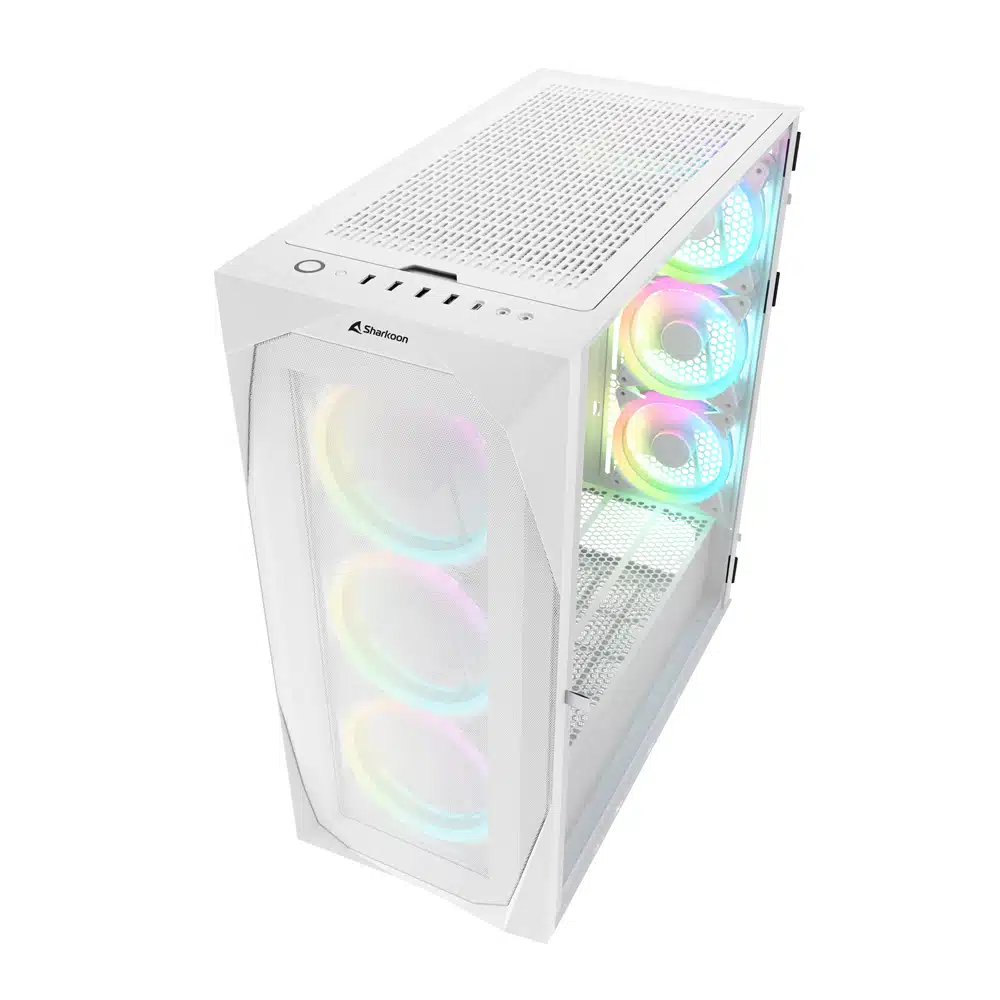
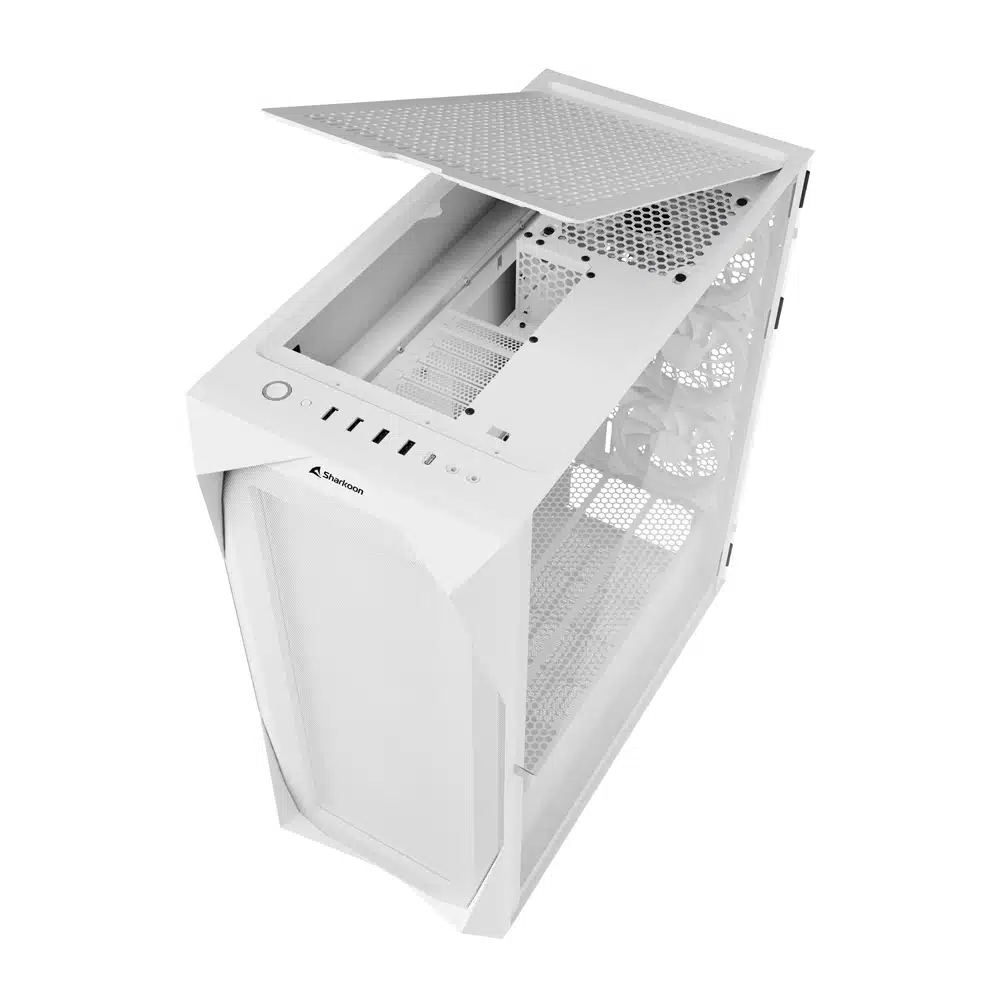
Per Sharkoon (REV300 White overview page):
“Anyone who owns a demanding gaming system knows that the proper airflow is a must. The REV300 is best equipped for this. Seven fans are already pre-installed in the case, so that you are ready to start and can benefit from a maximum cooling of your hardware. A mesh grille extends over the entire front panel, clearing the way for plenty of air, which is fed through three 140 mm RGB LED fans. Three more 120 mm RGB LED fans are installed at the rear. Supplemented by an additional 120 mm RGB LED fan under the top panel, an efficient airflow is created that keeps systems cool even when running at full load. If water cooling is required, two radiators can be installed within the REV300 at the same time. A 360 mm radiator can be installed at the rear, while there is even space for a gigantic 420 mm radiator behind the front panel.”
General Specifications (per official page):
- Form Factor: ATX, E-ATX
- Expansion Slots: 8
- Cable Management System: Yes
- Side Panel: Tempered Glass Side Panel with Hinge and Magnetic Closure
- Weight: 10.4 kg
- Dimensions (L x W x H): 50.1 x 23.8 x 55.0 cm
- RGB Compatibility: Addressable (8 ports), 20 Manual Control Modes, Mainboard Compatibility: MSI Mystic Light Sync, ASUS Aura Sync, Gigabyte RGB Fusion Ready, ASRock Polychrome Sync. RGB pinout: 5V-D-G & 5V-D-coded-G
- Max. Drive Bays: 3.5″x 4, 2.5″x 5
- USB Ports: Type-C (USB 3.2 Gen 2)x 1, USB 3.0 (Top)x 2, USB 2.0 (Top)x 2
- Audio: Yes (top)
- Fan Configuration: Front Panel (3x 140 mm Addressable RGB LED PWM Fan (Pre-Installed) or Radiator (Optional)), Rear Panel (3x 120 mm Addressable RGB LED PWM Fan (Pre-Installed) or Radiator (Optional)), Top Panel (1x 120 mm Addressable RGB LED PWM Fan (Pre-Installed))
- Motherboard compatibility: Mini-ITX, Micro-ATX, ATX, E-ATX
- Max. Length Graphics Cards: 34.5 / 33.3 cm (Using the optional Angled Graphics Card Kit)
- Max. Height CPU Cooler: 17.7 cm
- Max. Length PSU: 27.0 cm
- Max. Height Radiator incl. Fan (Front): 7.4 cm / 5.7 cm (Using a 420 mm radiator)
- Max. Height Radiator incl. Fan (Rear): 6.5 cm
- Optional Accessories: SHARK Blades PWM, Angled Graphics Card Kit 3.0, Angled Graphics Card Kit 4.0

Discussion (13 replies)
Join Discussion →Four quick reaction points:
1. It's going to be taller than average, but less deep, than a case of comparable capabilities
2. Their pictures and video don't show the mess that cabling is going to be, nor how awkward it will be to have it all coming through that rear port
3. The case seems to be a great way to do two AIOs / custom loop, using the bottom as an intake and fans on the front and back as 360mm rad mounts with fans set to exhaust
4. The rectangular section above the expansion card slots looks perfect for an internal display; many motherboards are starting to come with internal HDMI ports to more cleanly run these too, this is something Sharkoon could capitalize on
Yea that's great if you run a keyboard and mouse with 1 monitor. Falls apart when you run two. Displays, kb, mouse, microphone, headset, gaming controller, HOTAS, and external drives. This would be very clean for a home office environment with limited connectivity. But everyone else would just leave the top grill off and name their system Medusa.
That's pretty much where I'm at. Biggest aesthetic issue is that you're not hiding that video cable very easily; mouse and keyboard can be reliably wireless, and extended/powered USB hubs can help with a lot of course.
Definitely could see the appeal of a minimalist workstation / gaming setup though, I do something like that in the living room with wireless KBM (and Xbox controller), but in that case the motherboard I/O is oriented downward, and it works out quite well.
I don't know any PC gamers that still use a HOTAS or typically run a controller for that matter. Microphone is usually on the headset for most people and often that's wireless these days. I don't really see this as being a big deal for most people.
Connectivity on the case never really concerned me too much - USB hubs and external DACs and the like make it so easy to break it out and put it where ever you want to. As Zath showed, even the power/reset buttons can be broken out if you want to.
It's nice to have some connectivity, sure, but I've just never really seen it as a huge selling point. And moving it from the back to the top is ... gimmicky at best. I can just imagine DP cables oriented like that flopping over and looking like ass. The back end of my computer already looks like a medusa, but at least it's tucked back in the corner and out of sight... place it on top of the rig and, ugh...
Yupz. I've seen a few cases over the past 20 years or so put the motherboard's rear I/O at the top of the case. Never understood why. It's not really all that different from the rear. Just seems weird and pointless to me. I think the top of the case is put to better use exhausting heat or as a radiator mount point.
Looking at the back of my PC just now, there are about 14 cables plugged into the mobo or PCIe cards. So I'm one of those guys where this sh1t would just be a mess if I had the mobo's rear ports on the top of the case. That's the stuff that stays permanently connected. Stuff that is temporary gets plugged into the case's top-front USB ports. But yeah, with the ports at the rear of the case, that stuff tends to mostly stay out of sight.
I have a friend who takes his flight-based video games pretty seriously (both realistic and sci-fi/arcadey), so he still uses a HOTAS. He moved to NYC a couple months ago and gave me one of his old HOTAS controllers from among the stuff he was throwing out. I haven't tested it yet. I've never used a HOTAS before, but I always wanted to try one out. I don't know sh1t about them, so I have no idea if the one he gave me is a decent or even good controller. He also gave me a VR headset, don't know what kind, haven't tested it yet. I've never used VR-anything before.
I have another friend/ex-boss who has a friend that is hardcore into flight sims, and apparently has a crazy flight sim setup. I bet he's using some crazy-expensive HOTAS controllers. Aside from this guy and the friend mentioned above, I and all the gamers I've known throughout my life have never used one, or even know someone else that has used one (to my knowledge).
I have a Logitech G27 racing wheel controller that I sometimes use for racing games when I feel like going through the trouble of getting it out of storage (otherwise I stick to normal controllers). I'd like to have a more permanent setup for it, but it's been years and that hasn't happened yet. I do really like it, but it's kind of a pain to bust out and use whenever.
I also use regular controllers for the games where such are appropriate, but I don't leave those things plugged into my PC. I connect them using the case's top-front USB ports, and disconnect when done. Sometimes I even use some of 'em wirelessly (usually cuz the batteries are dead cuz long periods of time go by before a particular controller gets used again). When it comes to wired connections for controllers, I don't think having the mobo ports on the top of a PC case is really any different than having USB ports on the top, front, or side of the case.
Oh really? Interesting. I haven't seen such boards yet.
Yupz.
Yep, some pros and cons for sure with this one. I'm mostly impartial but curious. I've yet to use a GPU rise kit with anything but this setup seems to be a good use case in having the two radiators on either side since the whole of the card would be sandwiched in the full airflow between them.
On the downside, I'd be inclined to source right-angle cables for everything in order to keep it cleaner and that isn't always easy for folks like me who might have their rigs in the living room and about 10 feet from the desk/monitor.
Gigabyte has put them on at least some of their Z790 refresh boards, and I've heard of ASRock doing that too. Flip a coin as to how useful it is, but they're out there now.
I've seen many misconceptions thrown about in this thread about this layout. I've decided not to reply to them individually. Instead here are a few key points I want to make as someone who has used multiple cases with this layout and also using one now with great satisfaction:
Shrakoon's take on the concept however leaves much to be desired. Here are the issues I see with it:
It immediately reminded me of the Fortress and Raven cases, I haven't looked at where those have gone in years. No idea if they ever gave up the hard drive cages, but if they did, they'd wind up with something like this.
Read my points above again - I imagine putting intake on the bottom fans, and exhaust on the front and back (and the one top fan). That's why I gave the 'two AIOs' example, because this could work very well. It would perhaps work even better with a custom loop.
What bottom fans? There are only front and rear fans, the bottom is completely closed.
Did you miss all the mesh?
You mean that tiny one under the 3.5" drive cage? That's not going to be nearly enough to feed one let aloe two 360 radiators with air, even if you remove both the drive cage and the psu shroud.