
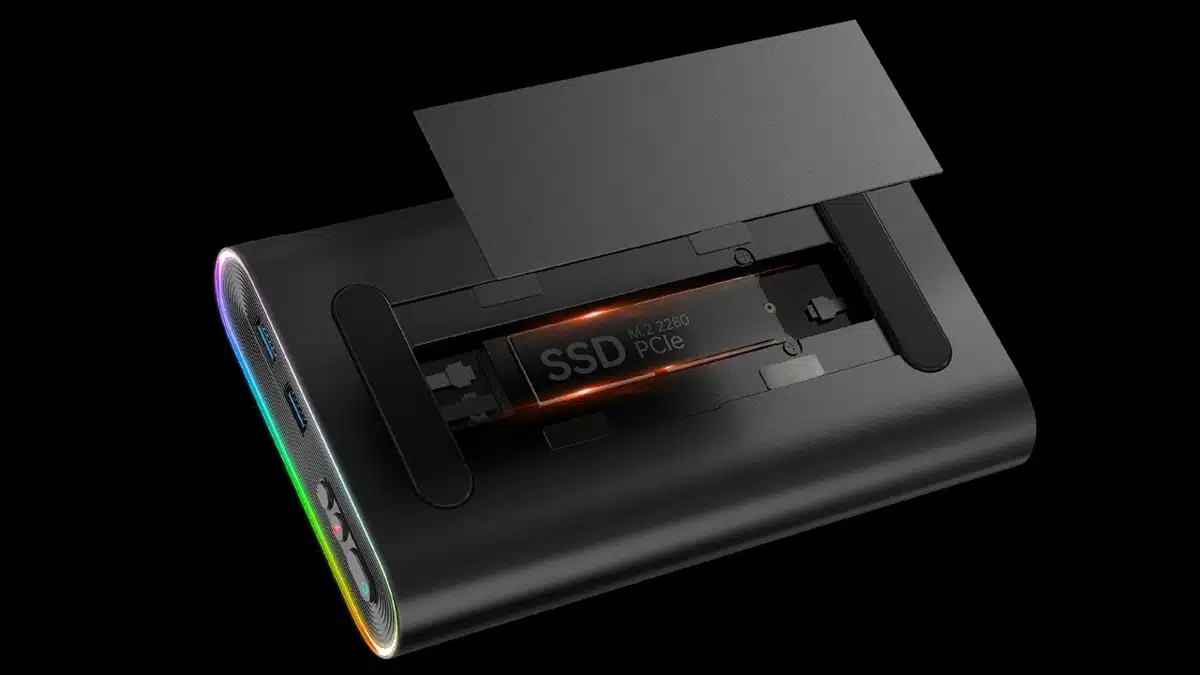
One-Netbook has announced that customers can now sign up to get discounts and updates on the OneXGPU, a new product that has been described by the company as being the world’s first portable eGPU to feature built-in storage.
Marketed by the team on Indiegogo as a one-of-a-kind, portable powerhouse, the OneXGPU features one of AMD’s newer mobile GPUs built on the RDNA 3 architecture, the Radeon RX 7600M XT, but that’s not all, as there’s also a bonus in the form of an M.2 2280 slot, allowing users to pair an NVMe SSD with the device.
Here’s what ONE-NETBOOK has to say about the OneXGPU, which is said to be the lightest eGPU ever made:
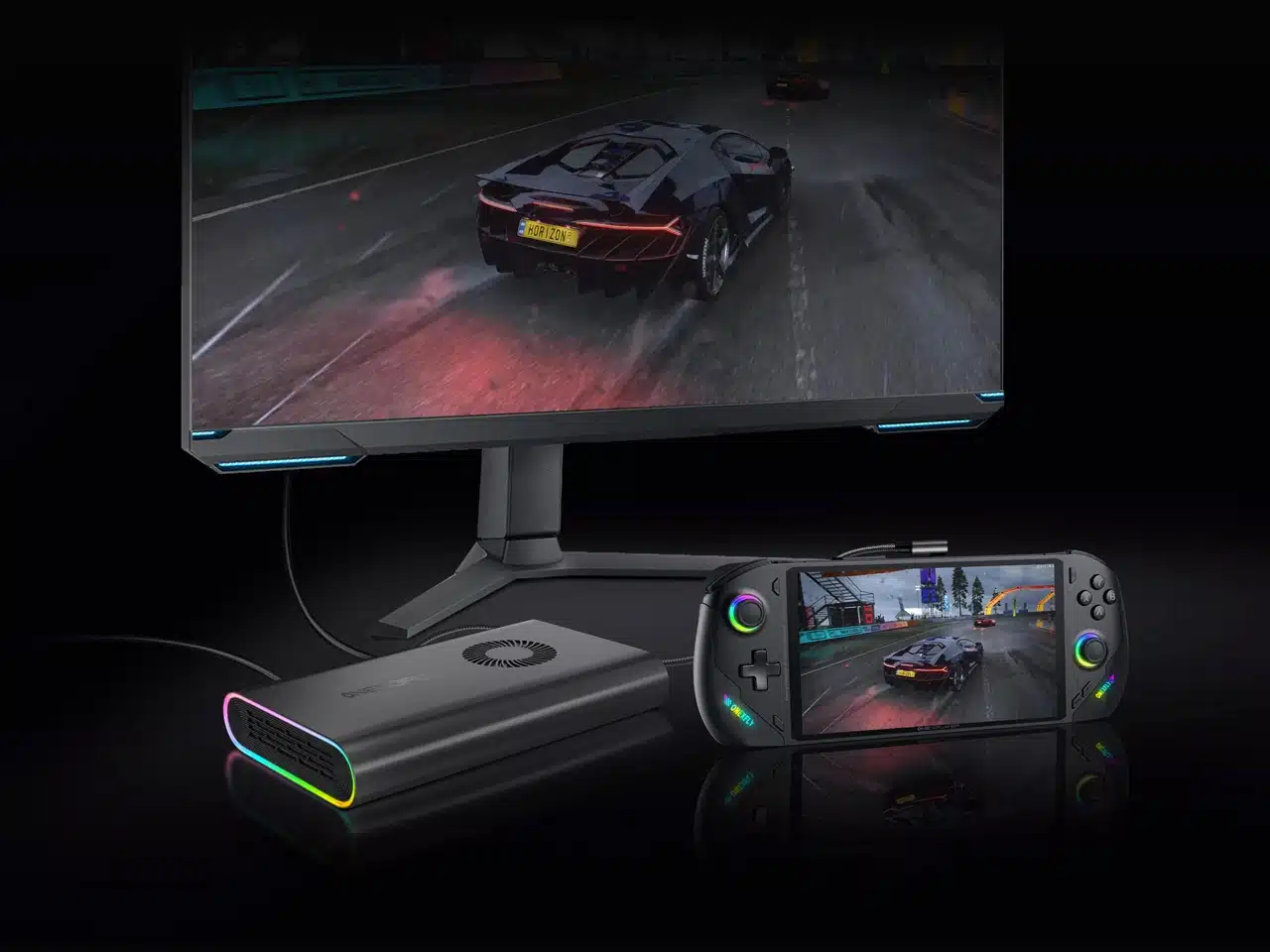
Experience unparalleled portability with OneXGPU, the world’s smallest and lightest eGPU. Fueled by AMD Radeon RX 7600M XT, it turbocharges laptop graphics for exceptional performance on the go!
Elevate your computer’s capabilities with OneXGPU—an eGPU designed to house SSD PCIe, amplifying both capacity and performance. Unleash a new era of seamless computing and unprecedented speed.
Its magnetic back cover allows easy access to an M.2 2280 SSD slot for convenient storage.
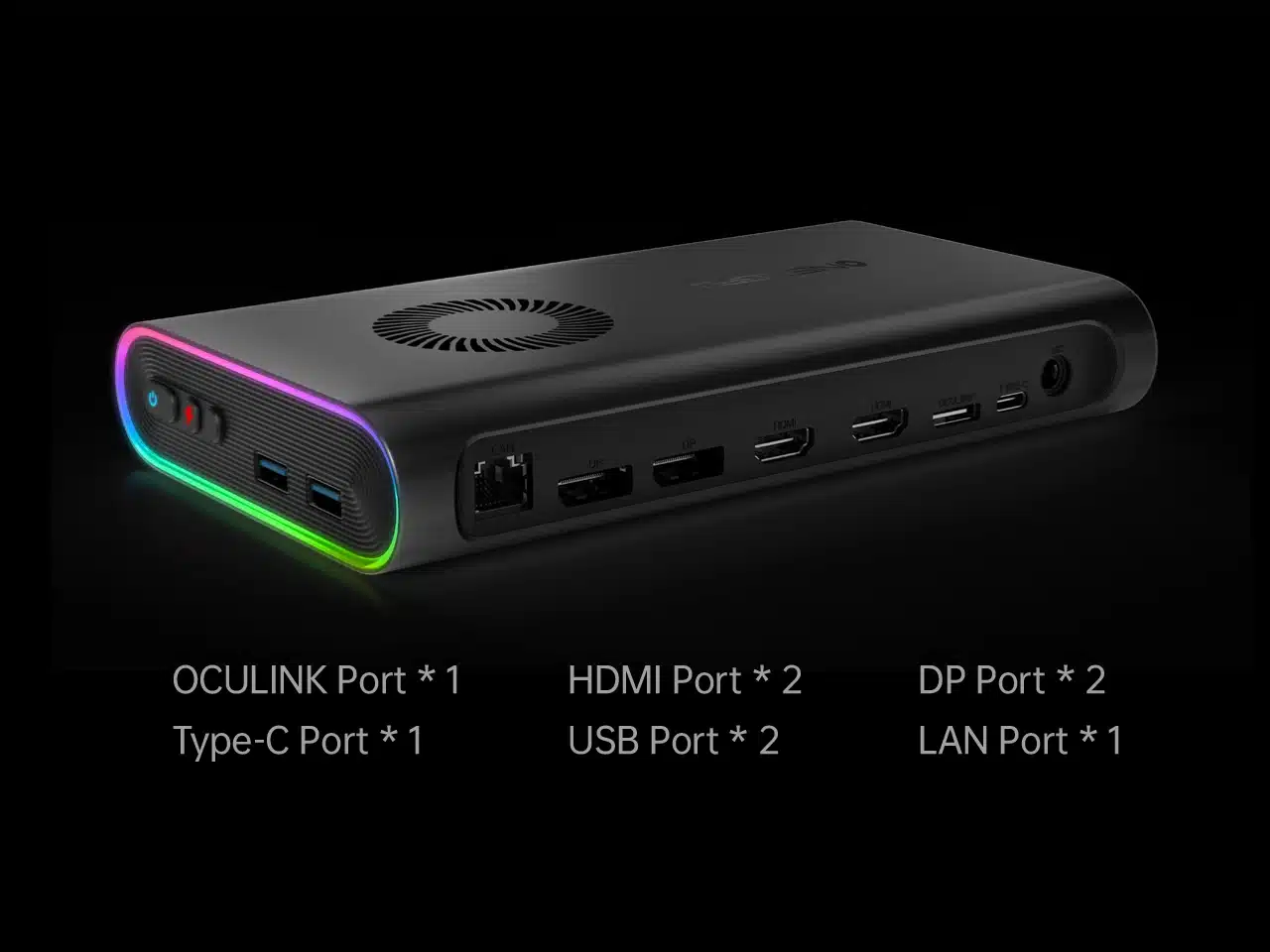
Other features include an RGB breathing light for what ONE-NETBOOK says is a stylish aesthetic, while connectivity comprises a pair of HDMI ports, DP ports, and more.
There’s also support for OCuLink, an alternative to Thunderbolt that PCI-SIG introduced years ago, allowing users to extend PCIe functionality out of a box via cable.
ONE-NETBOOK’s other products include the OneXFly, a gaming handheld that’s powered by an AMD Ryzen 7 7840U.

Discussion (8 replies)
Join Discussion →We no get. What does it accomplish?
Fast storage for games, I guess?. I mean not bad if you intend to game in a notebook all the time I suppose.
I sort of get it. Not the worst GPU to pick from but still a bit from what you could get from a current most mobile RTX 40 series and by the time you pay for a notebook and this you might as well have just bought a better notebook.
I think they need to aim higher if wanting to really attract folks. I've always had some interest in eGPUs for laptops, but more often than not there's issues with latency, stuttering, etc., or, like, this, they're so underpowered the gain isn't worth it, or they are priced so high it's totally not worth it.
If I understand it correctly:
There are external Thunderbolt enclosures that lets you plug in an external PCI video card. Nothing new there.
And there are external nVME enclosures, USB or Thunderbolt to nVME adapter - again, nothing new there.
Now imagine the two love each other very much and have a baby, and an AMD 7600m is there to swing. That's this thing. The storage doesn't do anything for the GPU, and they both look like they share the same Thunderbolt connector, so if you wanted to play games from the external nVME drive while running the external GPU, it sounds like it would be a potential shitshow. And I doubt you could gut the 7600M and use a different GPU, or at least without great difficulty.
Does thunderbolt have bandwidth compared to 4, 8 or 16 pcie lanes?
I know GPU's in the past have been tested as not needing the full x16 bandwidth but is that still true with how much more data/assets/texture we push into the GPU now for high end 4k games?
Still, I guess better than not having a decent gpu.
-edit-
Interesting thunderbolt supports pcie protocols.
TB5 is PCIe 4.0 compliant with 4 lanes supported per device. It can support up to 64GB of total PCIe traffic, just 4 lanes at a time (so that would be like ... 8 PCIe4.0x4 devices). 64GB/sec is roughly equivalent to two (2) PCI 4.0 x16 slots, or one (1) PCI 5.0 x16 slot, but the big limitation with Thunderbolt is 4 lanes per device.
Everyone is talking bandwidth... nobody is talking about latency. Sure it's going to be super low... but still. It's more than having it in your system on a native PCIE slot managed by the CPU.
I was thinking latency too. Just hadnt decided to post about it yet :)
Along those lines, I dont know much (anything) about how pcie communicates, I assume some sort of packet based protocol, but I dont know,
Looks like a pcie x4 slot has 32 pins. A fair number are ground, still, more than the 20 in thunderbolt version 1&2 and 24 in versions 3 to 5. I expect max cable length affects things too.
Reminds me of the custom serial cable I made to connect my apple 2c to a mac se and do file transfers. It worked if you didnt try to go to fast.