
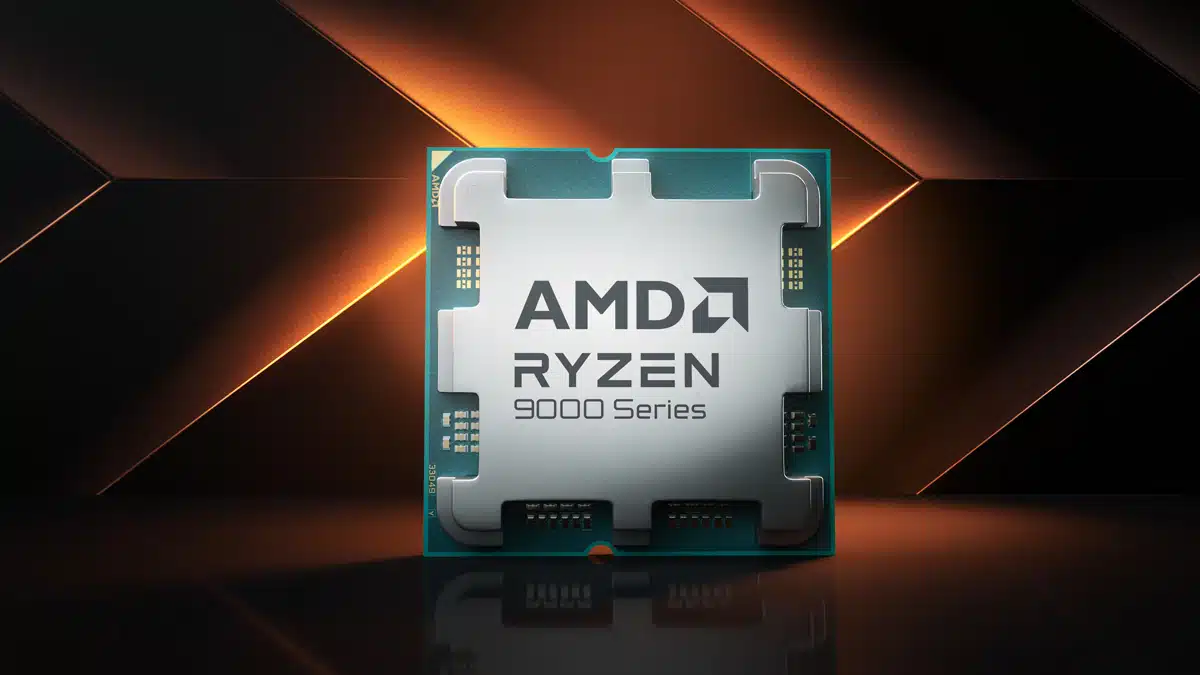
An AMD Exec has stated in a recent interview that gamers should expect similar performance with its upcoming flagship X3D processors to its recently released top-tier gaming counterpart. AMD officially announced its Zen 5-based Ryzen 9 9950X3D and 9900X3D processors as CES 25 which feature 16 cores/32 threads and 12 cores/24 threads respectively. Both processors are known to utilize 2nd-gen 3D V-Cache memory that has traded places with the CCDs and is now below them but there continues to be a catch here, only one CCD has access to the 3D V-Cache. With only one CCD having access to the 3D V-Cache, this means that the flagship AMD Ryzen 9 9950X3D processor ends up having more similarities to the current king of gaming CPUs, the Ryzen 7 9800X3D, than not, at least when it comes to gaming.
The CCD on the Ryen 9 9950X3D with access to the 3D V-Cache reportedly (via Tom’s Hardware from a CPU-Z snapshot of an engineering sample) has the same amount of memory, cores, and threads at 96MB L3, 8 cores/16 threads as the 9800X3D. The most notable difference will be the clock rates with the max boost for the 9550X3D being 5.7 GHz while the 9800X3D tops at 5.2 GHz. Anyone who’s overclocked their CPU knows that 500 Mhz will make a difference but expectations should be tempered. That being said, this is probably what AMD’s Product and Business Development Manager, Martijn Boonstra, refers to in that the two processors will perform similarly in gaming, but that is far from the end of the story for the 9950X3D.
Per VideoGamer:
“There will be some games that perform a bit better (if the game engine utilizes more cores and threads), and some games will perform a little worse (if the game engine favors a 1CCD configuration), but on the whole the experience is comparable.”
AMD has relied on a software scheduler to direct gaming tasks to the CCD with the 3D V-Cache on its multi-CCD processors as needed. While effective this does mean those tasks are essentially running on half of the package. However, games that may not need the extra L3 cache such as strategy and simulations, do see improved performance by utilizing all the threads from both CCDs. The biggest trick comes down to the scheduler correctly identifying the needs of the game for the best performance, something that AMD continues to improve upon with each new generation. Meanwhile, productivity tasks on the 9950X3D and 9900X3D ought to exceed considerably when compared to the 9800X3D.
Discussion (19 replies)
Join Discussion →That means the 9900X3D will perform worse than the 9800X3D. No different than the 7000 series, really.
Exactly.
The improvement here is that the the 9950X3D and 9900X3D will have the same clockrates as the non-X3D versions which is a first but those hoping for a big gain from the 9800X3D, not necessarily going to happen unless its something that uses both CCDs.
I consider it a bit of nitpicking but I have read some posts where folks have identified that the CCD connected to the 3D V-Cache for the 7950X3D ran at a slightly lower clockrate than the one that didn't. This, for now, is an unknown with the 9950X3D and may or may not happen given the 2nd gen design with these processors.
Makes sense, cuz each CCD only has 6 active cores on the 12-core parts. So basically that's a 6-core X3D against an 8-core X3D.
I would almost expect the 9900x3d to be able to out perform the 9800x3d in gaming on regular non stripped down OS systems.
I mean case in point, sitting in in chrome, with teams, and outlook, and discord, open... not to mention in my system tray MS defender, Samsung Magician, GOG, Epic games, Uplay, One Drive, Battlenet, Steam, Microsoft One Note, AMD video driver front end, ICUE, HyperX interface, Revo uninstaller, Curseforge, Overwolf, and the EA app all running, I've got about 4-8% CPU load across 24 threads, 16 gig of memory loaded out of 64 gig.
Meaning if I had spare cores for non gaming tasks for all of that crap and just the x3d cores to gaming... that would be better over all.
I know it isn't exactly the case, but it's better than NOT having spare non gaming threads for non gaming tasks. ;) Just consider them.... efficiency cores or something. ;)
I'd rather AMD put their compact-core CCDs as the second core; that way there'd be no mistaking which cores are 'higher performance', and it'd be more like the Intel E-core arrangement.
Except I don't think it works like that. During gaming, the cores on the CCD that does NOT have the 3D cache get parked.
All of that running, but sitting at 0.8% idle CPU usage.
Not sure cores are really any bottleneck there.
I mean, heck, I'm on an old 5900x... I've got Chrome open, with a game running in the background, and almost a dozen random junk things in the task bar simialr to what you mention... and even with the game running I'm at ...
Oddly sitting idle corsair icue services eat between 1 and 2% cpu alone. windows 11 all patches.
Yah,
I've seen that kind of weird crap for years as well. You'd think as processor capabilities advance that somehow it would get closer to .01% but yet somehow they don't. I've gotten used to it but still not happy about it. I don't use icue but it's far from being the only thing that should be under 1% that causes this.
The 9950x3d will have higher max boost clocks, but will suffer from performance penalties from multi-CCD's that the 9800x3d doesn't.
Someone with a pile of money hell be ton the best gaming CPU performance ever, might just buy a 9950x3d and disable one CCD, making it a higher clocked 9800x3d....
...but if they are going to do that, I bet you can achieve very similar - if not the same - results by just overclocking a 9800x3d (since that is now something we can do)
I wonder if using programs that you can manually set the affinity on processes will help if manually setting games you play to the stacked cache CCD and leaving everything else on the non-stacked CCD. Windows, for what I have read sucks really badly at doing this on it's own. Linux, while a little better, also benefits on some applications for pinning tasks to specific cores and/or a CCD or CCX.
In Linux we use custom scripts for our purposes. Windows has a nice GUI app called Process Lasso that can do it for you on the Windows platform as well. Just tell it a process to pin and what cores or group of cores (CCD) to pin specific processes to and be done.
I want to game and have the cores for productivity. Just asking myself if I NEED more than 16 threads.
Yes. LOL
I need to explore this. Interesting concept. Put all my junk processes on my second CCD everything else that needs performance on my 'clean' CCD.