

Introduction
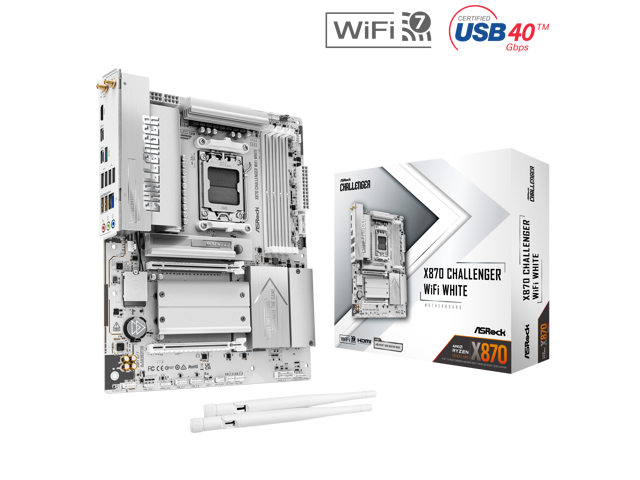
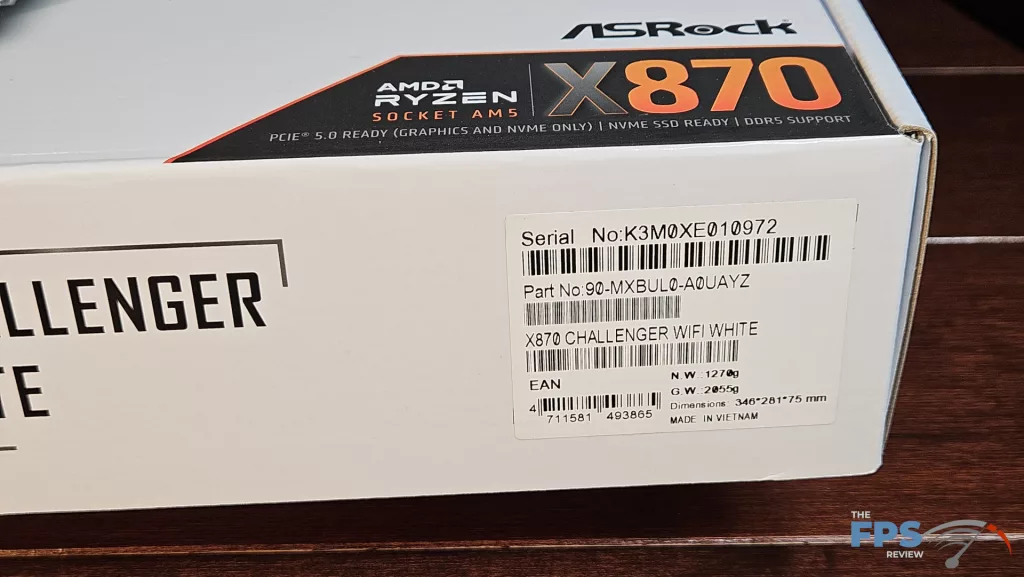
The review today takes a look at one of ASRock’s new offerings, the X870 CHALLENGER WiFi White motherboard. The Challenger motherboard series was first offered by ASRock in July 2025 for the B850 chipset. In February of 2026, the X870 lineup was introduced. The CHALLENGER series is billed as ASRock’s entry-level gaming motherboard. In the ASRock scheme of things, this board sits below the Steel Legend and the two Phantom Gaming boards (the RIPTIDE and the NOVA) and, of course, the top-tier TAICHI. Despite this, the X870 CHALLENGER WiFi White meets all the requirements for an AMD X870 motherboard, but does give up RGB and some DIY comforts. As we go along, we will see what this budget-friendly board offers in terms of connectivity and performance. Currently, the board is listed at Newegg for $169. The warranty is three years.

Packaging and Contents
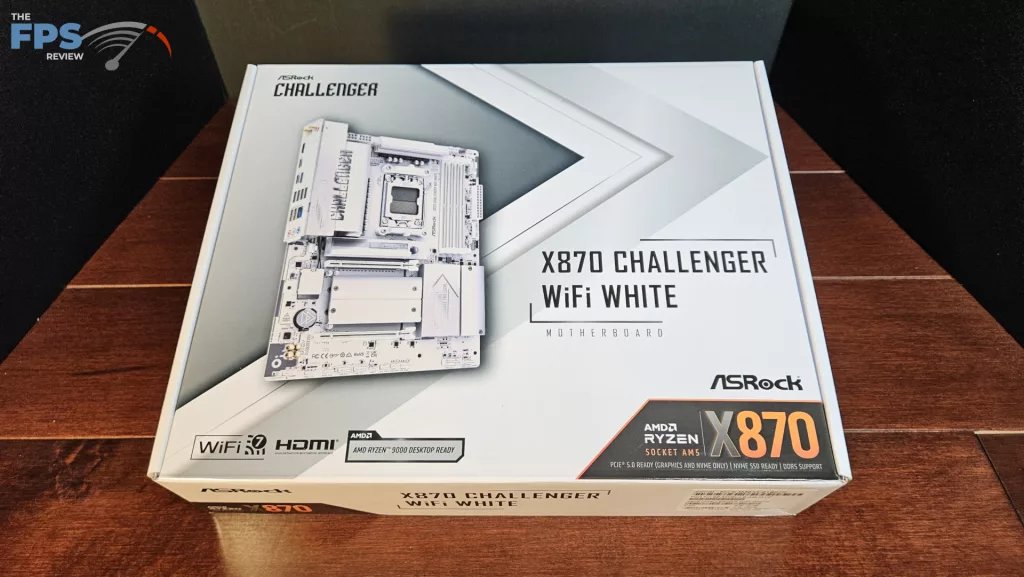
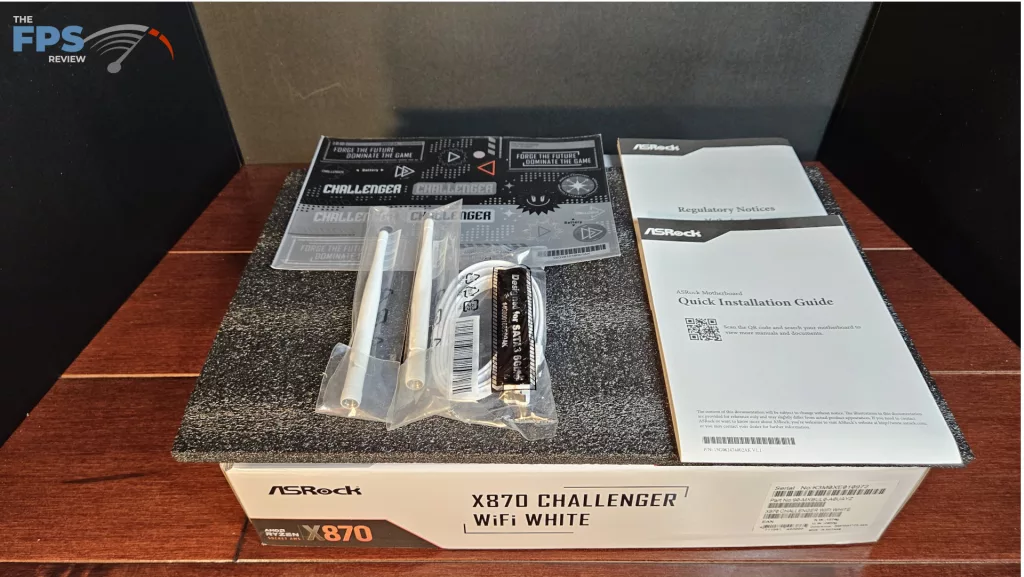
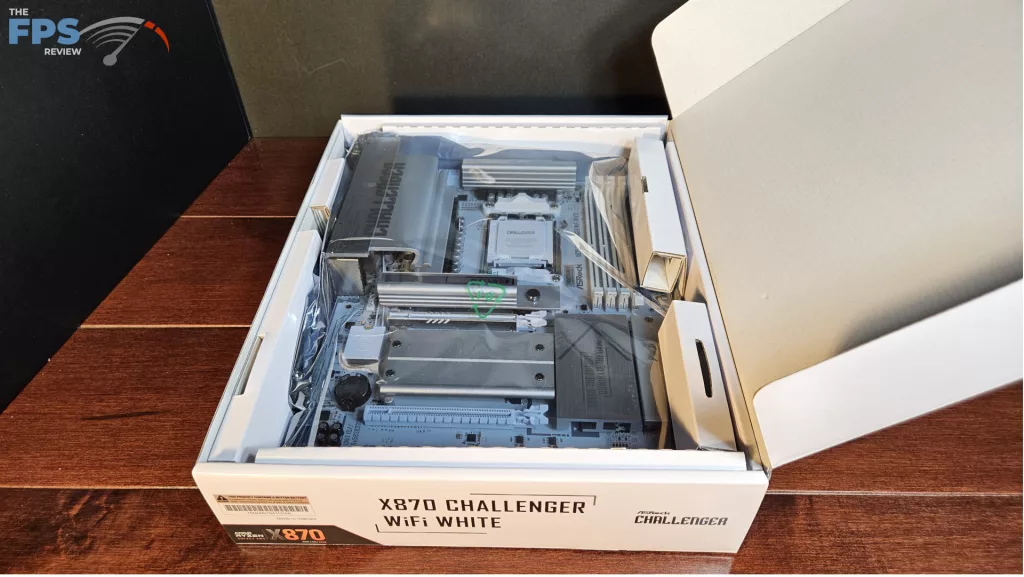
The motherboard was shipped directly from ASRock. This is a full retail package. We found the usual packing format. The board was placed inside an anti-static bag and protected by cardboard inserts. The wifi antenna was packed on top, and the accessories underneath. The accessories included: booklets, a sheet of stickers, and one SATA cable.
ASRock X870 CHALLENGER WiFi White Features
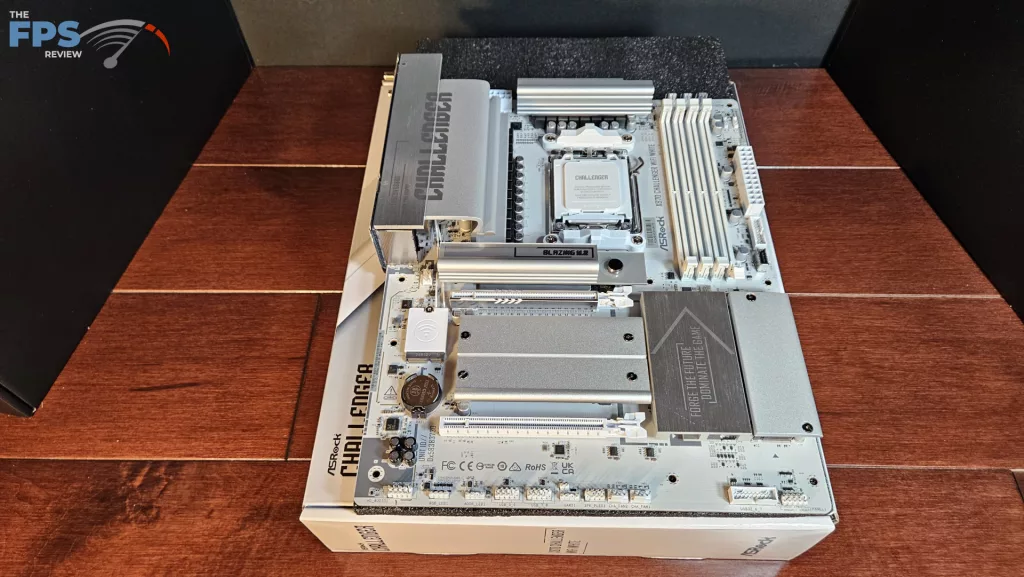
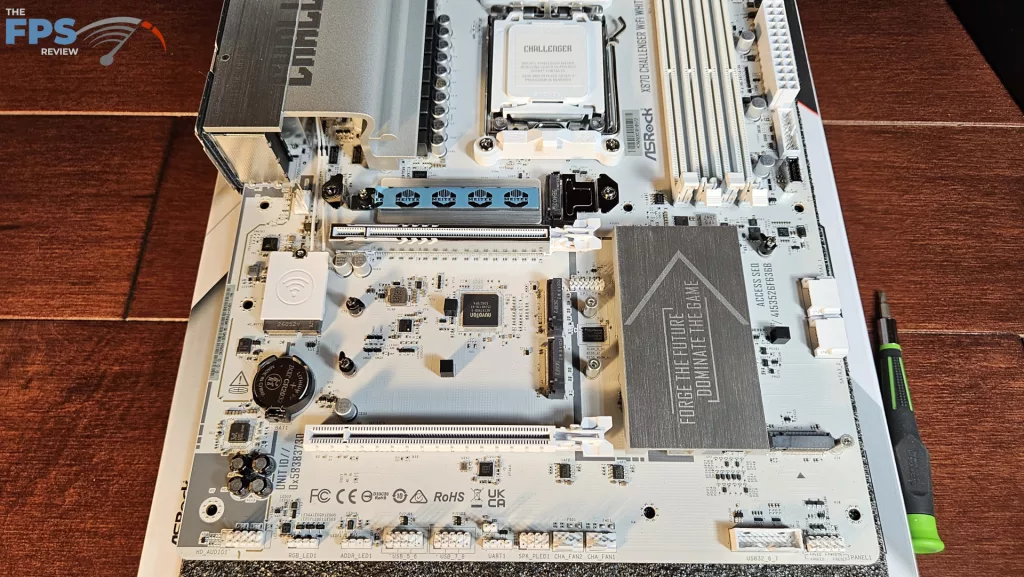
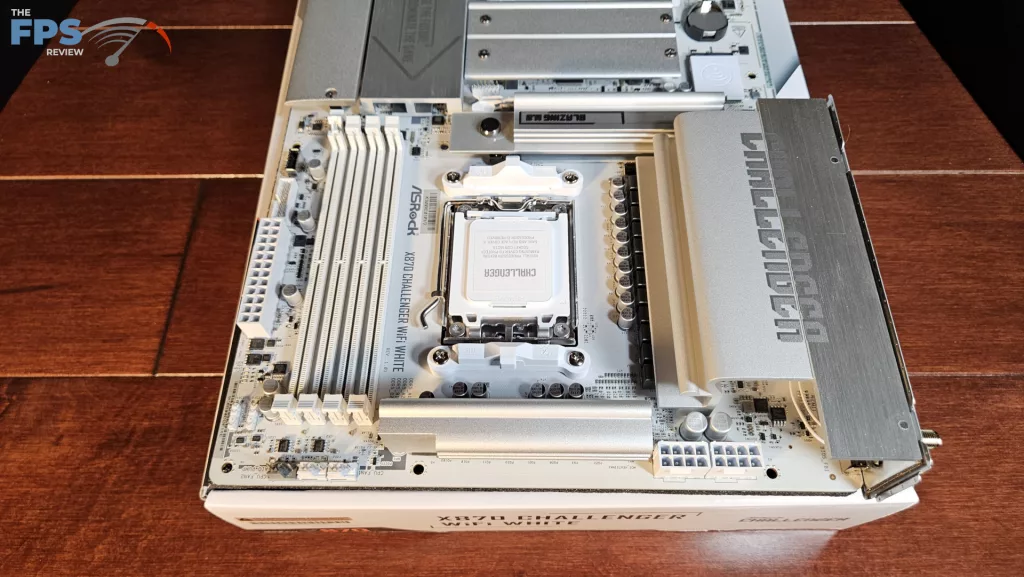
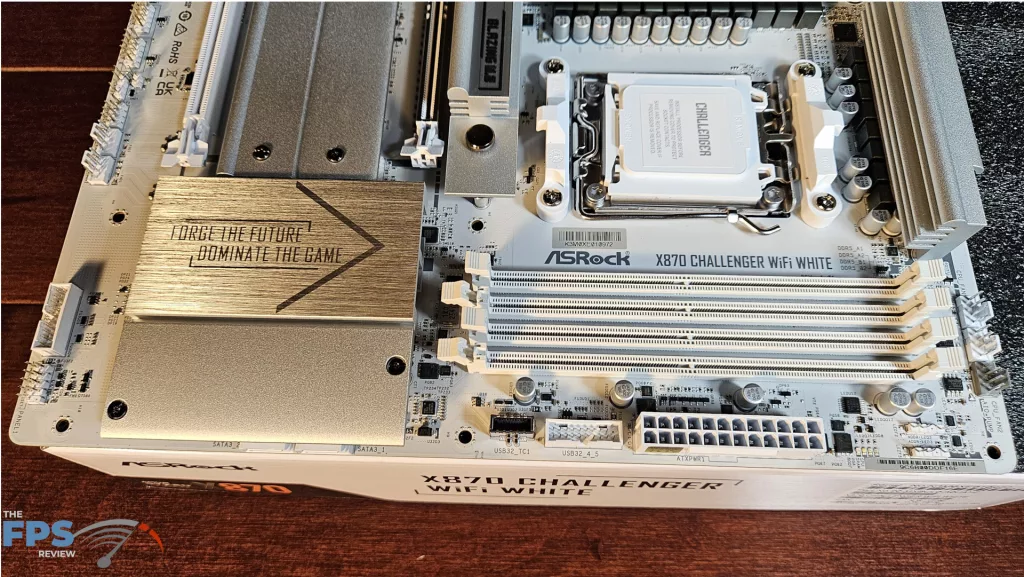
On initial evaluation, we see this full ATX board is all white with silver and gray lettering. The heatsinks are either silver or brushed metal. Branding is placed on the I/O heatsink, and a slogan on the chipset heatsink. All in all, a very clean white-silver theme.
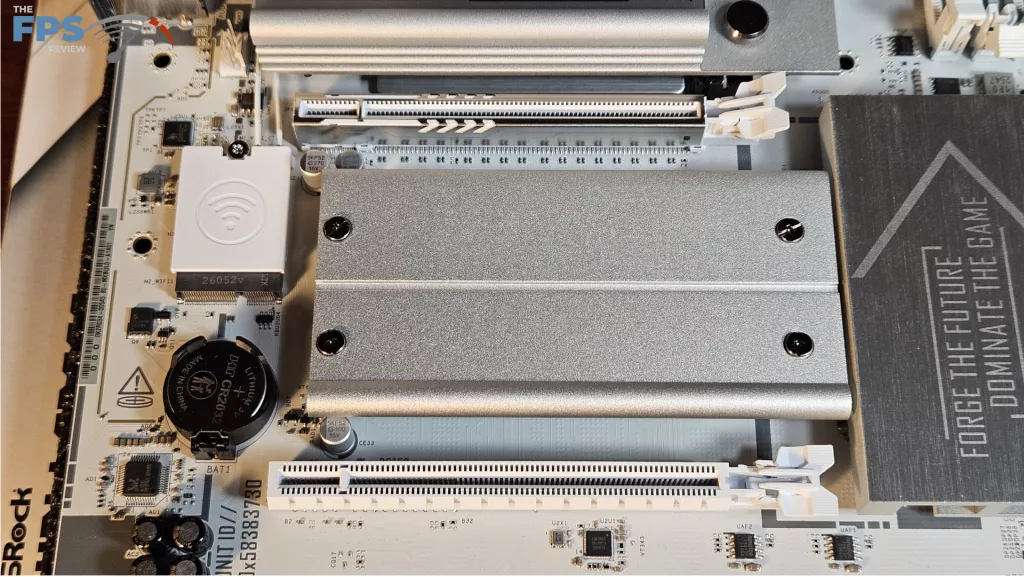
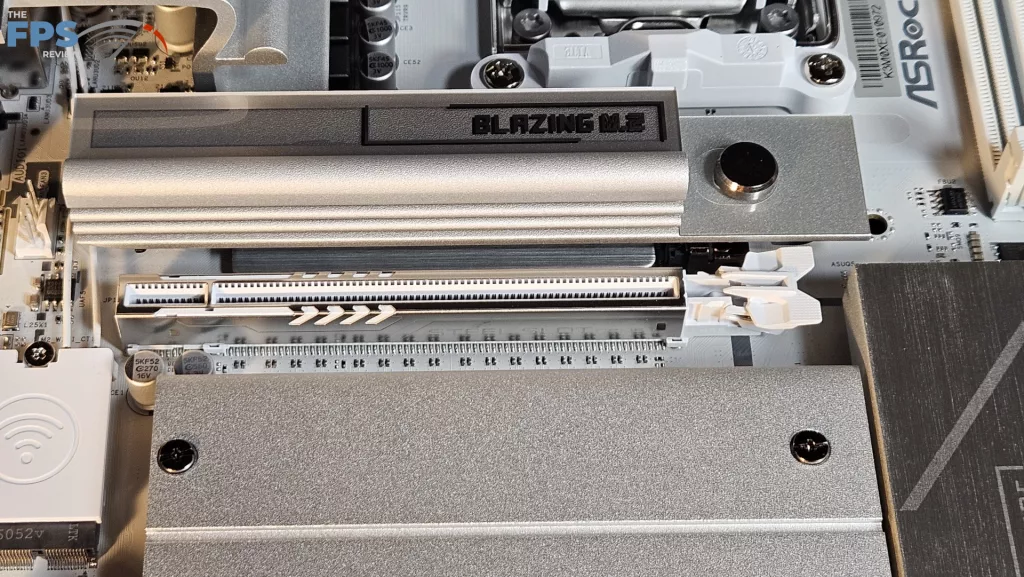
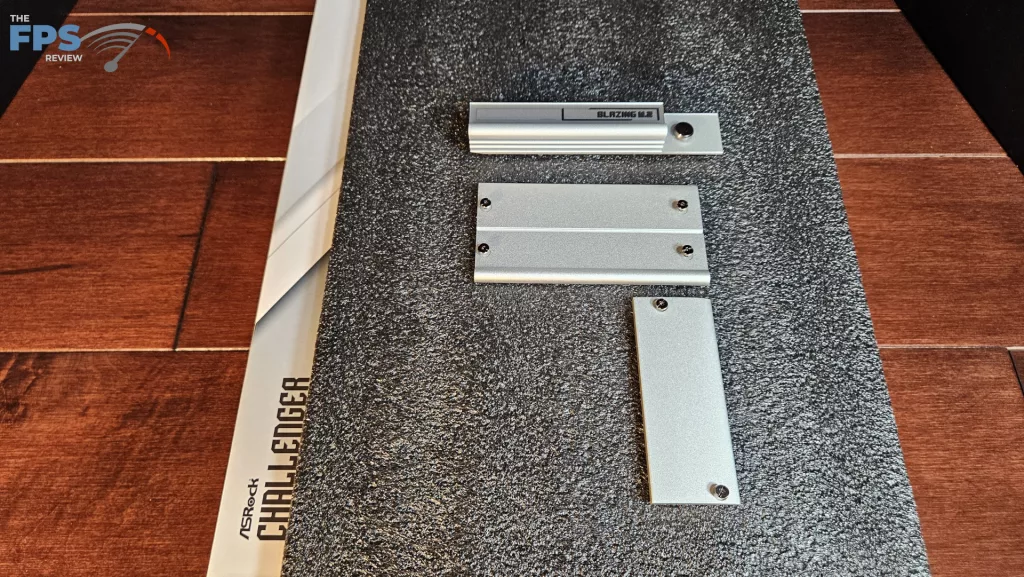
The board is lightweight but well-constructed. There is no flex or bend when handled. The heatsinks are solid. ASRock states the PCB is 8 layer. The primary M.2 has an EZ release function. There are 4 M.2 slots on the board. Slots 2,3 and 4 will require a Phillips screwdriver to access. All the M.2 applications are tool-less using rotary clasps. The primary PCIe slot is reinforced. The PCIe slots utilize standard clasps. There is no digital de-bug or power button on the board. There is an LED panel at the top right which has four functions to aid in troubleshooting. Fancy lighting is absent from this motherboard. There are the usual RGB headers, which can be controlled by Polychrome Sync software.
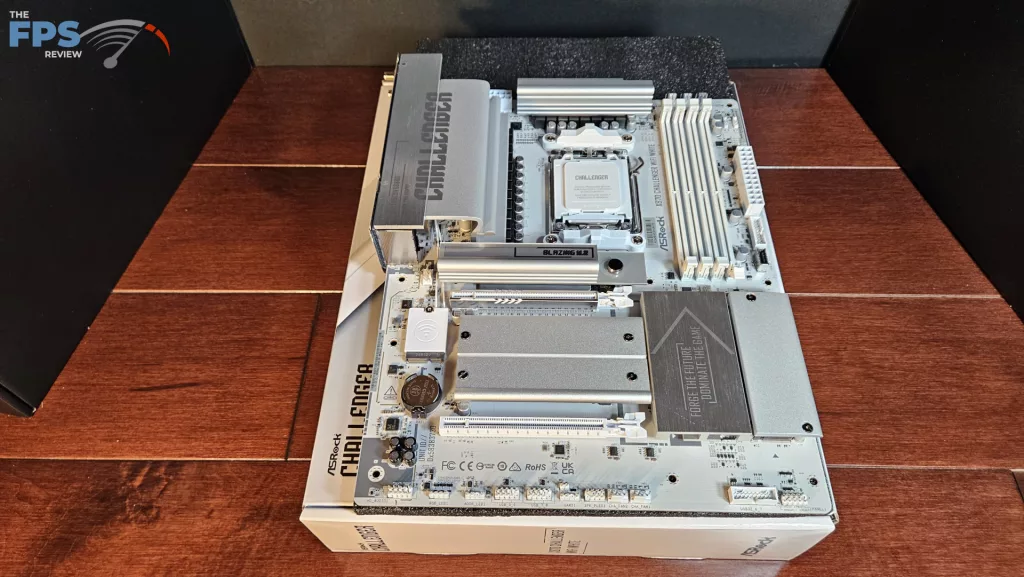
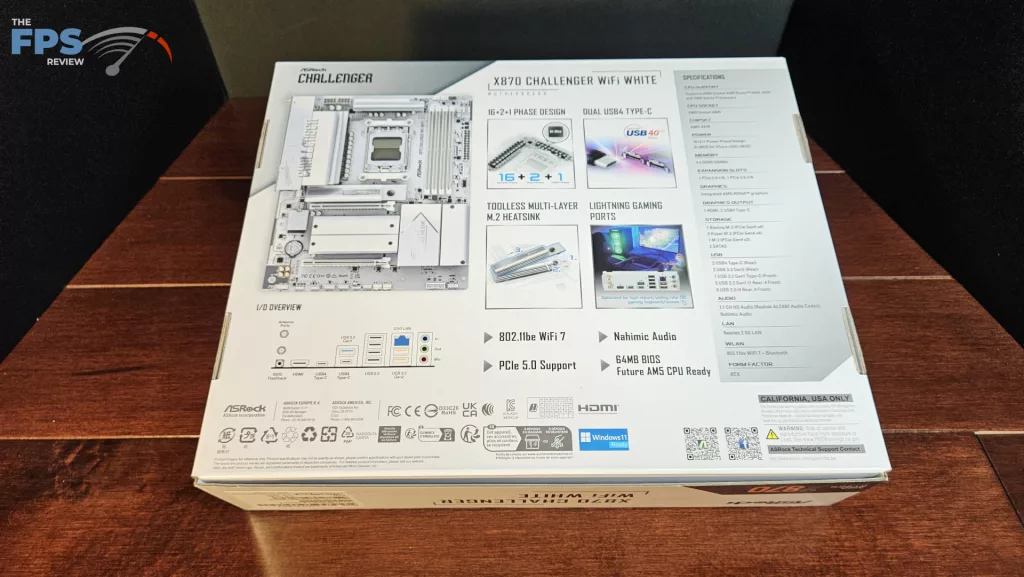
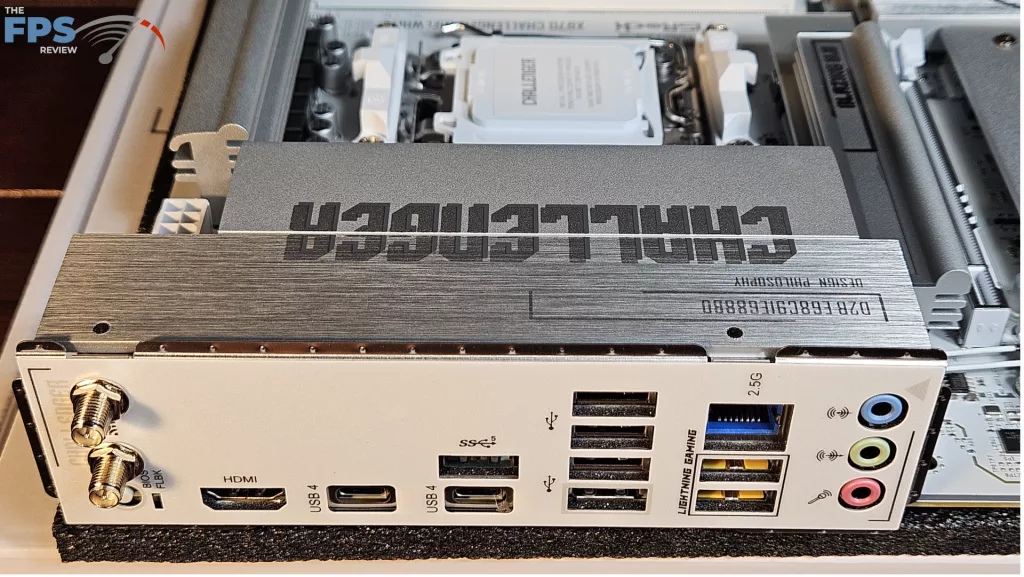
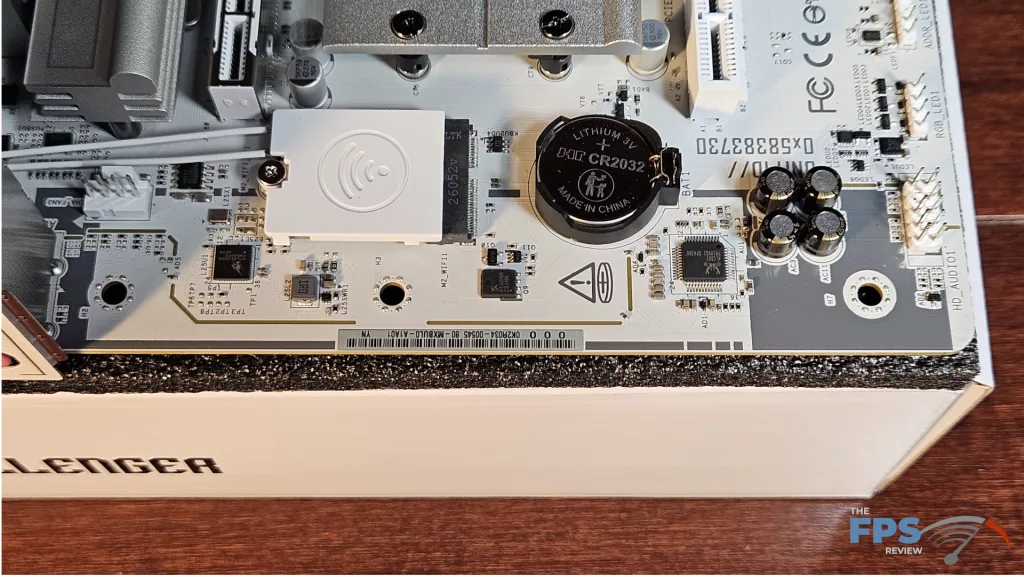
The ASRock X870 CHALLENGER WiFi White does have a good amount of connectivity. We see four M.2 slots, one Gen5 and three Gen4. (this does come with a caveat, which we will discuss below) The rear I/O panel is reasonably equipped with seven USB-A (one 5Gb/s, two 10Gb/s, and four 2.0) and two USB-C (40Gb/s) ports. Also, there is an HDMI, 2.5Gb/s RJ-45, WiFi ports, 3.5mm audio jacks, and a BIOS flashback button. Audio is RealTek AC897, Ethernet is RealTek Dragon, and WiFi is Realtek RTL8922AE.
Power Delivery
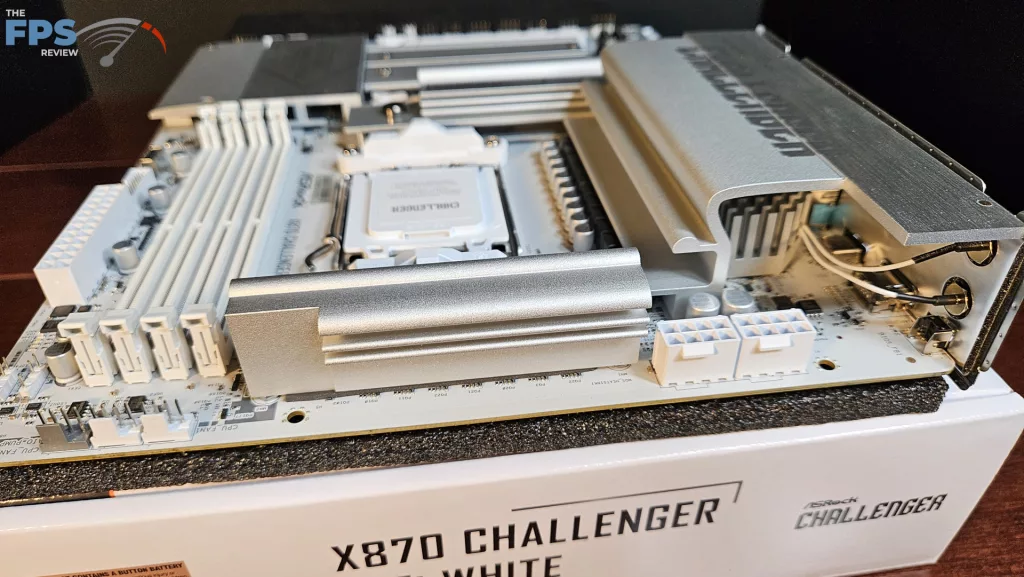
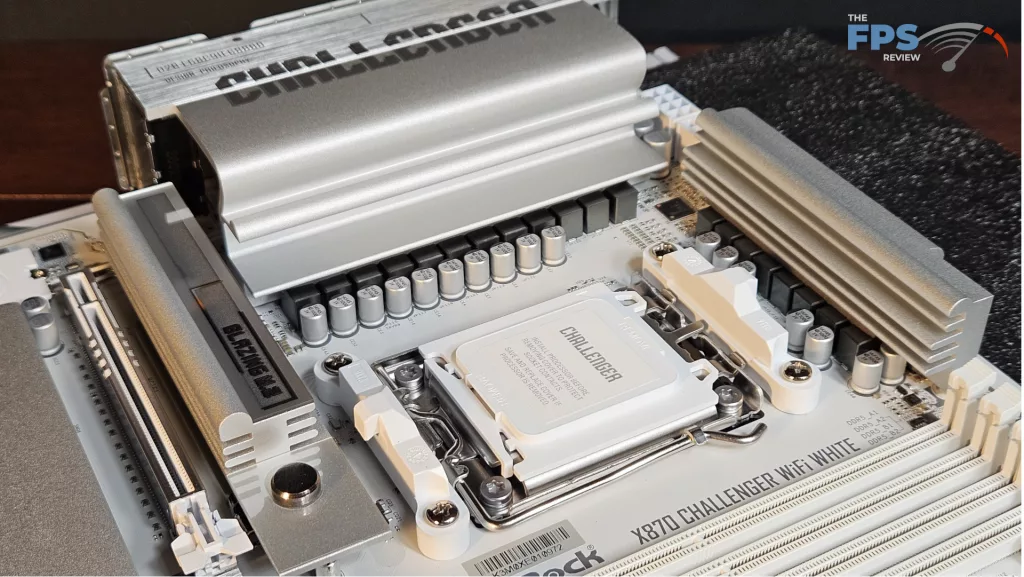
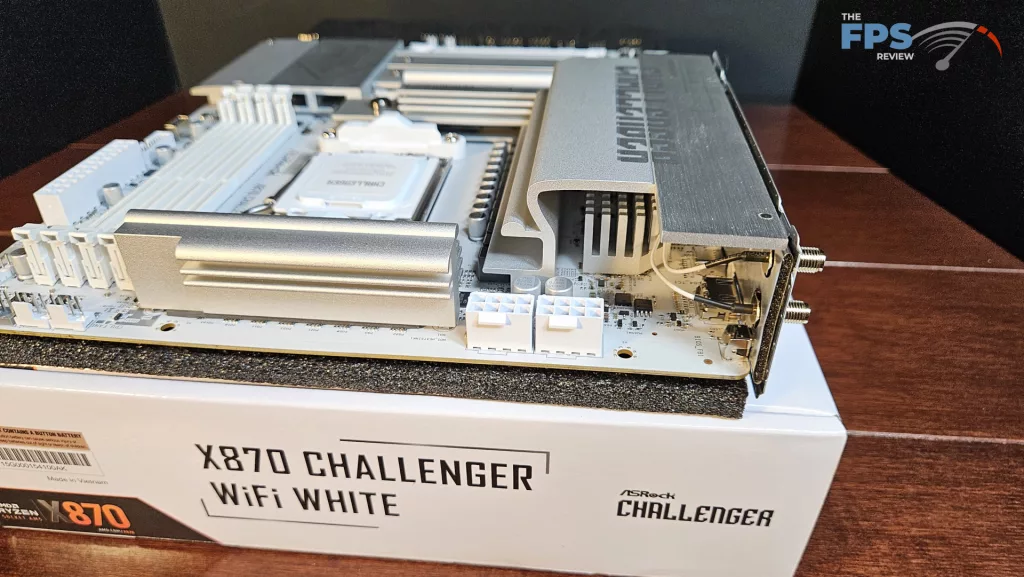
ASRock states the X870 CHALLENGER WiFi White has 16+2+1 (we suspect dual 8-phase) power phase support. VCore power is 80Amps DRMOS. All in all, the power delivery here seems to be more than adequate. The power is delivered via two 8-pin CPU connectors, top-left. The VRM heatsinks are quite heavy. There do not appear to be any heatpipes. ASRock employs black heavy-duty capacitors. The PCB is made from 8 layers. Overall, the board feels sturdy without any flex or bending.
CPU Socket, Memory, and Storage
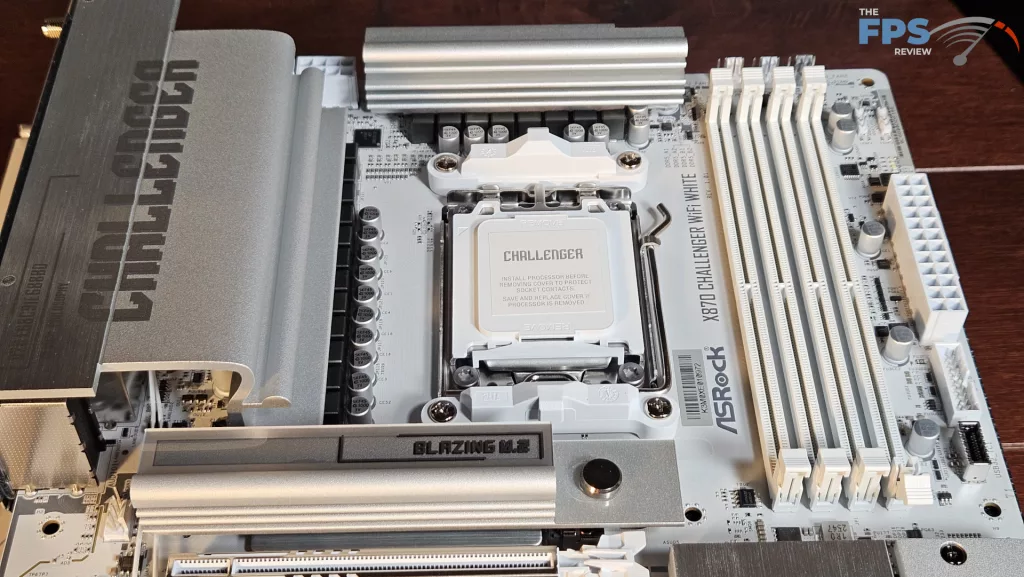
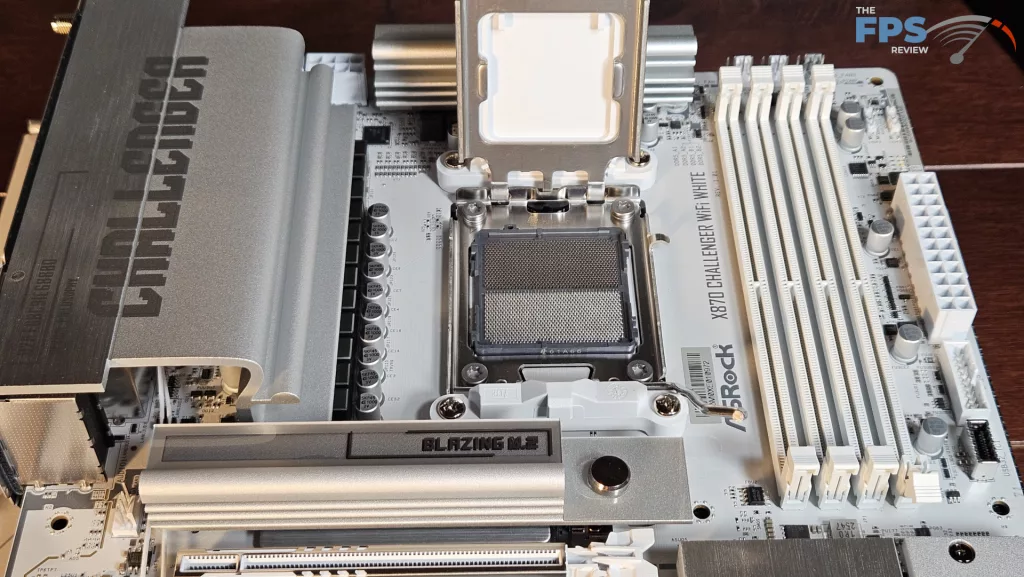
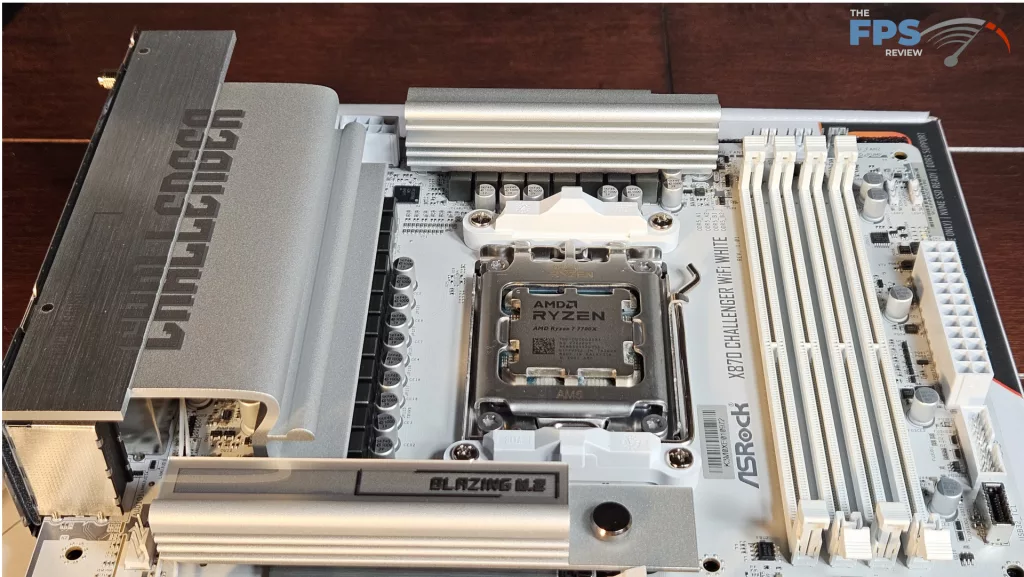
The ASRock X870 CHALLENGER WiFi White supports socket AM5 CPUs in the Ryzen 7000, 8000, and 9000 series. There is ample space surrounding the socket to place most, if not all, CPU coolers. Our MSI AIO MAG Core 360I gave us no mounting issues. Memory supported includes DDR5 DIMMs up to 256 GB in total. Frequencies are advertised up to 8000MT/s (OC). XMP and Expo profiles are supported for 1-click overclocking. The memory slots are dual-latch. The spacing seems adequate for large CPU coolers. The only issue here may be tall DIMM heatsinks in slot A1 and low cooling fins on an air-cooled heatsink.
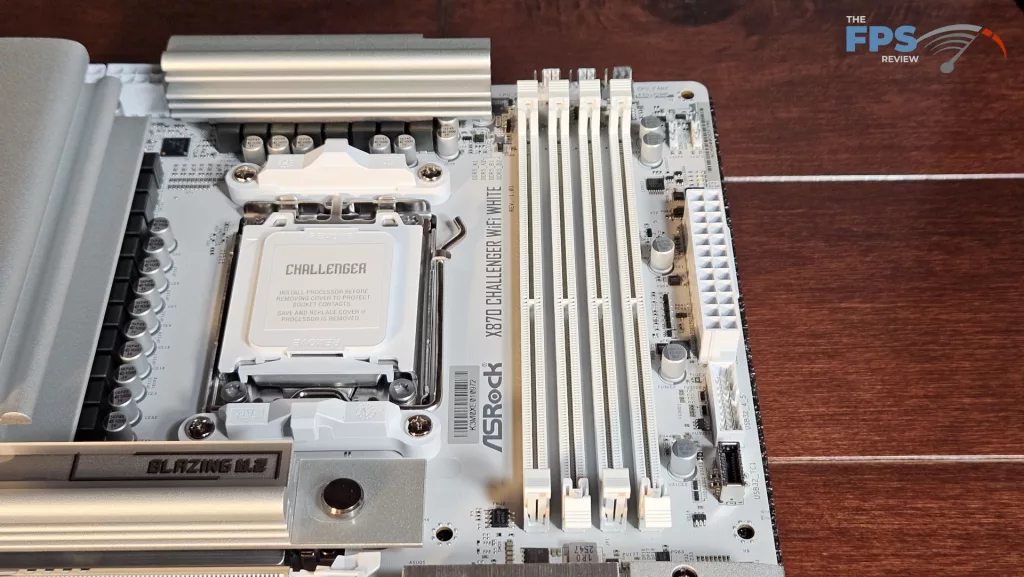
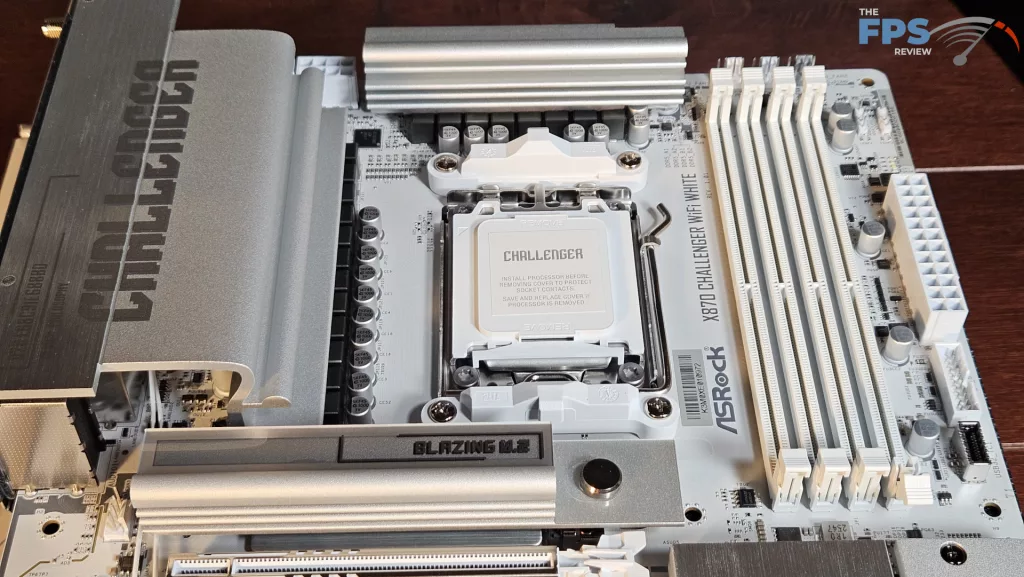
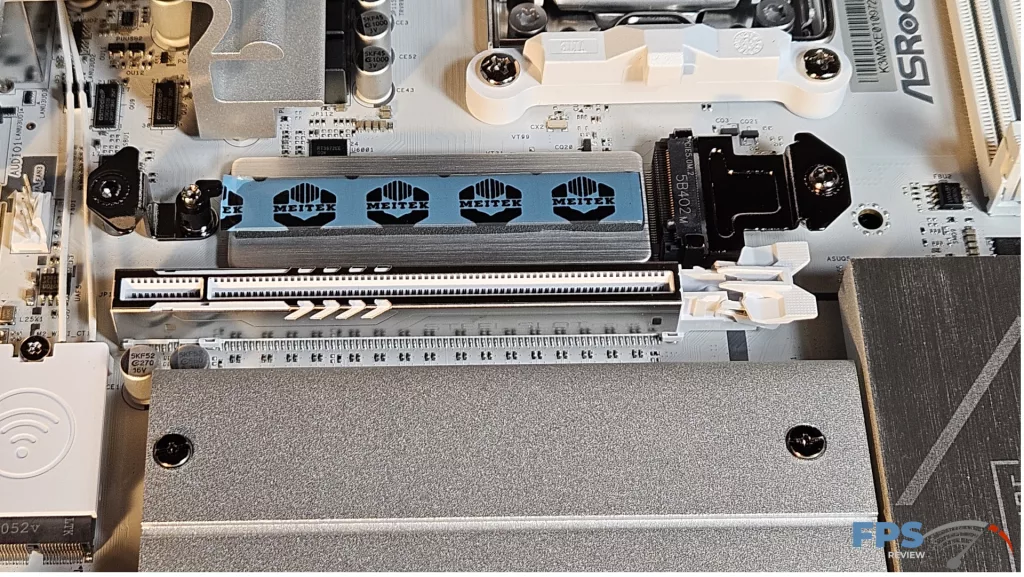
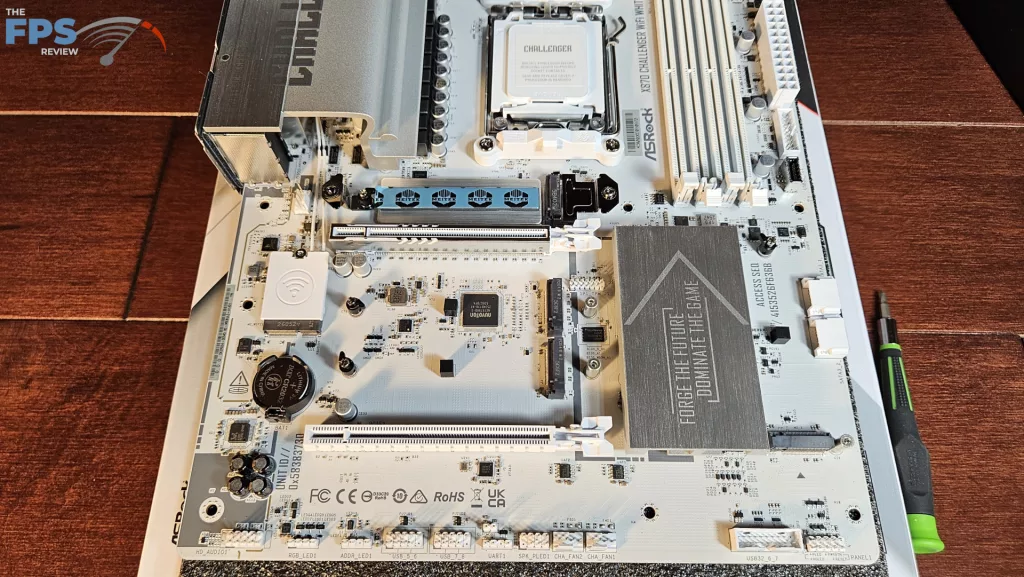
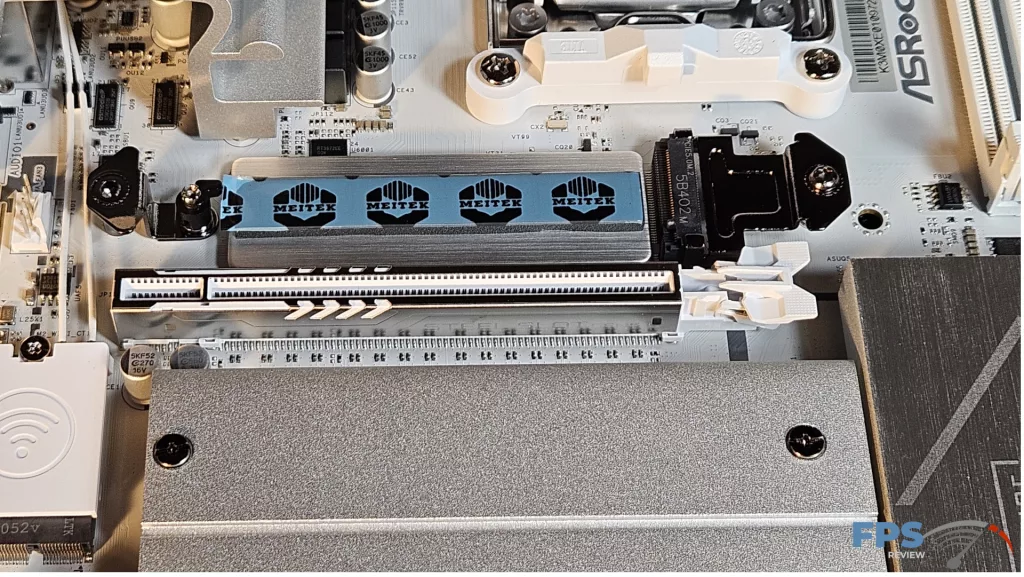
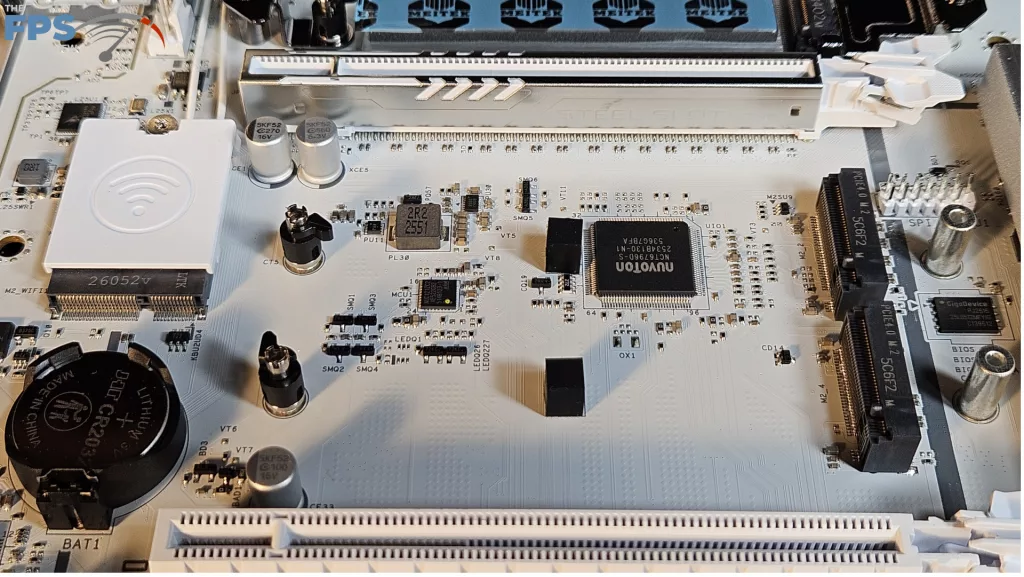
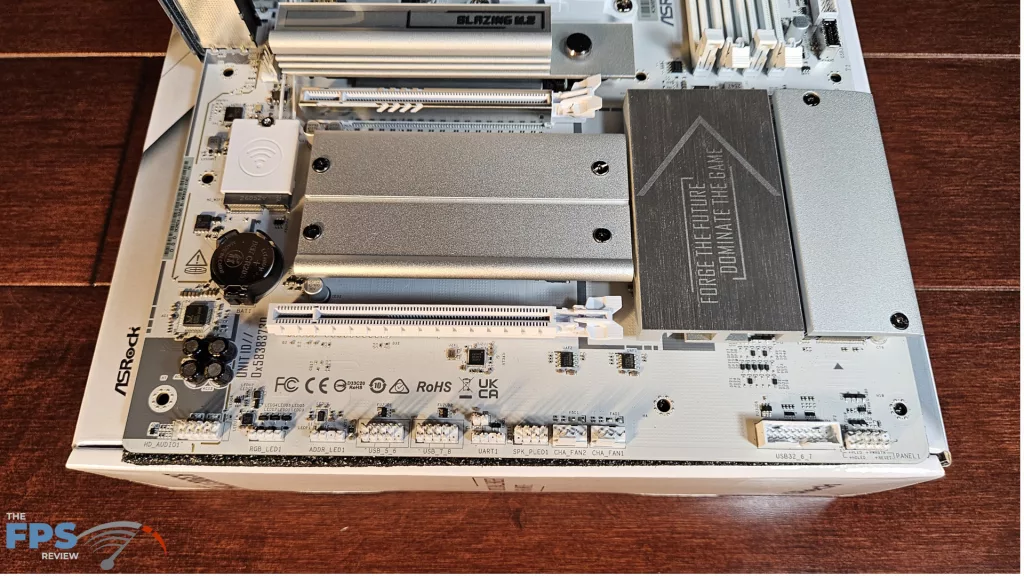
We mentioned in the section above that there are four M.2 slots. The scheme for numbering the slots is: primary M.2_1, below that M.2_2, next in line M.2_4, and to the right by the chipset M.2_3. The primary M.2 is derived from the CPU and is Gen5 x 4 (128Gb/s). M.2_2 is Gen4 x 4 (64Gb/s) from the CPU, and M.2_3 is Gen4 x 4 with lanes derived from the chipset. If you wish to use M.2_2 at full Gen4 x 4 speed, you must disable the rear USB-4 within the BIOS. M2_4 is likewise from the chipset and will run at Gen4 x 2. The position of M.2_2 and M.2_4 is just below the primary PCIe slot. These “may” be fully usable if the native heatsink is not too tall. Even then, you would have to forego the motherboard heatsink. There simply is not enough space. However, heat from a large GPU may be a problem. Slot M.2_3 is somewhat out of the way, just adjacent to the chipset heatsink. It should be fully usable in conjunction with a large GPU. That being said, our ASRock RX 7600 XT Steel Legend video card is a 2.5-slot card, and it covers each and every M.2 slot except for the primary. There are also 2 SATA 6Gb/s ports on the lower right side.
Expansion
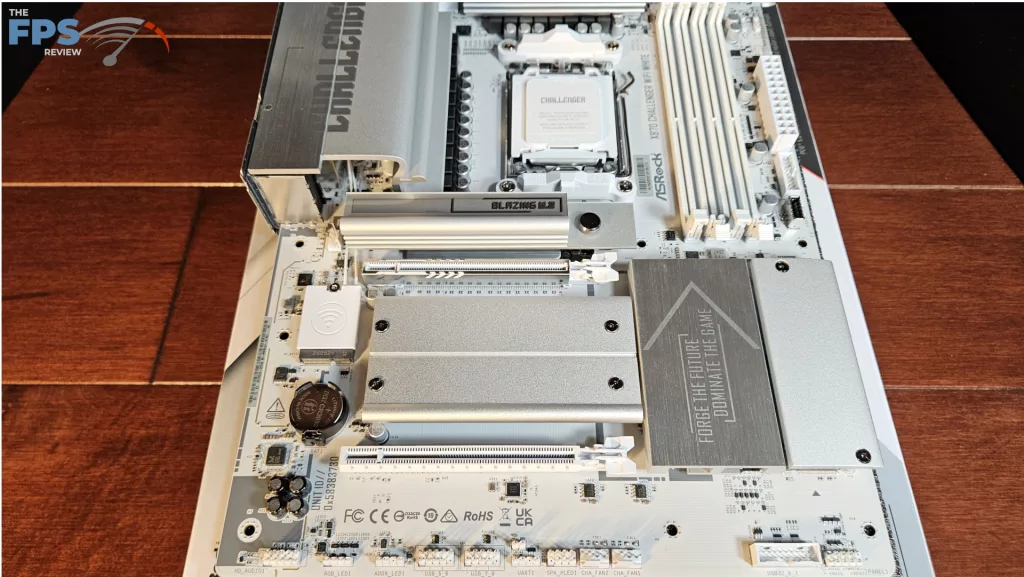
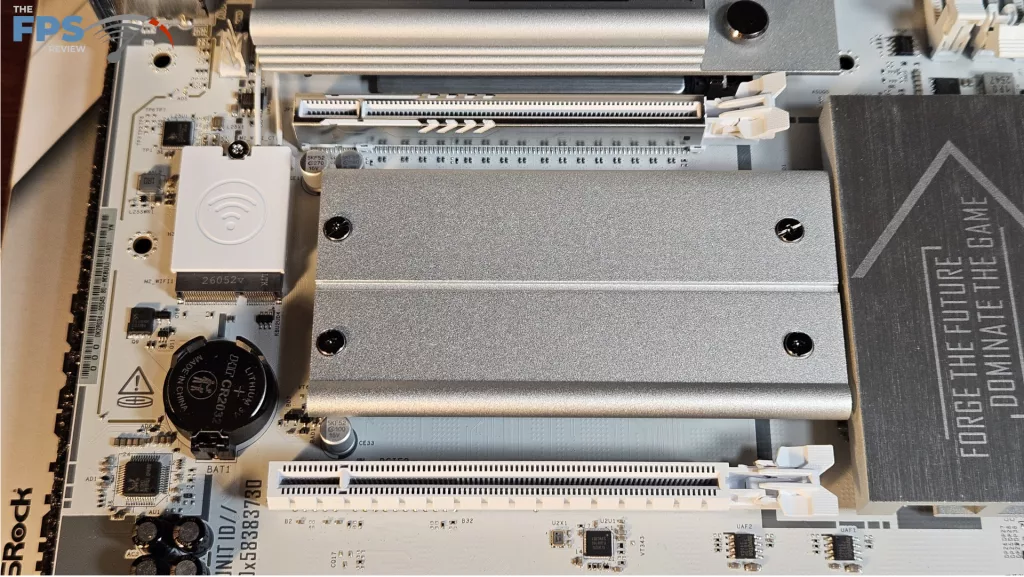
Expansion on this motherboard consists of two full-length PCIe slots. There are only standard clasps. The primary PCIe slot is metal-reinforced. The primary PCIe slot supports Gen5 x 16 speed, while the second slot is Gen3 x 2. As we stated, you have no advantages when it comes to the release of the GPU in either slot, and the tolerance is tight.
I/O
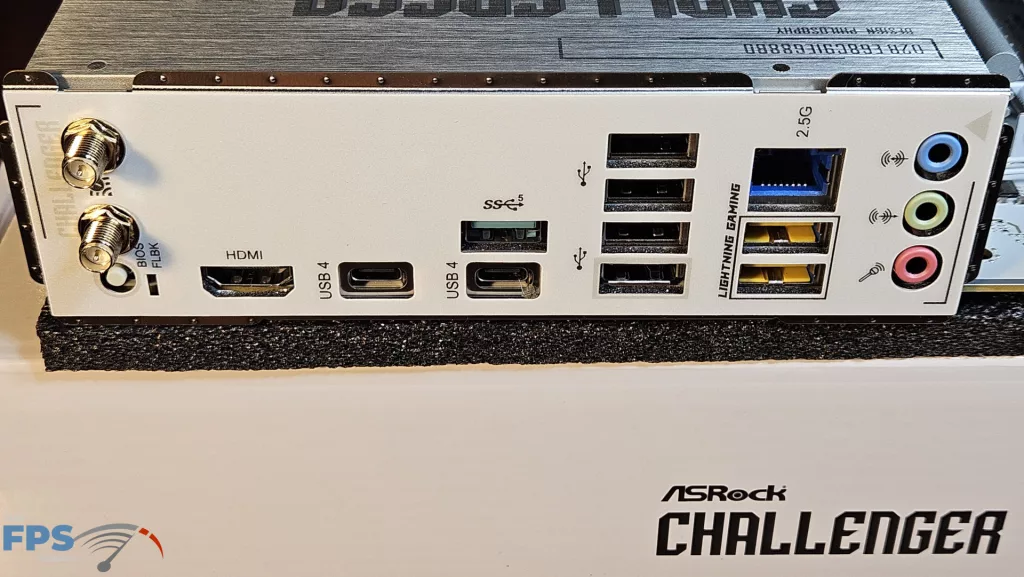
The rear I/O panel on the ASRock X870 CHALLENGER WiFi White is adequately outfitted. First of all, the case bracket is preinstalled, which seems to be customary these days. Working from left to right: WiFi antenna ports, recessed Flash BIOS, HDMI Port, USB-C 40Gb/s, USB-C 40Gb/s, USB-A 5GB/s, four USB-A 2.0, 2.5Gb RJ-45, two USB-A 10Gb/s, 3.5mm audio ports.
On the main board, there are a total of six 4-pin fan headers, three top-board labelled AIO_Pump, CPU_Fan 1 and CPU FAN 2, two on the bottom row, and one on the left near the primary PCIe slot. All fan headers can be controlled by either Fan-tastic in the BIOS or Fan Control in the ASRock motherboard utility. The right side of the board houses two ARGB headers, 24-pin power, USB-A 5Gb/s front panel header, USB-C 10Gb/s front panel port, and 2 SATA ports. The bottom row has the front panel header, two fan headers, a USB-A 5Gb/2 front panel port, two USB 2.0 headers, another ARGB header, one 12V LED header, and the audio header. RGB can be controlled by ASRock Polychrome SYNC software.
Discussion
Join Discussion →No replies yet. Be the first to reply on the forum.