

Introduction
In our most recent motherboard review, we introduced ASRock’s latest tier of boards, the CHALLENGER. This motherboard group was first released in July of 2025 for the AMD B850 chipset. It was developed to offer a full-featured entry-level gaming-centric motherboard group, providing a board that was easy on the budget. The boards are also without fancy lighting and some EZ DIY features. It now includes the X870 and X870E as well as the Intel B860. In the ASRock scheme of things, the ASRock X870E CHALLENGER WiFi represents the entry level, placed just below the Phantom Gaming X870E NOVA and the top-of-the-line X870E TAICHI. Although the X870E CHALLENGER WiFi is billed as a budget-friendly board, we will see that it is feature-rich and has all the connectivity and functionality defined by AMD to represent the X870E class. Currently, the ASRock X870E CHALLENGER WiFi is listed at $229 on Newegg and carries a three-year warranty. We will dig into the details, benchmark this board, and see what it offers.

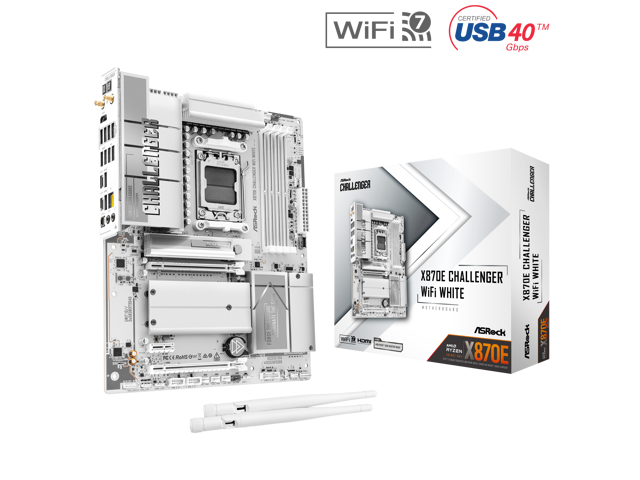
Packaging and Contents
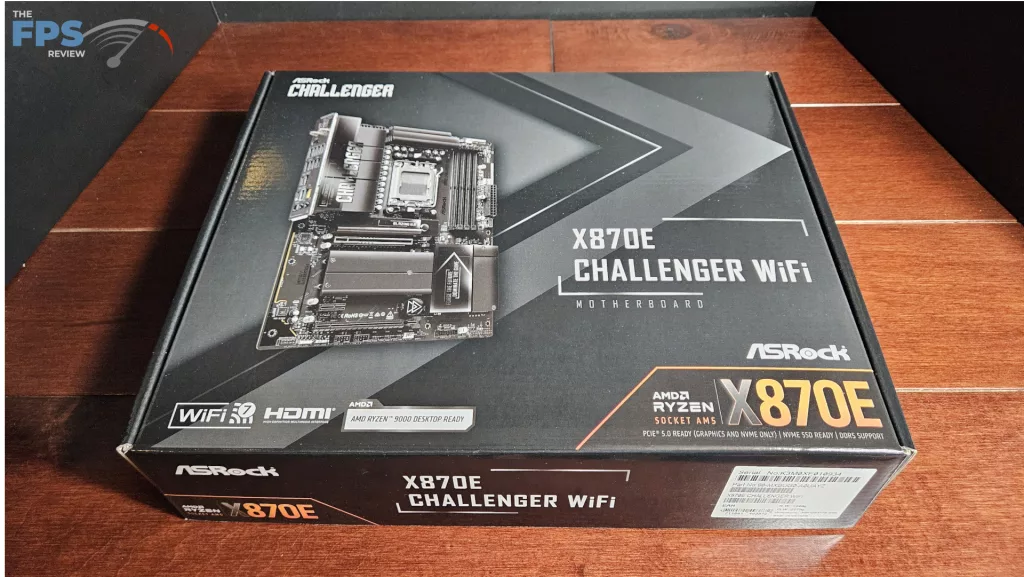
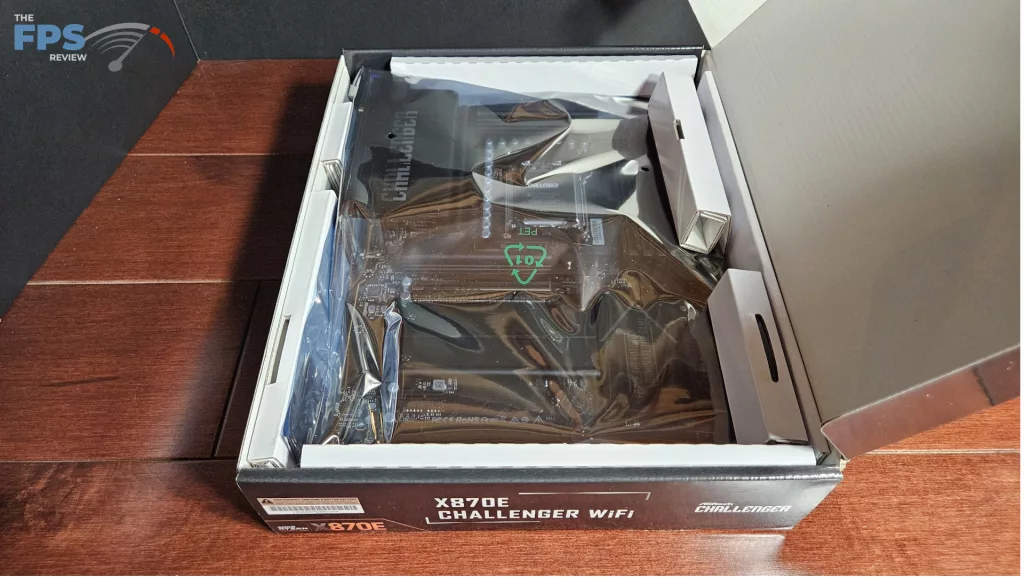
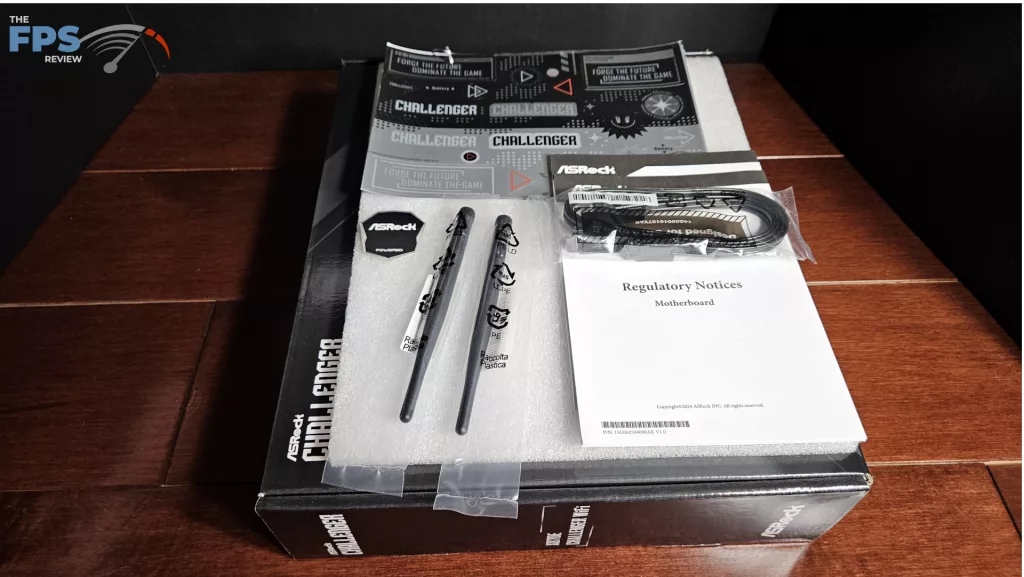
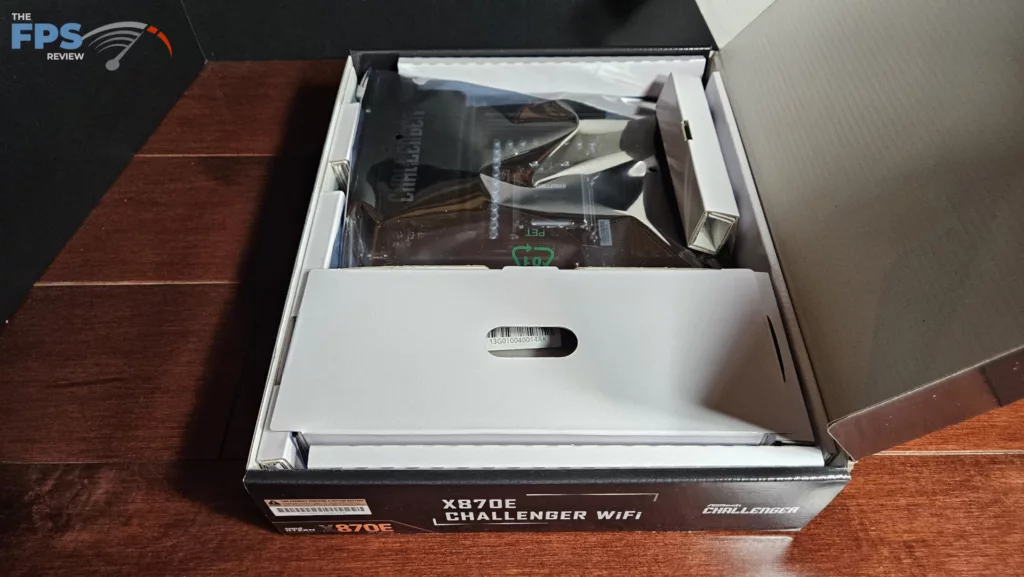
The motherboard was shipped directly from ASRock. This is a full retail package. We found the usual packing format. The board was placed inside an anti-static bag and protected by cardboard inserts. The wifi antenna was packed on top, and the accessories underneath. The accessories included: booklets, a sheet of stickers, two SATA cables, and a case badge.
ASRock X870E CHALLENGER WiFi Features
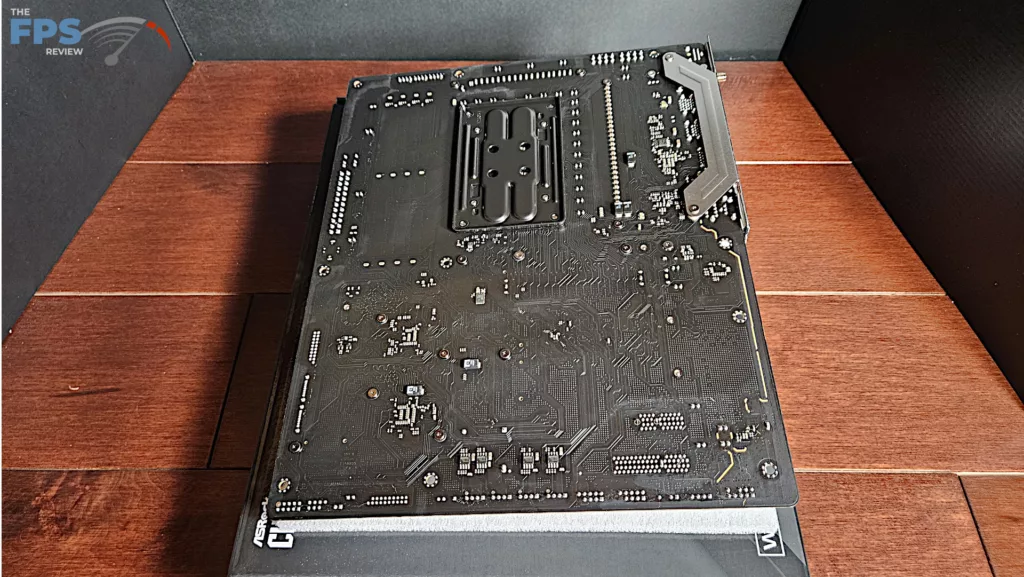
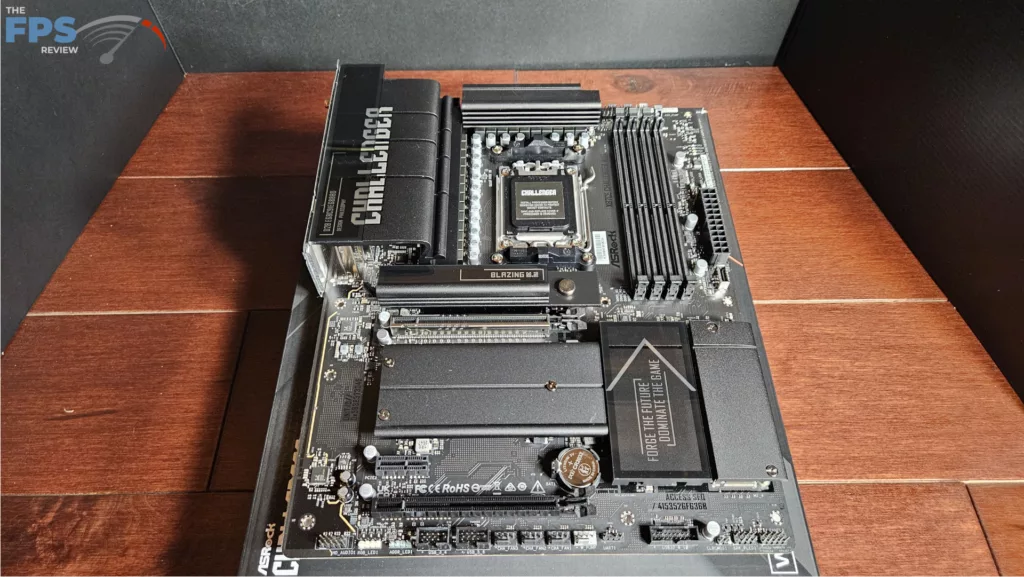
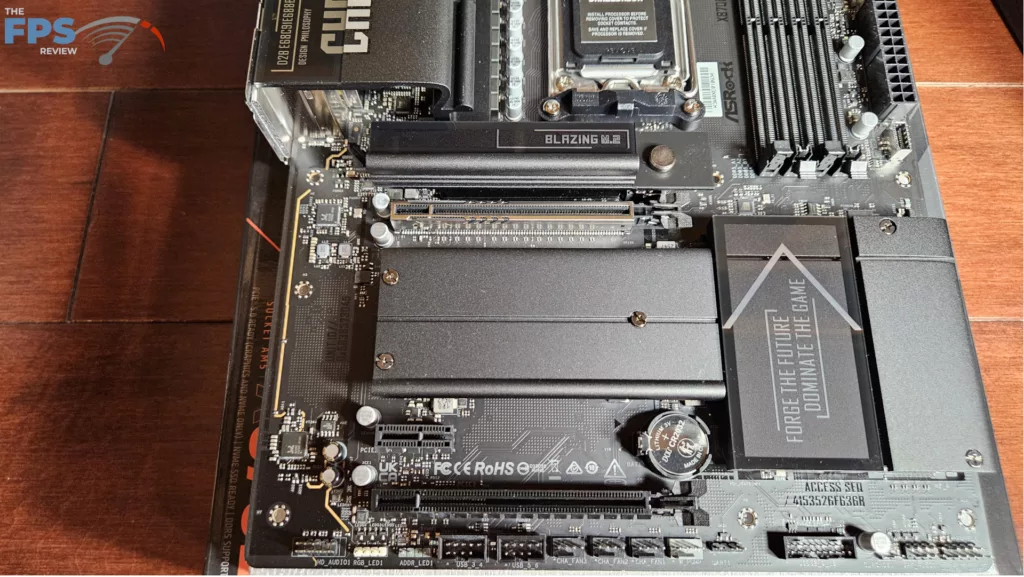
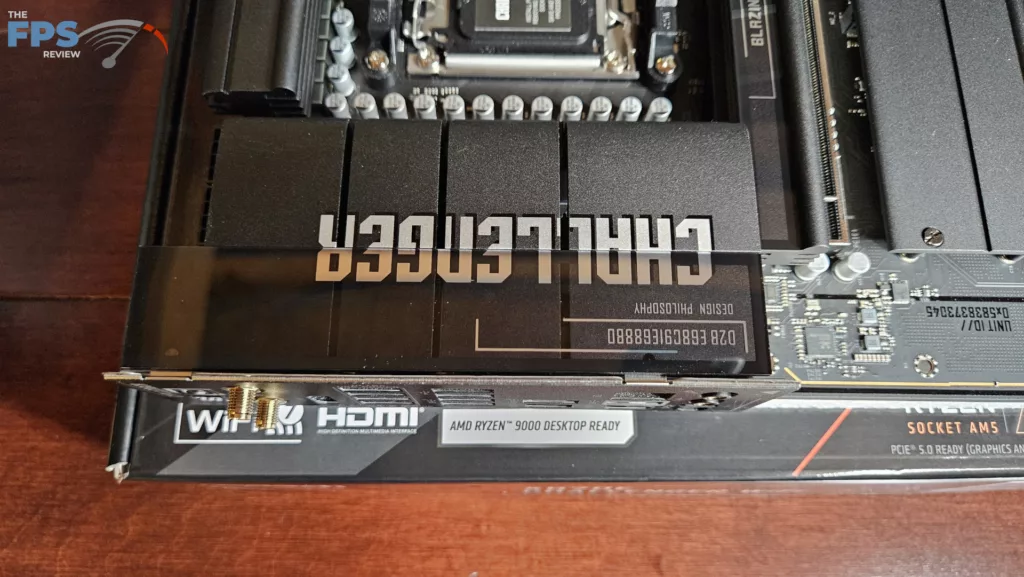
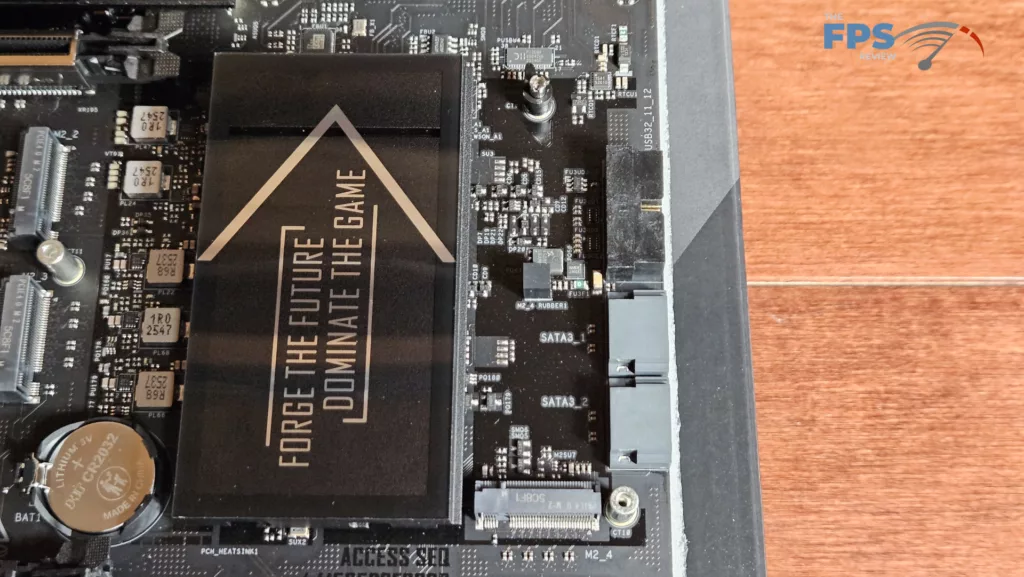
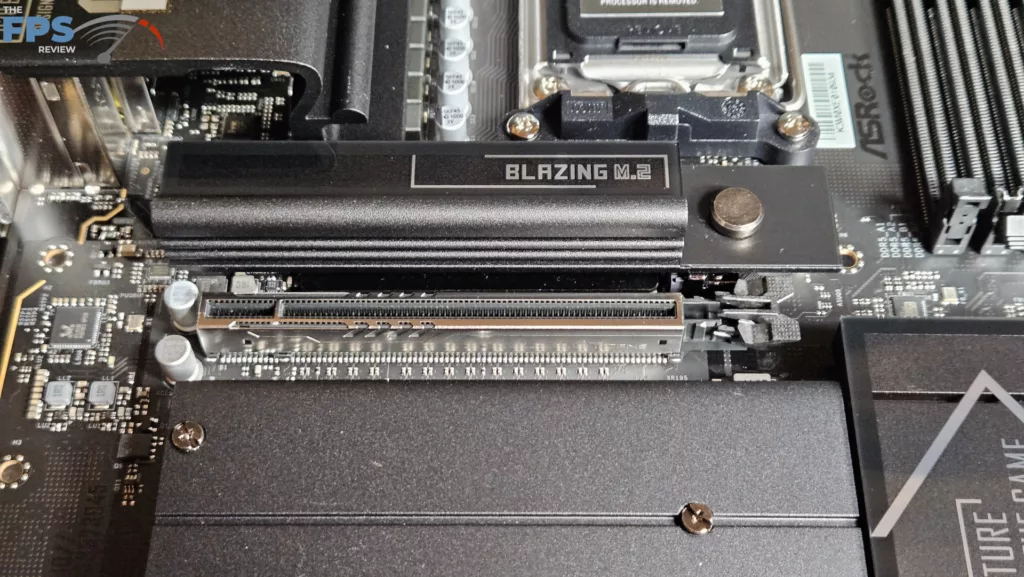
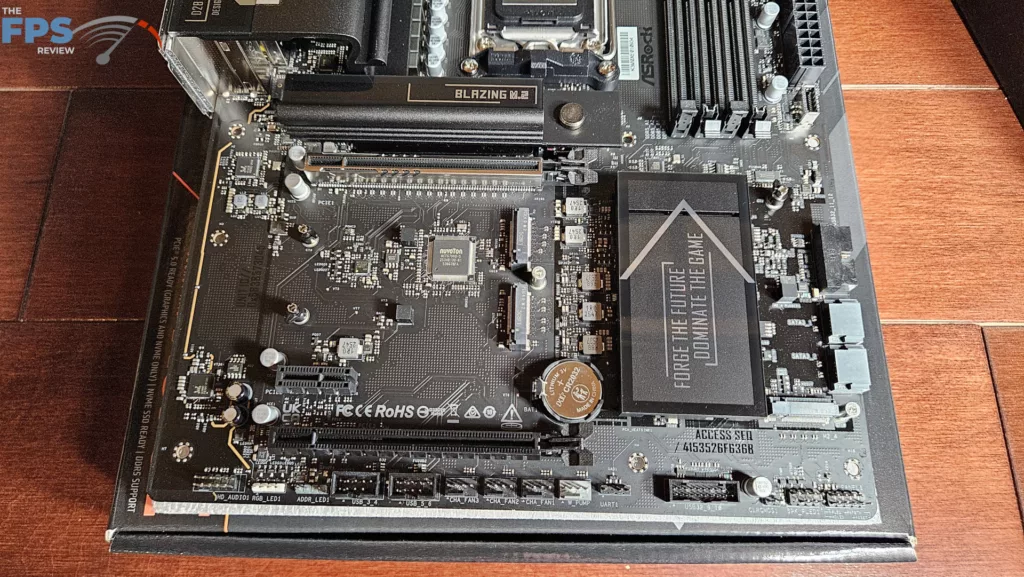
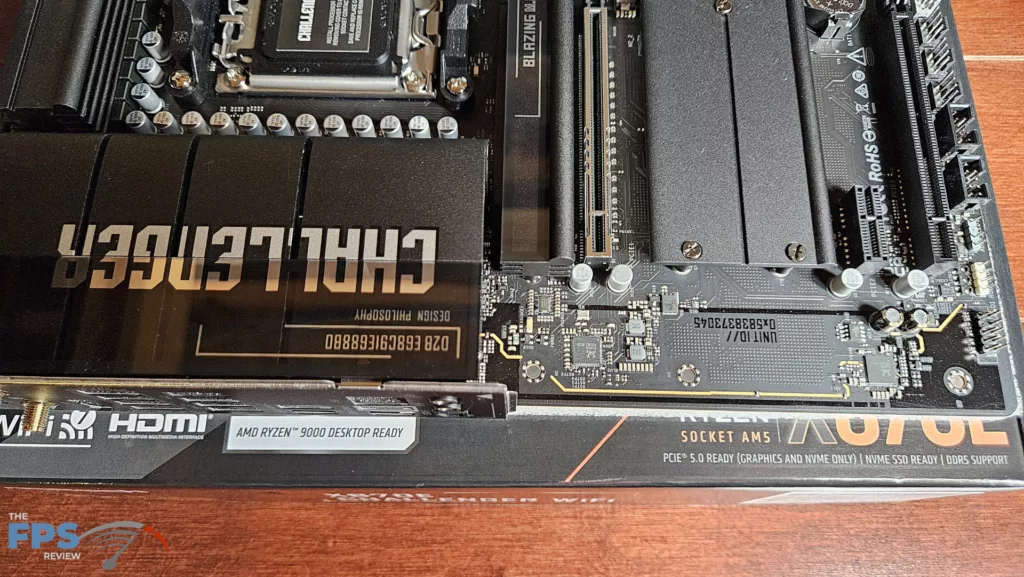
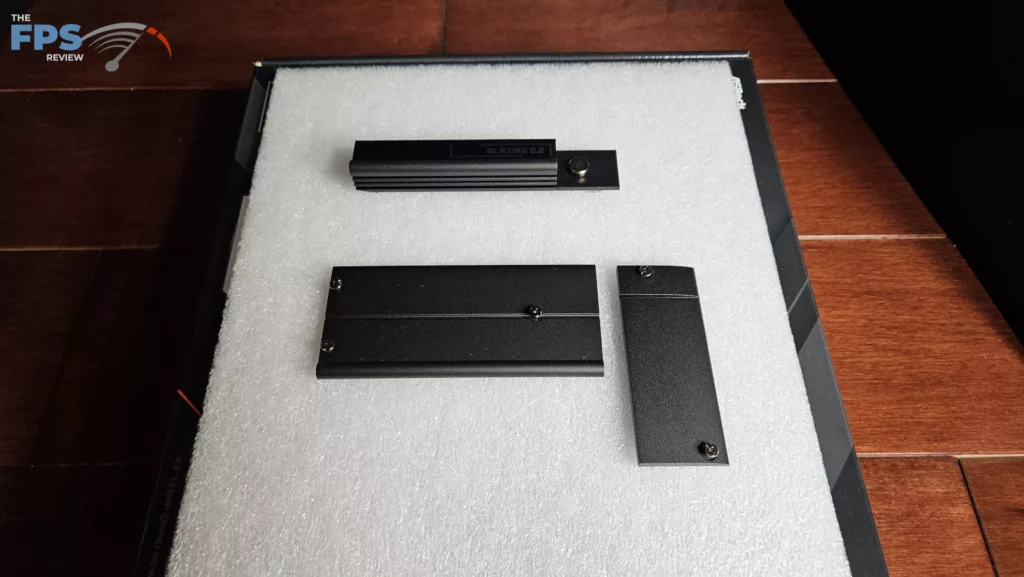
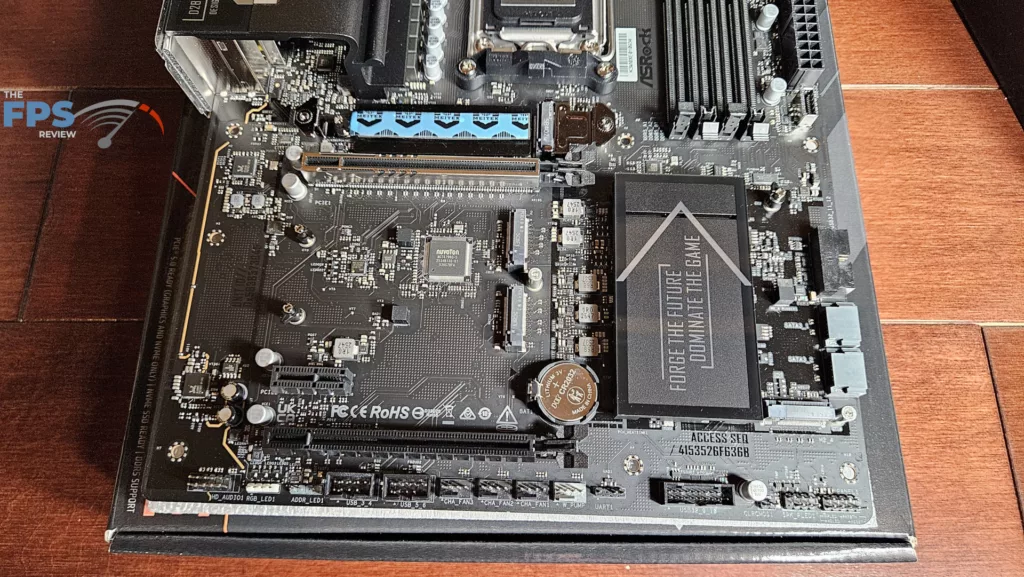
This board is a full-sized ATX motherboard outfitted in all black with either white or gold lettering. The I/O heatsink, M.2 heatsink, and chipset heatsink have been given some extra detailing compared to the X870 version we just reviewed. Overall, this is a very clean-looking board. The motherboard PCB is fashioned from 8-layer server-grade material; it is solid and has no bend or flex. The heatsinks are identical to what we saw on the X870 version. The primary M.2 has an EZ release function. There are four M.2 slots on the board. Slots 2,3 and 4 will require a Phillips screwdriver to access. All the M.2 applications are tool-less using rotary clasps. The primary PCIe slot is reinforced. The PCIe slots utilize standard clasps. There is no digital de-bug or power button on the board. There is an LED panel at the top right which has four functions to aid in troubleshooting. Fancy lighting is absent from this motherboard. There are the usual RGB headers, which can be controlled by Polychrome Sync software.
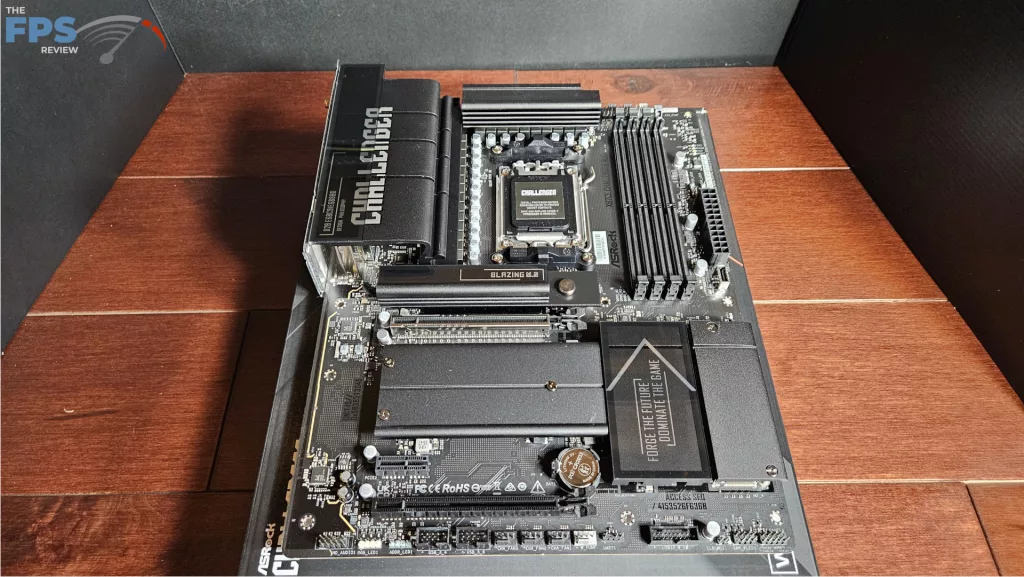
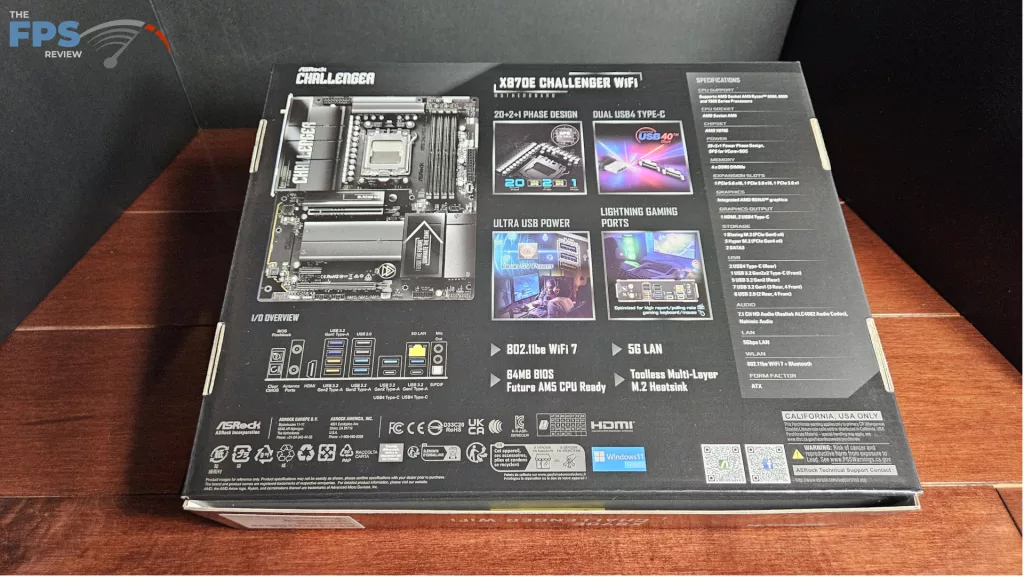
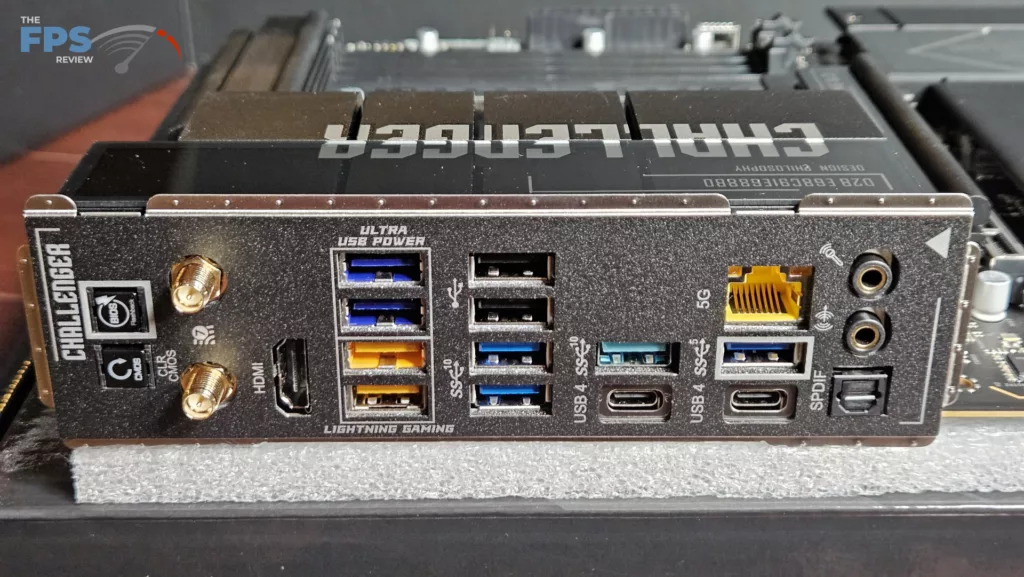
The ASRock X870E CHALLENGER WiFi does have abundant connectivity. There are four M.2 slots, one Gen5 and three Gen4 (all of which are x4 speed without any BIOS adjustments). The rear I/O panel is well equipped with ten USB-A (three 5Gb/s, five 10Gb/s, and two 2.0) and two USB-C (40Gb/s) ports. Also, there are HDMI, 5Gb/s RJ-45, WiFi ports, 3.5mm audio jacks, SPDIF, and a Clear CMOS and BIOS flashback button. Audio is RealTek ALC4082, ethernet is RealTek 8126, and WiFi is RealTek RTL 8922AE.
Power Delivery
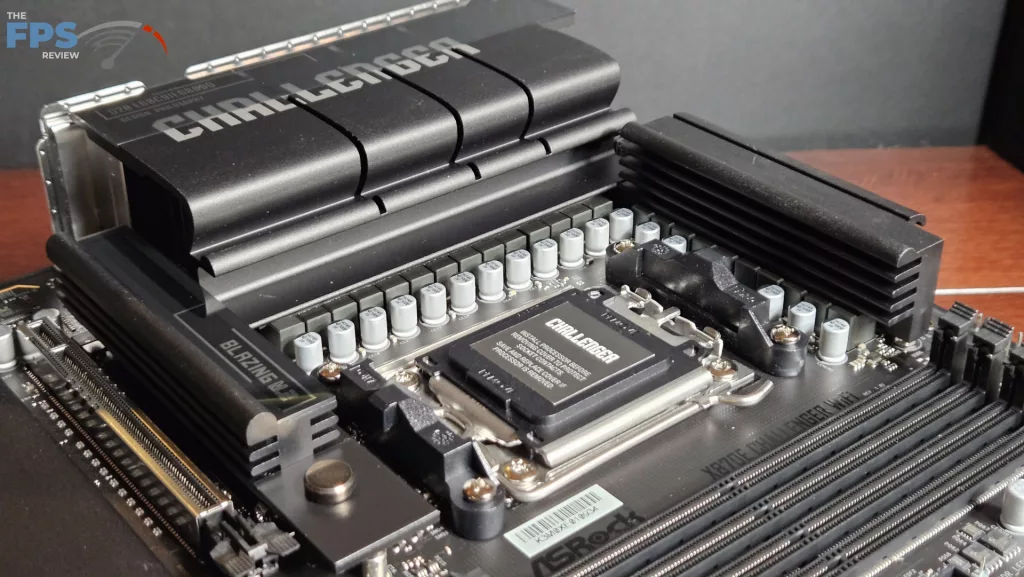
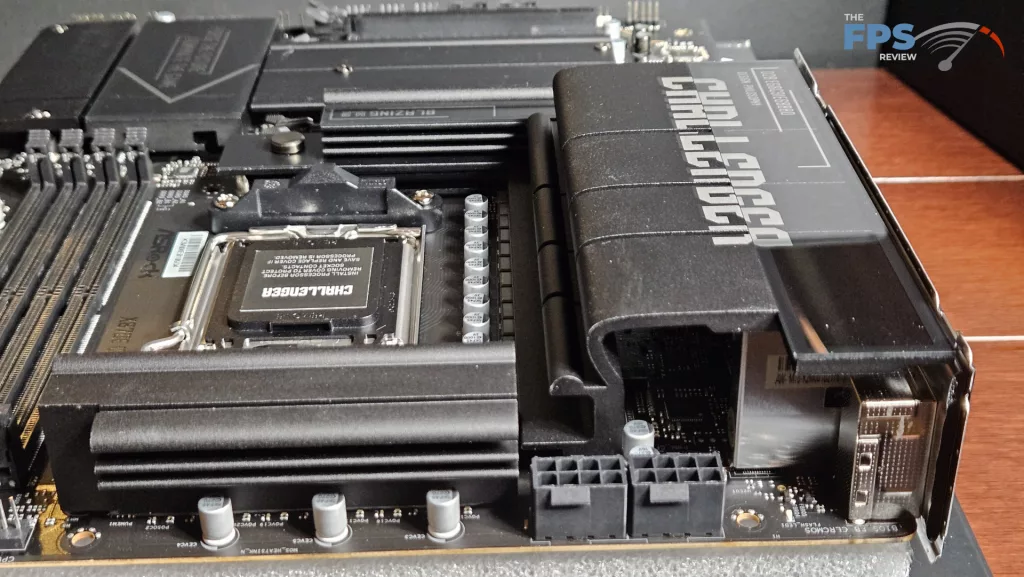
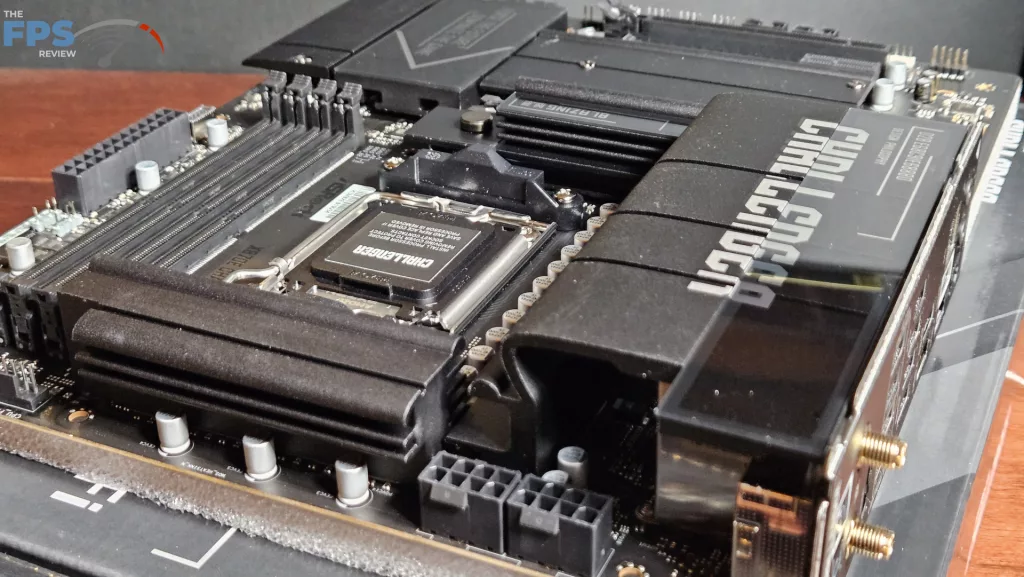
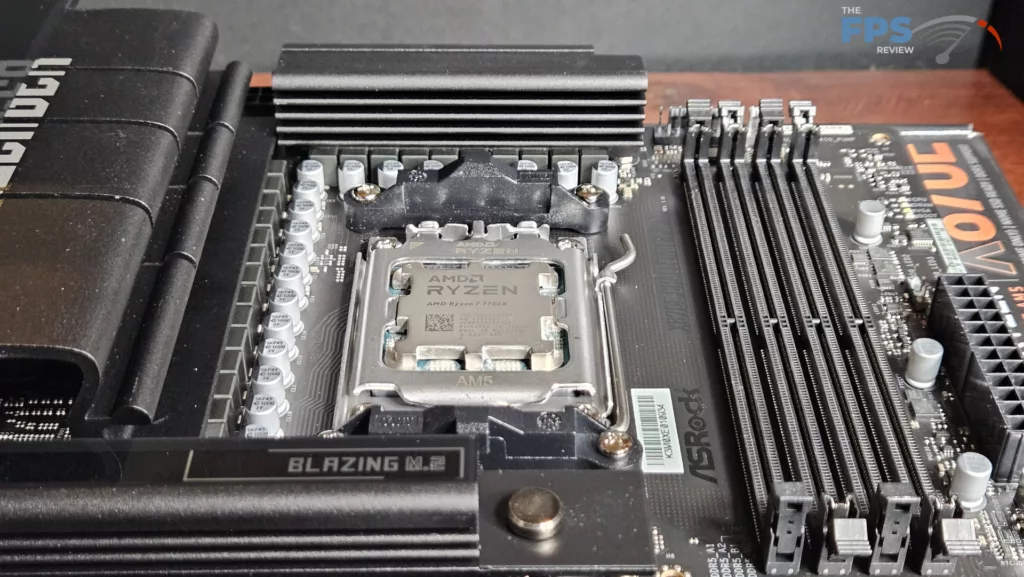
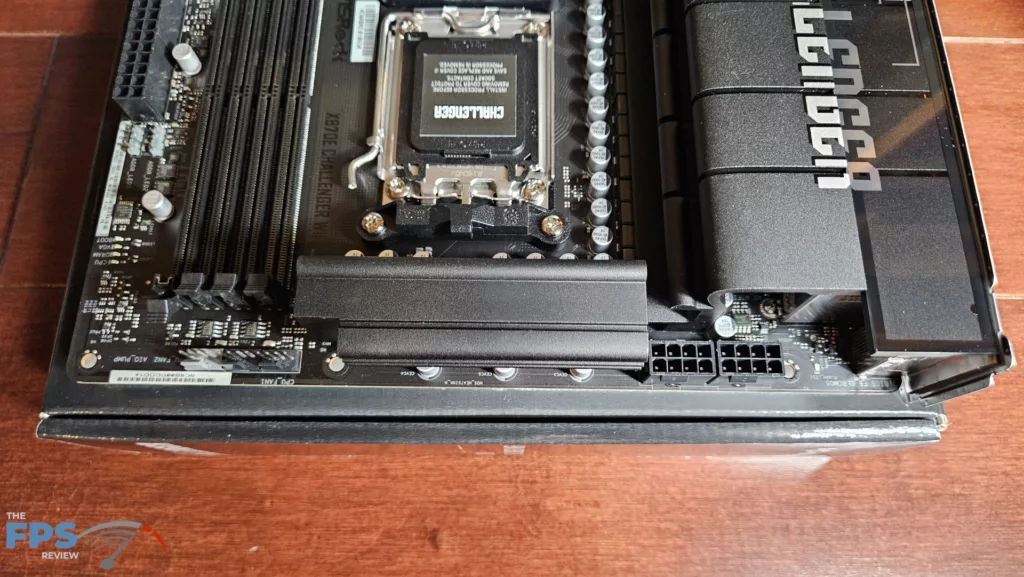
ASRock states the X870E CHALLENGER WiFi has 20+2+1 power phase support. VCore power is 110Amps DRMOS. All in all, the power delivery here seems to be more than adequate. The power is delivered via two 8-pin CPU connectors, top-left. The VRM heatsinks are quite heavy. There do not appear to be any heatpipes. ASRock also employs black heavy-duty capacitors. The PCB is made from 8 layers with inlaid copper. Overall, the board feels sturdy without any flex or bending.
CPU Socket, Memory, and Storage
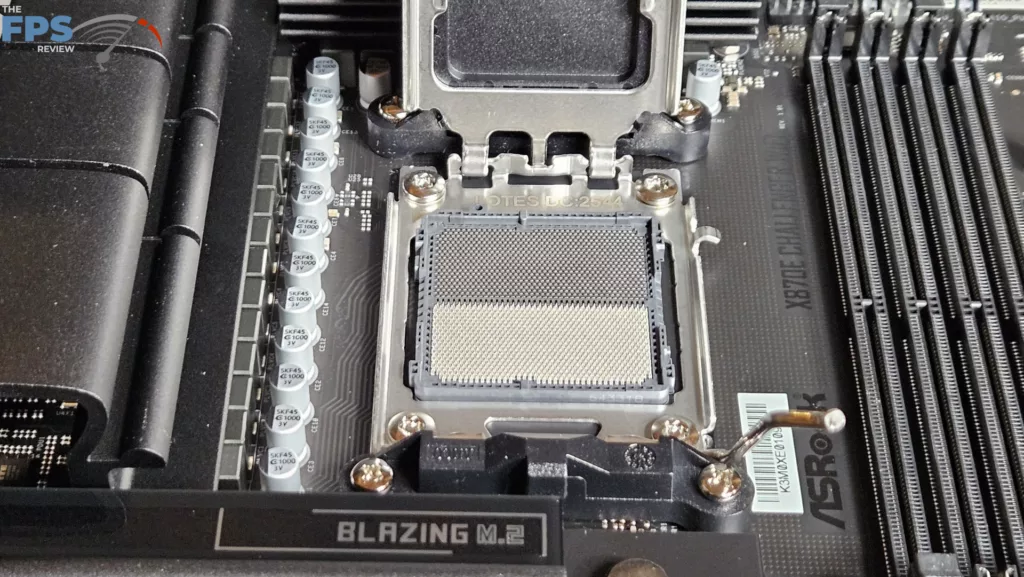
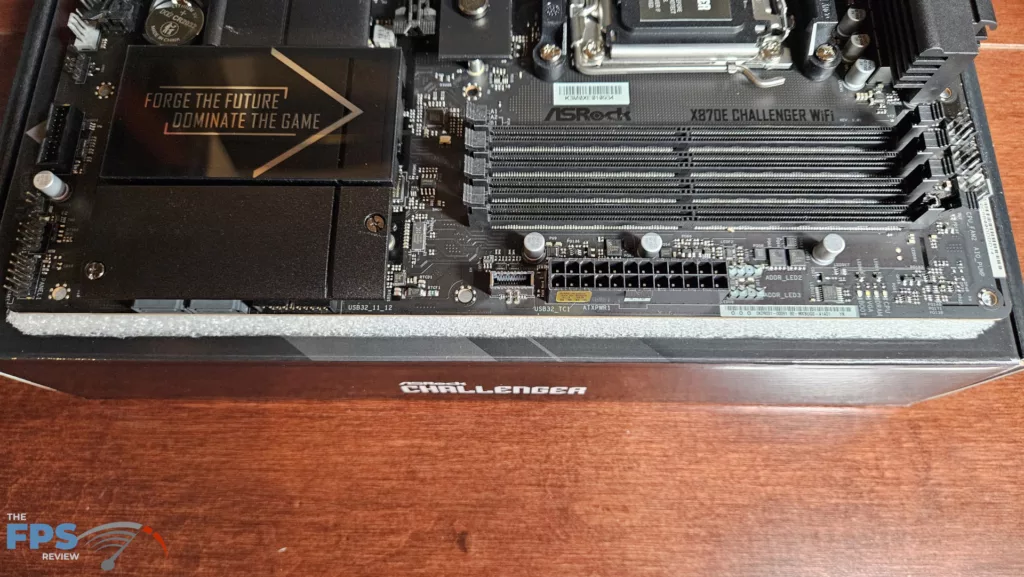
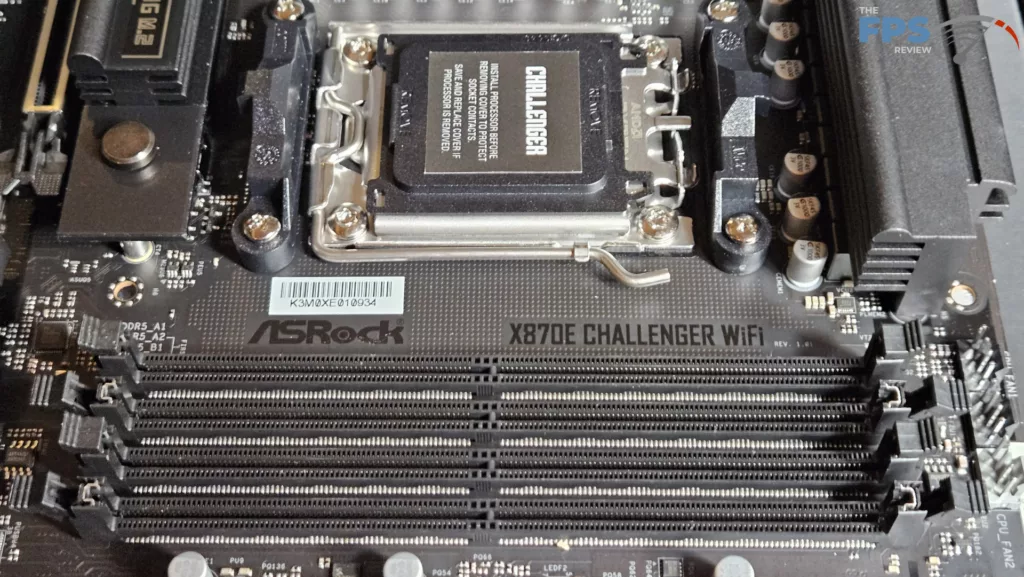
The ASRock X870E CHALLENGER WiFi supports socket AM5 CPUs in the Ryzen 7000, 8000, and 9000 series. There is ample space surrounding the socket to place most, if not all, CPU coolers. Our MSI AIO MAG Core 360I gave us no mounting issues. Memory supported includes DDR5 DIMMs up to 256 GB in total. Frequencies are advertised up to 8200MT/s (OC). XMP and Expo profiles are supported for 1-click overclocking. The memory slots are dual-latch. The spacing seems adequate for large CPU coolers. The only issue here may be tall DIMM heatsinks in slot A1 and low cooling fins on an air-cooled heatsink.
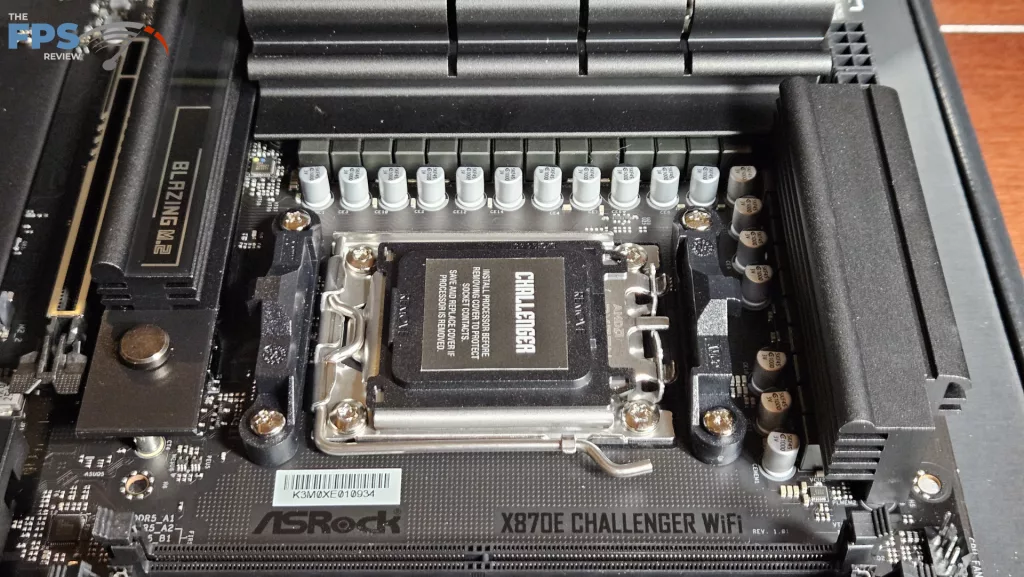
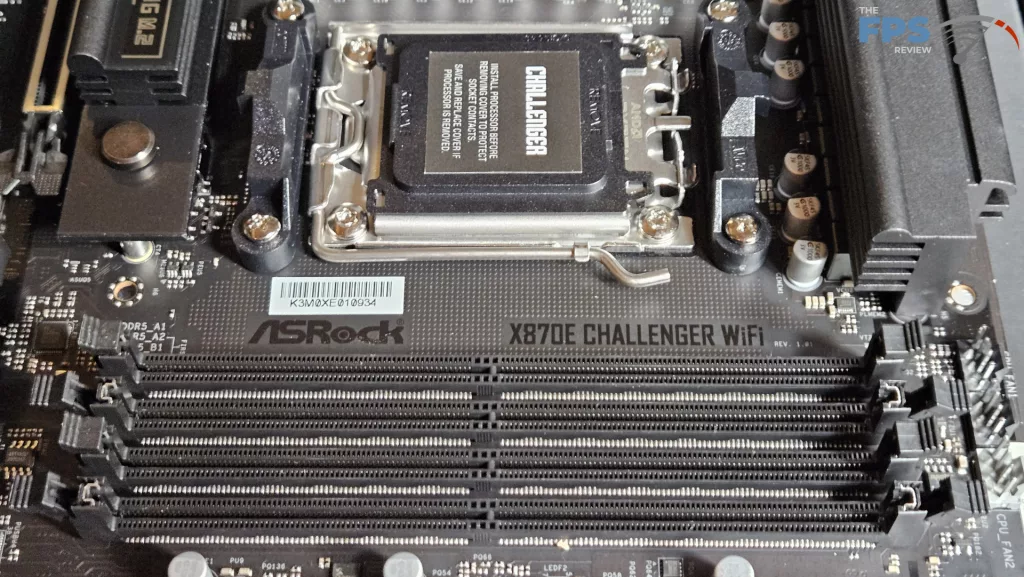
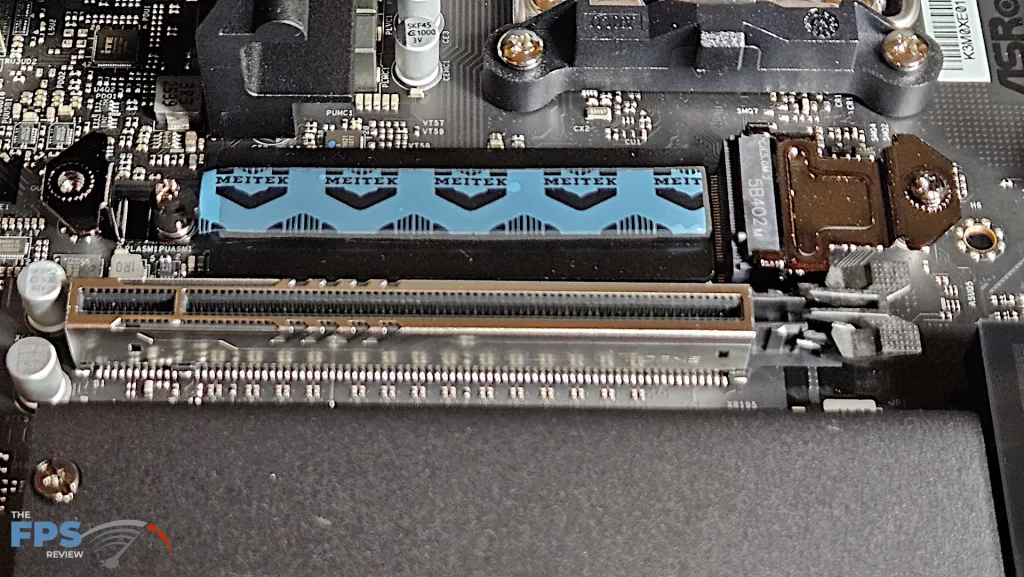
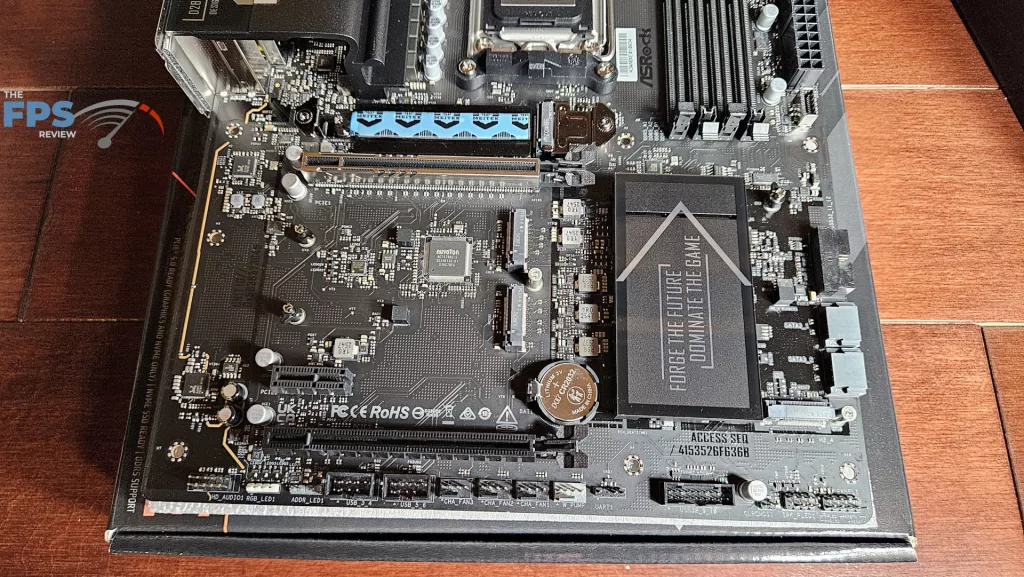
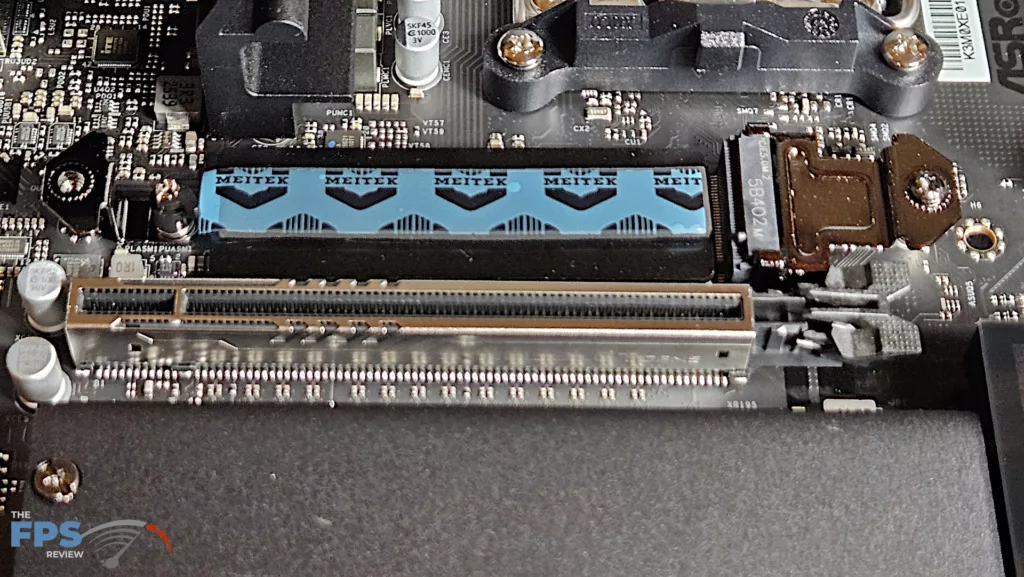
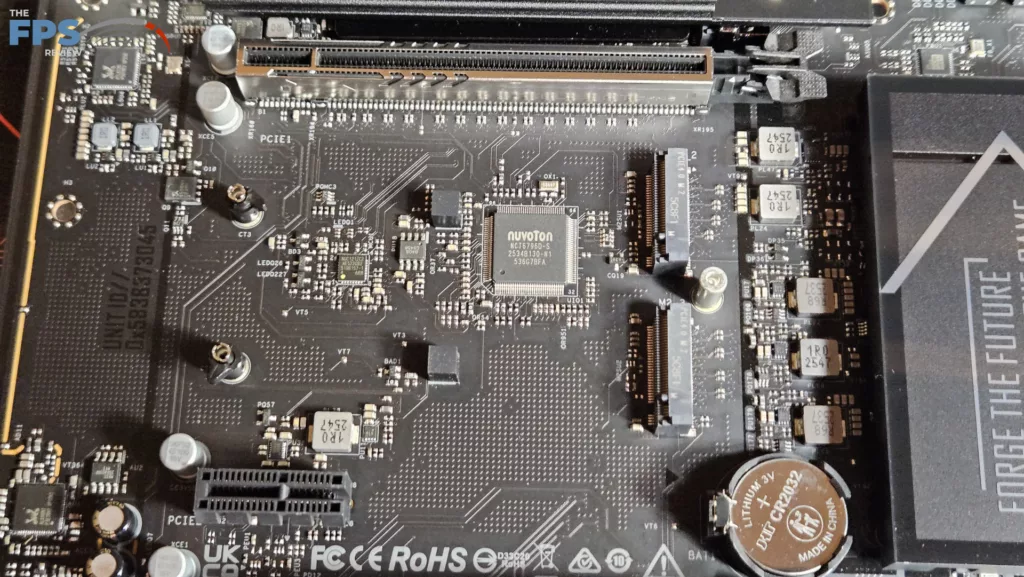
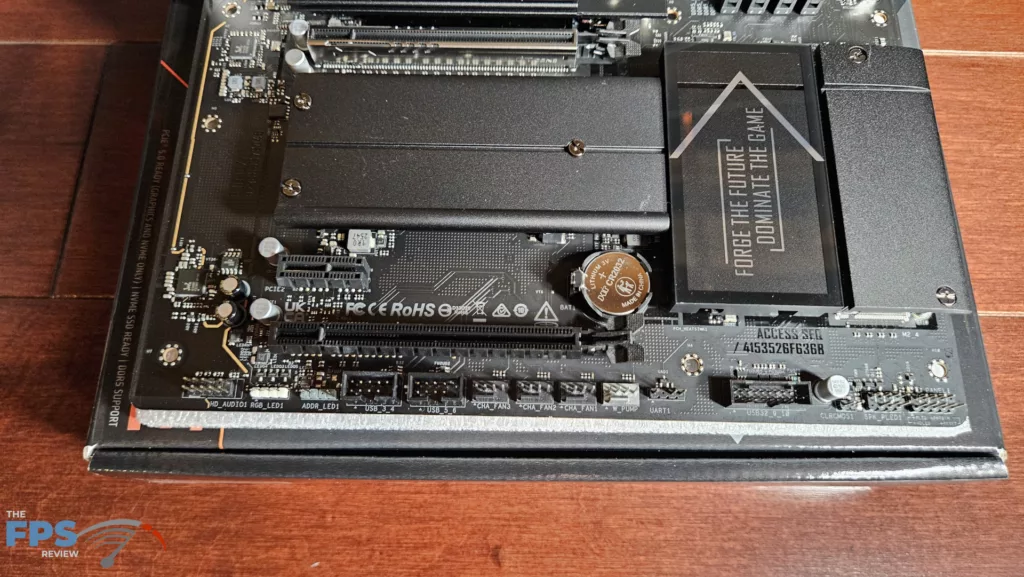
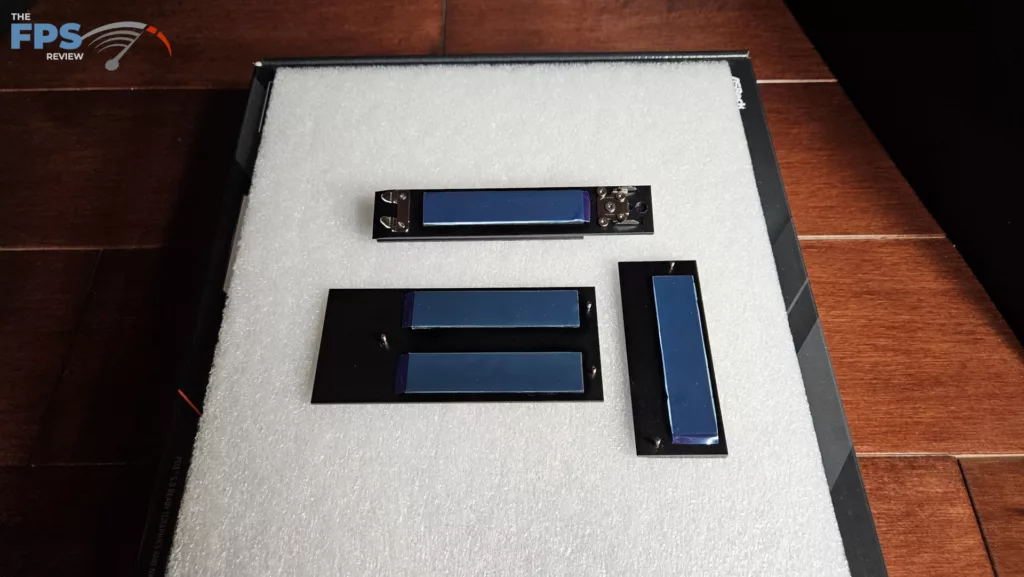
As was mentioned above, there are four M.2 slots on this board. The primary M.2 is derived from the CPU and is Gen5 x 4 (128Gb/s). M.2_2, M.2_3, and M.2 _4 are Gen4 x 4(64Gb/s) with lanes derived from the chipset. The primary slot has the ASRock EZ-Release heatsink and a thermal pad placed on the base of the slot. The other three slots are bare, supported by a rubber bumper, and have thermal pads only on the top of the heatsink. The position of M.2_2 and M.2_3 is just below the primary PCIe slot. These “may” be fully usable if the native heatsink is not too tall. Even then, you would have to forego the motherboard heatsink. There simply is not enough space. However, heat from a large GPU may be a problem. Slot M.2_4 is somewhat out of the way, just adjacent to the chipset heatsink. It should be fully usable in conjunction with a large GPU. That being said, our ASRock RX 7600 XT Steel Legend video card is a 2.5-slot card, and it covers each and every M.2 slot except for the primary. There are also 2 SATA 6Gb/s ports on the lower right side.
Expansion
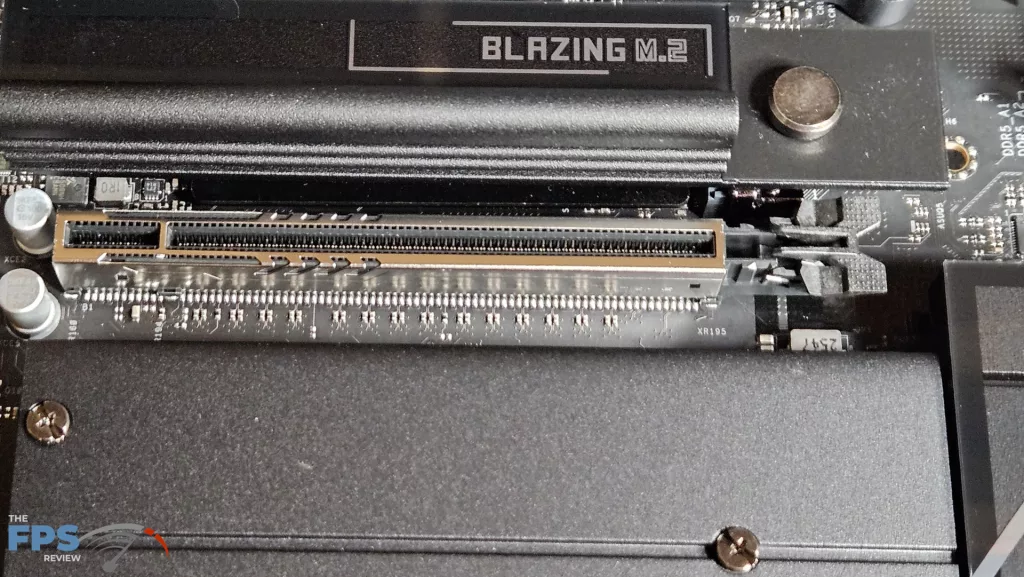
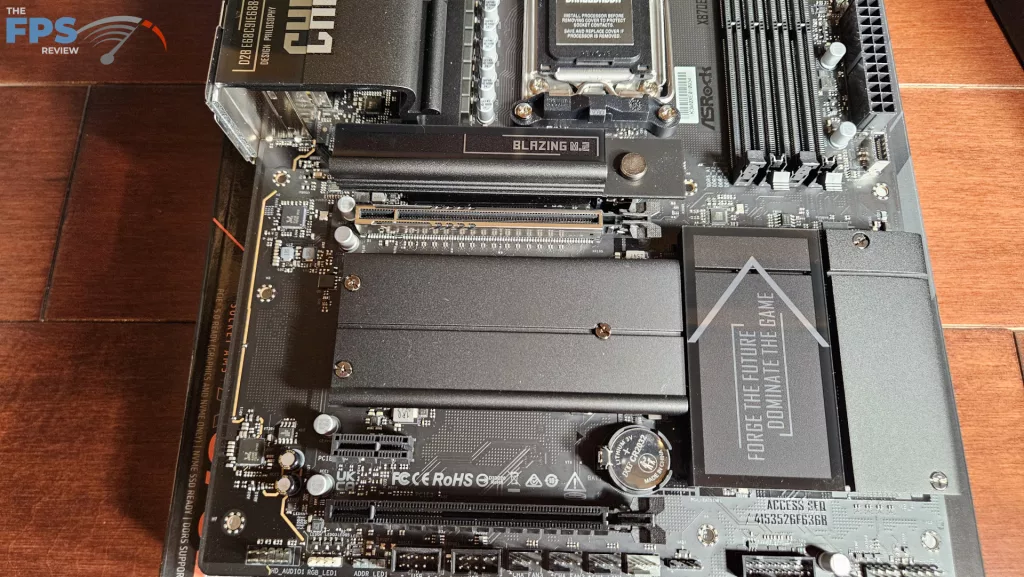
Expansion on this motherboard consists of two full-length PCIe slots and one PCIe x1 slot. There are only standard clasps. The primary PCIe slot is metal-reinforced. The primary PCIe slot supports Gen5 x 16 speed, while the second slot is Gen3 x 2. The smaller slot supports x1 speed. As we stated, you have no EZ advantages when it comes to the release of the GPU in either slot, and the tolerance is tight. When the GPU is installed, you have only about the outer half of the clasp to use to release it.
I/O
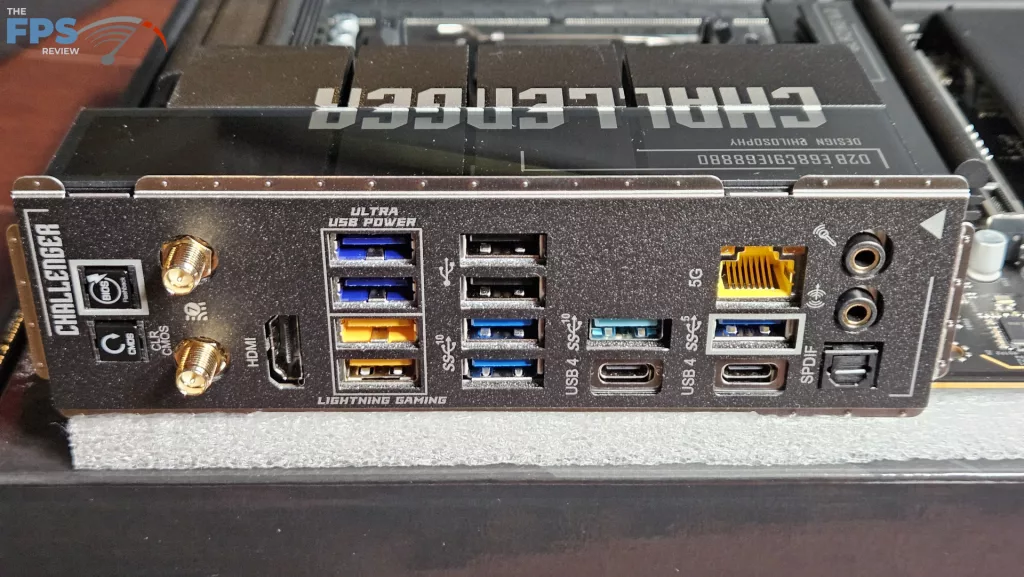
The rear I/O of the ASRock X870E CHALLENGER WiFi is well outfitted. The backplate is embedded as we have come to see on nearly every motherboard lately. Working from left to right: clear CMOS and Instant Flashback buttons, WiFi ports, HDMI port, 2 USB-A Ultra Power ports, (5Gb/s) and 2 USB-A Lightning Gaming ports(10Gb/s low latency), 2 USB-A 2.0 ports, 2 USB-A 10Gb/s ports, USB-A 10Gb/s and USB-C 40Gb/s, 5G RJ-45 LAN, USB-A 5Gb/s and USB-C 40Gb/s, finally SPDIF and two 3.5mm audio jacks.
On the main board, there are a total of seven 4-pin fan headers, three top-board labelled AIO_Pump, CPU_Fan 1 and CPU FAN 2, four on the bottom row, one of which is labelled Water Pump. All fan headers can be controlled by either Fan-tastic in the BIOS or Fan Control in the ASRock motherboard utility. The right side of the board houses two ARGB headers, 24-pin power, USB-A 5Gb/s front panel header, USB-C 10Gb/s front panel port, and 2 SATA ports. The bottom row has the front panel header, four fan headers, a USB-A 5Gb/2 front panel port, two USB 2.0 headers, another ARGB header, one 12V LED header, and the audio header. RGB can be controlled by ASRock Polychrome SYNC software.
Discussion (3 replies)
Join Discussion →Newegg has it for $230 in white. That's a solid deal.
Indeed, even more considering it's the white model, they always carry a premium.
At $230, the Challenger X870E is a surprisingly great value entry point for an X870E board, especially without the typical "white tax." It’s nice to see ASRock bringing feature-packed options down to a budget-friendly price. That should make a really clean, solid build for anyone looking to upgrade without breaking the bank!