
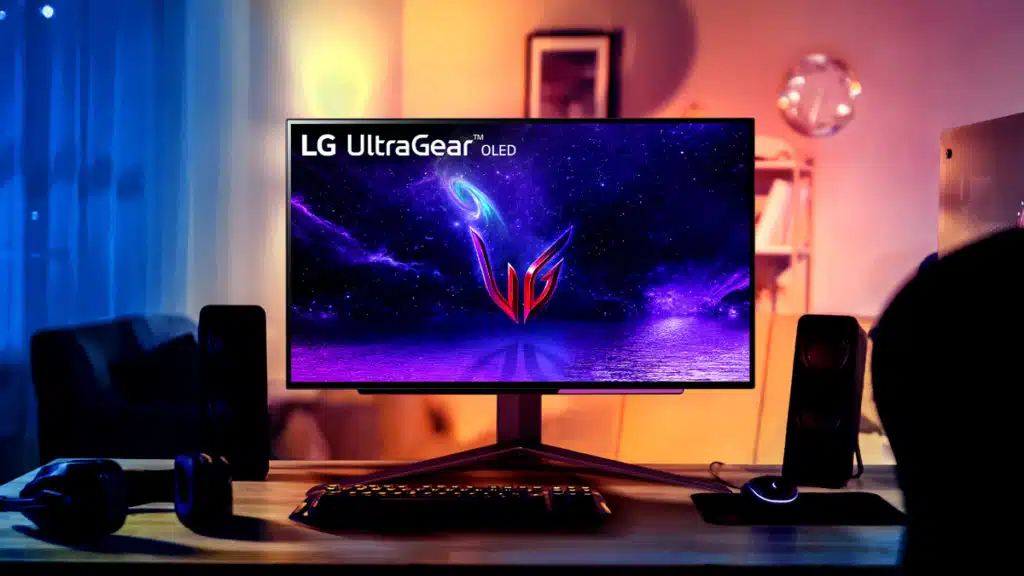
LG Display, the display arm of LG Corporation, is currently developing a 31.5-inch 4K (3840 x 2160) OLED panel that supports refresh rates as high as 480 Hz, according to sources with TFT Central. It will reportedly be the first to support DFR (Dynamic Frequency and Resolution), a new technology that lets users prioritize between resolution or refresh rate. A 27-inch version of this OLED panel has also been discussed, and while it’s unclear whether it’ll actually be made, it would, naturally, feature an even higher PPI. Additionally, TFT Central has outed a number of other panels that LG Display and Samsung Display are currently developing, including a 45-inch ultrawide panel with 5120 x 2160 resolution and 165 Hz refresh rate.
LG Display WOLED Roadmap
- 34″ Ultrawide with 3440 x 1440 resolution and 240Hz
- 39″ ultrawide with 3440 x 1440 resolution and 240Hz
- 45″ ultrawide with 5120 x 2160 resolution and 165Hz refresh rate
- 27″ with 1440p and 480Hz refresh rate
- 27″ with 4K resolution and 240Hz
- 42″ with 4K resolution and 240Hz refresh rate
- 31.5″ with 4K resolution and 240Hz refresh rate (+480Hz support)
Samsung Display QD-OLED Roadmap
- 34″ ultrawide with 3440 x 1440 and 240Hz refresh rate
- 31.5″ with 3840 x 2160 “4K” resolution and 240Hz
- 27″ with 3840 x 2160 “4K” resolution and 240Hz
- 27″ with 2560 x 1440 resolution and 360Hz
From a TFT Central report:
One of the most interesting developments planned is the new “DFR” (Dynamic Frequency and Resolution) technology. This allows you to choose whether you want to prioritise resolution of refresh rate, giving great flexibility for different gaming scenarios and offering you the best of both worlds. The planned new 31.5″ 4K 240Hz panel will be the first to feature DFR.
For graphics focused games and for those who want to prioritise detail and resolution, you can run in the native 4K @ 240Hz mode, which is already very fast anyway. But there is also the option to switch to a 1080p resolution (1920 x 1080) and run the same panel at 480Hz instead! So for games focused on speed, frame rates and competitive Esports, this could be a really useful option.
Discussion (14 replies)
Join Discussion →I just want a 42 inch oled panel to replace my 2 1440p's.
Just buy this already...C2
I'm loving mine that's for sure. It gets the job done and then some.
If they'd make a 5120x1440 version of this at 35-40" I'd be very interested and I'd be very happy with it too only being 120 Hz as long as it supported G-Sync. The 45-inch version is still too big for my tastes. I've noticed with the C2 that 42" is about as large as I want for my desktop.
Why does the screen need dynamic resolution?
I think it's a way of saying it will sync it's frame rate with the device. So if you have an blue ray player that doesn't send sync signals a la Nvidia or Freesync or what have you it has it's own sync method.... maybe?
Yes it does, and not sure why it gets bypassed. I guess I'm being ignored..?
Well that's what VRR has always done - and this is labeled as Frequency AND Resolution.
Wonder if it's that "screen won't blank when the computer changes full screen resolution modes" thing.
I want a C2, just have to find a good deal and work with the wife budgeting genie. lol. Some how we always can afford her collectable nick nack bs. *grumble*
You don't REALLY need 2 kidneys, that is just a myth....
So I did this, replaced 2 x 27" 1440's with a 43" 4K (LED though, not OLED). For general usage and gaming, I feel this is the better choice. However, for productivity / work stuff.... 2 is probably better for more screen real estate for multiple windows open. 4K feels more like 2 x 1080 than 2 x 1440. I know math wise it is 4 x 1080 but it doesn't "feel" like that to me
I’ve been really tempted to do this but the work case you mention is the only thing holding me back
Yea that's kinda what's been holding me back too. I love the two monitor thing.
Mine basically just waits for me to succumb to something I want to use as an excuse for whatever is next on her lists (yes multiple). That unfortunately means it also falls on me to enforce some kind of fiscal responsibility which isn't a strong point for me, but definitely better than hers.