
Test Setup
We will use our second generation AIO test rig which we will publish further details on in the coming weeks. It is based on the Intel i9 13900K CPU running on an ASUS Z690-based motherboard. We will set up each cooler in the same manner with the radiator attached to the case and the fans blowing into the radiator. The water blocks will be mounted per the manufacturer’s instructions except that we will use Arctic Cooling MX-4 thermal paste. We will utilize ASUS FanXpert to control fan speeds, setting the fans at a fixed RPM for each test. We will also compare it to the other coolers we have tested thus far.
Installation
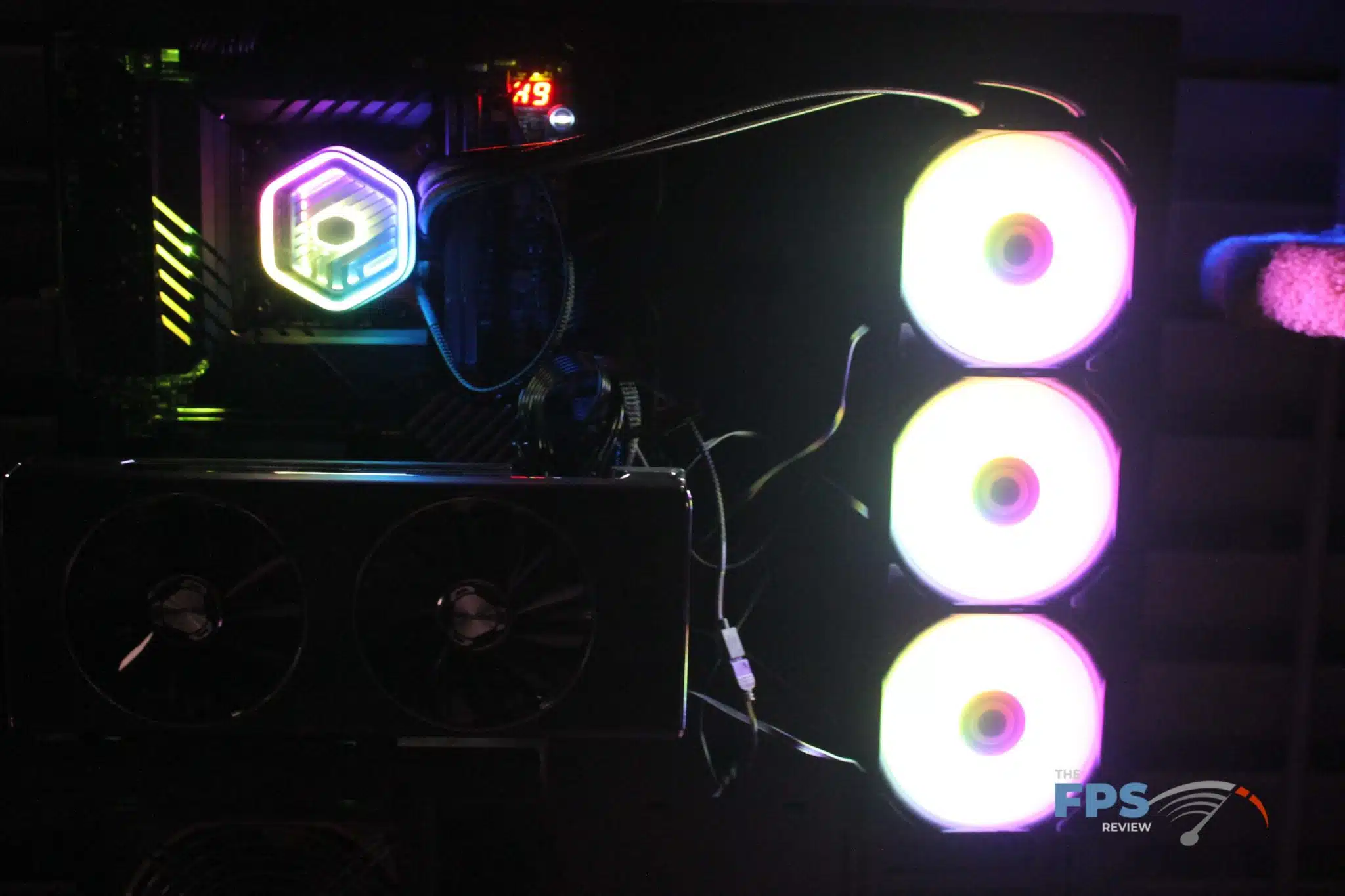
Installation of the Cooler Master MASTERLIQUID 360 ATMOS was straight forward event and had us up and running fairly quickly. While the fan power and RGB wires are fairly short, appropriate splitters and extensions were included to get everything connected. The RGB wires were also able to chain to each other, making it a bit easier to do wire maintenance.
Discussion (3 replies)
Join Discussion →Nice looking cooler and quite competitive. Taming a 13900K @275W under load is no easy task.
I just want to know, how well does it do at playing Dolby audio tracks?
Yea I don't understand the whole ATMOS part of the name either.
I considered testing that, but after finding out I had to completely redo the test platform.... I decided not to!
Maybe it's atmosphere. They focused on the fact they reduced packaging (which is actually quite nifty how they packed it compared to other aios) as well as heavy use of recycled materials - goes along with that flat pack case on the news page (I'll post a few more of that from Computex, but need to resize them to upload...)