
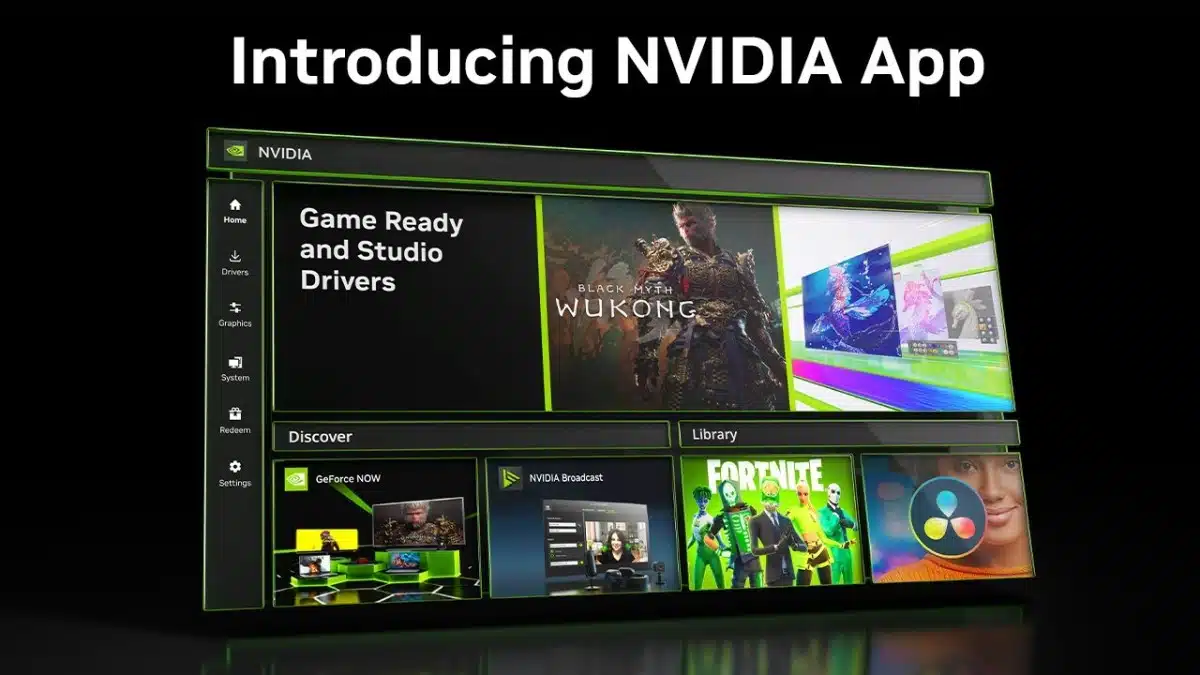
The NVIDIA App is no longer in Beta testing and is now a step closer to being the one-stop place for users to update drivers and access other apps. It has been decades since NVIDIA first rolled out its earliest versions of the control panel and just a little over ten years since GeForce Experience left Beta in 2013. Now, their inevitable replacement has just left its Beta phase. NVIDIA first announced the NVIDIA App back in February 2024 and has since been working on integrating features and functionality from its predecessors while also getting feedback from the PC community on what to keep, or leave behind. The NVIDIA App is designed to be an all-in-one GPU control center for retrieving driver updates and also fine-tuning GPU settings.
Per Download and Features Page:
- “Whether you’re a gaming enthusiast or a content creator, NVIDIA app simplifies the process of keeping your PC updated with the latest GeForce Game Ready and NVIDIA Studio drivers, and enables quick discovery and installation of NVIDIA applications like GeForce NOW and NVIDIA Broadcast.”
- “Featuring a unified GPU control center, NVIDIA app allows fine-tuning of game, program, and driver settings from a single place, while introducing a redesigned in-game overlay for convenient access to powerful gameplay recording tools, performance monitoring overlays, and game enhancing filters, including innovative new AI-powered filters for RTX users.”
Features and Apps:
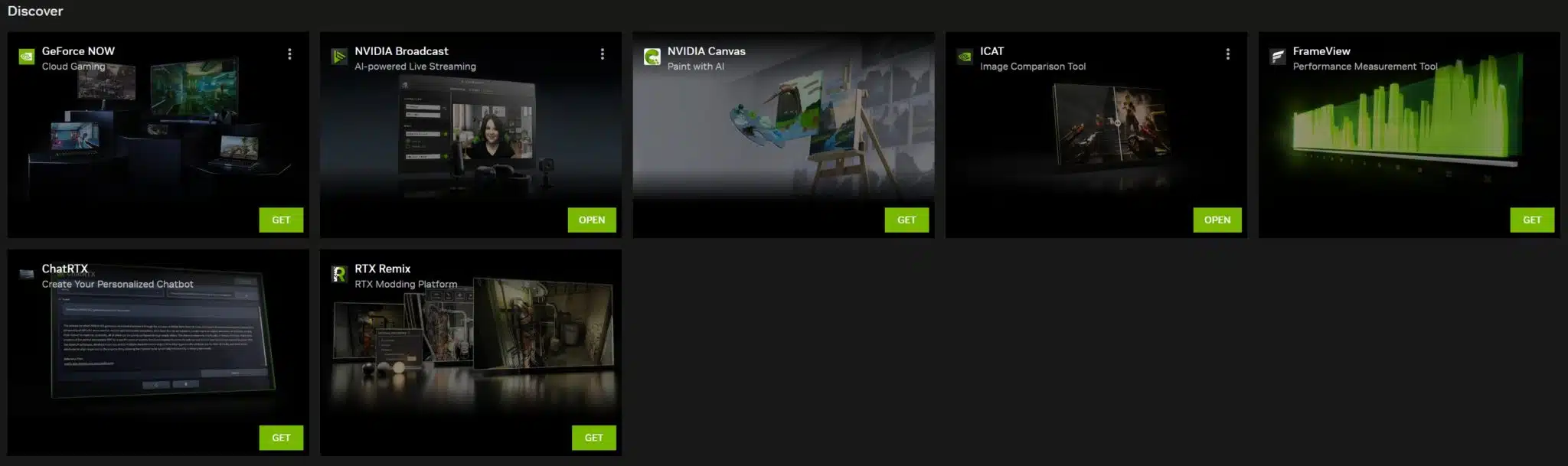
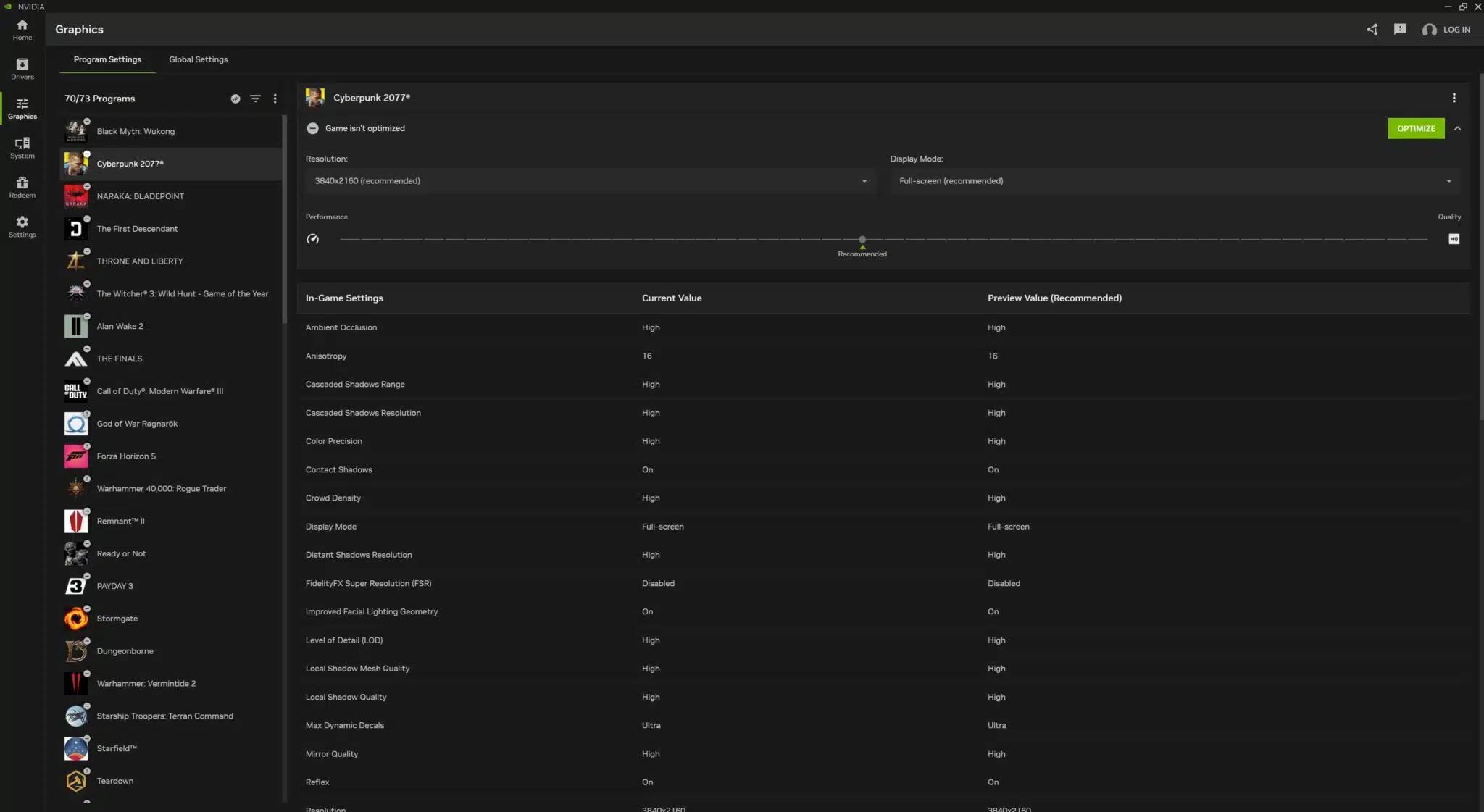
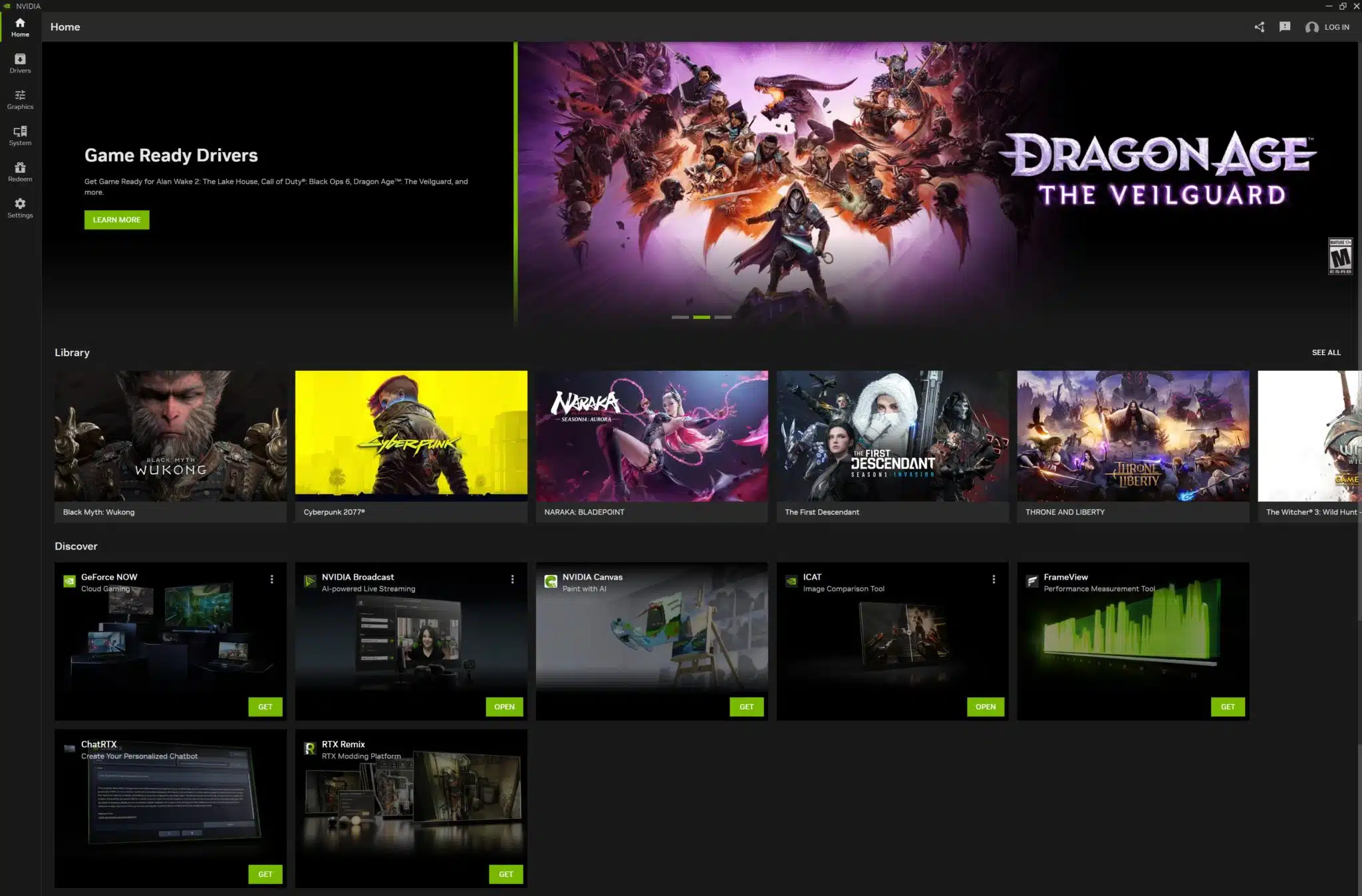
It has been said that the new app installs in under half the time of GeForce Experience while its UI is up to 50% more responsive. Users can access many features one would expect to see on the home page for controlling and configuring their GPU and for adjusting system settings. An updated overlay now allows for 4K/120 FPS streaming video capture in AV1 and supports AI-powered RTX filter options.
- Home: Access every element of NVIDIA app with a few clicks, load and configure your most recently used programs, view the latest NVIDIA announcements, and download other NVIDIA applications
- NVIDIA Overlay: Redesigned and enhanced, now boasting 4K 120 FPS AV1 video capture, AI-powered RTX game filters, a new Gallery to sort and view your videos and screenshots, and a highly customizable statistic overlay for viewing hardware stats on the desktop and during gameplay
- Drivers: Redesigned with bullet points to call out “what’s new” and “what’s fixed,” single carousel to access driver-related articles on games and technologies, and ability to rollback to previous drivers.
- Graphics: Optimal Playable Settings and relevant NVIDIA Control Panel options are now accessible in a unified interface.
- System: Configure your displays, enable G-SYNC, enhance local and streamed videos with our AI-powered Video Super Resolution and High Dynamic Range features, tune your GPU’s performance for faster frame rates, and view rig details
- Redeem: Claim GeForce Rewards for your favorite games and apps, including our newly-launched GeForce Reward for the game THRONE AND LIBERTY
- Settings: Change NVIDIA app’s language, adjust app options, configure notifications, and more.
Apps:
The NVIDIA App is already supporting a number of apps from GeForce Experience to enable game streaming, gaming via GeForce Now, and many others. The apps can be downloaded as desired.
- GeForce NOW: Stream your PC games from powerful GeForce RTX cloud servers via virtually any device, anywhere you have internet access. Ultimate members get exclusive access to a GeForce RTX 4080 gaming rig in the cloud for all the same benefits and NVIDIA technology as 40-series GPU owners, including DLSS 3 and NVIDIA Reflex
- NVIDIA Broadcast: Turn any room into a professional studio. Remove background noise from your mic, filter incoming noise from other users, enhance your webcam, and add virtual backgrounds, all powered by AI and the Tensor Cores found exclusively on GeForce RTX and NVIDIA RTX GPUs
- NVIDIA Canvas: Turn a doodle into a realistic landscape painting in seconds using AI and the power of your GeForce RTX or NVIDIA RTX GPU
- NVIDIA ICAT: Create screenshot and video image quality comparisons with ease, and export them for sharing on websites and other services
- NVIDIA FrameView: Measure and chart performance, power usage, and many other statistics in extensive depth and detail with powerful tools
- NVIDIA ChatRTX: Create a locally-hosted, personalized GPT Large Language Model (LLM) chatbot powered exclusively by your GeForce RTX or NVIDIA RTX PC or laptop, to search text and images, and summarize information. And because it all runs locally on your Windows RTX PC or workstation, you’ll get fast and secure results
- NVIDIA RTX Remix: Enhance and remaster
NVIDIA details these apps in great detail, including comparative screenshots and how they function, here. Those interested in simply downloading the new NVIDIA App can find it here. NVIDIA has not indicated when, or if, it will be removing NVCP or GeForce Experience but one, or both, could fade out in the future.
Discussion (4 replies)
Join Discussion →Saw this in a videocardz article posted on :
(Source: https://hardforum.com/threads/new-nvidia-control-panel-now-in-beta.2033503/post-1045993193)
I've had the Control Panel available the entire time I've had the beta Nvidia App installed - I didn't use it much before aside from ensuring that G-Sync settings were correct, and haven't had a need for it since those settings were brought into the App recently.
I've spent a considerable amount of time testing this over the last couple of weeks and overall, I'm impressed. It hasn't reinvented the wheel or anything but is mostly easy to use. Once installed it might not be able to optimize the games it has profiles for right away but can usually do so after a day or so. I've got ~25 titles it has profiles for and it has managed to optimize most of them.
The things I like are for the games that support it, the ability to override DLSS with DLAA. This includes games that don't inherently provide that option. I also like that it will by default turn off post processing stuff. You can also configure defaults that will override NVCP settings, either per game or global. Also like that I can grab drivers from here and install as needed.
Cons. It's mixed blessing that it seems to look at your display to configure the best settings for its native resolution. While this can be nice if you plan to do that it doesn't take into consideration that you might perhaps use 1440p instead of 4K for better performance. I also noticed something very weird in that it always defaulted to using the DX11 version of TW3. I sort of get it since you basically have to have an RTX 4090 or similar to play the newer RT version at 4K but I was never able to get it use the DX12 and ironically it would enable the DLAA override for the DX11 version. Not 100% sold on the menu/GUI but it could be worse.
Overall, pretty happy with it and it's definitely better than my previous experiences with GeForce Experience. I plan to somewhat keep using it and I'm honestly surprised at how great it has CP2077 and Indiana Jones running on both rigs but I did manually change the resolution to 1440p for the 4080 SUPER so that I could re-enable all RT settings. Otherwise it really made CP2077 at 4K run great on both cards. I haven't tried it with my laptop yet but perhaps will come next weekend.
This is the first time anyone has gotten me interested in this new nVidia app.