
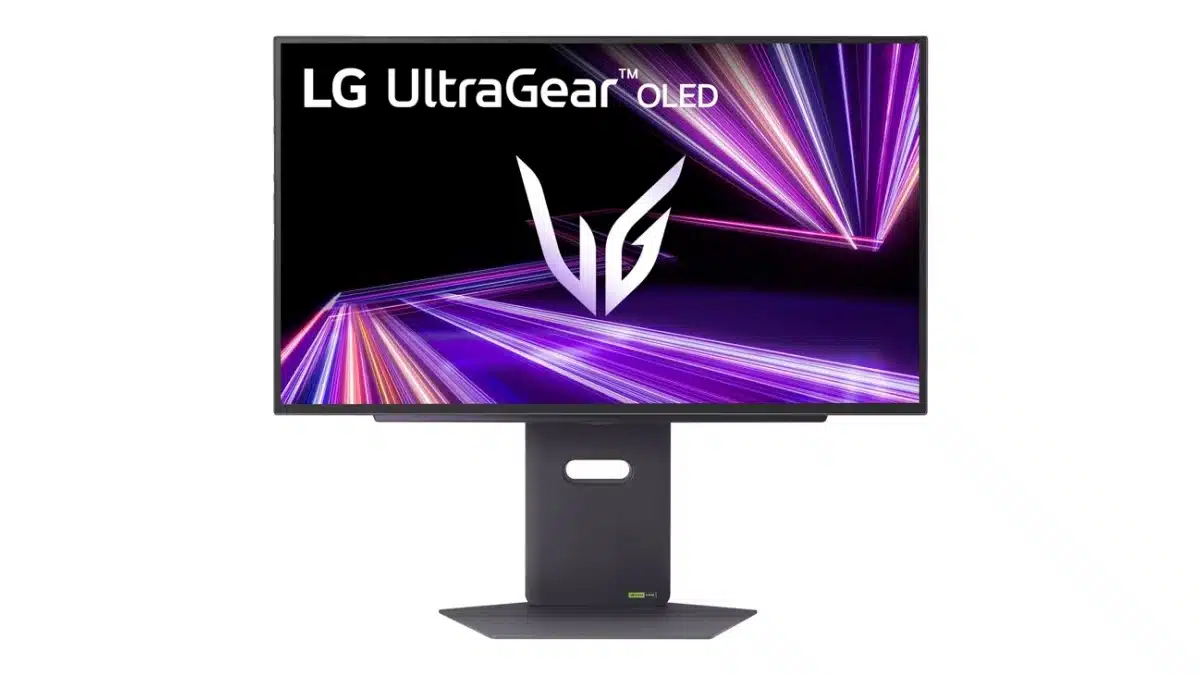
The LG 27″ UltraGear 27GX790A, 1440p gaming display is now available for pre-order for $999.99 with many impressive features. The LG 27″ UltraGear 27GX790A has a 480 Hz refresh rate at QHD 10-bit, which is supported by DisplayPort 2.1 with a full bandwidth of 80 Gbps, to provide the fastest display data transmission currently available to consumers. It supports both NVIDIA G-Sync and AMD FreeSync Premium Pro for an optimal tear-free experience while gaming and offers a 0.03 response time.
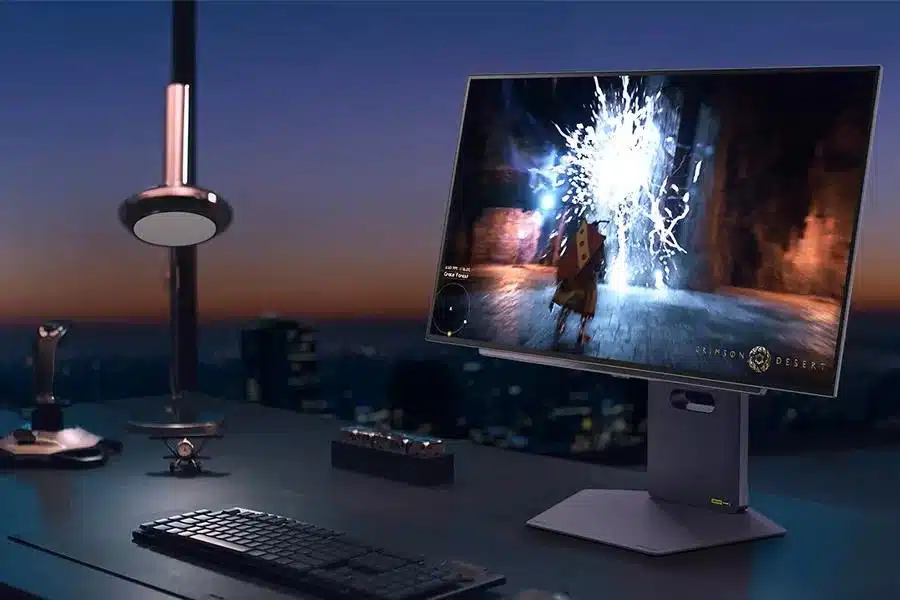
Games will look their best with a dynamic contrast of 1.5M:1 and it is VESA DisplayHDR True Black 400 certified along with the OLED panel covering 98.5% of the DCI-P3 color space. LG has said that it will begin shipping orders the week of December 30 but the current pre-order window ends on December 25. Other features include 2x HDMI 2.1 ports, a USB 3.0 hub with 2x downstream ports, headphone jack that offers a DTS Headphone X solution. Display movement adjustment includes up to 100mm height adjustment with up to -30° to 30° of swivel and a tilt of -5° to 15°. Its borderless thin bezel design and minimal RGB, along with Dynamic Action Sync and Black Stabilizer technology plus FPS counter and Crosshair aim to offer an immersive gaming experience with high-quality visuals.
Specifications (via product page):
- Aspect Ratio: 16:9
- Brightness (Typical, Minimum): (Typ.) 275 cd/m² (Min.) 250 cd/m²
- Color Depth (Number of Colors):1.07
- Color Gamut (Typ.): DCI-P3 98.5% (CIE1976)
- Contrast Ratio: 1500000:1 (Typ.)
- Display Type: OLED
- Pixel Pitch (mm):0.2292 × 0.2292
- Refresh Rate: 480Hz
- Resolution: 2560 x 1440
- Response Time (GTG): 0.03ms (GtG)
- Screen Size: 26.5″
- Surface Treatment: Anti-Glare, Low-Reflection of the front polarizer
- VRR Support: AMD FreeSync Technology and NVIDIA G-Sync
- Auto Input Switch: Yes
- Black Stabilizer: Yes
- Color Weakness Mode: Yes
- Crosshair®:Yes
- Dual Controller: Yes
- Dynamic Action Sync®: Yes
- Factory Calibration: Yes
- FPS Counter: Yes
- H/W Calibration (True Color Pro): Yes
- HDR Effect: Yes
- HDR10: Yes
- Live Color Low Blue Light: Yes
- Reader Mode: Yes
- Smart Energy Saving: Yes
- User Define Key: Yes
- VESA Adaptive-Sync (Display Port): Yes
- VESA DisplayHDR™: DisplayHDR TRUE BLACK 400
- VESA DSC: Yes
- DisplayPort: Yes
- DP Version:2.1
- HDMI: Yes
- HDMI (Max. Resolution at Hz): Supports FRL as compliant with HDMI 2.1
- Headphone Out: Yes
- USB Down-stream: Yes
- USB Up-stream: Yes
- Detachable Base: Yes
- Display Position Adjustments: Tilt/Height/Swivel/Pivot
- Wall Mount Size (mm): 100 x 100
- Limited Warranty: 1 Year Parts & Labor
Discussion (6 replies)
Join Discussion →They must think higher numbers = sales. But the numbers I see, 1440p and 27". GTFO!
Side note, does anyone here actually use or benefit from higher Hz? Meaning, my 'monitor' tops out at 120Hz, and I'm certainly old enough that something faster I'd probably not even notice. Would anyone that is trigger happy or DOTA masters notice going from say 240Hz to 480?
Yeah, for me 32 is the smallest and this point I've gotten used to the 42" C2. Other than that, nice to see the other specs that have been coming to 1440p in the last year or two, but too little, too late for me for the same reason 27" is done.
It shortens the input/output loop, which translates to responsiveness beyond just potential framerate increases - and based on what I've seen from reviewers that play twitchy games, yeah, large leaps in refresh rate still make a difference (as do higher polling rates for input devices).
I do think nearly everyone else agrees with your sentiment on preferring more resolution to higher refresh rates beyond a certain point, but we're all beholden to whatever panel geometries LG and Samsung decide to produce. 27" at 1440p is stellar on a good IPS when it comes to sharpness, text clarity, and so on, but 4k is still a noticeable upgrade - and OLEDs aren't coming in 'normal' RGB sub-pixel layouts for a few more years still at least according to released roadmaps.
Pretty sure there are diminishing returns past the mid-100Hz range. I seem to recall DF had an article and video about what they call "resolution over time", about how with higher refresh rates allowing more frames to reach your eyes each second, motion clarity and target tracking is better. And this is true to a point. My previous monitor was 144 Hz and I'm on 165 Hz now. After sooooo many years on 60Hz, yeah I sure as f*ck noticed a difference. But again, only to a point. Once you start getting past upper 200 Hz I don't think there's any advantages there for humans.
My friend's girlfriend's grown children game at super-high refresh rates on sh1tty-@ss TN-panel monitors at 1080p, and I guarantee you they can't tell sh1t, and it doesn't improve sh1t. They should be more concerned about the wireless mice they are using. I've seen them play on those things. I look at their monitors and I'm like "A.) 400+ Hz doesn't look any smoother or clearer than 165Hz, B.) oh gawd, it's a TN-panel, my eyes, MY EEEYYYEEESSS!!!!" I don't know how they can stand to look at those things. Refresh rate too high to notice, but the sh1tty image quality is extremely noticeable. Also, while you can get the framerate super-high with a low res of 1080p, high res really brings out small detail, and detail for things in the distance. I find that this is just as helpful for target ID'ing and tracking (especially for targets farther away) as the "resolution over time" from higher framerate + higher refresh rate.
What I prefer about higher refresh rates though is larger VRR windows. That leaves more room to leave VSYNC off without getting screen tearing. Some games just feel better with VSYNC off and the framerate running uncapped, especially in terms of input response. It's nice not having to be concerned about screen tearing while still having VSYNC off.
Oh well sh1t.
I know I'm completely in the minority here, but I've never used Gsync or FreeSync and choose, optionally, to turn vsync off in every game. I never really noticed anything I guess. That was even when I was using my old ass 32" Dell Ultrasharp. I can't remember the model, but IPS panel, slow refresh, and dull colors.
I've been using G-Sync for a while now and love it but there's no doubt about the NV markup for their module.
As far as HZ goes, 144 is the top for me. I've had 2 different panels that were above that, a 1080P ~240 I think that was accidentally ruined when something slipped and fell on it , and the 250 Hz in my laptop, and I can honestly say that somewhere between 120-144 is where I stop being able to tell the difference.