
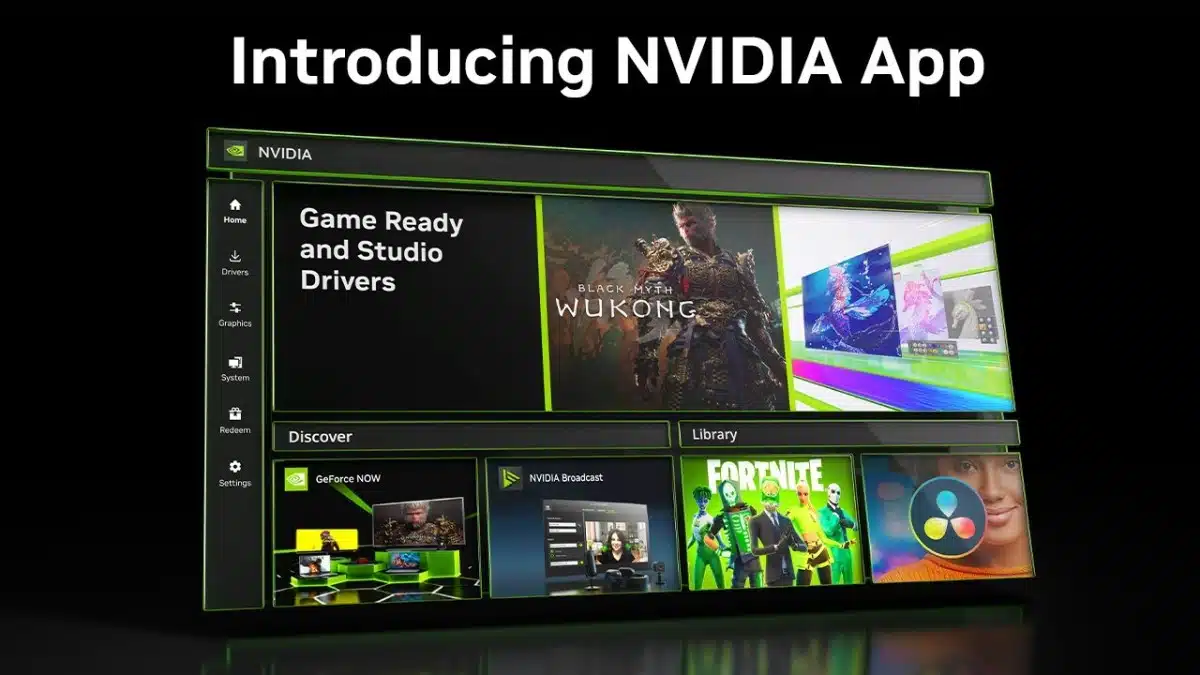
NVIDIA’s GeForce Game Ready 566.36 WHQL Driver offered more than just updates and bug fixes but also the option to install the new app. It’s barely been a month since the NVIDIA App left beta for an official launch and is now, as of the GeForce Game Ready 566.36 WHQL Driver, being offered along with driver updates. Those clinging onto the NVIDIA Control Panel needn’t worry about its demise, yet, as cries of ‘you’ll have to pry it from my cold, dead, hands’, resound from PC users around the world but GeForce Experience is officially on its way out after a 10+ year run.
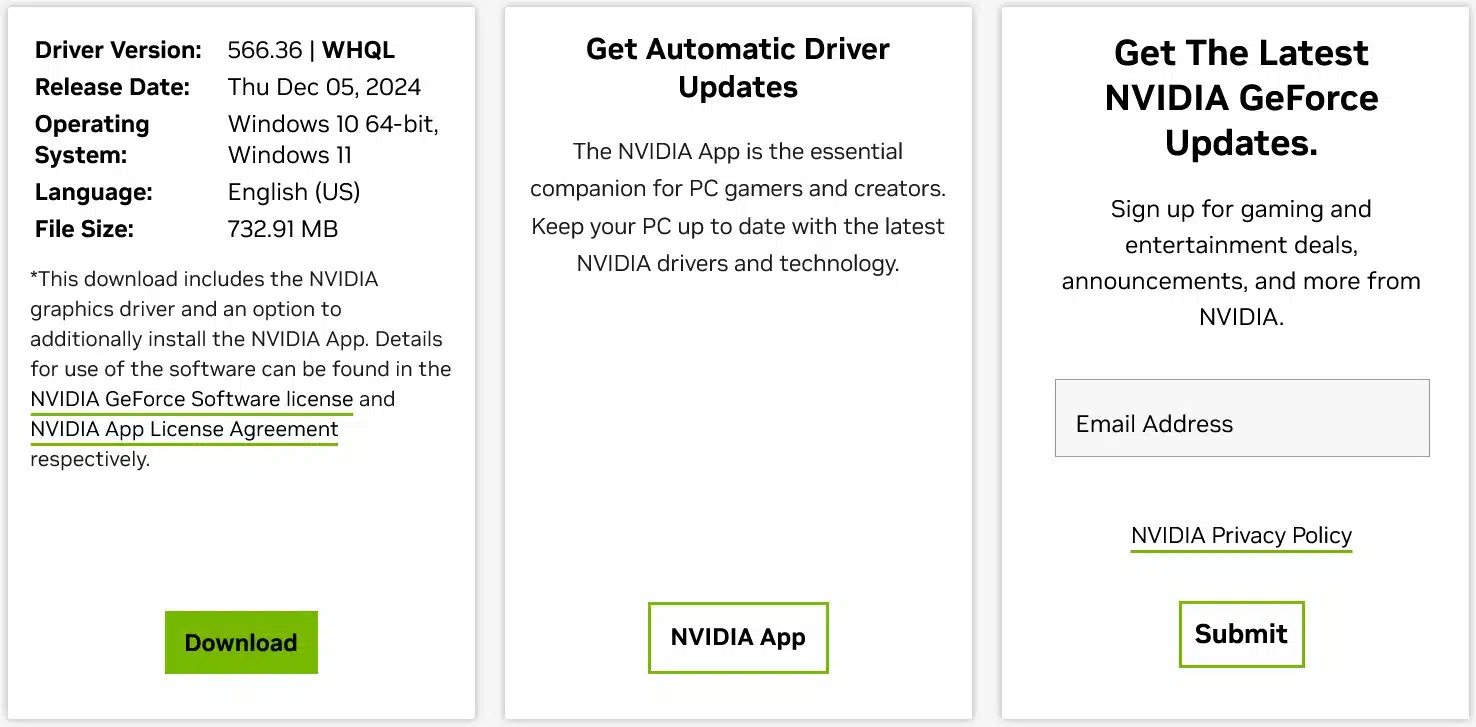
While NVIDIA did very unceremoniously proceed with this app rollout, as it’s barely mentioned at all in the release highlights, it is somewhat prominently mentioned on the driver download page. After all the devil’s in the details and always look to the fine print for them. As if the following isn’t hint enough, NVIDIA went on by adding some promotional mention for the app. Side note and fair warning, there might be some subliminal messaging happening in the screenshot below: Download>NVIDIA App>Submit.
Per NVIDIA:
- “*This download includes the NVIDIA graphics driver and an option to additionally install the NVIDIA App. Details for use of the software can be found in the NVIDIA GeForce Software license and NVIDIA App License Agreement respectively.”
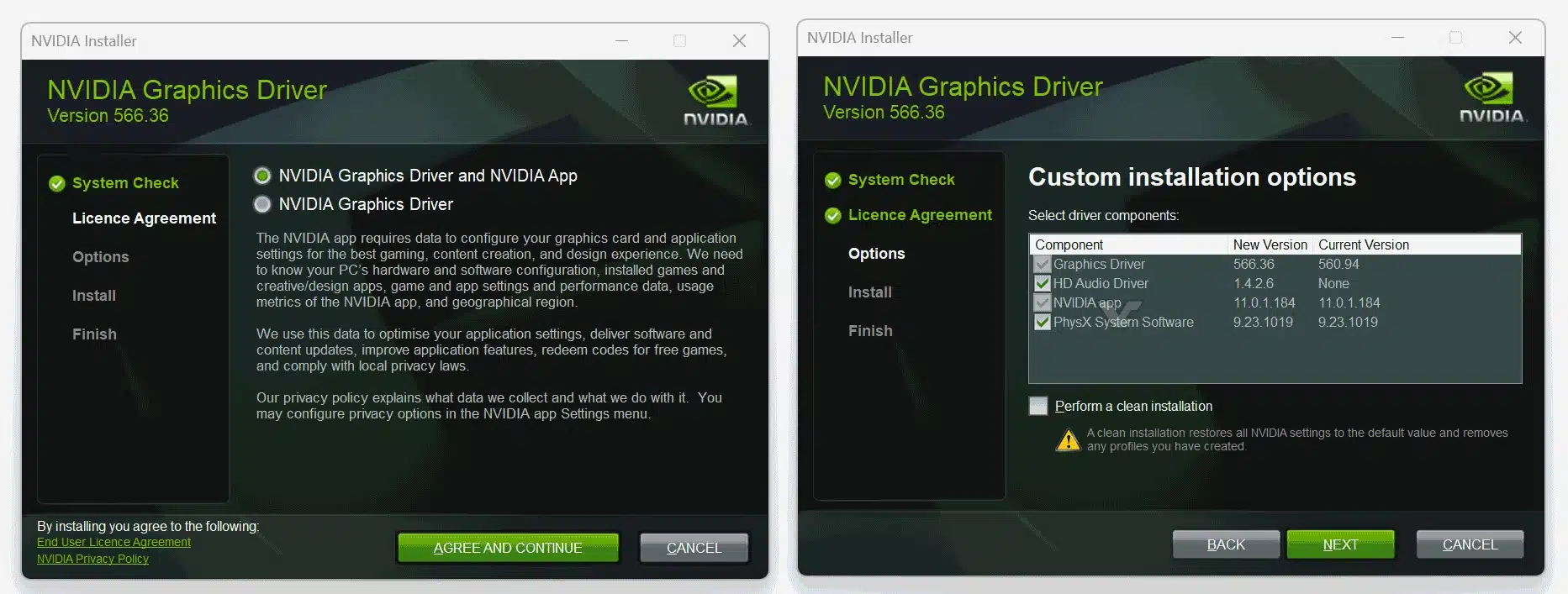
Those who are not ready to try out the new app are not being forced to. NVIDIA has simply replaced GeForce Experience and users still have the option of leaving that box unchecked during the driver install. VideoCardz has snapped a screenshot showing that the install process has largely stayed the same except for this.
NVIDIA has been upfront that it wants its new app to be the one-stop destination for PC users to access essential settings toggles, driver updates, and more, moving forward. The new app also acts as a portal to NVIDIA’s other apps and features, whether for free or those that can be purchased. It will be interesting to see what changes will be in store for it as time goes by.
Discussion (12 replies)
Join Discussion →Trading one pile of crap with another.
Yay for progress.
Works great here...
I've had zero problems with the app.
That's great. Can you tell me what the point of the app is?
I mean, it's not the driver. It's not the overlay. It's not a control panel. It's not a storefront. I really have no idea why it exists or what it does, other than to optionally link the metadata nVidia is collecting to an account you sign in with. Oh, I guess it saves you the hassle of having to bookmark the Driver Download page - you can just click that button on the App instead and ... profit I guess?
Just as long as they don't touch Sedona (aka "nVidia Control Panel"), and keep it around, then they can do whatever the f*ck they want with their other garbage.
That's not been required with the app. So it basically does what GFE did, unifying the control panel, and automating updates.
Haven't seen a real downside yet.
Exactly. I don't sign in.
And I've actually used the recommended game settings with some success. The older I get the less I want to sit there and fiddle with the 1000 different in-game graphics settings. I just want to play. So I'll apply the recommended settings and then make minor adjustments if needed.
Ditto to this. The app is actually pretty nice and it finally feels like Nvidia has finally caught up with the times on the interface.
I stand alone then.
I just don’t see a point to it
I haven't really tried it yet. Mainly because I sort of grew to loathe GFE over the years but I do admit this one looks nicer and if the recommended settings are better then that is a plus since I remember GFE's could be grossly inaccurate on some of my setups. NVCP pretty much does everything I need and my process is still to grab drivers when I need them, otherwise don't really need anything else. As far as game settings go I'm also used to tweaking my own due to the added complications of HDR/DLSS/Framegen, and native 4K, etc. but if this can do that well, then I might be more interested in it.
I was in the same boat. I decided to try the app and seeing as I don't have to sign in to use it I actually like it.
Not going to lie, I like what I saw when I was looking into it a while back for a post.