Overclocking PNY GeForce RTX 5060 Ti 8GB Overclocked Dual Fan
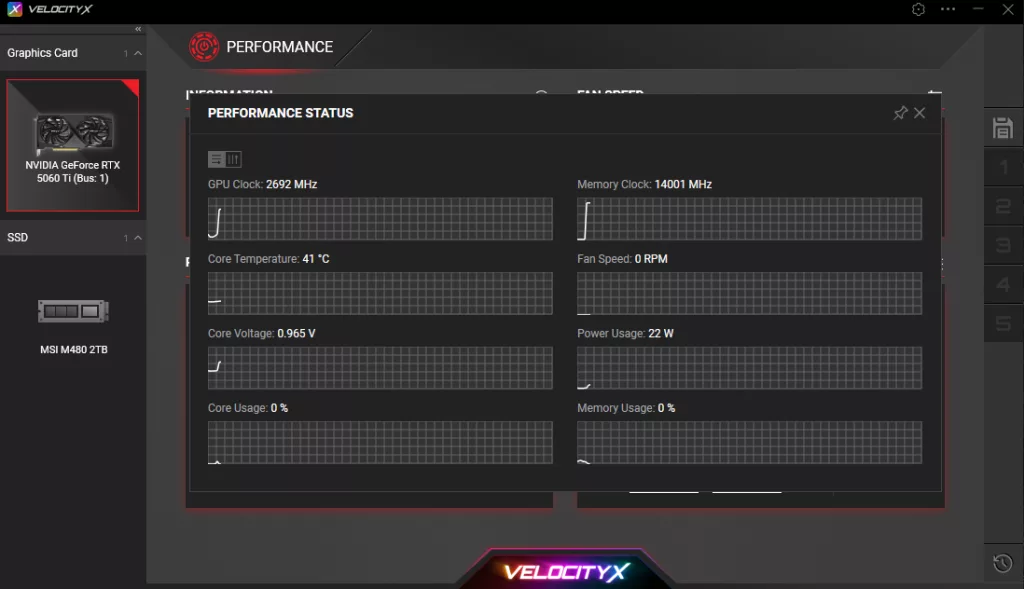
The PNY GeForce RTX 5060 Ti 8GB Overclocked Dual Fan supports PNY’s VelocityX software. PNY’s VelocityX allows full control over overclocking and fan curves. If a video card supports RGB, you can control it here as well. The software also allows real-time monitoring of critical stats like Core Clock, Memory Clock, Temperature, Fan Speed, GPU Clock, GPU Load, and Memory Load.
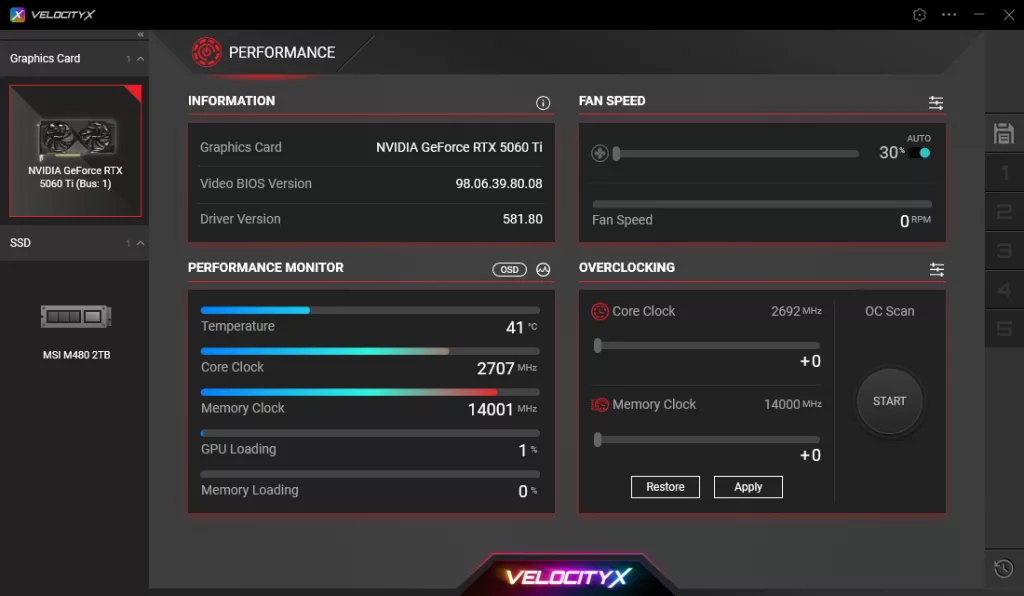
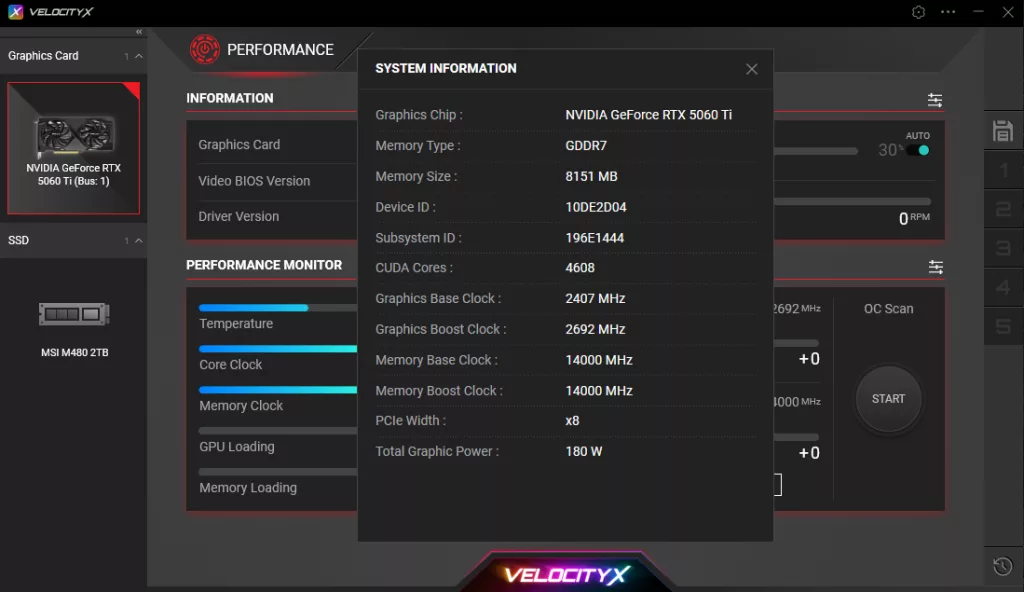
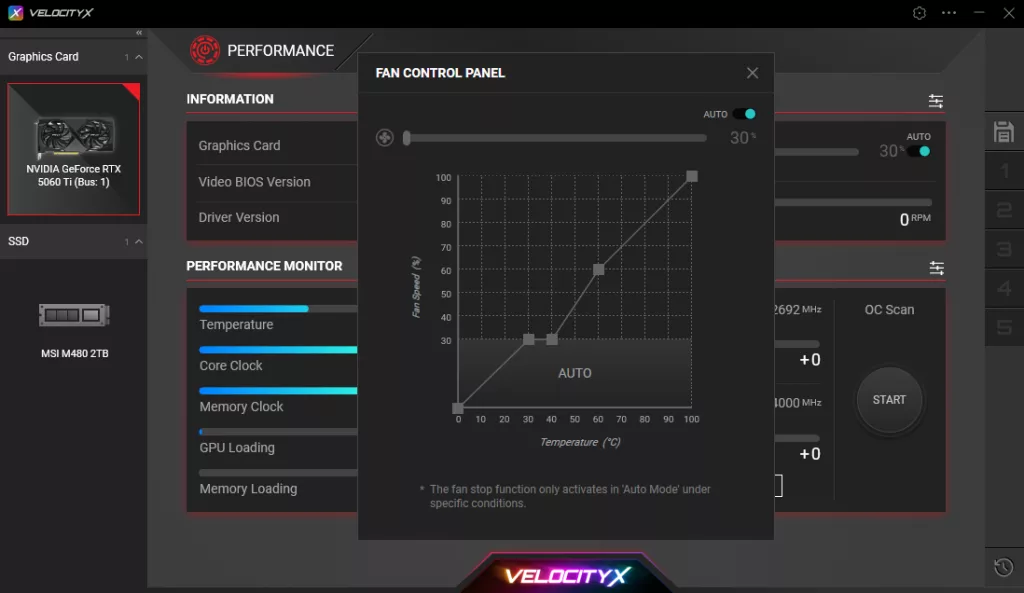
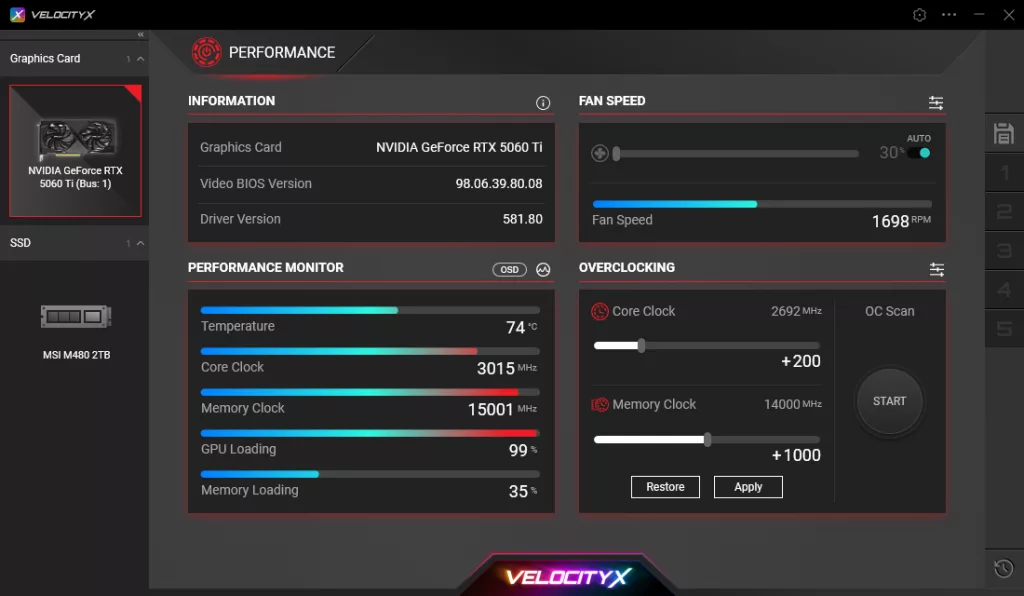
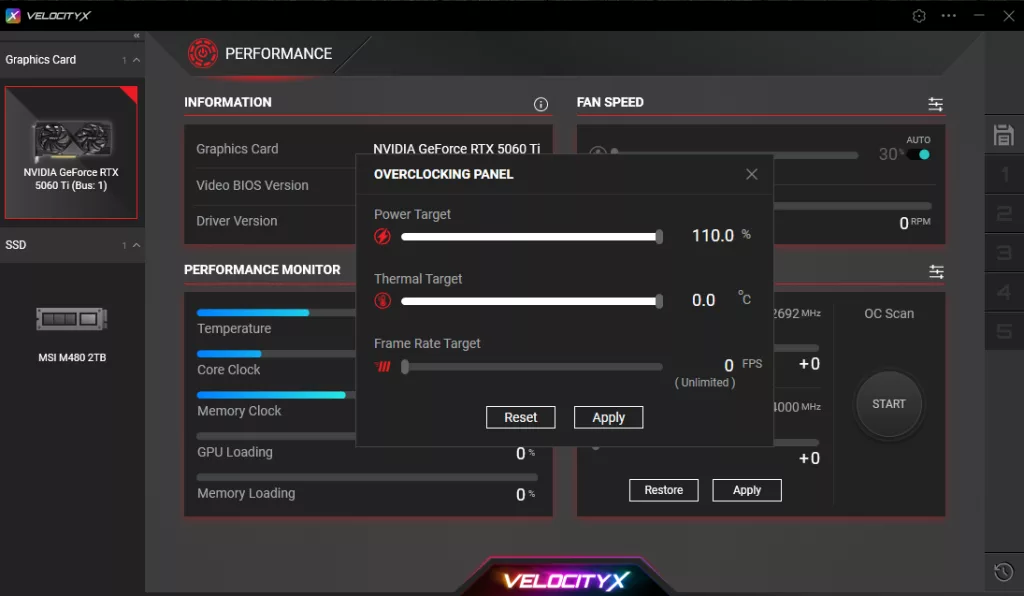
With the PNY GeForce RTX 5060 Ti 8GB OC video card, we were able to increase the Power Target by 10% from 100% to 110% for a little extra power wiggle room, bringing the TDP from 180W to near 200W capable. Though we could manually enable a higher fan speed, we did not need to; leaving it on default was enough, as this video card stayed very cool, even overclocked. There was no option to increase GPU Voltage.
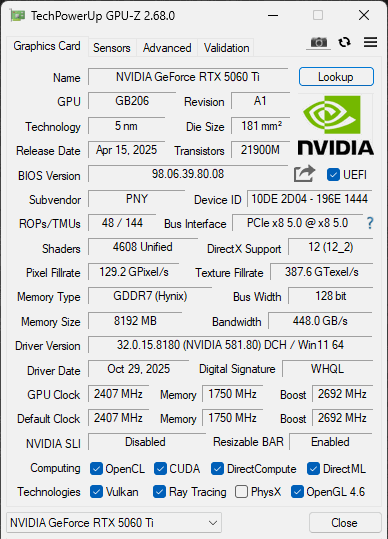
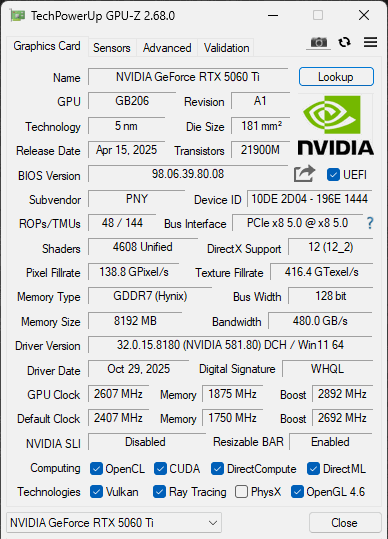
In our overclocking, we found that raising the Core Clock up to +200 was the highest we could get with stability and a performance increase. This sets the GPU Boost from 2692MHz to 2892MHz, and you can see what that means in real-world gaming in the graph below. On the 8GB GDDR7 memory speed, we were able to overclock it up to +1000, taking it up from the default of 1750MHz (28Gbps) to 1875MHz (30Gbps) for our overclock. This brings the memory bandwidth up from 448GB/s to 480GB/s overclocked.
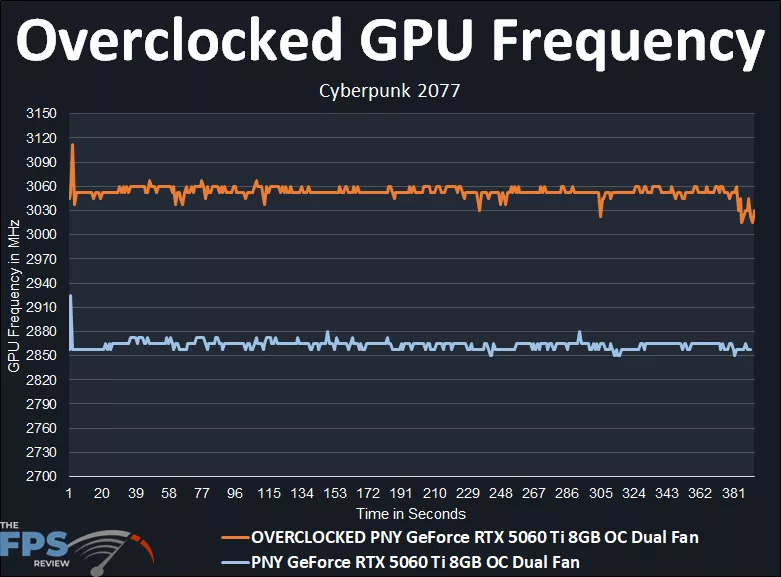
The PNY GeForce RTX 5060 Ti 8GB OC default GPU Boost is 2692MHz. We can see on the graph (blue line) that the frequency falls upwards of 2850MHz to 2880MHz while gaming, which is what it boosts up to on its own. The average of the default frequency is: 2862MHz. At 2862MHz, the video card is boosting well over a reference NVIDIA GeForce RTX 5060 Ti, which has a reference clock speed of 2572MHz.
When we overclock the PNY GeForce RTX 5060 Ti 8GB OC to +200, we can see there is a positive frequency increase that is between 3030MHz and 3060MHz. The average of this overclock is: 3053MHz as our final overclock figure. At 3053MHz, the PNY GeForce RTX 5060 Ti 8GB OC is achieving a 6.6% clock speed bump from the default clock speed it operates at while gaming. This is a 191MHz clock speed increase. Also take into account the memory overclock at 30Gbps, which is a 7% increase from the default memory clock speed.