
UEFI/BIOS
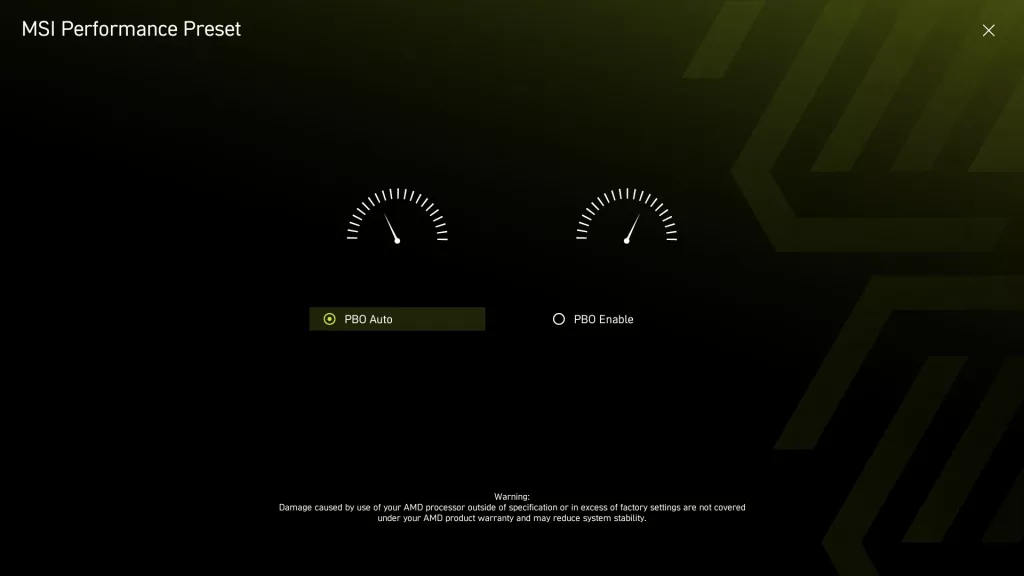
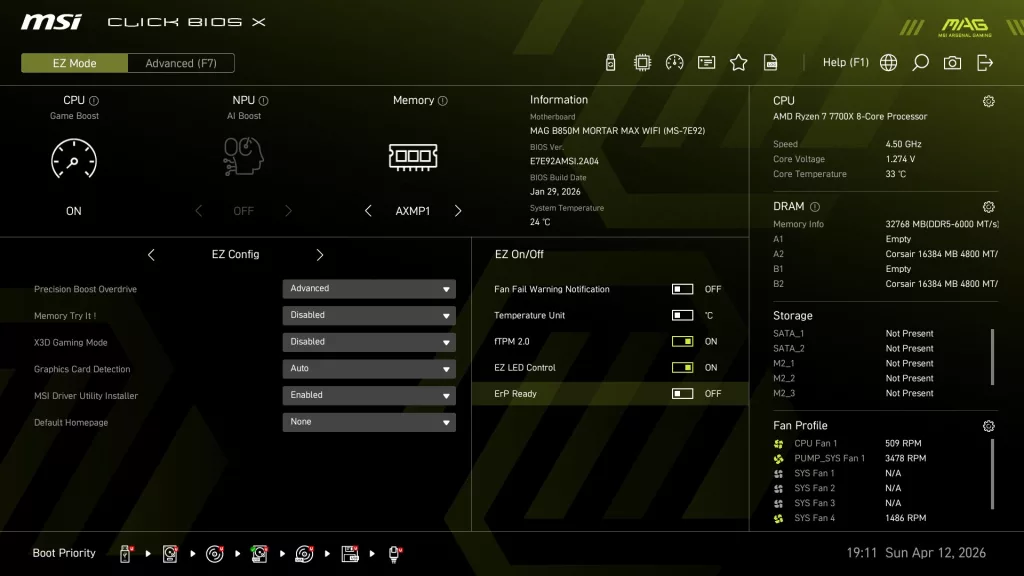
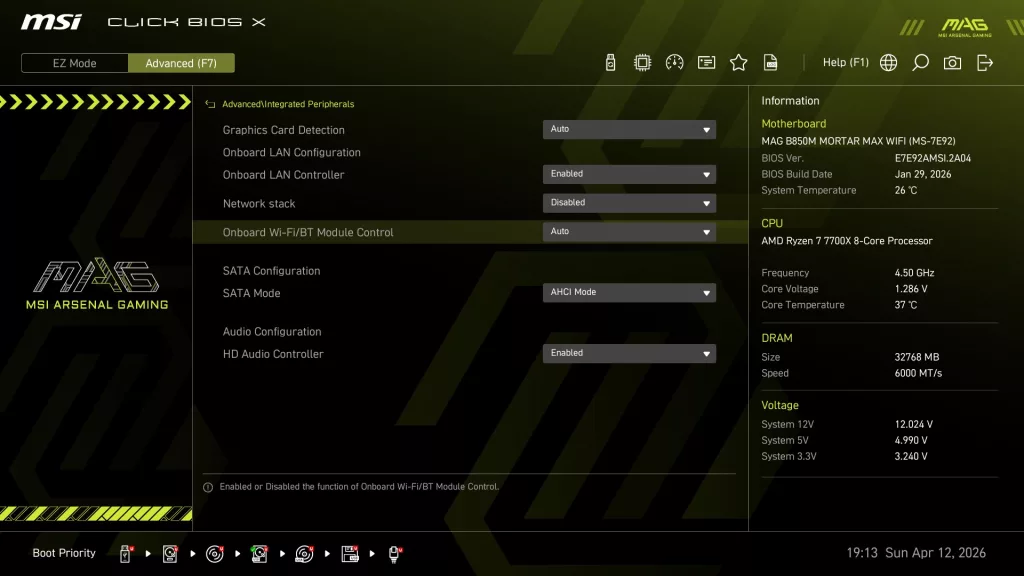
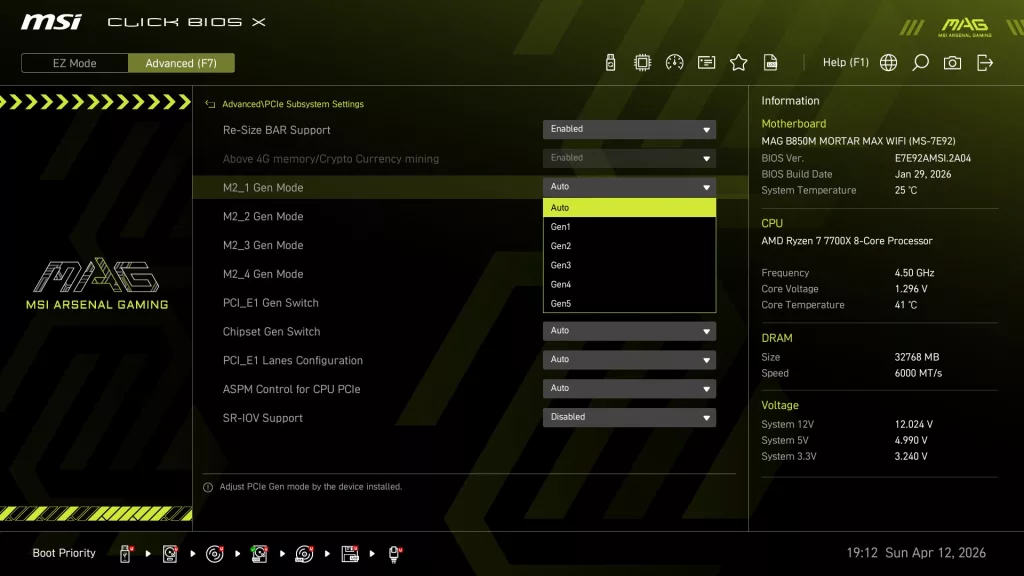
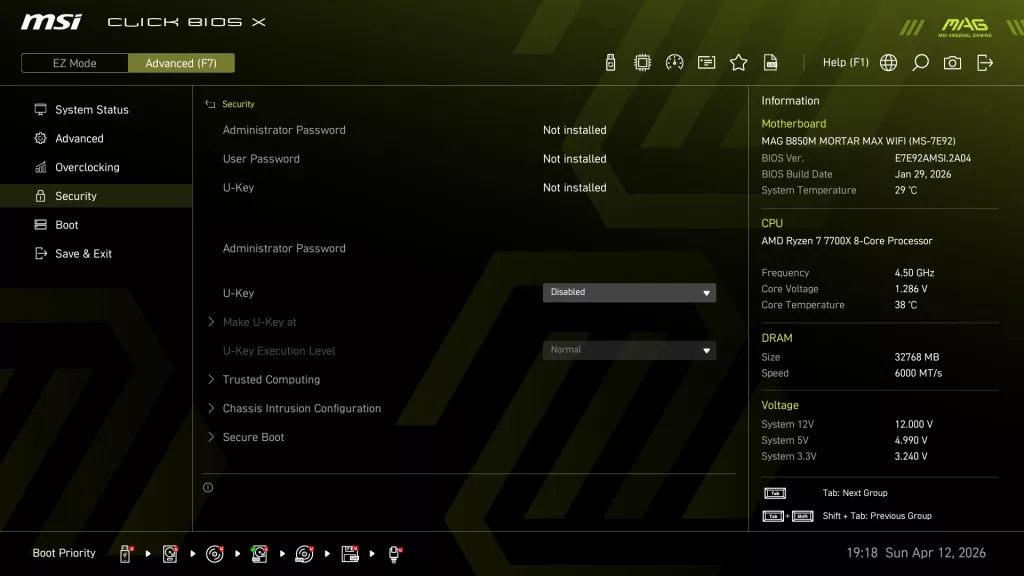
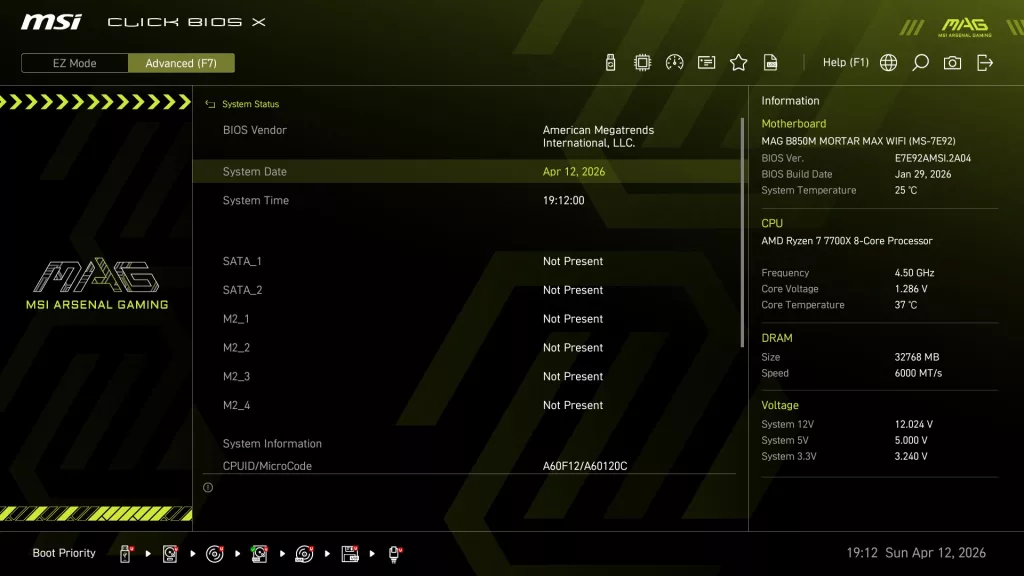
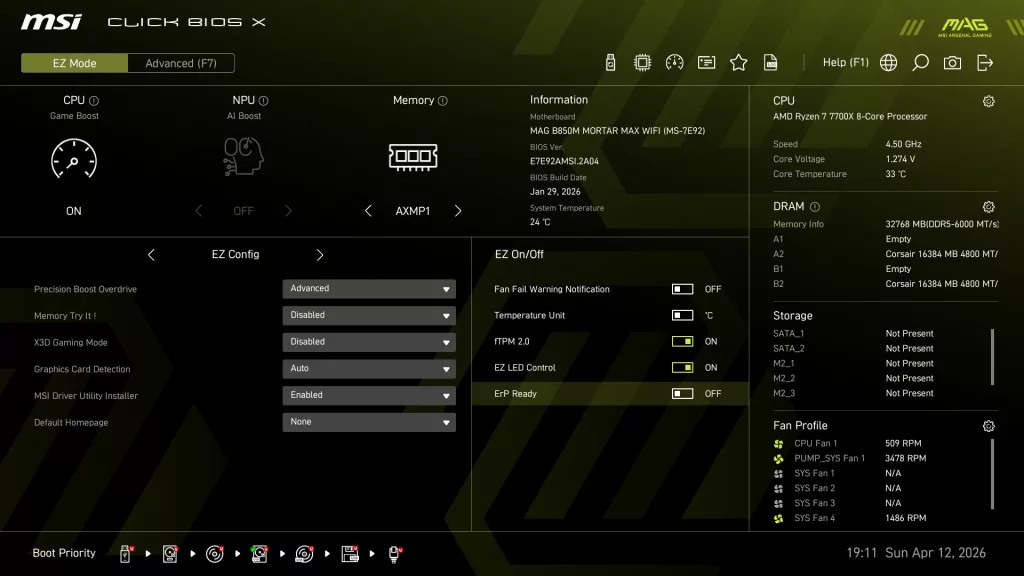
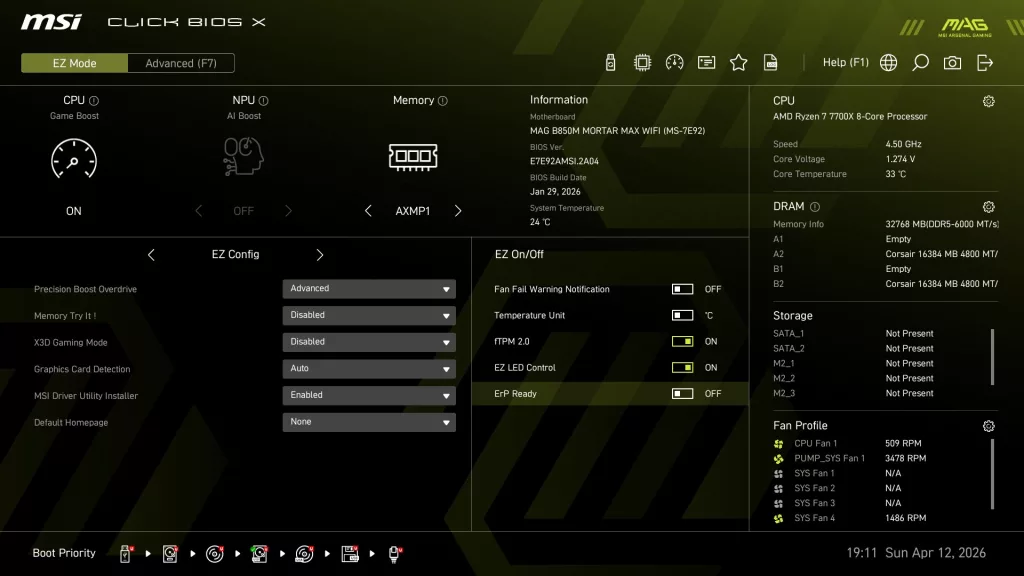
The MSI MAG B850M MORTAR MAX WiFi uses the “Click X” BIOS. This is an AMI BIOS that is designed for ease of navigation and very simple, straightforward menu organization. If you look at all our recent reviews on MSI MAG “MAX” motherboards, the Click X BIOS is designed identically across the entire spectrum. On initial boot, you are greeted by the “Performance” screen, essentially asking if you wish to enable Precision Boost Overdrive. You are then taken to the EZ Mode screen, which has almost everything you need.
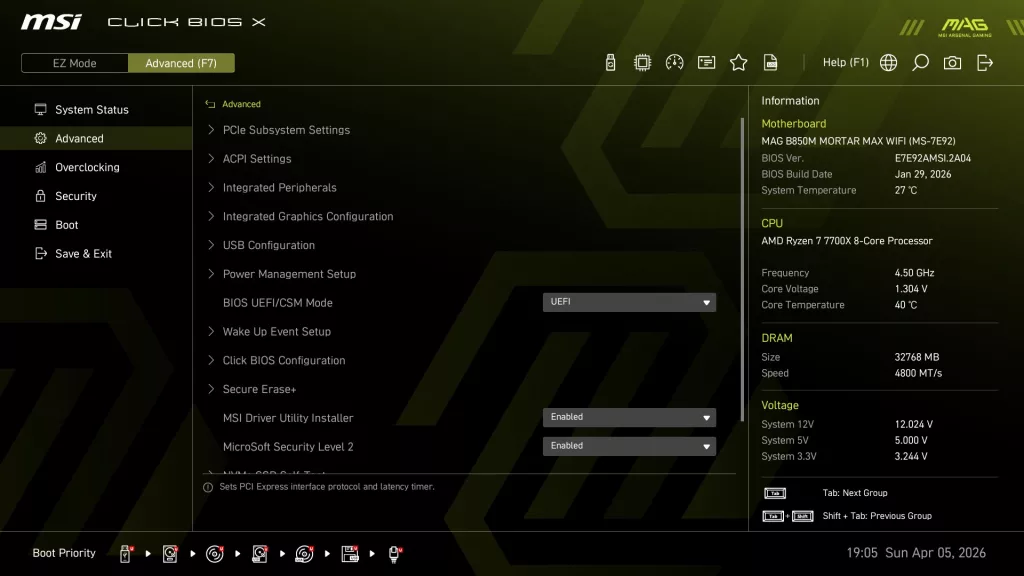
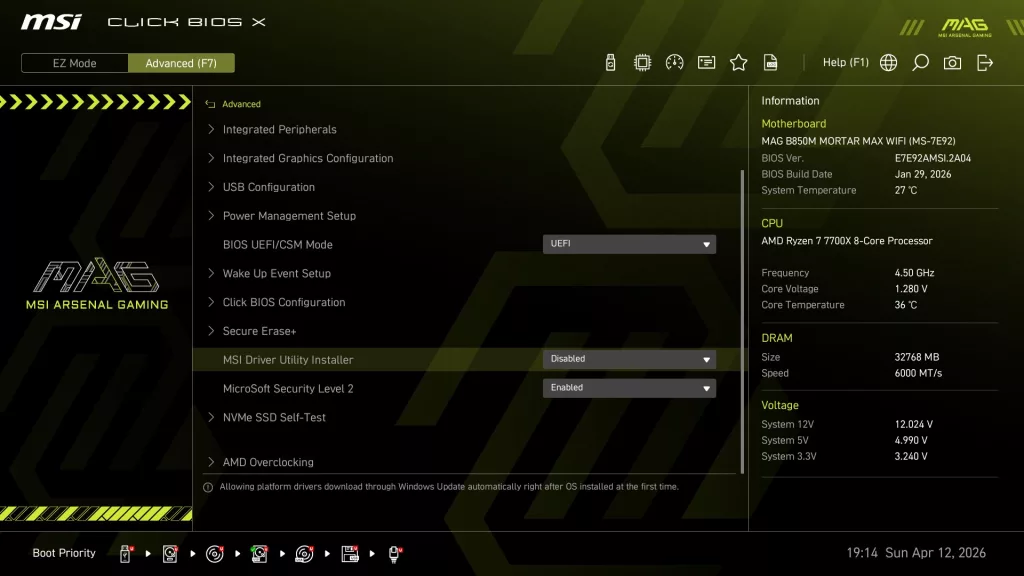
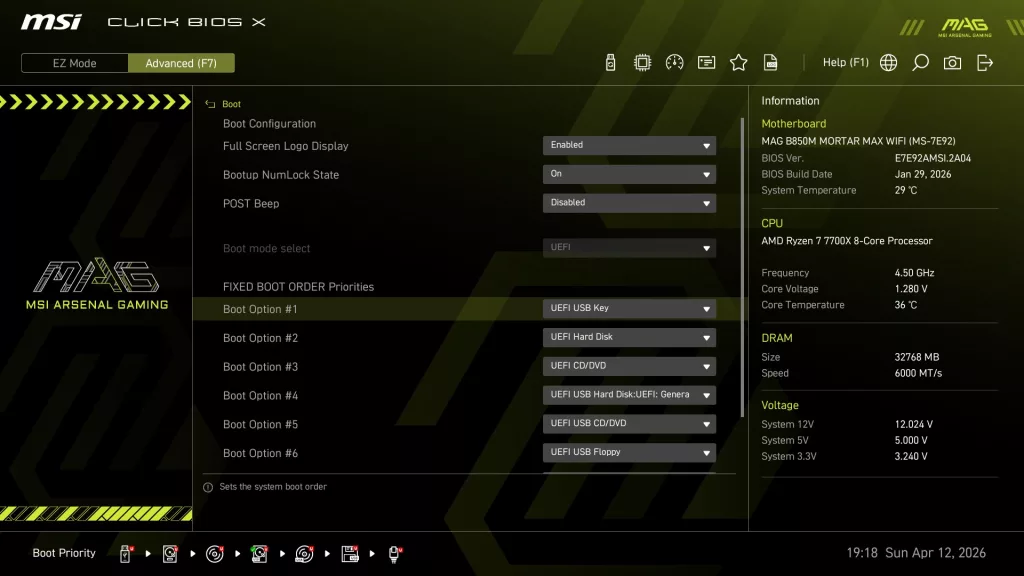
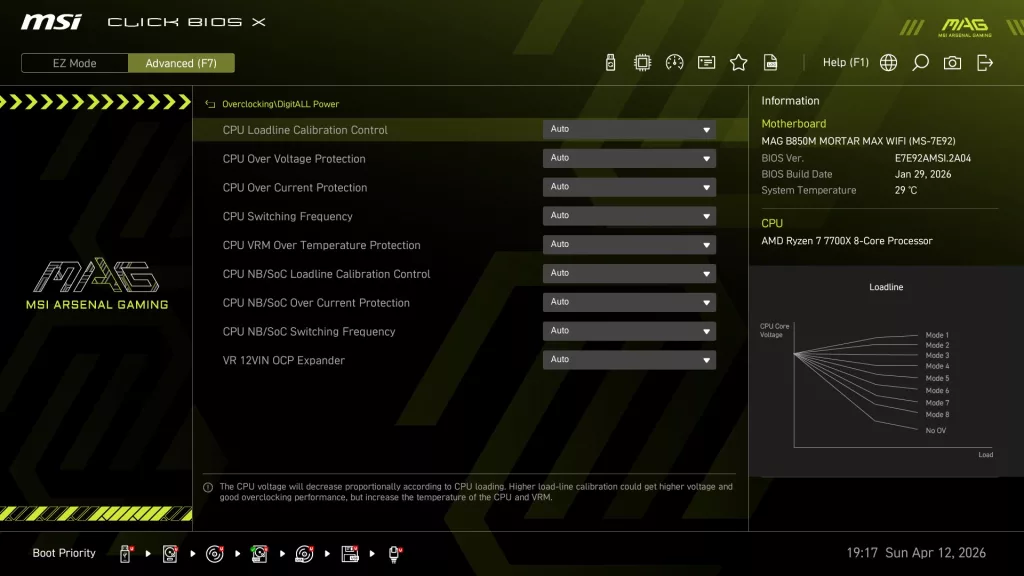
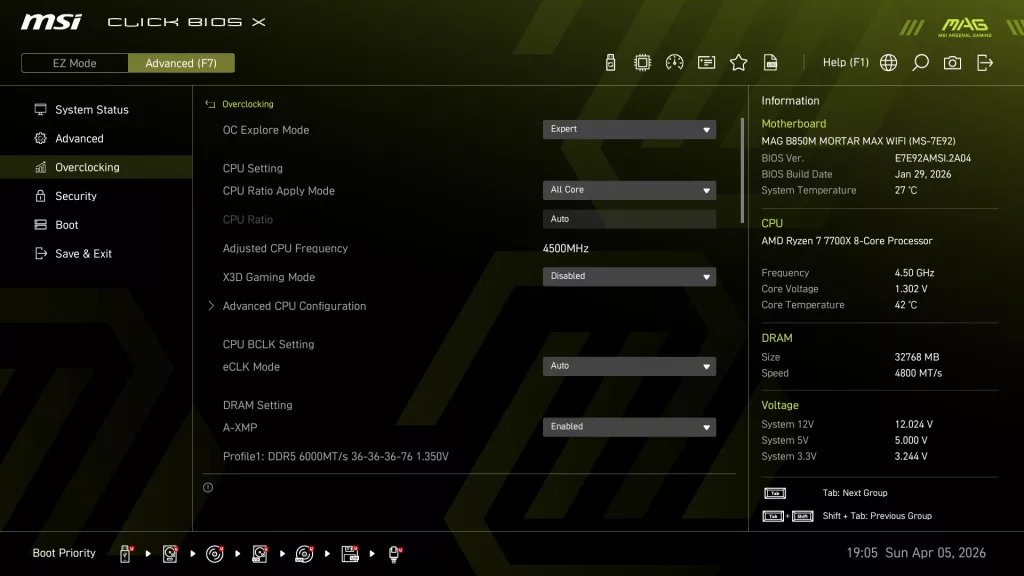
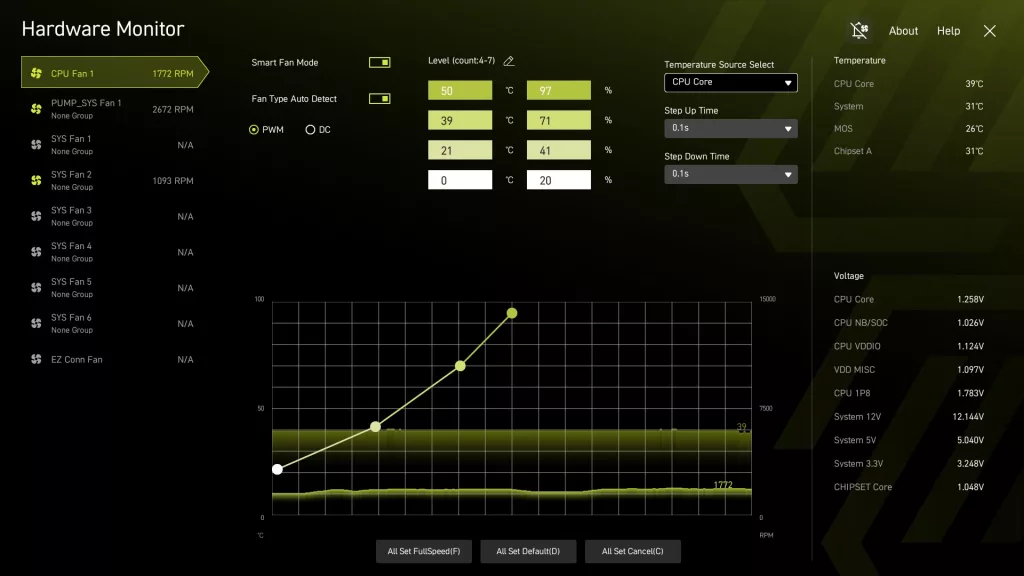
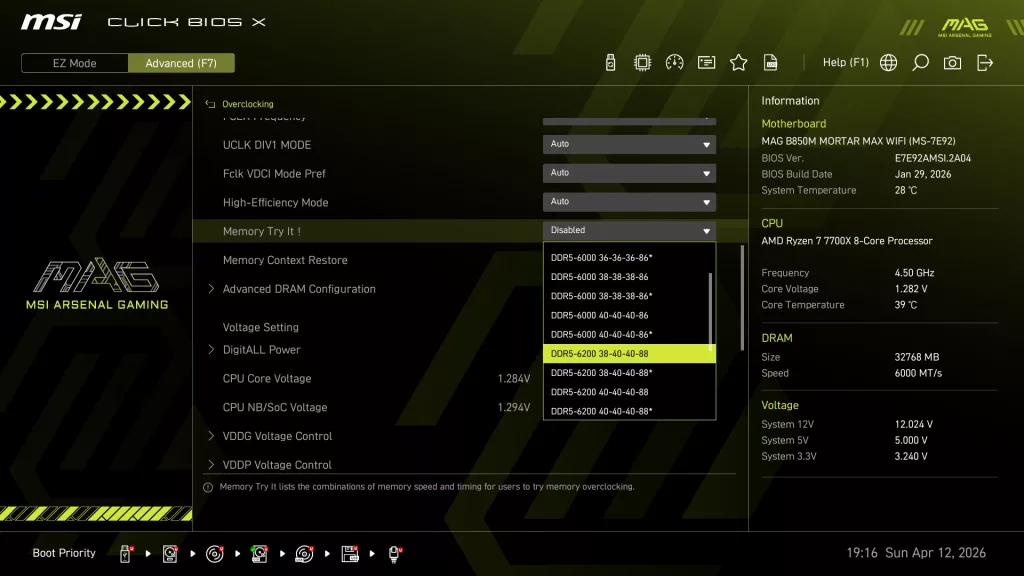
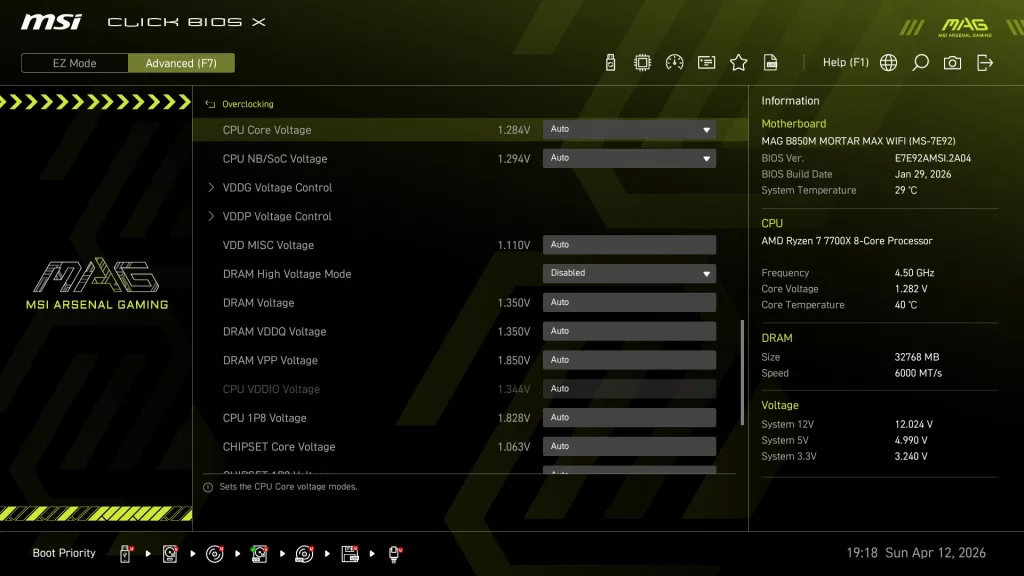
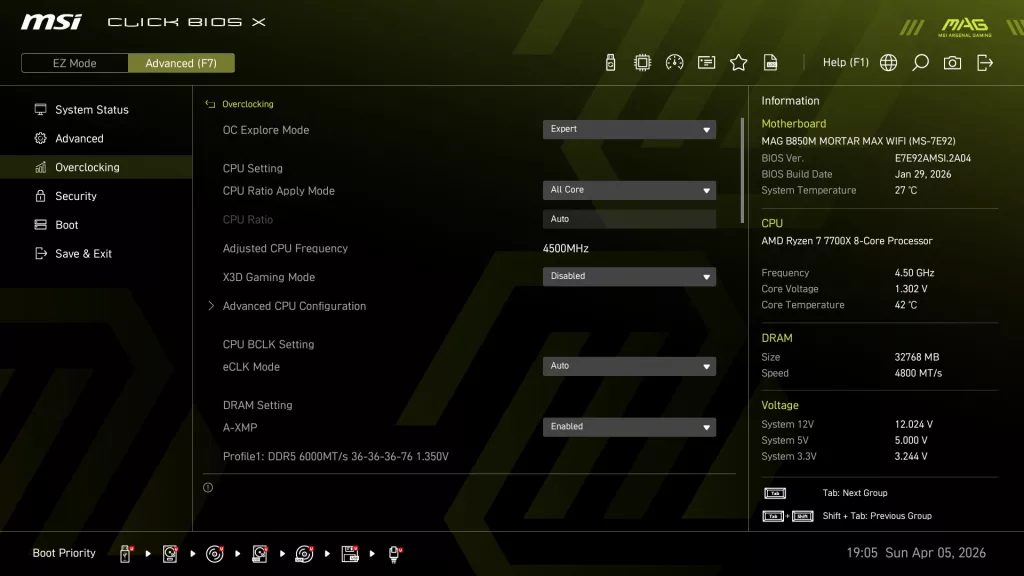
The Advanced Mode screen is organized to allow one to set manual CPU and Memory overclocking as well as all the motherboard I/O options. The Click X BIOS is one-click oriented, with very responsive navigation. All in all, the MSI Click X BIOS is very simple to use, well-organized, and has reasonably good explanations of functions when they are highlighted. On the motherboard’s webpage, under support, you may also download a very detailed BIOS guide, which is quite complete.
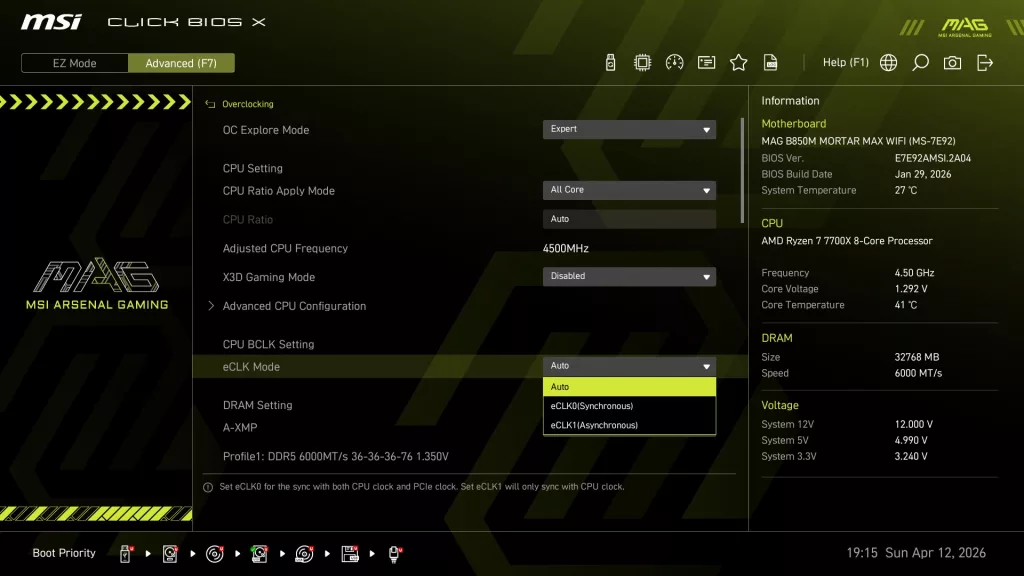
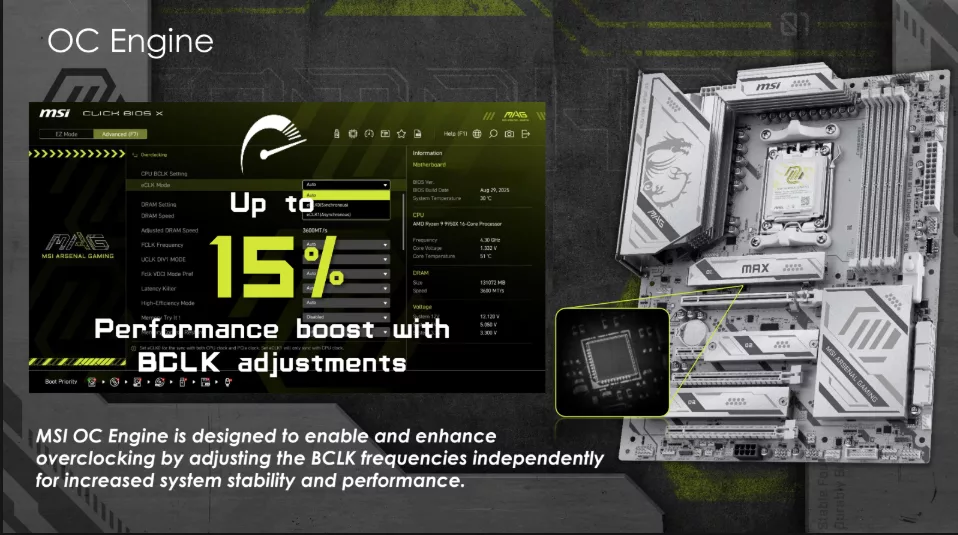
The marquee addition to the “MAX” motherboard refresh is the “MSI OC Engine”. This is essentially an external clock generator that allows exclusive control over the CPU BClock while not interfering with other clock functions. This will allow more subtle overclocking of the CPU frequencies if that is your pleasure. We have attempted to use this feature on several MAX boards, but were unsuccessful. It is most likely our 7700X and not the motherboard. If you choose to use Precision Boost Overdrive, this feature will not be something you ever use.
Other than the OC Engine and its BIOS functions, the BIOS of the MAG B850M MORTAR MAX is very similar to all the other recent MSI motherboards we have reviewed that feature the Click X BIOS. If you happen to look at a different “MAX” board, the BIOS will be identical.
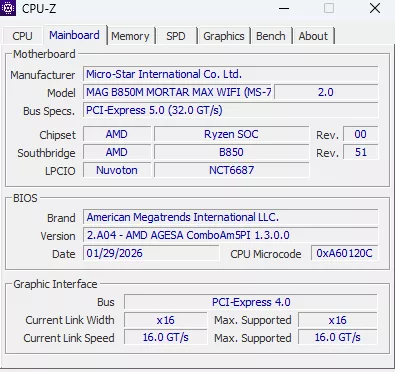
We received the MAG B850M MORTAR MAX WiFi from MSI with the initial BIOS version E7E92AMSI.2A04 dated 29 Jan 2026. There is no updated version available as of this writing. There is also no webpage devoted to the motherboard, either, so driver acquisition was a bit dicey. This board features MSI “M-Flash” software to flash the BIOS, which we have found very straightforward. Also, the board has the Flash BIOS button on the rear I/O panel, which does not need anything but a flash drive and a power supply.
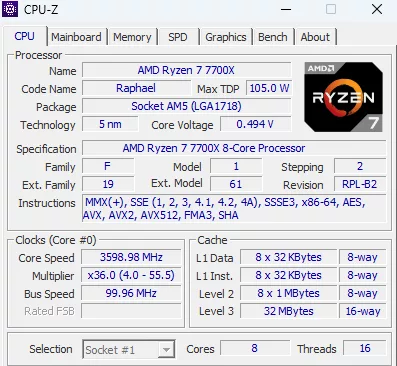
Below we have posted a brief gallery of screenshots from the MSI MAG B850M MORTAR MAX WiFi to demonstrate the look and organization of the BIOS. Also, please review the BIOS section of the MSI B850M MORTAR WiFi as other than the few BIOS additions for the “MAX”, it has the same exact BIOS.
Discussion (3 replies)
Join Discussion →I love that you're still putting these reviews out.
But I wonder if people are still looking to build out a fresh system these days... Feeling doom and gloom about the industry. Who would have thought it was Nvidia that killed PC.
It'll all come back around eventually, will it be rough for PC builders now, sure, but not always. New hardware is still planned for launch, such as Zen 6 and Nova Lake on PC Desktop, it's not dead yet Jim!
Unlike many of my peers in the industry lately on YT, I'm going to stay optimistic and positive for the future, and not dwell on things I can't control. Instead, I'm going to look at cool new hardware, evaluate it, and just have fun with PC Hardware and Gaming. There's enough doom and gloom out there, I'm hoping to bring something a little more positive to the table.
This is not the end, or even the beginning of the end.