
MSI Z890 GAMING PLUS WiFi6E Features
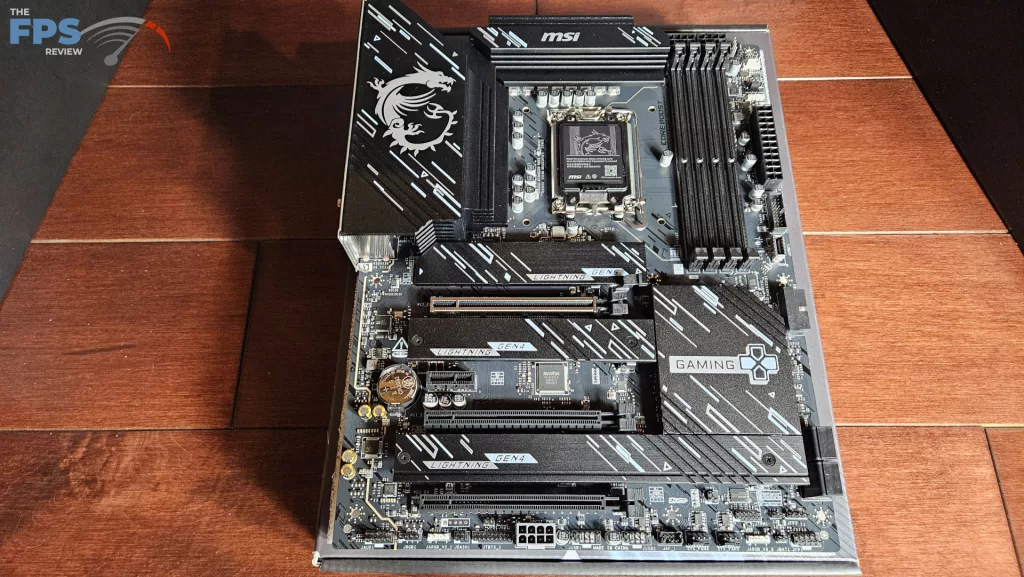
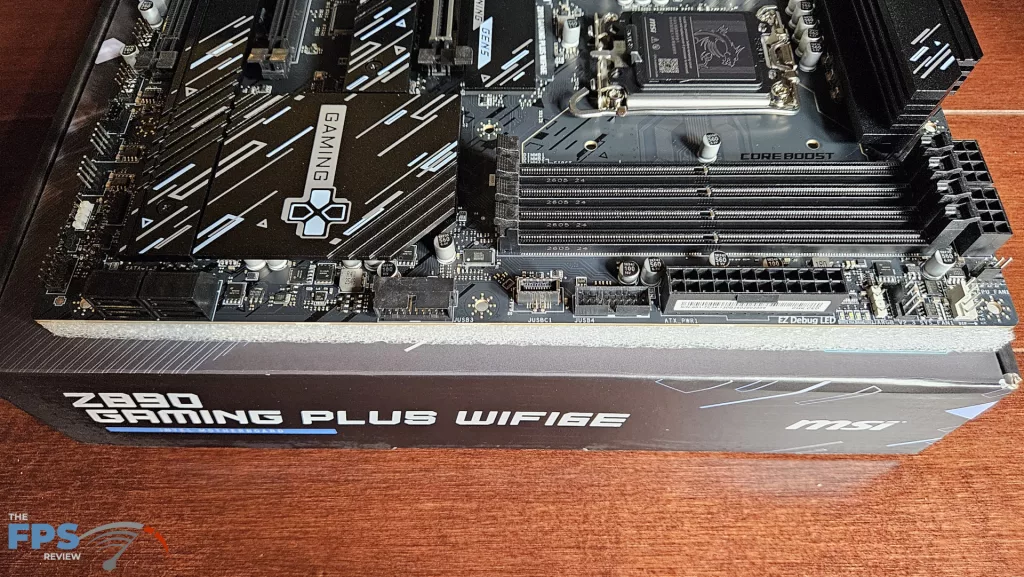
The MSI Z890 GAMING PLUS WiFi6E is a full-sized ATX Motherboard. The board is primarily black with all-black metallic heatsinks. Lettering clearly identifies “MSI” and “GAMING” in silver and blue. There is a large MSI dragon logo on the I/O heatsink. The look of the board is quite pleasing, and the design is clean, simple and uncluttered. There is some weight to the board, but no bend or flex when it is picked up. The PCB is 6-layered with inlaid copper. There are no RGBs, but plenty of ARGB headers. Also, there is no power button or debug digital LED on board.
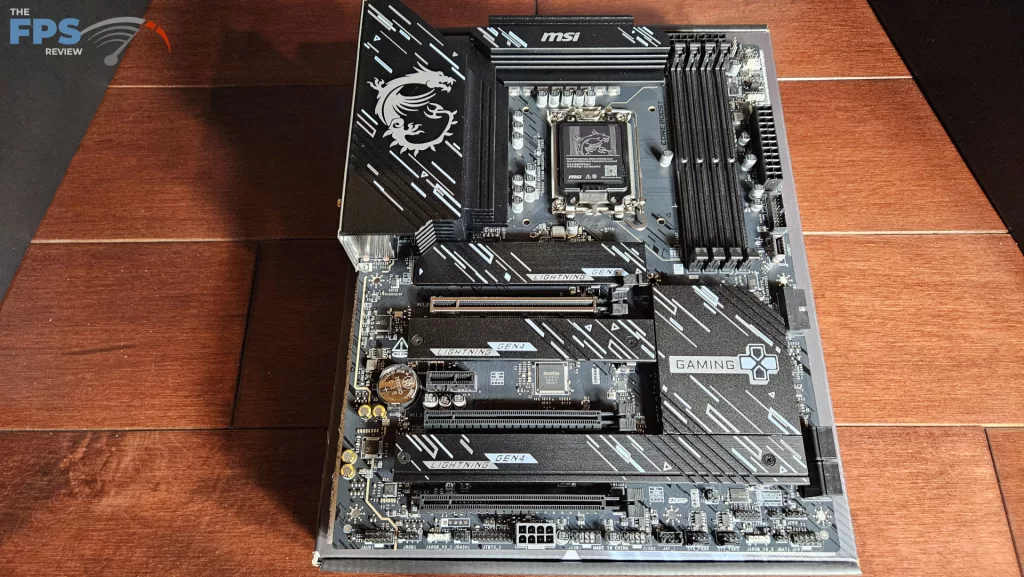
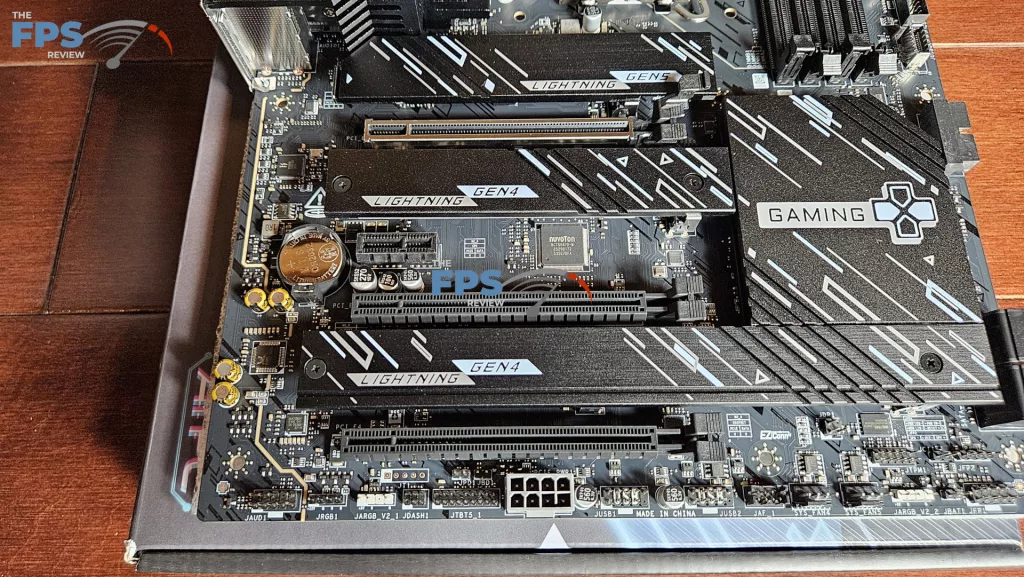
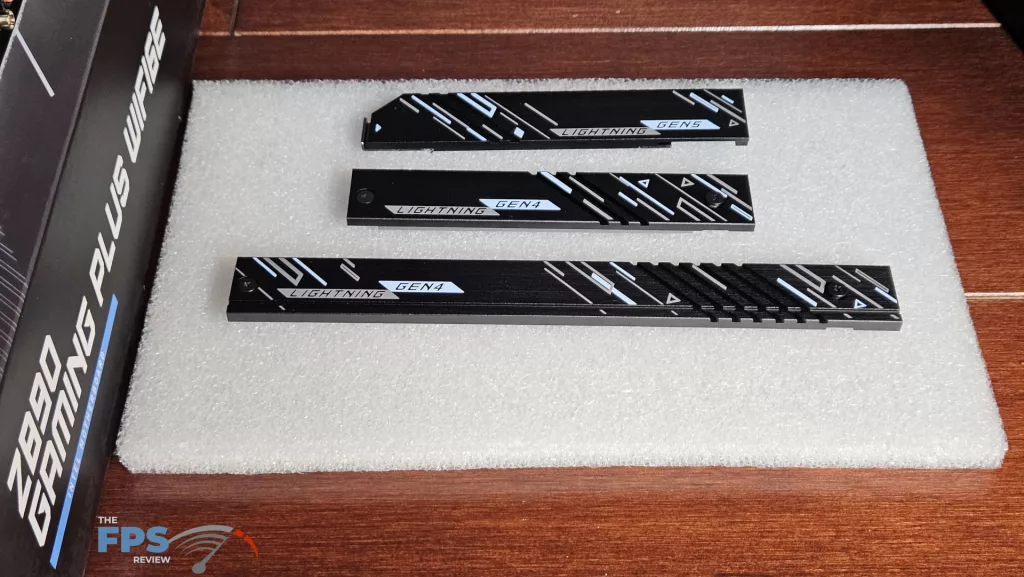
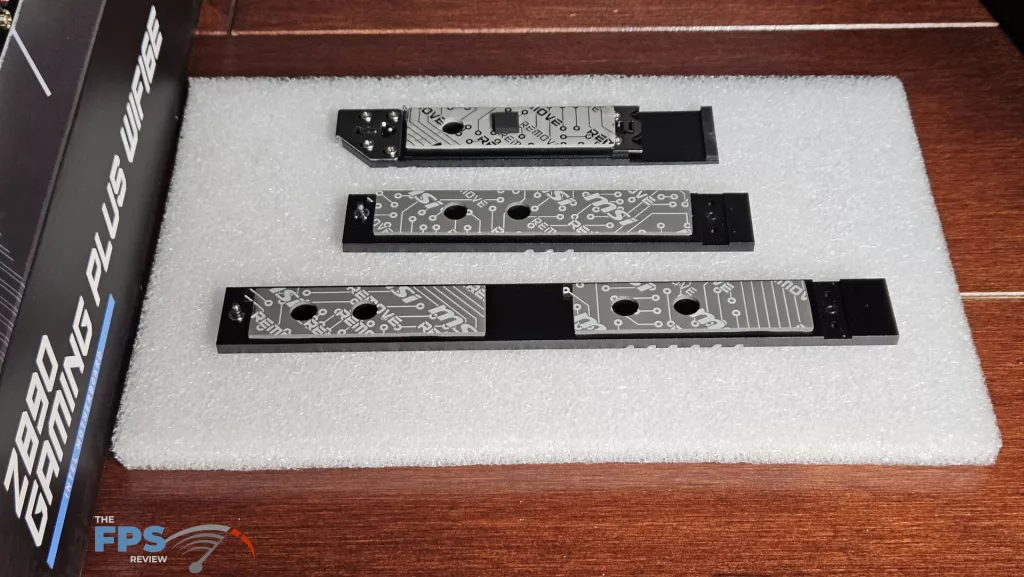
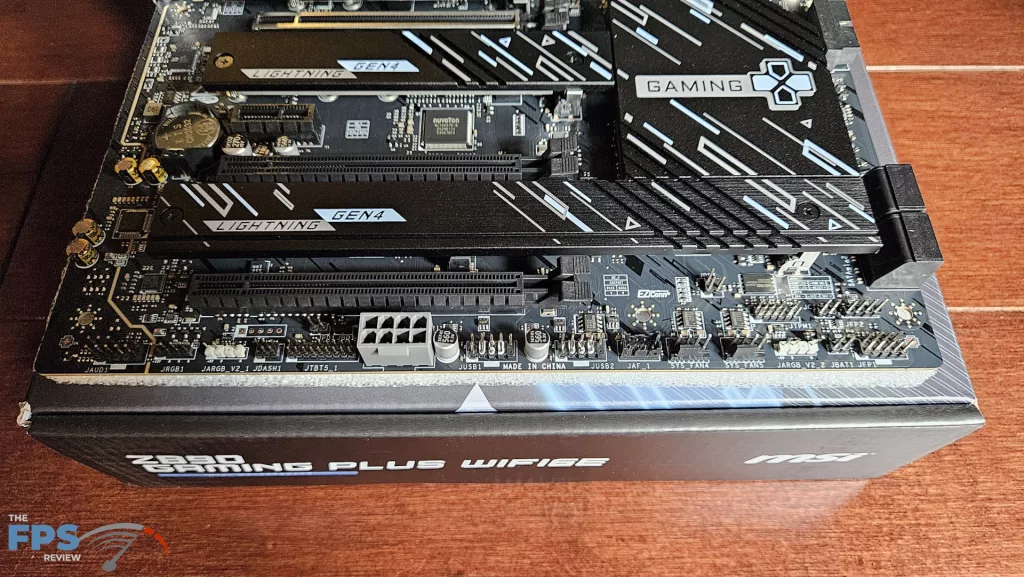
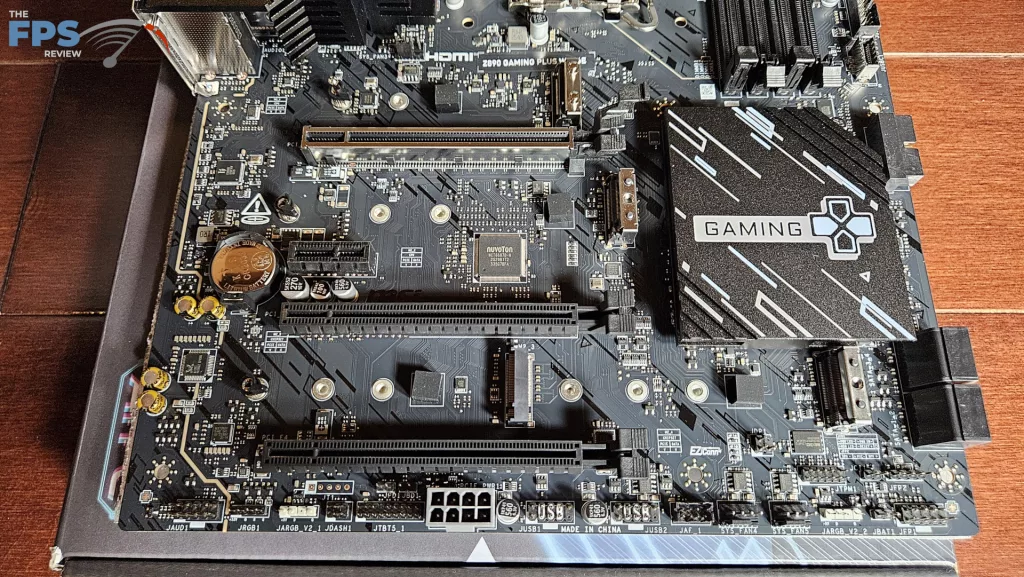
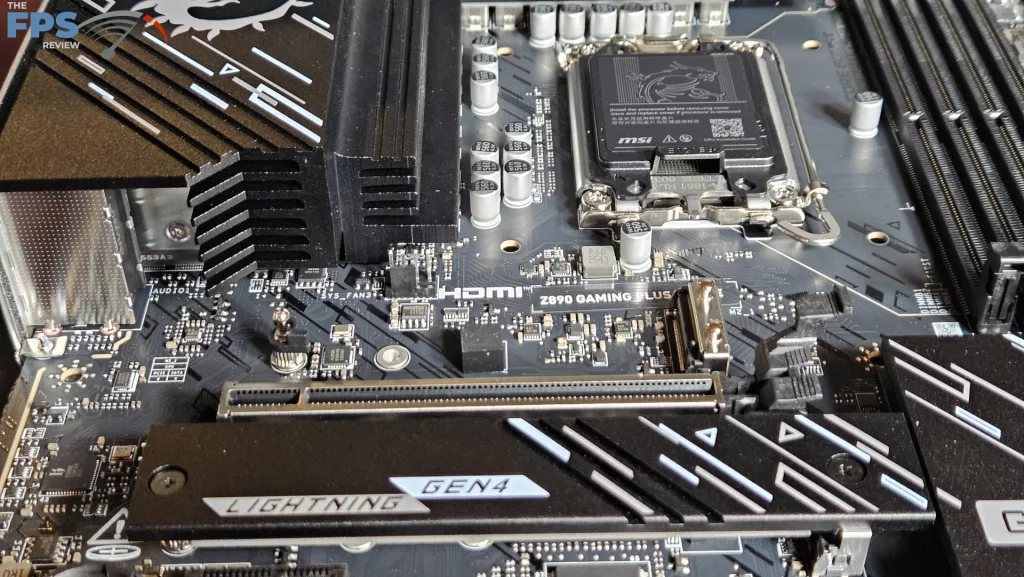
There are four M.2 slots on the board. The primary is Gen5 x 4, with a toolless dedicated heatsink. M.2_2, M.2_3 and M.2_4 are all Gen4 x 4. These sinks are attached with embedded Phillips screws. Slot 2 has its own heatsink, and the remaining two are under one long heatsink just below the chipset. All the native sinks have thermal pads.
On slots 3 and 4, you will need to install the rotary hold-down, which is included in the box. We see a total of four PCIe slots. The primary is reinforced and Gen5 x 16 capable. While there is no EZ-PCIe Release button on this board, the primary slot is supplied with an enlarged rear clasp, which MSI calls the EZ PCIe Clip II. The remaining three slots are all derived from the chipset. Slot 2 is a half-size, Gen4 x 1. Slots 3 and 4 are full-sized Gen4 x 4.
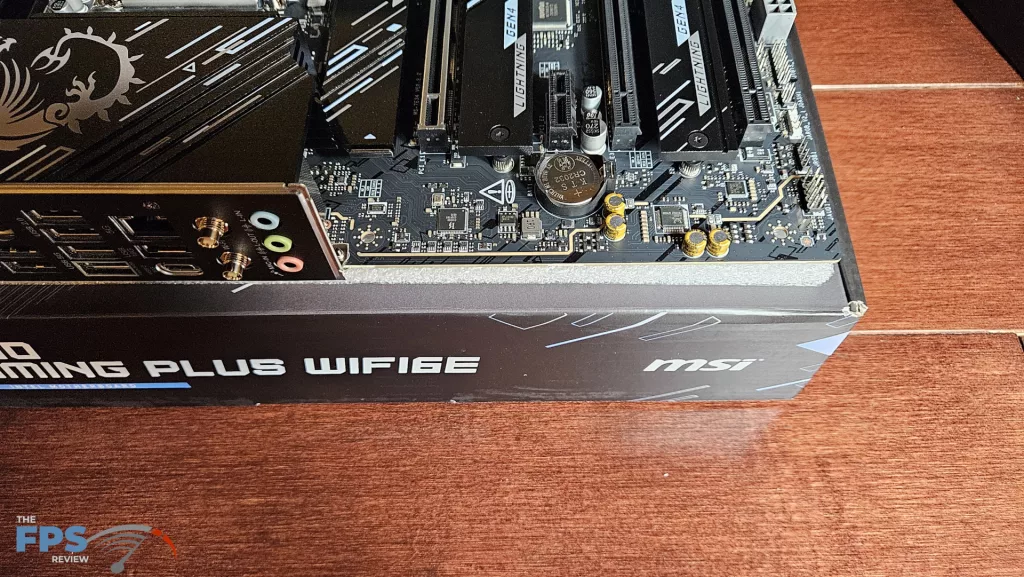
The rear I/O panel is adequate. It has eight total USB ports: 4 x USB-A 2.0, 2 x USB-A 5Gb/s and 1 USB-A 10Gb/s. There is 1 USB-C 10Gb/s port. We even see a P/S2 port if you have some older mouse or keyboard you’d like to dust off! RJ-45 is a 5GB Intel Killer Network. WiFi is, as the name says, RealTek 6E. Audio is Realtek ALC897 and 7.1 capable.
Power Delivery
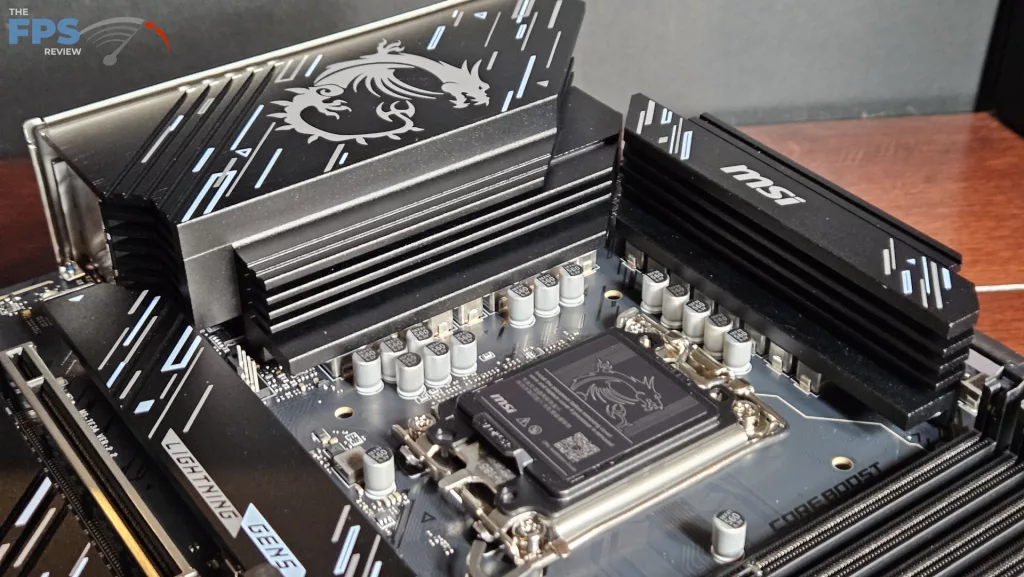
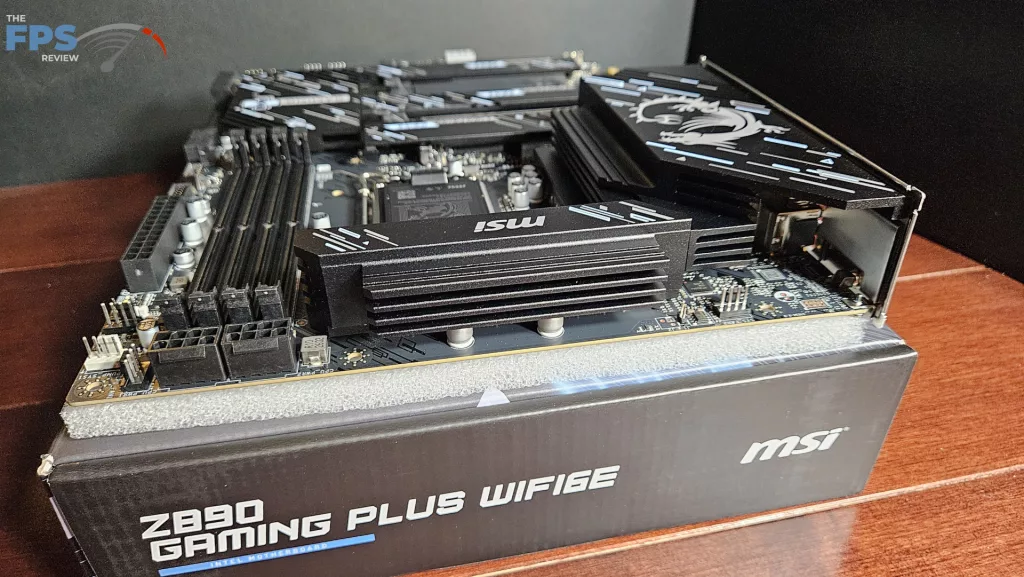
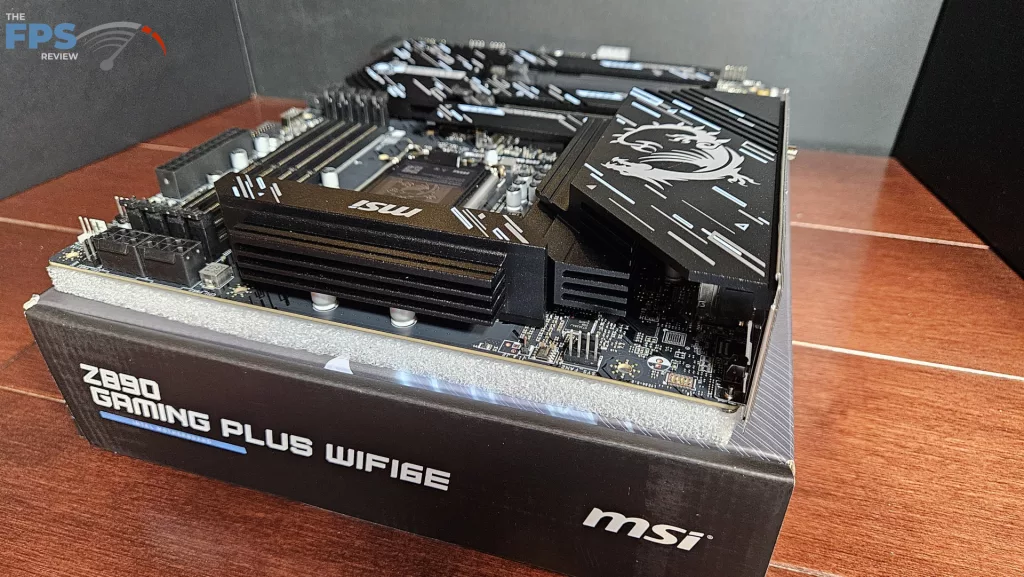
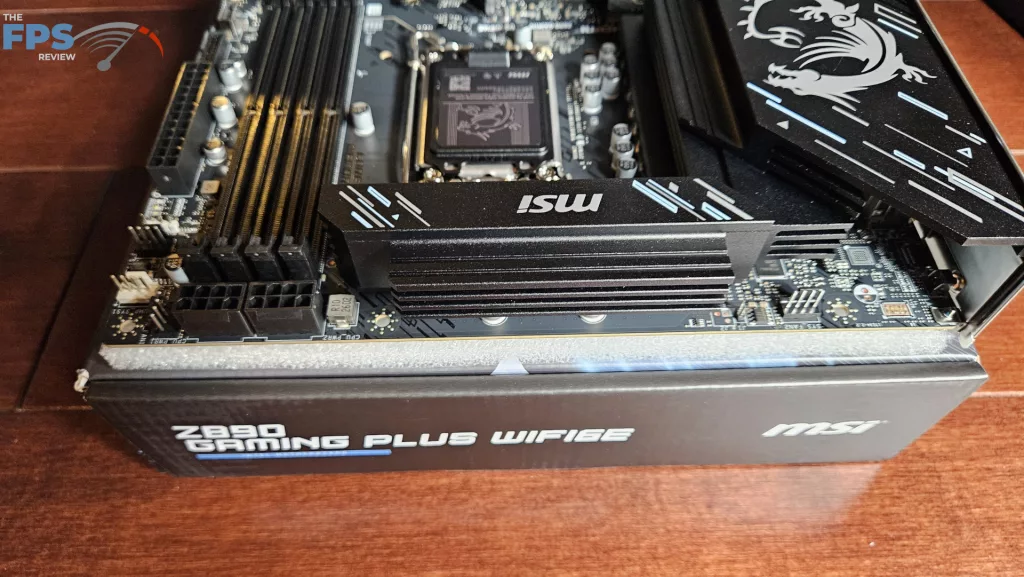
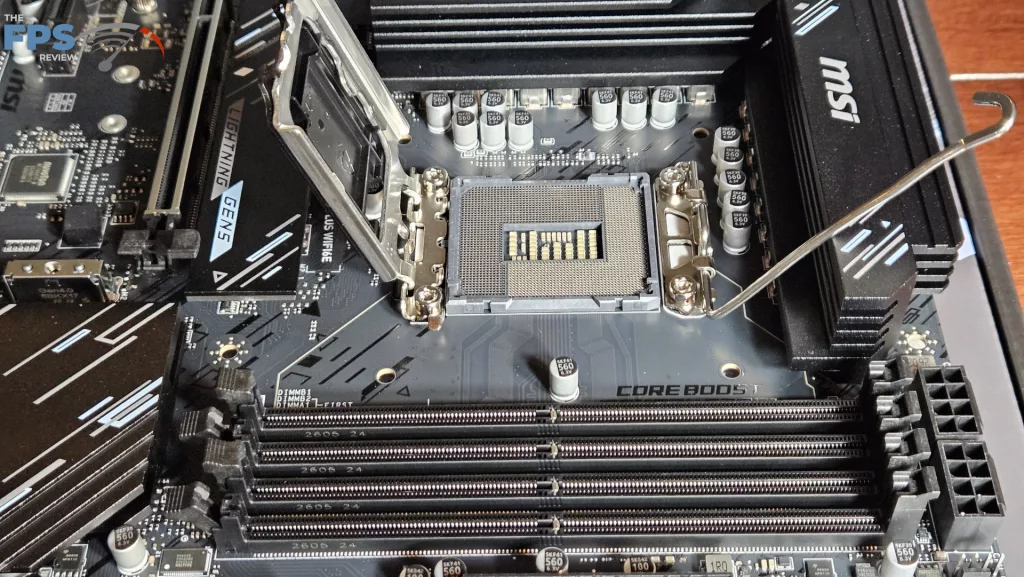
MSI states the Z890 GAMING PLUS WiFi6E has 14+1+1+1 power phase support. VCore power is 55Amps DRMOS. All in all, the power delivery here seems to be more than adequate. The power is delivered via two 8-pin CPU connectors, top-right. The VRM heatsinks are quite heavy. There do not appear to be any heatpipes. The PCB is made from 6 layers with inlaid copper. Overall, the board feels sturdy without any flex or bending.
CPU Socket, Memory and Storage
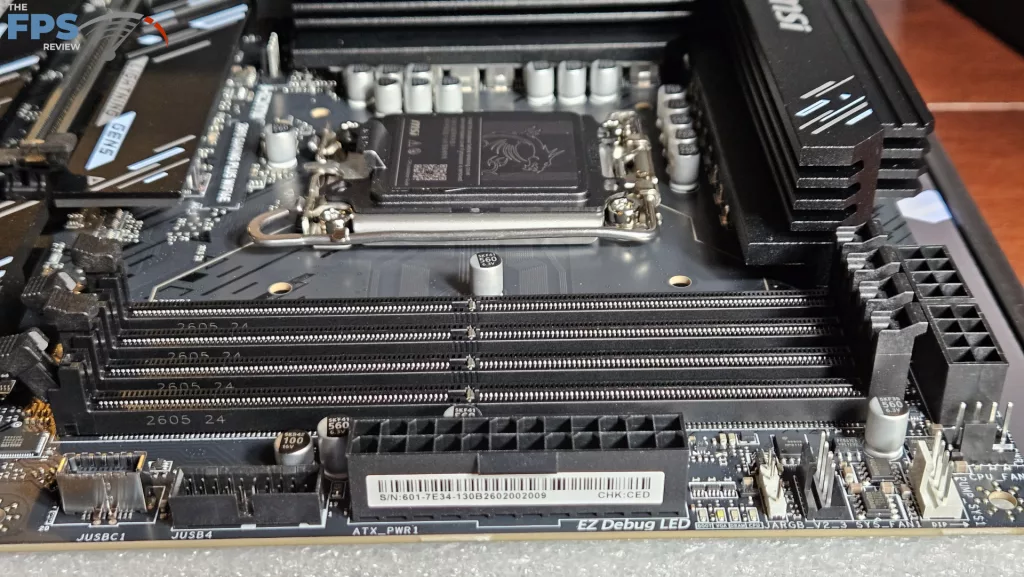
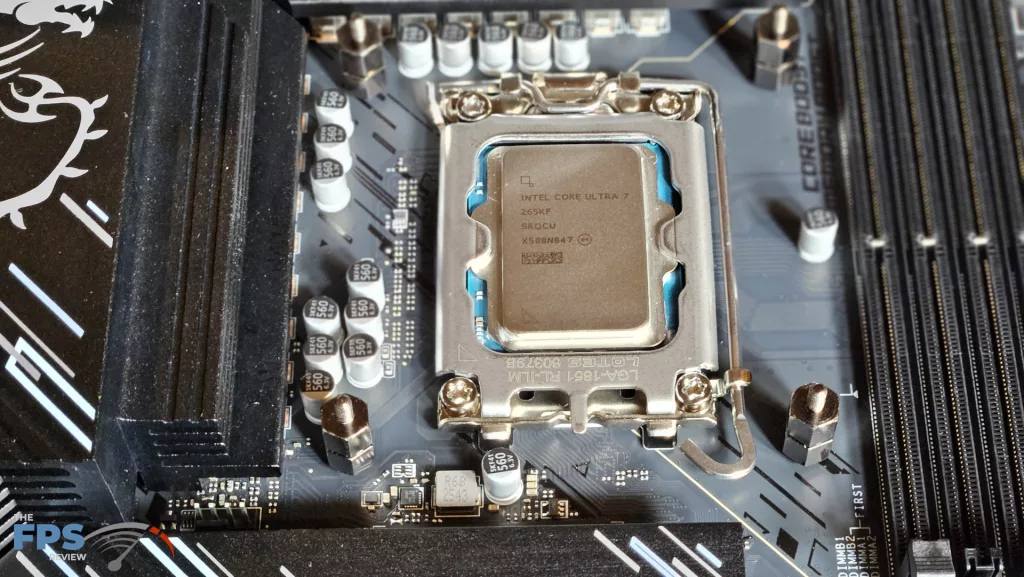
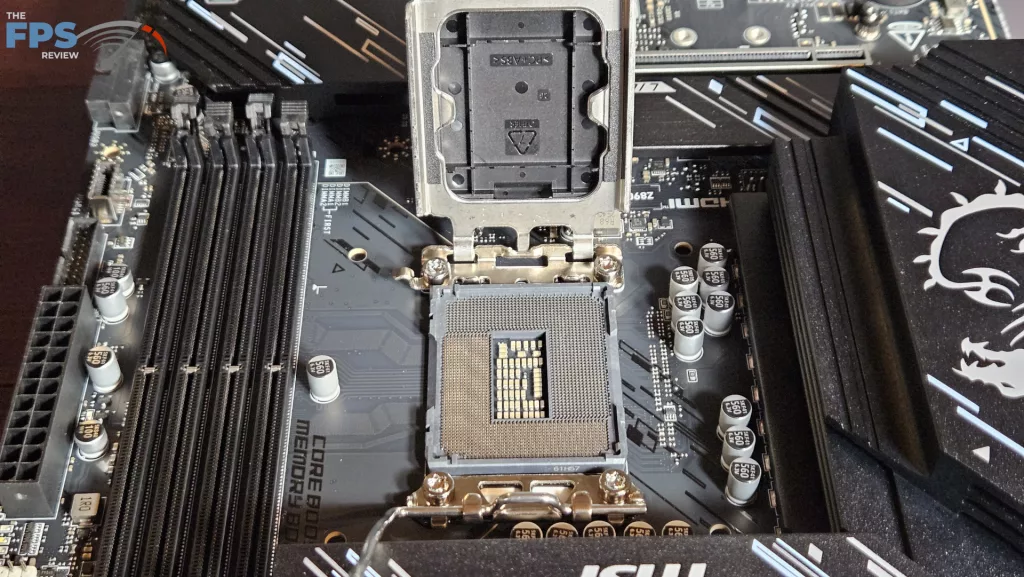
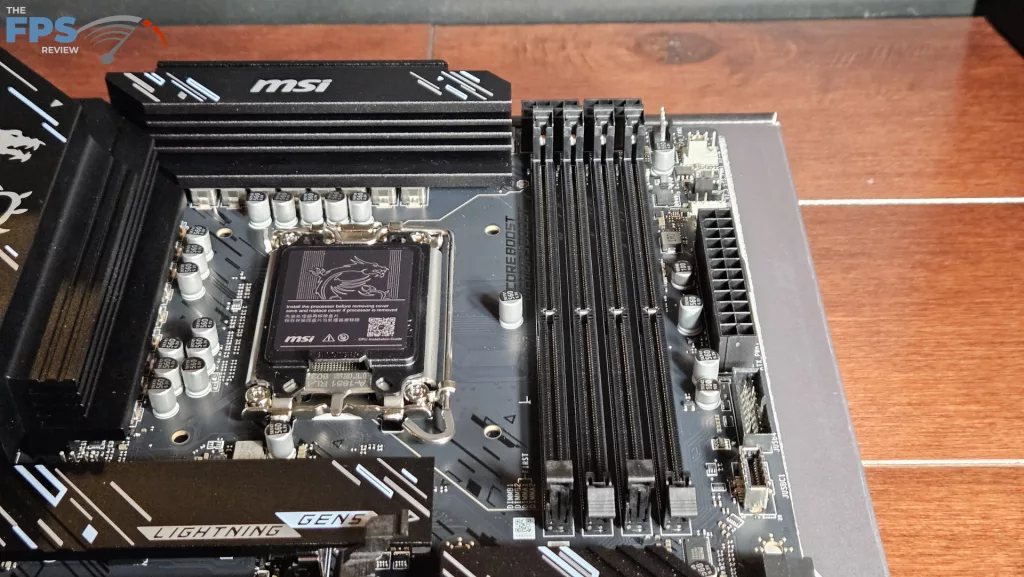
The MSI Z890 GAMING PLUS WiFi6E supports socket LGA 1851 Intel Core Ultra Processors (series 2). This will include Core Ultra 7 270K Plus and Core Ultra 5 250K Plus processors with no BIOS upgrade. There is ample space surrounding the socket to place most, if not all, CPU coolers. Our MSI AIO MAG Core 360I gave us no mounting issues. Memory supported includes DDR5 DIMMs up to 256 GB in total. Frequencies are advertised up to 9200MT/s (OC), which includes CU-DIMMs. XMP 3.0 profiles are supported for 1-click overclocking. The memory slots are single-latch. The spacing seems adequate for large CPU coolers. The only issue here may be tall DIMM heatsinks in slot A1 and low cooling fins on an air-cooled heatsink.
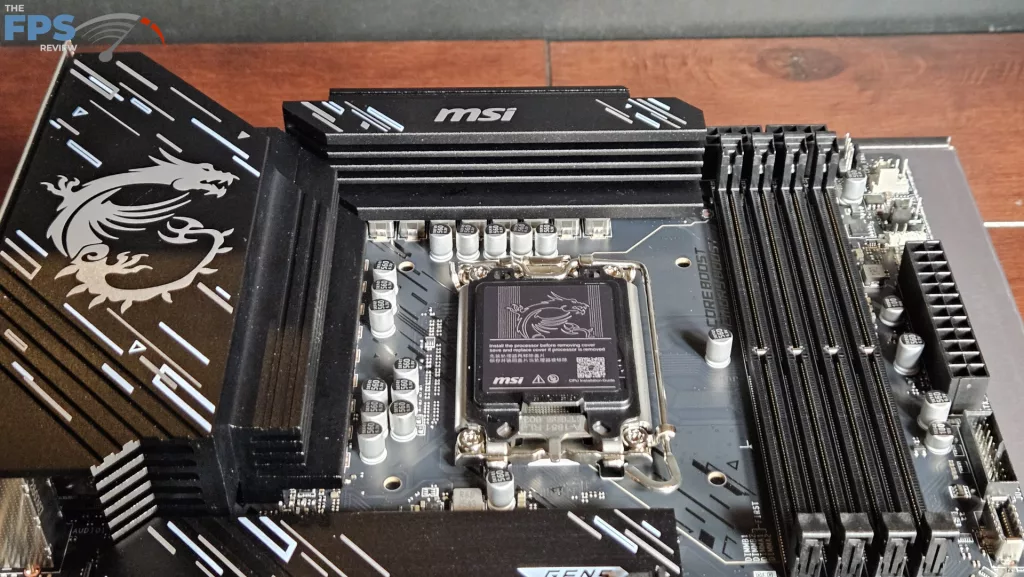
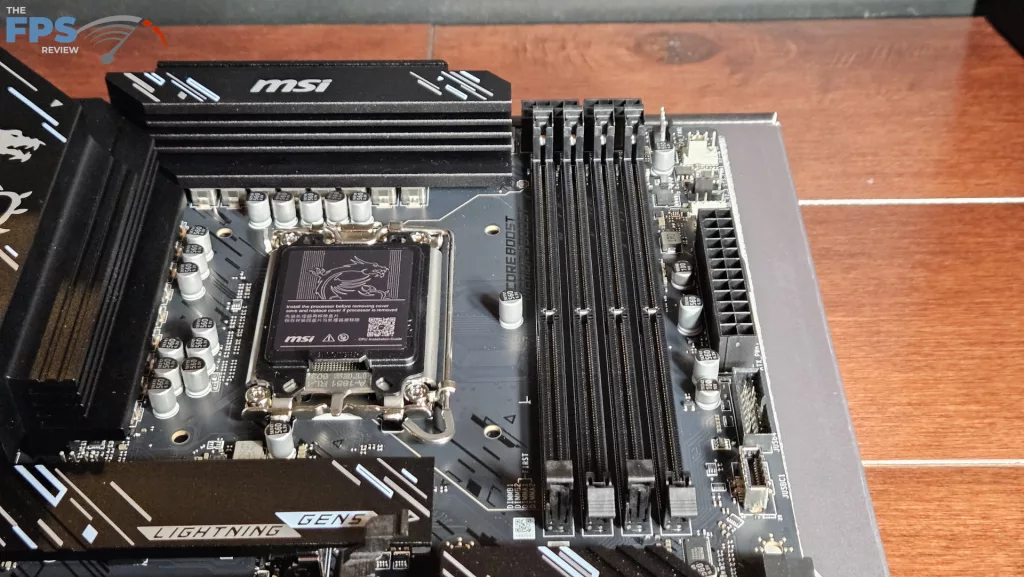
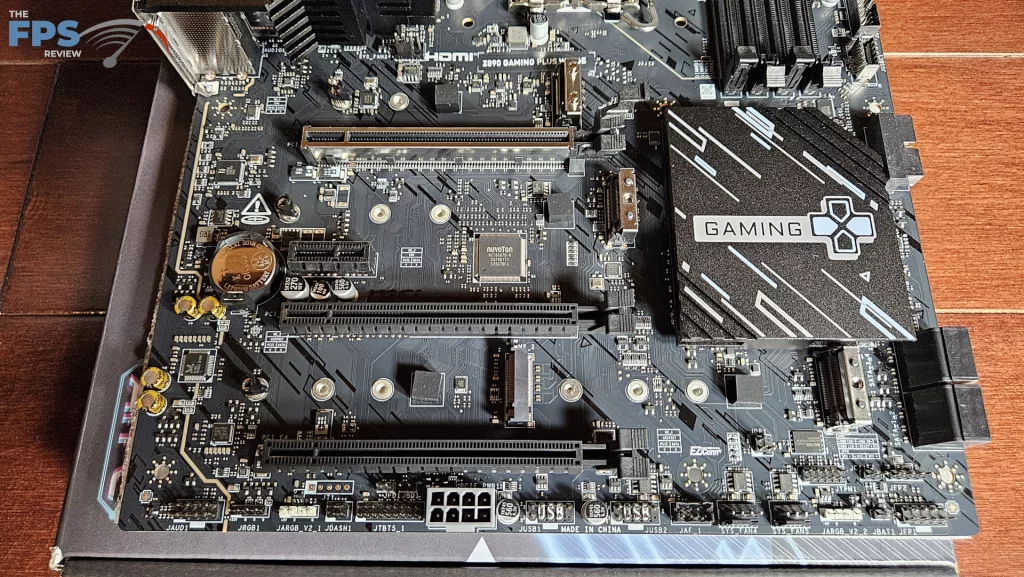
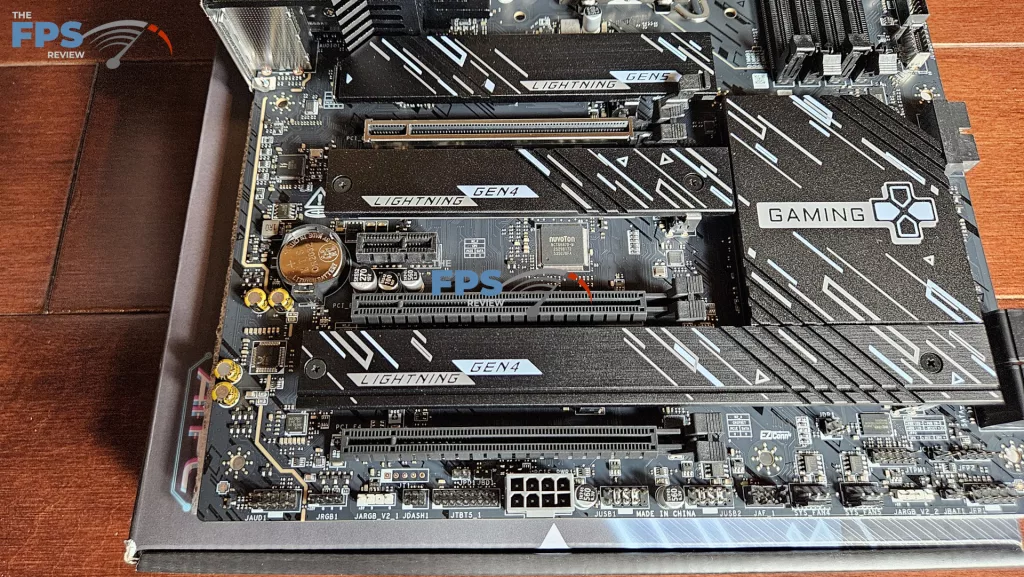
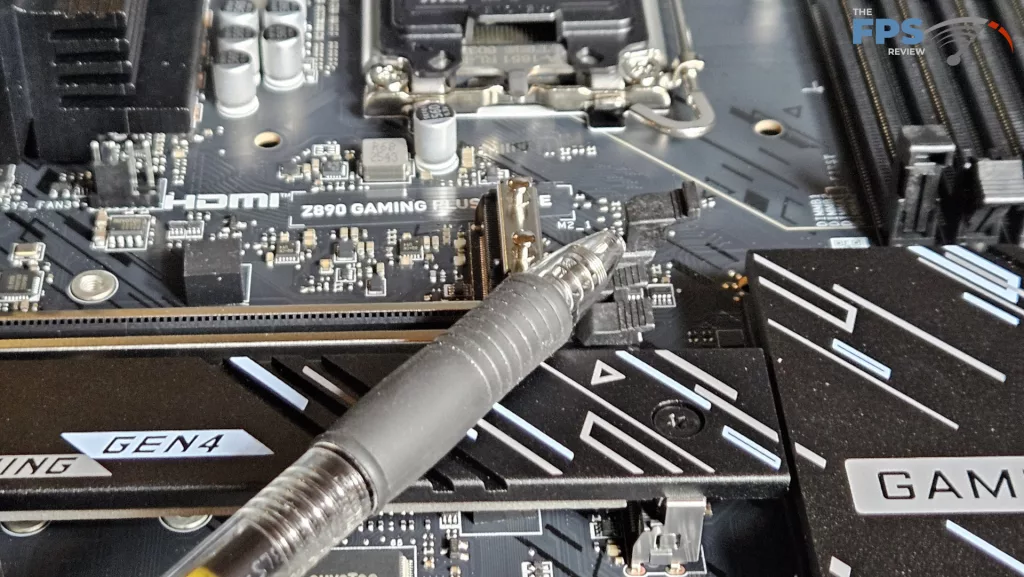
We mentioned in the section above that there are four M.2 slots. The primary M.2 is derived from the CPU and is Gen5 x 4 (128Gb/s). M.2_2,3, and 4 are all Gen4 x 4 64Gb/s from the chipset. The position of M.2_2 is just below the primary PCIe slot. It “may” be fully usable if the native heatsink is not too tall. However, heat from a large GPU may be a problem. Slots M.2_3 and _4 are well out of the way, just below the chipset heatsink. They would be fully usable in conjunction with a large GPU in the primary slot. There are also 4 SATA 6Gb/s ports on the lower right side.
Expansion
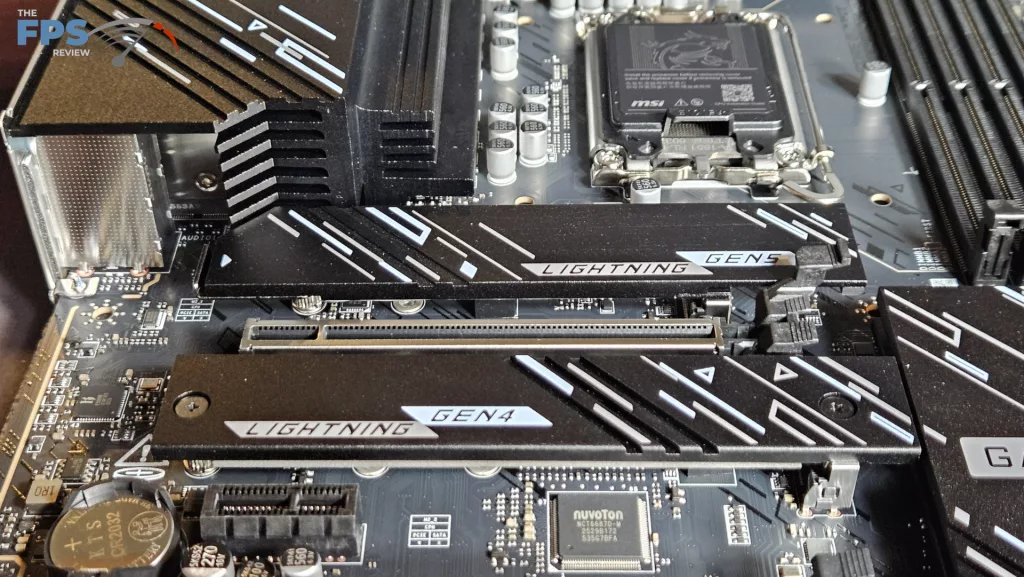
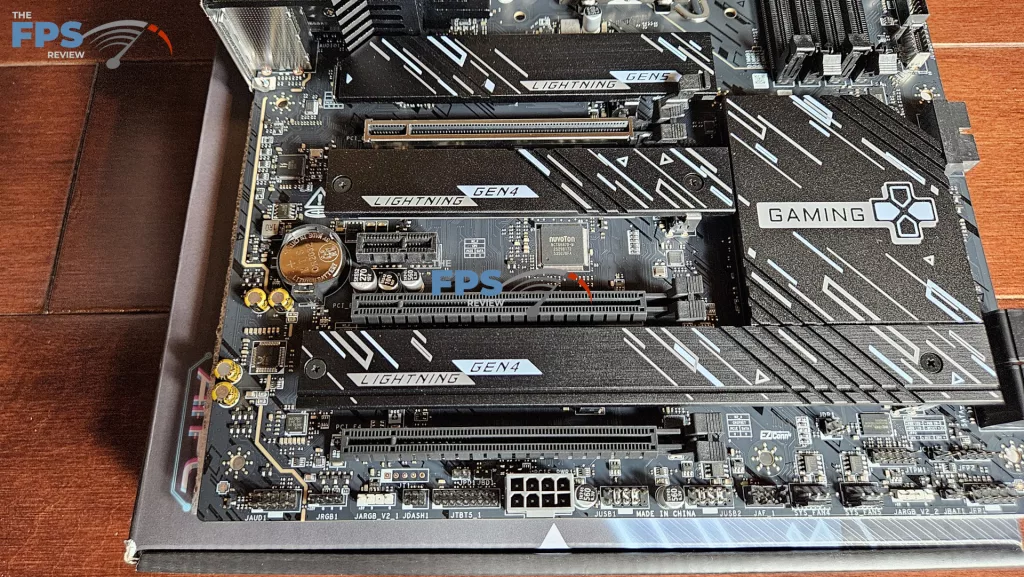
The expansion slots on the board consist of one reinforced PCIe Gen5 x 16, two full-sized PCIe slots Gen4 x 4 and one half-size Gen4 x 1. The primary PCIe features an enlarged clasp, the EZ PCIe Clip II. While not as elegant as the EZ PCIe Release, it is easier to operate than the standard clasp. The utility of the small PCIe slot is debatable, as it will be hidden beneath a dedicated GPU.
I/O
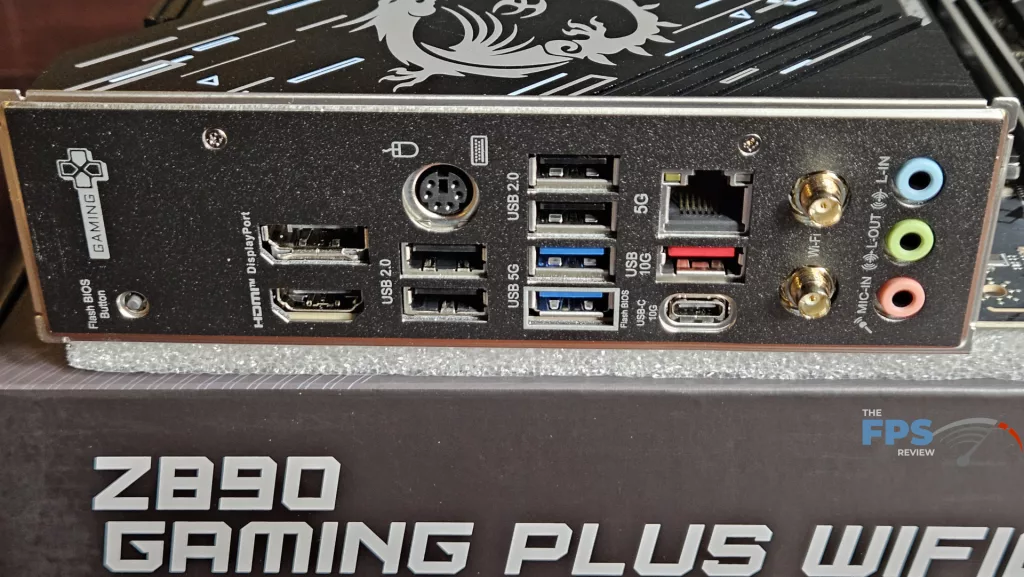
The rear I/O on the MSI Z890 GAMING PLUS WiFi6E is a mixed bag. First of all, the backplate is embedded as we have come to find is par for the course these days. The ports are where it gets a little hazy. Starting from the left: M-Flash button, Display Port and HDMI ports, P/S2 port, two USB-A 2.0, two USB-A 2.0 and two USB-A 5Gb/s, RJ-45 5G, USB-A 10Gb/s and USB-C 10Gb/s, wifi antenna ports and finally three 3.5mm analog audio ports. (I think if I dig around my basement, I may be able to find an old Dell P/S2 keyboard)
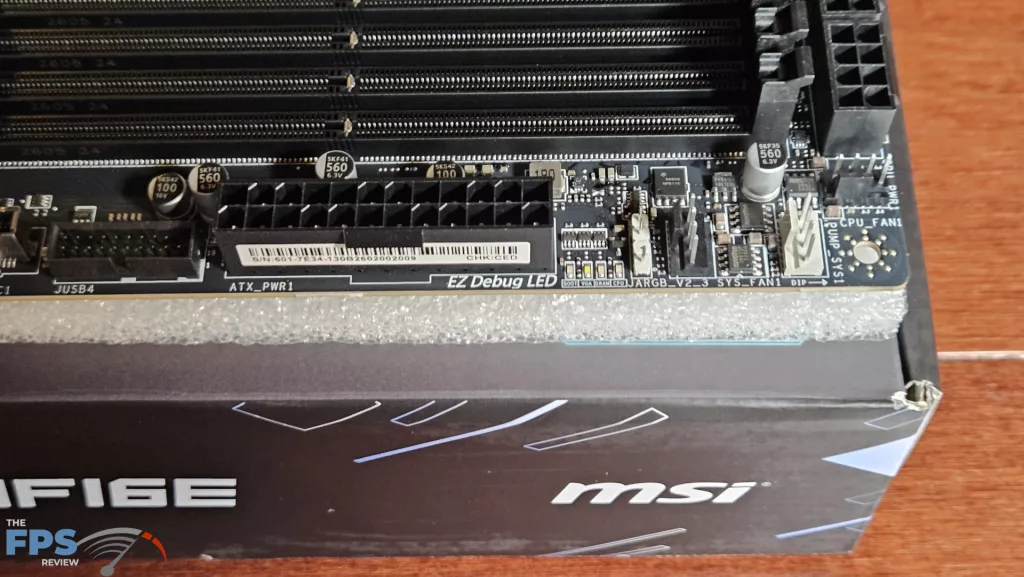
On the main board, there are a total of six 4-pin fan headers, two top-board labelled SYS_Fan and CPU_Fan, two on the top-right side and two on the bottom row. All fan headers can be controlled by either Smart Fan in the BIOS or Cooling Wizard on the MSI Center desktop software. The right side of the board houses the aforementioned fan headers, one ARGB header, 24-pin power, USB-C 5Gb/s front panel port, 4 SATA ports and two front panel USB-A 5Gb headers. The bottom row has the front panel header, two fan headers, two USB 2.0 headers, EZ-Conn port, PCIe 8-pin power connector, two ARGB headers, one 12V LED header, and the audio header. RGB can be controlled by Mystic Lighting in the MSI Center software.
Discussion (1 reply)
Join Discussion →Super Solid Board, have the wifi 7 version of it. No issues clocking 265KF and memory.