
UEFI/BIOS
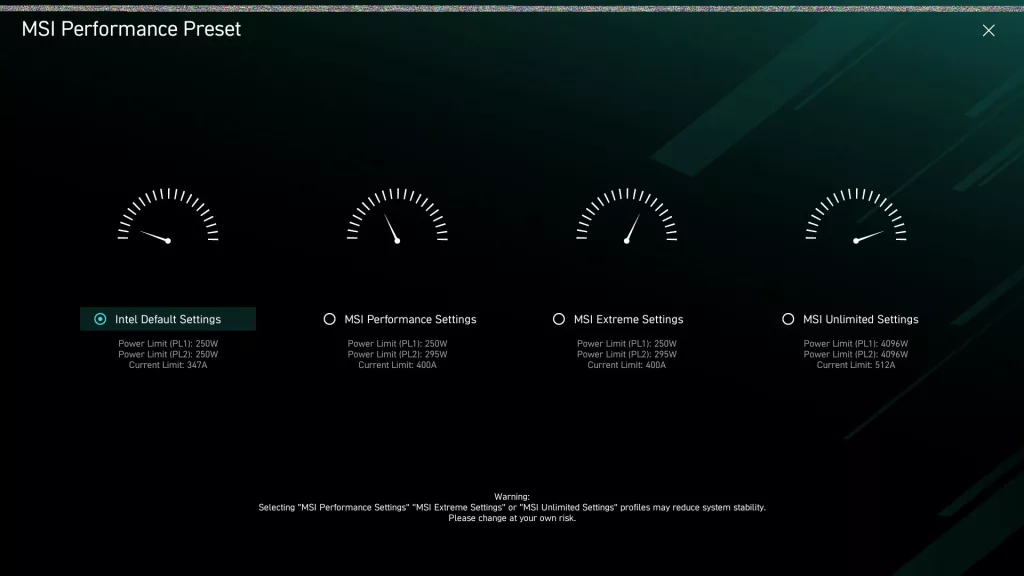
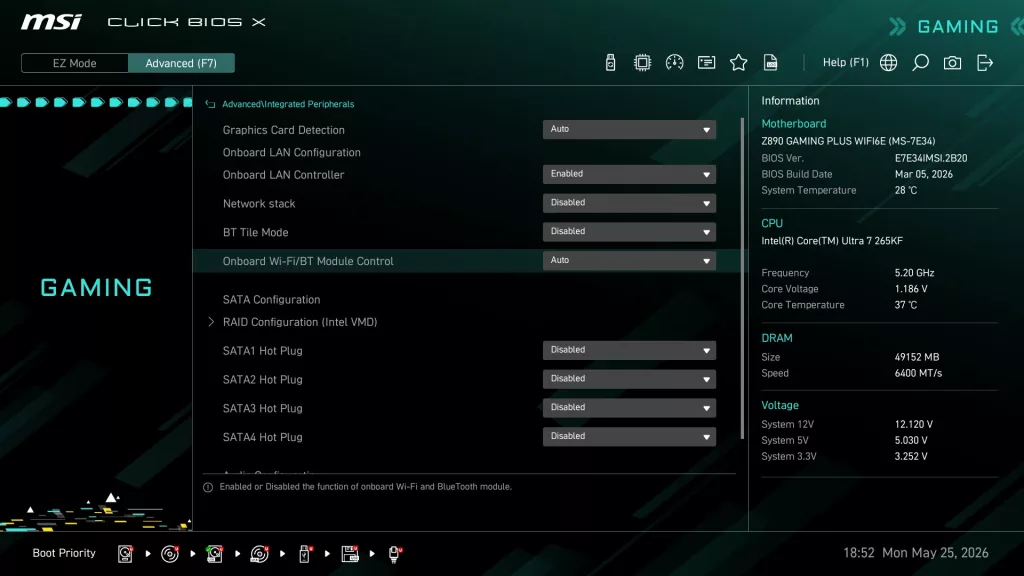
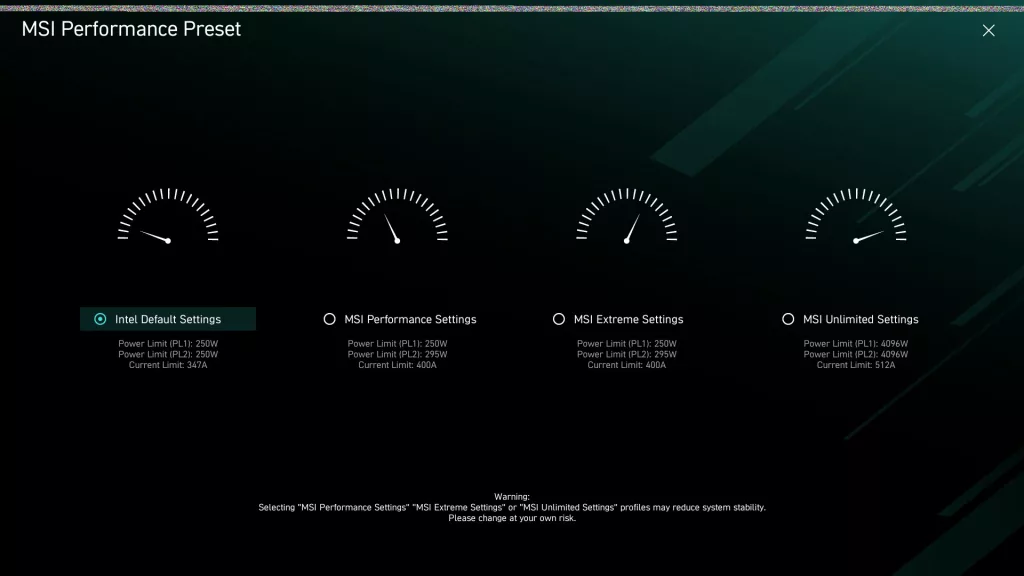
The MSI Z890 GAMING PLUS WiFi6E uses the “Click X” BIOS. This is an AMI BIOS that is designed for ease of navigation and very simple, straightforward menu organisation. On initial boot, you are greeted by the “Performance Preset” screen, essentially asking if you wish to enable Intel defaults or more aggressive CPU settings by MSI.. You are then taken to the EZ Mode screen, which has almost everything you need.
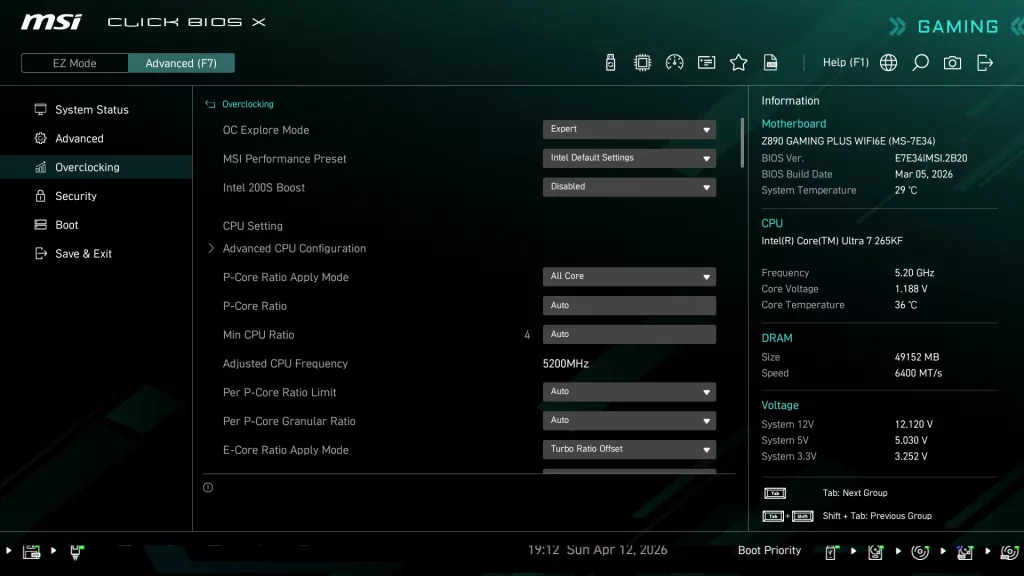
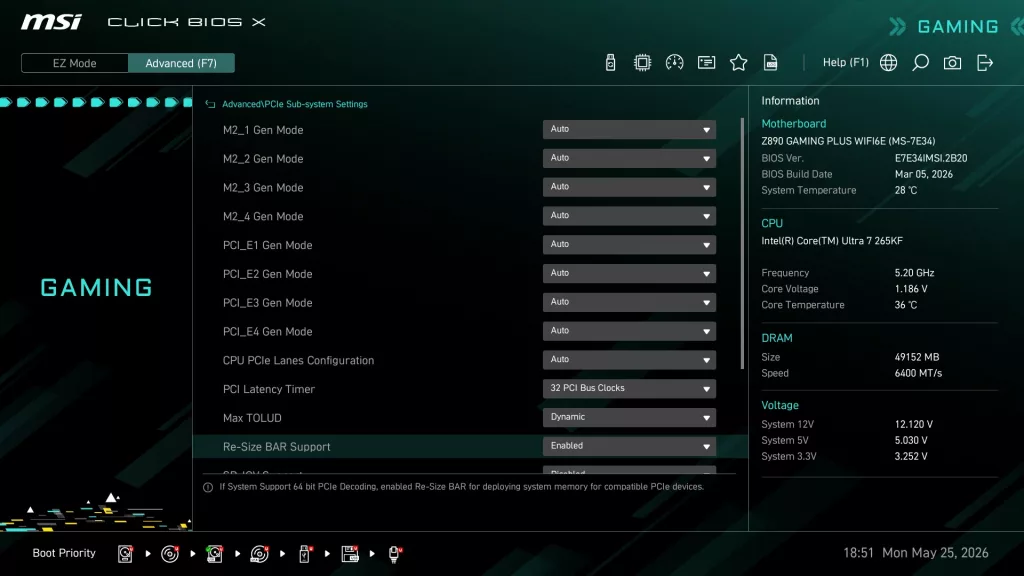
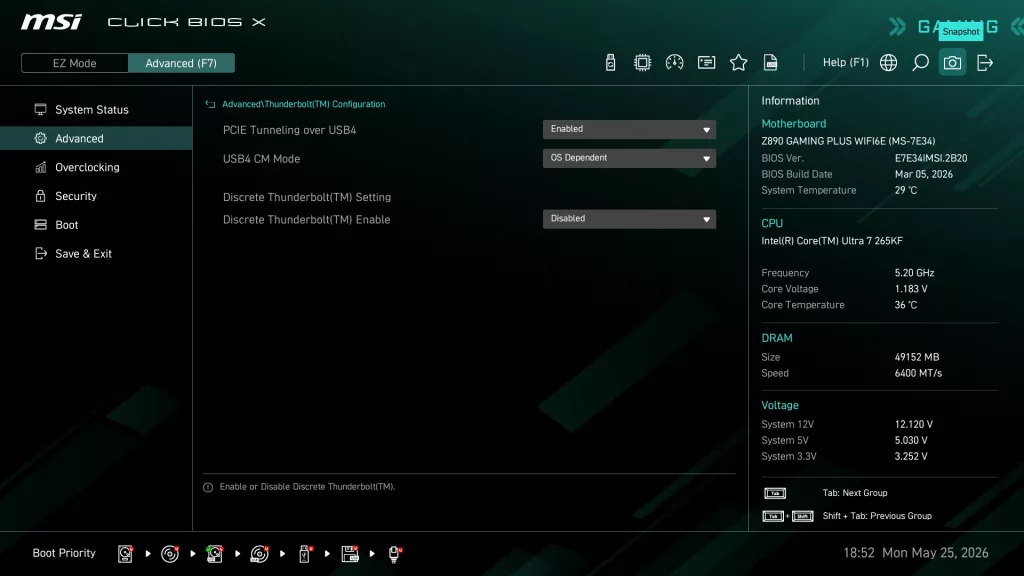
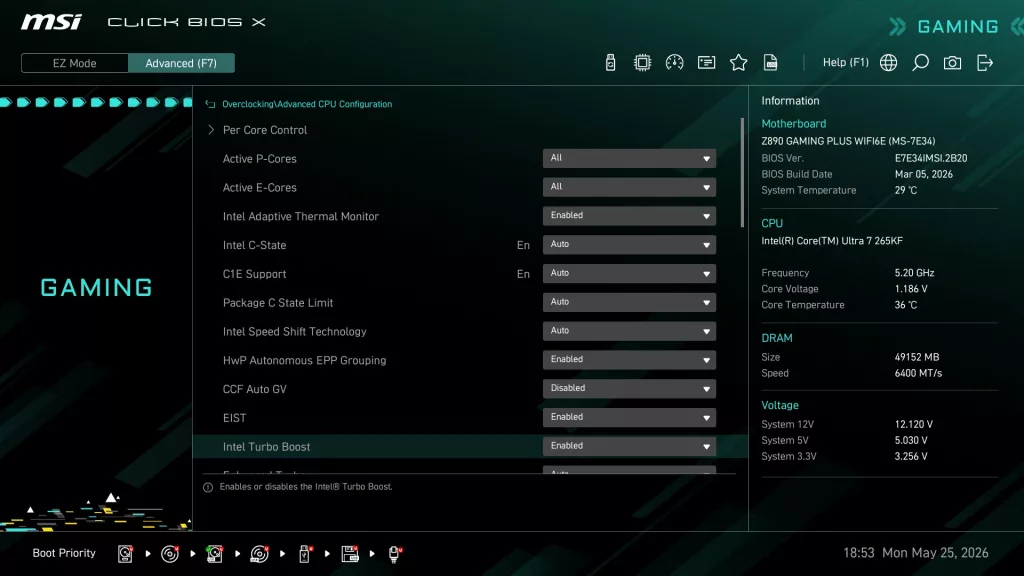
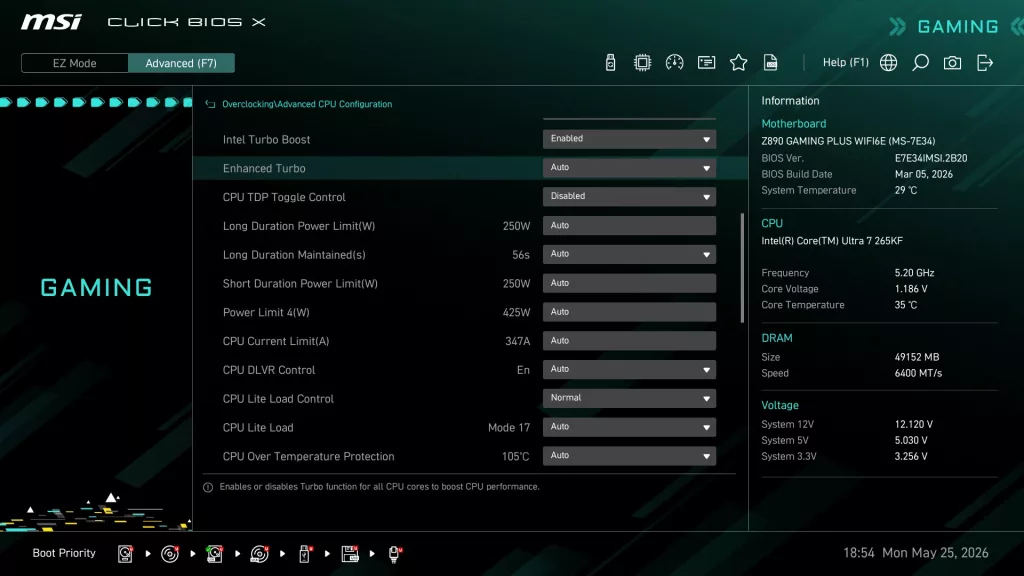
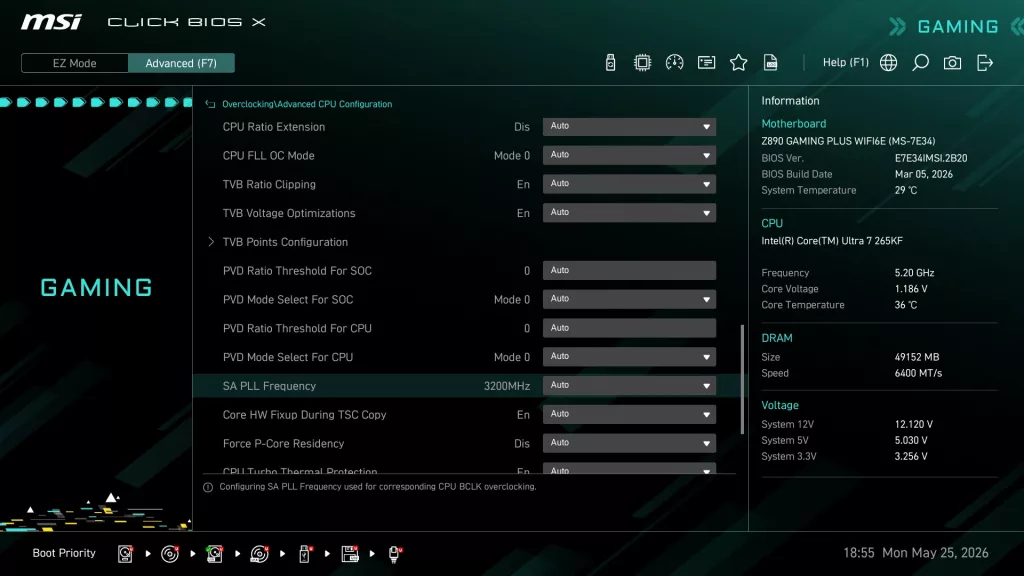
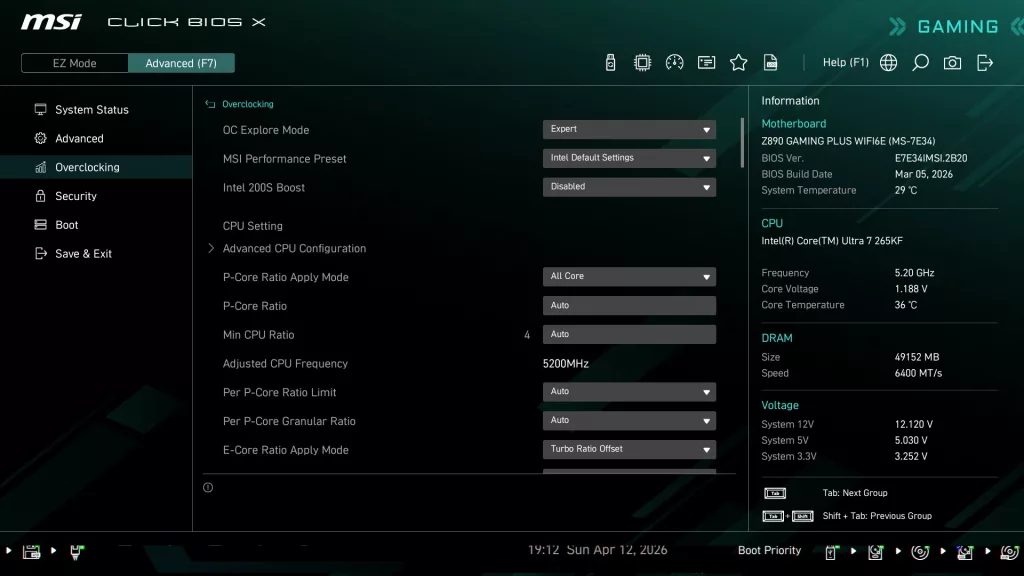
The Advanced Mode screen is organised to allow one to set manual CPU and Memory overclocking as well as all the motherboard I/O options. There are five main sections in Advanced mode, but the ones we use are essentially Advanced Settings, Overclocking and Boot options. The Click X BIOS is one-click oriented, with very responsive navigation. All in all, the Click X BIOS is very simple to use, well-organised, and has reasonably good explanations of functions when they are highlighted. On the motherboard’s webpage, under support, you may also download a very detailed BIOS guide, which is quite complete. While this may be an entry-level motherboard, the overclocking pages are quite vast and have every setting you could want, or you can just let the “auto” setting and XMP take over for you.
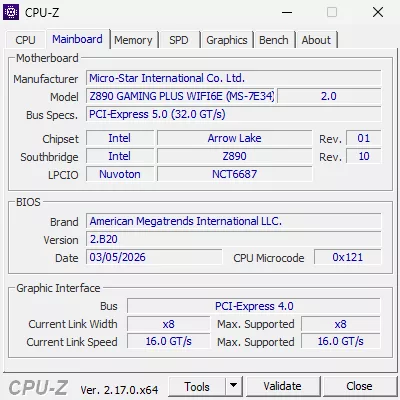
Our MSI Z890 GAMING PLUS WiFi6E arrived with BIOS version E7E34.AMSI.2B10 dated 21 JAN 2026. We updated the BIOS to version E7E34.AMSI.2B20 dated 05 MAR 26. We used the M-Flash BIOS utility, which we have discussed in other MSI reviews. This utility uses an unzipped BIOS version on a flash drive. Once you identify the correct file, the utility does all the work. MSI also offers “Flash-BIOS” from the rear I/O panel, which needs only a flash drive and a PSU.
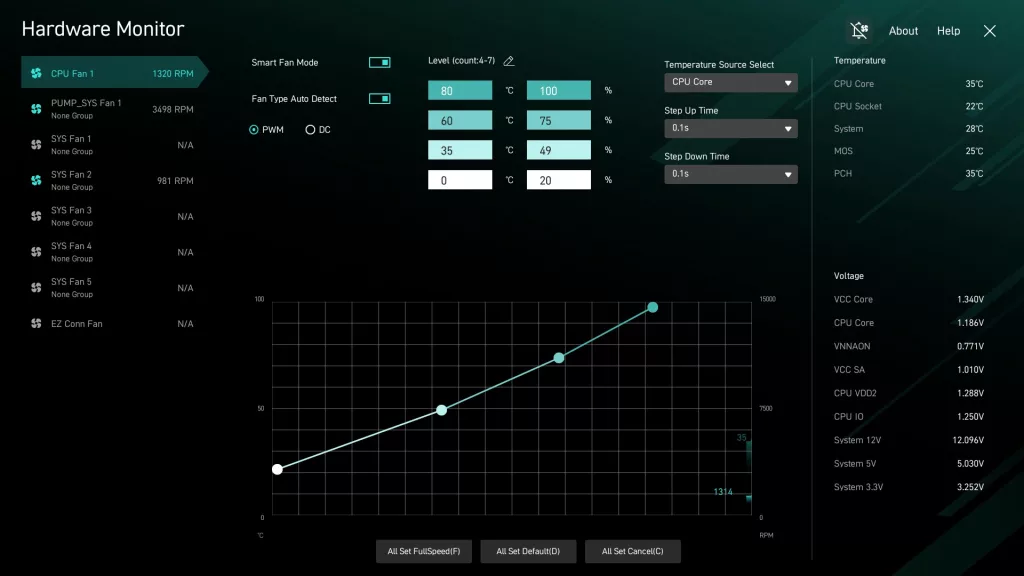
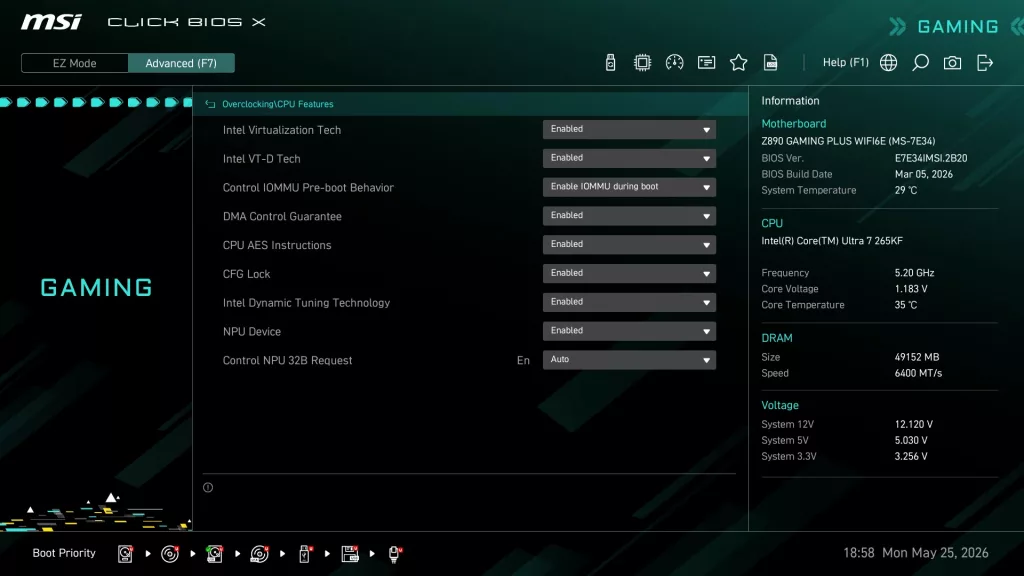
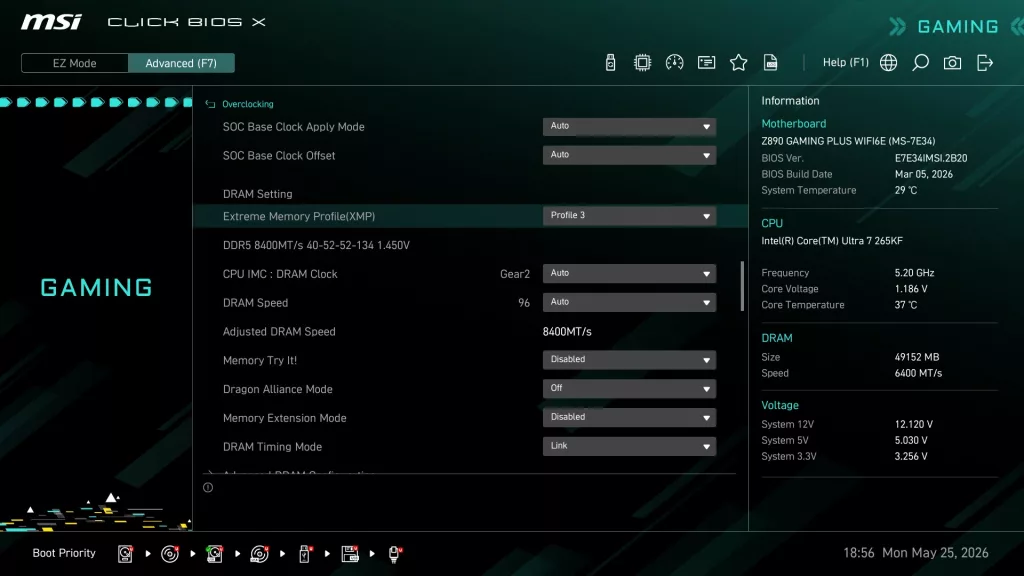
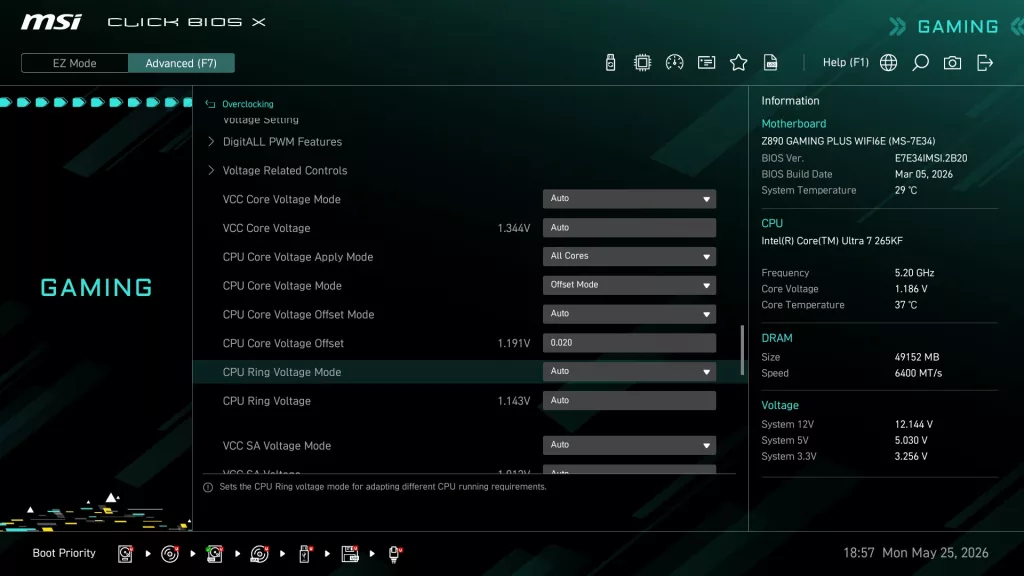
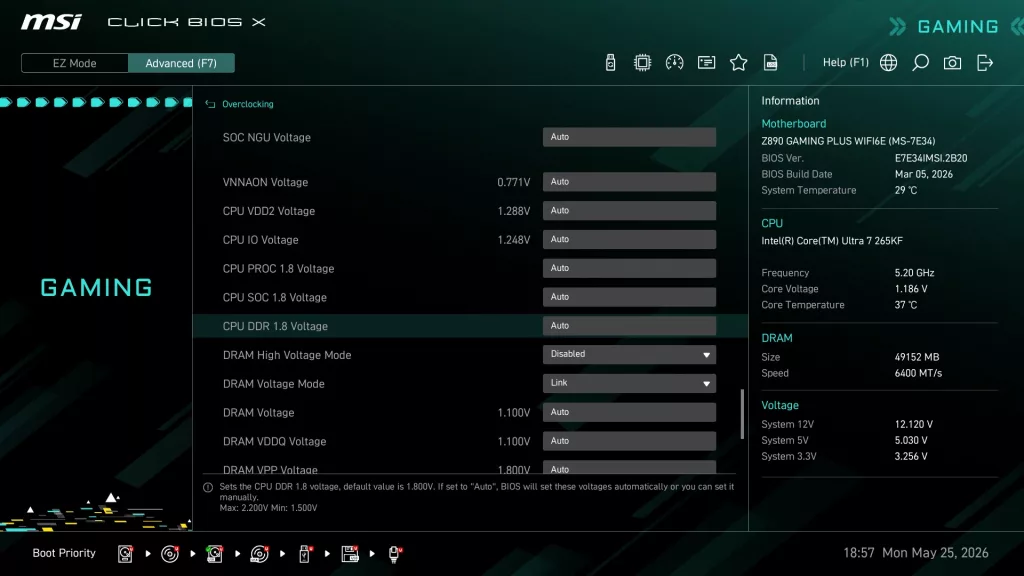
Below is a sampling of the BIOS selection. The Click X format is very familiar if you have been following along recently on our MSI motherboard reviews. As we stated, the CPU and memory overclocking selections are quite vast.
Discussion (1 reply)
Join Discussion →Super Solid Board, have the wifi 7 version of it. No issues clocking 265KF and memory.