
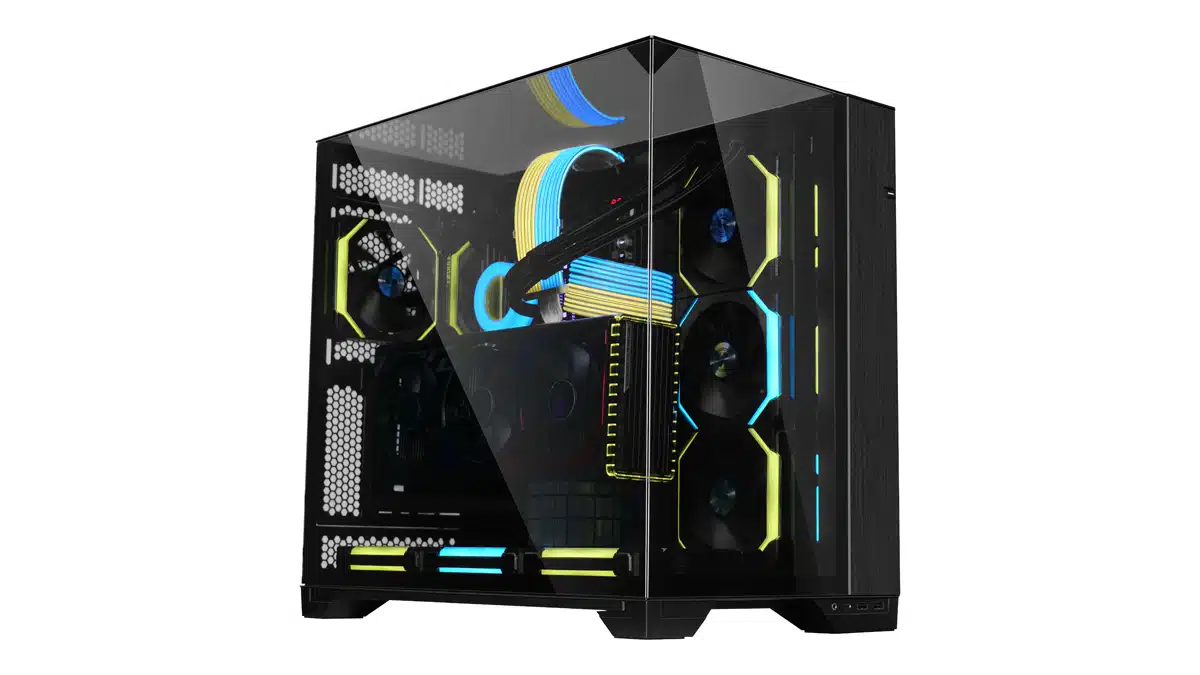
LIAN has announced that the O11 Vision is available for pre-order beginning today at Newegg and other retailers at an MSRP of $139.99 for the black version and $149.99 for the white version. A Chrome version of the O11 VISION will also be available at a later date, priced the same as the white version ($149.99).
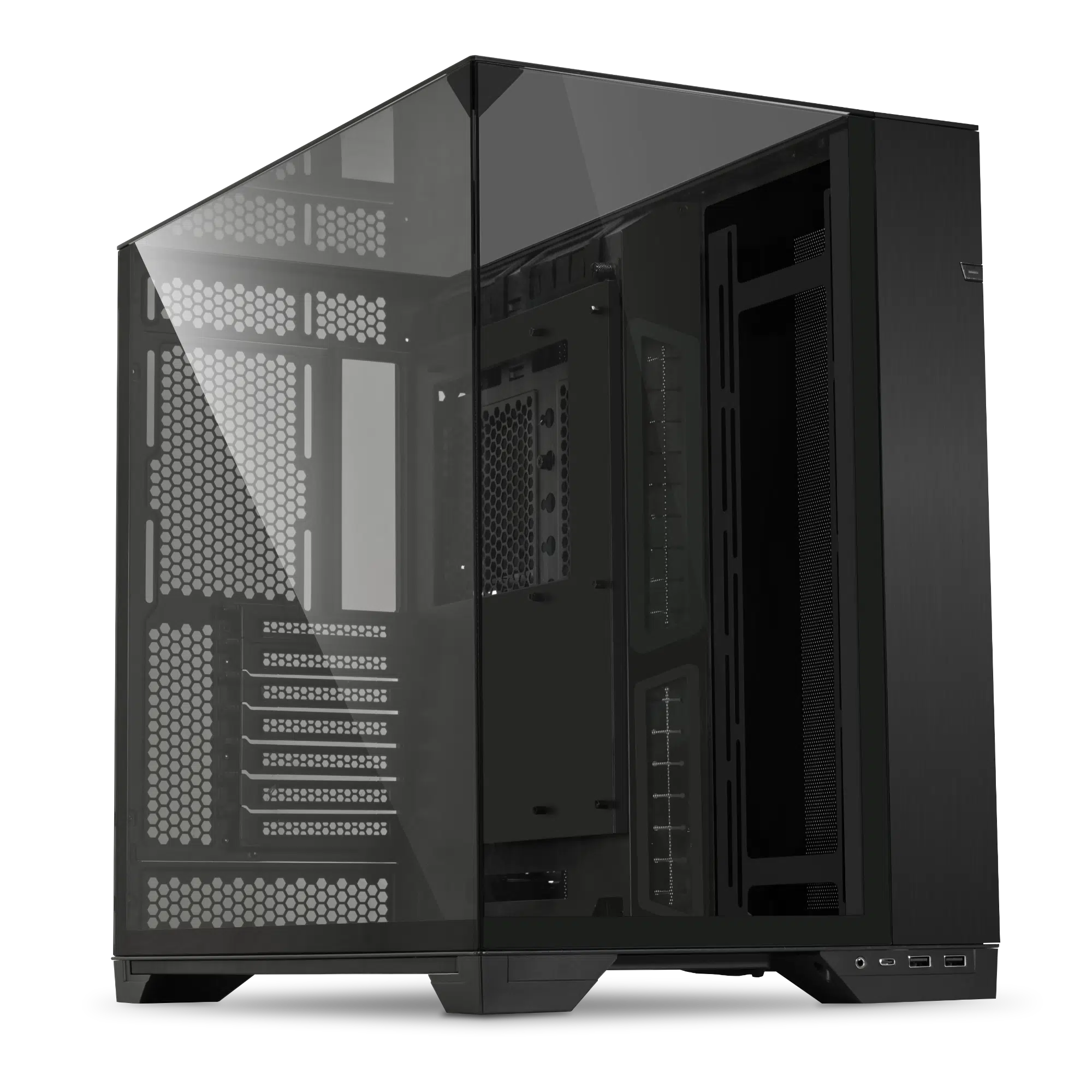
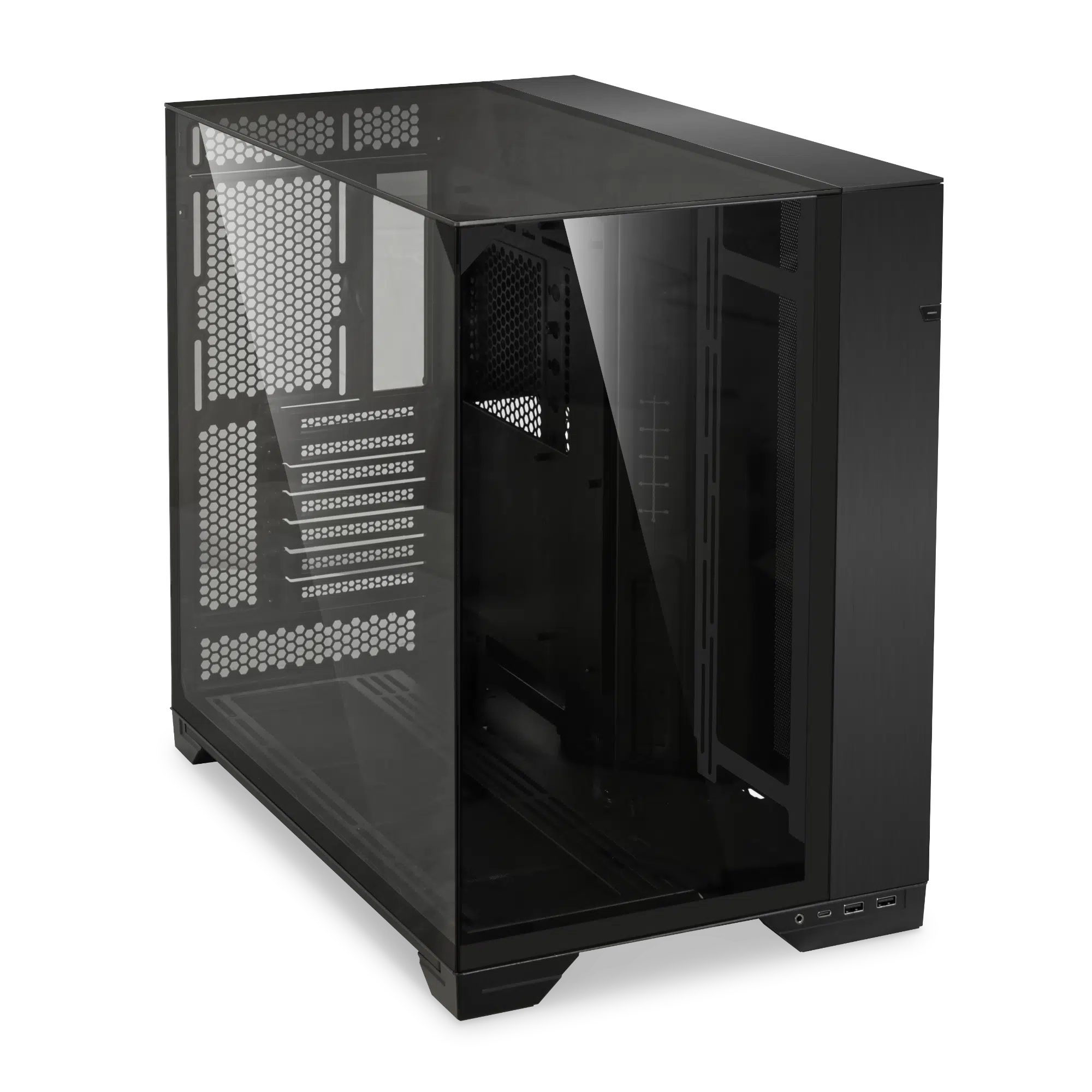
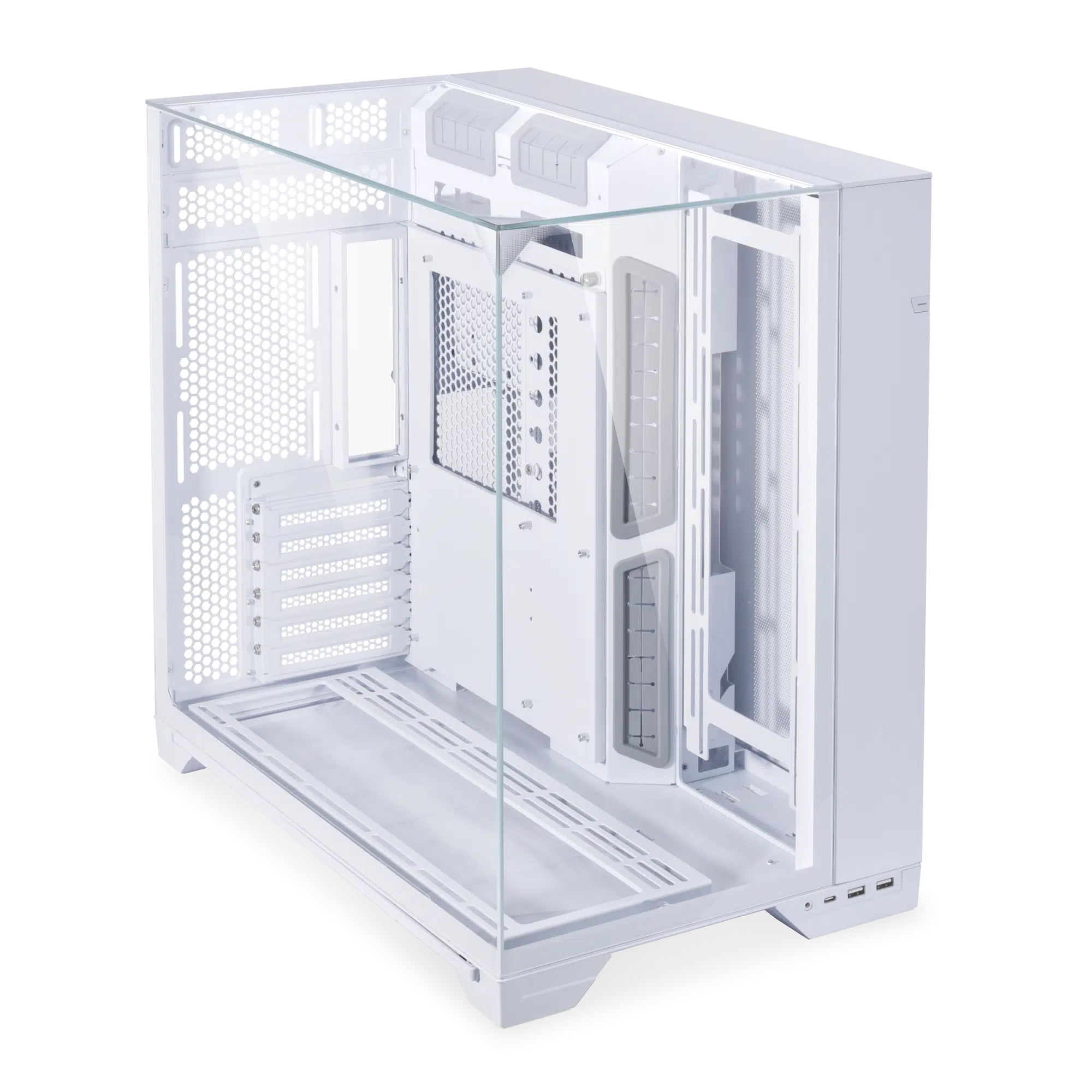
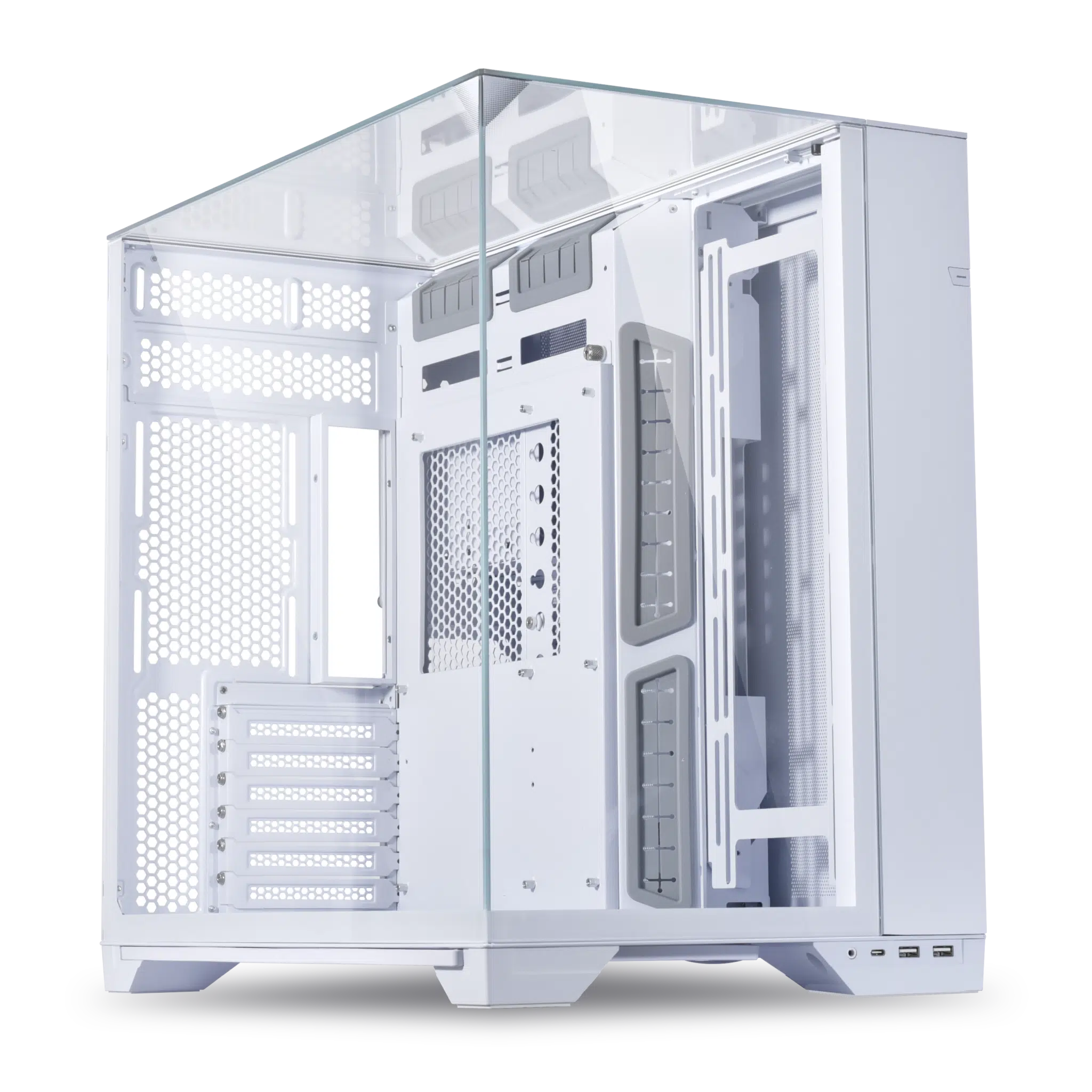
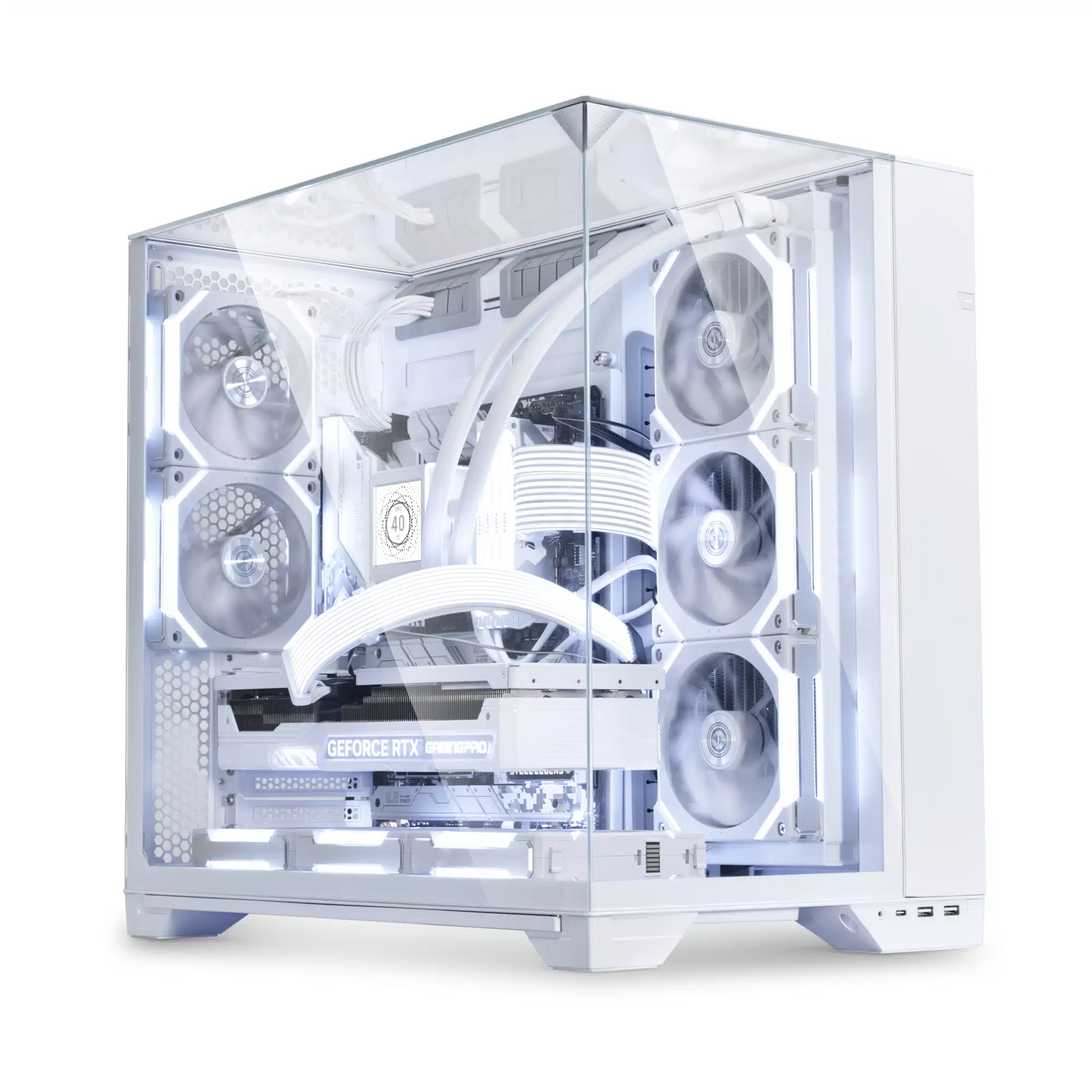
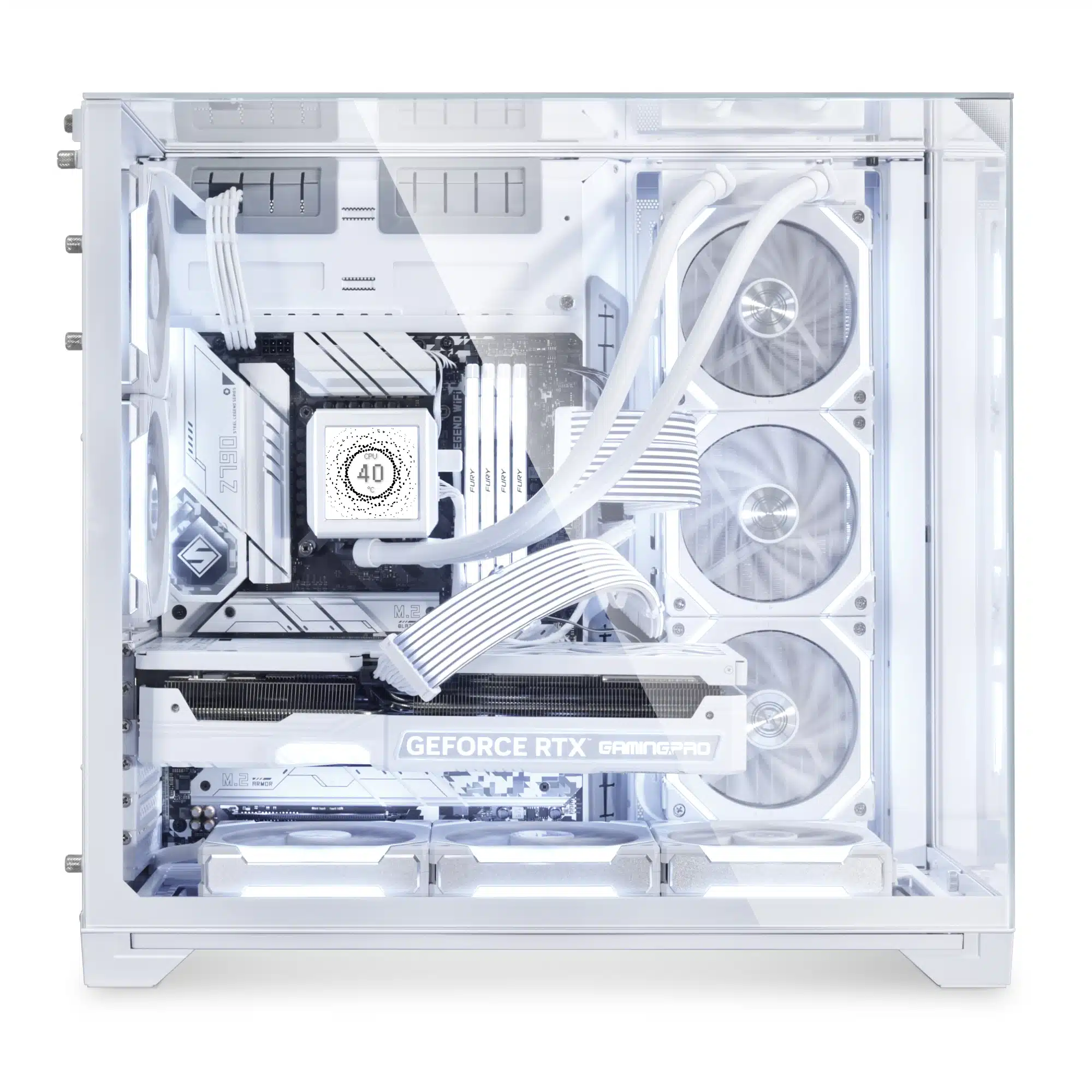
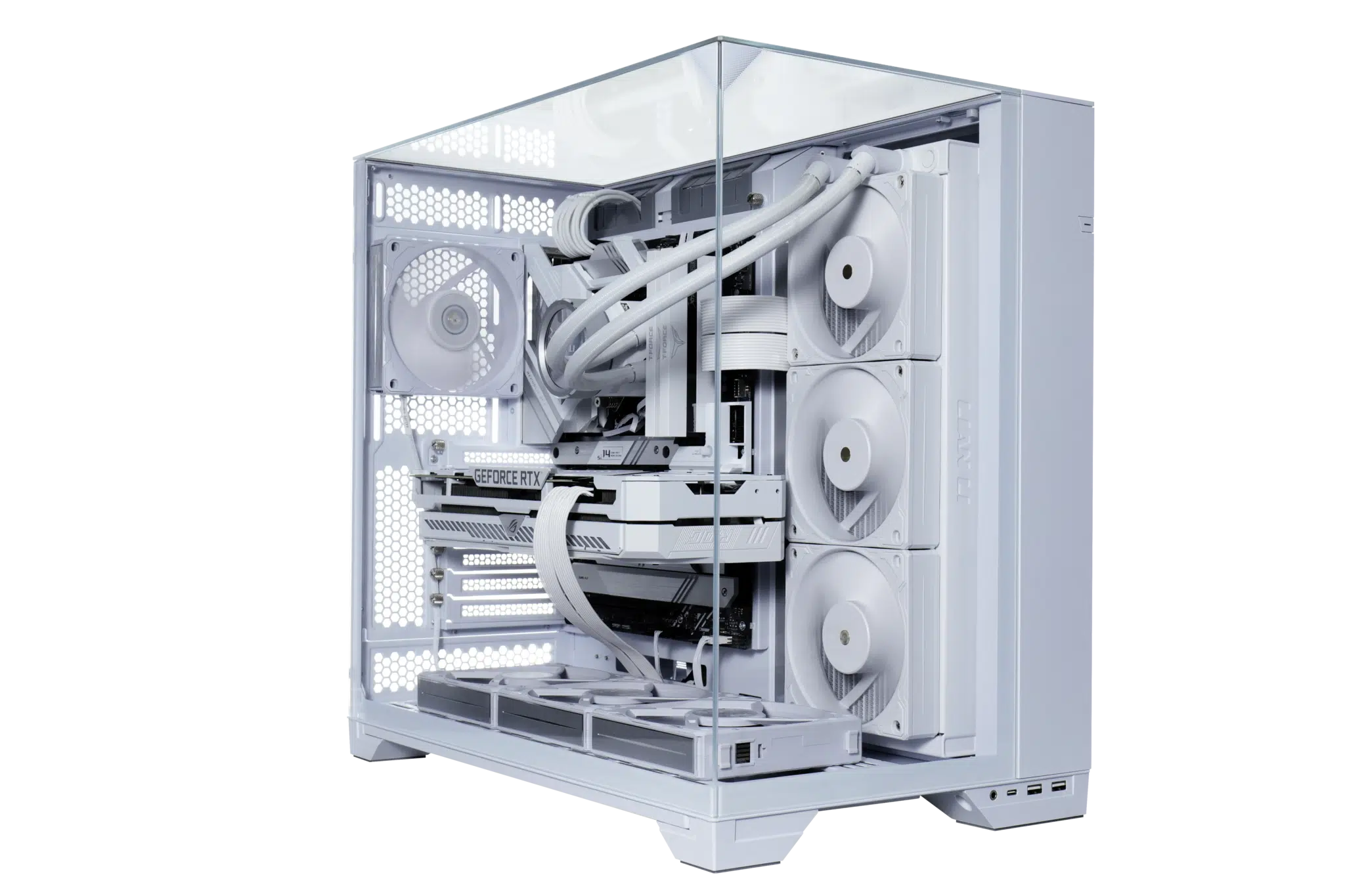
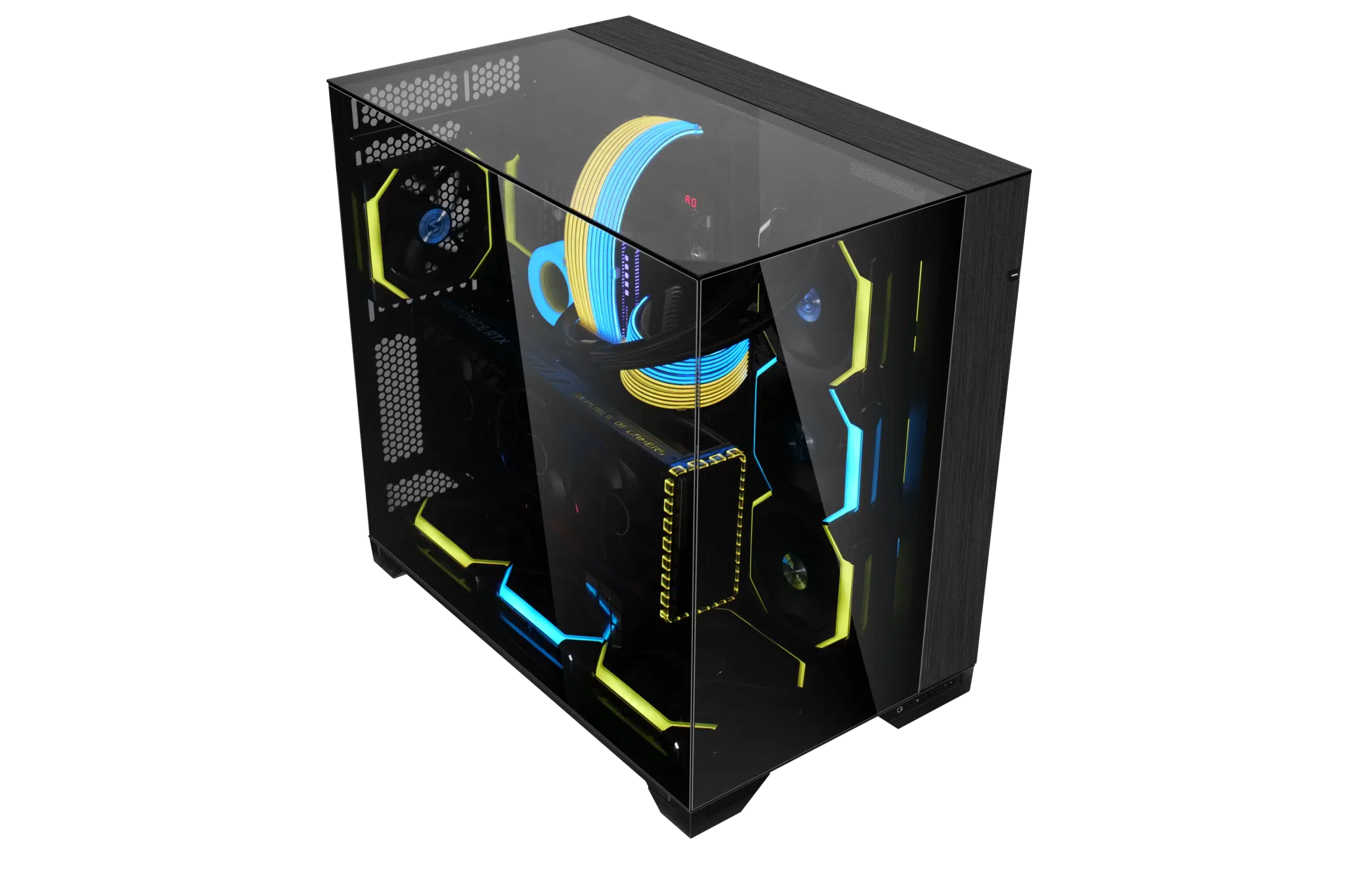
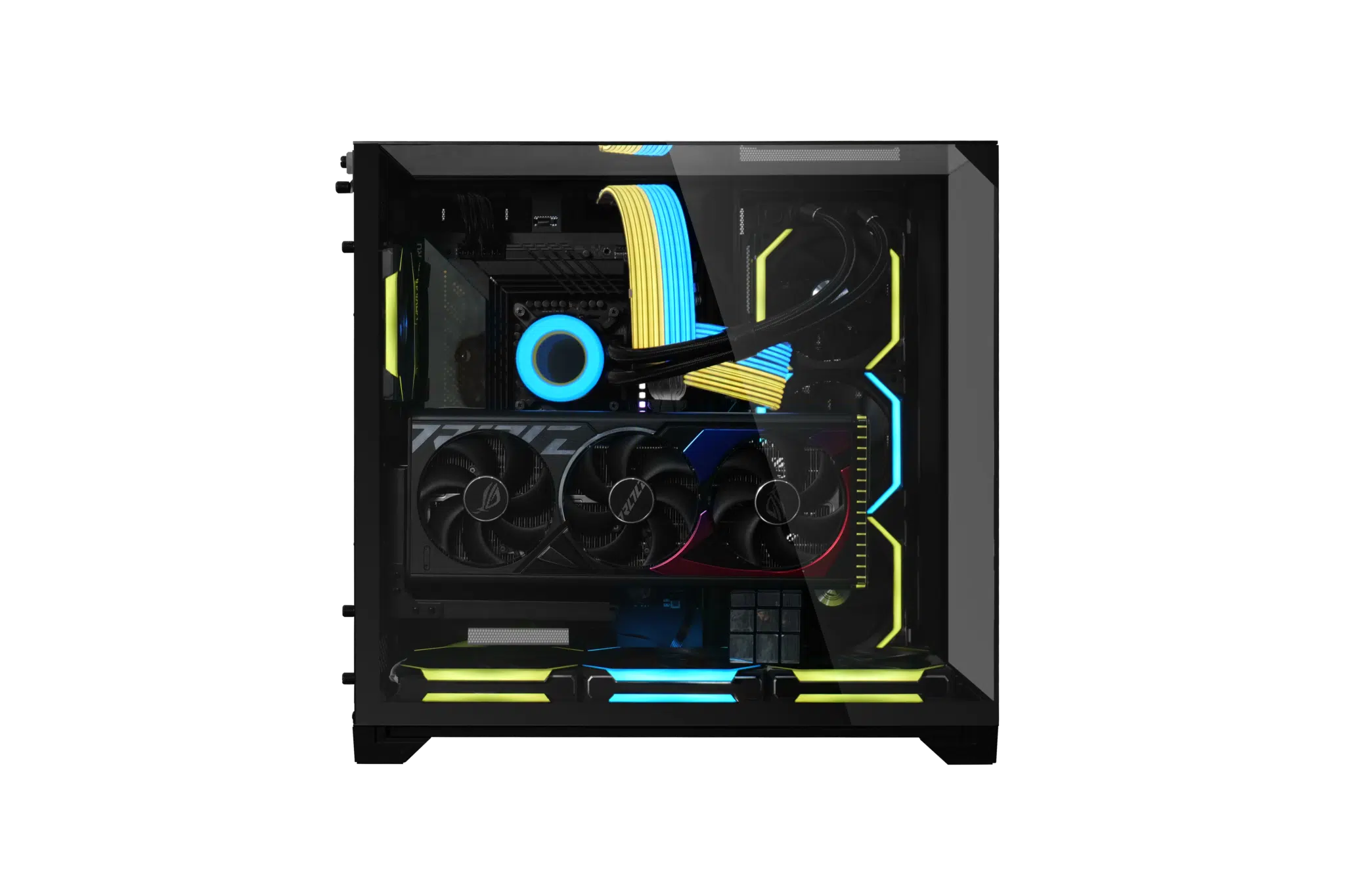
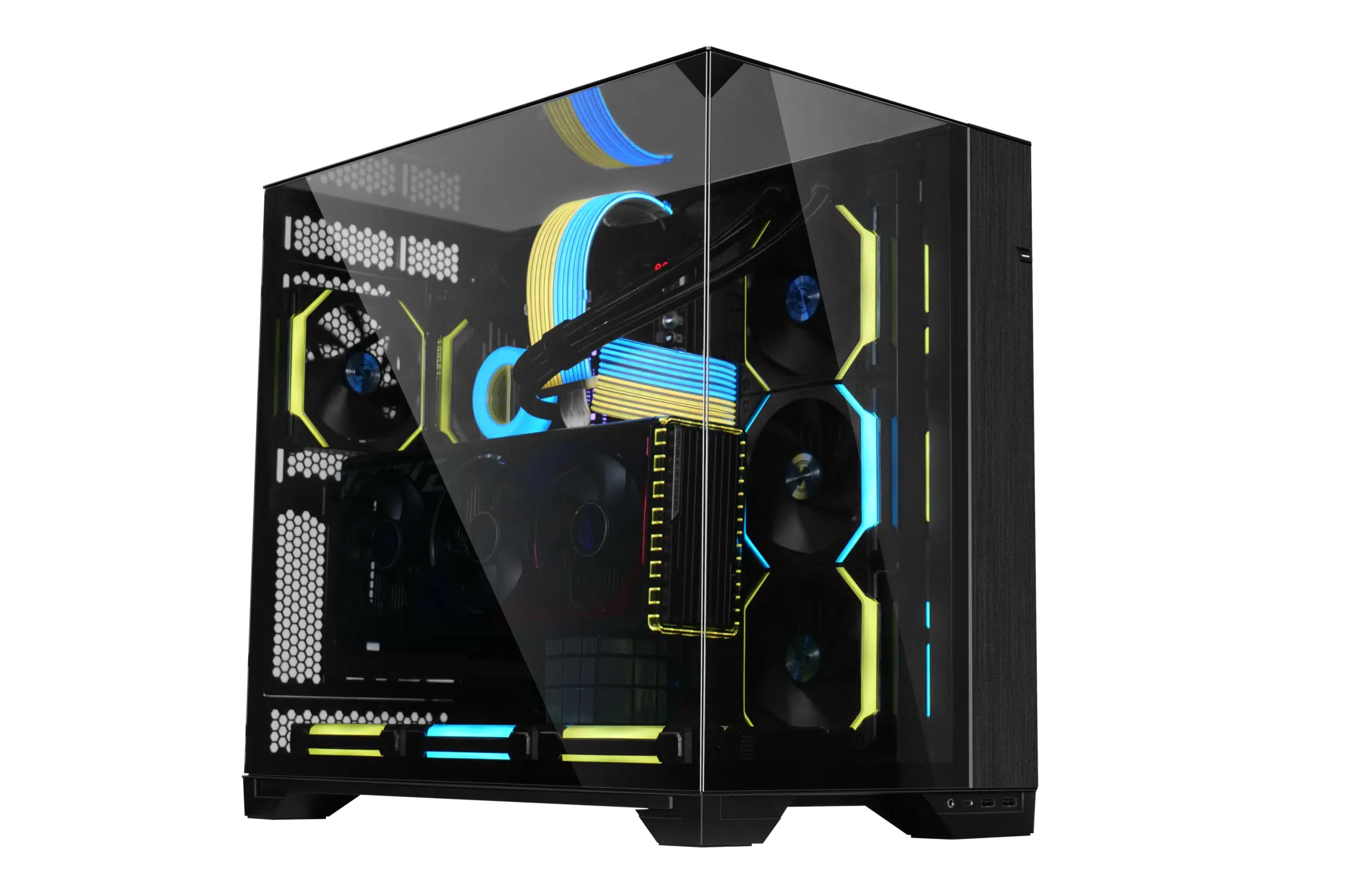
Developed in collaboration with PC Master Race (PCMR), the O11 Vision is a new case from LIAN LI that is aimed at users who really want to show off their hardware, being a “showcase tower” that features tempered glass panels on not only the side, but also the front and top.
Here are the key features for the O11 Vision:
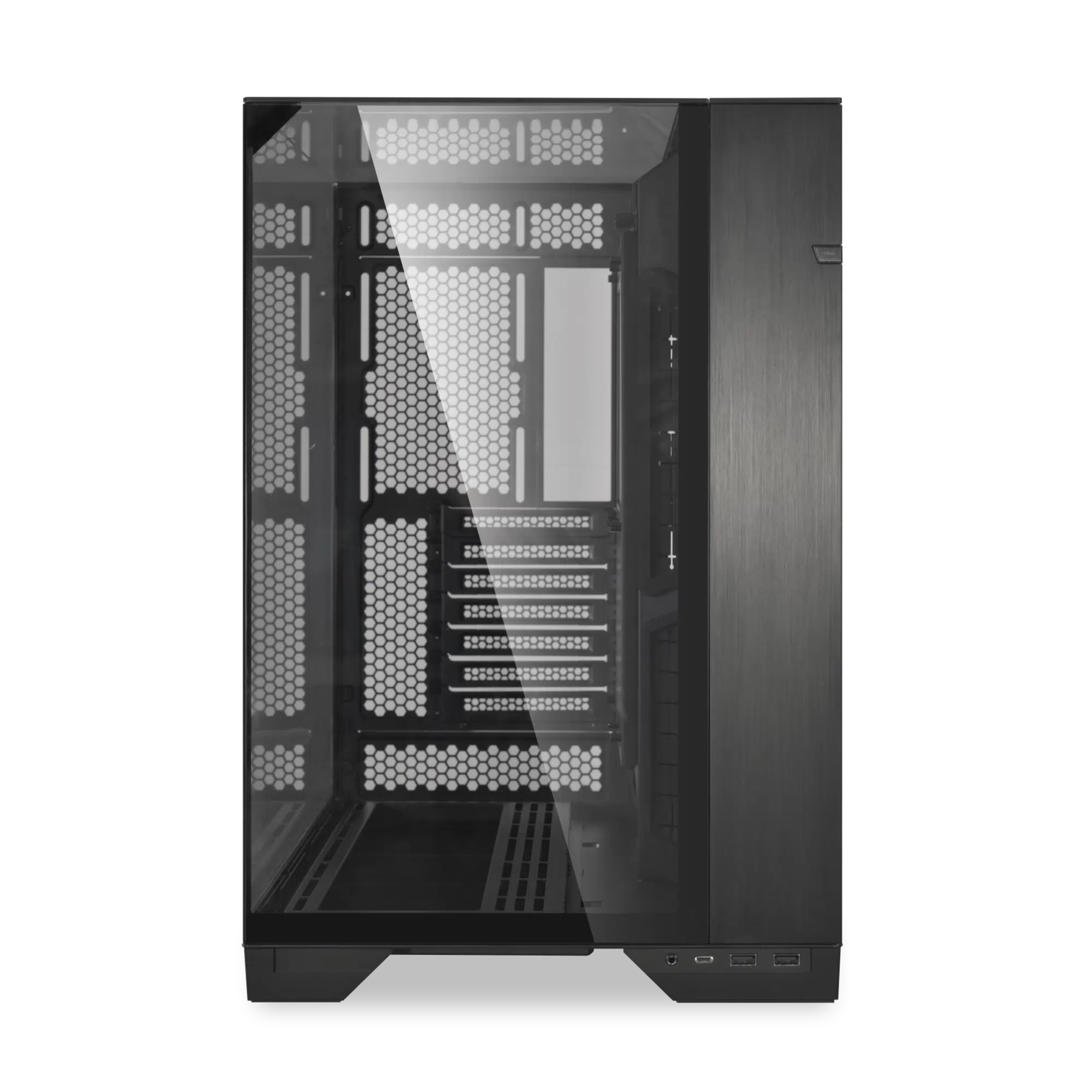
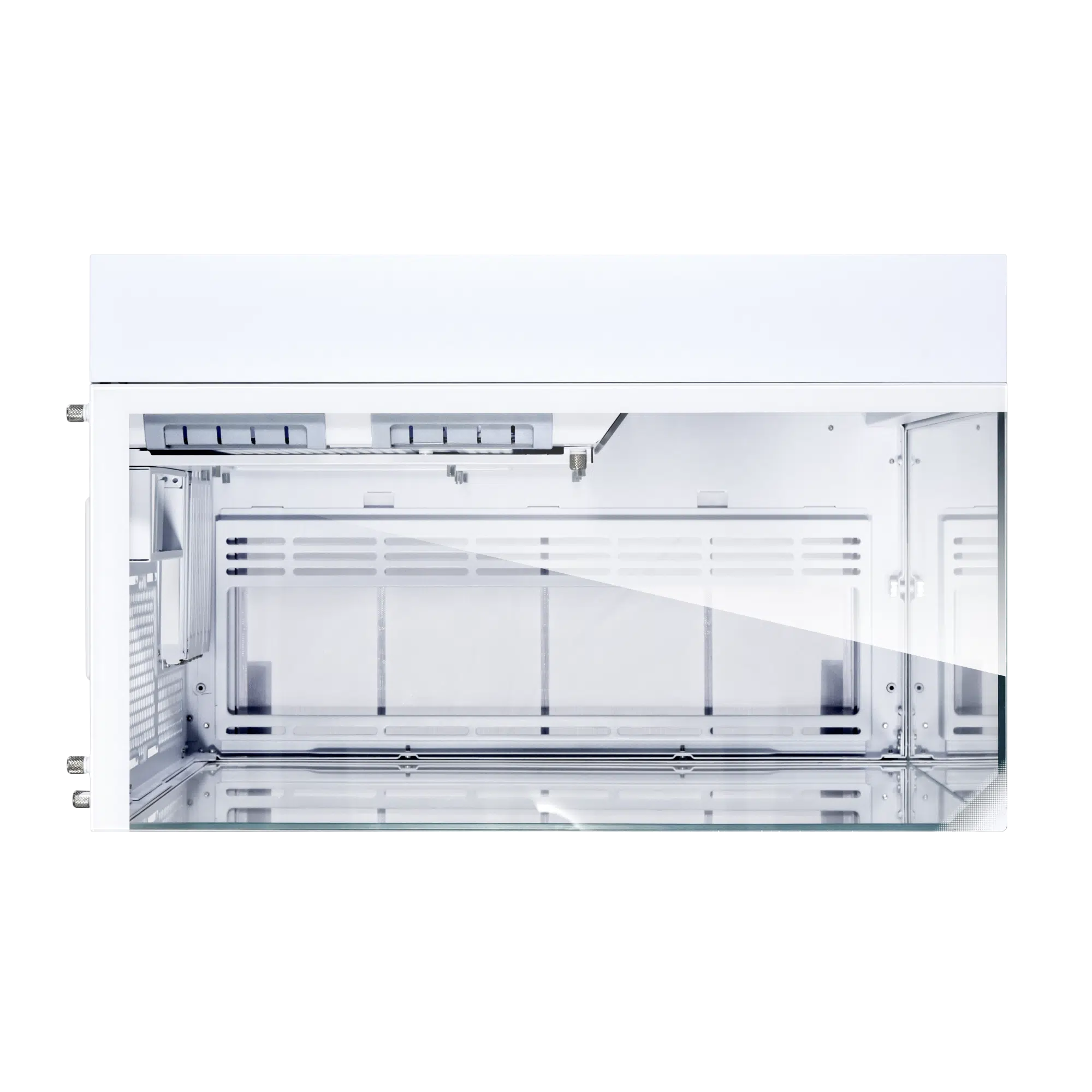
- 3-sided tempered glass without support frame and column for unobstructed view
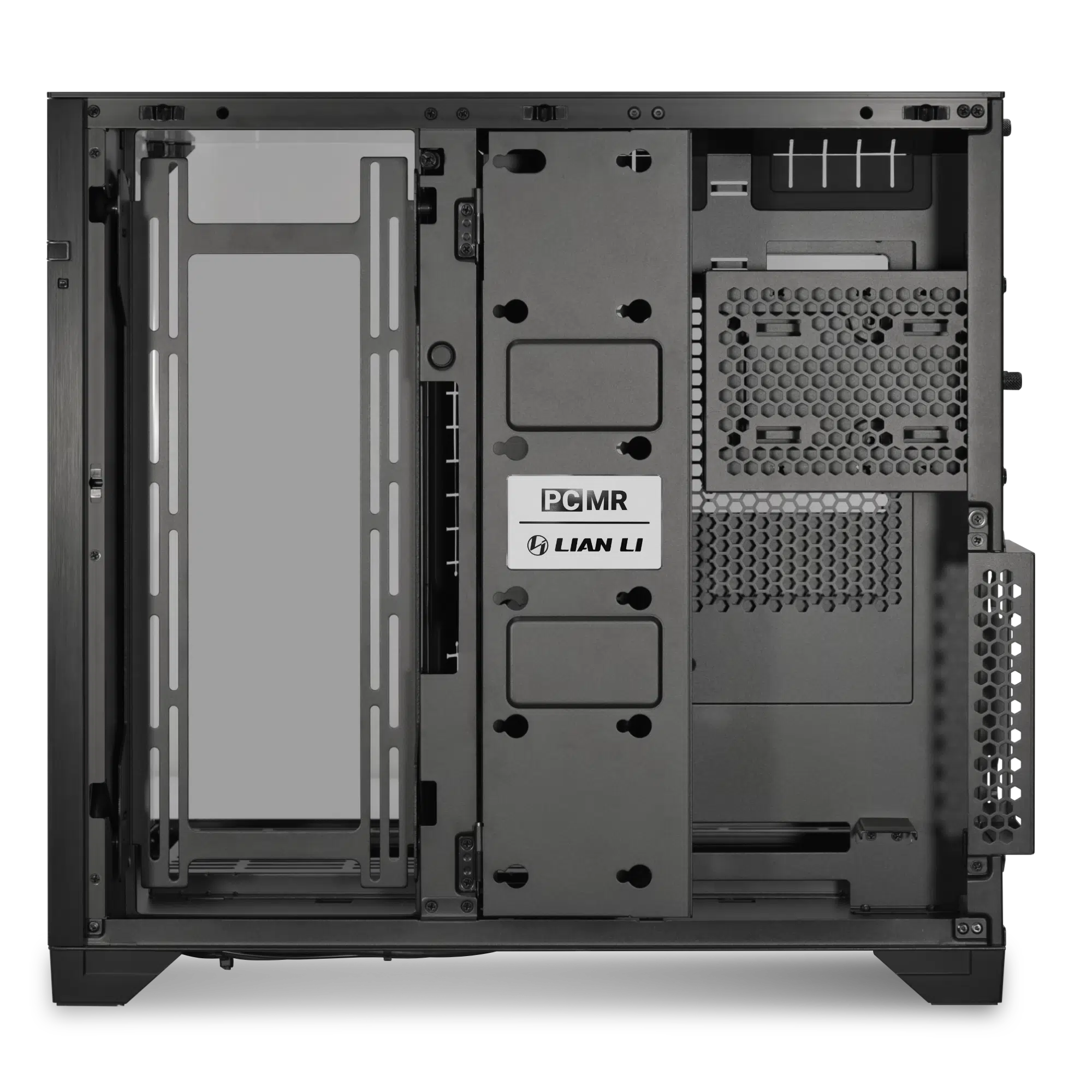
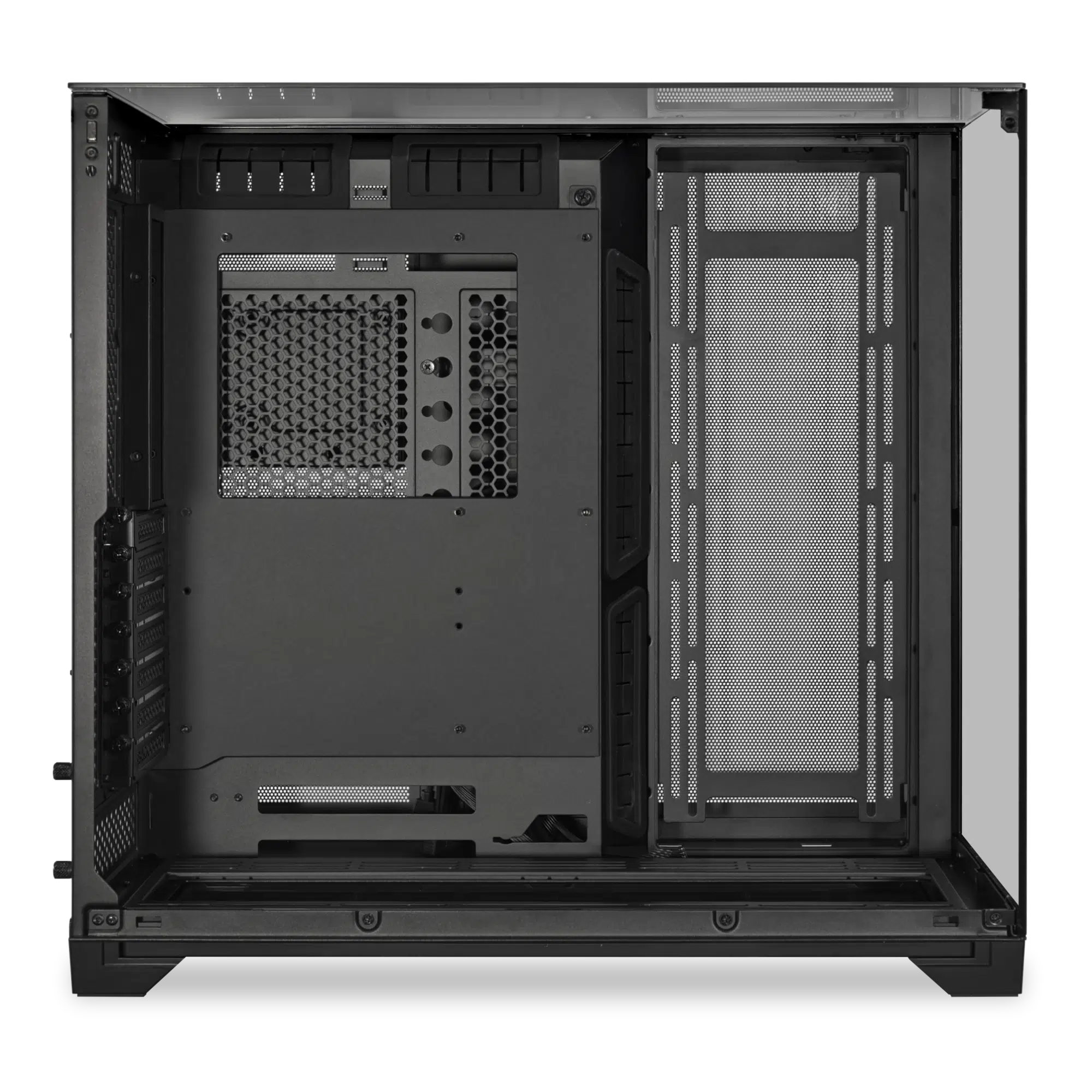
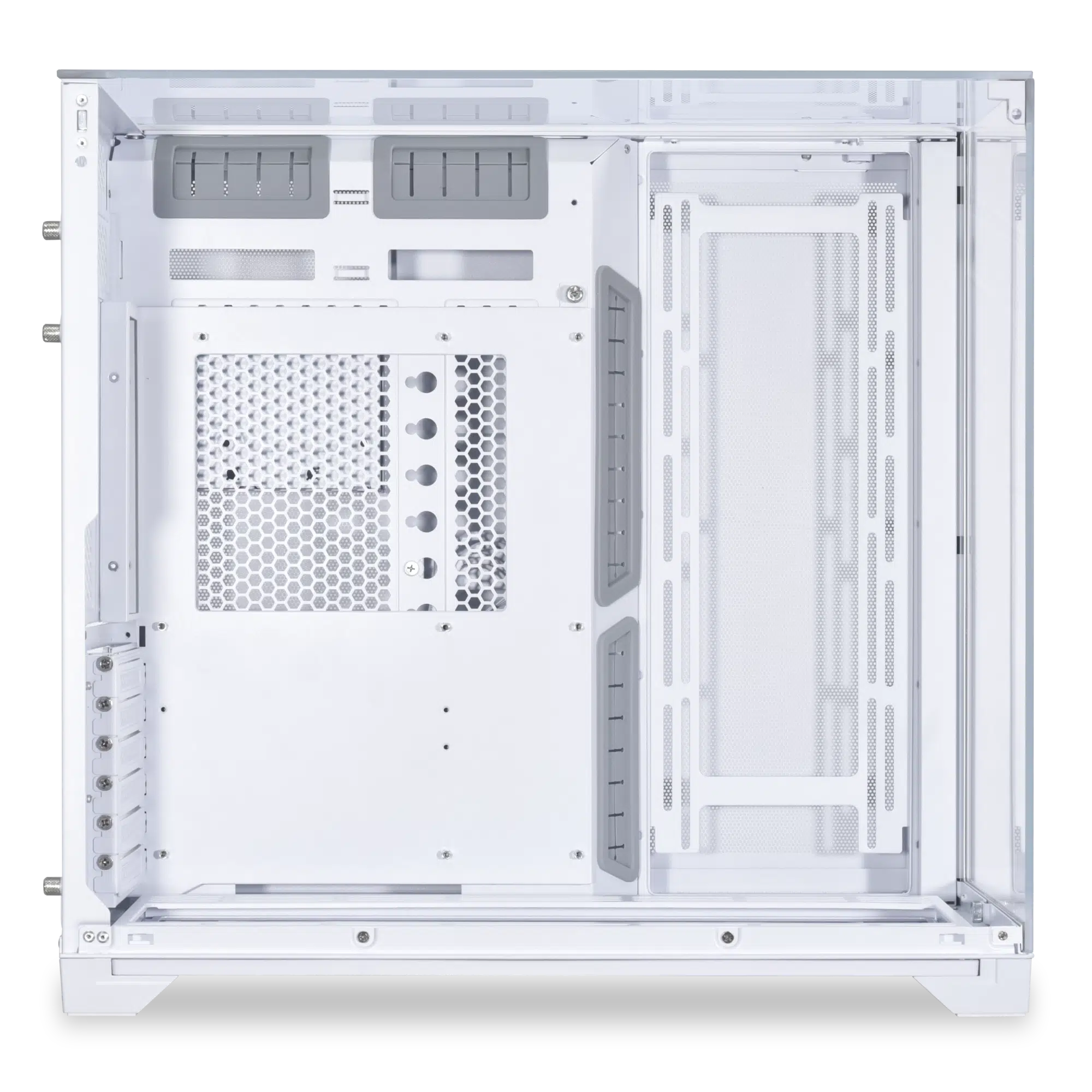
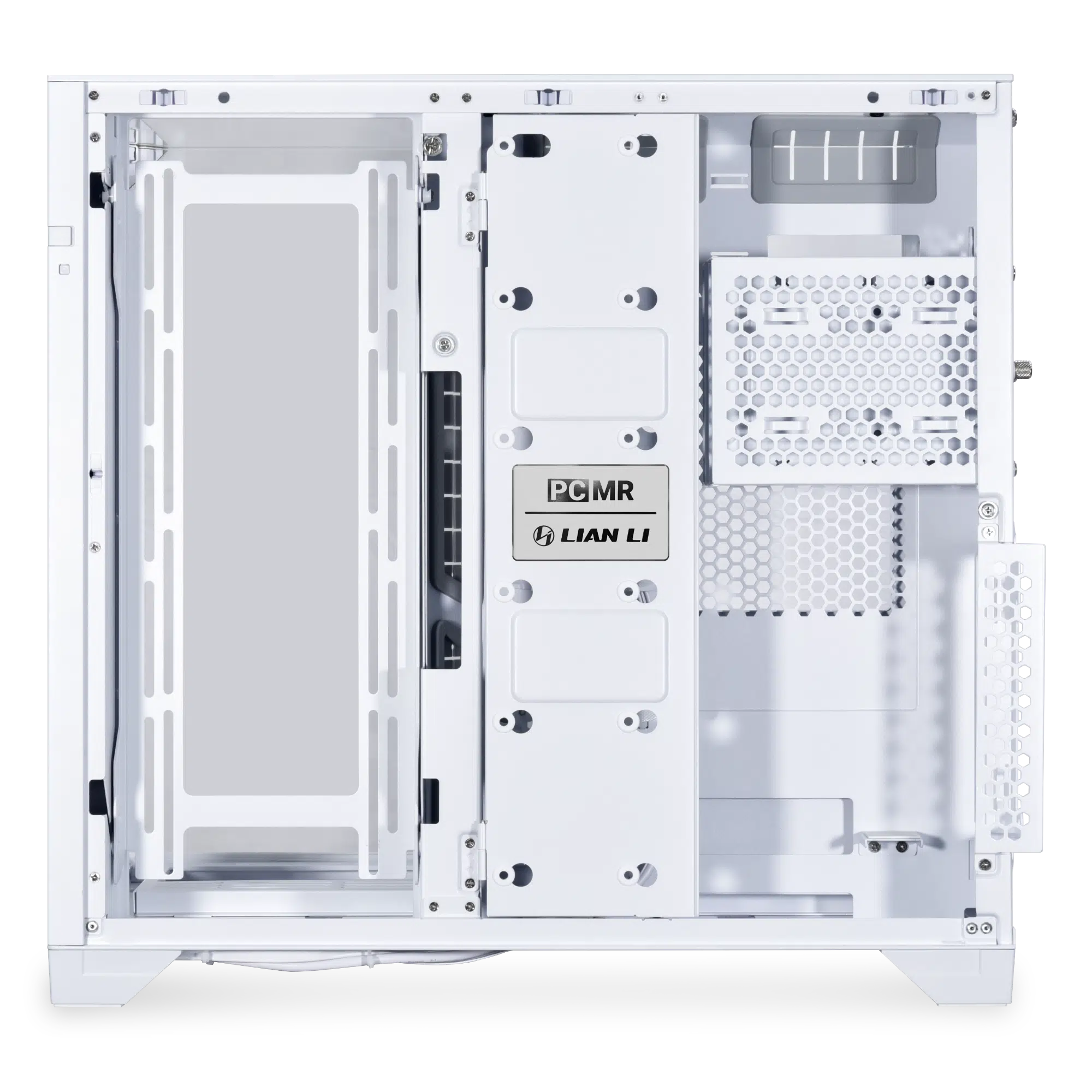
- Removable motherboard tray; adjustable in 2 positions (low mode, high mode)
- Low mode supports up to 2 x 120mm fans / 240 radiator at the rear
- High mode supports 95mm thick fan/radiator combo at the bottom
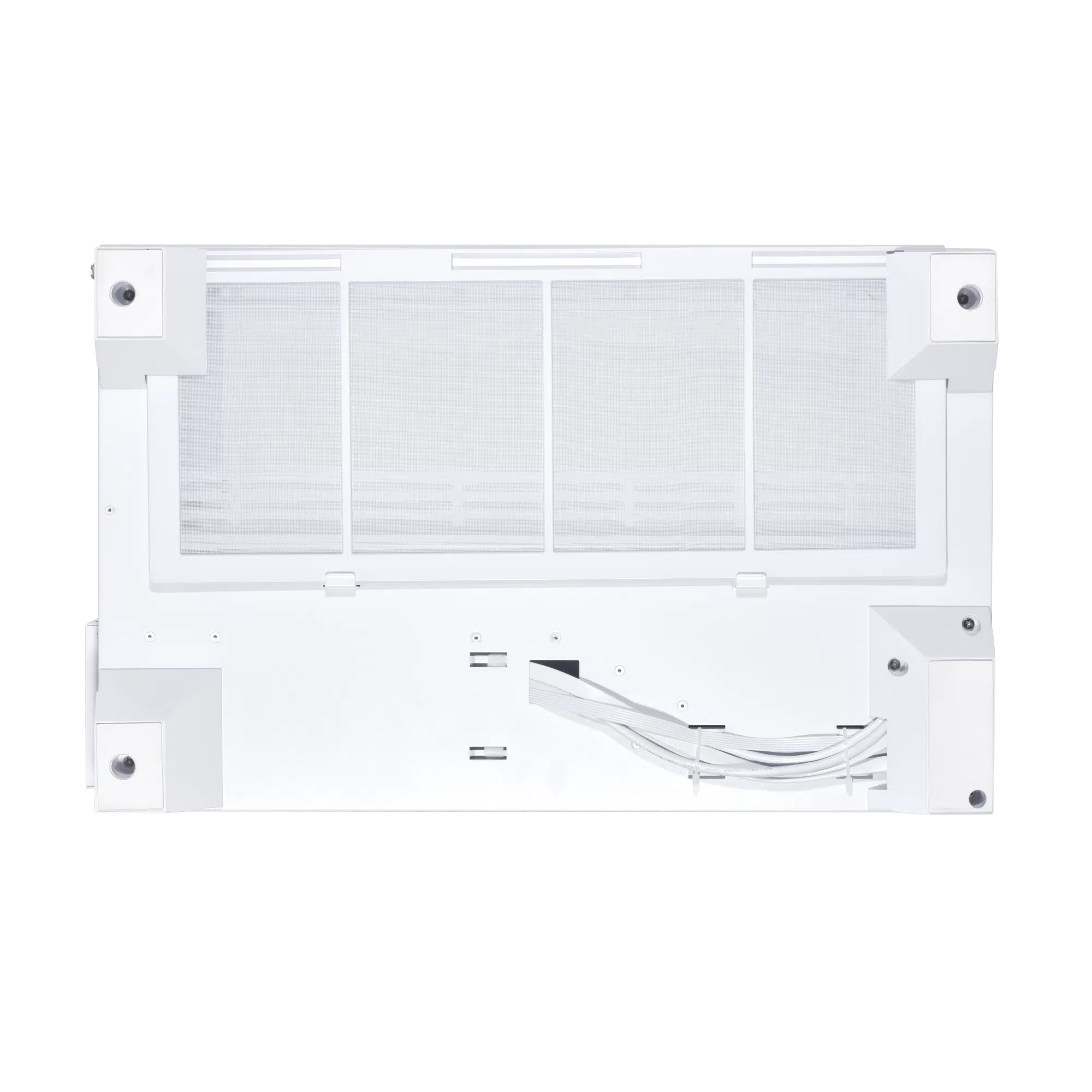
- 27mm elevated base for increased air intake
- Comprehensive cable management and flexible storage solutions
And here’s a breakdown of the case’s key features from LIAN LI, including a removable motherboard tray and improved airflow via an elevated base (27 mm) and rear support for up to 2x 120 mm fans:
Built with Unobstructed View
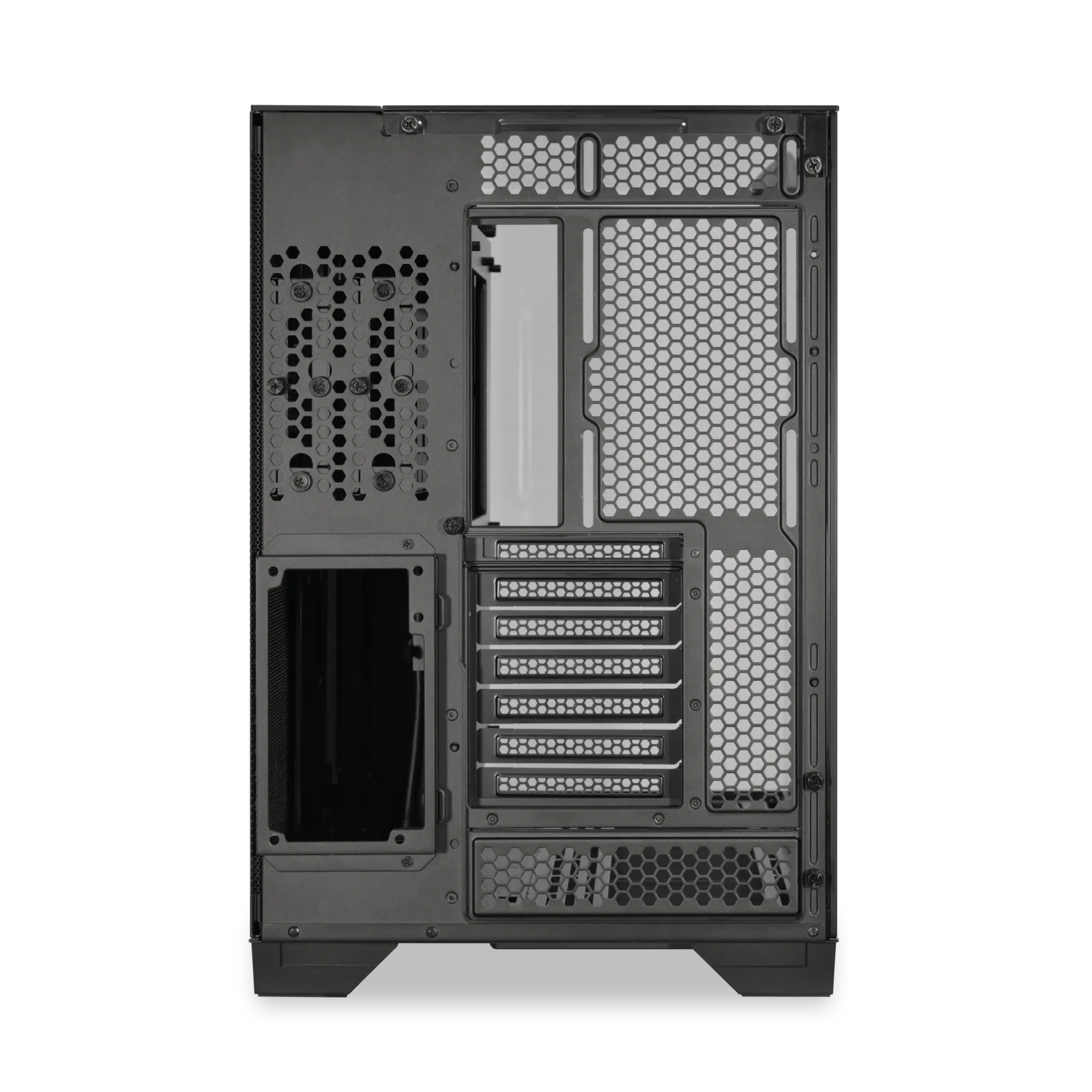
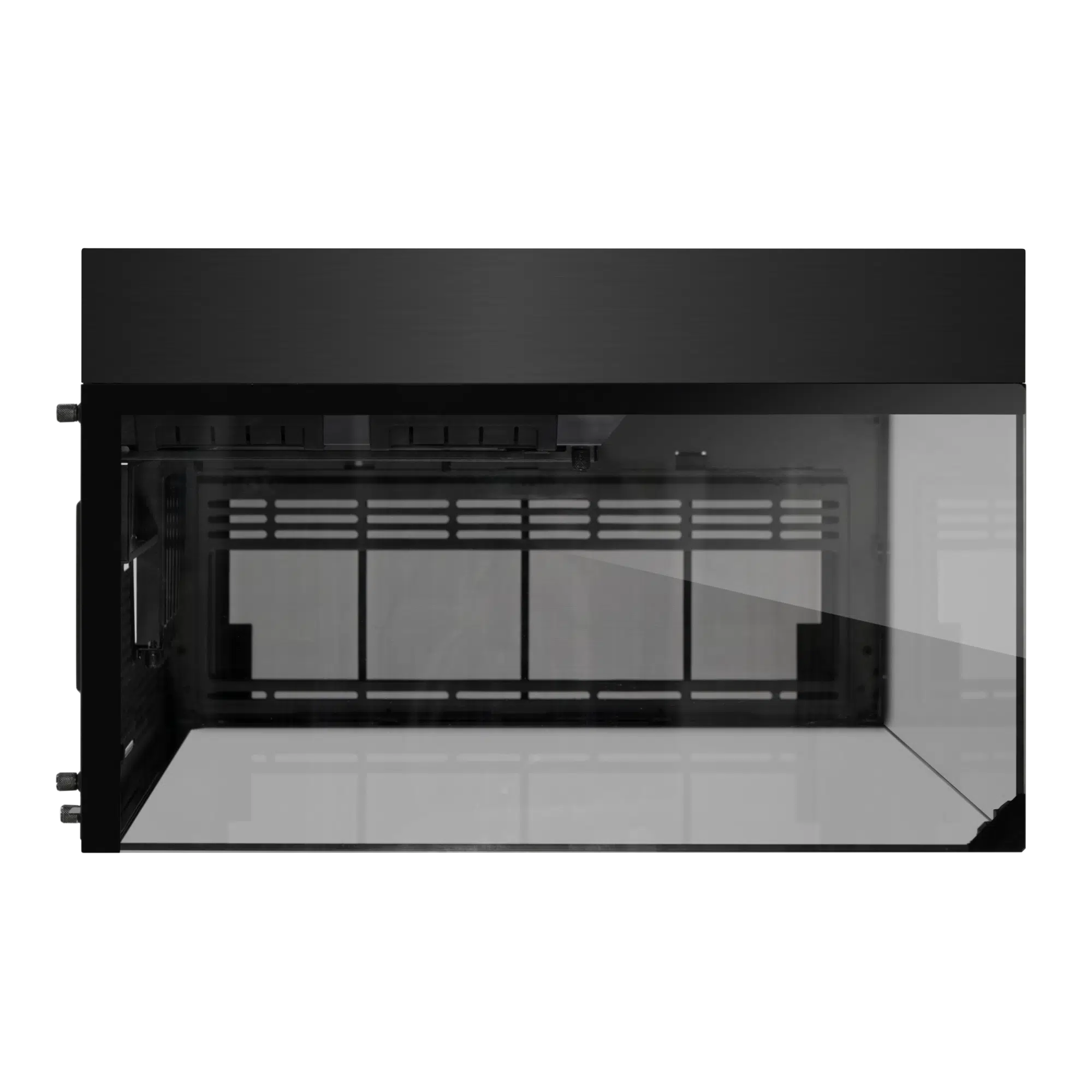
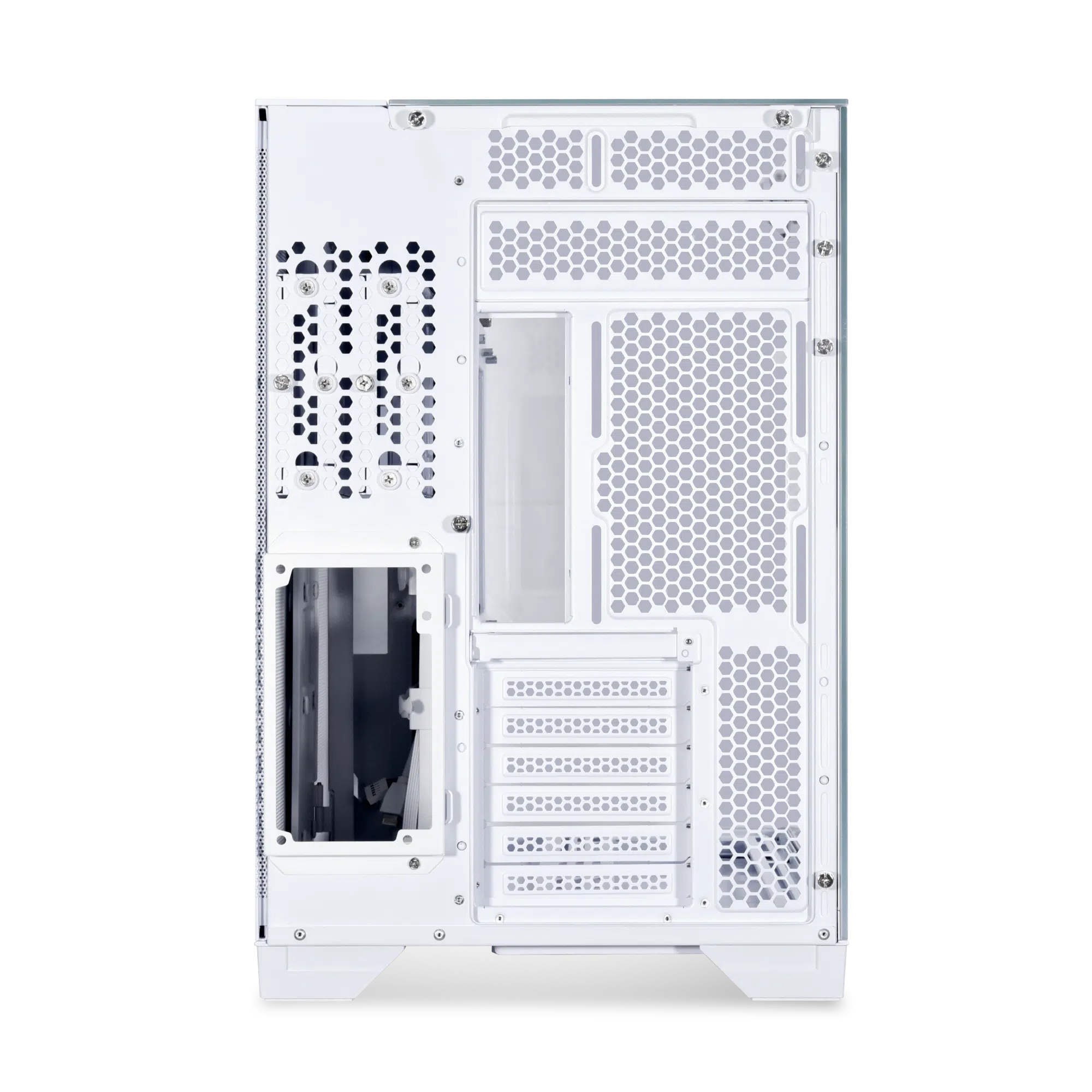
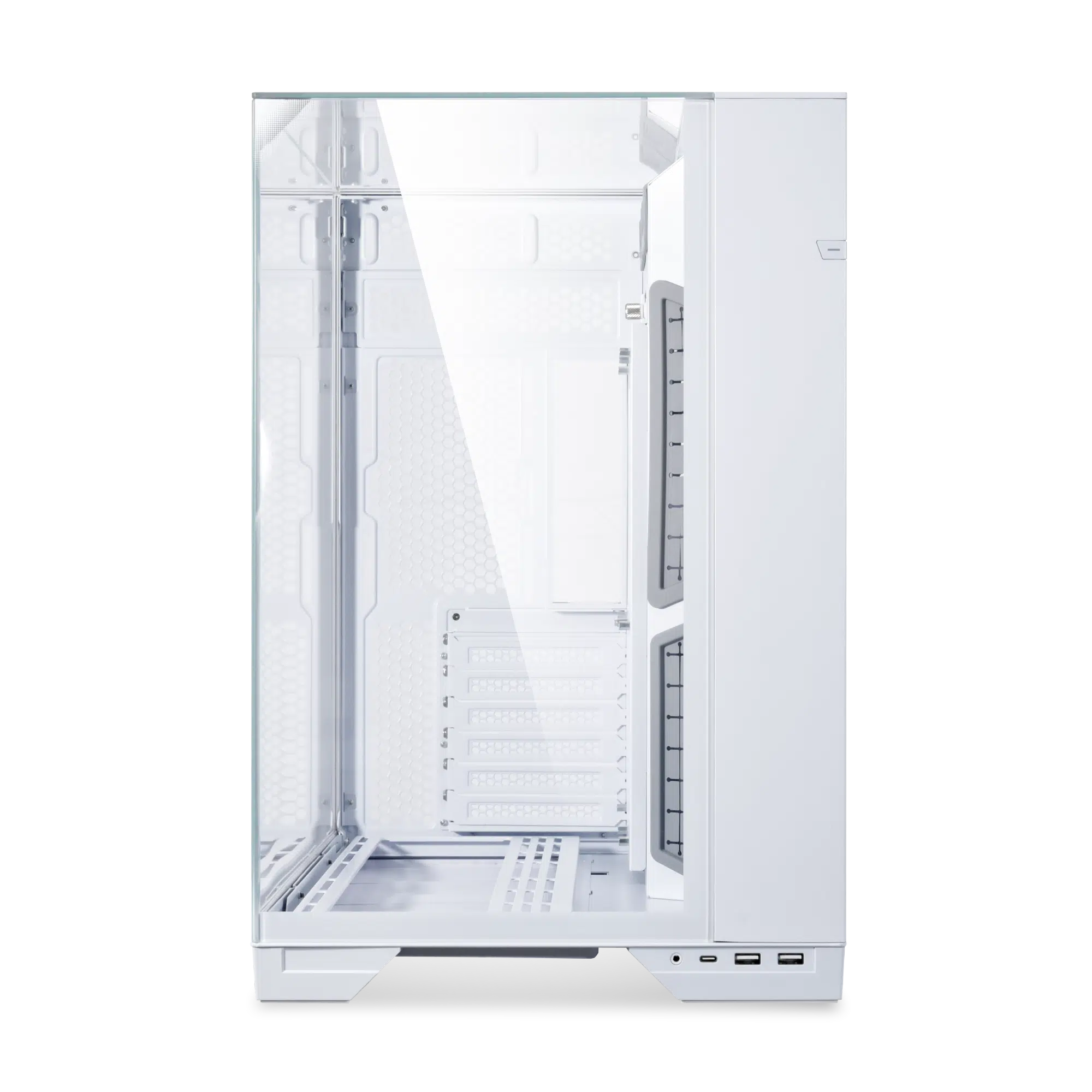
The O11 VISION is the first case to offer a completely unobstructed view of the system with its top, front, and left-side tempered glass panels. The support structure along the glass edges has been eliminated. For structural support, the glass panels meet at the top left corner, held in place by a mounting key that aligns with magnets that provide up to 35kg of support force. The mounting key is discreetly concealed behind a triangular silk screen, with the white version featuring an elegant gradient white and grey, elegantly blending with the case.
2 Configurations
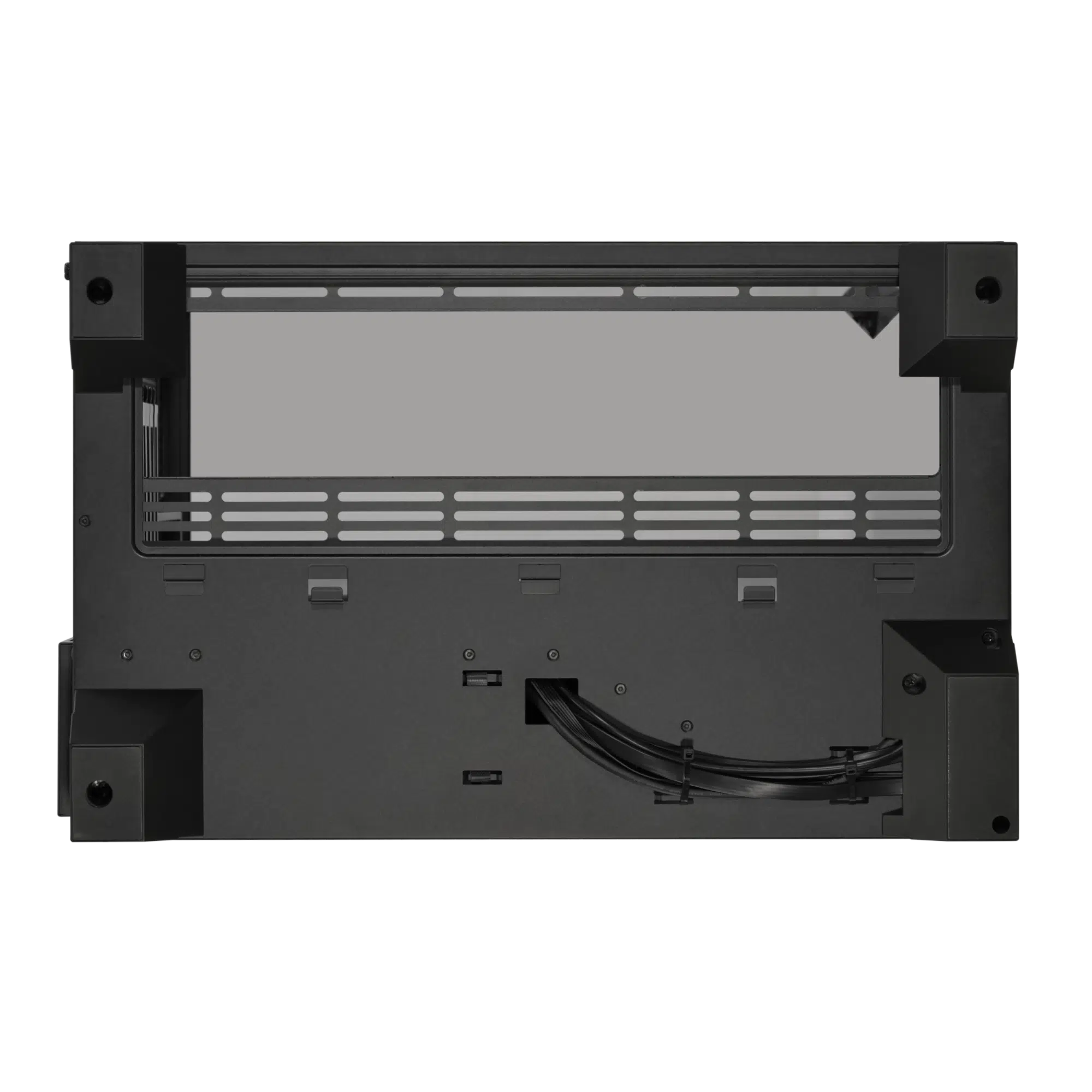
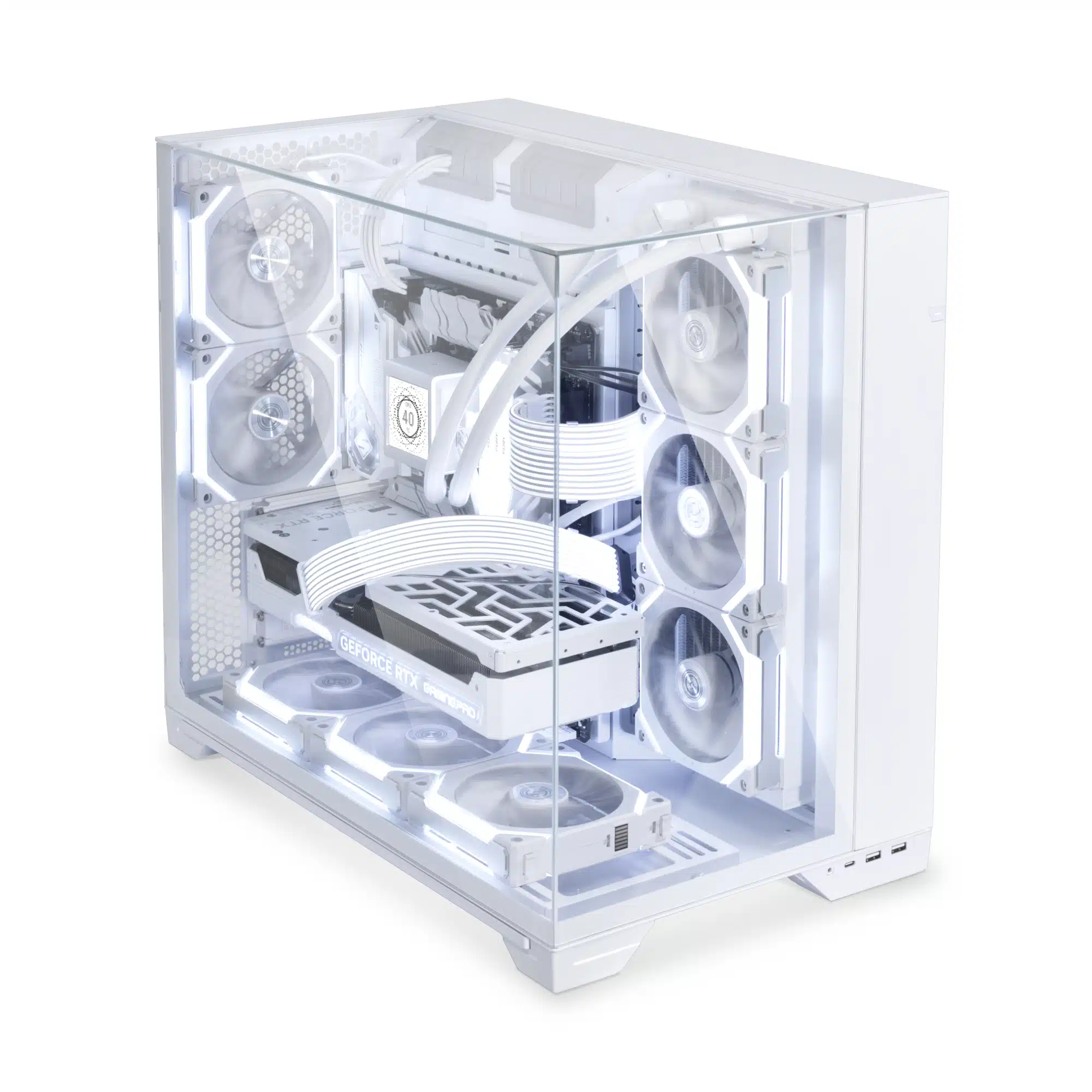
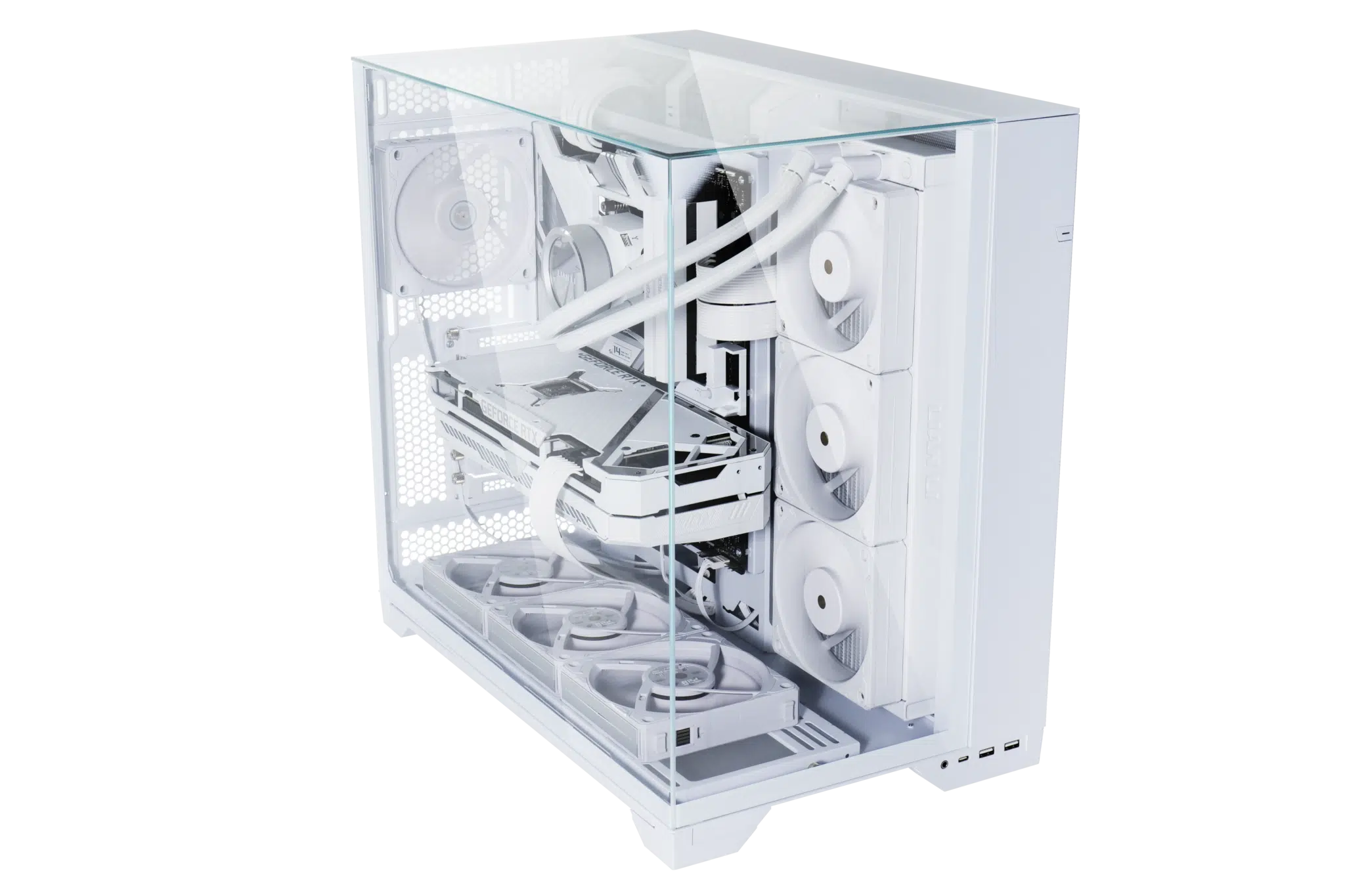
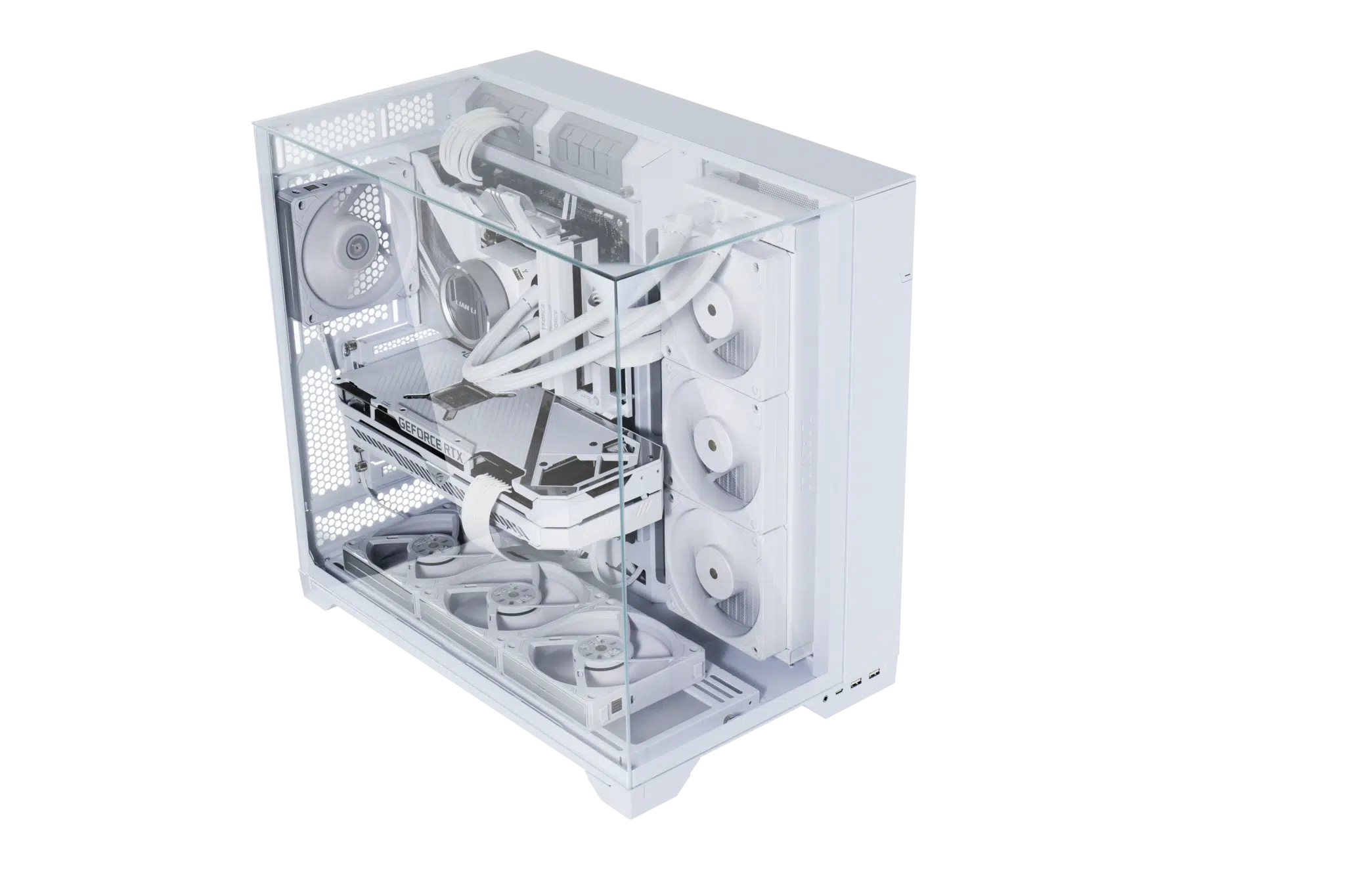
The O11 VISION offers a removable motherboard tray for ease of installation, which can be adjusted in two different positions. In low mode, the O11 VISION supports up to 2 x 120mm fans / 240 radiator at the rear. In high mode, the case supports up to 3 x 120mm/140mm fans and up to 360 radiator at the bottom removable bracket, with maximum thickness of 95mm, ample space for push-pull setup. Additionally, the O11 Vision supports 3 x 120mm fans / 360 radiator or 2 x 140mm fans / 280 radiator beside the motherboard. For optimal bottom air intake, the base is elevated to 27mm, and with fans mounted on the bottom fan bracket, the height of the bottom fans can be raised to 40mm in total.
Cable Management Focused
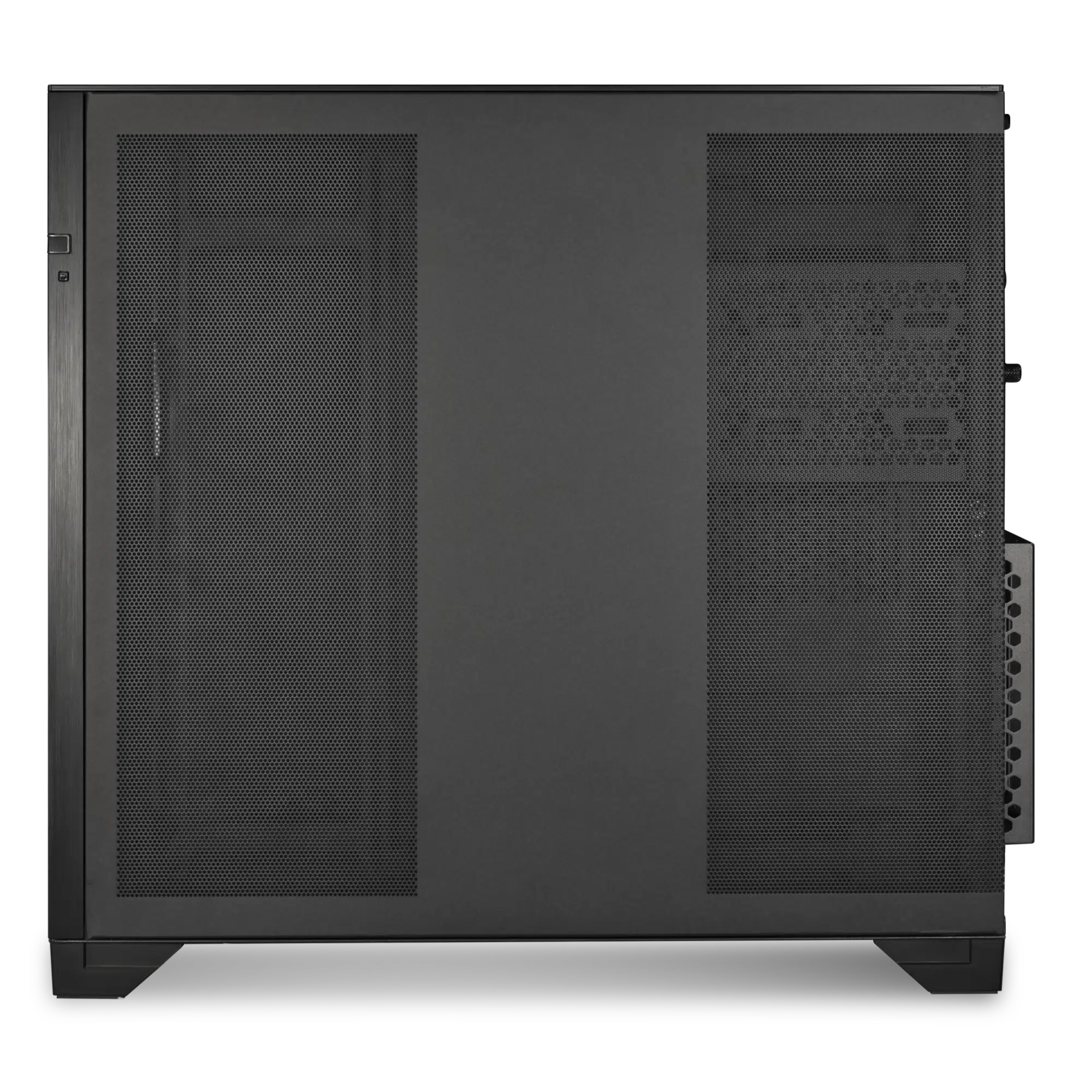
In the second chamber, the cable management bar is held in place by magnets. The PSU mounting bracket also protrudes from the rear of the case by 15mm to provide more clearance in the second chamber for excess cables. Additionally, the 2 drive cages located above the PSU can be removed individually if not used, freeing up more space in the second chamber, or providing another location for mounting a fan hub/controller. Lastly, the O11 VISION comes equipped with two dual-layer cable clips that can be mounted anywhere along vertical grommets pass through.
High-end Build Ready
The O11 VISION offers support for large components, including compatibility with up to E-ATX motherboards, 455mm long GPUs, and CPU cooling towers as tall as 167mm. It can accommodate a total of 5 x 2.5” SSDs or 2 x 3.5” HDDs, along with 3 x 2.5” SSDs. With such support and its unique hardware display capabilities, the possibilities are endless.
“The collaboration brings together LIAN LI’s exceptional craftsmanship in case design and mechanics with insights from the PCMR community. The O11 series continues to evolve with the tastes and preferences of the community, delivering what is the O11 VISION,” said, Jameson Chen, CEO of LIAN LI.
“Today, we’ve harnessed the boundless enthusiasm of PCMR, turning the PC case into an extraordinary centerpiece of the digital world. The PC is not just the most powerful and versatile tool there is; it’s a canvas for limitless creativity and beauty, showcasing individual taste without constraints,” said Pedro Valadas, Founder of PMCR.
LIAN O11 VISION Specifications
| Model | O11 VISION |
| Case Type | Tower Chassis |
| Dimensions | (D) 480mm x (W) 304mm x (H) 464.5mm |
| Color | Black / White / Chrome |
| Material | Steel 4.0mm Tempered Glass 3.0mm Tempered Glass Aluminum |
| Motherboard Support | E-ATX (Under 280mm)/ATX/Micro-ATX/Mini-ITX |
| Expansion Slot | 6+1 |
| Storage | Behind MB Tray: 3 x 2.5” SSD Hard Drive Cage: 2 x 3.5” HDD / 2.5” SSD |
| GPU Length Clearance | 455mm (Max.) |
| CPU Cooler Height Clearance | 167mm (Max.) |
| PSU | ATX (Under 220mm) |
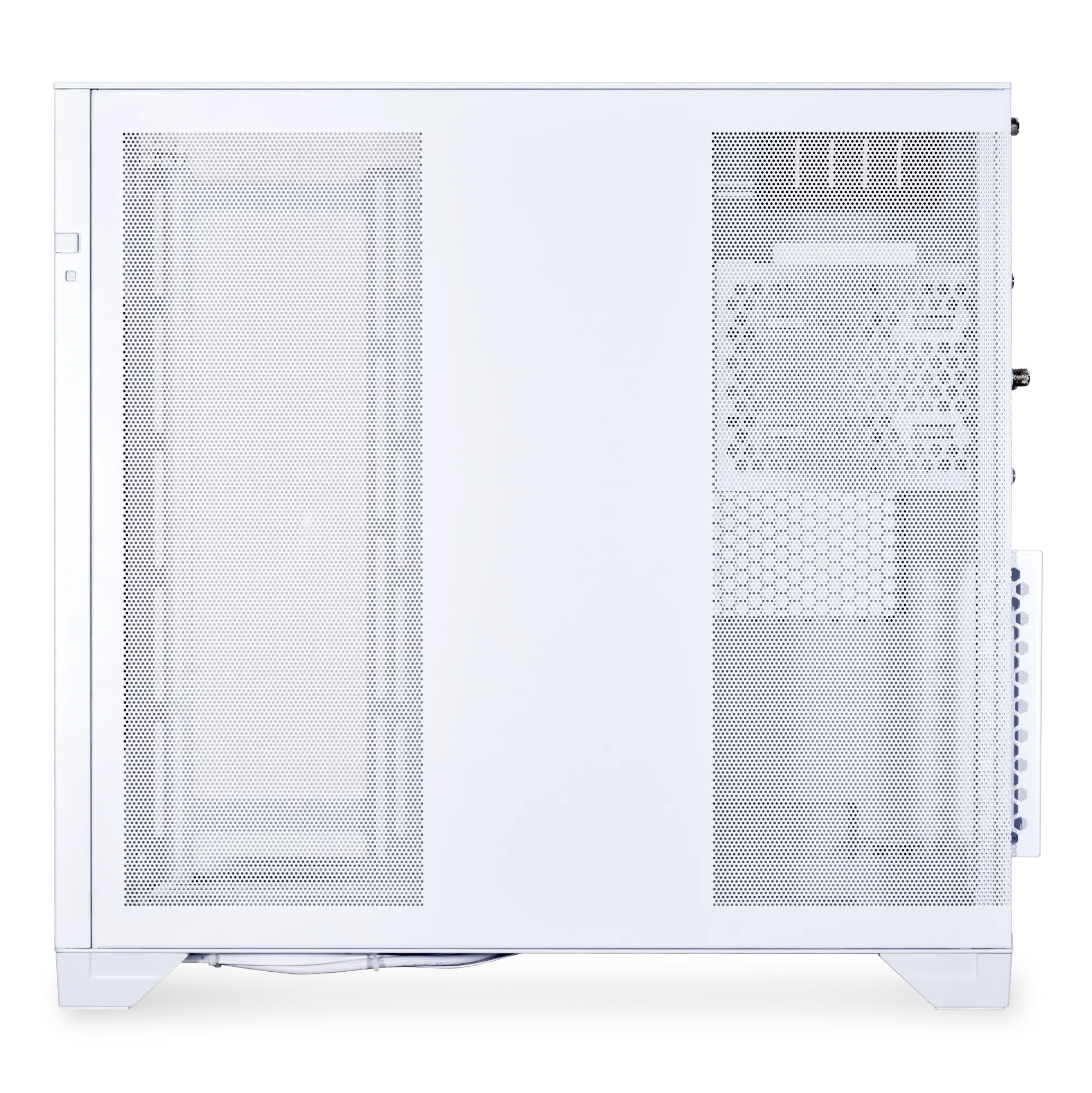
| Fan Support | Side: 3 x 120mm / 2 x 140mm Bottom: 3 x 120mm / 3 x 140mm Rear: Up to 2 x 120mm |
| Radiator Support | Side: 360 / 240 / 280mm Bottom: 360 / 240 / 280mm Rear: 240 / 120mm |
| I/O PORTS | 1 x Power Button 1 x Reset Button 2 x USB 3.0 1 x USB Type C 1 x Audio |
| Dust Filters | 1 x Bottom |
LIAN LI O11 Vision Gallery (Black)
LIAN LI O11 Vision Gallery (White)
LIAN LI O11 Vision Gallery (Builds)
Discussion (17 replies)
Join Discussion →That's going to hold in a lot of heat.
Yeah... definitely not a 'performance-oriented' option.
As nice as it can be to see the hardware I think 3-sided is a bit too much and in imho it ends up looking funky. I like symmetry and you tend to lose that with these kinds of designs.
oh and I love how the vertically mounted GPU looks like is flush against the side panel. I'm sure there's some clearance, but yeah, good luck and that thing breathing.
I have used these "glass" cases like the 011 and the NZXT H9 flow and they do not have good air flow at all. This new case with the solid glass top is just asking for excess heat to gather at the top as it will get trapped up there.
I have the O11 XL - but with a custom loop, with two 360mm rads on the bottom and side intakes.
In that configuration it's pretty nice, but with just air or AIOs, not so much.
I had that case as well and actually ran an air cooler and it did just fine. The normal 011 Dynamic didn't really have the greatest height clearance for air coolers so you were limited.
I have zero doubt that over time the heat will cause particulate matter to stain the top panel before the others, similar to an oven window effect. The heat may be exponentially less but given enough time I'm sure it'll still happen.
yeah my 011 XL with a 280 AIo and some be quiet fans runs cool enough, I also have the regular 011 PCMR and that one was a bit of a hotbox due to it's smaller size but works for my more modest AMD machine well enough.
Meh, while cool and computer guts are computer guts.
Yea the cases these days are maid... to be photographed.
I remember when PC cases were still metal boxes. With elements designed specifically around noise reduction. (Antec Sonata line anyone). Some had fancy paint jobs but really that was it. Nobody actually cared what the internal hardware looked like. If you wanted to show off you would get little button stickers to put on the outside of your case. You know like car part makers.
Now everyone wants windowed cases because.... it looks good sure but when you're using it do you actually LOOK at your computer? I understand a fancy keyboard and mouse and monitor, even headset more than I understand a super dope looking internal for your PC casae.
Maybe that has led to some advancements in cooling and performance. That's nice. And it's also handy when you have statistics about your system represented in the colors to communicate the overall health of the system... especially for DIY folks.
Outside of that I'm just wondering at it... unless you're streaming... or bringing it to LAN parties (sad and relieved that these are largely defunct mixed bag.. My TG51 case and a 27 inch monitor would be a pain to bring... then again back when I had a 19 inch NEC CRT that was 2ft deep and weighed 50 lbs alone... that wasn't easy.) I just don't see the point.
Not to say I haven't enabled the pretty lights on my case and internal fans and AIO fan's and memory and such... because I have... I still don't see the real point. Sometimes I think about it and go yep they still work because the lights are on... beyond that Not much.
I can see CPU temp on the motherboard post code reader and water temp on the water pump... so yes?
I'll give you that those views are useful. But is the tradeoff of windows in your system worth it compared to a simple intelligent USB screen that could show the same sans the post codes?
I'll be real once I've completed my build unless I'm upgrading something I never look or watch post codes.
I haven't done one of these yet, but what bothers me about any such implementation is that it has the potential of messing with system performance due to needing some kind of software to feed it, and to affect inputs due to using USB.
But I really would like this to be a solved problem.
If the readout didn't report CPU temp after post, I probably wouldn't either.
A decade ago I might agree with you. But I don't know about you , with modern core counts, and E and P cores, and everything else that CPU's can do... and that GPU's do... I don't feel the need to worry about software interrupts outside of just bad programming. The performance impact of having background tasks gathering and displaying information is minimal at best. Hell my system tray has 23 items in it... what's something more?