
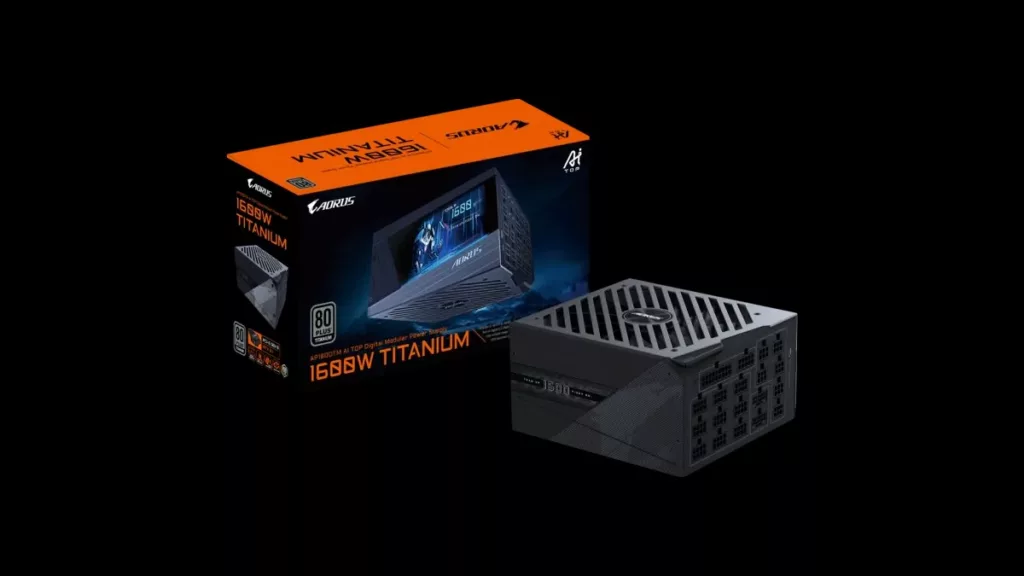
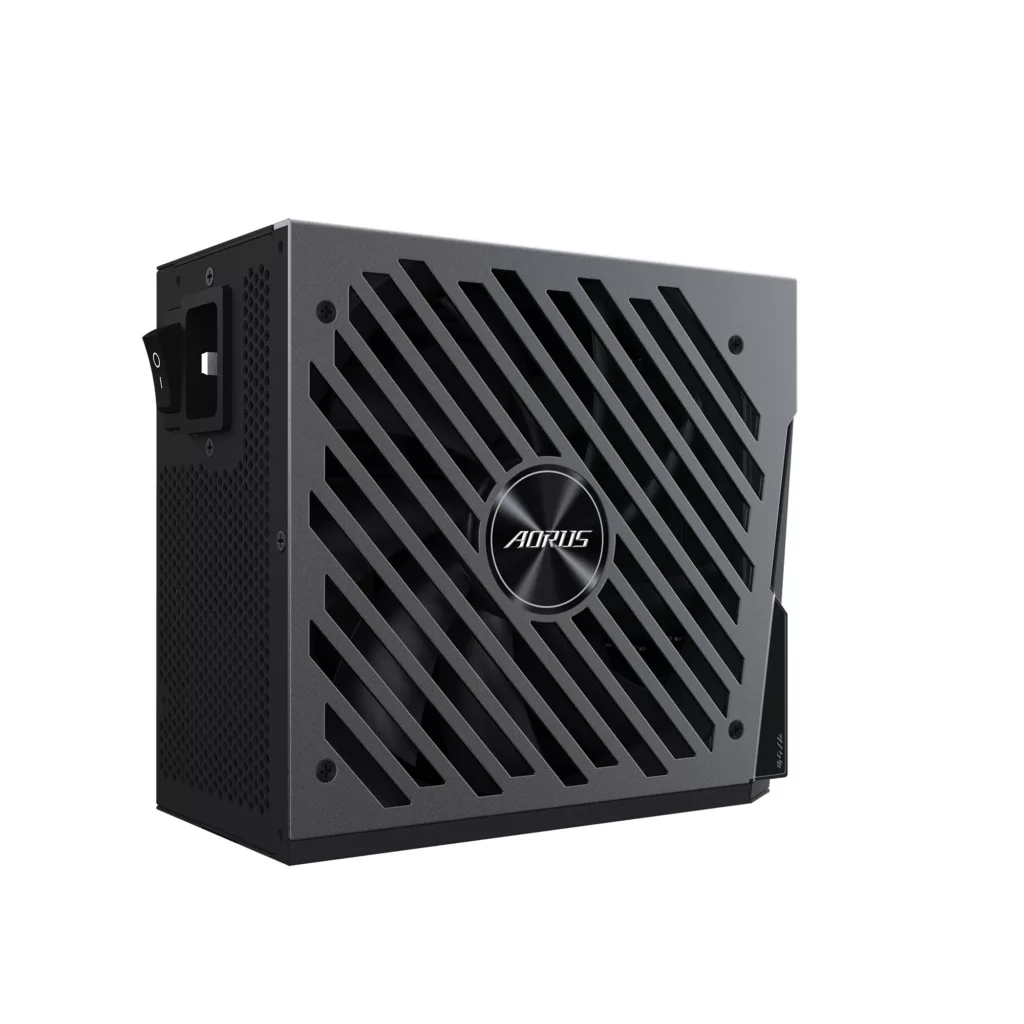
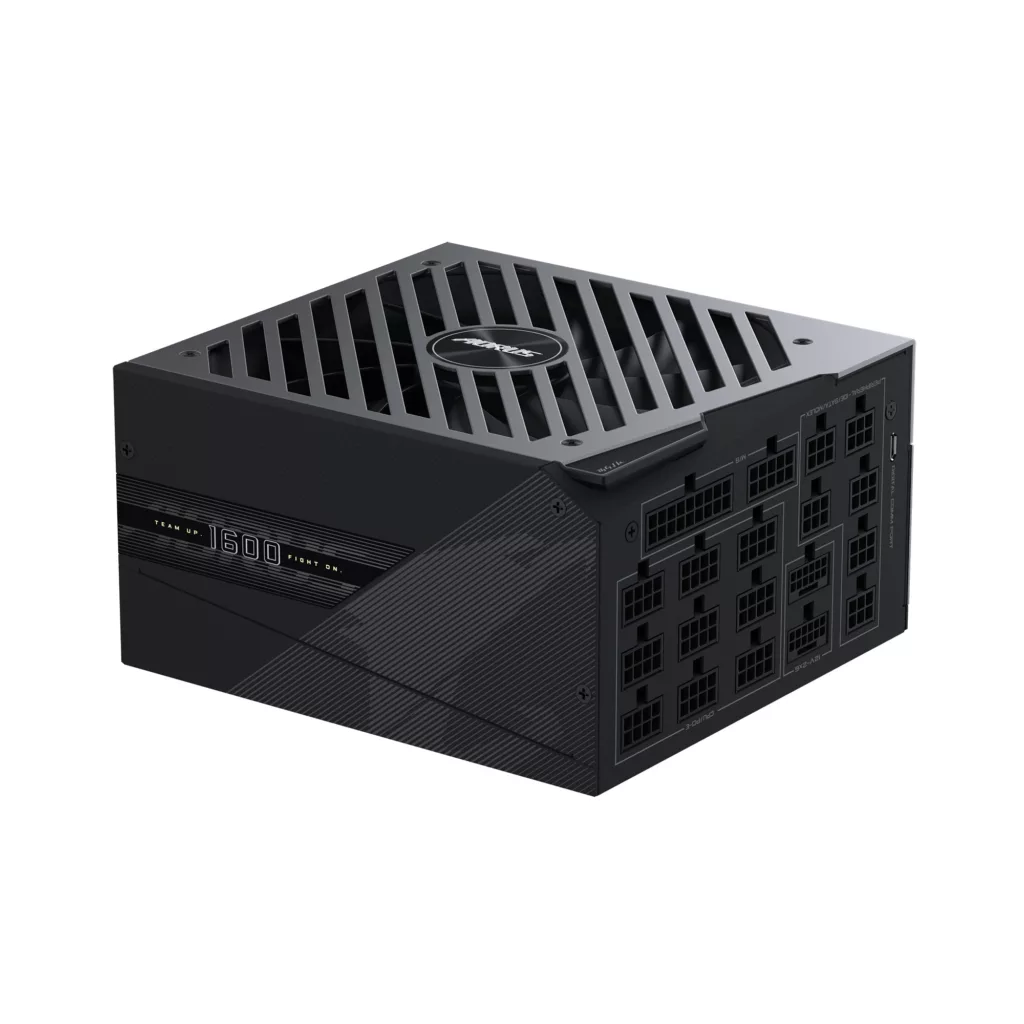
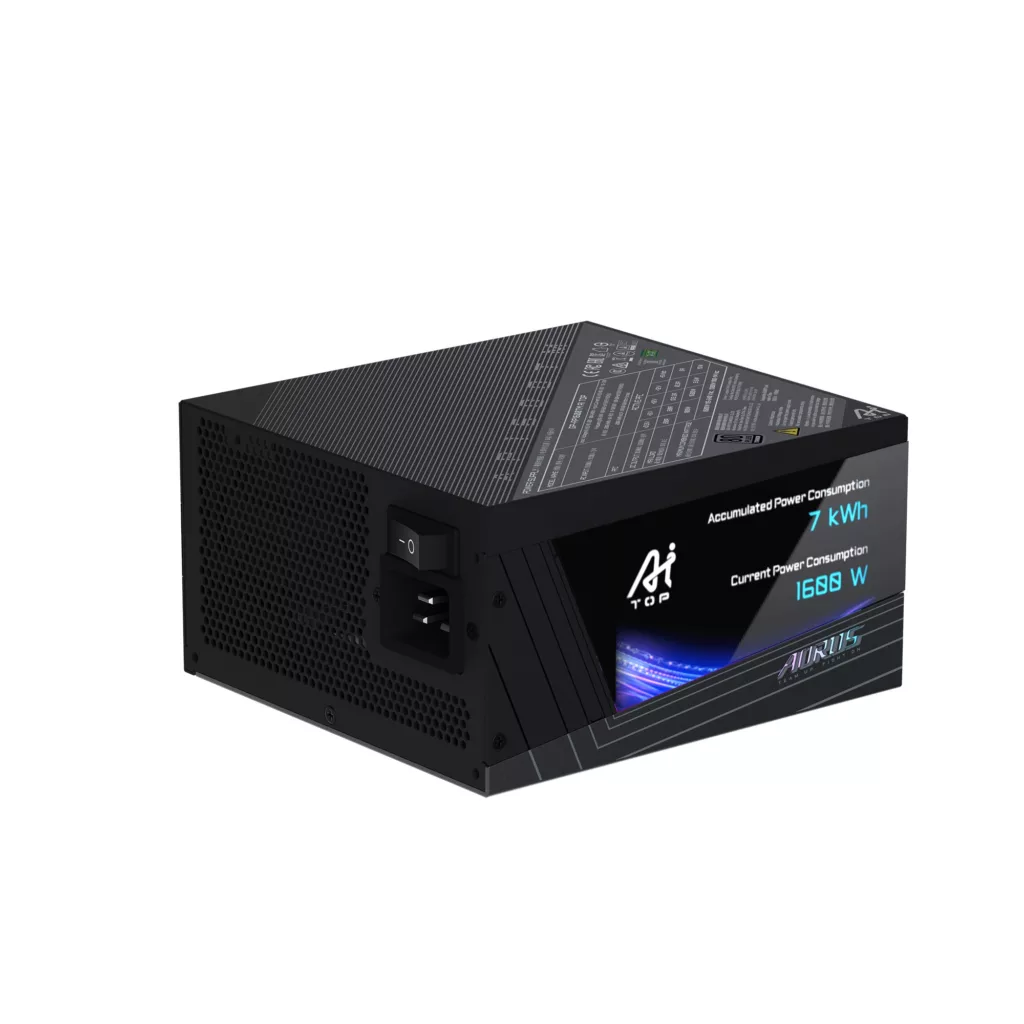
It’s time to feel the powah as GIGABYTE launches its latest flagship power supply, the AORUS P1600W 80+ Titanium Modular PCIe 5.1 AI TOP. This premium power supply was announced at Computex 2026 and is designed for the demanding needs of local AI work and comes with many features expected of a modern PSU. A digital LCD provides real-time monitoring of power usage but can be customized to display user-generated text, images, and video. Two 16-pin ports allow for up to two high-powered GPUs to be connected without an adapter, but then two 8-pin to 16-pin cables are provided, allowing another two GPUs featuring the 16-pin connector to be added for a total of 4 graphics cards featuring the 12V-2×16 connector, and a 140mm double ball bearing smart fan that stops when the system is idle ought to be able to keep the unit cool under load. All this is packed into a compact 150 x 160 x 86mm PSU that comes with an 80+ Titanium rating capable of up to 94% efficiency.
Features:
- 4 x 16-pin PCIe cables supporting PCIe Gen 5.1 graphics cards
- Industry-leading compact design
- Digital LCD display
- 80 PLUS Titanium certified
- ATX 3.1 & PCIe Gen 5.1 Ready
- GaN MOSFET
- 100% Japanese Capacitors
- 140mm double ball bearing fan
Specifications:
- Model: GP-AP1600TM PG5 AI TOP
- Type: Intel Form Factor ATX 12V v3.1
- PFC: Active PFC (>0.9 typical)
- Input Voltage:100-240 Vac (full range)
- Input Current: 15-7.5A
- Input Frequency: 60-50 Hz
- Output Capacity: 1600W
- Dimensions:150 x 160 x 86mm
- Fan Type: 140mm Double ball bearing Fan
- Rating: 80 PLUS Titanium
- Efficiency: 94% at typical load
- MTBF: >100,000 hours
- Protections: OVP / OPP / SCP / UVP / OCP / OTP / NLO / SIP
- Power Good Signal: 100-150ms
- Hold Up Time: >16ms
- Cable Type: Sleeved, All black
- Connectors: ATX/MB 20+4 Pin x 1 : 610mm*1, CPU/EPS 4+4 Pin x 2 : 650mm*2, PCI-e 16 Pin x 2: 700mm*2, PCI-e 16 Pin to PCI-e 8 Pin x 2: 700mm*2, PCI-e 6+2 Pin x 10 : 650mm+150mm*5, SATA x 16 : 600mm+150mm+150mm+150mm*4, 4 Pin Peripheral x 6+4 Pin Flobby x 2 : 500mm+150mm+150mm+150mm*1
Pricing for the AORUS P1600W 80+ Titanium Modular PCIe 5.1 AI TOP has not yet been revealed on the GIGABYTE product page, but it should begin showing on retailer sites soon.
Discussion (9 replies)
Join Discussion →Looks like they're using micro-USB for the PC connection.
Having the display is cool - I regularly reference the wattage meter on my ASUS PSU - but there's a concern about having to run Gigabyte's software and what the display can be set to do without that.
Not really into all the LCD which has popped up in recent years, but I do like the idea of one on a PSU to see what the system draw is. However, software aside, the next trick is having the PSU set up so you can see it, and in most of my builds, the PSU is essentially buried somewhere and otherwise unseen. I think I'd be happier if I could see this on the case's front panel instead and I could turn that display on/off as needed.
I love the AI branding. Make everything AI
1600W is a big psu for 120V
I don't know about you all but I use my USB connected software to my UPS to see my power draw when I want to know it.
Is this what's needed to run the 52-core Nova Lake CPU and a 5090? :snicker: (but not really :( )
I hope its not needed for a 5090 lol...
Probably. NVL 52-core may consume up to 700W overclocked.
Same.
I don't trust Kill-a-watts nor do I trust UPS's to measure power from computer PSUs. They can be inaccurate by a decent amount. Back in the day Paul Johnson proved this on like 10+ years ago.
I use this.
[URL unfurl="true"]https://www.onsetcomp.com/products/data-loggers/ux120-018
One of the many posts he's made on the topic.
[URL unfurl="true"]https://cdn.hardforum.com/threads/calculators-vs-kill-a-watt-real-power-consumption.1366249/[/URL]