

Introduction
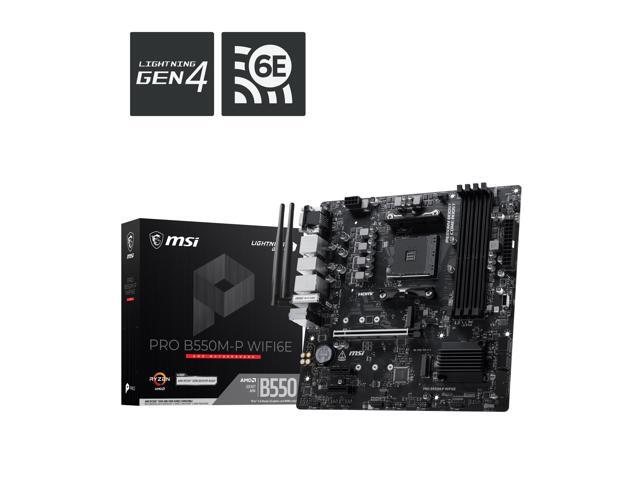
This review is the second in a small series covering a few of MSI’s current lineup of motherboards supporting AMD socket AM4. In this article, we are evaluating the PRO B550M-P WiFi6E, a brand new model for 2026. The PRO line-up is generally a business or basic desktop class of motherboards. On the MSI storefront, there are currently six PRO offerings, one ATX and 5 Micro ATX. In this case, this board has been refreshed in 2026.
For reference, the new PRO B550M-P (Review Incoming) bumps that to a PCIe 4.0 x16 slot (64GB/s) with Steel Armor, plus double M.2, one Gen4 x4 64Gbps and one Gen3 x4 32Gbps slot. Real PCIe/M.2 generation upgrade over the previous GEN3, on top of the standard “P” naming refresh. We’ll get to that motherboard in the future; just know this one takes all that and adds 2.5G LAN with LAN Manager and AMD Wi-Fi 6E, and steps the power design up to a 10+2+1 Duet Rail Power System with Digital PWM.
Much like the B550 GAMING WiFi6E that we have recently reviewed, MSI is putting some concerted effort into maintaining and improving the older socket AM4 motherboards to give some extra life to older AMD Ryzen CPUs and also cheaper DDR4 memory. Also, the revival of the Ryzen 7 5800X3D on its 10th anniversary doesn’t hurt things either. As was noted, the PRO line-up is the baseline tier for MSI motherboards. The boards are generally geared towards business use or other basic computing needs. As such, there is no bling, no EZ-anything, and in this motherboard’s case, no heatsinks. (Well, there is a small chipset heatsink) We do have some retro-components on the rear panel and, as you will come to see, a very functional compact motherboard. All this comes in at a price of just $119 MSRP (MSI-USA Store shows $99 Limited Time Offer!) with a three-year warranty.



Packaging and Contents
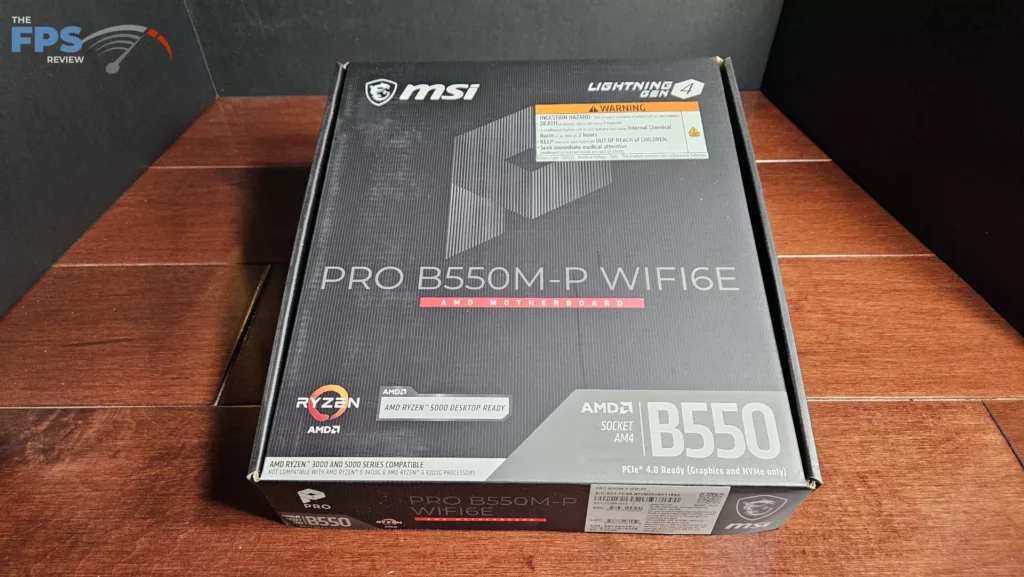
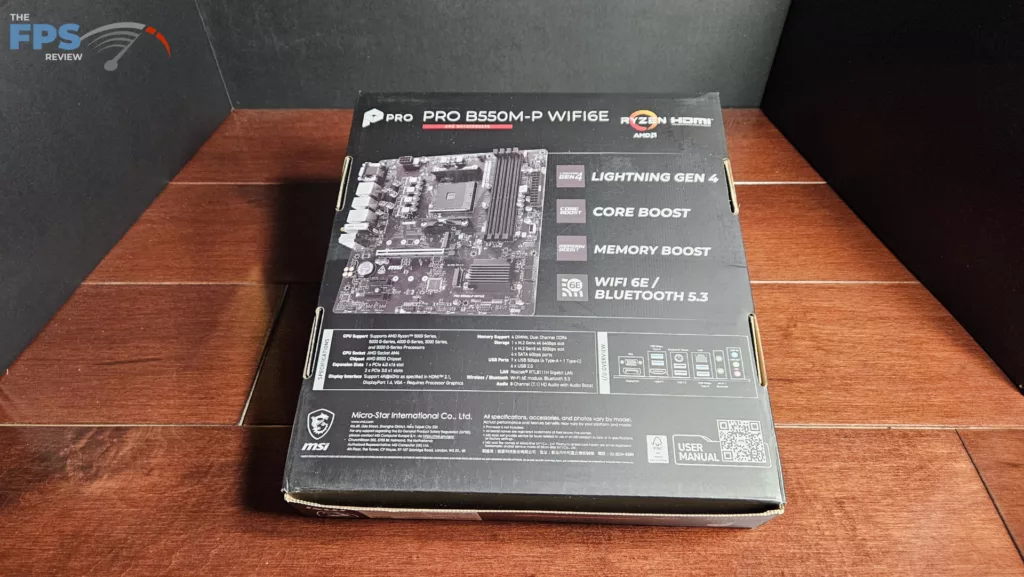
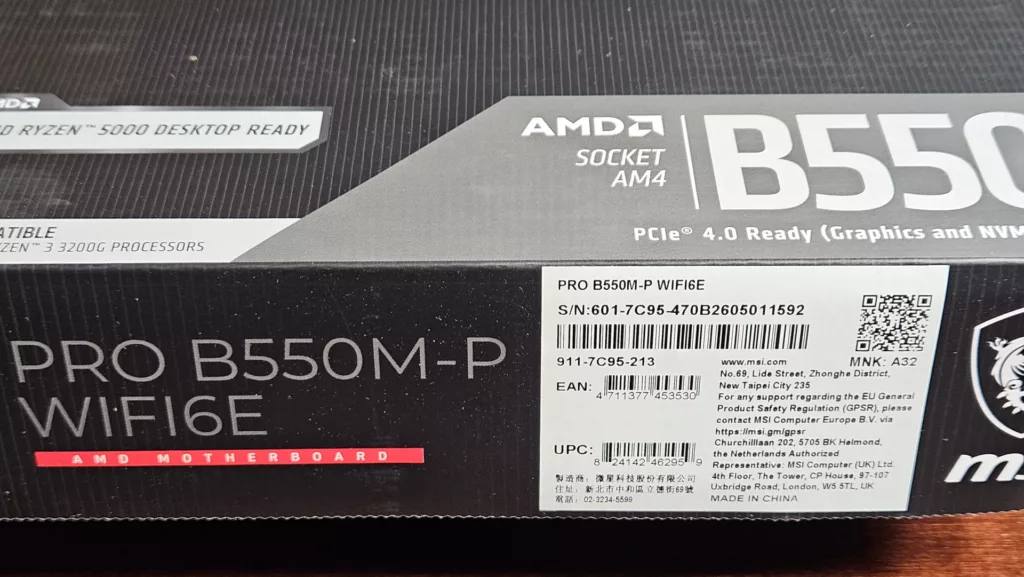
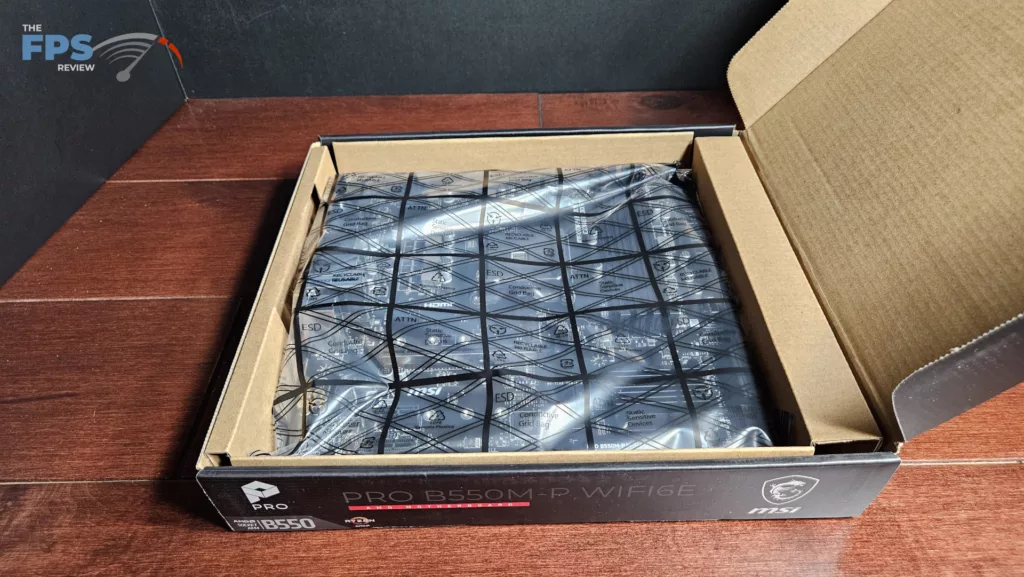
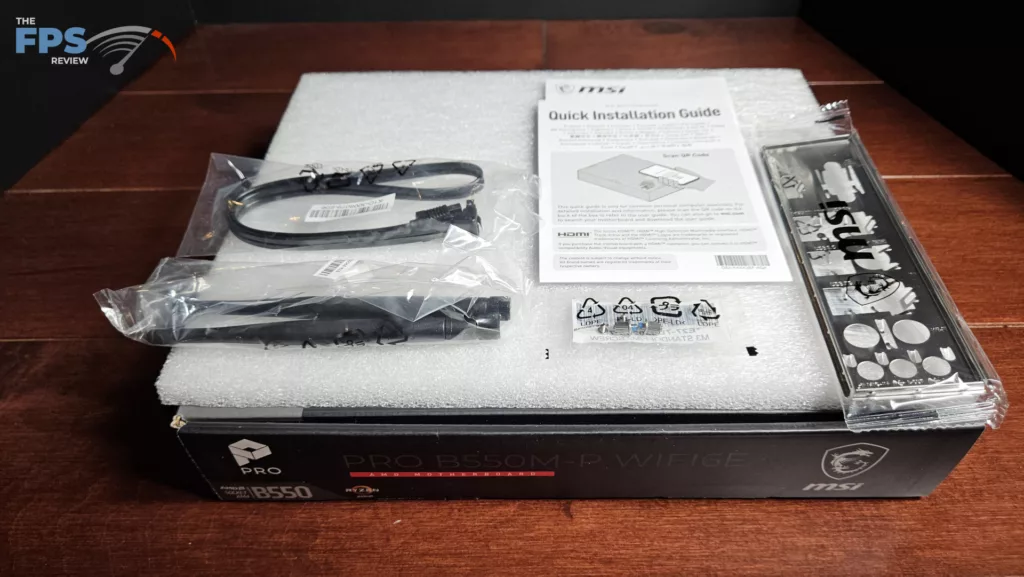
The motherboard was shipped directly from MSI. This is a full retail package. We found the usual packing format. Everything is smaller here, simply because the motherboard is smaller. The board was placed inside an anti-static bag and protected by cardboard inserts. Everything else was located along the side of the box in a long cutout. The accessories included: booklets, one SATA cable, a motherboard backplate, two M.2 screws, and the WiFi antennas.
MSI PRO B550M-P WiFi6E Features
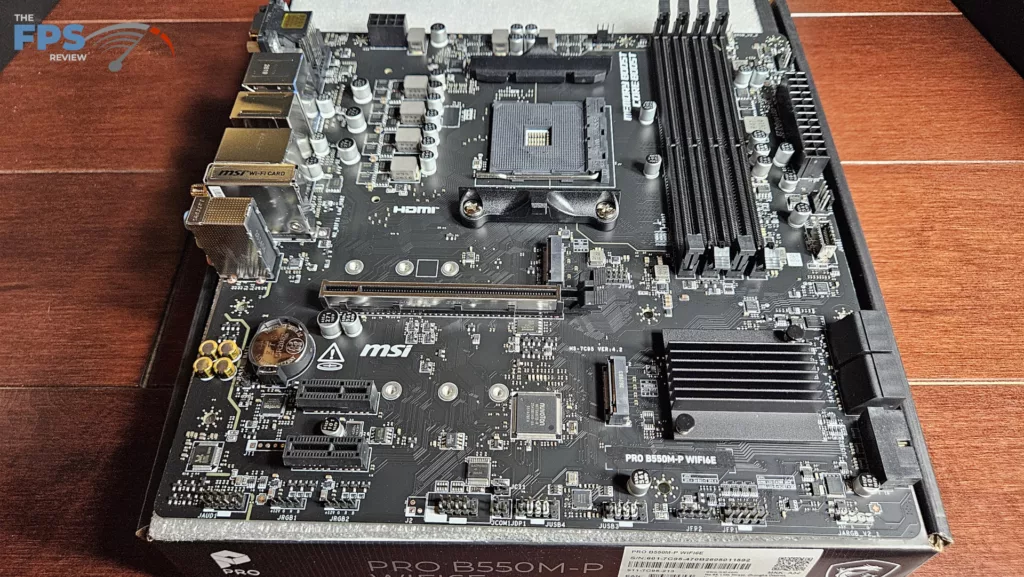
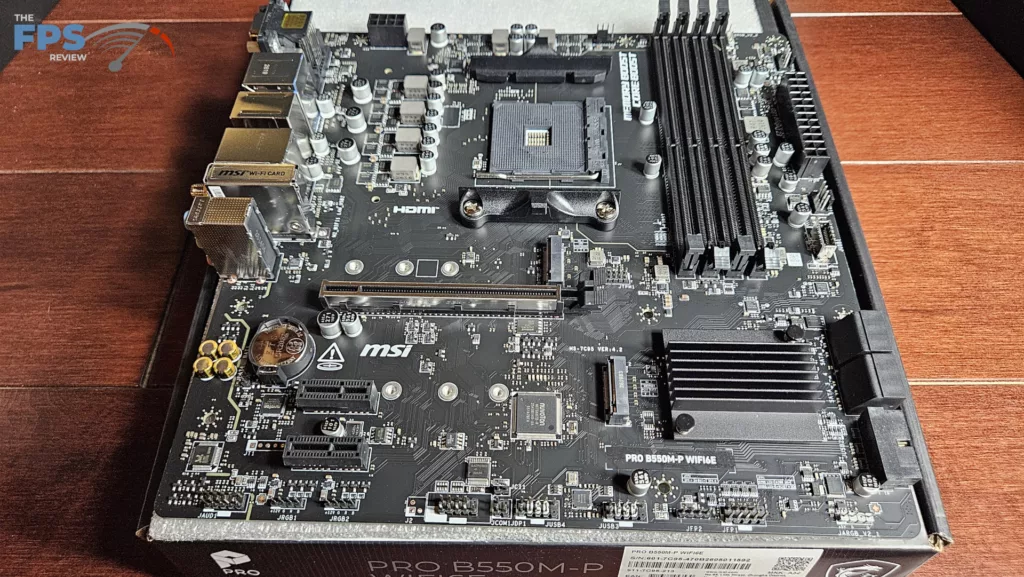
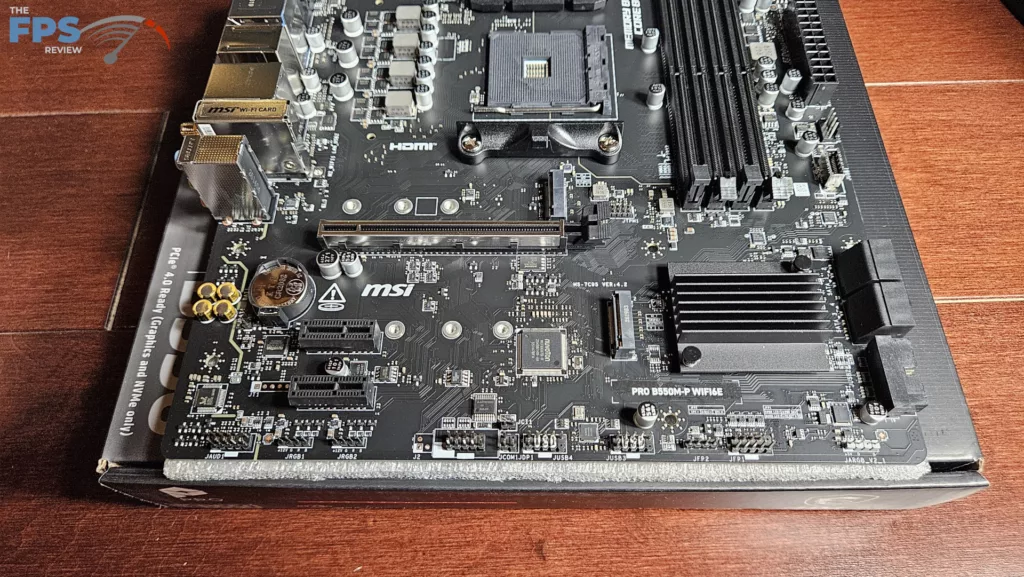
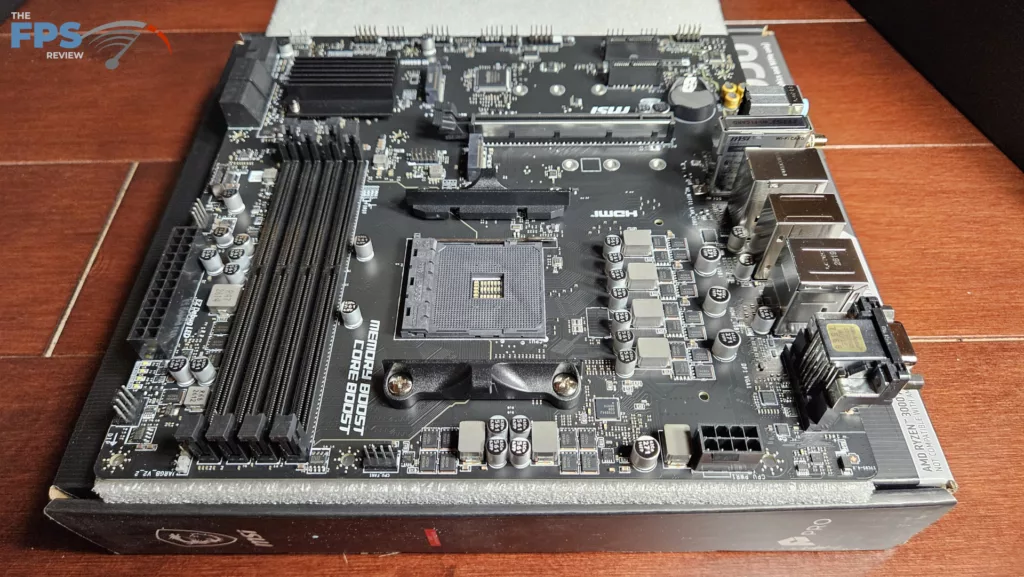
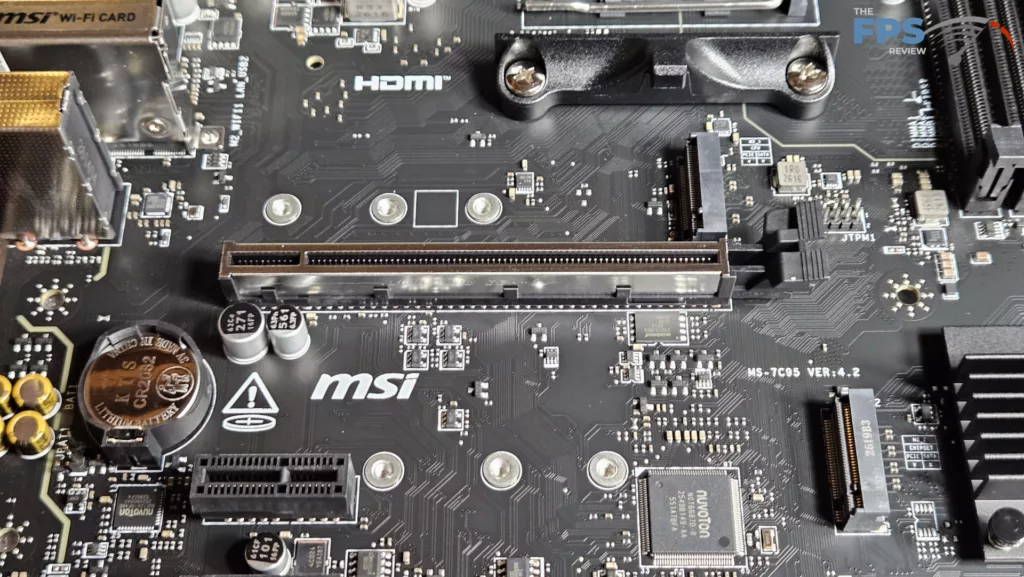
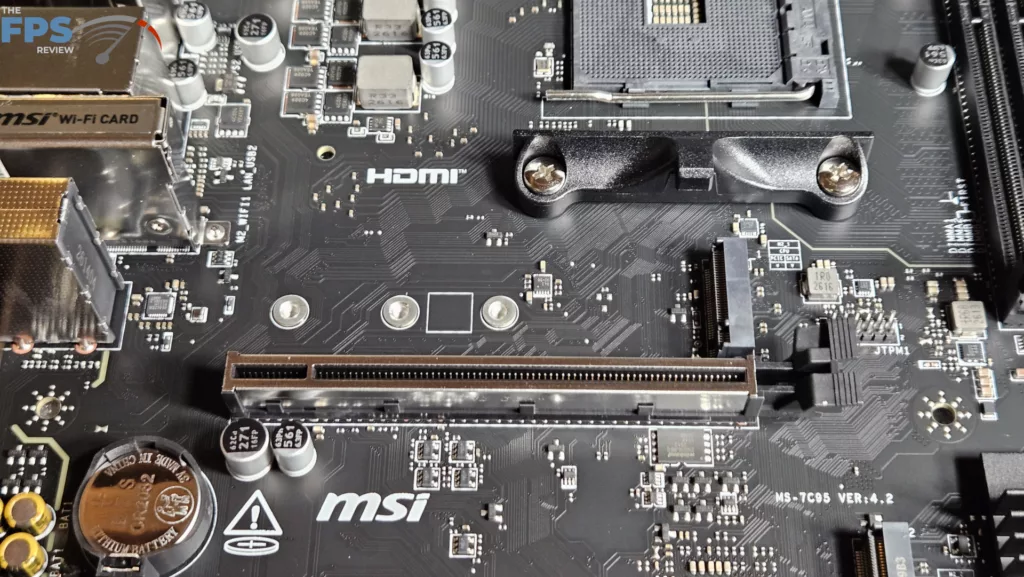
This is a Micro-ATX motherboard, so 9.6 by 9.6 inches overall. The color is all black with white lettering. Quite honestly, it is spartan all the way. There isn’t much to see, but it’s all there for you to see. Nothing except the chipset is under cover. The PCB is a four-layer board with inlaid copper. It is not flimsy when handled. There are two M.2 slots on the board; as we stated, the Primary is Gen4 and the second is Gen3. Neither has heatsinks nor thermal pads included. The hold-down is a small screw which is included in the box.
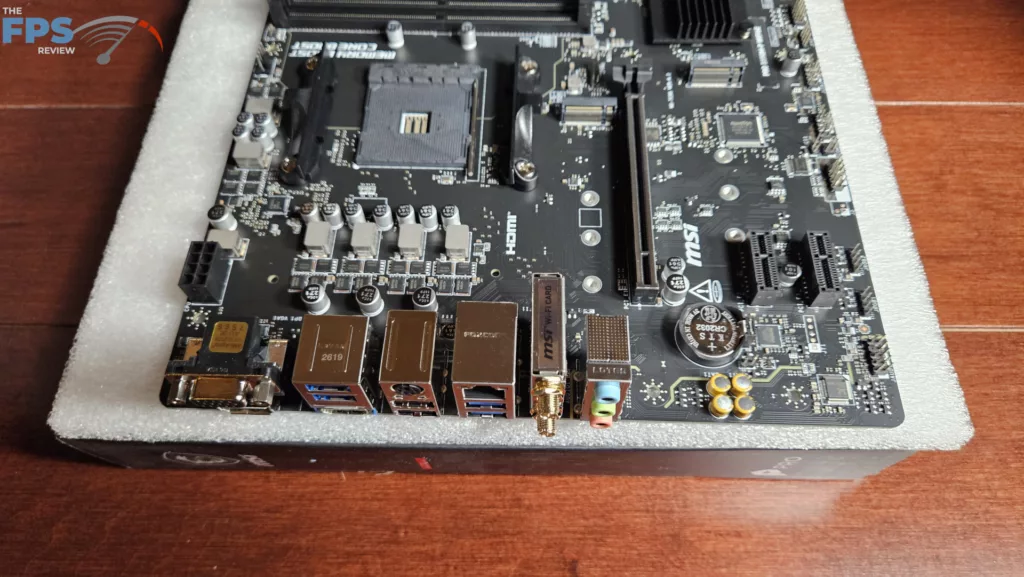
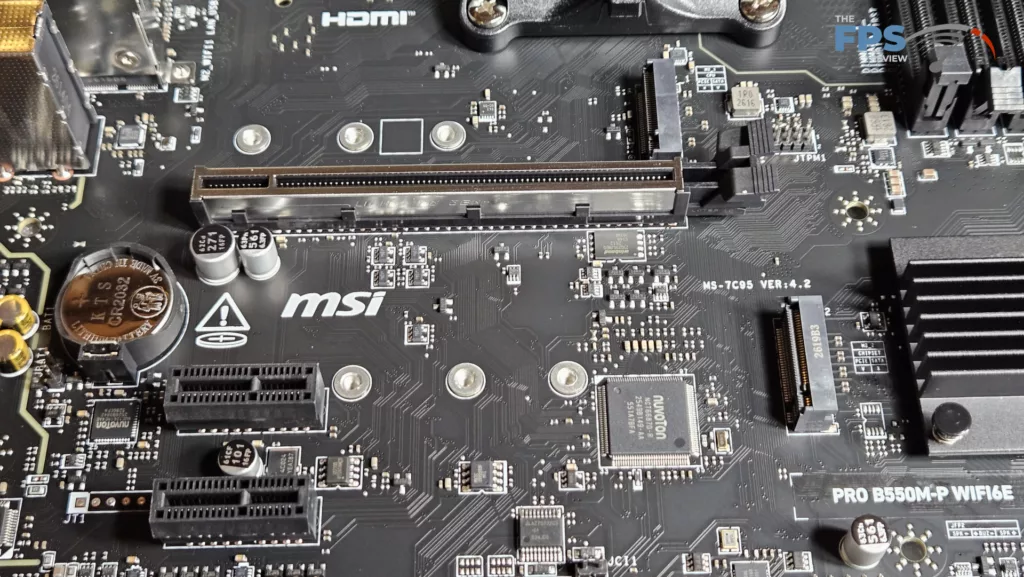
The PCIe slot is metal reinforced and has a basic clip. It supports PCIe Gen4 x 16. There are also two PCIe x1 slots. There is a small LED panel at the top right which will aid in troubleshooting, but no power button, M-Flash button, or digital readouts. The board does have the usual number of ARGB headers if needed, which can be controlled by MSI Center software. The rear I/O is a mixed bag to say the least. There are six USB-A slots; two are 2.0, and four are 5Gb/s. There are also three video out ports if supported by the CPU: DisplayPort, HDMI, and (wait for it) 15-pin VGA along with a PS/2. There is, of course, WiFi6E and three 3.5mm audio ports powered by RealTek ALC 897.
Power Delivery
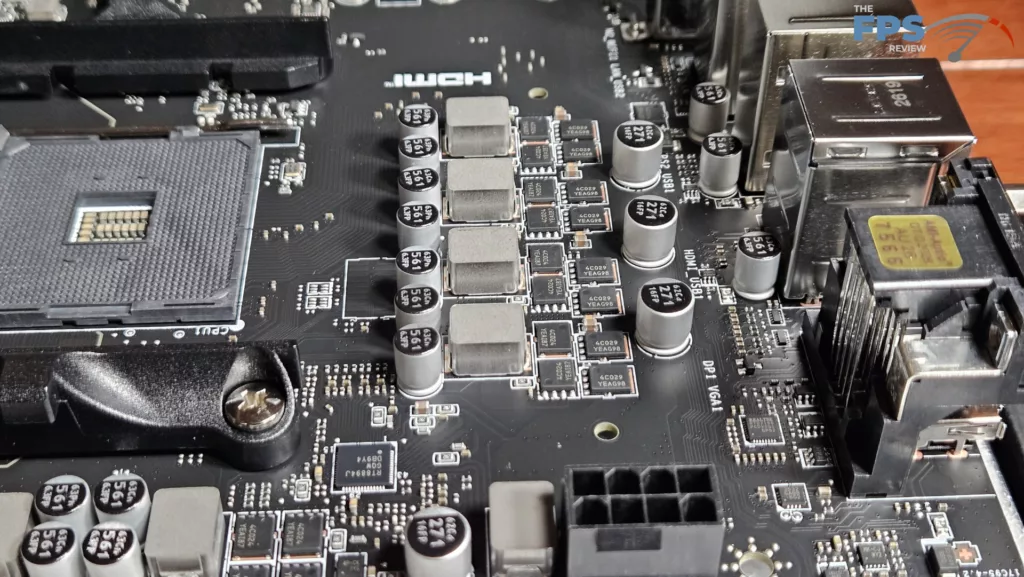
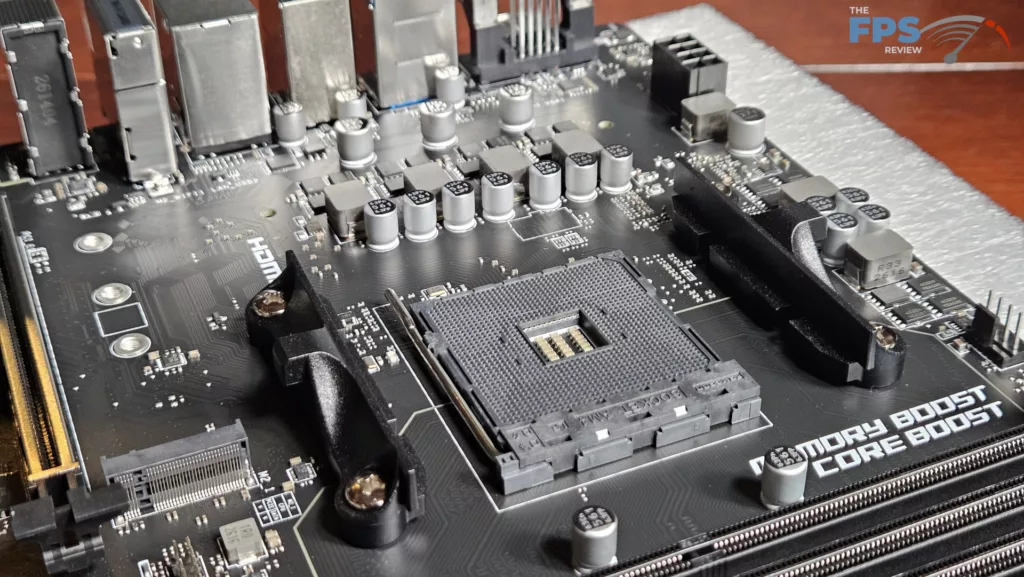
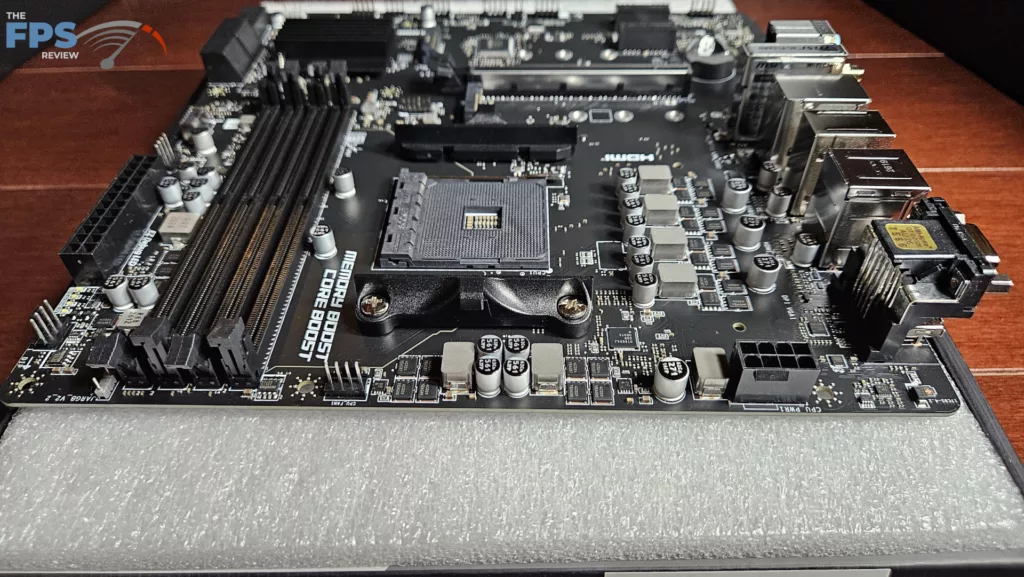
The power delivery is noted by MSI to be 10+2 with 50Amp DrMos circuitry. This is supplied by a single 8-pin connector on the upper left. There are no VRM heatsinks. The board is listed to support all Ryzen 5000 series CPUs. The motherboard is built on 4 layers with inlaid copper; it does feel sturdy when handled.
CPU Socket, Memory and Storage
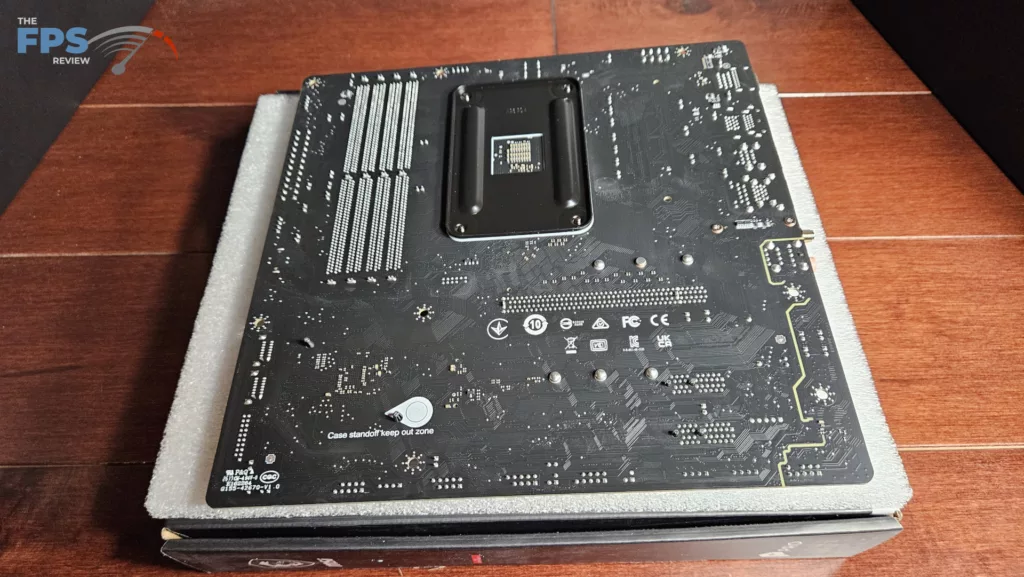
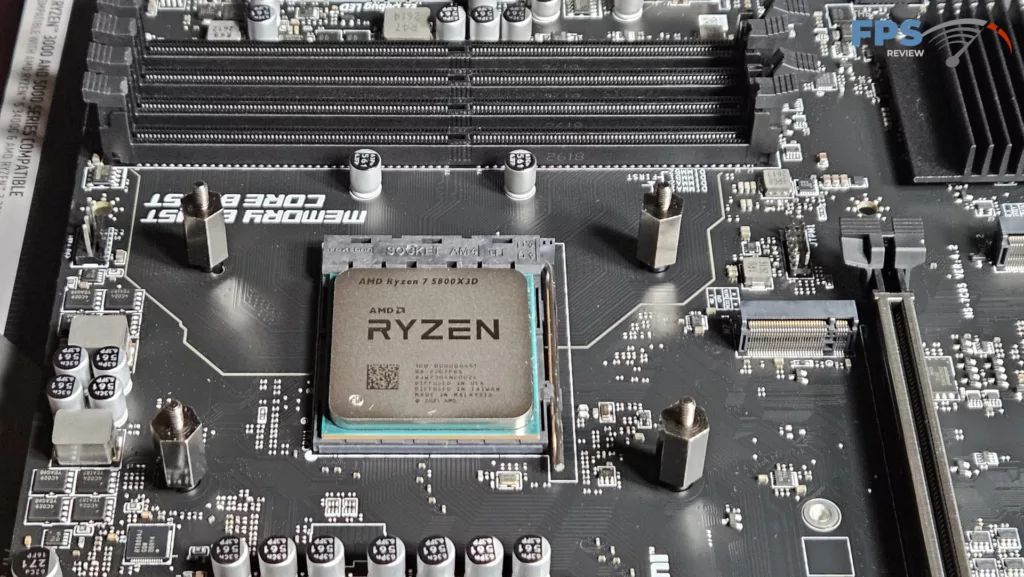
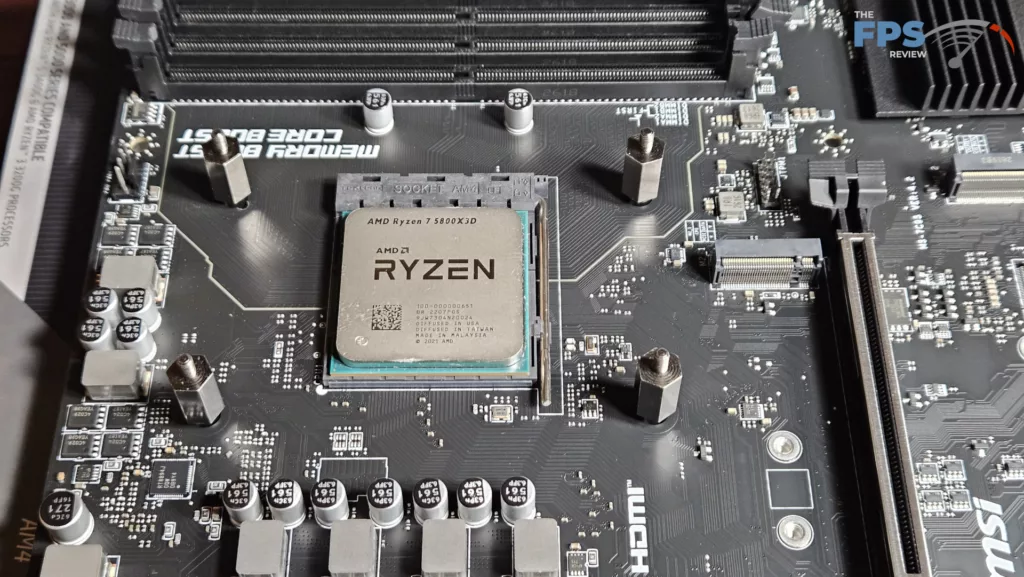
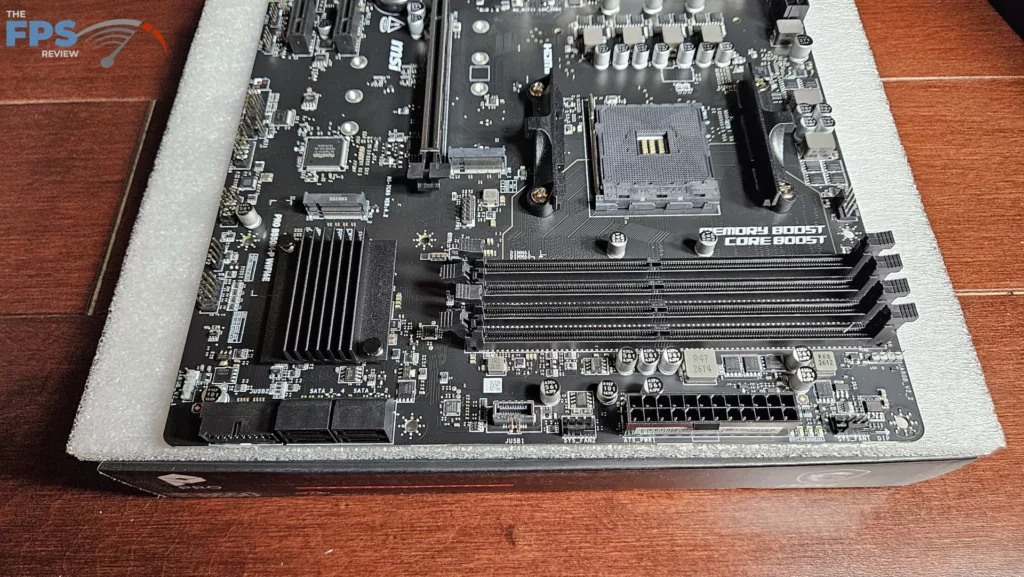
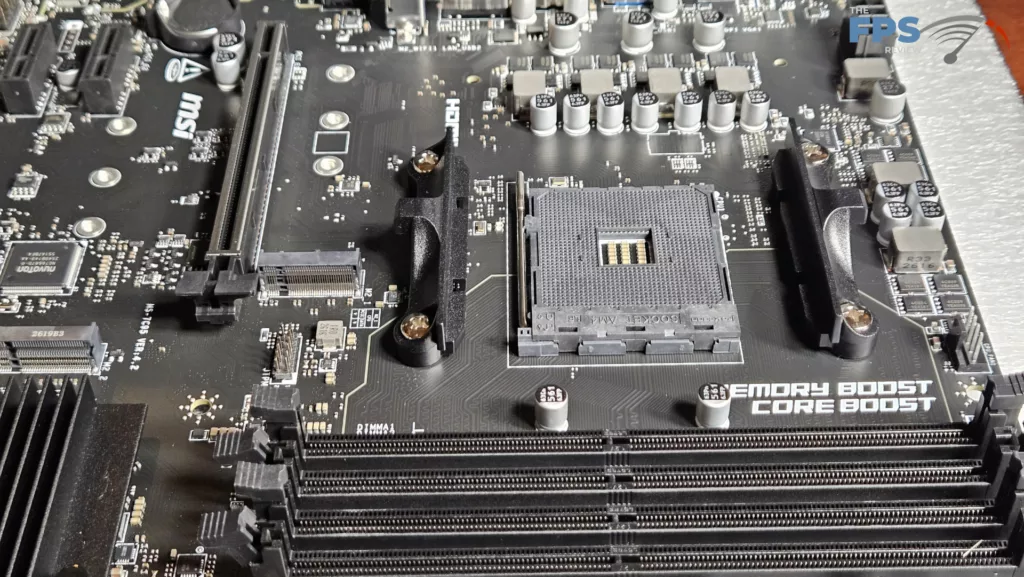
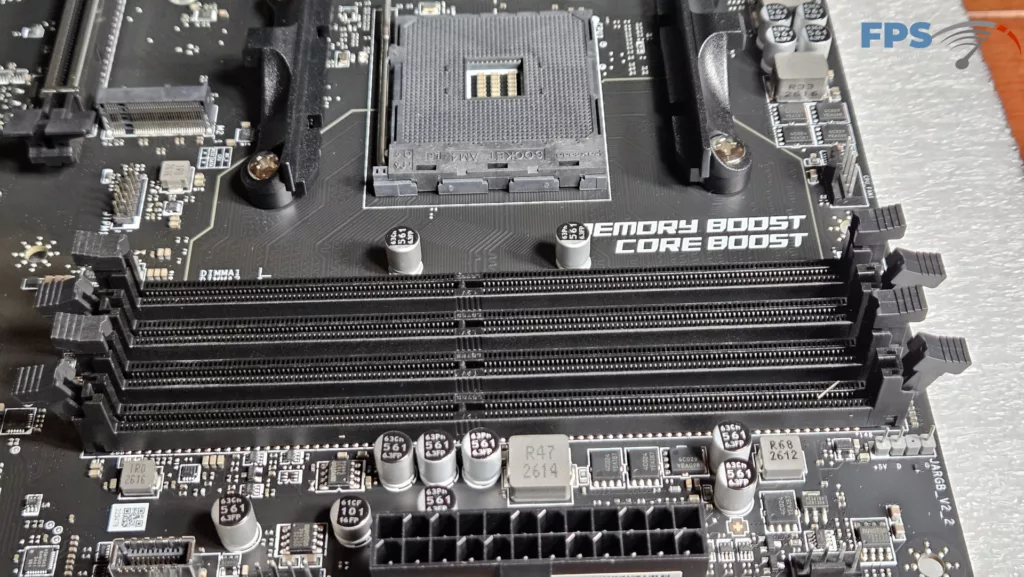
The MSI PRO B550M-P WiFi6E supports socket AM4 CPUs, which include Ryzen 3000, 5000, and 4000G. The space around the CPU does not seem to present any issues with cooling placement. Our MSI AIO MAG Core 360I fits with no problems. The only thing we had to remember is that the backplate on AM4 motherboards is secured by only the 4 hold-down screws. So when you get set to place your AIO cooler, just remember the backplate is loose! Memory supported is DDR4 up to 128 GB total. Frequencies are advertised to top at 4400 MT/s (OC). XMP profiles are supported for 1-click overclocking. The memory is double latched.
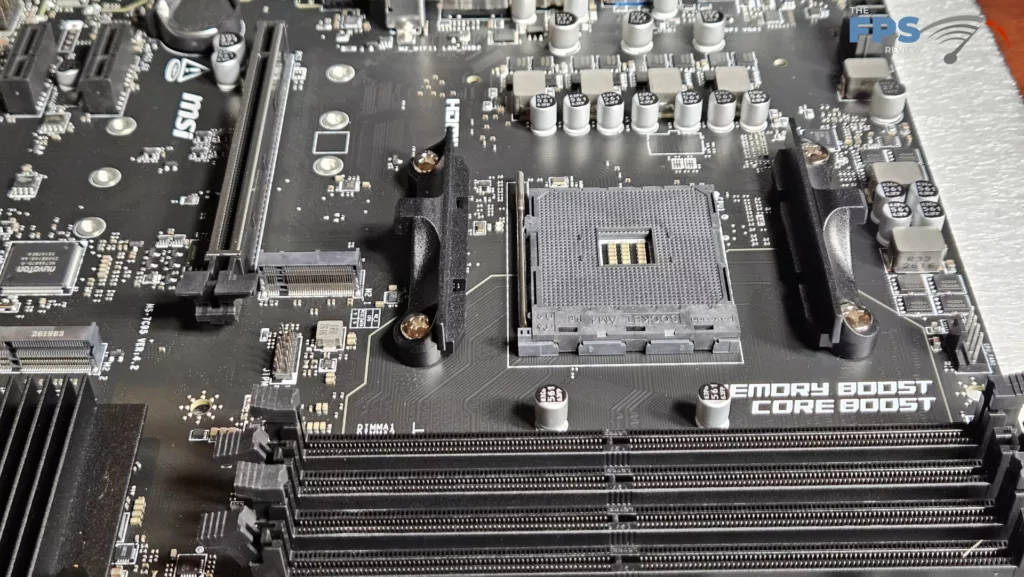
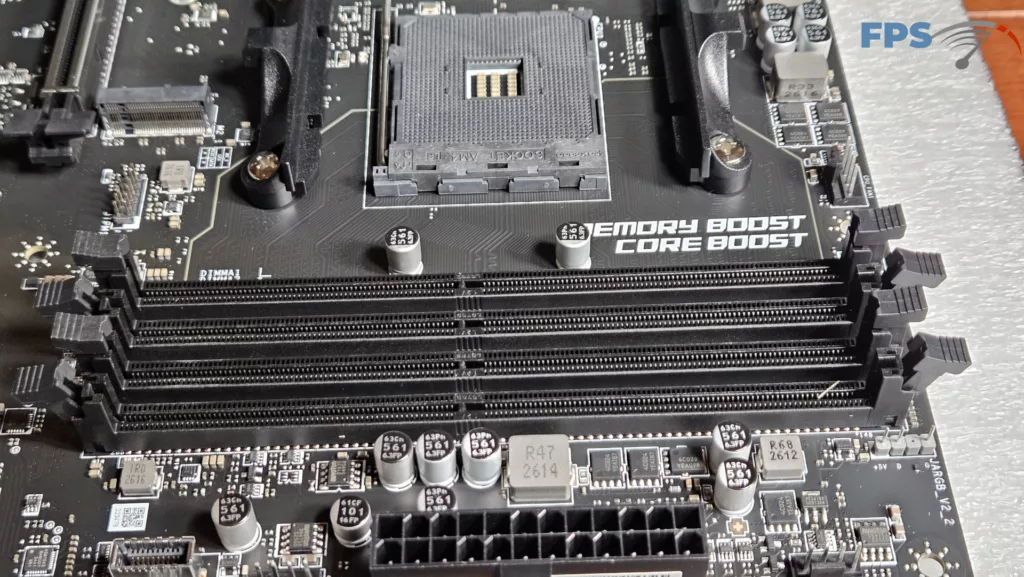
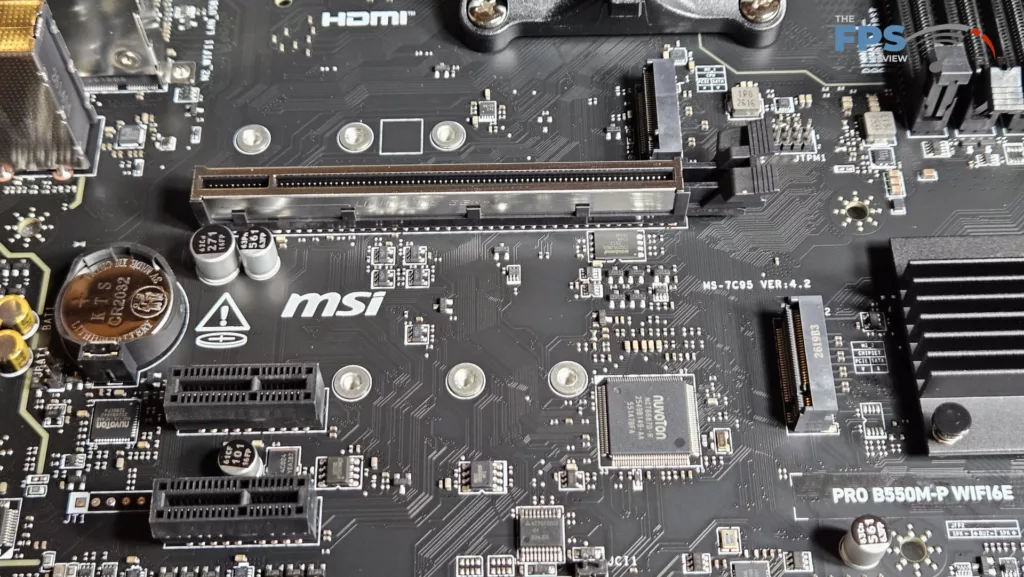
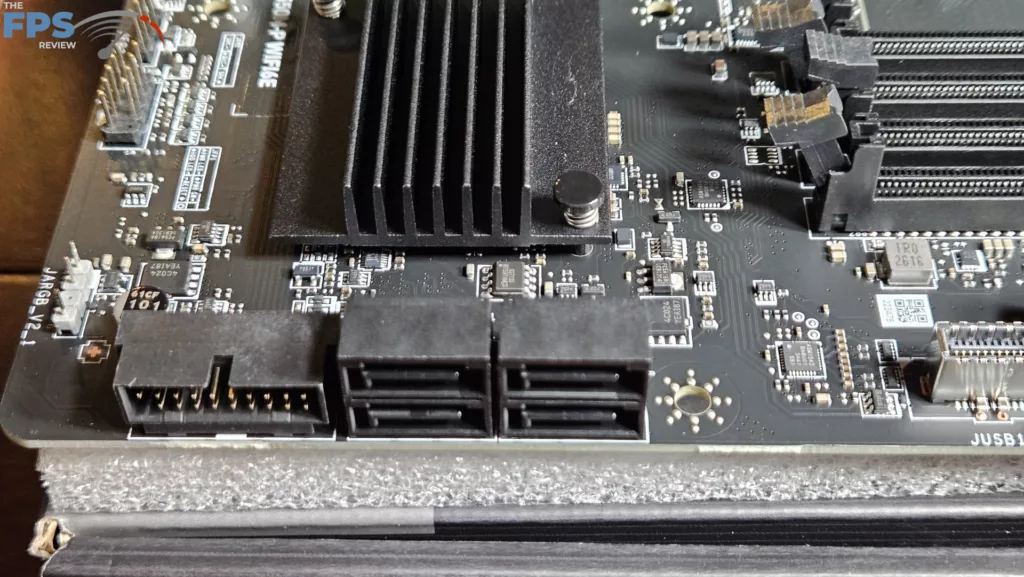
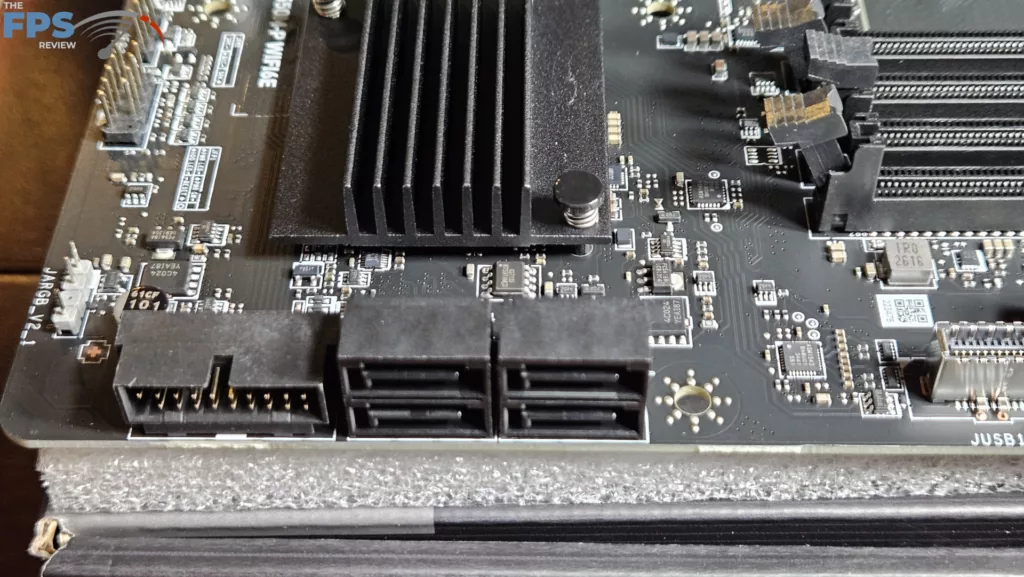
As was mentioned above, there are two M.2 slots on this board. The primary M.2 is derived from the CPU and is Gen4 x4 (64Gb/s). M.2_2 is Gen3 (32Gb/s) with lanes derived from the chipset. Again, neither of these slots has a supplied heatsink. Both are fastened by supplied small screws. On the lower right, there are four SATA 6Gb/s ports. The M.2 spacing on this board is excellent. There was no interference with either slot from the dedicated graphics card we used. However, slot two sits right under the dedicated GPU. If the drive is tall, it would not fit. A Gen3 drive generally does not require a large heatsink.
Expansion
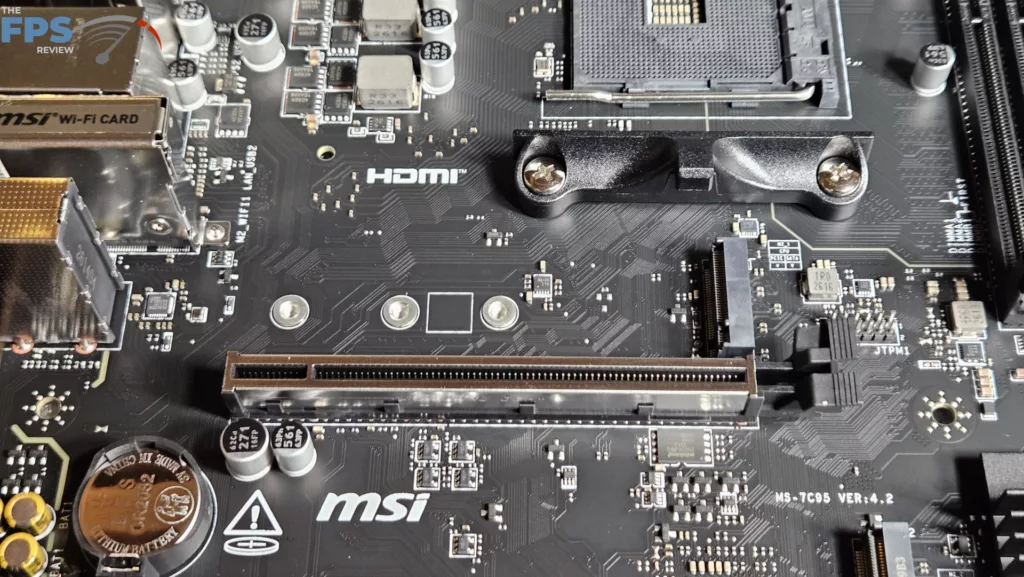
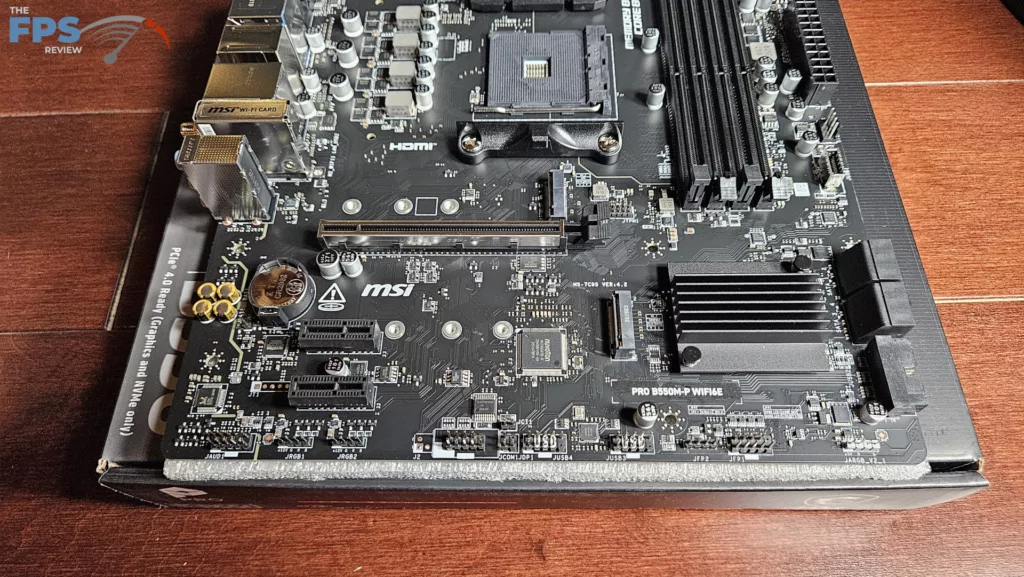
Expansion on this motherboard consists of one full-length PCIe slot and two PCIe x1 slots. There are only standard clasps. The primary PCIe slot is metal-reinforced. The primary PCIe slot supports Gen4 x16 speed. The smaller slots support x1 speed. As we stated, you have no EZ advantages when it comes to the release of the GPU, and the tolerance is tight. When the GPU is installed, you have only about the outer half of the clasp to use to release it.
I/O
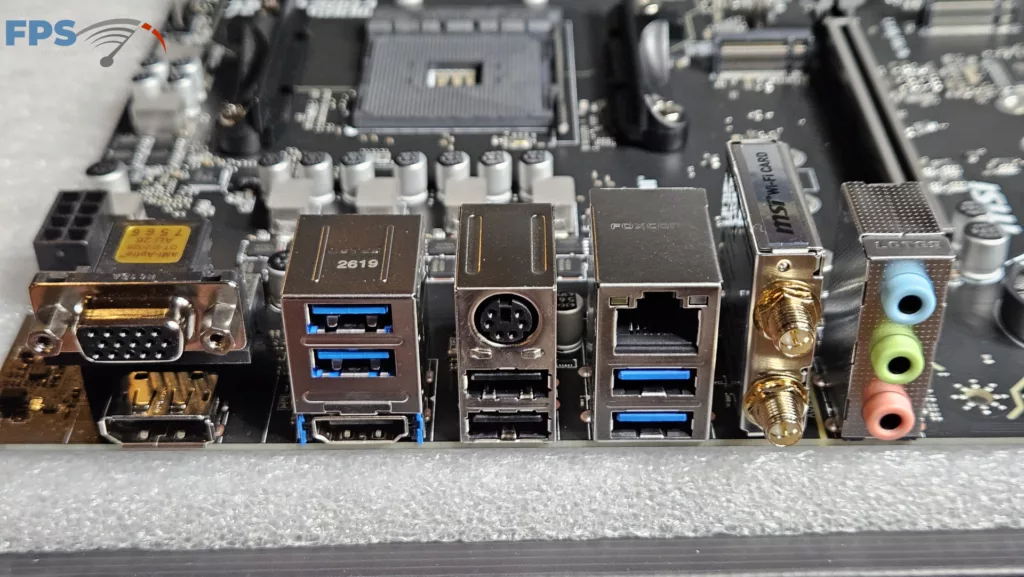
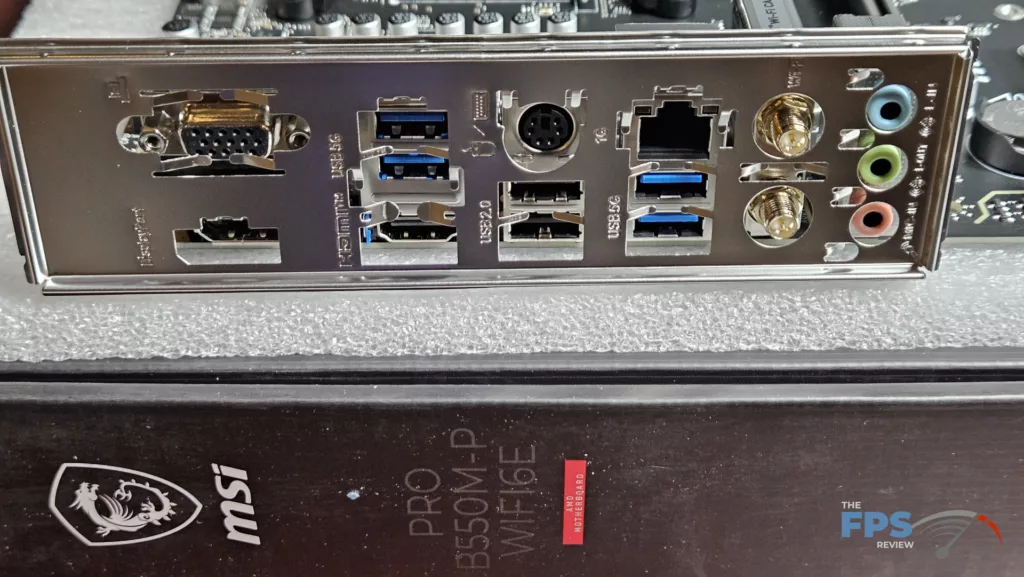
The rear I/O of the MSI PRO B550M-P WiFi6E is interesting. The backplate is not embedded as we have come to see on nearly every motherboard lately. You are supplied with a backplate in the box. Working from left to right: VGA port, DisplayPort, two USB-A 5Gb/s and HDMI, PS/2 port and USB-A 2.0, RJ45 1G and two USB-A 5Gb/s, WiFi ports, and lastly three 3.5mm audio jacks. Ethernet is RealTek RTL 8111H 1Gb, Wireless MediaTek MT 7922 with Bluetooth 5.3, and audio RealTek ALC 897, 7.1 channel capable.
Total fan headers for this motherboard are three. One top right, labelled CPU, and two on the right side, labelled SYS. These are controlled by the Hardware Monitor in the BIOS or in MSI Center software. The right side of the board houses the two SYS fan headers, 24-pin power, a USB-C 5 Gb/s front case port, 4 SATA ports and a USB-A 5Gb/s front case port. The bottom row has the front panel jumpers, two USB 2.0 headers, two ARGB headers, a 12V RGB header, and the audio header. RGB header control is under the MSI Center Mystic Fusion software.
Discussion (1 reply)
Join Discussion →It's wild to see this socket still coming on strong.