
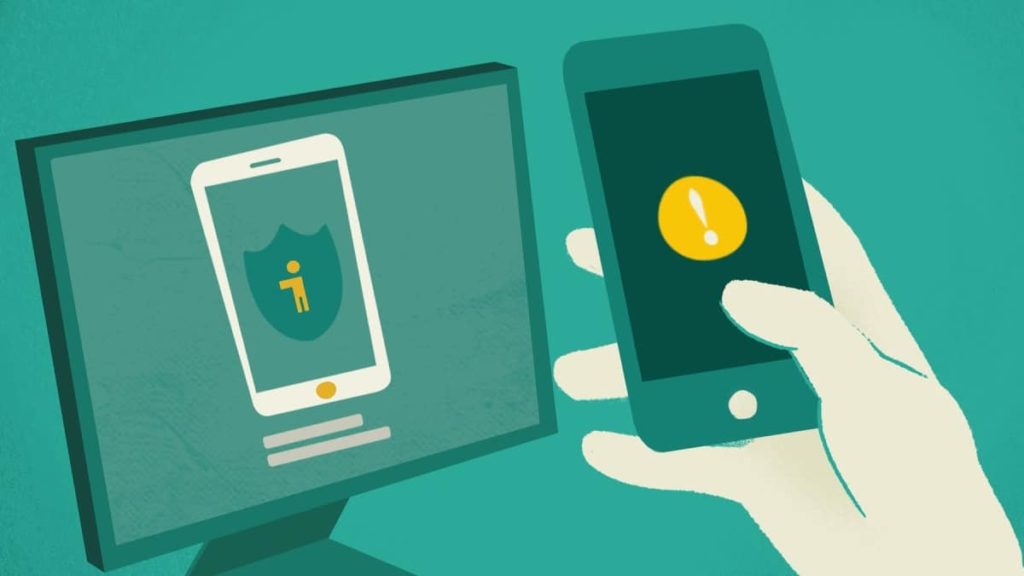
Today is World Password Day, and Google has decided to celebrate by announcing its latest step in getting rid of passwords entirely by expanding its support of FIDO to Chrome and Android devices, a sign-in standard developed by the World Wide Web Consortium (W3C) and the FIDO Alliance that aims to ease and simplify user access. With FIDO, users no longer have to remember or manage passwords; signing into a website or app will simply require users to unlock their phones, which are used to store a FIDO credential for unlocking an account. Apple and Microsoft have also agreed to expanding FIDO support.
When you sign into a website or app on your phone, you will simply unlock your phone — your account won’t need a password anymore.
Instead, your phone will store a FIDO credential called a passkey which is used to unlock your online account. The passkey makes signing in far more secure, as it’s based on public key cryptography and is only shown to your online account when you unlock your phone.
To sign into a website on your computer, you’ll just need your phone nearby and you’ll simply be prompted to unlock it for access. Once you’ve done this, you won’t need your phone again and you can sign in by just unlocking your computer. Even if you lose your phone, your passkeys will securely sync to your new phone from cloud backup, allowing you to pick up right where your old device left off.
Source: Google
Discussion (5 replies)
Join Discussion →No thanks.
I'll only ever use any service were I manage the actual encryption key manually, myself.
How dare you ruin Cinco de Mayo!! It is not password day it's shitty bargain margarita day!!!
Bull. Aint getting into this either. Yeah a key master gives you a copy of all the keys to to your websites, and suuuuure its all 100% secure and private. No. No no and no. Centralized planning for passwords, supported by friends at MS, google etc. Yeah, completely private. Any company doing this, my god.
That's exactly the issue.
In order to make these systems convenient and work across all your devices, etc. etc. the service provider has to control your master key. There is no other way.
If you control the master key, then you are going to have to manually transfer it to every device you use.
Now, if someone else controls your master key, that someone else can decrypt and access all of your passwords. Or, someone can steal that master key and do the same.
All of these solutions sacrifice security for convenience, and they are a bad idea.
I can’t think of any measure where security and convenience aren’t at odds with each other