
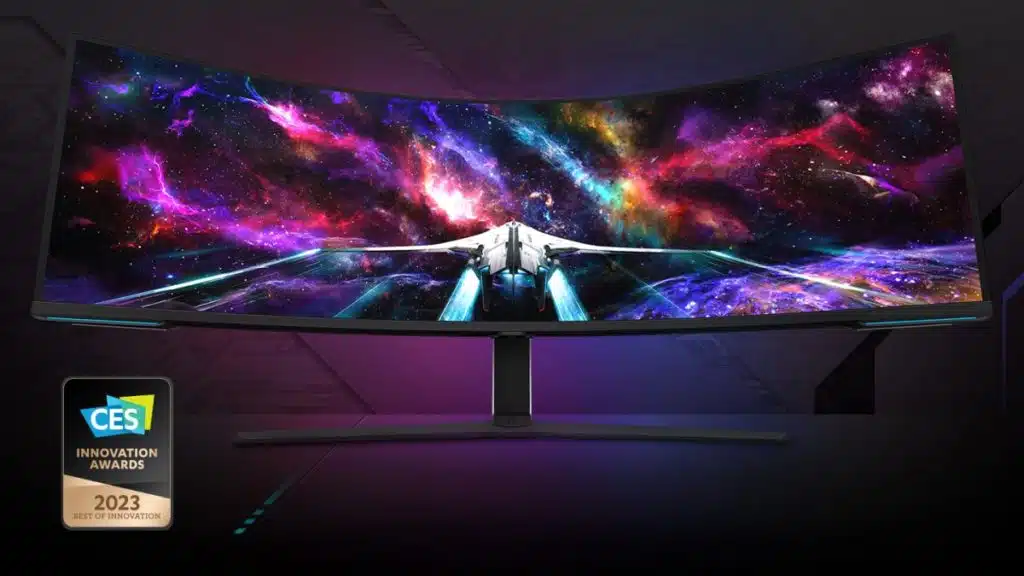
PC gamers on the lookout for a new king of UW displays may want to sit back as Samsung unveils the world’s first Dual UHD gaming monitor. It was originally announced at CES 2023 and Samsung is now showing off the new monitor, along with its updated 2023 Odyssey Ark 55”, at Gamescom 2023, which by the way, after Tuesday night’s NVIDIA DLSS 3.5 reveal, and now this, is shaping up to be like CES part two. The Odyssey Neo G9 57″ has a resolution of 7680 x 2160 (32:9) with a refresh rate of 240 Hz (1 ms GtG), uses Quantum Mini LED lighting, with 1x DisplayPort 2.1 (UHBR) and 3x HDMI 2.1 ports. It is VESA DisplayHDR 1000 / HDR 10+ certified and supports AMD FreeSync Premium Pro. Samsung plans to launch the Odyssey Neo G9 57″ in October for $2,499.99.
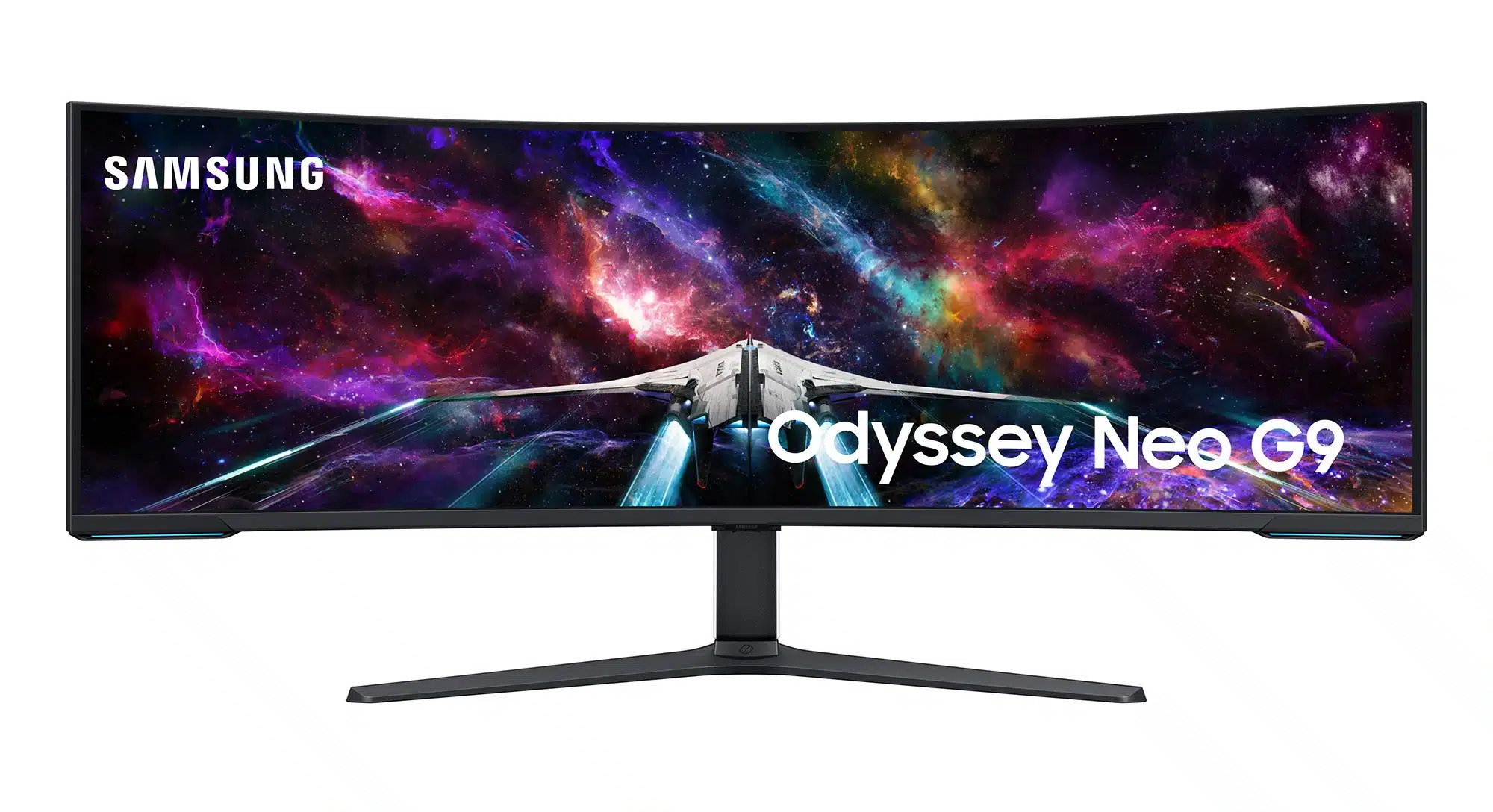
As Samsung unveils the world’s first Dual UHD gaming monitor the sticker shock, while still higher than most would like to pay, should be noted as being still quite a bit lower than the first 4K OLED displays that debuted only just a few years back and were half the size. At 57″, and a 1000R curvature, the Odyssey Neo G9 has a lot going for it but potential owners will have to plan accordingly to accommodate the footprint of such a large display.
Odyssey Neo G9 G95NC Specifications
| Display | Size | 57-inch, 32:9 ratio |
| Resolution | Dual UHD (7,680 x 2,160) | |
| Panel | Quantum Mini LED | |
| Curvature | 1000R | |
| HDR | VESA DisplayHDR 1000 / HDR 10+ Gaming | |
| Brightness (Typ.) | 420nits | |
| Response Time | 1ms (GtG) | |
| Refresh Rate | 240 Hz | |
| Gaming | Sync Tech | AMD FreeSync™ Premium Pro |
| Color | Black / White | |
| Lighting | CoreSync and Core Lighting+ | |
| Design | Stand | HAS / Tilt / VESA |
| Usability | Interface | 1 DP (2.1) / 3 HDMI (2.1) / USB Hub |
Official Announcement (via Samsung Newsroom):
“We’re continually pushing the boundaries of what gaming monitors can do to deliver what today’s gamers want – larger screen sizes with ultra-high resolution for the latest video games,” said James Fishler, Senior Vice President, Display & Home Entertainment Divisions, Samsung Electronics America. “As the leader in gaming display technology, we’re offering more screen choices than ever – from desktop monitors to large displays – so gamers can create their perfect setup. The Neo G9 57” and the 2023 Ark offer gamers theater-like, immersive gaming experiences and outstanding picture quality for any style of gameplay.”
Defy Reality and Conquer All with the Odyssey Neo G9 57”
The Odyssey Neo G9 57” (G95NC) is designed to deliver groundbreaking visual experiences for gamers looking to enhance performance and sharpen their competitive edge. With the world’s first Dual Ultra-High-Definition (DUHD) screen and a suite of high-speed connectivity options, the Odyssey Neo G9 57” earned a Best of Innovation Award at CES 2023.
The 1000R curvature in the 57” 32:9 screen is as wide as two 32” UHD monitors, wrapping around users with pin-sharp images and a wide field of view, immersing them into their games like never before.
Quantum Matrix Technology powers Samsung’s Quantum Mini LED lighting in the screen, which offers smaller, more discrete dimming zones. The result is a better distinction between light and dark areas of the screen, with sharp contrast and less blooming.
The Odyssey Neo G9 57” makes the most out of its Quantum Mini LED lighting by combining it with VESA Display HDR™1000. With 1,000 nit peak brightness, HDR content appears vivid and life-like, with accurate color and contrast reproduction, as well as enhanced color expression and depth.
The gaming performance matches the level of visual quality to help gamers meet their full potential. 240Hz refresh rate and 1ms gray-to-gray (GTG) response time deliver less blur and minimized ghosting, allowing gamers to react instantly and seal their victory with a smooth viewing experience and exhilarating gameplay. Plus, AMD FreeSync™ Premium Pro syncs the screen for a stable, stutter-free picture.
The Odyssey Neo G9 57” offers VESA-certified DisplayPort 2.1 connectivity, which supports smooth gaming, efficient video playback and the Neo G9’s DUHD resolution with a refresh rate up to 240Hz. In addition to the DP2.1, the Odyssey Neo G9 57” also offers HDMI 2.1 and a USB hub, so gamers can hook up all their devices and elevate their game with less mess.
“By bringing DisplayPort 2.1 connectivity to their premium gaming monitor, Samsung is opening new doors for gamers,” said Scott Herkelman, Senior Vice President and General Manager, Graphics Business Unit at AMD. “More bandwidth, higher speeds and faster refresh rates provide new levels of performance and visual fidelity in games, and together the new Samsung displays and Radeon RX 7000 Series graphics cards will deliver the most vivid and immersive gaming experiences yet.”
With such a wide, high-definition screen and a generation-defining new input, gamers can use the Odyssey Neo G9 57” in place of multiple monitors, keeping their desk clean from clutter, while creating a comfortable multitasking single-screen environment. Picture-in-Picture and Picture-by-Picture mode offer multiple inputs at one look, and the monitor use Auto Source Switch+ to instantly connect to new devices without flipping through input sources. An ergonomic stand, Core Lighting+ and CoreSync make the monitor fit in any environment and match the mood of the game with ambient lighting.“
Discussion (16 replies)
Join Discussion →For sale: my 49" Samsung CRG9. Available in "October" for shipping in original box.
Very interested. Nothing stands out as a tradeoff at first glance. Going to wait for reviews first of course. Is this something that you guys would review?
The standout is that it's 2x 4k, running apparently at 240Hz.
So you might get Rocket Arena, World of Whatever, and League of Legends running on it at full resolution and framerate - with a top-end GPU - you're probably not running anything else at full-speed. And definitely not at full detail.
I think this panel would be a good 'target' panel to gauge performance at extremely high resolution.
I'd sell mine but I got rid of the box. It took up almost as much space as one of our cars ;)
Yep and it only supports FreeSync VRR so you're stuck with AMD for using VRR and AMD+GPU+dual 4K means what you said and maybe not even that.
Here's a picture of it in action at CES in January of this year. It's VERY bright compared to the CRG9 and looks fantastic. Though, I also understand that Samsung sent a full calibration squad in to make sure it looked good and locked out all the on screen menus. Pardon my driving skills!
I wish - I'll probably get one for myself and could do a subjective editorial on it, but quite frankly, we do not have the tools or expertise to do monitor reviews the right way at this time (we've been offered a few monitors over the years).
I thought nVidia supported FreeSync now - at least on select monitors?
[URL unfurl="true"]https://www.pcgamesn.com/what-is-freesync[/URL]
I've used nVidia cards with FreeSync monitors via G-Sync Compat.
It most certainly does, I've used it myself with two different monitors (Samsung and Dell with LG panel) and two different nVidia cards (Pascal and Ampere). It's called "G-Sync Compatible".
EDIT:
The biggest thing that stands out as a tradeoff to me is the manufacturer. I don't trust Samsung to produce a product and then stand behind it when it fails. I've been burned a couple times already.
Otherwise, it looks like an impressive monitor. I don't think I'd have room for it (that's what she said) ... on my desk. But I'm sure if given the right opportunity, I could make a change here or there.
That's an impressive display. If I had room for it I'd be in line.
It really depends. With the CRG9 , no. It was a flickering mess when I tried. Last I heard gsync compatible was best bet but occasionally some Freesync might work even if not listed but no guarantees.
Yeah, the compatibile being listed is the trick. If that doesn't show it might not work but I've heard some do so it's a gamble.The LG oleds have that but not the crg9.
That's my hesitation as well. I know a few guys on here have had luck with them, but a lot of unhappy customers out there with endless quirks.
If it's flickering it usually means the monitor doesn't have enough freesync range, manufacturers will claim their display is freesync and then in reality it supports like 53-60Hz or even less range, which is useless. My display is "freesync" also but when the FPS drops bellow the bottom range it starts flickering, it's not an nvidia thing, it does the same with AMD. So usually it's better to just not use it, unless your 1% lows are above the bottom freesync range.
I'd hope that the panel gets repackaged into an Alienware monitor by Dell - I waited for Dell to produce a proper version using LGs 38" 1ms IPS, for example, which I'm currently using - the Alienware AW3821DW. LGs version had similar issues to those reported by Samsung purchasers (and LG made the panel!).
If not Dell, then I'm not sure who I'd trust. Acer has done quite good in the past with gaming displays despite their more budget namesake; first G-Sync monitor is one of theirs, an older IPS but still has great color and the VRR has been solid.