
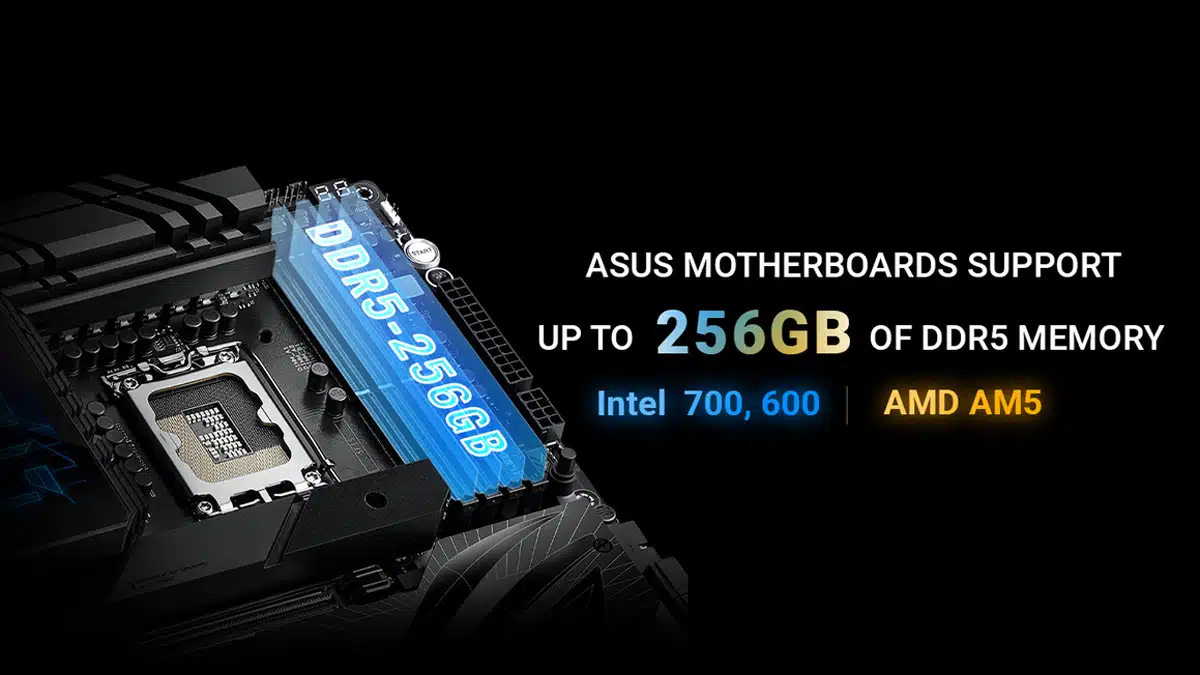
BIOS updates that enable support for up to 256 GB of memory on ASUS’s Intel 700 and 600 series DDR5 motherboards are now available, the company has announced. AMD AM5 motherboards from ASUS also feature this level of memory support, with no BIOS update required.
ASUS noted:
Such models with four DIMM slots can now support up to 256 GB of memory, while such models with two DIMM slots can now support up to 128 GB. These enhancements significantly improve multitasking potential, ensuring smooth and seamless computing.
The relevant BIOS updates:
| Platform | Model Name | BIOS version |
| Intel 700 series | ROG MAXIMUS Z790 APEX ENCORE ROG MAXIMUS Z790 DARK HERO ROG MAXIMUS Z790 FORMULA ROG STRIX Z790-A GAMING WIFI II ROG STRIX Z790-A GAMING WIFI S ROG STRIX Z790-E GAMING WIFI II ROG STRIX Z790-F GAMING WIFI II | As of BIOS version 0904 |
| ROG MAXIMUS Z790 EXTREME ROG MAXIMUS Z790 HERO EVA-02 ROG MAXIMUS Z790 HERO ROG MAXIMUS Z790 APEX ROG STRIX Z790-E GAMING WIFI ROG STRIX Z790-F GAMING WIFI ROG STRIX Z790-A GAMING WIFI ROG STRIX Z790-I GAMING WIFI ROG STRIX Z790-H GAMING WIFI PROART Z790-CREATOR WIFI PROART B760-CREATOR PROART B760-CREATOR WIFI | As of BIOS version 1904 | |
| PRIME Z790M-PLUS TUF GAMING Z790-BTF WIFI TUF GAMING Z790-PRO WIFI TUF GAMING Z790-PLUS WIFI PRIME Z790-V AX PRIME Z790-V WIFI PRIME Z790-P WIFI PRIME Z790-P PRIME Z790-A WIFI Z790 GAMING WIFI7 ROG STRIX B760-G GAMING WIFI ROG STRIX B760-A GAMING WIFI ROG STRIX B760-F GAMING WIFI TUF GAMING B760M-PLUS WIFI II TUF GAMING B760M-PLUS II TUF GAMING B760M-PLUS TUF GAMING B760M-PLUS WIFI TUF GAMING B760-PLUS WIFI TX GAMING B760M WIFI TUF GAMING B760M-BTF WIFI PRIME B760-PLUS TW D5 PRIME B760-PLUS TX GAMING B760-BTF WIFI TUF GAMING H770-PRO WIFI PRIME H770-PLUS ROG STRIX B760-G GAMING WIFI S PRIME B760M-AJ PRIME B760M-A AX6 PRIME B760M-PLUS PRIME B760M-A PRIME B760M-A WIFI PRIME B760M-A AX B760M-PRO GAMING | As of BIOS version 1630 | |
| Pro B760M-C Pro B760M-CT | As of BIOS version 1631 | |
| Intel 600 series | ROG MAXIMUS Z690 EXTREME GLACIAL ROG MAXIMUS Z690 EXTREME ROG MAXIMUS Z690 FORMULA ROG MAXIMUS Z690 APEX ROG MAXIMUS Z690 HERO ROG MAXIMUS Z690 HERO EVA ROG STRIX Z690-E GAMING WIFI ROG STRIX Z690-F GAMING WIFI ROG STRIX Z690-A GAMING WIFI PRIME Z690-A ROG STRIX Z690-G GAMING WIFI ROG STRIX Z690-I GAMING WIFI ProArt Z690-CREATOR WIFI TUF GAMING Z690-PLUS TUF GAMING Z690-PLUS WIFI PRO WS W680-ACE PRO WS W680-ACE IPMI Pro WS W680M-ACE SE | As of BIOS version 3302 |
| Pro Q670M-C-CIARA Pro Q670M-C | As of BIOS version 3202 | |
| AMD AM5 series | AMD AM5 motherboards do not require a BIOS update to enable support for up to 256 GB of DDR5 memory modules. |
Discussion (15 replies)
Join Discussion →That's well into HEDT arenas and I approve. Though some folks might be power shocked. Ram uses a lot of juice.
Was gonna post I dont see a bios update. Turns out I dont need one.
Not that I plan to upgrade any time in the next few years. I have more ram than I need as it is. I have had it all in use a time or two but not often.
5W to 10W per module for DDR5, assuming you're pushing it pretty hard?
Odd I was going by my dell server calculator. It likes a lot of power for 64 gig sticks. Like an additional 300 wats for 16 of them.
Perhaps that's not too far off at ~19W/stick, if you consider that 64GB sticks are fairly dense. I was going by my experience with overclocking 16GB sticks, which would top out at 10W before they got too hot to keep stable (but this is with the poor slapped-on cooling that Corsair and G.Skill had been using).
I got very curious about the power draw of my own DIMMS after Grimlakin's post. I could not find much info on the topic. What little I did find suggested power draw for DIMMS is negligible, even stating the size of the Capacity didnt matter., just the type DDR vs DDR 1-5 etc. The few, scraggly posts I could Google up were also suggesting 3-5 watts per stick.
Anyone have factual information on the topic? Both in general and specifically for G.Skill Trident DDR 5 6400 (running at 5200, board or cpu just wont do more even with 1 DIMM) 48gb sticks, which have to be double sided though I am not going to pull one out to look.
Any online calculators for home built systems?
HWINFO64
Thanks,
They are running about .75 to 1.2 watts each right now, not doing much though. Should get a game going and see.
Ah not per dimm, per channel so 8 instead of 4 - still not very many watts overall.
I wonder if dells calculation is based on something else.... But yes our 1tb ram said hosts needed 1400 watt powerr supplies and no graphics cards.
Absolute stability over service life. I've been pretty surprised how overspec'd server power supplies can be; completely different ballgame in comparison to your average gaming desktop.
You'd have to do something that actually hits RAM hard, and I don't know of much short of one of the enthusiast memory testing apps. Memtest has a negligible load. TestMem5 is the toughest one I know of.
Or run y-cruncher, maxing out your available RAM. But backup your OS first, because if something isn't stable for whatever reason, memory corruption is a first-class ticket to BSOD city.
Ya lets avoid bsod city
Testmem5 maxed at 2.75 watts per DIMM or 11 watts total. I suspect the onboard power management is doing its thing to cap the power draw.
What the physical configuration for the 1tb of ram? 16 DIMM sockets at 64gb each? I dont know much about the server space and how mobo's there are configured.
Assuming:
48gb dimm draws 3/4th the power of a 64gb stick: 2.75/(3/4th)= 3 2/3rds watts per stick.
3 2/3 * 16 = 58 2/3rds watts estimated.
Of course I am guessing the server has ECC and maybe RDIMMS no idea how that affects things.
How many CPU's does that server have?
Yea dual 32 core xeons and 16 memory modules at 64 gig each to populate each channel on the processors.
Playing Secret World Legends four an hour-ish:
All things considered not a significant energy sink on my system. My PSU reports from ~250 to ~600 (mostly 300-450) watts on the power in while playing.
Looks like there are DIMMS that are 20 watts each. That's starting to be appreciable.
[URL unfurl="true"]https://www.tomshardware.com/pc-components/ddr5/micron-shows-massive-256gb-ddr5-8800-memory-sticks-high-capacity-20-watt-mcrdimm-modules-for-next-generation-servers-come-in-different-flavors[/URL]