
Introduction
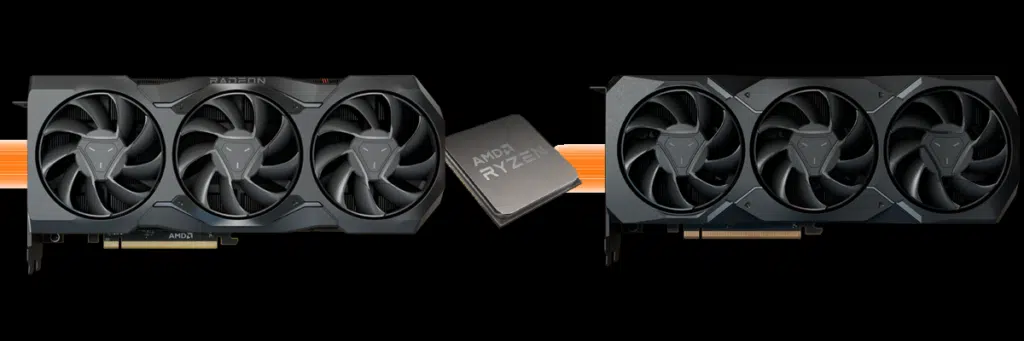
This review is going to cut straight to the chase, we are going to find out how performance is affected on the new AMD Radeon RX 7900 XTX and Radeon RX 7900 XT video cards with AMD Smart Access Memory On versus Off. AMD Smart Access Memory is related to the PCI-Express Resizable BAR (Base Address Register), or ReBar for short, built into modern motherboards. AMD has its own sauce for utilizing Resizable BAR that it calls AMD Smart Access Memory.
Reviews across the web have been inconsistent, could it be because AMD Smart Access Memory is not being used? Are reviewers using Intel systems hurting Radeon Radeon RX 7900 Series GPU performance? Could this really help the Radeon RX 7900 XTX and Radeon RX 7900 XT perform better and compete better with the competition? Is AMD SAM the saving grace for the Radeon RX 7900 Series GPUs? Note that our launch reviews had it enabled, so let’s turn it off and see how it compares.
What is AMD Smart Access Memory?
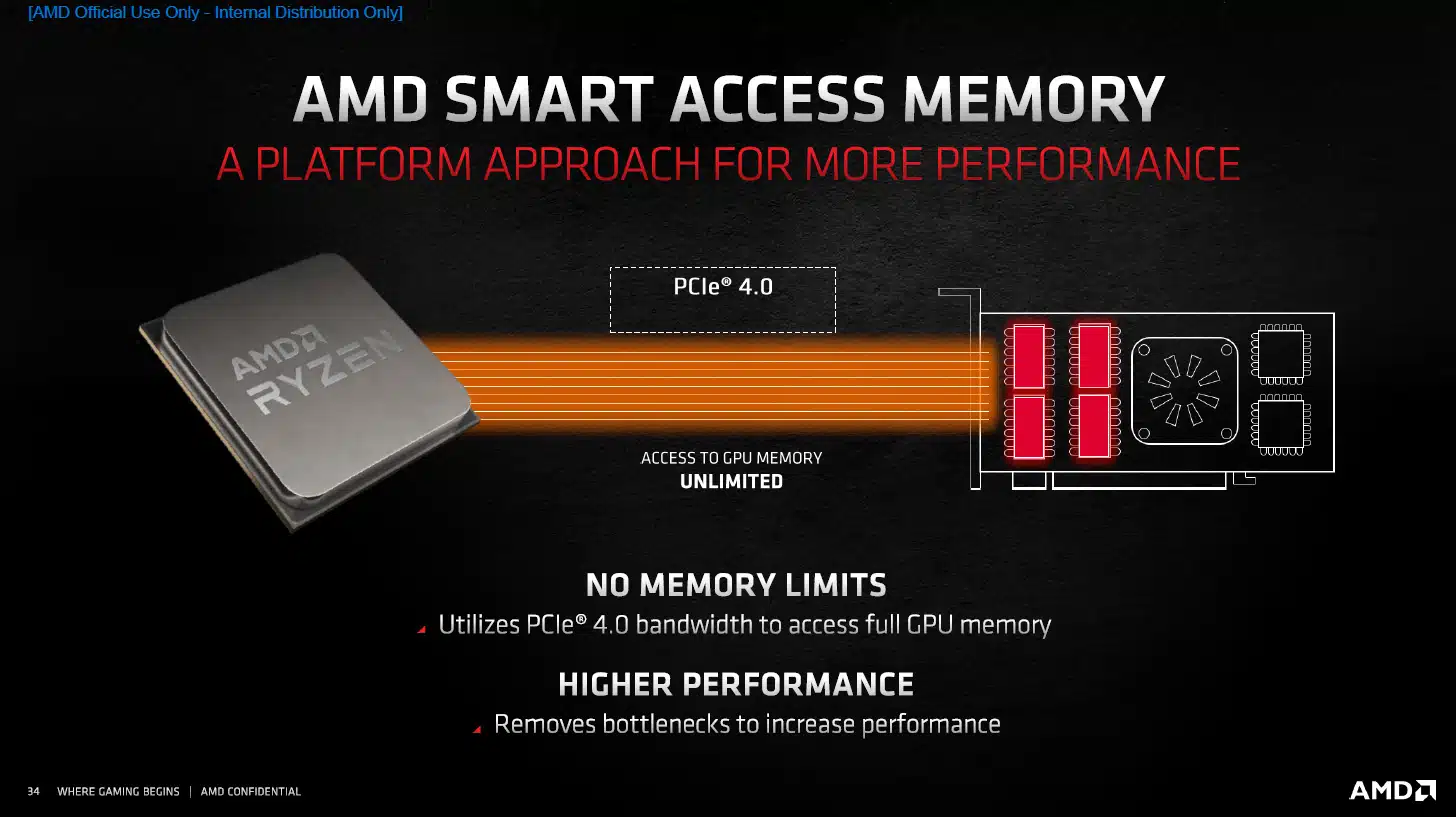
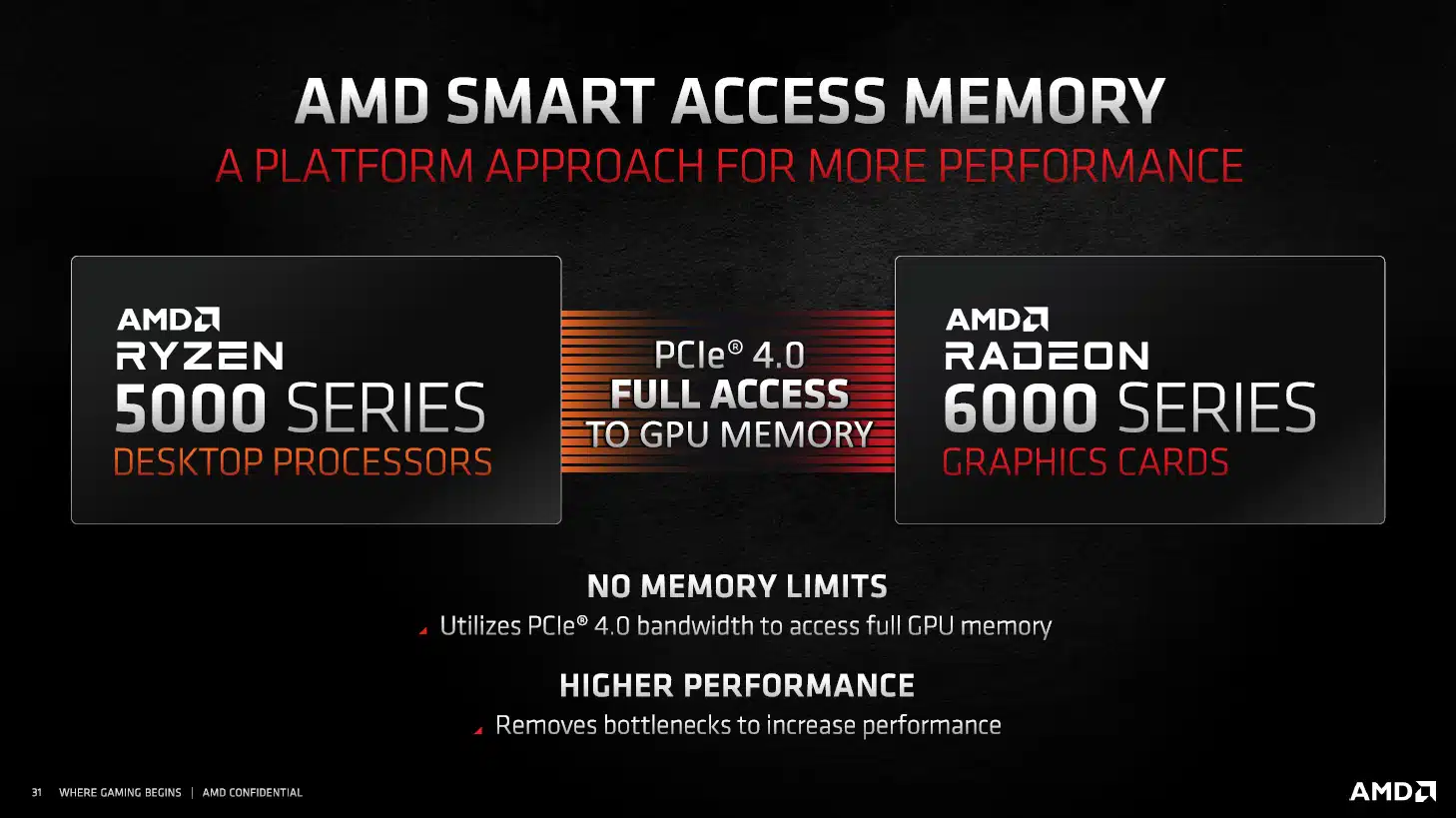
When combined with an AMD Ryzen CPU and chipset, and AMD GPU and driver you can benefit from AMD Smart Access Memory on your Radeon GPU to improve gaming performance for free. It’s a system platform optimization that gamers can freely utilize for free performance uplifts with this synergy of components.
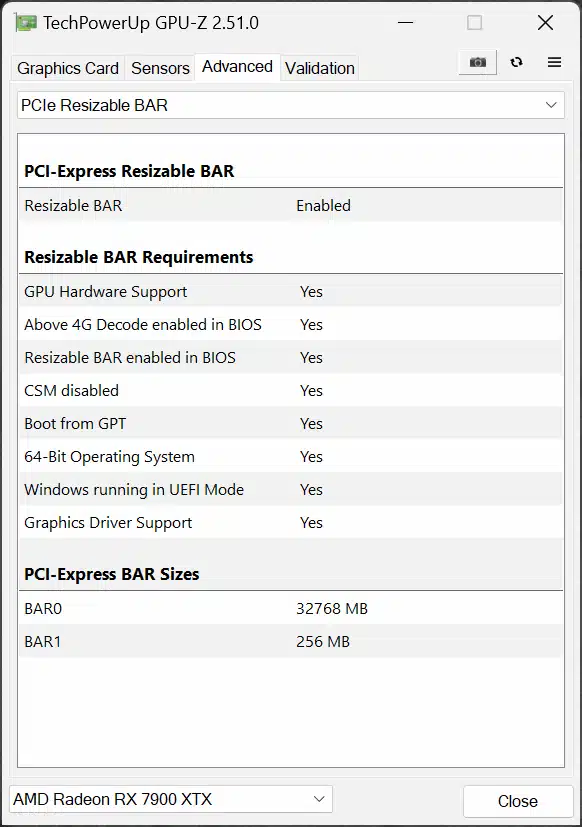
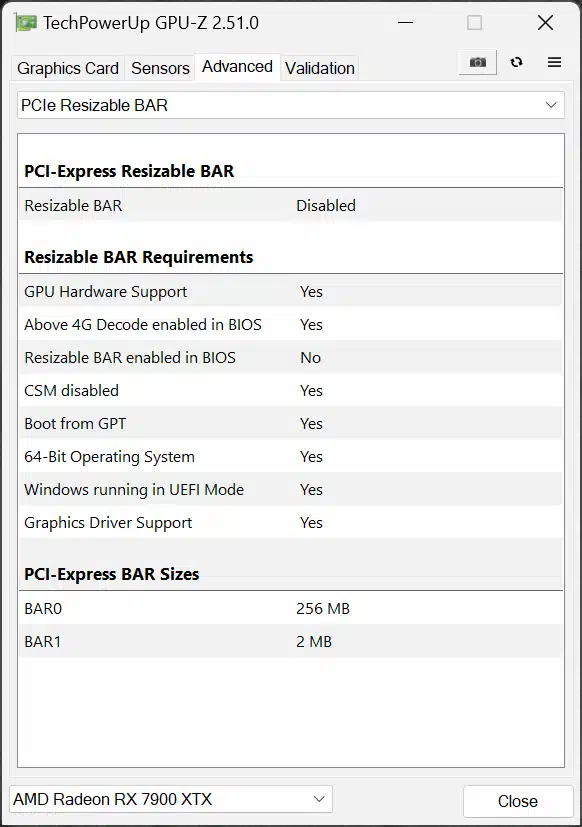
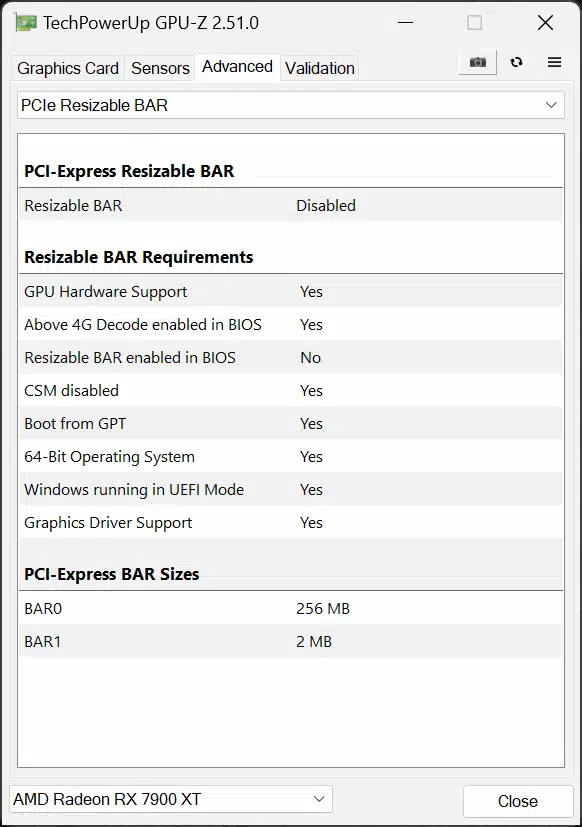
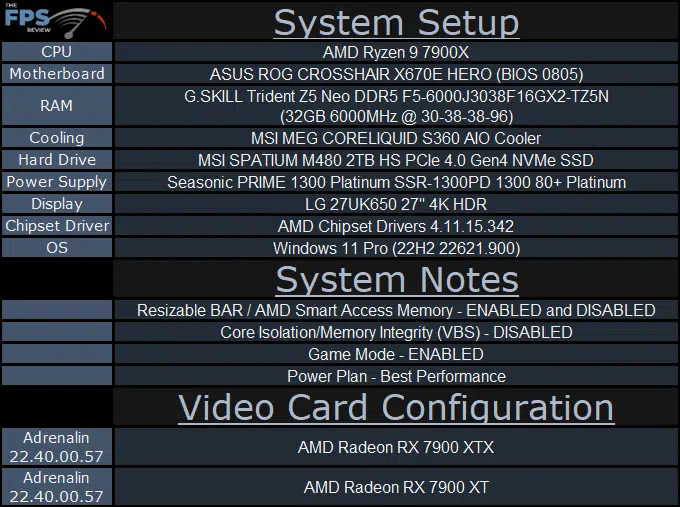
What we want to find out is how much difference it really makes with the new Radeon RX 7900 Series GPUs RDNA3 architecture. Therefore, we are going to take the Radeon RX 7900 XTX and Radeon RX 7900 XT and compare performance with Resizable BAR enabled and disabled in the BIOS, no other changes. We are running on an AMD AM5 platform Ryzen 9 7900X CPU and X670E chipset for that complete AMD Smart Access Memory (AMD SAM) platform synergy.
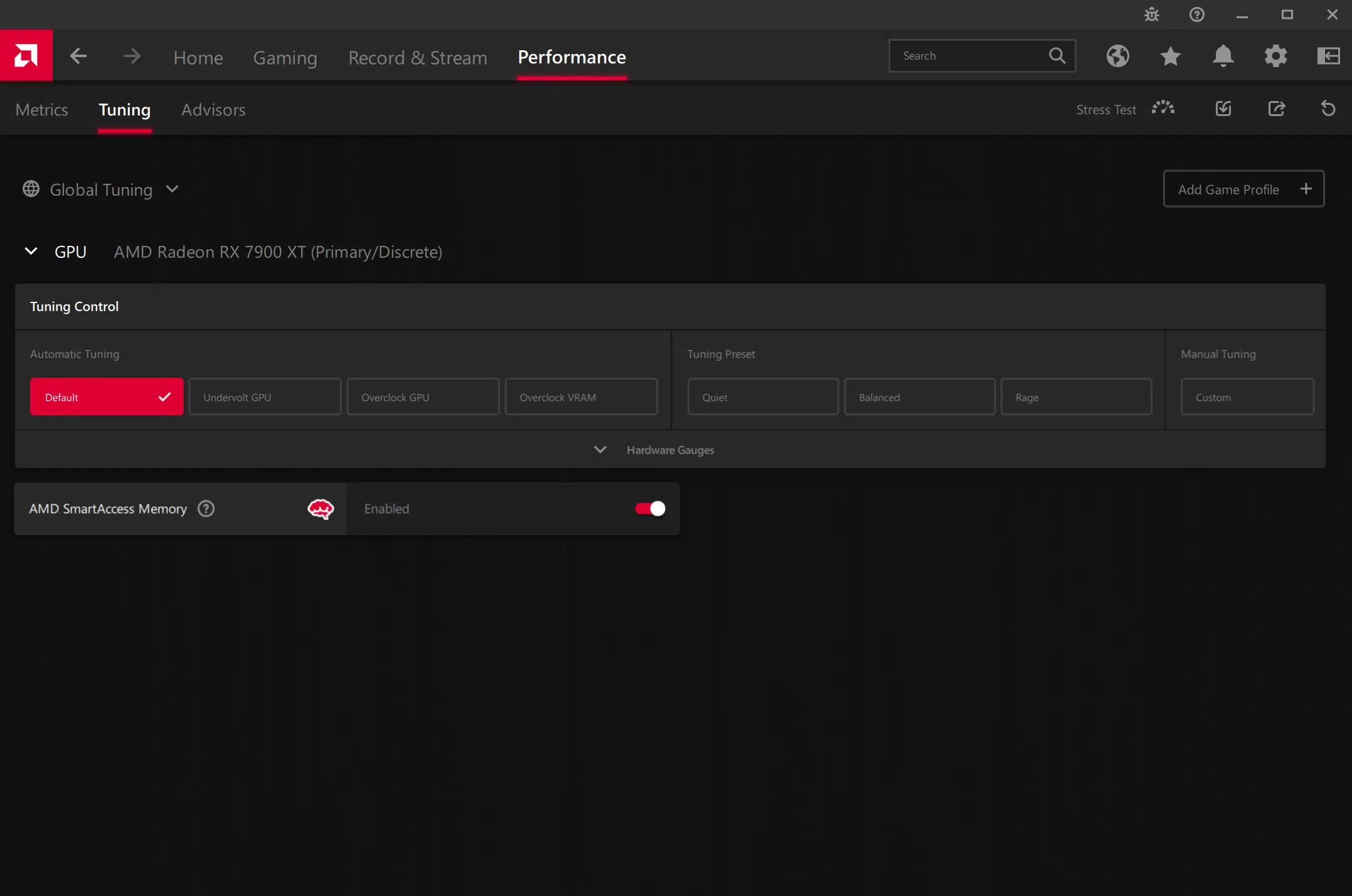
How to enable Smart Access Memory

Test Setup
Discussion (9 replies)
Join Discussion →Very interesting results.
Good work !!!
It would also be interesting to see the effect of ReBAR on an Intel system vs. SAM on an AMD mobo. Hell, then you could compare the setting with AMD and Nvidia GPUs on each platform. Cause you have unlimited time to run benchmarks, of course;).
Thanks for testing this!
I never read much into it and I thought SAM was ReBAR on AMD systems.
Not sure what the difference is.
Yea found I had Sam on but it wasn't working because of csm. I turned that off.
@Brent_Justice Your data in the review got a brief mention here on the TPU forums, where SAM was asked by a forum member to Wizzard (posts #65 & #66).
I'm not subbed over there, a response I would pose is that while yes AMD SAM utilizes Resizeable BAR, (it is the road by which it travels, which has to be on) AMD SAM has a little more 'special sauce' either via software, and or hardware combination, when in combination with AMD's platform, that provides a higher uplift of performance in select games. AMD has done a little extra with ReBAR. It's not just a "toggled-on" scenario, but there is a little secret sauce adding to the ingredients, enhancing it more. It would be a worthwhile conversation to have.
[embedded media]
They backup what I've said. So it isn't just me.
Another one, Enable Smart Access Memory, it does stuff.
[embedded media]