
Introduction
Let’s catch up with GeForce RTX 5090 gaming performance in 2026. In today’s review, we are going to take a look at a factory overclocked GeForce RTX 5090 and see how that compares to the GeForce RTX 5090 Founders Edition. With brand new gaming benchmarks today, we are including games that were not out yet at the original launch. Thanks to newer drivers, newer games, newer game patches, and hardware, we can see how a factory-overclocked GeForce RTX 5090 performs in the summer of 2026. This is a GIGABYTE GeForce RTX 5090 GAMING OC 32G Review.
The NVIDIA GeForce RTX 5090 was launched back in January of 2025, and we are now 1.7 years removed from that launch date, and newer games have been released. Today we can see how the GeForce RTX 5090 performs in these games and run the latest Ray Tracing and Path Tracing to test performance. The GeForce RTX 5090 is the fastest GPU in NVIDIA’s GeForce RTX 50 series, Blackwell architecture, line of video cards. Though the launch MSRP was $1,999, with the situation we are faced with here in the summer of 2026, pricing has more than doubled and may rise even higher. Price aside, this is technically the fastest consumer graphics card for gaming that exists. This is a video card you purchase with a clear understanding of the price and the desire to have the fastest. It isn’t a good value, but you go into that knowing that price for that performance, for you, is worth it.
The GeForce RTX 5090 is based on the GB202 die, the Blackwell architecture, and the TSMC 4nm 4N NVIDIA custom process. The NVIDIA GeForce RTX 5090 consists of 11 GPCs, 85 TPCs, and 170 SMs with 128 CUDA Cores per SM. When you add all this up, the NVIDIA GeForce RTX 5090 has 21,760 CUDA Cores, 680 5th Gen Tensor Cores, 170 4th Gen RT Cores, 176 ROPs, and 680 Texture Units. The GPU Boost Clock is set at 2407MHz. Memory consists of 32GB of GDDR7 on a 512-bit memory bus at 28Gbps, giving it 1.792GB/s of memory bandwidth. The TGP (Total Graphics Power) is 575W.


GIGABYTE GeForce RTX 5090 GAMING OC 32G
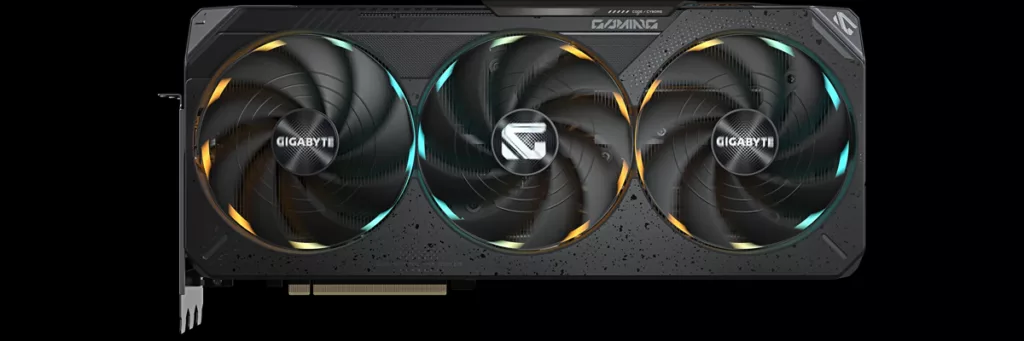
In GIGABYTE’s GeForce RTX 5090 line-up, there are about nine different models available. In this series, you’ll find the WINDFORCE, GAMING OC, MASTER, MASTER ICE, STEALTH ICE, XTREME WATERFORCE, and INFINITY. The GAMING OC sits just above the WINDFORCE, and offers the GIGABYTE RGB Halo lighting, a differently styled cooler, and a factory overclock. It’s a slight upgrade over the WINDFORCE. There is only one model of the GAMING OC, and so that is the version we are reviewing today: GIGABYTE GeForce RTX 5090 GAMING OC 32G (GV-N5090GAMING OC-32GD).
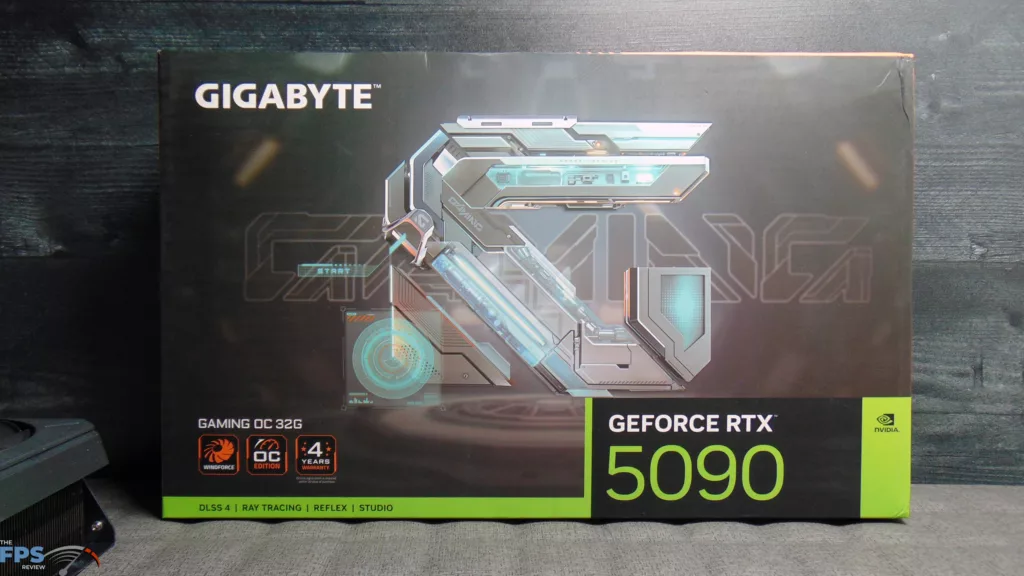
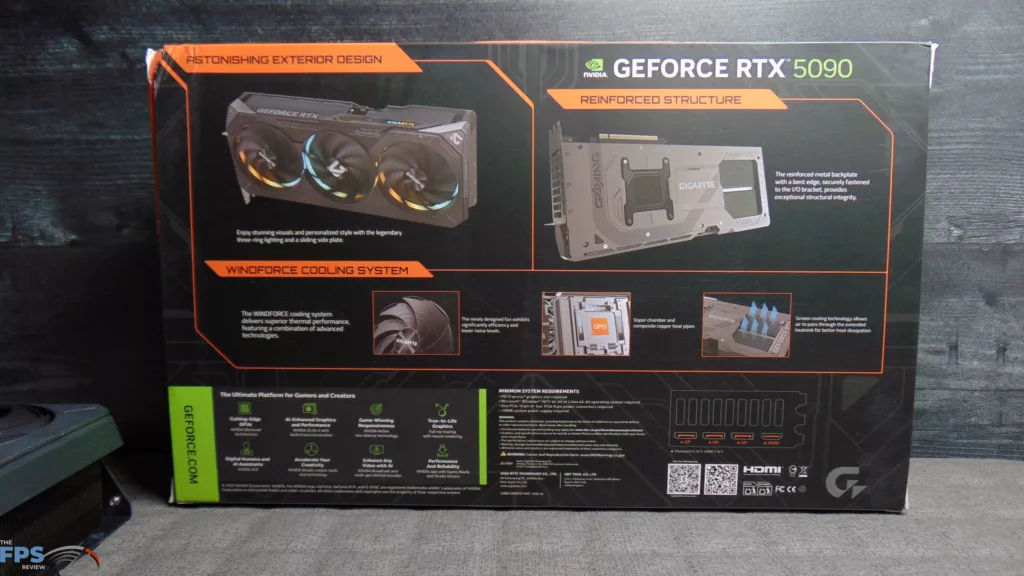
The box protects the video card well, and it is easy to take out. Inside the box is a Quick Guide, a Warranty registration card, 1x 12V-2×6 to 4x PCIe 8-pin adapter, a VGA holder, and a manual. The Warranty is 4 years, and you must register it.
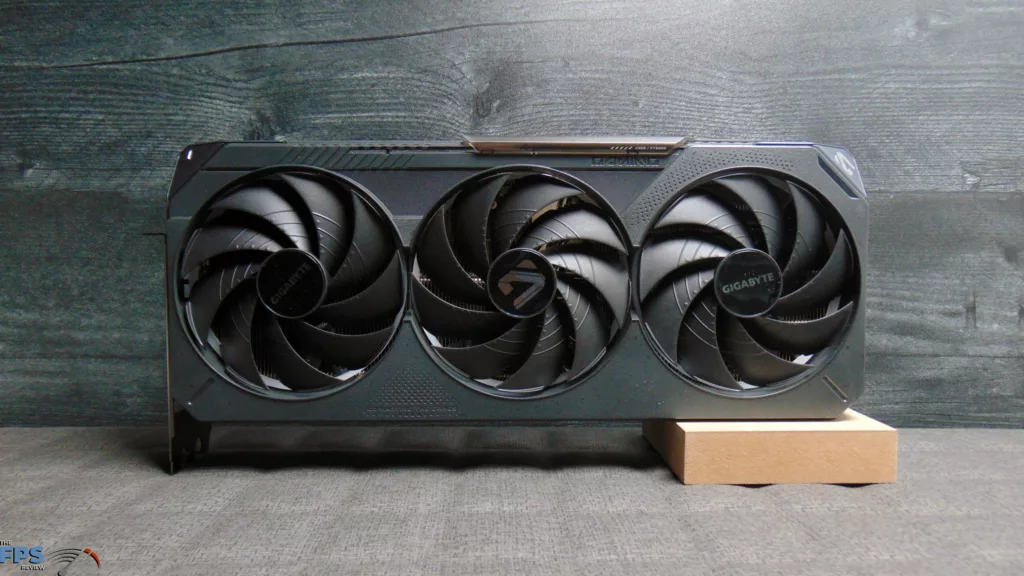
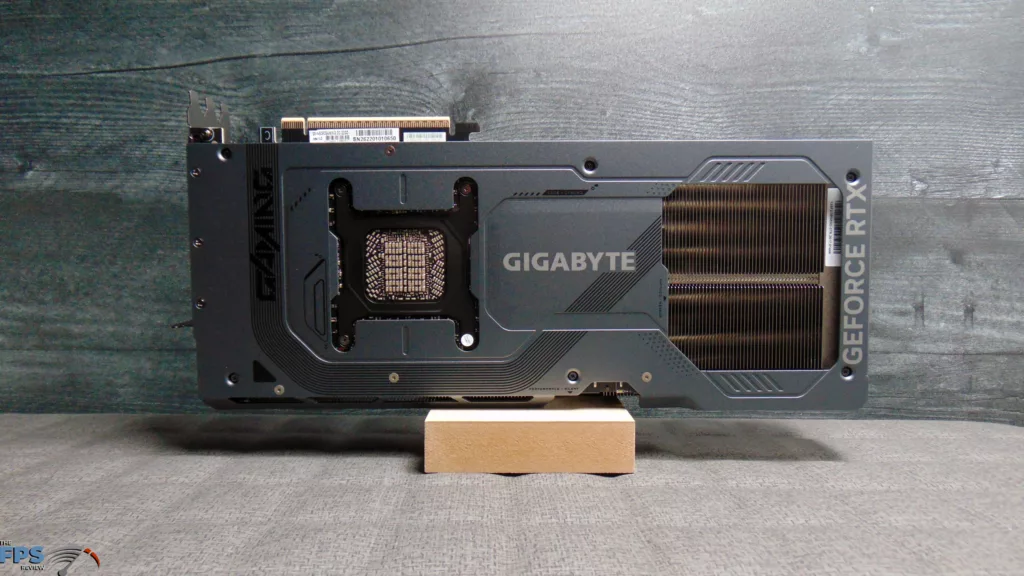
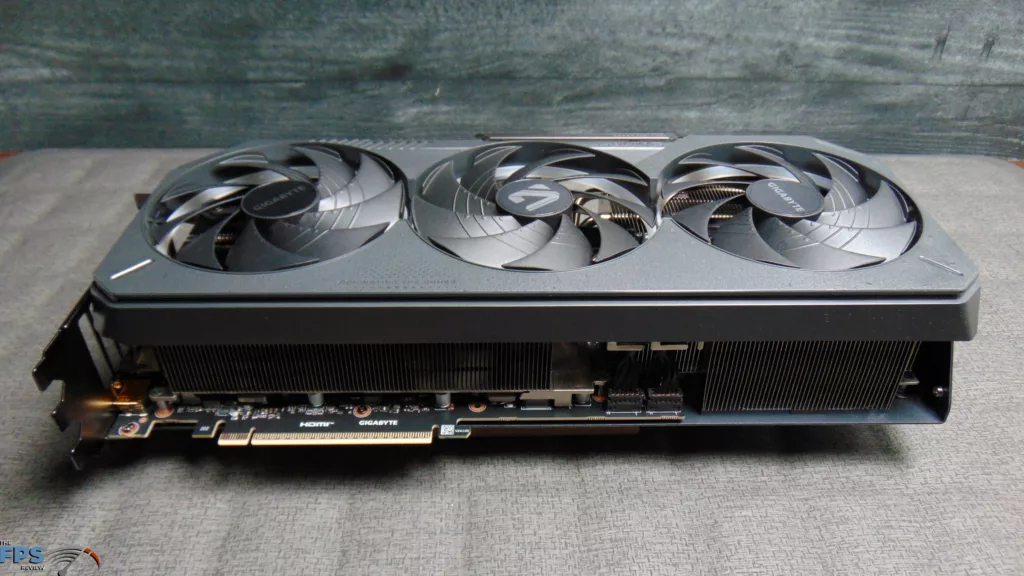
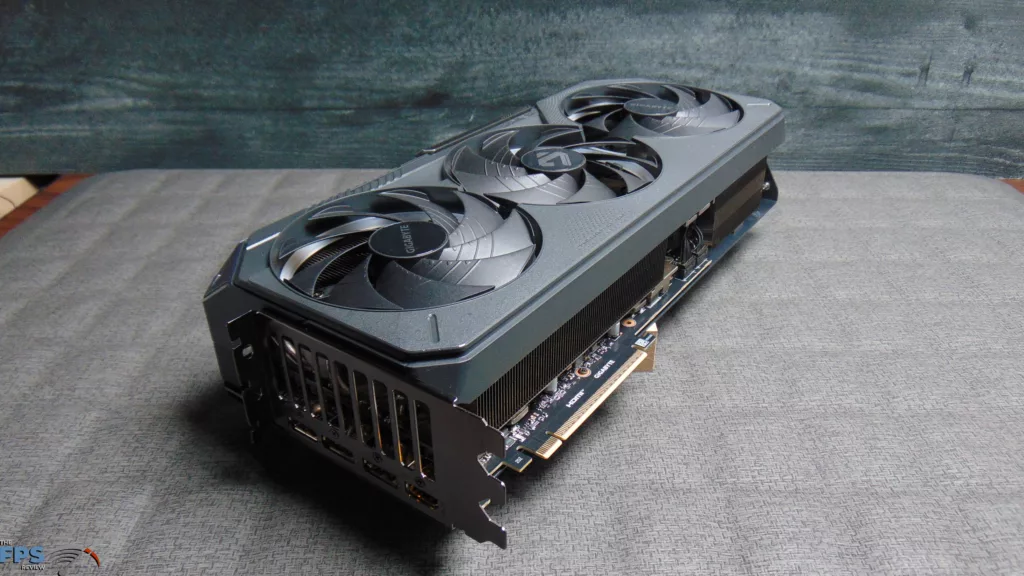
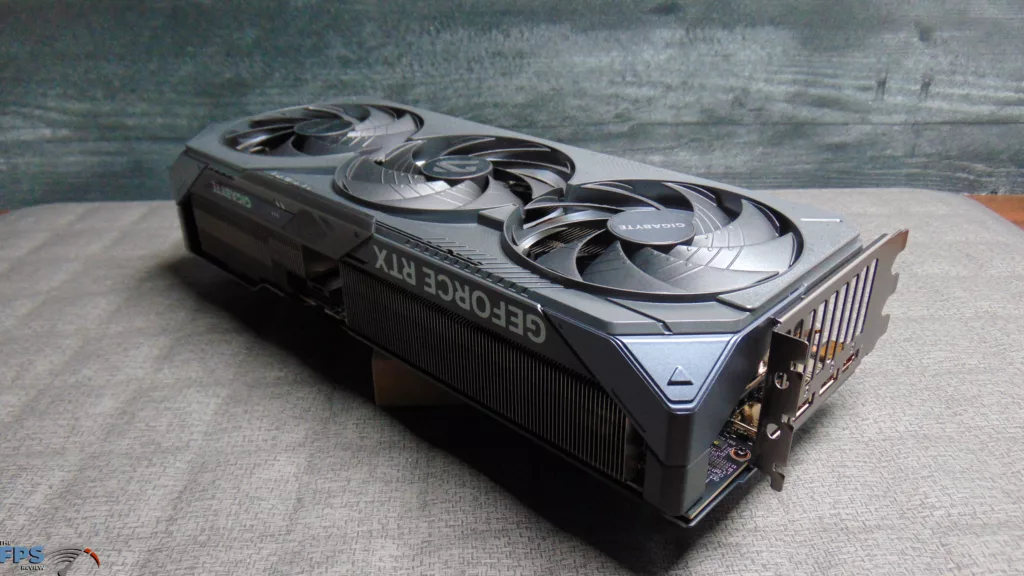
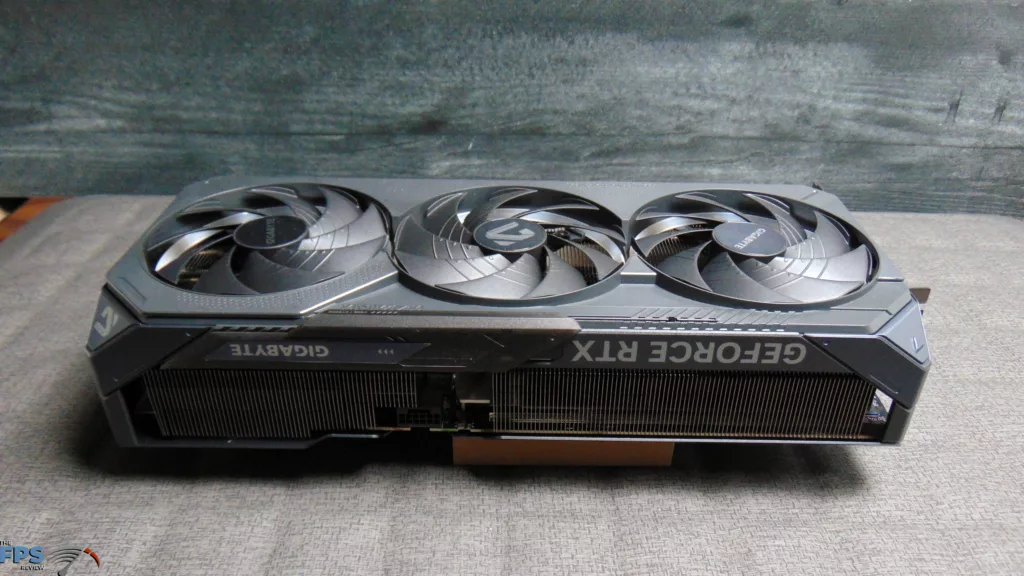
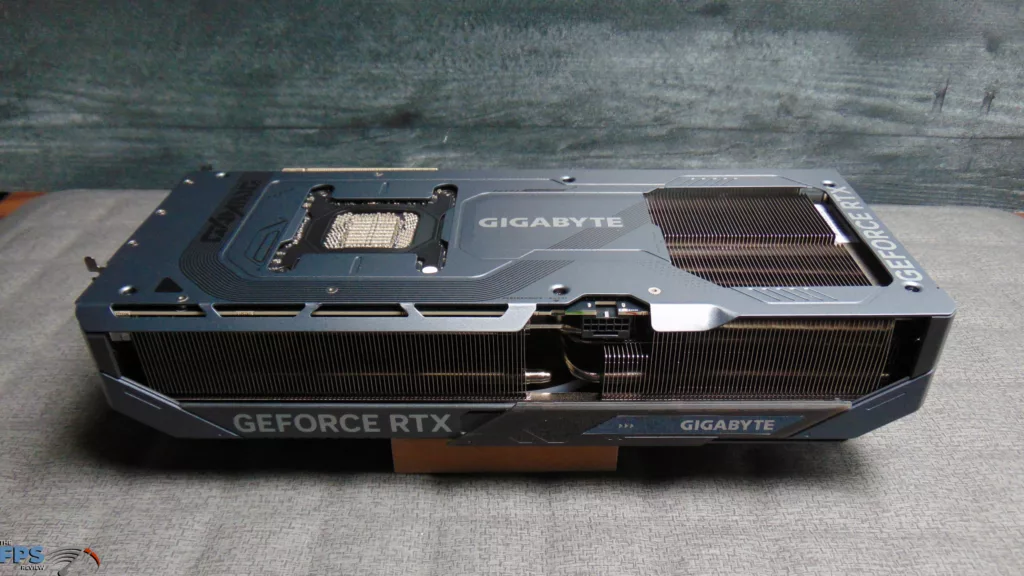
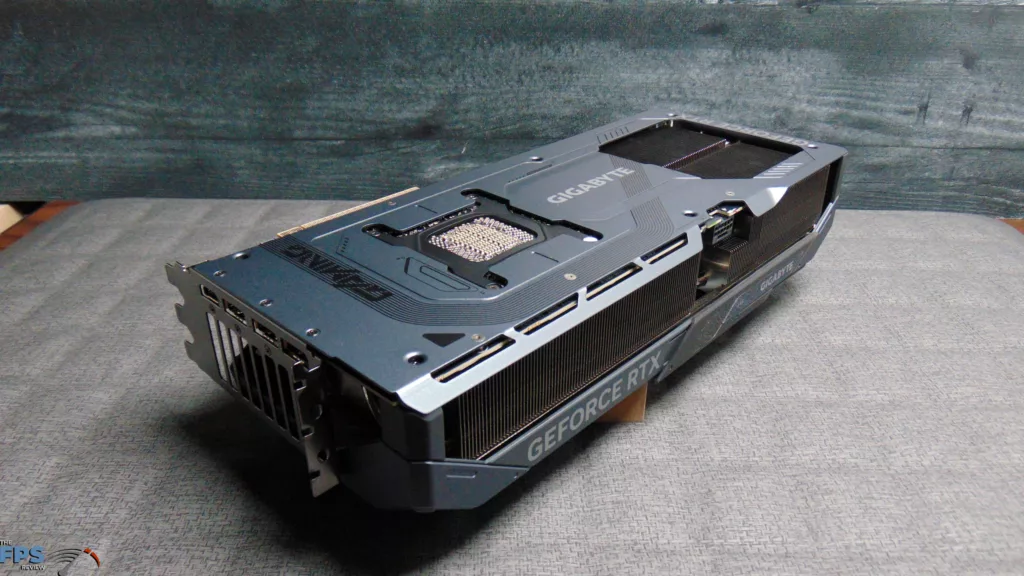
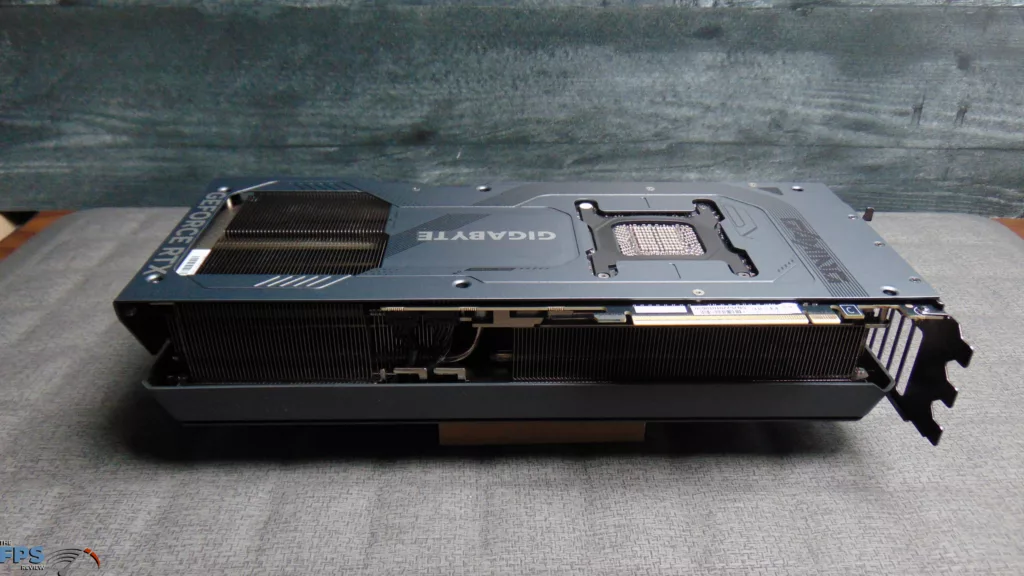
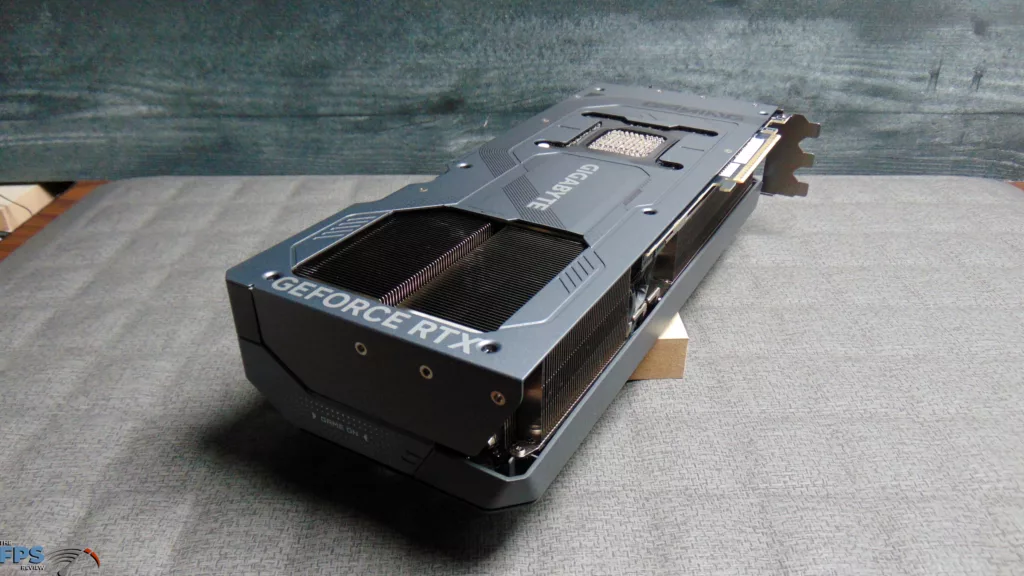
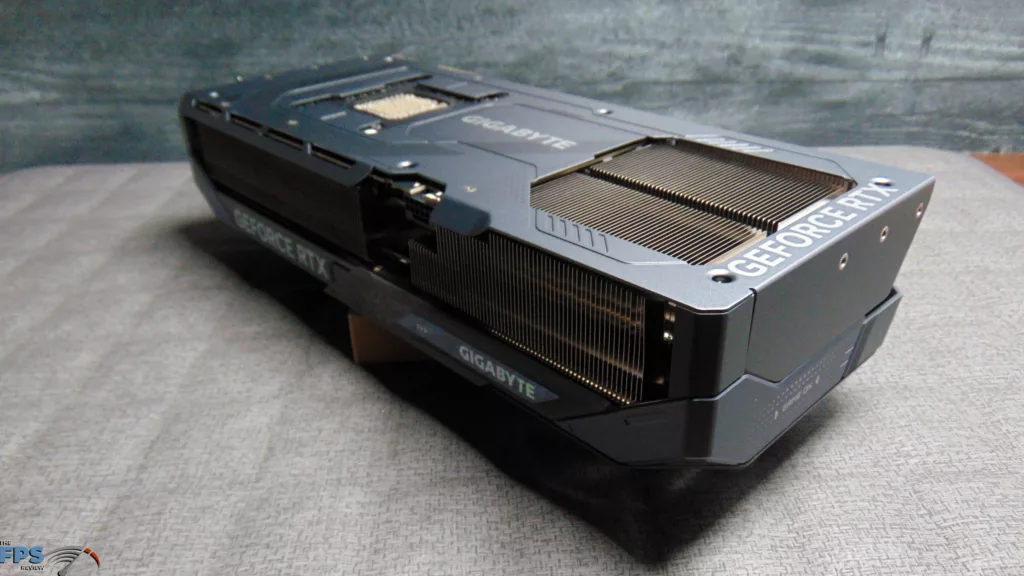
The most noteworthy thing about the GIGABYTE GeForce RTX 5090 GAMING OC 32G is that it is factory overclocked with a GPU Boost of 2550MHz. This is up 6% from the NVIDIA reference specification of 2407MHz. In light of this, the TDP does run higher than the base specification, and GIGABYTE recommends a 1000W power supply. Otherwise, it has the same 32GB of GDDR7 at 28Gbps. This is also a very large video card, with the official card size listed as: 342mm x 152mm x 70mm. It has 3x DisplayPort 2.1b and 1x HDMI 2.1b.
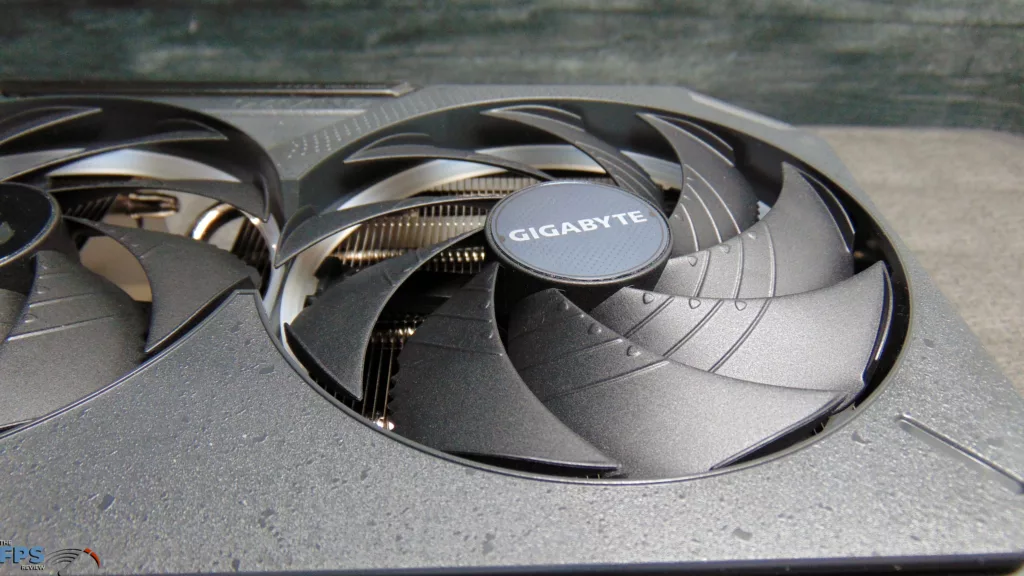
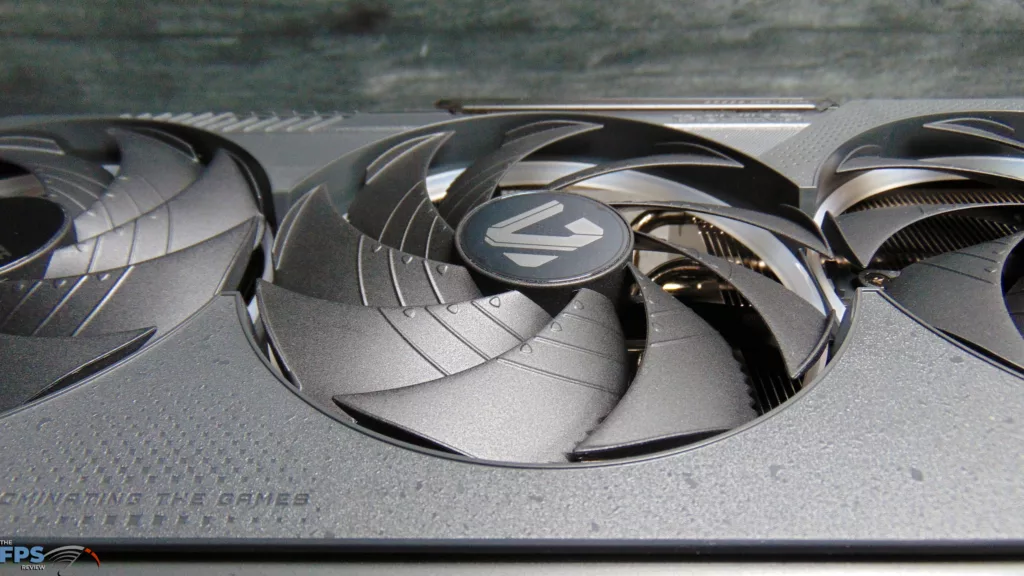
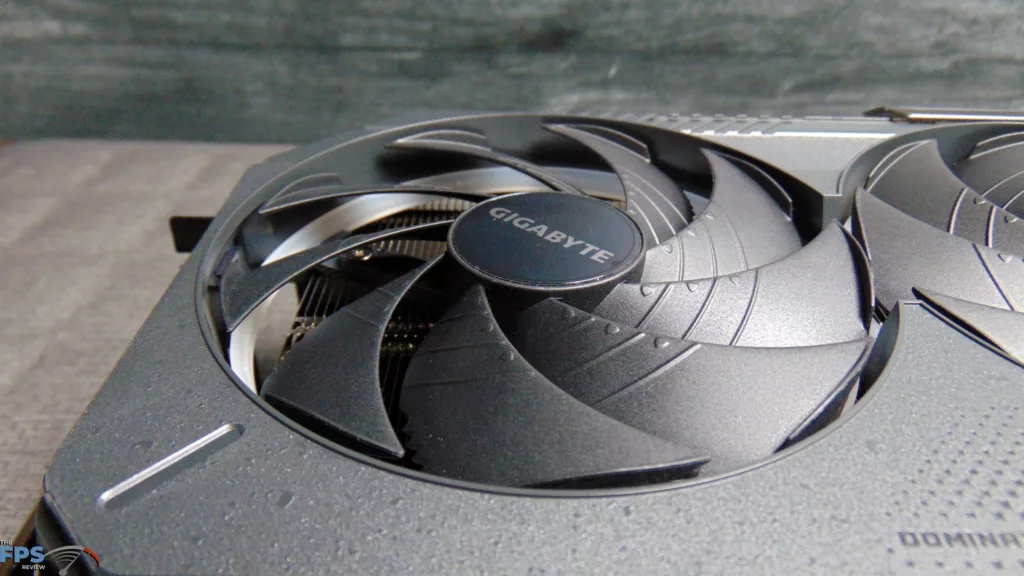
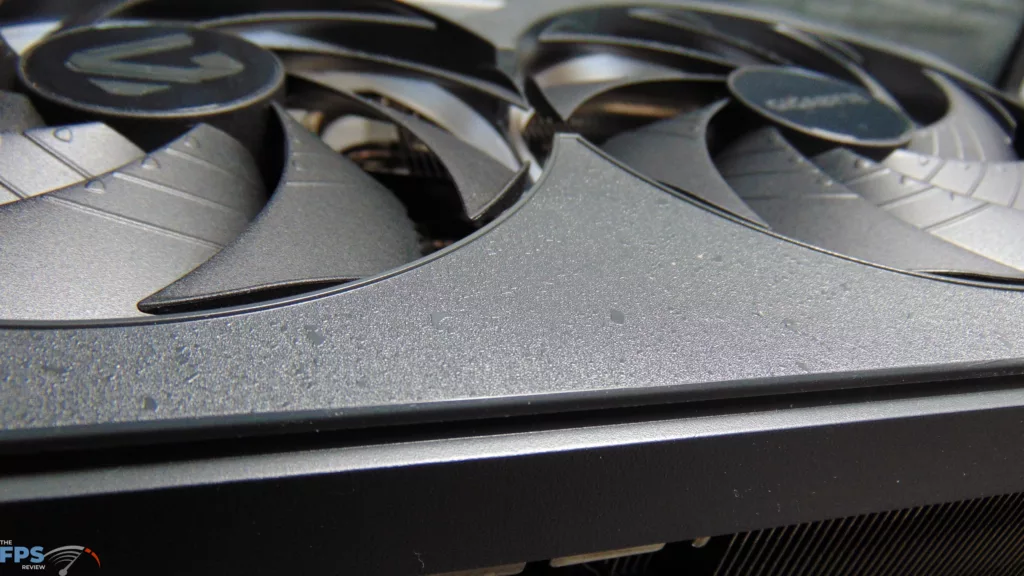
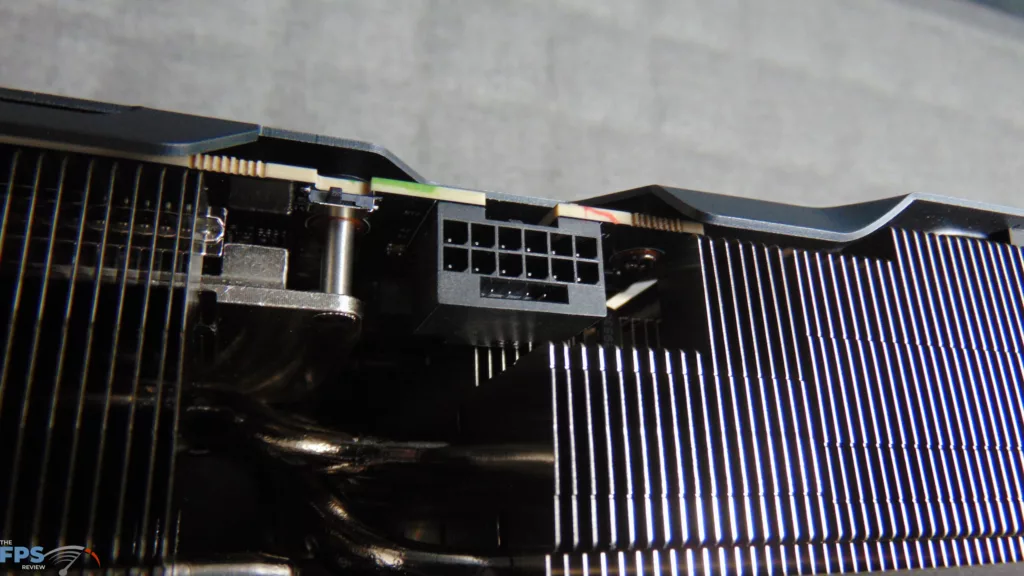
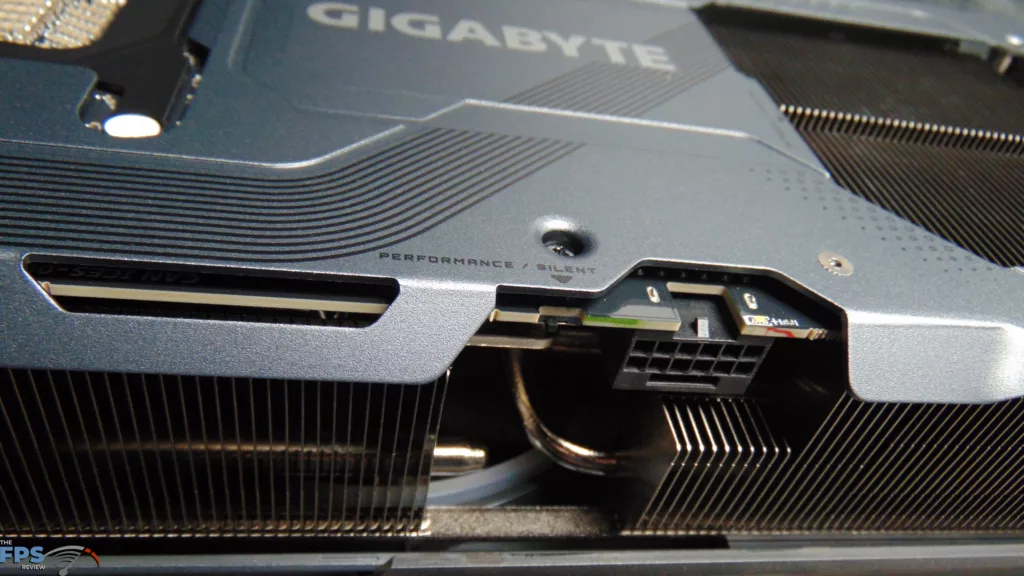
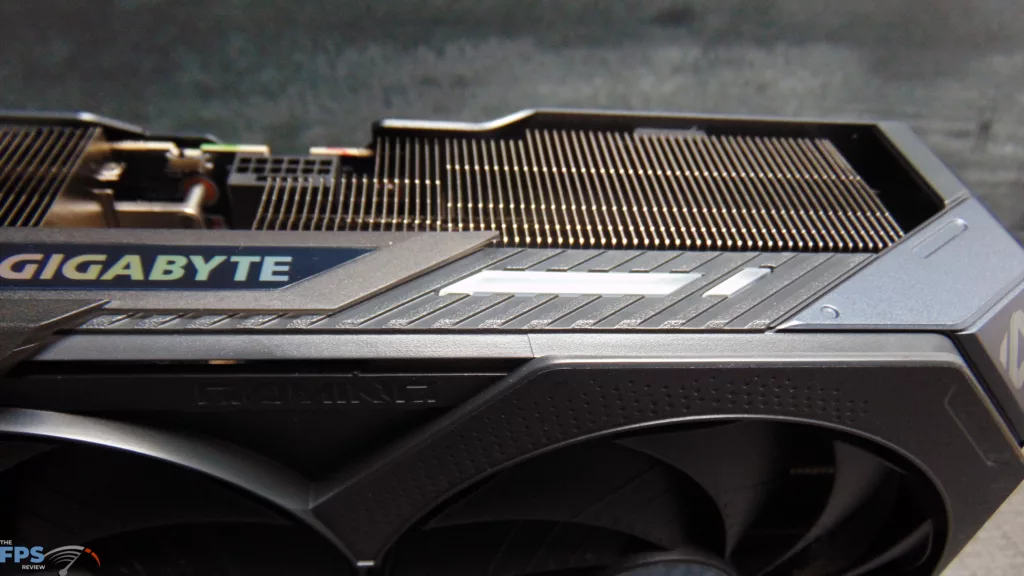
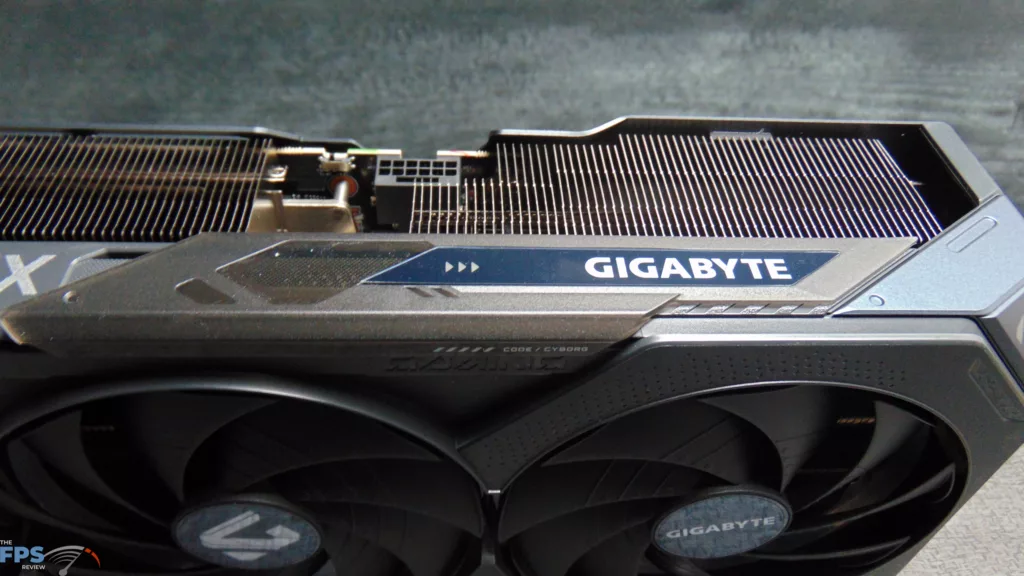
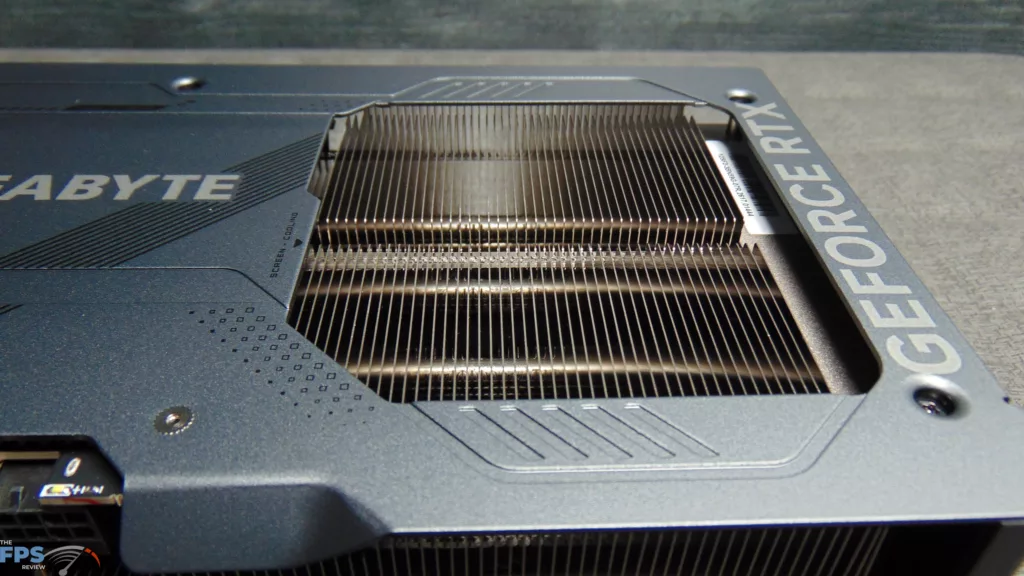
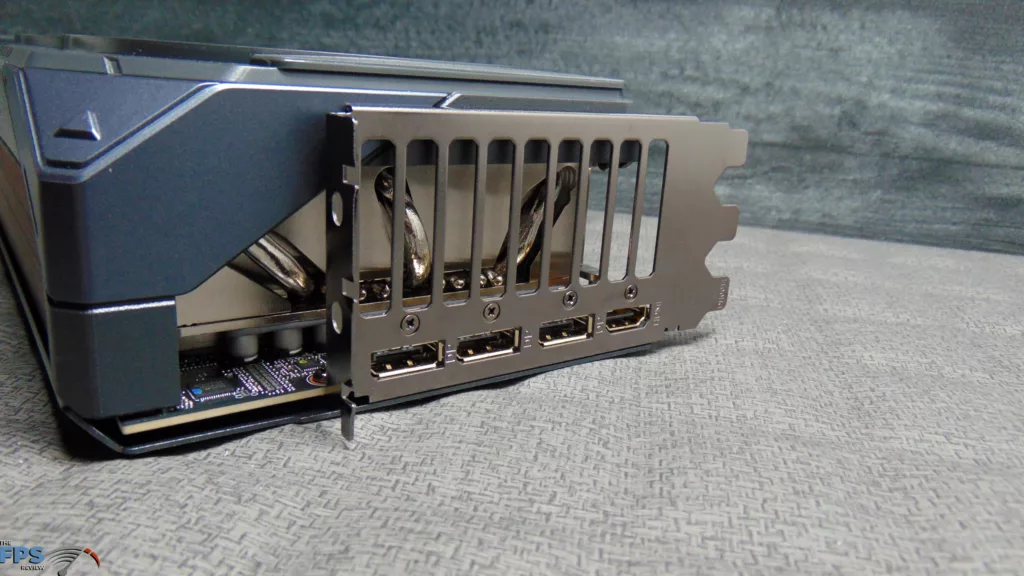
The GIGABYTE GeForce RTX 5090 GAMING OC 32G uses GIGABYTE’s WINDFORCE cooling system with Hawk Fans. The heatsink is a large vapor chamber design with composite copper heat pipes and is quite a bulky piece of metal, making direct contact with VRAM and the GPU. In fact, the entire video card is very heavy and hefty. To transfer heat, GIGABYTE uses server-grade thermal conductive gel for the VRAM and MOSFETs. There is GIGABYTE’s Screen Cooling, which allows air to blow through the heatsink on the back.
The Hawk Fans have a unique blade design to increase air pressure and reduce noise levels. These are sleeve-bearing fans using a graphene nano lubricant. Uniquely, the fans are alternate spinning, meaning the outer fans spin counterclockwise, while the center fan spins clockwise to reduce turbulence. They also support 3D Active Fan, which shuts them down to 0 RPM at low loads or idle. The backside has a full metal backplate that actually connects via the I/O bracket to help give the whole card rigidity.
The overall fan shroud design has a multi-layered visual, with a unique texture that you can actually feel. There is also a unique Sliding Side Plate that lets you reveal the GIGABYTE logo, or switch it to a standard LED visual. The GIGABYTE GeForce RTX 5090 GAMING OC 32G has a dual BIOS, with a Performance and Silent mode that changes the fan profile. It comes shipped in Performance Mode. There is also a Power Indicator on the 16-pin connector to indicate if there are any abnormal connection issues.
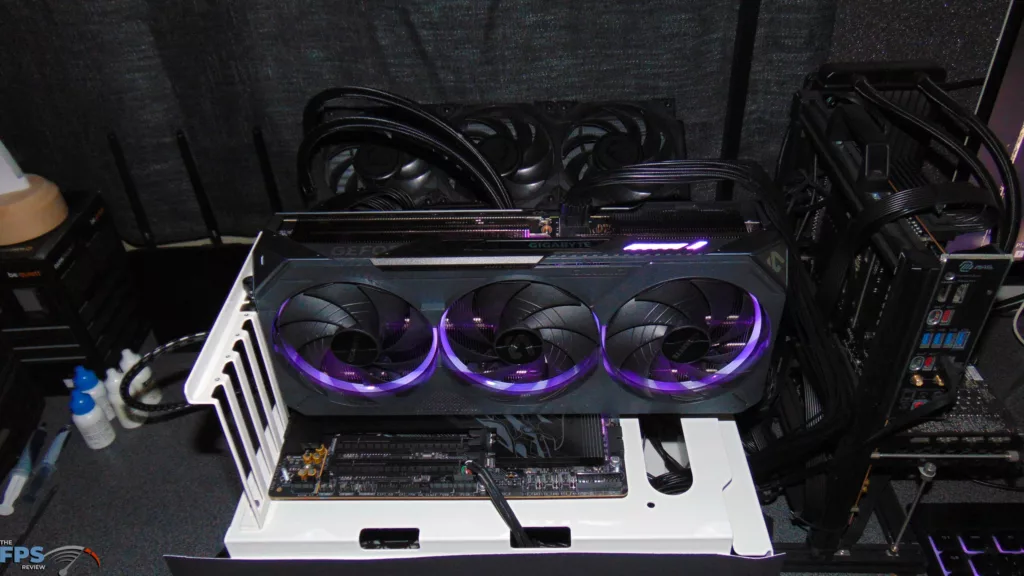
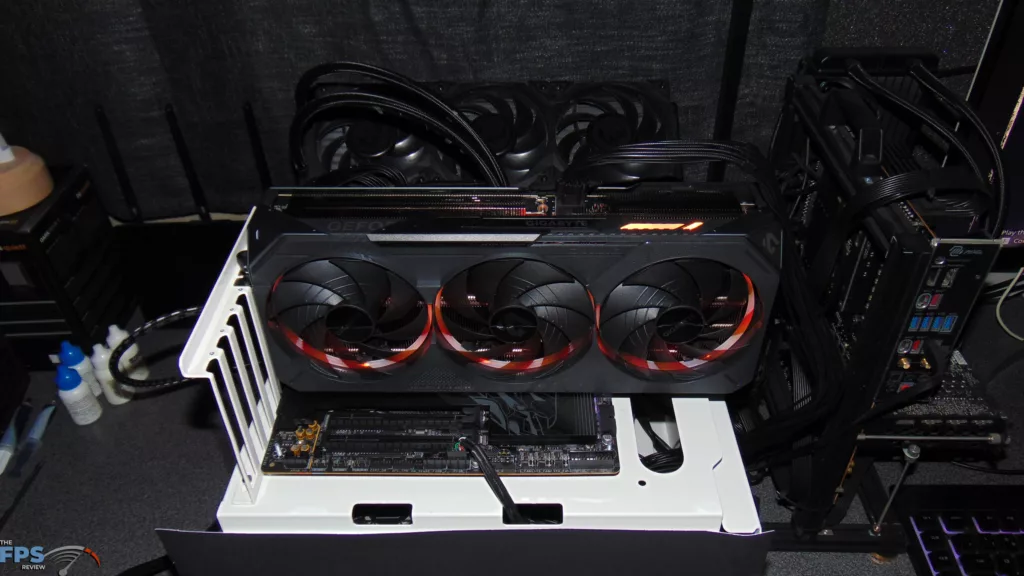
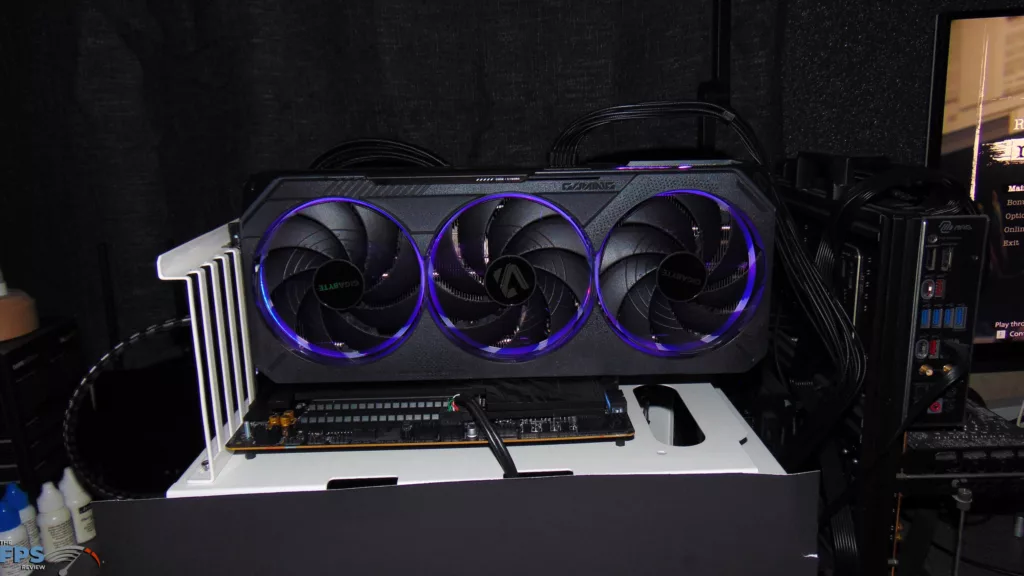
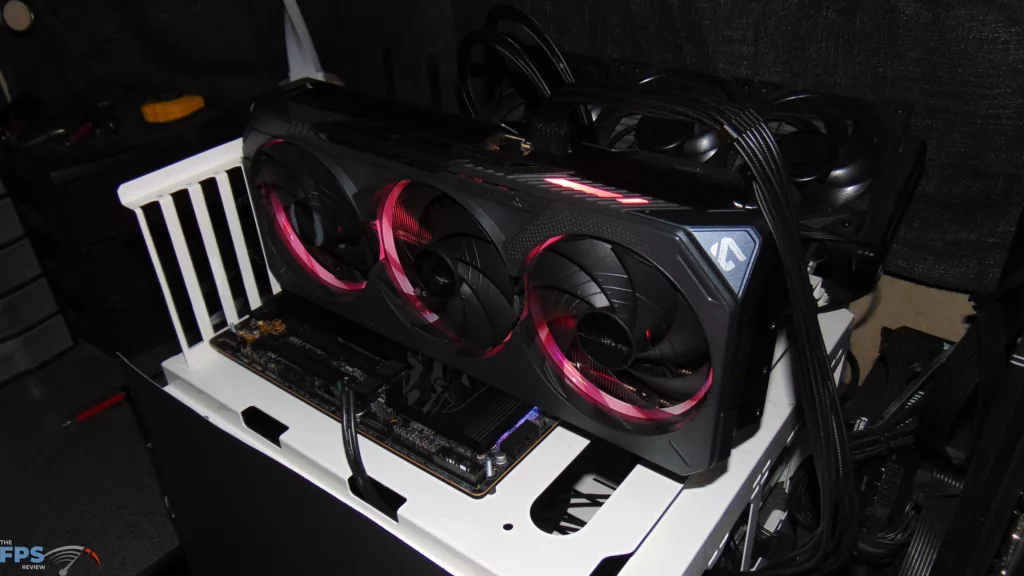
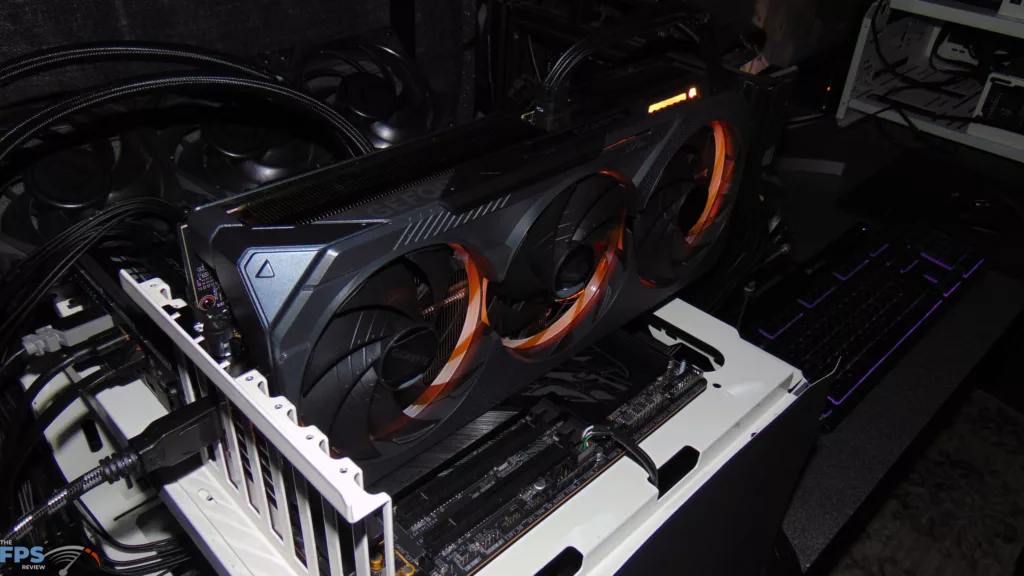
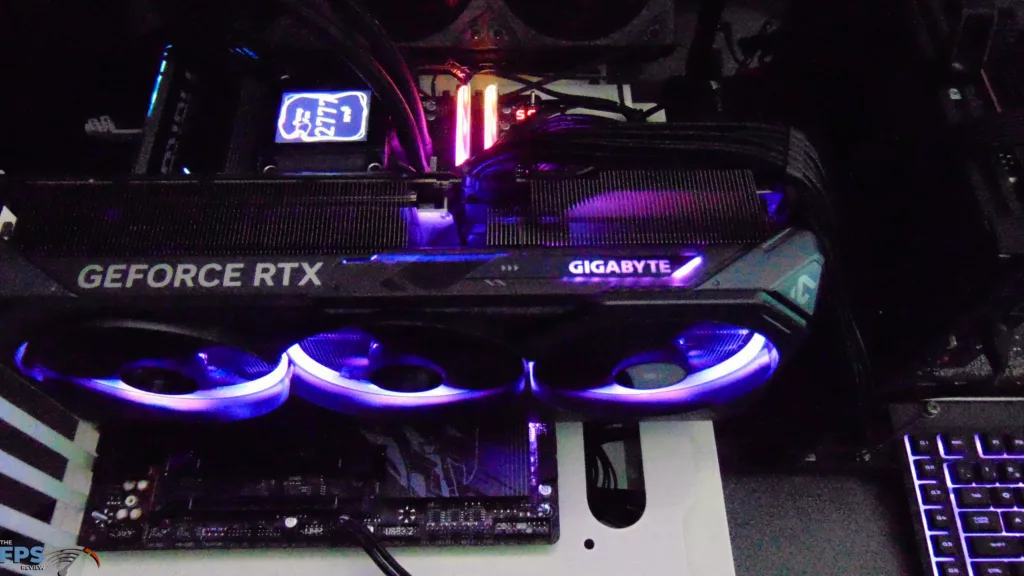
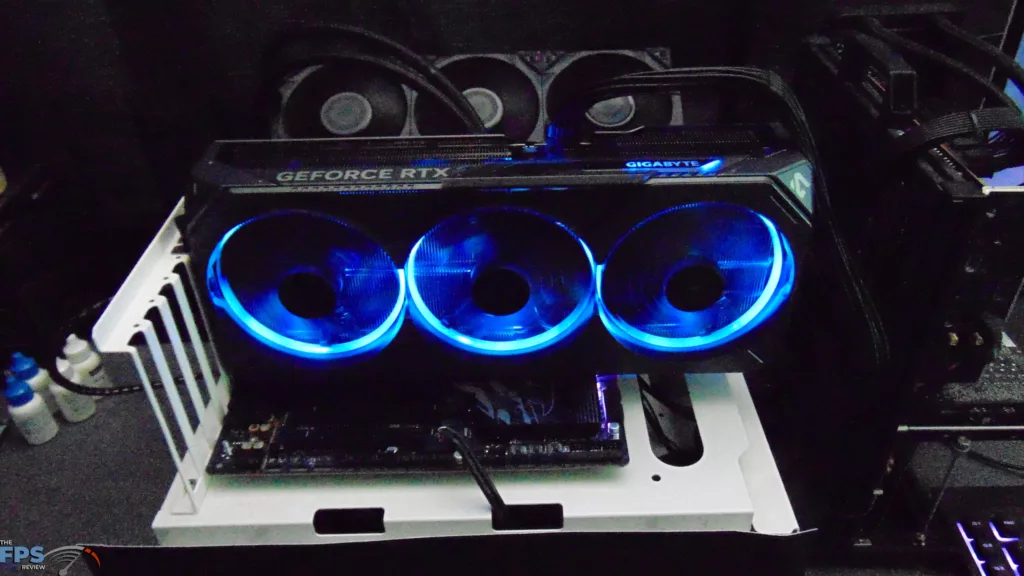
The GIGABYTE GeForce RTX 5090 GAMING OC 32G features GIGABYTE RGB Halo. This is a three-ring lighting that is inside the shroud and provides a unique visual to the video card. At the top is the GIGABYTE logo, also RGB, and you can hide the logo and just reveal the RGB light. RGB Halo can be controlled in the GIGABYTE software; you can change the pattern and colors with complete control and freedom.
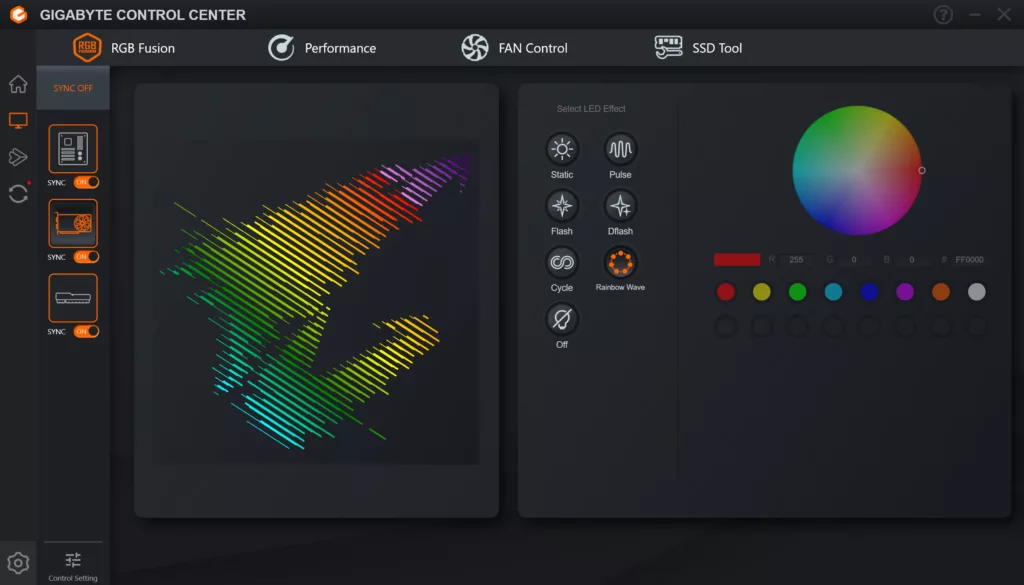
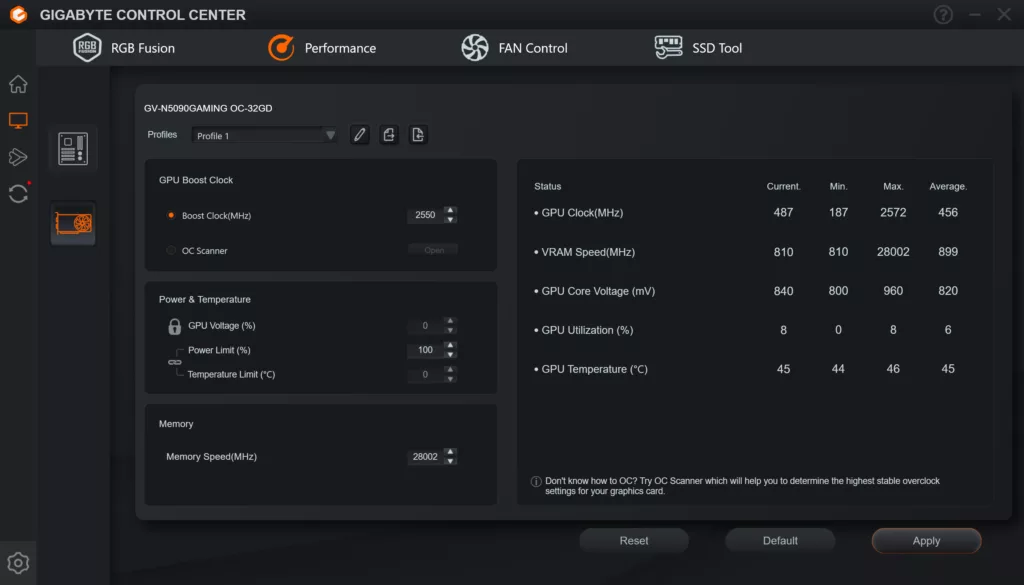
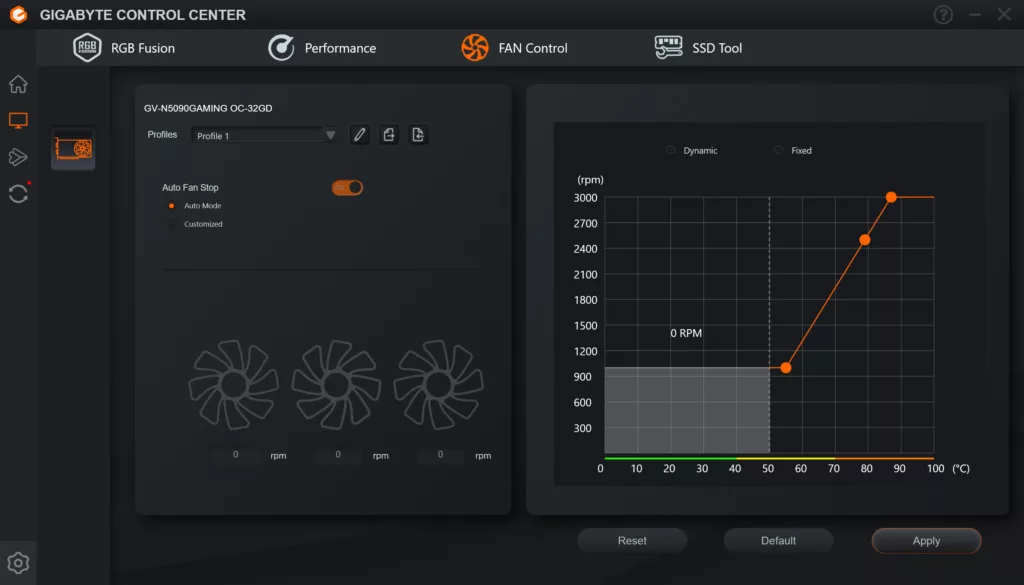
In the GIGABYTE Control Center, you can adjust the RGB Halo and sync it with other items in your computer, for example the motherboard and RAM in our computer here. This software also has full fan control; you can create a custom profile, or even individually adjust fan speeds per fan. You can attempt overclocking here, but we wouldn’t; it’s already pulling a lot of Wattage, and pushing the GPU to the max out of the box. If anything, you may even want to reduce the Power Target. The software was easy to use, was responsive, and enabled features without lag.
Discussion (10 replies)
Join Discussion →This price is just too high. The current price retail is now exceeding the scalper prices at release-time...... I thought I paid way too much for mine, which now feels like a bargain. The current situation has just put these video cards out of reach......and this card is at Gigabytes low end of 5090s......ouch.
I've got the lowly MSI Ventus 3X OC, but I only paid $2,600 for it around launch. I had to buy it as part of an MSI bundle to do it, but I still got the card for what was about MSRP at the time. The prices of 5090's (and most everything else) now is utterly insane. I make good money at my job, but I wouldn't be able to justify a top end gaming build right now.
Your at ******* Alienware and Falcon Northwest pricing a few years ago just to DIY a top end PC build now.
Finally!
It is indeed a good card, but I'm having power issues. I set a PL at 80% so I don't damage anything.
I bought a Wireview pro II to measure the amps on each pin and pin 3 always reads low while pin 6 will read high, even higher than 10a which causes the WVP2 to cut the power.
I'm using the stock cable that came with the card plus 4x 6+2 PICe cables (straight cables, none have two plugs). My PSU didn't come with a native 12VHPRW cable.
So I'm looking for advice on a quality cable I can buy or maybe I should just buy a new PSU. It's a Seasonic Platinum 1300W.
Nice to see tje new round of testing done. :)
You should check and see if a 12 pin cable is available for your unit. Cablemods makes some if I recall correctly, but a lot of PSU manufacturers started making them as well. That said, depending on how old your unit is, I'd go ahead and replace it. The fact is, transient response for the high end video cards tends to damage some older PSU's over time. Granted, the 3090 is the king of doing that, but the 4090 and 5090 aren't slouches for it either.
Getting a newer high quality PSU with the proper connector is NEVER a bad idea.
I agree. I do need to replace it. Speaking of the 3090, that's what I had in this system originally.
Since my favorite PSU reviewer hasn't done any PSU reviews in a while I don't know what to buy honestly.
I was using a CORSAIR HX1200i (2025) power supply I purchased last December, so it's rather new. I used the native 16-pin cable with it. I didn't have any issues, but I do not have a Wireview, so I couldn't see per-pin Voltages. That uneven Voltage across the pins is the common issue with RTX 5090s, so I am not surprised, and that is what can cause them to burn up. I would highly suggest a high-quality power supply from a good manufacturer. I would hate to spend that much money on a 5090 and risk it. My suggestion: go with the PSU upgrade.
Does this GB card suffer from the same TIM gel slippage some of their other 5090's suffer from, and the over application of of TIM?
My MSI card thus far feels solid, but I am using an Lan Li edge 1300 watt platinum power supple with special PSU ports and cables for the 5090 and like cards I am running and so far knock on wood it's been a beast. And I loved working with the edge power supply as well. bonus the new editions have a detachable USB 2 header splitter/bank you can use to get more USB2 header ports in your system. (Mine is integrated.)
I intend to water cool this thing, but it'll be a while before I get around to doing it. Probably a month+ as I will be working 30 days straight starting tomorrow out of town.
Ordered this PSU.