
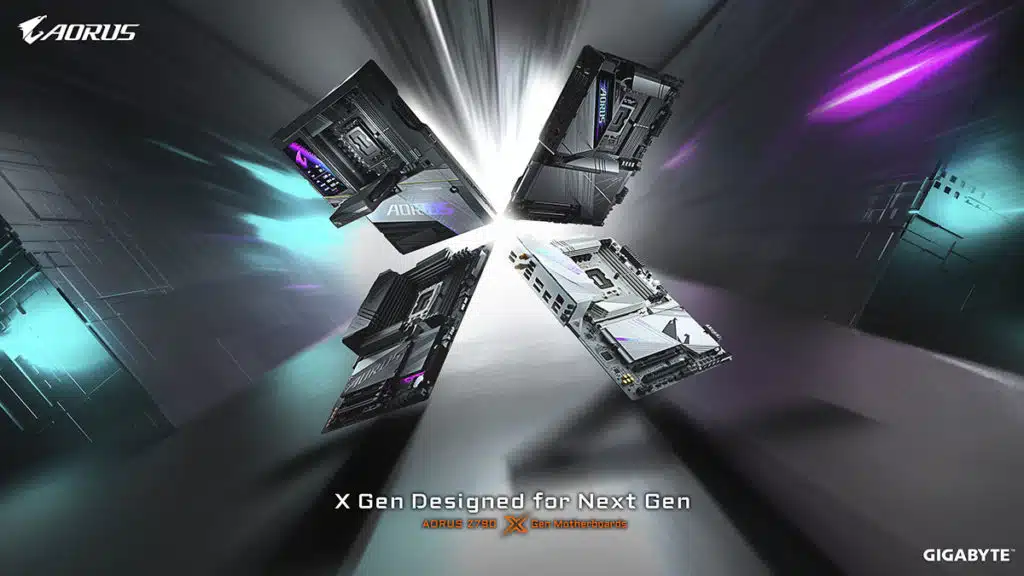
GIGABYTE has announced that it will be ushering in the arrival of 14th Gen Intel Core “Raptor Lake-S Refresh” processors with a brand-new lineup of motherboards in the AORUS Z790 X Gen series. There appears to be six models in total, headlined by the Z790 AORUS XTREME X, a flagship option that counts a 24+1+2 Twin Digital VRM Design, 5x M.2 slots, and support for up to 8,266 MT/s DDR5 memory among its feature set. The Z790 AORUS PRO X will be available for those seeking a motherboard in white.
Editor’s Note – See our expanded coverage from the GIGABYTE press event by clicking here.
- DDR5 Performance Redefined
- GIGABYTE’s commitment to achieving unparalleled next-gen performance shines through in the AORUS Z790 X Gen Motherboards. Equipped with cutting-edge technologies, these motherboards deliver best-in-class DDR5 compatibility and performance. With support for up to DDR5 XMP-8266 or higher, the DDR5 XMP Auto Booster allows users to effortlessly boost native DDR5-5600 to 6000 with a single click. Furthermore, the newly introduced Back Drilling Technology enhances signal integrity, leading to improved system performance and heightened reliability.
- Innovative DIY-Friendly Features
- The AORUS Z790 X Gen Motherboards present a myriad of innovations designed to streamline the building process for users. The M.2 EZ-Latch Click introduces screwless installation for the M.2 heatsinks, while the M.2 EZ-Latch Plus simplifies M.2 SSD installations. The PCIe EZ-Latch (Plus) offers easy detachment for graphics cards. Additionally, the Sensor Panel Link, exclusive to the Z790 AORUS PRO X and B760M AORUS ELITE X models, simplifies sensor panel setup with cable-routing-free installation. The Z790 AORUS XTREME X boasts a 5″ LCD Edge View display, showcasing real-time system information and captivating images.
- Efficient Thermal Design
- Built to handle intense workloads, the AORUS Z790 X Gen Motherboards feature an advanced, full metal thermal design. The AORUS XTREME X and AORUS MASTER X models showcase the VRM Thermal Armor Fins-Array design resulting in a heat dissipation area amplified by up to 10 times. Enhanced with Nanocarbon Coating, this distinctive design further optimizes 10% thermal performance. These models also boast the M.2 Thermal Guard, available in XTREME and XL variants, ensuring optimal cooling specifically tailored for PCIe Gen 5 SSD operations. Furthermore, the I/O Vent Design significantly contributes to temperature reduction, providing an impressive decrease of up to 7°C in overall system temperatures.
- Ultra Durable Technology
- GIGABYTE’s Ultra Durable Technology sets the highest standard for reliability and strength in gaming platforms. Within the AORUS Z790 X Gen Motherboards lineup, the PCIe UD Slot X stands out as an exceptional achievement. With a seamless, one-piece design securely fastened to a dedicated backplate, it raises load-bearing capacity by an impressive 10 times. This feature, coupled with the Inner Lining Rubber Strip that protects your graphics card’s PCB from potential scratches, provides an unwavering foundation for graphics cards, ensuring enhanced durability and performance. Together with other advanced features like the UD Memory Slot D5, UD M.2 Slot PG5, and the UD Nanocarbon Backplate, these motherboards flourish in even the most demanding gaming scenarios.
- Intuitive Customizations and Partnerships
- GIGABYTE’s relentless pursuit of BIOS optimization comes to life through the AORUS Z790 X Gen Motherboards. The new UC BIOS offers a redesigned UI and UX, including Quick Access with customizable option slots. PerfDrive technology integrates exclusive BIOS settings from GIGABYTE, enabling easy balance of performance, power consumption, and temperature with Intel® Core™ processors. The partnership with HWiNFO enhances hardware information accuracy and introduces innovative features. The collaboration introduces the AORUS-themed skin for HWiNFO, a Memory Timings Monitor, and detailed BIOS information available in real-time.
Discussion (9 replies)
Join Discussion →I really want to see a real life comparison in use of one of these uber boards, and a more standard board of the same chipset.
I'll be the first to admit some of these uber boards have a build and ease of use designed for people that build systems. Others generally less expensive are designed to be built and left the eff alone.
If you're doing a test bench you want the uber board due to their normal ease of use. But if you're a individual user doing a DIY build... I'm not seeing the value... though part of me is tempted to go for it regardles.
So, Gamer's Nexus had a segment where they complained about motherboard features, and how much it cost to get a post-code display and power and reset buttons on a board.
It's about US$600.
Mainly because post code readers are typically limited to the top of manufacturer's 'middle' tier, boards like MSI's Carbons and ASUS' Strix -E. And then to get power and reset buttons? Gotta step up to the premium tier, for an MSI Unify or ASUS Hero. And since MSI didn't build a Unify board for Z790 / B650 / X670, that means you have to shell out more for their Ace board. ASRock's equivalent in their Taichi lineup, and I really couldn't tell you about Gigabyte's lineup because their naming makes very little sense to me. Finally, this is the only tier that EVGA plays in, and they tend to be a good value once MSRPs settle, though there is that worry about longevity.
Meanwhile, both Intel and AMD have more or less ensured that boards featuring their top-end chipsets can absolutely power their top-end CPUs. So that means that the 'Pro' boards that sit around US$200 can power top-end CPUs without a problem. As long as you ensure that the BIOS settings between a US$200 board and a US$600 board are the same - and this can be tricky, if you've ever looked at how complicated DDR5 is - you'll get the same results. The lower-end board could even score higher just from having less stuff going on, though this would hopefully be negligible.
This isn't necessarily going to be the case. The voltage controllers, VRM hardware and external clock generators all have to be the same to make giving them all the same BIOS settings viable.
Going for top end motherboards has never been about value.
I've never been one to be shelling out my money for the higher end boards, but this past build I decided "why not" and got the Asus Maximus Formula board. The build quality over my past boards is above and beyond what I've used. I planned on keeping this board for a while so I guess the value for me is there.
Whatever happened to jump starting your rig with a paperclip or a quarter?
Easier to have a button and less likely to jump the wrong contacts on a poorly designed layout.
I'm comfortable doing it with a screwdriver - but on one of the TUF boards I have, the clear CMOS jumper is right there, and I managed to hit it accidentally.
What you can do though, is get a $10 device that has the buttons and lights and plugs directly into that section of the board, so I've started using one of those instead.
No replacement for the lack of a post-code reader though, unfortunately.
Make sure to watch out for corrosion, apparently ASUS had EK make the block for that board out of Aluminum and it was corroding with custom loops, that are mostly copper...
Thanks, but I don't water cool with this board beyond a normal AIO.