
Conclusion
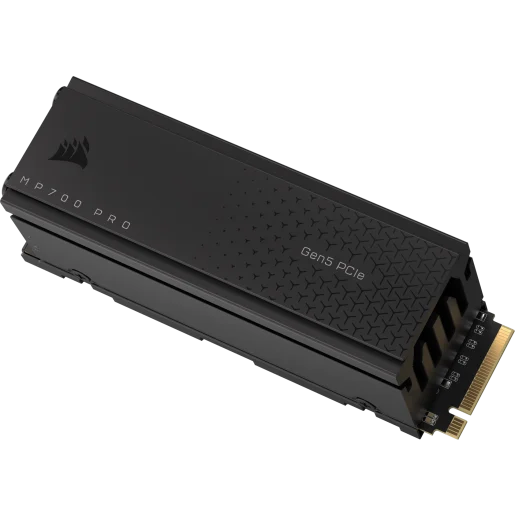
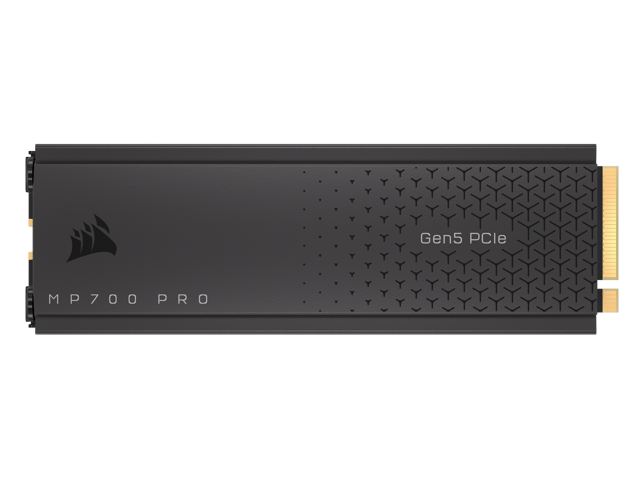
In this review, we took a look at the new CORSAIR MP700 PRO 2TB with Air Cooler PCIe Gen5 x4 NVMe 2.0 M.2 SSD which offers PCIe Gen5 performance at 12,400MB/s read and 11,800MB/s write and endurance up to 1,400 TBW. With an active cooling solution, the MP700 PRO provides top-notch performance and quiet cooling that works well. The MP700 PRO comes with a DRAM cache on board, and SLC caching for the best performance possible and the latest features with NVMe 2.0 in a very cool-looking package. The 2TB capacity with Air Cooler we reviewed today will MSRP of $339.99 but can vary with online retailers., and is typically cheaper. You can also pick up the 1TB capacity model with Air Cooler for $199.99, with pricing under MSRP.
Cooling
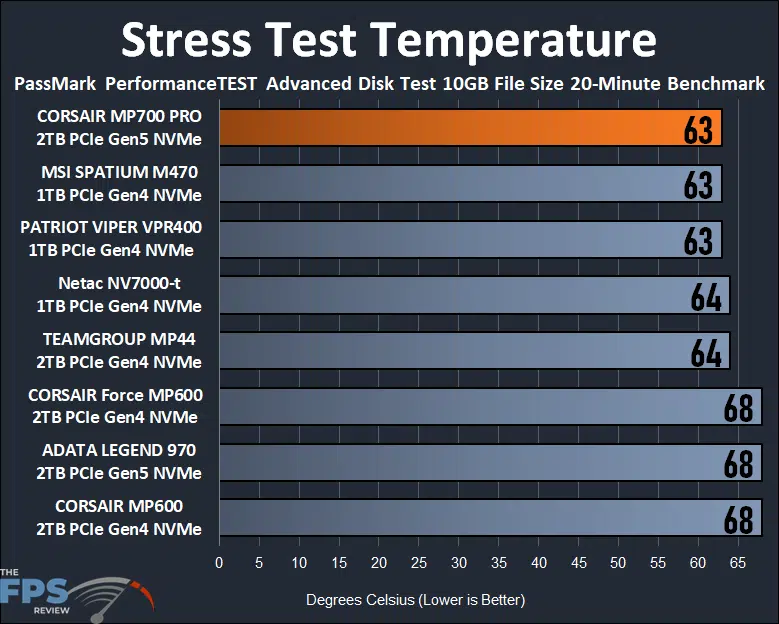
The CORSAIR MP700 PRO 2TB PCIe Gen5 SSD we have reviewed today uses an active Air Cooler pre-installed from CORSAIR. This cooling mechanism works really well. The temperatures on the CORSAIR MP700 PRO 2TB PCIe Gen5 SSD are very good for a PCIe Gen5 SSD at 63c in this stress test, while all other SSDs run warmer. We verified these temperatures in HWiNFO64, CORSAIR SSD Toolbox, AIDA64, Windows Storage Properties, and CrystalDiskInfo. At idle, the SSD sits at 36c.
Compared to the coolest running Gen4 SSD, the CORSAIR MP700 PRO 2TB PCIe Gen5 SSD is right at the passively cooled Gen4 SSDs, which are much slower. Keep in mind this is comparing an active fan solution to a passive one, and a slow Gen4 SSD to a really fast Gen5 SSD. It is actually 5 degrees cooler than the ADATA LEGEND 970 which also has an active fan, but a slimmer heatsink that doesn’t have the thickness of the MP700 PRO either, and that SSD screams loudly with its fan noise. The CORSAIR MP700 Pro Air Cooler keeps this SSD both cooler in temperature, and quieter in noise level. Compared to the CORSAIR Force MP600 the CORSAIR MP700 PRO 2TB PCIe Gen5 SSD runs 6 degrees cooler, and the MP600 had a very good passive heatsink for that generation of Gen4 SSD.
We also experienced a quiet fan noise operation on the CORSAIR MP700 PRO 2TB PCIe Gen5 SSD. It achieves these exceptional temperatures with little noise, meaning this active fan solution is quiet even though it is a tiny little fan with tiny little fan blades. Whether it is at idle, or churning large amounts of data, it doesn’t make any annoying noise, which is great for your sanity. You CAN actually have a Gen5 SSD that isn’t huge and doesn’t scream at you.
CORSAIR SSD Toolbox
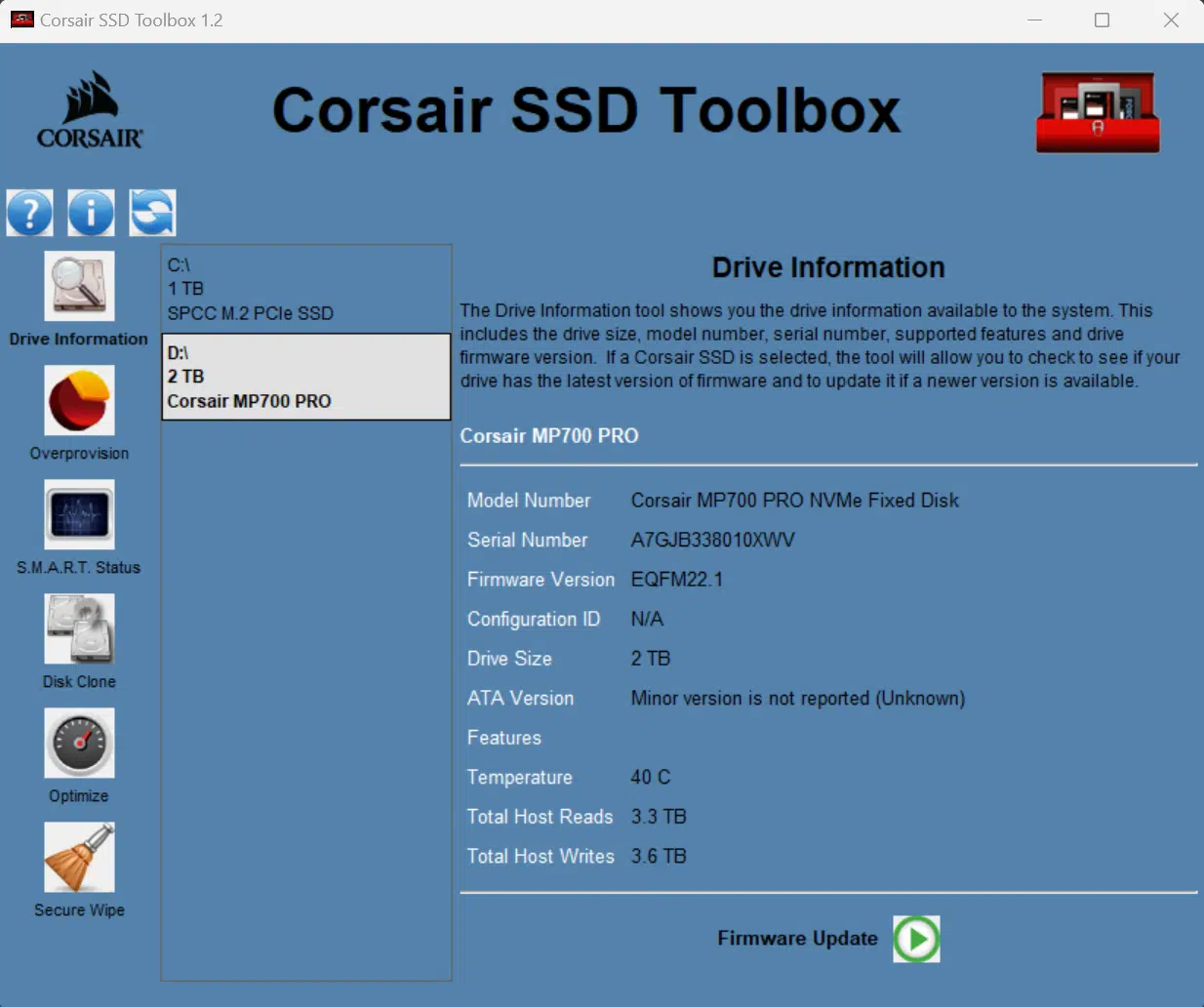
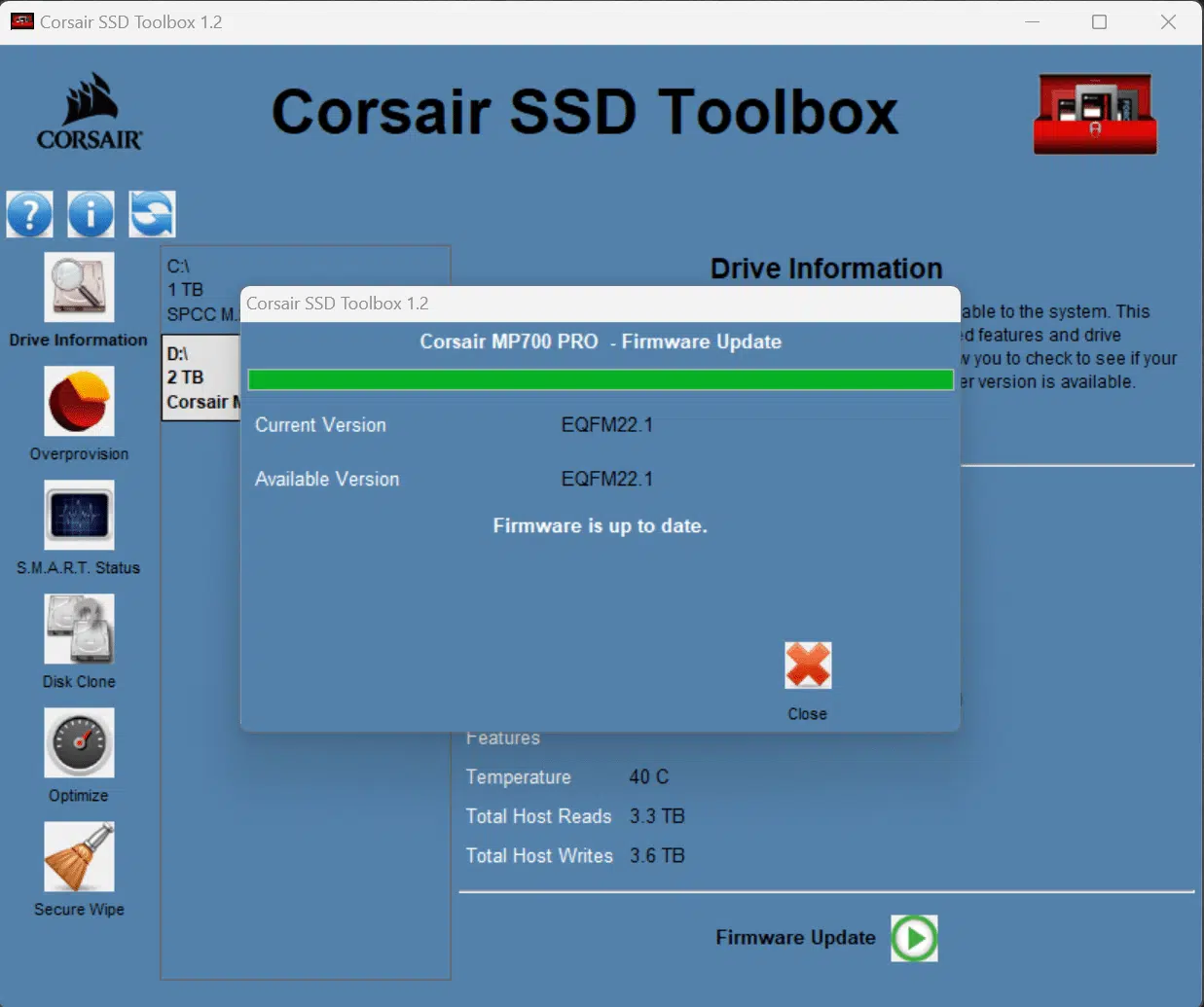
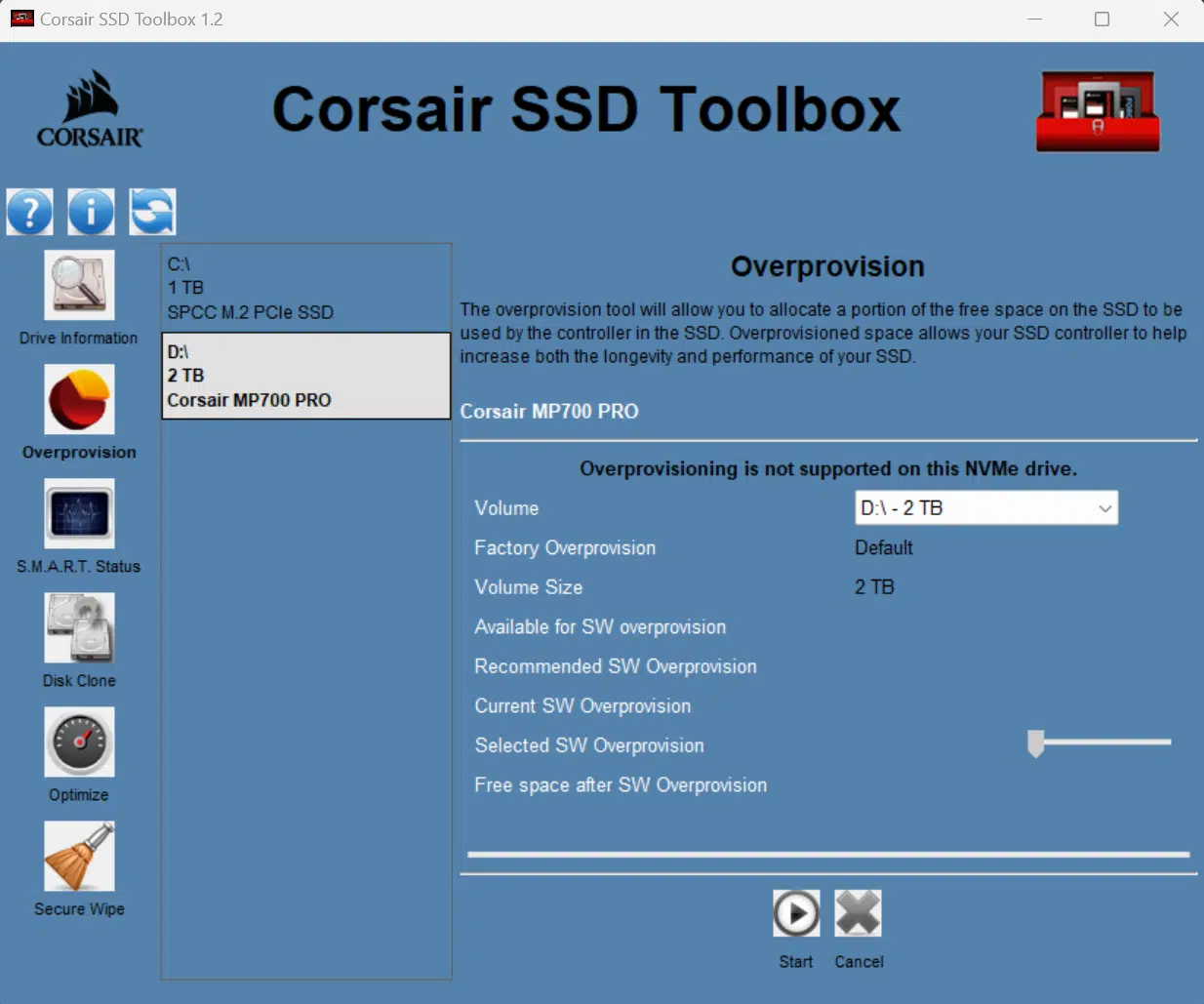
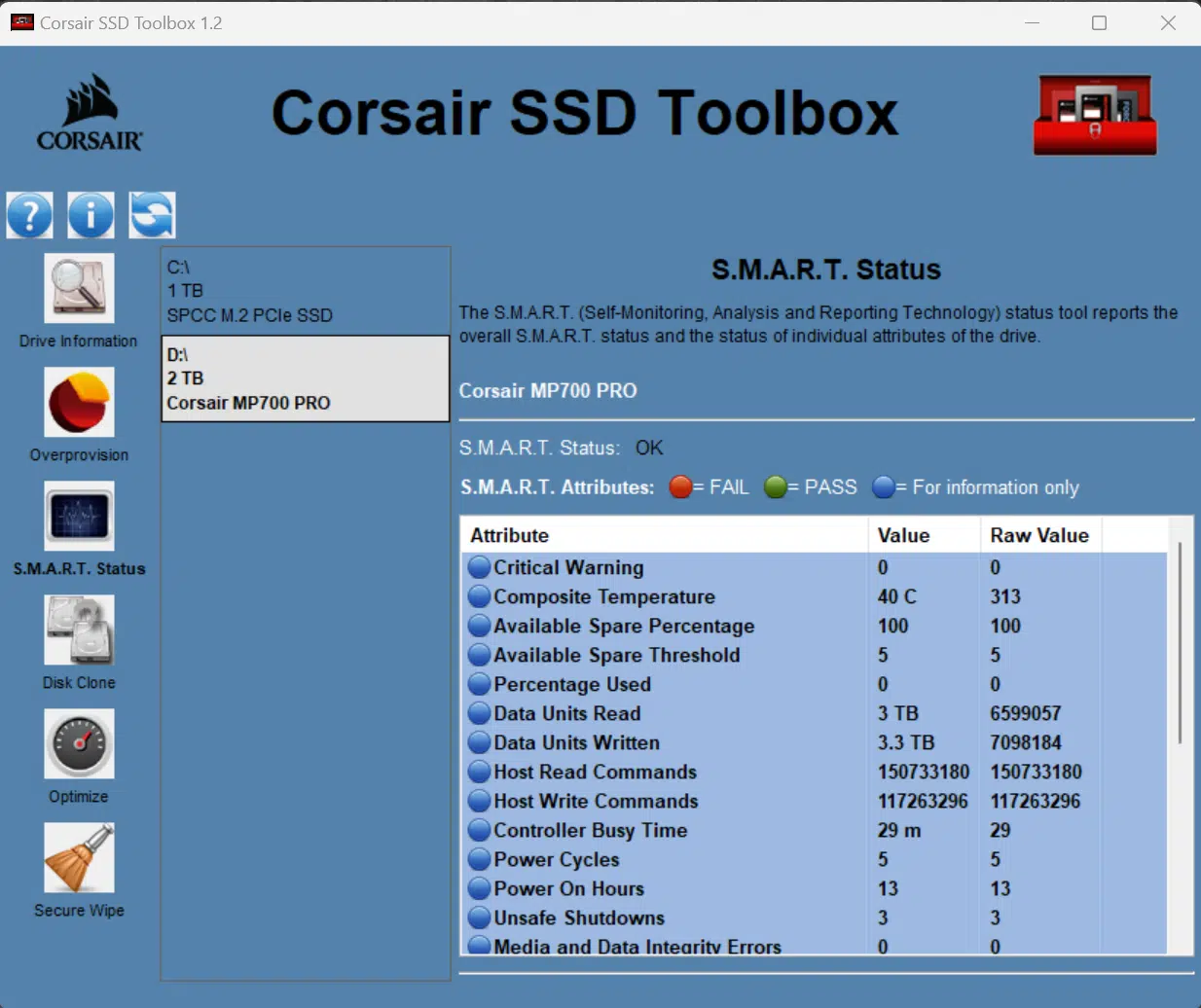
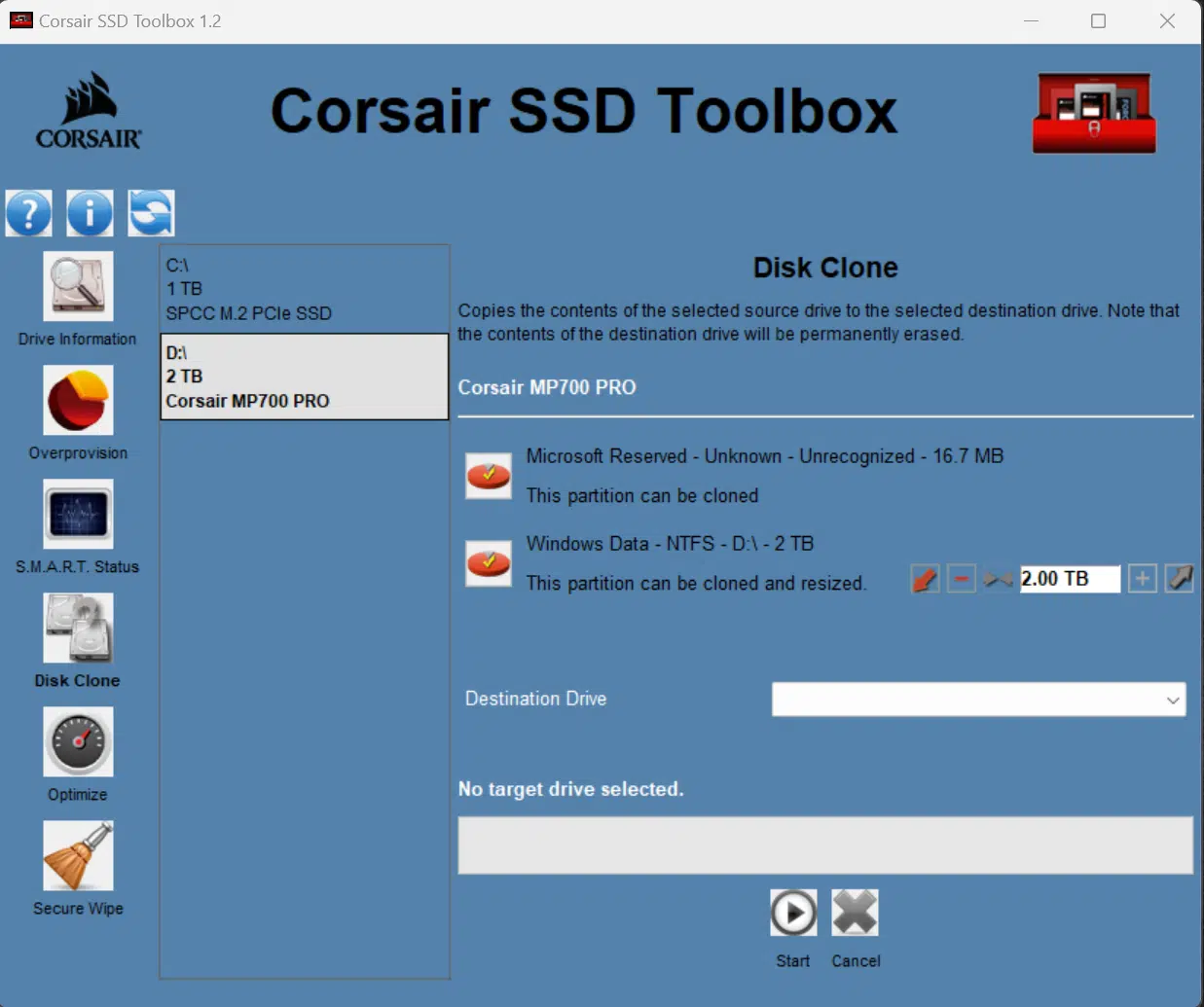
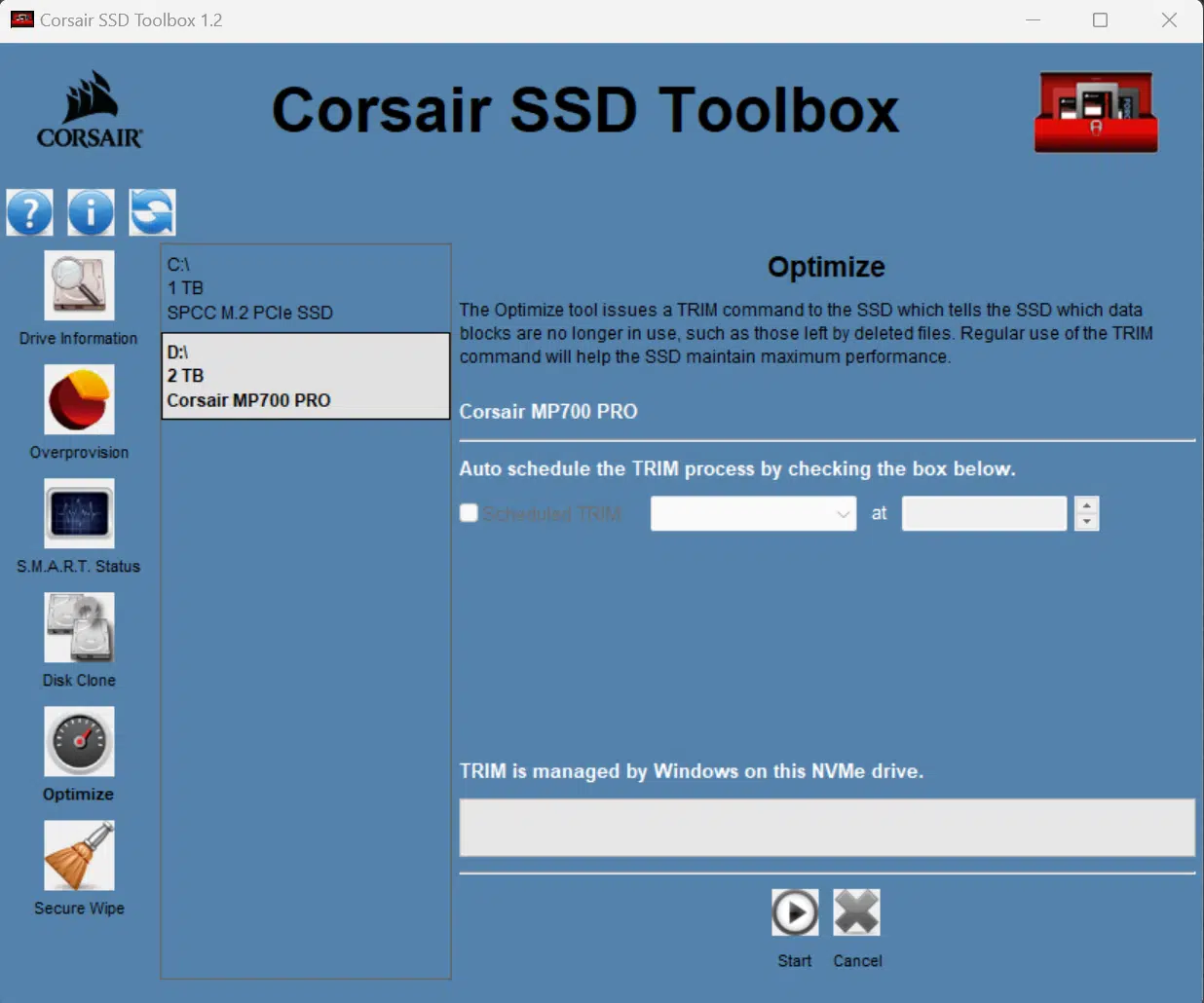
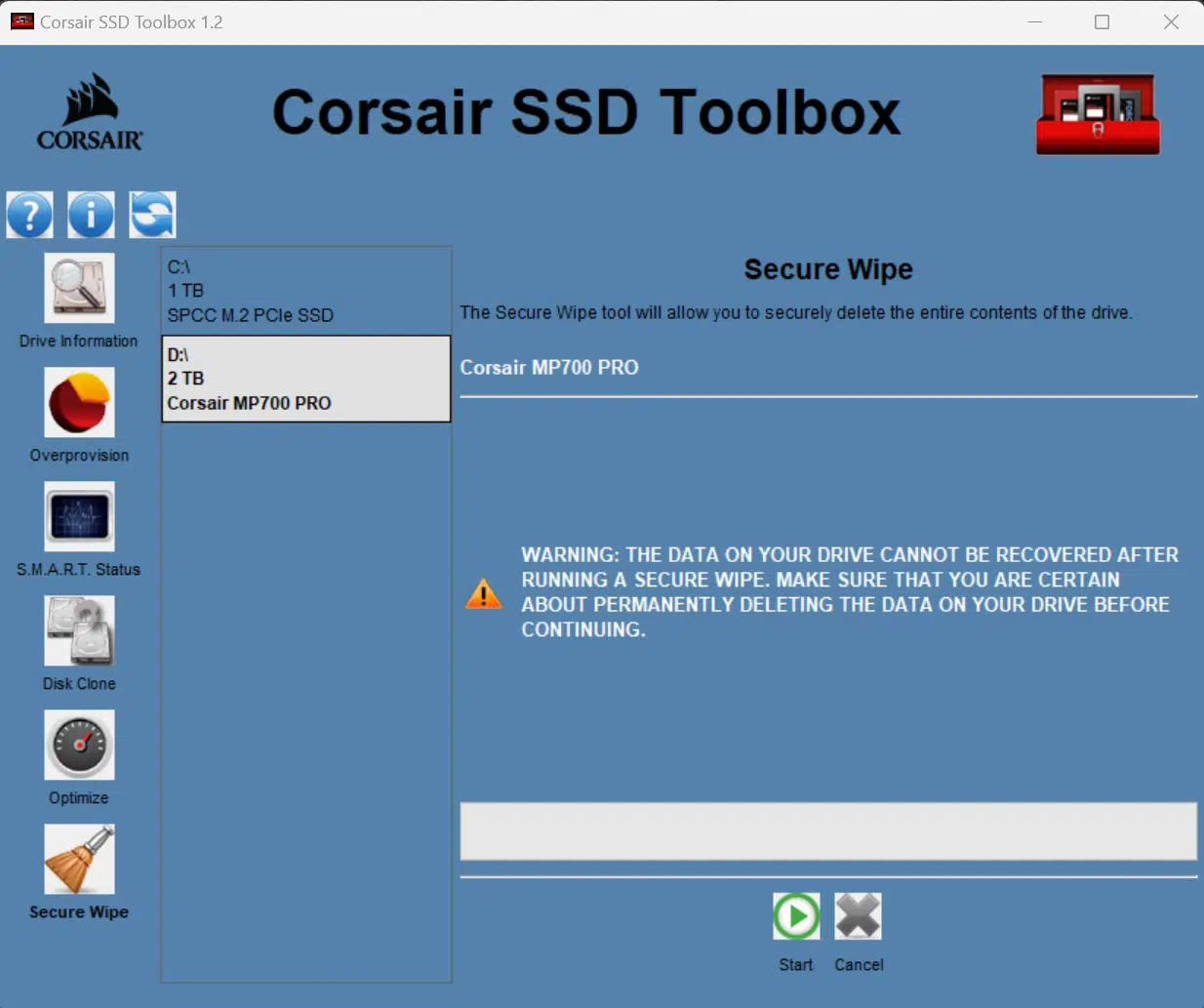
CORSAIR offers an SSD Toolbox, which allows you to view drive details and perform some minor functions. You can check the firmware version for updates, which is important, and we are glad to see this feature. The Toolbox also shows the drive temperature, if you need to monitor that. It also lets you do a Secure Wipe which is important to have, and you get a free disk cloning ability which is handy. You can also check the life and drive health of the SSD in the Toolbox by following these directions here. The software could use a UI upgrade, but it seems to offer all the important features.
Final Points
CORSAIR has come out swinging with its latest PCIe Gen5 NVMe 2.0 SSD. The CORSAIR MP700 PRO hands down offers the highest Gen5 SSD performance to date. It took quite a while for Gen4 SSDs to step up in performance over a few generations of its evolution. However, we’ve seen Gen5 SSDs rise to that occasion much faster in its evolution of controllers, NAND flash, and firmware abilities.
The CORSAIR MP700 PRO offers sequential read speeds of up to 12,400MB/s sequential write speeds of up to 11,800MB/s and a high endurance of 1,400 TBW which is great. Our data has shown that CORSAIR is right on the money with its claimed performance, as our CORSAIR MP700 PRO 2TB with Air Cooler PCIe Gen5 x4 NVMe 2.0 M.2 SSD performed exactly at that level, or slightly better. Random read and write performance was also strong on this SSD, providing the fastest random read time we’ve seen beating Gen4 SSDs by 44% in this area. In smaller workload throughput it also had strong random write performance.
We saw excellent performance when it came to bandwidth and access time according to 3DMark and PCMark performance. It was at the top of its game compared to the competition. We were very impressed by the game load time performance and disk copy performance. In-game load times DirectStorage worked great, and we had incredible Forspoken load times. We also saw the best load times in Final Fantasy. Even just copying data across the drive was the fastest we’ve seen. The SSD was also proven in professional workloads. Gamers are going to like this SSD for its performance moving through games that demand more and more performance for asset streaming these days.
CORSAIR put a lot of effort and time into the development of the cooling solution for the MP700 PRO with the Air Cooler. CORSAIR wanted to make sure it got the cooling solution right, and thus development took an extra bit of time to release, but that time spent was well worth it. Our testing shows that the custom cooling solution you can get with the MP700 PRO adds to the value. This is a cooling solution that is not enormous, does not take up a ton of space, but still keeps the SSD cool and importantly with no annoying noise. There is nothing worse than a small tiny fan that screams like a banshee, but you won’t find that here.
CORSAIR offers the MP700 PRO with an active Air Cooler, and also as a bare drive for a little less money. However, you will need to use your own robust heatsink with it. For just a little more the Air Cooler version offers a worry-free, pre-installed, cool, and quiet solution that you know won’t thermal throttle, and gives you that peace of mind that you can just install it and go, easily. There are 1TB and 2TB versions of the MP700 PRO, and combined with the high endurance, the 2TB MP700 PRO with Air Cooler really is a great overall package and value for any enthusiast in search of extreme PCIe Gen5 SSD performance.


Discussion (16 replies)
Join Discussion →I find it odd I guess that a PCIE 4 drive was able to come out on top in any metric. the Adata drive ruling the roost in professional applications.
You could buy 3 Gen 4 2TB drives for the price of this one drive and not need to worry about cooling.
Fast but really pricy.
It's all about the IOPS.
For single user scenarios (like those of us buying for gaming machines), does anything matter besides Queue depth 1 and thread 1 and random access latency? PCMark 10 Average access time and Crystal Disk Random Read and Write Q1T1 seems to be the most important measurements.
Write endurance and both burst and sustained write speeds have their place as well, I'd think?
Burst and Sustained matter, but does Gen 4 vs Gen 5 matter much? 7.5GB /sec vs 12GB /sec is a difference that may not make a difference. If you're reading 1MB, the actual read is going to be around .0001s (100 micro seconds), which means the drive latency starts to become a very sizeable chunk of the transaction. For a typical game load, do we know what the average file size is? How often does the drive really get to stretch it's legs at 12GB /sec?
Agreed that write endurance is also important, but for a single user case on larger drive (say 2TB+) it might take months to years to get a single drive write. Depends on what you're doing with it. My 2TB 980 pro steam drive probably doesn't have a single complete drive write on it yet.
Main reason it makes a difference is that the CPU is operating on the scale of nanoseconds, relative to main memory. So faster sustained rates and/or lower access latency both help in their own ways, if a particular application is regularly reaching back to non-volatile storage.
Lets take 3 theoretical drives, using flash latencies from a google search of "Flash Read Latency".
Drive 1: Gen 3 drive of entirely low latency 3d SLC. 8 microsecond (us) read latency, 4,000MB /sec max transfer
Drive 2: Gen 4 drive of entirely 3d TLC. 75us read latency. 7,5000MB /sec max transfer
Drive 2: Gen 5 drive of entirely 3d QLC. 125us read latency. 12,000MB /sec max transfer
For a 4k file the drives will complete the operation in:
Drive 1: 108 us (8us latency, 100us transfer)
Drive 2: 128 us (75us latency, 53us transfer
Drive 3: 158us (125us latency, 33us transfer)
for a 1MB file:
Drive 1: 258 us (8us latency, 250us transfer)
Drive 2: 208 us (75us latency, 133us transfer
Drive 3: 208us (125us latency, 83us transfer)
For a 10MB file
Drive 1: 2508 us (8us latency, 2500us transfer)
Drive 2: 1408 us (75us latency, 1333us transfer
Drive 3: 958us (125us latency, 833us transfer)
If we're dealing with mostly 4k files, we'd prefer the the Gen 3 drive.
If we're dealing with files >700k<=1MB or smaller, we'd prefer the Gen 4 drive (or maybe even the Gen 3 if we had some 4k files in there)
If we're dealing with files >1mb, we'd prefer the Gen 5 drive.
Now, back in the day of Anadtech's SSD articles (2009 ish), a huge portion of day to day usage was 4kb, especially for OS drives. If that's the case, and you cared about performance over space, you'd take the lower latency flash over the new generation of PCIE drives every day.
I would say one good gauge of that:
A system only has so much RAM and VRAM - loading files that total beyond the size of both of those capacities would be .. somewhat dubious. So, gigabytes would be reasonable assumption, tens of gigabytes plausible but your starting to stretch it, and once you are talking hundreds of gigabytes, well... install sizes aren't much larger than that and you'd have to be loading files multiples of times to hit that and your just doing something really wrong at that point.
So I think "short" sustained reads would be a good metric - say upwards of 100Gb... but on these drives that should only take a few seconds at best. In the real world, though, none of that is really going to be a sustained sequential read - games are usually made up of hundreds of small files, even if you are hitting a couple dozen GB total, that's split across hundreds of smaller files.
So looking at it another way:
Just an example - my secondary SSD currently has 173 GB worth of games installed across 11 titles. So that's an average of 15.7 GB per title. That doesn't sound too bad, fairly reasonable for an average. That 173 GB is split up across 20,350 files.... so each file is, again on average, 8 MB... (some dirty math there, 0.008 GB, which isn't exactly 8 MB, but ok). Many of those files will be very small, some will be much larger, but ... your still looking at touching a lot of small files during a game load. Even if you are doing something like a WAD or PAK, those are just compression methods and it's still going to read inside the file like an external file system.
Those are averages, but I would say it supports the point that latency means much more than sequential.
There was an article I read about one of these new drives, getting within 8 degrees of throttling just playing starfield using something like 2.4gb a second rather sustained.
Hmm, if they are warming up that fast even with the heatsink, might be time to go back to a case with a fan on the door again.
Edit
I also checked my steam drive. 10 games, 256GB, 142,780 files. That's 1.79MB average per file
The earlier numbers really show why I’m so frustrated with current “performance” drives. I really don’t need a 4tb drive for my game drive, and I don’t need a 1tb drive for my OS.
Instead of a 4tb TLC Samsung 990 pro, give me a 1.5 TB latency Optimized SLC gen 5 drive for games, and instead of 2TB 990 pro, give me a 768 GB latency Optimized Gen 5 drive for OS.
Heck, if all the better they could manage is 256GB SLC drives, give me 256GB SLC and 16GB DRAM cache and I’ll figure out how to use them … say raid 0
We get what's cost effective to be mass-produced - I know you know that, but that's why we get the kind of flash ICs and ultimately drives, same for DRAM ICs, and for no longer getting Optane ICs.
It’s not like SLC doesn’t exist anymore - it is being mass produced and used as cache paired with slower flash and is used in the enterprise for things like database flash cache.
To a certain degree, even if we don’t get the “good” stuff, TLC/QLC can be SLC if the controller just writes a single bit instead of 3/4 to the cell. Sure, it wouldn’t be latency optimized so it would be more like 25us, but given the option in Samsung magician I’d convert my drives to SLC.
I just find it hard to believe there isn’t a decent sized consumer market for pure SLC drives.
Windows 10 still runs fine enough off spinners if you're just doing office stuff...