
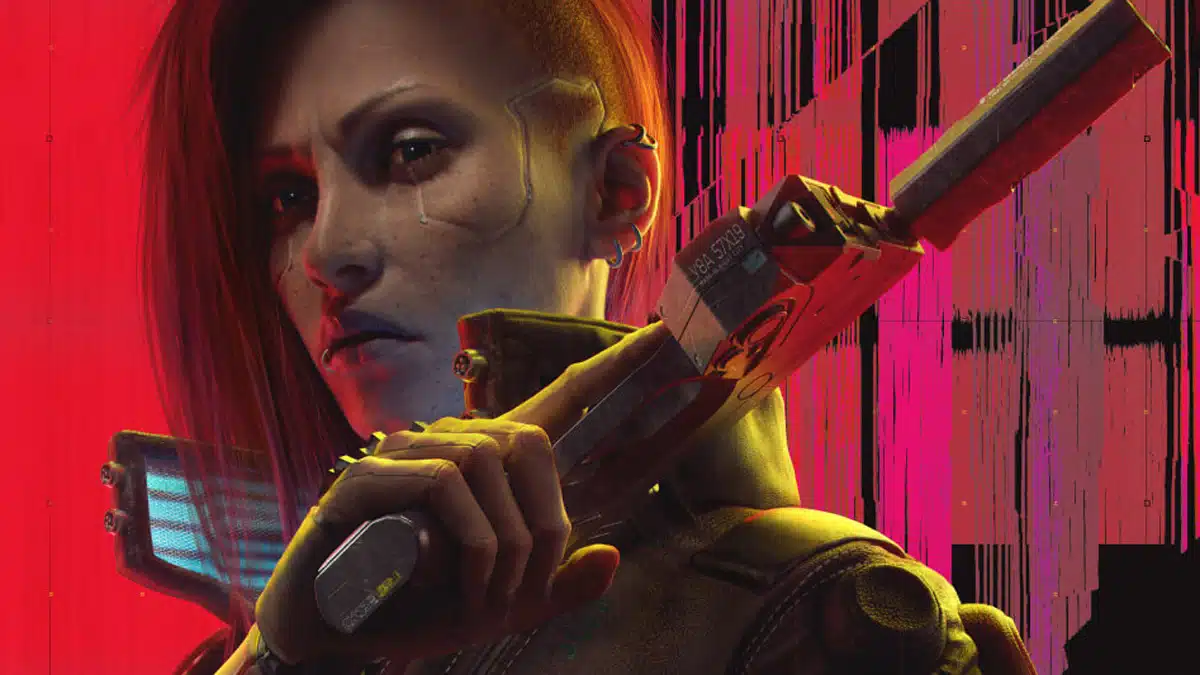
A new version of the Cyberpunk Ultra Plus Better Path Tracing and Stutter Hotfix mod is now available for download via NexusMods.
sammilucia, the author of the mod, has provided the following changelog for the new Cyberpunk Ultra Plus v0.7 update, which appears to deliver even greater visual quality than the original version of the mod that debuted in October thanks to a number of changes, including a new sharpening filter:
- Finally fixed crazy white transparencies in default path tracing by changing TransparentReflectionEnvironmentBlendFactor from 1.0 (vanilla) to 0.05
- Enabled RIS sharpening (ty to Carlosironman). RIS is better/newer sharpening quality than DLSS. it looks like it’s enabled for NRD, but it appears to enable the debug option enabled to work correctly (i.e. it appears disabled by default)
- Increased raytracing proxy updates per frame from 192 to 384 (Full) and 768 (Insane). I can’t test Insane, so please let me know if you get any stutters from RT if it’s overloading tensor cores
- Enable farther snapping of meshes (to 20km) which is likely actually a performance optimisation and seems very fast (algorithmically), so should be used everywhere
- Reduced shadow fade fraction from 10cm to 5cm
- Re-enabled SSR fallback. After further testing, SSR is used to fill in “some” reflections that path tracing doesn’t, for example reflecting fog/steam in puddles. They are not quite physically based, but after a lot of testing in “most” places they are more physically accurate than not having them. It can make a few areas (e.g. Afterlife ceiling) unrealistically brighter. If you are purist PT, you might want to disable this.
- Reduced RT blur radius resolution of Insane to 50%, which should reduce PT noise
- Slightly increased several quality radii settings for Insane
- Increased ForceAutoHideDistanceMax from 2000.0 to 16384.0 for Insane (ty to PuffyQuail)
- Forced LOD1 shadows to always be used for Insane (ty to PuffyQuail)
- Increased BounceNumber to 3 for screenshots (Insane only). In all my testing I have never seen 4 bounces make any difference, but 3 does in rare situations
- Fixed issue where skin subsurface scattering was too little when looking in mirrors and inventory screens (PT is not used here)
- Increased PT reflections to 7km for a few locations for Insane (Judy’s lake)
According to the list of key features that sammilucia originally shared, this mod is supposed to deliver a massive increase in path tracing performance, and not only that, the visuals shouldn’t look any worse than the vanilla version of the game:
- Improves path tracing performance by up to 40% with the same or better visuals, depending on the version you use (see Performance below for details)
- Improves visual quality of path tracing in most situations
- Improves resource loading stutters (streaming) by increasing Oodle compression workers from 2 to 8
- Fixes crushed blacks by expanding lower histogram
- Fixes some poor PT scenarios by enabling probabilistic ray sampling
- Improves ray noise in dark areas by increasing dark area ray sampling
- Disables character rim lighting (should not be enabled with path tracing)
- Attempts to increase LODs of everything to improve DLSS/FSR Balanced and Performance modes
- Enables ambient occlusion on eyeballs
- Adjusts skin for path tracing with reduced PT noise
- Adjusts hair for path tracing with more accurate roughness and specular highlights
- Attempts to reduce Fresnel (reflections at an angle like on wet grass) on weapons, plants, skin for path tracing
- Reduces bright/white transparent materials (glasses/bottles/cabinets/windows) around the place with PT enabled
- Increases shadow details in some situations
And here’s a video of sammilucia’s Cyberpunk Ultra Plus Better Path Tracing and Stutter Hotfix mod in action on a system with an AMD Ryzen 9 5900X and GIGABYTE AORUS GeForce RTX 3080 Ti MASTER, per the UriahRhone channel:
The Cyberpunk Ultra Plus Better Path Tracing and Stutter Hotfix mod comes with three quality options, including an Insane version, although sammilucia has recommended that be reserved for GeForce RTX 40 Series users, for reasons that include Frame Generation.
Some of the visual issues that users might encounter with the mod include flashing and flickering, per UriahRhone’s description.
Discussion (9 replies)
Join Discussion →If it sounds too good to be true that's probably because it isn't true.
I doubt CDPR is so incompetent that you can improve performance by 40% with no impact just by tweaking a few things.
My experience with these types of visual mods is that they usually end up making things worse instead of better.
I was kinda thinking the same thing. Especially since it's not like the modders actually delved into the source code.
Agree, it sounds a little too good to be true. Maybe even some sort of social experiment to see if people even notice when they lower quality settings, or something like that.
When I get around to playing Phantom Liberty, I'll have to try this mod to see for myself.
CDPR probably has a better patch out by then, they are still working on improvements, but we will see.
Here's a paste from the technical explanation on their Nexus page.
NVIDIA NRD
For the curious. NVIDIA ray reconstruction is not really "ray reconstruction", it's NVIDIA NRD, which I've been following for a while. The term "ray reconstruction" is a little misleading (sorry NVIDIA). Instead, it does a few things: 1) It saves rays calculated from previous frames to be reused in the current frame, 2) it calculates all rays in a single procedure enabling a single denoise pass (rather than multiple denoise passes in previous-gen RTX)... enabling 3) a new denoise method. I've simplified the methods here a little.
Within NRD, there are several choices to be made by game devs, one of which is "which denoiser to use" — I.e. ReLAX or ReBLUR.
CDPR chose ReLAX, likely because it is "faster". Specifically, as you move around in-game, ReLAX "resolves" the image in fewer frames, meaning within 1–2 frames, you have a stable image (and for this argument, clear reflections).
However, in my opinion this was the wrong decision. Here's why:
Step 1: Let's go into game and play with how many rays (R) and bounces (B) there are using ReLAX. The first thing you'll notice is three things:
Step 2: Let's switch to ReBLUR. What we notice:
With the above, it's very important to understand ReBLUR requires tuned sensitivity to darkness, and some other specific settings, per NRD's documentation, and these are not enabled in CP by default, but the NRD API for this functionality is implemented, so we can enable them.
SammiLucia's "opinions"
What does this all mean. Well, it's my opinion that:
So, why would CDPR select ReLAX? Enter: Unreal Engine Lumen.
If you have played a UE5 game, you've likely noticed the crystal clear reflections produced by Lumen. This, I think, served as primary motivation to prefer ReLAX's faster, slightly sharper reflections. If not, surely people would notice NVIDIA path tracing can look inferior to Lumen.
(By the way, Lumen is a kind of "path tracing", but I'm not going to go open that can of worms here.)
Which to choose? ReBLUR or ReLAX
So what does ReBLUR look like while playing? To be honest, most people won't notice the slightly slower ReBLUR while running around like a lunatic in game. On balance the visual quality is much better in most situations with ReBLUR.
If I had a high-end 4000 series I would definitely choose ReLAX. But I don't, and I'm extremely happy with ReBLUR.
On CDPR
I'd like to state for the record, I am a huge fan of CDPR, and believed in them when Cyberpunk 2077 released. The thinking behind decisions such as above are very technical and I'm not criticising, simply offering my own (correct) perspective ?
You will also notice (as usual) there are two versions of CP Ultra+ for the very reasons I've stated above, however the Insane version reconfigures ReLAX to the settings I believe it should have. Nerds are allowed to differ, and I offer CDPR BIG HUGS and much love for all their games, and for bringing so much heart and passion to the industry ?
I read this regarding what they are still working on https://wccftech.com/cyberpunk-2077-dev-talks-about-upcoming-path-tracing-improvements-fsr3-support-and-unreal-engine-5-switch/
Oh sh1t, interesting information indeed...
I noticed you can get the bundle pack of CP + Phantom Liberty DLC for like $36 on Epic if you use the coupon on the front page. Tempted, but I can wait for lower.... and I'm "in the middle of" at least 5 games right now. Need to focus on those instead of spending more money..... I keep telling myself.
I'd consider it if I weren't still pissed off at Epic for their "exclusivity" crap.
It's going to be a long time before I ever have the Epic Games Store on any machine of mine.