
Overclocking ZOTAC GAMING GeForce RTX 4070 SUPER Trinity Black Edition
To overclock the ZOTAC GAMING GeForce RTX 4070 SUPER Trinity Black Edition video card we are going to use ZOTAC’s utility called FireStorm. This utility was just updated to support the new RTX 40 Super Series of GPUs with version 4.0.0.020E.
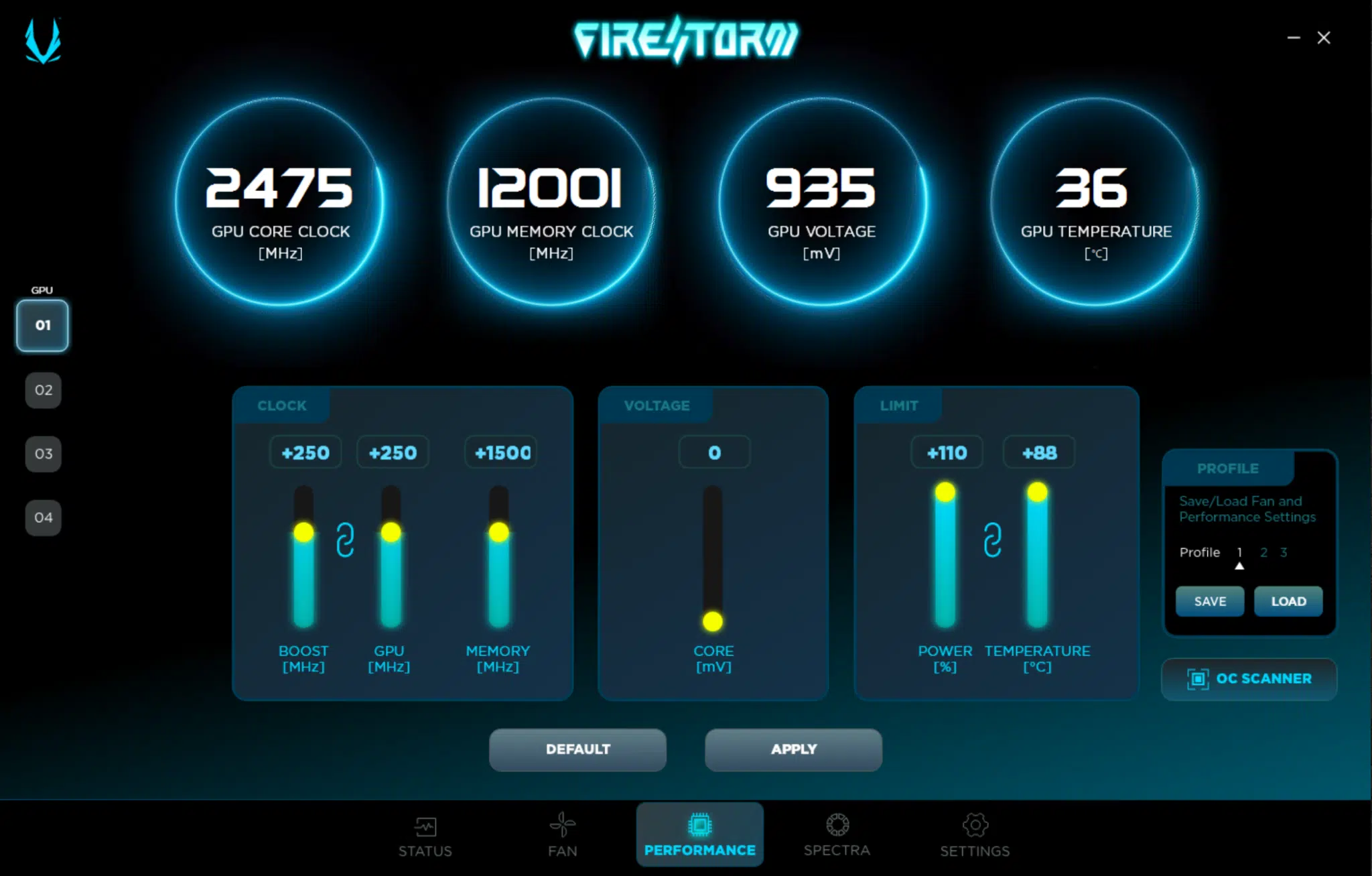
The ZOTAC FireStorm utility allows us to increase the Power Target up by 10% from 100% to 110%, which gives us some power headroom on the video card. In addition, you can also increase the Voltage with this utility, up +100mv, but we found that wasn’t necessary, and just dug into the TDP, but the option is certainly there to get a bit more from the GPU if you want to push it, which is nice.
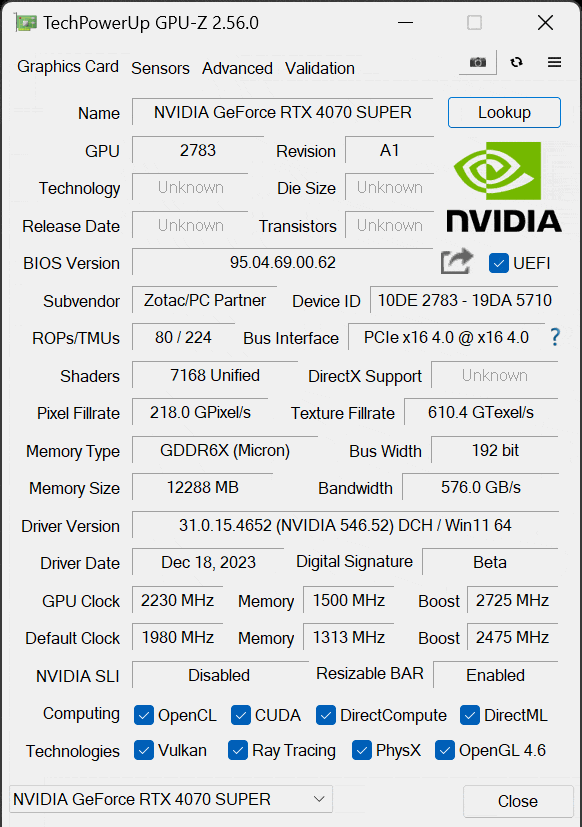
Our final stable overclock on the ZOTAC GAMING GeForce RTX 4070 SUPER Trinity Black Edition was the GPU at +250 and the memory at +1500MHz. This is with default, automatic fan control, no manual speed added. This results in a GPU Boost of 2725MHz according to GPUz, compared to the default of a 2475MHz boost clock. With the memory at +1500, this boosts the memory speed from 21Gbps to 24Gbps increasing the memory bandwidth from 504GB/s to 576GB/s. We can see what the GPU clock speed actually results in while gaming, below.
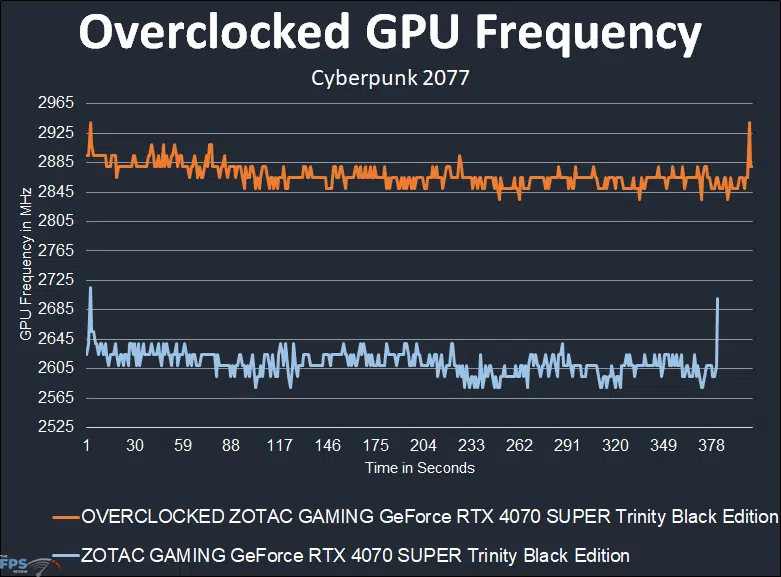
With the GPU Boost operating at the default 2475MHz, the ZOTAC GAMING GeForce RTX 4070 SUPER Trinity Black Edition runs between 2570MHz-2645MHz at default, while gaming, with an average of 2613MHz. Therefore, before even overclocking, the ZOTAC GAMING GeForce RTX 4070 SUPER Trinity Black Edition is boosting well above the default GPU Boost while gaming, the cooling and power delivery is very stable to allow this higher GPU boost.
When we overclock the GPU to +250 (with automatic fan speed), we can see that the GPU clock speed increases to 2840-2885MHz mostly, with an average of 2868MHz for our maximum overclock average. Therefore, compared to the default 2613MHz average, the overclock of 2868MHz average is a 10% clock speed overclock, and we also have the memory overclocked by 14%.
Therefore, our maximum overclock is: 2868MHz/24Gbps (GPU/Mem).
The impressive part of the overclock is this was all done with the fans on automatic, we did not have to increase fan speed, and yet the GPU still remained very cool. This keeps noise down, while also achieving a very high overclock.
FireStorm Utility
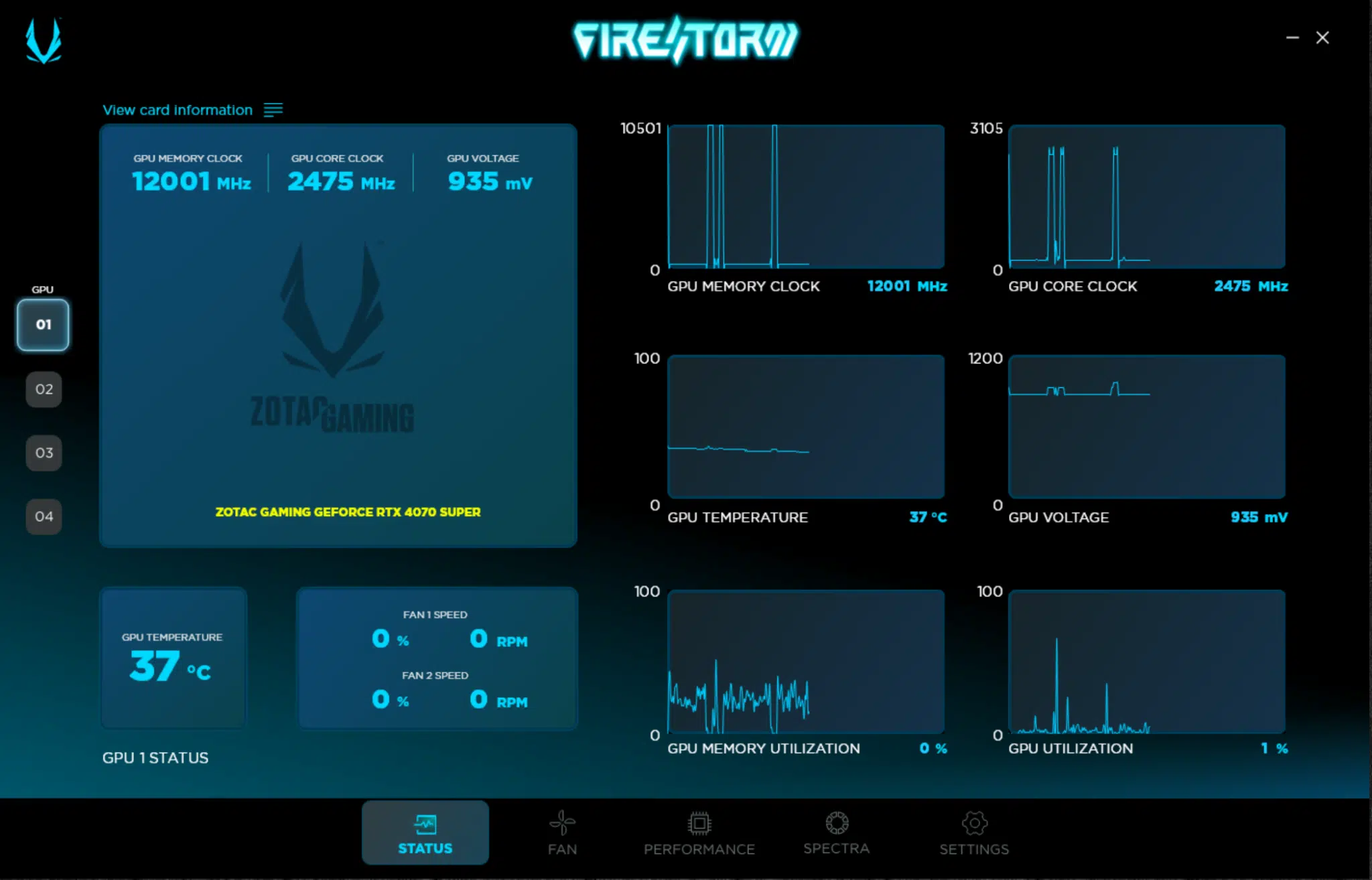
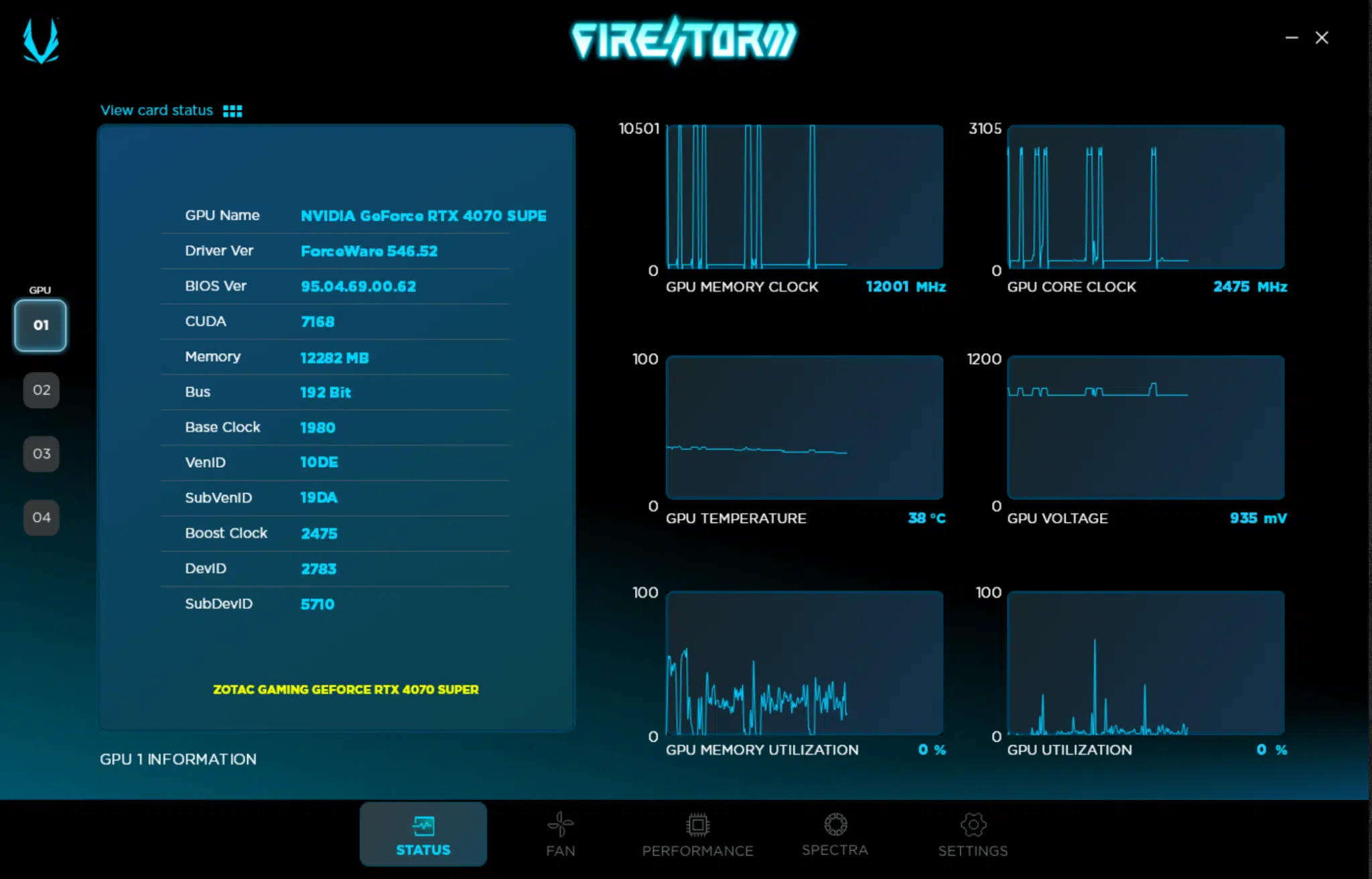
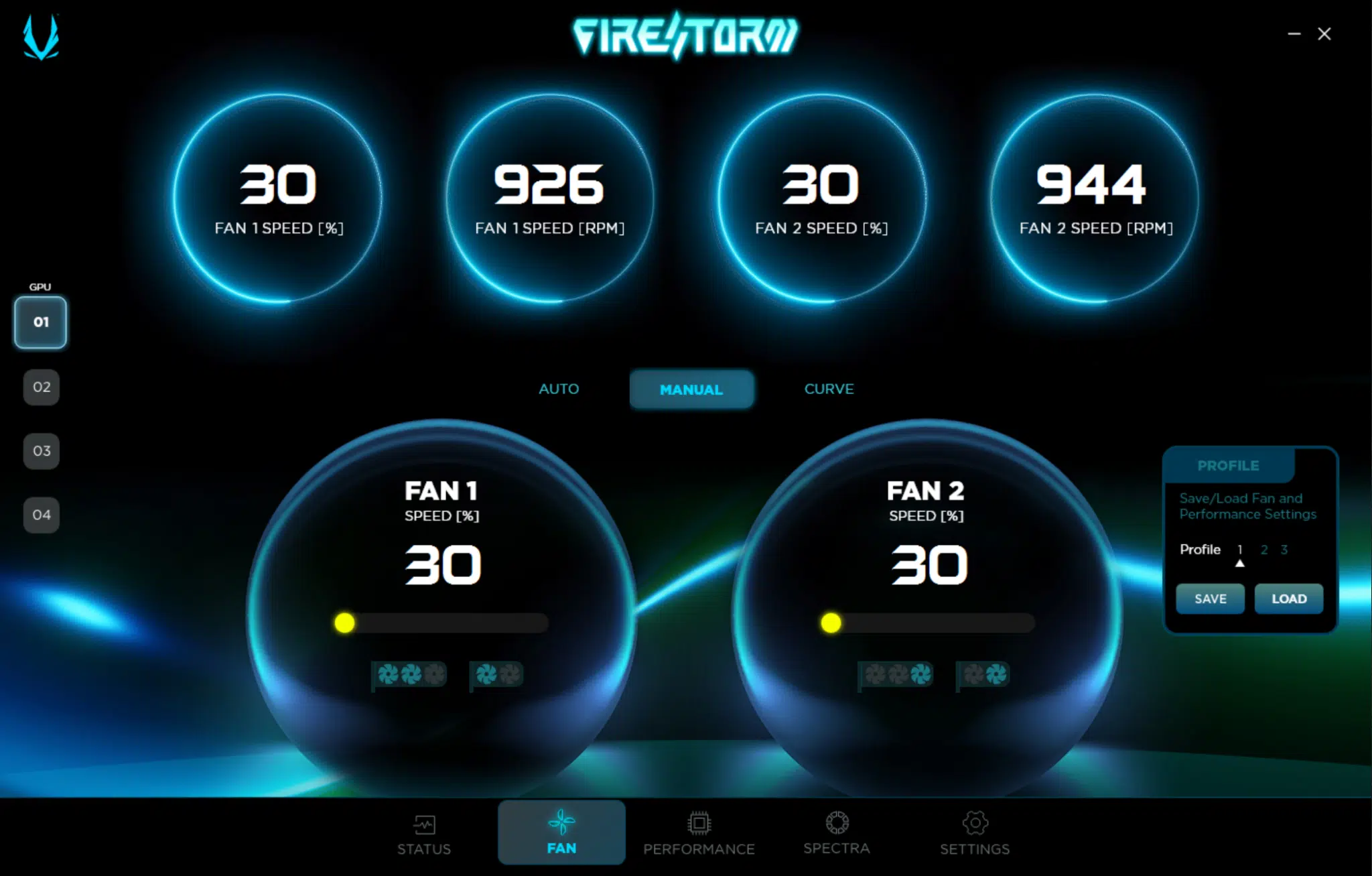
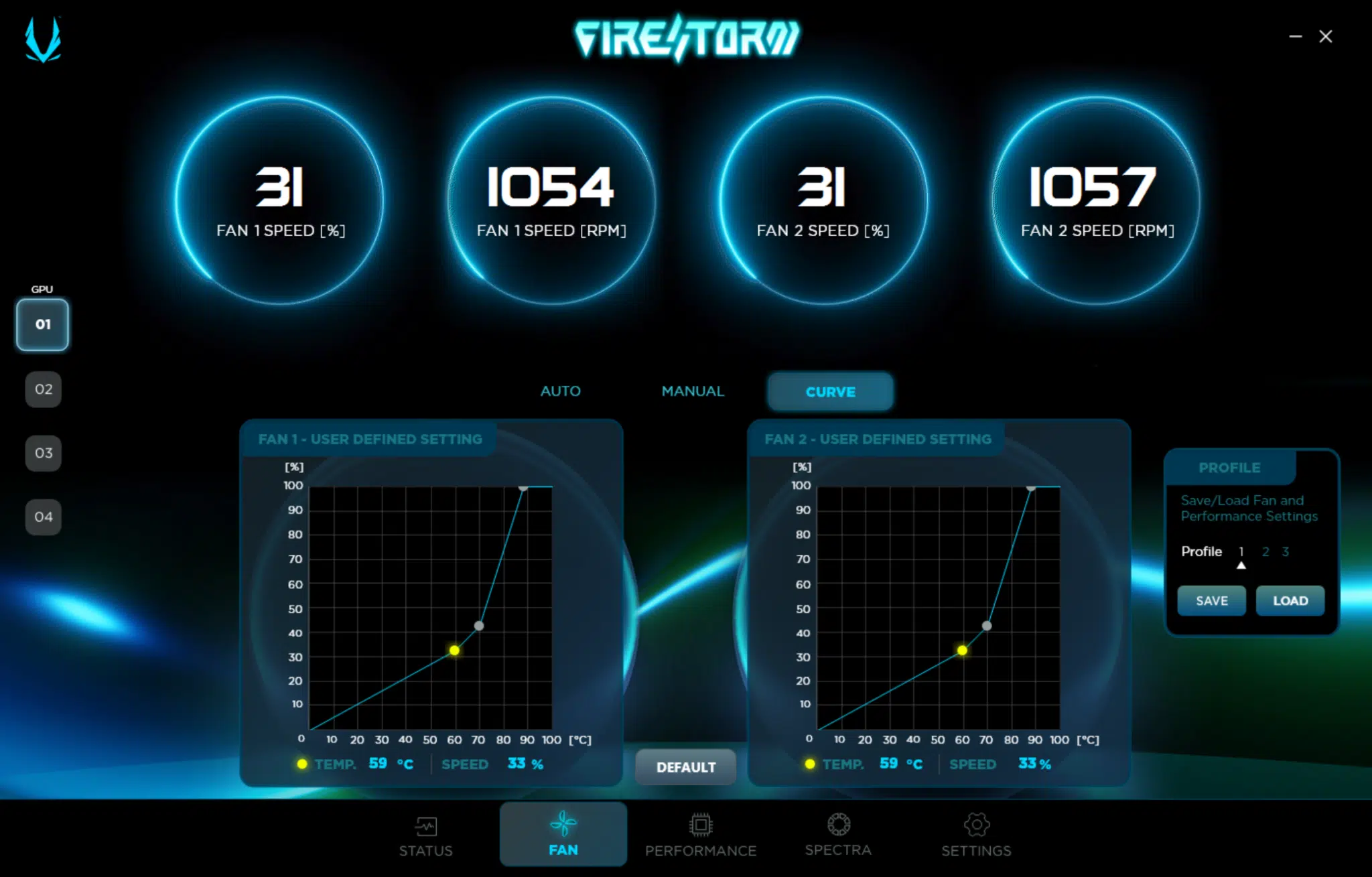
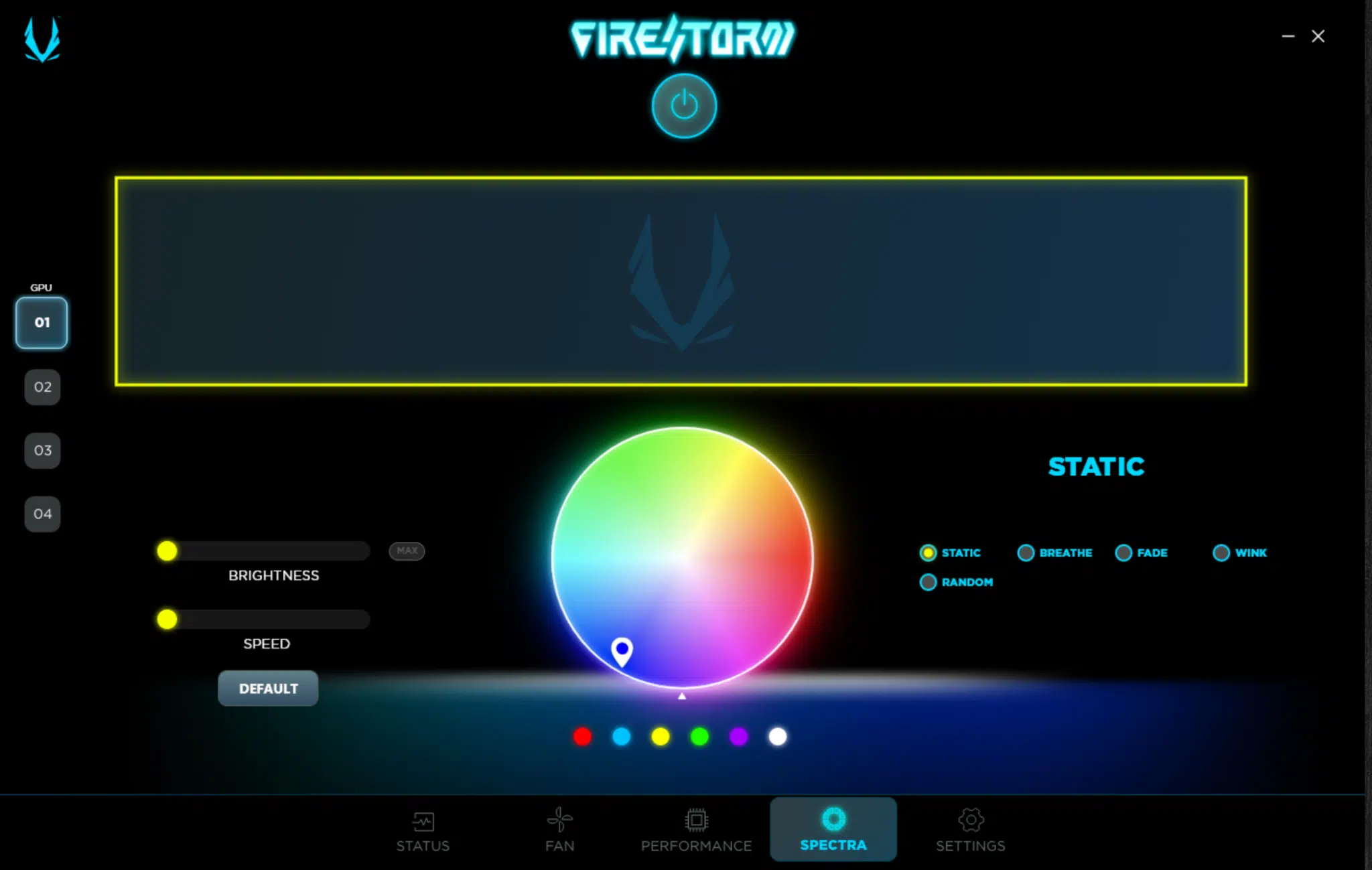
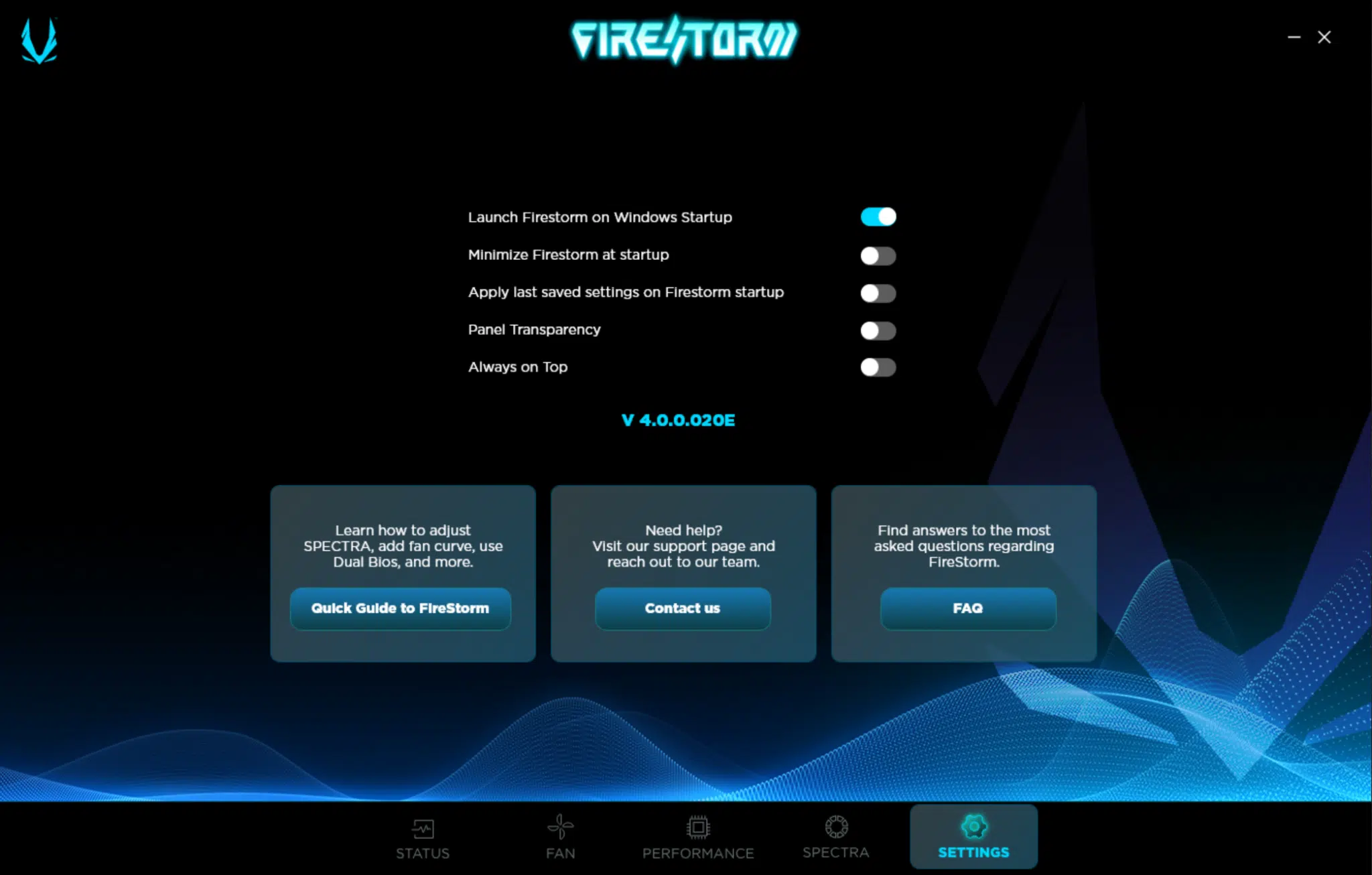
The ZOTAC FireStorm Utility allows you to monitor GPU Memory Clock, GPU Core Clock, GPU Temperature, GPU Voltage, GPU Memory Utilization, and GPU Utilization as well as fan speeds from an easy-to-view status window. It also lets you control fan speeds manually, or set fan curves per-fan and save and load profiles. With the SPECTRA RGB tool, you can turn off the RGB or control what it does, color, brightness, and speed.
Discussion (4 replies)
Join Discussion →So the card we should have gotten a year ago at least $50 above what its worth.
It's NVIDIA: they're all-in on AI (in terms of their revenue stream), these "Super" releases are just to keep AMD roughly "at bay", and given their market dominance, they are likely to continue doing just that (let's see what Intel has cooked up w/Battlemage late this year) -- although it seems that AMD was wise with the MSRP pricing of the RX 7800 XT.
As a consumer though, I may just hold off until late this year/sometime next year to buy an upgrade to my RX 6700 XT (would go with an entirely new rig at that point, as my i5-8600k is beginning to show its age).
Looks like you called it in the founders edition review. Either way this card is nice but needs an OC to beat the Founders edition. But were talking single digit frames so not a HUGE difference.
I agree. The Zotac is an OK card, but needs an overclock to beat the Founders Edition, which in quick glance is faster in every game. Only saving grace is they are the same price.
If overclocked it would seem that the Founders is the better card.
So I would buy this why?