
Introduction
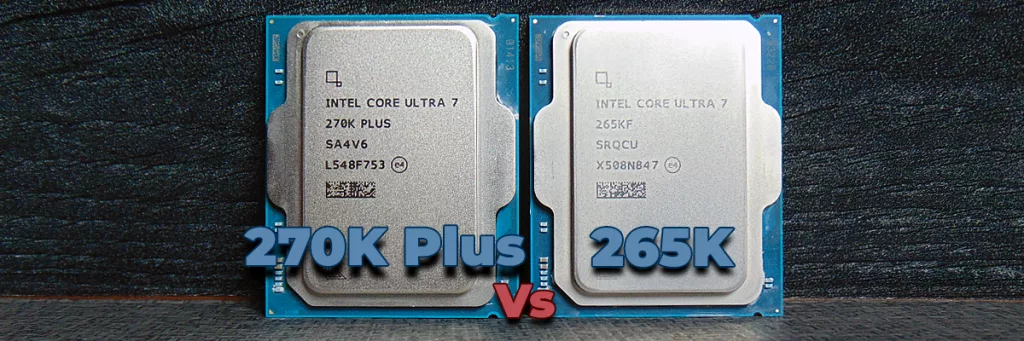
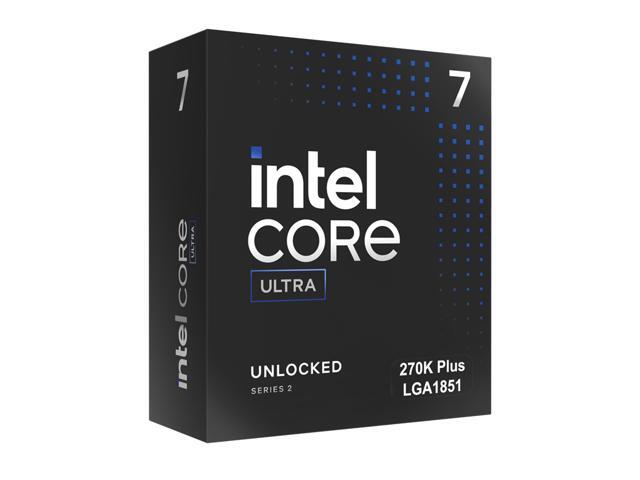
The Intel Core Ultra 7 270K Plus was launched on March 26th, 2026, with an MSRP of $299. It is part of the Intel Core Ultra 200S Plus desktop CPU series for socket LGA1851 motherboards, which is the current generation of motherboard support from Intel. Being based on the Intel Core Ultra 200S series, the Intel Core Ultra 7 270K Plus uses the same “Arrow Lake” architecture, and is considered a “refresh” CPU, expanding the series. You can read our official announcement article with all the juicy details here.
In today’s CPU performance review, we are going to directly benchmark the Intel Core Ultra 7 270K Plus versus the Intel Core Ultra 7 265K in both synthetic benchmarks and 14 games, with some of the most recent game releases including Crimson Desert and Resident Evil Requiem. The goal is to determine how much faster the Intel Core Ultra 7 270K Plus really is compared to the CPU it is supplanting in the lineup.
Given the fact that the Intel Core Ultra 7 270K plus has upgrades in terms of Die-to-Die frequency, 4 Extra E-Cores, and the new Intel Binary Optimization Tool, we want to find out what all this really means in terms of a performance upgrade over the Intel Core Ultra 7 265K. This is the first of several comparison reviews, as well as full CPU reviews with AMD comparisons that we have planned for the future, so stay tuned for much more.



Intel Core Ultra 7 270K Plus
Before we dive into the benchmarks, let’s briefly talk about what is new with the Intel Core Ultra 7 270K Plus, and what its specifications are in comparison to the Intel Core Ultra 7 265K.
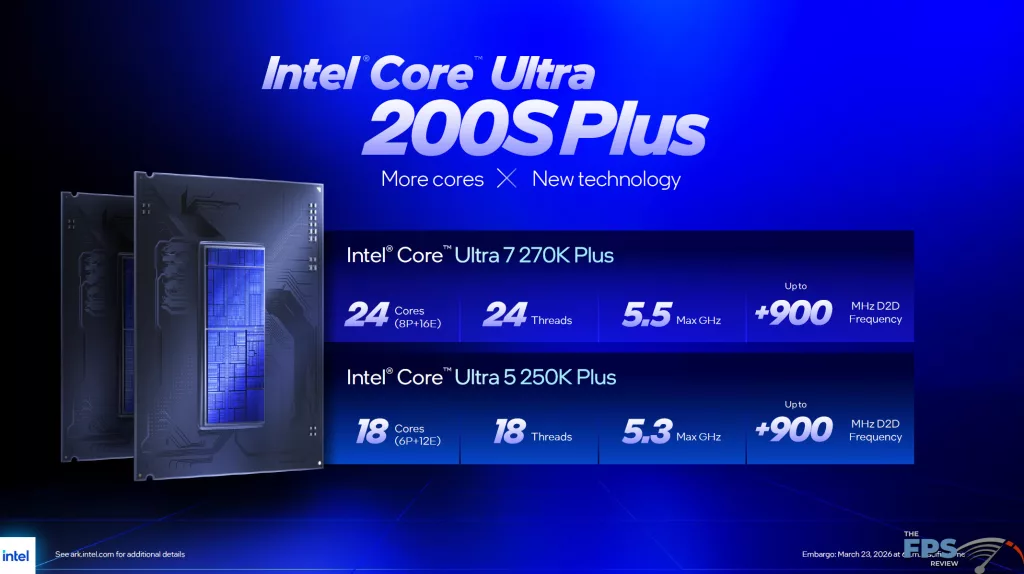
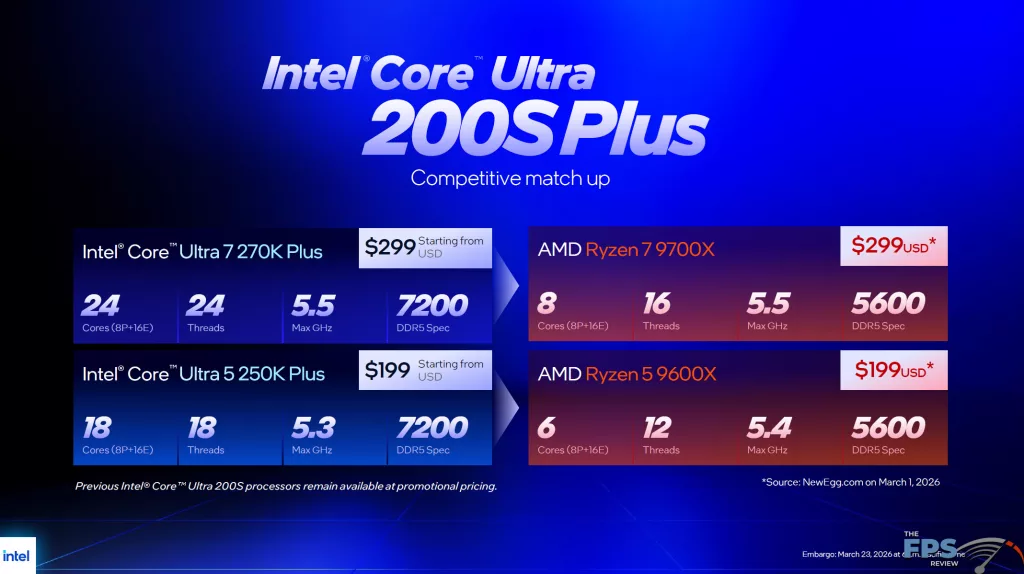
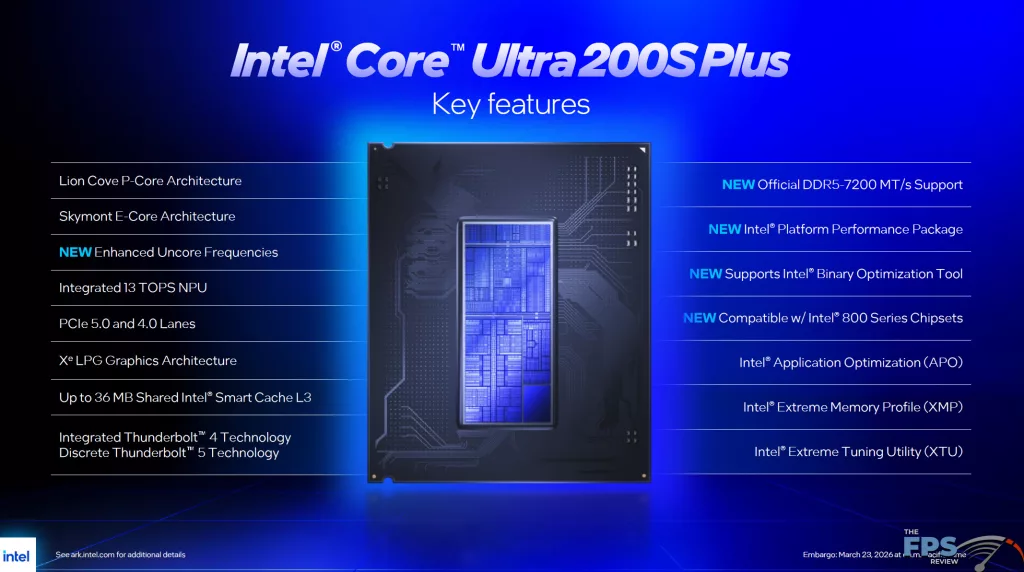
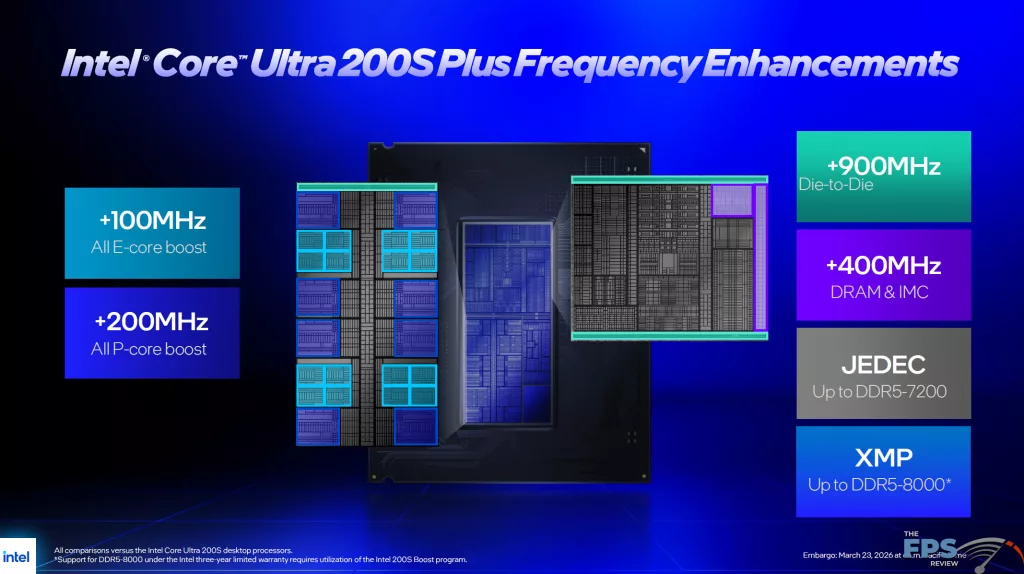
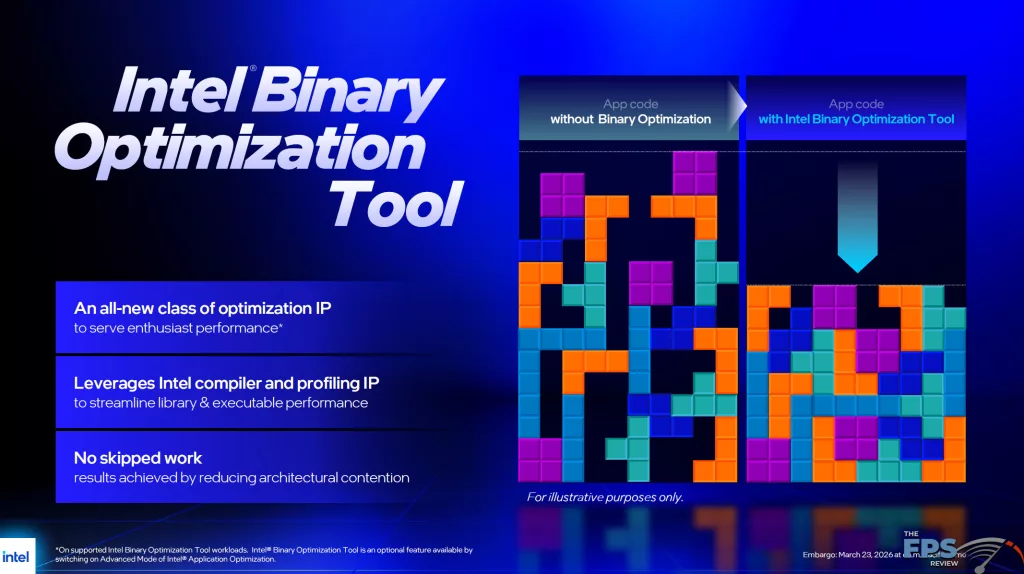
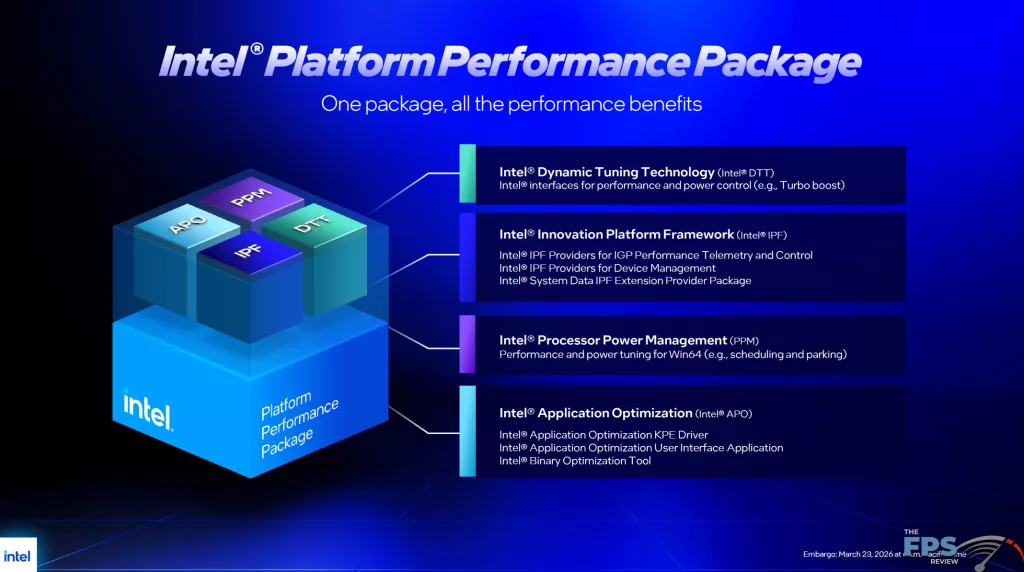
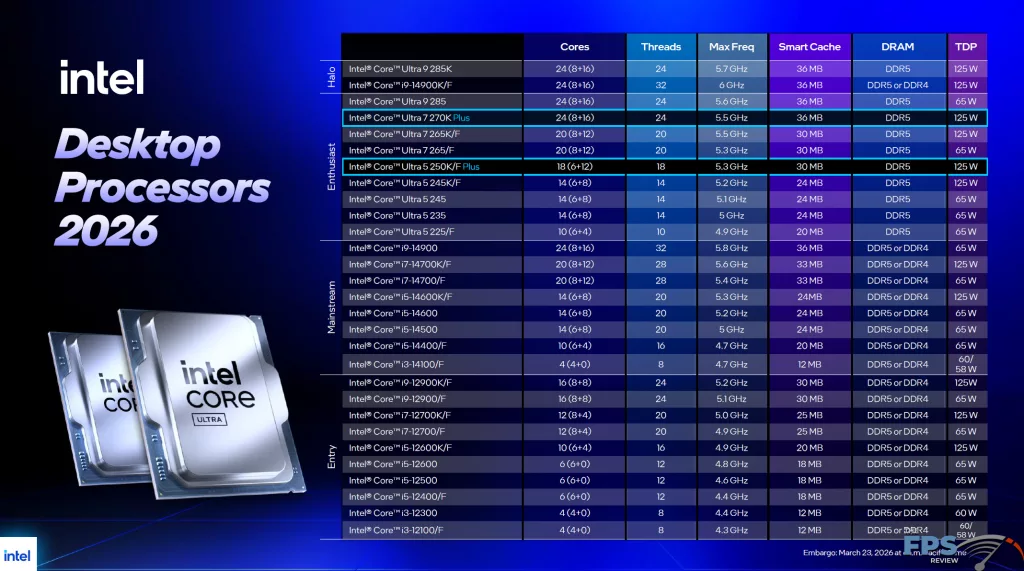
The key features of the Intel Core Ultra 200S Plus CPUs include 4 more efficiency cores (E-Cores), up to 900MHz boost to the die-to-die frequency, a new Intel Binary Optimization Tool, Support for DDR5 7200MT/s memory, and early support for 4-Rank CUDIMM memory. These are the primary differences, though there is also a minor boost frequency difference as well to the E-Cores.
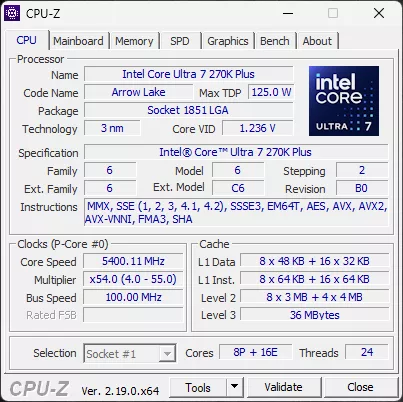
The Intel Core Ultra 7 270K Plus has 24 total cores, while the Intel Core Ultra 7 265K has 20 cores. The Intel Core Ultra 7 270K Plus has 8 P-Cores, as does the Intel Core Ultra 7 265K. Where it differs is that the Intel Core Ultra 7 270K Plus has 16 E-Cores, while the 265K has 12 E-Cores.
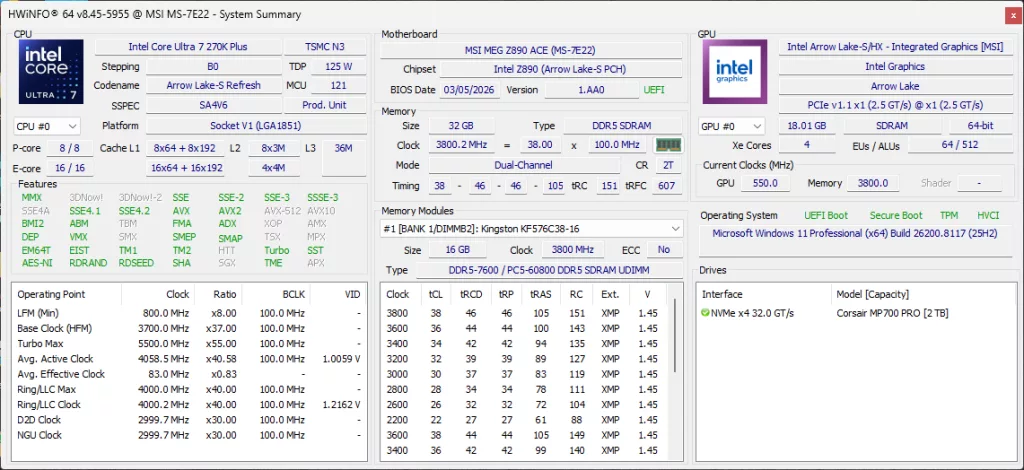
Also, the E-Cores have a slightly boosted clock speed of 4.7GHz on the Intel Core Ultra 7 270K Plus, while the Intel Core Ultra 265K has them at 4.6GHz. Other internal frequencies have also increased, in one instance for example the die-to-die frequency increases by +900MHz. On Intel CPUs, there are three other clock domains to be aware of: the Ring/LLC Clock, the D2D Clock, and the NGU Clock, all of these are UP on the Intel Core Ultra 7 270K Plus.
The Ring/LLC Clock gets an upgrade up to 4GHz compared to the 265K, which was 3.8GHz. The D2D Clock gets an upgrade up to 3GHz compared to the 265K which was at 2.1GHz. The NGU Clock gets an upgrade up to 3GHz compared to the 265K, which was at 2.6GHz. One thing that also gets overlooked is that the Intel Core Ultra 7 270K Plus also has more cache, 36MB, compared to the 30MB on the Intel Core Ultra 7 265K. This extra Cache is great for gaming. Otherwise, the TDP remains the same at 125W with Max Turbo Power at 250W.
Intel Application Optimization Tool
In addition to these upgrades, Intel is continuing on the software front to provide optimization in games and applications. By way of the Intel Application Optimization Tool, Intel has a new ability called the Intel Binary Optimization Tool. This sits atop APO Optimations, and can be toggled manually off or on per-game supported. Now, when we set it up, we did find that while APO Optimization is enabled by default, the Intel Binary Optimization Tool toggles were DISABLED by default. Therefore, you must manually enable them if you wish to experience the performance benefits in the game supports.
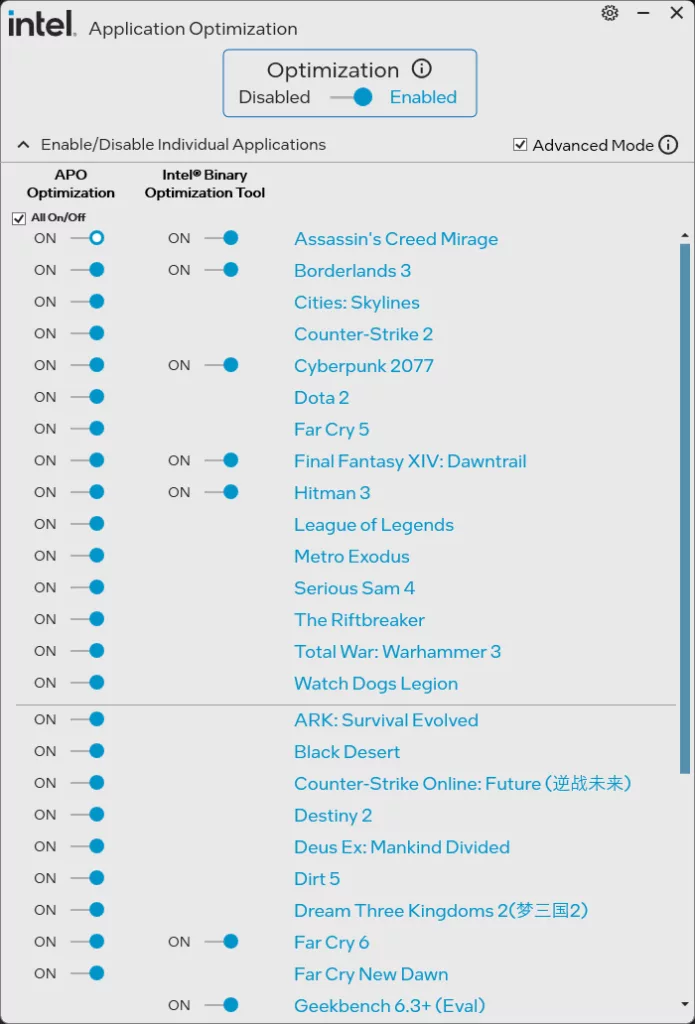
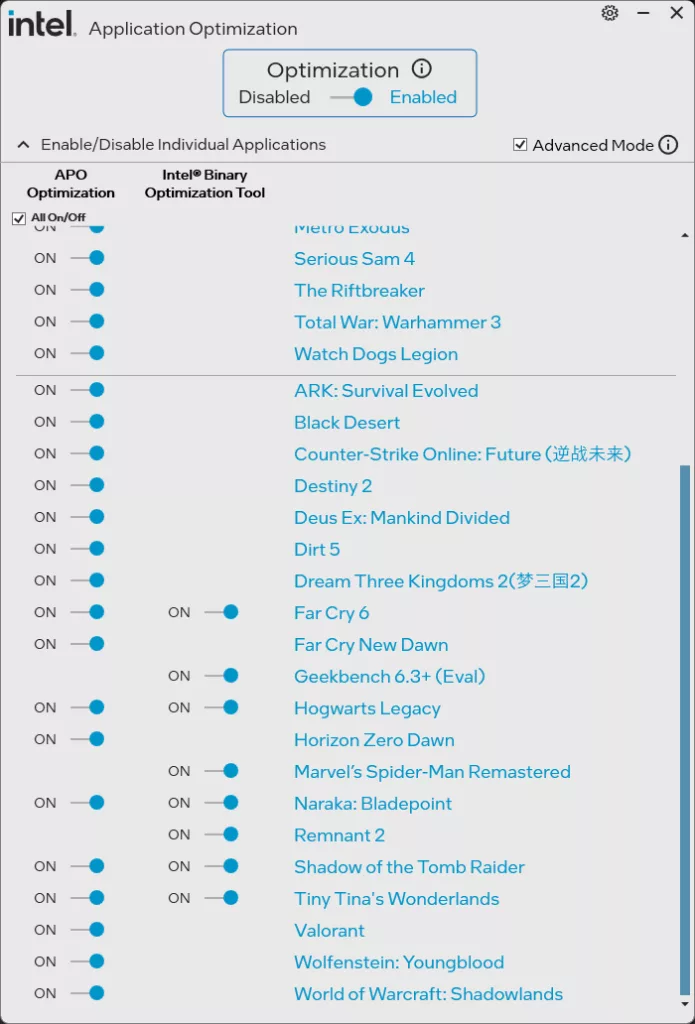
On our Intel Core Ultra 7 270K Plus, you can see the list of supported games that are shown in the utility, which we have turned ON for all testing today. Though out of all the games on the list, we are only using 2 games on the list there that support Intel Binary Optimization Tool: Cyberpunk 2077 and Hogwarts Legacy. In fact, there are no other games on this list that we are using today, therefore, other than the two games aforementioned, APO and Intel Binary Optimization Tool aren’t really doing a lot for our selection of 14 games.
Intel Core Ultra 7 270K Plus Installation
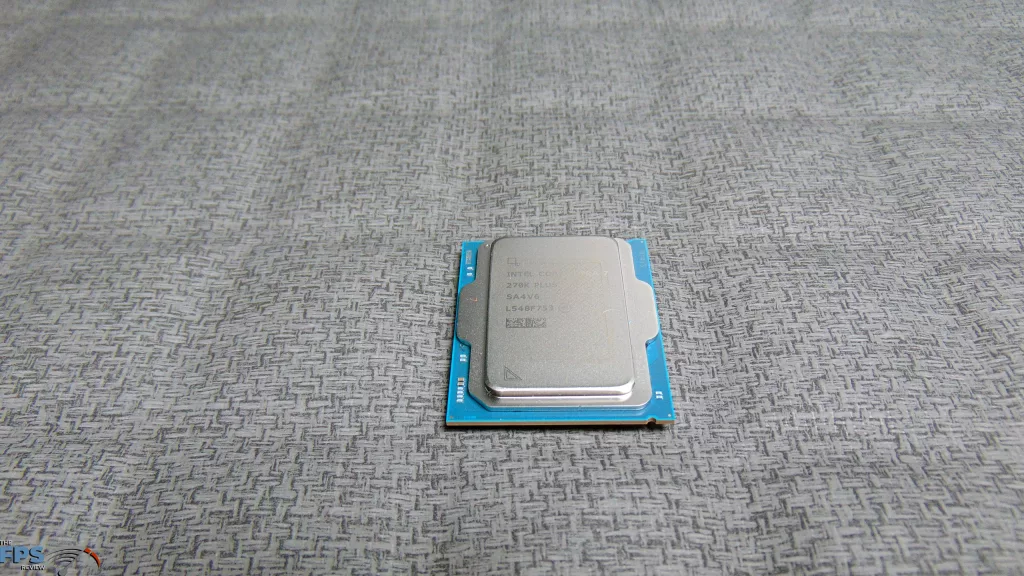
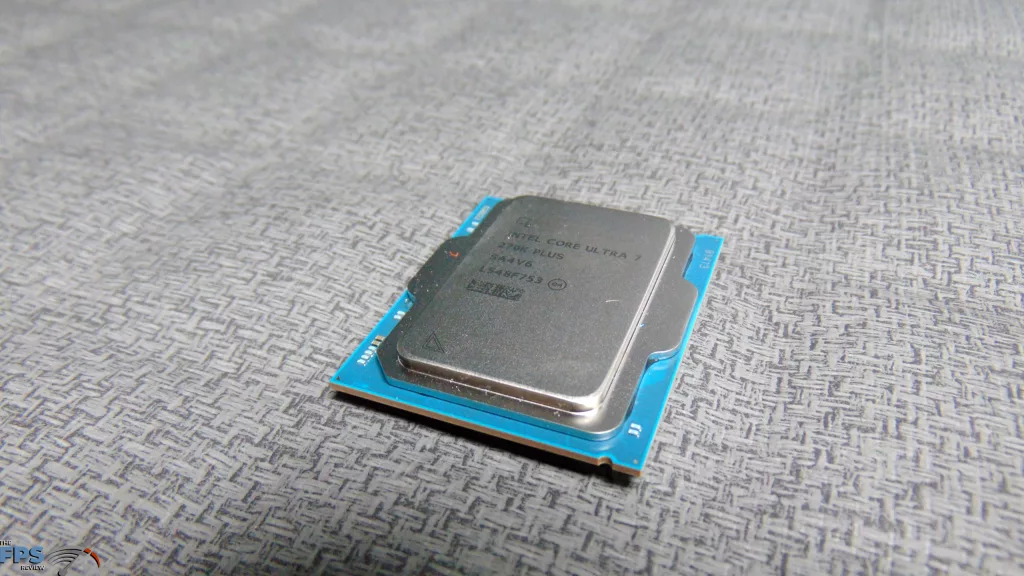
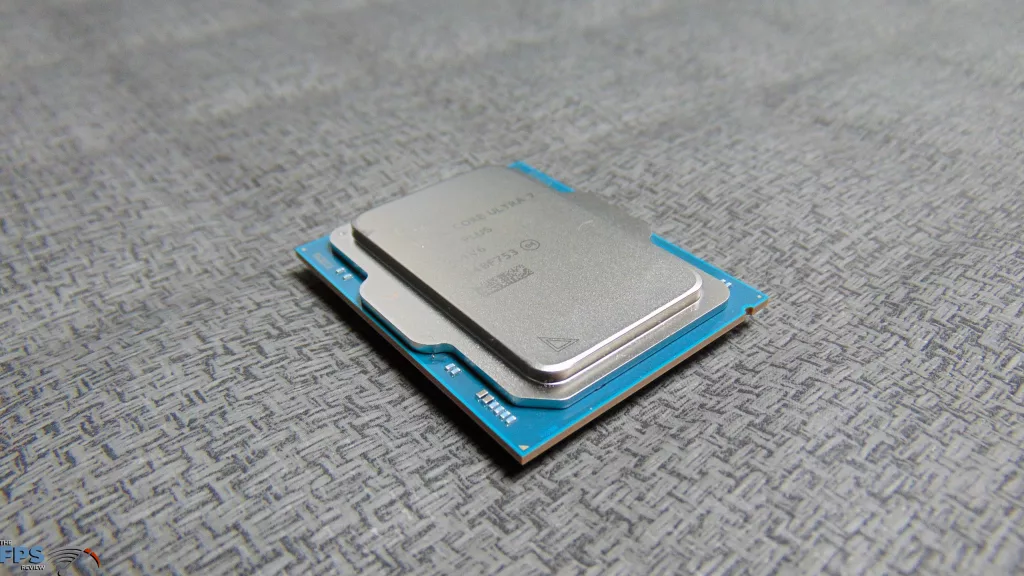
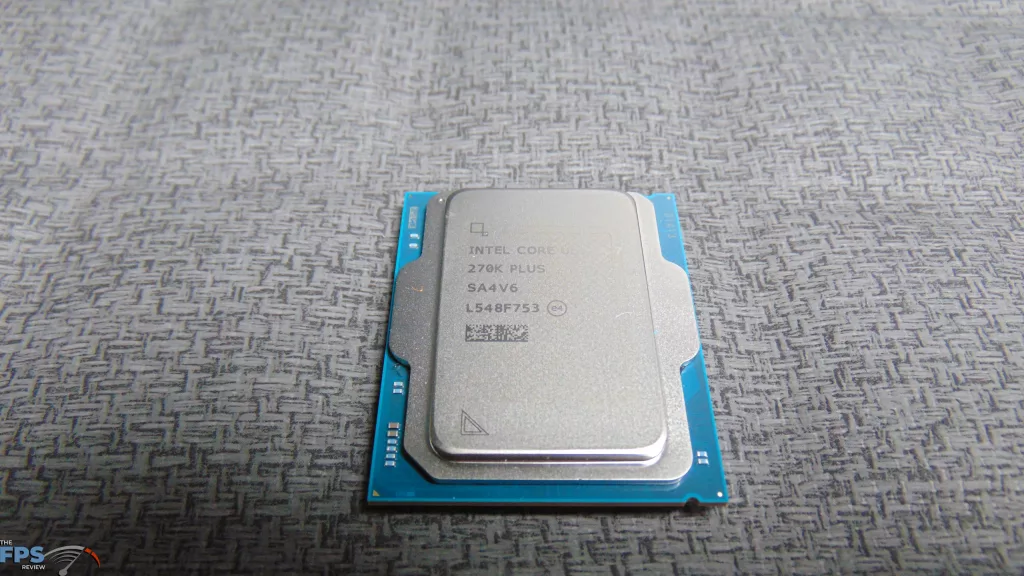
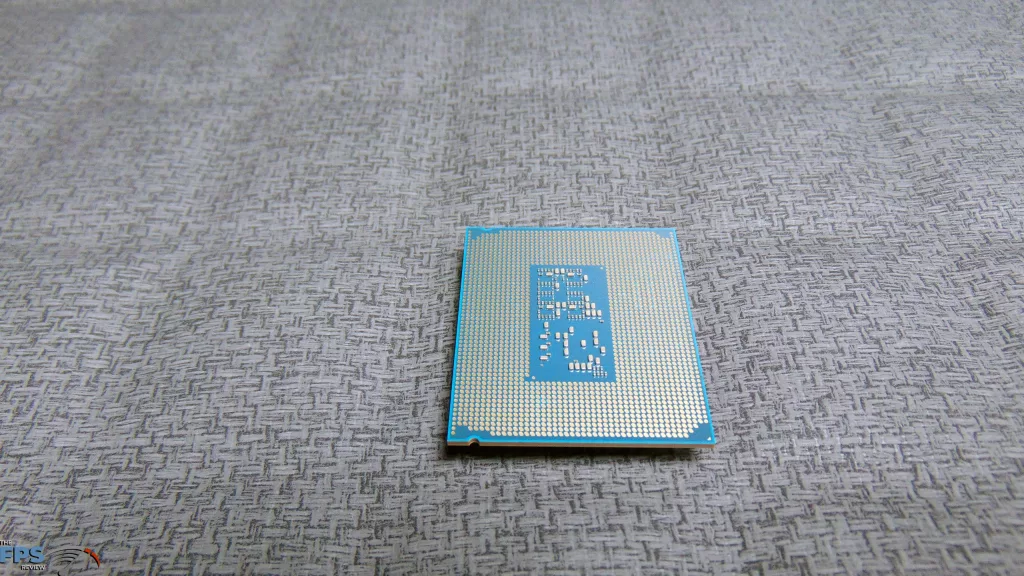
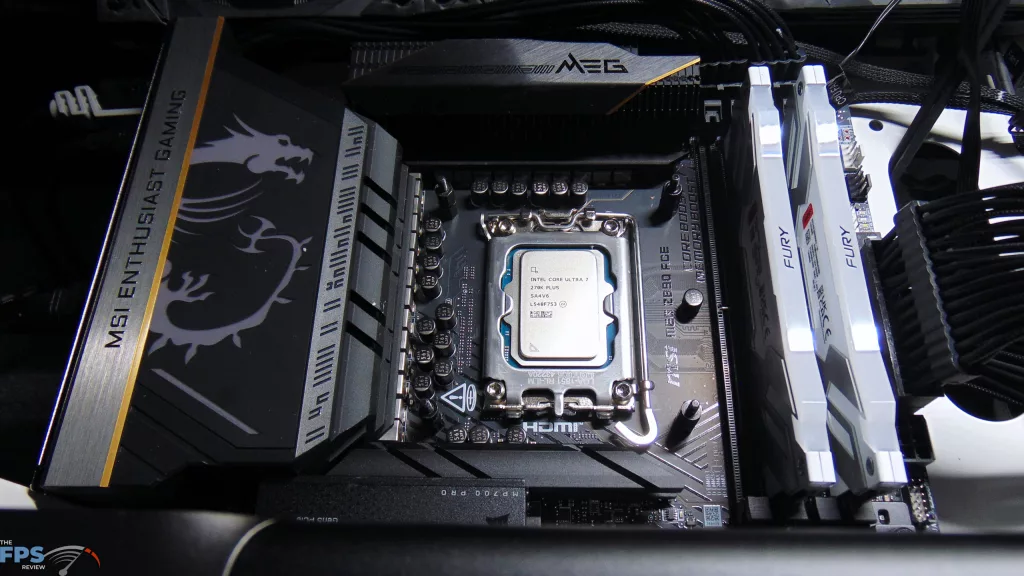
The Intel Core Ultra 7 270K Plus looks like any other “Arrow Lake” LGA1851 CPU, same size, shape, patterns, and pads. Installation went smoothly into our MSI MEG Z890 ACE motherboard.
Kingston Fury Renegade 7600MT/s
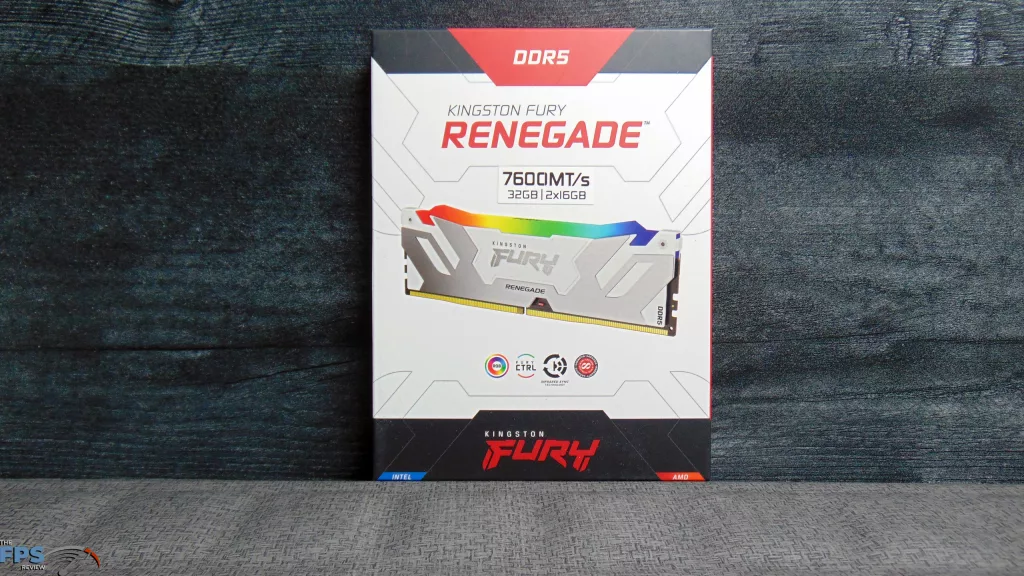
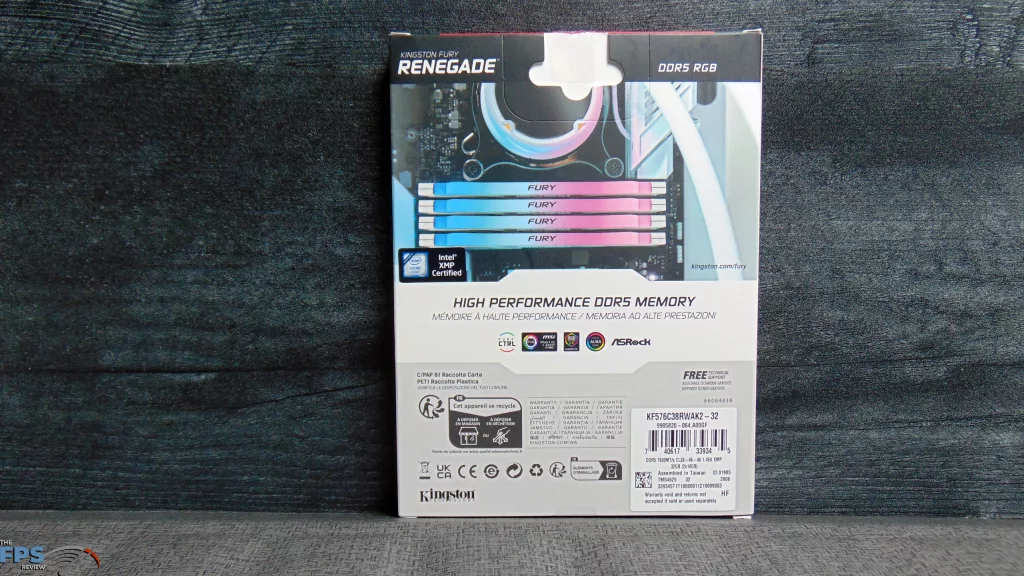
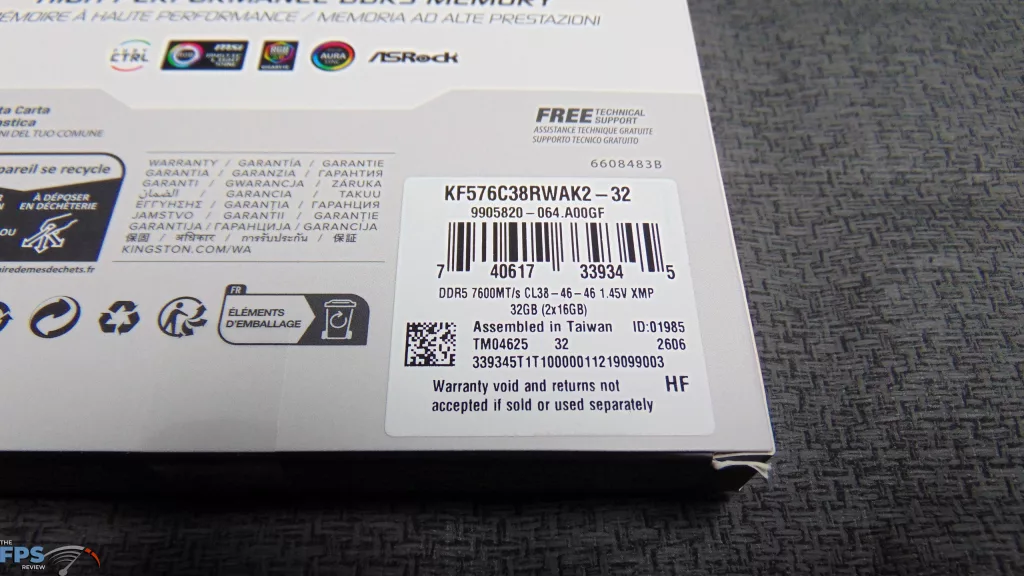
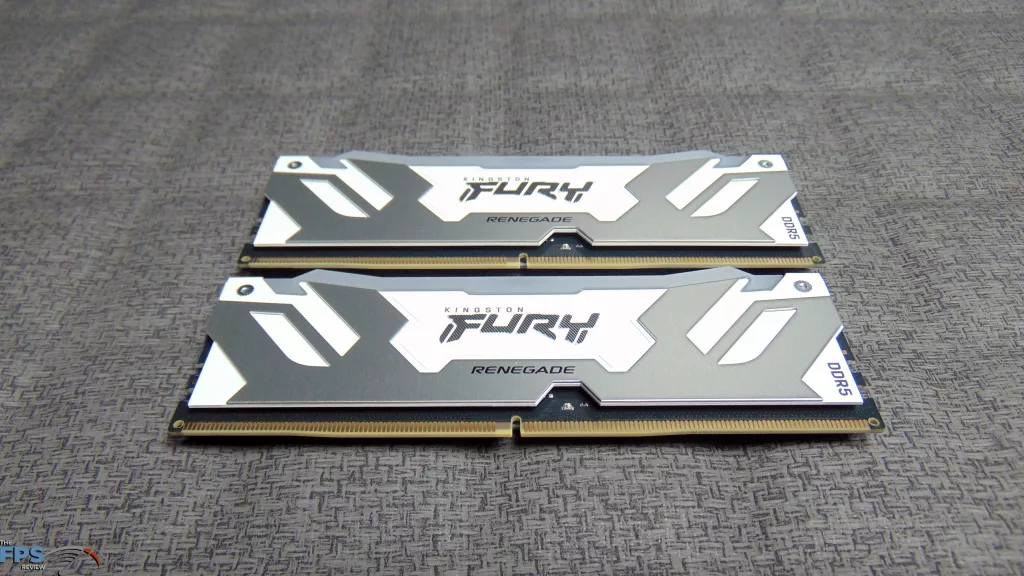
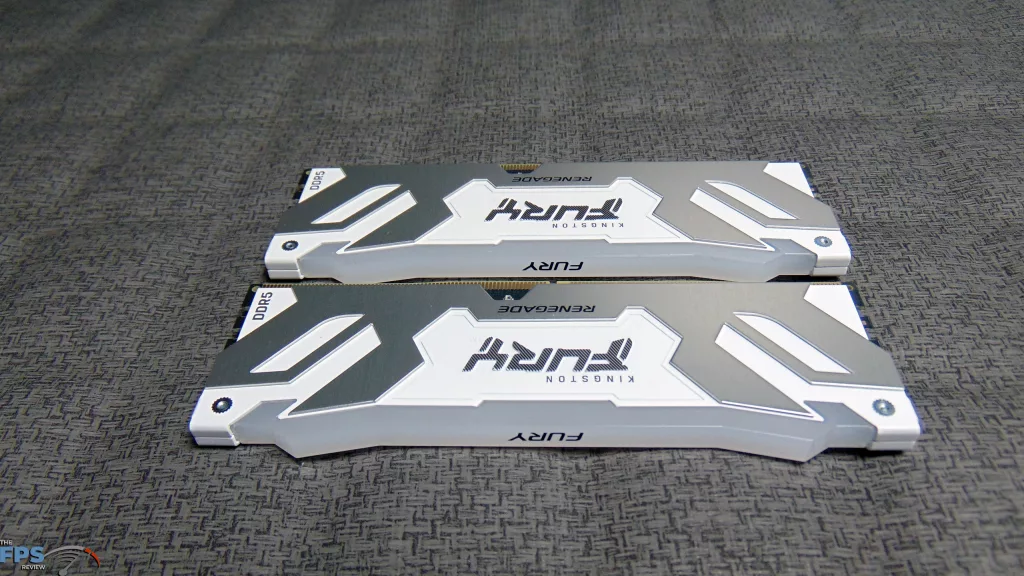
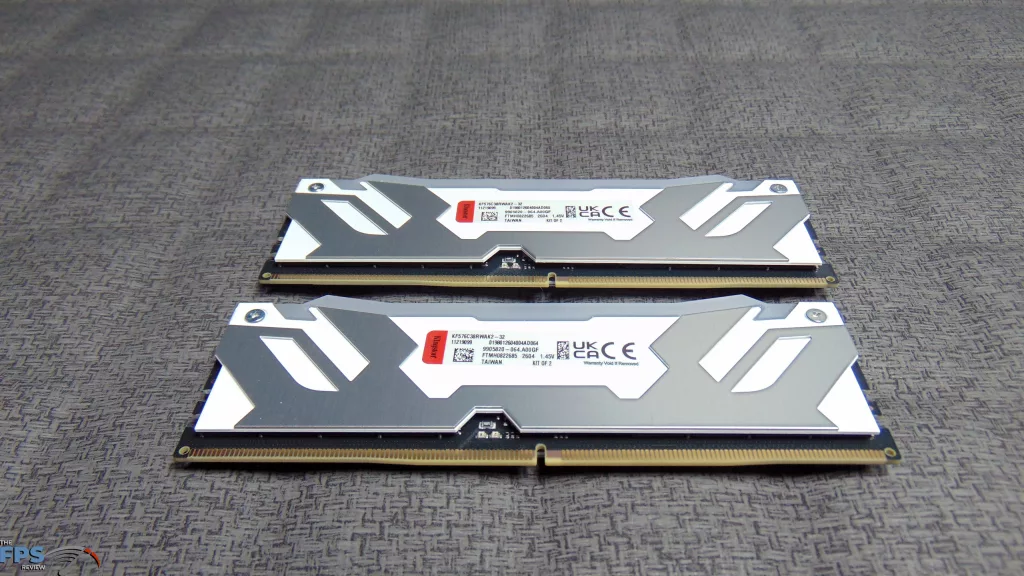
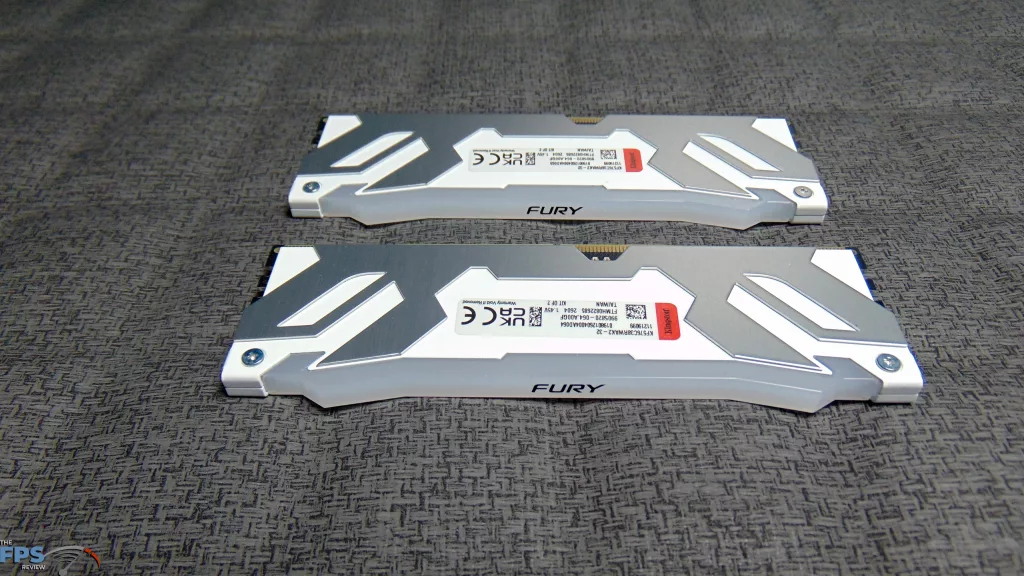
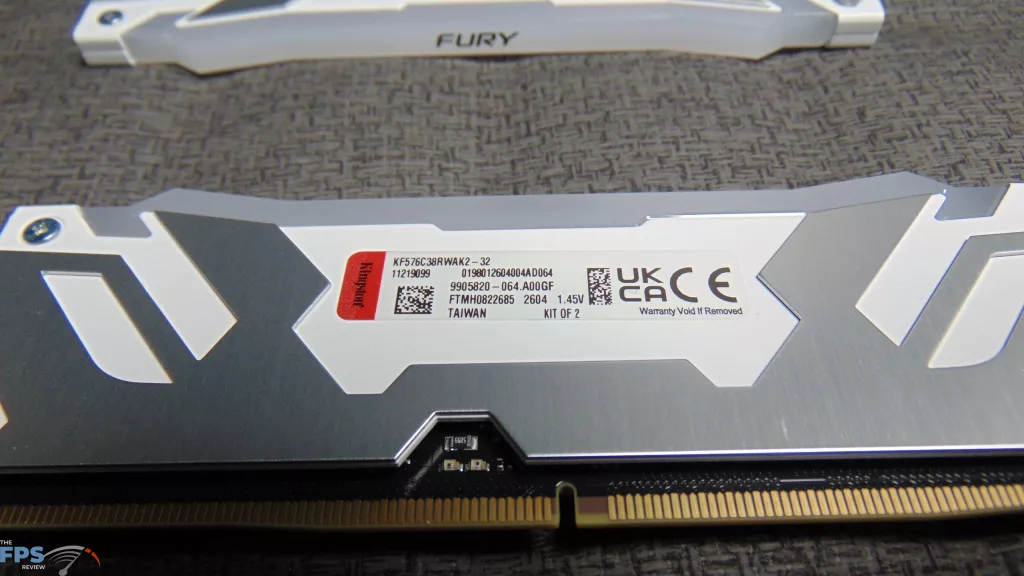
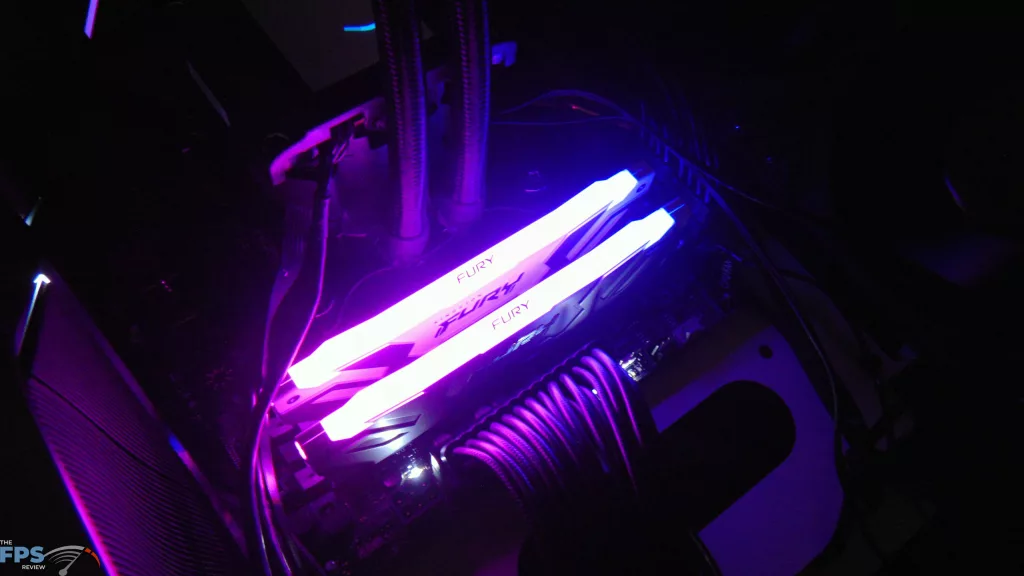
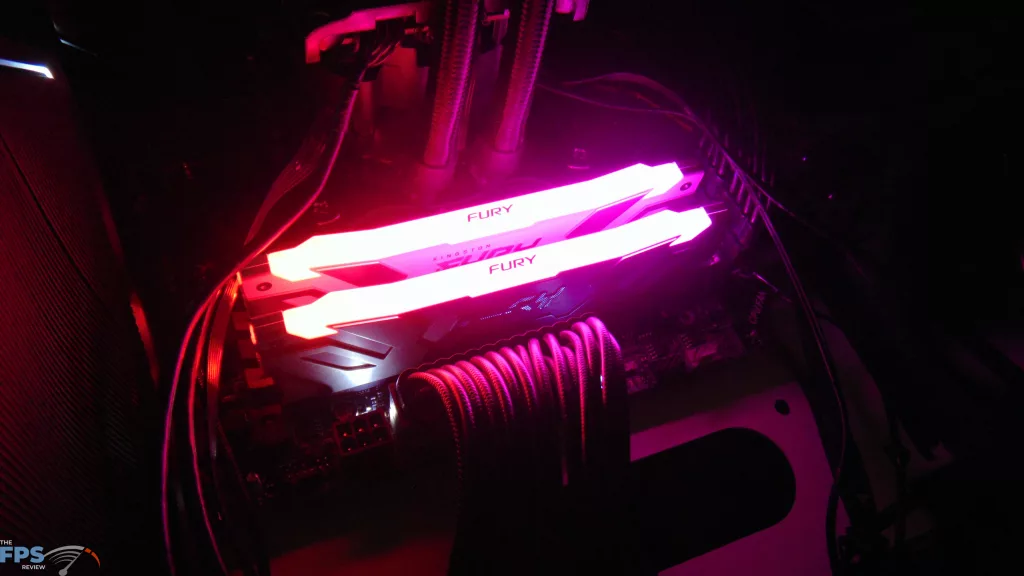
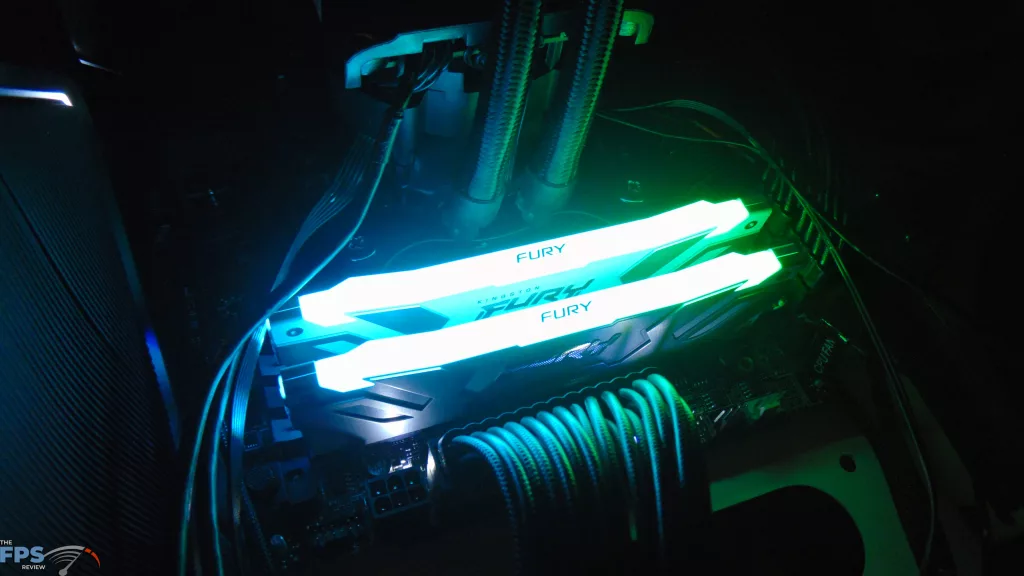
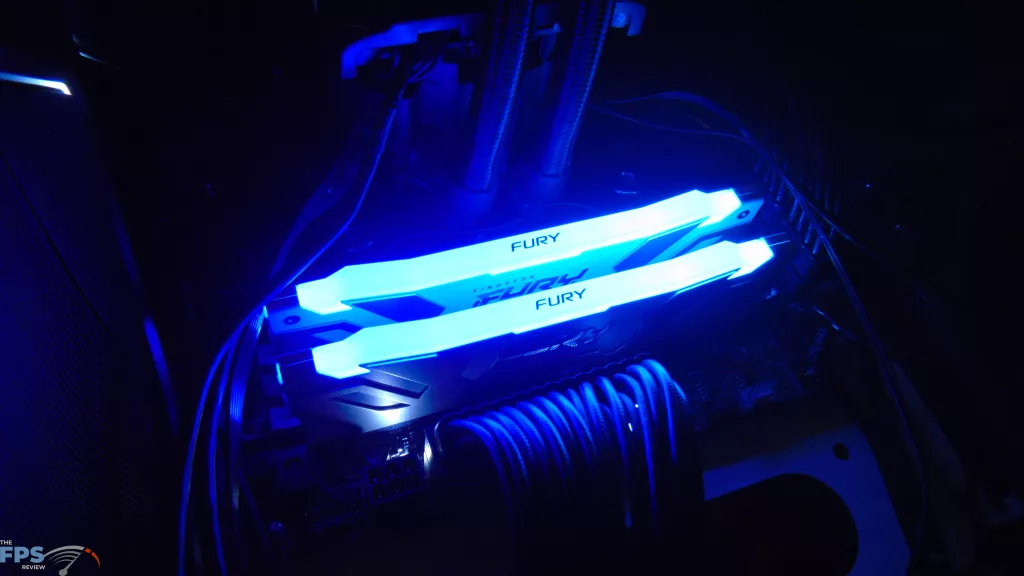
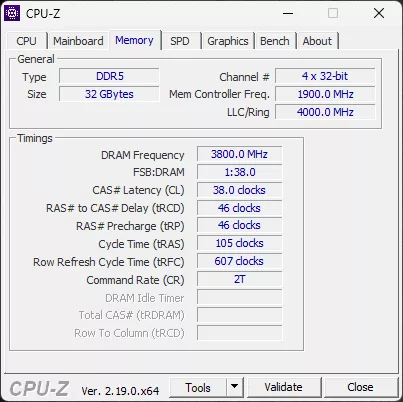
We want to thank MSI for sending over a high-speed Kingston Fury Renegade 7600MT/s (32GB|2x16GB) DDR5 RAM kit (KF576C38RWAK2-32) for testing, so we can push these new CPUs and test them thoroughly! These are rated at XMP 7600MT/s at CL38-46-46. We will be using this RAM kit on both CPUs in this review, so DDR5 speeds are the same at 7600MT/s between them, only the CPU changes.
Discussion (7 replies)
Join Discussion →What's disgusting is that prices are already over 50% markup on these.
Yeah, I was noticing that. I'm hoping it comes down. But I'm also not surprised.
Any memory latency tests done?? Are they lower than the initial released procs? Best I can get my 265KF to is 70.1ms per aida64.
I haven't tested it, but I will be doing some DDR5 memory performance comparisons with different speed DDR5 for an upcoming memory comparison review, and I'll make sure to check out the latency in that testing.
I just did a quick test with the 270K Plus with 7600 MT/s DDR5 I'm using, CL38-46-46-105 CR2 - AIDA64 reports 81ns
I'll be doing more testing, and have a different kit I'll be comparing with, just wanted to share with you what I got on this system at the moment.
Should be able to tweek that down even more with NPU and Core to Core overclocking. Thank you as well!
That's a good stock result given the hardware configuration (separate memory controller and CPU dies).