

Introduction
In this article, we examine the MSI MAG Z890 TOMAHAWK WiFi II. This board is a “refreshed” issue of the original Z890 TOMAHAWK, no roman numeral we first looked at in December of 2024. The MSI MAG (MSI Arsenal Gaming) tier of motherboards is well-known and recognised. We have reviewed quite a number of these boards. This tier is the entry-level for enthusiast gaming from MSI and is generally quite well outfitted at a reasonable price point. The layout and design is very consistent, especially in the TOMAHAWK branding. We are going to evaluate this board in our standard fashion and also compare the features to the original to try to uncover any special difference between it and Roman numeral II. Currently, this board is listed on the MSI store website for $199 (limited offer); the usual retail price is $229. The warranty is listed at 3 years.



Packaging and Contents
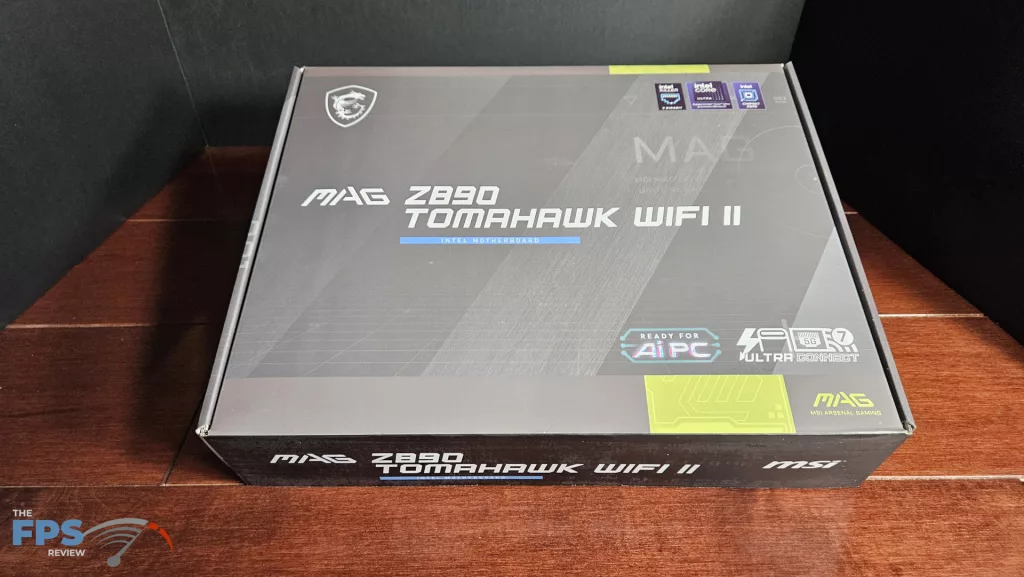
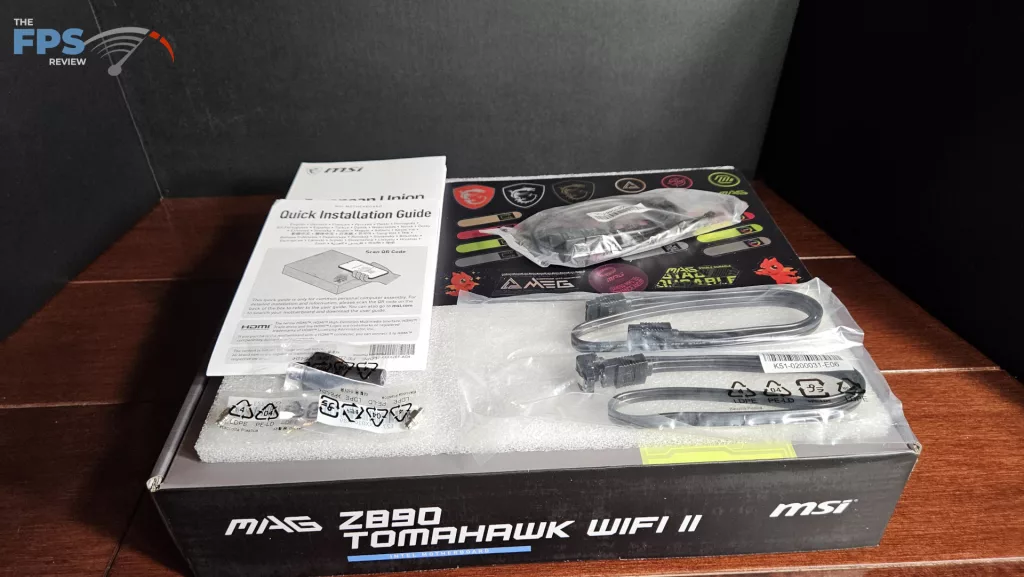
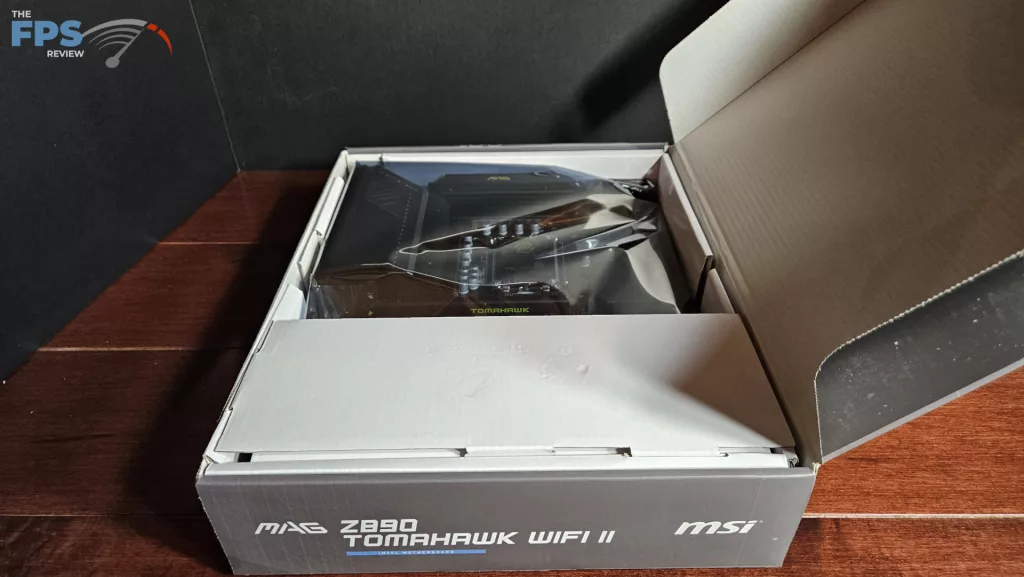
The motherboard was shipped directly from MSI. This is a full retail package. We found the usual packing format. The board was placed inside an anti-static bag and protected by cardboard inserts. The wifi antenna was packed on top, and the accessories underneath. The accessories included: booklets, a sheet of stickers, two SATA cables, an EZ-Con cable, two EZ-Clip M.2 screws, and the EZ Clip tool/screwdriver.
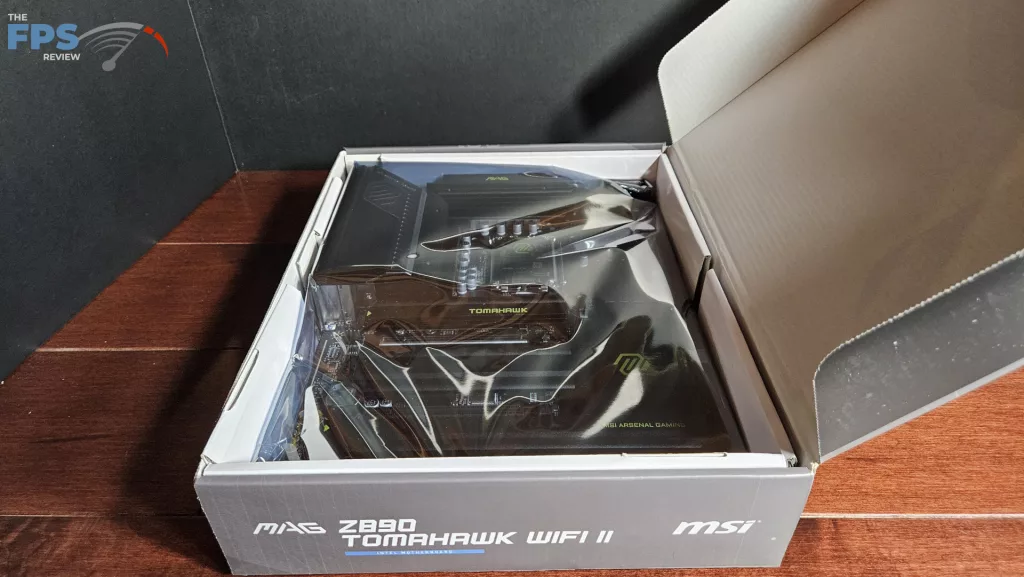
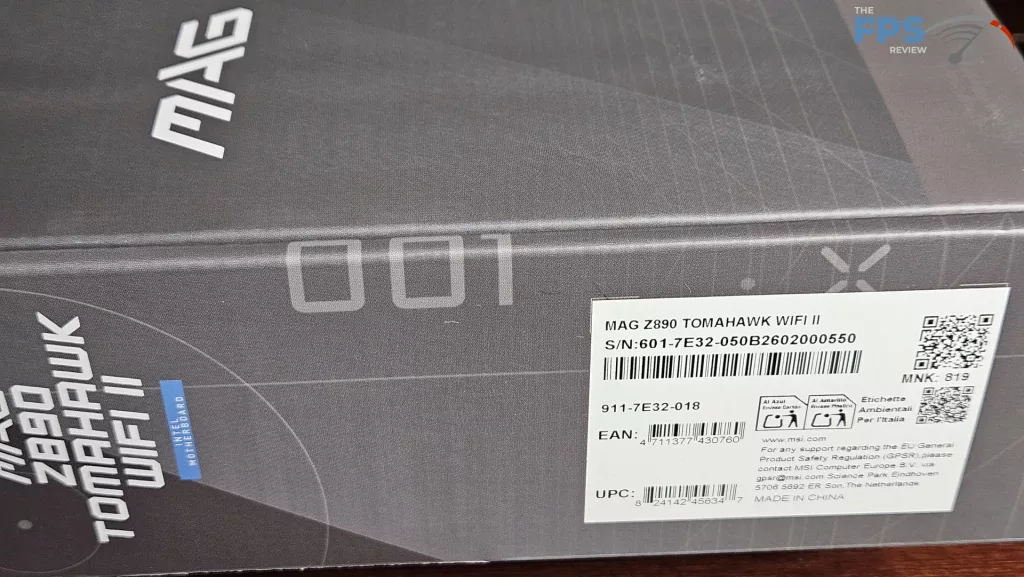
MSI MAG Z890 TOMAHAWK WiFi II Features
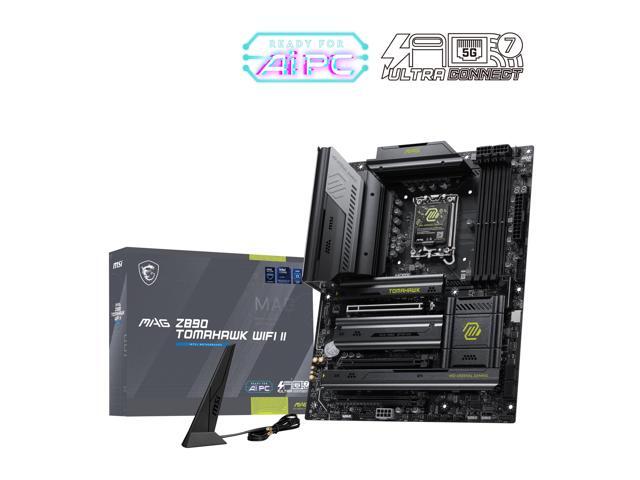
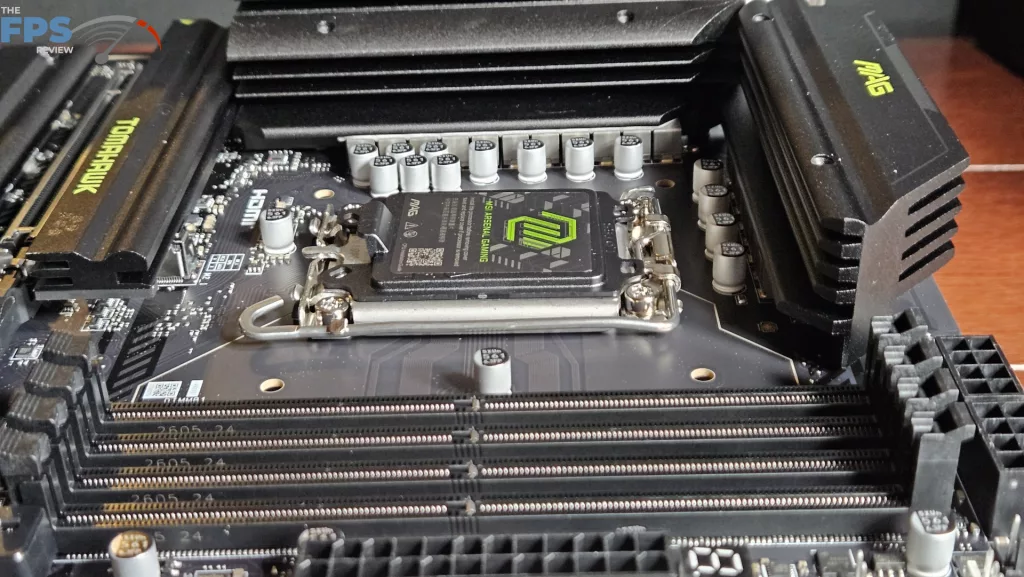
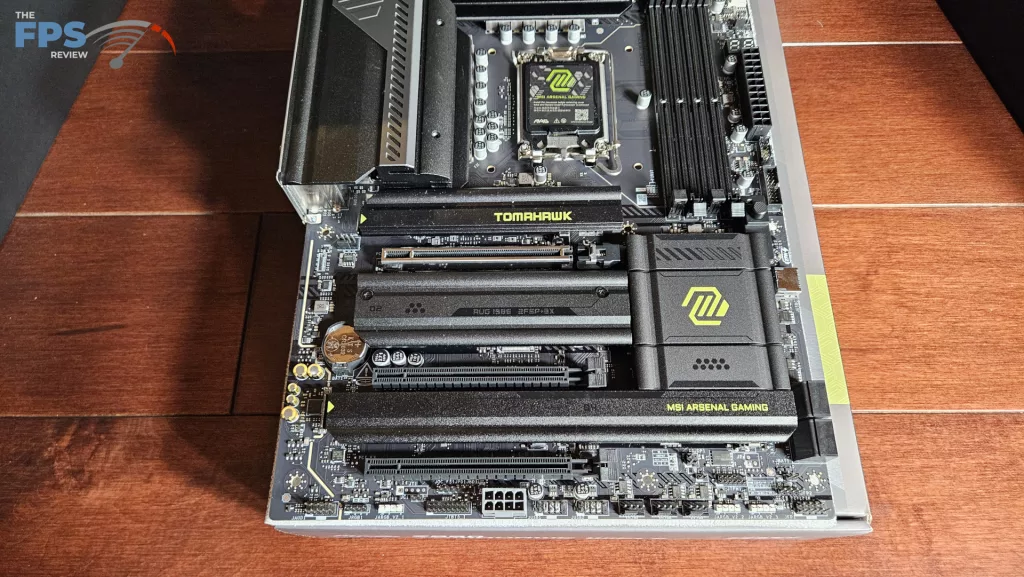
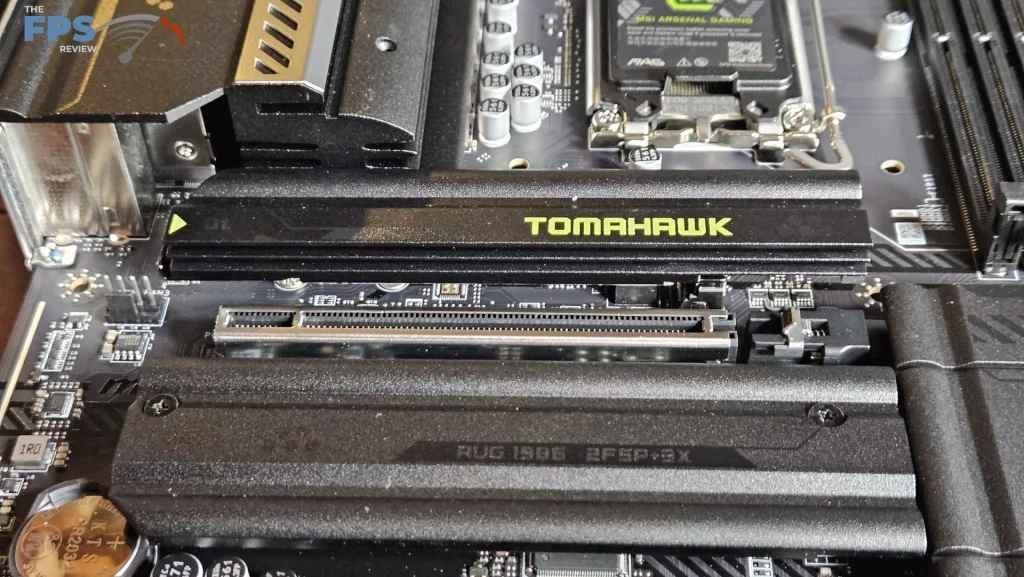
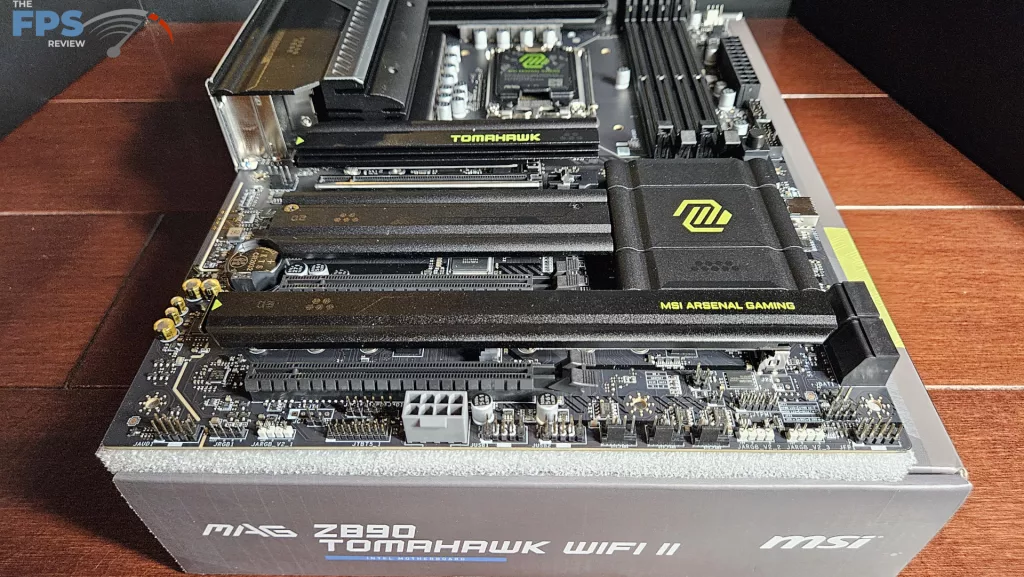
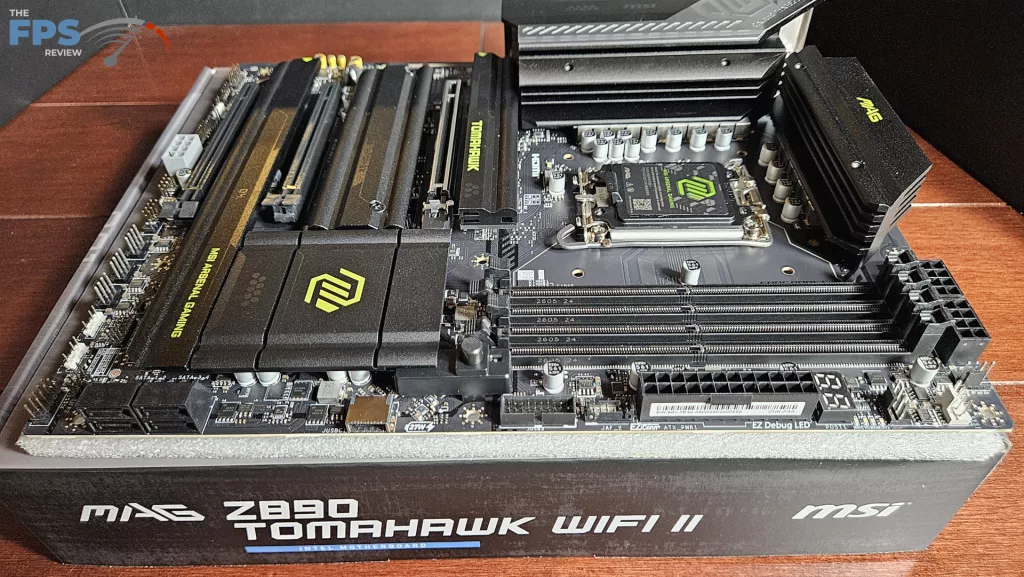
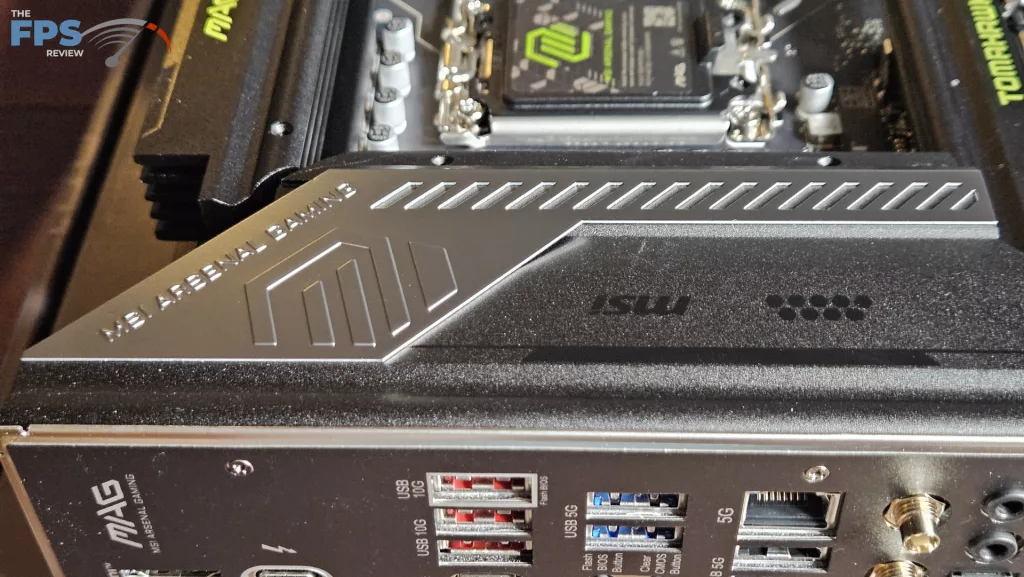
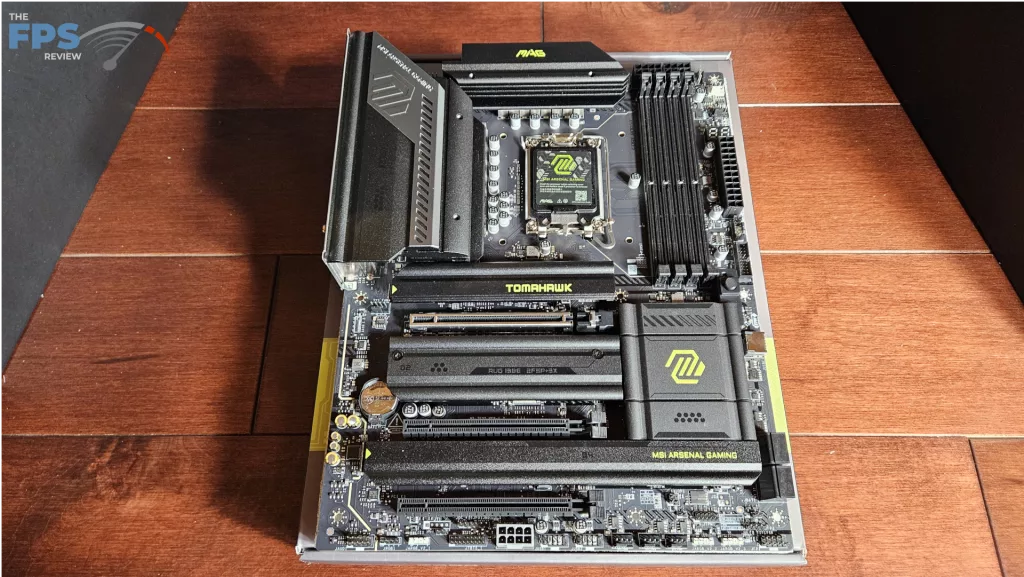
On initial evaluation, we see the board is identical visually and physically to the original MAG Z890 TOMAHAWK. This motherboard is a full ATX form factor in all black and has the characteristic mustard yellow lettering and logo. The yellow is kept to a minimum, about half of the design scheme is embossed black, and the I/O panel heatsink cover is a nice stainless steel.
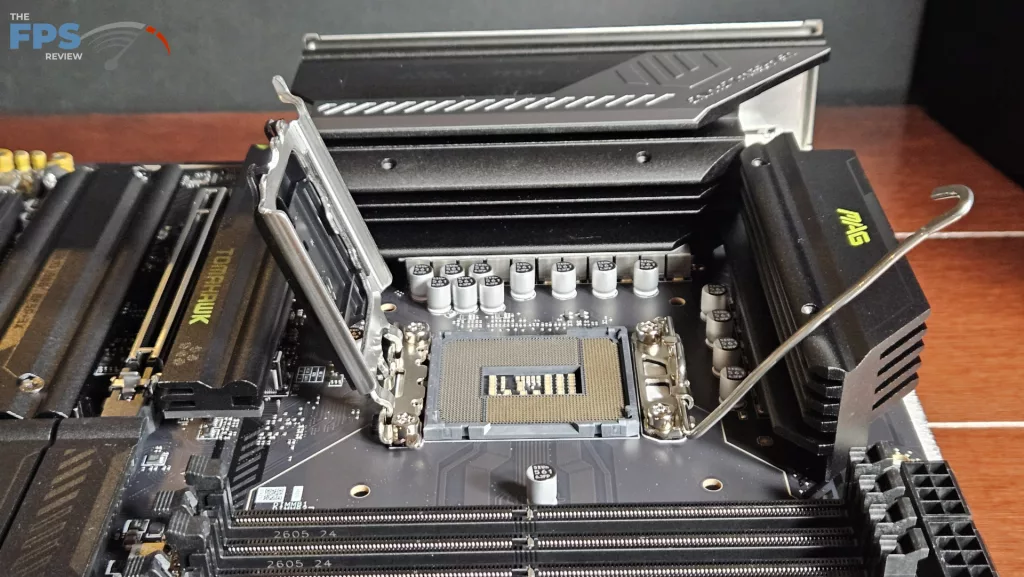
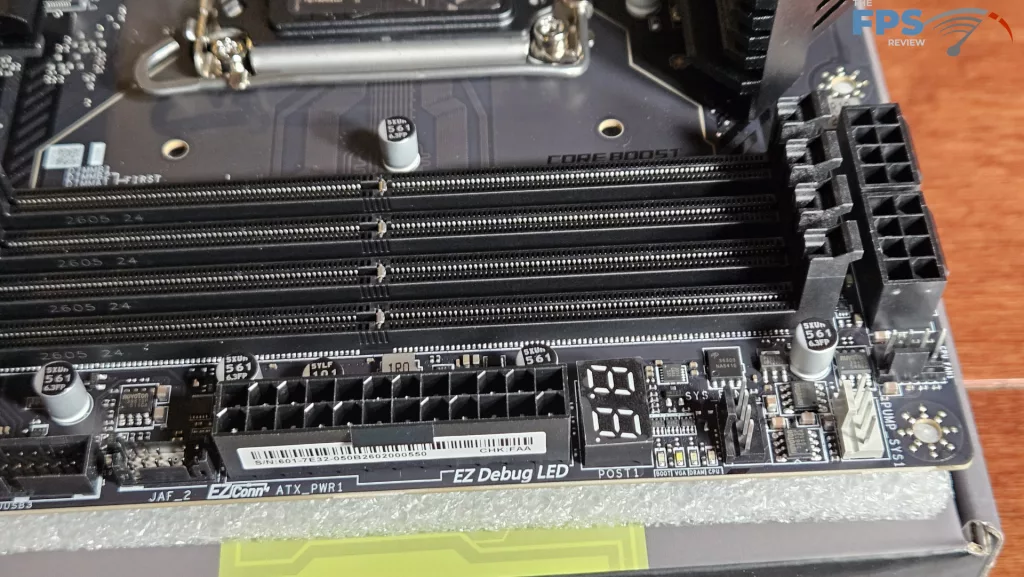
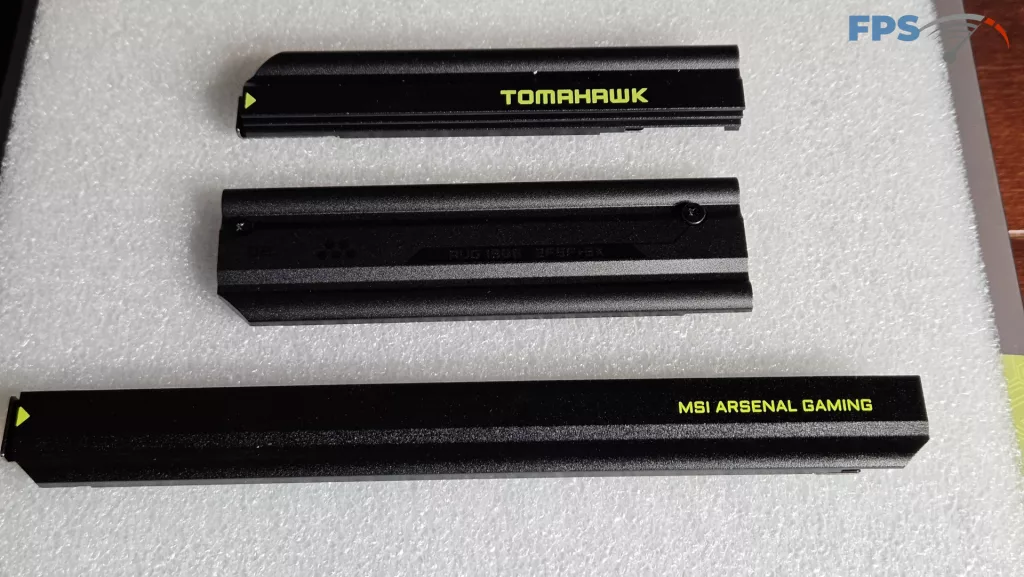
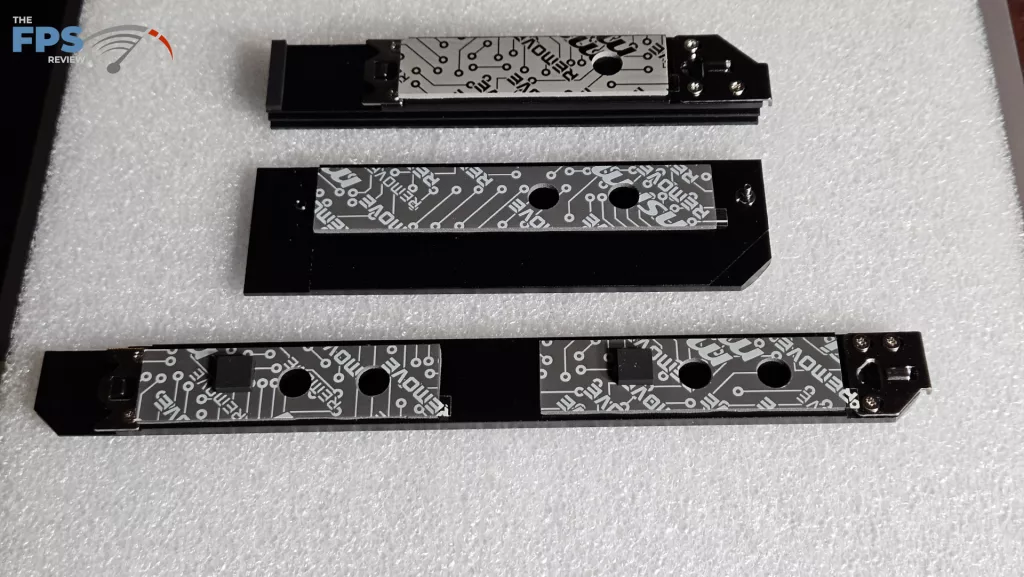
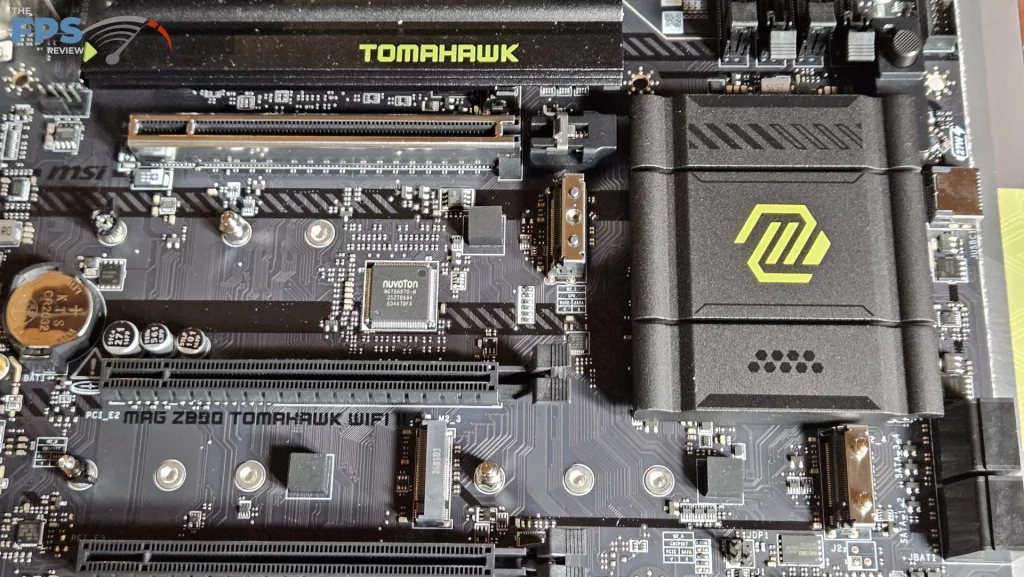
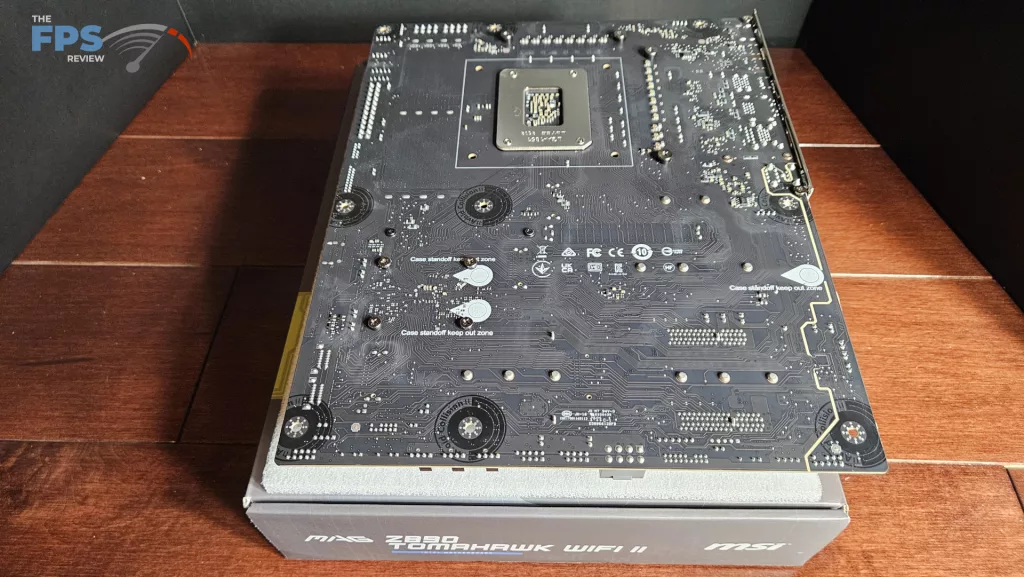
Overall, this board has some weight to it when you handle it. The heatsinks are thick and sturdy; the board does not bend or flex. MSI states the PCB is 6-layer with inlaid copper. There are two EZ-Release Shield-FROZR II M.2 heatsinks and one which needs a Phillips screwdriver. The primary PCIe slot is metal reinforced and is accompanied by the EZ-PCIe Release button. We do see both a DeBug LED panel as well as a DeBug digital readout, which is very nice. There is no RGB on this motherboard or other fancy lighting. There are three ARGB headers, however.
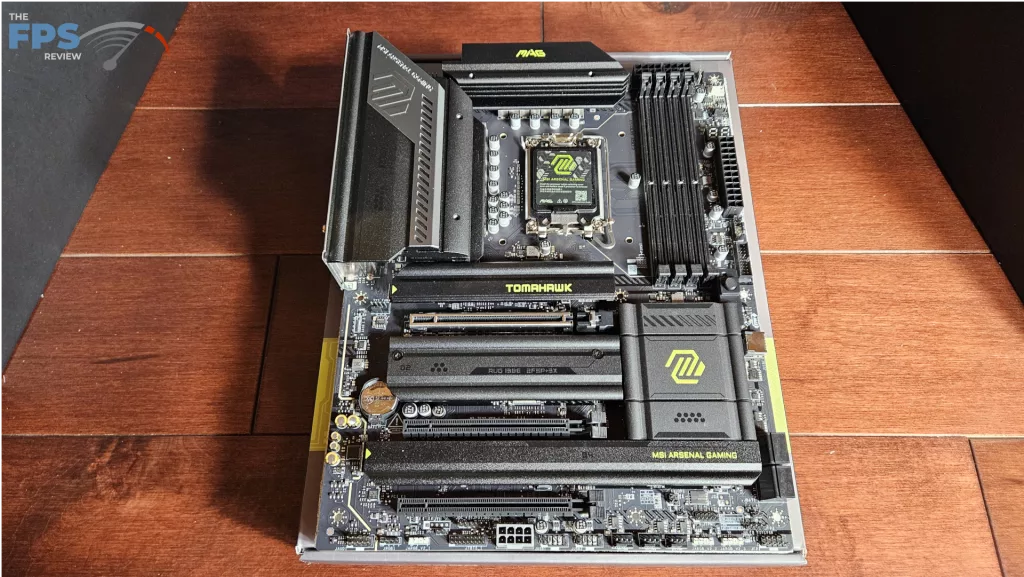
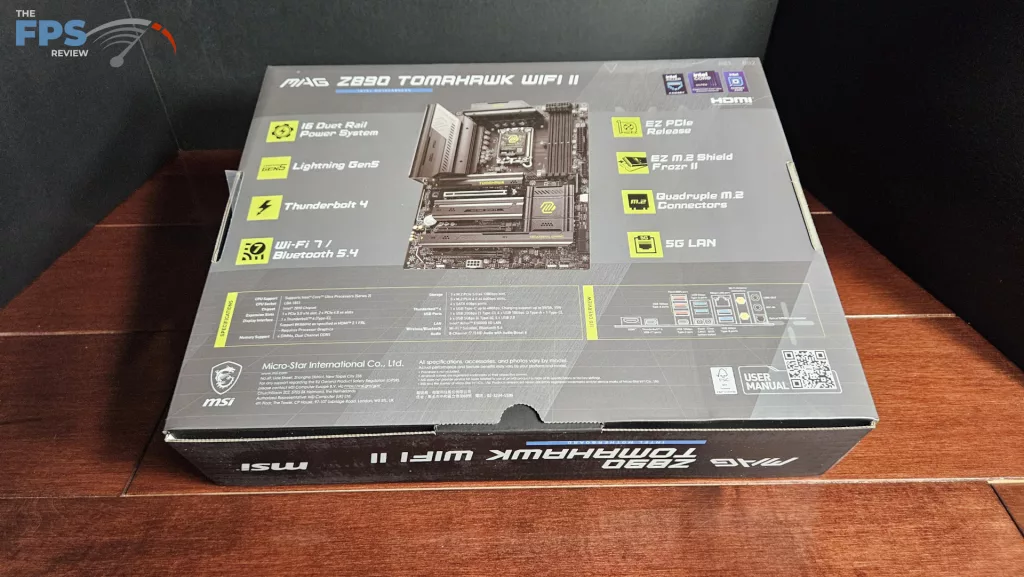
The MSI MAG Z890 TOMAHAWK WiFi II is outfitted with plenty of connectivity. There are four M.2 slots, one Gen5 and three Gen4. There are three full-sized PCIe slots, one Gen5 and two Gen4. The rear I/O panel is reasonably equipped with seven USB-A ports (4x5Gb/s, 3X10Gb/s) and two USB-C ports (one USB-4 and one 10Gb/s). Also included is a 5G RJ-45 port in addition to HDMI, WiFi, 7.1 capable audio, and CMOS and Flash BIOS buttons. This is the one aspect of difference between the OG and the MAG Z890 TOMAHAWK WiFi II, which we will discuss in the I/O section.
Power Delivery
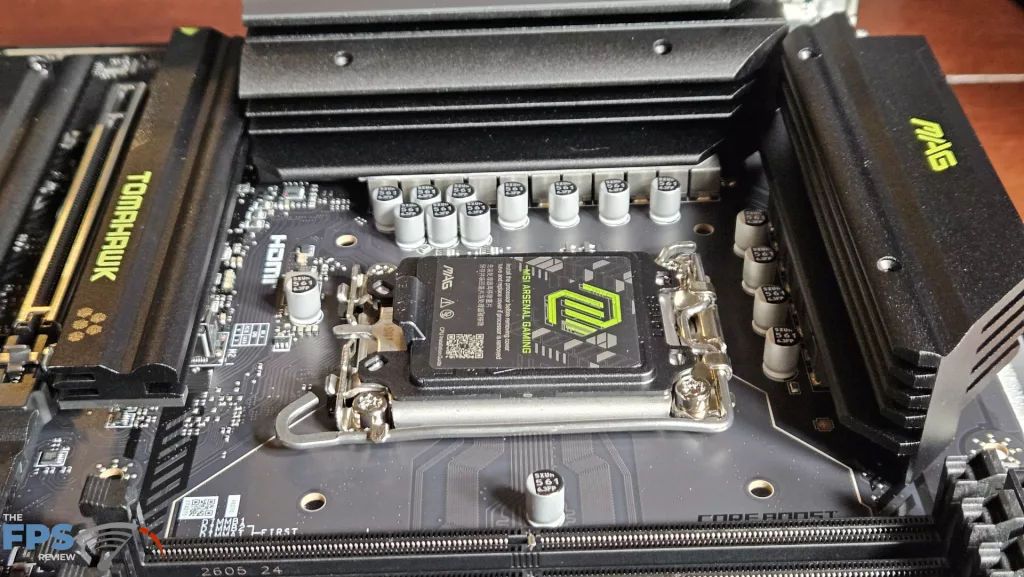
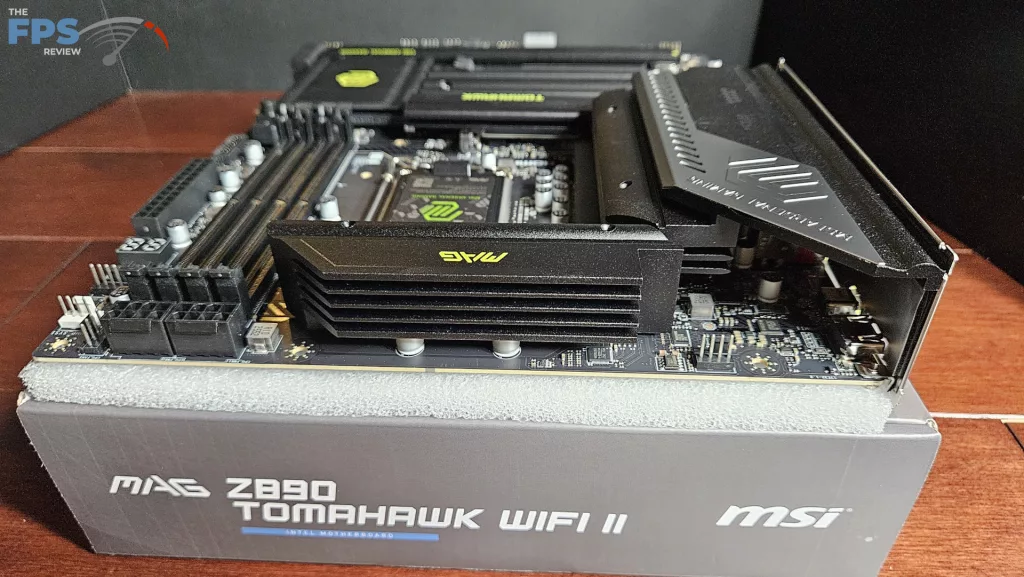
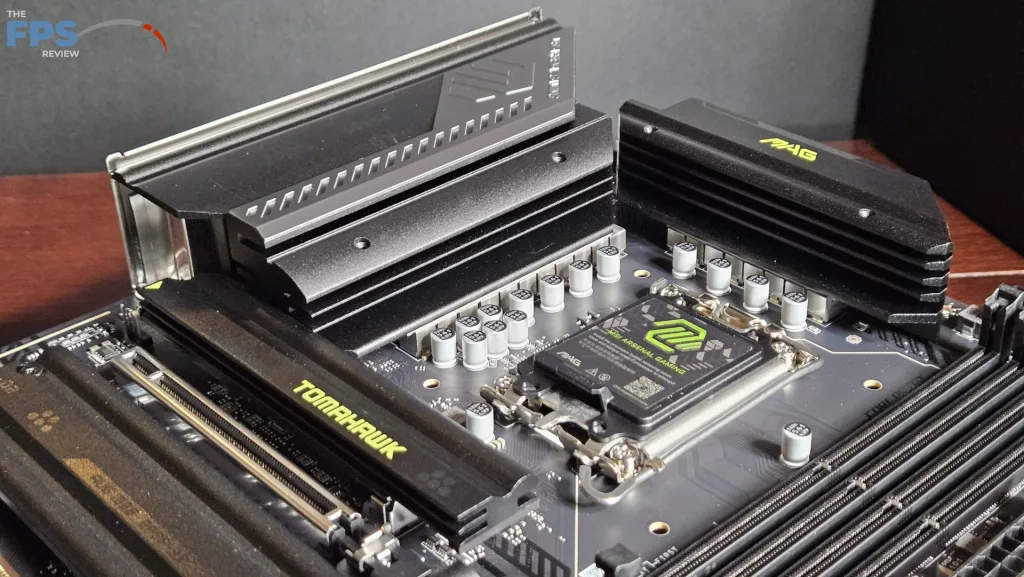
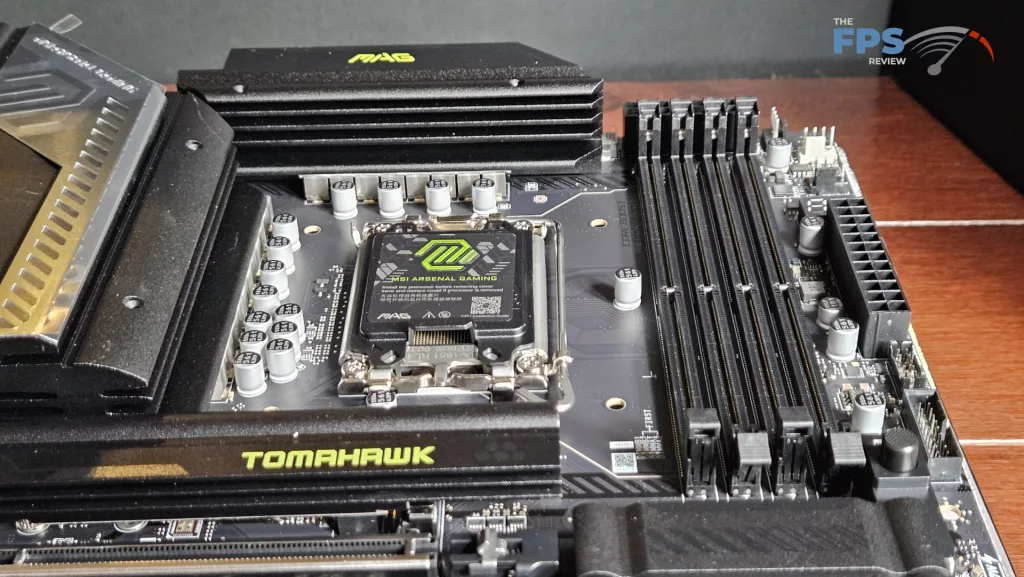
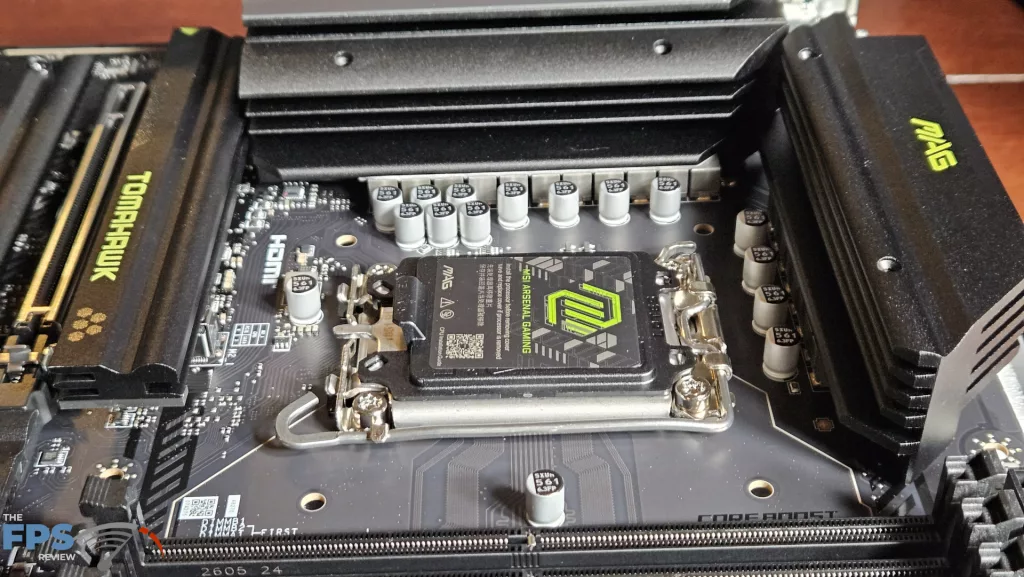
MSI states the MAG Z890 TOMAHAWK WiFi II has 16+1+1+1(Duet 8 phase), the Smart Power Stage support. The total amperage available to the board is 90Amps, which should be very adequate for use of any overclocking settings. The power is delivered via two 8-pin CPU connectors, top-right. As we have discussed, the VRM heatsinks are heavy and have been extended according to MSI. There do not appear to be any heatpipes. The PCB is made from 6 layers with inlaid copper. As we discussed, overall, the board feels sturdy without any flex or bending.
CPU Socket, Memory and Storage
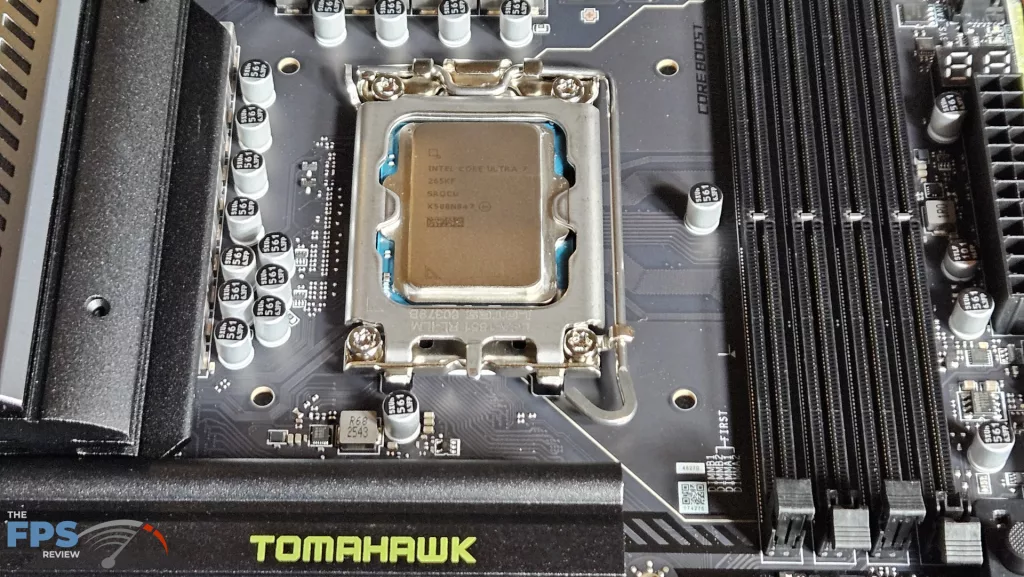
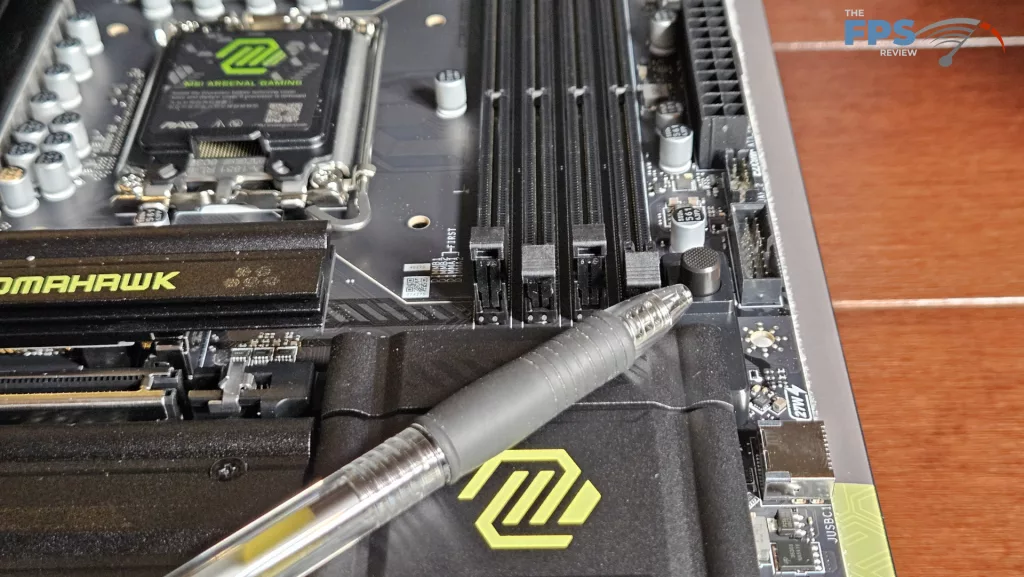
The MSI MAG Z890 TOMAHAWK WiFi II supports Intel socket 1851 Core Ultra series CPUs. There is ample space surrounding the socket to place most, if not all, CPU coolers. Our MSI AIO MAG Core 360I gave us no mounting issues. Memory supported includes DDR5 DIMMs up to 256 GB in total. Frequencies are advertised up to 9200MT/s (OC), which includes CU-DIMMs. XMP 3.0 profiles are supported for 1-click overclocking. The memory slots are single-latch due to the placement of the 8-pin CPU power sockets.. The spacing seems adequate for large CPU coolers. The only issue here may be tall DIMM heatsinks in slot A1 and low cooling fins on an air-cooled heatsink.
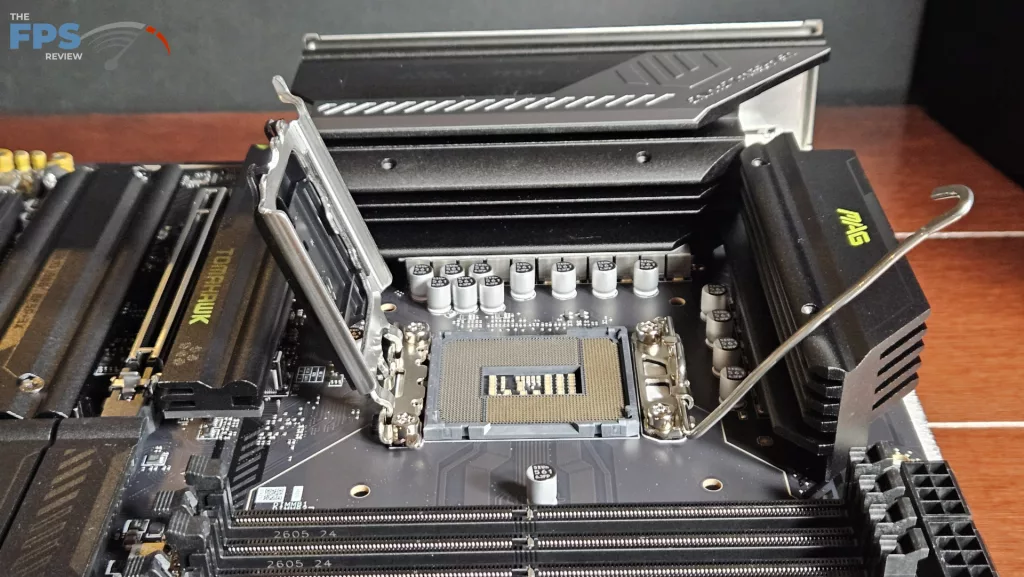
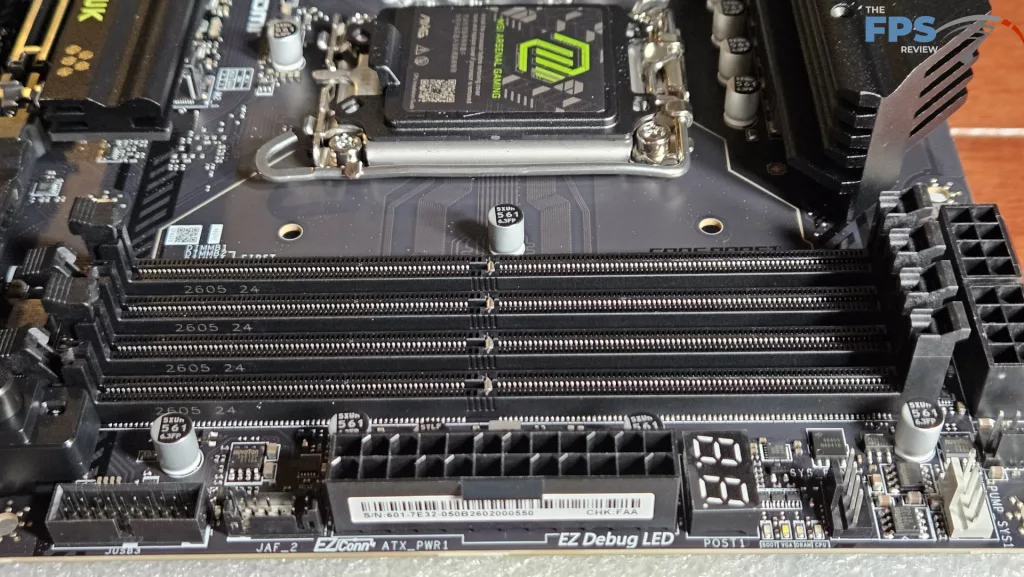
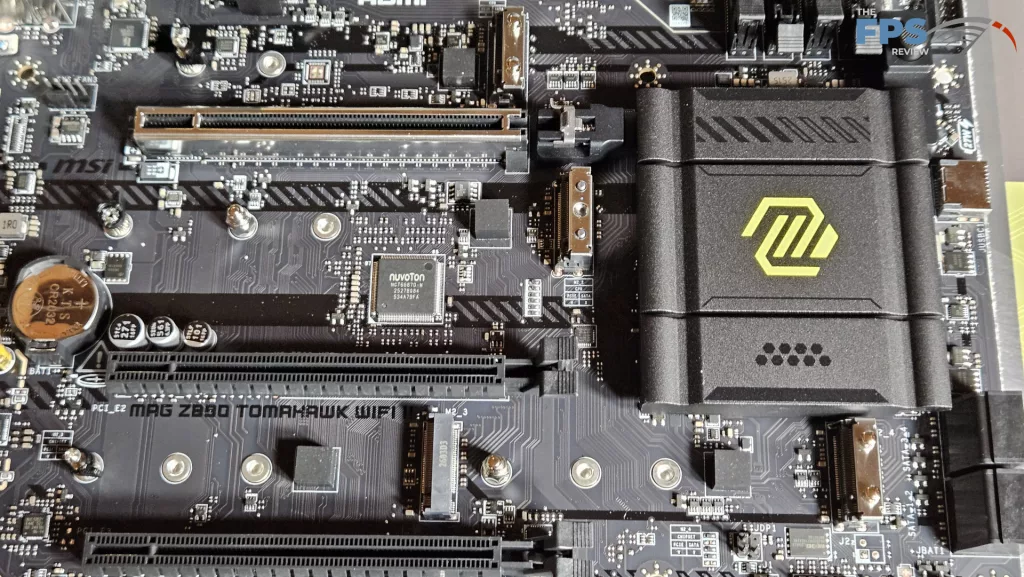
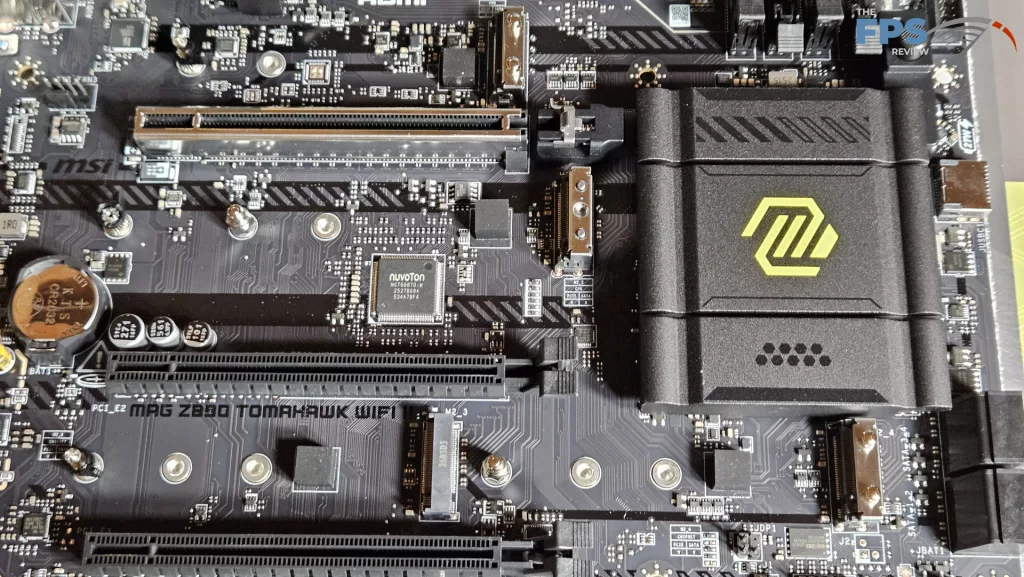
We mentioned in the section above that there are four M.2 slots. The primary M.2 is derived from the CPU and is Gen5 x 4 (128Gb/s).M.2_2 through 4 are Gen4 (64Gb/s) with lanes derived from the chipset. The position of M.2_2 is just below the primary PCIe slot. It “may” be fully usable if the native heatsink is not too tall. However, heat from a large GPU may be a problem. Slots M.2_3 and 4 are mostly out of the way. EZ-Release heatsinks are available for the primary M.2 and also M.2_3 and 4. M.2_2 must be removed with a screwdriver. All the M.2 slots are tool-less, otherwise with either rotary or EZ Clip. There are four SATA2(6Gb/s) ports on the right edge of the board.
Expansion
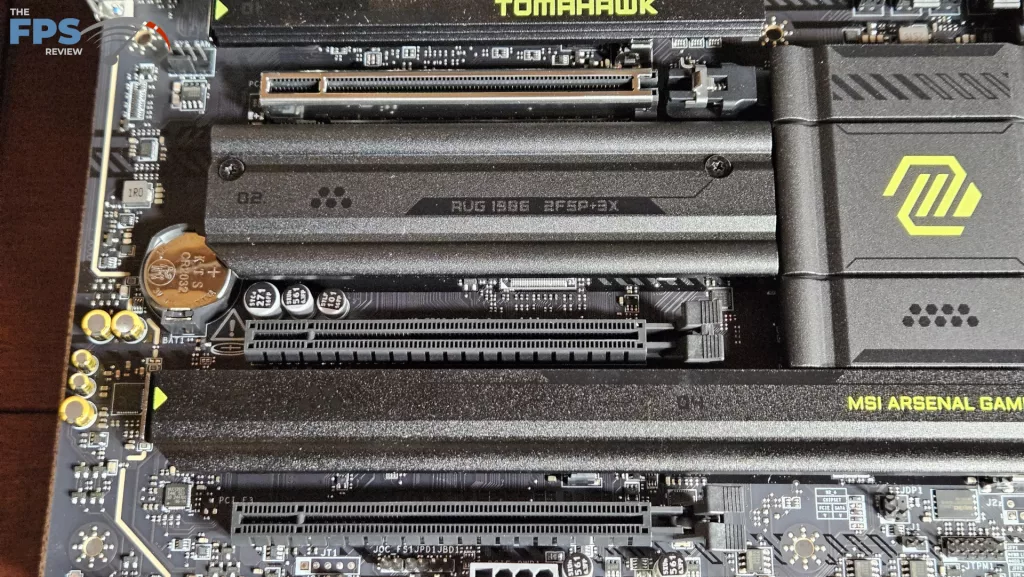
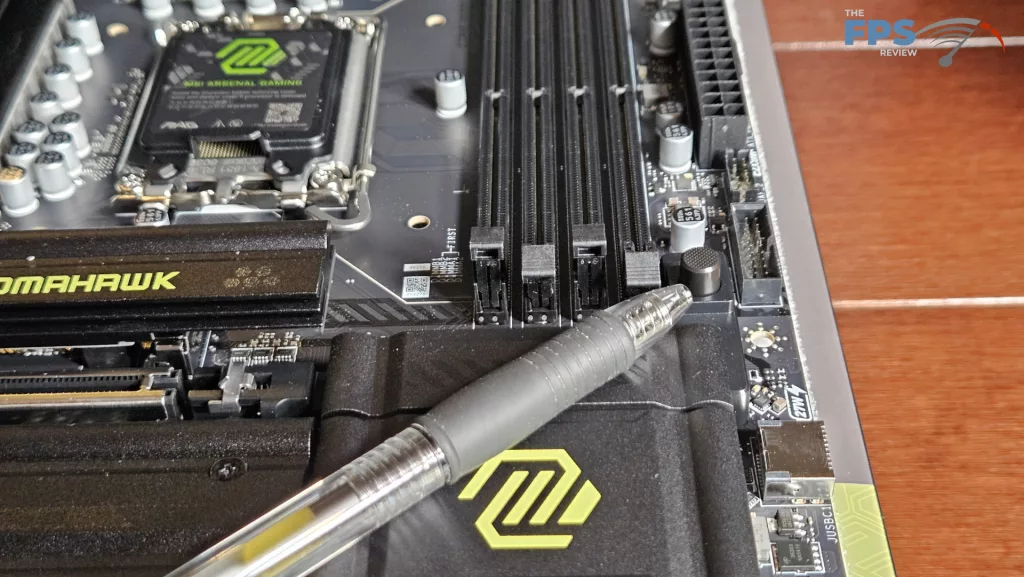
Expansion on this board consists of three full-sized PCIe slots. The primary is Gen5 x 16 capable from the CPU. The other two slots are both Gen4 x 4 derived from the chipset. The primary slot is reinforced and also uses the one-button EZ-PCIe Release mechanism, which is excellent.
I/O
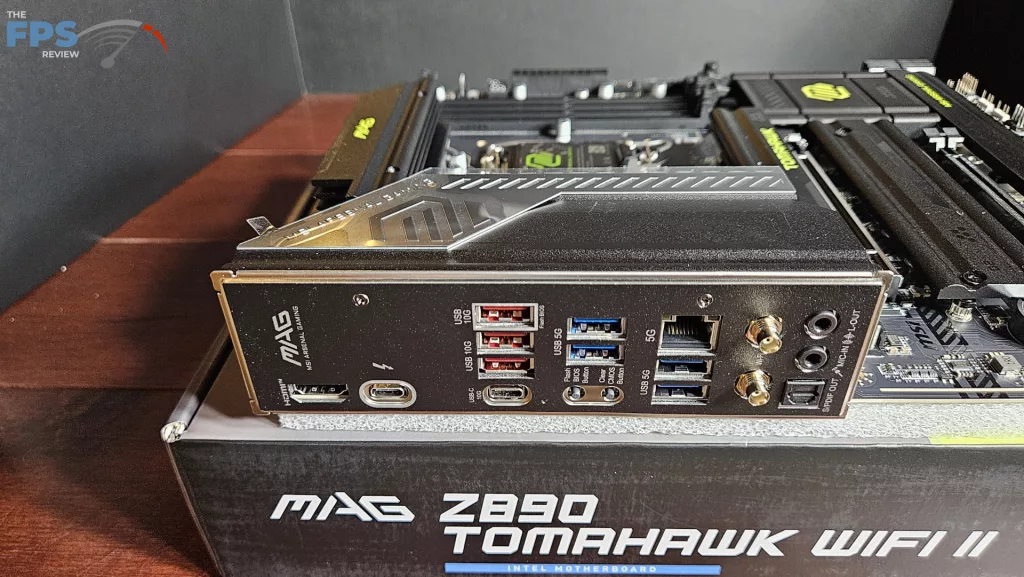
In comparison to the original MAG Z890 TOMAHAWK WiFi, the MSI MAG Z890 TOMAHAWK WiFi II has one less USB4 (Thunderbolt) port and a significantly different WiFi7 module. This is the main point of separation between these two motherboards. The motherboard plate is embedded, which is customary these days, and a nice touch. Working from left to right: HDMI Port, Thunderbolt (40Gb/s), three USB-A 10Gb/s, USB-C 10Gb/s, two USB-A 5Gb/s, recessed CMOS and Flash-BIOS, 5GB RJ-45, two USB-A 5Gb/s, and finally WiFi antenna ports and audio. Apparently, the WiFi module in the original rendition is an Intel Killer BE 1750, which carries twice the bandwidth of the MediaTek module in the Z890 TOMAHAWK WiFi II.
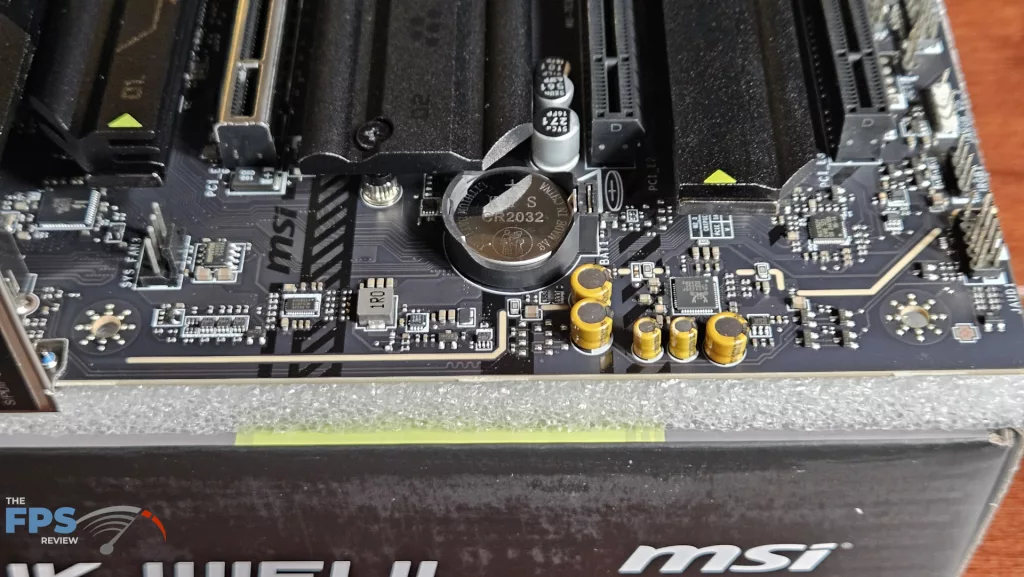
On the board, we have eight 4-pin fan headers. Three are on the top-right side (CPU, PUMP, SYS are at the top), three on the bottom, one top-left and one near the I/O. Fans may be controlled by the Hardware monitor or in the MSI Center software. Board right has a DeBug LED panel, full digital DeBug readout, USB-A 5Gb/s front header, USB-C 20Gb/s front header and four SATA ports. The bottom row features the front panel header, three ARGB headers, one 12V LED header, 2 USB 2.0 headers, a Thunderbolt expansion card header, and the HD audio header. All ARGBs may be controlled in the MSI Center software, which is located on the motherboard support page.
Discussion (1 reply)
Join Discussion →So less connectivity.. good for.a new build but as a consumer i could see buying this expecting the same or better as the previous Gen and being pissed.to discover its not. Then again I dont have antlything that uses my Gen 4 usb ports on my motnerboard so...