

Introduction
The NVIDIA GeForce RTX 5090 is NVIDIA’s flagship next-generation graphics card featuring the new Blackwell architecture with an MSRP of $1,999. NVIDIA is introducing new technologies such as Neural Shaders, improved RT Cores, improved Tensor Cores, Mega Geometry Technology, DLSS 4 and Multi Framegen. There’s a lot to unpack, the NVIDIA GeForce RTX 5090, and GeForce RTX 50 series overall, pack a lot of new features aimed at AI, but these features also blend over into gaming features that are being implemented now into games.
Today we are going to review the NVIDIA GeForce RTX 5090 Founders Edition with a focus on the gameplay performance, and experience, and we will compare it with the previous generation GeForce RTX 4090, and the fastest from the competition. We will test raster performance, Ray Tracing performance, DLSS performance with Upscaling and Multi Frame Generation, and even look at Frame Generation PC Latency.
The NVIDIA GeForce RTX 50 series family is debuting with many new technologies, and certainly a lot of areas that can be explored. For our review today we are going to focus on the gameplay performance and gameplay experience provided. We will have a focus on performance, and the experience of DLSS/Upscaling and Frame Generation. Over time, we will have further coverage of the GeForce RTX 5090 and RTX 50 series family. There are some good deep dives on the architecture out there, so we just want to jump right to the gaming performance, but before we do let’s have a brief look at the specifications below.

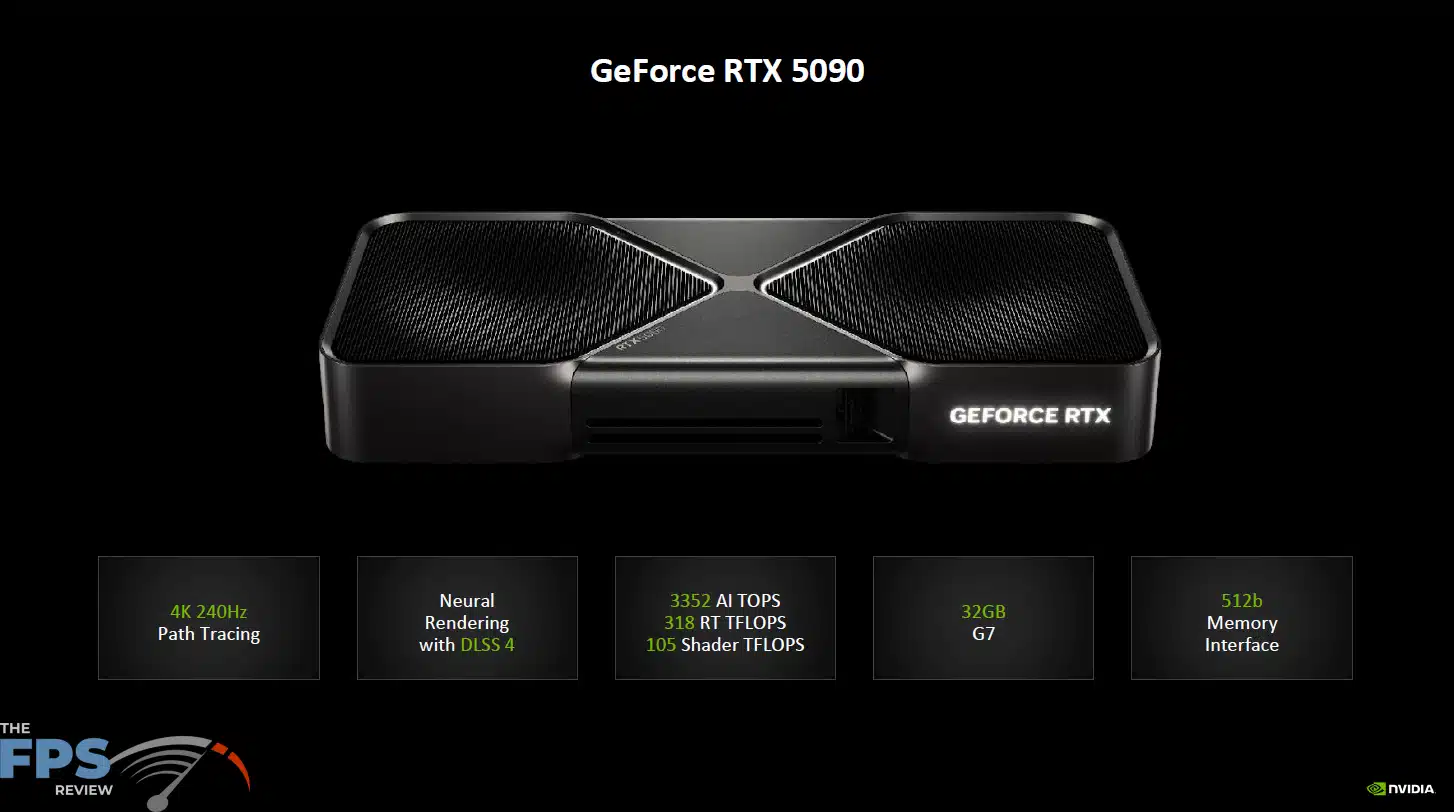
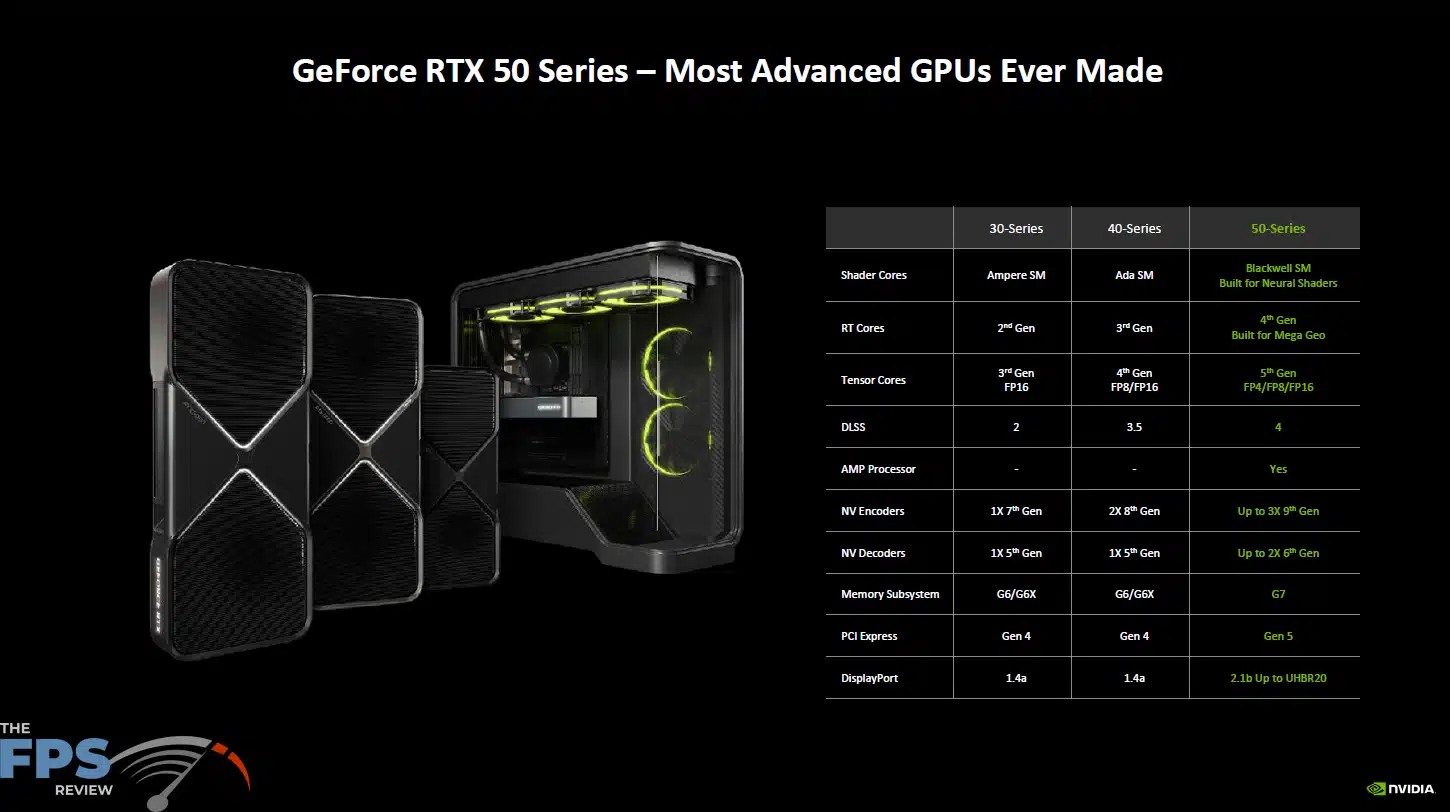

The NVIDIA GeForce RTX 5090 utilizes the GB202 GPU based on the NVIDIA Blackwell architecture and is the successor to the GeForce RTX 4090 based on the NVIDIA Ada Lovelace architecture. The GB202 NVIDIA GeForce RTX 5090 is based on the TSMC 4nm 4N NVIDIA custom process, which is the same as the previous generation Ada Lovelace. The NVIDIA GeForce RTX 5090 supports a PCI-Express 5.0 (Gen5) interface.
The NVIDIA GeForce RTX 5090 consists of 11 GPCs, 85 TPCs, and 170 SMs with 128 CUDA Cores per SM. When you add all this up, the NVIDIA GeForce RTX 5090 has 21,760 CUDA Cores, 680 5th Gen Tensor Cores, 170 4th Gen RT Cores, 176 ROPs and 680 Texture Units. The L1 Data Cache/Shared memory size is 21760KB, and the L2 cache size is 98304KB. The GPU Boost Clock is set at 2407MHz. Memory consists of 32GB of GDDR7 on a 512-bit memory bus at 28Gbps giving it 1.792GB/s of memory bandwidth. The TGP (Total Graphics Power) is 575W.
| GeForce RTX 5090 | GeForce RTX 4090 | |
|---|---|---|
| GPU Codename | GB202 | AD102 |
| Architecture | Blackwell | Ada Lovelace |
| Process | TSMC 4N NVIDIA | TSMC 4N NVIDIA |
| SMs | 170 | 128 |
| CUDA Cores | 21760 | 16384 |
| RT Cores | 170 (4th Gen) | 128 (3rd Gen) |
| Tensor Cores | 680 (5th Gen) | 512 (4th Gen) |
| ROPs | 176 | 176 |
| Texture Units | 680 | 512 |
| GPU Boost | 2407MHz | 2520MHz |
| VRAM | 32GB GDDR7 | 24GB GDDR6X |
| Memory Interface | 512-bit | 384-bit |
| Memory Clock | 28Gbps | 21Gbps |
| Memory Bandwidth | 1792 GB/sec | 1008 GB/sec |
| TGP | 575W | 450W |
NVIDIA GeForce RTX 5090 Founders Edition Pictures


The NVIDIA GeForce RTX 5090 Founders Edition video card comes in a true 2-slot configuration and measures exactly 304mm (12 inches), in length, 137mm (5.4 inches) in width, and 48mm (1.9 inches) in height, or slot depth. At these measurements, the NVIDIA GeForce RTX 5090 Founders Edition measures exactly the same dimensions as the previous generation NVIDIA GeForce RTX 4090 Founders Edition, except in height or slot depth. Therefore, the GeForce RTX 5090 FE is the same length and width as the GeForce RTX 4090 Founders Edition, but much slimmer at just 2-slot.


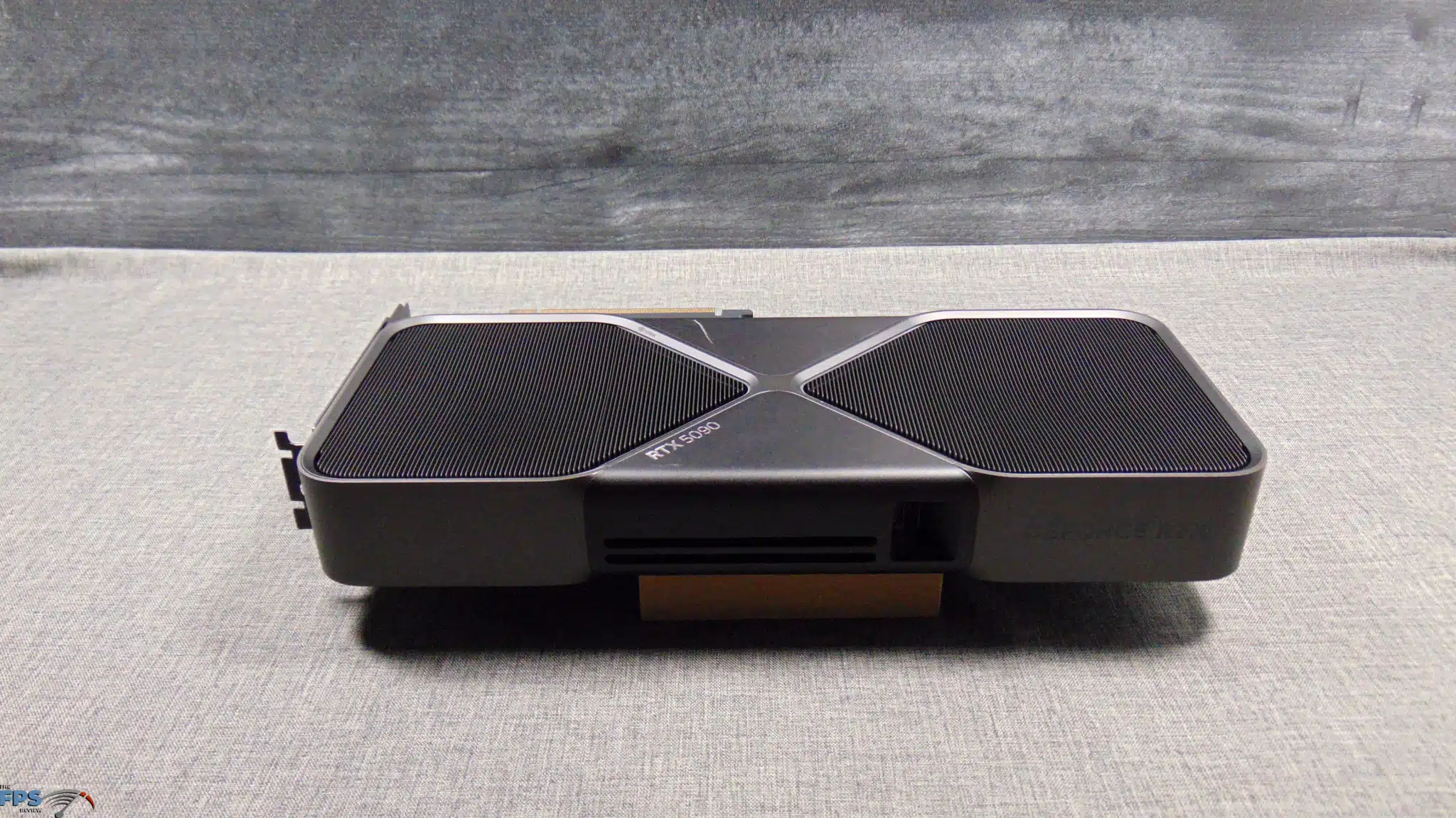
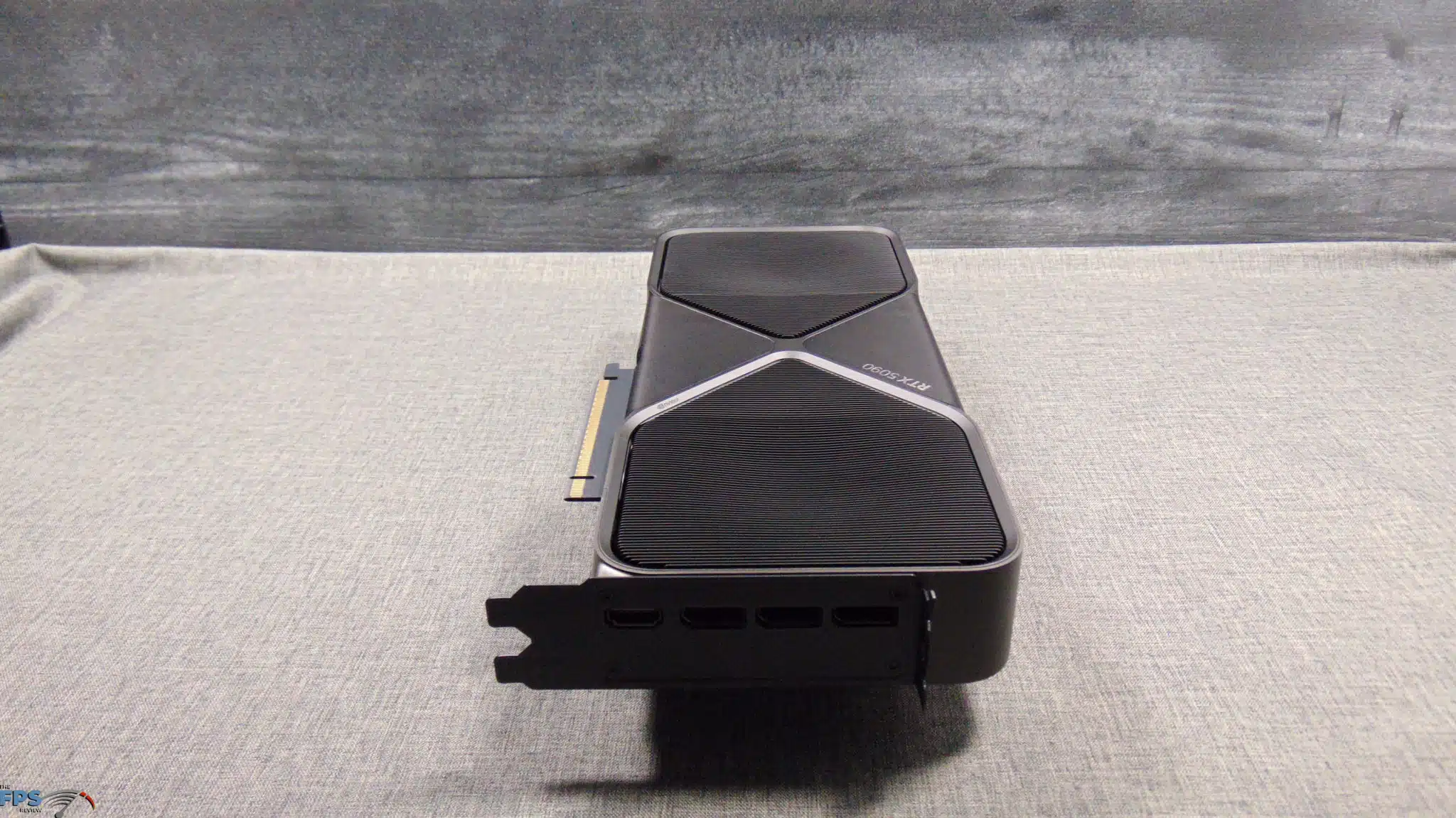
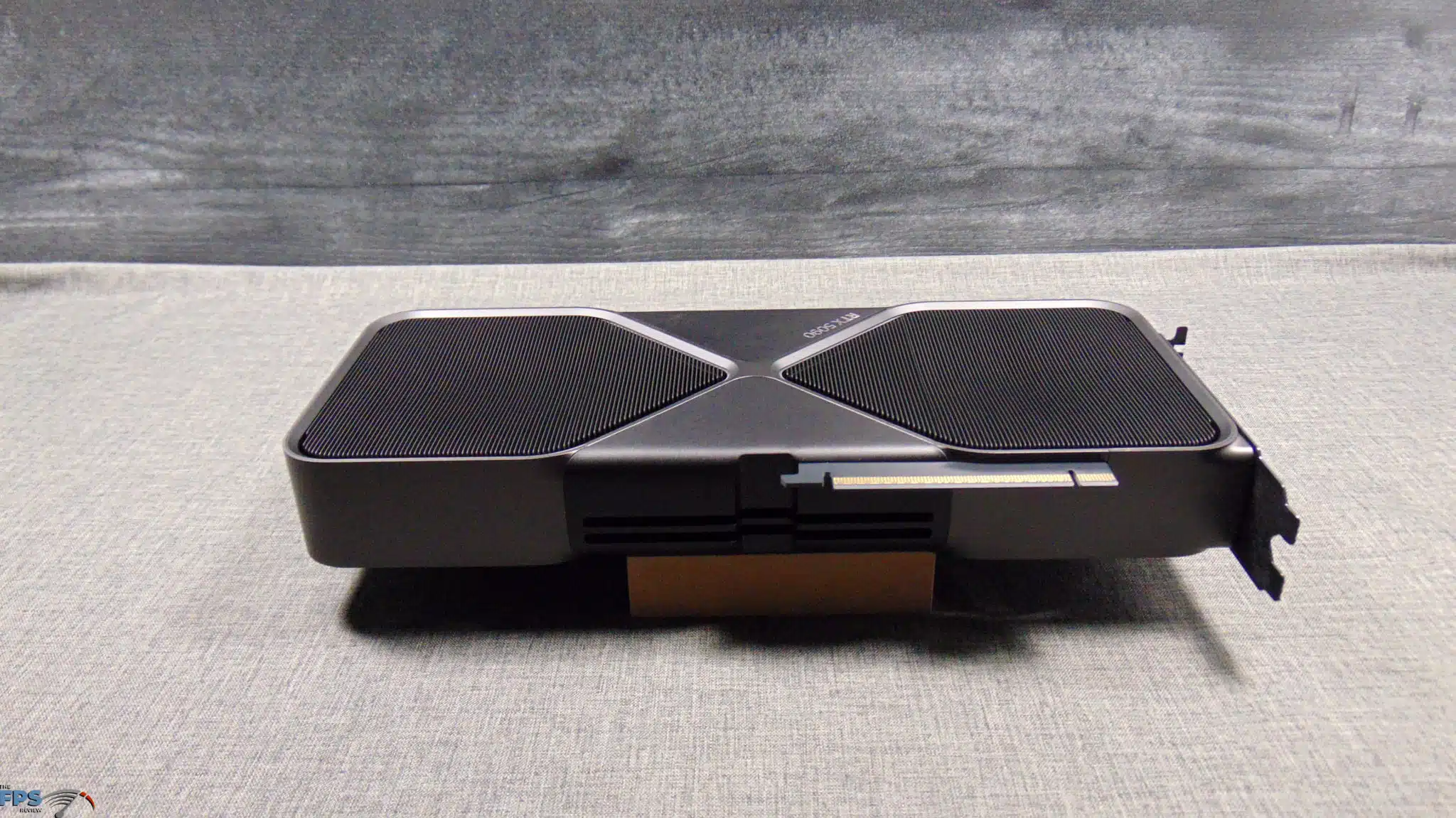
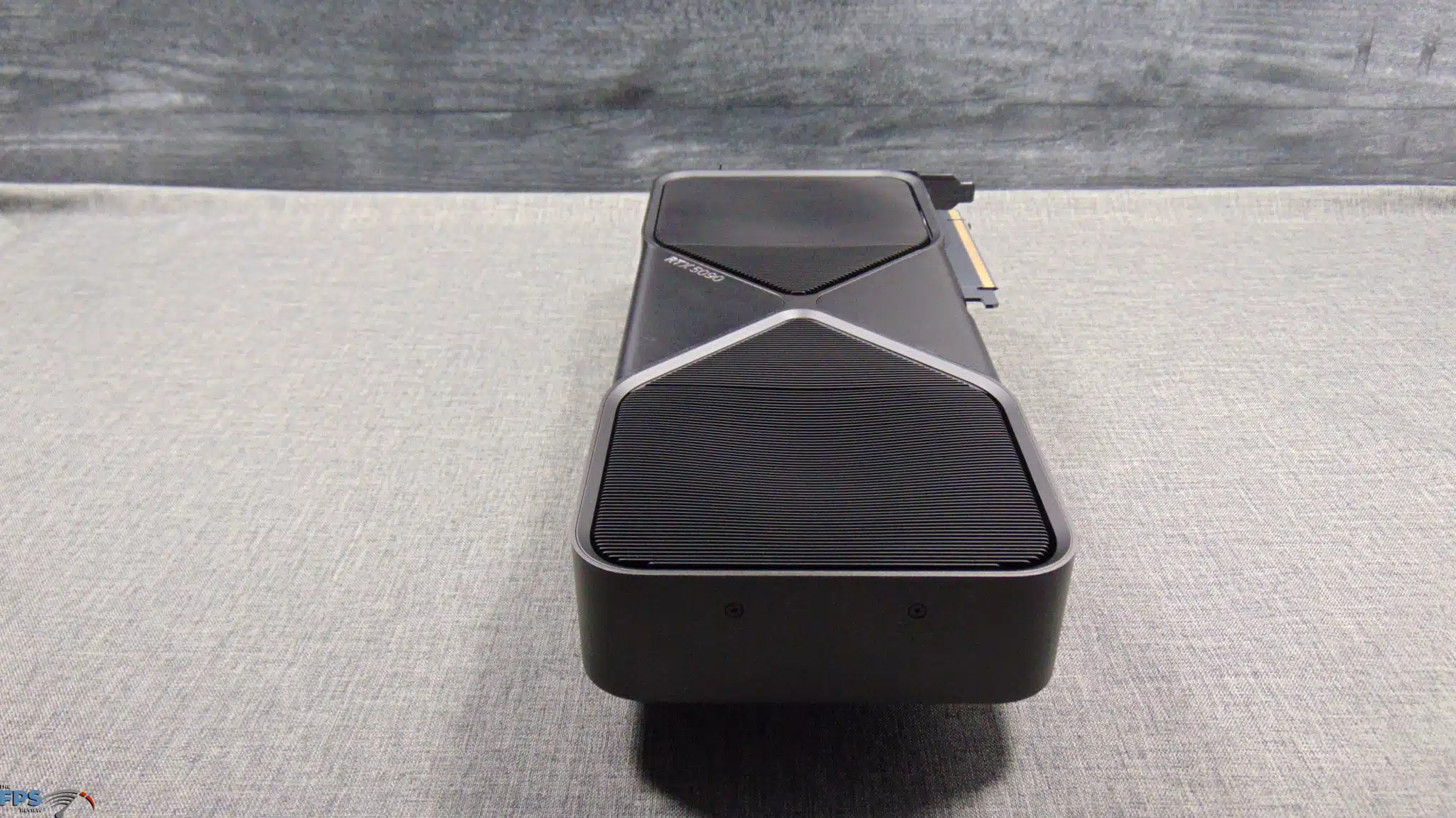
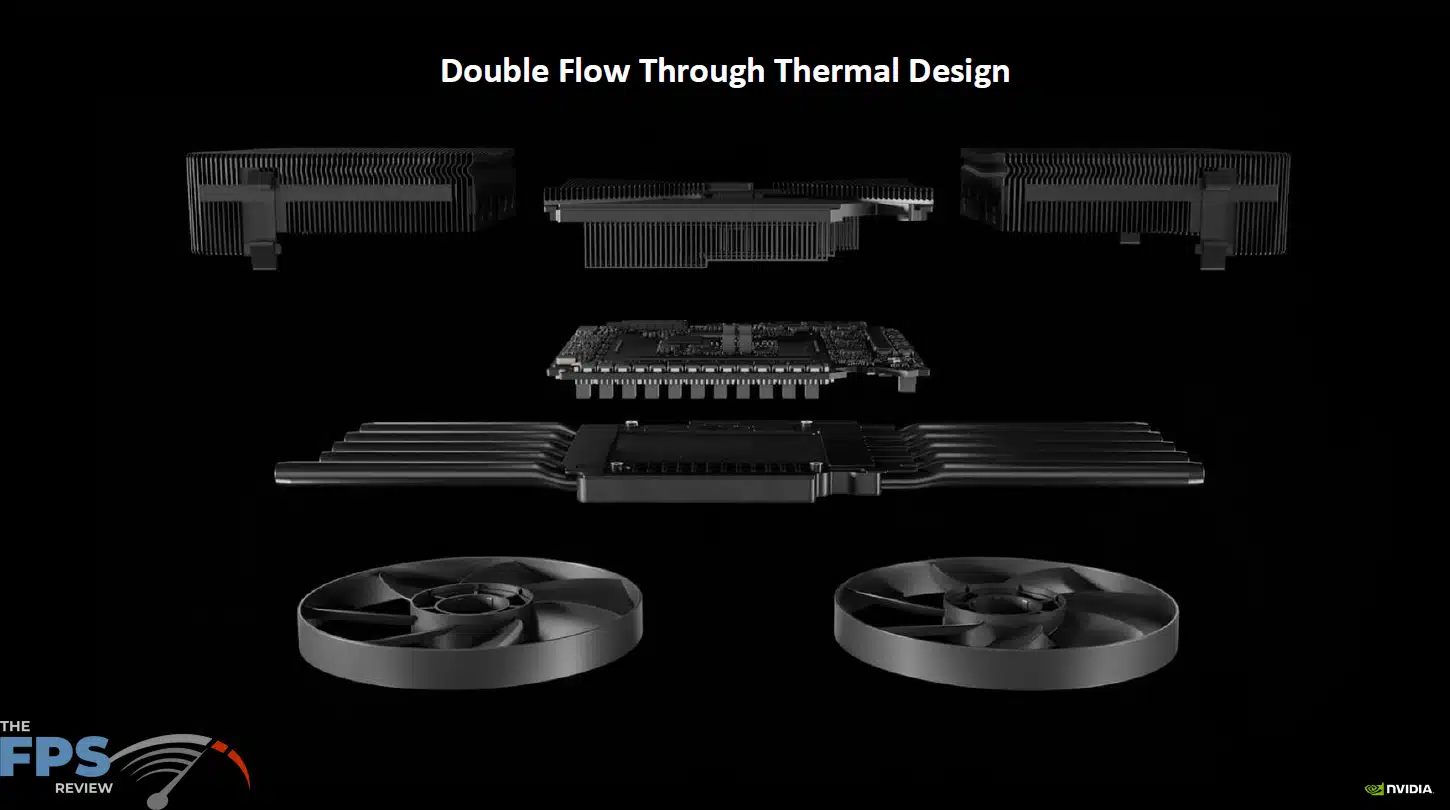
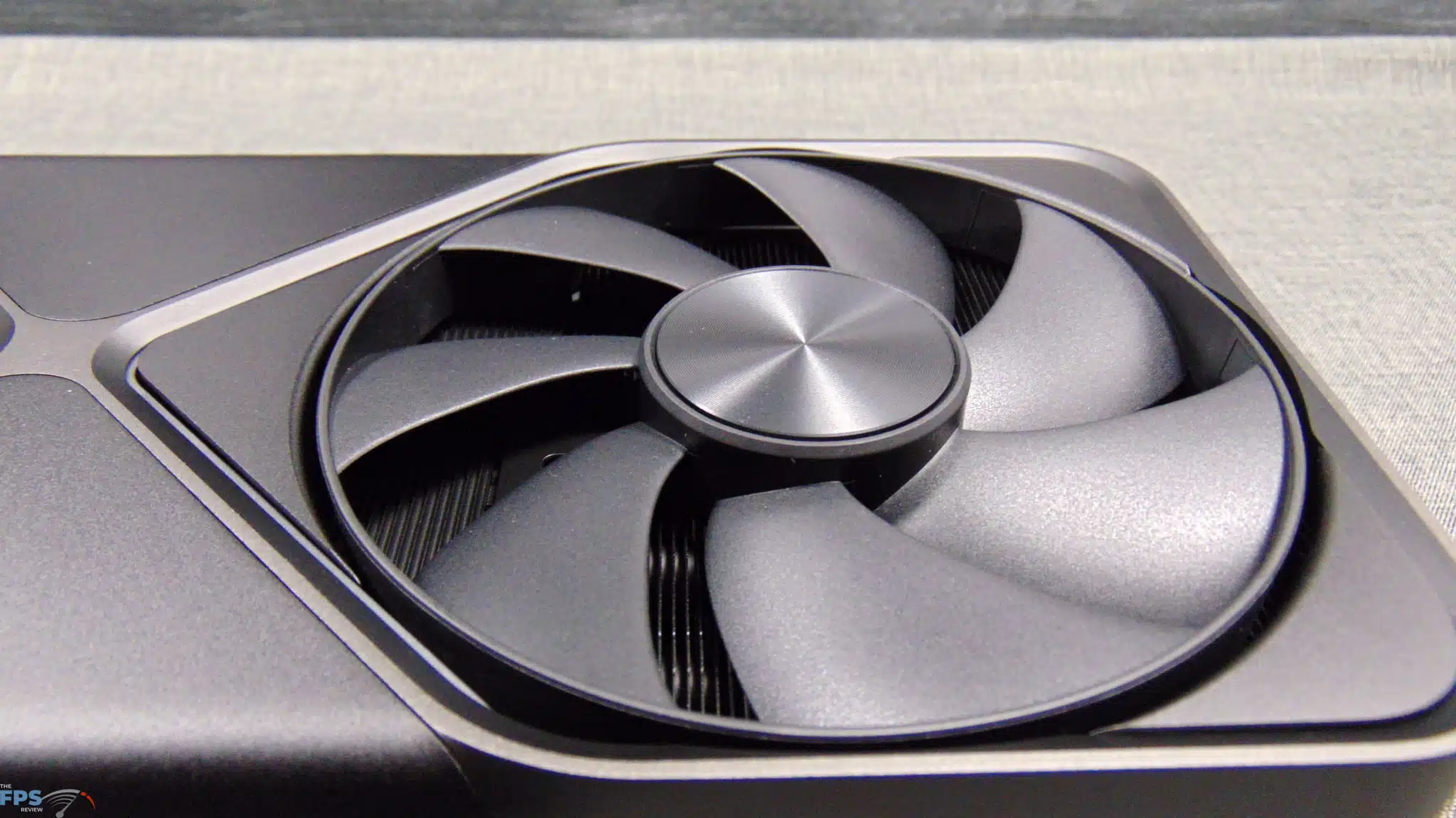
The NVIDIA GeForce RTX 5090 FE is the first consumer graphics card from NVIDIA to have a dual pass-through air design with two large fans. The PCB for the GPU and memory sits in the middle of the video card and is very compact, whereas then the heatsink extends to the left and right with heatpipes and the fin stack. This allows both fans to blow through the entire fin stack of the heatsink on both ends, thus cooling it in a very complete way, the most from air-cooling can be achieved with nothing to block the airflow.
The PCI-Express PCB and Video Output PCBs are actually separate PCBs and are attached with custom interfaces to the primary PCB. This keeps the ends of the card completely open for the airflow. The backside of the heatsink shroud actually has a concave construction, which actually helps balance air pressure between the center or hub of the fan and the outer blades of the fan. On the top and bottom of the video card are air outlets, that direct air in a specific direction to reduce the intake fans from taking in hot air again, but instead make it more able to cycle in fresh air. It’s a very clever, extremely well-engineered, and smart design.
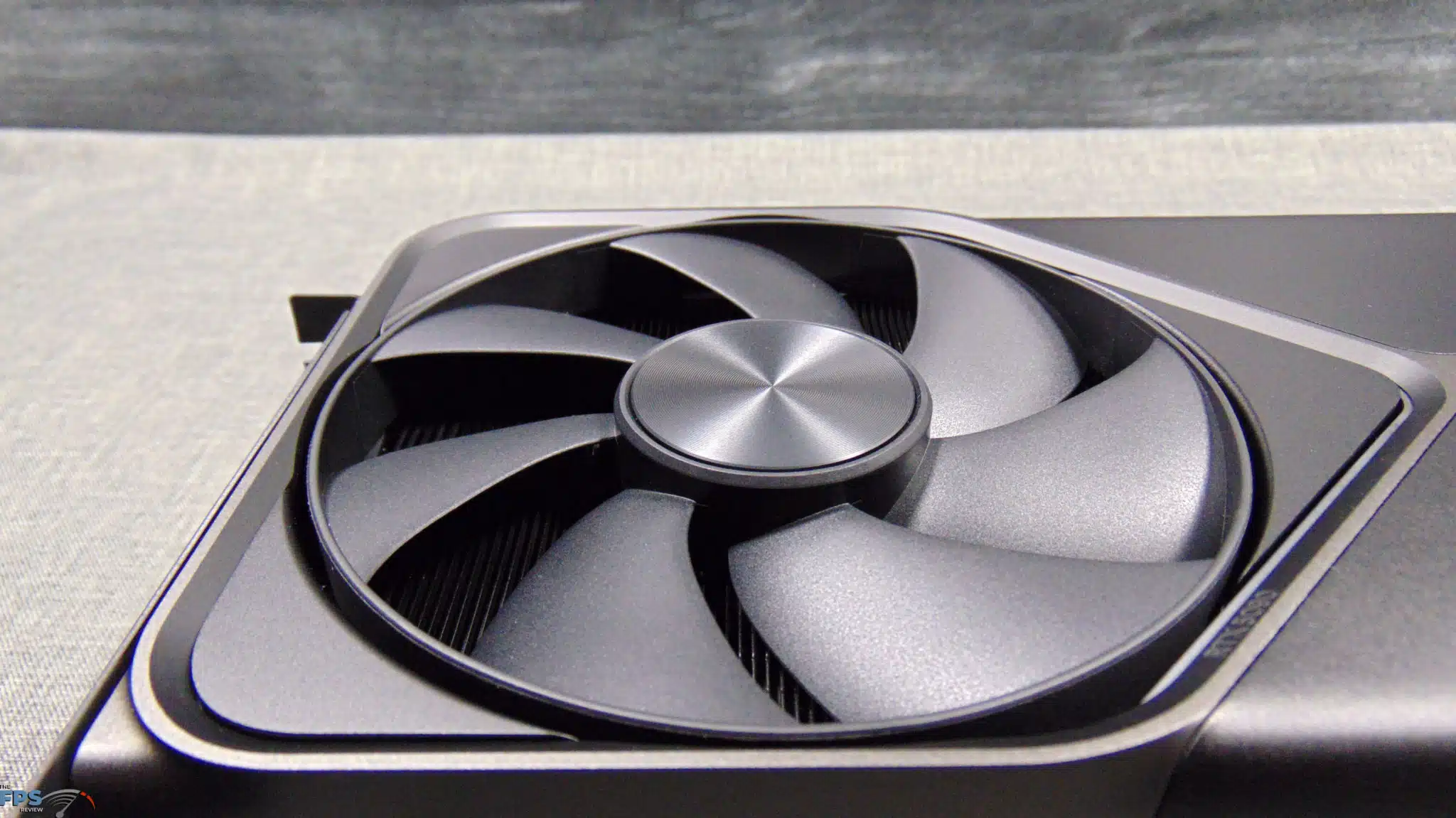
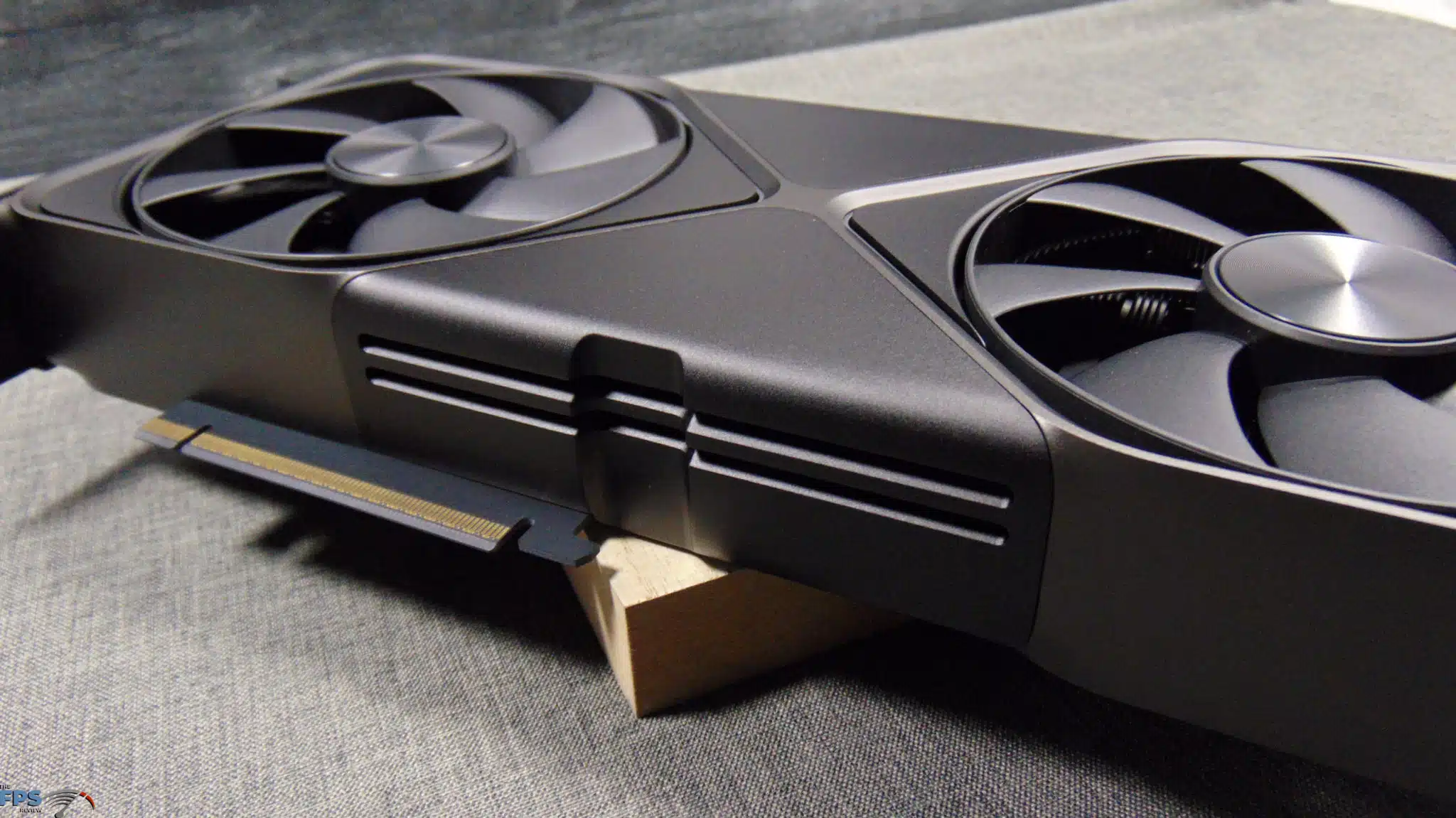
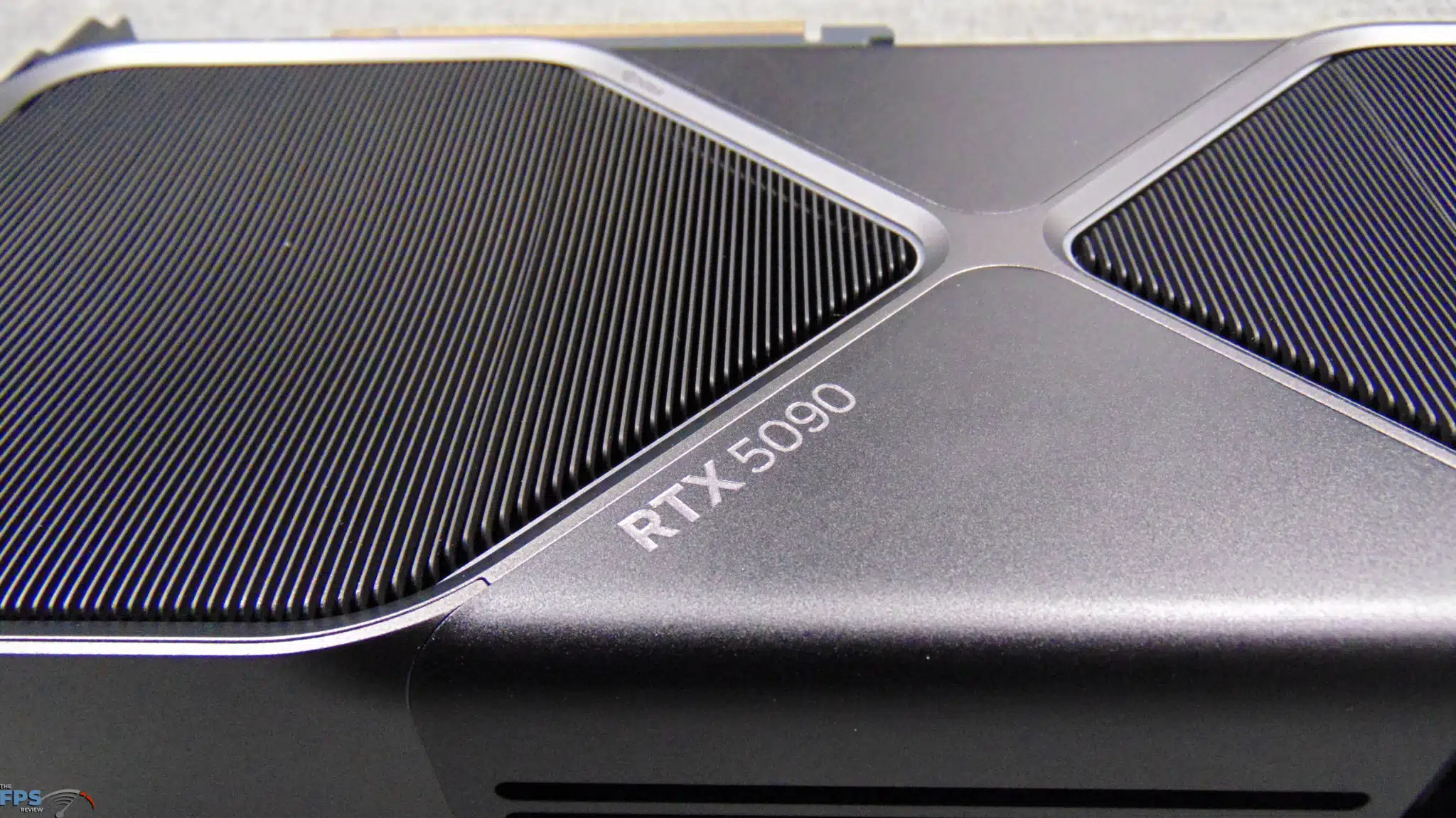
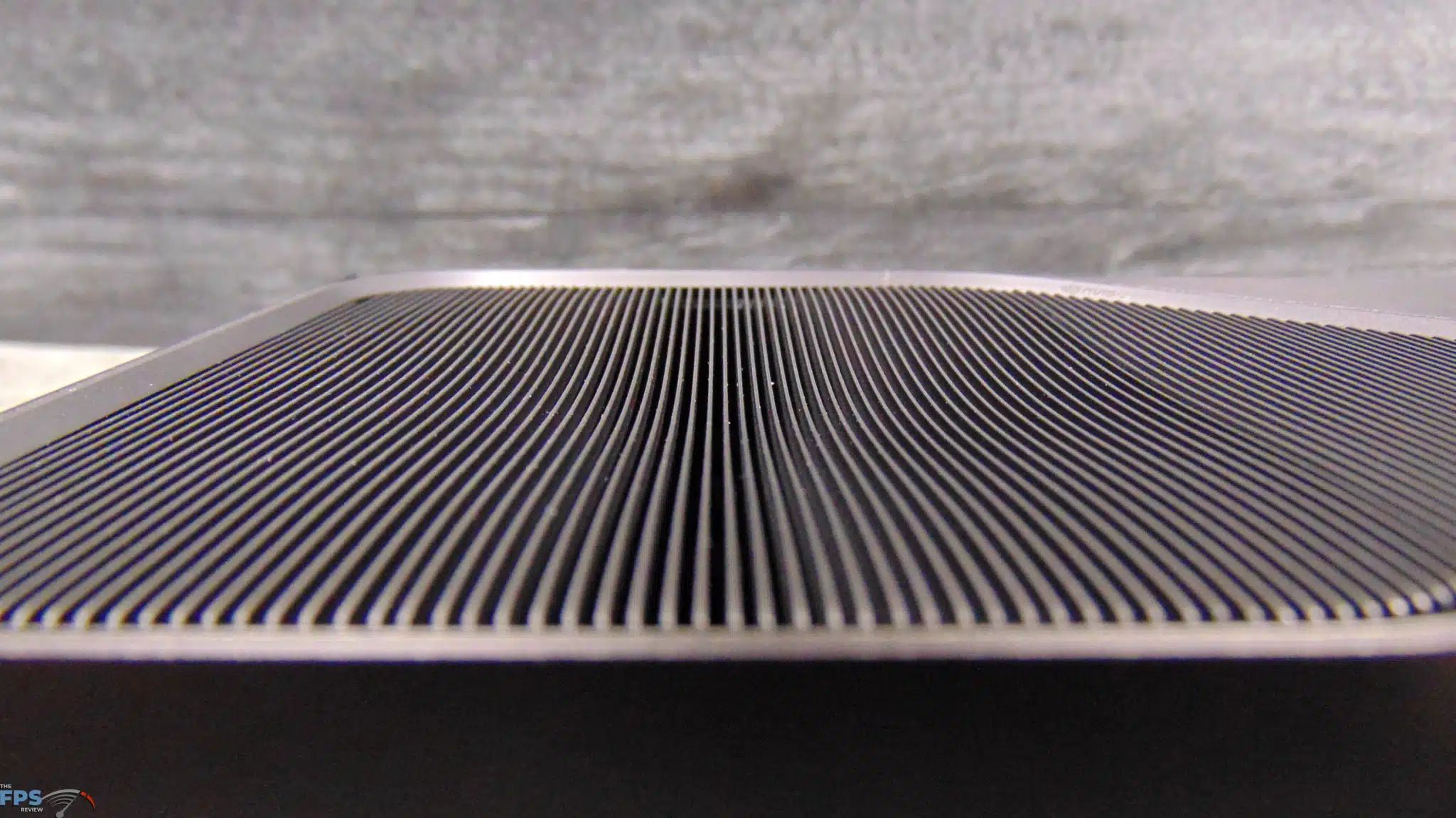
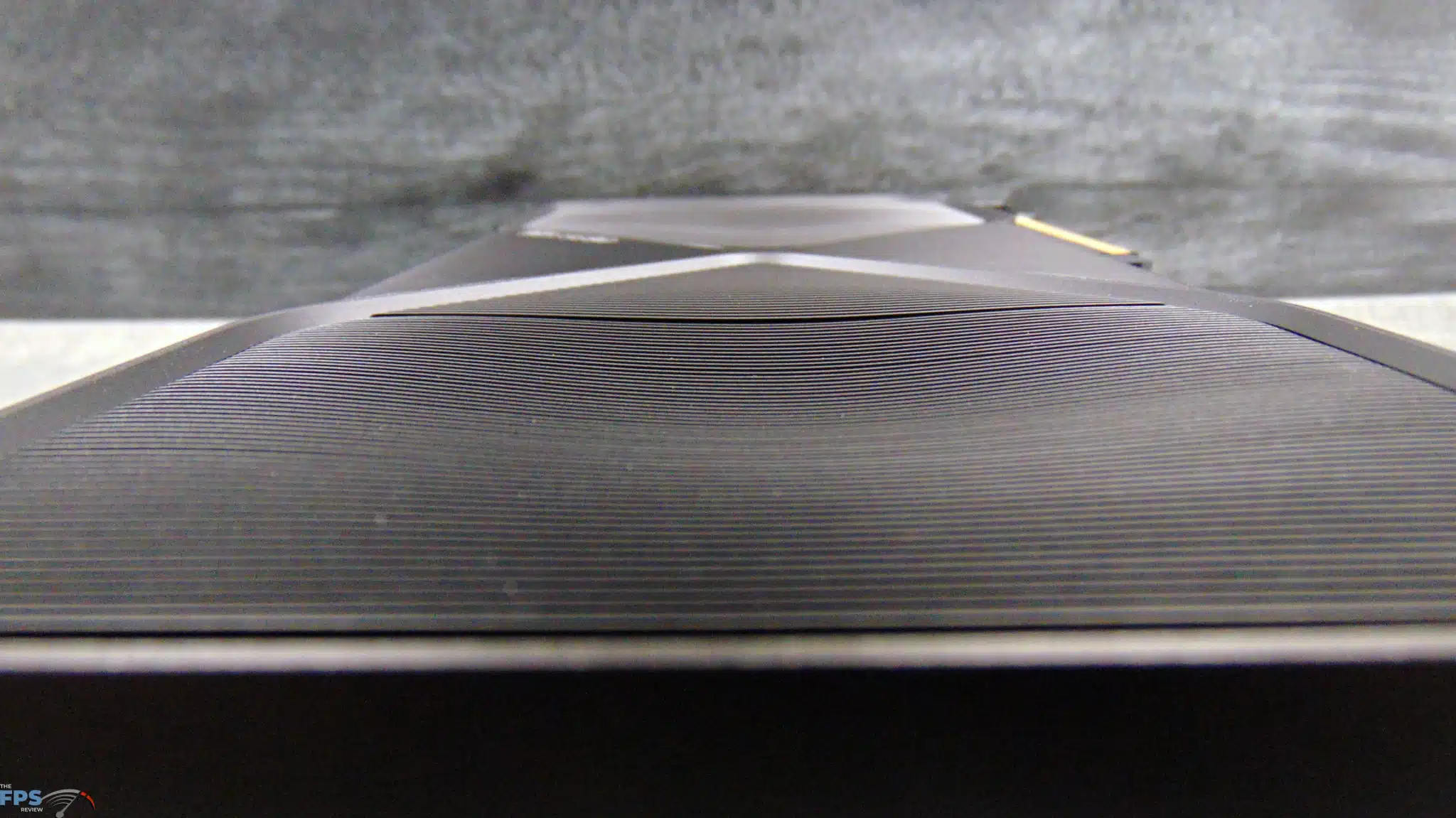
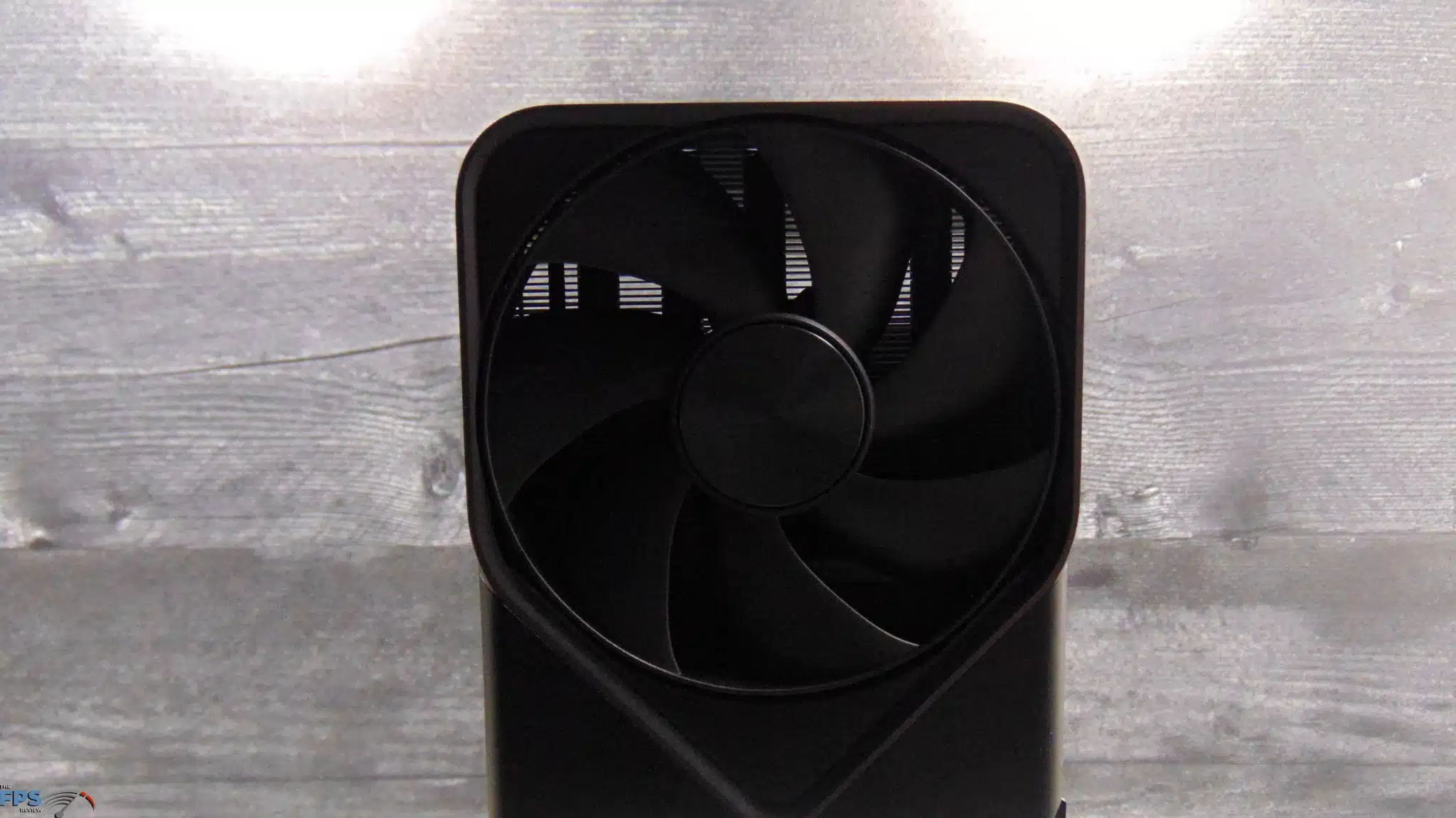
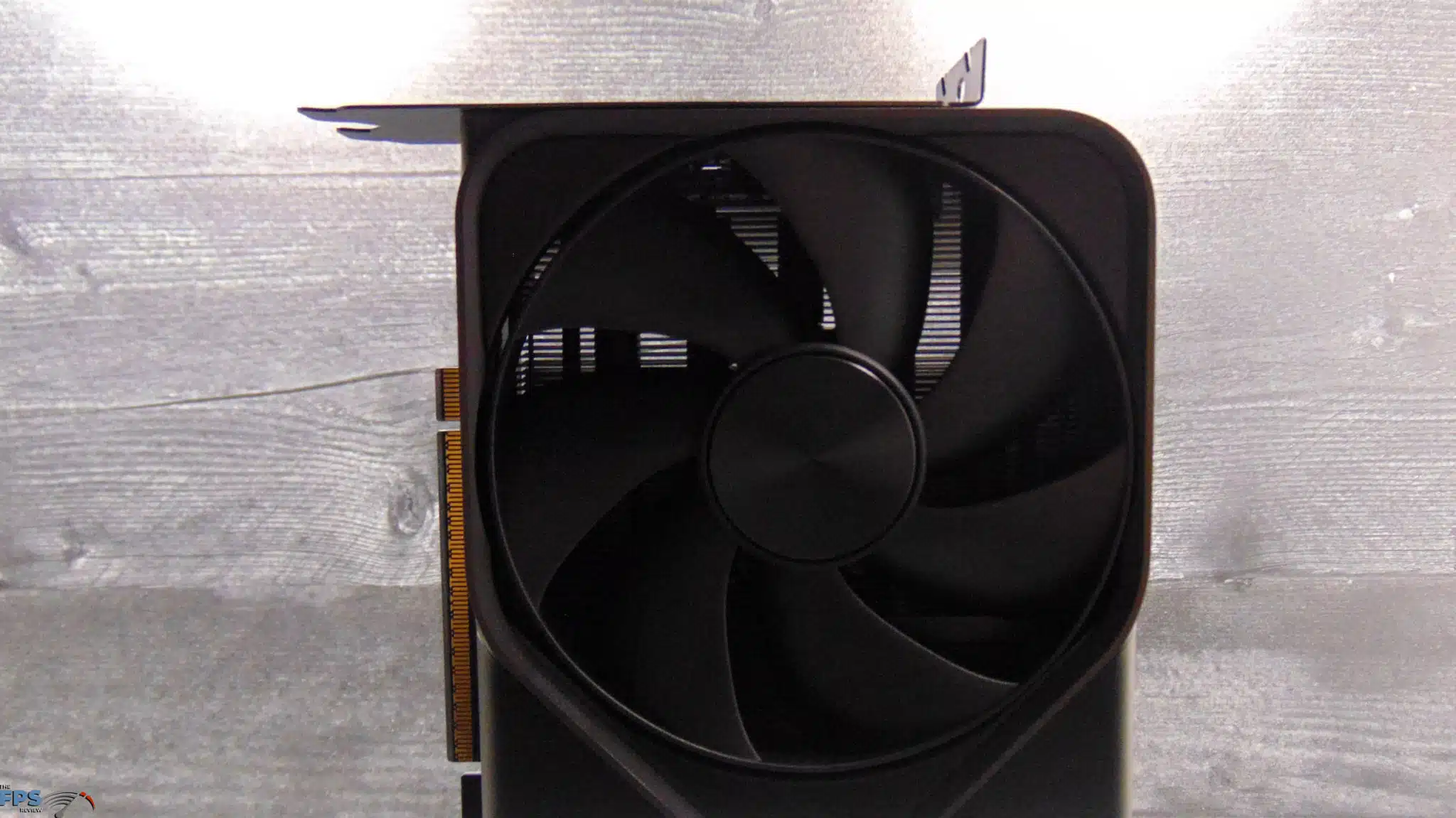
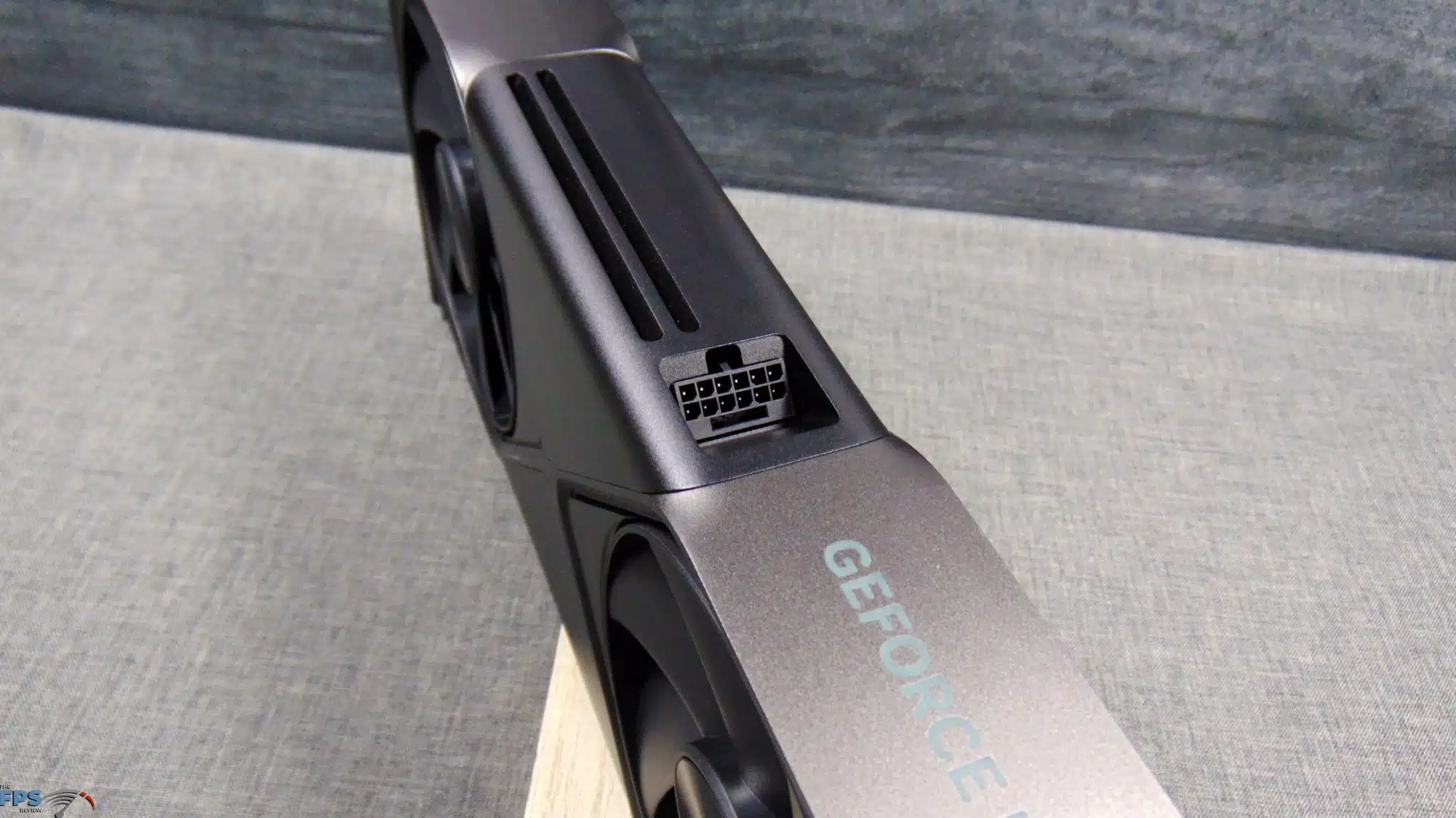
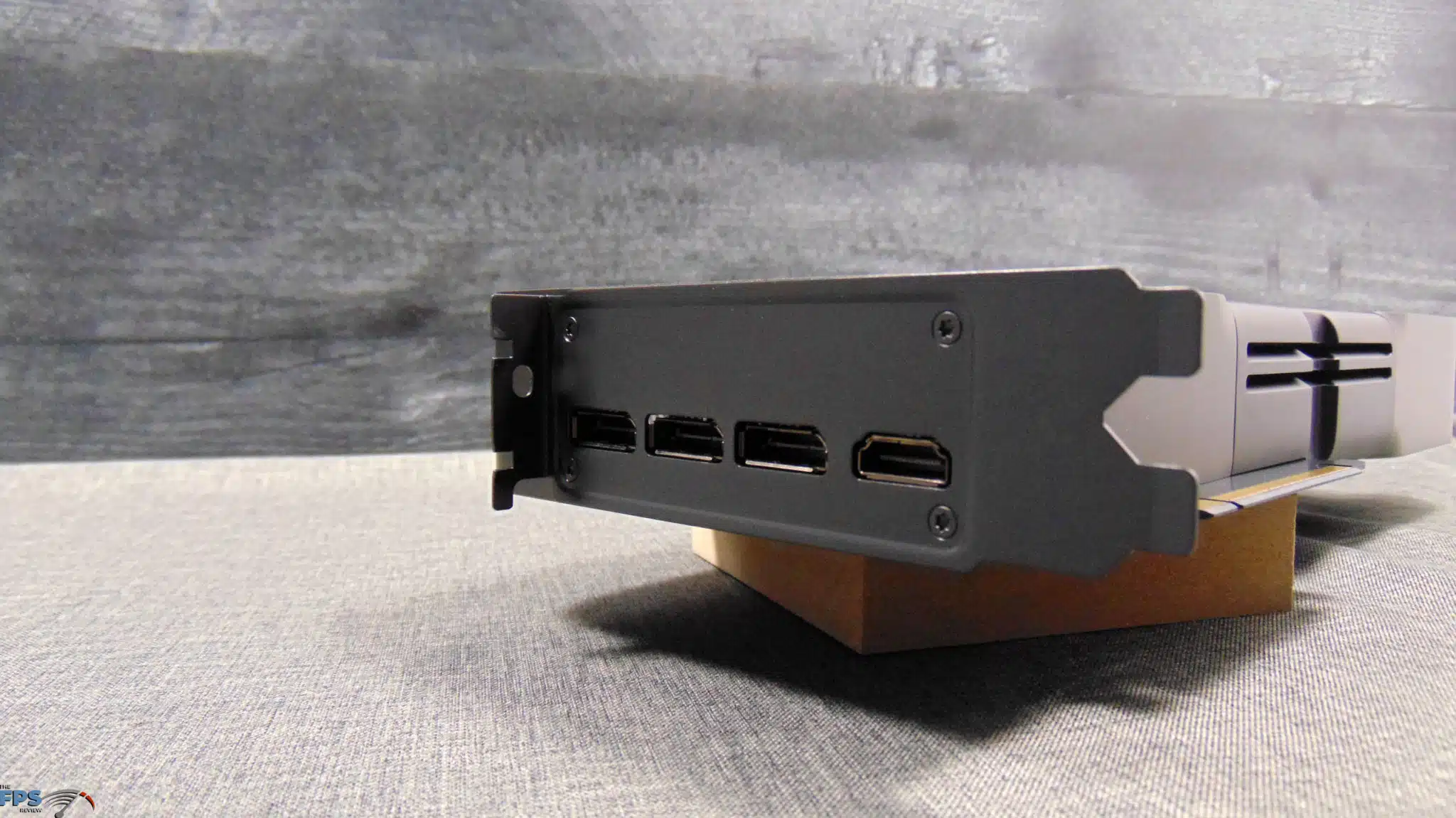
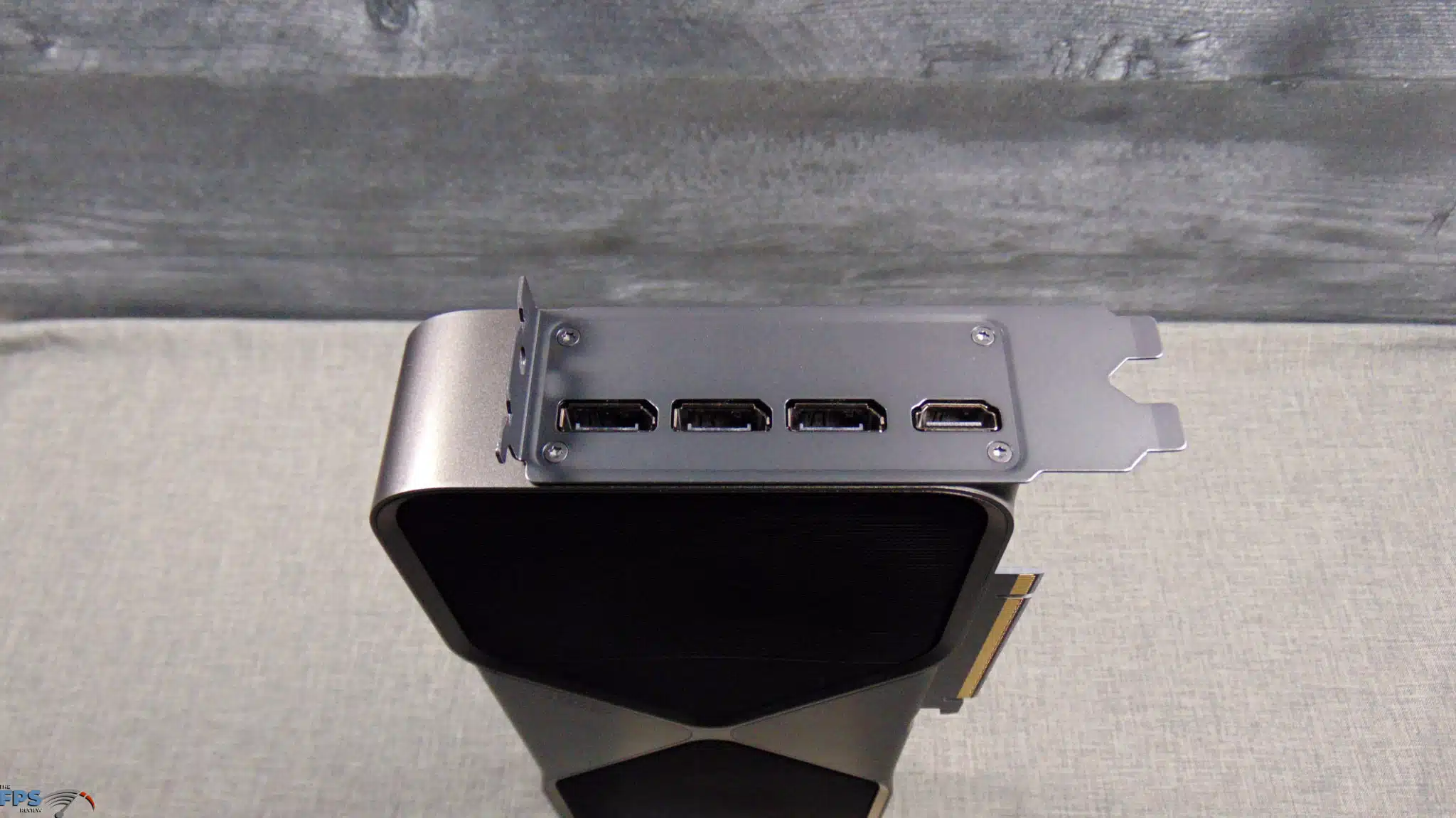
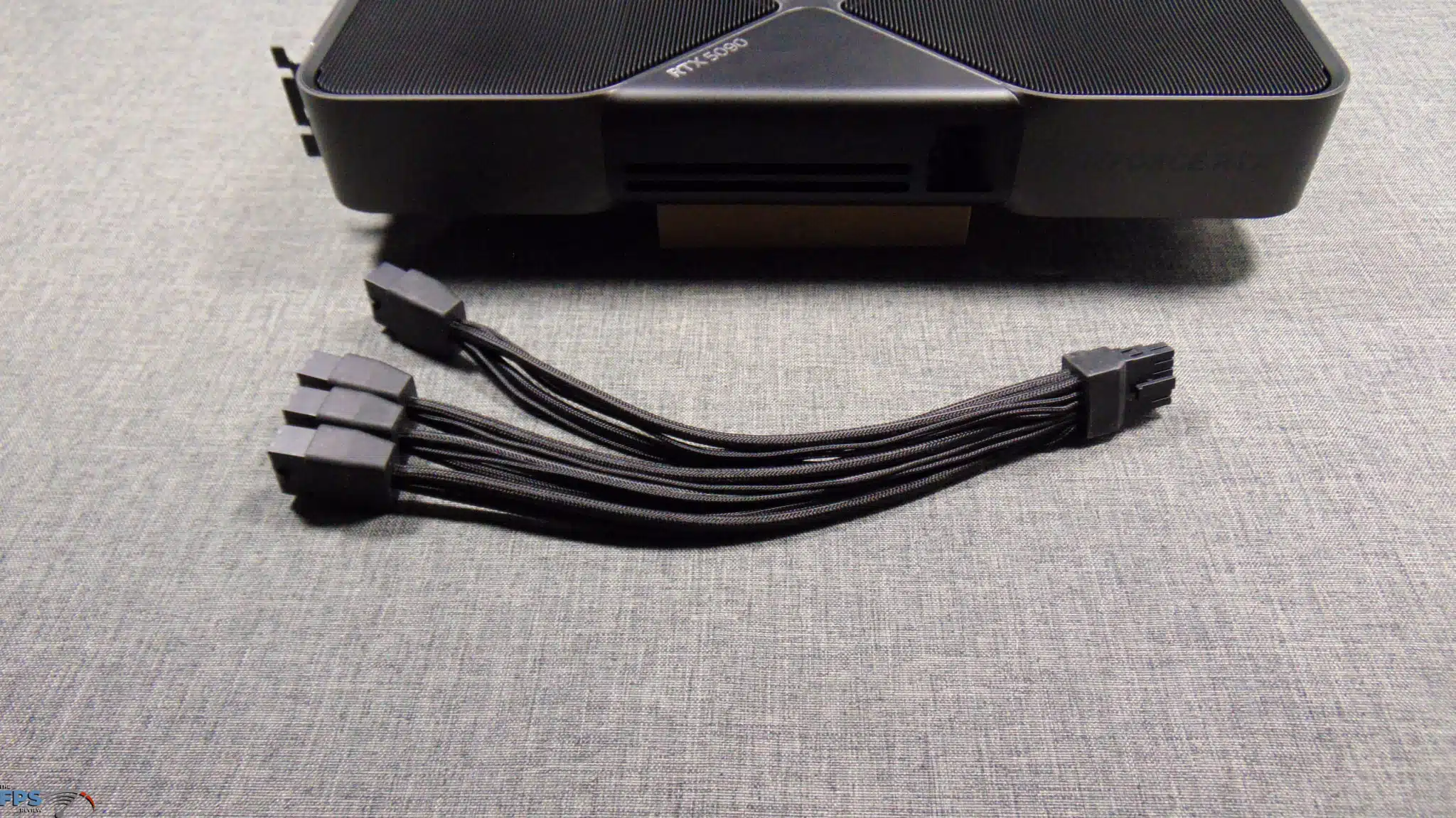
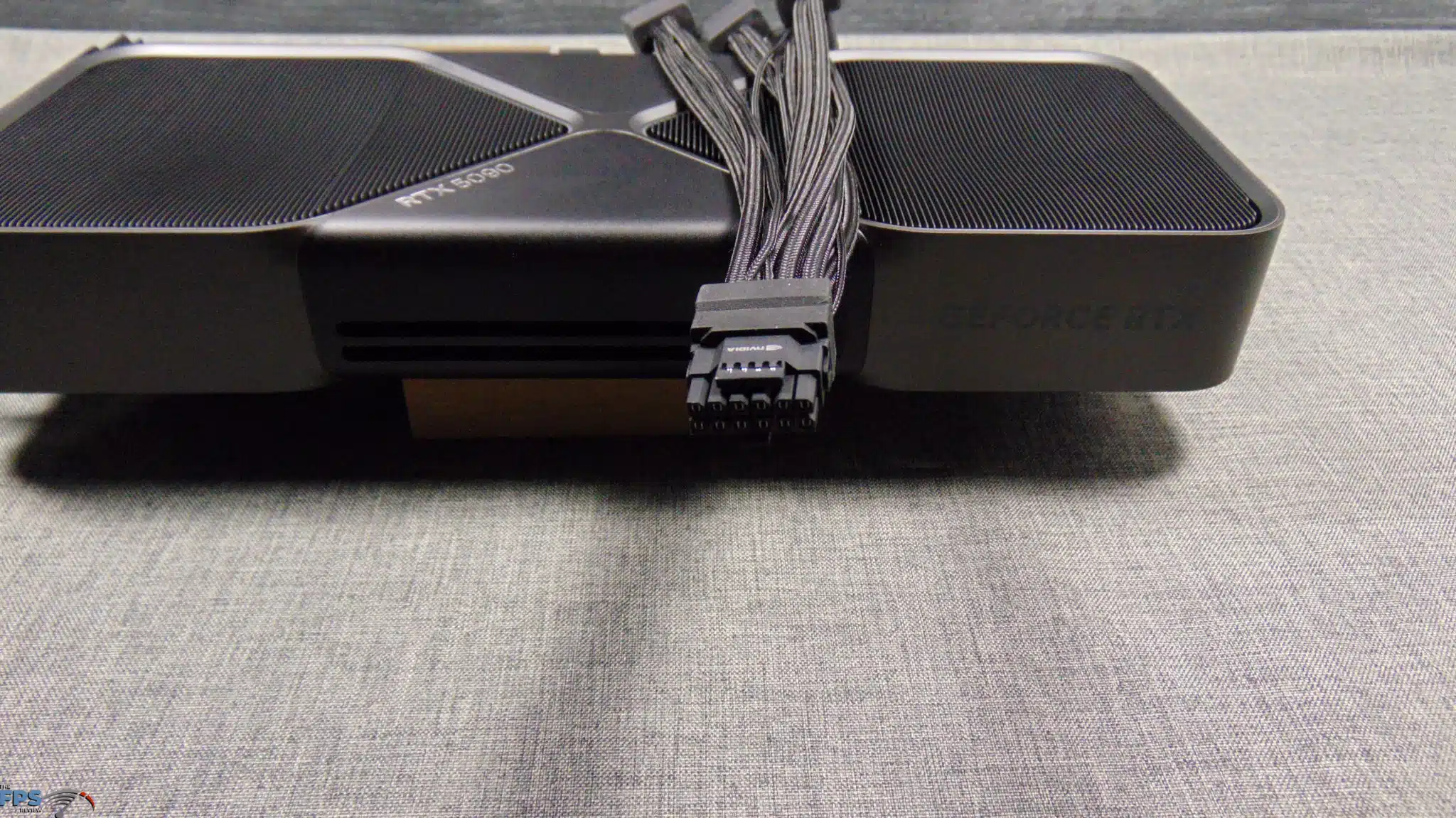
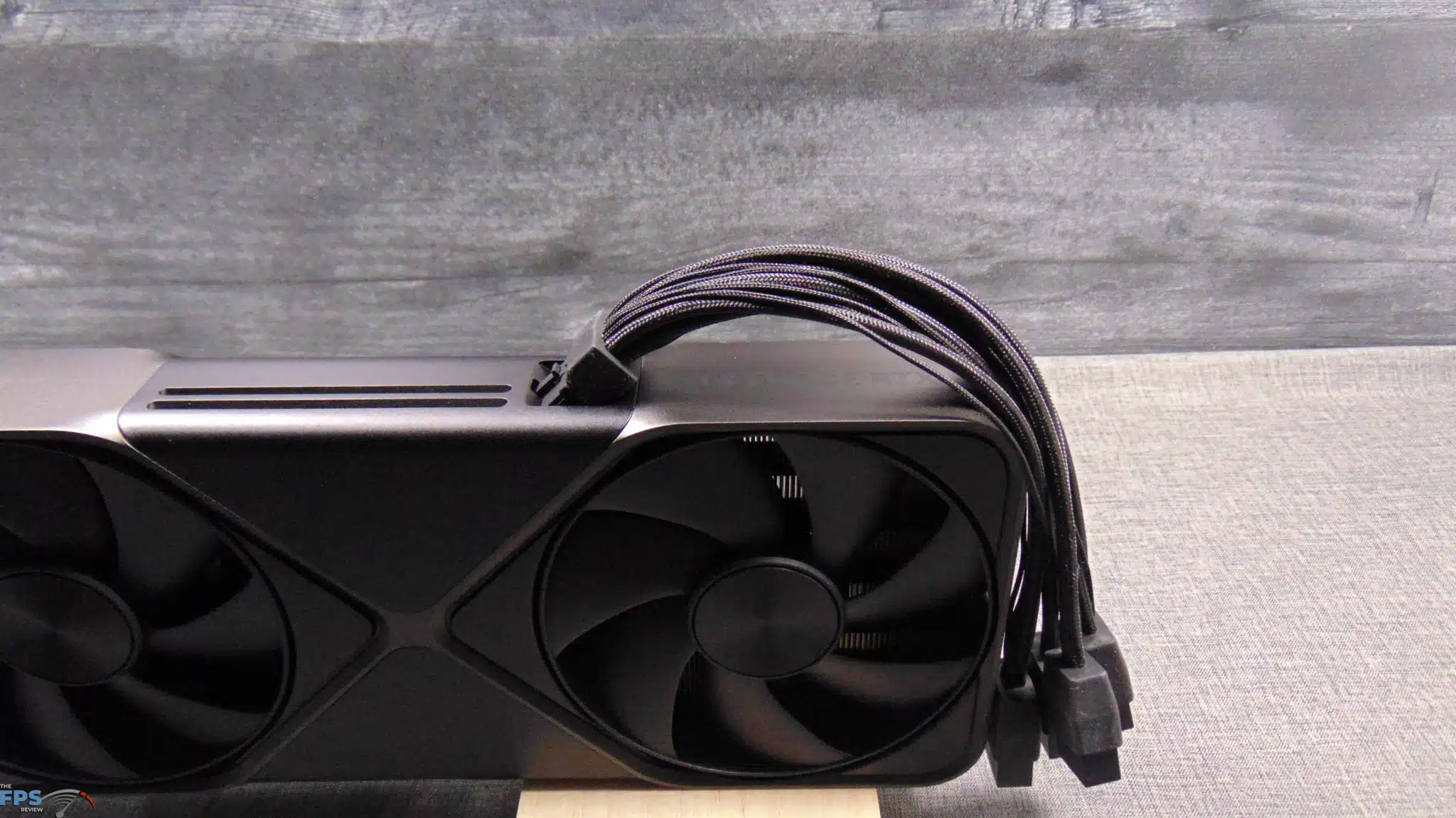
The NVIDIA GeForce RTX 5090 FE utilizes a 12VHPWR 2×6 (16-pin) power connector. In the box, an adapter cable is included that allows you to connect 4x 8-pin PCIe power connectors if you do not have 12V-2×6 on your PSU. This cable is much different from the cable provided on the previous generation GeForce RTX 4090 FE. This new cable has its individual wires braided and is very floppy, it also has a better connection at the connector, and it seems that the floppy nature will allow it to have less strain on the connector itself, all of these improvements should reduce any chance of connectors melting. It is a very much improved design, and we like this form of the adapter compared to the previous one.
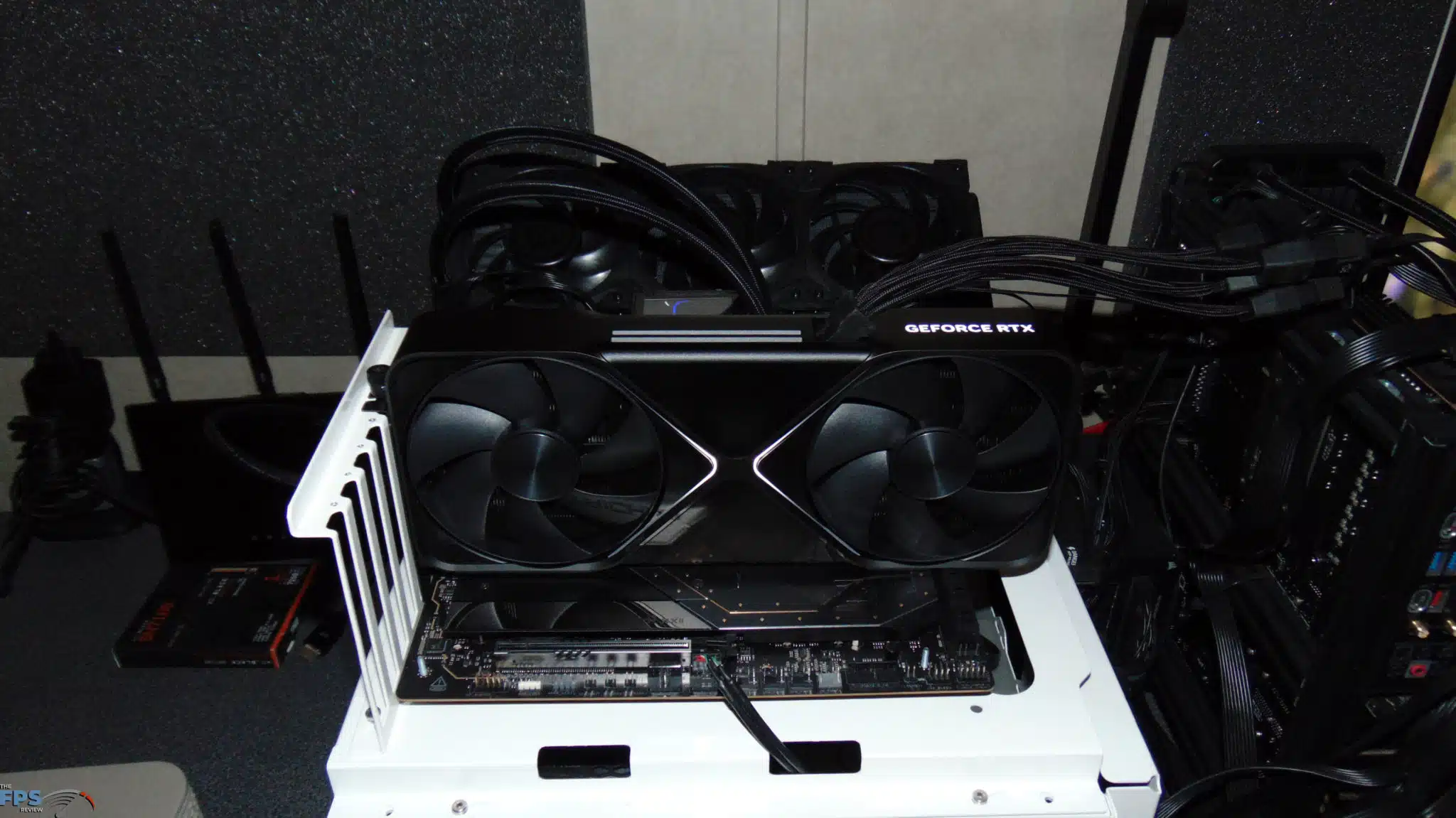
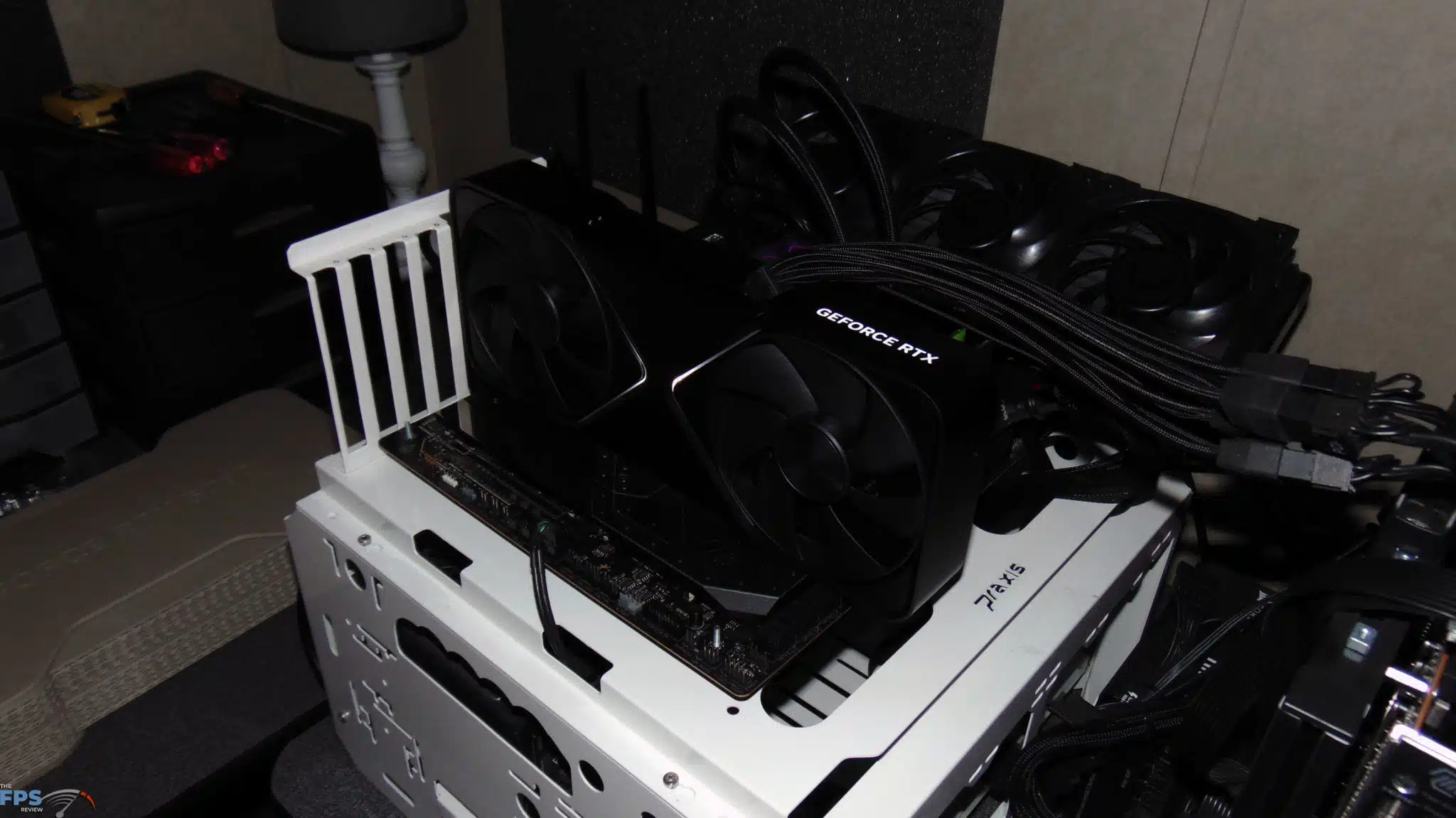
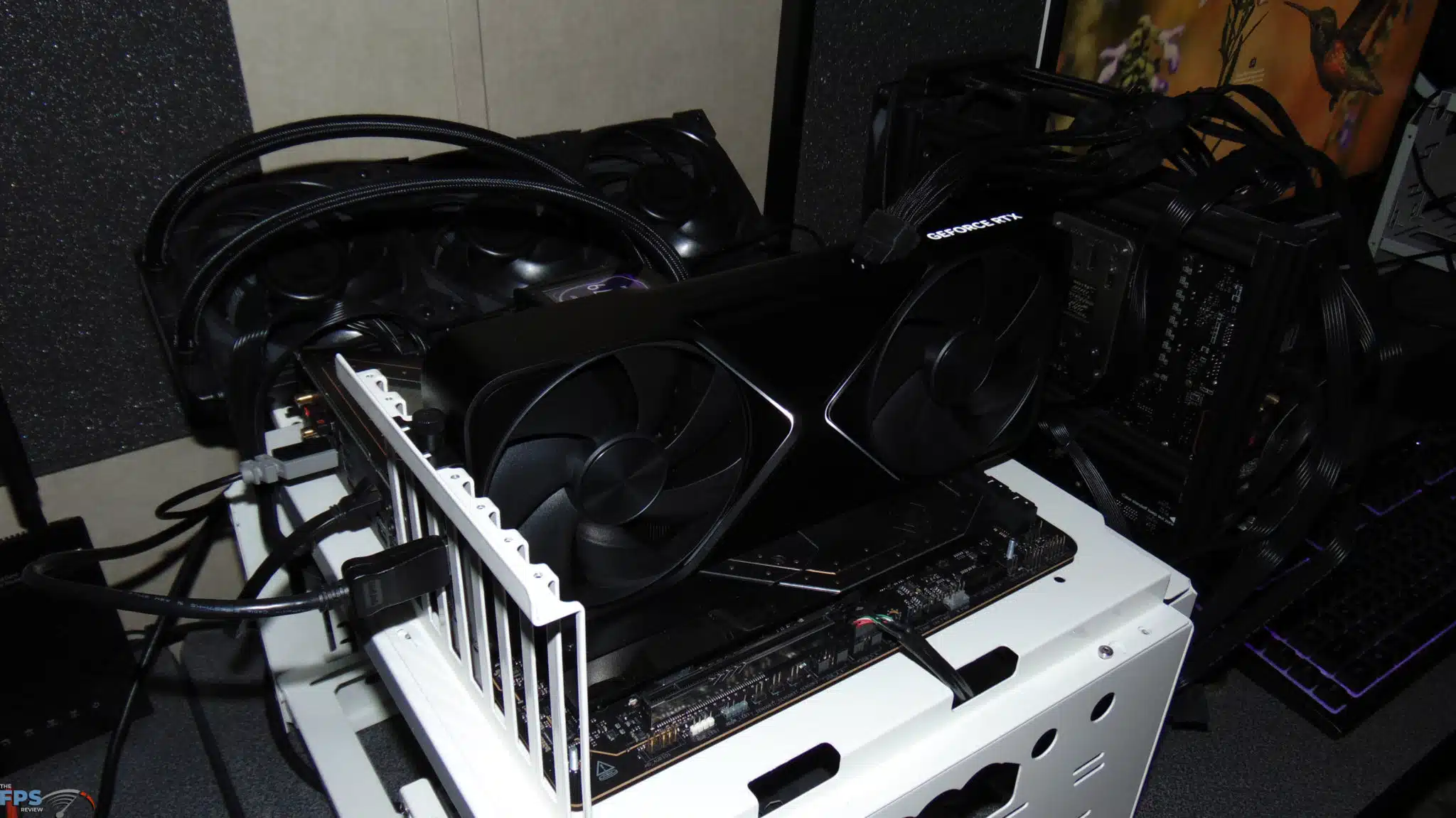
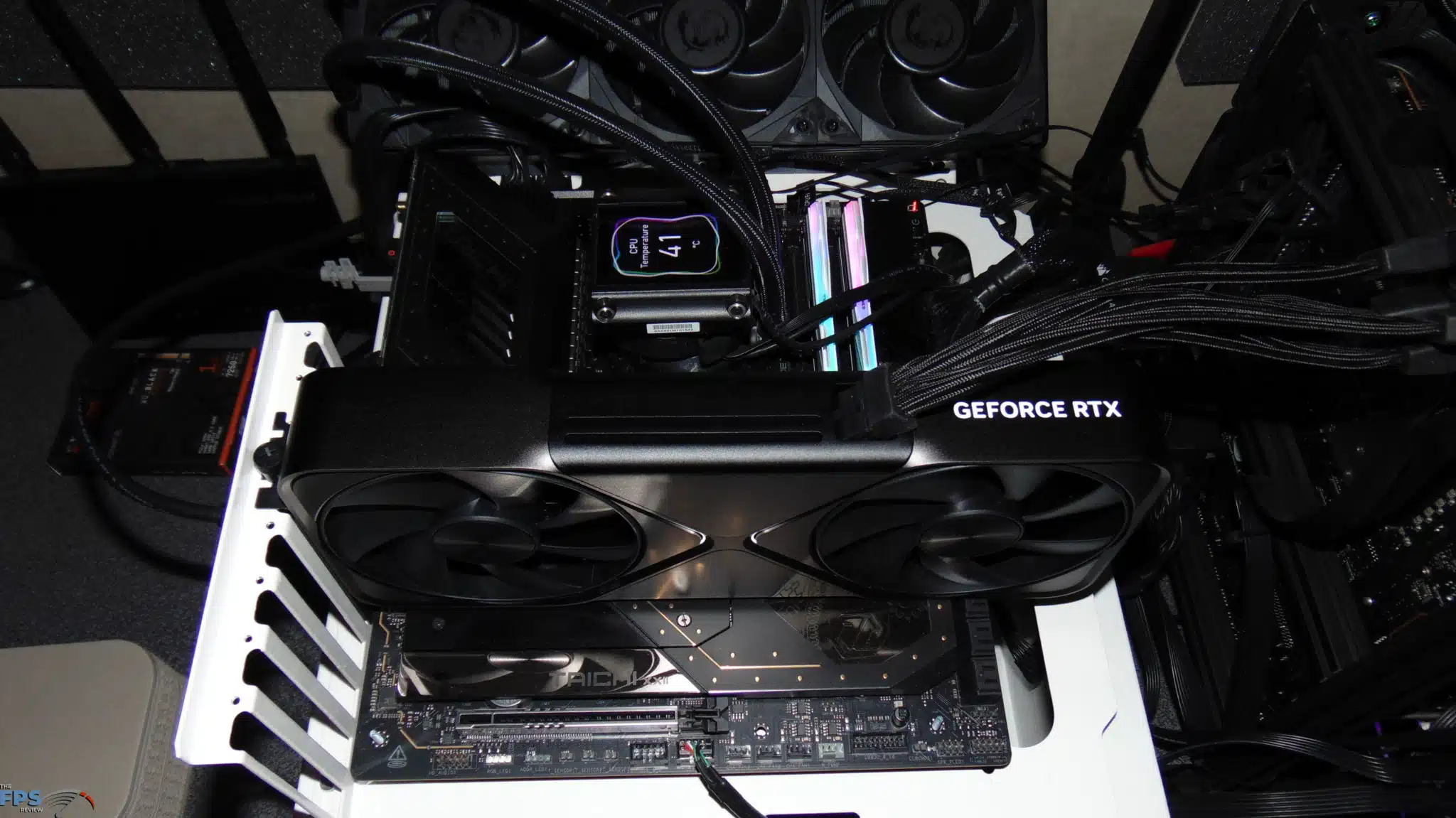
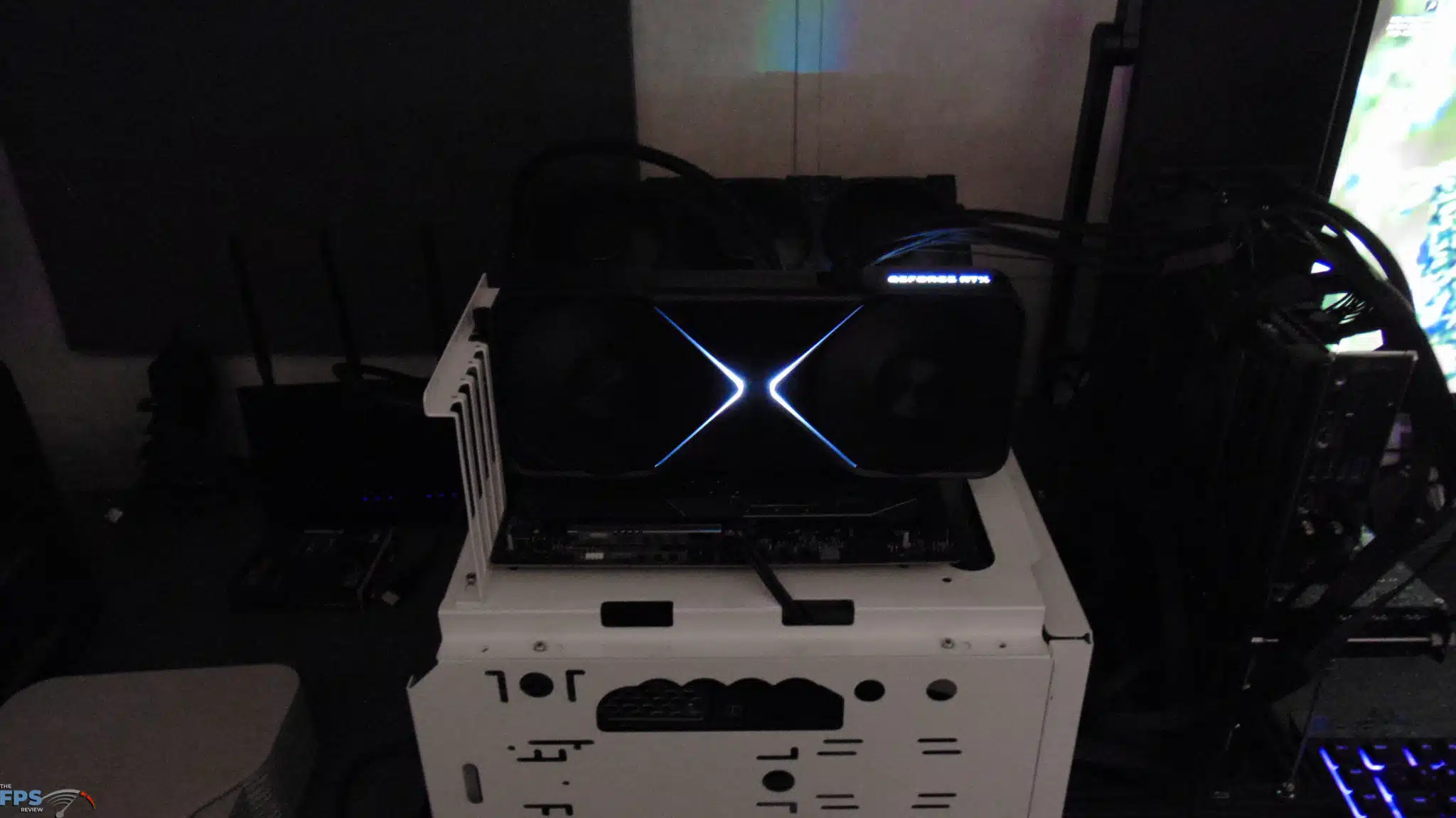
The NVIDIA GeForce RTX 5090 FE has 3x DisplayPorts on board and 1x HDMI. When installed, the video card has the GeForce RTX lit up with LEDs on the top edge, and also the familiar “X” pattern on the front of the video card, these are not RGB, just solid LEDs. When installed in a computer, this is a video card you do not want to block off the backside, or underside, you want to make sure it has the ability to intake air very well, unobstructed, and be able to exhaust that air out the top, unobstructed. It probably won’t be the best fit in a tight SFF case, where the backside of the video card might be blocked off, which would not be good for the cooling of this video card.
Discussion (19 replies)
Join Discussion →A lot to unpack indeed. I'll be re-reading this review a few times, at least. Thanks @Brent_Justice !
Me too, me too, it's a long one boys! I attempted to include some relevant topics and testing, considering the new technologies. It's just the tip of the iceberg on potential testing. Frame Generation is one of the hardest things to convey.
Nice review I love it . THANK YOU!
Seems to be getting the 9950x3d will be wise for this one... It's been a long time since we've seen a new video card need more than the current gaming champ CPU can push.
Were you all seeing utilization less than 100% in the video card when you called that out?
Is reflex enabled on the native 4k latency tests? they seem quite high.
Except that an AMD exec was quoted a few days ago as saying the performance will more or less be the same. AMD needs to make a CCD with more cores/threads, that or really bump up the clock speeds, or both.
BTW the card kind of looks somewhat small.
That's the magic in their engineering.. It looks like a great card, in that small(ish) footprint..
Do you notice any IQ difference between DLSS4 and DLSS 3? DLSS is supposed to have better IQ
I don't really see a reason it's not somewhat shorter. Pretty much all 3rd party cards I've seen look gargantuan.
Watch the gamers nexus video on the cooling. They are the only source that go's into it and it's actually VERY interesting. That card is engineered very well... from a cooling perspective and density perspective.
Higher density = lower cost because less materials for PCB, but more cost in the cooler itself that was engineered very well by all appearances to be minimal on materials to effectiveness. So in effect they spent a lot to engineer the board but it will pay off in dividends on production costs needing less materials. :)
Really like the angled 12V-2x6 port. Makes so much more sense than previous ports on FE and custom cards.
As much as I want one with an AIO I'm seriously considering this FE version. I normally don't care about FE models but really liking this one. I'll probably still try to get an custom with AIO (MSI more than likely) but feeling tempted by this one.
since nvidia claims the RTX5070 beats the RTX 4090, wouldn't it be fair to claim that the RTX4090 is faster than the RTX5090 (when using dlss 3.5 frame generation vs no frame gen)? :p ;):rolleyes: