
Introduction
How does the new Intel Core Ultra 7 270K Plus perform as you scale up the RAM speed? With Intel’s new Core Ultra 200S Plus series of CPUs recently launched, the highest officially supported memory speed has now been moved up to 7200MT/s. However, it doesn’t stop there; these CPUs can support high-speed CUDIMM memory. So MSI sent over for us a couple of high-speed RAM kits from Kingston to test them out, and see how performance scales in benchmarks, and games as we climb our way up to 8800MT/s on the Intel Core Ultra 7 270K Plus.
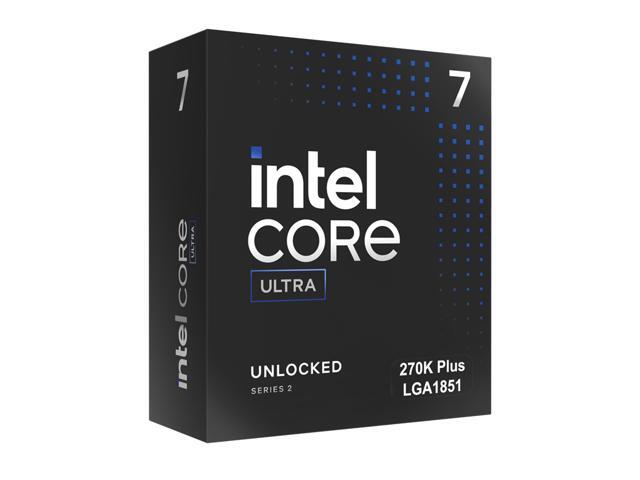
The Intel Core Ultra 7 270K Plus was launched on March 26th, 2026, with an MSRP of $299. It is part of the Intel Core Ultra 200S Plus desktop CPU series for socket LGA1851 motherboards that were released. Being based on the Intel Core Ultra 200S series, the Intel Core Ultra 7 270K Plus uses the Arrow Lake architecture, and is considered a “refresh” CPU, expanding the series. You can check out our review comparing the Intel Core Ultra 7 270K Plus with the Intel Core Ultra 7 265K here and the Intel Core Ultra 9 285K here.
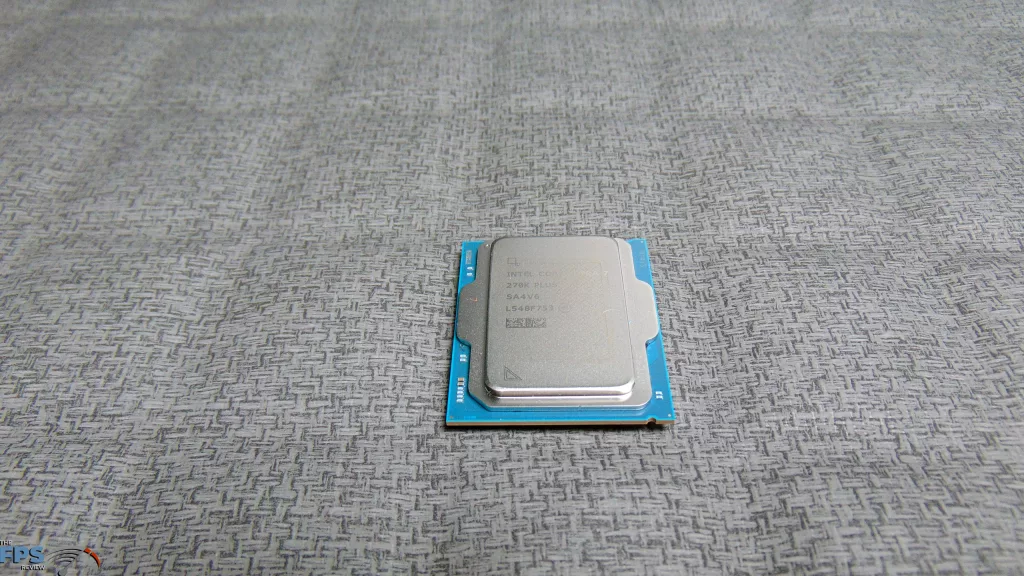
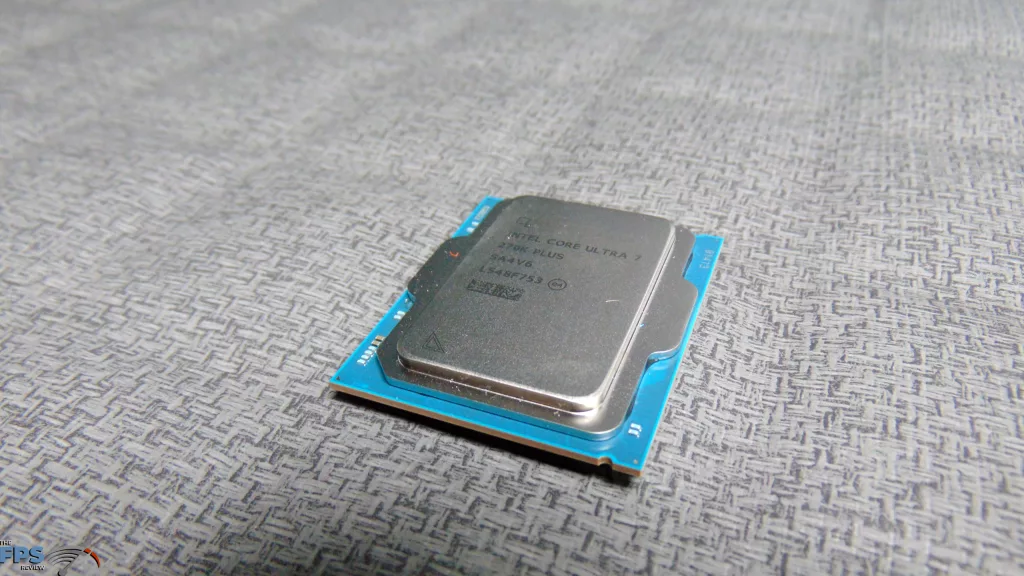
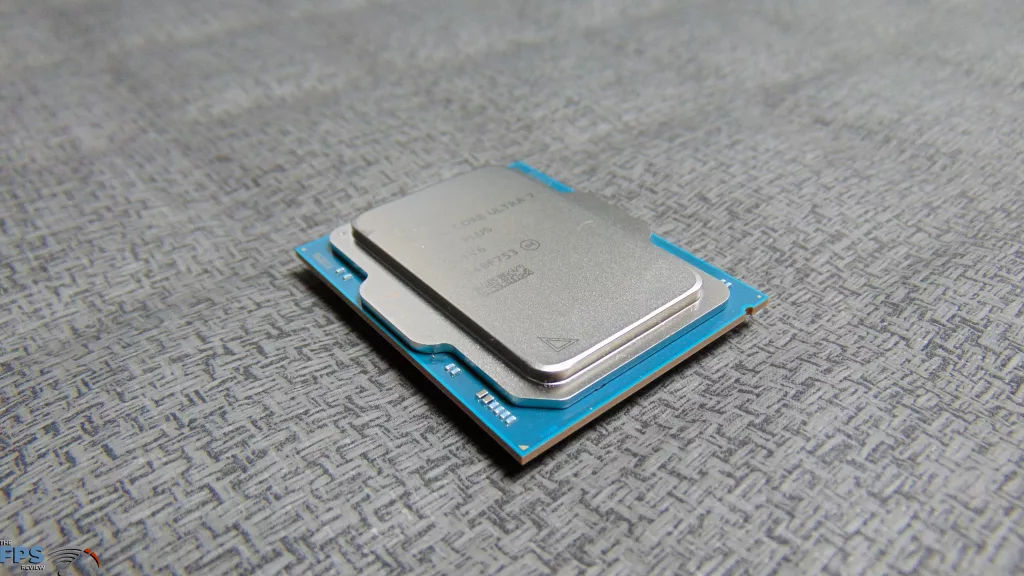
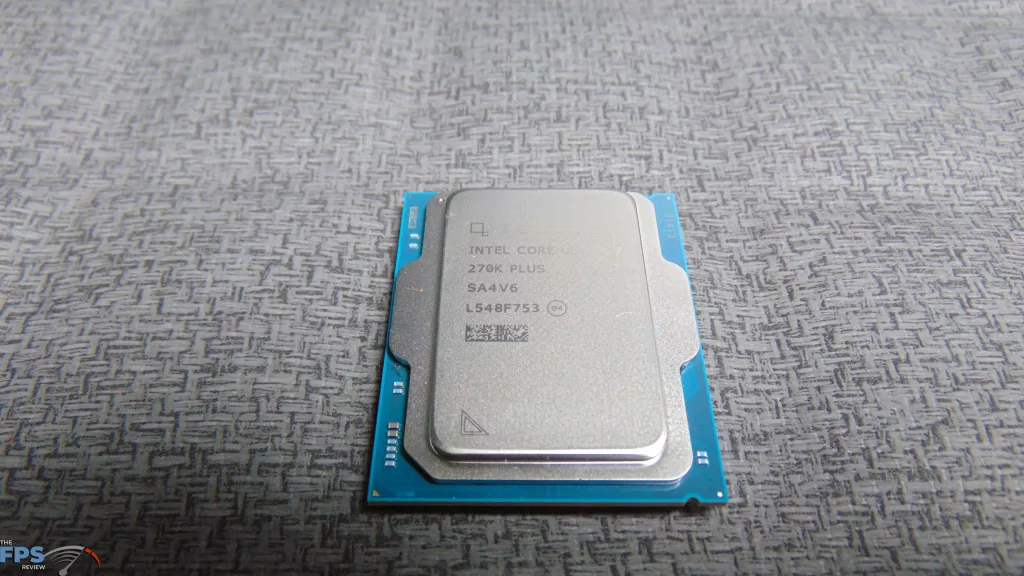
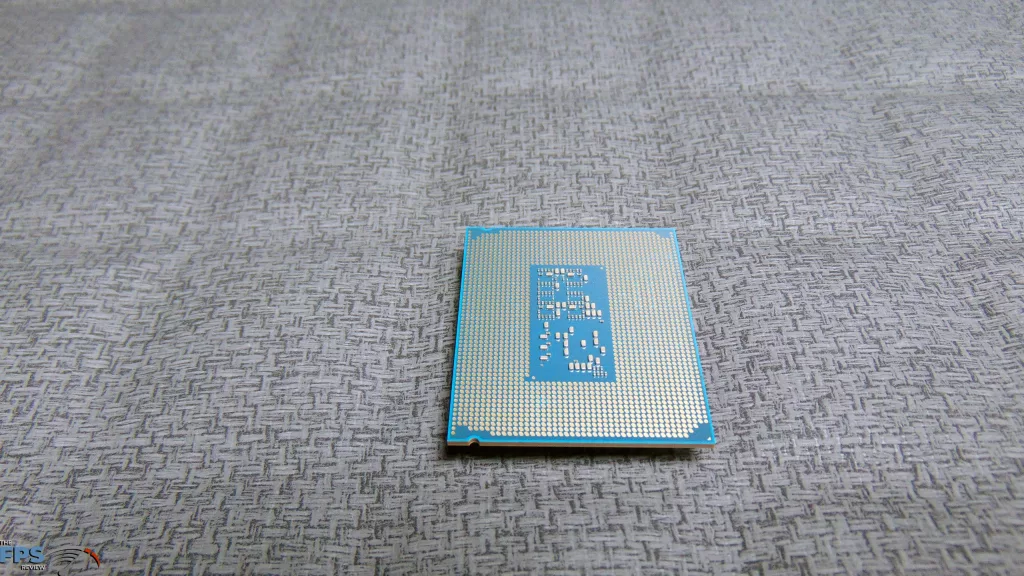
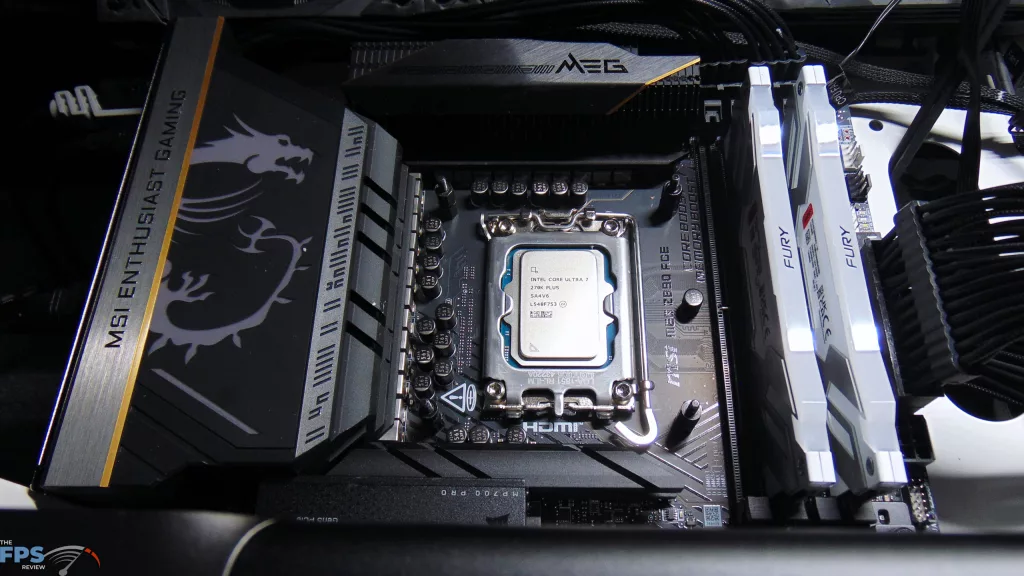
As a quick specification reminder, the Intel Core Ultra 7 270K Plus is a 24-core CPU made up of 8 P-Cores and 16 E-Cores and runs at 5.5GHz max frequency. This is 4 more E-Cores compared to the 265K. It is also clocked internally faster with a +900MHz die-to-die frequency increase and ring clock increase compared to the 265K, and the E-Cores run slightly faster. It has 36MB of Smart Cache, and the TDP is 125W with Max Turbo Power at 250W. In benchmarks, it is competitive with and faster than the Intel Core Ultra 9 285K in our testing, and is the perfect CPU to test RAM performance scaling with.

Kingston Fury Renegade RAM Kits (7600MT/s & 8800MT/s)
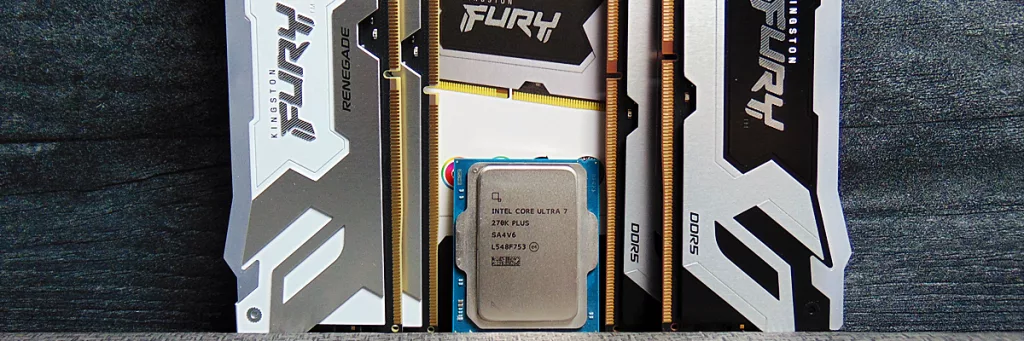
MSI sent over two Kingston Fury Renegade DDR5 RGB RAM kits for testing the new Intel Core Ultra 7 270K Plus CPU. We have a Kingston Fury Renegade 7600MT/s (32GB|2x16GB) DDR5 RGB RAM kit (KF576C38RWAK2-32) as well as a Kingston Fury Renegade 8800MT/s CUDIMM (48GB|2x24GB) DDR5 RGB RAM kit (KF588CU42RSAK2-48). Between these two kits, we can utilize different XMP profiles built-in, which allows us to test at 7200MT’s, 7600MT/s, 8400MT/s, and 8800MT/s.
The Kingston Fury Renegade 7600MT/s 32GB DDR5 RAM Kit is UDIMM memory and has timings at 7600MT/s of CL38. Within this memory, there are two XMP Profiles that allow 7600MT/s at CL38 and 7200MT/s also at CL38. The Kingston Fury Renegade 8800MT/s CUDIMM 48GB DDR5 RAM Kit is CUDIMM memory and has two XMP Profiles within it as well. It allows 8400MT/s at CL40 and 8800MT/s at CL42. In this way, we can scale from 7200MT/s up to 8800MT/s, with the timings increasing as the bandwidth increases. Our CPU-Z Screenshots will show the complete timings on all four Profiles.
Kingston Fury Renegade 7600MT/s 32GB DDR5 RGB White Memory
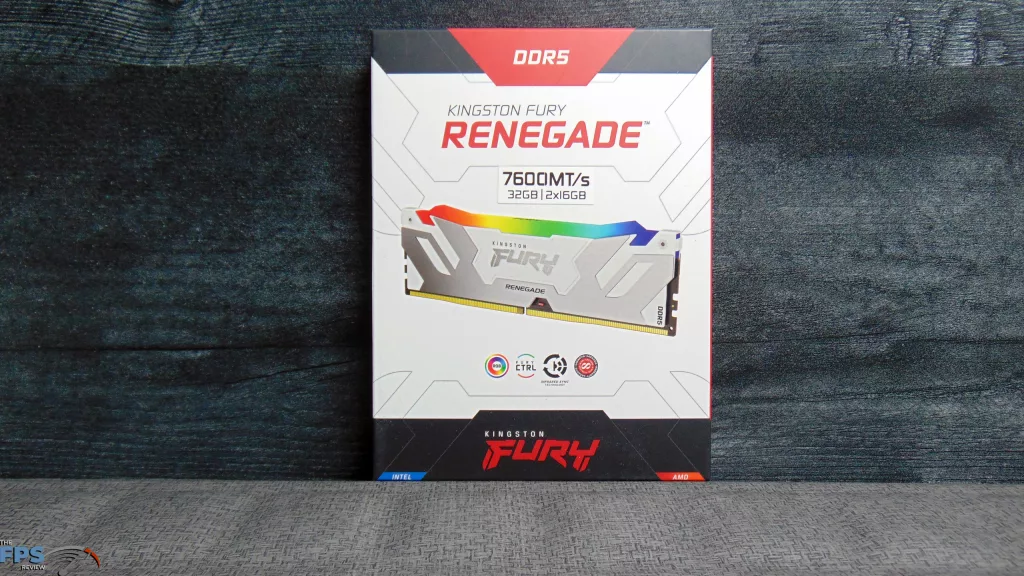
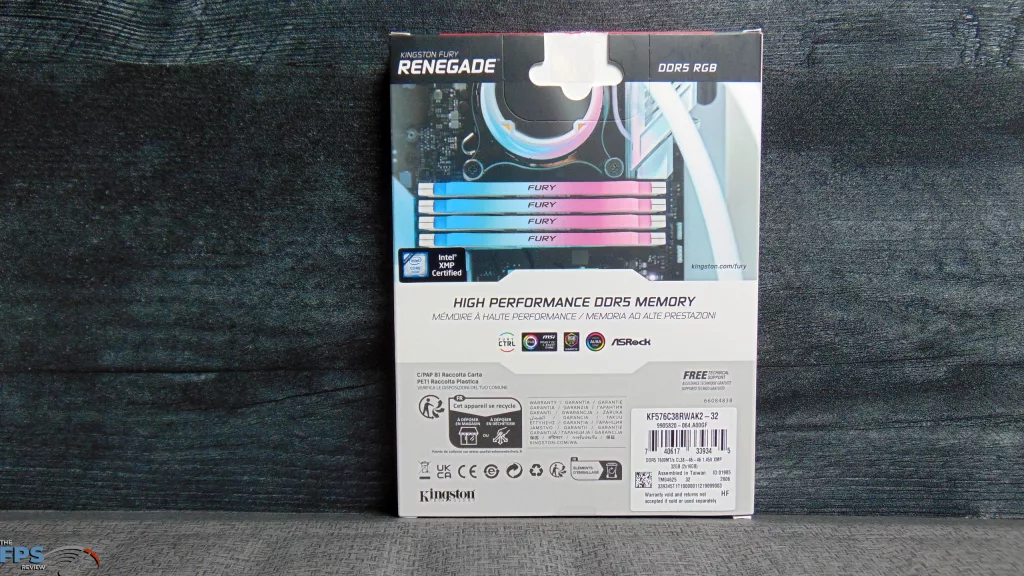
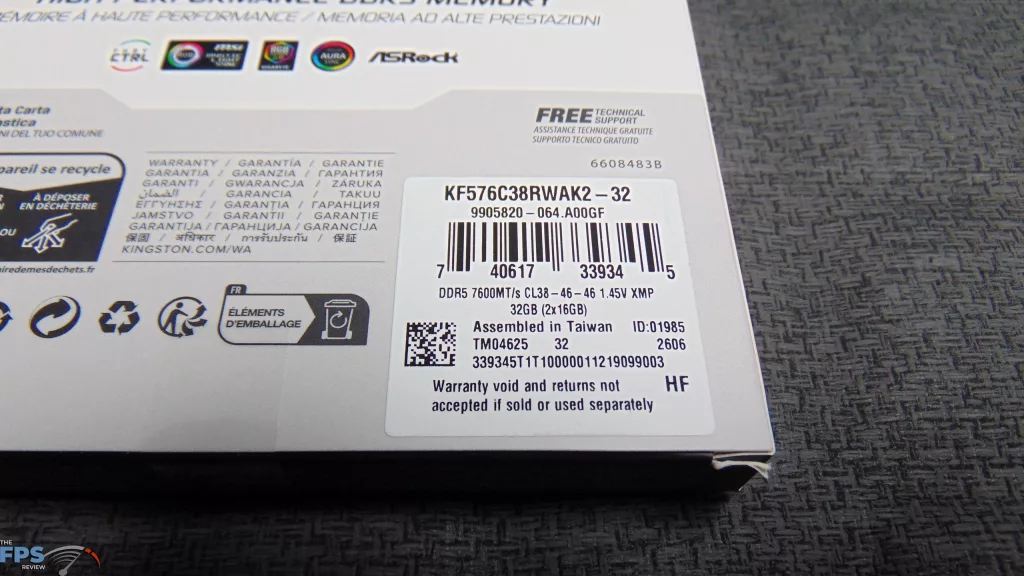
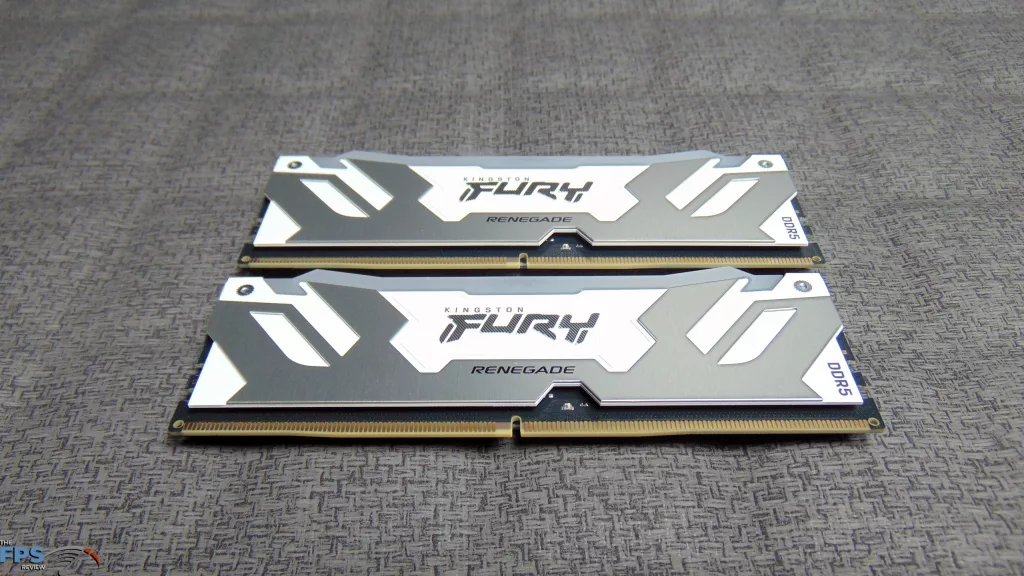
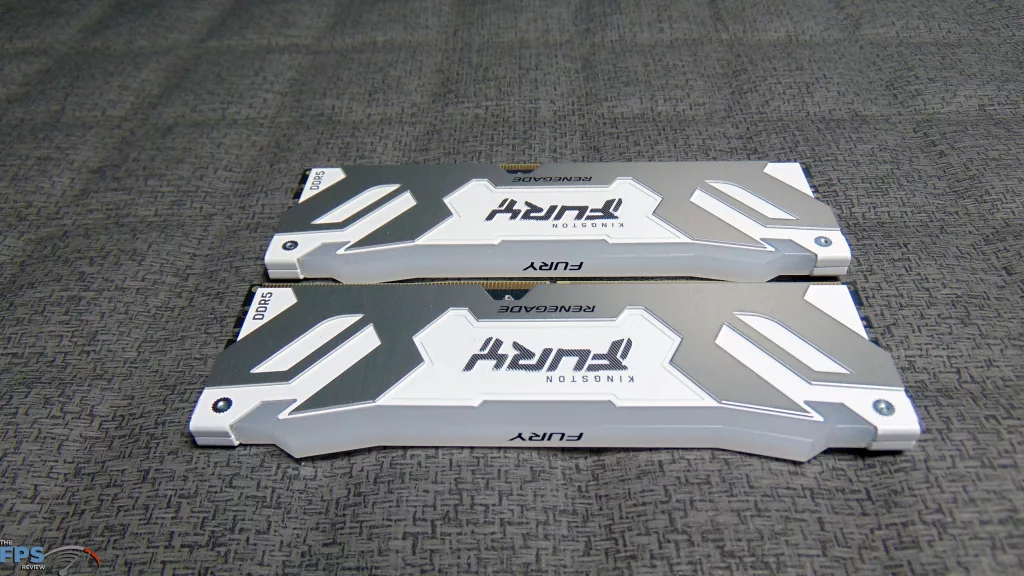
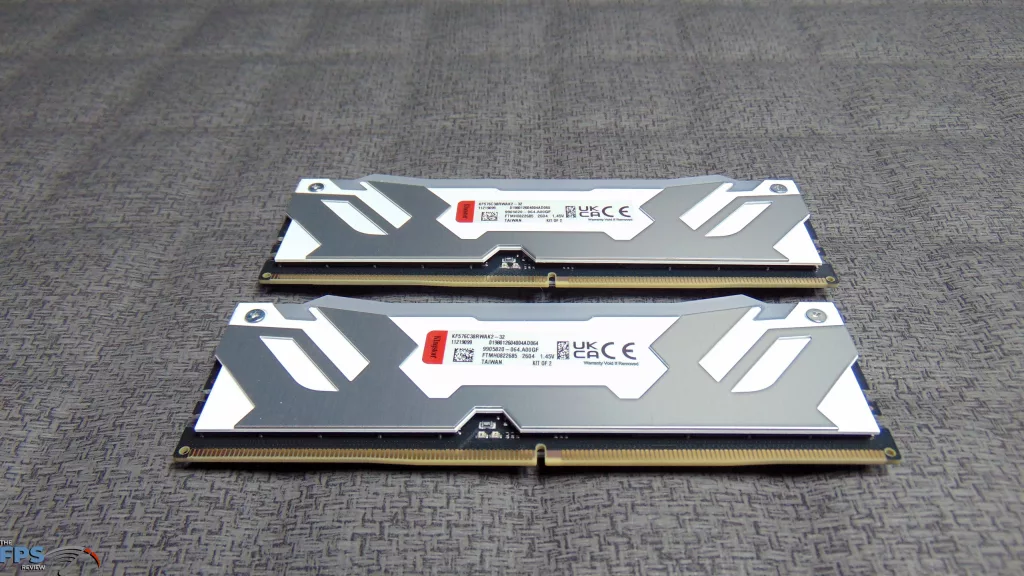
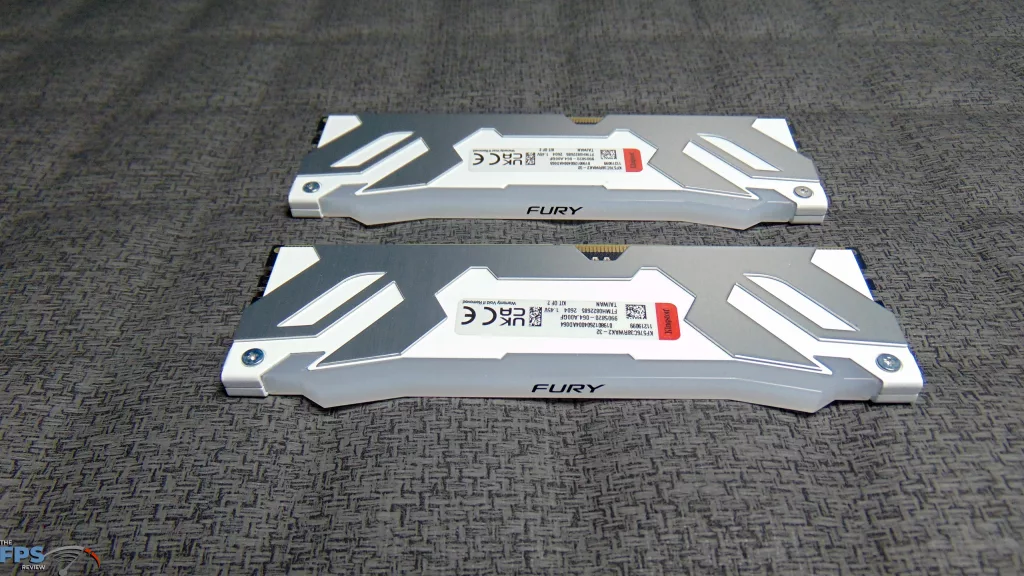
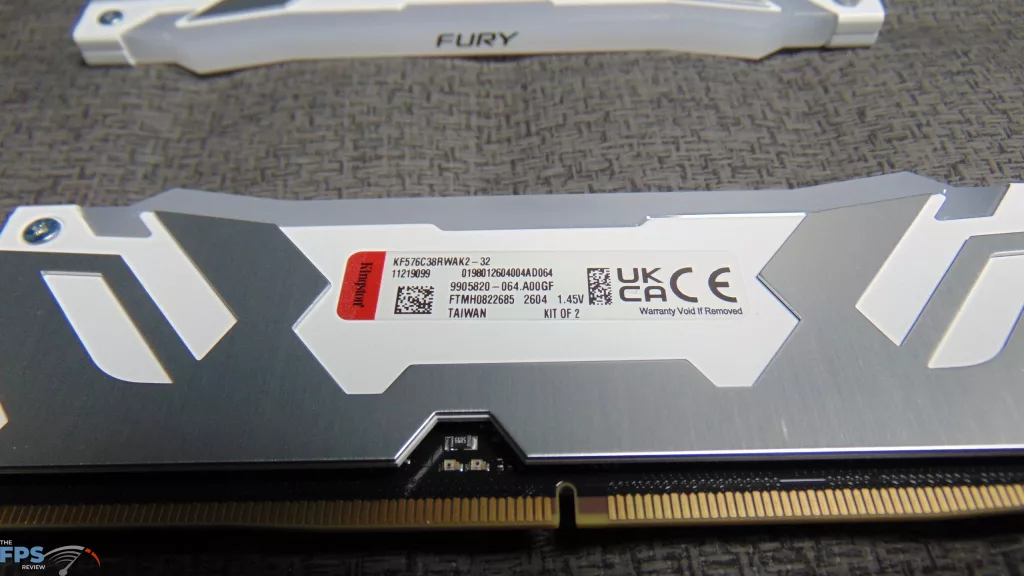
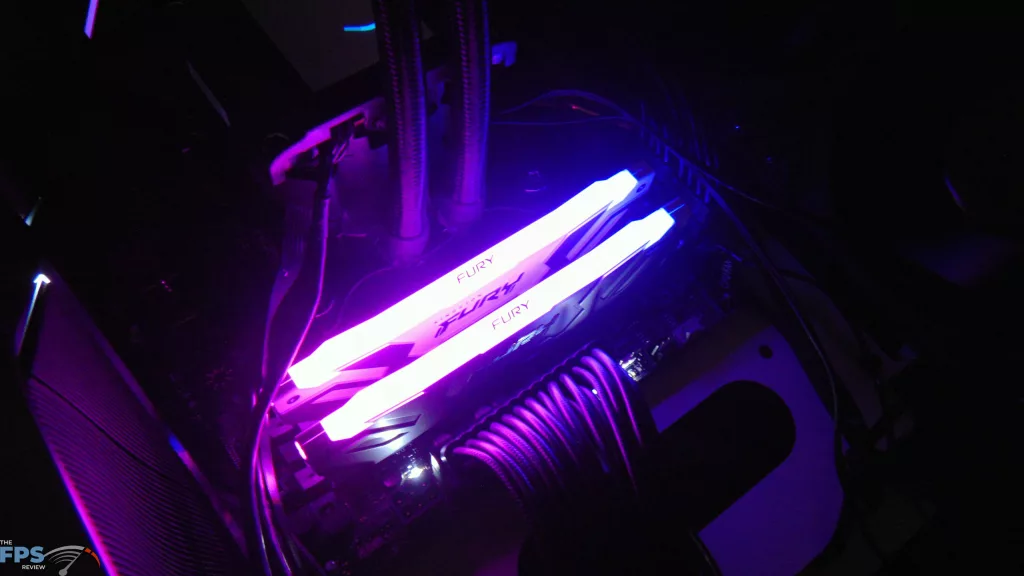
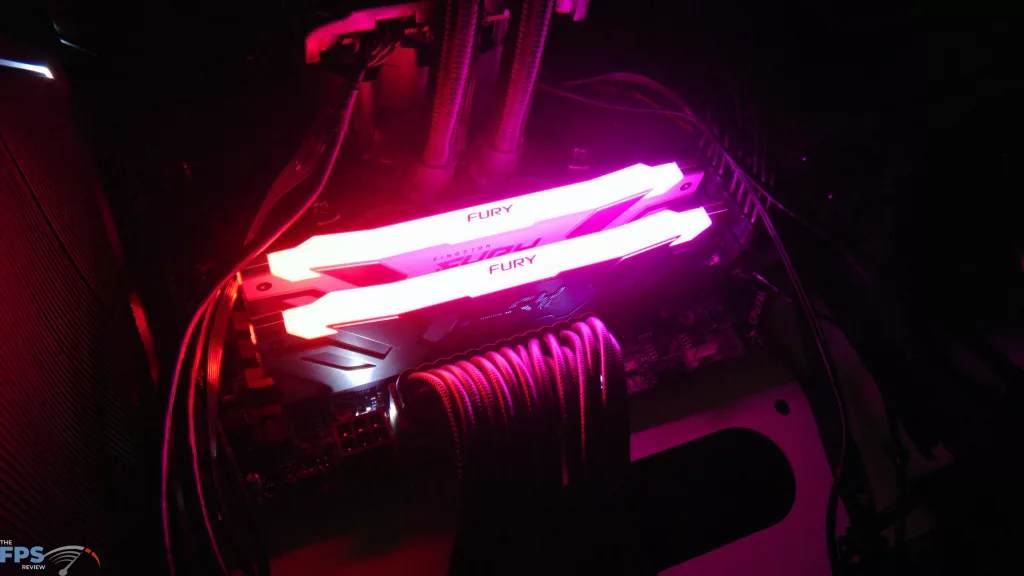
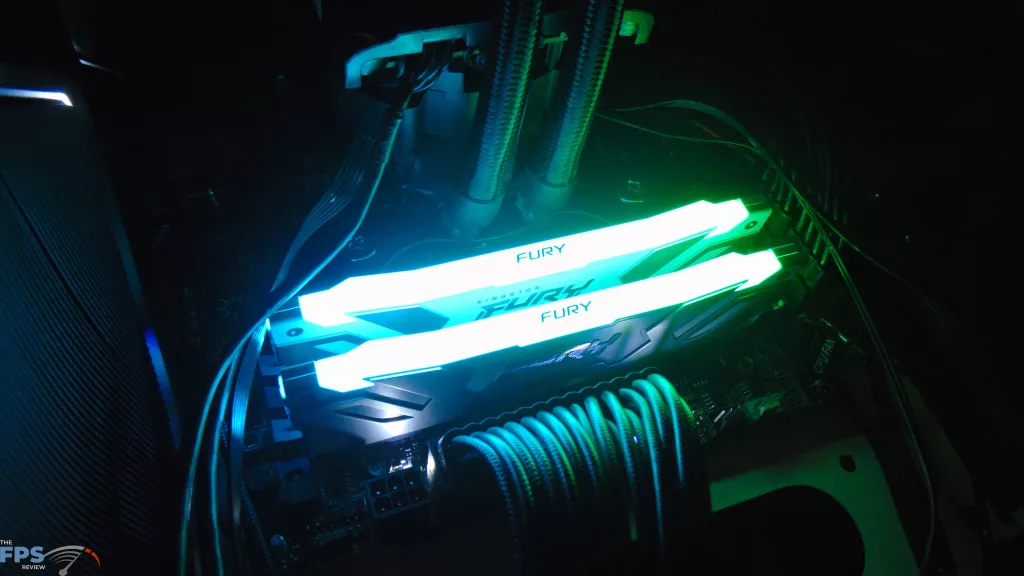
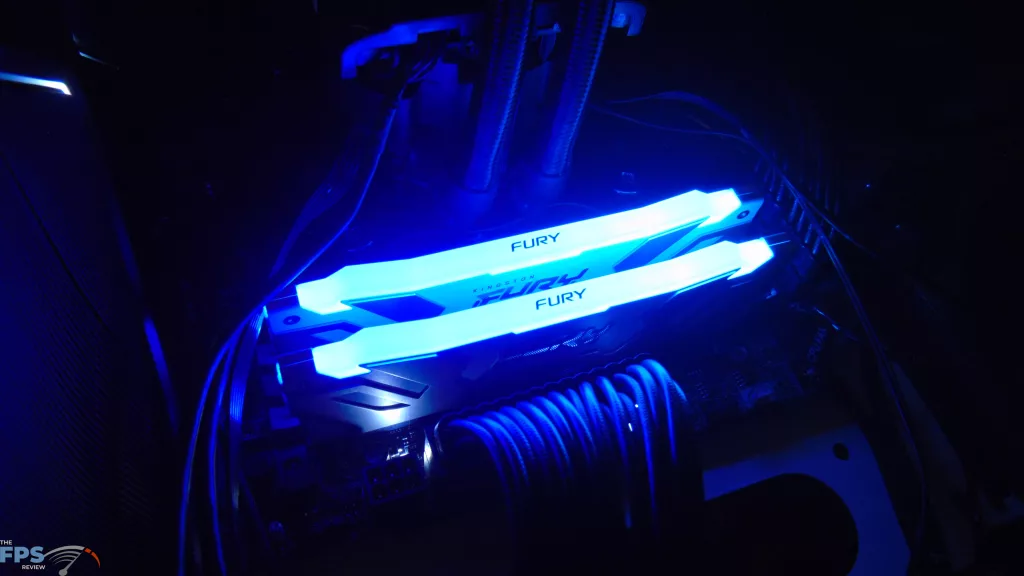
With this kit of memory, there are two XMP Profiles that provide 7200MT/s and 7600MT/s.
7200MT/s
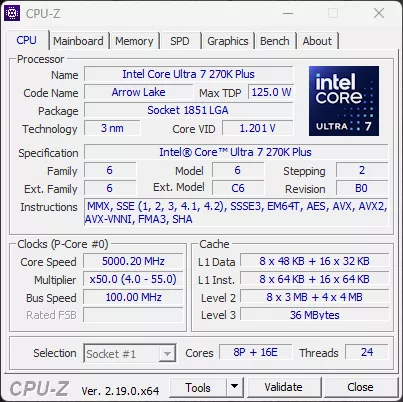
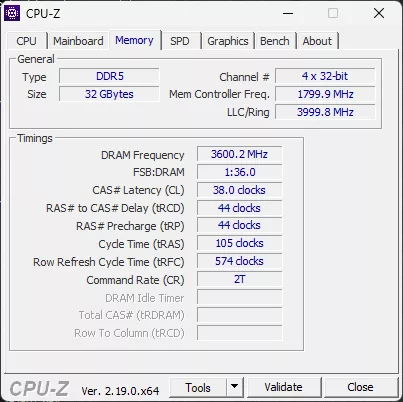
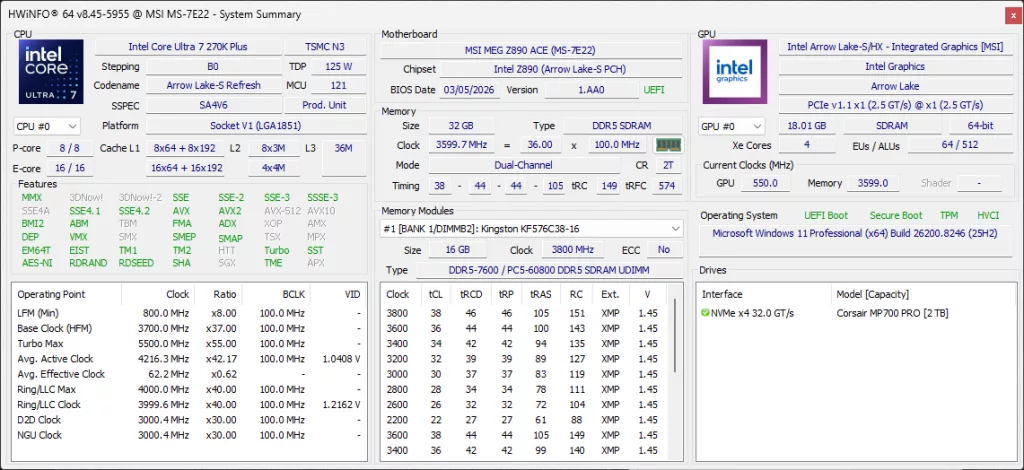
At 7200MT/s above, the timings are CL38-44-44-105-574-2T.
7600MT/s
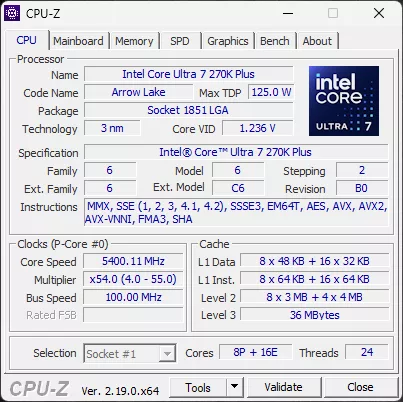
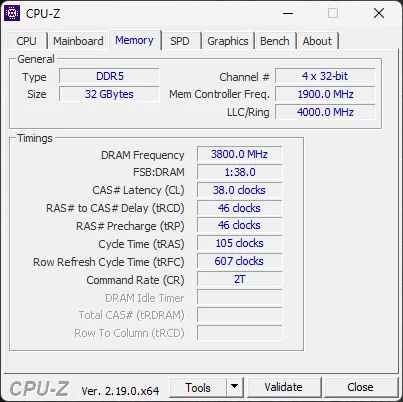
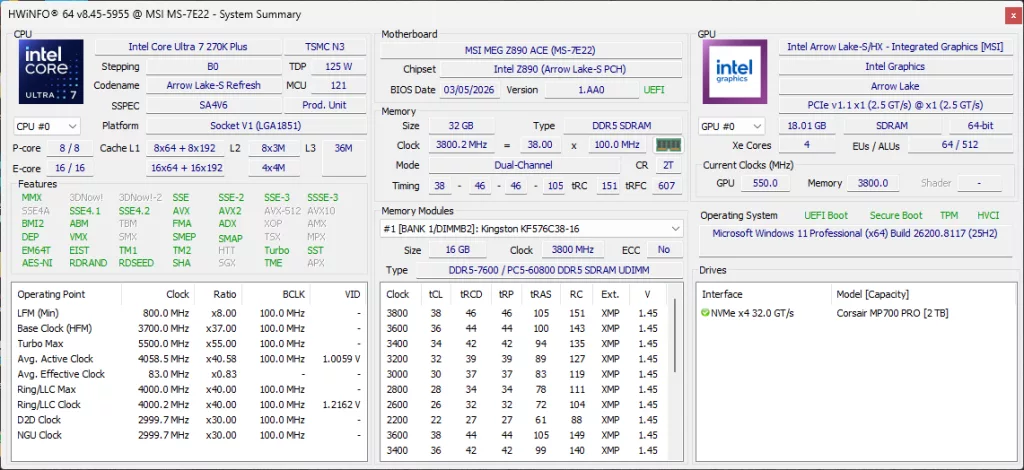
At 7600MT/s above, the timings are CL38-46-46-105-607-2T.
Kingston Fury Renegade 8800MT/s 48GB DDR5 CUDIMM RGB Black Memory
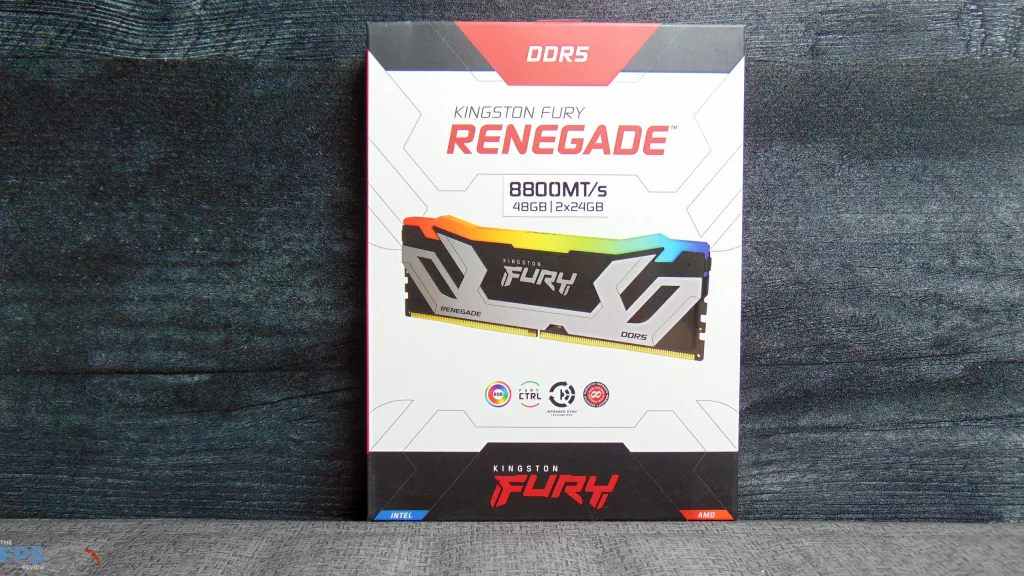
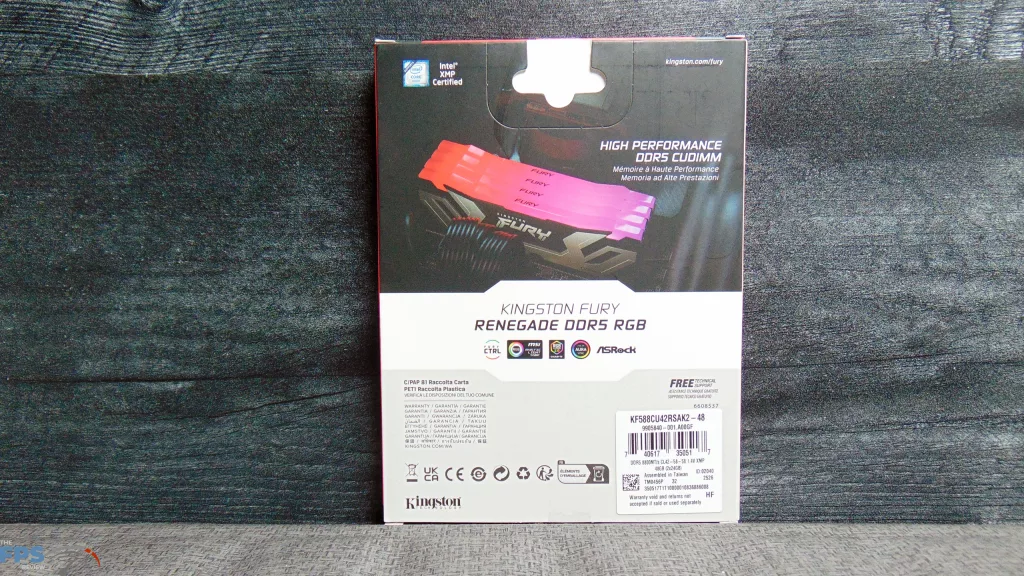
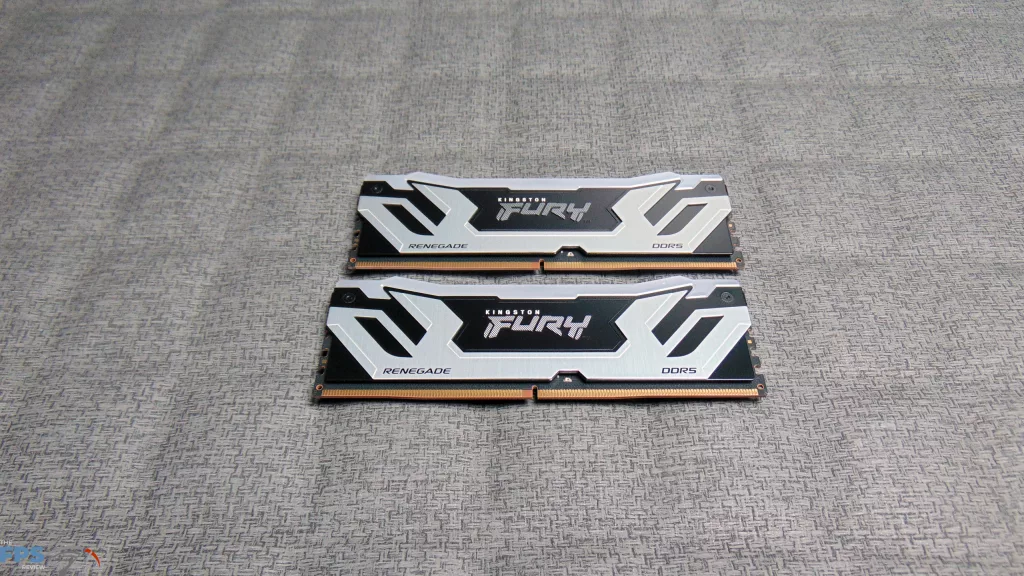
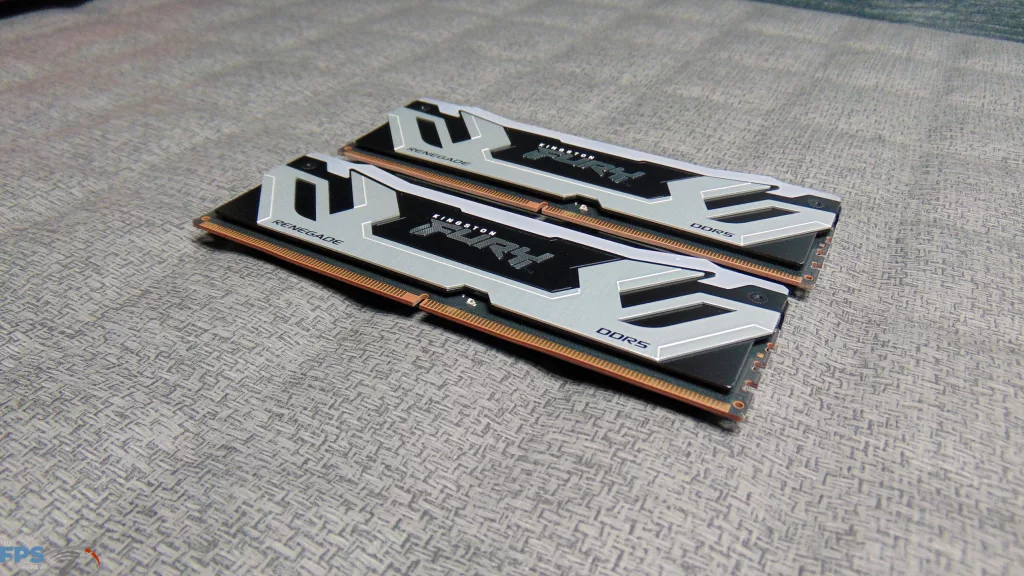
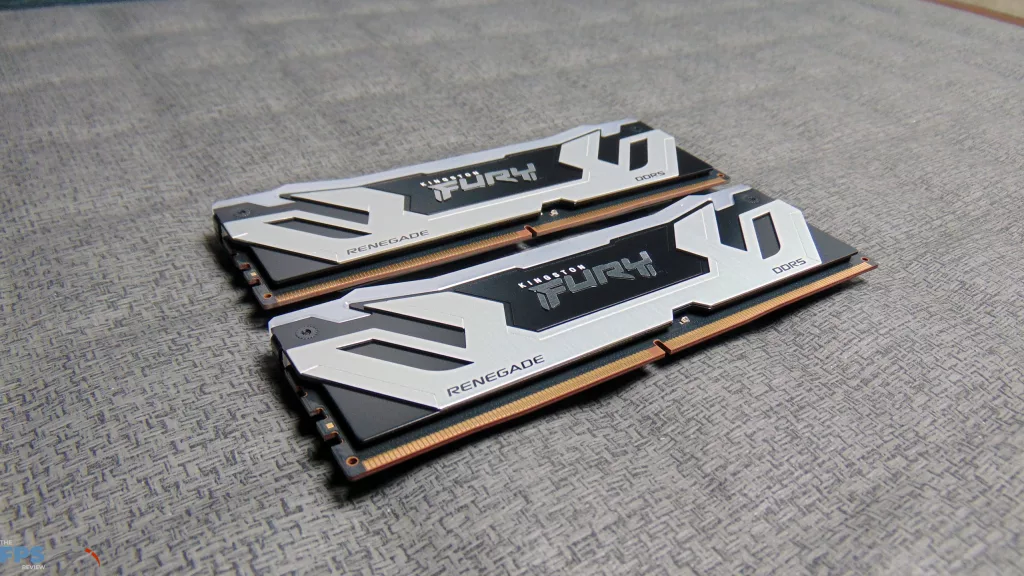
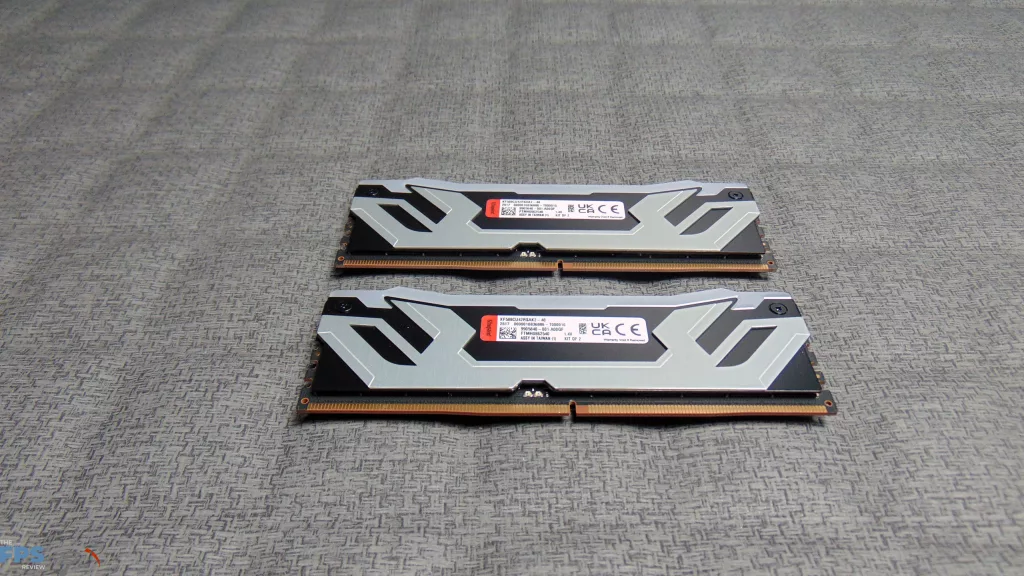
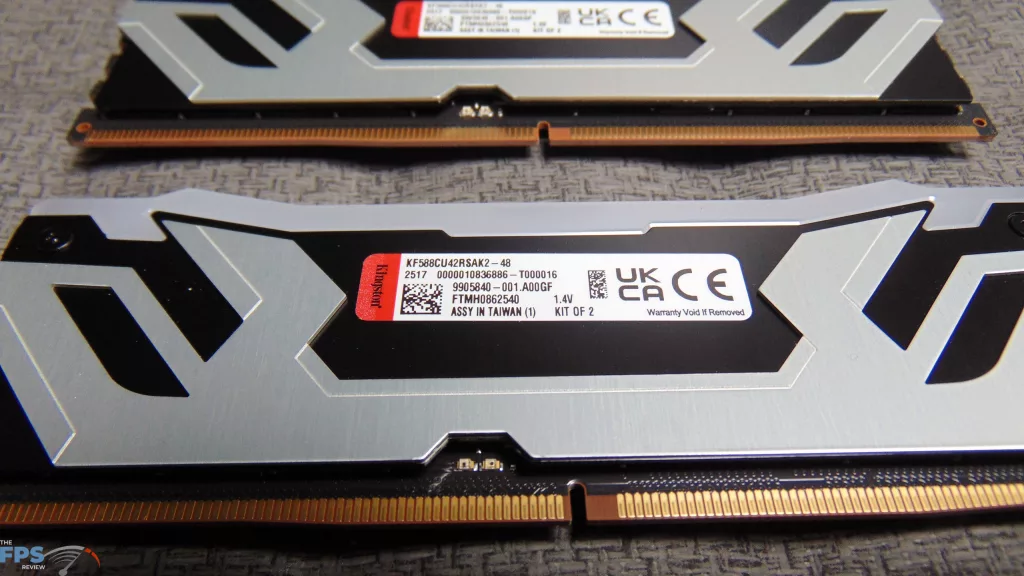
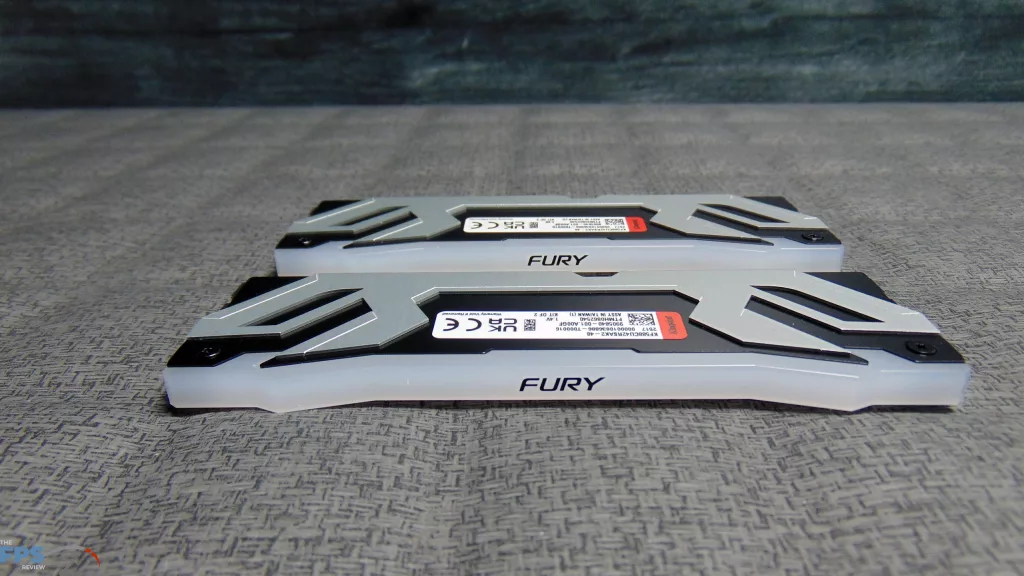
With this kit of memory, there are two XMP Profiles that provide 8400MT/s and 8800MT/s.
8400MT/s
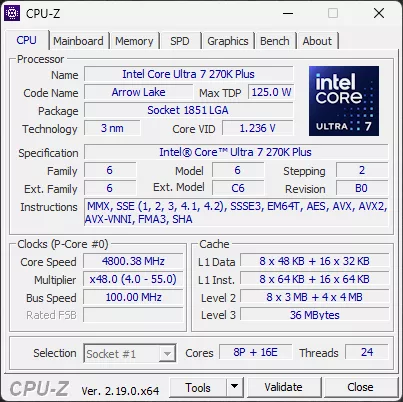
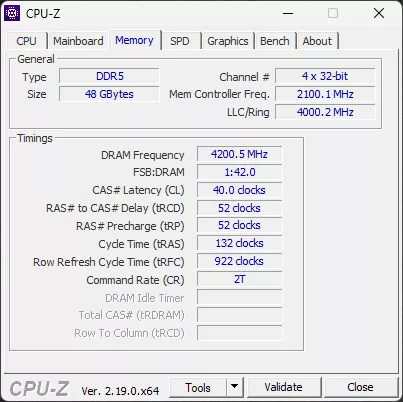
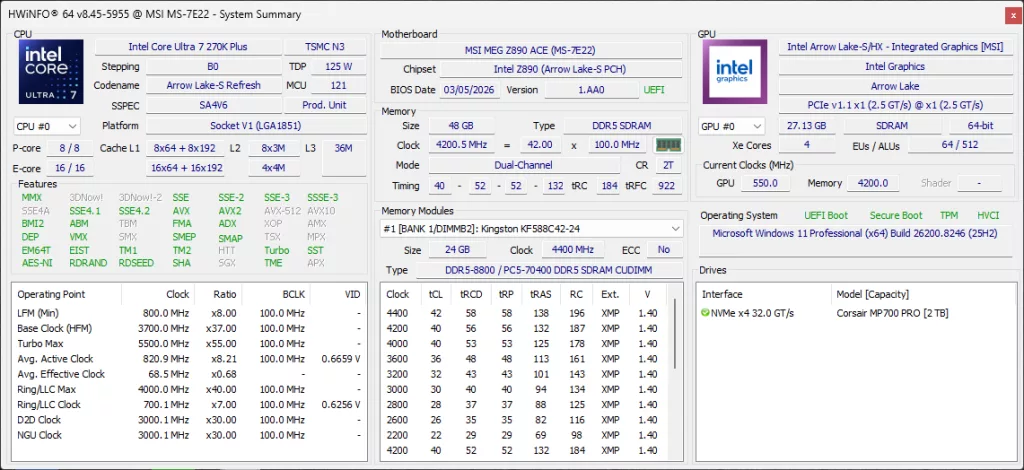
At 8400MT/s above, the timings are CL40-52-52-132-922-2T.
8800MT/s
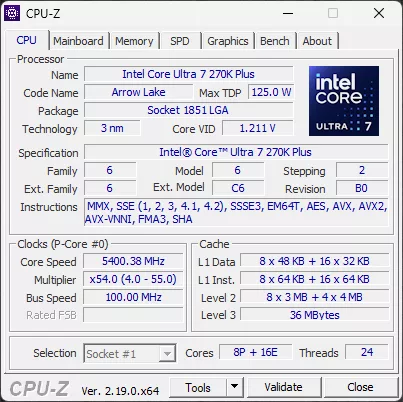
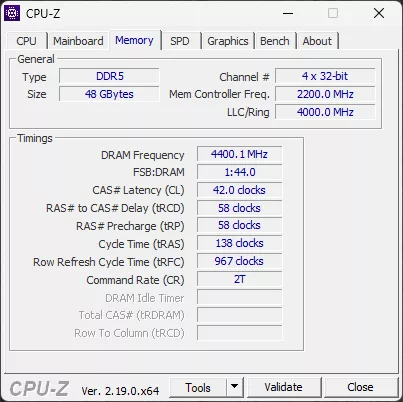
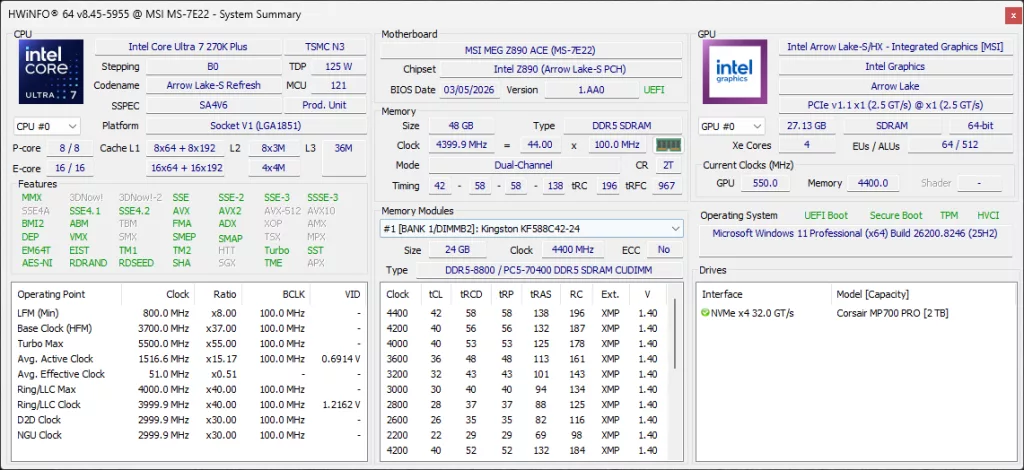
At 8400MT/s above, the timings are CL42-58-58-138-927-2T.
Discussion (12 replies)
Join Discussion →Pretty much what I expected to see to be honest.
Try buying some???
Need a loan.....LoL
Would have been interesting to have some "run of the mill" 6000MT/s RAM like alot of folks use (because its affordable) to compare as a baseline......?
Some serious hot deals on Arrow plus combos right now. AIOs, Lego Batman, PSUs, boards. Also, 270K is below MSRP and the second best seller on Amazon today. Been a long time since a Intel CPU cracked the top 5.
Just wanted to point out that actual overclockers may take offense at there being no information available on the values for NGU, D2D and Ring. If those were kept at default then the memory overclocks are almost pointless due to there being a bottleneck in the flow of data between the CPU and RAM sticks. For anything over 8000 MT/s, NGU multiplier needs to be 34, D2D should ideally be 35 or higher and ring from 42 to 46 would be ideal. It's unfortunate that Intel did not make it so that these values are optimized automatically as RAM speed is increased.
My own 245KF was able to do NGU 34, D2D 35 (latest BIOS kept it at 30 despite setting a higher value) and ring 42. Sadly, the CPU is out of the socket of the mobo as I was trying to sell it so any benchmark data I have is inaccessible at the moment unfortunately.
Regarding the RAM timings, the sticks should be able to 7200C34 and 7600C36. The 8000+ timings seem to be ok.
Just did a web search on this, have yet to find a review that did the NGU/D2D/Ring overclocking, ect. Currently have my 265KF at 70.1ns latency. Wondering if 270K can get it any lower, or if I should even waste the $$?
The only low latency Arrow Lake champ right now is 250K/KF.
You may gain ~10 fps plus future APO/iBOT game/application support with 250KF.
There's unfortunately a rather glaring problem with the testing here which is comparing a kit using 16GB modules to one using 24GB. Subtimings are important and almost every single higher capacity module has higher cell refresh timings than an equivalent speed/primary latency lower capacity. That is absolutely the case here which throws off the results and in turn the conclusion. If one is trying to compare speed and primary timings the kit capacities really need to be the same.
What kinda latency are you getting with your setup??
y-cruncher score comparison 6000C42 vs. 8200C38 (NGU is 32 or 34, D2D is above 30 and Ring is 42)
6000C42:
8200C38:
Another multicore scaling benchmark here: https://forums.anandtech.com/threads/arrow-lake-builders-thread.2622775/post-41610100
I haven't really done a lot of optimization as real life kept getting in the way. I did replace a 265K with the 270K Plus and they both performed within margin of error of each other when it came to latency using the same settings. I imagine best case scenario for latency with ARL is going to be based on bins more than SKU.
From what little tweaking I've done NGU seems to make a lot less difference than D2D. Subtimings on memory can also make a pretty big difference. The board I'm using has had some weird issues with DRAM timings so once I found stable numbers I just left it, but this is high up on my list for when I get time.
Skatterbencher puts out my favorite writeups (and also has videos) for CPU tweaking: https://skatterbencher.com/2025/06/18/skatterbencher-87-core-ultra-7-265k-overclocked-to-5700-mhz/
They've done more recent ones with the 270/250 as well.
Ok, upgraded to a 270k, and another new motherboard, since I bent socket pins (Rookie move, first time ever...) Proc clocks almost exactly like my 265KF, 56P core, 49 E core (265KF was 56/50. 41 cache, 33 NGU/D2D, Running 48gb Kingston Renegade 8400 @ 38-49-49-56 timings, same 71.3 ms latency as with 265KF as well. Seems to run cooler, and extra 4 cores. XTU benchmark went up nicely, as well as my 3DMark bench's. Have yet to run PCMark bench yet. All in all, runs well in a dead end platform, should keep me happy for @ least 4 yrs i'd hope.