

Introduction
The Intel Core Ultra 7 270K Plus was launched in March 2026 at $299 MSRP, while the Intel Core Ultra 9 285K was launched in October 2024 at $589 MSRP, but do they perform the same? In what might be a surprising and positive outcome, the newly released 24-core Intel Core Ultra 7 270K Plus might actually perform as fast as, or even faster than, Intel’s previously released top-end 24-core CPU, the Intel Core Ultra 9 285K.
The Intel Core Ultra 7 270K Plus is part of the Intel Core Ultra 200S Plus desktop CPU series for socket LGA1851 motherboards, which is the current generation of motherboard support from Intel. Being based on the Intel Core Ultra 200S series, the Intel Core Ultra 7 270K Plus uses the same “Arrow Lake” architecture, and is considered a “refresh” CPU, expanding the series. You can read our official announcement article with all the juicy details here.
In today’s CPU performance review, we are going to directly benchmark the Intel Core Ultra 7 270K Plus versus the Intel Core Ultra 9 285K in both synthetic benchmarks and 14 games, with some of the most recent game releases including Crimson Desert and Resident Evil Requiem. The goal is to find out where the Intel Core Ultra 7 270K Plus fits in comparison to the Intel Core Ultra 9 285K in performance, in both synthetics and games, multi-threading, and single-threading. Make sure to also check out our: Intel Core Ultra 7 270K Plus vs Intel Core Ultra 7 265K CPU Review and Intel Core Ultra 5 250K Plus vs Intel Core Ultra 5 245K CPU Review.



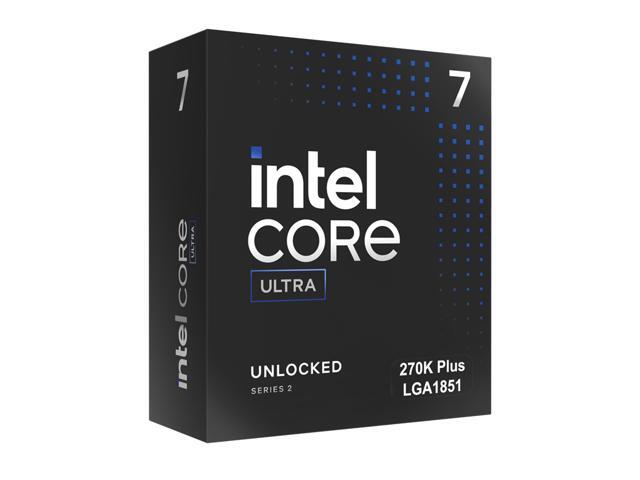
Intel Core Ultra 7 270K Plus & Intel Core Ultra 9 285K
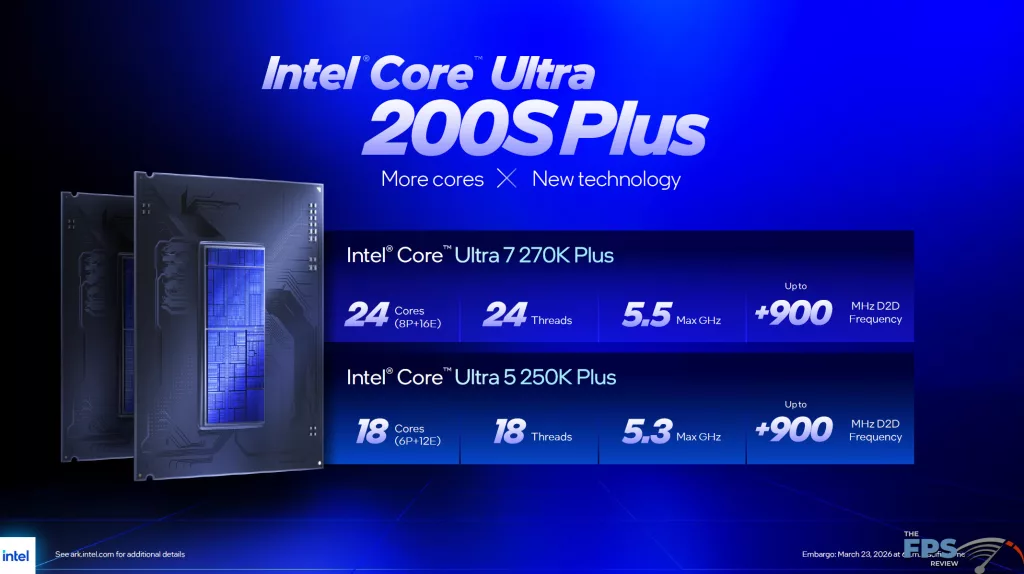
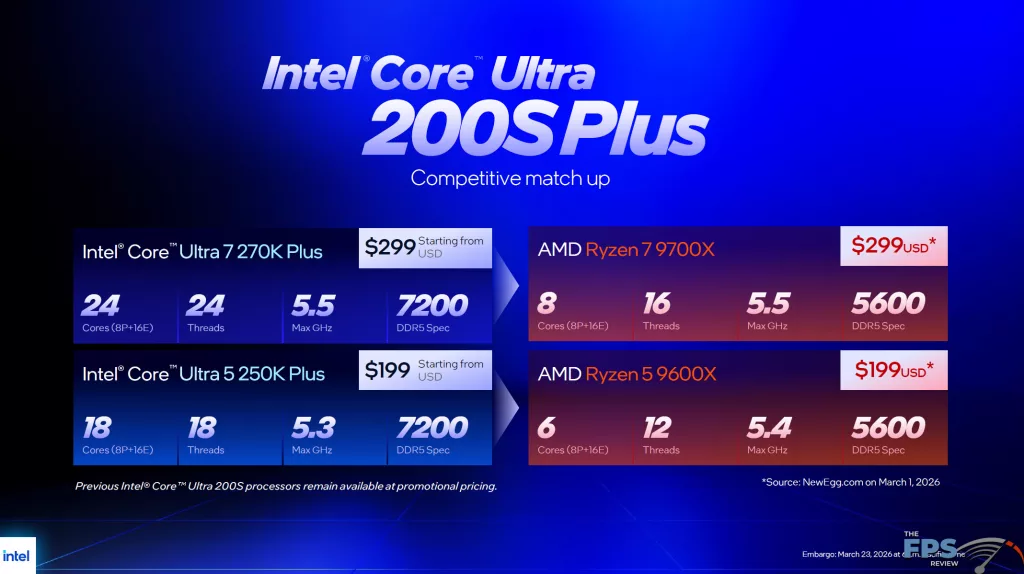

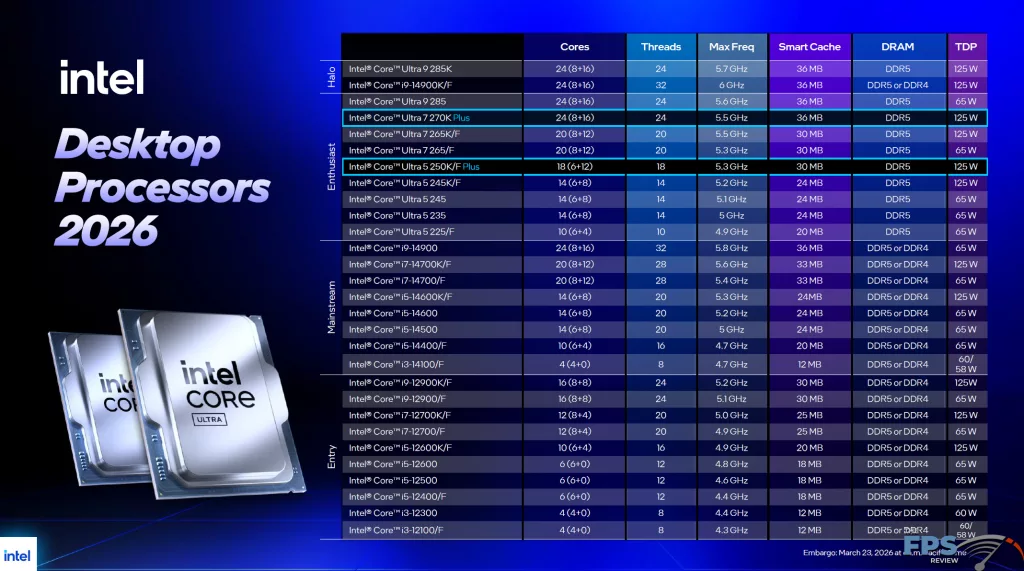
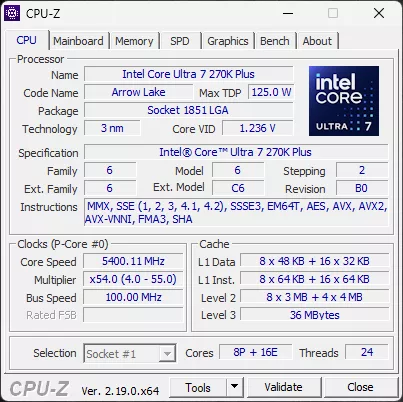
Both the Intel Core Ultra 7 270K Plus and Intel Core Ultra 9 285K have a total of 24 threads in capability. Both the Intel Core Ultra 7 270K Plus and Intel Core Ultra 9 285K have 8 P-Cores and 16 E-Cores, thanks to the Intel Core Ultra 7 270K Plus receiving 4 extra E-Cores over the Intel Core Ultra 7 265K. This puts the Core Ultra 7 270K Plus and Core Ultra 9 285K in parity with the number of cores/threads configuration.
| Specs | Intel Core Ultra 7 270K Plus | Intel Core Ultra 9 285K |
|---|---|---|
| Total Cores | 24 | 24 |
| Performance Cores | 8 | 8 |
| Efficient Cores | 16 | 16 |
| Total Threads | 24 | 24 |
| Max Turbo Frequency | 5.5GHz | 5.7GHz |
| Intel Thermal Velocity Boost Frequency | N/A | 5.7GHz |
| Intel Turbo Boost Max Technology 3.0 | 5.5GHz | 5.6GHz |
| Performance Core Max Turbo Frequency | 5.4GHz | 5.5GHz |
| Effecient Core Max Turbo Frequency | 4.7GHz | 4.6GHz |
| Performance Core Base Frequency | 3.7GHz | 3.7GHz |
| Efficient Core Max Turbo Frequency | 3.2GHz | 3.2GHz |
| Cache | 36MB | 36MB |
| Base Power | 125W | 125W |
| Turbo Power | 250W | 250W |
| MSRP | $299 | $589 |
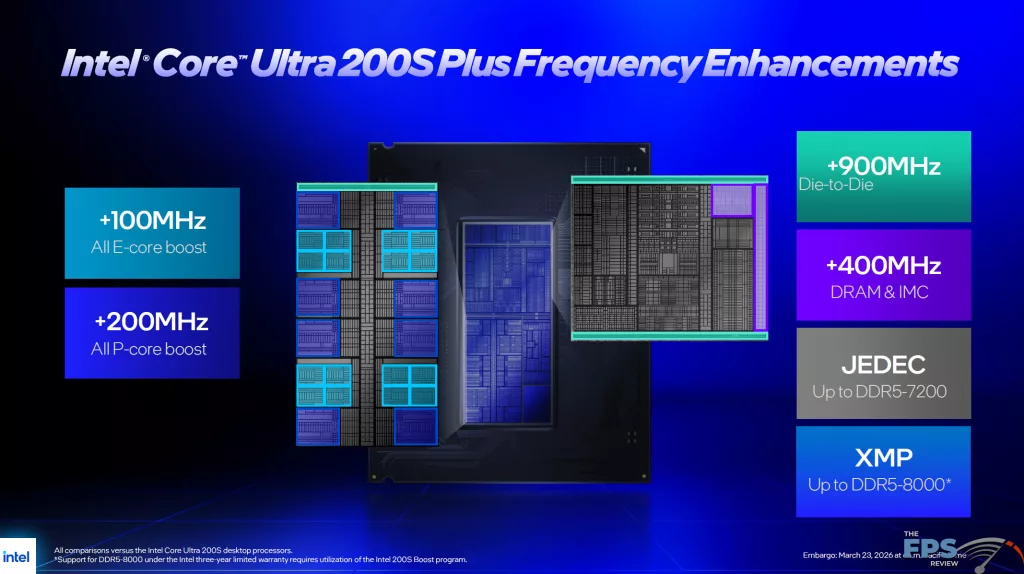
There are some core frequency differences between the two CPUs, and of course, internal die-to-die frequency differences as well. First, let’s look at the P Core, E Core, and turbo boost clocks. The Intel Core Ultra 9 285K has a Max Turbo Frequency of 5.7GHz, while the Intel Core Ultra 7 270K Plus has a Max Turbo Frequency of a slightly lower 5.5GHz. This is due to the Intel Core Ultra 9 285K having support for Intel Thermal Velocity Boost Frequency, while the Intel Core Ultra 7 270K Plus does not. Otherwise, the Intel Core Ultra 9 285K has an Intel Turbo Boost Max Technology 3.0 Frequency of up to 5.6GHz, while the Intel Core Ultra 7 270K Plus has an Intel Turbo Boost Max Technology 3.0 Frequency of up to 5.5GHz, so a 100MHz difference.
For the P Cores, the Intel Core Ultra 9 285K has a Max Turbo P-Core Frequency of 5.5GHz, while the Intel Core Ultra 7 270K Plus has a Max Turbo P-Core Frequency of 5.4GHz, again a 100MHz difference. The Intel Core Ultra 9 285K has a Max Turbo E-Core Frequency of 4.6GHz, while the Intel Core Ultra 7 270K Plus has a Max Turbo E-Core Frequency of 4.7GHz, so the Intel Core Ultra 7 270K Plus is actually 100MHz faster on E-Cores.
Because both CPUs are dealing with the same core configuration, the cache sizes are also the same. The Intel Core Ultra 7 270K Plus and the Intel Core Ultra 9 285K have 36MB of the L3 Intel Smart Cache, and the L2 Cache size is 40MB. Interestingly, the Processor Base Power and Maximum Turbo Power are also identical at 125W Base Power and 250W Turbo Power. Therefore, when all is said and done, the Intel Core Ultra 9 285K can boost slightly higher in frequency, but the Intel Core Ultra 7 270K Plus has overall faster E-Cores for multi-threaded applications.
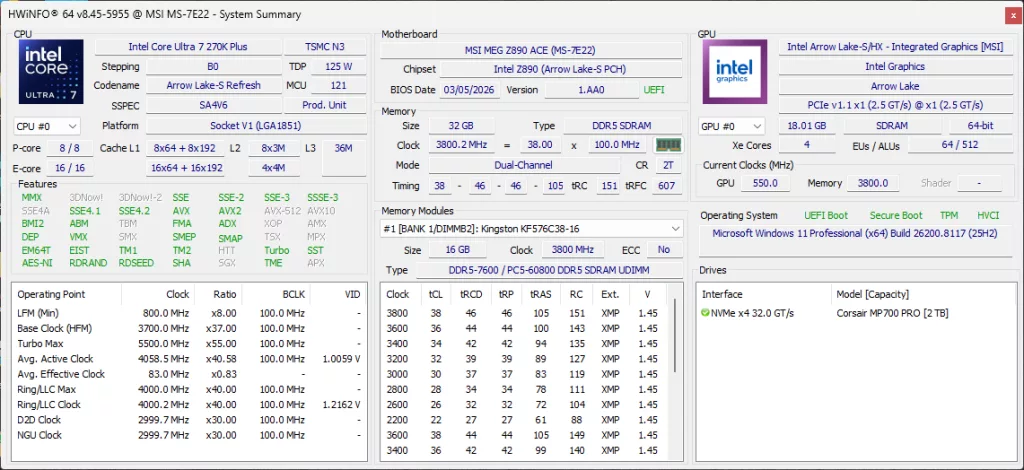
Of course, the biggest difference between the two CPUs is going to be the internal die-to-die frequencies, of which the Intel Core Ultra 7 270K Plus receives major upgrades. On Intel CPUs, there are three other clock domains to be aware of: the Ring/LLC Clock, the D2D Clock, and the NGU Clock, all of these are UP on the Intel Core Ultra 7 270K Plus.
The Ring/LLC Clock runs at 4GHz on the Intel Core Ultra 7 270K Plus, while the Intel Core Ultra 9 285K runs at 3.8GHz, so 200MHz higher. The D2D Clock on the Intel Core Ultra 7 270K Plus runs at 3GHz, while on the Intel Core Ultra 9 285K it runs at just 2.1GHz, so a 900MHz upgrade. The NGU Clock also gets an upgrade up to 3GHz on the Intel Core Ultra 7 270K Plus. Therefore, other than the Turbo Boost clock on the Intel Core Ultra 9 285K, the Intel Core Ultra 7 270K Plus has a leg up on frequency.
Intel Application Optimization Tool
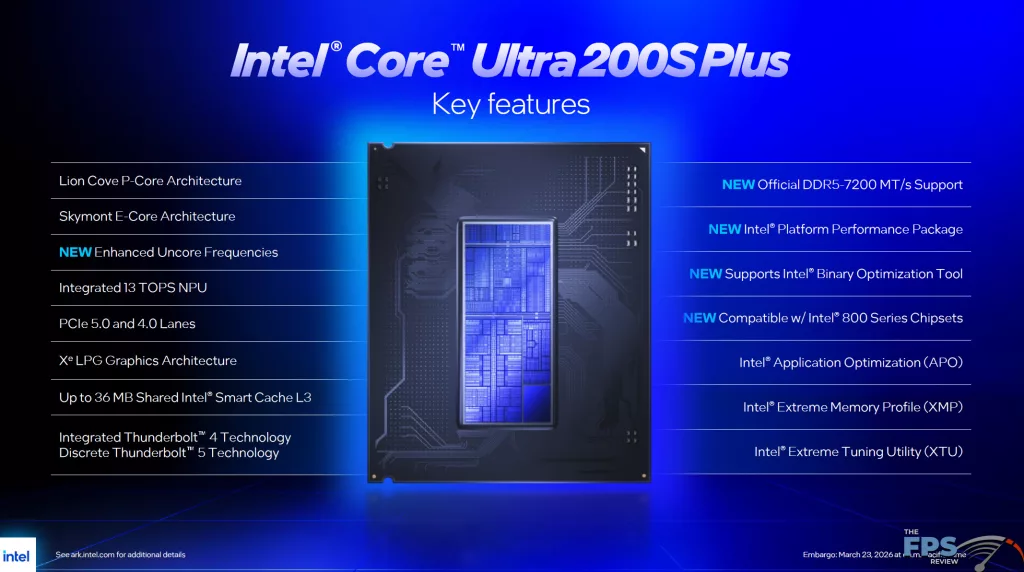
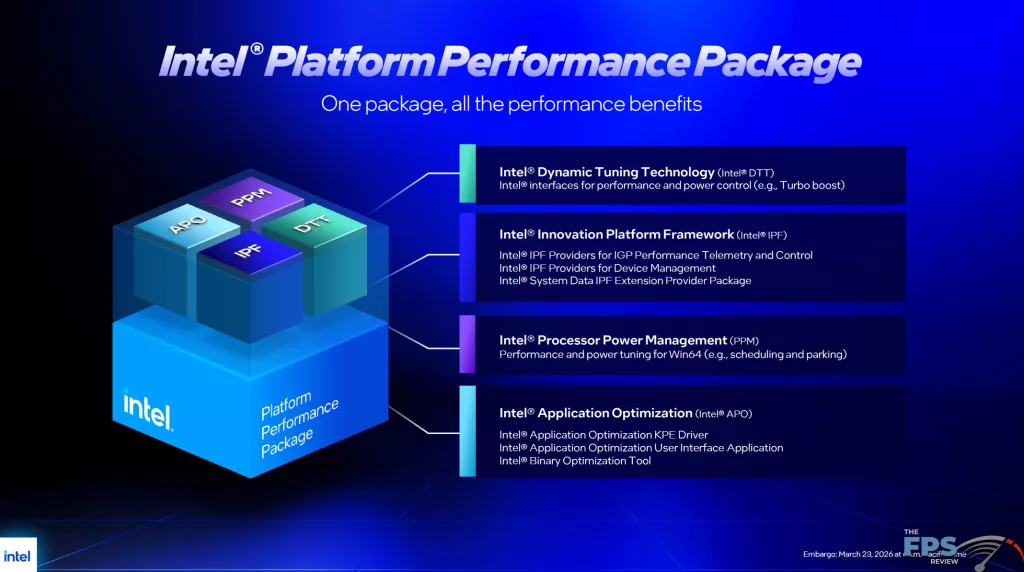
In addition to these upgrades, Intel is continuing on the software front to provide optimization in games and applications. By way of the Intel Application Optimization Tool, Intel has a new ability called the Intel Binary Optimization Tool. This sits atop APO Optimations, and can be toggled manually off or on per-game supported. Now, when we set it up, we did find that while APO Optimization is enabled by default, the Intel Binary Optimization Tool toggles were DISABLED by default. Therefore, you must manually enable them if you wish to experience the performance benefits in the game supports.
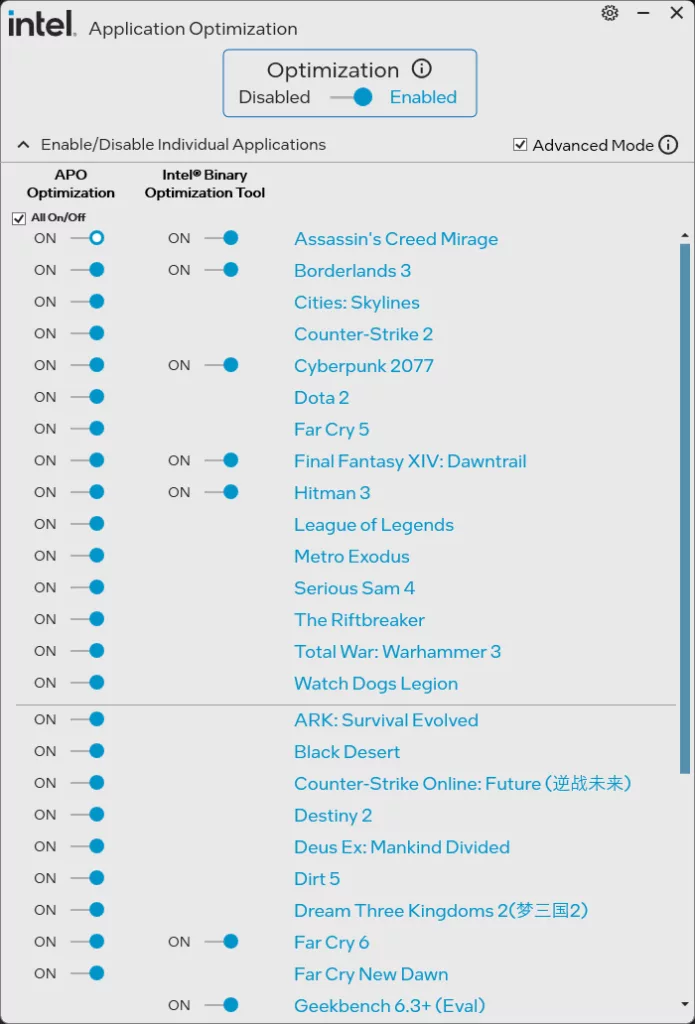
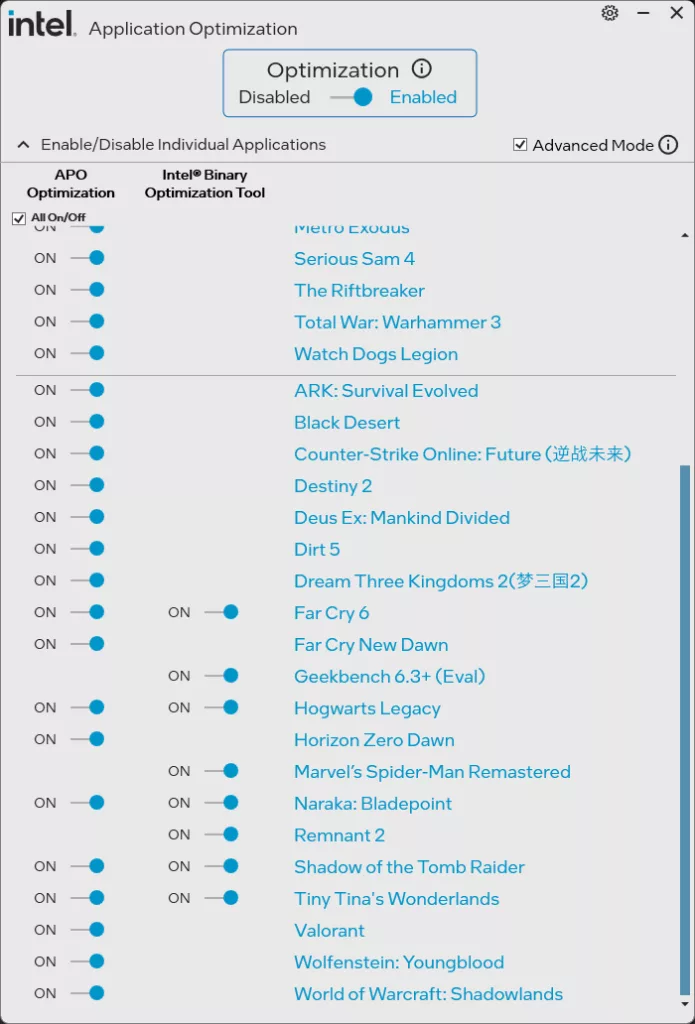
On our Intel Core Ultra 7 270K Plus, you can see the list of supported games that are shown in the utility, which we have turned ON for all testing today. Though out of all the games on the list, we are only using 2 games on the list there that support Intel Binary Optimization Tool: Cyberpunk 2077 and Hogwarts Legacy. In fact, there are no other games on this list that we are using today; therefore, other than the two games aforementioned, APO and Intel Binary Optimization Tool aren’t really doing a lot for our selection of 14 games. The Intel Core Ultra 9 285K supports the games shown with the APO Optimization, but not the Intel Binary Optimization.
CPU Installation
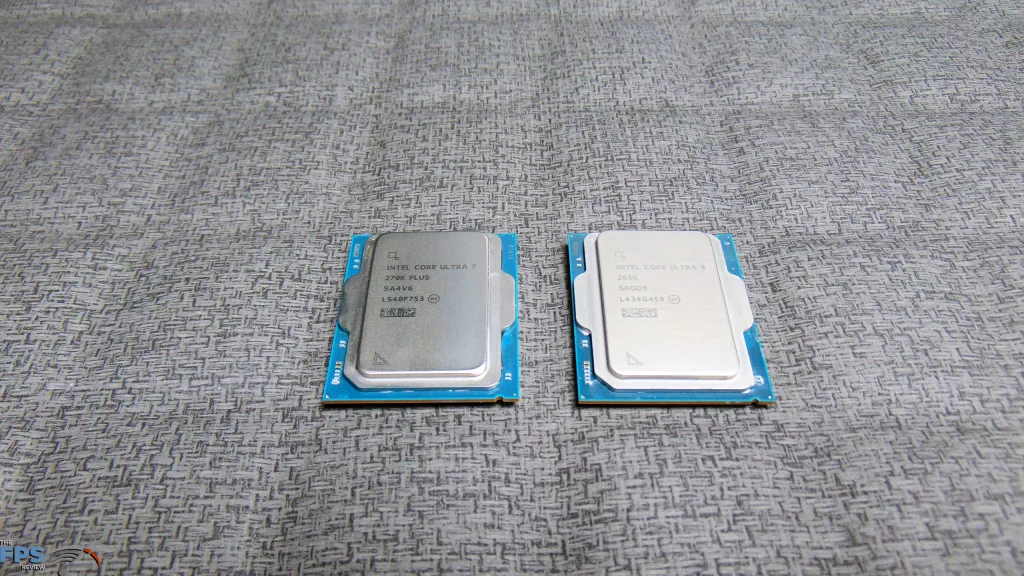
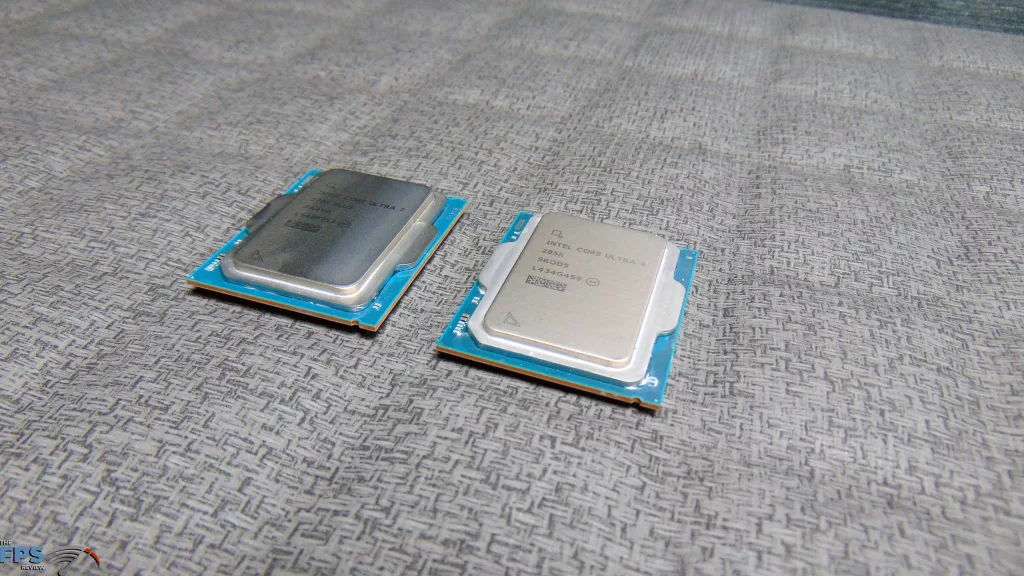
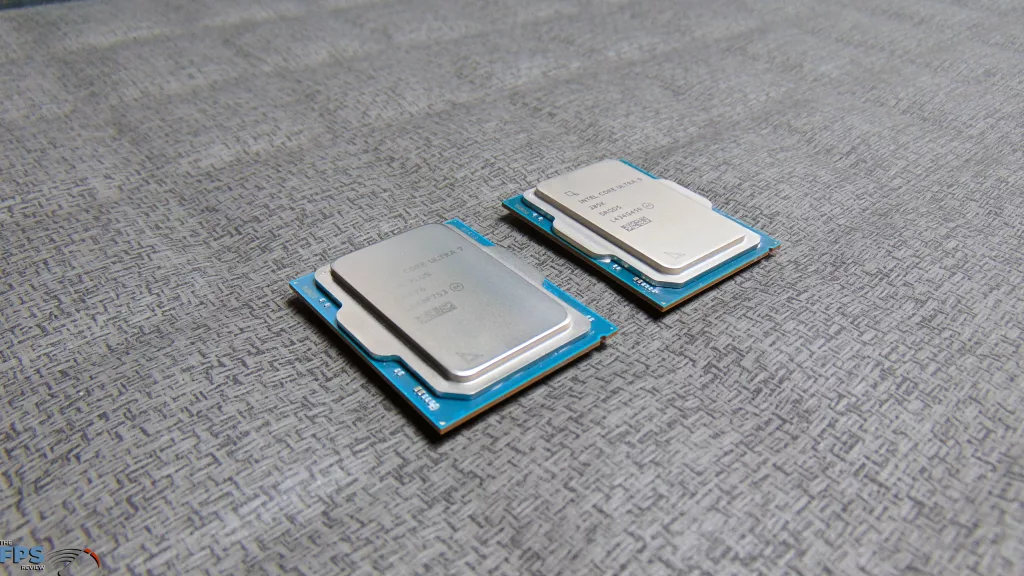
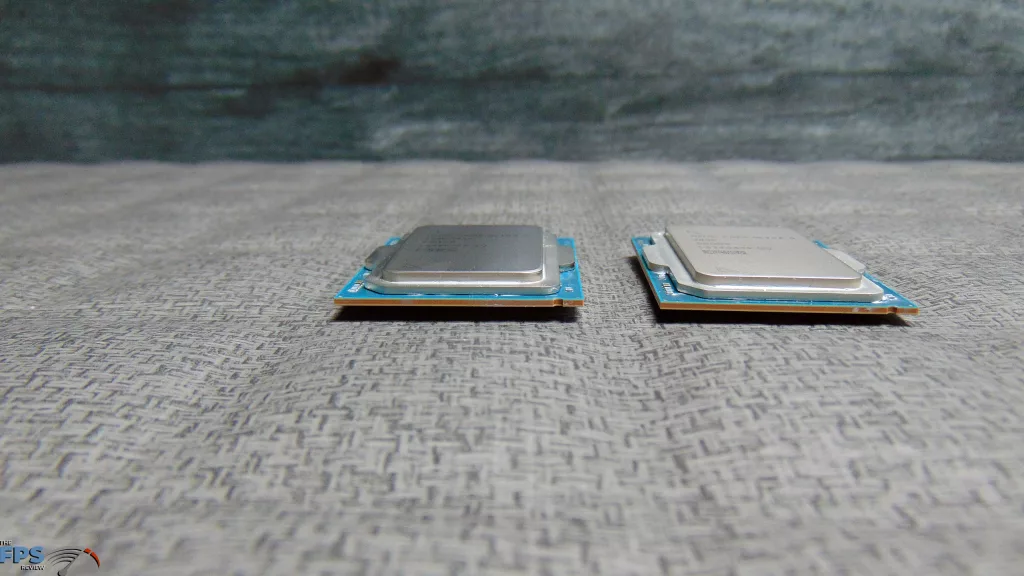
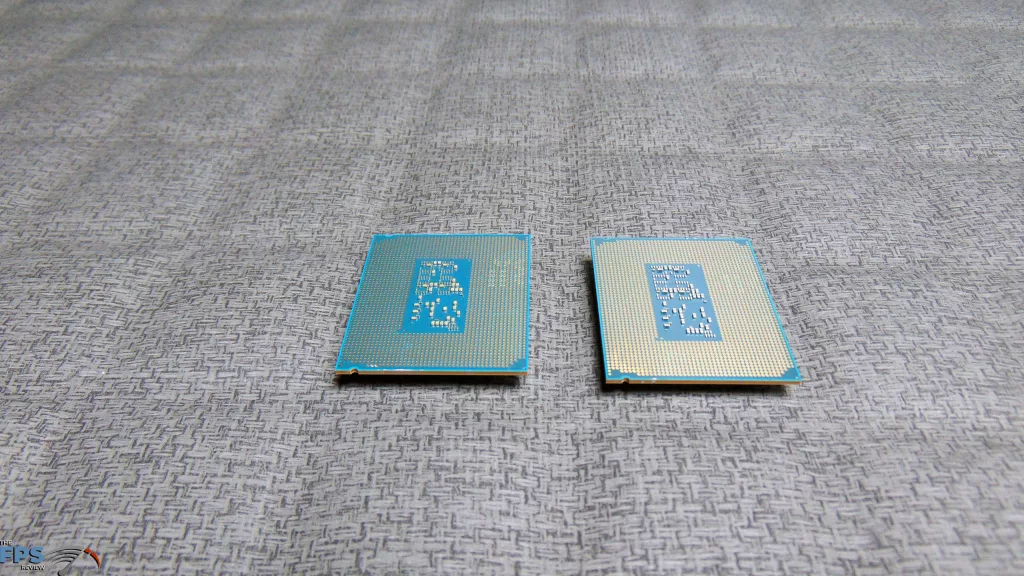
The Intel Core Ultra 7 270K Plus looks like any other “Arrow Lake” LGA1851 CPU, same size, shape, patterns, and pads. Installation went smoothly into our MSI MEG Z890 ACE motherboard. Both CPUs look the same.
Kingston Fury Renegade 7600MT/s
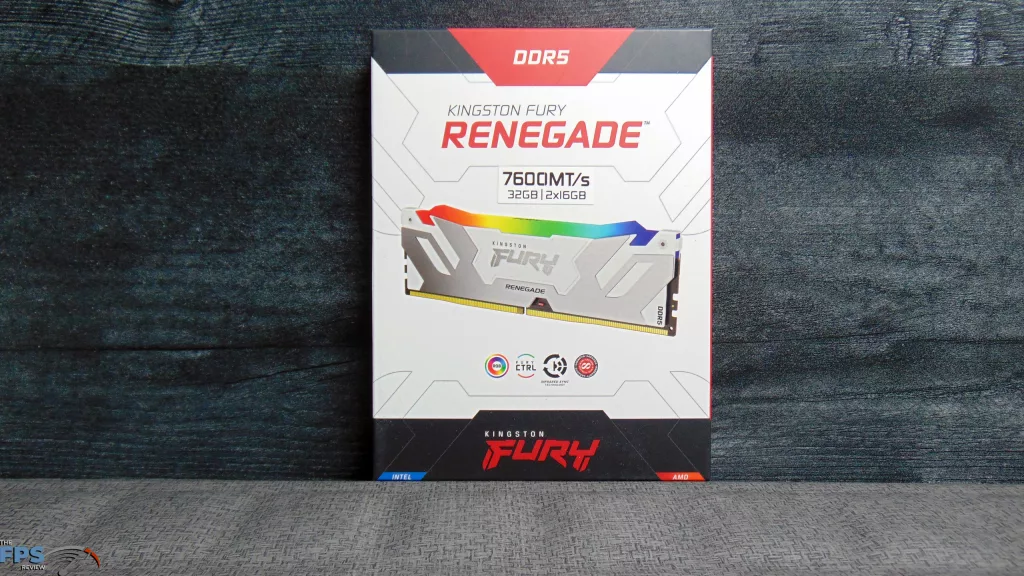
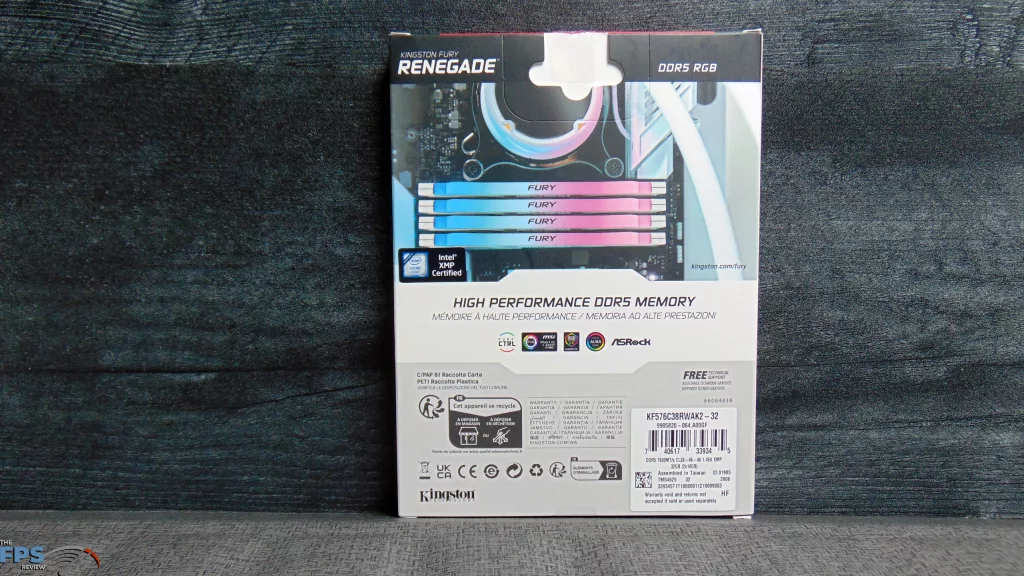
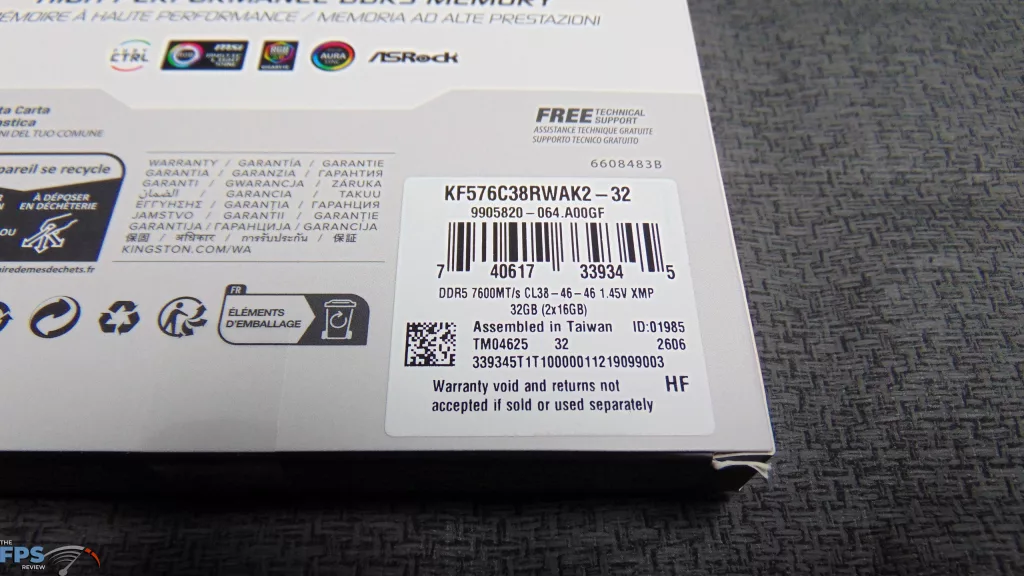
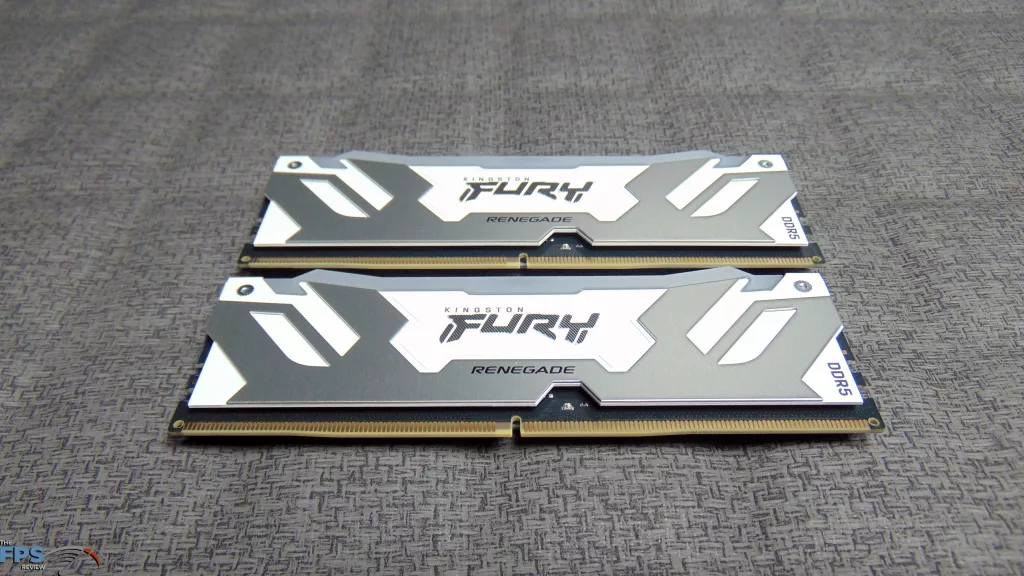
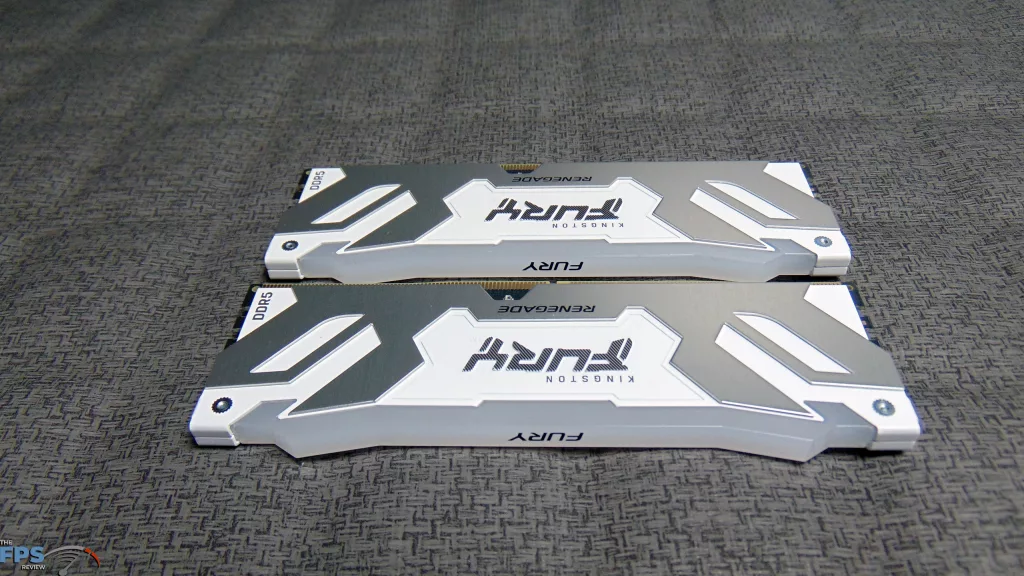
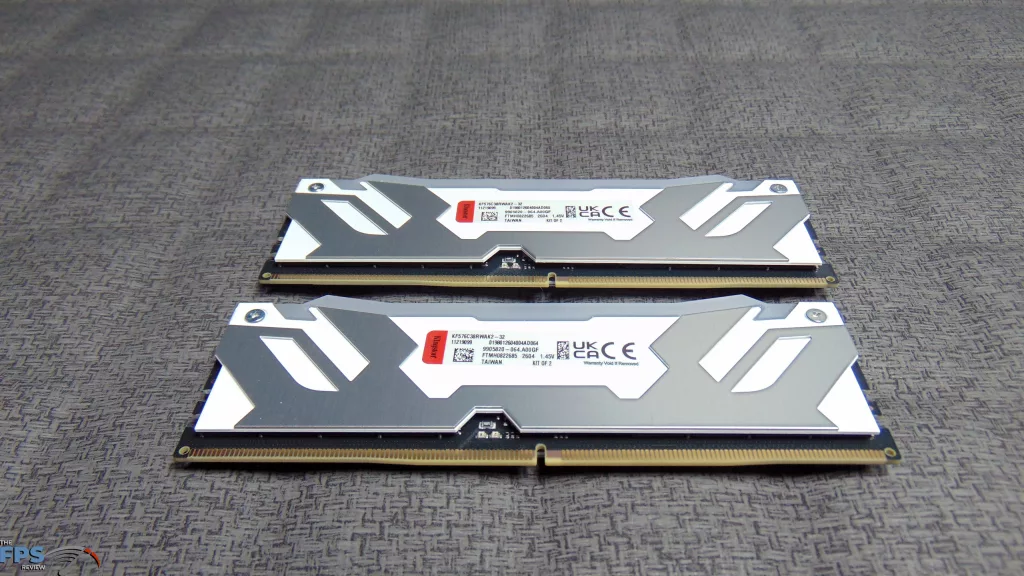
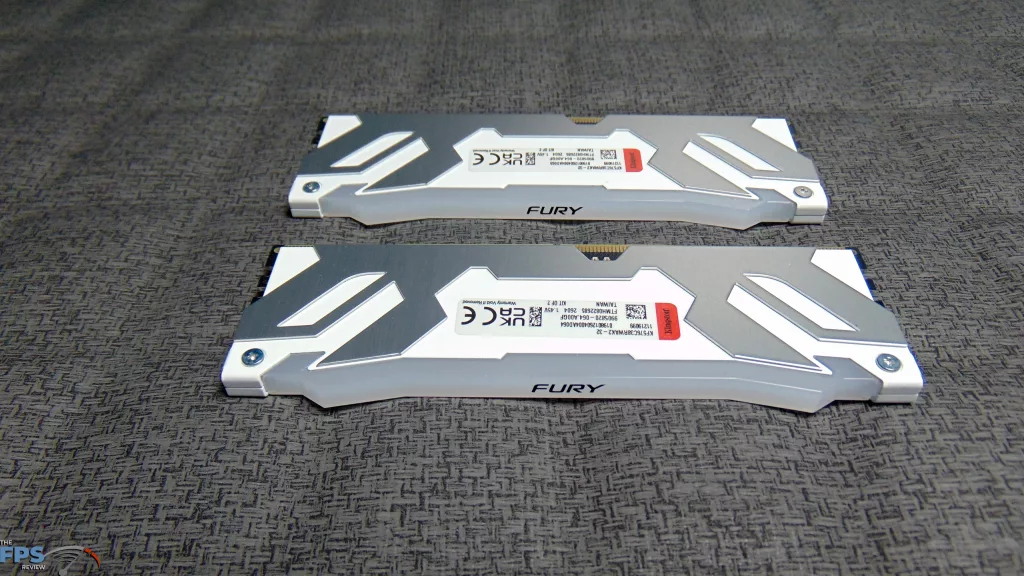
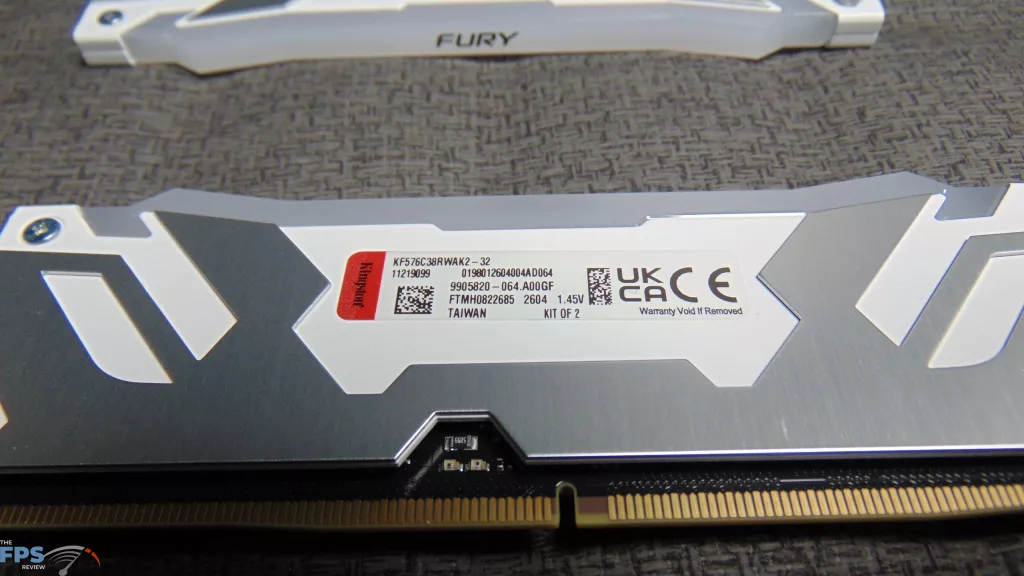
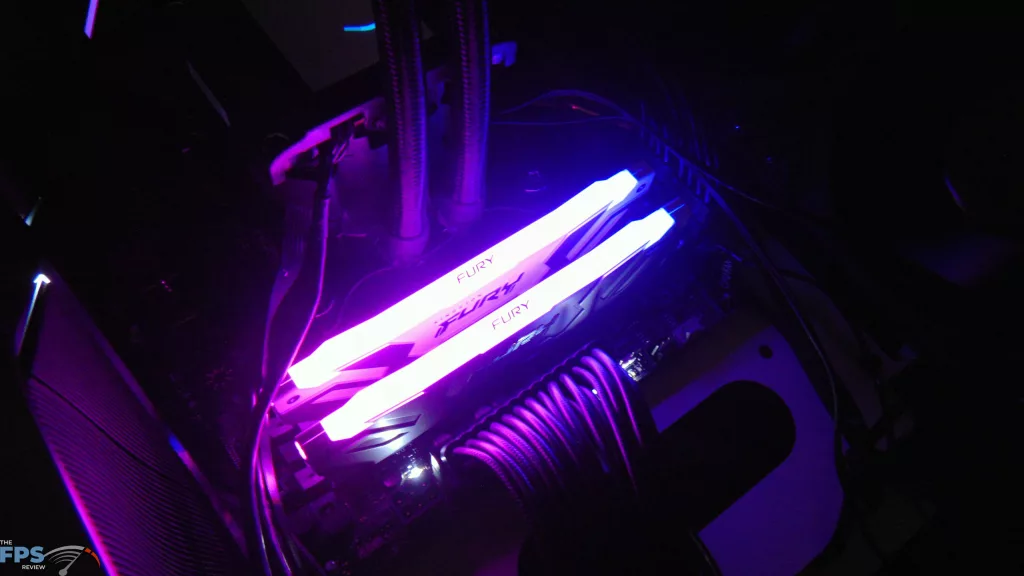
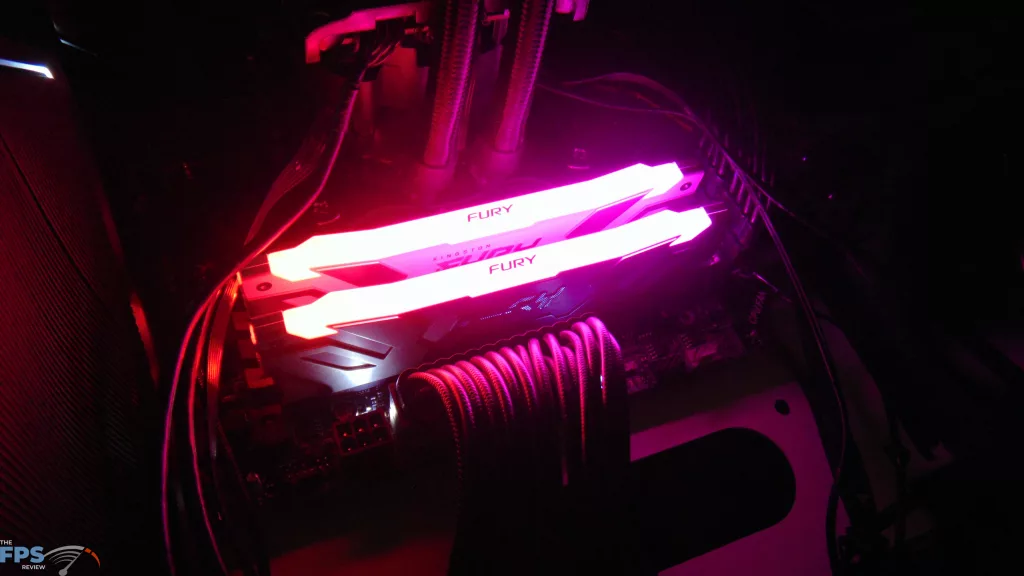
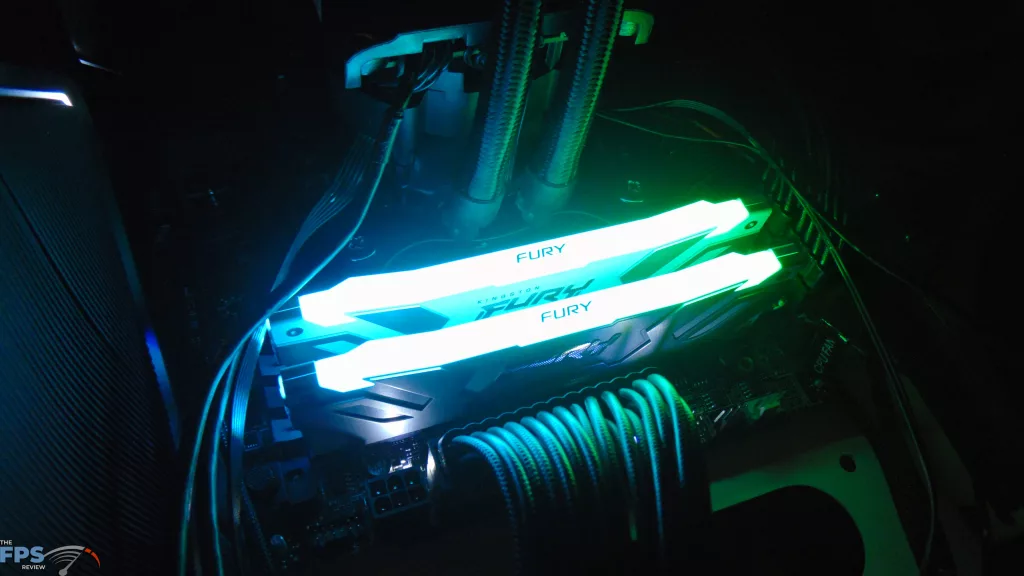
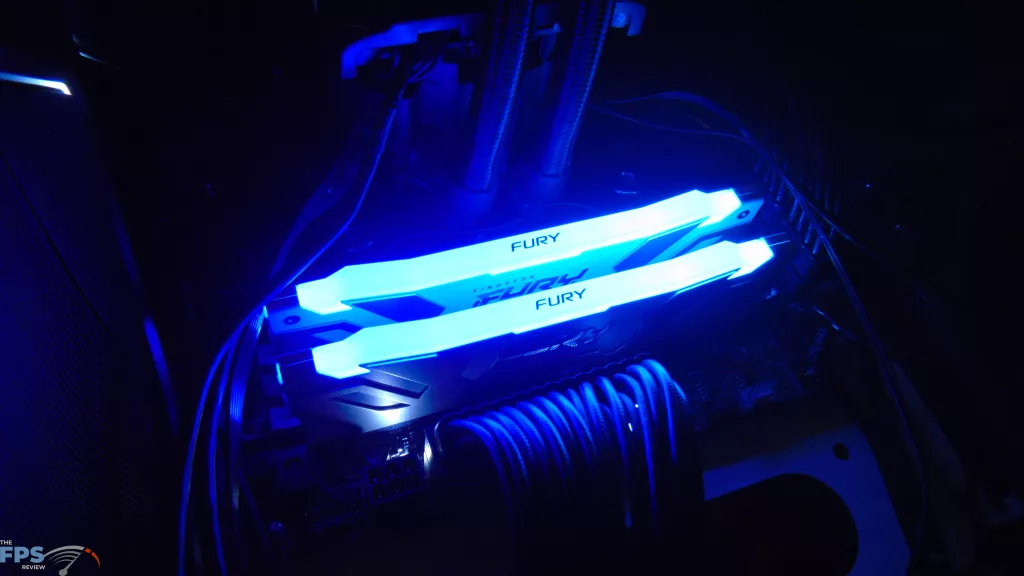
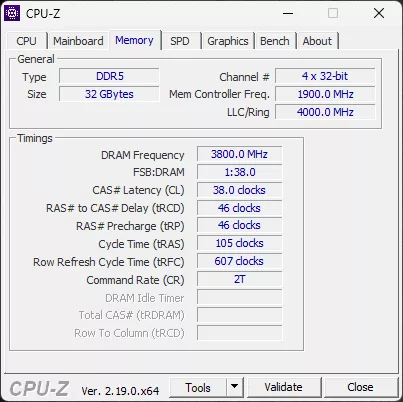
We want to thank MSI for sending over a high-speed Kingston Fury Renegade 7600MT/s (32GB|2x16GB) DDR5 RAM kit (KF576C38RWAK2-32) for testing, so we can push these new CPUs and test them thoroughly! These are rated at XMP 7600MT/s at CL38-46-46. We will be using this RAM kit on both CPUs in this review, so DDR5 speeds are the same at 7600MT/s between them, only the CPU changes.
Discussion (1 reply)
Join Discussion →These cpus are an interesting play by Intel to try and claw back users. Good for them!!